Customer Ratings & Reviews
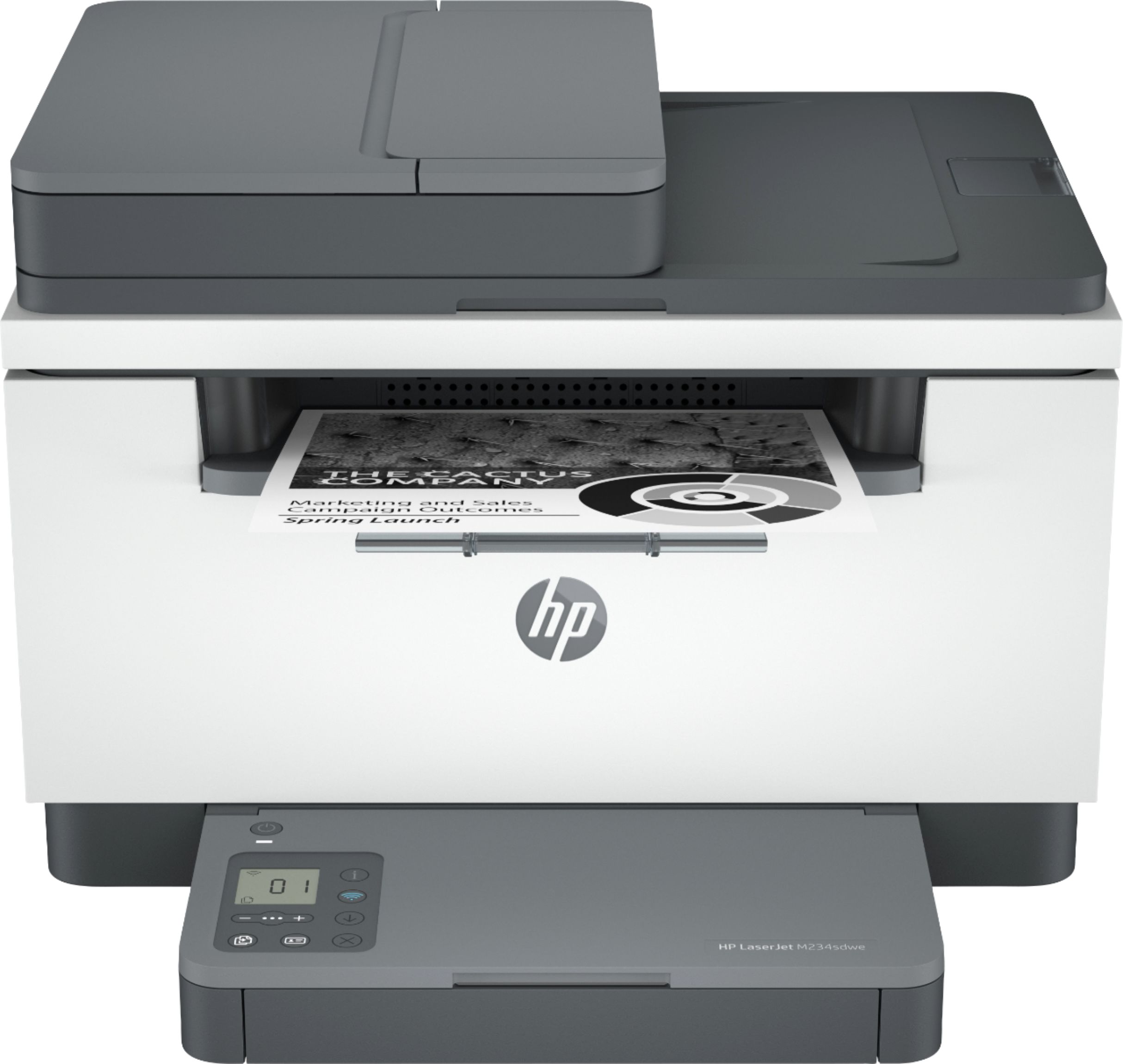
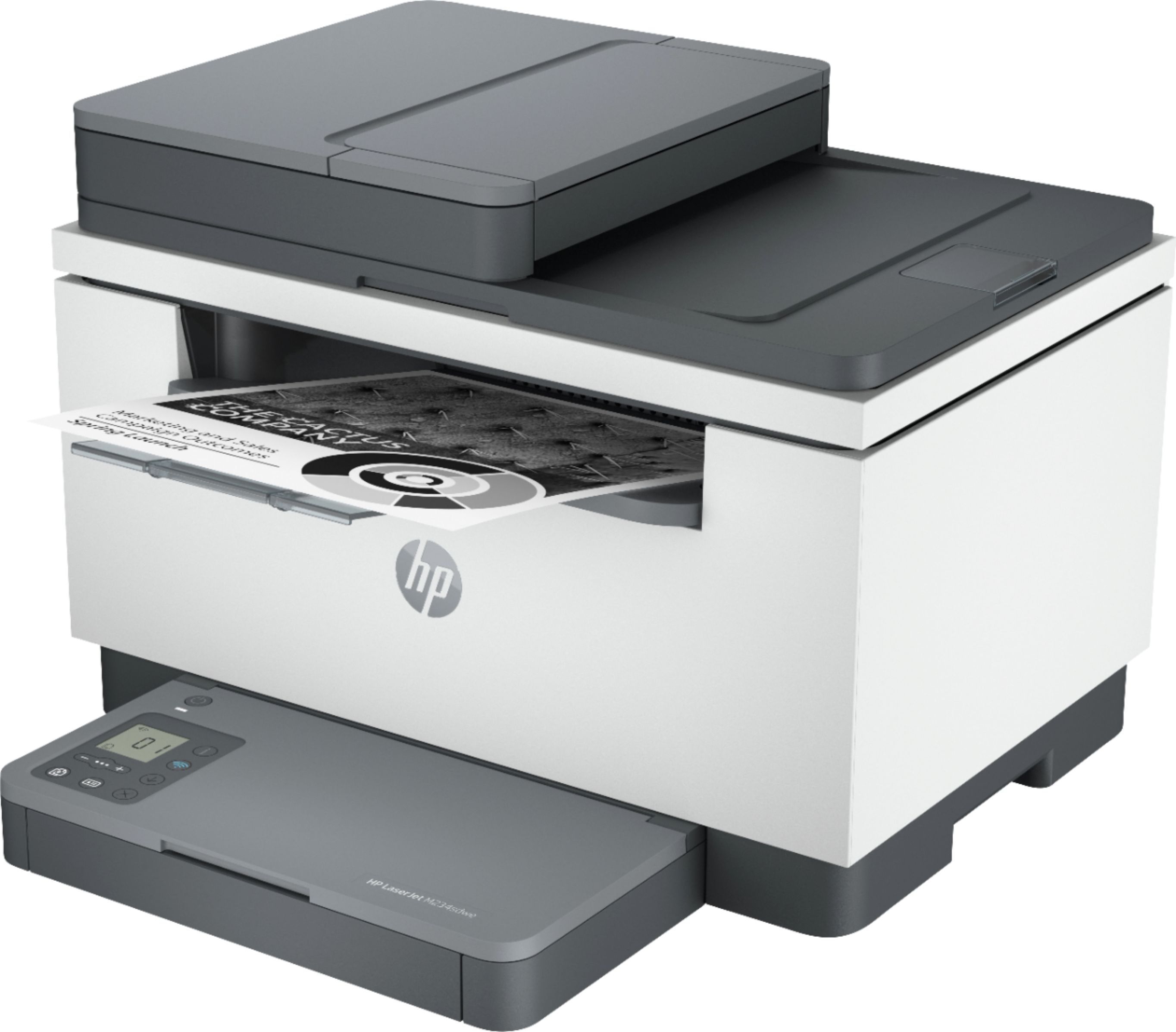
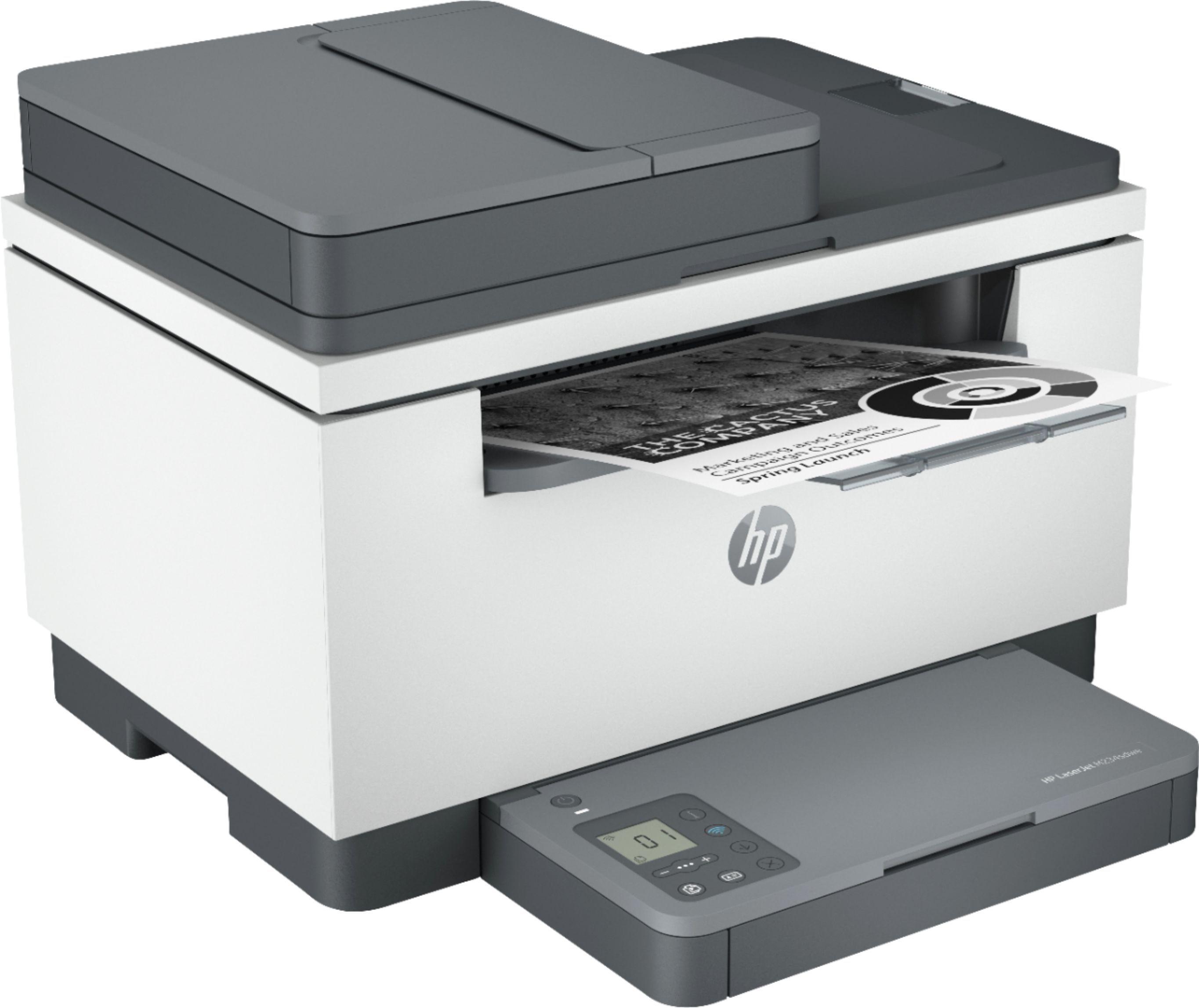
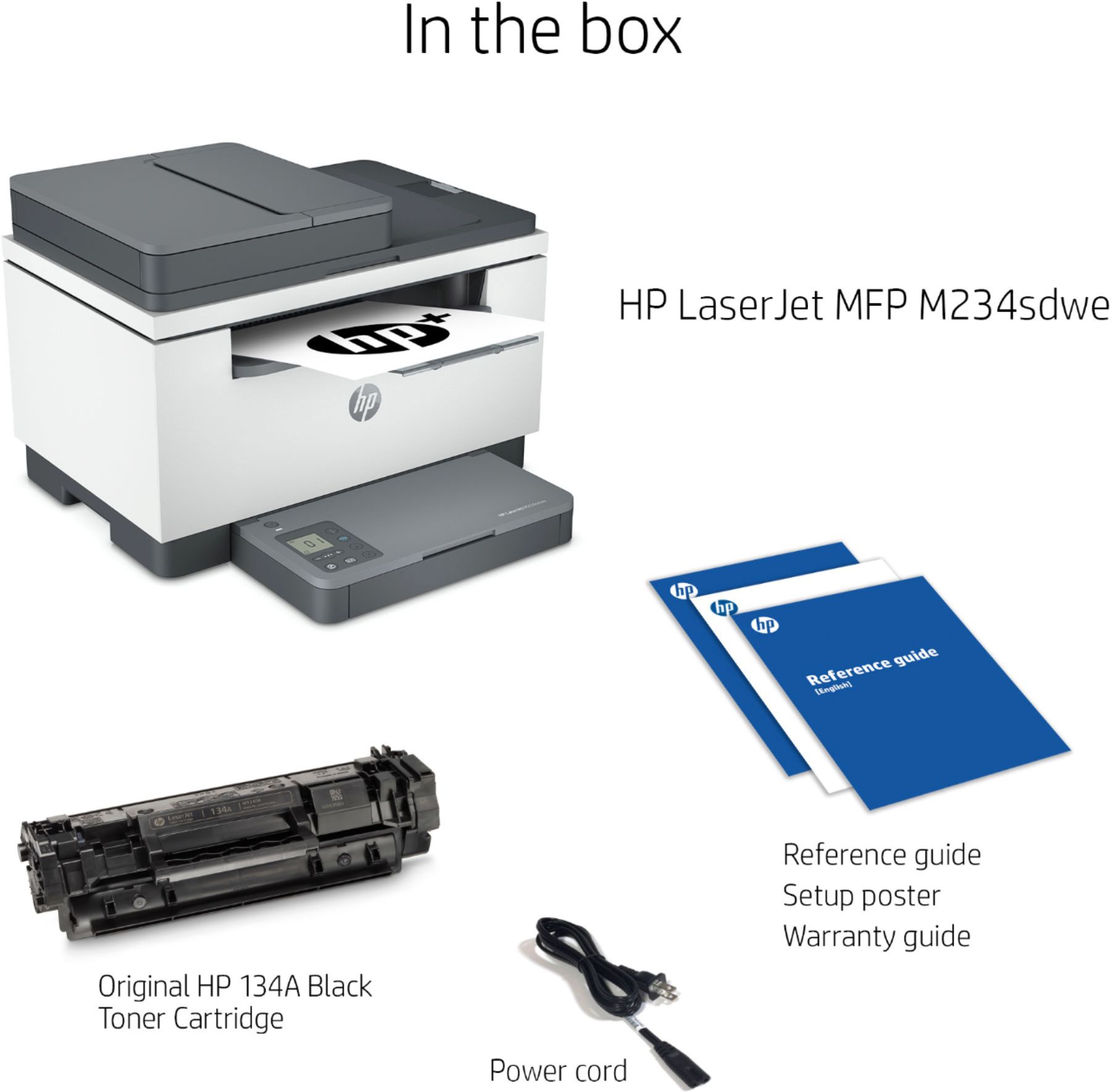


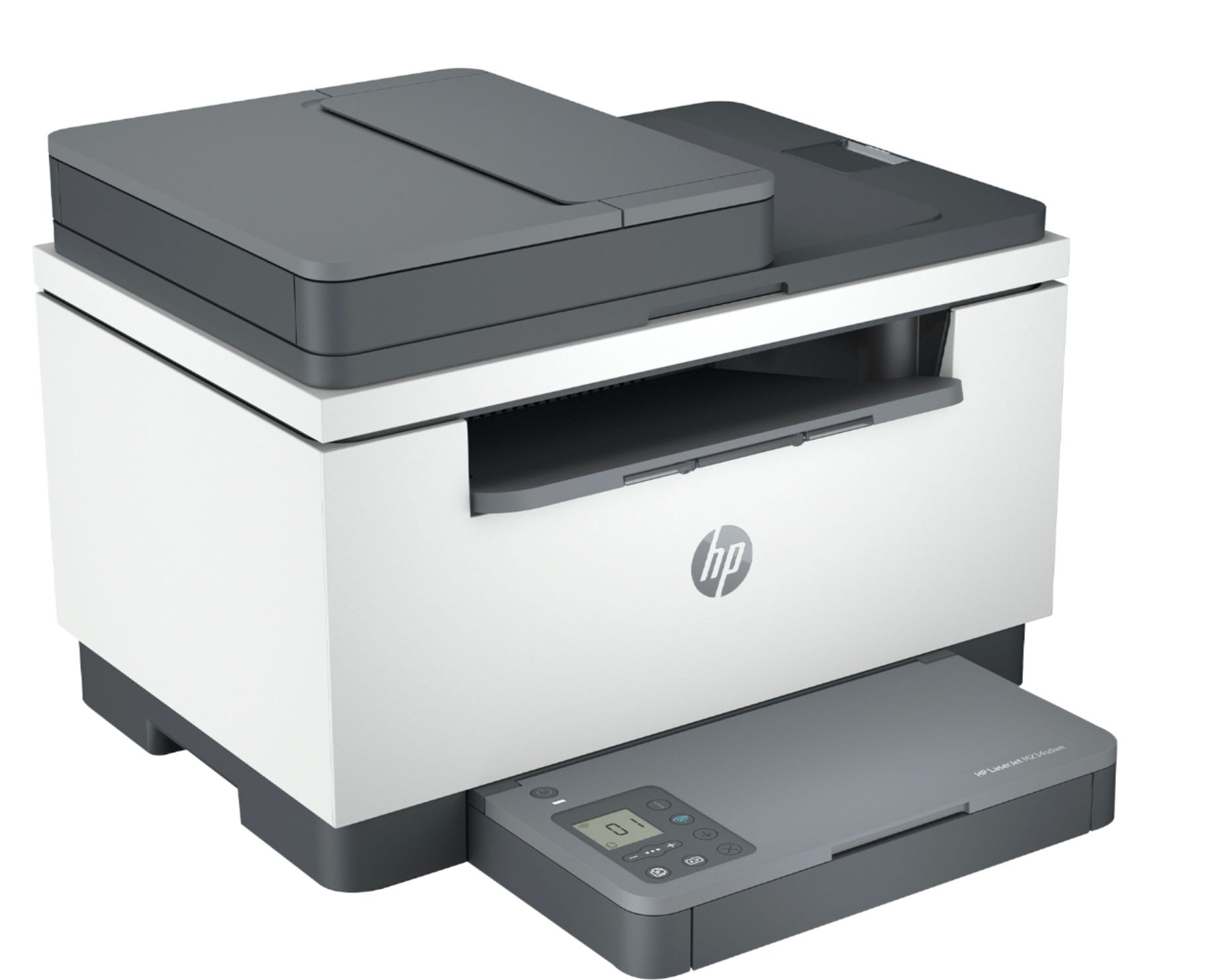
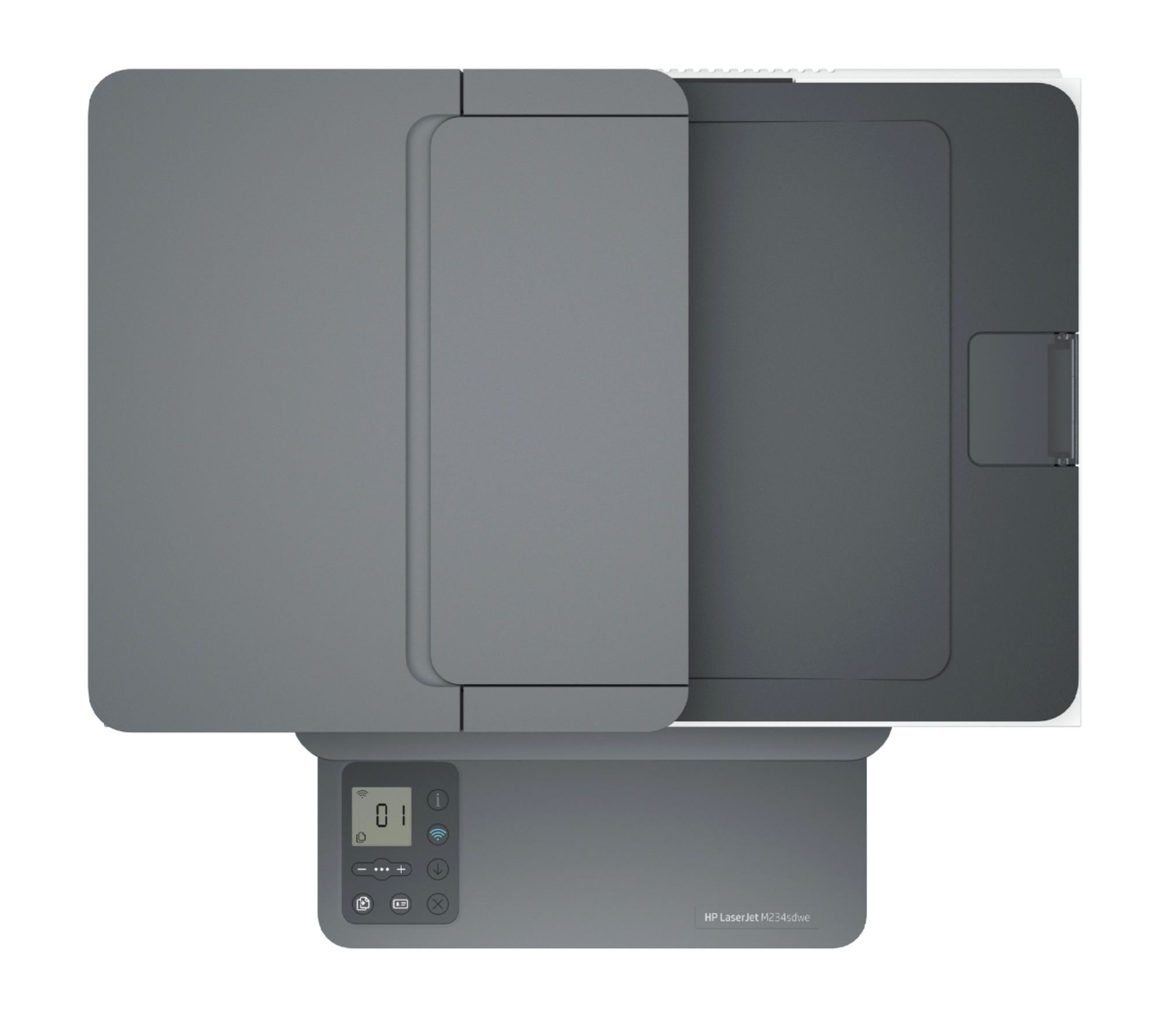
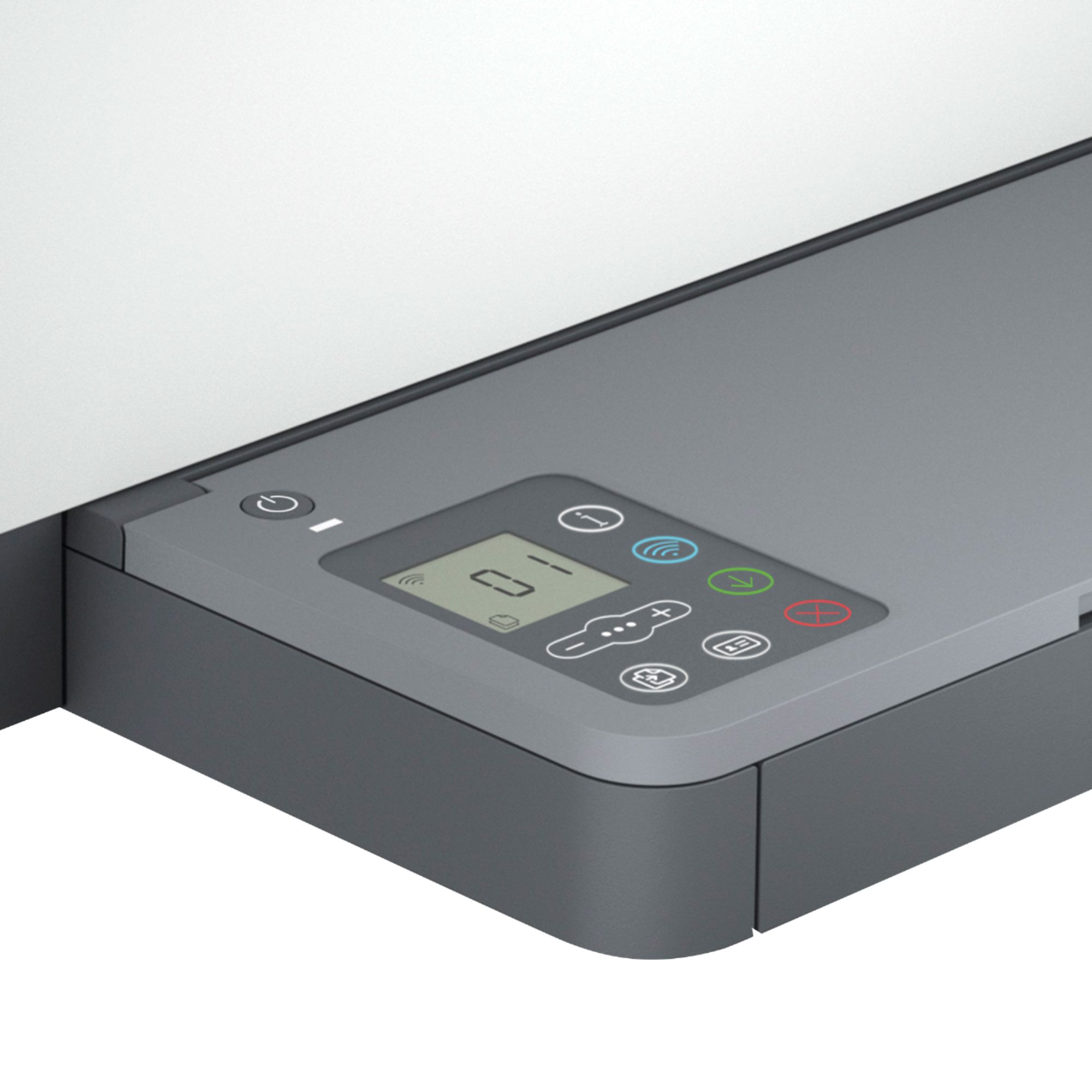
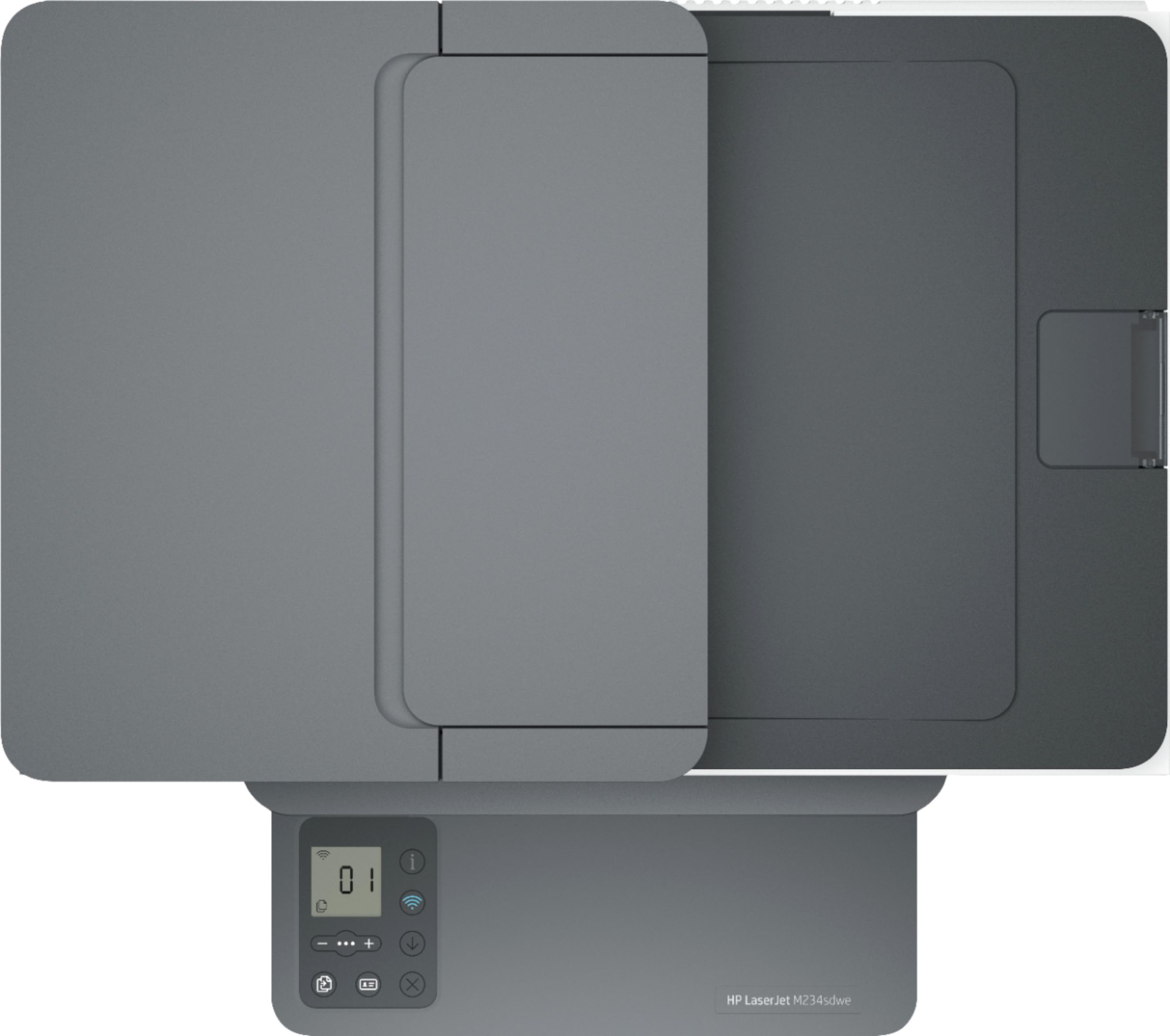

- Model:
- M234sdwe
- SKU:
- 6452570
Rating by feature
- Value
Rating 4.5 out of 5 stars
- Quality
Rating 4.5 out of 5 stars
- Ease of Use
Rating 4.3 out of 5 stars
Customers are saying
Customers are pleased with the LaserJet M234sdwe's print quality, ease of use, and compact size. Many appreciate its wireless capabilities and straightforward setup process, finding it reliable and quiet in operation. While some users experienced minor issues with the document feeder and occasional paper jams, the overall feedback is overwhelmingly positive.
This summary was generated by AI based on customer reviews.
Hp lasers
Posted .This reviewer received promo considerations or sweepstakes entry for writing a review.Cool printer but ink isn’t cheap at all but still I recommend to businesses company
I would recommend this to a friendAVOID HP+ (unless it's for your mother-in-law)
Posted .This reviewer received promo considerations or sweepstakes entry for writing a review.Worst line of HP printers ever. Pro tip: avoid anything that says 'HP+' and don't buy it if there is no LCD touch screen. The HP Smart app is a dumpster fire. AVOID AT ALL COST.
No, I would not recommend this to a friendBrand response from HP Team
Posted .Hi there.
I’m sorry to learn that you’ve run into difficulty with your HP+ account as well as the HP Smart App. I can’t tell from your review what specific issues you face, but your frustration is clear, so I’ll suggest some resources that I hope will improve your experience.
First, I recommend that you follow a guide on our support site to installing and using the HP Smart App, especially the FAQ portion, which covers common questions as well as difficulties users have encountered. Find that guide here:
- support.hp.com/us-en/document/ish_1716406-1413451-16
For additional help with problems, or to learn more about your printer and all its features, you can access troubleshooting guides, how-to documents, user manuals and software updates here:
- support.hp.com/us-en/product/model/36120182
Next, if you’ve not done so already, you can learn more about the benefits of HP+ printers by following this link:
- www.hp.com/plus
If you need technical assistance, I’ll point out that HP+ printers come with exclusive concierge support. To call and reach live HP+ experts, visit the following URL and enter your HP+ serial number:
- hp.com/plus-help
Keith
HP Care
hp.com/support
Not working properly
Posted .This reviewer received promo considerations or sweepstakes entry for writing a review.It's not a good printer. Priner goes to off line mode after 5 mins and again we should install it.
No, I would not recommend this to a friendBrand response from HP Team
Posted .Hi there.
I’m sorry that your printer has gone offline so frequently, requiring you to add it back onto your network. It’s easy to understand why this would quickly become frustrating. I want to help you remedy this problem. I hope the resources I’ve listed below guide you to that end.
First, I recommend you visit a page on our support site that has diagnostic tools for various issues, including printer-offline difficulties. You can find that page here:
- support.hp.com/us-en/topic/diagnostics
If performance does not adequately improve, I suggest that you contact us directly at +1 800-474-6836 so we can help you assess what’s happening and find the best course of action. To expedite the process, I recommend gathering the following information before the call:
- Model number
- Serial number
- Your location
- Case number (from any previous contact with HP support)
Keith
HP Care
hp.com/support
Consider a different Brand
Posted .This reviewer received promo considerations or sweepstakes entry for writing a review.Have connectivity problems. Never able to print without a lot of troubleshooting. Printer offline. printer requires attention. pia. thinking of getting another brand . HP has not been much help.
No, I would not recommend this to a friendBrand response from HP Team
Posted .Hi, Mikel.
I’m sorry to learn that your printer has performed so unreliably. It’s no surprise that you’re confounded by the device, considering you’re unable to print unless you do extensive troubleshooting after it goes offline. I want to help you get the printer working to your satisfaction, so I’ll offer some resources I hope will get you to that end.
First, I recommend you visit a page on our support site that has diagnostic tools for various issues, including printer-offline difficulties. You can find that page here:
- support.hp.com/us-en/topic/diagnostics
If the problem persists, I suggest you contact us directly so we can help you assess the situation and determine the best course of action. I’ll point out that HP+ printers come with exclusive concierge support. To call and reach live HP+ experts, visit the following URL and enter your HP+ serial number:
- hp.com/plus-help
Keith
HP Care
hp.com/support