Customer Ratings & Reviews
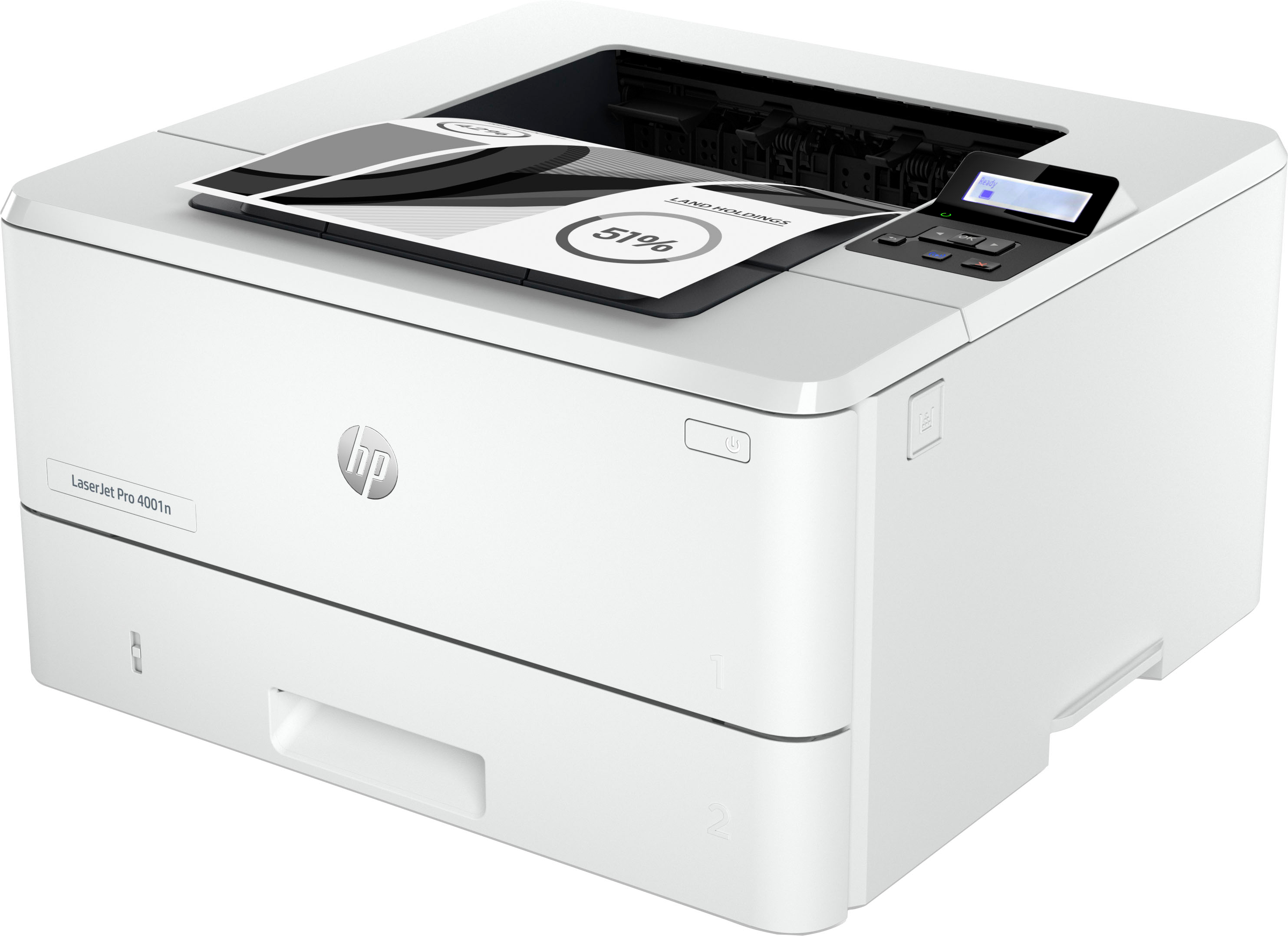
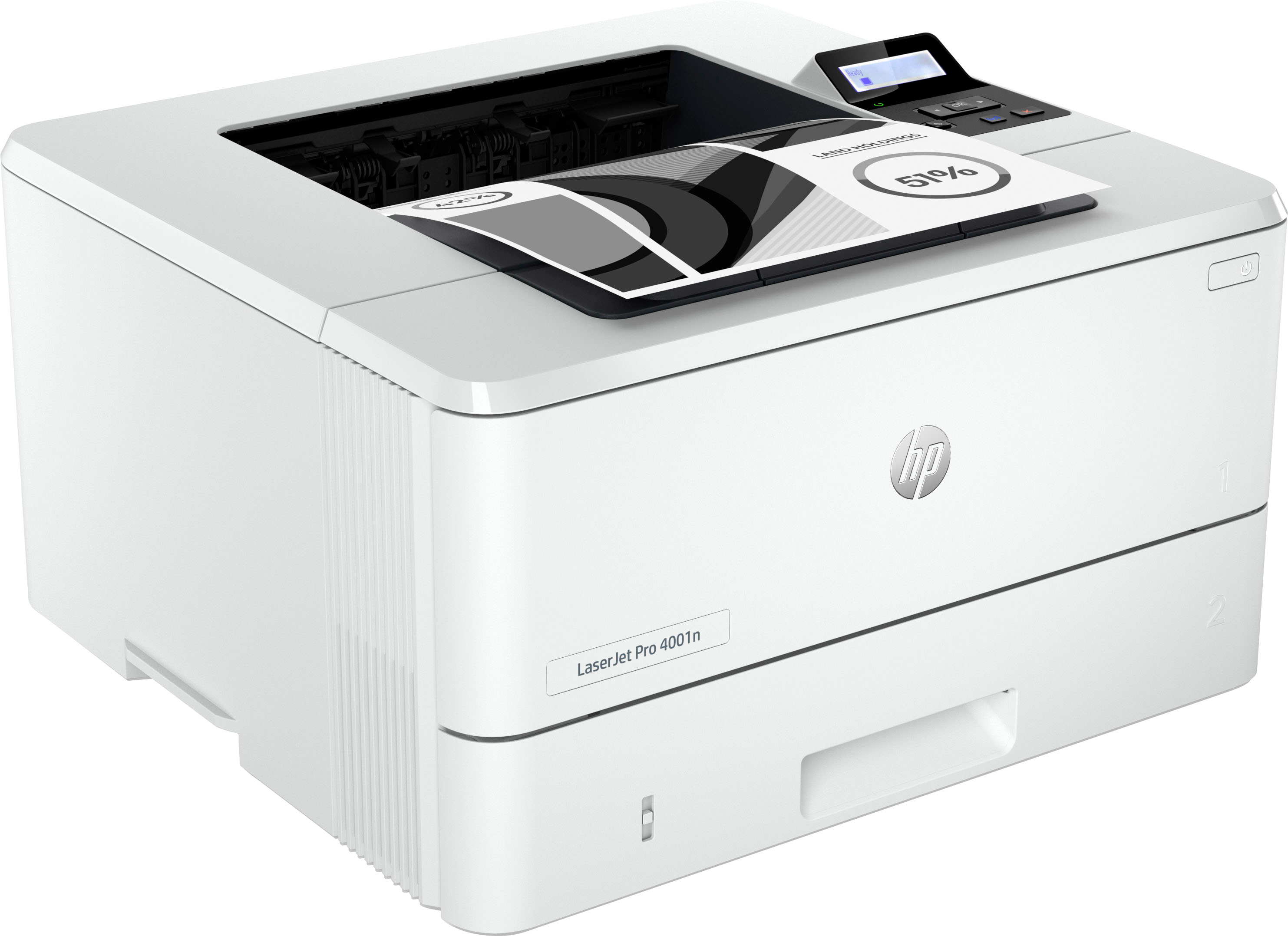
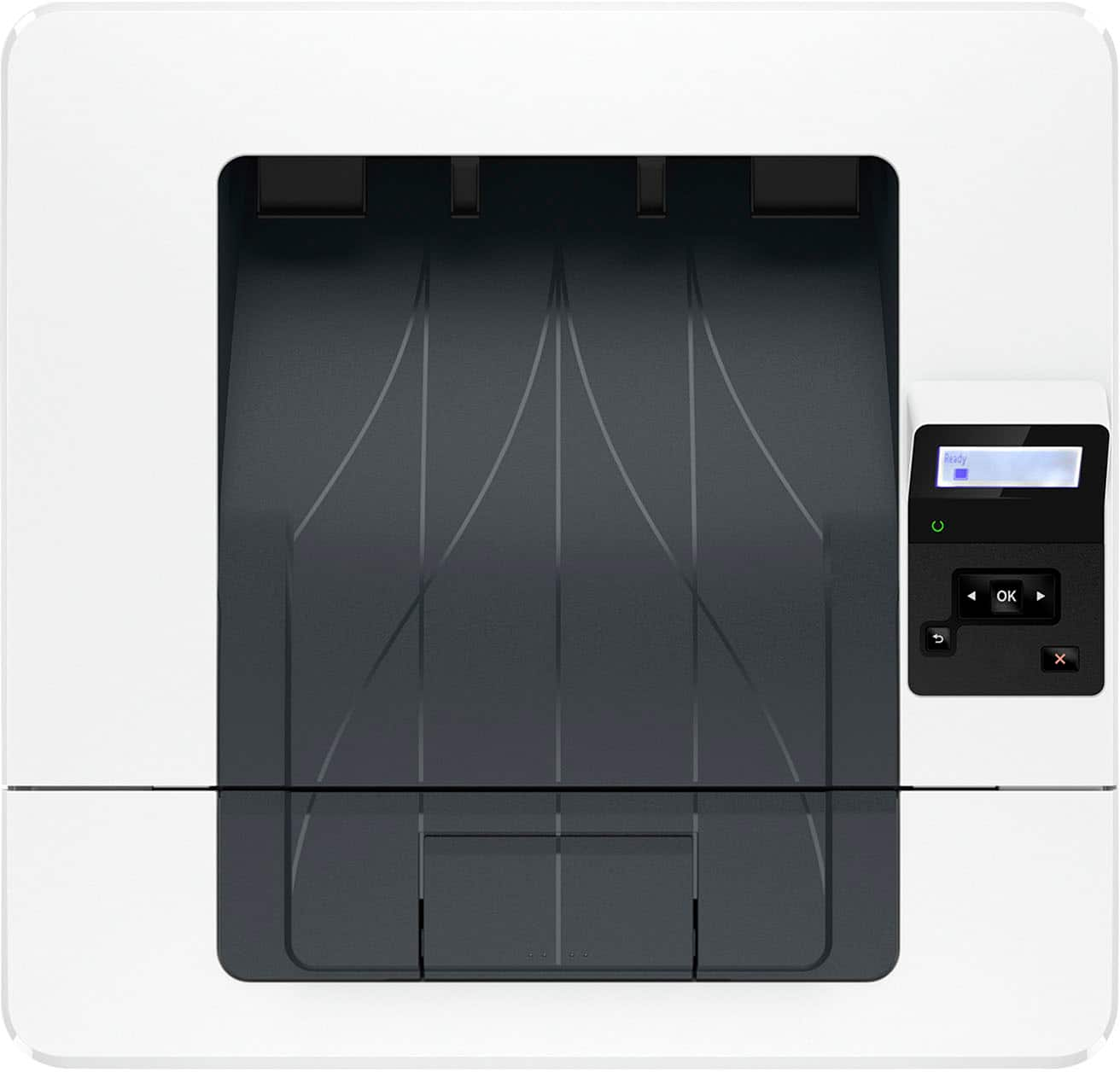
- Model:
- LASERJET PRO 4001N/2Z599F#BGJ
- SKU:
- 6515321
Rating by feature
- Value
Rating 4.6 out of 5 stars
- Quality
Rating 4.6 out of 5 stars
- Ease of Use
Rating 4.6 out of 5 stars
Customers are saying
Customers are delighted by the LaserJet Pro 4001n Black-and-White Laser Printer's excellent print quality and ease of use. The printer's size and overall performance are also well-received. Some customers have noted the absence of WiFi and that the printer can be a little loud.
This summary was generated by AI based on customer reviews.
- Pros mentioned:Ease of use, Print quality, Size
Review
Posted .This reviewer received promo considerations or sweepstakes entry for writing a review.It was easy to set up, It does not take up much space and the copies are clear.
I would recommend this to a friend - Pros mentioned:Print qualityCons mentioned:Noise level

This Printer Requires YOU To Fit ITS Lifestyle
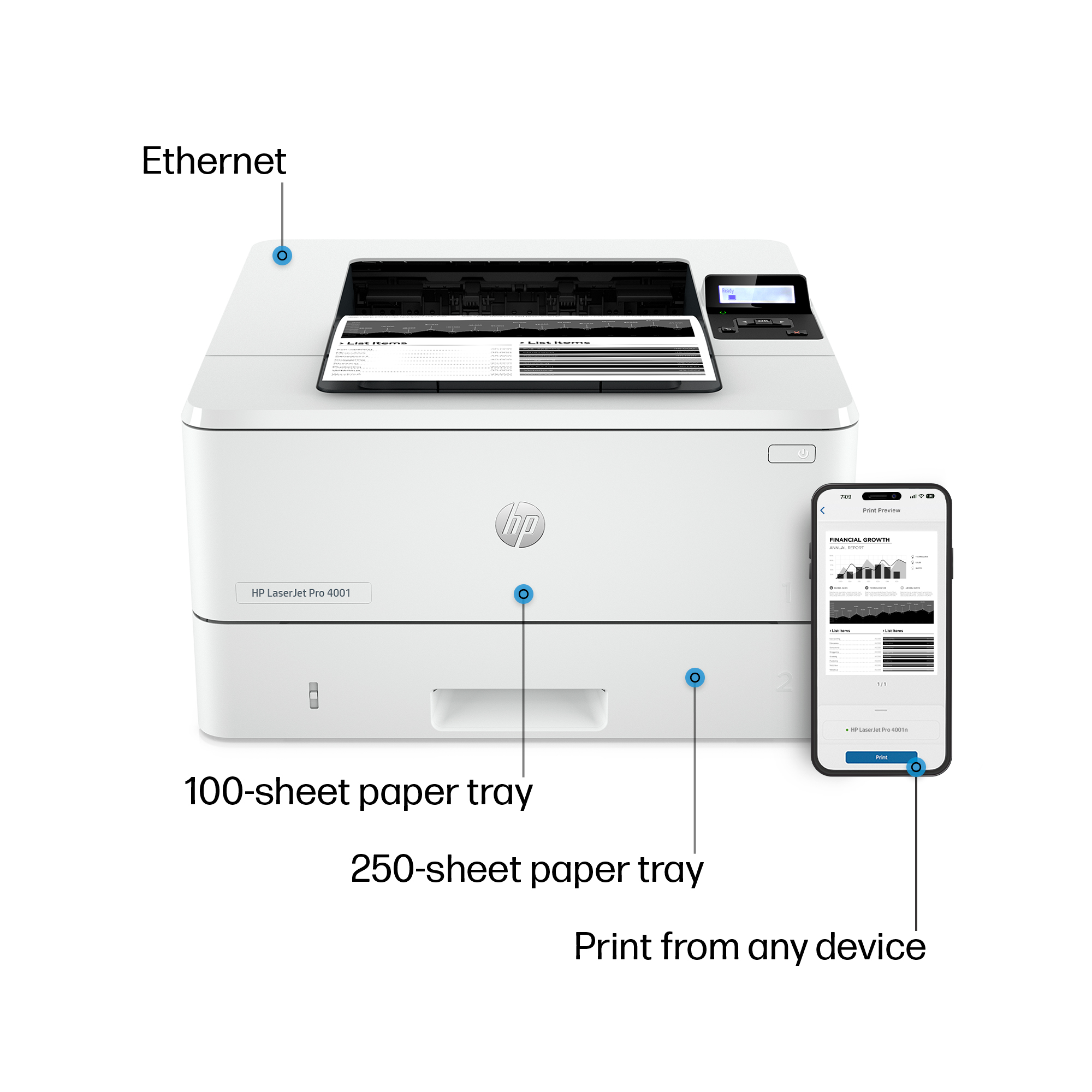
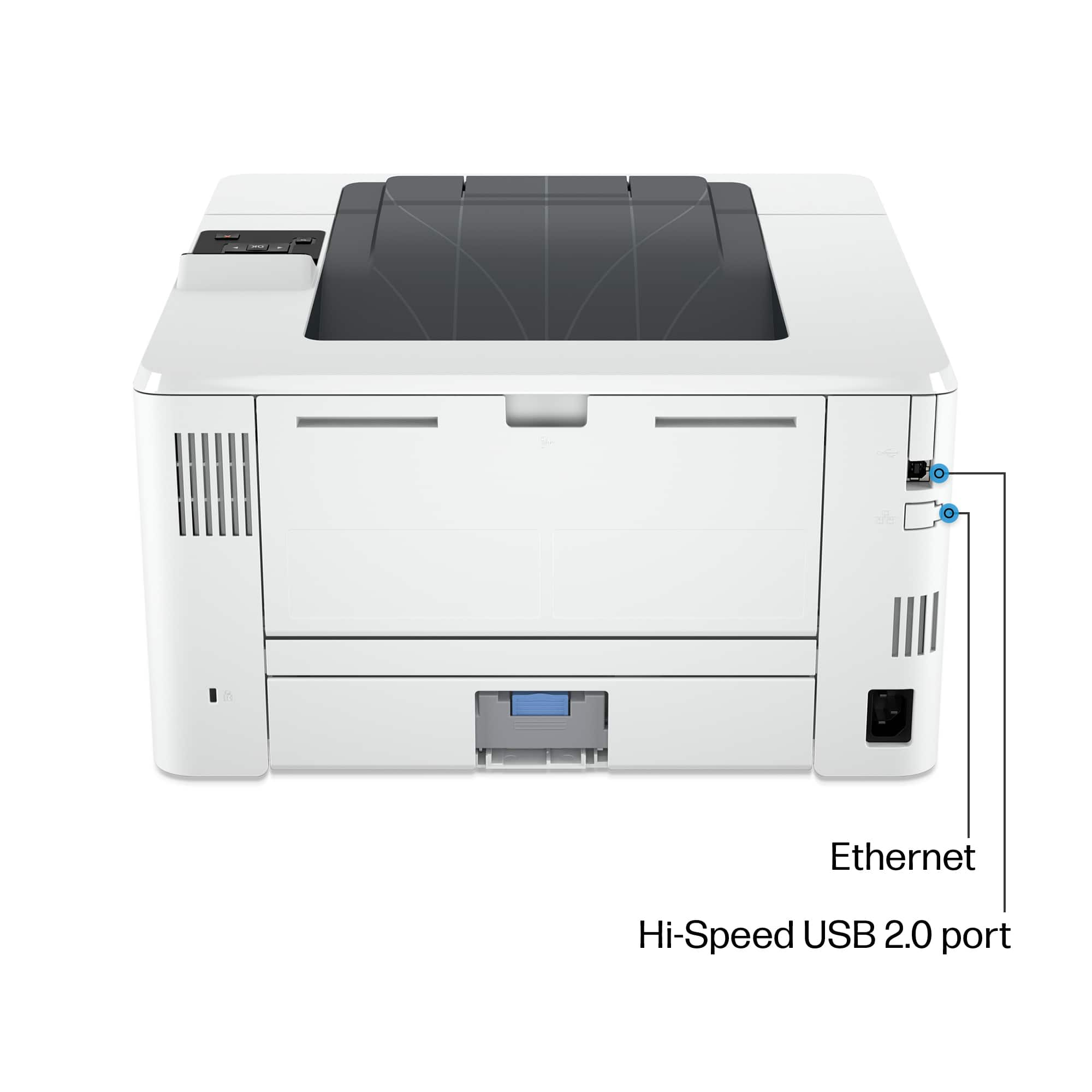
|Posted .This reviewer received promo considerations or sweepstakes entry for writing a review.The Cons for this printer outweigh the Pros. Pros: relatively fast, 350 page paper capacity, compact design, very crisp printing. The Cons take a lot more explaining. (1) Setup can be confusing and the setup guide is misleading. This printer MUST be connected to your router by an ethernet cable (not included!) in order for HP's software to identify and setup the printer. The printer, itself, is NOT wireless - though, once it is established on the same network as your computer, you can print to it, say, from your phone if the phone is on the same network as the printer. BUT this means that for maximum utility, this printer must be located near your router (which might not be near your computer). The setup guide suggests that you can setup the printer by way of a USB cable (not included!) - but I was only able to print directly to the printer by a USB cable AFTER I had installed the printer using a direct ethernet connection (and that would only allow printing from a single computer). (2) While not mentioned on the box or in the setup guide, this printer is capable of producing two-sided prints but it requires that you remove a stack of single sided printouts and resubmit them to the printer to print their second side. A clumsy process that is not intuitive. (3) Very loud! (4) HP is definitely being aggressive about their instant ink subscription and about how they will be updating the printer firmware periodically to insure that non-HP toner cartridges will be summarily rejected for printing. (5) For even simple tasks like printing photos or documents from your phone, the HP Smart app requires that you have an HP account established. Overall: the clumsiness of setup and operation make this feel like a ten year old printer in a new casing.
No, I would not recommend this to a friend - Pros mentioned:Print quality
Nice addition to my HP printer farm lol
|Posted .This reviewer received promo considerations or sweepstakes entry for writing a review.I have three HP printers and one rival printer now. I have a LaserJet Tank, a DeskJet and now this LaserJet Pro. I must say I really love the LaserJet Tank and it has been my go to printer for months now. The LaserJet Pro will not do automatic two-sided printing, which is a bummer, especially since both this and the LaserJet Tank are priced around the same. However, where this printer shines is the speed with which it prints. It prints about twice as fast as my LaserJet Tank. Which came in handy recently when I was running late for a meeting due to working on a presentation. I was able to print the presentation on the LaserJet Pro once I was done and by the time I walked from my PC to the spare room where the printer is it was already done printing the 28 pages of the presentation that I needed to have in front of me in order to see my notes. I was impressed. So while the lack of automatic duplex (two-sided) printing is indeed a bummer I must say that I was thoroughly impressed plus it saved my rear by printing so quickly! I love the HP+ services and I use it daily on all 3 printers. I have since retired the competitor printer and will not be looking back nor trying to use that rival printer ever again. If you're looking at this one the LaserJet Tank id say go with the Tank just because of the two-sided printing alone but if you don't need duplex printing then give the LaserJet Pro a go, I don't think you'll be disappointed at all!
I would recommend this to a friend - Pros mentioned:Print quality
A Simple Quality Black and White Laserjet Printer
|Posted .This reviewer received promo considerations or sweepstakes entry for writing a review.The HP 4001n Black and White Laserjet Printer was an item I really wanted to try out and review as I have never owned a laser printer. When it arrived, I was surprised to find it was a "wired only" printer but did not indlude ethernet or printer cables. I ordered a printer cable and waited for its arrival before testing the printer out. The HP Laserjet is a well built printer and should provide years of dependable service. The way I have it configured only allows me to use it with the computer device it is plugged into via a USB printer cable. It does not come with Wi-Fi or Bludtooth connectivity. It can be plugged into an internet modem/router for use on a netwiork via ethernet cable. The HP 001n Laserjet prints at a very high rate of speed )up to 40+ pages per minute) and is quite quiet. It only prints in black and white and replacement toner cartridges are available from HP that will print up to 2900 pages or up to 9500 pages if an XL cartridge is purchased. The printer comes loaded with the smaller capacity cartridge. The printer will print double sided pages but tequires manual reloading of the pages to do so. For my use in evaluating the printer, I printed everything one-sided and found the printer speed and print quality to be excellent. Thie HP 4001n Laserjet would be great as a stand alone printer or as a small office printer if networked correctly and if color printing is not required.
I would recommend this to a friend - Pros mentioned:Print quality
A fast one trick printer
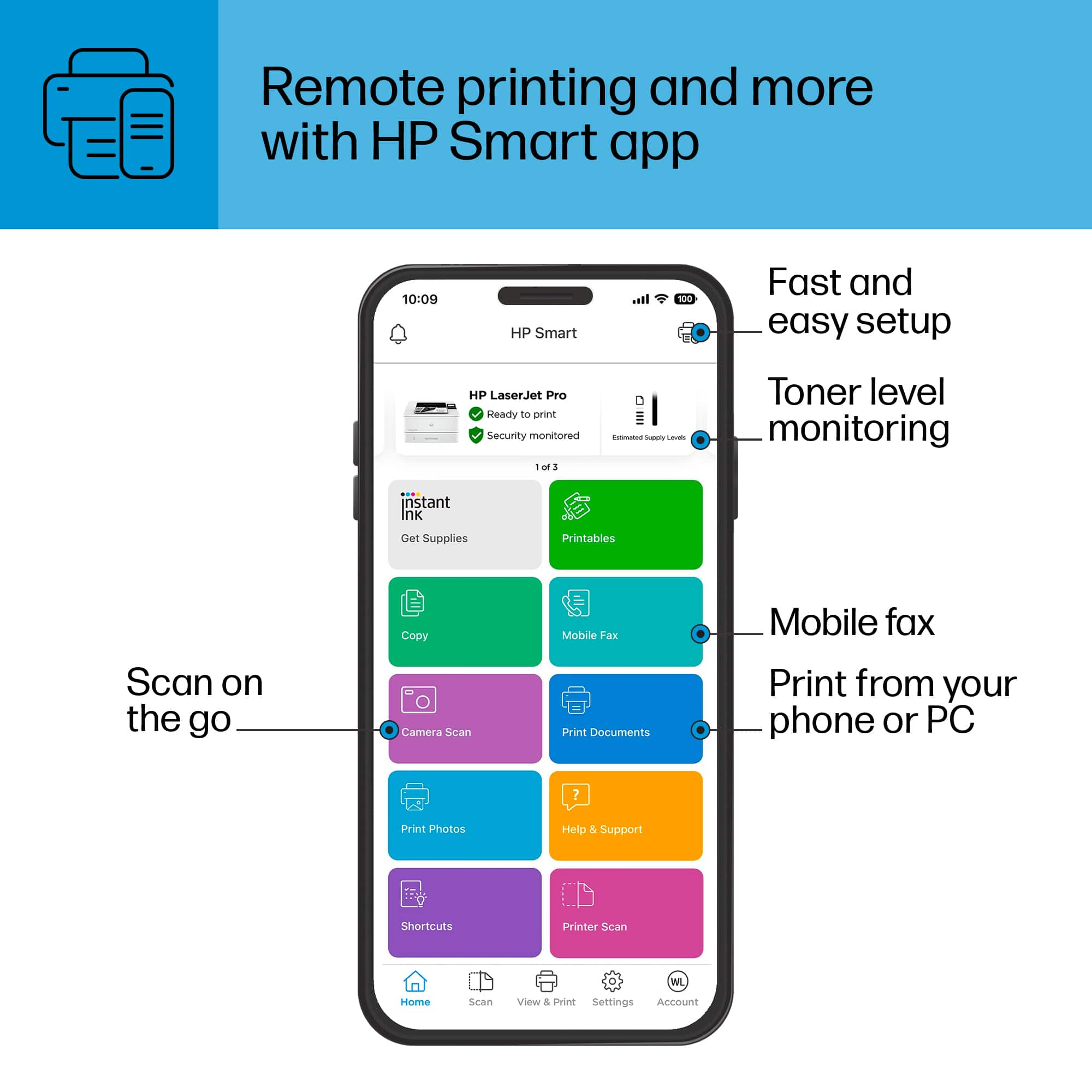
|Posted .This reviewer received promo considerations or sweepstakes entry for writing a review.I have, and have had, several (10+) HP LaserJet printers over the years. This is considered the entry level office printer. So it's a step up from their home printers. In some ways this is true. The printer's speed (+40 pages/min) and resolution (1200x1200) is exceptional, many home printers are 15-20pages/min and 600x600 resolution. With nominal security. This printer comes with sufficient security that it can be networked in an office environment with reasonable security. When buying, be aware of the suffixes on HPs printers. The 'n' alone means that it can be networked via ethernet (only). 'nw' means it can be networked via ethernet or wireless. If there's no 'd' in the prefix then it can automatically print double sided. A 'f' in the prefix means it can scan and fax. And a 's' means it can scan but not fax. So when purchasing make sure you get the functions you need/desire. So this version does not duplex and does not have wi-fi, and can't scan or fax. I used HP's easy set-up software to install this printer as a network printer. And it kept prompting wi-fi functionality. And it could not be found on my network. From the test page I could tell the printer had obtained an 192.168.1.62 IP address. But no matter what I did with there Easy Install software it wouldn't find or finish installation. (It looks like a USB install would have worked, but I wanted to use this as a network printer). So I went back to HP's support page, and installed the full set of printer driver software (160mb vs 16mb for easy install). With the full driver software installed, I could specify my printer's IP address and basic config information to move forward. I was required to enter a PIN# (which is found on the right side of the manual paper feeder). This then allowed me to configure the other options. It did not force me to install HP's Smart printing options (which I like). Which allows you to print from wireless devices (phones, iPads etc). This requires you to get up an HP account. Where they will offer you a subscription service to their smart ink. With this program you pay a monthly fee based on the number of pages you print. And when they think you're likely to run out of ink they will send you a new ink cartridge, and pre-paid mailer to return you old cartridge. I've used this service for the last +2 years (your printer must stay connected to the internet) and it worked out well for me. The re-connect/find printer also works exceptionally well. This printer uses either the HP 148A (2900 pages) or HP 148X (9600 pages) toner cartridges. I believe that in this generation of printers HP has designed their cartridges so that third party cartridges can not be used. There are warnings on the front of the packages that indicate that future firmware could also disable non-HP cartridges. I currently have a HP MFP M234sdwe, and this printer is faster and has better gray scale reproduction (slightly). But no duplex or wi-fi. So I also set the printer up as a USB printer for testing. And I found it could not output large documents at 40 page/sec; I suspect this is due to its USB 2 output being significantly slower than network printing. (but their EZ setup software worked properly to set it up as a USB printer). My 60 page word document printed in 4m20s via usb output, and 2m05s via network output. To my HP MFP M234, it took 2m45s. So USB output is much slower than network output. With Smart Print set up I was able to send a webpage from my iPhone to either of my printers. I really like this functionality. I could also use Apple AirPrint and print from Android (which I did not try). The quality of the print is excellent, but the difficulties in getting it set up is hard to excuse. If I was not a "computer professional" I would have had to call support or would have just given up. Their EZ setup software seems to assume all of their printers have a wireless option.
- Pros mentioned:Print quality
Works fine, but has a few quirks
|Posted .This reviewer received promo considerations or sweepstakes entry for writing a review.So as with most HP printers, at least in my experience, this Laserjet pro was plug and play outta the box. That being said, I almost always run into some kind of snag, whether it be a blinking light or a unresponsiveness to print commands --- and unfortunately this one was no different. It is plug n play, and everything was up and running, but when I went to print, it kept giving an error notice that there was no paper in the printer, even though I checked it twice and there was a whole stack of paper in the drawer. I had to reset the whole things and start over, and once I did that, it printed as expected. My second issue is the printer going to sleep repeatedly. I get the whole power saving thing, but it is so frustrating because sometimes it will wait right up and print, and other's it seems to need the command a second time --- but then it prints my document twice. A waste of expensive ink considering this isn't a one off thing....it happens often. The print quality is superb and when it works right it's great, but since its not consistent, I have to take away some stars.
No, I would not recommend this to a friend - Pros mentioned:Print quality
Not the printer I needed it to be.
|Posted .This reviewer received promo considerations or sweepstakes entry for writing a review.HP LaserJet Pro 4001n printer is an excellent entry-level basic printer. Initially, the setup was a little tricky, but I finally got it going. It is a black and white laser printer for everyday printing. The resolution is good at 1200 by 1200 DPI. A printing speed of about 6 seconds per page is not too bad. It has two paper trays with a maximum of three available you can also do multiple printing with the HP smart app for Apple with the AirPrint app and the Mopria app. You can print on all types of paper except photo paper. Printing is possible on envelopes and labels for all your mailing needs. The Paper handling is 100 sheets input and 150 sheets output, respectively. It does not have an automatic two side paper feed which is almost standard on all printers I've seen lately. It does not include any bundled software. I was able to obtain some directly from Hewlett-Packard . I didn't even have a cable. But it's a good printer once it's up and going. I like this printer, but many on the market offer more options and include better features.
No, I would not recommend this to a friend - Pros mentioned:Ease of use
Great printer
Posted .This reviewer received promo considerations or sweepstakes entry for writing a review.I was looking for a simple printer and this is it. Super easy to set up and doing all I expected.
I would recommend this to a friend - Pros mentioned:Print quality
Granny
Posted .This reviewer received promo considerations or sweepstakes entry for writing a review.Great printer. Quality of print is fantastic. Price makes it a great value.
I would recommend this to a friend - Pros mentioned:Overall performance
Printer
Posted .This reviewer received promo considerations or sweepstakes entry for writing a review.Works great just in time for Christmas thank you very much
I would recommend this to a friend - Pros mentioned:Print quality
HP dud
Posted .This reviewer received promo considerations or sweepstakes entry for writing a review.I returned the item - it printed single pages fine but was a dud when it came to batch printing - I tried to update the drivers several times and tried to install the latest firmware but still a dud, Went back to a Brother printer and it works fine right out of the box.
No, I would not recommend this to a friend