Customer Ratings & Reviews
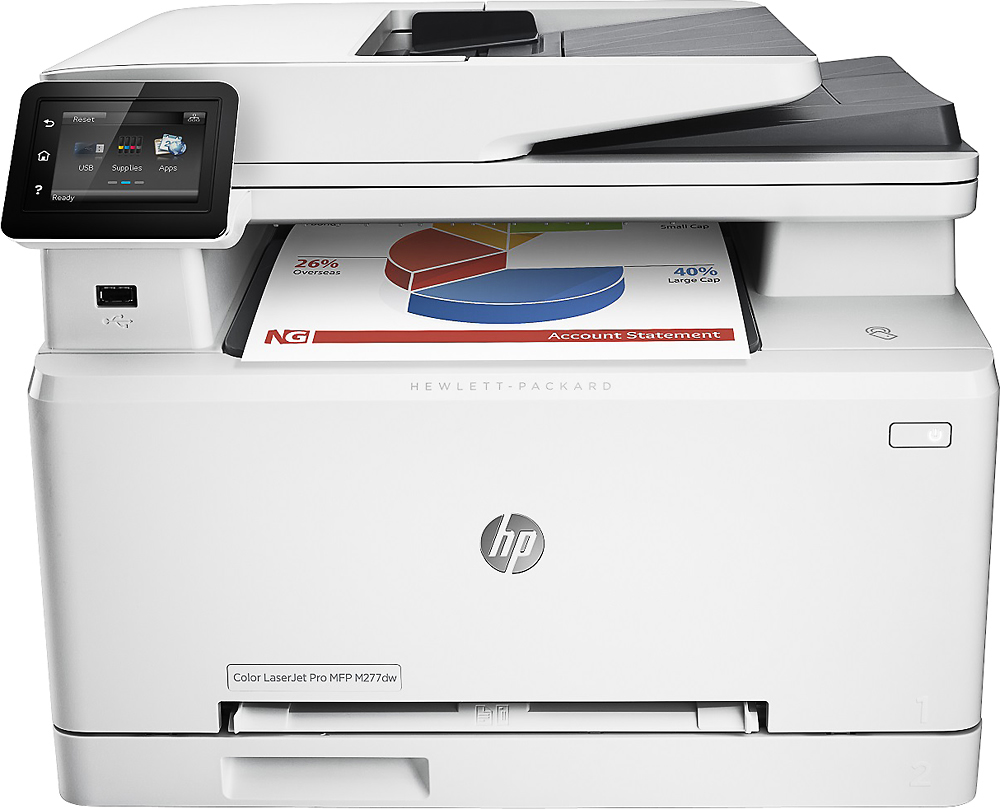
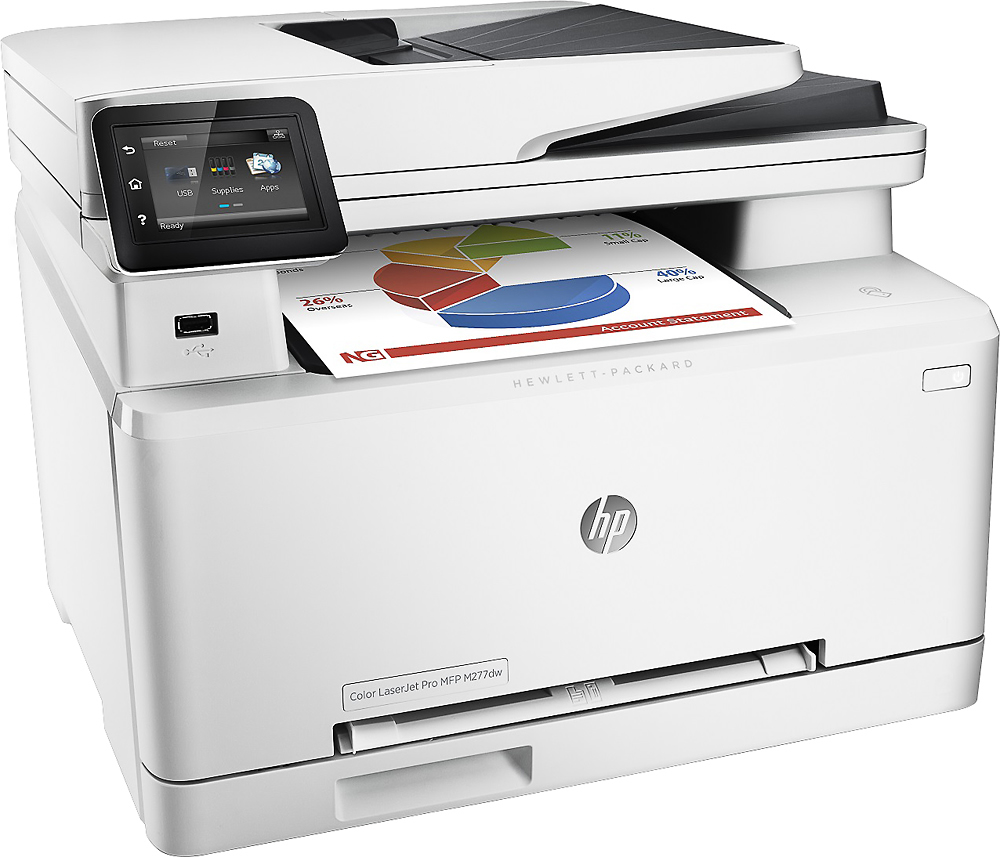
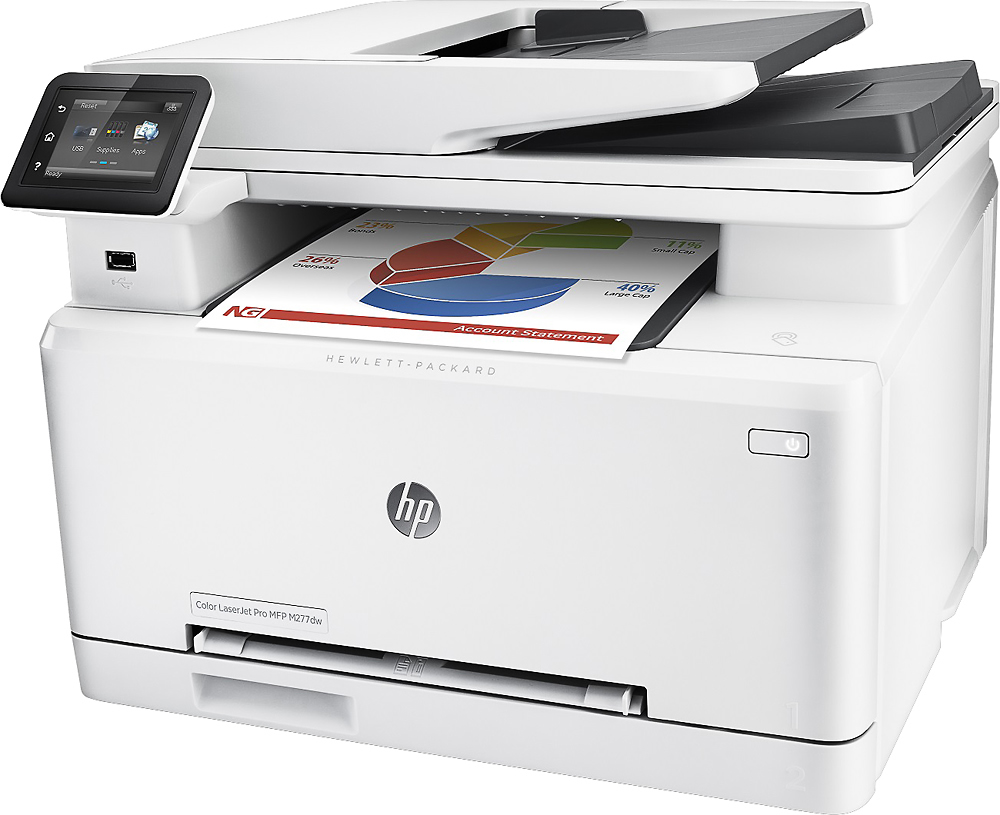
- Model:
- B3Q11A#BGJ
- |
- SKU:
- 3566043
Customer reviews
Rating 4.6 out of 5 stars with 1584 reviews
(1,584 customer reviews)to a friend
Customers are saying
Customers recognize the LaserJet Pro M277dw printer for its easy setup, fast printing, and excellent print quality. They appreciate its wireless capabilities, compact size, and quiet operation. While some users have concerns about the small paper tray, toner usage, and scanning function, the overall positive feedback highlights its value for the price.
This summary was generated by AI based on customer reviews.
- Pros mentioned:Ease of use, Print quality
Rated 5 out of 5 stars
Small Business Wonder
Posted .This reviewer received promo considerations or sweepstakes entry for writing a review.We broke down and purchased this printer for our small medical practice after having problems from yet another ink jet. This workhorse has been wonderful! Super easy to set up as well as easy for everyone to connect for wireless printing.
I would recommend this to a friend - Pros mentioned:Print quality, Setup, Wireless
Rated 5 out of 5 stars
easy set up, prints beautifully
Posted .This reviewer received promo considerations or sweepstakes entry for writing a review.I've only had this printer for 2 days but I LOVE it! Set up was easy and I know very little about computers and printers, etc. The printer immediately found my wireless network and I was able to connect without a problem. So far, I have found that it prints color fliers beautifully but jpeg files aren't great, which was to be expected as this is not a photo printer. I have also printed multiple sheets of Avery labels without any problems. The colors and text are crisp and clean. I'm not anticipating any problems but if something arises, I will update in the future.
I would recommend this to a friend - Pros mentioned:Print quality, Setup
Rated 5 out of 5 stars
Works Great
Posted .This reviewer received promo considerations or sweepstakes entry for writing a review.This printer was easy to setup. I trashed the CD in the box immediately after opening. Anyone with half a brain stem knows to get the print drivers directly from HP; http://support.hp.com/us-en. Then from there power the bad boy on and then follow the on screen setup for connectivity. I didn't use the HP ePrint option because as I was fiddling with it I realized it was quite a useless feature for me. I have yet to try the NFC feature and WiFi connectivity is not an issue. I have a range extender in the room with the printer so no issues there. I found the printer communication speed to be faster with a direct ethernet connection from the range extender to the printer. The quality is good, the print speed is amazing. Overall, I would say that this is a good entry level laser printer. Yes there are better ones out there and many with more features and DPI and faster print speeds and blah blah blah. This solves all of my printing needs.
I would recommend this to a friend Rated 1 out of 5 stars
lazer printer
||Posted .This reviewer received promo considerations or sweepstakes entry for writing a review.bought this Lazer Printer without knowing it wouldn't do photo paper. brought it back and bought a InkJet
No, I would not recommend this to a friend- Pros mentioned:Ease of use, Print quality
Rated 5 out of 5 stars
Does a Great Job
Posted .This reviewer received promo considerations or sweepstakes entry for writing a review.This printer is outstanding. It does whatever I want or need it to do. It's easy to use. Prints clearly and quickly. The color is great. Has many different settings to choose from. I don't need anything else.
I would recommend this to a friend - Pros mentioned:Setup
Rated 5 out of 5 stars
Outstanding Printer
Posted .This reviewer received promo considerations or sweepstakes entry for writing a review.This is my first LaserJet printer, and it is outstanding! Setup was straight forward and I had it talking on my network in no time. I would however recommend that new owners download HP's "HP Support Assistant" prior to installing the software! The Support Assistant identifies your printer and then downloads and installs all software and drivers! If you're running Windows 10, I would also recommend downloading the HP Scan & Save App for scanning... Makes life VERY easy!!
I would recommend this to a friend Rated 1 out of 5 stars
Broke
||Posted .This reviewer received promo considerations or sweepstakes entry for writing a review.Broke after few uses, totally not worth it and it wasn’t covered under warranty
No, I would not recommend this to a friendRated 1 out of 5 stars
HP products never work properly
||Posted .This reviewer received promo considerations or sweepstakes entry for writing a review.Hours spent connecting to Wifi-Direct. It simply does not work on this product.
No, I would not recommend this to a friendRated 1 out of 5 stars
Not recommended
||Posted .This reviewer received promo considerations or sweepstakes entry for writing a review.I found a very hard time to setup the scanner and the wifi is keep cutting off
No, I would not recommend this to a friendRated 1 out of 5 stars
Color Sucks
||Posted .This reviewer received promo considerations or sweepstakes entry for writing a review.Color photos are complete trash! I'd take this junk back if I could.
No, I would not recommend this to a friendRated 1 out of 5 stars
What product
||Posted .This reviewer received promo considerations or sweepstakes entry for writing a review.Don't know what product I'm rating. I don't know how I got this email
No, I would not recommend this to a friendRated 1 out of 5 stars
Printer it's no compatable with Mac.
||Posted .This reviewer received promo considerations or sweepstakes entry for writing a review.I don't recommend this printer if you have a Mac. Too many issues
No, I would not recommend this to a friend- Pros mentioned:Print quality
Rated 5 out of 5 stars
Recently purchased and so far very pleased
Posted .This reviewer received promo considerations or sweepstakes entry for writing a review.I have not purchased a printer in several years, but I must say I am excited by how far the technology has come. I do not do a lot of printing, however, this device is the smartest, fastest most efficient printer I have ever owned. Reasonably priced and discounted for the holiday, it was also a tremendous deal from best buy. There are so many incredible features with this model but my favorite is the wireless printing. Trivial maybe but it makes life very simple. Even if you have larger printing needs than I do, I feel you will be satisfied with this HP.
I would recommend this to a friend Rated 1 out of 5 stars
Want my money back
||Posted .This reviewer received promo considerations or sweepstakes entry for writing a review.Want to cancel and give my money back please inmoney
No, I would not recommend this to a friend- Pros mentioned:Print quality
Rated 4 out of 5 stars
low priced wireless color workhorse for home
Posted .This reviewer received promo considerations or sweepstakes entry for writing a review.Had an inkjet AIO and a low priced color laser to handle the spectrum of my print jobs at home. Wanted to cut down on the number of devices in the home computer room and looked around. This HP unit seemed to fit the bill. Fast printing speeds, nice text and OK color. Fax, scan and copy as well. For the price hard to beat. Will see how long the toner cartridges last, but most of my HPs have had decent life and no reason to think this will be any different. Wireless was very easy to set up. So far solid connections. Good solid buy.
I would recommend this to a friend Rated 5 out of 5 stars
Great Printer Does Everything
Posted .This reviewer received promo considerations or sweepstakes entry for writing a review.It was easy to set up the printer by following the instructions and diagrams. I installed the drivers from the HP Support website since the version was newer than the one with the supplied disk. I also downloaded a new firmware update. There were no problems setting up the Wi-Fi. I also followed the prompts for setting up ePrint, which assigned a unique email account to the printer. Since I use all of the features of the printer, I tested them all. Copying: I initially thought I had a problem with auto-duplex copying 1-sided to 2-sided pages from the document feeder, so I called HP support. The representative gave me incorrect information. He said you could not do auto-duplexing from the document feeder. I knew he was wrong since I was staring at the directions right in front of me, so I hung up and called back. The second representative also gave me the same wrong information, so don’t necessarily believe everything they tell you. I finally realized what I was doing wrong. You need to load the copies with the print side face-up not face-down. It then worked perfectly. I also tried to print envelopes. The small 6-3/4” ones cannot be fed through the manual feeder. The small size kept getting hung up just inside the feeder, and gave an error message on the screen. Using the paper tray by adjusting the guides or feeding from the auto document feeder worked fine. Size 10 envelopes worked fine using any of the methods. The only small quirk is that the Word 2010 envelope print program does not allow for multiple copies to the same address, so I had to keep running the program for each envelope. FAX: Initial setup was very easy. I tried several different scenarios. I had someone fax me a page to test it. If you answer the telephone and hear fax tones, you can press “123” on the phone, hang up, and the call will automatically be transferred to the fax machine. If you don’t have someone to test with you can send a test fax to a special HP number, 1-888-HPFaxme (1-888-473-2963) and after a few minutes, it will fax you back a page letting you know it’s working ok. I also tried letting the phone continue to ring to see if it would automatically transfer to the fax machine which it did (after setting the rings to answer in the setup menu to 5). Scan: This feature works perfectly. I could scan a multi-page document (using the document feeder) into a single scanned document using the computer program which can be accessed by launching the print program from “Devices and Printers” in the start menu and then choosing the Scanner option. I could not do multi-page scanner with my old all-in-one printer. You can even set up shortcuts for this as well as for printing and faxing. All in all, this is a great machine. It does everything well as long as you completely read the instructions. I’ve read most of the reviews on this machine, and found that all of the problems users claim to have, are addressed either in the user manual (which can be downloaded), or HP’s support website for this copier at www.hp.com/support/colorljMFPM277.
I would recommend this to a friend- Pros mentioned:Print quality
Rated 5 out of 5 stars
Reliable printer for home office
Posted .This reviewer received promo considerations or sweepstakes entry for writing a review.We print about 40-60 pages per month, and this printer has been great. The user interface (touchpad) is completely intuitive to use. Also, we haven't had any paper jams yet (5 months after purchasing it). The quality of the printing is excellent: high resolution and good range of colors. We're very happy with our purchase.
I would recommend this to a friend - Pros mentioned:Print quality, Wireless
Rated 5 out of 5 stars
Wonderful printer!
Posted .This reviewer received promo considerations or sweepstakes entry for writing a review.I have used HP printers for many years. I find them to be very reliable. The printer I'm using now has performed very well. The colors are beautiful, and it prints, faxes, scans, copies, all wirelessly! A good, solid printer.
I would recommend this to a friend - Pros mentioned:Print quality, SizeCons mentioned:Scanner
Rated 3 out of 5 stars
Falls short in some areas
Posted .This reviewer received promo considerations or sweepstakes entry for writing a review.Good (not great) for home use. Automatic duplex printing is a must if you buy your own paper. Paper tray is small and there is no optional tray available. Tray should hold one ream at a minimum. Scanner does not do duplex, you must manually reload the document feeder to get two sided scanning. Printer is small and relatively light (I didn't need help to unbox and set it up). If you do a lot of duplex scanning or faxing this printer is NOT for you, you'll have to spend your time reloading the document feeder. If you print large documents you'll have to constantly reload the input and output trays. A compromise for a compromise price.
No, I would not recommend this to a friend - Pros mentioned:Ease of use, Print quality
Rated 5 out of 5 stars
Excellent Printer
Posted .This reviewer received promo considerations or sweepstakes entry for writing a review.I have always been using inkjet computers for personal use at home; therefore, I decided to finally make an investment and purchase a laser jet printer. 1.) The printer is very easy to install and set up wireless network 2.) It is also easy to access every part of the printer to remove any potential paper jams. I have yet to experience one yet; however, I have removed many. 3.) Print quality is excellent 4.) The printer has duplex ability, which is a plus 5.) The printer has excellent scan quality and you have many options to save the file I have not experienced any negatives yet about the printer, but i fI were to give it a knock, it would be the cost of the ink.
I would recommend this to a friend