Customer Ratings & Reviews
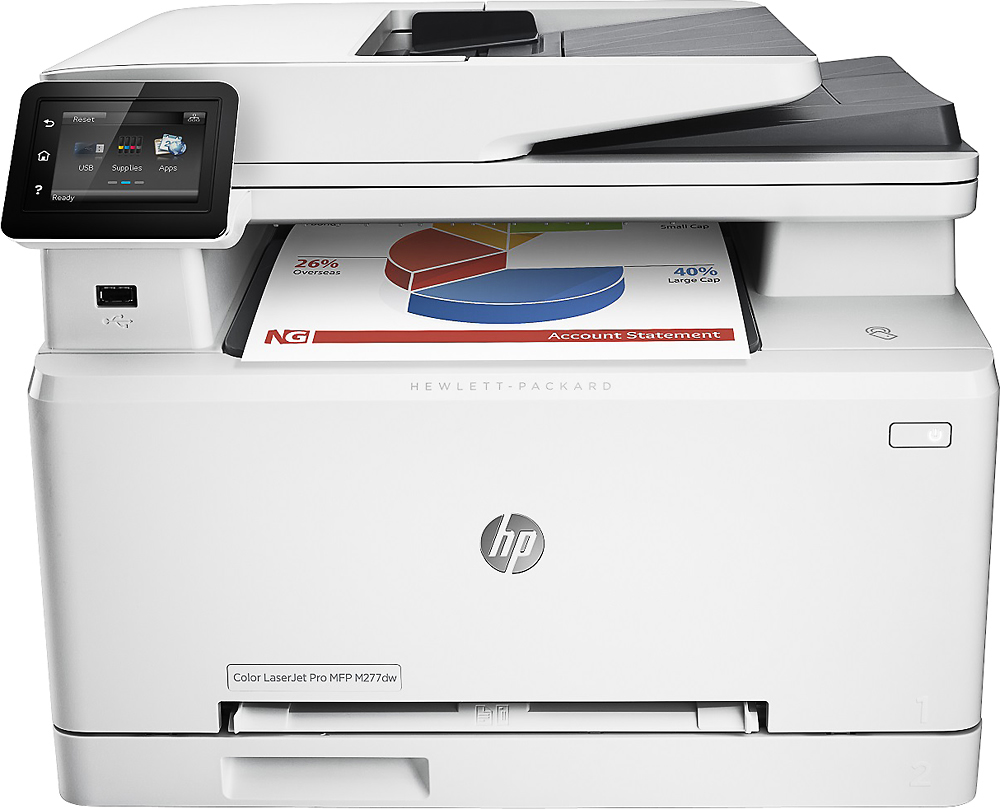
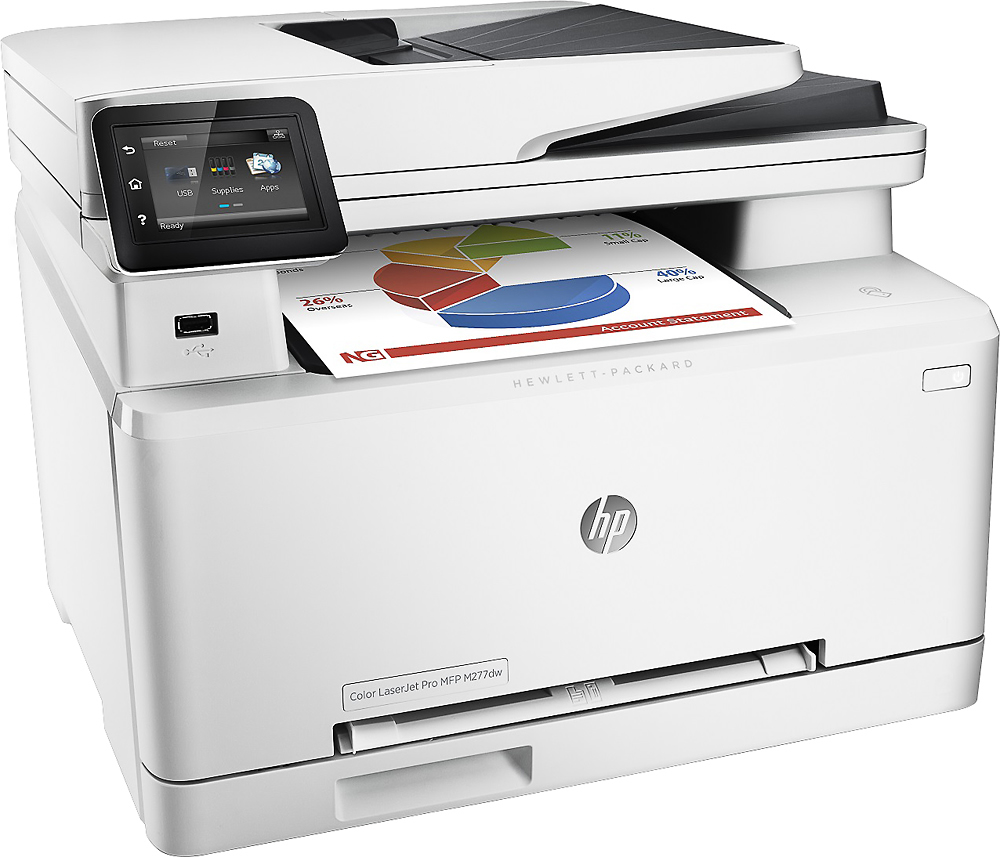
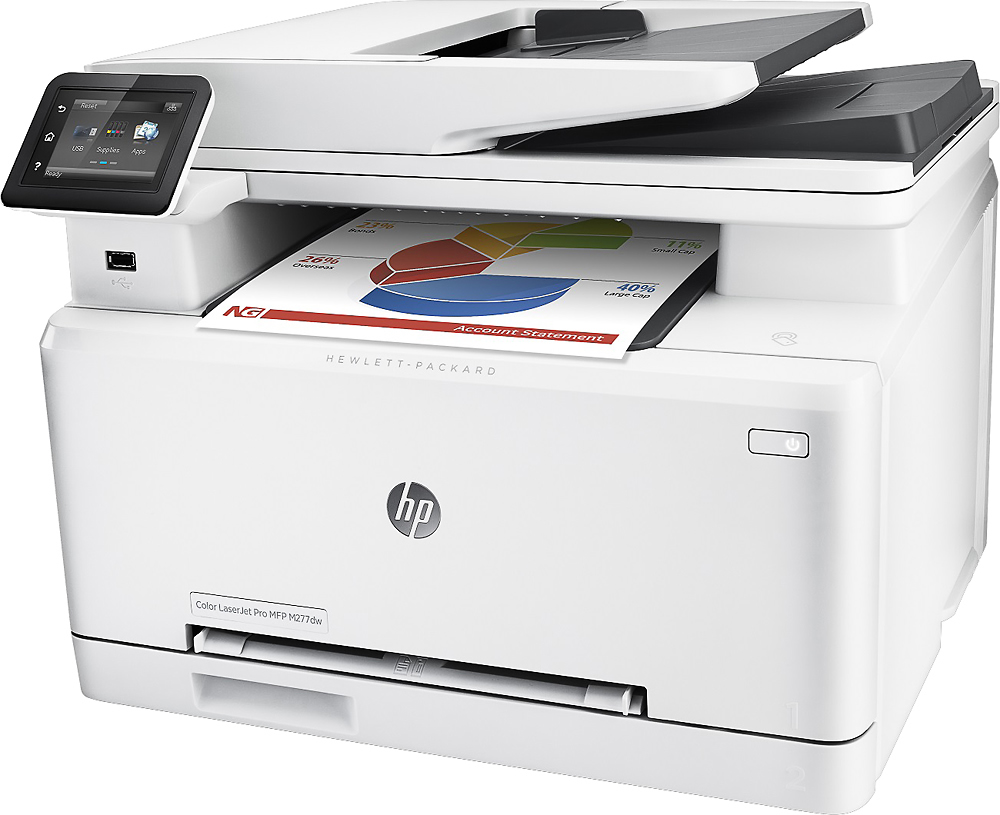
- Model:
- B3Q11A#BGJ
- |
- SKU:
- 3566043
Customer reviews
Rating 4.6 out of 5 stars with 1584 reviews
(1,584 customer reviews)to a friend
Customers are saying
Customers recognize the LaserJet Pro M277dw printer for its easy setup, fast printing, and excellent print quality. They appreciate its wireless capabilities, compact size, and quiet operation. While some users have concerns about the small paper tray, toner usage, and scanning function, the overall positive feedback highlights its value for the price.
This summary was generated by AI based on customer reviews.
- Pros mentioned:Print quality
Rated 1 out of 5 stars
Buy from any other maker, JUST NOT HP
Posted .This reviewer received promo considerations or sweepstakes entry for writing a review.When I bought my HP LaserJet MFP M277dw 3 years ago, it was LOVE at first sight! It printed beautifully in black and in color, scanned to email, networks, even to multiple addresses at once. Has a flatbed so you can scan books. Does 2 sided printing. Coverts 1 sided to 2 sided for copies. You can even scan from an outside source directly to your email by using a unique HP email address that you create for yourself. It has many great features but lacks a few...like photos come out horrible on LaserJets and this machine does not copy 2 sided documents to 1 sided, or 2 sided to 2 sided copies either. That's a downer! There may be a few more pros and cons but that is not the point of this review. Overall I was pretty happy with this print, until recently, whenI had a problem with the scanner function. It just would not connect. It appears to have happened after my recent upgrade on my Mac to the new operating system Big Sur. I also saw during my research the same thing happened to folks after upgrading to Catalina. Here's my big issue. It's not that I had a software issue, that happens sometimes. It's that HP left me high and dry, without a glass of water, shot of whiskey (which I needed after the first hair-pulling day), or way to step out of the problem. I tried for days upon days to fix the issue myself. I scoured the internet, trolling every page I could find and watching countless videos without any solution. I tried to contact HP directly but they will not put a live person on the phone if you do not have a case number. They make you go thru their gatekeeper online virtual assistant (no, artificial intelligence is not going to put anyone out of business) to get the case number first. This is no doubt to decrease the load of calls on fixes people can look up for themselves...I get it. However, I used the virtual chat function over and over again for 2 days straight. When none of the fixes or forums it recommended helped HP said my product was out of warranty and would still not issue me a case number! Thus they would not put someone of the phone to assist me and the virtual agent would not give me one no matter what I entered into the chat box. The problem was with re-setting up the scanner function on the HP server. It just kept telling me my user name and password was wrong, even though it wasn't. Long story short, instead of providing me with a few minutes of simple customer support, HP lost a customer for LIFE. I have been a loyal customer in the past and will NEVER again buy a product given HP will not support their products no longer in warranty. I mean this printer costs several hundred dollars and is only 3 years old! Thankfully a helpful Apple agent was willing to assist even though this was an HP software issue and not an apple one. SHAME ON YOU, HP! It took her less than 5 minutes to say, try changing this setting instead. Bingo! Peace, joy and happiness returned to my sad, dark, scan-less world! Thus, I remain ever loyal to Apple (even though I do not exactly enjoy the higher price tags, but I will keep paying it over and over again to get products that work) and their support that gives a crap about the people who purchase their products and keep them in business. Yay, APPLE! I will post this on all reviews I can because this kind of poor customer support [from HP] cannot stand! While this machine might serve you well minus the few things it does not do, if you ever have an issue outside of the limited warranty period you will be on your own. In that case, if you can't find help you can just pick up your expensive Multi-Function garage machine and throw it out the window! My advice: BUY from anyone besides HP!
No, I would not recommend this to a friend - Pros mentioned:Ease of use
Rated 5 out of 5 stars
Excellent product
Posted .This reviewer received promo considerations or sweepstakes entry for writing a review.Printer is exactly what I was looking for. Easy to set up to wireless network.
I would recommend this to a friend - Pros mentioned:Print quality
Rated 5 out of 5 stars
Great Printer
Posted .This reviewer received promo considerations or sweepstakes entry for writing a review.Prints fast, in color and black and white. only thing is it not a Air printer
I would recommend this to a friend Rated 2 out of 5 stars
can't get wi fi network to work
Posted .This reviewer received promo considerations or sweepstakes entry for writing a review.I have a macbook that i've been trying to network this printer with for over a month. this is the most difficult set up ever, and I am not making any progress. I've scoured the web and it seems many other people have similar problems getting the wireless scanning feature to work. Scan to network folder seems to be the most common problem, but I have had problems in addition with setting up the scan to email.
No, I would not recommend this to a friend- Pros mentioned:Print quality
Rated 5 out of 5 stars
Amazing printer
Posted .This reviewer received promo considerations or sweepstakes entry for writing a review.I love this printer! It's great quality and easy to use
I would recommend this to a friend Rated 5 out of 5 stars
great cost benefit
Posted .This reviewer received promo considerations or sweepstakes entry for writing a review.efficient, silent, economical, best value for the money
I would recommend this to a friendRated 4 out of 5 stars
HP never fails
Posted .This reviewer received promo considerations or sweepstakes entry for writing a review.this is a Great printer for Home/Small office use, when I look at the cost for Toner and Maintenance it has a low cost when you look at the cost of Ownership. I wish this unit had been a two-tray unit
I would recommend this to a friendRated 5 out of 5 stars
Awesome Printer
Posted .This reviewer received promo considerations or sweepstakes entry for writing a review.I have spent hours and hours on reading the reviews and checking other models out and going on youtube when I bought it at first I had a little trouble setting up the download the drivers I had to get a little help there but overall the service was great !!
I would recommend this to a friend- Pros mentioned:Print quality
Rated 1 out of 5 stars
printer failed after a month
Posted .This reviewer received promo considerations or sweepstakes entry for writing a review.I purchased this printer refurbished and it failed after a month of minimal use, Best Buy store didn't have one in stock and gave me a credit so I could repurchase online. I really liked the printer I hope the new one isn't a dud to.
No, I would not recommend this to a friend Rated 5 out of 5 stars
Excellent MFC
Posted .This reviewer received promo considerations or sweepstakes entry for writing a review.Got this unit to replace a Samsung wireless one that I had for years. I did some checking on-line and I was worried about some of the reviews. However, after buying (on-sale) and setting it up and it actually quite good.
I would recommend this to a friendRated 5 out of 5 stars
Install Nightmare! -is not necessary
Posted .This reviewer received promo considerations or sweepstakes entry for writing a review.I think I will LOVE his printer, but wish I had known to do USB wire install, download the Firmware Update before attempting ANY Wifi/ ePrint. Geek Squad should perform Firmware update on purchase it's so bad.
I would recommend this to a friendRated 1 out of 5 stars
paper jam = dead machione
Posted .This reviewer received promo considerations or sweepstakes entry for writing a review.paper jam tray 2 is a death blow. no way to resolve unless you take the entire machine apart. there isn't even a piece of paper stuck in the machine, it got pulled out just as it started to feed. total garbage, last HP printer ever
No, I would not recommend this to a friendRated 5 out of 5 stars
Just what I was looking for with the right price.
Posted .This reviewer received promo considerations or sweepstakes entry for writing a review.Just what I was looking for with the right price. This is a Lazerjet, ink will not dry out when not in use for a while.
I would recommend this to a friendRated 3 out of 5 stars
Good printer, trade off with cost
Posted .This reviewer received promo considerations or sweepstakes entry for writing a review.This printer sets up only with HP installation software. Windows 10 "Add a Printer" does not install it. The included CD is useless on laptops such as mine that do not have a CD drive. The paper tray is small, and apparently there is no optional larger tray. Print quality is good. If you want a functional printer at a reasonable price consider this one. Just remember that you will have to reload paper often.
I would recommend this to a friendRated 4 out of 5 stars
Good laserjet for reasonable price
Posted .This reviewer received promo considerations or sweepstakes entry for writing a review.Was looking for a reasonably priced laserjet because I was tired of inkjet cartridges drying out too fast
I would recommend this to a friendRated 5 out of 5 stars
Awesome scanner/printer/fax machine
Posted .This reviewer received promo considerations or sweepstakes entry for writing a review.This is the best copy/scanner/fax machine in the whole wide world!
I would recommend this to a friendRated 1 out of 5 stars
Have nothing nice to say
Posted .This reviewer received promo considerations or sweepstakes entry for writing a review.This printer was a gift for my anniversary. My husband asked for a printer that prints pictures only. He got it home and it prints, scans, copies and it has a fax machine. I went to set it up and there was no book. It prints a terrible picture. The color is terrible and there is a line that runs down the right side of every picture.
No, I would not recommend this to a friend- Pros mentioned:Print quality
Rated 1 out of 5 stars
Problems with Scanner
Posted .This reviewer received promo considerations or sweepstakes entry for writing a review.Bought it and returned it after a week. It prints well but scanned docs are for some reason tilted (not straight). I tried from the doc feeder and from the glass, no avail.
No, I would not recommend this to a friend Rated 1 out of 5 stars
Not affordable supplies
Posted .This reviewer received promo considerations or sweepstakes entry for writing a review.Watch out!! "great printer" but.... if you are trying to save the color cartridges printing only in black you are wrong! this awful and ridiculous printer functions keep using the colors even if you run out of one or more colors. Example: I run out of the 3 colors but I changed first the Cyan because the are pretty expensive, so.. big mistake! even when I set up the printer to PRINT ONLY BLACK it kept using the Cyan too! so now again I run out of the 3 and that is the same as they rob you without a gun. But then I said, ok maybe I had twice the amount of prints but nooo! I have the same amount of printed sheets as the Black is supposed to print (1200 pages even when the max. is 1500) BAD BAD PRINTING SET UP FOR HP! Don´t buy it unless you want to spend a lot of money on supplies.
No, I would not recommend this to a friendRated 1 out of 5 stars
Did not work out of the box
Posted .This reviewer received promo considerations or sweepstakes entry for writing a review.After reading the instructions, setting it up, and configuring the wireless, this printer just wouldn't print. We connected it to a MacBook and every time we tried to do a test print, we would get a Error 49 and the unit would reboot itself. So I connected it to a Windows laptop with updated drivers, and it did the same thing. There are some work arounds posted on the internet, but seriously, nobody should have to do that to get a printer to work. We took this back and purchased a Canon All-In-One color laser for $100 cheaper.
No, I would not recommend this to a friend