Customer Ratings & Reviews


- Model:
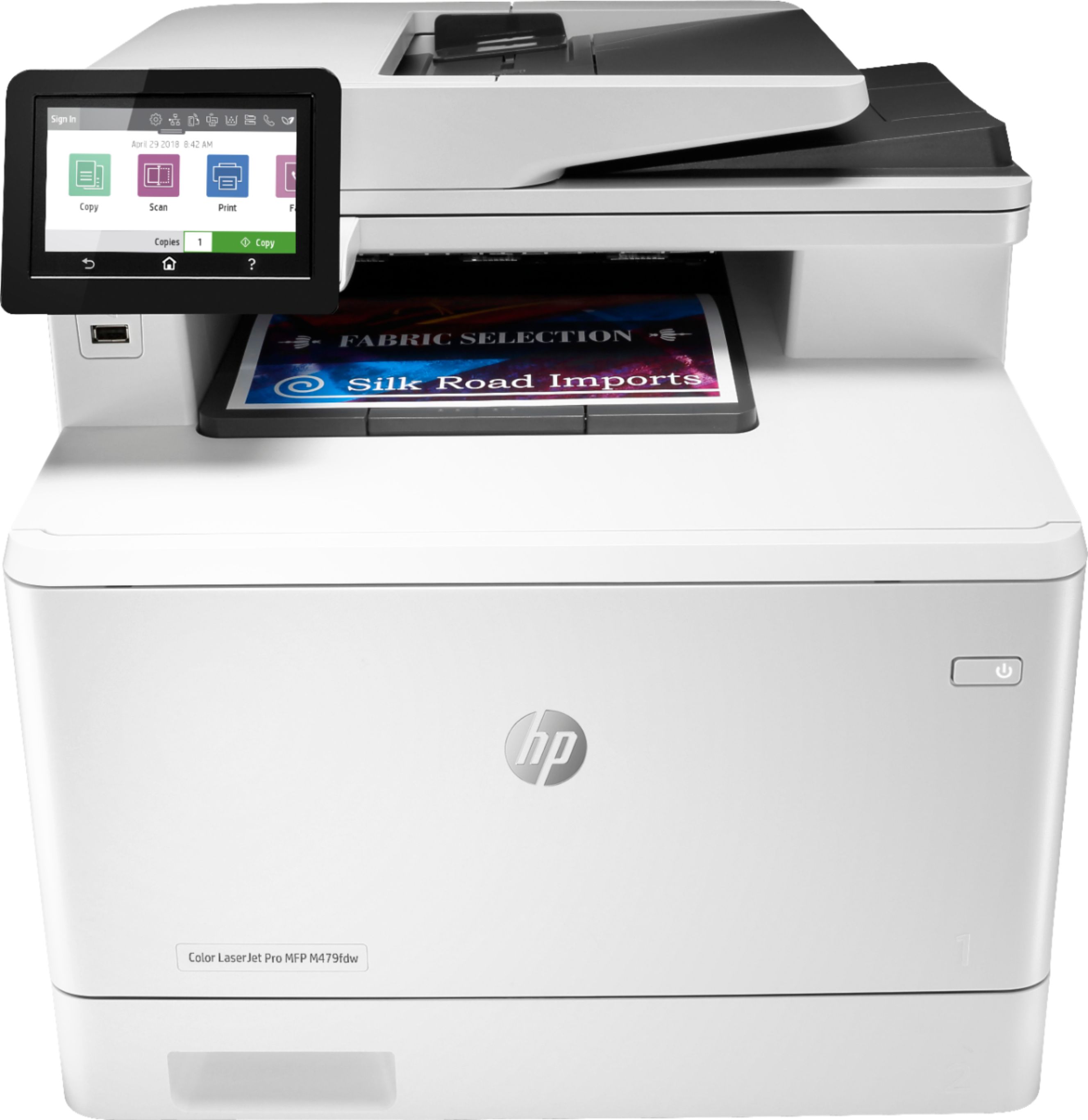
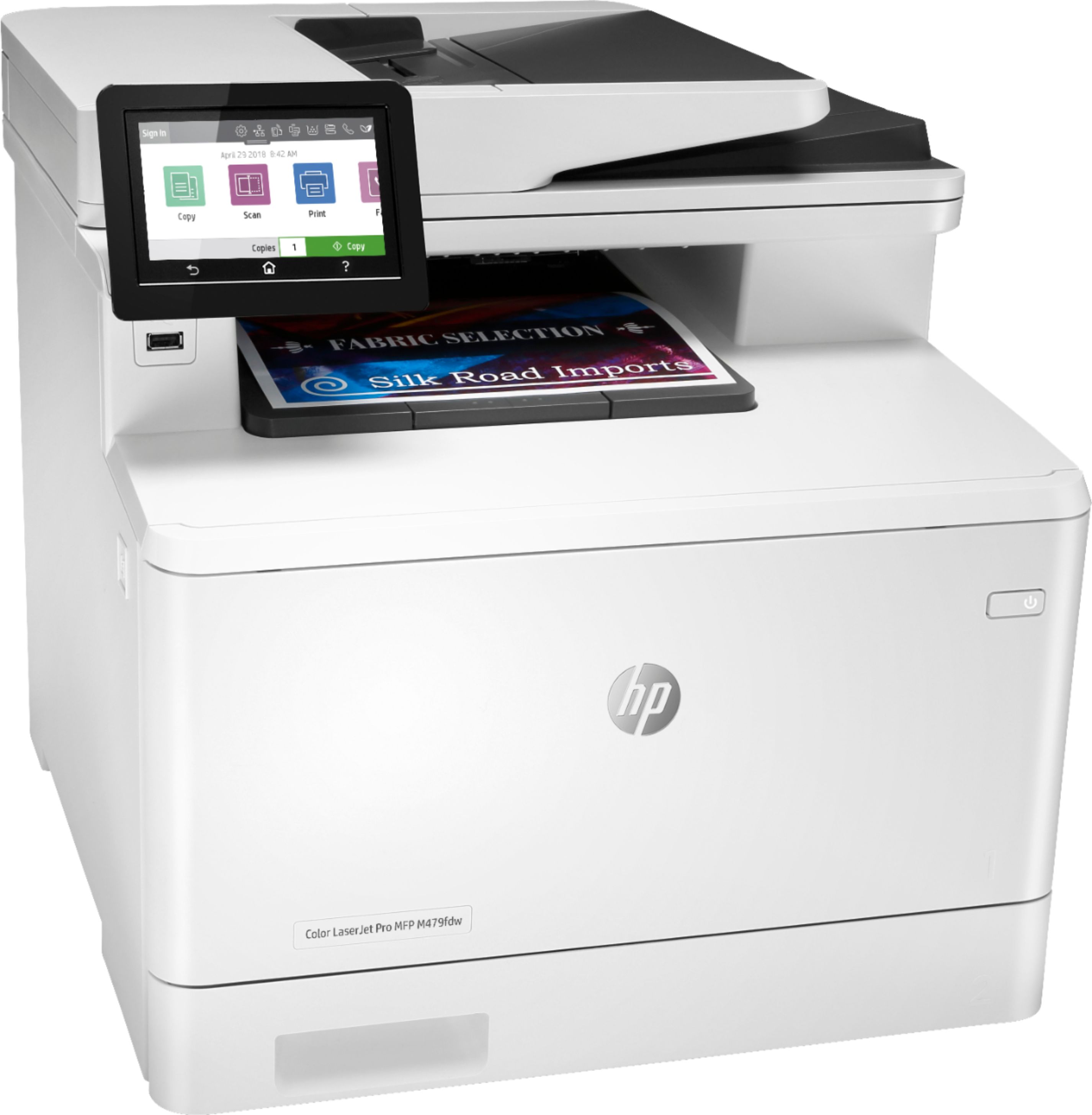
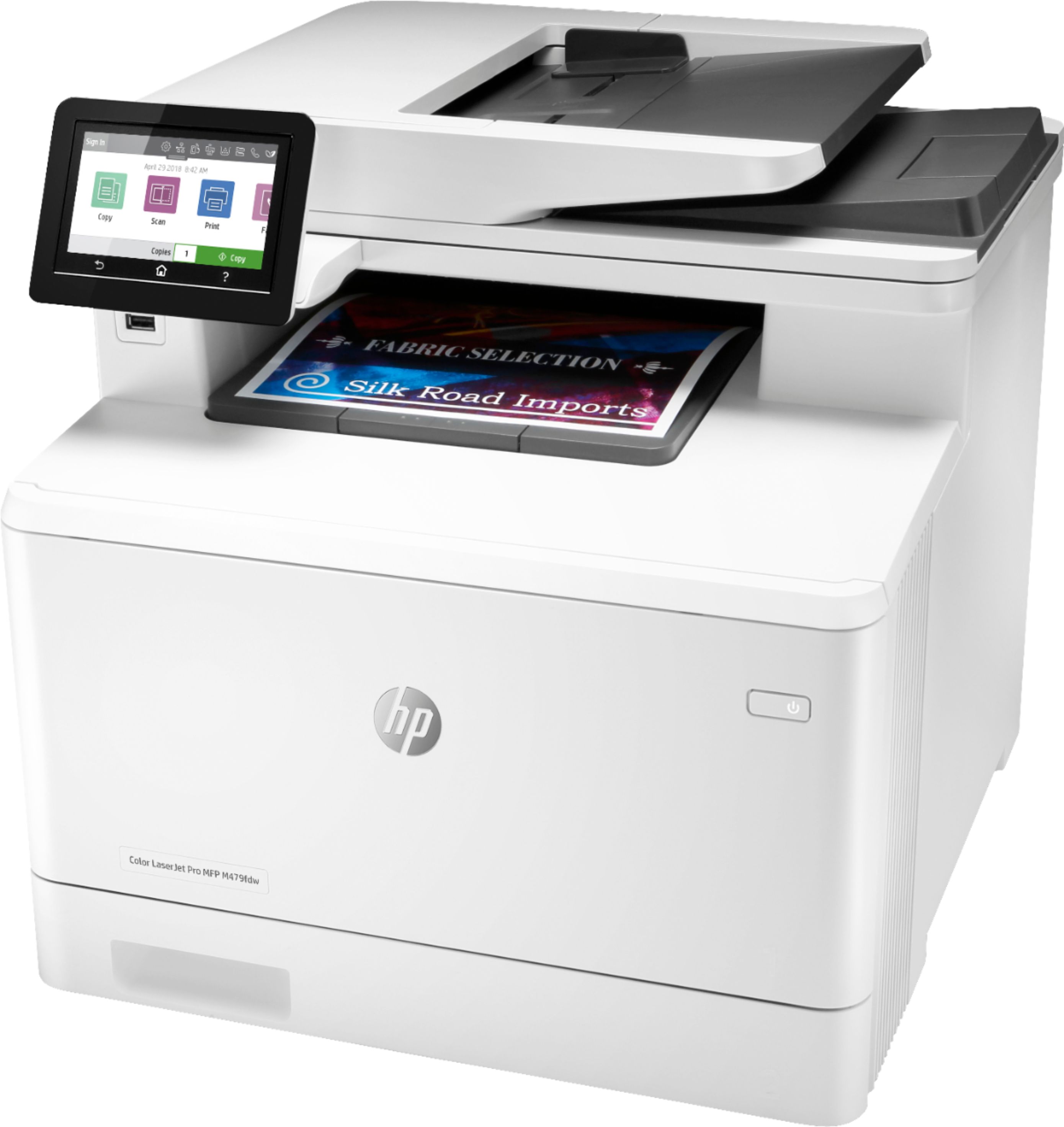
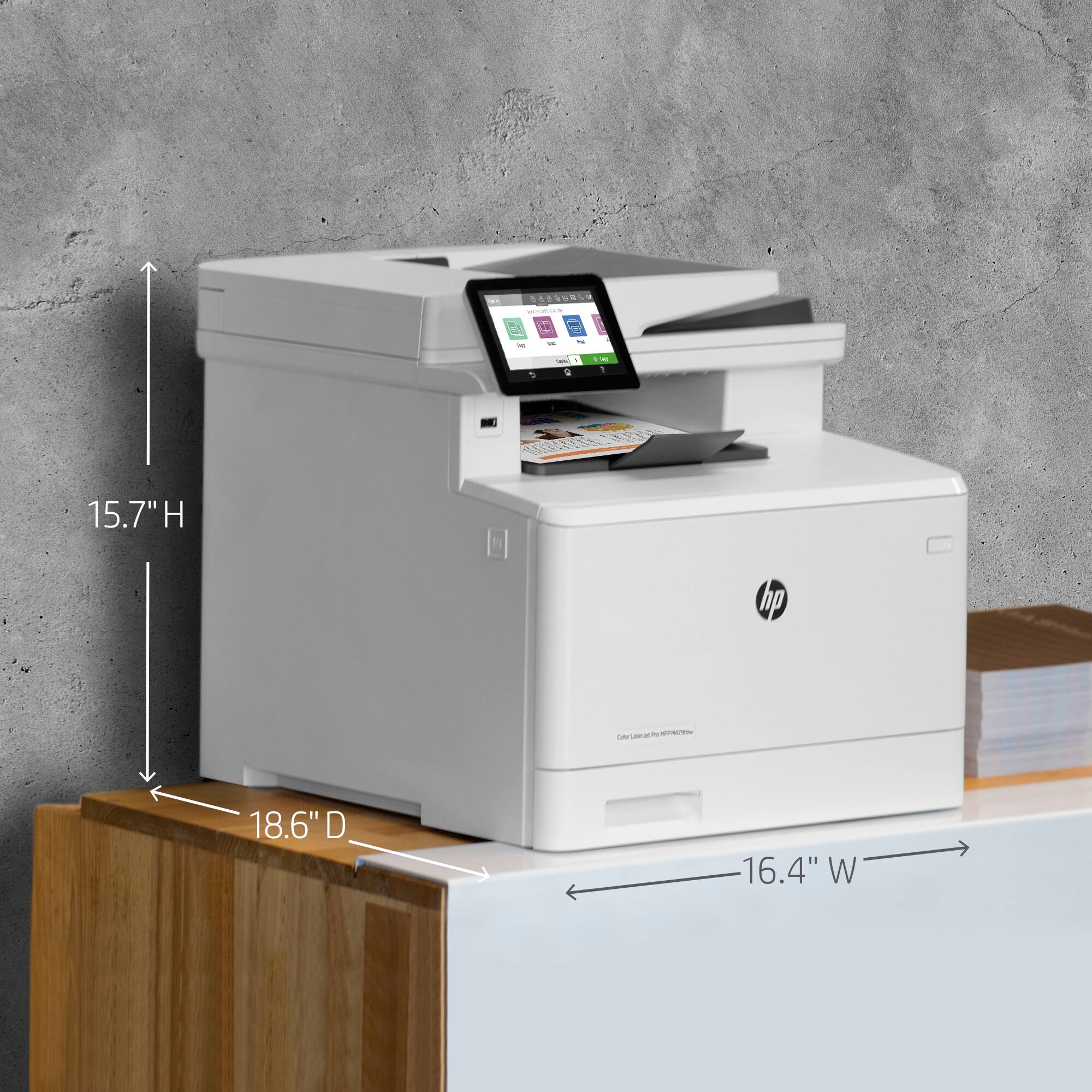
- LaserJet MFP 479fdw
- SKU:
- 6348956
Rating by feature
- Value
Rating 4.3 out of 5 stars
- Quality
Rating 4.6 out of 5 stars
- Ease of Use
Rating 4.5 out of 5 stars
Customers are saying
Customers have good things to say about the LaserJet Pro M479fdw Wireless Color All-In-One Laser Printer, particularly its easy setup, print quality, and quiet operation. They appreciate the convenience of wireless printing and the excellent color output. However, some customers find the price and toner to be expensive, and there have been complaints about the weight and issues with the scanner.
This summary was generated by AI based on customer reviews.
Didn’t last.
||Posted . Owned for 1 month when reviewed.This reviewer received promo considerations or sweepstakes entry for writing a review.This printer lasted three weeks before we had issues with the display. (To the point that we can’t use it). We also paid extra for the protection plan which Best Buy can’t process a repair or replacement because of Coronavirus. Which I understand. But now our essential business is open and trying to function without a printer after having just spent hundreds of dollars on a new printer less than a month ago!!!!
No, I would not recommend this to a friendBrand response from HP Team
Posted .Hello there,
I want to deeply apologize for all the inconvenience that occurred with the display screen of this printer. We certainly build our printers with the intent of providing a reliable experience for our customers, so I can imagine how frustrating this situation can be for you, especially since you bought this offer from BestBuy and they are not able to help you at the moment. I would really love to provide some help on how to proceed in this situation.
Due to a very specific nature of the problem please reach out to us and explain the issue. We'd be more than happy to work through any troubleshooting that is left or initiate a replacement under your printer's warranty. You can give us a call at +1 800-474-6836 between the hours of 8 am - 9 pm ET. To expedite things a bit, I recommend gathering this information beforehand:
- Model number
- Serial number
- Your location
- Your case number (from prior contact with support)
To verify the warranty, you can use the following link: support.hp.com/us-en/checkwarranty
In case of further queries, please do not hesitate to contact us at: hp.com/contactHP
Kacper
HP Care
hp.com/support
DID NOT LAST EVEN A YEAR
||Posted . Owned for 1 year when reviewed.This reviewer received promo considerations or sweepstakes entry for writing a review.did not even last a year using , very disappointed in hp
No, I would not recommend this to a friend- Pros mentioned:Print quality
Terrible experience
||Posted .This reviewer received promo considerations or sweepstakes entry for writing a review.HP Software is horrible and difficult to get all the features to work, like scan to computer etc. Once you can get this printer to print, it does a decent printout. Seriously contemplating returning as I was expecting plug and play like all of the previous HP laser jets I owned.
No, I would not recommend this to a friendBrand response from HP Team
Posted .Hello there,
I want to sincerely apologize for all the problems the printer has been causing. We certainly build our printers with the intent of providing a reliable experience for our customers, so I can imagine how frustrating and disappointing a situation like yours can be.
Due to the vague nature of the issue, please reach out to us for support. We'd be more than happy to work through any troubleshooting or initiate a replacement under your printer's warranty. You can give us a call at +1 800-474-6836 between the hours of 8 am - 9 pm ET. To expedite things a bit, I recommend gathering this information beforehand:
- Model number
- Serial number
- Your location
- Your case number (from prior contact with support)
On a related note, I'd like to mention the fact that HP printers do also have the warranty from their purchase date, so if you find you need to use it, I hope you will. To verify the warranty, you can use the following link: support.hp.com/us-en/checkwarranty
In case of further queries, please do not hesitate to contact us at: hp.com/contactHP
Kacper
HP Care
hp.com/support
- Pros mentioned:Ease of use, Print quality

Easy to set up and fabulous all in one printer
|Posted .This reviewer received promo considerations or sweepstakes entry for writing a review.I have always been a big fan of HP Printers and this one device is no exception. Not only is it as easy as ever to set up and download a corresponding app, it gives you real time updates on status and if you need new ink etc. The app makes it easy to scan or print or even make copies and seeing it is a laser jet printer, the print outs are beautiful and this really makes life a lot easier. The printer itself is very large but contains a scanner and even a fax machine capability. Plus HP keeps things simple and their printers are always reliable. Highly recommended.
I would recommend this to a friend - Pros mentioned:Print qualityCons mentioned:Weight
Everything you need in a small business printer
|Posted .This reviewer received promo considerations or sweepstakes entry for writing a review.Overall this is an excellent printer. Keep in mind that unless you are a power user at home, this is best reserved for small businesses or home offices. The design is pretty straight forward with nothing really setting it apart from other printers in its class. I will caution that this thing is heavy! I believe the packaging said it was 59 pounds. Figure out where you want to put it and then leave it there :-) I won't get into the specs to much as you can read those on the product page. But needless to say this printer will not leave you wanting for anything. I do like the large touch screen control panel. And at 27 ppm it's plenty fast. Also, I love the individual color cartridges. Only need to change the color that ran out instead of wasting the rest. They state that the introductory cartridges are rated for 2,400 in black and 1,200 in color. Only time will tell how true these numbers hold up. But I have no reason at this point to doubt them and if true then the numbers are impressive. Now what is important is how it connects not only to your computer, but your mobile devices as well. It is Apple Air Print enabled. I am not much of an Apple user but I did try printing from an iPhone and it worked perfectly. I downloaded the HP app to my Note 9 and in the brief time I have had it it has worked great with this as well. FYI, wi-fi connections have been solid and were easy to set up. Can't say that for all printers. So far I have used it as a printer, a scanner & a copier (I don't use fax machines but the ability is there). Along with how well it works with the mobile devices as well as my computer and the fact that set up was a breeze, I would highly recommend this unit.
I would recommend this to a friend 4-in-1
||Posted . Owned for 1 year when reviewed.This reviewer received promo considerations or sweepstakes entry for writing a review.Very functional device, but had to have it serviced a couple times already to remove phantom images on the printing function.
No, I would not recommend this to a friendPerson
||Posted . Owned for 3 weeks when reviewed.This reviewer received promo considerations or sweepstakes entry for writing a review.Seriously, you delivered it to yourself and never got me the item, BOOO
No, I would not recommend this to a friend- Pros mentioned:Print quality
Dont waste your money.
||Posted . Owned for less than 1 week when reviewed.This reviewer received promo considerations or sweepstakes entry for writing a review.Brought this to save on ink get 10,000 page out $200 toner. Prints good but the scanner suck. Try scanning 15 papers stop at page 7. Going return it back. It lose it connect to the internet and ipad.
No, I would not recommend this to a friendBrand response from HP Team
Posted .Hi Missy,
I so sorry to know that you have been experiencing issues with the scan and the connectivity trying to use with you Apple device. I really understand your frustration, so please, let me help you to fix these issues.
Since this is a new release product, for sure you will be able to use our Warranty services so we can provide you the solution you need. To check such service availability for your product, follow all the steps provided in the next site: support.hp.com/checkwarranty
We want the best for you!
Antonio
HP Care
hp.com/support
Nice Printer
||Posted . Owned for 1 month when reviewed.This reviewer received promo considerations or sweepstakes entry for writing a review.The printer is great. The toner is super expensive. If you get the larger size toners, you are looking at $1000 to replace them all.
No, I would not recommend this to a friendHorrible.
||Posted . Owned for 1 month when reviewed.This reviewer received promo considerations or sweepstakes entry for writing a review.Don't buy this piece of garbage. I am on my second one. It took me a week to get it to print. It won't work with my primary scanning and organizing software, Paperport, which is major oversight by HP. It is slow to print, if it does at all. It will scan with its proprietary HP software and thats it. The wireless feature will almost never work. I went with HP instead of Brother because of the problem with Brother's drums in their printers. But Brother was faster, cheaper and worked with other software too, including the dominant Paperport for business. I will never buy another HP printer for my office. For home use, great, but never in the office!
No, I would not recommend this to a friendBrand response from HP Team
Posted .Hello there,
I am very sorry to hear that you encountered problems with the printer. We aim to provide nothing short of a reliable experience with our products and support. I would like to help and explain how to proceed in situations like this.
First, please reach out to us for support and explain the issue.
All HP products have Limited Warranty Period.
You can check your warranty entitlement by entering your product model number and serial number at http://www.hp.com/go/warrantycheck
HP Care Pack services registration can be checked at Care Pack Central at http://www.hp.com/go/cpc
You can receive support in one of the following ways:
1. Looking for additional support and troubleshooting information or updated software and drivers from the HP Support website at http://www.hp.com/support
2. Locating and contacting your nearest HP Support location via the website at http://welcome.hp.com/country/us/en/wwcontact.html
3. Contacting your HP authorized reseller or HP authorized service provider. Before calling HP or an HP authorized service provider, have the following information available:
- Product serial number, model name, and product model number
- Applicable error messages
- Add-on options
- Operating system
- Third-party hardware or software
- Detailed questions
In case of further queries, please do not hesitate to contact us at: hp.com/contactHP or please give us a call at: +1 800-474-6836 between the hours of 8 am - 9 pm ET.
Hope this helps!
Tom
HP Care
hp.com/support
Dissapointed with set up for certain features
||Posted . Owned for less than 1 week when reviewed.This reviewer received promo considerations or sweepstakes entry for writing a review.This is by far the most complicated printer I have ever set up, assuming you want to use all features (such as scan to email). After long calls with HP support, I still do NOT have the scan to email feature. If you scan to network, you have to do one page at a time and for long documents, that doesn't make sense.
No, I would not recommend this to a friendBrand response from HP Team
Posted .Hello there,
I'm so sorry for the inconvenience this printer has been causing. We certainly build our printers with the intent of providing a reliable experience for our Customers, so I can imagine how problems you mention could cause frustration.
If you are having trouble configuring Scan to Email function, please visit the following site and follow the Setup steps: https://support.hp.com/us-en/document/c06269807
We hope that the performance of your printer improves from now on and your experience is way better.
Feel free to contact us anytime at: http://hp.com/contactHP
Hope this helps!
Tom
HP Care
hp.com/support
- Pros mentioned:Print quality
Nice
|Posted .This reviewer received promo considerations or sweepstakes entry for writing a review.Great all in one color laser printer. Has all the features you are likely to need. Great for a small business or personal use. It may be slight overkill for me since I don't print a lot but I was tired of cheap printers that are missing some features that I wanted. Big and heavy, you will need to figure where to put it but not a problem for most of us. The docs say 51 lbs but it felt heavier when moving it around by myself. Not really huge but big. Great printing, good scan/copy, I didn't try the fax since I don't have a landline. I use it wireless which works great. Also nice touchscreen. You can print from flashdrives as well so you don't even need your computer. Not really for photos but does them ok. Also docs included are quite limited but a full manual can be downloaded from hp's website. It seems that most stuff is going this way nowdays. No discs either, drivers and software must be downloaded. Toner not cheap but reasonable. Four cartridges, change only the ones that are empty. You might want to check the price at hp's website. The plastics aren't as heavy duty as hp's older printers but this one has many more features and should hold up for a long time. I like it!
I would recommend this to a friend - Pros mentioned:Ease of use, Print quality
Really nice prints
|Posted .This reviewer received promo considerations or sweepstakes entry for writing a review.I got this HP laser printer because I run a small business from home. I have always had an inkjet printer, but I have to constantly replace the cartridges. I have always heard that the laser printer toner makes much more copies than the ink printers. If you plan to use it at home, make sure you have a good amount of space. If you are placing this printer in an office workplace, you should have plenty of space because it isn't any bigger than your average laser printer. It was a small challenge to get it out of the box, but with help it came out easily. For my business I just need to print, copy and scan, so I didn't test the fax capabilities. Once out of the box it was easy to set up. I followed the instructions from the 4 inch touchscreen, which is nice since my eye-sight isn't that great. Next I downloaded the latest software needed and I was ready to go. I really like that the toner is already installed, so no need to mess with the ink. I set up a wireless connection and I was able to easily print from my computer, phone and I pad. The copies are much nicer than my previous ink printer, the copies look much more professional. I also do a lot of scanning and the quality there was also much better than my previous HP ink printer. Besides the quality of the prints, the speed is also very nice, especially when printing double-sided. Overall, I am extremely happy with this HP Laser JetPro printer because it is easy to set up, very user friendly and most importantly the printing is high quality.
I would recommend this to a friend - Pros mentioned:Print quality
Worst decision for a small business
||Posted . Owned for 1 year when reviewed.This reviewer received promo considerations or sweepstakes entry for writing a review.The ink runs out extremely fast and for a struggling small business the ink is extremely expensive not worth the the money. Yes the quality is good but its not superb, in the end not work the price.
No, I would not recommend this to a friend Sam
||Posted . Owned for 1 month when reviewed.This reviewer received promo considerations or sweepstakes entry for writing a review.Defective. Also very hard to set the defaults. Very disappointed.
No, I would not recommend this to a friendBrand response from HP Team
Posted .Hello there,
I’m sorry to hear that your printer is defective. Your review is brief, but your disappointment is clear – and totally understandable – so I’ll point you toward a resource and some information I hope will help.
I can’t tell from your review what issues your printer faces or why it has not worked, so I recommend that you contact us directly at +1 800-474-6836 so we can help you assess the situation and find a solution. (Please note that because of restrictions on personal movement and workplace attendance associated with the COVID-19 pandemic, wait times for agents are longer than normal. Thanks in advance for your understanding.) To expedite the process, I recommend gathering the following information before the call:
- Model number
- Serial number
- Your location
- Case number (from any previous contact with HP support)
I'll also mention that HP printers have a one-year warranty from their purchase date that covers hardware as well as ink supplies, so if it comes to that, you might consider making use of it. You can verify the warranty using the following link: support.hp.com/us-en/checkwarranty
Kacper
HP Care
hp.com/support
don't buy it
||Posted . Owned for 3 weeks when reviewed.This reviewer received promo considerations or sweepstakes entry for writing a review.noisy and runs hot gets confused at times prints multiple pages
No, I would not recommend this to a friend- Pros mentioned:Print quality
Great Laser printer
|Posted .This reviewer received promo considerations or sweepstakes entry for writing a review.HP - LaserJet Pro M479fdw Wireless Color All-In-One Printer. The HP Color LaserJet Pro is a beautiful, easy to use printer. I used the setup manual up to the point of computer connection, instead of USB I opted for network. I used the automatic setting but really wanted to set them to static. Much to my surprise, when I went to static all the existing settings were still there with the option to just hit save. Wow was that easy, I’ve never had anything keep existing setting and just let me save them, that’s a real time and effort saver. Good job HP!. I then went into Windows and deleted the automatic printer installation. Windows never installs the real drivers, just the basic ones needed to print. I downloaded the HP tool for automatically installing the correct printer drivers. When I got to the window about plugging in the USB cable I just hit next. Sure enough my network printer showed up with the correct IP address. Click on it to have it install the drivers, I went for the full package. Again, great job HP. Someone at HP was listening because the last few HP printers I’ve installed actually had to install the drivers, uninstall the drivers, and re-install the drivers to get them to work correctly. This was even documented on their website. This installation is nothing like that, IT JUST WORKS. The printer only does 8-1/2” x 11 to 8-1/2” x 14”. It also supports many sizes in between those. The print quality is far above other printers in this price range. It even prints full color pictures on regular paper. It does full duplexing on printing and copying. It does duplex scanning in one pass. I downloaded the phone APP and it told me to print I would have to install the HP printer section to my phone. Just click ok and it does it all. I’ve printed from my phone over the network connection. I did not try the direct printing because this option would never be used by me. However, looking at the menu setting for direct printing I can see the password you would need for the network connection and the SSID shows up on my phone. From the phone APP I can see the printer status, toner levels and other settings. The only thing I can’t seem to figure out is how to scan a document double sided. It does it natively from the printer, but from the phone APP it only does 1 side at a time. If the document in the document feeder and is multi-page it will scan each sheet, just no duplex. Probably a limit of the phone interface or maybe something they’ll add in an update to the APP. A note of caution, this is a standard HP LaserJet printer, HEAVY. It will probably take 2 people to carry it to your car. Here’s the thing. I used to own an HP 4MV LaserJet printer. It must have been 60lbs. I replaced it with a Brother laser printer when I could no longer get good toner cartridges for the 4MV. The Brother laser was about 20lbs. This new HP is 51lbs. HP LaserJet’s tend to be on the heavy side. I believe they are just built to last. My 4MV was built in 1995? And was replace this year 2019. 24 years of service, nothing is going to last like that anymore. My old 4MV was S L O W from the time you hit print until the page came out was about 30 seconds. Each page in a set directly after the first one was another 10 to 15 seconds. The Brother was faster and quieter. This printer is even fast and quieter than that, the first page comes out at 7 seconds, full color or black and white. Each page after that is about 3 to 4 seconds. You could probably print in a room with someone sleeping in it. My last note is on Auto On/Off. This functions perfectly. When the printer sets for even a few seconds the display turns off. After about 1 minute you hear a light click and you know the printer is “Off”. From the “Off” state it turns on automatically in about 2 seconds and warm up take only about 7 seconds. My bottom line on this printer is, if this is in your budget, get it. You won’t be sorry.
I would recommend this to a friend - Pros mentioned:Print quality
Prepare to spend about $450/month on tonor
||Posted . Owned for 1 month when reviewed.This reviewer received promo considerations or sweepstakes entry for writing a review.Prints beautifully, but tonor needed replaced monthly, 85 for black and 115 for each color. Too new to buy knock off tonor. We returned it.
No, I would not recommend this to a friend not always reliable
||Posted . Owned for 1 month when reviewed.This reviewer received promo considerations or sweepstakes entry for writing a review.It keeps telling me its out paper and it is full of paper.
No, I would not recommend this to a friend- Pros mentioned:Print quality, Setup
Fast and Quiet
|Posted .This reviewer received promo considerations or sweepstakes entry for writing a review.So far this has been a great printer. It was easy to unpack and setup. The driver package for Windows 10 is about 250mb, but takes you through the install process with ease. The print quality is fantastic. Crisp, clean edges to the lettering on pages. Text just looks really good. Color reproduction is quite good. It definitely lags a bit in photo realism, but if you bought it for photos you picked the wrong printer. The print speed is excellent, and you can barely tell it's printing as it spits the page out before you've even realized it's working. I've had a few issues with it saying that it's out of paper when it's fully loaded...so not sure if I'm just not pushing it in far enough or if there's a misaligned sensor. So far I've printed from a Windows 10 PC on wireless and a Chromebook on wireless and it's worked exactly as advertised. I would highly recommend this Laser Printer for your SMB office and productivity needs. It really truly creates a better looking print than what we were getting with our previous HP InkJet printer. Now if HP would only offer instant ink on the laser printers as well.
I would recommend this to a friend