Customer Ratings & Reviews


- Model:
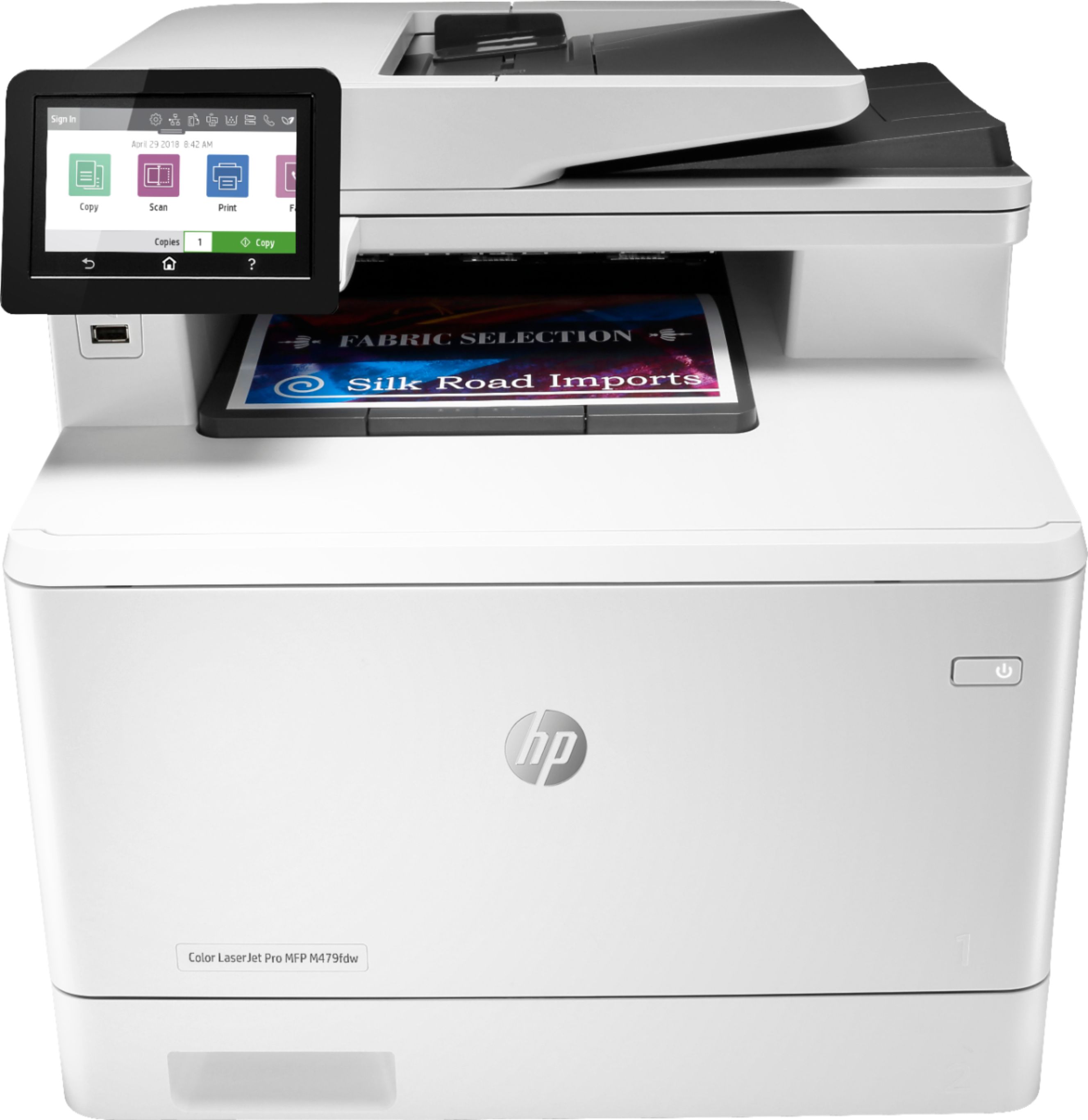
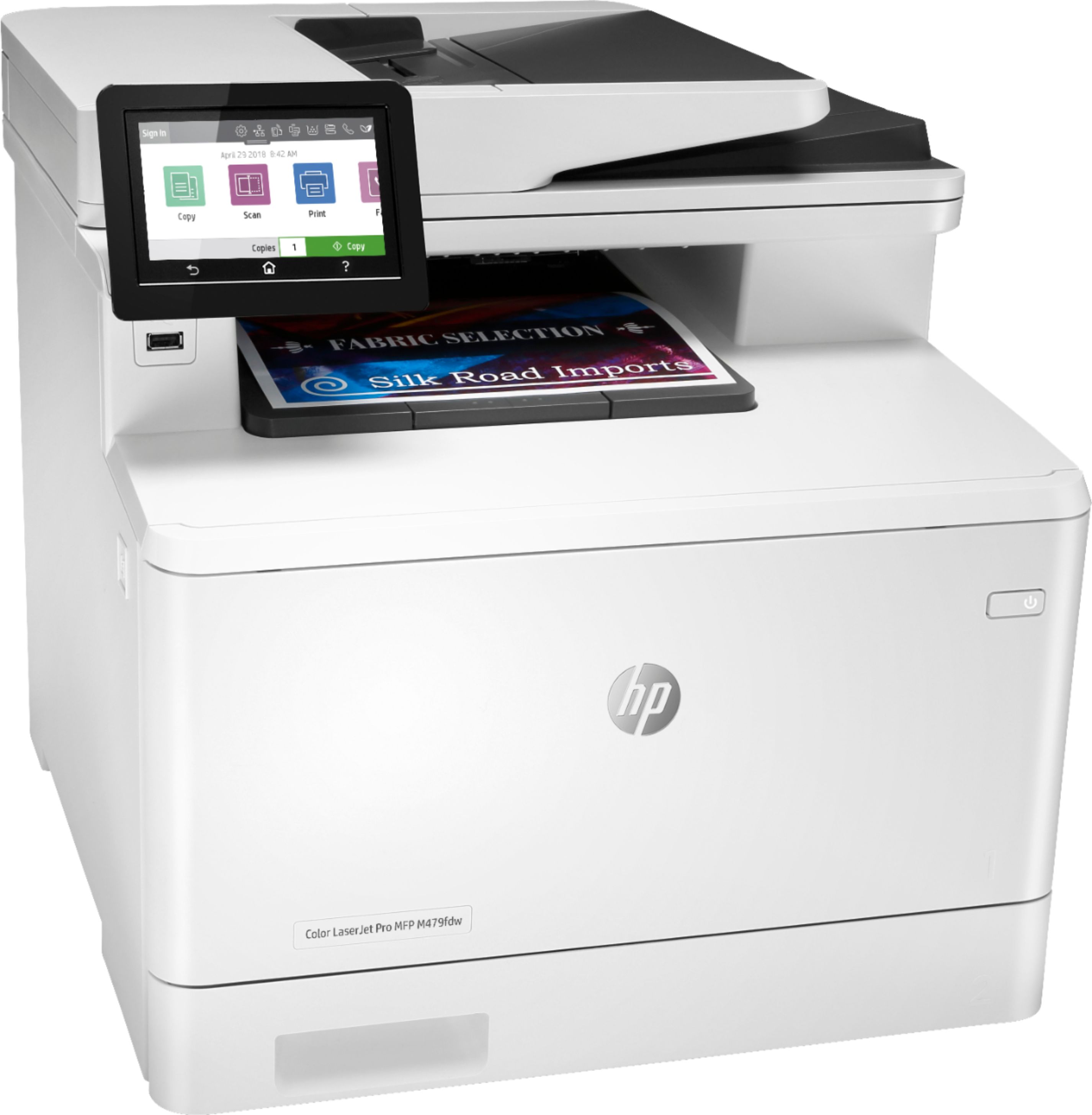
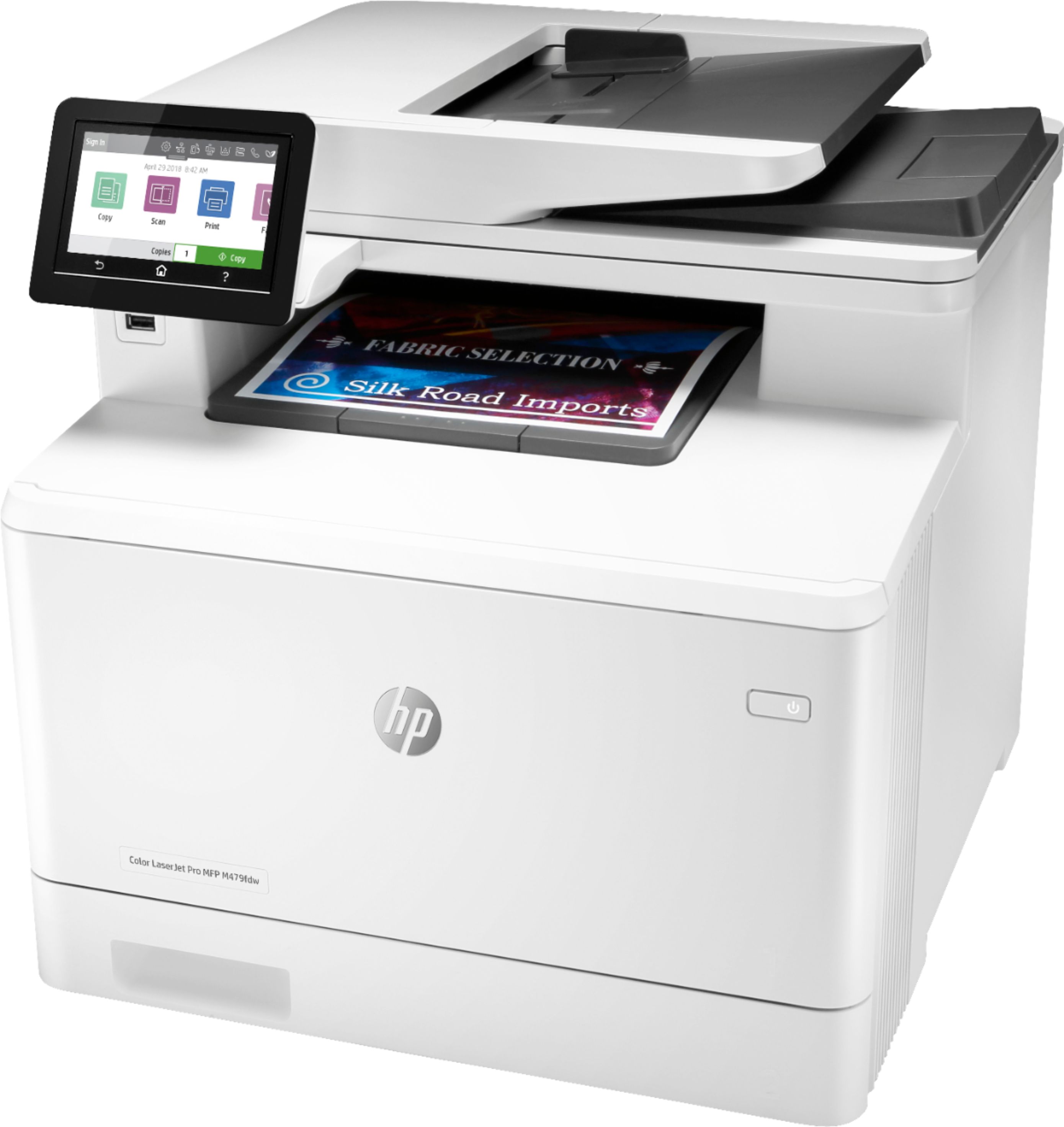
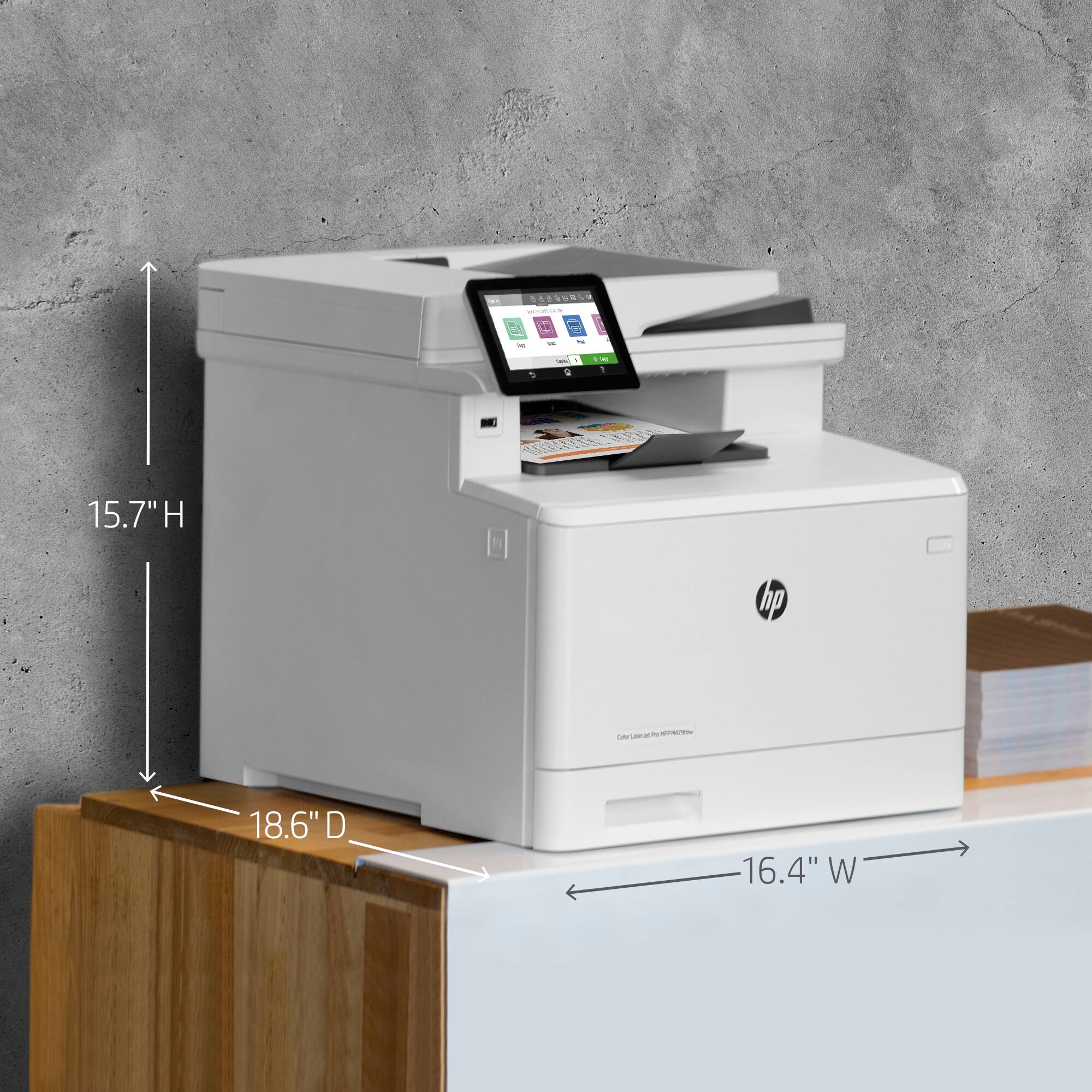
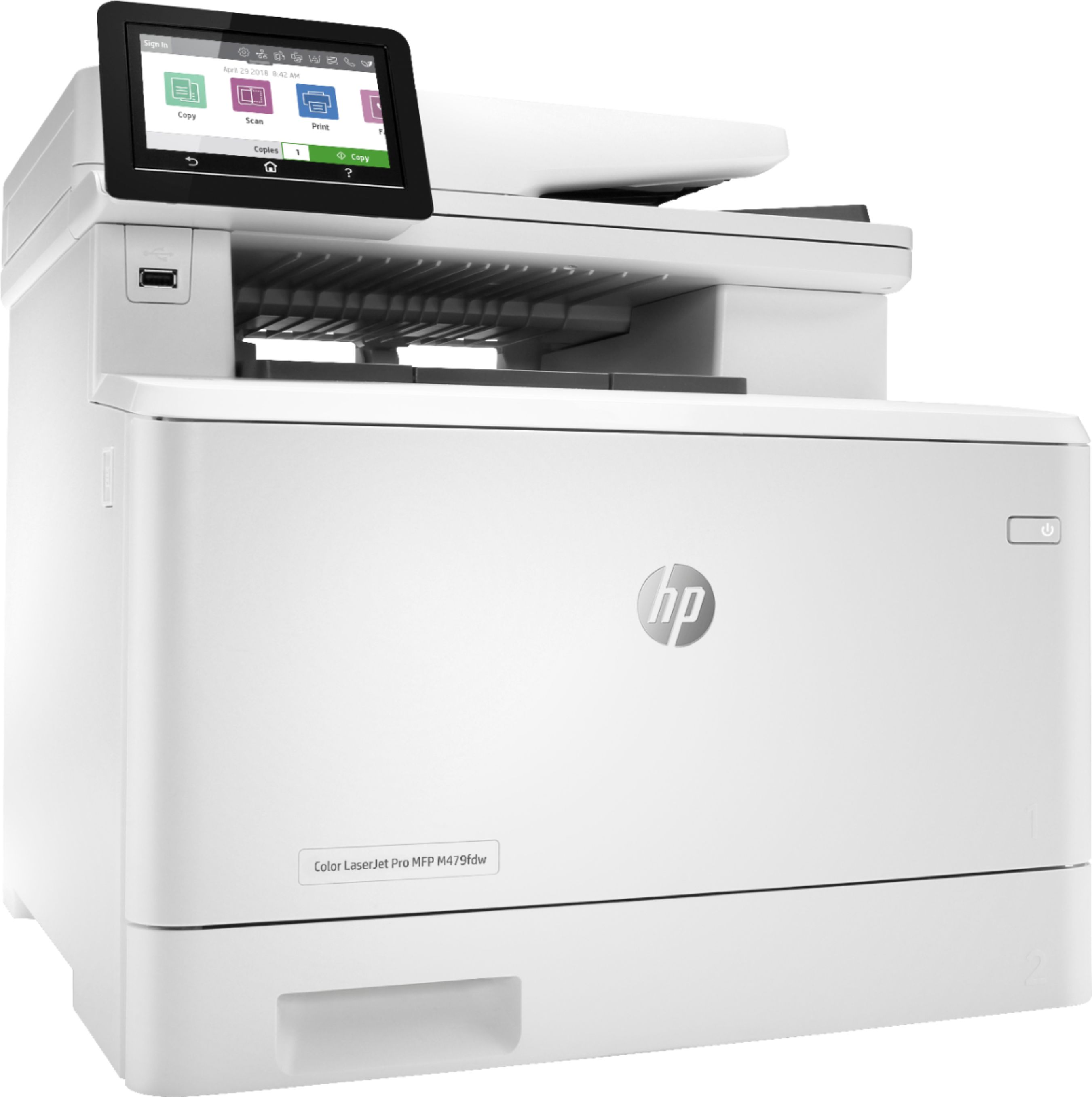
- LaserJet MFP 479fdw
- SKU:
- 6348956
Rating by feature
- Value
Rating 4.3 out of 5 stars
- Quality
Rating 4.6 out of 5 stars
- Ease of Use
Rating 4.5 out of 5 stars
Customers are saying
Customers have good things to say about the LaserJet Pro M479fdw Wireless Color All-In-One Laser Printer, particularly its easy setup, print quality, and quiet operation. They appreciate the convenience of wireless printing and the excellent color output. However, some customers find the price and toner to be expensive, and there have been complaints about the weight and issues with the scanner.
This summary was generated by AI based on customer reviews.
Hard to understand how to scan Not impressed
||Posted .This reviewer received promo considerations or sweepstakes entry for writing a review.Directions are not easy to follow up. Difficult to scan.
No, I would not recommend this to a friendPrinter would not take Wi-Fi router password
||Posted . Owned for 3 weeks when reviewed.This reviewer received promo considerations or sweepstakes entry for writing a review.Something wrong with printer. Tried 2 different routers and 2 of the same printers and could not get printers to take passwords. I have 6 devices on router and no problem with password until this printer.HP said it was not a problem with printer so they could not help me.
No, I would not recommend this to a friendCreate or sign in to your HP account to use your
||Posted . Owned for 1 month when reviewed.This reviewer received promo considerations or sweepstakes entry for writing a review."Create or sign in to your HP account to use your new scanner..."
No, I would not recommend this to a friend- Pros mentioned:Print quality

Excellent for home office and small business
|Posted .This reviewer received promo considerations or sweepstakes entry for writing a review.HP made power printing easy with its LaserJet Pro M479fdw All-In-One. While maybe overkill for casual use, it is an excellent option for home office and small businesses. The machine is large and heavy - I generally like to put printers under my desk, but this thing needed some room up top for feeder access in my workspace. Getting it up and running was surprisingly easy; I only have the slightest quabble with having to download the HP app when printing from my tablet. Printing from my personal Android phone and my iPhone work mobile was simple as well. Printing is fast, and I had zero jam issues, a big plus. Colors are bright and blacks are bold. I like that the color cartridges are separate and will only need to be replaced as needed, unlike some combined cartridges. I don't have fax capabilities at home, but the copier was quick and consistent. It is a bit on the loud side, compared to the Brother printer/copiers I'm used to. There's no real downside to this printer. It is easy to set up, easy to use, has a big responsive touch screen, and looks great. If you're looking for a machine for casual home use, this might be too much printer for you. That being said, HP's LaserJet Pro M479fdw is perfect for taking on the heavy use of a home office and will easily take on the tough print jobs other printers can't handle. Full disclosure, I received this product for my honest, unbiased review.
I would recommend this to a friend If the drivers worked....
||Posted . Owned for 3 weeks when reviewed.This reviewer received promo considerations or sweepstakes entry for writing a review.Drivers incompatible with multiple brand new computers. No HP help.
No, I would not recommend this to a frienddisappointed
||Posted . Owned for 1 month when reviewed.This reviewer received promo considerations or sweepstakes entry for writing a review.i purchased this new and printed the first time, received error that the printer failed. called hp support and diagnosed problem that had a defective component and must be returned. very inconvenient, very disappointing.
No, I would not recommend this to a frienddisaster
||Posted . Owned for less than 1 week when reviewed.This reviewer received promo considerations or sweepstakes entry for writing a review.This printer is a disaster. The dual printing will NOT stay off. Thhe setting is not checked in print pop up but when I drill into the printer control it is checked even though has been turned off multiple times. The printer goes to sleep no matter what the settings.
No, I would not recommend this to a friendBrand response from HP Team
Posted .Hello Janet,
I want to sincerely apologize for all the problems the printer has been causing. We certainly build our printers with the intent of providing a reliable experience for our customers, so I can imagine how frustrating and disappointing a situation like yours can be.
Due to the vague nature of the issue, please reach out to us for support. We'd be more than happy to work through any troubleshooting or initiate a replacement under your printer's warranty. You can give us a call at +1 800-474-6836 between the hours of 8 am - 9 pm ET. To expedite things a bit, I recommend gathering this information beforehand:
- Model number
- Serial number
- Your location
- Your case number (from prior contact with support)
On a related note, I'd like to mention the fact that HP printers do also have the warranty from their purchase date, so if you find you need to use it, I hope you will. To verify the warranty, you can use the following link: support.hp.com/us-en/checkwarranty
In case of further queries, please do not hesitate to contact us at: hp.com/contactHP
Kacper
HP Care
hp.com/support
Disappointed
||Posted . Owned for 8 months when reviewed.This reviewer received promo considerations or sweepstakes entry for writing a review.The printer is making a racket every time we print. It's like one of the gears has stripped, so every time you turn it on or print an item, it is grinding. For being a new printer, it seems it should last longer than 6 months.
No, I would not recommend this to a friendBrand response from HP Team
Posted .Hello there,
I’m sorry that your printer has performed so poorly. I want to help you remedy this problem, so I’ll guide you to some resources and information I hope will accomplish that goal.
First, I recommend you visit a page on our support site that has diagnostic tools for various issues. You can find that page here:
- support.hp.com/us-en/topic/diagnostics
If the problem persists, I suggest that you contact us directly at +1 800-474-6836 so we can help you assess the situation and determine the best course of action. (Please note that because of restrictions on personal movement and workplace attendance associated with the COVID-19 pandemic, wait times for agents are longer than normal. Thanks in advance for your understanding.) To expedite the process, I recommend gathering the following information before the call:
- Model number
- Serial number
- Your location
- Case number (from any previous contact with HP support)
I'll also mention that HP printers have a one-year warranty from their purchase date that covers hardware as well as ink supplies, so if it comes to that, you might consider making use of it. You can verify the warranty using the following link:
- support.hp.com/us-en/checkwarranty
Kacper
HP Care
hp.com/support
- Pros mentioned:Ease of use, Print quality
Prints like a Boss!
|Posted .This reviewer received promo considerations or sweepstakes entry for writing a review.This is such a great printer. The setup was easy, the print quality is amazing, and the pages come out with lightning speed!! Seriously though, there is no negatives to this printer, it's made well, and has a lot of great options. It is super easy to print directly from my phone which is a feature I never thought about, but now that I have the ability, I wouldn't want to go back. Looking forward to many great years with this.
I would recommend this to a friend Consumer
||Posted . Owned for 2 months when reviewed.This reviewer received promo considerations or sweepstakes entry for writing a review.Cannot set it up. The HP website keeps freezing up, and it is asking for a claim code that I do not have. Called Best Buy, they would not help, unless I paid $79. It still does not work, waste of money.
No, I would not recommend this to a friendCant use it without an account
||Posted . Owned for 1 year when reviewed.This reviewer received promo considerations or sweepstakes entry for writing a review.Hope youre not in a hurry to scan something in before a deadline, logs you off and makes you log back in and the worst times, can not use the scan function offline or as a guest.
No, I would not recommend this to a friend- Pros mentioned:Print quality
High Quality All-in-One! Great for the home netw…
Posted .This reviewer received promo considerations or sweepstakes entry for writing a review.Very happy with our purchase thus far. The set up was simple, the device was up and running on my home network in about 10 minutes. We are able to print directly from our cell phones (iOS) through the Hp app we downloaded from the App Store. The print quality has been excellent, both color and black and white, with regard to the handful of jobs printed to this point. The copy and scan functions have worked seamlessly to this point for us as well. We have only had this product for a short period of time however, we are very pleased with our purchase. The only negative we can comment on currently is the cost of the replacement inkjet cartridges… WOW!
I would recommend this to a friend Don’t Purchase!!!
||Posted . Owned for 1 week when reviewed.This reviewer received promo considerations or sweepstakes entry for writing a review.Cartridges in box are incompatible. Cannot print. HP customer service will not help. This printer will be returned.
No, I would not recommend this to a friend$800 PAPERWEIGHT
||Posted . Owned for 2 months when reviewed.This reviewer received promo considerations or sweepstakes entry for writing a review.This is the worst printer I've ever owned. RUN AWAY! Don't buy this printer.
No, I would not recommend this to a friendThis printer isn't work it.
||Posted . Owned for 2 months when reviewed.This reviewer received promo considerations or sweepstakes entry for writing a review.It won't set up with HP software. The feeder won't work with the scan process. Had to use other software to set it up. A MESS!
No, I would not recommend this to a friendBrand response from HP Team
Posted .Hello John,
I'm so sorry to hear that you stumbled upon some issues with the setup of your printer. Despite this experience, I want to assure you that it’s always our intention to provide long-lasting reliability with our printers. On that note, I regret that we fell short this time, so, let me try to help you.
First of all, the document listed below may prove helpful in guiding on how to set up your device properly:
- Printer setup: support.hp.com/us-en/document/c06270881
Last of all, If all of the above fails, we would be more than happy to help so please feel free to contact us through: support.hp.com/us-en/contact-hp
Kacper
HP Care
hp.com/support
false advertisimg
||Posted . Owned for 1 year when reviewed.This reviewer received promo considerations or sweepstakes entry for writing a review.squeeks and doestprimt correct you refused to alloow me to return
No, I would not recommend this to a friendDon’t buy
||Posted . Owned for 2 months when reviewed.This reviewer received promo considerations or sweepstakes entry for writing a review.The scanner scans blurry so I cannot use it.. and less that 20 scans now the feeder is not working
No, I would not recommend this to a friendBrand response from HP Team
Posted .Hello there,
I’m sorry to hear that your printer’s scanning and printing functions are not working properly. Your review is relatively brief, but your disappointment is clear – and totally understandable – so I’ll offer some resources and information I hope will help.
First, I recommend you visit a page on our support site that has diagnostic tools for various problems. For scanning and printing, you’ll find on this page a general-purpose tool called the HP Print and Scan Doctor. If you use Windows, the tool will help identify and guide you through solutions to a wide range of common printing and scanning issues. Visit that page here:
- support.hp.com/us-en/topic/diagnostics
If any problem persists, I suggest that you contact us directly at +1 800-474-6836 so we can help you assess the situation and help you find a solution. (Please note that because of restrictions on personal movement and workplace attendance associated with the COVID-19 pandemic, wait times for agents are longer than normal. Thanks in advance for your understanding.) To expedite the process, I recommend gathering the following information before the call:
- Model number
- Serial number
- Your location
- Case number (from any previous contact with HP support)
I'll also mention that HP printers have a one-year warranty from their purchase date that covers hardware as well as ink supplies, so if it comes to that, you might consider making use of it. You can verify the warranty using the following link: support.hp.com/us-en/checkwarranty
Kacper
HP Care
hp.com/support
JammingPrinter
||Posted . Owned for 1 month when reviewed.This reviewer received promo considerations or sweepstakes entry for writing a review.Don't like it yet.... keeps jamming up, can't print more than one page at a time. Frustrating.
No, I would not recommend this to a friendBrand response from HP Team
Posted .Hello there,
This is so upsetting to learn that you are not entirely satisfied with this printer due to constant paper jams. We are always grateful for our customers' feedback, as we can continuously care for their experience. This also allows us to adjust our Products' design to suit our customers' needs the best.
I would recommend contacting us for support to resolve any issue that you may be experiencing with this device. We'd be more than happy to help you. You can find our official support site at: support.hp.com/us-en
Kacper
HP Care
hp.com/support
Dissappointing.
||Posted . Owned for 4 months when reviewed.This reviewer received promo considerations or sweepstakes entry for writing a review.Toner very expensive. Jams easily. Won't print pressure sensitive labels.
No, I would not recommend this to a friendHP LASER JET PRO M479fdw Wireless Color
||Posted .This reviewer received promo considerations or sweepstakes entry for writing a review.Ink was too expensive. Had to return. It stopped working
No, I would not recommend this to a friend