Customer Ratings & Reviews

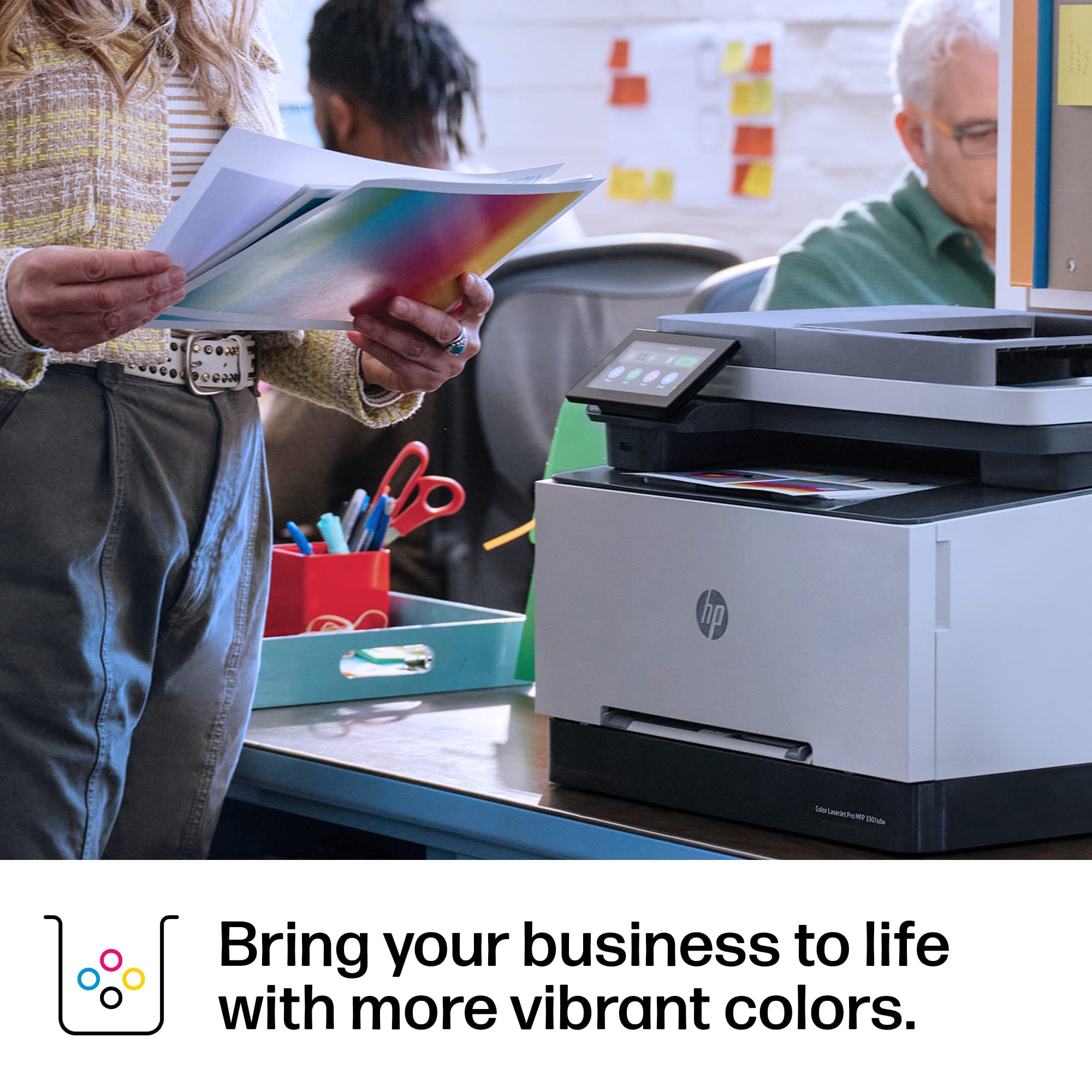

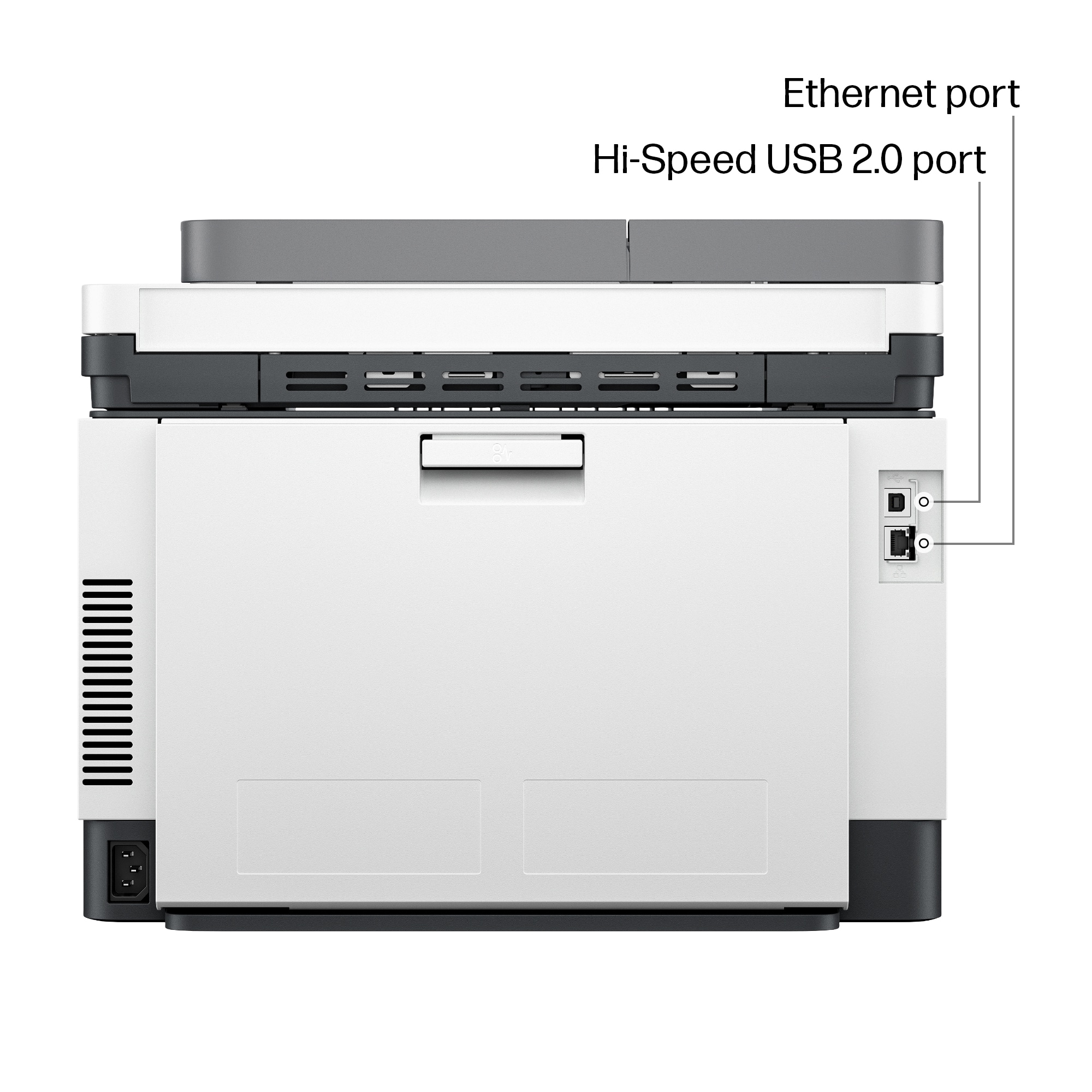


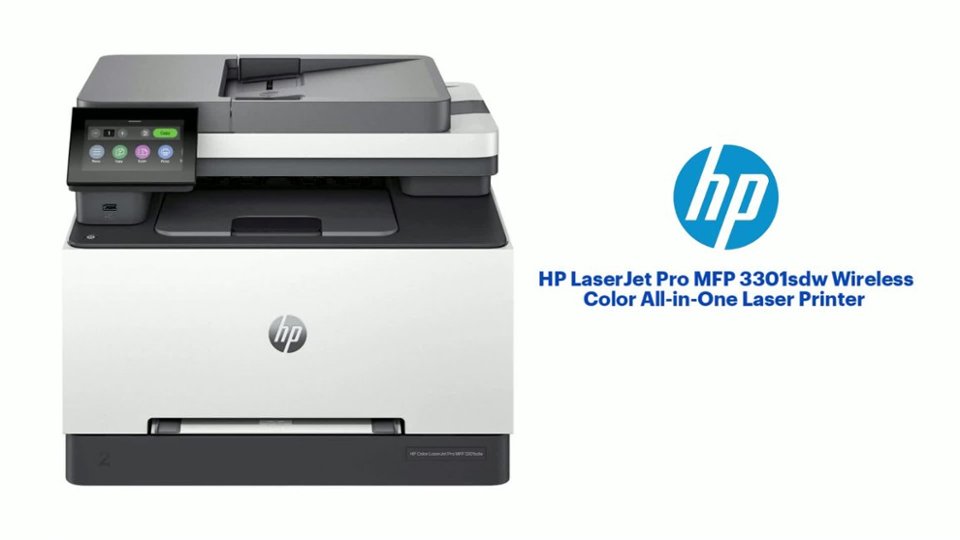
- Model:
- M3301sdw/499Q3F#BGJ
- SKU:
- 11234470
Rating by feature
- Value
Rating 4.5 out of 5 stars
- Quality
Rating 4.6 out of 5 stars
- Ease of Use
Rating 4.5 out of 5 stars
Customers are saying
Customers value the excellent print quality and overall performance of the product. They also appreciate its easy setup, user-friendly interface, and versatile connectivity options. While generally well-received, a few customers noted its weight as a minor drawback.
This summary was generated by AI based on customer reviews.
- Pros mentioned:Connectivity
Good printer
||Posted . Owned for 7 months when reviewed.This reviewer received promo considerations or sweepstakes entry for writing a review.That's printer is awesome is fast connection and easy to use
I would recommend this to a friend - Pros mentioned:Print quality
Best Hp Printer Out There!
||Posted . Owned for 6 months when reviewed.This reviewer received promo considerations or sweepstakes entry for writing a review.The printer works quick and fast! The color isn’t too faded and you only need to refill once per year or 10 months (the toner costs 500 dollars sadly:( )!
I would recommend this to a friend - Pros mentioned:Print quality
Great printer
||Posted . Owned for 1 month when reviewed.This reviewer received promo considerations or sweepstakes entry for writing a review.I love this printer. Its so efficient and prints fast and clear. No issues setting it up on my pc.
I would recommend this to a friend - Pros mentioned:Print quality
Printer
||Posted . Owned for 1 year when reviewed.This reviewer received promo considerations or sweepstakes entry for writing a review.It works smoothly prints very good it one have an issue 100 percent recommended
I would recommend this to a friend - Pros mentioned:Overall performance
HP Laser jet printer
||Posted .This reviewer received promo considerations or sweepstakes entry for writing a review.We replaced our old inkjet printer with a LaserJet printer, and it is awesome.
I would recommend this to a friend - Pros mentioned:Overall performance
HP LaserJet Pro MFP 3301sdw
||Posted . Owned for 3 weeks when reviewed.This reviewer received promo considerations or sweepstakes entry for writing a review.I am absolutely in love with my new printer. The ease of setting it up and being able to print, scan, copy, etc. all with one unit let me free up desk space.
I would recommend this to a friend Ho Laser Jet Pro - worth the price.
||Posted . Owned for 1 week when reviewed.This reviewer received promo considerations or sweepstakes entry for writing a review.Love this printer. I got tired of replacing the ink in the ink jets because the ink is so expensive that I decided to upgrade to the laser and the cartridges last a whole lot longer. It’s quicker when you’re printing large jobs. And it’s a good size. It does not take up a lot of room on the desk.
I would recommend this to a friend- Pros mentioned:Print quality
HP LaserJet Pro MFP 3301sdw
||Posted .This reviewer received promo considerations or sweepstakes entry for writing a review.LaserJet stays ready—no dried ink, crisp prints, pro results
I would recommend this to a friend - Pros mentioned:Overall performance
Hp laser jet 3301
||Posted . Owned for 1 month when reviewed.This reviewer received promo considerations or sweepstakes entry for writing a review.I like this point is working very well I don’t have any problem with this point
I would recommend this to a friend - Pros mentioned:Print quality
HP Color LaserJet Pro MFP 3301sdw
||Posted . Owned for 3 weeks when reviewed.This reviewer received promo considerations or sweepstakes entry for writing a review.Excelente calidad de impresos y fácil de usar / Excellent quality of prints and easy to use
I would recommend this to a friend - Pros mentioned:Print quality
Document feeder doesnt work. Prints great though.
||Posted . Owned for 3 months when reviewed.This reviewer received promo considerations or sweepstakes entry for writing a review.The printing is great but just went to use the document feeder and it jams every time and has now tore the paper up a bit. Which is annoying for it being brand new. Printing is fast but if your getting it for the document feeder dont do it. Only recommended for printing.
I would recommend this to a friend Best printer but scanning quality not good
||Posted . Owned for 1 month when reviewed.This reviewer received promo considerations or sweepstakes entry for writing a review.Everything made professional but not good scanning quality
I would recommend this to a friendThanks for the help!!
||Posted . Owned for 5 months when reviewed.This reviewer received promo considerations or sweepstakes entry for writing a review.Easy transaction. Excellent technical assistance in determining our needs. Well done!
I would recommend this to a friendReturning
||Posted . Owned for 4 months when reviewed.This reviewer received promo considerations or sweepstakes entry for writing a review.Hard to get cartridges with chip. Color not to sharp. Ink does last long
No, I would not recommend this to a friend- Pros mentioned:Connectivity, Print qualityCons mentioned:Weight

The HP LaserJet Pro 3301sdw Printer ~ So Fine!
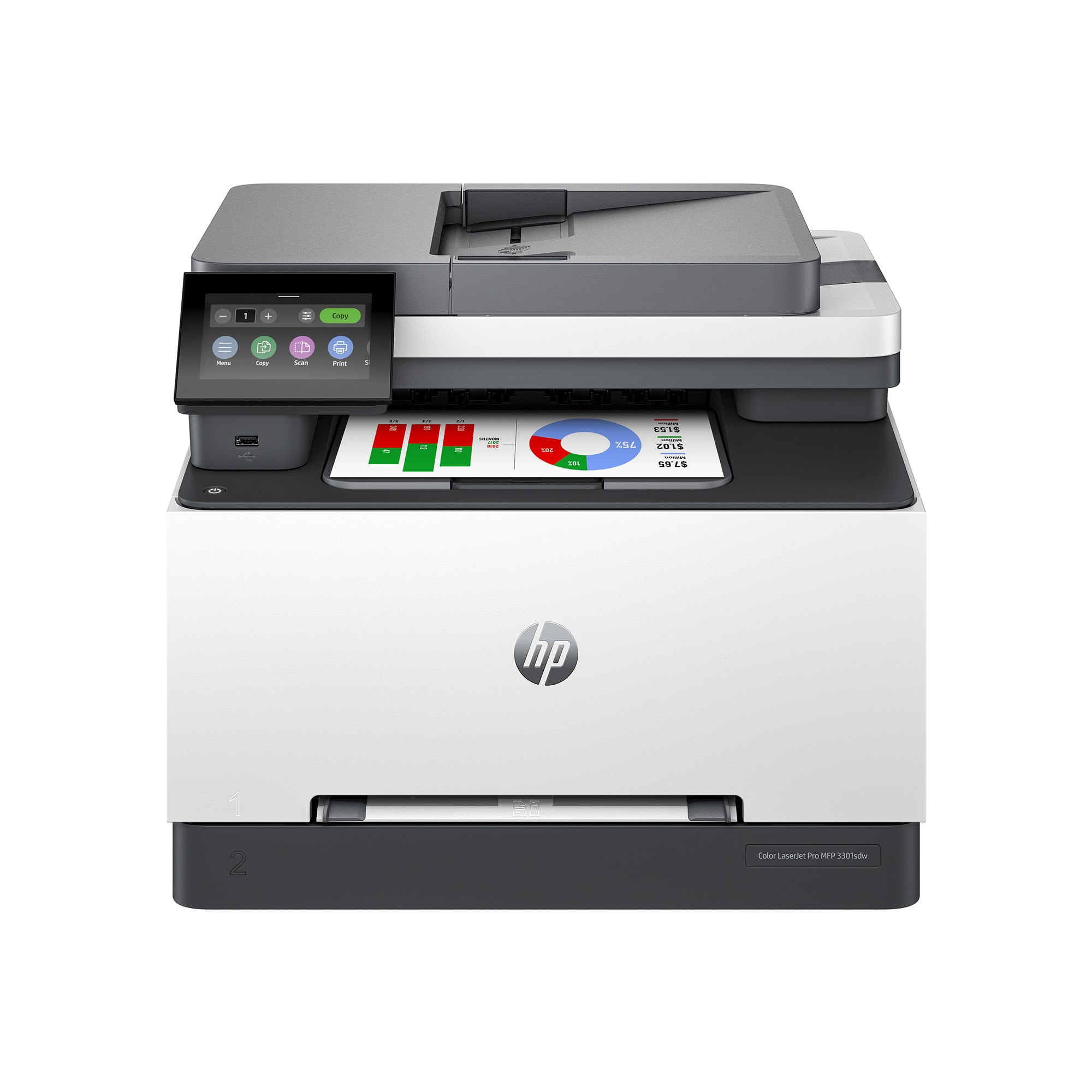
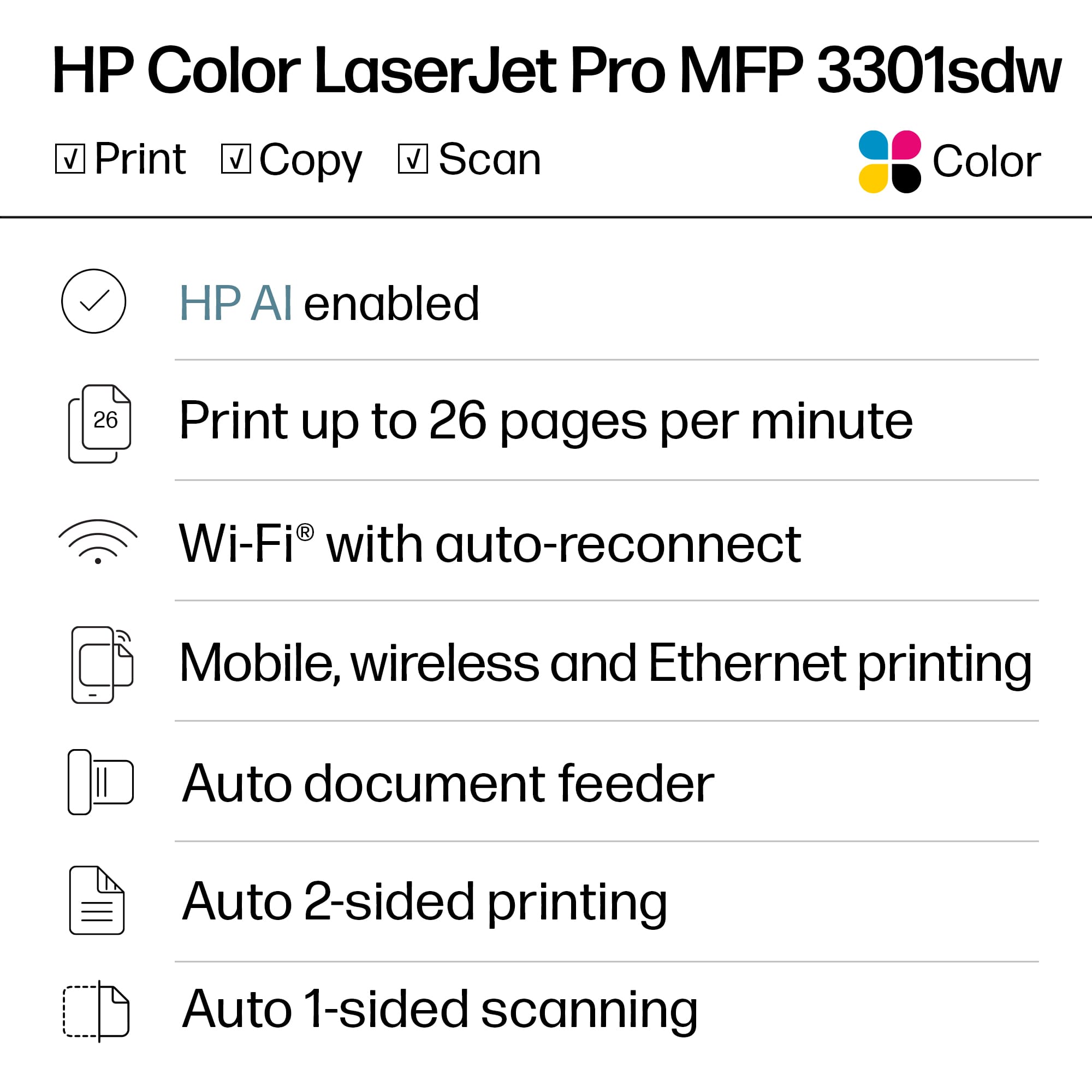
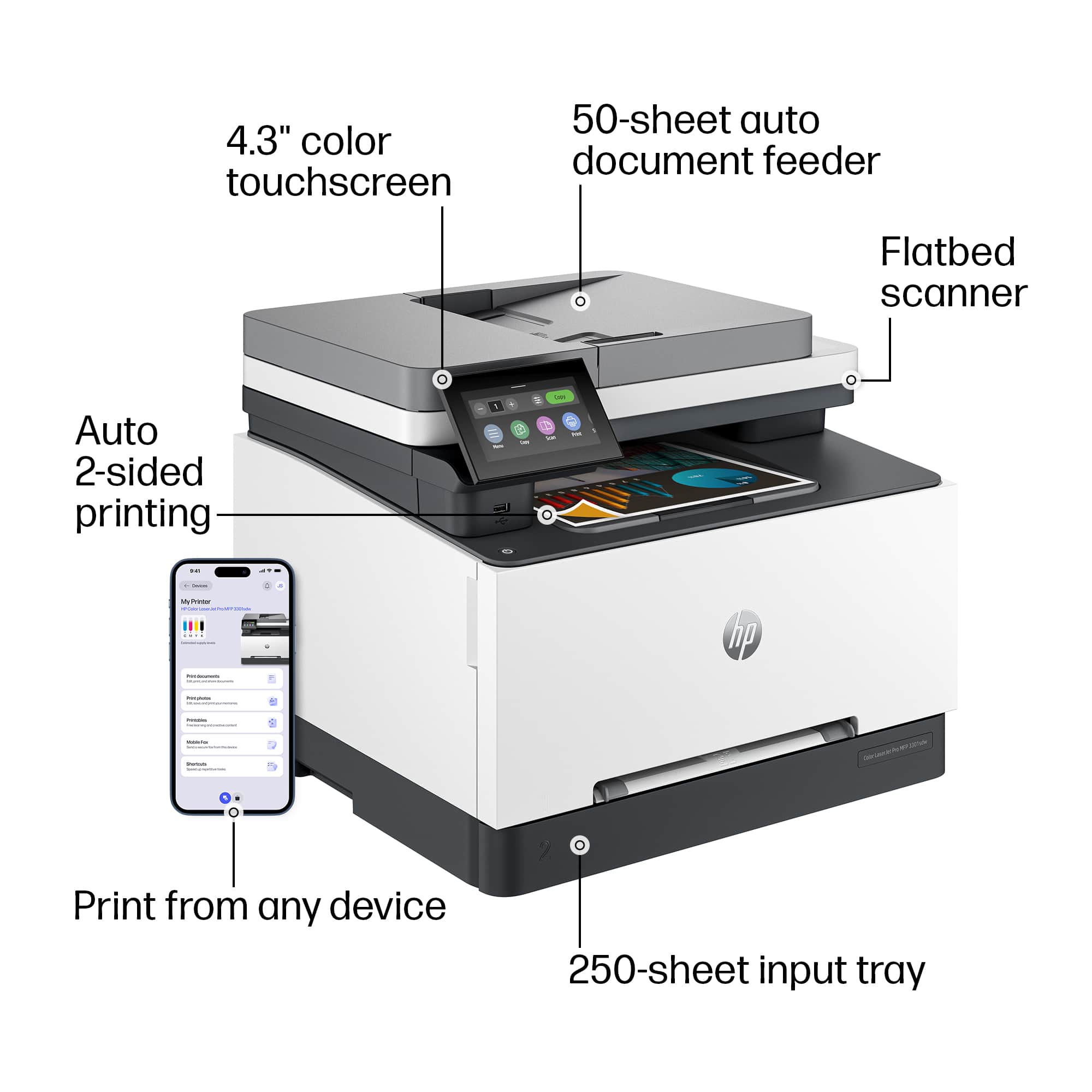
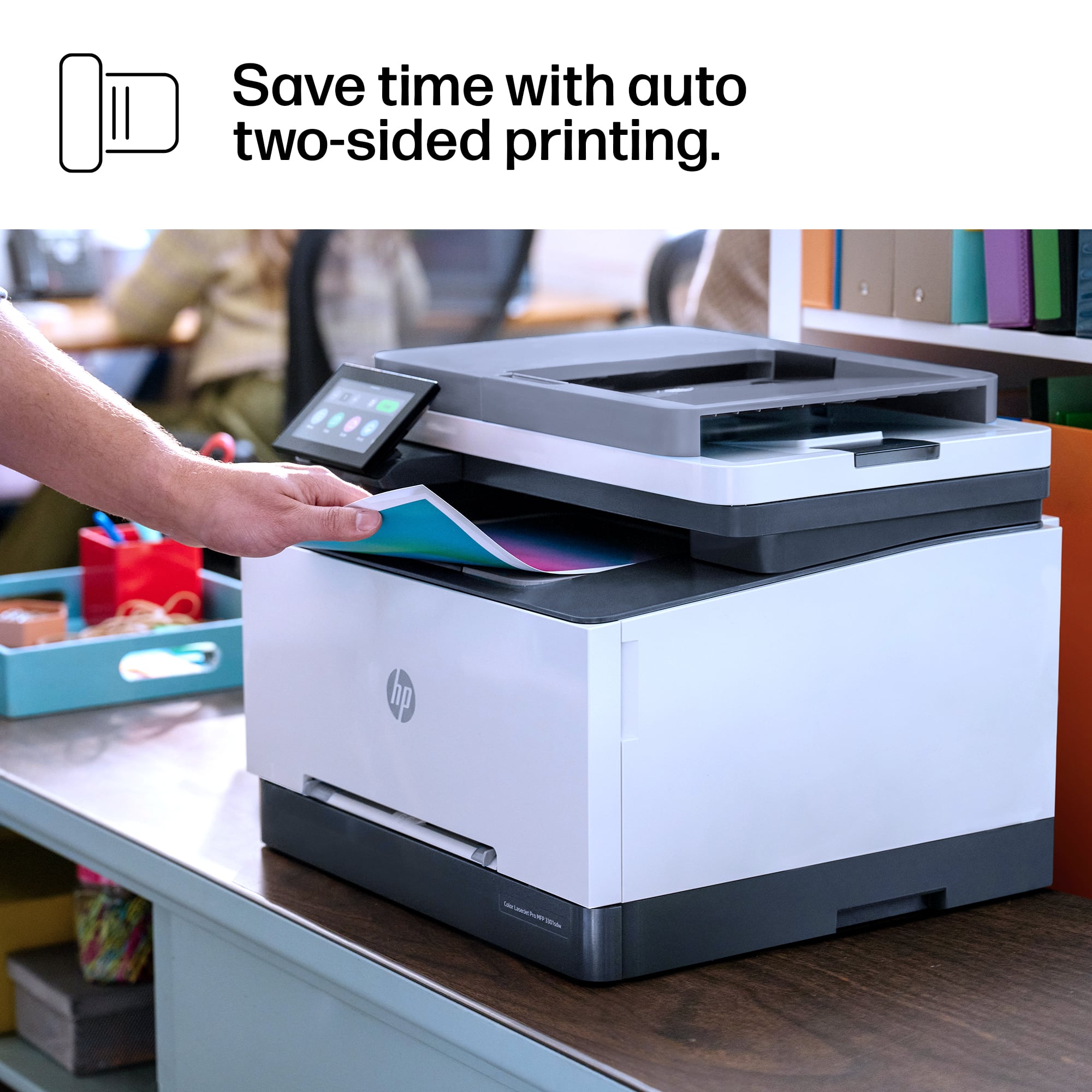
|Posted .This reviewer received promo considerations or sweepstakes entry for writing a review.Received the printer and as it's a heavy box be ready to do careful lifting or if you're a small person like myself get extra help. We tipped the box on its side per instructions and pulled it out then set it up on my work table. They have shipping tape which needs to be removed of course and a foam covering over the copy/scan area. HP includes a Setup Guide which walks you through the steps plus a Reference Guide in case you run into problems. I turned the printer on after plugging it in and decided to use WiFi for setup although you can use Ethernet or USB. I loaded paper in the 250 sheet tray and adjusted the guides. On the 4.3" diagonal color TFT backlit touchscreen you choose your language and country/region. Then it starts looking for your WiFi. Placed the password in and confirmed my settings. It connected right away. Right afterwards it needed a critical update which I installed. The printer will block usage of non-HP chip cartridges so you will need OEM's which are not that cheap but I never use knock off brands as they can really mess your printer up. It arrives with 4 starter cartridges installed. I then set the date, time zone and time. Right after that it went into a Calibration mode. I wanted to attach it to my iMac which it found right away and was added to my printer list. I went over to the hpsmart.com/download site and picked the BASIC setup then chose the one for Desktop. It downloaded fine and my model printer showed up and was found right away. I already had an HP Smart account so just had to sign in. I proceeded to print out a color page which worked fine. You can use the HPSmart app or the touchscreen and both worked fine. Then I made a copy and it was spot on perfect ~ just like the original. Next was scanning. To scan I used the HP Easy Scan program. I scanned an autographed photo and the first one was an 8x10 color. It scanned beautifully right to my computer. Looked just as good as the original, exactly what I wanted to see. I then made a copy of that printed color photo and once more it looked great. Quite impressive! I personally like to use the touchscreen when doing print jobs. Just easier, although the app does show you the levels of ink left which is handy. Another great feature is the two-sided printing which is up to 26 pages per minute for color. Definitely saves paper and I use it a lot. I am really pleased with the high quality of this HP printer! Handles everything I need to do flawlessly. You can tell it's extremely well made all around. Absolutely perfect! I highly recommend its purchase!!
I would recommend this to a friend - Pros mentioned:Connectivity, Ease of use, Print quality
User-friendly and easy-to-use printer!
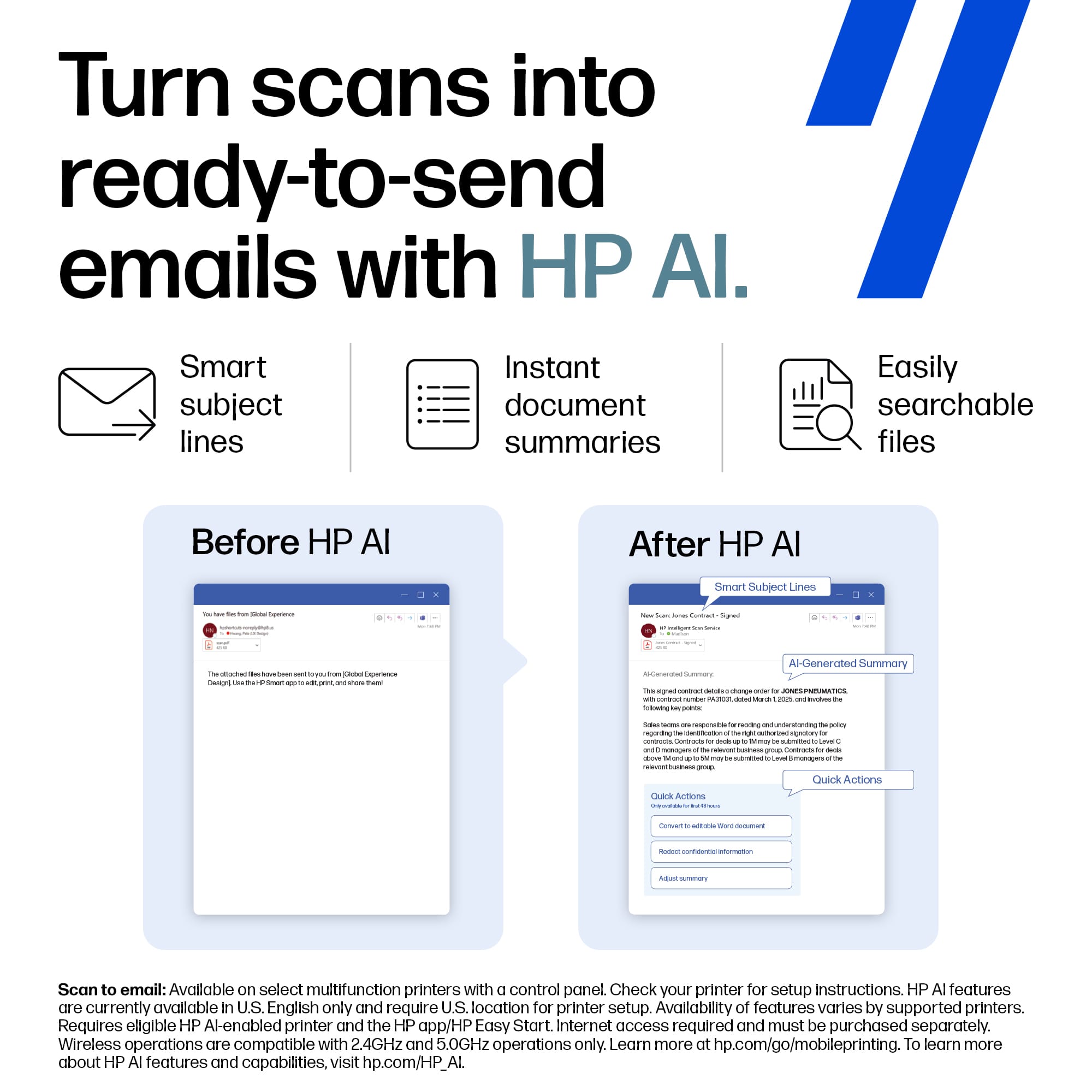
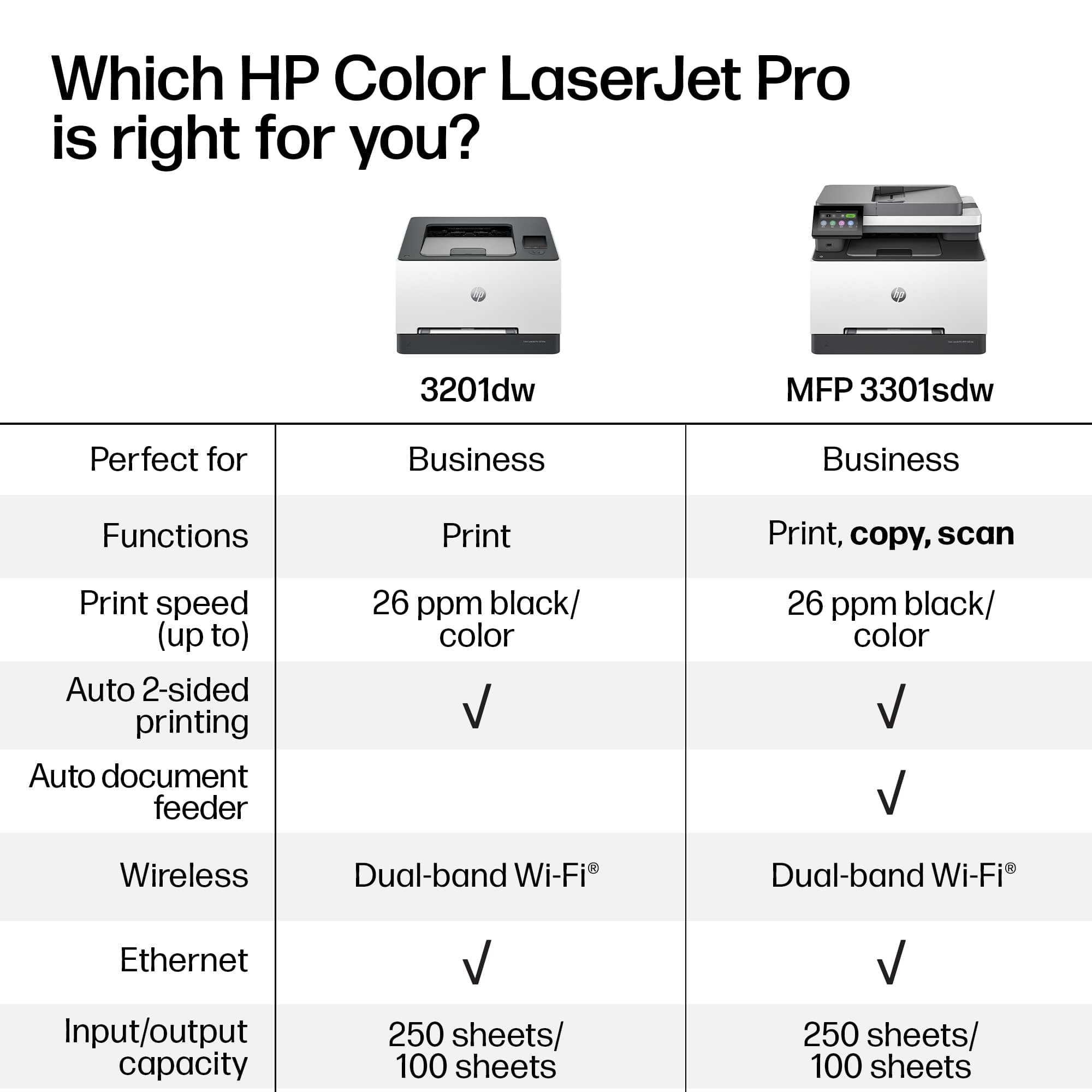
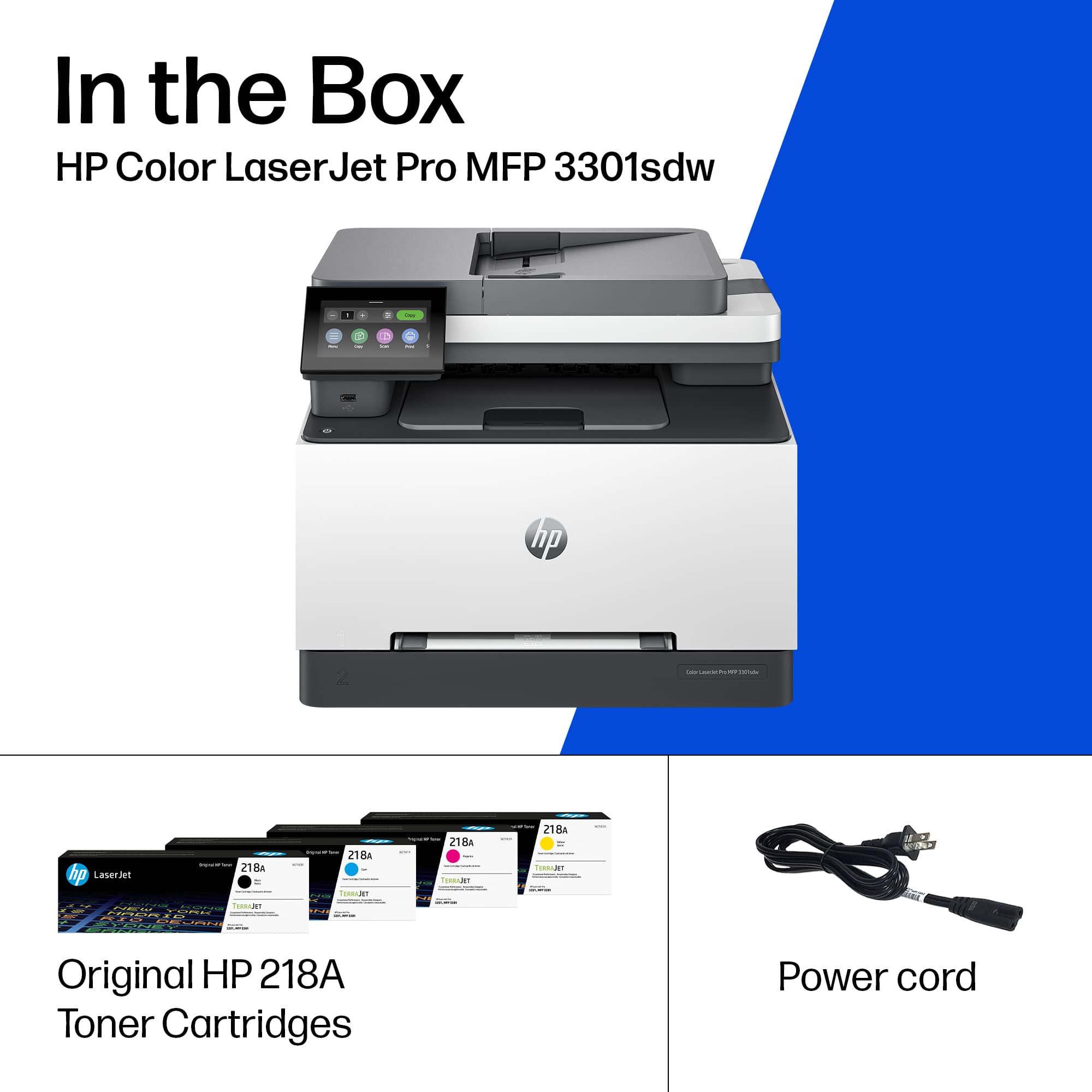
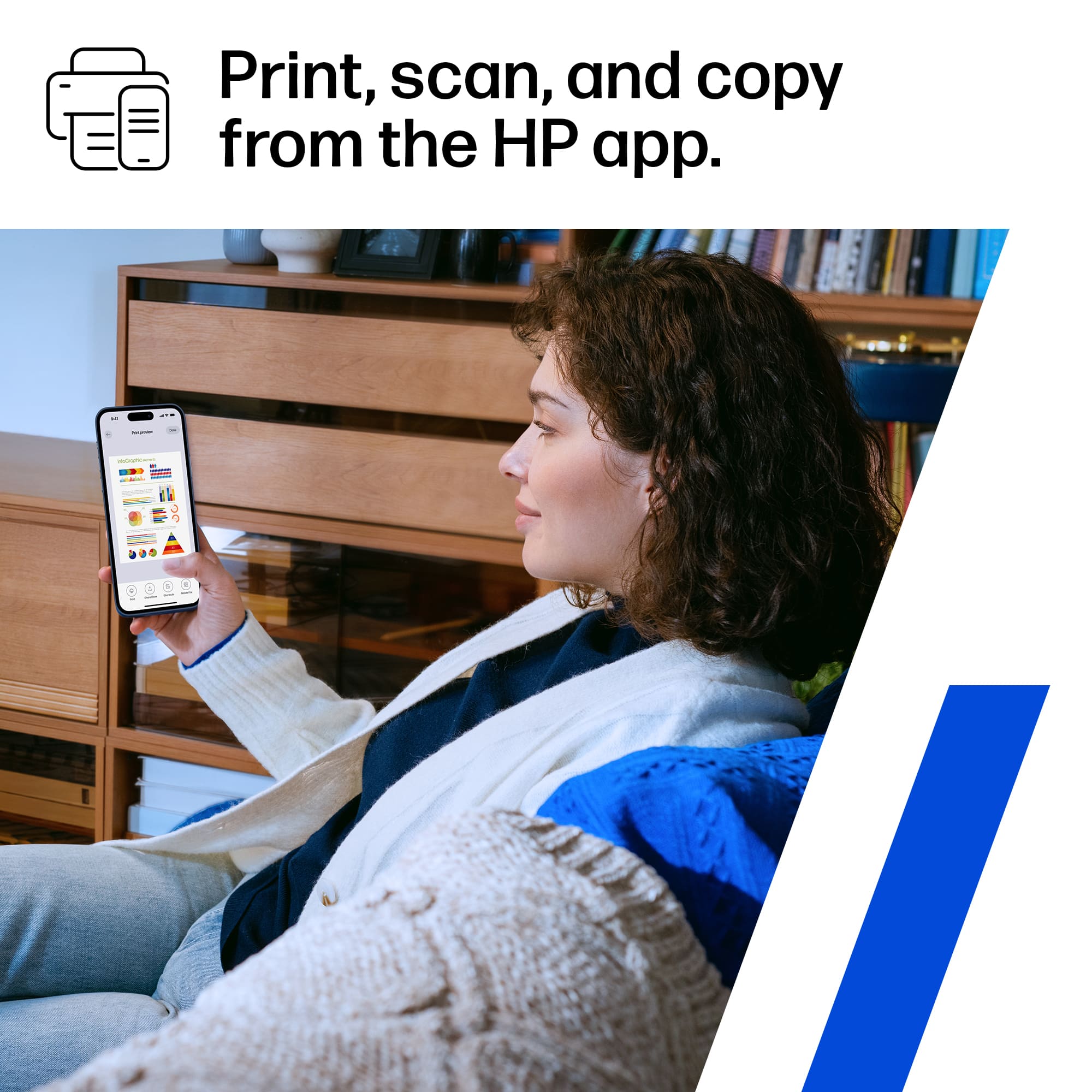
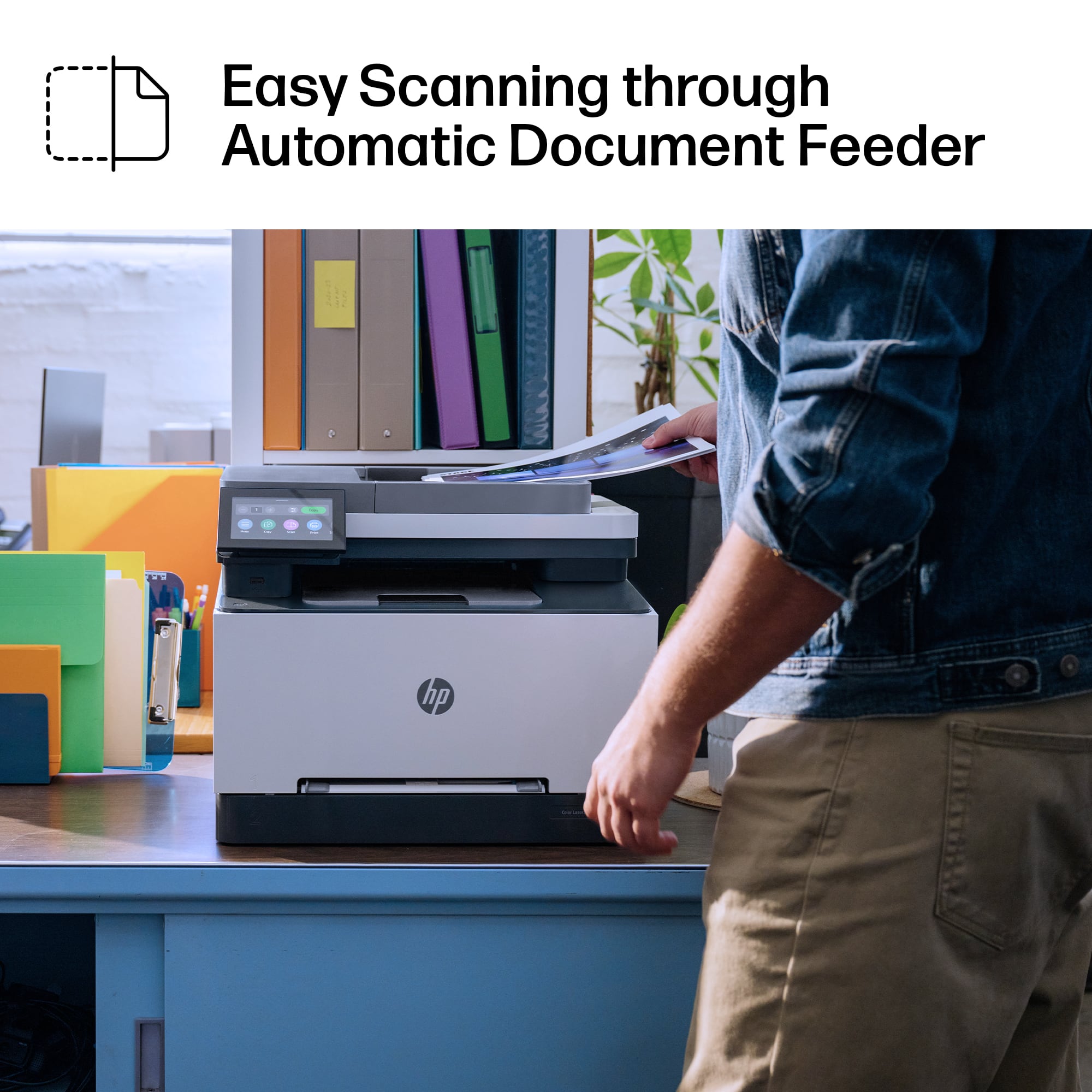
|Posted .This reviewer received promo considerations or sweepstakes entry for writing a review.I have used other HP printers and have noticed that they are constantly improving some aspects that make them easier and simpler to use. The HP LaserJet Pro MFP 3301 is intended for home or small business use, and it delivers what it promises. In the box, which is relatively compact, comes the printer with four toners (Yellow/Magenta/Cyan/Black) already installed, a power cord and a user guide. To remove the printer from the box, it has to be tilted as it is a bit heavy for one person. The packaging that protects the printer and the stickers must be removed before turning it on for the first time. The power cord is plugged into the back of the printer and then into the power outlet and the printer is ready to be turned on to begin configuration. The configuration of the printer is one of the aspects to be highlighted. First of all you have to connect the device to the wifi network, usb or via ethernet. What HP recommends is to update the printer firmware to the latest one, once done it will be ready to start printing. What I think is a good thing is that once the printer is connected to the network it is ready to start using, you do not have to use accounts or apps to do this, basically it is plug and play, if any device is connected to the network then you can, without the need for accounts or apps, print any document remotely. I consider this to be very practical but without a doubt the HP Smart app provides a different level of security and convenience, I recommend downloading the app, it is a great help. Using the printer is very simple from the 4.3" LCD touch screen, navigation through the menu is very intuitive and the icons are well designed and with different colors to distinguish them. Something to consider is that the printer uses only HP toners, if a toner of a different brand is installed it will not be possible to use it because the device has a system that detects the chip of original products and those that are not, disabling the latter. The device prints (1 or 2-side) color and monochrome both good quality prints, prints relatively fast (26 ppm) compared to previous models. Document scanning is very good. The printer can send the file to the phone via the app, or from the printer to some email or cloud service. Copies likewise, whether color or monochrome, are very good quality. The printer has an auto document feeder that saves time when scanning or copying, however it does so from only one side of the document. Underneath the screen there is a USB port to connect a flash drive and print from there. In conclusion, if you work from home or have a small business and need an all-in-one printer that prints, scans and copies, that is easy to install and use, this HP printer is a good alternative, recommended.
I would recommend this to a friend - Pros mentioned:Connectivity, Print quality
Perfect for home and office!
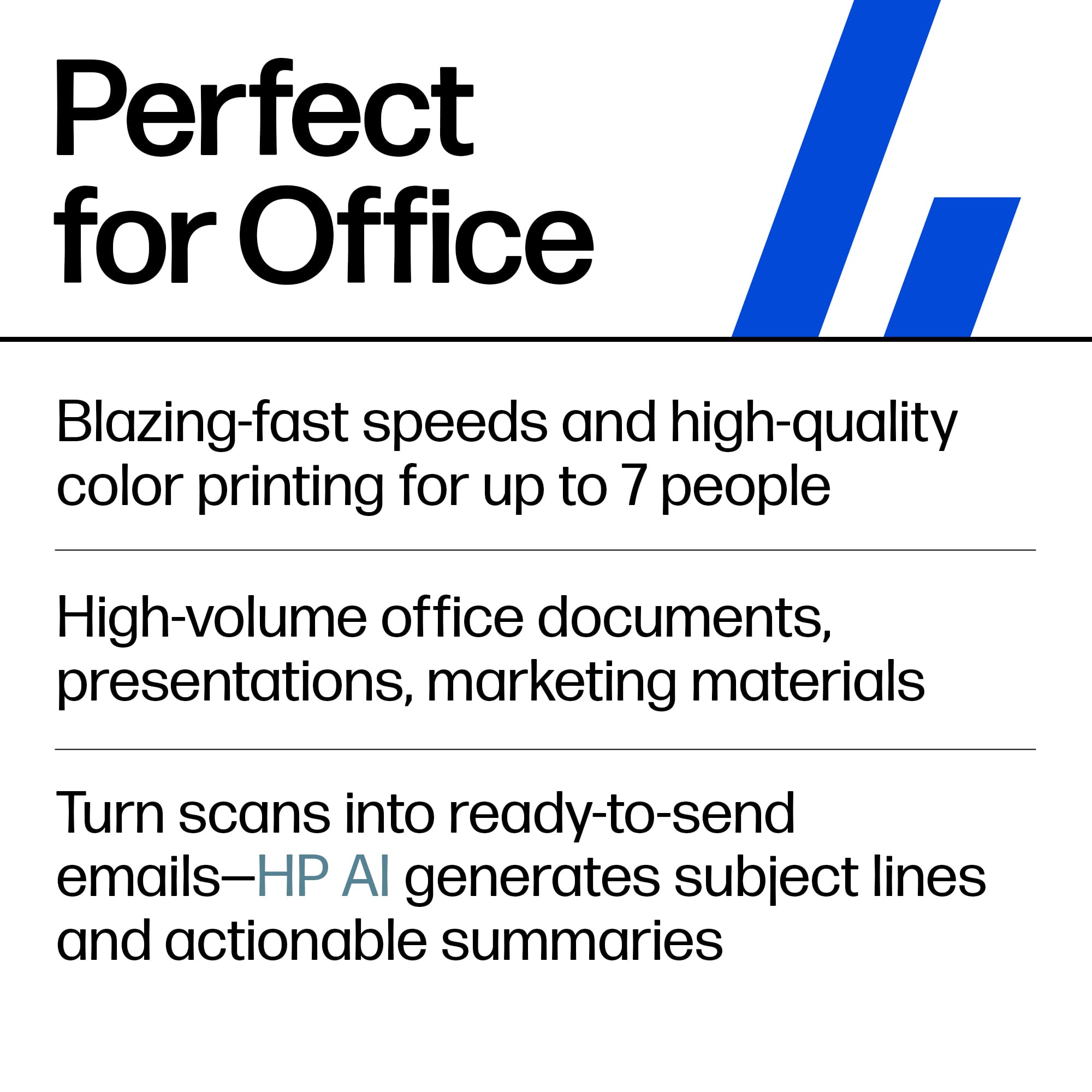
|Posted .This reviewer received promo considerations or sweepstakes entry for writing a review.Let me start by saying that I do not like ink jet printers in an office setting. It's wasteful, slow and can cause a real mess. This is why, in my humble opinion, laser printers still are the office kings. Even if the toners are expensive, you get a much better bang for your buck. And HP printers are among the best in terms of reliability and quality. This is where the HP Laser Jet Pro 3301sdw comes in. The first thing you'll notice is how compact this printer is. Laser printers are usually pretty big. But it seems like HP has been trying to use every side of the printer to cram as much into the little frame as possible. And it's awesome! Much smaller than the older HP laser jet I have been using for about two years and with impressive upgrades. The unboxing was a breeze. You open the box, tilt it, pull the handles on the bag and slide the printer out. It comes with a power cable, a guide and leaflets. Interestingly, the toners were already installed which gets rid of some useless packaging material. And you can re-use the bag for, well, trash. Way to go "eco" in a smart way. I was very surprised at how much smaller the footprint of this printer is, yet it does retain all functions of a bigger model. It comes with all the bells and whistles: Print, scan, copy, 2-sided printing, an ADF for the scanner, WIFI, LAN and USB connectivity, a high capacity paper tray and a slot to print labels and envelopes on the fly and much more. As for the installation, it might have been the easiest and fastest I've ever had. HP has basically created "plug and print" with the 3301sdw. Once plugged in and turned on, the printer will guide you step by step, or you can use your smartphone, or simply let Windows install the drivers and the companion app. This is very convenient as are all the helpful options offered by this printer. Printing is great. I was blown away by the quality after I printed out a couple of complex graphics on regular paper. Vibrant colors, clean without any specks or jagged lines. Note here that this printer is capable of calibrating itself which is the first time I've ever seen this. Speed is great: Once the printer has spun up, it can print a page of text in about a second, which is paramount in office settings. Another detail I love is the size of the touch screen. It's big enough to comfortably navigate without hitting the wrong icons. There's really nothing bad I could say about the 3301sdw. It's the best laser printer I have owned by far (and I've had A LOT) and it will make my work from home much easier. I highly recommend it and I salute HP for still finding ways to improve and deliver great quality products.
I would recommend this to a friend - Pros mentioned:Connectivity, Ease of use, Print quality
HP Smart Compact Powerhouse - Home or Office
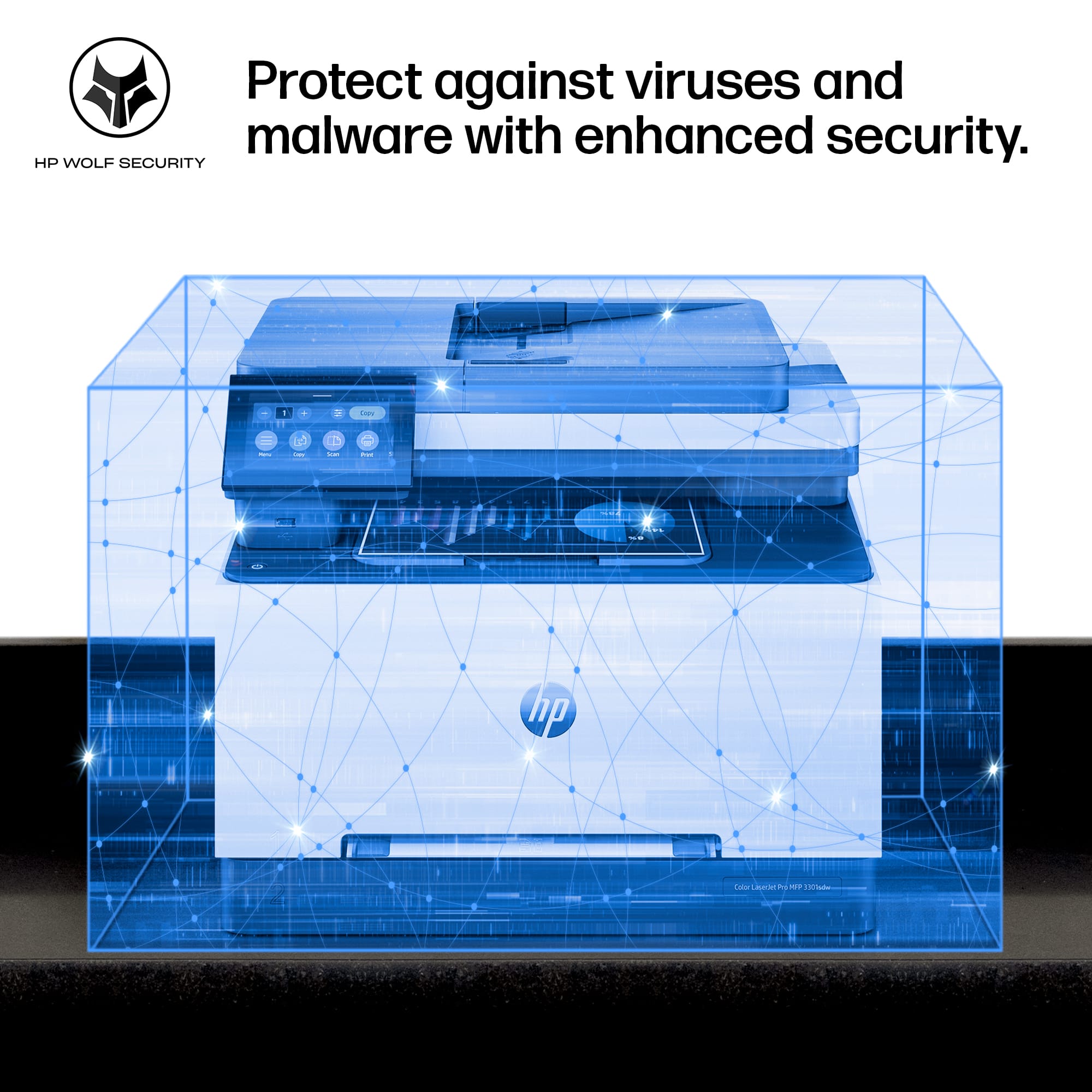
|Posted .This reviewer received promo considerations or sweepstakes entry for writing a review.Ideal for Small Business - Home Office – Corporate Offices and Conference Rooms My first impressions were one, simplest enterprise or home printer I ever installed – didn’t even have to remove toner cartridge packaging. HP has nailed the setup process in this business level Laser Jet Pro. Second is the advancement of network printer security, IT departments and small businesses will appreciate the ability to further employ network security with HP’s Wolf Security system implementation. I have decades of experience as a Director of IT, from enterprise to home networking and welcome the capabilities hardware enforced security. “HP Wolf Security provides hardware-enforced security and robust security features that are built into each printer, preventing unauthorized access and strengthening your system's defenses against both established and novel threats that may emerge throughout your printer's lifespan.” … “streamline print fleet security policy, ensure compliance, and protect your workflows with HP Solutions. … HP Wolf Enterprise Security Services can take the burden off IT. “ The HP Laser Jet Pro MFP 3301 strength lies in its design for small workspaces, energy-efficiency delivering fast color printing at 26 pages per minute - impressive speed and brilliant printing. Though the printer is enterprise level the printer fits nicely in my home office, that I appreciate. Notes: - “Fast two-sided printing, copying and scanning” - Auto double-sided printing - Two Trays – 250 sheet and one single sheet tray up to legal - Networking “mobile/wireless/ethernet” - Solid Wi-Fi - Gigabit Ethernet 10/100/1000 and USB - “HP Smart App; Apple AirPrint; Mobile Apps; Mopria Certified; Wi-Fi® Direct Printing” - Secure printer with admin/user logins for local printer management - Wolf Security - a must have for printing of sensitive documents - HP Security Manager - management and implementation of Fleet security policy o Cloud based printing solutions can be secured as well as inter/intraoffice - Full User Documentation, Spec Sheet and, and Reference Guide Having managed and owned many HP printers, from large format plotter/printers back to the day of dot matrix, one common thread has been reliability. This new HP Laser Jet Pro MFP 3301 is replacing my HP 8625 Inkjet Pro AIO workhorse that has been my mainstay for a decade. The 8625 Inkjet Pro is still in service at a friend’s home office now. Hp Smart Printing App or desktop – Wherever you go, whether around the world or at the desk, the full use of the printer is always right at hand, including 24/7 real-time printer security alerts. The HP Laser Jet Pro MFP 3301 is a Powerhouse in a compact slender trim designed for busy work teams and deadline printing – and still fit
I would recommend this to a friend - Pros mentioned:Print quality
Great quality prints, but software is buggy
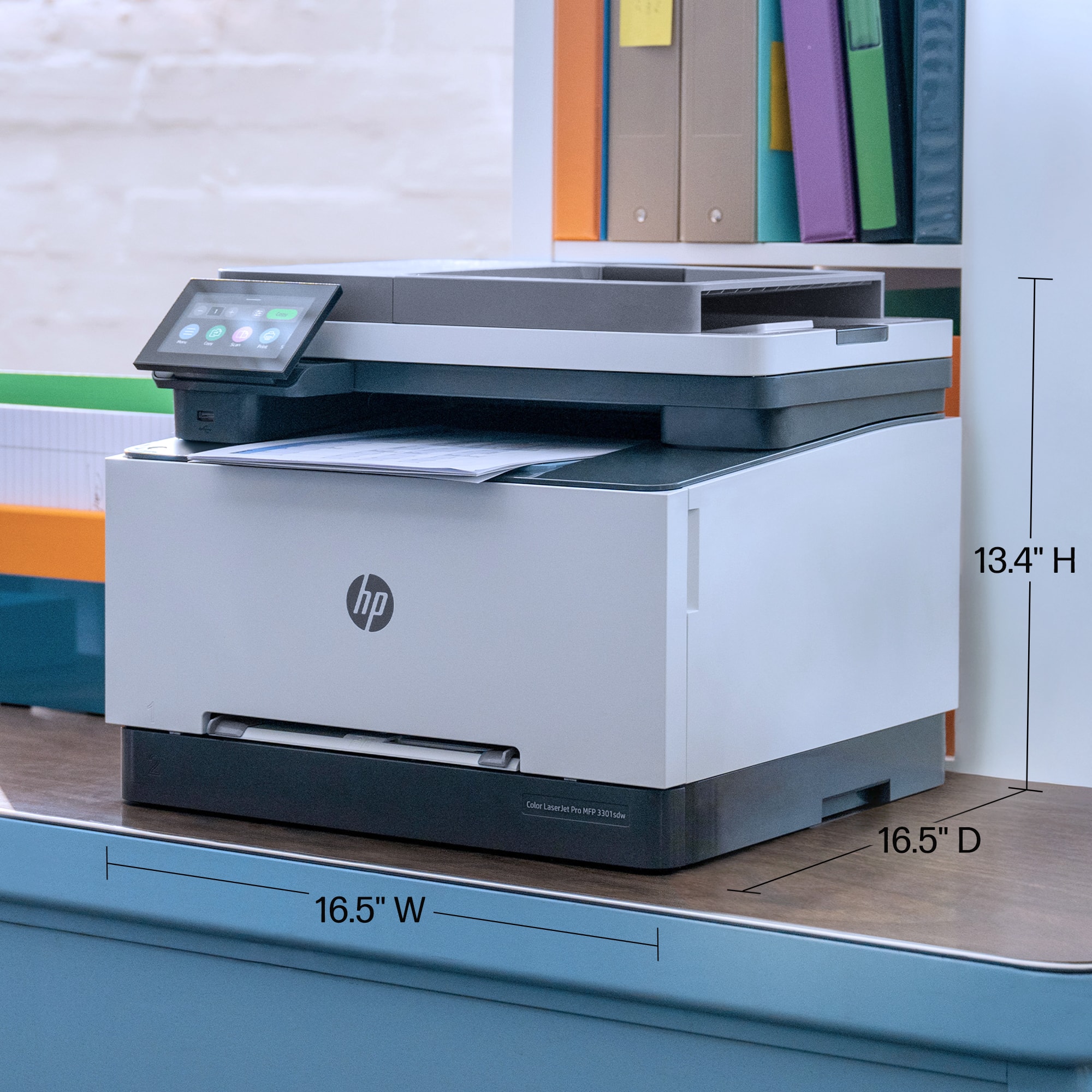
|Posted .This reviewer received promo considerations or sweepstakes entry for writing a review.This is my second HP color laser printer, and it’s been about 5 years since my last one. I am impressed with the small footprint of this newer multi-function printer, as it is relatively compact compared to ones I’ve been using recently. It measures 16.5 in wide, 13 in tall, and 14.75 in deep, weighing a little under 38 lbs. Extending the lower tray for legal size paper increases the depth to 17 in while opening the scanner lid tops out at 21.5 in tall. You will also need to leave at least 10 inches clearance behind the unit if you want to be able to open the rear access panel to clear paper jams. This printer has a built-in scanner with a 50-sheet capacity auto-document feeder (ADF) on top that can handle single-sided scanning of up to 20 pages per min (ppm) for black and white and up to 9 ppm for color scans. You can also scan documents one at a time on the flatbed scanner glass. Both the original and printout return trays have flip-out stops for handling larger stacks. There are two paper trays though note that tray 1 is simply a manual load slot just above the main paper tray; this slot is useful for one-off custom media like envelopes and cardstock. The main paper tray, marked 2, has a 250-sheet max capacity and can handle media sizes from 3x5 in to 8.4x14 in (legal-size) if the tray’s front is extended. Note that the extended tray will stick out a couple inches from the front of the machine, and there is no option to add an additional tray to increase its paper capacity. The printer can be setup and controlled via the on-board, tilt-able, color LCD touchscreen; the screen is bright, user-friendly, and intuitive. Setup takes about 5 minutes, and the only issue I ran into was that the date could not be modified when formatted as “MM-DD-YYYY” as the values would revert after hitting “Apply;” however, after selecting a different format, I was able to update the date and change the format back with the correct values intact. This printer can be connected to your home LAN network via WiFi, Ethernet, or USB-B (cables not included). You can initiate a scan, copy, or print from USB as well as change the machine’s settings and check its supply and maintenance status by swiping over to different icons on the screen. Note that to access administrative settings, you’ll need to enter an admin PIN; the default PIN can be found on the sticker behind the front panel. For businesses, the printer can be managed remotely via HP Smart Admin, an online, multi-printer, cloud-based dashboard. The machine comes with 4 pre-installed starter cartridges: black, magenta, cyan, and yellow with yields of 600 pages for black and white and 500 for color respectively. With OEM replacement toner in standard and high-yield capacities with page yields of 1300/3000 respectively for black and 1200/2500 for color, this puts the average price per print slightly on the high side. One thing to note is that HP toner cartridges have microchips on them, and if you enable cartridge protection, it will permanently lock those cartridges to your machine (so they cannot be removed and used elsewhere). There’s also an “Authorized HP cartridge policy” setting that when enabled prevents the use of third-party toners, however, you will still need a compatible chip on any new cartridge for it to work; these settings are toggled off by default. HP cartridges are also recyclable via their free Planet Partners program. When printing, the maximum output is 26 ppm with a max resolution of 600x600 dpi. Text is sharp and crisp with even line spacing and clean edges. Printed photographs are stunning with lively colors, clean transitions, and smooth gradients without any sign of banding. While clarity and accuracy tends to be very good with the default calibration, colors can appear slightly darker than on screen and may need some fine tuning. For scans, the max resolution is 300 dpi using the ADF and up to 1200 dpi on the flatbed. You have the option to scan directly to email, network folder, Sharepoint, USB, or to computer. Note that you will need to install the HP Scanning software on your computer in order to scan to it. When scanning from the printer’s control panel, by default the scan utility will crop any bounding white space instead of outputting the entire scan area which results in losing your page margins. To change this, you must use the web interface or the HP Scan utility on a computer to change the settings from “Detect Content” to “Entire Scan Area” and make sure to save these changes; oddly, there’s no way to change this behavior from the on-board controls. I found that the scans and copies produced by this machine are quite good, but not perfect. With text documents, I noticed a bit of stretching/compression of the font size depending on the line of text and a general upward shift to text on the page by a few pixels when comparing the copy to the original. Colors, though, remained accurate even with the max of 300dpi resolution. When scanning at higher resolutions, the scanning process takes longer, and the resolution is so granular you can practically see each point of toner in the scanned image file. In general, I found copies and scans retain a lot of fine details and textures in nearly photographic quality at 300 dpi and above. The main drawback for this model is that it is not able to perform duplex or 2-sided scanning/copying in a single pass; however, you can convert 1-sided pages into 2-sided prints using the ADF and then back again. This means that if you have a stack of 2-sided originals, you would first need to make copies of the even numbered sides, collate them into the stack, and then scan/copy as single-sided originals. One thing I will say is that the machine is quite loud when operating (around 51 dBA), and you’ll notice this during the machine’s warm upon turning on, waking from sleep, and printing; however, in sleep mode it is completely silent. There’s also an energy saving mode that will turn the printer off completely after a period of inactivity (1 to 8 hours), but you will have to press the power button to turn it on again later. Despite updating to the latest firmware, there’s a function on the control panel that doesn’t appear finished called “GalleryApp.” It’s unclear what this function is for, and when I entered it, there were tons of place holders, dummy text, and menus that you can get stuck in and can’t exit without restarting the machine. Hopefully, this will be fixed or removed in a future firmware update. WiFi connectivity and direct-connect options make the printer easy to use with a variety of devices, and I found the network connection to be stable and reliable. The HP Smart mobile app also works pretty well, and it’s easy to add the printer and print from your phone. However, I wasn’t able to get the scan to phone nor the walk-up scan to USB thumb drive features to work. Overall, the print quality from the 3301sdw is excellent. Text is clear and easy to read and colors are well-saturated, accurate, and vibrant. Printing, scanning, and copying are quick, though there may be some small visible differences between the original and copy. While there are a few features I couldn’t get to work properly, these could potentially be fixed in future firmware or software updates. This printer won’t be ideal for those that need to scan or make lots of copies of 2-sided documents, but for everything else I think it works great.
I would recommend this to a friend - Pros mentioned:Print quality, Setup
HP is one I trust.
||Posted . Owned for 2 weeks when reviewed.This reviewer received promo considerations or sweepstakes entry for writing a review.This review may not be adequate since I just bought it a month ago. I had an HP tankless color printer for 4 years. The ink cartridge had an issue, but HP made it cost about as much as the original printer. I always want a laser color printer. So I got HP LaserJet Pro MFP 3301sdw Wireless AI-Enabled Color All-in-One Laser Printer - White. Setting up and connecting to WiFi at home was so easy (I am not tech-savvy at all.) It is said that tankless or inkjet printers can produce color photos amazingly, but I am very satisfied with the photo's quality and color. Because of the laser, printed material does not wash away in wet conditions, and I love it. It is quiet and prints very fast on both sides. So many functions available that I enjoy using them; 100% useful to my business. I trust HP quality. It was less than $500, but it was a tremendously valuable investment.
No, I would not recommend this to a friend