Customer Ratings & Reviews

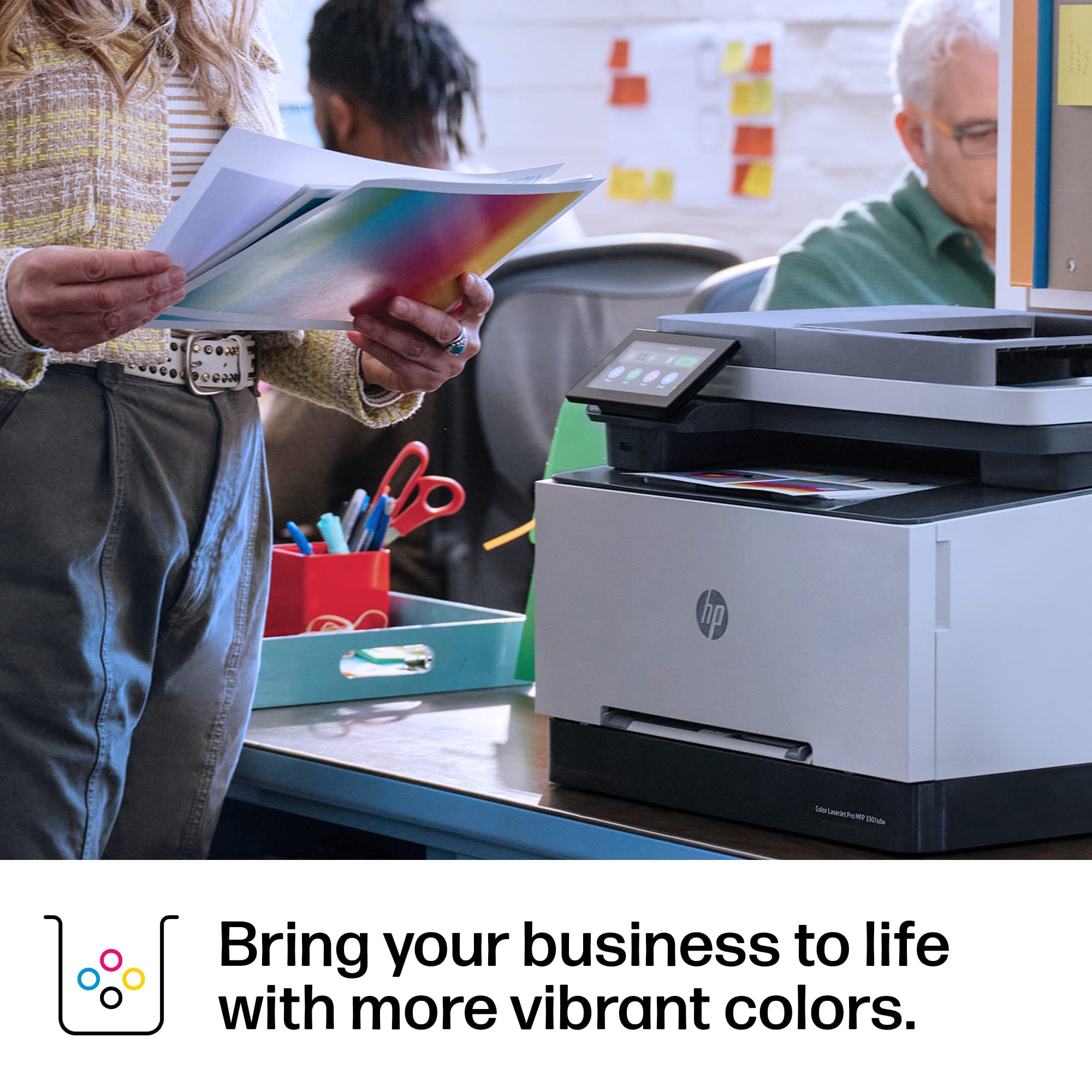



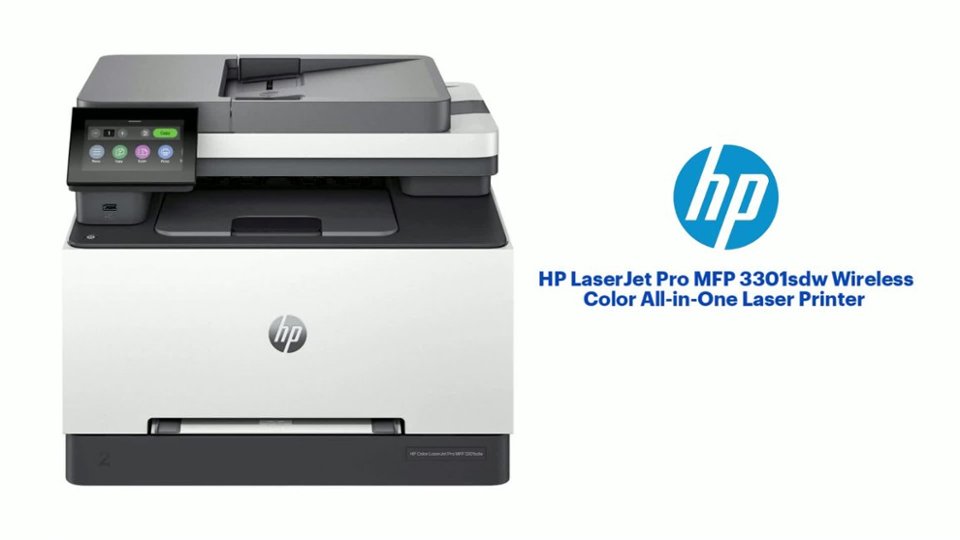
- Model:
- M3301sdw/499Q3F#BGJ
- SKU:
- 11234470
Rating by feature
- Value
Rating 4.5 out of 5 stars
- Quality
Rating 4.6 out of 5 stars
- Ease of Use
Rating 4.5 out of 5 stars
Customers are saying
Customers value the excellent print quality and overall performance of the product. They also appreciate its easy setup, user-friendly interface, and versatile connectivity options. While generally well-received, a few customers noted its weight as a minor drawback.
This summary was generated by AI based on customer reviews.
- Pros mentioned:Connectivity, Print qualityCons mentioned:Weight

Great printer for small/medium sized businesses
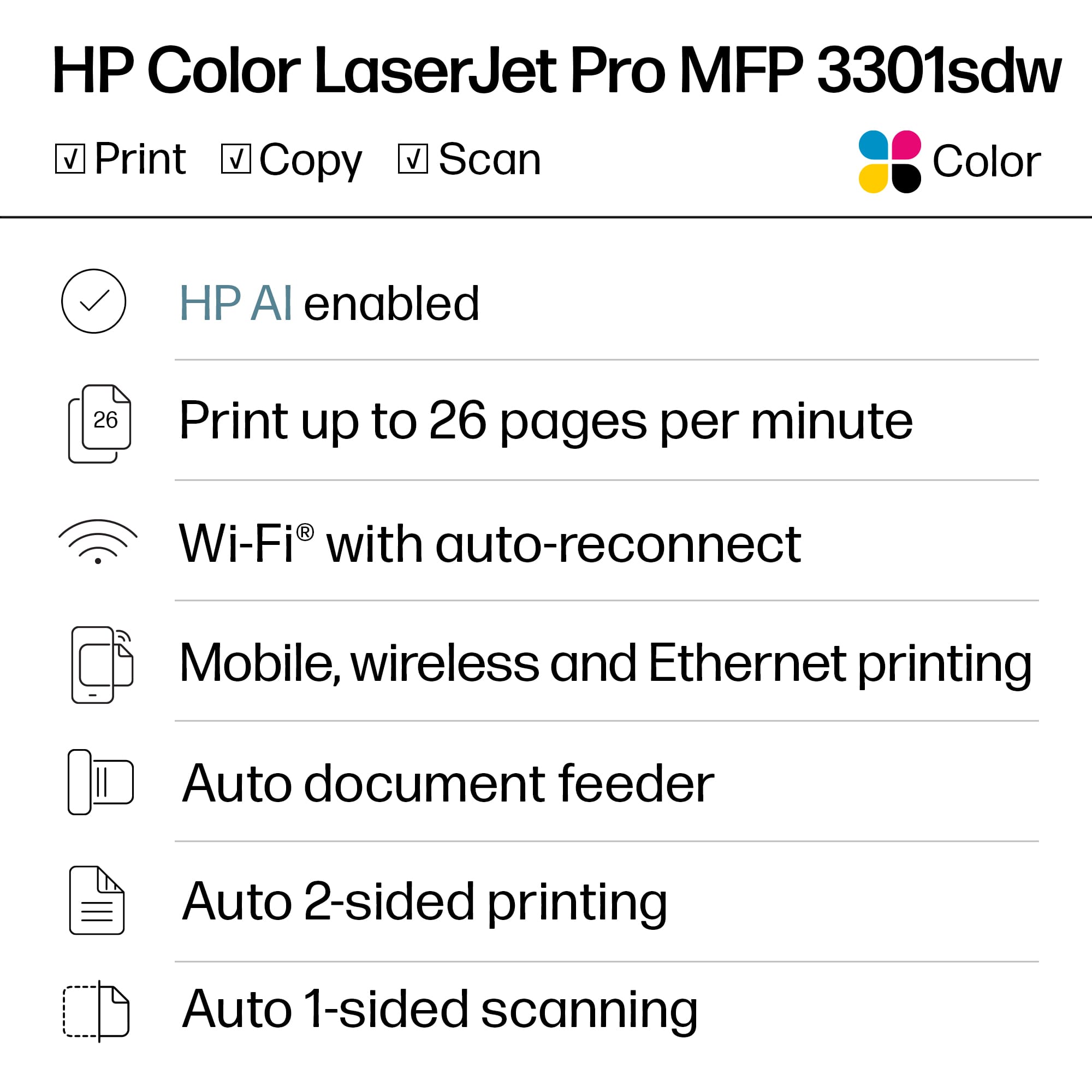
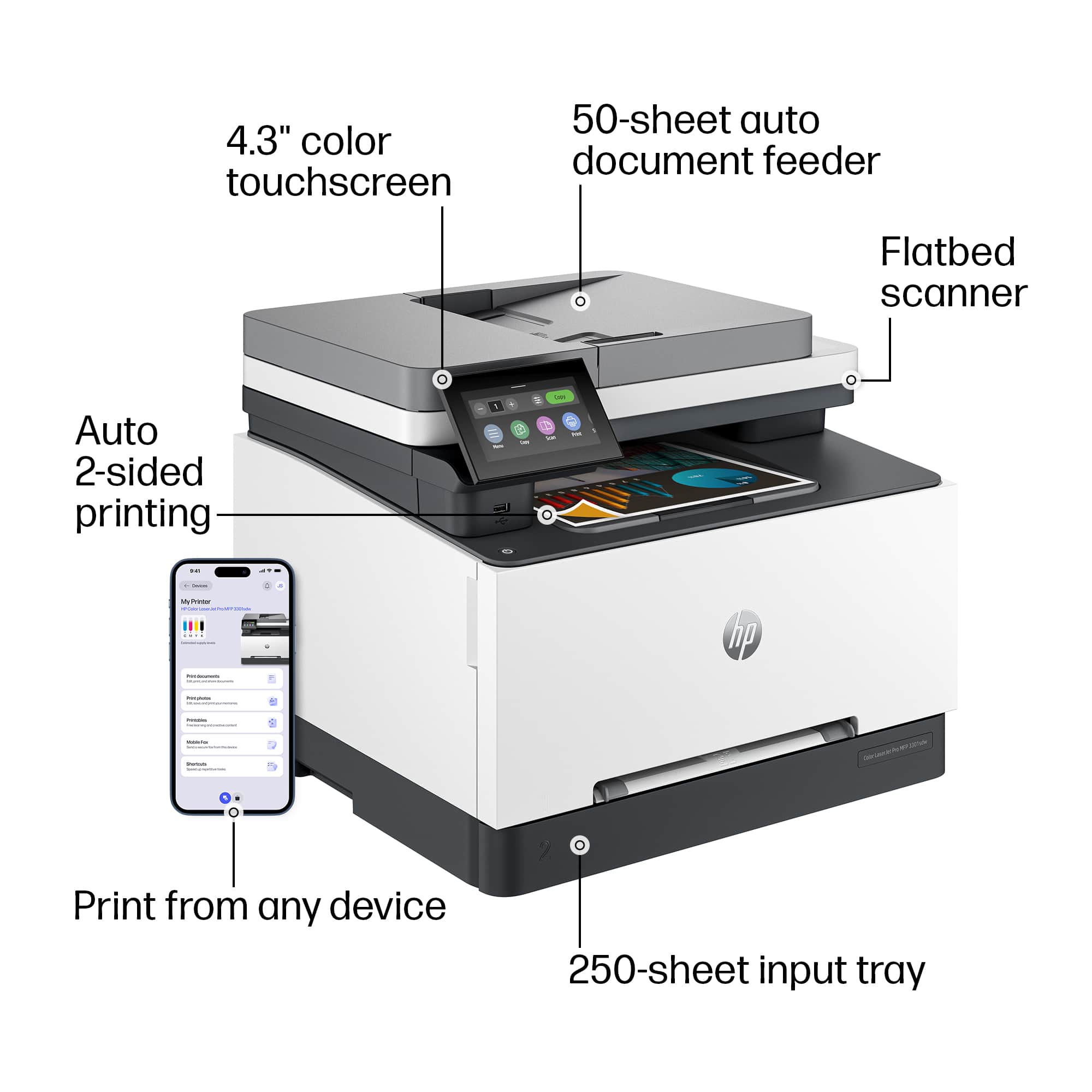
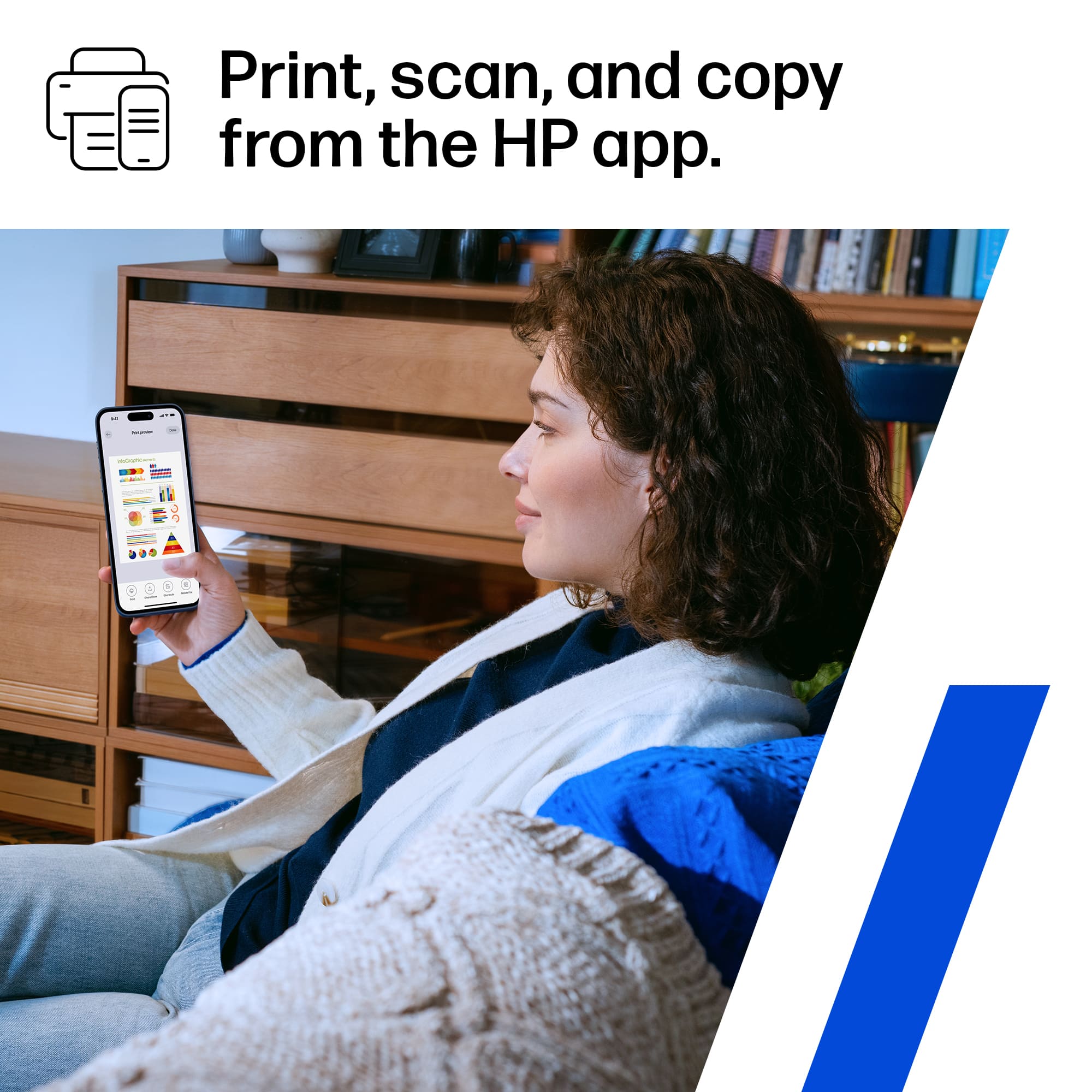
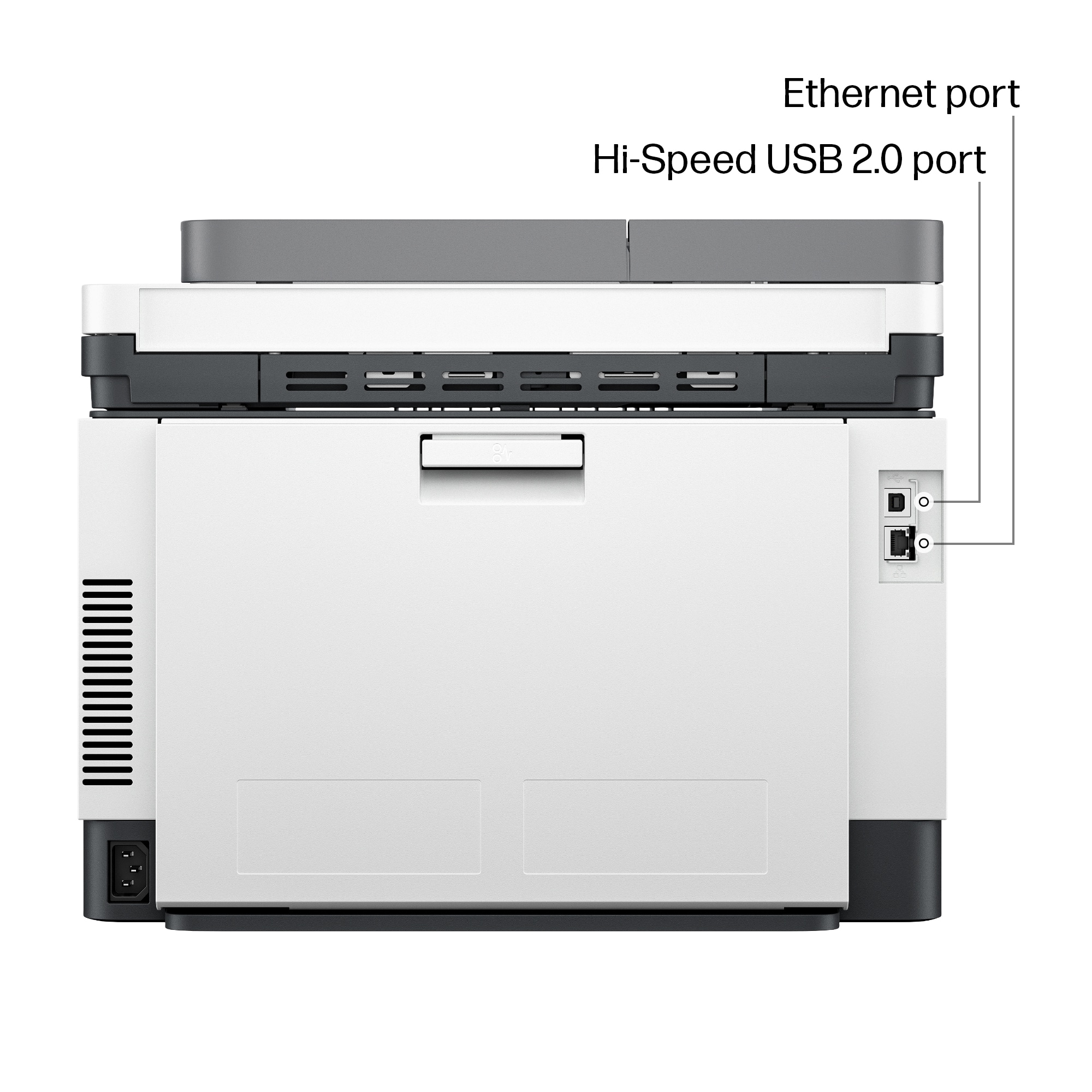
|Posted .This reviewer received promo considerations or sweepstakes entry for writing a review.Great little printer here for pretty much any business/personal needs. This is a bit more than your normal inkjet printer but not quite as heavy duty as some larger models out there. Still though, for all your printing needs, this is a great choice. This printer has sort of a sizeable footprint so it's not a tiny printer by any means. Also, it's quite heavy so you'll need to be sure to set it somewhere sturdy. Printer has your typical connectivity options like WIFI, ethernet and USB. Also there is a companion app you can download so you can print wirelessly from your phone/device. Print quality is quite good on this printer as expected. While not a photo printer, it still puts out really nice general prints as well as some nice color prints when needed. Print speed is fast, really good for printer so no worries about this being slow. It can handle multiple print requests easily as well so this can handle most user requests with ease. Aside from the size/weight, this is a great printer for just about any use.
I would recommend this to a friend - Pros mentioned:Print quality
Excellent All-in-One Printer for Home / Office!
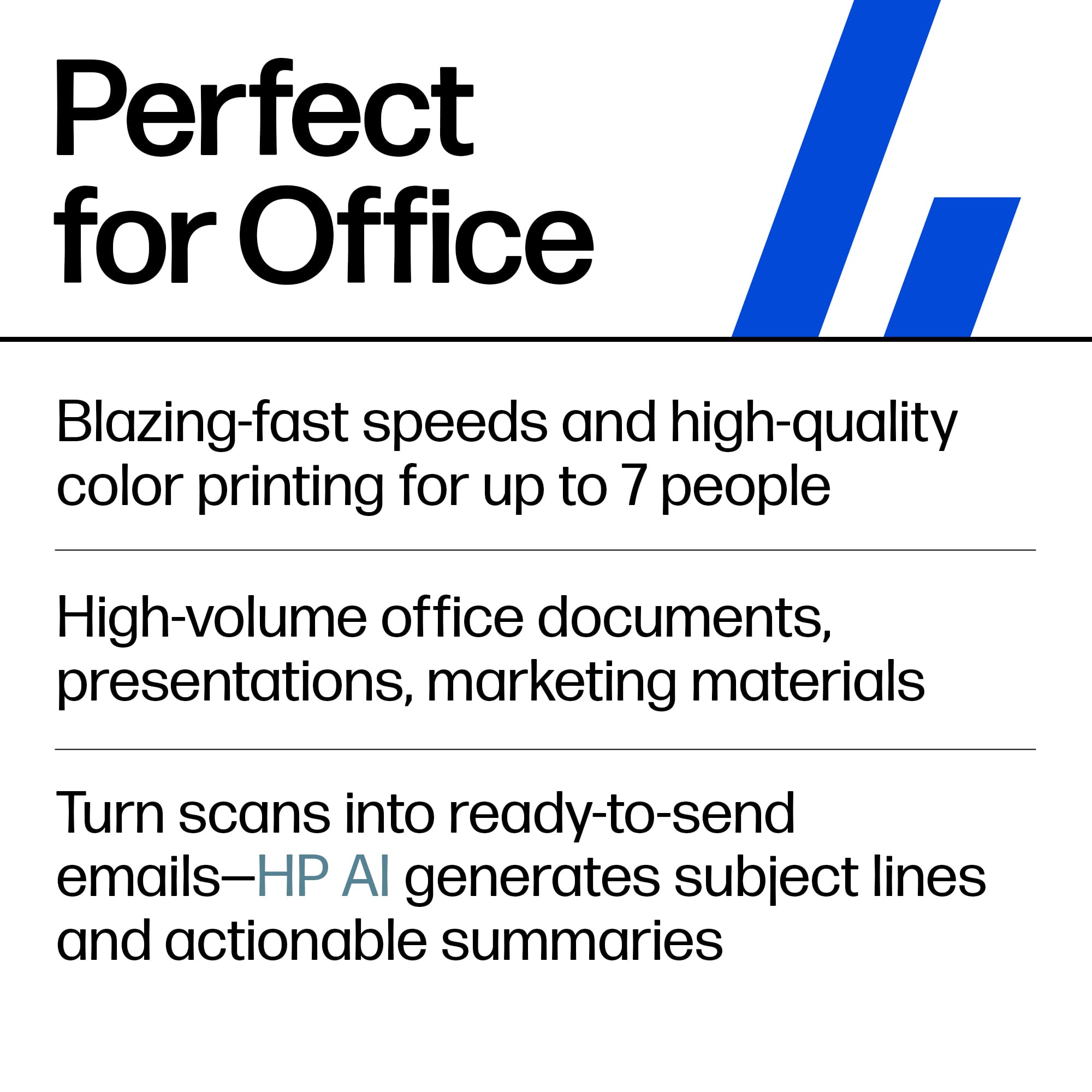
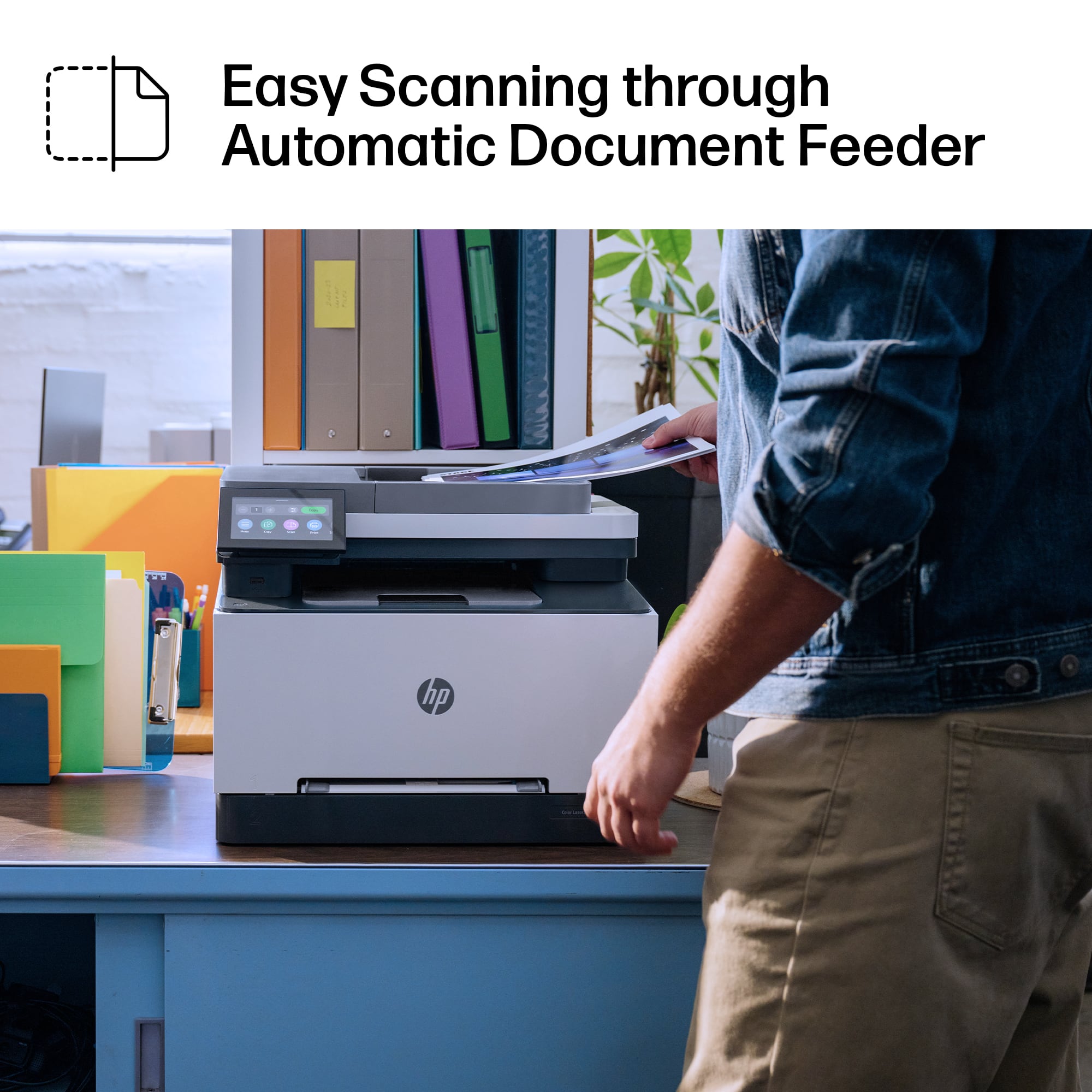
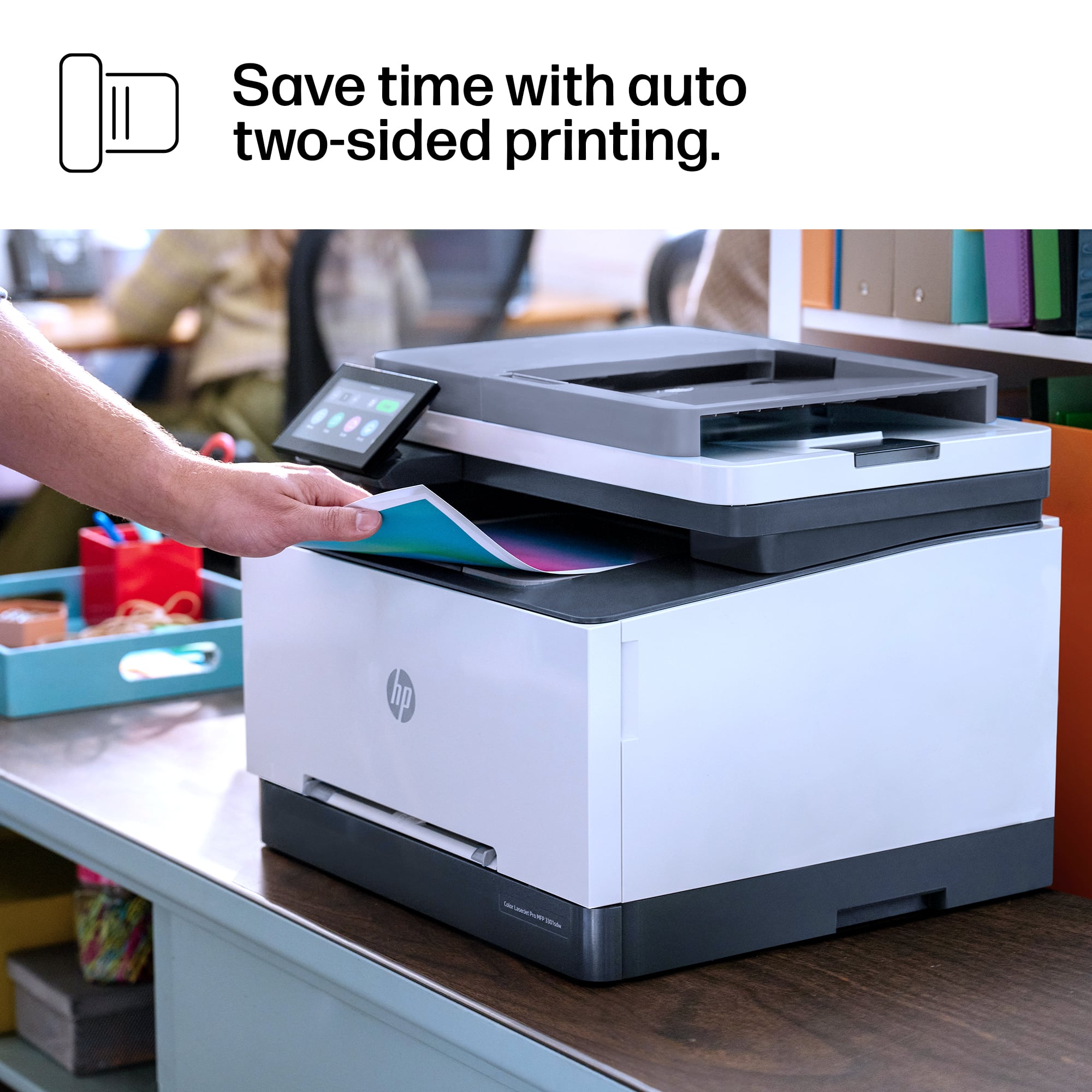
|Posted .This reviewer received promo considerations or sweepstakes entry for writing a review.I recently upgraded to the HP LaserJet Pro MFP 3301sdw, and it has quickly become an essential tool in my home office. Design & Build Quality: The printer’s compact and sleek design fits perfectly in my workspace. Its white color adds a modern touch, blending seamlessly with my office decor. The build quality feels sturdy and durable, promising long-term reliability. Print Quality: I’m amazed by the print quality of this laser printer. Text documents are crisp and clear, making them perfect for professional use. Color prints are vibrant and accurate, ideal for presentations and marketing materials. The printer handles various paper types effortlessly, from plain paper to glossy sheets. Performance & Speed: This printer is lightning-fast. It churns out pages quickly, which is a huge time-saver when I have multiple documents to print. The automatic duplex printing feature is fantastic for saving paper without compromising on efficiency. Wireless Connectivity: Setting up the printer on my wireless network was straightforward using the HP Smart app. I can print wirelessly from my laptop, smartphone, or tablet without any issues. The connection is stable, and I haven’t experienced any connectivity problems. Scanning & Copying: The scanner and copier functions work flawlessly. The automatic document feeder (ADF) makes scanning and copying multiple pages a breeze. The scanned documents are sharp and detailed, and the copying speed is impressive. Pros: - Excellent print quality for both text and color documents - Fast printing and copying speeds - Easy wireless setup and reliable connectivity - Compact design fits well in small spaces - User-friendly touchscreen interface Cons: - I haven’t encountered any significant drawbacks so far. Conclusion: Using the HP LaserJet Pro MFP 3301sdw has been a pleasure. The touchscreen interface is intuitive and responsive, making navigation and setting adjustments easy. The printer is relatively quiet during operation, which is a bonus for a home office environment. Overall, the HP LaserJet Pro MFP 3301sdw exceeds my expectations for a home office printer. It combines superb print quality, fast performance, and intuitive features in a compact design. Whether you’re a home user or a small business owner, I highly recommend considering this printer for its reliability and impressive capabilities. It’s definitely a worthwhile investment for anyone seeking a versatile all-in-one printer.
I would recommend this to a friend - Pros mentioned:Print quality, Setup
A Fast All-In-One Device With Some Minor Drawbacks
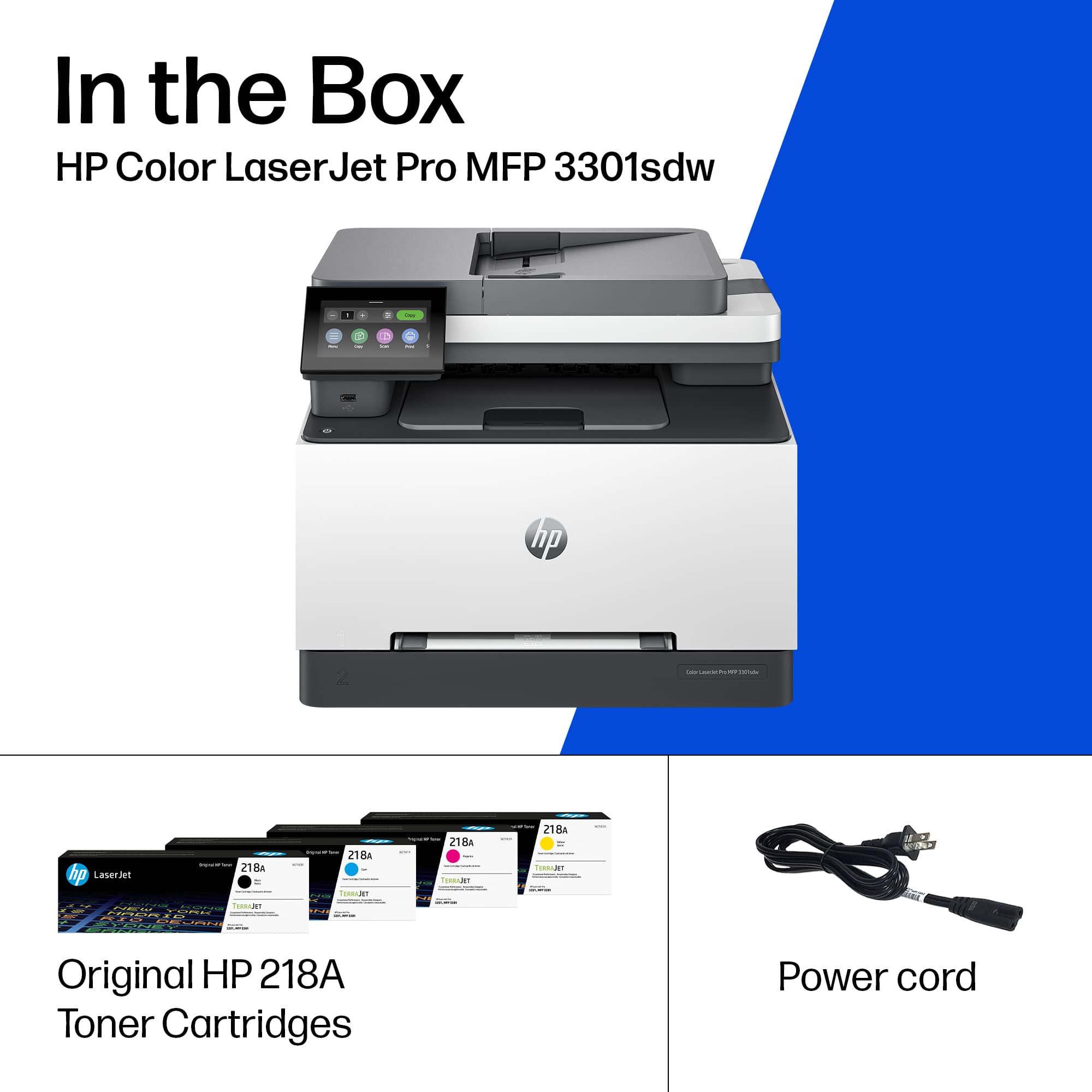
|Posted .This reviewer received promo considerations or sweepstakes entry for writing a review.For the past week I have been testing the HP Color LaserJet Pro Multifunction Printer Model 3301sdw. Overall It is a great all in one device with some minor drawbacks. Setting it up was a breeze, even for someone who is not super tech-savvy. Integrating into home or office networks is seamless, taking less than five minutes, including firmware updates. The printer has four preinstalled TerraJet Toner cartridges: Black: 600 pages, Introductory Cyan, Magenta, and Yellow: 500 pages, which are easily accessible and changeable. The input tray easily handled 250 sheets of paper and installing it was a breeze. There is also a 50 sheet document feeder that also works very fast and flawlessly. In my testing the Laserjet pro performed extremely well. The printer delivers sharp, clear, vibrant prints that produce quality professional documents and graphics. However, the noise is very noticeable when printing a large amount of documents. This may be an issue in smaller homes or businesses if the space is also where there will be heavy telephone use while printing. Scanning speed was equally impressive, churning out multiple pages at a rapid pace. Also, this product's security is impressive. I was surprised to find embedded security, with tamper-resistant toner, right out of the box. There was also preconfigured security, along with printer sign-in features. There were a few minor drawbacks though. The touchscreen was a little on the small side, especially for users with larger fingers. I had multiple errors entering the Wi-Fi password. Also the font was somewhat smaller than I would like to see. While it was frustrating initially, it is a minor inconvenience that persistence can overcome. Overall, these minor inconveniences were easily outweighed by the printer's strengths. The HP Color LaserJet Pro MFP 3301sdw was a reliable and powerful workhorse that made printing a breeze. If you're looking for a versatile and fast printer/scanner for your home or small office, this is a great option to consider.
I would recommend this to a friend - Pros mentioned:Print quality, Setup
Choosing the HP Color LaserJet Pro 3301sdw
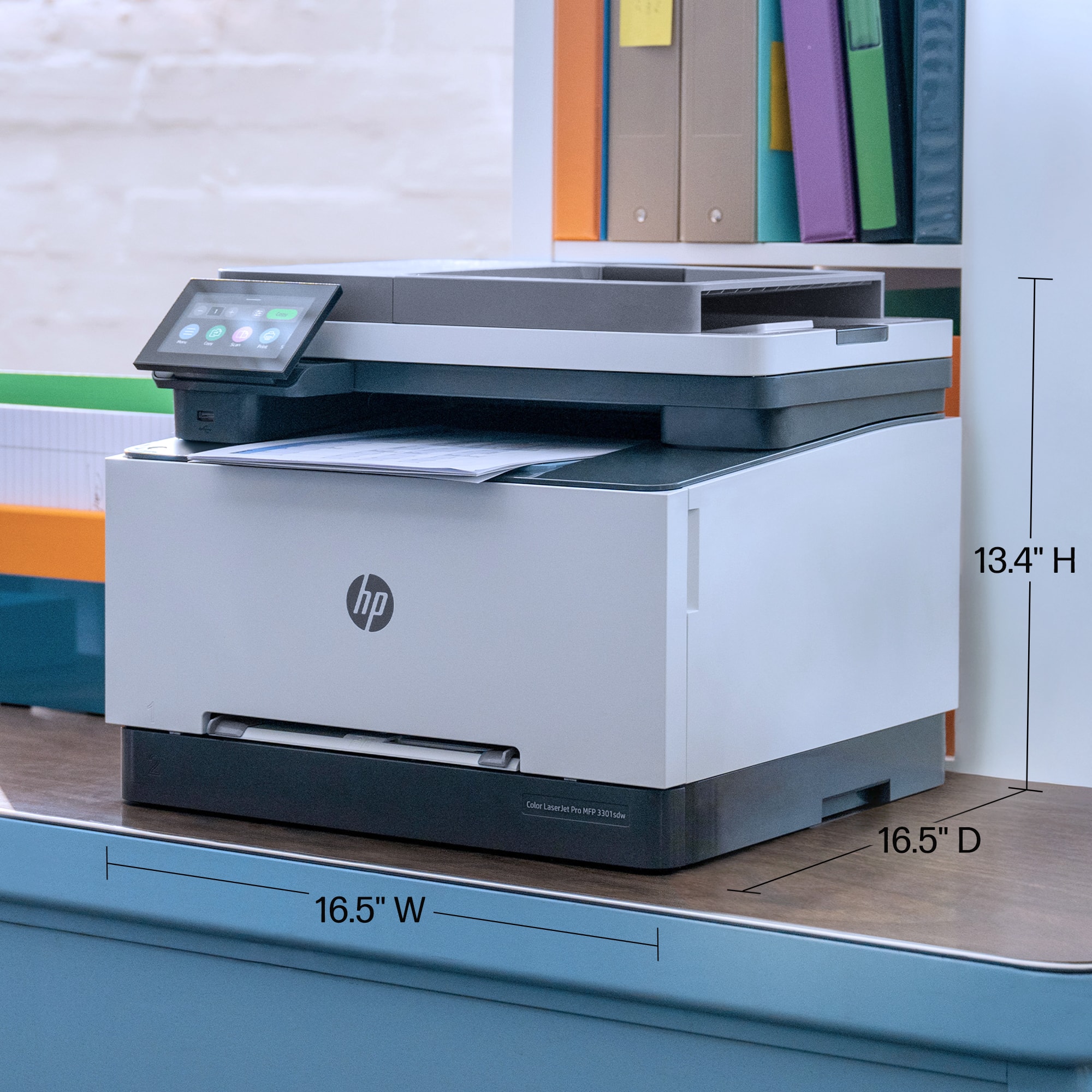
|Posted .This reviewer received promo considerations or sweepstakes entry for writing a review.In the market for a new color printer, I debated between an inkjet and a laser printer. Speed was a critical factor, which led me to choose the HP Color LaserJet Pro 3301sdw. This laser printer promised faster outputs, which was essential my impatient wife's printing needs. Compact Design and Easy Setup: The compact design of the HP Color LaserJet Pro 3301sdw was perfect for my needs, fitting neatly on my office shelf. Unboxing was straightforward, though I recommend sliding the printer out of the box sideways to avoid damaging the styrofoam, as I did. The minimal packaging and easily removable tapes and stickers made the setup process quick and clean. Quick Connectivity and User-Friendly Features: Connecting to Wi-Fi and integrating the printer with the HP Smart App was hassle-free. I was able to quickly find the printer on the app and begin printing within minutes. The entire process from unboxing to starting my first print job took less than ten minutes. The touchscreen made interactions simple and intuitive. Print Quality and Performance: The print quality exceeded my expectations. The colors in the photos and test images were vibrant and true to life. I'm not normally one to self-print important family photos, but I'm starting to rethink my stance. The test photos even on regular copy paper have been frame worthy! The printer's speed was impressive, especially in duplex mode, although the first page out time was pretty meh. Nonetheless, the overall performance for a competitively priced model was more than satisfactory. Considerations on Cost: One of the concerns I have is the long-term cost of printing, particularly because this model uses four separate toner cartridges. At approximately 4 cents per color print, the concern isn't necessarily cost per print, but replacing all four cartridges can be expensive. Take that with a grain of salt though. I'm a grump old man who hates replacing any consumable accessory. Don't even speak to me when it's time to replace my car tires! Overall, the HP Color LaserJet Pro 3301sdw is a solid choice for anyone who needs a fast, reliable, and compact printer with excellent print quality at a reasonable ongoing cost.
I would recommend this to a friend - Pros mentioned:Print quality
Great laser printer
||Posted . Owned for 2 weeks when reviewed.This reviewer received promo considerations or sweepstakes entry for writing a review.First laser printer I've ever had. Smaller footprint than my old inkjet printer but still with all the capabilities and more. Super quick and quiet. Print quality is phenomenal and no more ink smears/runs if the paper gets wet.
I would recommend this to a friend - Pros mentioned:Connectivity, Print quality, Setup
Quick and easy and it works
||Posted . Owned for 3 weeks when reviewed.This reviewer received promo considerations or sweepstakes entry for writing a review.I am approaching my mid 70’s and have bought and installed a lot of primers over the years. This one has to be the easiest one ever. It started when I opened the box and discovered it to be almost completely assembled. I connected the power cable and to my network. All of my devices found the printer and we have been printing flawlessly ever since. It is very fast and quiet always seems to be available to print when called upon. I do not know how it could get any better.
I would recommend this to a friend - Pros mentioned:Connectivity, Print quality, Setup
Great Printer
||Posted .This reviewer received promo considerations or sweepstakes entry for writing a review.The HP LaserJet Pro 3301sdw is a reliable all-in-one printer that combines excellent print quality, wireless connectivity, and versatile functionality. Its color printing capabilities make it suitable for both home and small office use. The wireless feature allows easy printing from various devices without the hassle of cables, enhancing convenience and workspace organization. The print speed is impressive, and the printer handles a high volume of pages efficiently. Setup is straightforward, and the user interface is intuitive, making it accessible even for those less tech-savvy. The compact design fits well in small spaces, and the overall build quality feels solid and durable. While the cost of toner may be a consideration, the printer's impressive performance and feature set offer great value for money. Overall, the HP LaserJet Pro 3301sdw is a top choice for anyone seeking a dependable, high-quality color laser printer with all-in-one functionality.
I would recommend this to a friend - Pros mentioned:Print quality
Great printer with a few glitches
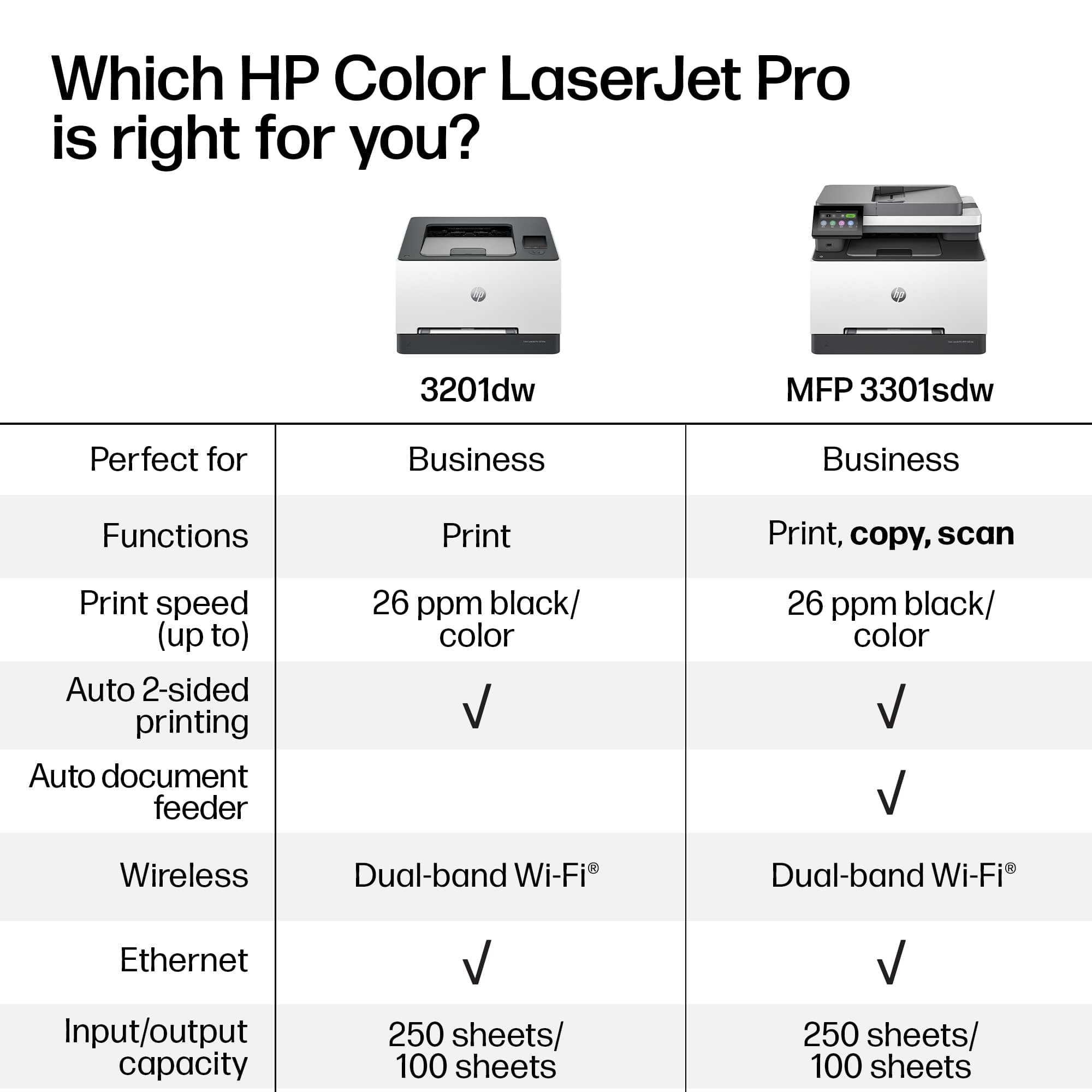
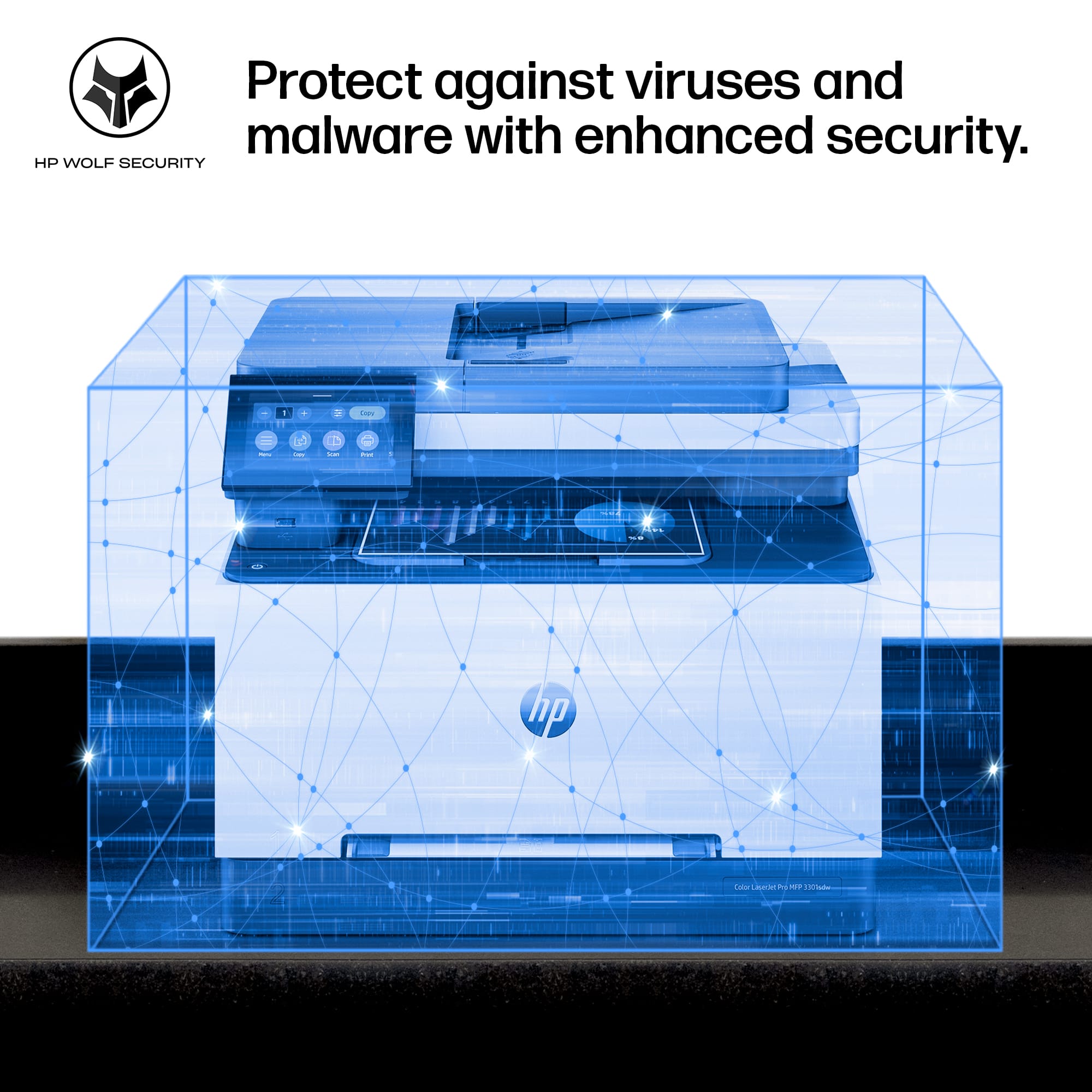
|Posted .This reviewer received promo considerations or sweepstakes entry for writing a review.HP has been making quality office printers for a long time, and they have gotten quite good at it. This printer follows in that tradition, and I am confident that it is a well-constructed machine that will produce high-quality prints and copies with little maintenance or fuss for a long time into the future. print quality 5/5 build quality 5/5 setup and software 3/5 clock 1/5 (why is there even a clock?) I have been using this printer for about a week now, and I’ve been consistently impressed with the quality of the prints and scans. Making a copy of a full-color graphic original resulted in a copy almost indistinguishable from the original, with excellent color matching and crisp, clear lines. In general, the interface is easy to operate, and the physical design of the machine is indicative of HP’s decades of experience making quality printers and copiers. Unfortunately, there have been several setbacks to my giving a glowing recommendation for this product. In fact, as I sat down to write this review, the printer won’t even boot; it is stuck on the HP logo that comes up for a few seconds when the printer is turned on. Software Ease of use and Stability: The first sign of trouble was that after the initial setup, the printer found a firmware update it wanted to do. After I told it to go ahead, the display showed a “critical error.” Fortunately, the printer could still boot afterwards, and when I tried again the firmware update succeeded. Most of the setup and settings were easy enough and straightforward, but I wanted to try out some of the more advanced features. In addition to printing and copying, it can also scan to a computer, to email, or to network storage. I was able to do the first two, but I couldn’t get it to recognize my network storage. I found lots of folks online who struggled with the same issue and who eventually resolved it after reinstalling and resetting and trying various combinations of settings. So I expect that I might eventually be able to get it to work too, but so far no luck. The device can also print from or scan to a USB storage device. I learned that the USB drive has to be formatted FAT16 or FAT32, so the first drive I tried which was formatted ExFAT would not work. The absolute worst part is the clock. Why does a printer need a clock, you might ask? I don’t know, but part of the initial setup was to set the clock. Since this is a fully network-connected device, they easily could have included NTP to have the clock set automatically, but they didn’t. Even worse is that whenever I turn off the printer the clock stops running! So if I want the clock to be accurate, I have to reset it every time I turn on the printer. Good thing printers don’t need clocks, right? Practically speaking, this is just an annoyance, but it’s one of those details that shows that HP doesn’t care about their software anywhere near as much as they worry about making good hardware. The printer did not come with much documentation at all. I eventually found a comprehensive user guide on HP’s website, but it took a bit of searching. There were a few times when I really needed extra information: for example, after the initial setup there are certain settings that require an administrator login; I wouldn’t have guessed that the administrator password defaults to a PIN code printed on a label inside the printer. Office Use: The main paper tray claims to hold 250 sheets of standard 20lb paper, but my experience is closer to 150 sheets. For an office printer, I would prefer that the main tray have a 1-ream capacity so that a ream of paper can be loaded fully and avoid having to store a partially-used pack of paper outside the printer. Other printers in the same size range have a 1-ream capacity, so this is a little disappointing. Marketing claims this printer is “super fast.” While I have no complaints about the speed, its 25 pages per minute seems about average for a smaller laser printer. Scanning is much slower, about 10 pages per minute when I tested the document feeder. Regardless, it has a document feeder, which is a wonderful time-saver for larger scanning jobs. I found the feeder to be easy to use and to work well: no jams, misfeeds, or misalignments. Note, though, that while the printer will print double-sided, the document feeder only scans single-sided. Marketing also claims a “compact design” which just made me want to criticize the size. With a footprint roughly 16.5” square this is not a huge printer, but it’s bigger than other similar models. Inside the case, there’s about an inch of open air on each side. They actually could have easily made it more compact except that they chose to mount the scanning bed perpendicular to the printing mechanics. In other words, it’s not as compact as it easily could have been. I’m not sure why they chose to configure it this way, but it is set up so that you don’t need access to the sides of the printer during operation: paper goes in and comes out the front, and scanning happens on top. So, despite being wider than it “needs” to be, this is a very thoughtful design. I like that there isn’t a feed door on the side that would interfere with using the space on either side of the printer. Privacy: There have been reports about certain printers spying on what you print. Obviously this would be really bad for anyone printing sensitive information, e.g. anything including financial details or confidential business records. Also obviously, this is most of what people do with printers. Fortunately, HP does not seem to be among the companies with such a bad business practice. From what I can tell, they take privacy seriously. During my testing, the printer did not send any data to the cloud about my print jobs. I did not set up their cloud service, but according to their privacy documents they do not keep any records for their customers in any form that is used by the company for marketing, targeting, or other undesirable purposes. However, they are in the business of using DRM to restrict the way you can use the printer. Most expressly, this printer uses tech to keep you from using toner cartridges not authorized by HP. They even warn that cartridges that work today may not work tomorrow if they decide to block them (via a firmware update). At least they get points for being honest about this, but I would much rather they didn’t do it in the first place. This is an anticompetitive practice designed to coerce people into buying new, HP-branded toner cartridges instead of toner refill kits or cartridges from other manufacturers. And it’s no coincidence that the HP-branded toner costs twice as much as others. Additionally, the fact that they have this tech in their printer means that they can change the rules any time they want and lock you out of even using HP-branded cartridges if they think they can get away with it (and they definitely think they can get away with it). Granted, almost every printer manufacturer has been pulling these tricks for decades, but that doesn’t make it any less offensive. Summary: This is a great printer from a reputable company. The hardware seems well-designed, and it appears to be rugged and durable. In fact, I like this printer a lot. But a few software issues make me question whether I’ll end up finding it to be a valuable addition to my office for years to come, or if I’ll be pulling my hair out over bugs, glitches, and DRM lockouts every time I have an important print job with a deadline.
I would recommend this to a friend - Pros mentioned:Connectivity, Print quality
Awesome Printer!
||Posted . Owned for 1 month when reviewed.This reviewer received promo considerations or sweepstakes entry for writing a review.Awesome printer. This printer provides quality document prints. Very quiet. Smaller than my previous HP printer. Most of all it was very easy to hookup.
I would recommend this to a friend - Pros mentioned:Print quality
An excellent Printer with quirky HP setup.
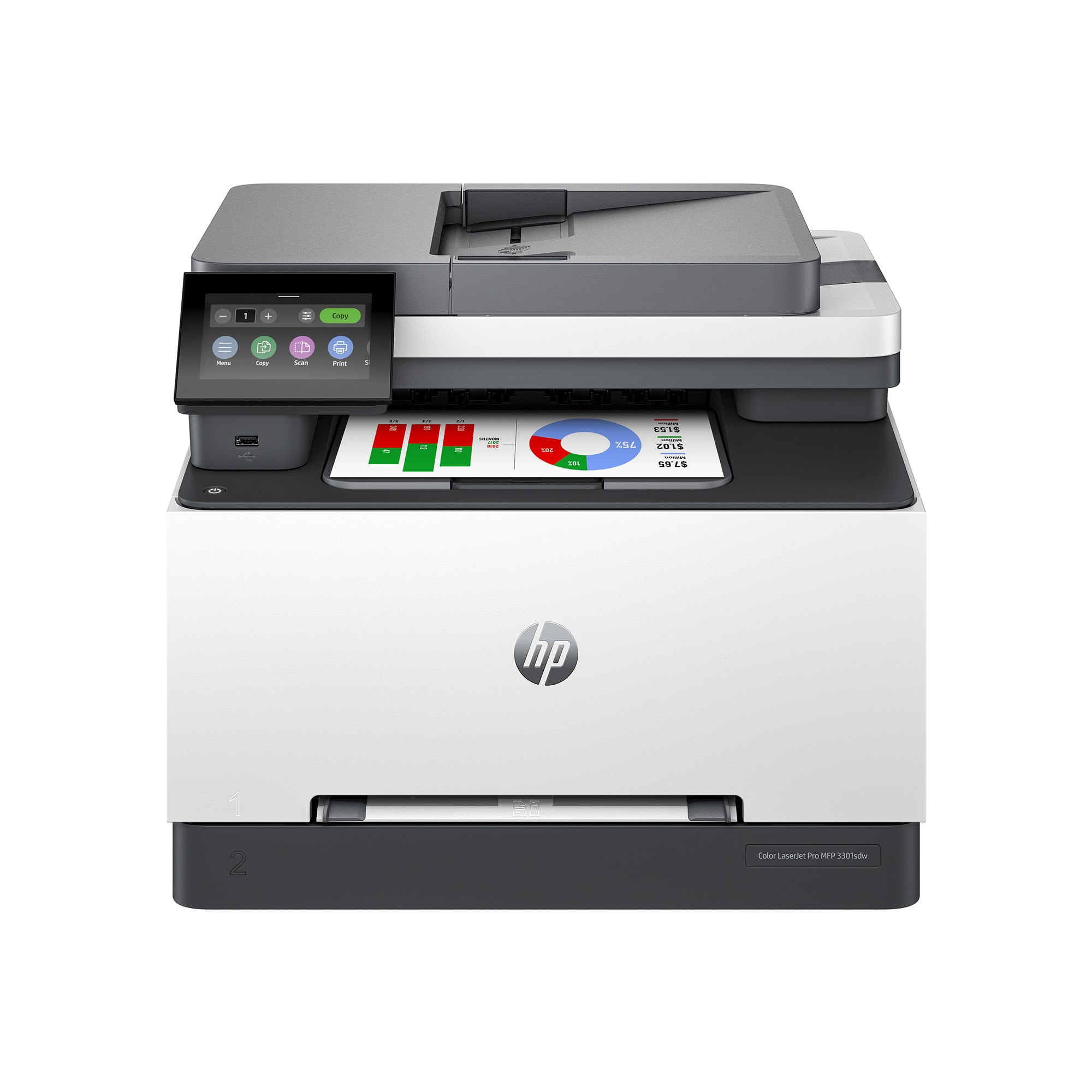
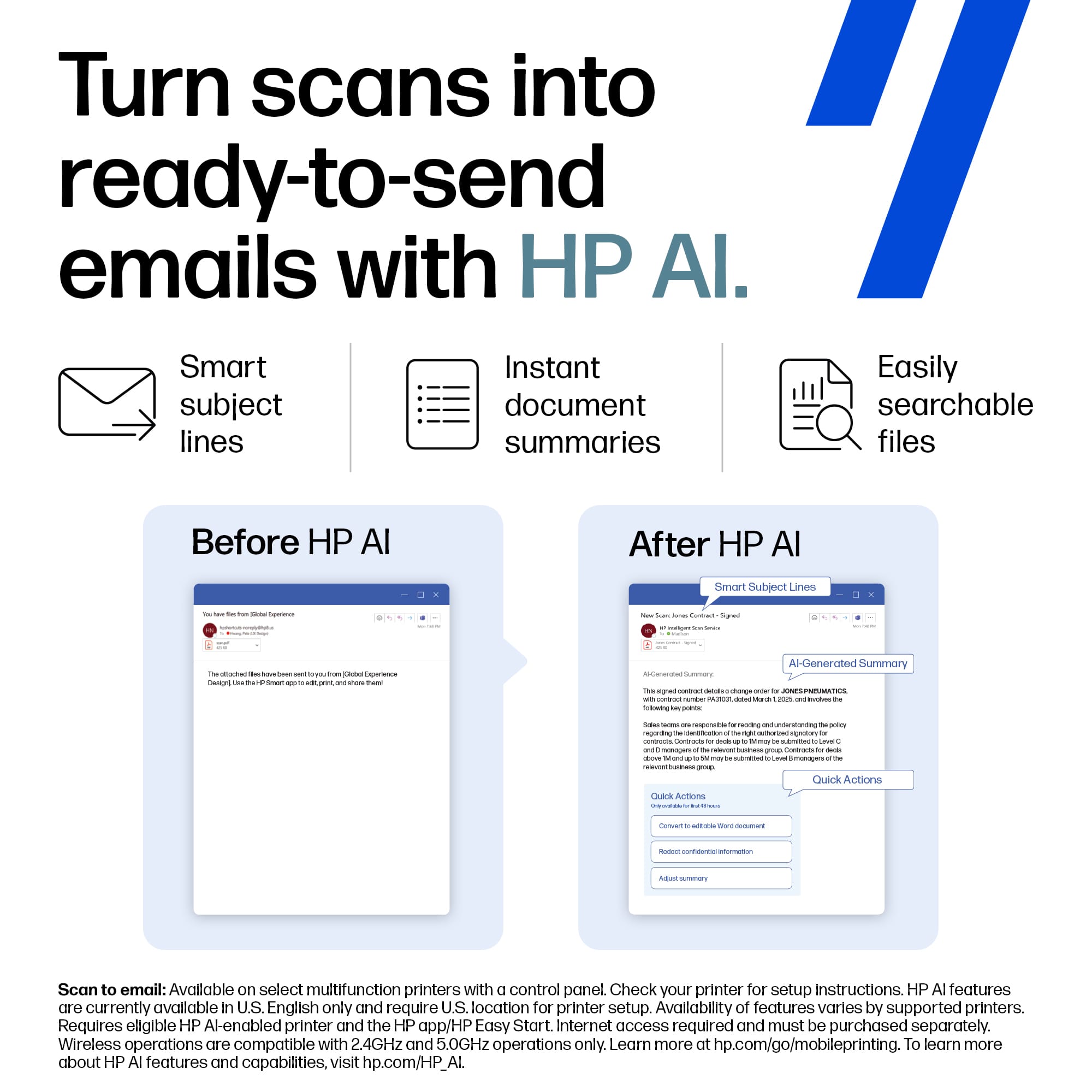
|Posted .This reviewer received promo considerations or sweepstakes entry for writing a review.The HP Color Laserjet MFP 3301 printer is so far serving me very well. This printer is quite heavy in weight. It can serve both a private person and a business with its features. On setup you are directed to make sure to update the software and in doing HP tells you the update may say it failed, but don't worry about it. The printer will restart and the update will have been downloaded. Wait, what? Your IT people cannot find a solution to the notice that the update failed, when in fact it didn't? Really? After the restart you are ready to setup your network connection. I did wifi connection first and the connection process was smooth. I then tried Ethernet. Again setup was easy. After that you can copy and print, but more setup steps are needed for scans and such if you want added capability. This is why I went from 5 star to 4 stars in my review. The process is balky. I wish HP could streamline this. I tried to setup scan to email and it wasn't easy. I finally got it, but ugh! HP Smart features/setup needs work. The rest of the experience has been excellent. The print quality is vibrant. The colors are amazing. The clarity is first rate. The wifi doesn't disconnect. It is always ready to go. HP calls it dual band wifi. I call it a great advancement. The printing speed is fast. Two sided copies are great and a great feature for business use. I can see why this is classified as a good small business printer. There are 2 paper feed options. One by singke sheet, the other via the tray. The paper tray holds sufficent paper. Paper take up rolls work flawlessly. That is so important to me. I am so tired of printer jams. This printer seems to eliminate that problem in scans and in paper feed. Thank You HP. Paper jams are aggravating and time consuming. It seems like this will no longer be a problem. You can scan from the feed tray or from glass. Same for copies. There are usb ports for usb connection too. The touch screen is easy to navigate and easy on my eyes. HP has a good product here. I recommend it and look forward to many years of use.
I would recommend this to a friend - Pros mentioned:Print quality
Great Laser Printer for my WFH needs
|Posted .This reviewer received promo considerations or sweepstakes entry for writing a review.This is my 2nd HP printer in a couple of years. The LaserJet Pro replaced my Smart Tank 7300 due to the sheer volume of print jobs required for my position and I couldn't be happier with the results. I was quite surprised when replacing the Smart Tank with this LaserJet that the footprint is almost similar to each other with the height being the biggest difference. Setup was just as easy with my original HP. Simple instructions are on the box on how to remove the printer out of the box without damaging it and the plastic bag that holds it has handles to slide it out. It is a little hefty weighing in roughly 38 lbs. so make sure to grab a 2nd person to help out if needed. Once you remove all the plastic protection and plug it in, you are almost ready to go. After I set up my printer via WIFI, I ran the firmware update and it took about 5 minutes to DL and install. What I love about it being WIFI is that all my other PCs in the house connected to the same WIFI could easily find and add the printer with no problems. HP starts you off with some starter toner for the 4 colors it needs (black, magenta, cyan and yellow) allowing for quite a bit of printing (~500 pages) before you will need to get replacements. The size is HP 218A (standard ~1200 - 1300 pages) or HP 218X (High Capacity ~2500 color pgs - 3200 black). Prices were around the $68 for black and $81 for color for standard and $100 for black and $116 for color on the High Yield (off HP's own website). I actually got the 218X Black as a gift from a friend since he uses the LaserJet for his job as well. The 26 ppm output is excellent compared to my old printer and lets me complete more work in a lot less time. My friend who works in the realtor world loves how he can create all the closing paperwork needed to be signed for clients and print them fast with the printer. The ADF's (auto document feeder) speed suits me well clocking in around 20ppm scanning, but again, I only use black and white options for my work related stuff. I know it does color as well, but I think it's a lot slower at ~8ppm. I did have 1 issue that I was going to remove a star from but I figured it out and thought it was too easy a remedy to deduct it. Since using the printer, 100% of my and my friend's workload is black and white. One day I decided to test out color and see what it will look like. After printing a few items with color I immediately noticed something was way off. Anything with the color blue was missing and it was reddish instead. I ran the in-setting diagnostics and test pages, but the all kept coming back fine and toner levels were maxed. I tried reaching out to HP, but got no response. Then I remembered with the larger laser printers I work with when I was in office had a trick to basically shake the cartridge to get the toner flowing again. I opened the front of the LaserJet and slid out the tray housing all the colors and 1 by 1, I took them out, rocked them back and forth (do not touch the bottom) and replaced them all. Once the printer did it's diagnostic again and said ready, I tried again and lo and behold, it worked. Even with the minor hiccup, I still would recommend this to people who still need printers for business or personal use. The print quality combined with the speed is excellent and the price to performance on the toner replacements are not that bad actually.
I would recommend this to a friend - Pros mentioned:Ease of use, Print quality
Great Printer / Easy Set Up
||Posted . Owned for 1 month when reviewed.This reviewer received promo considerations or sweepstakes entry for writing a review.This is a great laserjet printer with a relatively small footprint. Very easy to set up and print wirelessly. Print quality is excellent
I would recommend this to a friend - Pros mentioned:Ease of use, Overall performance, Setup
Best HP Printer Around!!!
||Posted .This reviewer received promo considerations or sweepstakes entry for writing a review.I waited on reviewing this printer until I had sufficient time to use it and see how well it works. This is probably the best money I have spent on a HP printer (or any printer for that matter) in a long time. This one was easy to set up and very easy to start using. The features are amazing and it works wonders in all situations. I am so glad that I purchased this instead of one of the other two printers I was looking at. Purchase with confidence and you will not be disappointed.
I would recommend this to a friend - Pros mentioned:Ease of use, Print quality
Small Business Essential
||Posted . Owned for 3 weeks when reviewed.This reviewer received promo considerations or sweepstakes entry for writing a review.Excellent printer for my small business. It holds enough paper, it is quiet, the printing is well above average and the color is remarkable. This printer is very easy to set up and does everything a small business would need. I've had it for over a month and I have absolutely no complaints. I love my new printer.
I would recommend this to a friend - Pros mentioned:Print quality
Does a great job!
||Posted . Owned for 3 weeks when reviewed.This reviewer received promo considerations or sweepstakes entry for writing a review.Quick to print with excellent quality. Very quiet operation.
I would recommend this to a friend - Pros mentioned:Ease of use, Print quality, Setup
Great for Small Business!
||Posted .This reviewer received promo considerations or sweepstakes entry for writing a review.A BEAST! Great for small business. Sturdy, quiet and easy to set-up and use. Runs large batches effortlessly, including two-sided copies. You can tell this printer means business just listening to it work. Smooth, quiet and effortless. 5+ stars!
I would recommend this to a friend - Pros mentioned:Print quality, Setup
Good Product
||Posted . Owned for 1 month when reviewed.This reviewer received promo considerations or sweepstakes entry for writing a review.East to set up, good quality copy and print, Scan works perfect. A little noisy.
I would recommend this to a friend - Pros mentioned:Print quality, Setup
Very Good Value, Good Price, Great Working Printer
||Posted . Owned for 2 weeks when reviewed.This reviewer received promo considerations or sweepstakes entry for writing a review.Great printer! From the setup to actually being able to print all went pretty smooth. The bottom paper tray is a little smaller compared to my prior printer which was the HP8620. The printed pages look very clear and really are absolute!! This printer is not extremely loud, has a easy to use dashboard consisting of menu, copy, scan, print, fax, USB, trays, supplies, job, and help. I would recommend this printer to everyone. Thank you.
I would recommend this to a friend - Pros mentioned:Connectivity, Overall performance, Print quality
Good new laser printer
||Posted .This reviewer received promo considerations or sweepstakes entry for writing a review.Works great, quick set up. Like the wireless option to print. Quality is very nice.
I would recommend this to a friend - Pros mentioned:Print quality
HP Laser Jet Pro
||Posted . Owned for 1 year when reviewed.This reviewer received promo considerations or sweepstakes entry for writing a review.Bought this printer 3 months ago. I have had no issues. Prints nicely. Just purchased a black replacement cartridge as I am getting the low message. So, the cartridge that came with the printer lasted longer than I expected. There for dropping $300ish for all the cartridges isn’t all that bad.
I would recommend this to a friend