Customer Ratings & Reviews



- Model:
- LJ Pro MFP 4101fdw/2Z619F#BGJ
- SKU:
- 6517854
Rating by feature
- Value
Rating 4.6 out of 5 stars
- Quality
Rating 4.6 out of 5 stars
- Ease of Use
Rating 4.6 out of 5 stars
Customers are saying
Customers often highlight the LaserJet Pro MFP 4101fdw's great print quality and ease of use. Many appreciate its overall performance, speed, and convenient size. However, some customers have expressed concerns regarding the software and scanner functionality.
This summary was generated by AI based on customer reviews.
- Pros mentioned:Ease of use, Print quality

Excellent Laser Printer
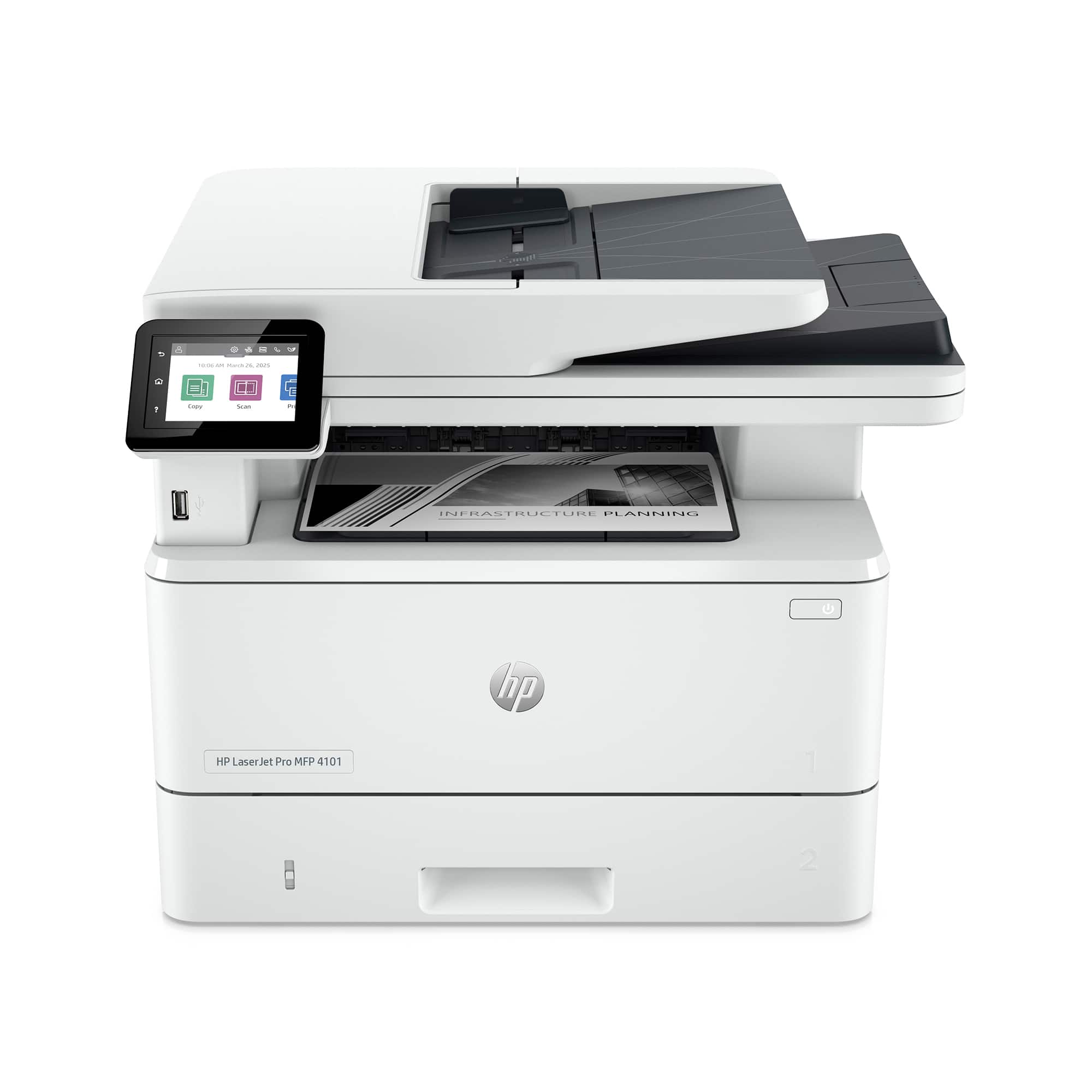
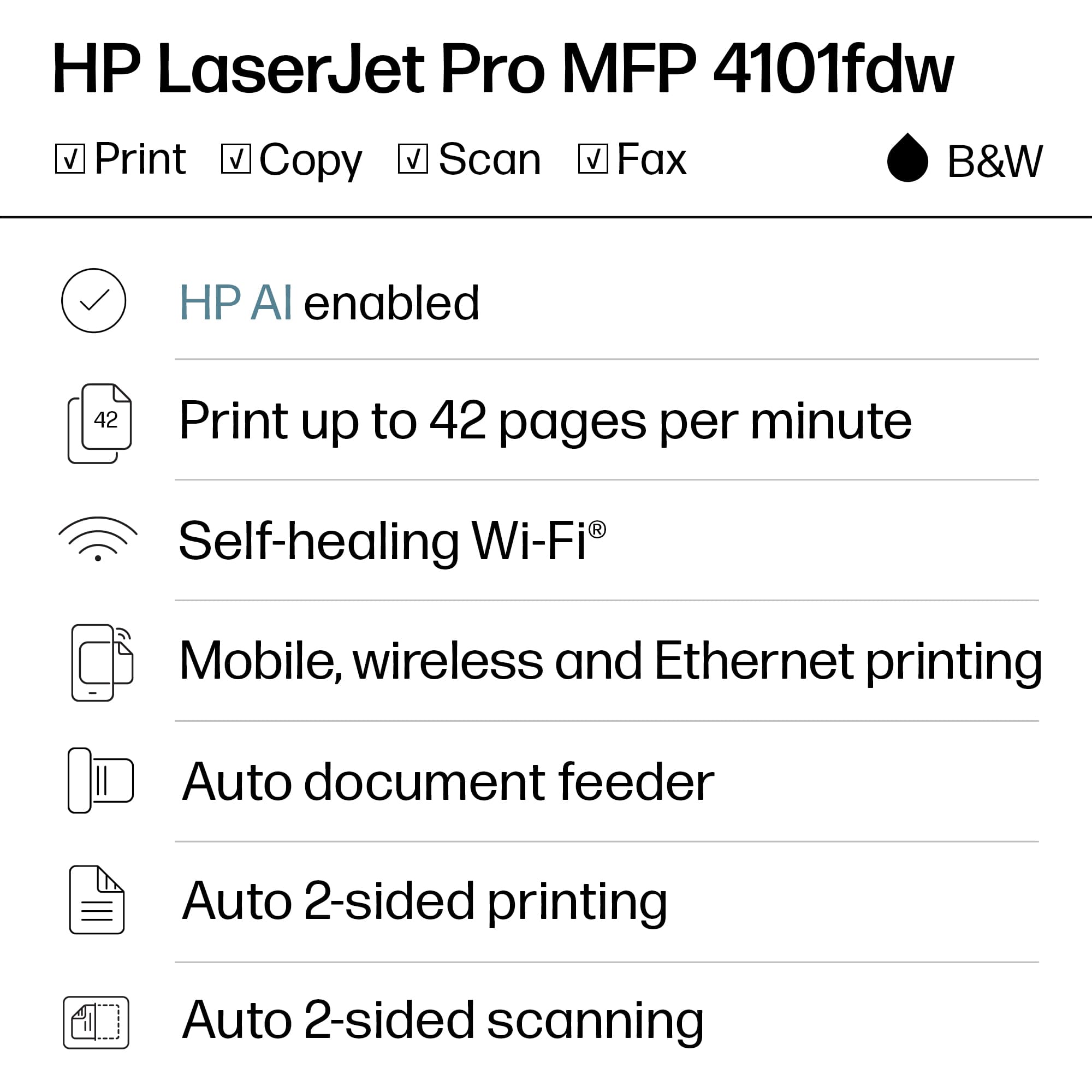
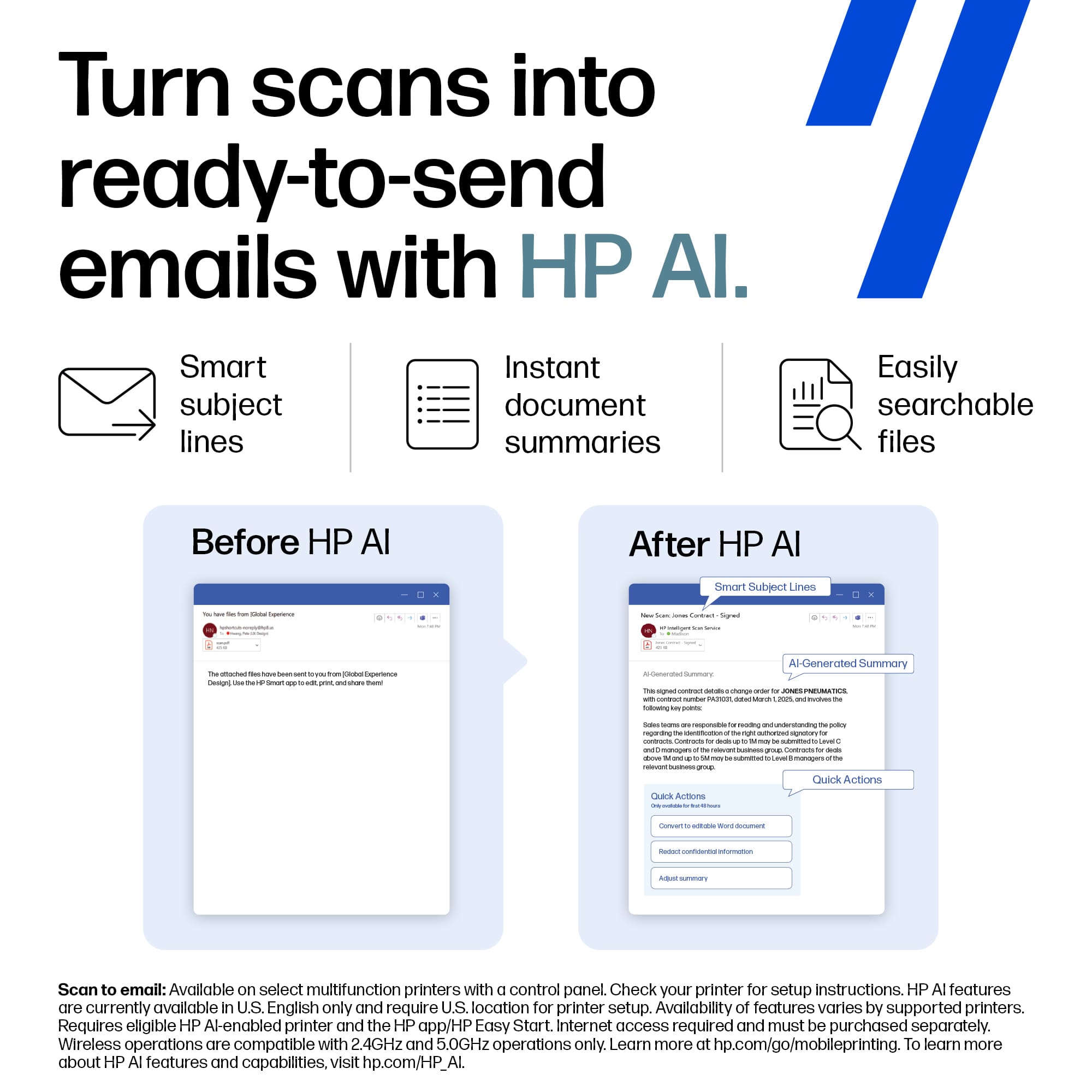
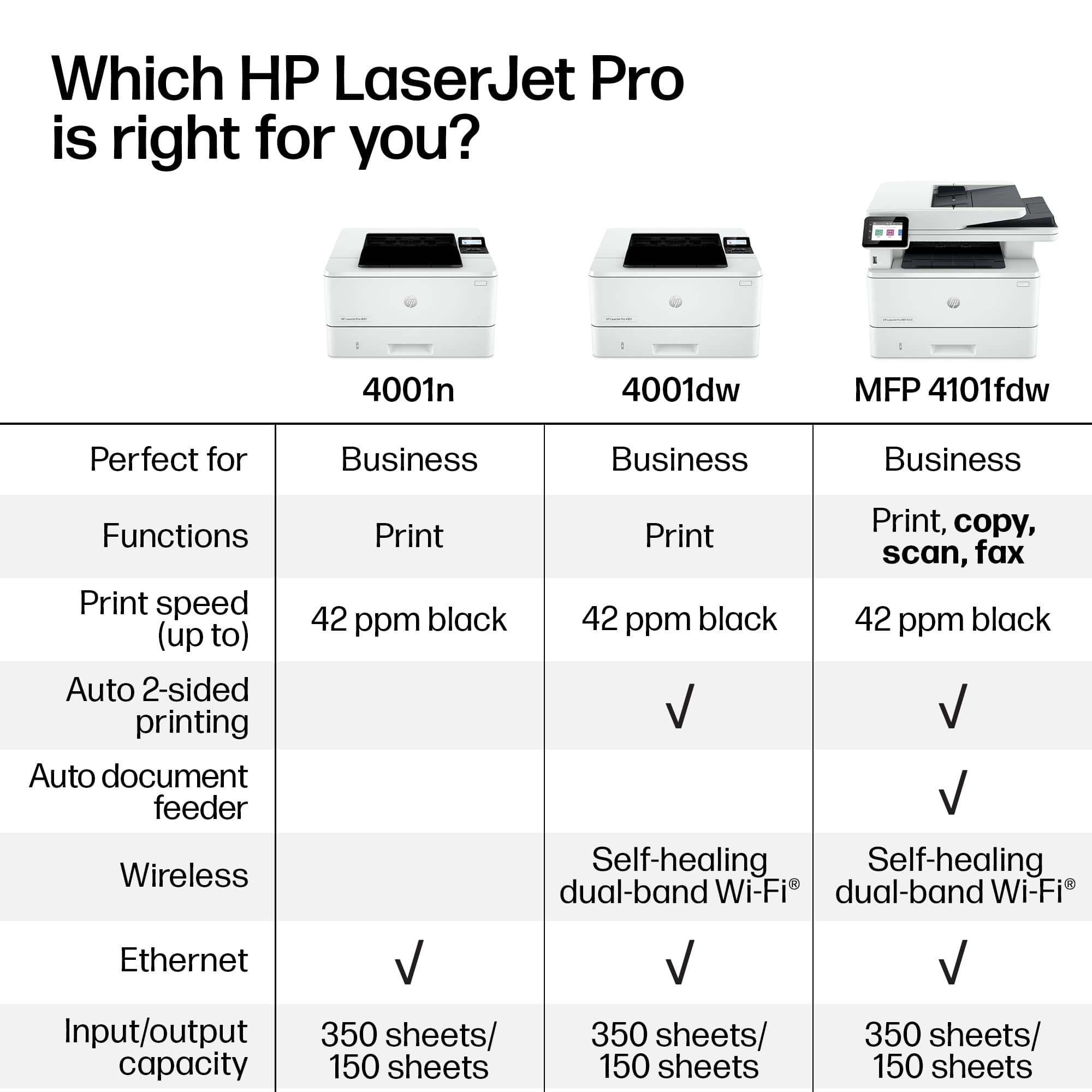
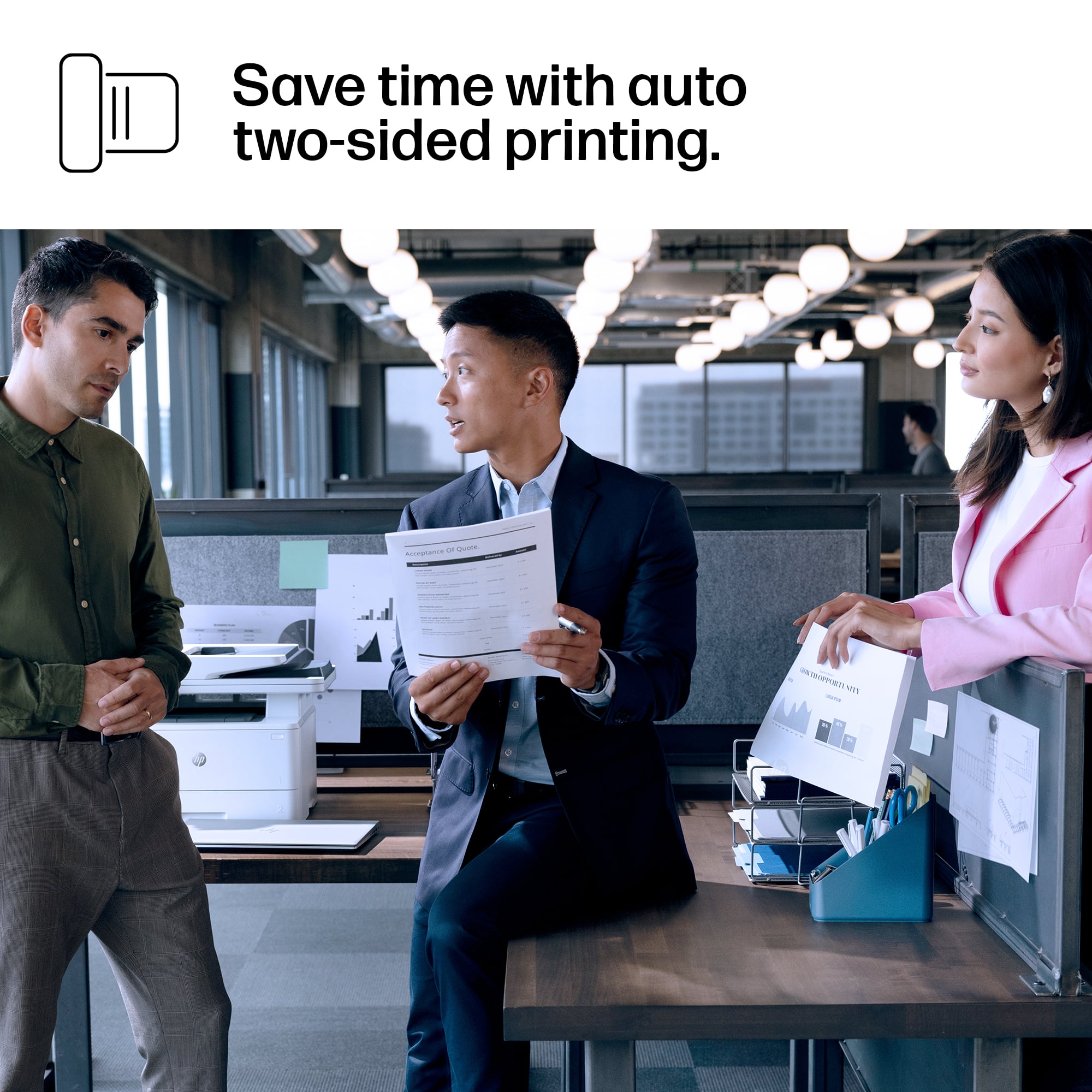
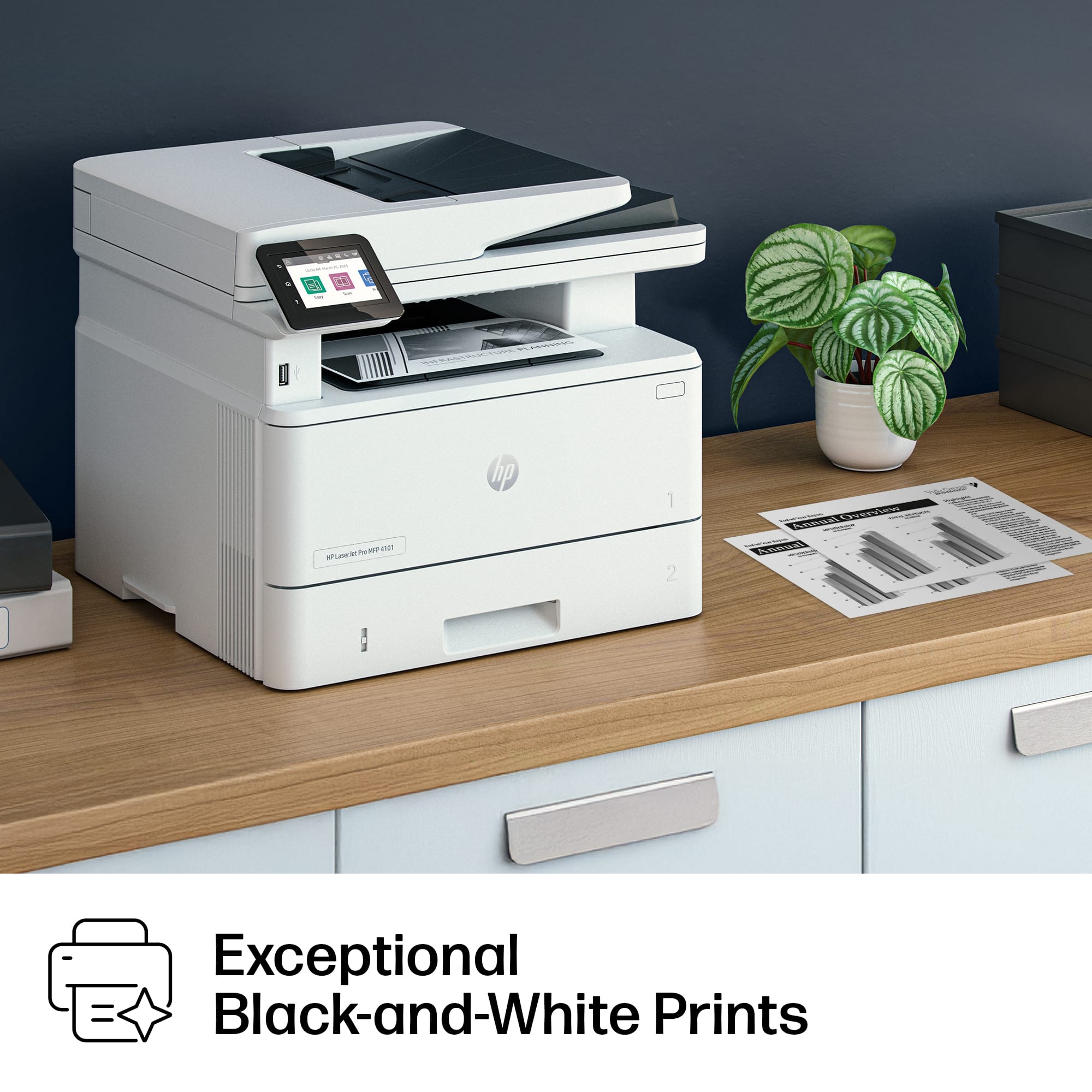
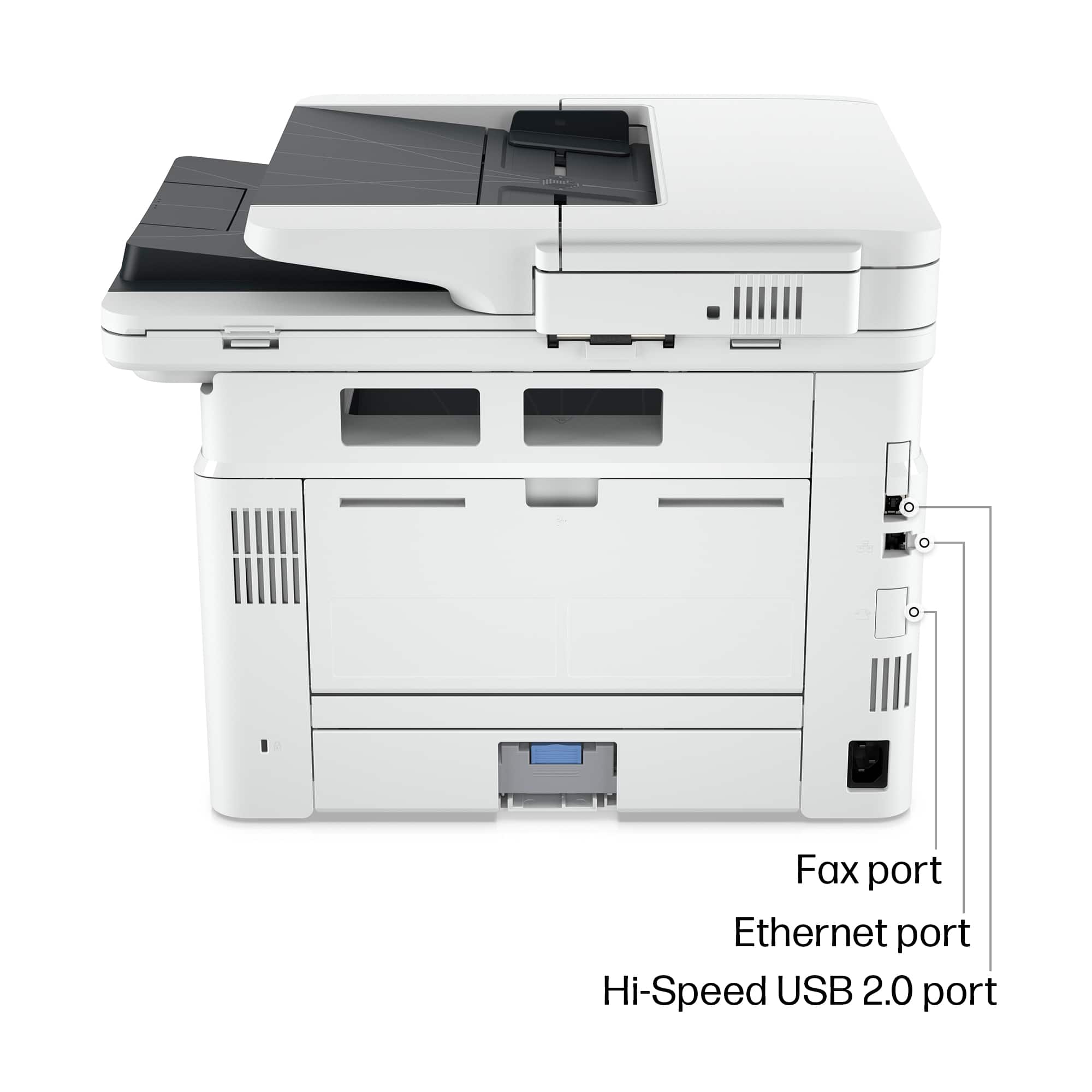
|Posted .This reviewer received promo considerations or sweepstakes entry for writing a review.This review is for a HP LaserJet Pro MFP 4101fdw. It is Black-and-White only. I started out with inkjet printers and found out later on the problems with owning them. You get dried up lines and cartridges when you let them sit unused. So a laser printer is the best you can get. Setup for this printer was easy. After plugging it in, I selected the language, country/region and time on the control panel. Next it gives you 3 options to connect your printer: Wi-Fi, Ethernet or USB. Wi-Fi was easiest for me and it provided a little screen keypad to enter all my network info. My Wi-Fi name is hidden but printer was still able to be setup. After it scans for available networks it also allows you to enter one manually. Once I entered it all in, it had no problems connecting without any errors. I then downloaded the HP Smart app for my phone and PC. I logged into it with an account I already have and then told it to search for printers. Once it found my printer, I selected it and it installed everything it needs to use the printer. Can't get any easier. It will print and scan two sided. I was very impressed with the speed of this printer too. I use laser printers at work and this one is even faster. Like really fast. The two sided print jobs are just one pass through. Printed pages are crisp, clean and perfect. You can scan documents with ease in the HP Smart app. I was very impressed with the scan quality also. At first it only showed me a preview and I thought oh no this doesn't look good. But when you save the scan then you can view it in full quality. They can be saved as either PDF or jpg. Now I can finally scan everything with ease and not keep a paper copy. There is also a fax option that I love too when you need to deal with banks, lawyers and insurance companies. You can take a picture of anything with your phone or scan a picture with the printer and then fax it without the need of a landline or fax machine. You cannot receive a fax through this service. To start using this it is free for a trial and then there is a monthly charge so I do not know the cost yet. You can still use this printer as a fax machine if you do have a landline. Wi-Fi direct printing is also available for any visitors you may have coming over. All they have to do is connect to the Wi-Fi direct name of the printer. I wish that HP would offer their printers in an all black version.
I would recommend this to a friend - Pros mentioned:Print quality
HP LaserJet that does it all!
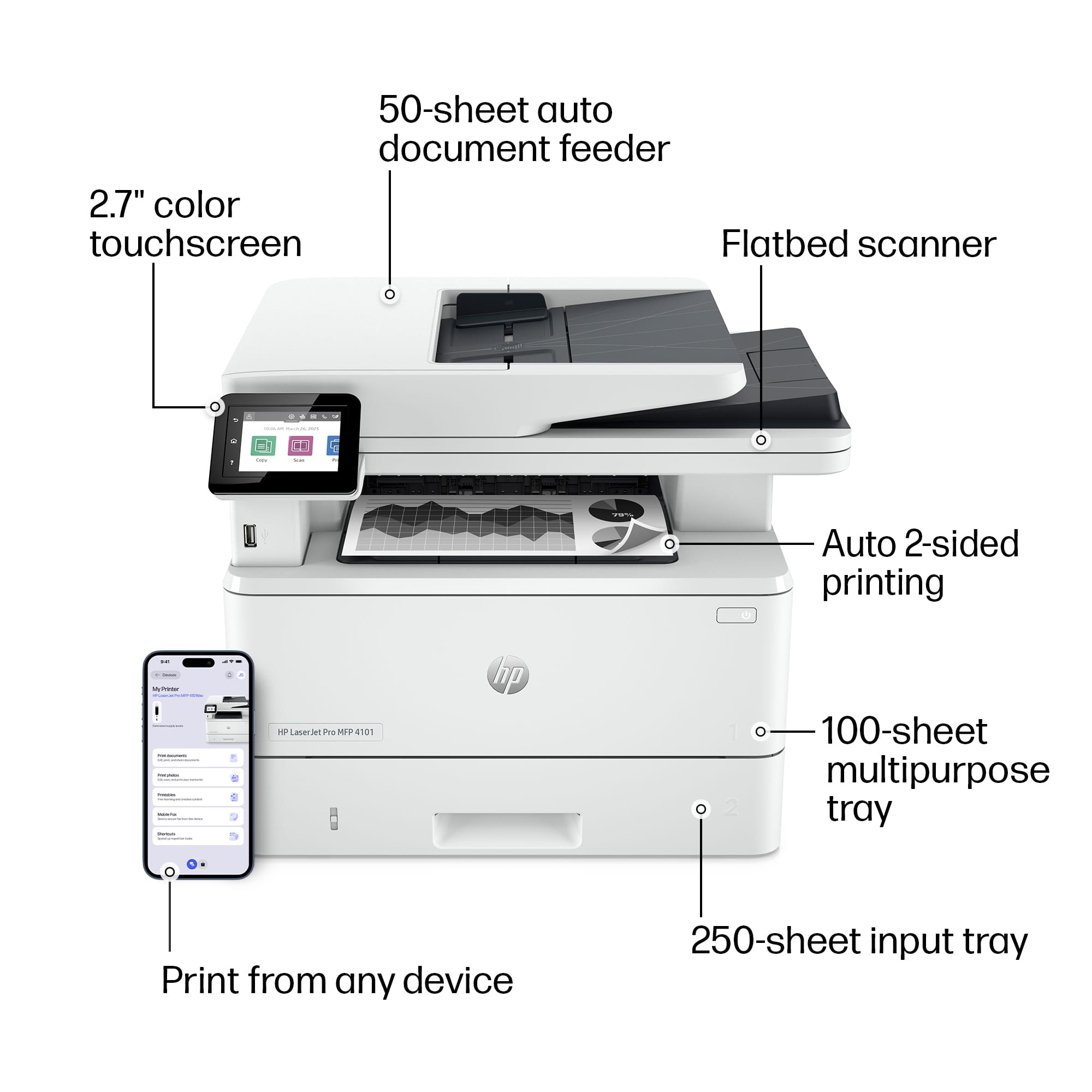
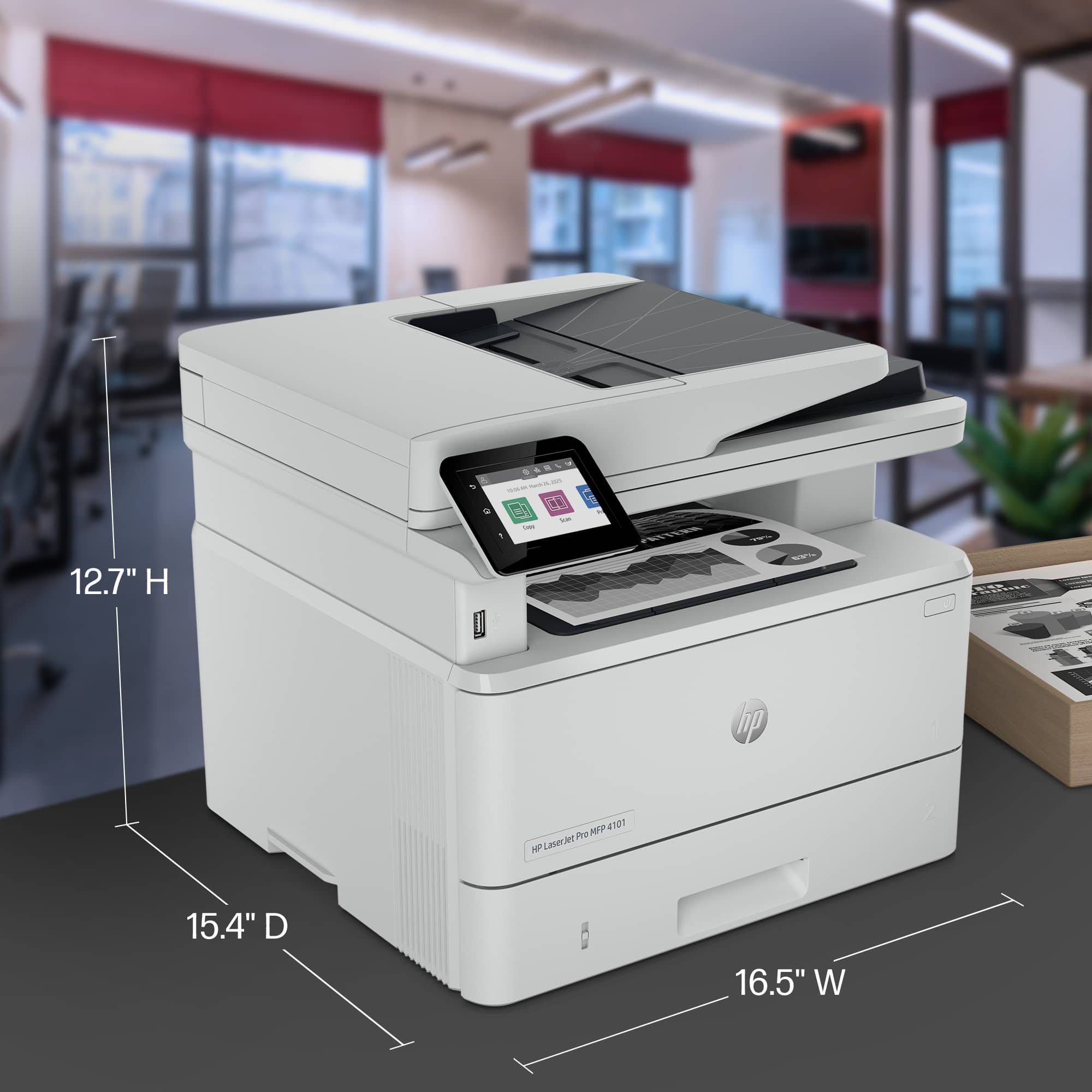
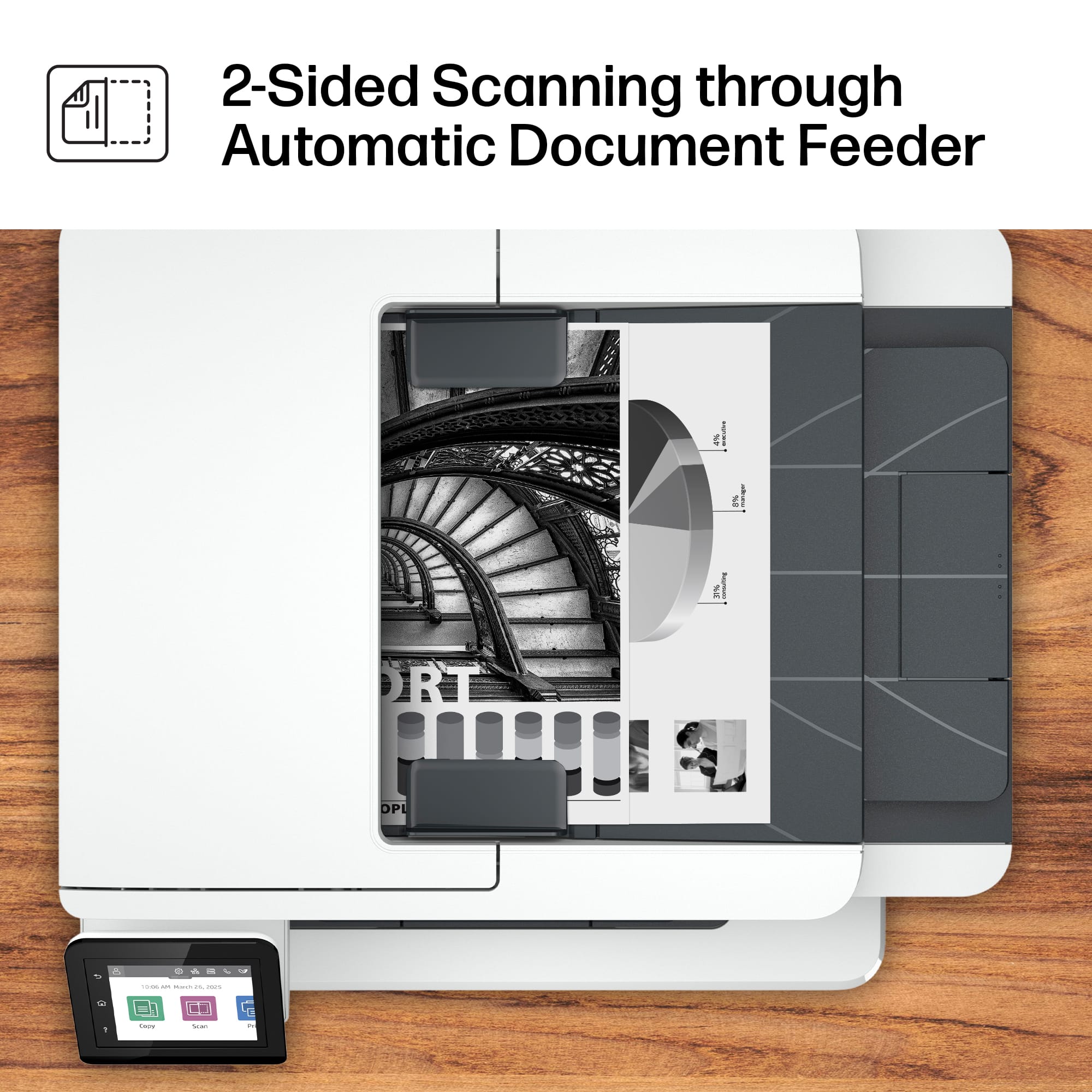
|Posted .This reviewer received promo considerations or sweepstakes entry for writing a review.The HP LaserJet Pro MFP 4101fdw Wireless AiO is a speedy BEAST! Easily and quickly print, scan, copy (& fax which I wasn’t able to try due to a lack of a landline). Printing was super easy whether from my iPhone (via Apple AirPrint), MacBook Air, PC or from the HP Smart app. You should really do yourself a favor and check out the HP Smart app - you can do all sorts of things so easily like scan a document and print it at your printer - but that’s another review. This printer is ideally suited for a heavy user, a home office environment or even a small office! Easily connected either via wifi, ethernet or usb cable (included), you are quickly on your way to likely the best printing experience you’ve ever had. Once I connected to my wifi, this printer has never lost the signal.This duplex printer can scan, print and copy both sides of a sheet and print to one or both sides. An amazing thing - it scans both sides of a sheet via the auto document feeder at the same time. That speeds up a scanning job exponentially! The auto document feeder can hold up to 50 sheets and the paper tray can hold up to 350 sheets. Conveniently, the back of the paper tray can extend to hold legal size paper. I am appreciative that there is a touch screen display on this, but I would prefer that it be larger that its 2.7”. The included toner cartridge should last a good amount of pages before replacement is needed. Good for the environment, this machine is Energy Star certified. Overall, I would highly recommend this HP LaserJet Pro MFP 4101fdw to anyone looking for a quality beast of a printer.
I would recommend this to a friend Great printer if you need a boat anchor
||Posted . Owned for 3 months when reviewed.This reviewer received promo considerations or sweepstakes entry for writing a review.Opened box and tried to install. Error "Printer failure - There is a problem with the printer or print system. Event Code 57.01.00." Never even got to print a page.
No, I would not recommend this to a friendBoat anchor.
||Posted . Owned for 11 months when reviewed.This reviewer received promo considerations or sweepstakes entry for writing a review.Wouldn't work with less than 100 copies put through it. Nothing like earlier HP printers with flawless operation for years, nothing but a 500 dollar boat anchor.
No, I would not recommend this to a friend- Pros mentioned:Overall performance, Print quality
Very reliable printer for moderate workflow.
|Posted .This reviewer received promo considerations or sweepstakes entry for writing a review.The HP LaserJet Pro MFP 4101fdw is certainly not groundbreaking in its form, but it highly commendable in its functionality. From the moment you open the box, you're met with a the standard HP Laser printer design but with a more user centric interface that's both intuitive and sleek. The feature that undoubtedly takes the cake? Its direct Wi-Fi printing capability. It does help that I am on a 5G network with 1Gbps. The ease and speed of this function cannot be overstated. To my surprise, there was never a need to run a tedious PC connections; a simple wireless command, and my documents were printing in no time. Importantly, it should be noted this printer focuses on Black & White outputs, ensuring crisp clarity each time. Its performance is commendable. It’s swift and efficient, ideal for those under time constraints. That being said, if your print needs are sporadic - be it research papers, annual tax filings, or sprucing up your resume - this powerhouse might feel a tad excessive. Yet, for professionals managing a bustling home office, frequently navigating stacks of job jackets and an array of paperwork, it emerges as a top contender. While it's potentially over-equipped for the casual printer user, those grappling with substantial printing demands will find the 4101fdw to be a reliable ally. For those in search of a printer that combines reliability with a modern twist, this model stands out. As far Black & White printers go.... 5/5
I would recommend this to a friend Hp printer
||Posted . Owned for 3 weeks when reviewed.This reviewer received promo considerations or sweepstakes entry for writing a review.This item still has the same issues that made me return the previous printer. The automatic copy tray jams. Its treally frustrating
No, I would not recommend this to a friendFrustrating
||Posted . Owned for 1 month when reviewed.This reviewer received promo considerations or sweepstakes entry for writing a review.It is difficult to set up the scan function. !!!!!!
No, I would not recommend this to a friend- Pros mentioned:Print quality, Size
Incredibly Easy to Setup / Fast Scan + Print
|Posted .This reviewer received promo considerations or sweepstakes entry for writing a review.I've owned a few HP printers in my life. This is the easiest, fastest, and best experience I have ever had with setting up a HP printer. The full color touch screen let me connecting to the WiFi network in seconds, the MFP 4101fdw was auto discovered by both Windows and MacOS devices, and everyone was printing. And this is when I run a mesh WiFi6 network that other printers have given me a headache - but not this HP! There was no need for software installs, mobile apps, or creating and signing into a HP account. On that basis alone I would recommend the MFP 4101fdw, because if you want a printer that just works and doesn't require an IT department to get it setup this is THE printer to get. In terms of other features, the print quality is superb but what really stood out to me was the speed and quality of the scanner. I had a lot of paperwork to scan and that auto sheet feeder and fast scanner made getting organized a joy. In terms of size, the HP MFP 4101fdw is relatively compact. We have ours on a bookshelf in the office. It is relatively quiet - as in, it's silent when not in use and it sounds like a laser printer when it prints. I will note that HP does have software you can download for the printer on the HP website but I haven't needed them. Tip: I do want to point out is my MFP 4101fdw did come with a USB cable in the box - I didn't need it, but FYI, in case you need it, it's there. But I have to say (again) it was easy and a delight to get onto WiFi.
I would recommend this to a friend HP not what they used to be
||Posted . Owned for 3 weeks when reviewed.This reviewer received promo considerations or sweepstakes entry for writing a review.Unfortunately we had font issues with Intuit Cloud software. Unable to resolve. Scanning(using the feeder) frequently resulted crooked scans. It's going back.
No, I would not recommend this to a friendnot easy to use!
||Posted . Owned for 1 month when reviewed.This reviewer received promo considerations or sweepstakes entry for writing a review.Not enough instructions as to howe to use! Neede Geek squad!
No, I would not recommend this to a friendJunk printer
||Posted . Owned for 3 weeks when reviewed.This reviewer received promo considerations or sweepstakes entry for writing a review.Within just a couple of weeks, touch screen went blue with error code and won’t function.
No, I would not recommend this to a friendBuyer Beware
||Posted . Owned for 2 months when reviewed.This reviewer received promo considerations or sweepstakes entry for writing a review.Bought as a work-from-home printer when relocating. Gave me a blue screen of death within first few days of use. Can’t return as bought more than timeframe allowed with relocating. Do NOT buy
No, I would not recommend this to a friendR. C.
||Posted . Owned for 1 month when reviewed.This reviewer received promo considerations or sweepstakes entry for writing a review.Poor customer support, poor connectivity of printer, problem still not resolved. All I get is ai answering calls. May never shop worst buy again
No, I would not recommend this to a friendCanon can’t Airpint!
||Posted . Owned for 3 months when reviewed.This reviewer received promo considerations or sweepstakes entry for writing a review.Contrary to ads, it doesn’t AirPrint unless you have Geek Squad next to it to adjust its setting in a mysterious way.
No, I would not recommend this to a friendwill not connect
||Posted . Owned for 1 month when reviewed.This reviewer received promo considerations or sweepstakes entry for writing a review.I have never used it as it will not connect with my new apple imac computer
No, I would not recommend this to a friend- Pros mentioned:Setup
Great MFP for a small office/home office.
|Posted .This reviewer received promo considerations or sweepstakes entry for writing a review.This is my first laser printer. I’ve always had inkjet printers, and had been conditioned to wait for ink to dry, the long printing time, and the dried out print head after a few days of nothing to print. Getting this laser printer has been eye opening! First, it’s HEAVY! At 30lbs, it’s a chonky boy! It’s not the flimsy throw away printer that you see on the back to school sales. Setup was the easiest I’ve ever had with a peripheral. I unboxed it, removed tape, plugged in, put my wifi password and the printer did everything else. All my devices recognized the printer on my network instantly. Scanning is crystal clear. Every detail meticulously captured (so make sure no dog hair gets on the screen!). Printing is where this bad boy shines. You have all the options of your local printshop in one tiny footprint. Easy double-sided printing, resizing, and more. Printing color graphics in greyscale is no issue either, for the printer converts the image perfectly so you still get a great image instead of a large black smudge. This is the first time I’ve been genuinely impressed with an office appliance to this level. The paper tray is roomy, so you’ll have plenty of room if you need to feed invoices or print payroll, but it’s also simple enough that kids can print their book reports and science project sheets and not worry. Really my only “concern” is for the small touch screen, being that I have very fat sausages for fingers, and the touch screen is the size of old flip phone screens. You gotta be careful. Other than that, this printer is top shelf quality!
I would recommend this to a friend Wonderful machine when you can get it to work
|Posted .This reviewer received promo considerations or sweepstakes entry for writing a review.This was one of the most irritating products to get to use. Installation of a printer should not take a week. This one fought tooth and nail to get installed following the directions (very specious) by the booklet. In the end, it took my intuition to get this printer to actually do anything other than to turn on. This printer has the capability to apparently read minds and networks and to "direct connect" to a wireless network. Little did I know this very quality was the cause of the printer not being able to do anything from the computer even though it was "recognized" by the computer. The instructions that came with this printer were not helpful in the least. It took me actually working on the very tiny screen on the printer pushing everything I could see that there was the ability to manually put in the wireless networking information even though the direct connect appeared to have the very same information that I was adding after direct connect failed. I then discovered how to turn off direct connect and suddenly the printer did things from the computer! I tried half a dozen times to work through the installation prior to this only get get an error message that the printer would not connect wirelessly (after over 5 minutes each time of waiting for the network device to install). Once I disabled the direct connect, the printer immediately worked! It is hard to give this printer five stars even as well as it might do its job when installation is obtuse and poorly documented. I've installed scores of printers in my 40 years of working on computers and this was by far the worst ever experience. I hope I can save people from the headache I had with this thing. I've installed cheaper all in one printers that were a breeze. This was a tornado in comparison.
No, I would not recommend this to a friend- Pros mentioned:Ease of use, Print quality
Perfect for home and school needs
|Posted .This reviewer received promo considerations or sweepstakes entry for writing a review.I often work from home and need to print, and I have 4 school aged children and we are always printing assignments or papers for school. This all in one printer truly meets our personal needs. We use it for Scanning and Printing all the time. It is super easy to set up, and with wireless printing and scanning form the same network this is super easy for even my young kids to use. After you unbox the unit, place it where you want it to be and plug it in. When ou power it on, you will be guided through the setup on the screen. I have to be honest here, I was nervous how touch entry would be on the screen. BUt I was extremely happy with how accurate and responsive it was to my touch. I was worried I would press the wrong button or it would pick up my touch in the wrong place but it worked flawlelessly. I am not sure who faxes these days so we have not had a need for that specific feature but I appreciate it is there should I ever find I need it. But printing and scanning and making copies we actually use all three pretty regularly. The ink does come pre loaded into the printer. That i since, I get nervous changing them and was happy they were already installed. You can print single or double sided documents and they wont smear. So far this is a fantastic printer for our needs. I would definitely recommend this to anyone.
I would recommend this to a friend - Pros mentioned:Print quality, Setup
Great printer!
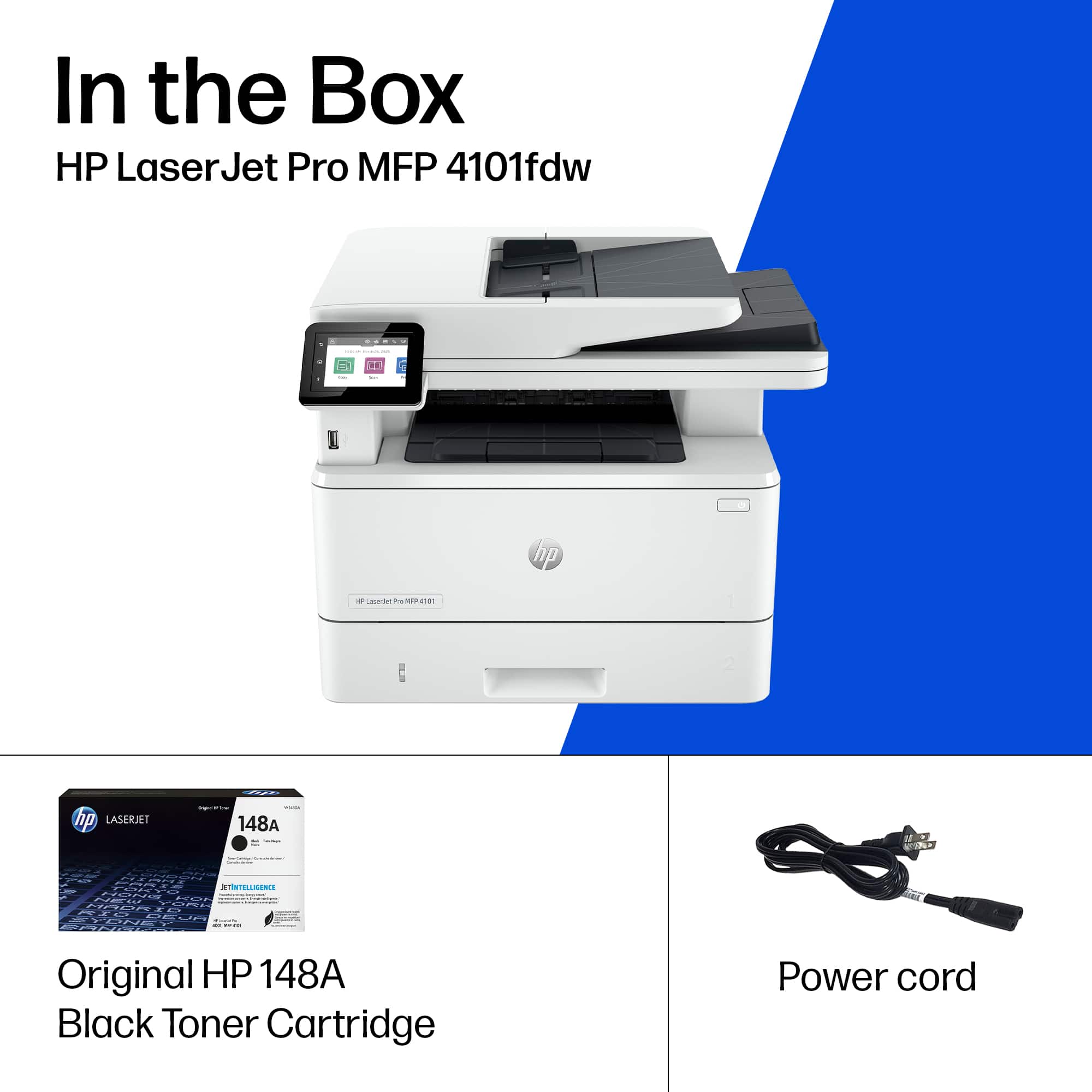
|Posted .This reviewer received promo considerations or sweepstakes entry for writing a review.This printer was so easy to set up! It had instructions on how to easily get it out of the box then remove a few pieces of tape, add paper and turn it on. I ran through the initial setup fairly quickly, set up its Wi-Fi connection and then, voila! It was ready to go! The only other thing I did (because I despise WSD connections) is to set the IP as static as I have done on every HP Printer I've owned over the years. This is so that it doesn't keep failing to print or on a computer, I will have them disappear from the printer list on connected computers, if I don't do this. I also change the port from WSD from that automatic connection to the IP address I set to static. I never have connection issues when printing after these steps. The first print was so fast, I thought it had failed. I pulled out the paper and flipped it over and there was a crisp and clean network configuration page! I then grabbed my husband's phone which is notorious for not finding and being able to print to our other wireless printers. I pulled up a file and printed it with no issues and the image in it was gorgeous! I'm very happy to have this printer. It's fast and does great B&W prints. This is a great printer with easy setup!
I would recommend this to a friend - Pros mentioned:Print quality, Setup
Full featured black and white printer...
|Posted .This reviewer received promo considerations or sweepstakes entry for writing a review.Wow, great quality and all of the features you would want or need from a printer besides maybe color. The setup is extremely easy and works with other newer HP printer software easily. You can print to the printer using the network through a cabled connection, a wireless connection, or bluetooth from your PC or your phone. The built in screen is easy to use and is very familiar if you have a newer full function HP printer. I love the quality of this printer and the fact it does so much and you can load paper for printing from or to in so many different ways. I don't have a home phone line to text faxes from these days but can use the rest of the features. It was such a high quality print. I will say that the cartridges for such a pretty print don't come cheap but you may be able to find a deal or if you need this quality then dare I say the cost is worth the cost of the ink. I would say that if your print outs need to make an impression and you don't need color then you can't go wrong with this printer. It is a little heavy for a printer but that is a testiment to the product and what is in it. I would highly recommend this printer to home and small or medium businesses.
I would recommend this to a friend