Customer Ratings & Reviews
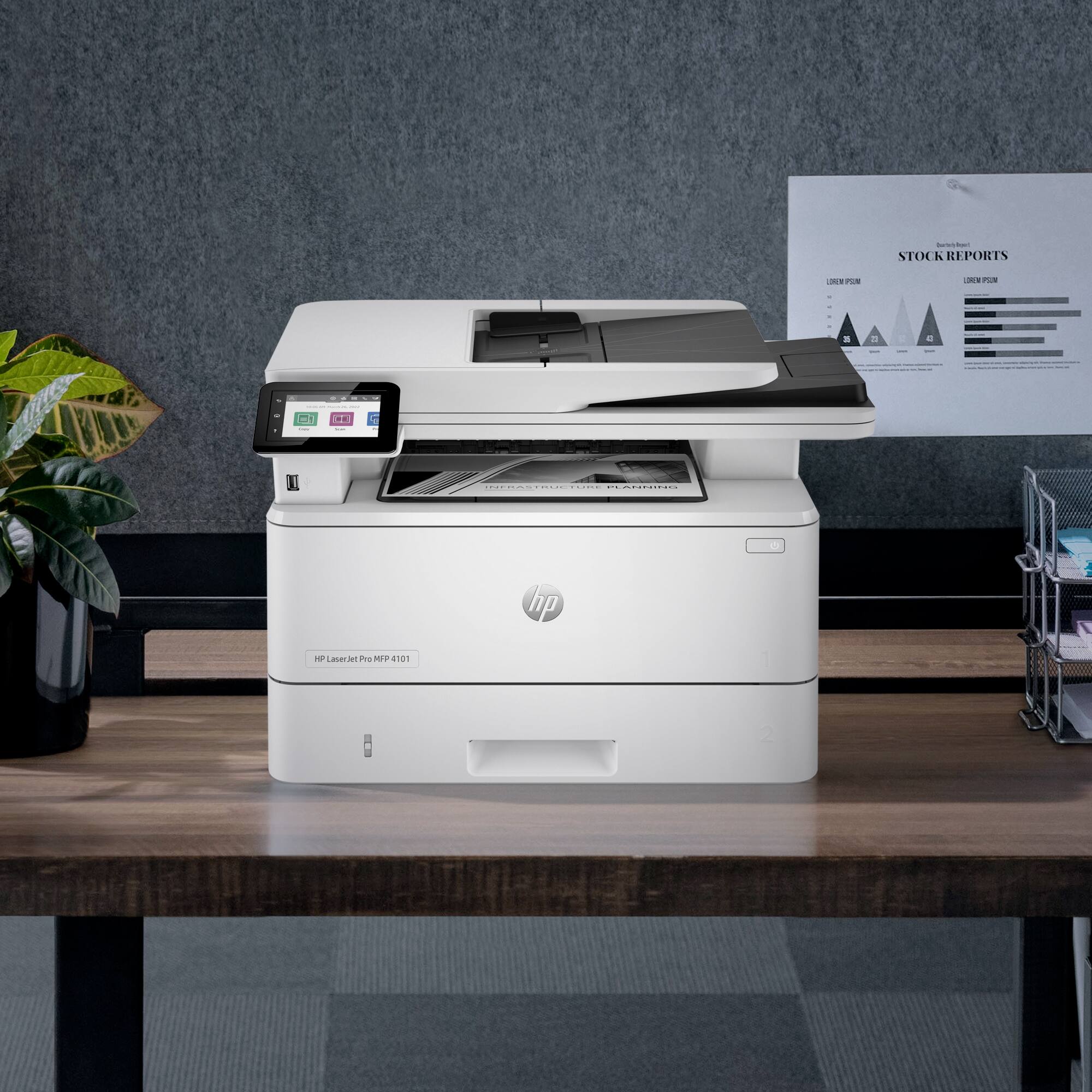







- Model:
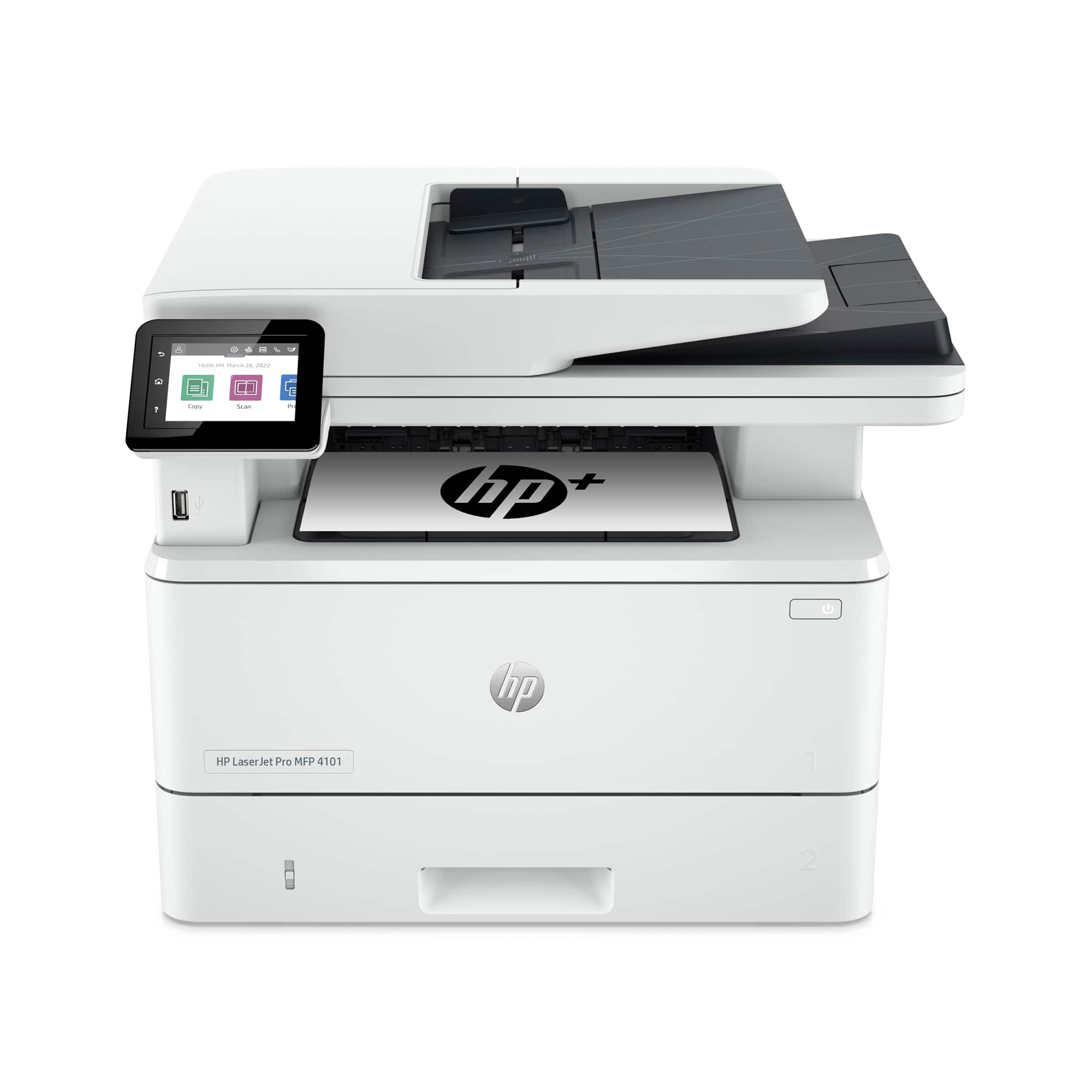
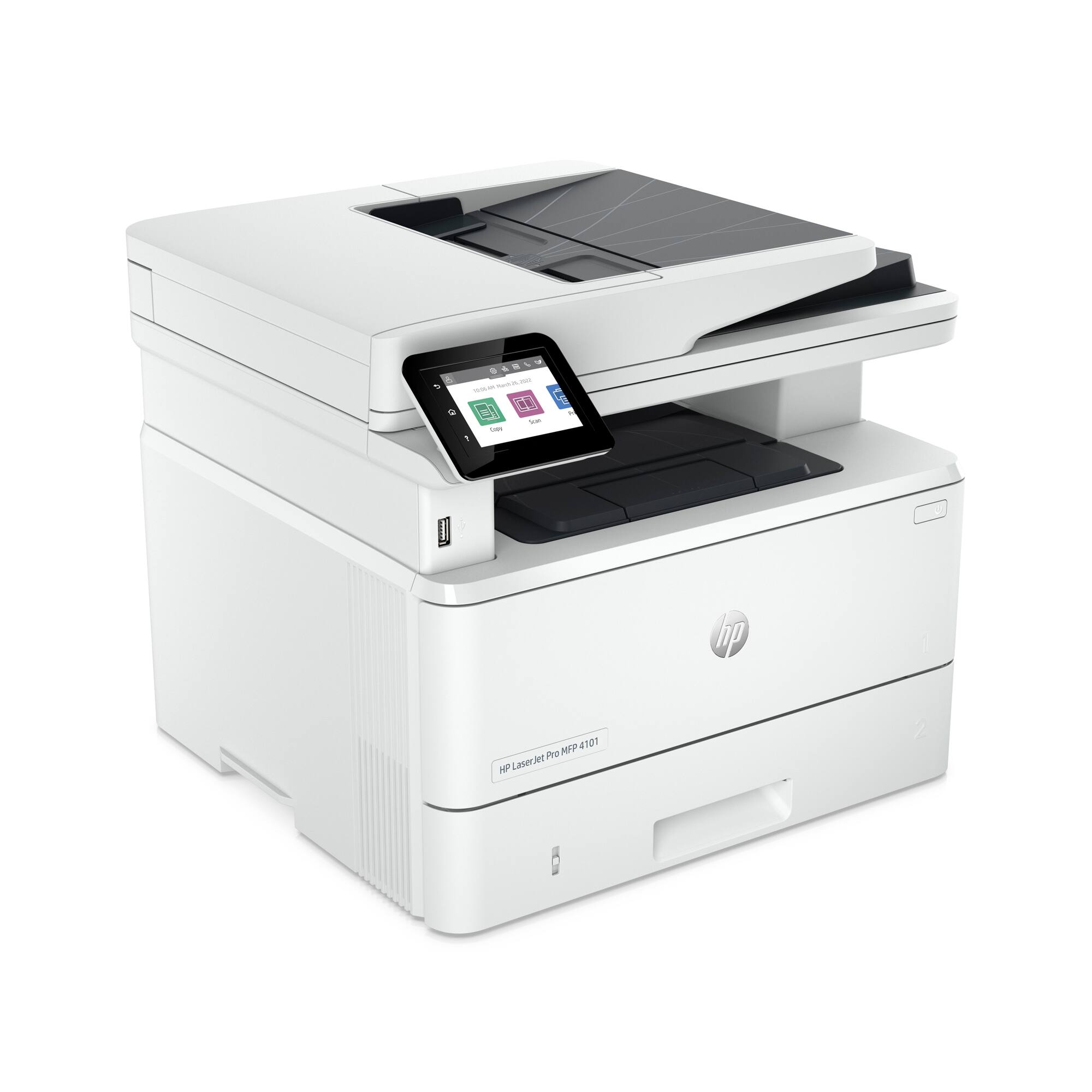
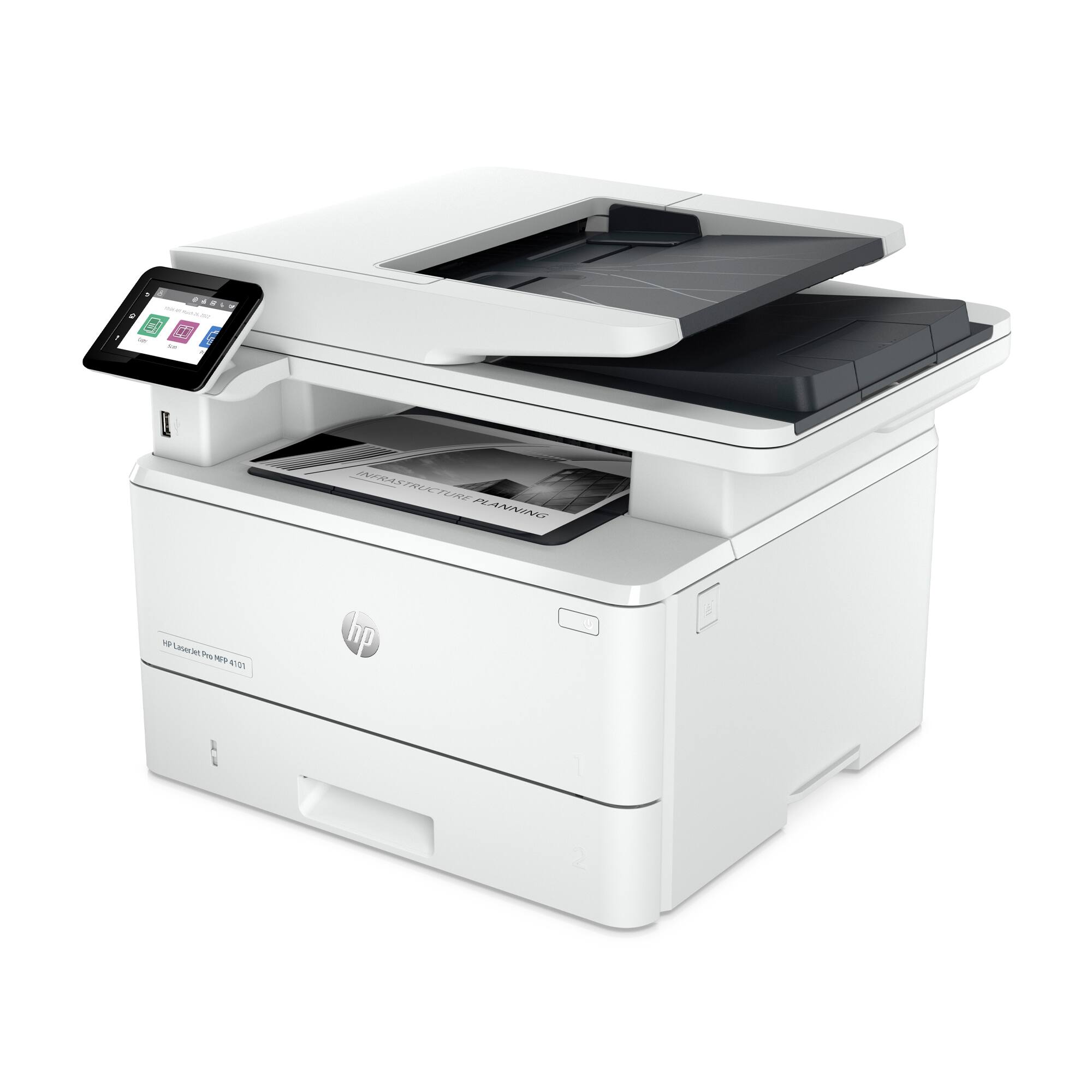
- LaserJet Pro MFP 4101fdwe
- SKU:
- 6505457
Rating by feature
- Value
Rating 4.4 out of 5 stars
- Quality
Rating 4.4 out of 5 stars
- Ease of Use
Rating 4.3 out of 5 stars
Customers are saying
Customers regard the LaserJet Pro MFP 4101fdwe as having excellent print speed and ease of use, with many praising its straightforward setup. Positive feedback also highlights its fax capabilities and connectivity options, while some users find the printer's noise level noticeable. A few users expressed concerns about the printer software and its features. Overall, the printer receives high marks for its performance and ease of use, though some improvements to the software and noise level could enhance the user experience.
This summary was generated by AI based on customer reviews.
Forced to Sign up
||Posted . Owned for 2 weeks when reviewed.This reviewer received promo considerations or sweepstakes entry for writing a review.They force you to use hp+ and the adf says it's jammed because of hardware error. Stop buying hp printers 0
No, I would not recommend this to a friendBrand response from HP Team
Posted .Hi there.
I’m sorry that your printer’s document feeder has stopped working. I can wholly understand why seeing an error message indicating a hardware problem would be an unwelcome surprise, especially if the device is relatively new. I want to help you resolve this frustrating situation, so I’ll direct you to some resources aimed at making that happen.
I recommend that you contact us directly so we can help you assess what’s happening and find the proper course of action. HP+ printers such as yours come with exclusive concierge support. To call and reach live HP+ experts, visit the following URL and enter your HP+ serial number:
- hp.com/plus-help
I'll also mention that HP printers have a one-year warranty from their purchase date that covers hardware as well as ink supplies – and that warranty extends to two years with an HP+ account – so if it comes to that, you might consider making use of it. You can verify the warranty using the following link:
- support.hp.com/us-en/checkwarranty
Keith
HP Care
hp.com/support
Printer
||Posted . Owned for 1 week when reviewed.This reviewer received promo considerations or sweepstakes entry for writing a review.Nice printer works good! He is a good product. I have two Hp printers and two laptops
I would recommend this to a friendlaw firm
||Posted . Owned for 2 weeks when reviewed.This reviewer received promo considerations or sweepstakes entry for writing a review.Bought this after owning two other HP printers, this is great for office use.
I would recommend this to a friendLoving our HP - LaserJet Pro MFP 4101fdwe printer
||Posted . Owned for 1 month when reviewed.This reviewer received promo considerations or sweepstakes entry for writing a review.We bought this HP - LaserJet Pro MFP 4101fdwe and it's serving us just well.
I would recommend this to a friendExcellent scanner
||Posted . Owned for 1 week when reviewed.This reviewer received promo considerations or sweepstakes entry for writing a review.I was looking for a fast scanning printer....best choice i made ...excellent
I would recommend this to a friendbest printer i have ever used
||Posted . Owned for 2 weeks when reviewed.This reviewer received promo considerations or sweepstakes entry for writing a review.i would 100% recommend this printer one of thr best i have ever used
I would recommend this to a friendHP MFP Laserjet
||Posted . Owned for 1 week when reviewed.This reviewer received promo considerations or sweepstakes entry for writing a review.Seems much more solid than the old HP MFP Laserjet it is replacing
I would recommend this to a friendHP does it again
||Posted . Owned for 2 weeks when reviewed.This reviewer received promo considerations or sweepstakes entry for writing a review.HP did a great job with this unit, a lot packed into one package!
I would recommend this to a friendHP-Laser Jet Pro
||Posted . Owned for 1 month when reviewed.This reviewer received promo considerations or sweepstakes entry for writing a review.Real easy to set up, just follow the directions and prompts
I would recommend this to a friendPrinter
||Posted .This reviewer received promo considerations or sweepstakes entry for writing a review.Reliable work horse that gets the job done. This is my second one.
I would recommend this to a friendExcellent laser printer
||Posted . Owned for 1 week when reviewed.This reviewer received promo considerations or sweepstakes entry for writing a review.Solid, compact, very well designed. A real work horse.
I would recommend this to a friendFrustrated, the Printer has not print, nothing...
||Posted . Owned for 2 months when reviewed.This reviewer received promo considerations or sweepstakes entry for writing a review.Unfortunately, I cannot really write a review for this product. Due to waiting on the ink for my old Printer which has been on borrowed time for quite a while, I did not set up this printer until last Thursday although I purchased it in October. Since then, I have spent several hours and research trying to get the printer to print or carry out some other functions and all I have been getting is a blue screen showing the turn on button with a code number 0031EAA. I spent hours yesterday trying to get online help from a HP technician who directed me to other links to get help, but I was not successful. No one seems to know what the code means, and I could not find any information online to decipher the meaning of it. The only response I seem to get from the Technician is that the code seems to be suggesting that the printer has a hardware problem. He advised that he however is unable to provide any assistance. I am so disappointed with this purchase and will revert to using my old printer especially since it appears that I shall get no support from hp to address the issues I am having. I have been buying printers for years and usually just connect up myself and start printing. I had never had this experience before with a new printer
No, I would not recommend this to a friendBrand response from HP Team
Posted .Hi, Rowena.
I’m sorry you’ve had such a difficult time with your printer. I can wholly understand why a prolonged and difficult setup process followed by an error code that support technicians could not identify would leave you feeling dismayed and put off. I want to help you resolve this situation, so I’ll provide some information and resources I hope will reach that end.
First, I apologize for the support response. If a printer displays an error and it’s a suspected hardware problem, that should not be the end of the interaction. I’m not sure what means you used to contact support – whether you spoke with someone by phone or engaged a virtual agent – but I’ll point out that HP+ printers such as yours come with exclusive concierge support. I suggest that you contact us directly. To call and reach live HP+ experts, visit the following URL and enter your HP+ serial number:
- hp.com/plus-help
I'll also mention that HP printers have a one-year warranty from their purchase date that covers hardware as well as ink supplies – and that warranty extends to two years with an HP+ account – so if it comes to that, you might consider making use of it. You can verify the warranty using the following link:
- support.hp.com/us-en/checkwarranty
Keith
HP Care
hp.com/support
- Pros mentioned:Connectivity, Print speed

Excellent printer, super fast and easy printing.
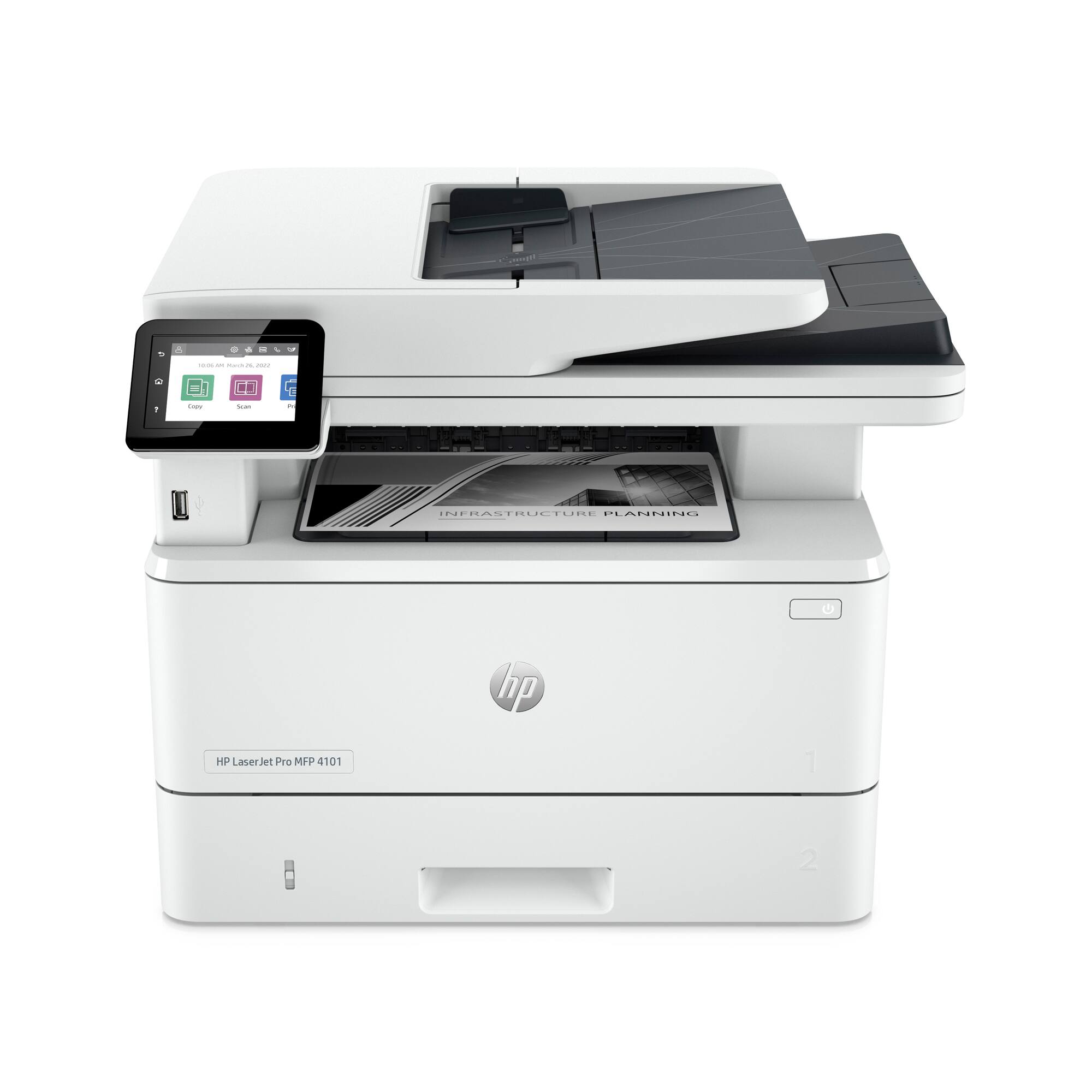
|Posted .This reviewer received promo considerations or sweepstakes entry for writing a review.The HP LaserJet Pro MFP 4101fdwe is an amazing laser jet printer for anyone that wants a printer for their home office or small/medium business. With the ability to print up to 42 pages per minute and double sided printing and scanning, this is a workhorse of a printer and is a great fit for small businesses or for your home office. I personally prefer a laser jet printer for the fact that it is great for infrequent printing usage without having to worry about the ink drying as it would in more traditional printers, the only caveat is that this printer is only capable of printing in black/white or grayscale. I used the wireless setup without using my phone and just used the onscreen touchpad to install the printer and connect it to my home network and I was able to get it up and running quickly and it is detected by both my Mac and Windows computer as well as my iPhone without having to install any kind of applications to my device, which I greatly appreciate. My only real complaint, and the reason why I am only giving this 4 stars, is due to the fact that enrolling the printer in HP+ is a required part of the installation process and there is no option to not use the service. For small/medium businesses or for home offices with multiple users this feature may be useful, but for me personally, I do not find the feature useful and due to the fact that it locks you into using only original HP ink or toner for the life of the product, and requires a constant internet connection to work and once it is activated on the device it cannot be deactivated. However, for this series of printer the HP+ is not optional and is required no matter if you want it or not. It is up to you to decide if this is a deal breaker or not for you, personally, I am fine with these requirements as I will be keeping the device connected regardless and the fact that the laser jet cartridge will last me for quite some time makes replacing them an infrequent process. This is a great printer and I personally would recommend this to anyone who is looking for a printer for their small/medium business and is fine with the fact that it only prints in black/white and grayscale.
I would recommend this to a friend - Cons mentioned:Software
device ok, software not ok
||Posted . Owned for 2 weeks when reviewed.This reviewer received promo considerations or sweepstakes entry for writing a review.the new hp software is complicated and problematic and takes too long to load. if you are a consumer this is prob not a big deal but as a reseller/installer this is a problem. The printer itself is ok, the issue is the hp print app and registration process. buyer beware
No, I would not recommend this to a friendBrand response from HP Team
Posted .Hi there.
I’m sorry you’ve found the installation process and software difficult for this printer line. I can certainly understand why a process you find challenging would become exasperating when multiplied by multiple clients or buyers. I want to help you improve the situation, so I’ll provide a resource aimed at making that happen.
I can’t tell from your review what has given you trouble or whether any remedy exists to what you’ve experienced. I recommend that you contact us directly so we can help you assess what’s happening and see what can be done. HP+ printers such as this one come with exclusive concierge support. To call and reach live HP+ experts, visit the following URL and enter the HP+ serial number of the printer you’re setting up:
- hp.com/plus-help
Keith
HP Care
hp.com/support
Only if…
||Posted . Owned for 1 month when reviewed.This reviewer received promo considerations or sweepstakes entry for writing a review.Many features that does not work. It seems like a great deal, but expect their protocols to be old and quasi-obsolete.
No, I would not recommend this to a friendBrand response from HP Team
Posted .Hi, Daniel.
I’m sorry you’ve encountered such difficulty with your printer. I can’t tell from your review precisely what complications you face, but I want to help you resolve the situation, so I’ll suggest a resource that I hope will guide you to that end.
I recommend that you contact us directly at +1 800-474-6836 so we can help you assess the situation and find the best course of action. To expedite the process, I recommend gathering the following information before the call:
- Model number
- Serial number
- Your location
- Case number (from any previous contact with HP support)
Keith
HP Care
hp.com/support
- Pros mentioned:Connectivity, Print speed
Excellent choice for Home or Small Office
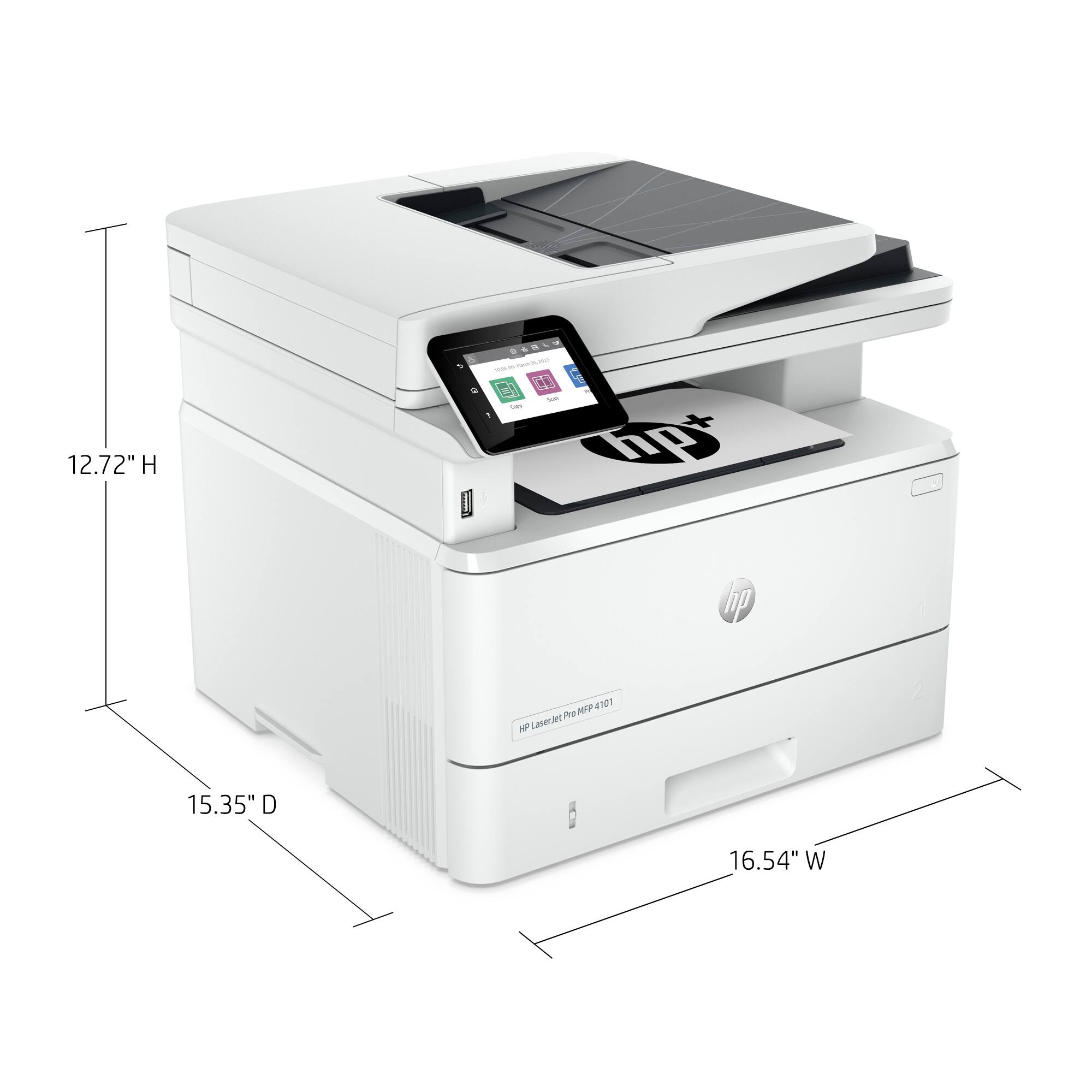
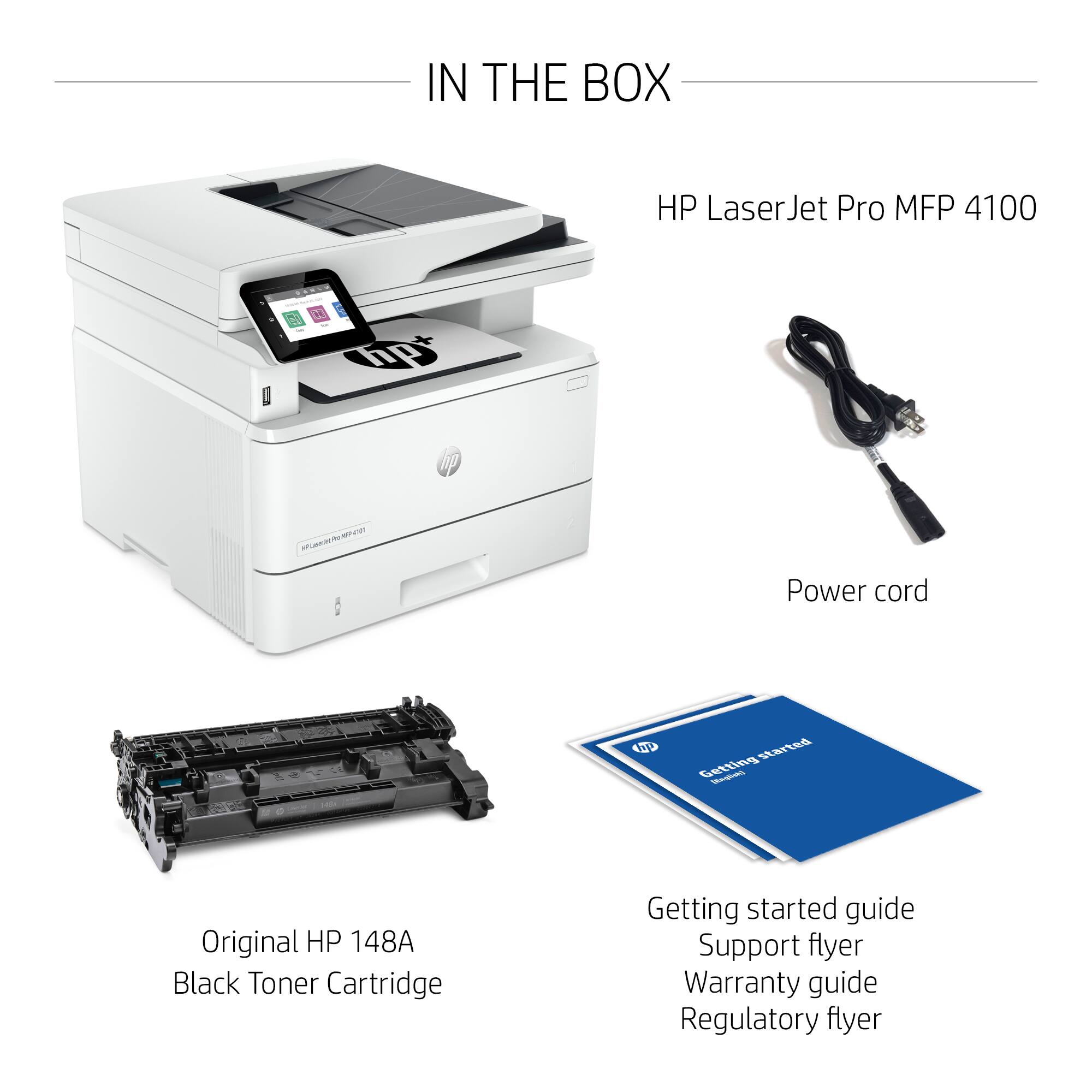
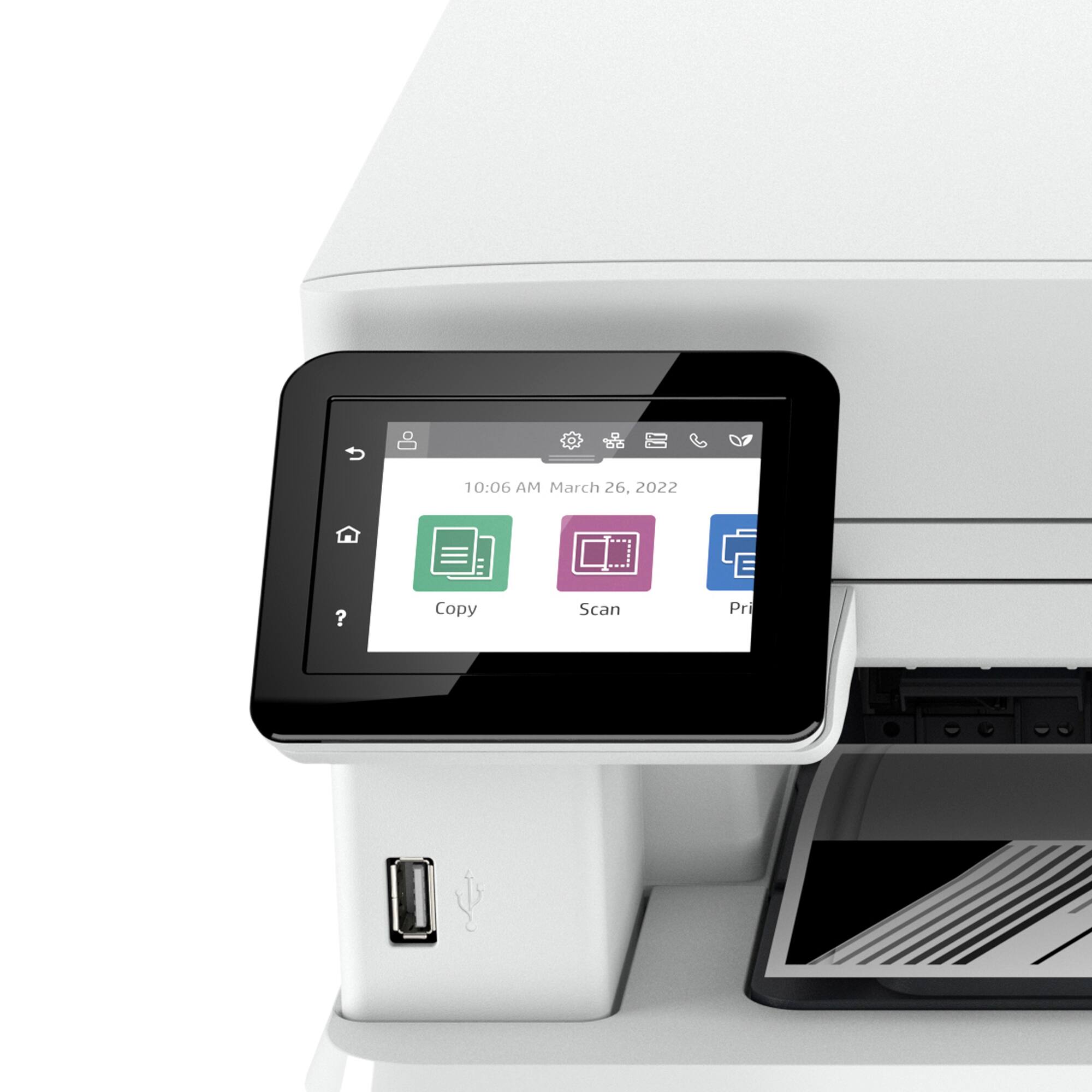
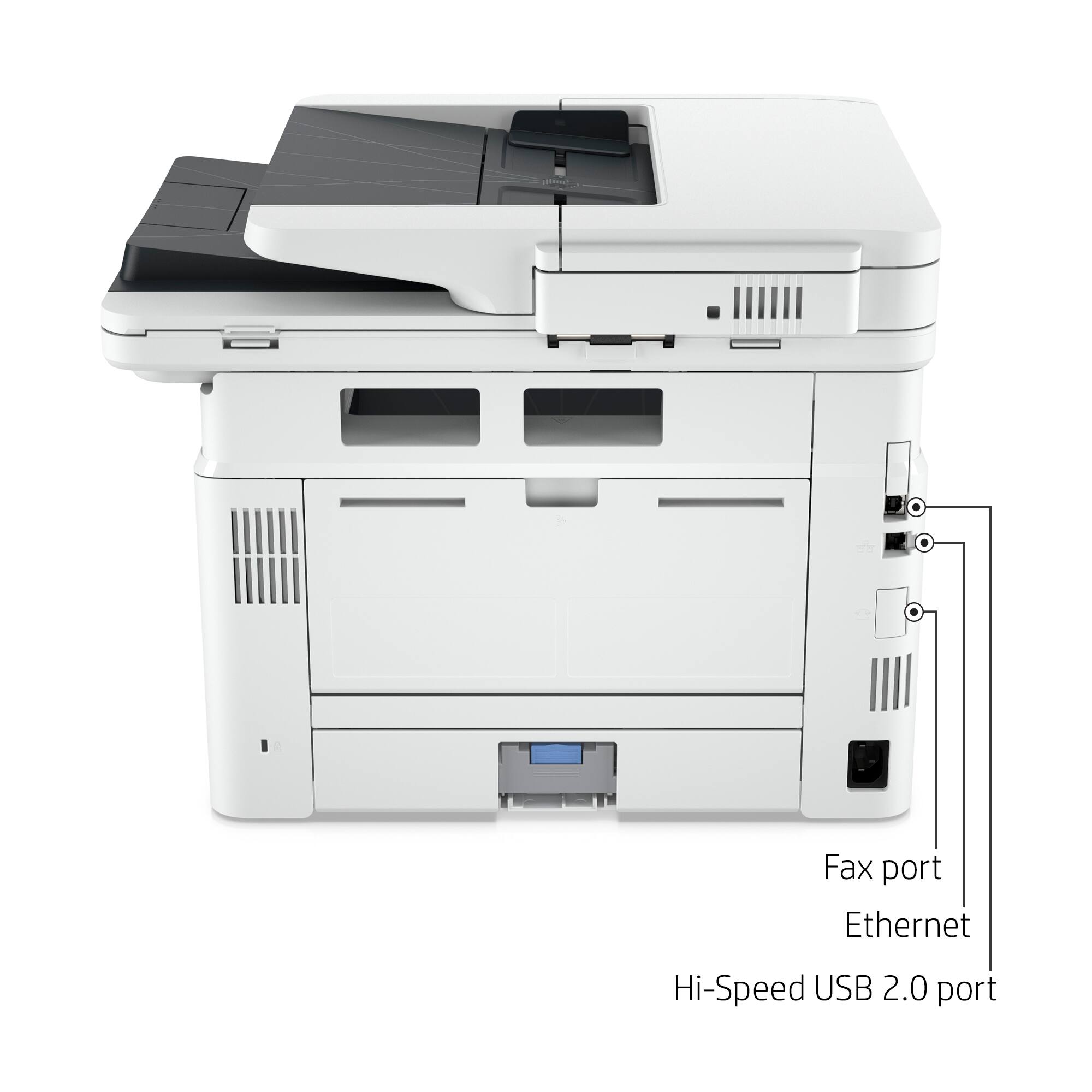
|Posted .This reviewer received promo considerations or sweepstakes entry for writing a review.When it comes to printers, we’ve been almost exclusively an HP shop (work & home) for almost 3 decades. So, we were at a loss when we finally had to toss our beloved HP 5P LaserJet black & white printer, which we purchased way back in late 1995. After 25+ years of almost daily use & 2 major cross-country moves, that workhorse of a printer still cranked out flawless copies. The problem was that we could no longer find HP toner cartridges for it. And when, as a last resort, we reluctantly caved & tried a couple of online sites for compatible refills, we didn’t get good results & had to return them for refunds. Enter this new HP LaserJet Pro MFP 4101fdwe. It’s a perfect replacement as well as a major upgrade. Just like our old tank, it cranks out clean, high-quality print jobs. But unlike our old dinosaur, it’s faster, lighter, & more nimble; it offers us dramatically greater utility & productivity as a multi-function AiO (All-in-One printer/scanner/copier/fax); & it’s wireless, allowing us to place the machine in a much more convenient spot in our home office now that it’s untethered. Although I’ll probably never get used to the feeling of the increasingly lightweight, plasticky, flimsy trays & housing of HP’s newer units (we have 2 other newer HP AiO printers), I’ve found that HP’s internal components have proven to be reliable & long-lasting, which is what matters most. Setup: Using HP Smart made the wireless setup smooth & easy. The toner cartridge came pre-installed; so, after unpacking the unit & removing the security tape, total setup time was just under 15 mins. Print Quality: I’m delighted w/the professional-grade print quality. I found no smudges, blurring, stray lines, or fading. I get just good, clean, crisp 1200 x 1200 dpi resolution. Print Speed: This machine wakes up very fast & can crank out about 40 pages/min. Function: This unit can print, scan, copy, & fax. It has auto 2-sided printing & a drop-down tray for easy envelope & odd-size print jobs. Size: This unit has a relatively small footprint (~13’H x ~17”W x ~16”D) & sits easily atop a sturdy 2-drawer file cabinet. Connectivity: Cloud-connected so we can print from anywhere inside or outside the office. Resident ‘Intelligent Wi-Fi’ helps to ensure we stay connected &, of course, there’s also USB 2.0 & Ethernet. HP Smart App: The ability for multiple users (up to 10) to print from any device is a big convenience that allows us to maximize our productivity/efficiency. The Smart App displays the printer settings from a single, convenient dashboard; so, we can easily print from our phones, tablets, laptops & desktops.
I would recommend this to a friend - Pros mentioned:Print speed, Setup
Excellent All-in-One Laser Printer
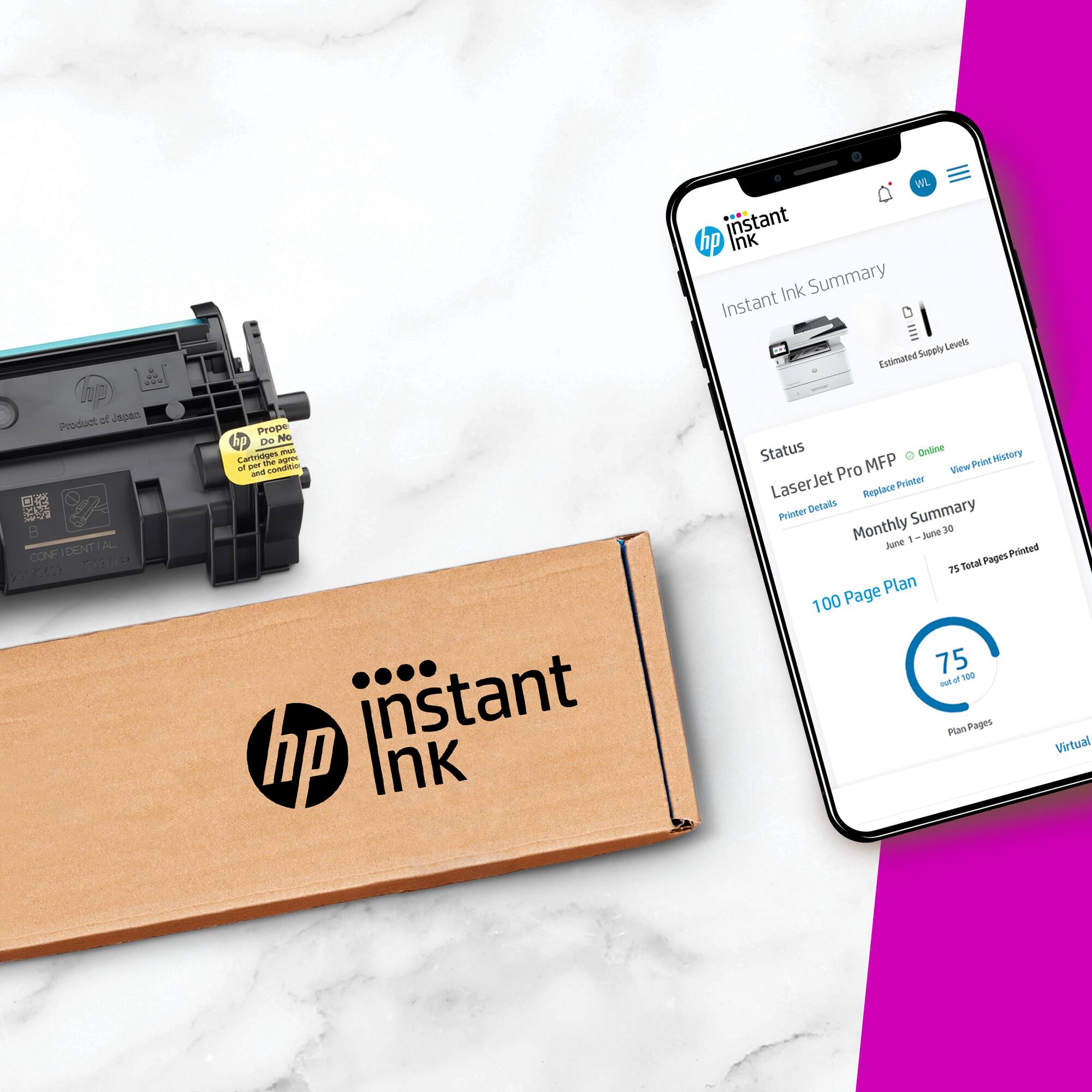
|Posted .This reviewer received promo considerations or sweepstakes entry for writing a review.The HP Laserjet Pro 4101fdwe is an excellent choice for either work at home or small office. It's small, fast, and easy to set up and maintain. Pricing at under $500 makes it a very appealing choice, and the HPplus subscription service can be very convenient. Long story short, both the printer and scanner are full duplex and very fast making it ideal for an office of up to 5 or 10 people. Unboxing was really easy, with printed instructions on the box; no heavy lifting, you just slide it out. It was really nice not having to hump it up out of the box, trying to shake the box off. HP has clearly thought about making it less arduous. Once out, it went into the printer corner. Setup was pretty close to trivial and doesn't require the HP+ app. I went through setup twice, first time adding it to my wireless network using the touch screen, second time using the app. Either way is just a couple of steps, then done. And, there were no complaints or problems connecting to my wireless network, a WiFi6 (2.4&5ghz) mesh. It just worked. By the way, the touch screen is excellent and provides access to both setup and operational controls. Windows found the printer and installed the HP+ app, which gave me the option to install native scan/fax/print drivers. I prefer this option as I've found there are some older programs that just need them, but otherwise the HP+ app has worked fine for everything. And having it on my phone (Android) made it convenient to print directly from a text without going to the computer. Photos printed from my phone (in black&white of course) looked great. Print quality is typical HP, excellent across the board. There is a 250 sheet tray and a second 100 sheet sheet feeder, both can be adjusted to a wide selection of paper and envelope sizes. Used the sheet feeder for envelopes and legal paper to test and it worked great. Should note that I printed several #10 envelopes and a 5x7 manila envelope and the HP 4101 handled both without any problems. I have yet to have any paper jams or other paper handling issues. The scanner is a full duplex (2-sided) scanner with a 50 sheet feeder capacity. Had to copy a tax return and it was Sooo nice scanning both sides of each page in one pass. Copied to pdf, then made a direct copy just for grins; both worked very quickly. Copy options are 2sided-2sided, 2sided-1sided, 1sided-2sided, and of course 1sided-1sided. I didn't really try the fax facility as I have a separate fax service. The HPplus Instant Ink agreement deserves some note as it can save you a significant amount on toner cartridges. After you agree (at $1.99/month and up depending on the number of pages/month) to an estimated pages per month, HP will send you an extended cartridge to get you through the included period. Unused pages roll over up to some limit and pages over your allotment cost some amount. HP will monitor the printer toner status after that and send you a new cartridge when the toner is low. The agreement can save some money and is very convenient. It's very convenient as HP will monitor toner levels and send you a new cartridge and a return for the (almost) empty one. I find it doesn't work for us as our pages printed per month is wildly variable. It may be advantageous if your print output is more predictable and it is very convenient having a new cartridge show up just in time. The HP 4101fdwe really addressed all the annoyances I had with my previous laser printer. The only possible downside is that the 'e' in fdwe means that you agree to either only use HPplus Instant ink or buy only HP toner cartridges. This wasn't a problem for me as I've had very mixed luck with third party refill cartridges and only get HP cartridges. There is a HP 4141fdw model that is about $120 more that does not have the HP only restriction. Overall, the HP Laserjet Pro 4101fdwe printer is a great printer and a bargain for the price given it's capabilities. In spite of the Instant Ink page limitations, I may find myself subscribing again just for the convenience of having it show up on my doorstep. Highly recommended!
I would recommend this to a friend - Pros mentioned:Ease of use, Print speed
A printer that simply works
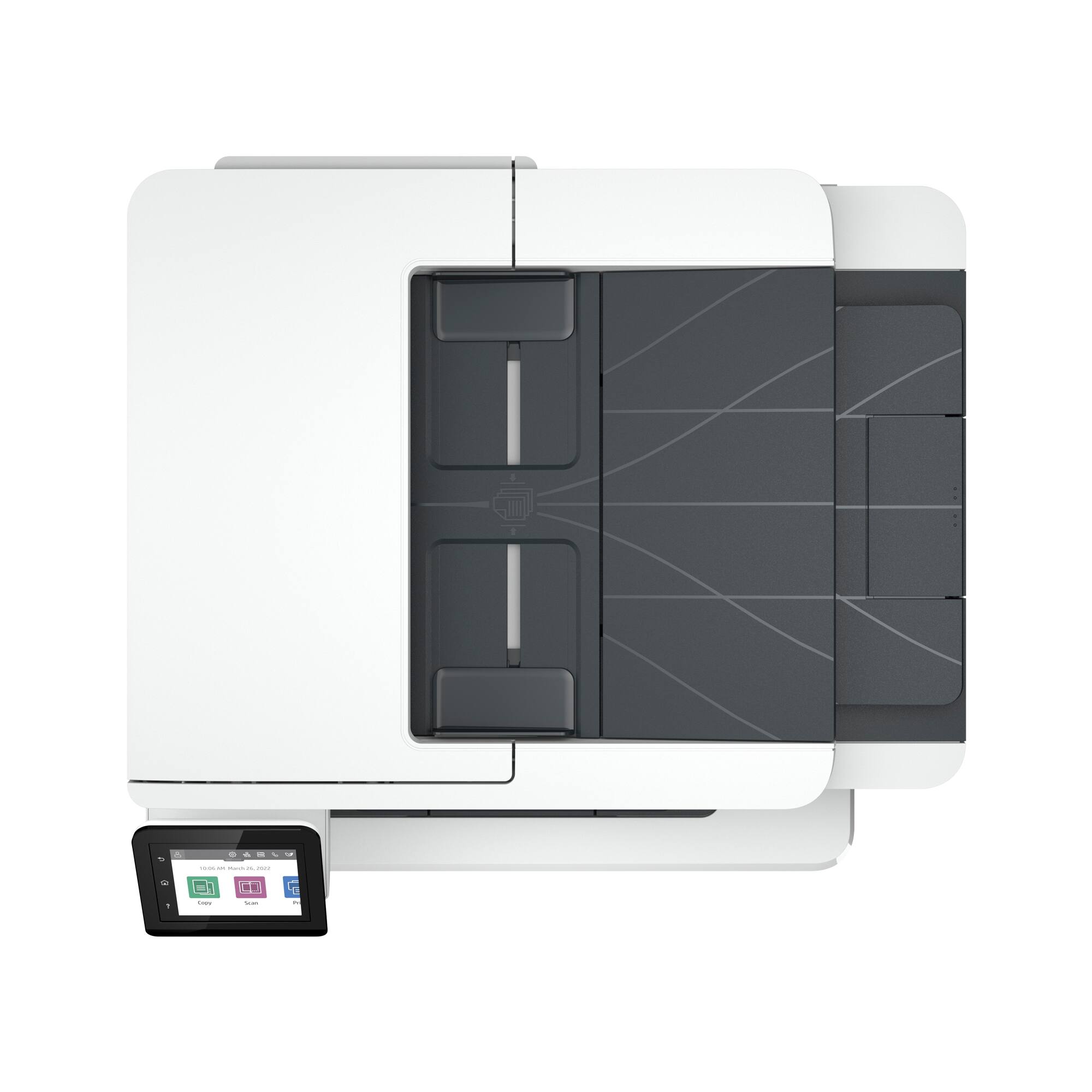
|Posted .This reviewer received promo considerations or sweepstakes entry for writing a review.This review is based on my testing of the printer’s features, which admittedly is somewhat incomplete. I have not had an occasion to test the fax function, or to do a large number of copies. I have used it to copy, scan, and print, and all of these functions have been exactly what one would expect. Because it meets the advertised expectations and has behaved without any stumbling blocks, my assessment is five stars. I cannot say that it beats out all other printers in this segment of the market, but it has done what I asked of it with minimal difficulty, and let’s be honest, printers are not always pros at this. What’s great: The printer is extremely easy to use. The process to get it setup was extremely easy. The only downside is that I did have to complete a registration online to get the printer fully integrated. This is a little annoying; I don’t love having to go to HP and enter a password and click, etc. just to get going. That said, once setup, the printer has worked perfectly on the network, has communicated with a pc, a mac, and an android without a problem. Let’s just appreciate that for a minute. I didn’t even install any software on the pc or on the mac. Just setting up the computers to look for the printer allowed them to connect and print, and also, to scan directly to them. The same is true with the android device. My other printer—which is a deskjet office machine that can also scan and copy but is mostly valued for its ability to do color—loses its bearings on the network constantly. Frequently I have to have it reconnect, and this is a problem with the printer. I changed internet providers a while back and hoped that if the wifi signal were better and that the router didn’t constantly need resetting, that the printer wouldn’t also always need to be reset. This is not the case. The mac and the pc consistently have trouble communicating with that printer. But with the HP, almost everything has been flawless with minimal fuss. There is one exception—one document I tried to print directly from Adobe DC just wouldn’t print. I opened it in preview instead, and no problem. I suspect this is some kind of odd software program in this case, rather than a problem with the printer, as a result. Quality is exactly what you expect from HP. The normal setting is crisp, black and white printing/copying. The fine lines are fine, lettering looks great. Even copying a partly color sheet and printing in black and white allowed for fine details in grayscale. I have to admit, HP just has excellent print resolution. I’ve used them in offices but never had an HP at home, and the quality is obvious. While I have been satisfied with other printers’ performance, but this printer just gives nice, crisp quality that says “Ah, HP.” I’ve scanned on the flatbed, using a book, and this works speedily and quietly. I’ve also used the feeder and asked for two-sided scanning, and it worked marvelously and efficiently. The printing is fast and efficient, and the compact machine also does not spit pages out all over, but it has a nice basic ability to collect up originals and prints/copies. The tray also holds a good number of pages, so it does not need to be filled too often. It’s not a full-size printer/copier, so don’t expect that it will never need to be filled. It’s a compact office machine with a rather small footprint for everything that it can do. Oh, and I was really quite amazed when I simply called up a pdf I had downloaded on an android device, and I was able to print in a matter of seconds, without having setup anything special. The device found the printer and, once the printer was selected, the pdf came out before I was even in the same room as the printer. So far, I can say that this is one printer I have had 0 urges to beat with a baseball bat. That’s truly high praise.
I would recommend this to a friend - Pros mentioned:Fax, Print speed
Significant upgrade to the home office
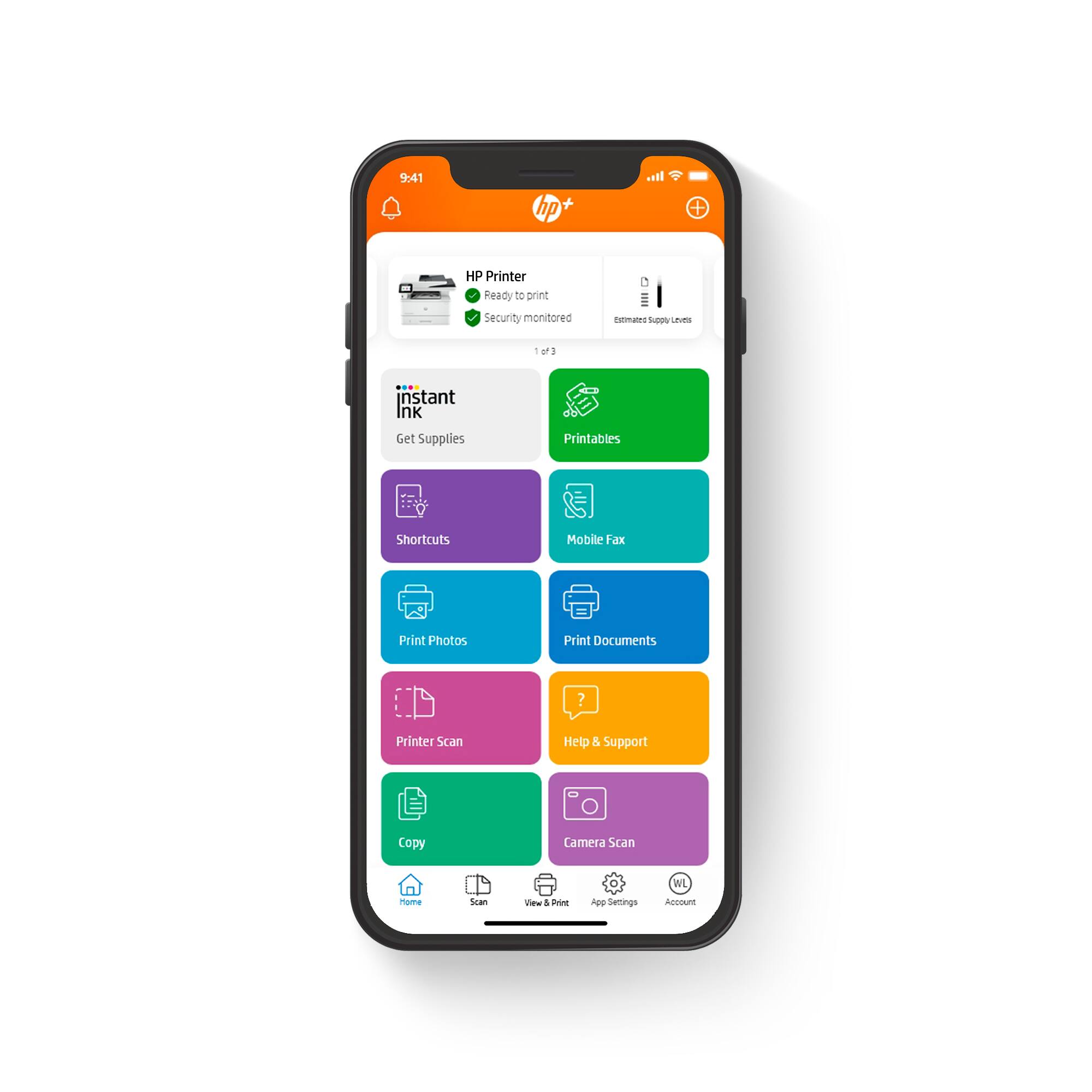
|Posted .This reviewer received promo considerations or sweepstakes entry for writing a review.The HP LaserJet Pro MFP black and white all in one laser printer is a significant upgrade to my home office for printing speed, ease of use, and sheer volume handling. I work from home full time, my teens just started back to school with multiple pages of school paperwork to print, and my husband routinely needs to print invoices from home, so at two weeks in, I've already been through a 500 sheet pack of copy paper. So far I've had zero issues with printing, remote printing, scanning, copying, or jams of any type. Note, this printer also includes landline based fax capabilities, however not something I've tested for this review. The footprint of this printer is approximately 2' x 1.5' x 1', weighing in at just under 30 lbs. This provides a footprint that will fit on my desk, however with built in wireless connectivity and multiple user profiles, I appreciate the ability to place the printer in a centralized location so the family can access it without coming into my office. Setting up the printer is easy. Remove printer from box, plug included power cord into outlet, and follow the on screen setup instructions. If desired, the printer can directly connect to a computer via USB cable or ethernet. I installed the printer for remote use via my home wireless network, which required that I also installed the HP Smart app on my Android device. The app allows for admin functionality, user specific setup, as well as printing from my phone or desktop. From the app I can also view estimated toner levels, order a one time toner shipment, or subscribe to toner refills. HP offers various levels of subscription services, allowing for toner to be shipped directly to your home / office based on your projected usage. For functionality, this printer has an automatic document feeder, supports envelope / label printing, flatbed scanner, and boasts a 250 page tray, which I've confirmed can print 37 page documents in under a minute, with both single and double sided printing. For scanning, the output file can be wirelessly sent via email, sent to a network folder, SharePoint location, computer, or to a USB drive connected to the printer. I can also scan from my phone and view / edit prior to saving the file. In addition to easily handling high volume printing, scanning, and copying, the printer options provides the capability of printing detailed, high definition fine line prints, such as complex sheet music or art templates. One bonus feature is that the printer works with my Alexa enabled devices, allowing for my teens to send school or grocery shopping lists and reminder notes from Alexa straight to the printer, without having the HP app installed. Overall I find this printer to exceed the needs of a home office or personal business. With the app based functionality, printing speeds, and user options, this printer provides multiple users the freedom to print on the go, from anywhere, at any time.
I would recommend this to a friend - Pros mentioned:Print speed, Setup
Fast Business-Focused All in-one B&W laser printer
|Posted .This reviewer received promo considerations or sweepstakes entry for writing a review.HP - LaserJet Pro MFP 4101fdwe Wireless All-In-One Black-and-White Laser Printer This is a fast printer with business focused features. Scan, print and fax and copy in Black and white. It prints at 42 pages per minute and 40 A4 pages per minute. Resolution is 1200x1200 dpi. It uses HP Wolf Pro Security with the ability to print jobs that are only released at the device. “HP Wolf Pro Security with automated monitoring, customizable settings and automatic updates so your printer and information are always secure.” HP smart Admin allows you to manage up to 10 people jobs through the program as well as multiple printers. The HP smart app lets you print, scan and check toner levels and print queues from your pc. You can also sign up for the instant ink program so that your toner is delivered to you. The LJ pro has a 150 sheet input tray and 50 sheet manual feed. An optional 550 sheet input tray is available to purchase. It will also do envelopes. It has the ability to be set up multiple ways through Printer port(USB 2.0), direct Ethernet connect, WiFi and WiFi direct but you will need a Ethernet connection to setup the device. The control panel is functional color touch screen and allow you to interact with the device to do scanning, faxing and configuration on the panel directly without PC interaction. It does not have Automatic Reduction/Enlargement but will do two-sided printing. The unit is pretty much pop it out of the box and hook it up after some software downloads and your ready to run. Take off some tape on the outside is about the extent you don’t have to assemble it. And the tone cartridge is ready as well without having to remove strips and such. This printer only works with Original HP Toner Cartridges and requires an HP account and internet connection to operate. At 28lbs it is no light weight, but it does have a reasonable foot print of approx. 13x17x25 inches Longevity is questionable since it uses all plastic gears and parts instead of nylon. Stated duty cycle is up to 80k pages. No corona wire cleaner was included in the build.
I would recommend this to a friend