Customer Ratings & Reviews
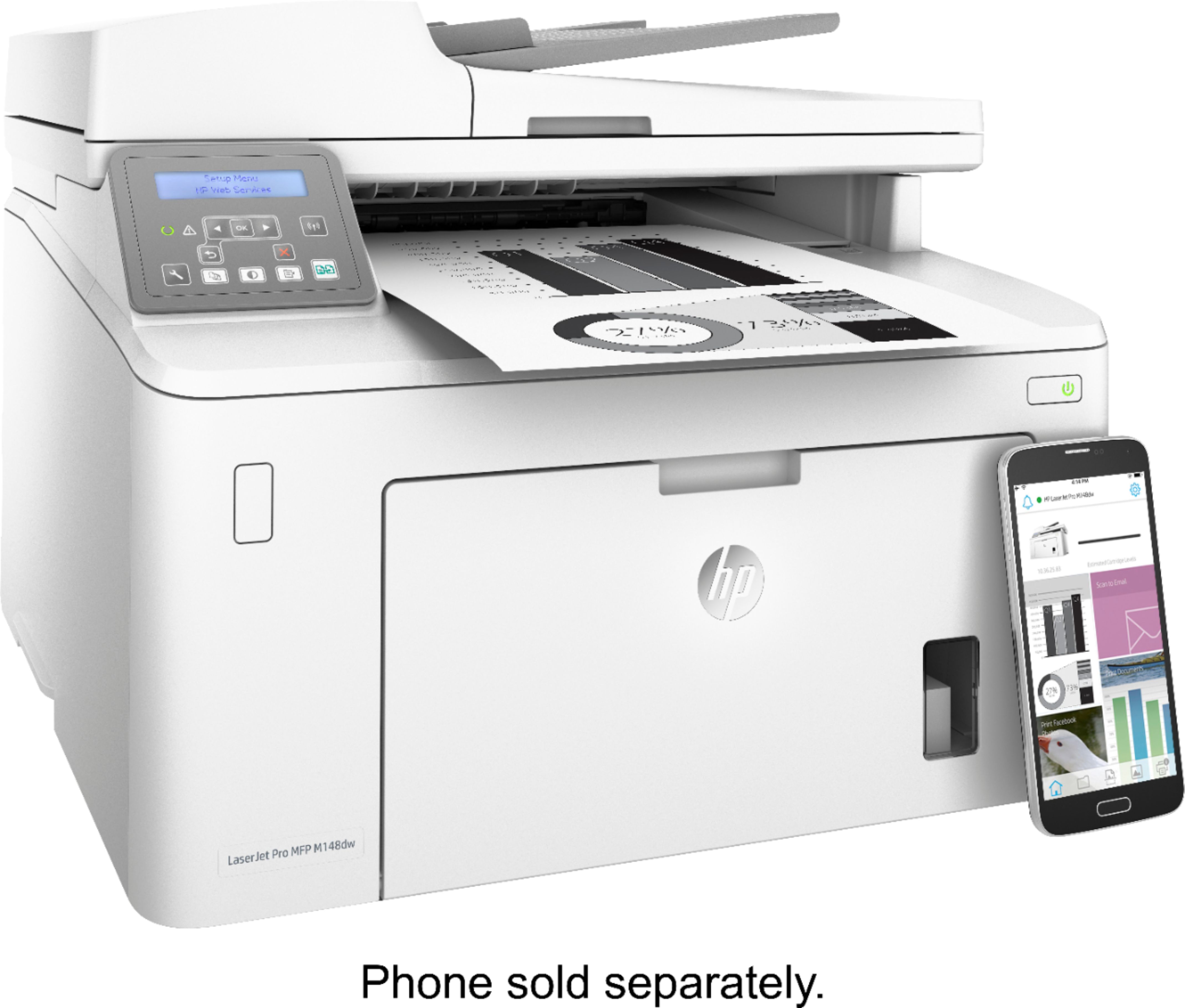
- Model:
- M148DW
- SKU:
- 6298639
Rating by feature
- Value
Rating 4.7 out of 5 stars
- Quality
Rating 4.7 out of 5 stars
- Ease of Use
Rating 4.3 out of 5 stars
Customers are saying
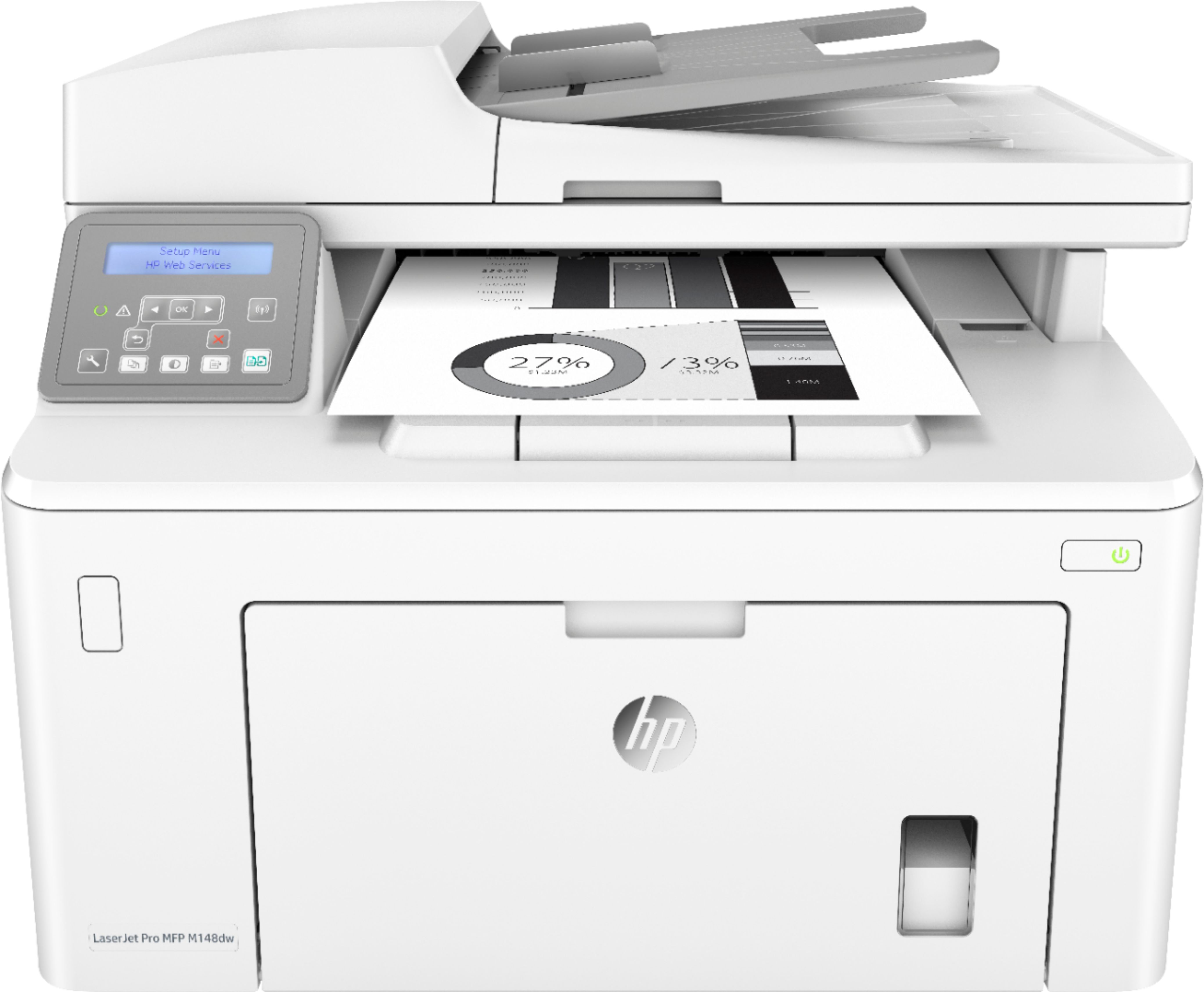
Customers love the LaserJet Pro MFP M148DW's high-quality prints, ease of use, and wireless capabilities. Many appreciate its straightforward setup and quiet operation, along with its compact size and excellent value for the price. Positive feedback consistently highlights the smooth printing process and the printer's overall reliability. The printer's compatibility with various devices and its ability to handle double-sided printing were also frequently praised.
This summary was generated by AI based on customer reviews.
So so
||Posted . Owned for 1 year when reviewed.This reviewer received promo considerations or sweepstakes entry for writing a review.Difficult to setup Wi-Fi. Low toner warning comes on way before the toner needs replacement. Sheet feeder leaves streaks on copies.
I would recommend this to a friendLack An Engineering Degree So Returned
||Posted . Owned for 3 weeks when reviewed.This reviewer received promo considerations or sweepstakes entry for writing a review.You need an Engineering degree to connect to WiFi. Instructions are vague.
No, I would not recommend this to a friendIt works okay
||Posted . Owned for 3 weeks when reviewed.This reviewer received promo considerations or sweepstakes entry for writing a review.Seems to work as advertised. Haven’t used it much yet. Time will tell.
I would recommend this to a friendDon't waste your money!
||Posted . Owned for 1.5 years when reviewed.This reviewer received promo considerations or sweepstakes entry for writing a review.TRASH! Will need a new fuser 3 or 4 times during it's life cycle - according to HP Support. The fuser assembly is as expensive as the printer.
No, I would not recommend this to a friend- Pros mentioned:Print quality, Wireless
Excellent Printer!!
Posted .This reviewer received promo considerations or sweepstakes entry for writing a review.I was looking for a good Laser Printer which can Print-Scan-Copy at the same time should print both sides. I liked this printer by reading the reviews and was very happy that I did the right thing choosing this printer. Also happy that I bought this from BEST BUY because of their excellent support. Coming to printer review, the printer came right on time as promised by BEST BUY, next the printer had everything pre-installed meaning the Toner and drum. All I had to do is remove the stickers. Yes as one of the reviewer mentioned the printer made some weird noises while initializing haha absolutely fine. As soon as it was ready I followed the document provided and installed the software before connecting the printer to the PC. Perfect, everything was ready within 15 min and I was able to print both sides, Wow it was very fast than my previous printer. I tried copying a small doc by placing it in the scanning area and just pressed the COPY button on the printer and the print was out in less than I should say 8 secs. Tried via iPhone, iPad and PC without connecting and the Wifi worked excellent. I would definitely recommend this printer.
I would recommend this to a friend Wouldn't work with wireless
||Posted . Owned for 3 weeks when reviewed.This reviewer received promo considerations or sweepstakes entry for writing a review.After hours of trying we never could get it working. For whatever reason it would not hook up for wireless no matter what we tried.
No, I would not recommend this to a friendBrand response from HP Team
Posted .Hello there,
I’m sorry to hear that your printer has not been reliable regarding connectivity. I can understand why that would be quite an aggravating start for a new printer, so I’ll offer some resources and information I hope will help.
First, I recommend you visit a page on our support site that has diagnostic tools for various problems, including setup and connectivity issues. Visit that page here:
- support.hp.com/us-en/topic/diagnostics
If the problem persists, I suggest that you contact us directly at +1 800-474-6836 so we can help you assess the situation and guide you through any applicable troubleshooting. (Please note that because of restrictions on personal movement and workplace attendance associated with the COVID-19 pandemic, wait times for agents are longer than normal. Thanks in advance for your understanding.) To expedite the process, I recommend gathering the following information before the call:
- Model number
- Serial number
- Your location
- Case number (from any previous contact with HP support)
I'll also mention that HP printers have a one-year warranty from their purchase date that covers hardware as well as ink supplies, so if it comes to that, you might consider making use of it. You can verify the warranty using the following link: support.hp.com/us-en/checkwarranty
Kacper
HP Care
hp.com/support
- Pros mentioned:Print quality
Perfect
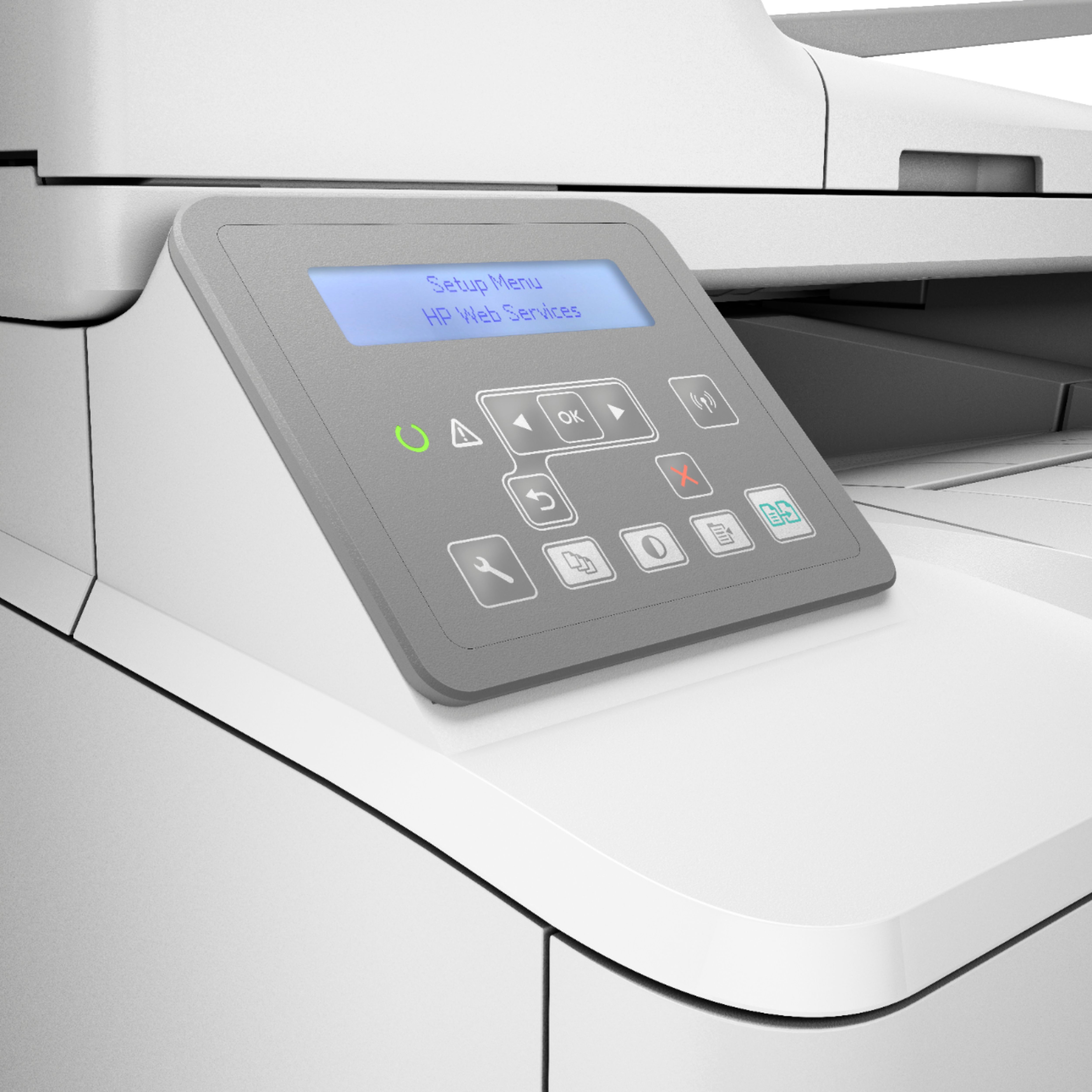
Posted .This reviewer received promo considerations or sweepstakes entry for writing a review.Ignore all of those “experts” who say it’s hard to hook up. I had this up and running in 10 minutes. I have had it a year. The initial ink cartridge has been replaced, but that’s normal. The second one is still in use, and we print a lot. The only thing is I wish the display was a little nicer, and intuitive. I’ll never go back to ink jet. I had so many aggravations with my last Epson printer, it wouldn’t even recognize it’s own ink jet cartridges, so it wouldn’t print, this HP laser jet printer is a God send.
I would recommend this to a friend