Customer Ratings & Reviews
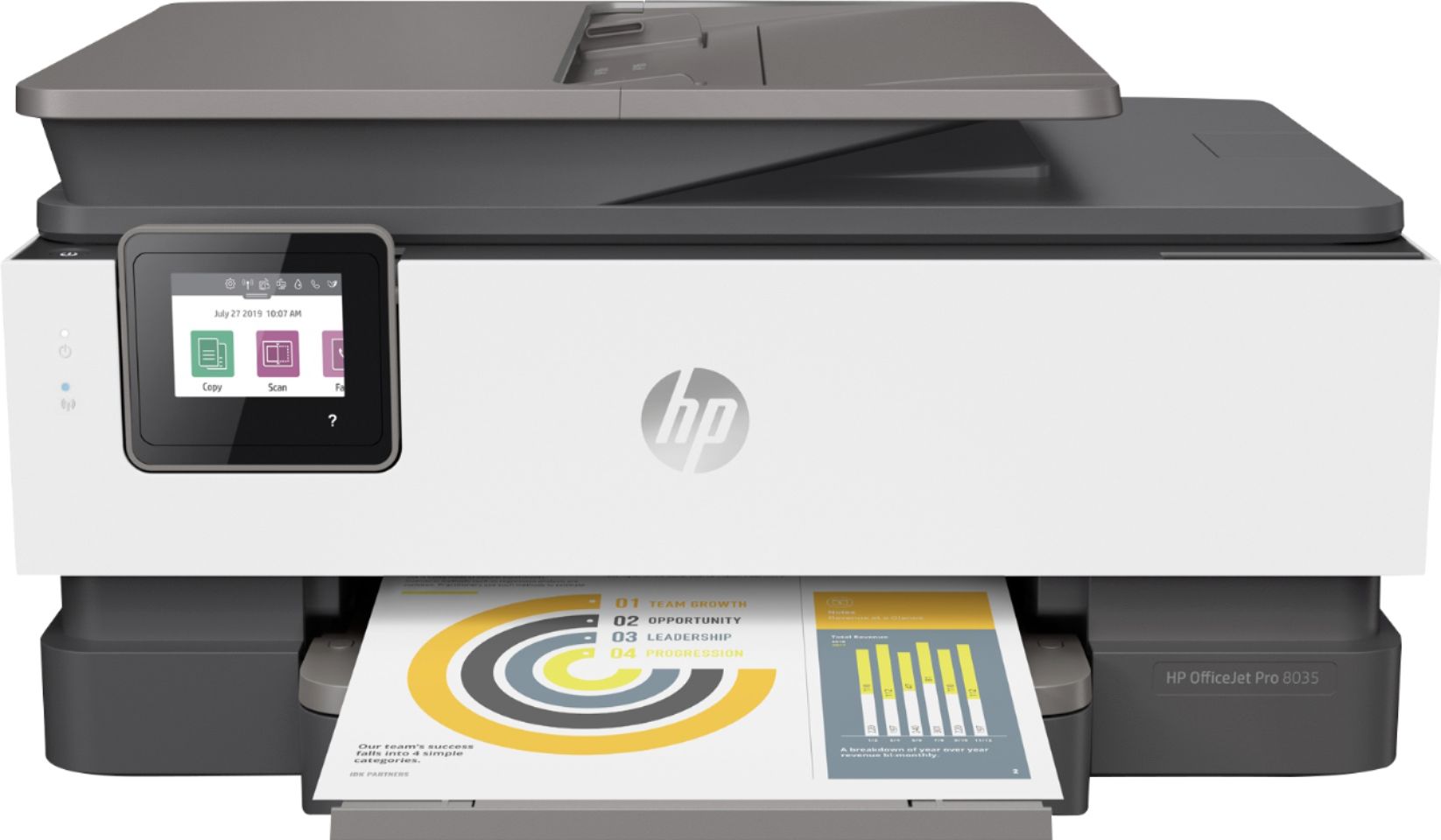
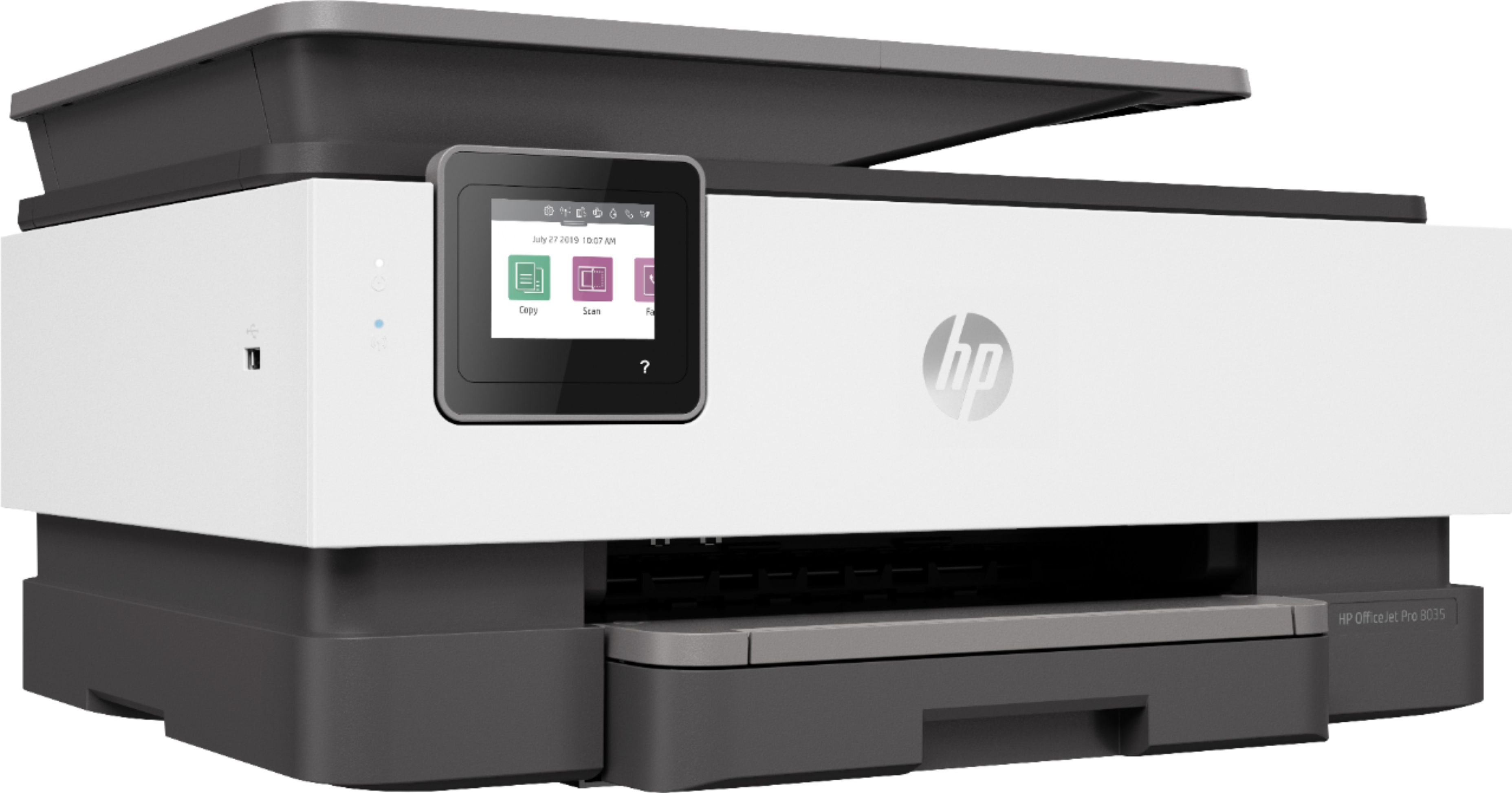
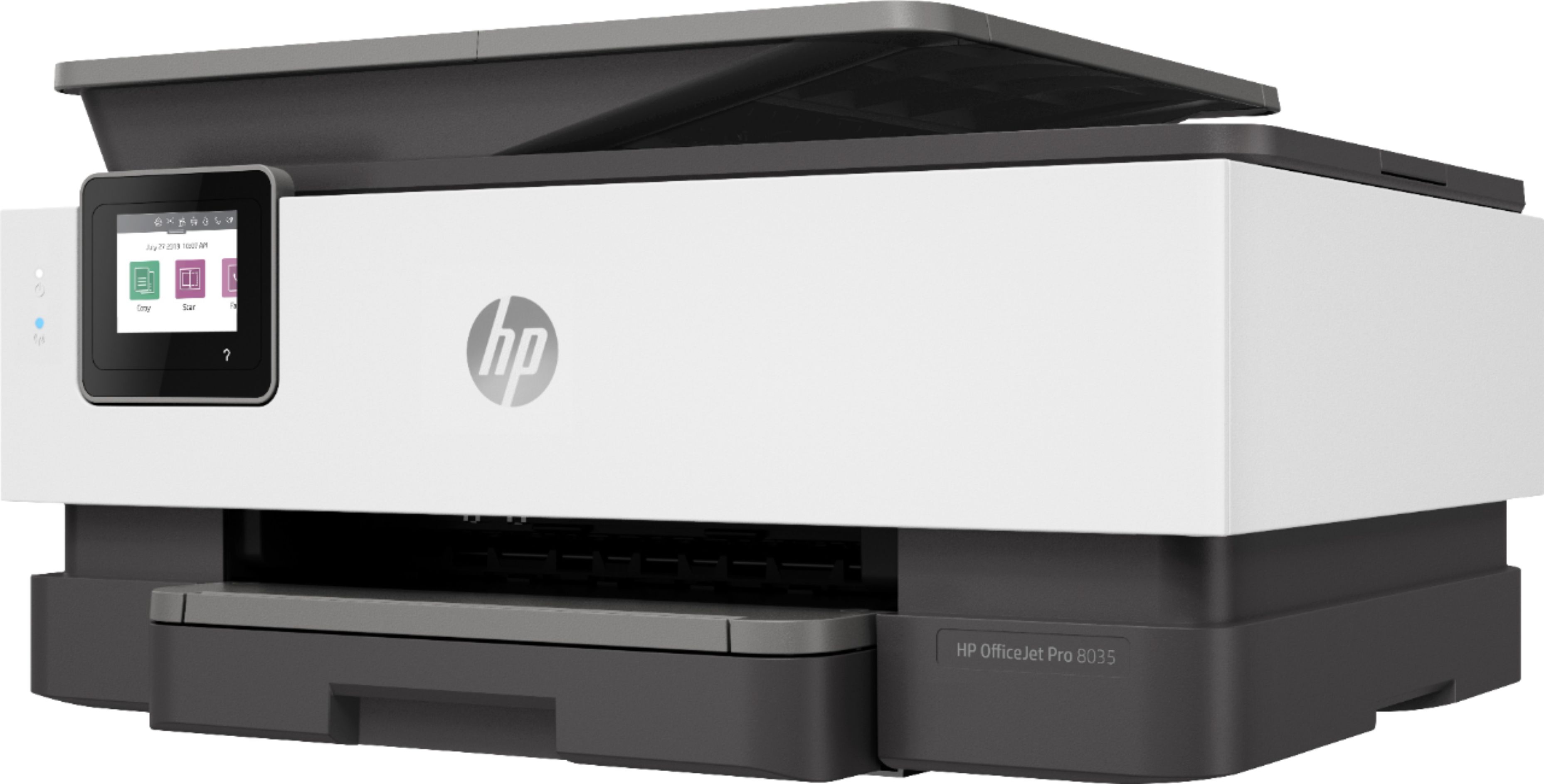
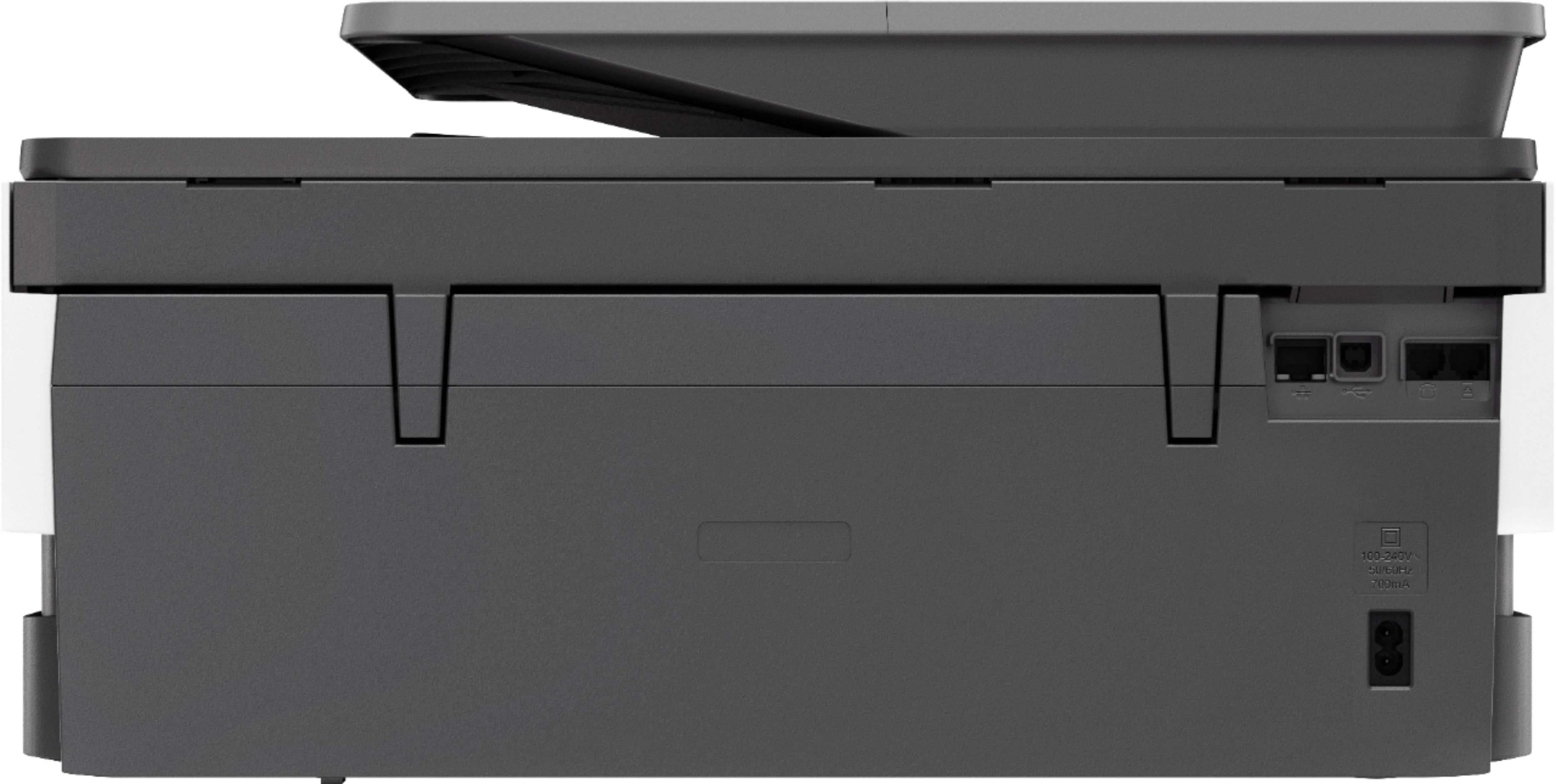



- Model:
- 5LJ23A#B1H
- SKU:
- 6335313
Rating by feature
- Value
Rating 4.4 out of 5 stars
- Quality
Rating 4.4 out of 5 stars
- Ease of Use
Rating 4.4 out of 5 stars
Customers are saying
Customers praise the OfficeJet Pro 8035e for its excellent print quality, ease of use, and compact size, finding it to be a convenient and efficient printer for home use. Positive feedback also highlights the printer's wireless capabilities and straightforward setup process. However, some users experienced challenges with the paper tray.
This summary was generated by AI based on customer reviews.
Helpless
||Posted . Owned for 3 weeks when reviewed.This reviewer received promo considerations or sweepstakes entry for writing a review.Very difficult to set up. Manufacturer nor Best Buy would help us set it up. They recommended we us there geek group at a price that was as much as we paid for the printer?.? They were not very helpful. Turned us off on Best Buy. Only interested in selling a product and pushing you to take the extended warranty. Sorry to say we took it and that was useless in helping us?
No, I would not recommend this to a friend- Cons mentioned:Reliability
only good for a few months
||Posted . Owned for 2 months when reviewed.This reviewer received promo considerations or sweepstakes entry for writing a review.Like every HP I've owned in the past it last for 3 months then issues start. I really with they made reliable printers
No, I would not recommend this to a friendBrand response from HP Team
Posted .Hi, Josh.
I’m sorry to hear that your printer has not performed like it should. Your review is relatively short, but your disappointment and frustration are clear – and understandable – so I’ll offer some resources and information I hope will help.
First, I recommend you visit a page on our support site that has diagnostic tools for various problems, including cartridge, hardware and connectivity issues. There you’ll also find a general-purpose tool called the HP Print and Scan Doctor. If you use Windows, the tool will help identify and guide you through solutions to a wide range of common printing and scanning issues. Visit that page here:
- support.hp.com/us-en/topic/diagnostics
If the problem persists, I recommend that you contact us directly at +1 800-474-6836 so we can help you assess the situation and guide you through any applicable troubleshooting. (Please note that because of restrictions on personal movement and workplace attendance associated with the COVID-19 pandemic, wait times for agents are longer than normal. Thanks in advance for your understanding.) To expedite the process, I recommend gathering the following information before the call:
- Model number
- Serial number
- Your location
- Case number (from any previous contact with HP support)
Keith
HP Care
hp.com/support
- Cons mentioned:Reliability
Big disappointment
||Posted . Owned for 1 year when reviewed.This reviewer received promo considerations or sweepstakes entry for writing a review.It prints, but only when it wants to. It doesn’t scan unless you use the app, and even then it’s unreliable.
No, I would not recommend this to a friend DO NOT BUY THIS PRINTER
||Posted .This reviewer received promo considerations or sweepstakes entry for writing a review.This printer is the absolute worse. HP customer service is the absolute worse. I spent a good amount of money on this printer because I was led to believe that it would last. I have had this printer for only a little more than a year, used less than 30 times and already there are hardware issues at the fault of HP. I get a carriage jam error when there is in fact no jam or obstruction in the printer. It is also not an ink cartridge issue because all cartridges come from HP Instant Ink program which I will certainly be cancelling now. When calling customer service I was told they cannot help me and this issue can not be fixed. They told me I need to buy a whole new printer because this one is outside of the warranty period. There is no option for repair or replacement. It is ridiculous to have spent a large amount of money for a printer for it to break after only a year and minimal use. The worse customer service experience I have ever had. I will never purchase another HP product again.
No, I would not recommend this to a friendCan't complete review.
||Posted .This reviewer received promo considerations or sweepstakes entry for writing a review.We need the geek squad to help set it up. We tried but are unable to do so. When it is safe to have geek squad come into customers home then we can review.
I would recommend this to a friendSlow Printing
||Posted . Owned for 3 weeks when reviewed.This reviewer received promo considerations or sweepstakes entry for writing a review.It prints ok and not very fast at all. I do like the paper tray where it is easy to change from regular paper to photo paper easily though.
No, I would not recommend this to a friendPoor construction, USB doesn't work for scanning.
||Posted .This reviewer received promo considerations or sweepstakes entry for writing a review.Very disappointed with this printer. The reviews were mostly all good, leading me to choose this printer. Often it does not print, clicks and clicks and tries to reset until I finally turn it off and start over. Cannot get the scan feature to work. Construction is not of the quality of my previous HP 8635, which had the print head go bad. Wish I had purchased a new print head and kept the old printer. It was much better. I am not happy with this purchase.
No, I would not recommend this to a friendBrand response from HP Team
Posted .Hi there.
I’m sorry to hear that you've not had the experience you expected with the printer. I can understand that would be terribly inconvenient not being able to scan and needing to restart the machine for it to print. We aim to provide a reliable experience with our printers and support, so I’ll try to offer some helpful suggestions.
First, I recommend you visit a page on our support site that has diagnostic tools for various problems. There you’ll find a general-purpose tool called the HP Print and Scan Doctor. If you use Windows, the tool will help identify and guide you through solutions to a wide range of common printing and scanning issues. Visit that page here:
- support.hp.com/us-en/topic/diagnostics
The clicking sound you report concerns me, though, and I believe it needs further investigation. So, I suggest that you contact us directly at +1 800-474-6836 so we can help you assess the situation and guide you through any applicable troubleshooting. (Please note that because of restrictions on personal movement and workplace attendance associated with the COVID-19 pandemic, wait times for agents are longer than normal. Thanks in advance for your understanding.) To expedite the process, I recommend gathering the following information before the call:
- Model number
- Serial number
- Your location
- Case number (from any previous contact with HP support)
I will also mention that HP printers have a one-year warranty from their purchase date, so you might make use of it if you need to. To verify the warranty, visit our support site and look for the icon labeled “Check Warranty Status.”
Tony
HP Care
hp.com/support
Ok not worth the money
||Posted . Owned for 3 weeks when reviewed.This reviewer received promo considerations or sweepstakes entry for writing a review.If you want it for a fax machine I suggest getting something different the fax stinks.
No, I would not recommend this to a friendPrinter
||Posted . Owned for 10 months when reviewed.This reviewer received promo considerations or sweepstakes entry for writing a review.Works good not a fan of the HP instant Inc. kind of a gimmick slow to print users Inc. fast would recommend For a home user but not a business
No, I would not recommend this to a friendPrinter
||Posted . Owned for 1 month when reviewed.This reviewer received promo considerations or sweepstakes entry for writing a review.Had a hard time getting this to work. HP had to take control of my computer 3 times to get it to work.
No, I would not recommend this to a friendAverage Printer
||Posted .This reviewer received promo considerations or sweepstakes entry for writing a review.This is my third HP printer. Far and away it is the least quality machine I have purchased. I would not recommend this for a future purchase.
No, I would not recommend this to a friendDidn’t care for this
||Posted . Owned for 1 year when reviewed.This reviewer received promo considerations or sweepstakes entry for writing a review.I was not satisfied with this I returned it and bought a canon
No, I would not recommend this to a friend- Cons mentioned:Paper tray
paper tray doesnt shrink and uses a lot of ink
||Posted . Owned for 1 month when reviewed.This reviewer received promo considerations or sweepstakes entry for writing a review.not a good printer if you print a lot. it uses a lot of ink and the papertray doesnt have a move able lock piece.
No, I would not recommend this to a friendBrand response from HP Team
Posted .Hi there.
I’m sorry to hear you’re so disappointed in your printer regarding its ink use. I can certainly see how that would become frustrating quickly. So, let’s see whether I can offer some helpful information and suggestions.
Here are a few facts about ink use that might help:
- A high-density print (such a photo) will use ink more quickly than a low-density print (a text-only document), especially if the paper is highly absorbent and the environment is dry.
- Using the draft and black-only settings on your printer can help save ink.
- Shutting the printer down between uses can help. However, always use the power button on the printer itself to turn it off. That will let the printer “park” itself so that the cartridges are protected from excess drying.
- If you suspect the low page yield was caused by a defective cartridge, you can contact the seller.
If none of those tips works, or you have further questions or concerns, you can reach out to us for support: hp.com/contactHP
Keith
HP Care
hp.com/support
Pretty good printer
||Posted . Owned for 1 month when reviewed.This reviewer received promo considerations or sweepstakes entry for writing a review.Took me a pretty good while to get it setup because you have to go to hp.123 to complete. Had trouble with that.
I would recommend this to a friendI love the printer but it did not come w/ a power
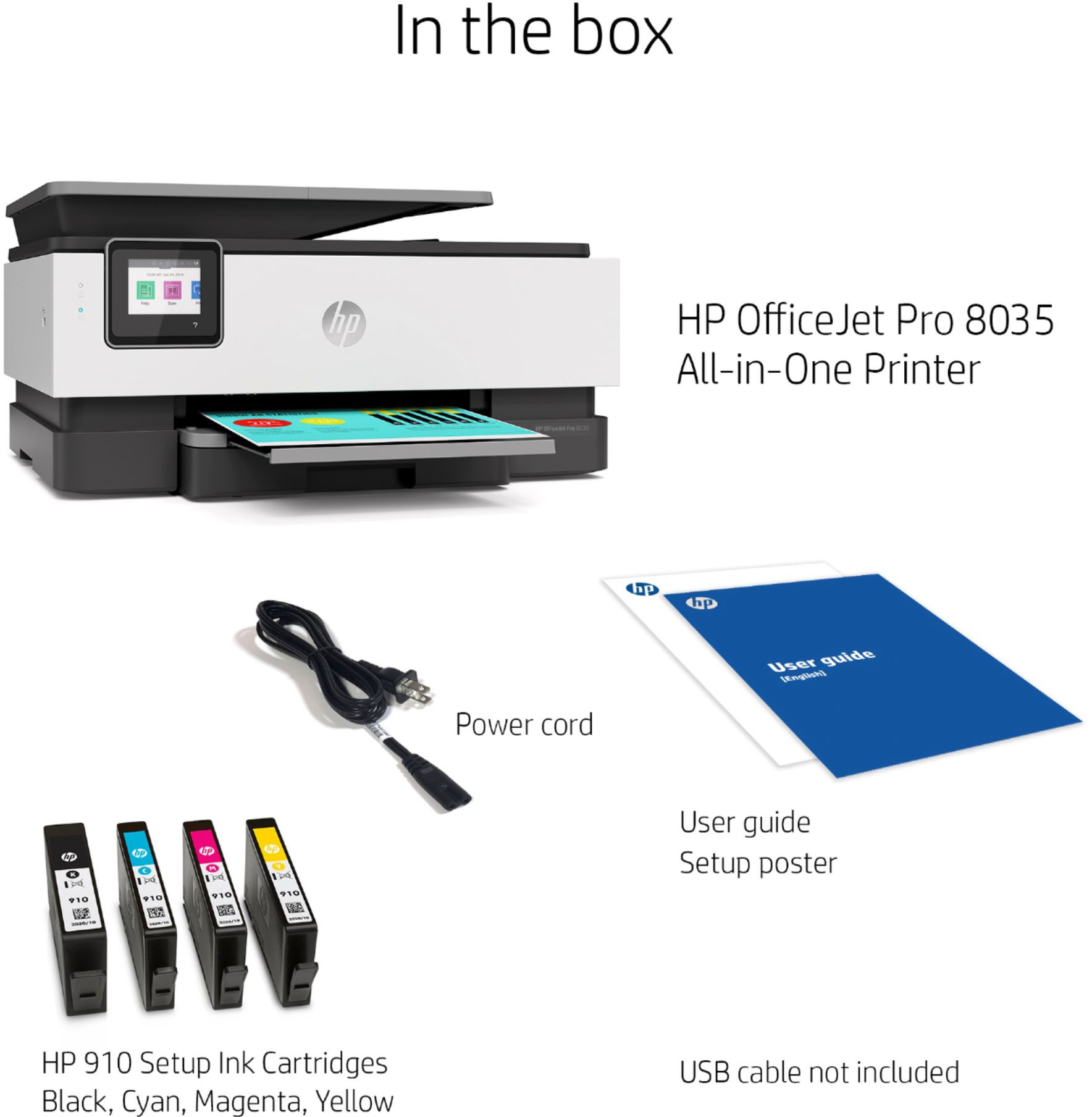
||Posted . Owned for 3 weeks when reviewed.This reviewer received promo considerations or sweepstakes entry for writing a review.The printer did not come with a power cord and at the time I purchased it was sold out but luckily I had my power cord to my old printer.
I would recommend this to a friend- Cons mentioned:Paper tray
HP 8035e
||Posted . Owned for 1 month when reviewed.This reviewer received promo considerations or sweepstakes entry for writing a review.Paper tray hard to open, couldn't get warning off screen. Failed
No, I would not recommend this to a friend HP 8035
||Posted .This reviewer received promo considerations or sweepstakes entry for writing a review.It connected to the wifi with no problem and I was able to print two documents right away, but after that it would not print. It was still connected but no matter what I have tried it wouldn't connect.
No, I would not recommend this to a friendCheaply constructed
||Posted . Owned for 3 weeks when reviewed.This reviewer received promo considerations or sweepstakes entry for writing a review.I ave been using HP printers for 30 years. In comparison to previous models this is cheaply constructed but it works, at least while new
No, I would not recommend this to a friend- Pros mentioned:Print quality
So so
||Posted . Owned for 1 year when reviewed.This reviewer received promo considerations or sweepstakes entry for writing a review.Prints ok but if I cancel my hp print on line it will stop allowing me to print
No, I would not recommend this to a friend Think I was expecting more ease of operation
||Posted . Owned for 3 weeks when reviewed.This reviewer received promo considerations or sweepstakes entry for writing a review.Having a hard time setting up fax. Sending seems to be ok but receiving is more difficult to set up .
No, I would not recommend this to a friend