Customer Ratings & Reviews
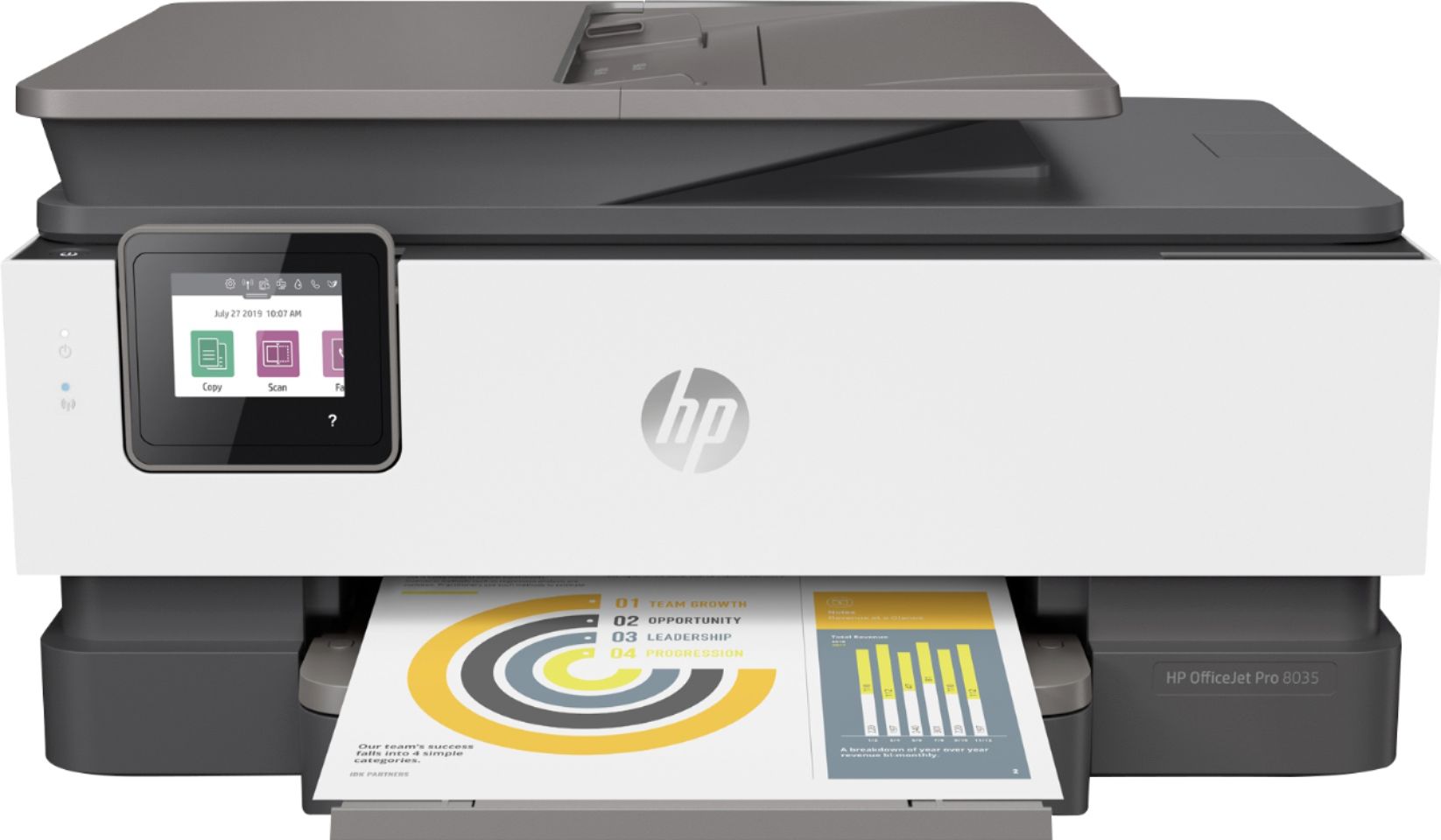
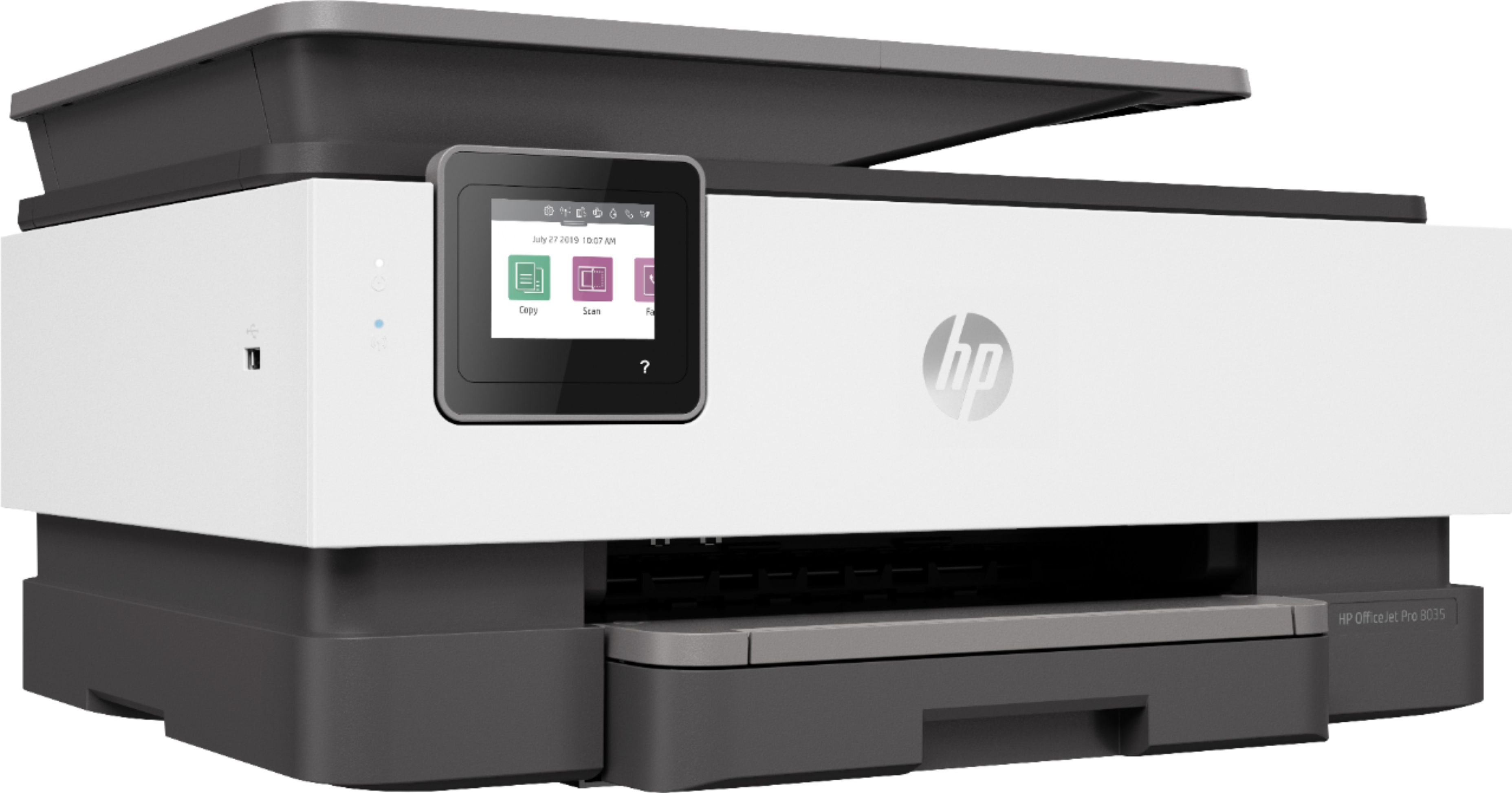
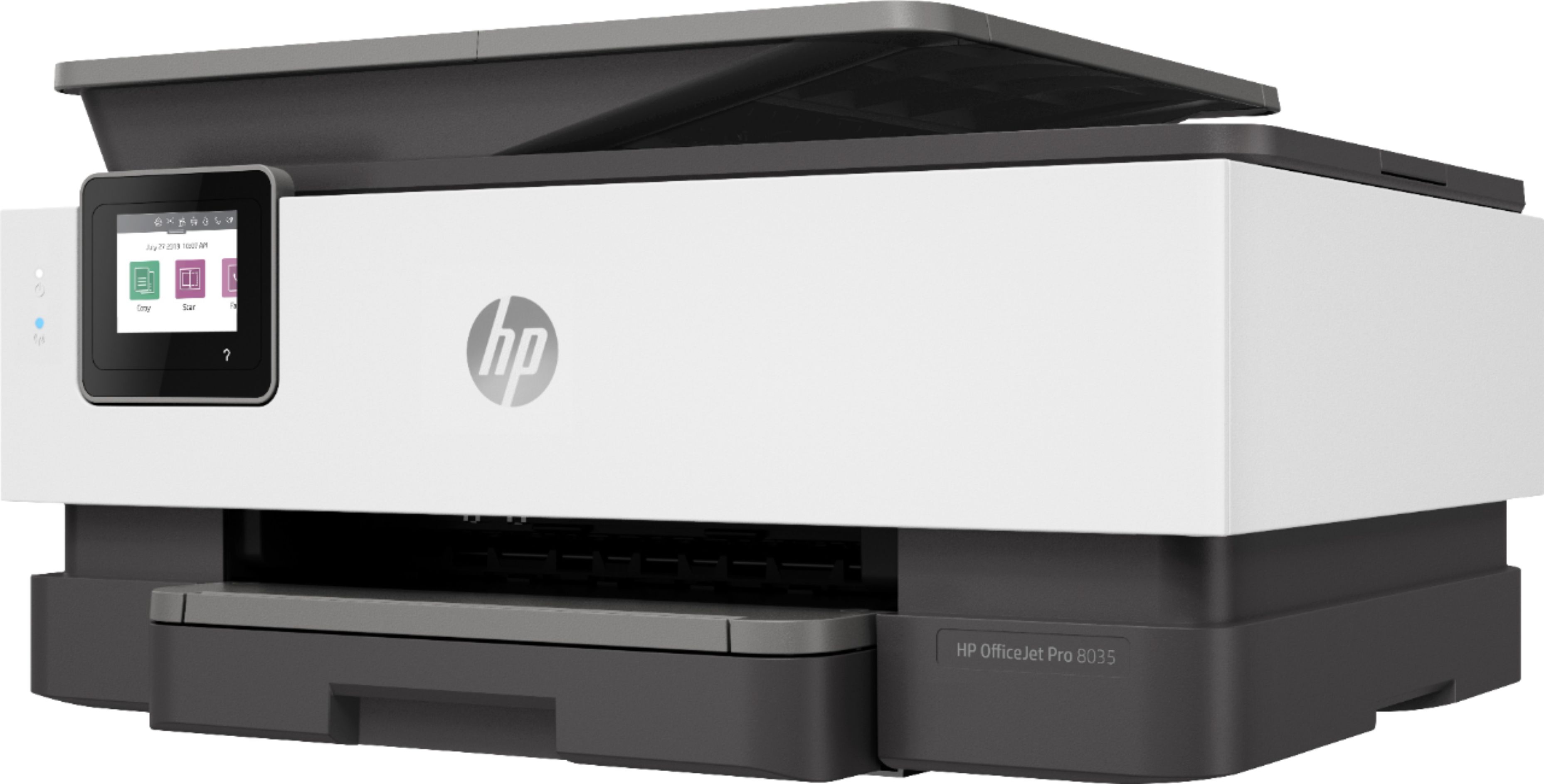
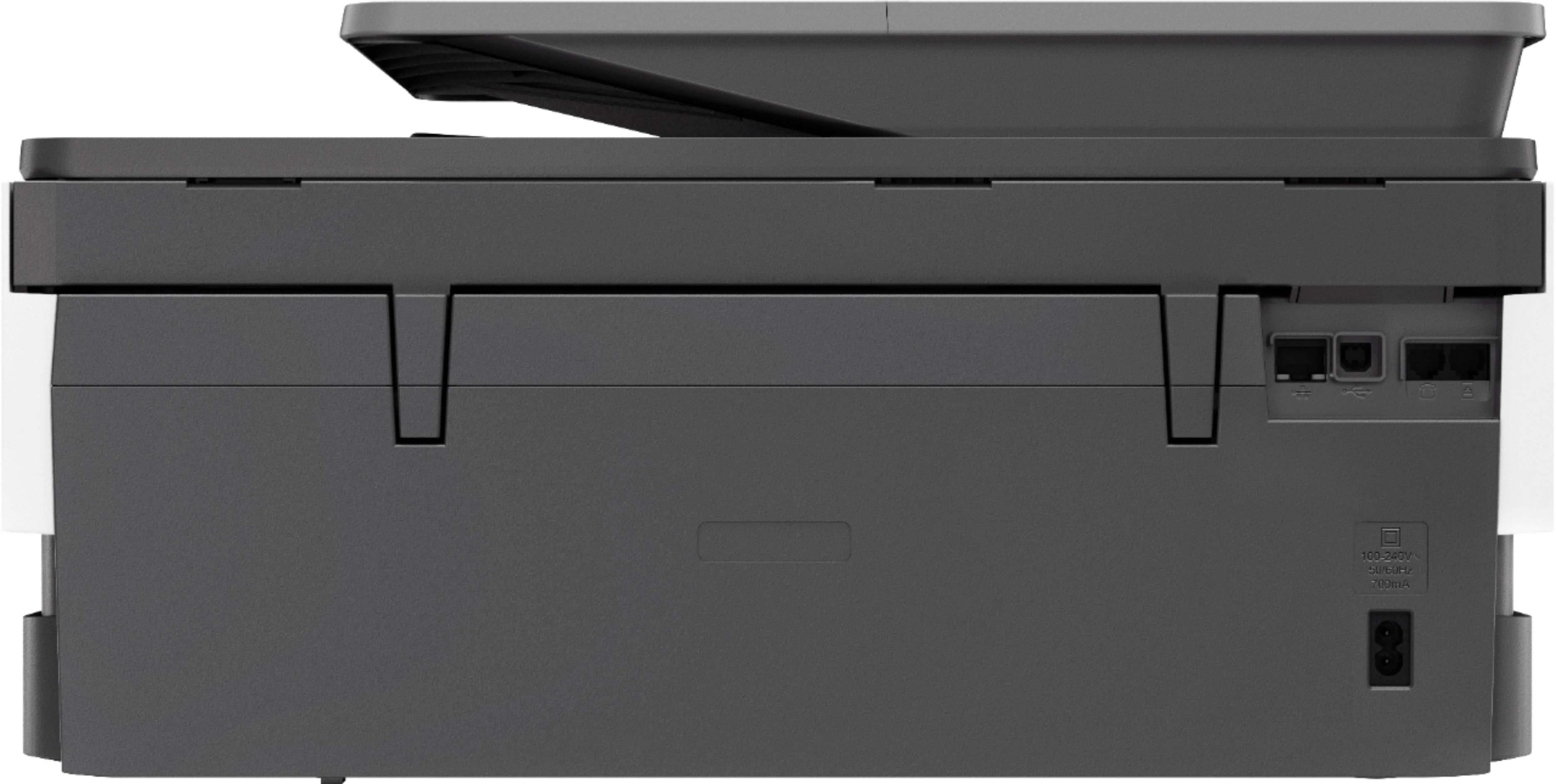



- Model:
- 5LJ23A#B1H
- SKU:
- 6335313
Rating by feature
- Value
Rating 4.4 out of 5 stars
- Quality
Rating 4.4 out of 5 stars
- Ease of Use
Rating 4.4 out of 5 stars
Customers are saying
Customers praise the OfficeJet Pro 8035e for its excellent print quality, ease of use, and compact size, finding it to be a convenient and efficient printer for home use. Positive feedback also highlights the printer's wireless capabilities and straightforward setup process. However, some users experienced challenges with the paper tray.
This summary was generated by AI based on customer reviews.
Cartridge are not communicating with the printer
||Posted . Owned for 2 months when reviewed.This reviewer received promo considerations or sweepstakes entry for writing a review.Bought in may, had to replace ink cartridges that came with printer a week ago, with new HP cartridges. Since then nothing but problems. Most of the time I get error messages that the cartridge can't communicate with the printer. This is a piece of junk and not worth the trouble. DO NOT BUY!!!
No, I would not recommend this to a friendBrand response from HP Team
Posted .Hi there.
I’m sorry to learn that your printer has performed poorly since you replaced the ink cartridges that arrived with the device. I can certainly understand why frequent error messages that indicate the printer and cartridges are not communicating properly would be a jarring surprise, considering you’ve had the device such a short period of time. I want to help you remedy this situation, so I’ll offer a resource and some information aimed at making that happen.
I can’t tell from your review what’s causing this communication breakdown, so I recommend that you contact us directly at +1 800-474-6836 so we can help you assess the situation and find a solution. (Please note that because of restrictions on personal movement and workplace attendance associated with the COVID-19 pandemic, wait times for agents are longer than normal. Thanks in advance for your understanding.) To expedite the process, I recommend gathering the following information before the call:
- Model number
- Serial number
- Your location
- Case number (from any previous contact with HP support)
I'll also mention that HP printers have a one-year warranty from their purchase date that covers hardware as well as ink supplies – and that warranty extends to two years with an HP+ account – so if it comes to that, you might consider making use of it. You can verify the warranty using the following link:
- support.hp.com/us-en/checkwarranty
Keith
HP Care
hp.com/support
Malfunction issue
||Posted . Owned for 10 months when reviewed.This reviewer received promo considerations or sweepstakes entry for writing a review.I returned my printer because it wasn’t printing in color. I took it back to Best Buy exchanged it and that one didn’t print in color. The gentleman from geek squad tries to look at it, but it didn’t print at all, color nor black ink. Plain water came out, then then paper wouldn’t print at all.
No, I would not recommend this to a friendBrand response from HP Team
Posted .Hi there.
I’m sorry to hear that you’ve had such a bad experience with the printers you ordered. It’s easy to understand why getting one printer that won’t process color ink and exchanging it for one that doesn’t print color or black would be quite a shock. If you’ve not done so already, I want to help you resolve this situation, so I’ll suggest a resource and some information aimed at making that happen.
I can’t tell from your review why the two printers you’ve received have performed this way, so I recommend that you contact us directly at +1 800-474-6836 so we can help you assess the situation and find a solution. (Please note that because of restrictions on personal movement and workplace attendance associated with the COVID-19 pandemic, wait times for agents are longer than normal. Thanks in advance for your understanding.) To expedite the process, I recommend gathering the following information before the call:
- Model number
- Serial number
- Your location
- Case number (from any previous contact with HP support)
I'll also mention that HP printers have a one-year warranty from their purchase date that covers hardware as well as ink supplies, so if it comes to that, you might consider making use of it. You can verify the warranty using the following link:
- support.hp.com/us-en/checkwarranty
Keith
HP Care
hp.com/support
Fair
||Posted . Owned for 1.5 years when reviewed.This reviewer received promo considerations or sweepstakes entry for writing a review.This printer gave me the blues, I returned it twice
No, I would not recommend this to a friend- Pros mentioned:Ease of use
Easy use
||Posted . Owned for 1 month when reviewed.This reviewer received promo considerations or sweepstakes entry for writing a review.So far so good. Love it. I 've found the printer very easy to
I would recommend this to a friend Terrible
||Posted . Owned for 3 weeks when reviewed.This reviewer received promo considerations or sweepstakes entry for writing a review.Terrible couldn’t even open to put ink in when I finially got it opened it worked but then when I was printing got a message that paper was jammed found no paper could not get it working again very unhappy with this purchase I have had this printer for less than a month and it already isnt working piece of crap !
No, I would not recommend this to a friendBrand response from HP Team
Posted .Hello,
I am very sorry to know that the printer is giving you errors in the paper collection and that therefore your experience is not being what you expected. Please let me help you in any way possible so that we can improve your experience.
For paper pick-up or paper jam problems, I recommend that you review the following official HP support document to resolve these issues:
- Paper Jam Error: support.hp.com/document/c06262856
And without a doubt, if these problems persist, we will always be in contact with you through our support. You can contact us through:
- HP Support: support.hp.com/us-en/contact-hp
We would love to improve your experience!
Antonio
HP Care
- Pros mentioned:Print quality
I seem to be having good luck with it.
||Posted . Owned for 3 weeks when reviewed.This reviewer received promo considerations or sweepstakes entry for writing a review.Like it so far. It's faster than my Canon that I traded in.
I would recommend this to a friend - Pros mentioned:Print quality

Capable All in One Printer
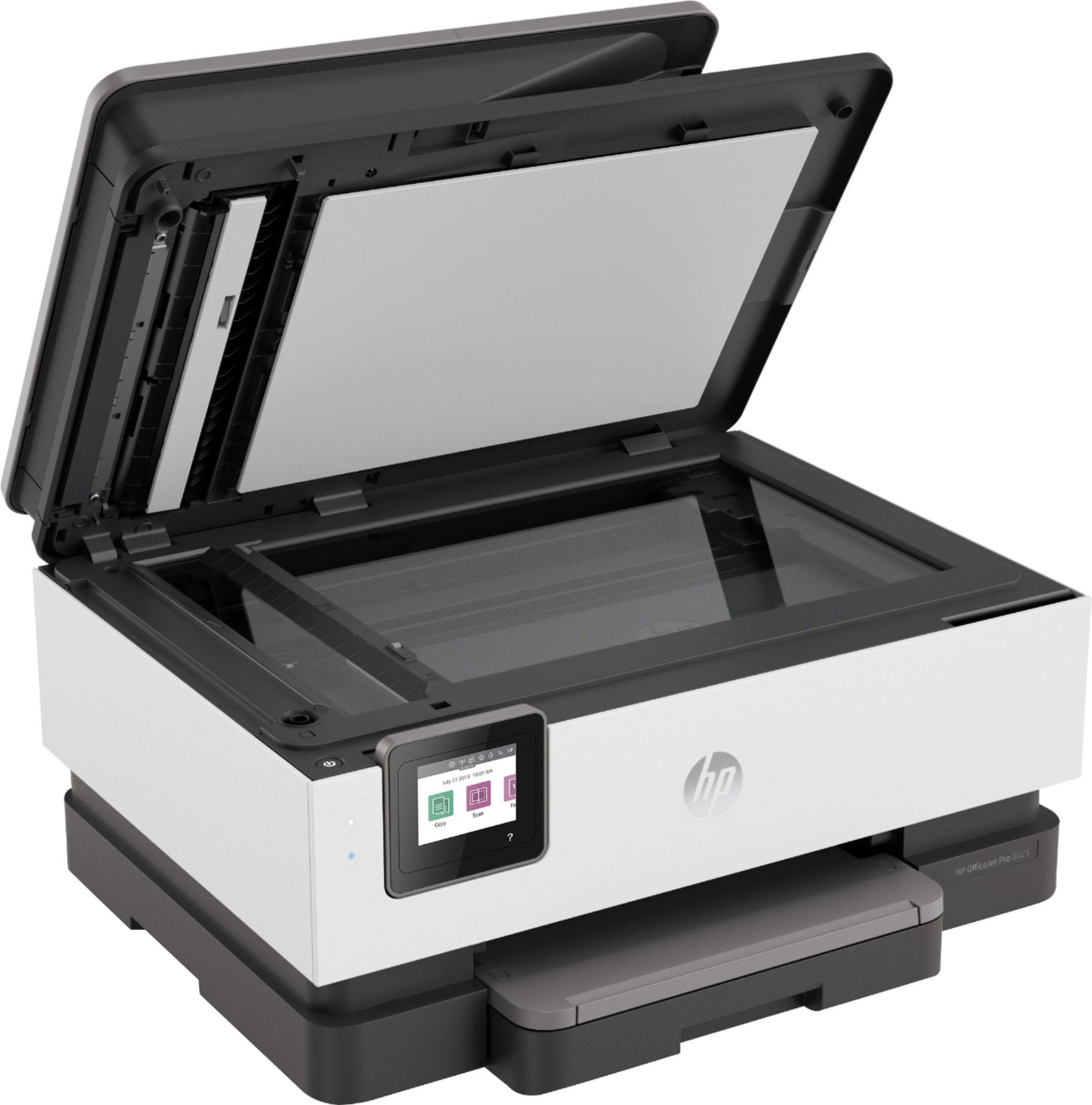
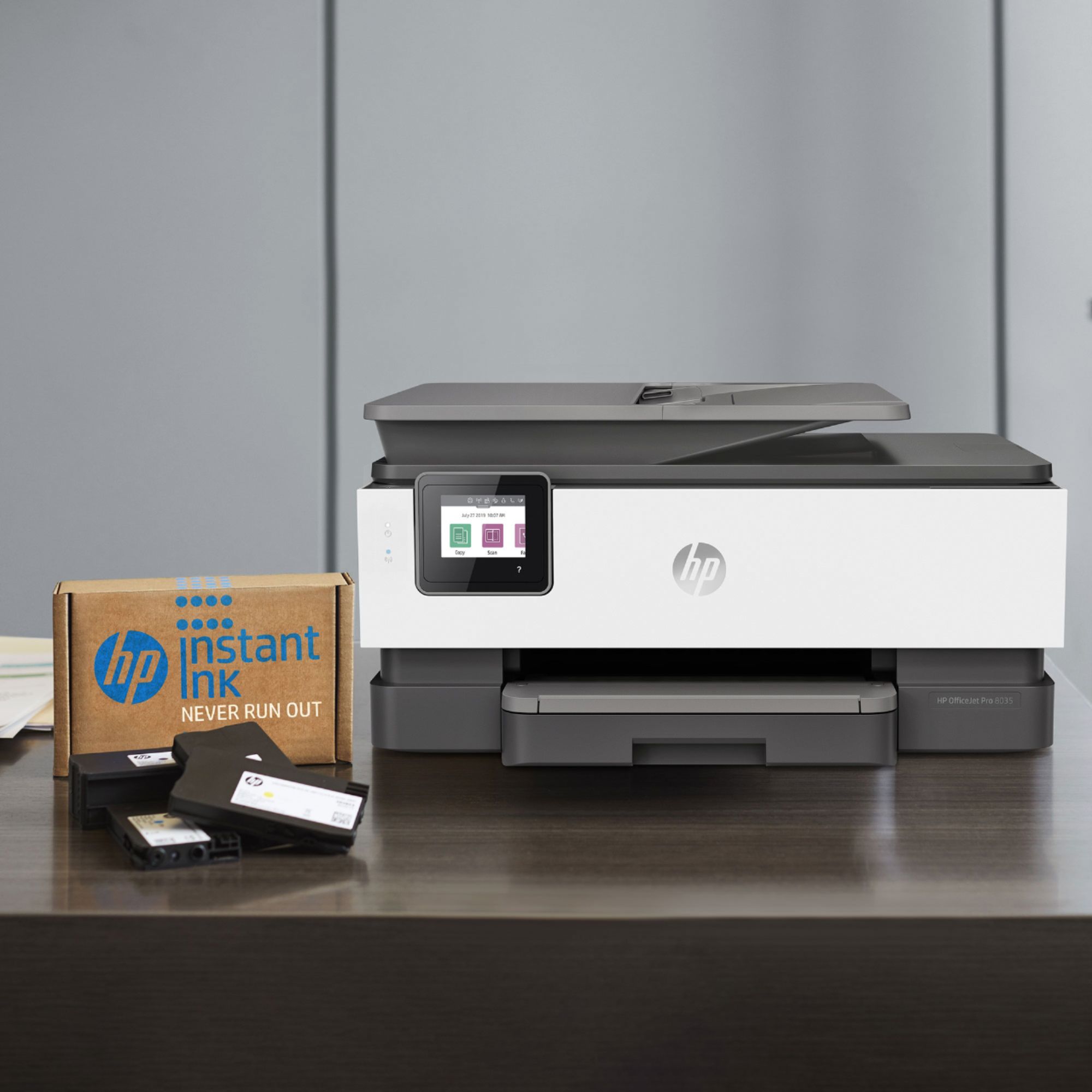
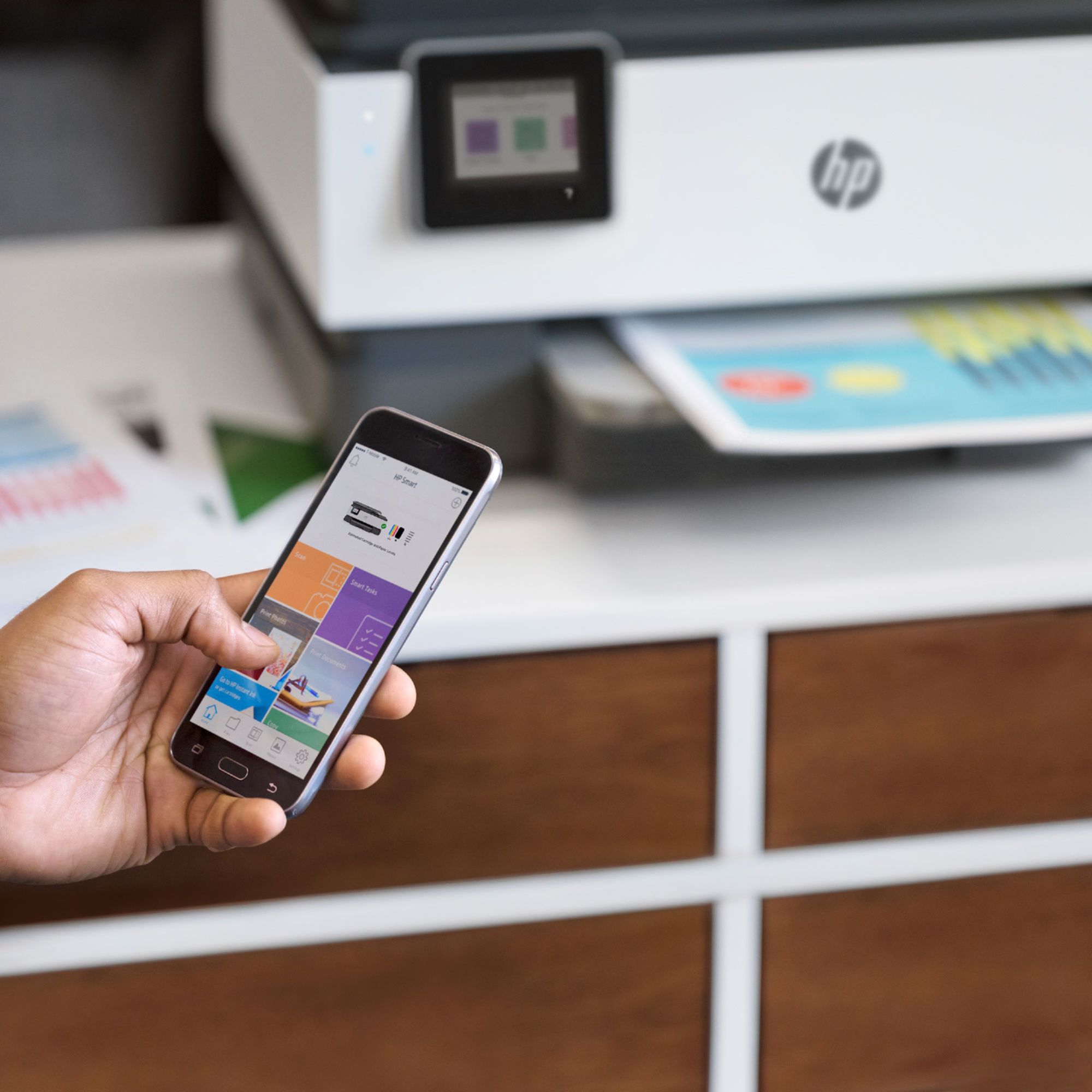
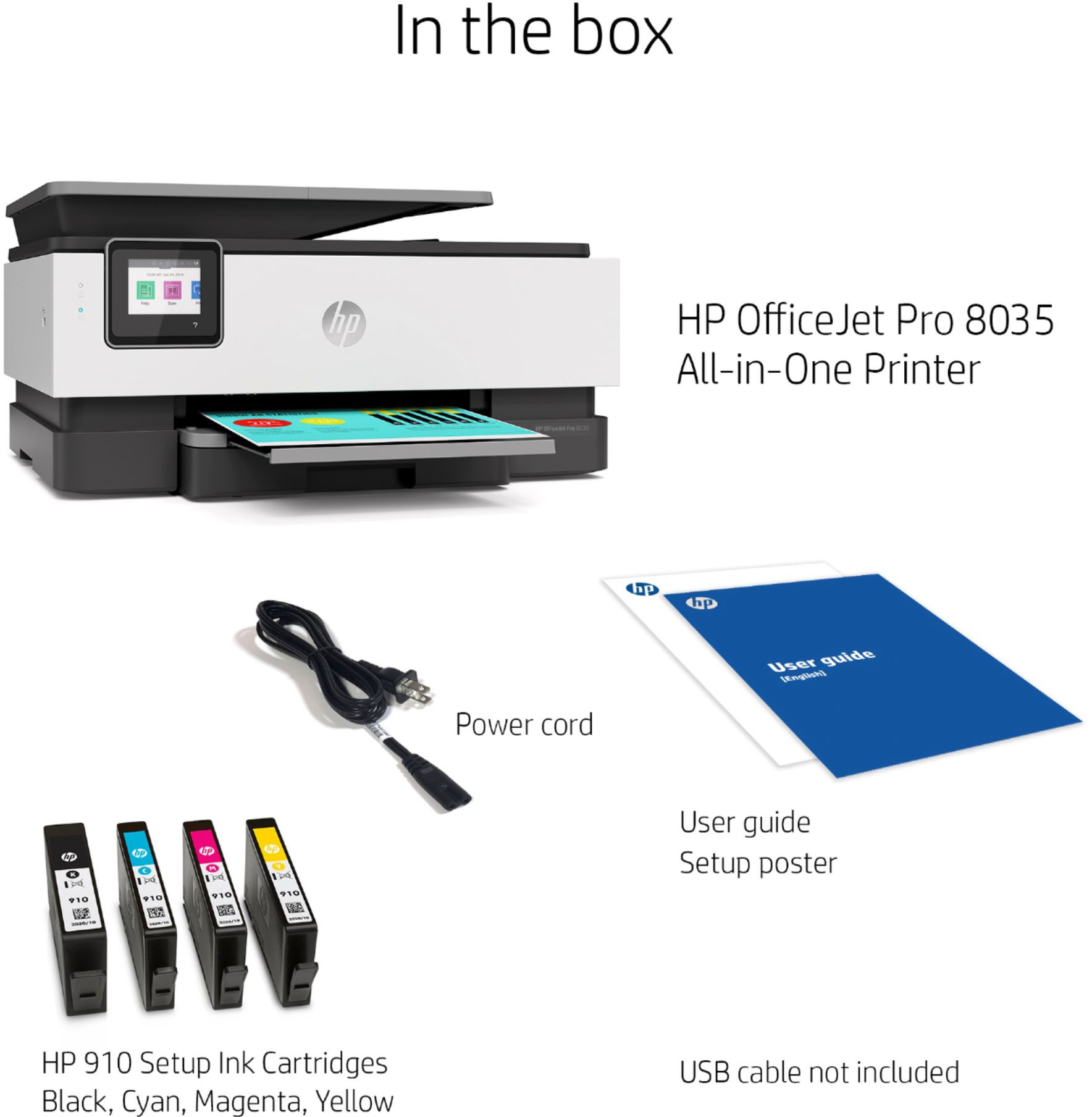
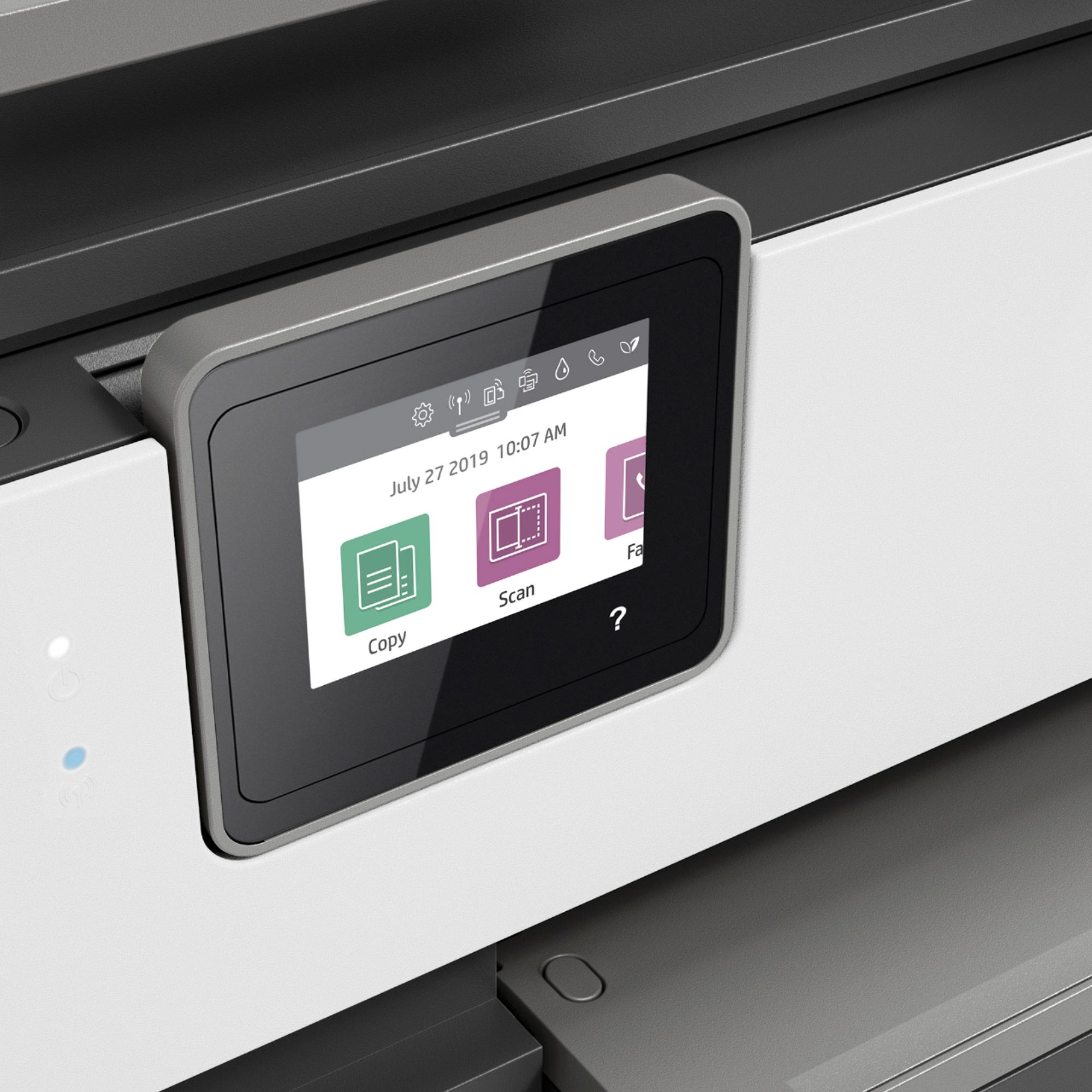
|Posted .This reviewer received promo considerations or sweepstakes entry for writing a review.SUMMARY ------ Its an excellent printer, quick (20 Pages per min of B/W and 10 Pages per minute of color), looks nice and its all-in-one (Printer, Copier, Scanner and Fax). Best part is the inclusion of the 12 month free ink with free signup for HP+ account. It also comes with a supported android/IOS app and you wont need to use the 2.7 color screen when you have the app installed. Its a Printer with document feeder Its a flatbed scanner Its a copier Its a fax What's in the box ---------------- HP OfficeJet Pro 8035e All-in-One Printer HP 910 Setup Black Instant Ink Ready Cartridge HP 910 Setup Cyan Instant Ink Ready Cartridge HP 910 Setup Magenta Instant Ink Ready Cartridge HP 910 Setup Yellow Instant Ink Ready Cartridge User Guide Setup poster Power cord Pros ---- 1. 12 months of free ink when you sign up for the HP+ account. Account sign up is free. 2. Automated document feeder and can print 2 sided. 3. Its dual band, it can connect to both 5Hz and 2.4Hz. 4. Excellent app using which you can setup the printer and print any doc from anywhere. Cons ---- 1. Does not come with printer cable for wired printing DETAILS ------- Build Quality ------------- Interestingly this printer comes with different colors, not really seen this a lot. Most are Black, White or gray. Its interesting that the printer was housed in a carry bag which made it easy to take out of the box. Once you setup and plug it in, you can install the color and B/w cartridge's. Make sure to follow the instructions to take out the plastic cover and pull the yellow tab before installing the cartridge's. Once the printer aligns the cartridges it will ask for setup. Once that is done, you can download the app from google play store or apple store and follow the instructions to install the printer and connect to your WIFI network. Usage ----- Since this is a wireless printer, it can be accessed from your network as long as you have the HP Smart software installed on your device (Computer or tablet or phone). The printer also allows you to print off the cloud accounts of google cloud, drop box , email or even Facebook. The printer can print 20 pages per minute of black and white OR 10 pages in color. The prints came out really good. Printer also has self healing WIFI connectivity which automatically connects to WIFI in case of issues. It has 2.7 inch color touch screen which is great if you want to use the screen for printing. I mostly used the app on the phone or on the computer for printing. Since the printer is wireless, you can print the documents from anywhere. Nowadays, everyone is working from home, schooling from home and i think this is a great addition to your home office. With HP+ , you get 2 years of warranty in addition to the 1 year worth of ink. The plans that are out there after the 1st free year is no that expensive, 2.99$ per month and free ship and they also take back the cartridges for recycling. Great buy overall.
I would recommend this to a friend Hp pro
||Posted .This reviewer received promo considerations or sweepstakes entry for writing a review.Bought it last year it only lasted a year so not a fan.
No, I would not recommend this to a friend- Pros mentioned:Setup
Does it all from home or while out and about...
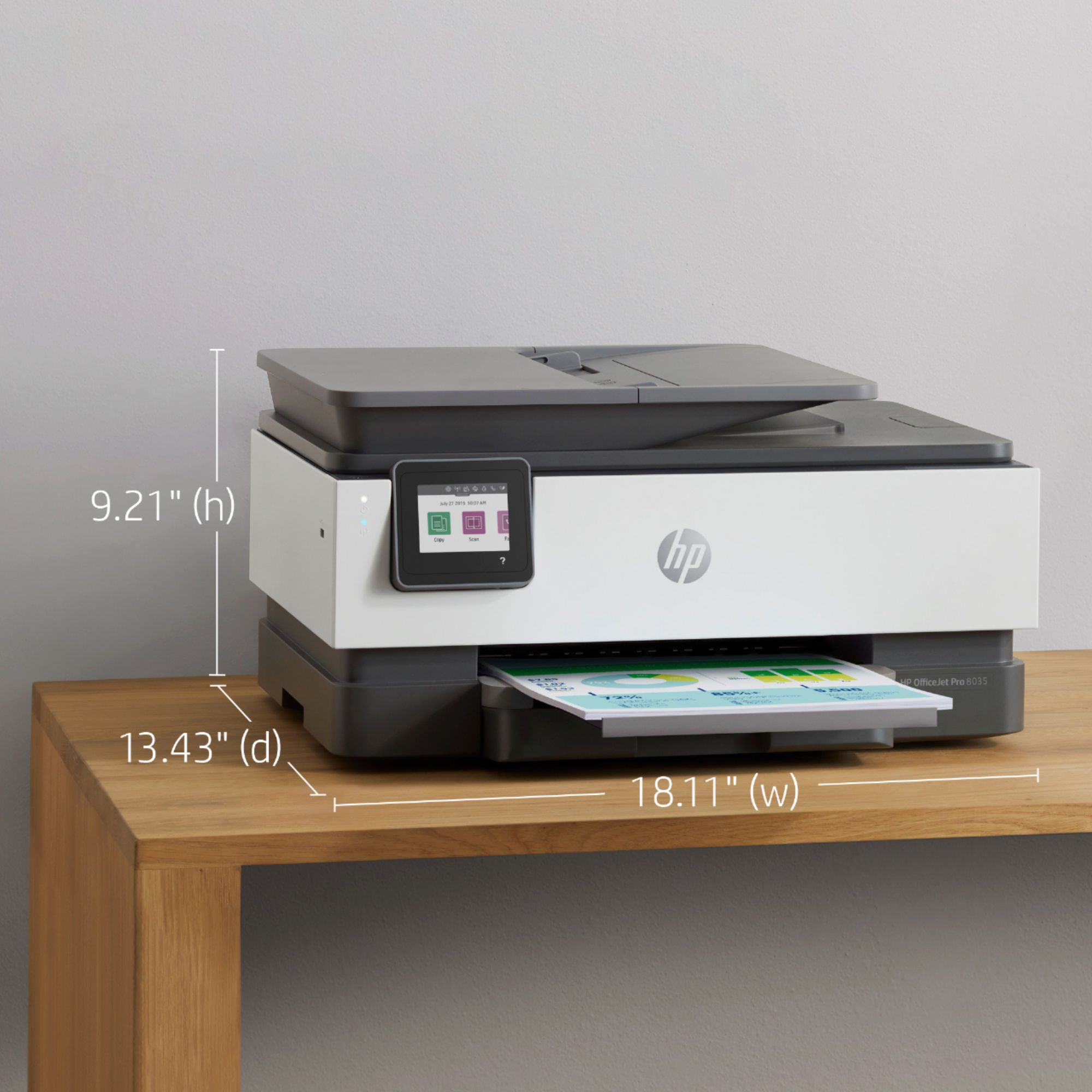
|Posted .This reviewer received promo considerations or sweepstakes entry for writing a review.This HP printer is a great solution for a household that has phones, Chromebooks, laptops, iPads, and desktops all going at one time or another. Every one of these devices can connect wirelessly for printing anything and everything! There is also the USB printing if you just have some printing from a computer that isn’t on the system but don’t want to go through making a connection… just copy the files to a USB stick and plug it in to do your print jobs. HP has really worked on their printer setup, and getting everything connected and working has become very simple using the HP software and apps. Of course now that everyone can print everything whenever they want, the ink consumption has increased. Fortunately the ink cartridges are pretty much goof-proof, and there is the HP+ ink replacement system that I really suggest you try out. The HP+ automatic ink replacement had me wondering if it was going to be a good deal or not, but HP lets you try it out without charge for the first few months so you can get a feel for how many pages will be printed, and you can easily adjust your monthly plan to match the total household pages that get printed. I kind of don’t like to get too many “automatic billing” subscriptions going, but looking at ink cartridge replacement cost, and the usual situation where I need to print pages (especially in color) and find that I’m running low on ink, then have to go out and get some ink cartidges all of a sudden, and then the cost of the cartridges…. Well for me it is much simpler and really not as costly to do the monthly rate with HP+ and not have to remember to “check the ink” when I need to print something important. I really do recommend that you go ahead and use the subscription service when you set up the printer. It doesn’t cost anything for the first few months and you can check your printer use to see if you want to continue with the subscription, adjust your usage plan, or just go back to buying your own cartridges as needed. I expect you will find the monthly subscription as convenient as I have. For everything that this printer does and considering the pretty large paper tray, the footprint of the printer is small enough to easily fit on a desktop or side table. A lot of other “home business” printers with the same features look a lot larger. I haven’t tried printing photos on photo paper yet, but the color on regular copy paper is good and it’s nice to be able to print color copies without having to worry about using up the ink. A little touch of color on an otherwise black and white page really does make things look better. My wife is especially happy because she can print out cupons, recipes, flyers, etc. and have them in color – they just look nicer and no worries about using up the ink! Overall, this is a good unit that does pretty much everything and can be used to print something even if you are out and about. Your print job will be waiting on you when you get home! Stay Safe from Central GA!
I would recommend this to a friend Printer
||Posted . Owned for 3 months when reviewed.This reviewer received promo considerations or sweepstakes entry for writing a review.I am not happy to buy Thus printer. This eat my ink so fast and ink is expensive.
No, I would not recommend this to a friendTwo thumbs down HP OfficeJet Pro printer
||Posted . Owned for 9 months when reviewed.This reviewer received promo considerations or sweepstakes entry for writing a review.We had this printer less than a year and it malfunctioned. It would no longer copy or scan anything. The display message just kept reading, "restart the machine. If the problem continues, contact HP." Still no luck. It’s for our home office and we rarely use it, so, over-use was not the issue!
No, I would not recommend this to a friendInk
||Posted . Owned for 6 months when reviewed.This reviewer received promo considerations or sweepstakes entry for writing a review.I’ve had 1 shipment of black ink with the instant ink subscription. Went to print in color and the ink is low and you can’t find it anywhere nor can you get it with the subscription you pay for. Bout it in April and by the end of July you can no longer use the printer except for printing in black
No, I would not recommend this to a friendBrand response from HP Team
Posted .Hi there.
I apologize that the ink cartridge you’re looking for is currently unavailable. For reasons related to the COVID-19 pandemic, we are seeing an effect on some product availability. We are actively working with our supply chain team to minimize these delays. Please check back soon.
If you need help with anything else regarding your printer, I hope you’ll reach out to us so we can work through any necessary troubleshooting with you. On our site you can get help from a virtual agent, get troubleshooting documents specific to your printer or search our extensive knowledge library. Get in touch via this link:
- support.hp.com
Keith
HP Care
hp.com/support
Hp printer
||Posted . Owned for 1 year when reviewed.This reviewer received promo considerations or sweepstakes entry for writing a review.Printer didn’t work well. Ended up returning for another model.
No, I would not recommend this to a friendBrand response from HP Team
Posted .Hello there,
I'm sincerely sorry to hear that you were not entirely satisfied with this printer. We are always grateful for our customers' feedback, as we can continuously care for their experience. This also allows us to adjust our Products' design to suit our customers' needs the best. Also, It's unfortunate to hear that you decided to return the printer, but I'm glad that you were able to do so without any issue.
I do hope that in the future you'll allow us an opportunity to make things right with the experience we intended on providing from the start.
If you decide to give us another chance, please remember that we are always there to assist with troubleshooting and help to choose the product that suits your needs the best at: support.hp.com/us-en/contact-hp
Kacper
HP Care
hp.com/support
- Pros mentioned:Print quality
Just Your Average Printer
|Posted .This reviewer received promo considerations or sweepstakes entry for writing a review.Full disclosure - Normally, I shy away from HP products, but I was willing to give this printer a chance, simply based on the idea that of all the products HP might ‘get right’, it would be a printer. For the most part, there are more positives than negatives with this HP OfficeJet Pro 8035e Wireless All-in-One Printer with HP+. Although I’ve only had it a short time, I’m satisfied with it, so far. The HP smart app is essential for using this machine. You will need the app for the initial setup and to make the most of the printer’s features, including the ‘up to 12 months’ of free ink with an Instant Ink subscription. First time setup for this HP printer was not as smooth as I’d have hoped, and took a bit longer than I’d expected given my previous experience with setting up other printers. But once that was finally done, we were ‘good to go.’ Oh, one other detail I’d like to mention with the setup procedure, there is the usual calibration process. Well, after printing out the test page, you put this onto the glass document scanner, and the printer itself reads it for you. Very cool. I was quite surprised by how fast this printer prints! Regular black & white pages, that is. Phew! Like, no sooner did I press the ‘print’ button, than the page slid out onto the ready output tray. That alone was impressive. A major downside, at least for me, is that this HP printer takes forever to finish turning on to be ready for use, and then when shutting down. And it’s loud! Dunno why it seems to be going through a complete printer check process every time it turns on. Another ‘con’ for me is that you are encouraged to “leave the printer on” so that HP will know when to send you more ink. Well, I’m not doing that, even if the printer goes into “sleep” mode. I am concerned about network safety, and power usage. And so, yes, I would recommend this HP OfficeJet Pro 8035e Wireless All-in-One Printer with HP+, but with some reservations. Price is fair, performance (so far) is good, functionality is average, and overall it seems to be a well-made machine.
I would recommend this to a friend Constant Errors
||Posted . Owned for 3 weeks when reviewed.This reviewer received promo considerations or sweepstakes entry for writing a review.The printer has great features for the price, but it is flawed. The printer will constantly lock up with a "blue screen" on a regular basis. The error is known by HP but no firmware or fix is available. I had to return it.
No, I would not recommend this to a friend- Pros mentioned:Ease of use, Print quality
Great printer! Easy set up.
|Posted .This reviewer received promo considerations or sweepstakes entry for writing a review.Great printer. I’m very happy with the set up and print quality. Unboxing and set up with the network took about 15 minutes. Download the app, plug it in, remove some tape and cardboard, slide in the ink, test page and good to go! Directions were super easy to follow. I got this for my new photo studio for printing contracts, receipts, and general printing purposes. No real hefty jobs but I figured I’d test the photo quality. Shocked at the quickness and quality of this printer. I don’t plan on printing a lot of photos but it’s nice to know I can and with great quality. Very happy with everything about this printer, ease of use, quality of printer and quality of print. I recommend this printer.
I would recommend this to a friend Hp 8030 all in one
||Posted . Owned for 1 month when reviewed.This reviewer received promo considerations or sweepstakes entry for writing a review.Not impressed at all. Would not recommend. Printers very slow
No, I would not recommend this to a friendNot a good printer
||Posted . Owned for 1.5 years when reviewed.This reviewer received promo considerations or sweepstakes entry for writing a review.Having used this printer for almost two years now I can tell you it is complete junk. You print a one page document and 3 pages come out with a little bit of your document on every page. I trashed it and bought a different printer.
No, I would not recommend this to a friendNot happy
||Posted . Owned for 2 months when reviewed.This reviewer received promo considerations or sweepstakes entry for writing a review.Not happy at all. It prints so slow! The ink doesn’t last much!
No, I would not recommend this to a friendFrustrating to use!
||Posted . Owned for 1 month when reviewed.This reviewer received promo considerations or sweepstakes entry for writing a review.Now I know why I have not purchased an HP in a very long time.
No, I would not recommend this to a friendBrand response from HP Team
Posted .Hello there,
I’m sorry to hear that this printer couldn’t meet your expectations. Of course, we want to offer our customers a reliable and satisfactory experience with our products, and I regret that we missed the mark here. I can understand how disappointing this must have been.
If you have any other concerns or questions, always remember that you can contact us directly for further assistance. We are always there for you. You can find all contact details on our website "HP Support".
Denise
HP Care