Customer Ratings & Reviews
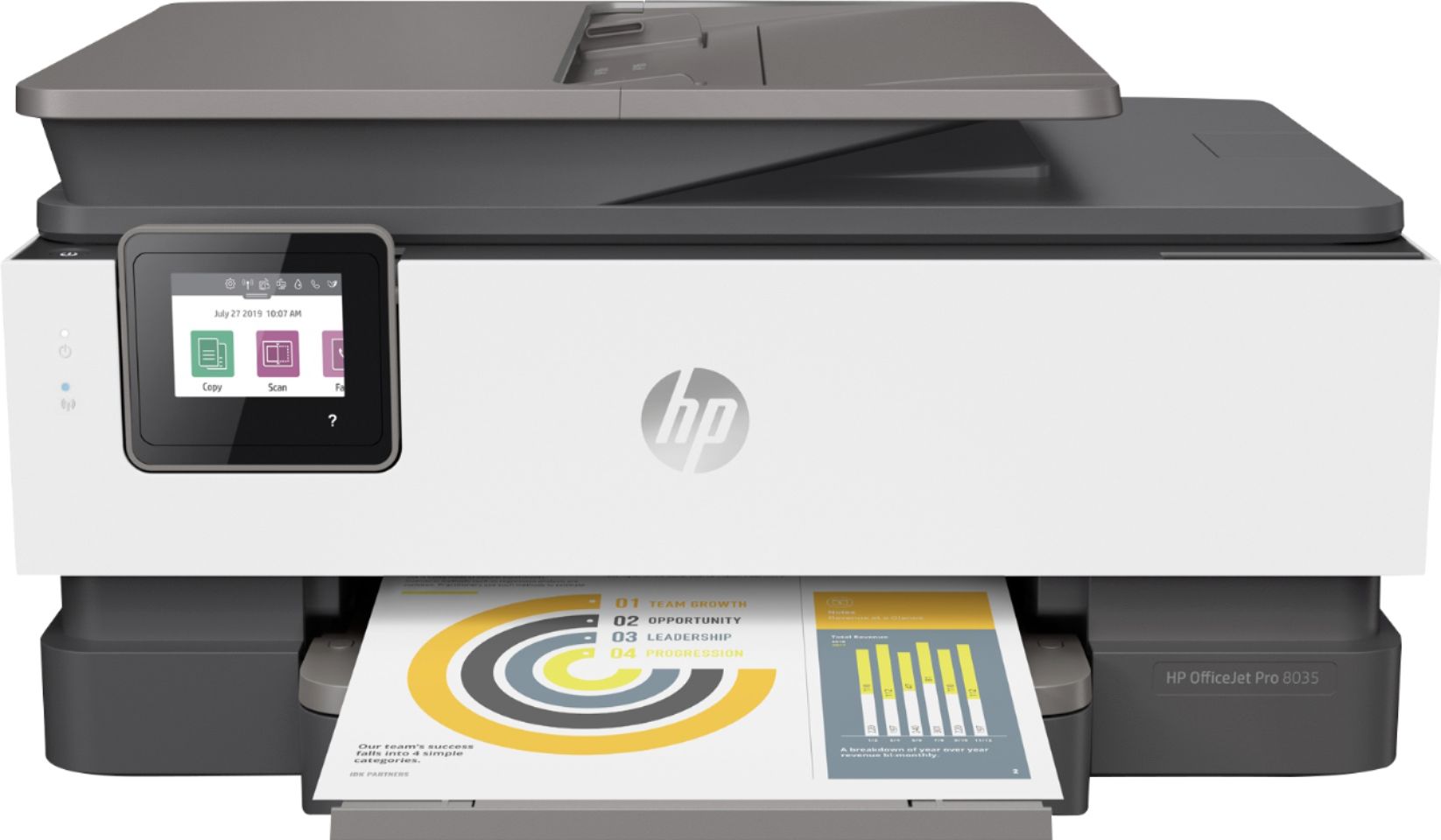
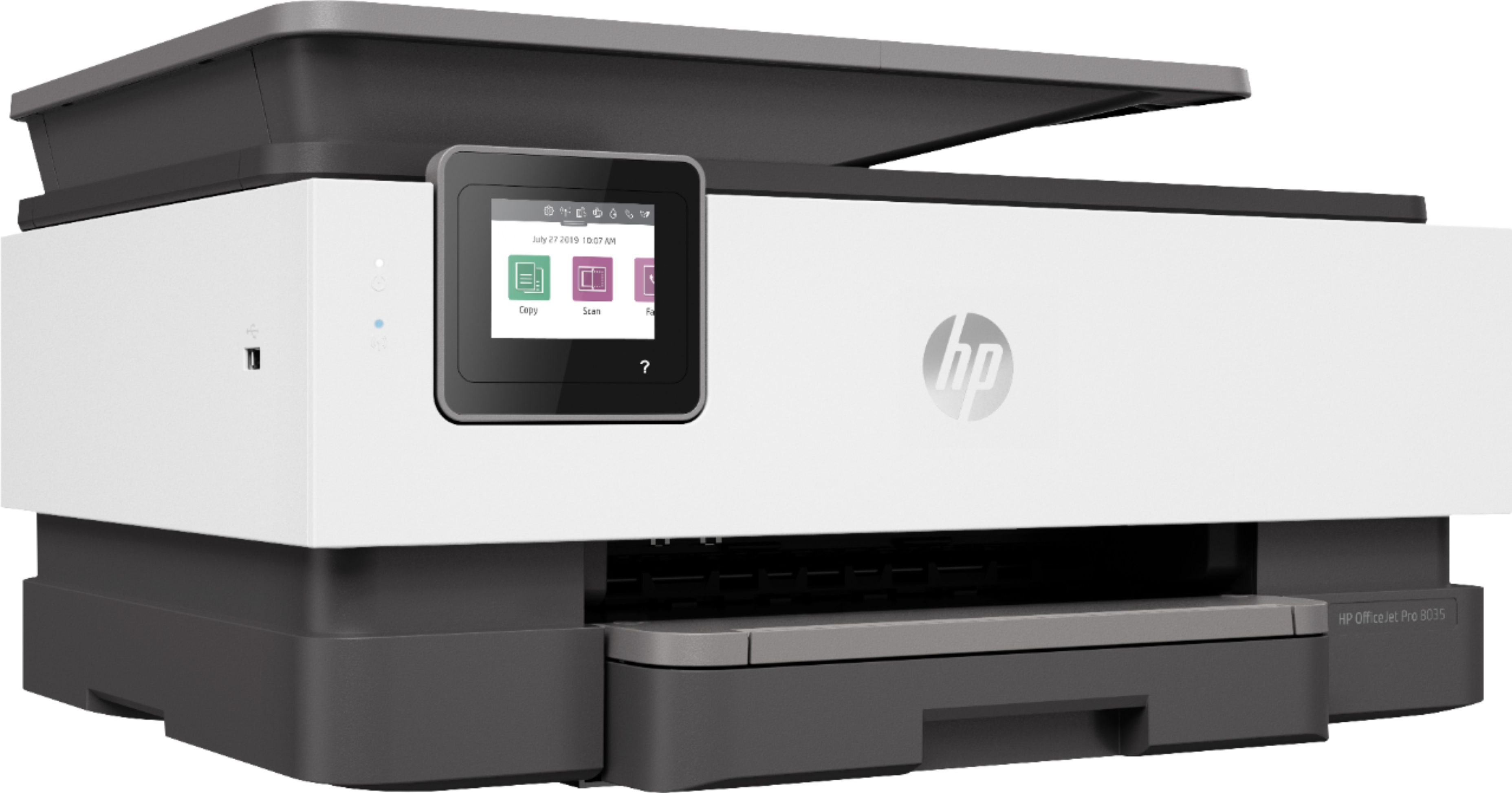
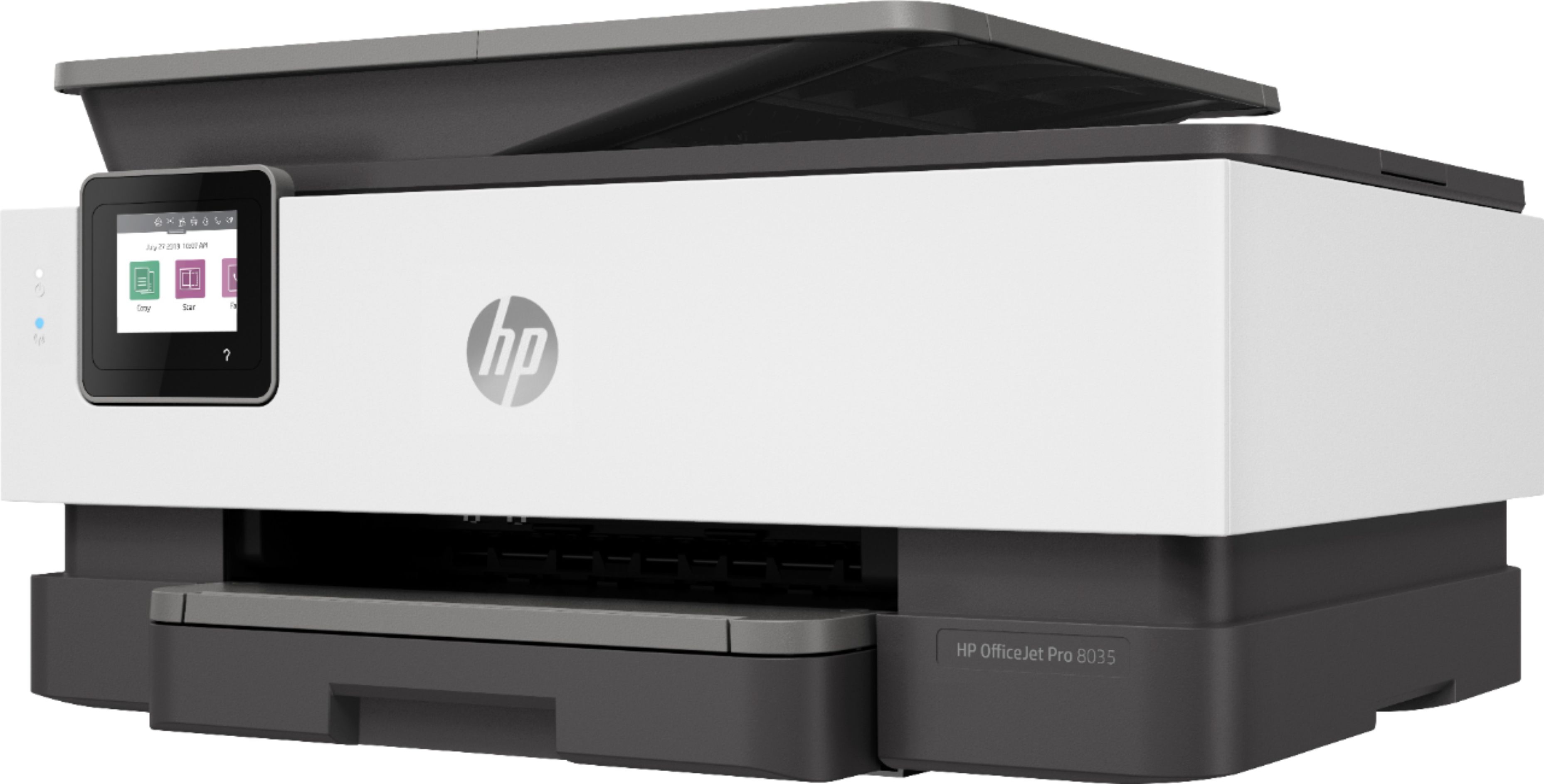
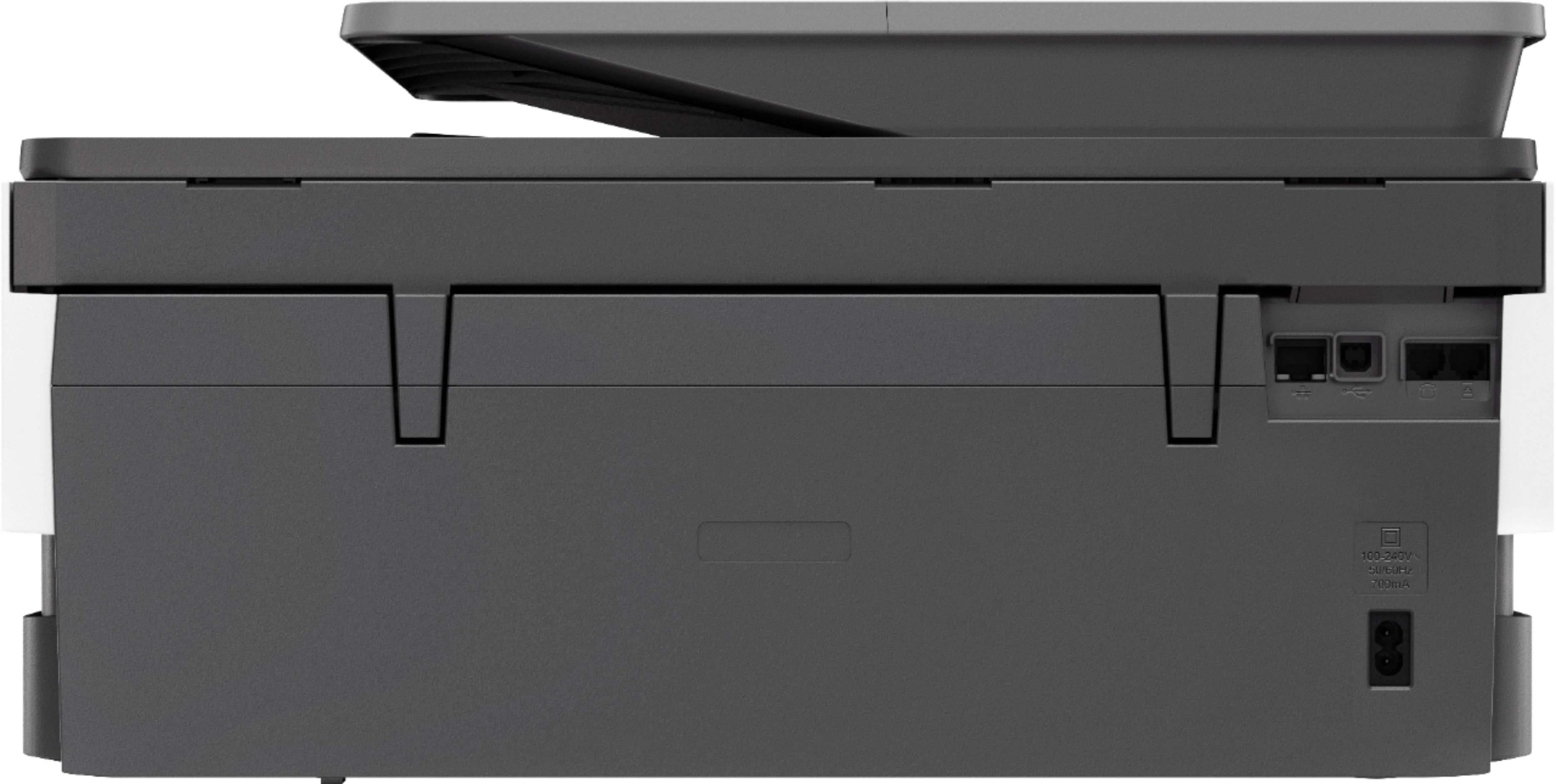
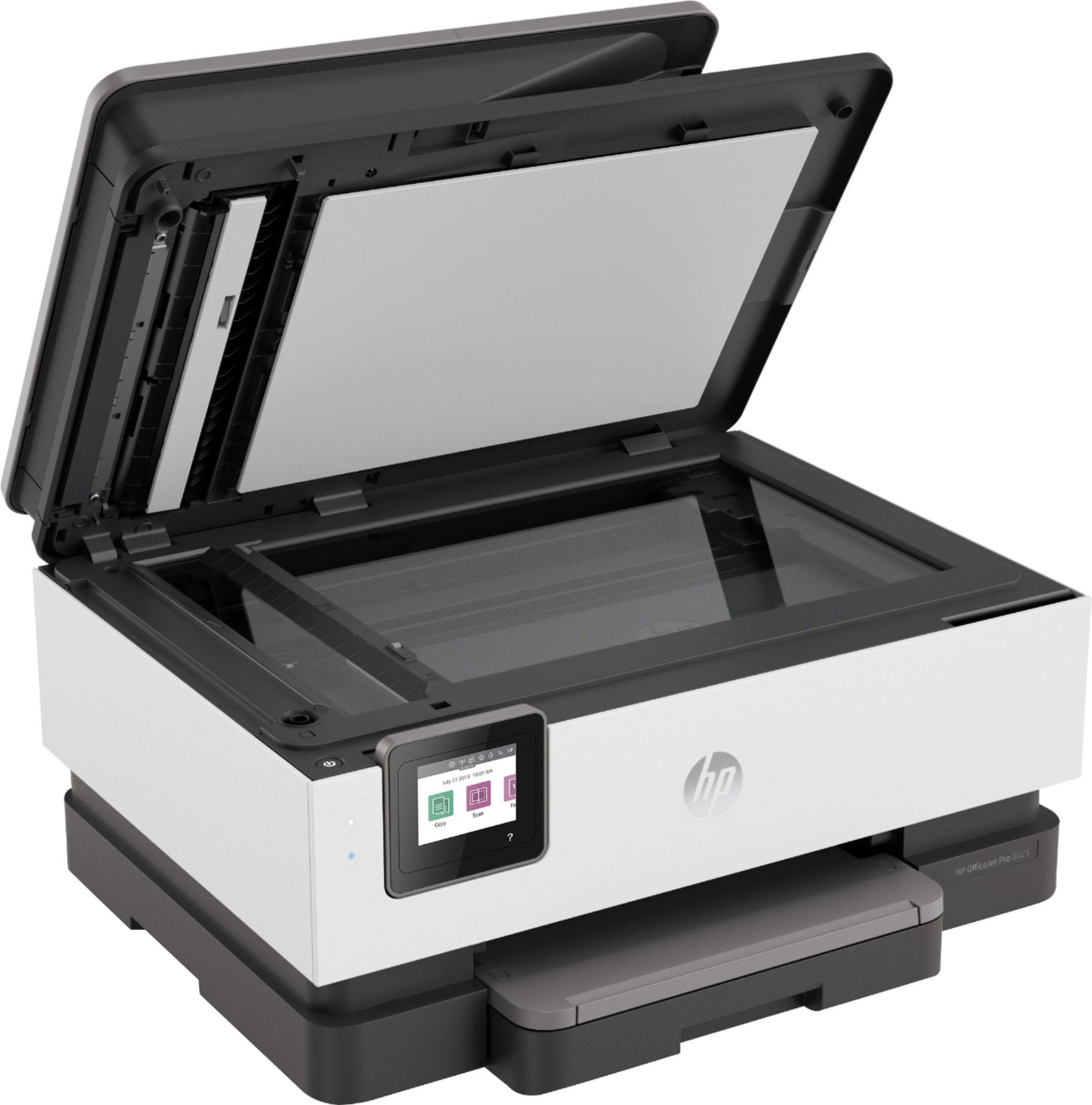
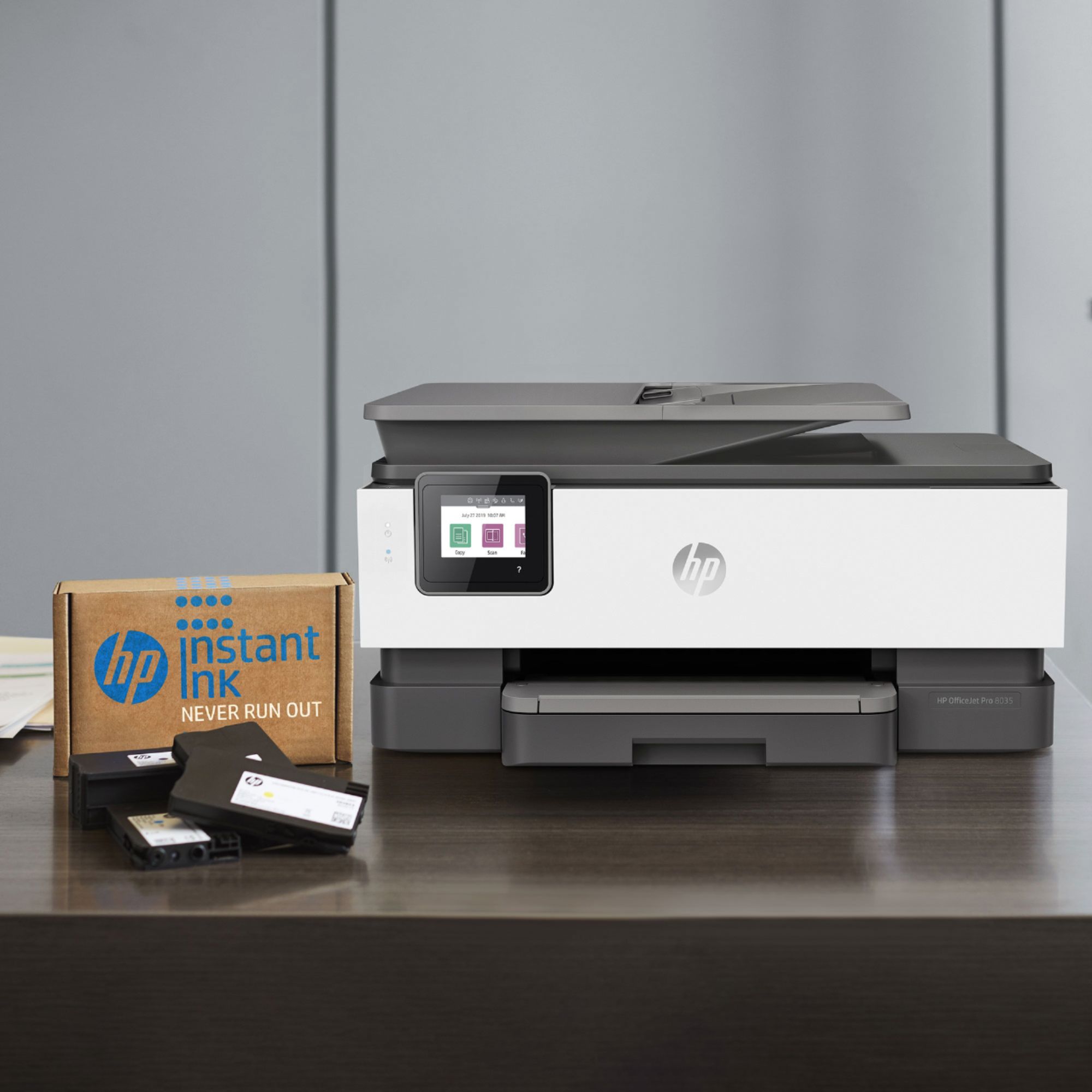
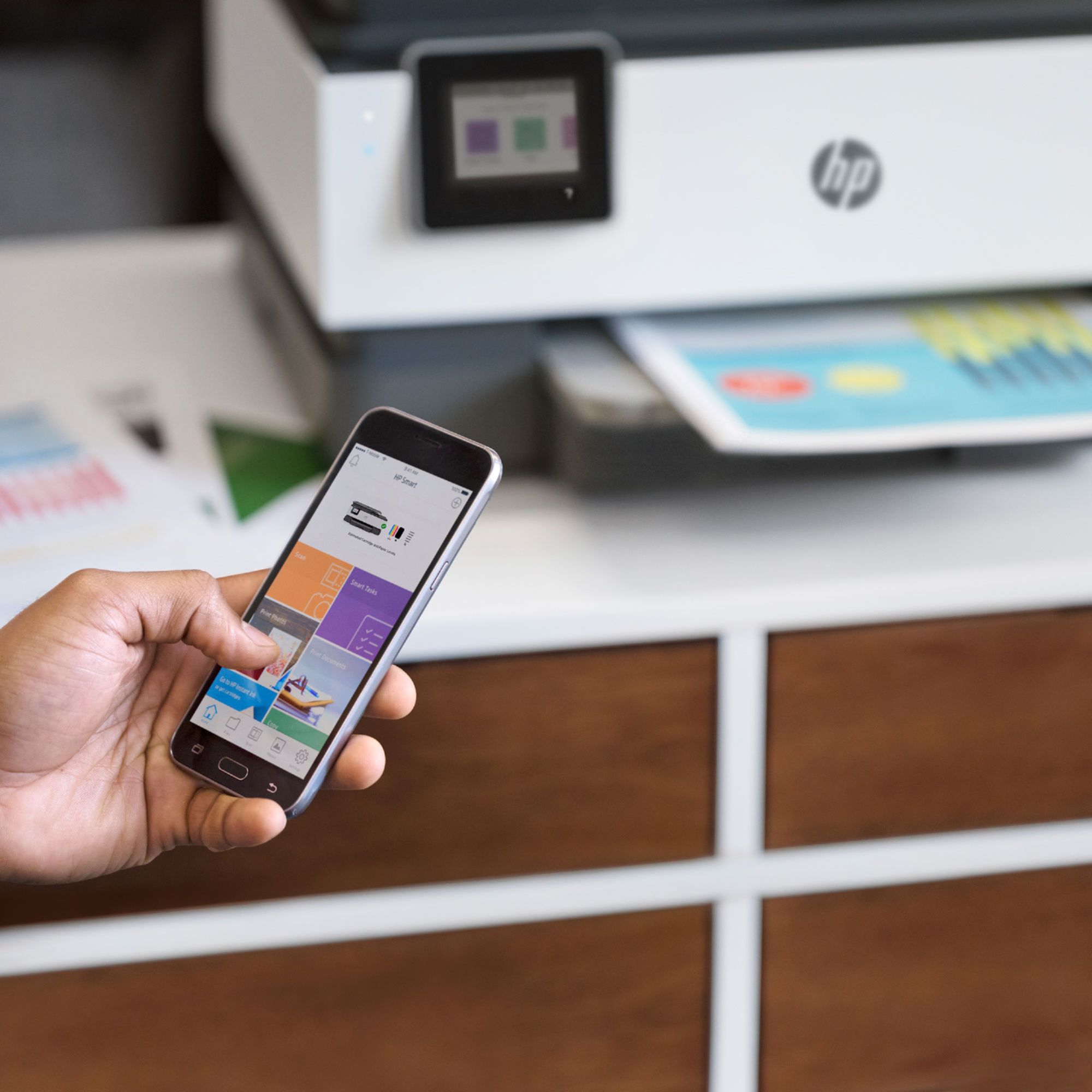
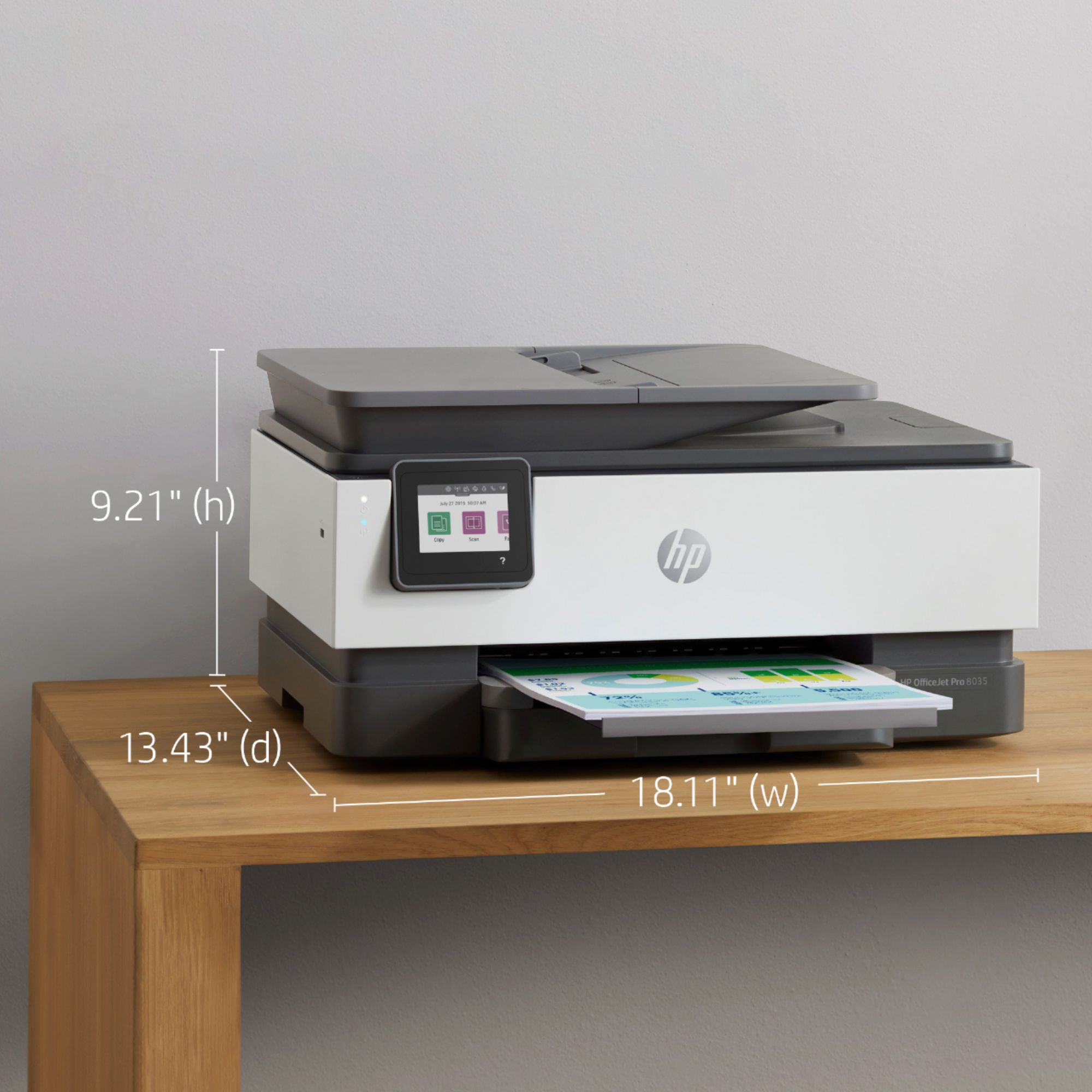



- Model:
- 5LJ23A#B1H
- SKU:
- 6335313
Rating by feature
- Value
Rating 4.4 out of 5 stars
- Quality
Rating 4.4 out of 5 stars
- Ease of Use
Rating 4.4 out of 5 stars
Customers are saying
Customers praise the OfficeJet Pro 8035e for its excellent print quality, ease of use, and compact size, finding it to be a convenient and efficient printer for home use. Positive feedback also highlights the printer's wireless capabilities and straightforward setup process. However, some users experienced challenges with the paper tray.
This summary was generated by AI based on customer reviews.
- Pros mentioned:Print quality

HP take heed,you are off the mark with Instant Ink
|Posted .This reviewer received promo considerations or sweepstakes entry for writing a review.Printers, particular inkjet , are a dying business. People are just not printing as much and printer companies have been desperate to claim a larger share of shrinking market with more and more competition. They have done this buy making cheaper printers, different options for ink and increased proprietary technologies for ink cartridges. All have somewhat backfired, and this holds true for the HP OfficeJet Pro 8035e. In this case, HP’s latest answer to the problems they created to begin is to offer a subscription service for ink. How it works is HP Instant Ink printers send information about print volume, ink volume, and other printer data back to HP. They use this data to know when it is time to send you ink and what to bill you. Why would anyone want this? Then to make it more unappealing, there is all types of warnings about you must use HP ink cartridges and there is a special chip – blah, blah, blah. Before I continue with rant about the foolish directions HP is taking, let’s dive into the p rinter. Set up – You are literally pushed into setting this printer up wirelessly with their app for mobile devices. I know we are a mobile world but this is unnecessary. The first few tries failed to find printer. The software did finally find the printer and installed it. Unfortunately, it still had some connections issues and I could not print. I disconnected the printer from my 5ghz network and reconnected to a 2.4 ghz. No difference. Next. the screen froze on the printer and nothing was happening. After a few seconds I received an error message of “ A printer error has occurred. If the problem persists, contact support.” The screen remained frozen as did the entire printer. I could not even power off the printer so I ended up unplugging it. I then ran through the process again and it finally worked. As part of the final set up, you have to align the heads and it scans what it printed for alignment to verify it worked. It is interesting approach and seems to work well. So I indicated, you must set this up via a mobile wireless option, you cannot just plug a USB cable in and you are done. HP even warns you not to plug the printer in until you run through the wireless set up process. During the wireless setup process, HP wants you to register for their ink service , HP + , log onto your HP account. I declined all of it except logging onto my account. Build and size – It is built moderately well, better than the $60 garbage printers but still not stellar. The foot print is huge and bigger than the competition. I am not sure of the reasons why , maybe to reduce the height or something but I do not like the overall size. Function – It takes about 10 to 15 seconds to print the first page. Printing is accurate and colors pop. I can say that HP pretty much has it down pat when it comes to print quality. For a $200 printer, I did find the 20 pages per minute to be slow: especially for an OfficeJet. Scanning was spot on with no issues. In summary, this a capable printer that is oversized and has an unnecessarily complex set up. It’s entirely geared to get you to sign up for their ink service that no one really needs. HP and other companies need to wake up. Build a printer with decently priced ink options that do not require a subscription and easily installs by just plugging a USB cable. You know – like it used to be. Sure, you can have all the wireless options but keep in mind who your target demographic truly is for a printer like this. Sorry HP, you lost me on this one and ones like it. This is not for me and I would pass.
No, I would not recommend this to a friend Nope no thanks ho never again!!!!
||Posted . Owned for 1.5 years when reviewed.This reviewer received promo considerations or sweepstakes entry for writing a review.Hate this thing would work one out of ever ten uses could not stand the app or the fact they would keep track of how much ink would use.. hp actually locked me out from printing because I stoped using the monthly ink subscription.. stay way
No, I would not recommend this to a friendBEWARE!!!! Why is this printer still being sold???
||Posted . Owned for 4 months when reviewed.This reviewer received promo considerations or sweepstakes entry for writing a review.Cyan and Yellow ink cartridges have been recalled. No ink available anywhere and HP is silent. It's unconscionable the Best Buy is still selling this printer. Once you run out of prepackaged ink, it's worthless!
No, I would not recommend this to a friendFeeling cheated
||Posted . Owned for 1 month when reviewed.This reviewer received promo considerations or sweepstakes entry for writing a review.Very disappointed, when within one month of work I have received a note from printer that ink cartridges need to be replaced!! After few printed documents ink has gone ?! Also the quality of the print is not the best !
No, I would not recommend this to a friendBrand response from HP Team
Posted .Hi there.
I’m sorry that you’ve run into trouble with your printer. Your trepidation comes as no surprise, considering the ink cartridges have run low sooner than you’d anticipated and print quality is substandard. I want to help you resolve these issues, so I’ll provide some information and resources aimed at doing just that.
First, I recommend following the steps listed in a guide on our support site to improving print quality, including faded or streaked prints, color or black ink not printing properly or at all, and blurred or fuzzy text. Find that guide here:
- support.hp.com/us-en/document/c06260268
Next, I can’t say for certain what happened with the ink supply in your case, but some printers come with what are known as setup cartridges, which have a lower capacity than regular or XL cartridges, and less still than ones in our Instant Ink program.
The XL cartridges designed for your printer have estimated yields of 825 pages, while the regular size cartridges are expected to produce 300 to 315 pages. How cartridges perform in your own printer varies according to numerous factors, including resolution, how dry the air is and how absorbent the paper is.
Regardless, if your results differ dramatically from the estimates above – or if you need further assistance with print quality – I recommend that you contact us directly at +1 800-474-6836 so we can help you assess the situation and find a solution. (Please note that because of restrictions on workplace attendance associated with the COVID-19 pandemic, wait times for agents can be longer than normal. Thanks in advance for your understanding.) To expedite the process, I recommend gathering the following information before the call:
- Model number
- Serial number
- Your location
- Case number (from any previous contact with HP support)
Keith
HP Care
hp.com/support
HP printer haven’t lasted a year
||Posted . Owned for less than 1 week when reviewed.This reviewer received promo considerations or sweepstakes entry for writing a review.Haven’t lasted 1 year and preach had to get it replaced. The Cyan color wasn’t printing and I’ve done everything I could think of to get it working but nothing worked. Had to use the geek squad replacement. Would not recommend this model
No, I would not recommend this to a friendDo not buy
||Posted . Owned for 2 months when reviewed.This reviewer received promo considerations or sweepstakes entry for writing a review.We can not scan with this printer, whether wireless or using USB cord. I can only print to it when I am using the USB cord and my wife cannot print from her computer at all. Would not recommend.
No, I would not recommend this to a friend?
||Posted . Owned for 1 month when reviewed.This reviewer received promo considerations or sweepstakes entry for writing a review.can't plug my phone line in. wrong connection. I did.
No, I would not recommend this to a friendBrand response from HP Team
Posted .Hi, Phil.
I’m sorry to hear that you’ve had a bad experience with your printer. Your review is short, and I can’t quite tell what the issue is, so I’ll offer some information and resources I hope will help.
Because I can’t tell what kind of trouble you’ve encountered, I recommend that you contact us directly at +1 800-474-6836 so we can help you assess the situation and guide you through any applicable troubleshooting. (Please note that because of restrictions on personal movement and workplace attendance associated with the COVID-19 pandemic, wait times for agents are longer than normal. Thanks in advance for your understanding.) To expedite the process, I recommend gathering the following information before the call:
- Model number
- Serial number
- Your location
- Case number (from any previous contact with HP support)
Keith
HP Care
hp.com/support
very slow
||Posted . Owned for 1 month when reviewed.This reviewer received promo considerations or sweepstakes entry for writing a review.I paid 129.99 for it is a little to cheap made for me.
No, I would not recommend this to a friendHorrible
||Posted .This reviewer received promo considerations or sweepstakes entry for writing a review.Will not stay connected to WIFI mo matter what you do
No, I would not recommend this to a friendDefective printer
||Posted . Owned for 3 weeks when reviewed.This reviewer received promo considerations or sweepstakes entry for writing a review.This printer was difficult to set up on WIFI. I got printer head defect notifications that went away when I rebooted. Cannot get the 8 months of ink from HP that was promised as part of the purchase. Am concerned there is a print head Defect. May return.
No, I would not recommend this to a friendAweful Printer
||Posted . Owned for 10 months when reviewed.This reviewer received promo considerations or sweepstakes entry for writing a review.Printer prints streaks of color. I had subscribed to the HP ink delivery systems and have changed out ink cartridges several times and cleaned and aligned the heads several time to no avail. I am having to buy a new printer.
No, I would not recommend this to a friendDont buy this
||Posted . Owned for 7 months when reviewed.This reviewer received promo considerations or sweepstakes entry for writing a review.Printer wint work unless you sign up for their ink subscription. The printer displayed an error message saying it was not available for printing until we paid for a subscription we dint want. We want to buy our own ink
No, I would not recommend this to a friendHelp
||Posted . Owned for 1 month when reviewed.This reviewer received promo considerations or sweepstakes entry for writing a review.Brought it home plugged it in and followed the on screen directions and… paper jam… that’s all it keeps saying!!!! Paper jam?!!! I haven’t even put ANY paper in it yet… please help!!! I through away the receipt accidentally!!!
No, I would not recommend this to a friendBrand response from HP Team
Posted .Hi, Sherry.
I’m sorry to hear that your printer has performed so poorly. Setting up a printer only to see a paper jam error message even though no paper is loaded would be quite a shock indeed, and I’m sure not what you envisioned when you bought it. I want to help you remedy this situation, so I’ll provide a resource and some information aimed at making that happen.
I can’t tell from your review why the printer has displayed a paper jam error even though you’ve not loaded paper, so I’ll point out that HP+ printers come with exclusive concierge support. To call and reach live HP+ experts who can help you assess what’s going on and find a solution, visit the following URL and enter your HP+ serial number:
- hp.com/plus-help
I'll also mention that HP printers have a one-year warranty from their purchase date that covers hardware as well as ink supplies, so if it comes to that, you might consider making use of it. You can verify the warranty using the following link:
- support.hp.com/us-en/checkwarranty
Keith
HP Care
hp.com/support
- Pros mentioned:Print quality
Great photo printing
|Posted .This reviewer received promo considerations or sweepstakes entry for writing a review.The HP 8035e is another iteration in the 8000 & 9000 series of HP products that are all no-nonsense top of the line all-in-ones and the 8035e is true to this standard. Out of the box the unit is what I would a call a traditional sized office jet and fits nicely on my adjacent credenza. This particular HP comes with 12 months of HP+. Which is a novel idea to do more than just sell printers & ink. HP now offers ink management with instant ink for free for the first 6 months (then pay per month). This service allows a home or office to never have to worry about needing ink since your ink levels are monitored and ink is mailed directly to you before you runout. Another feature I like about HP+ is the 2-year extended warranty that comes with it (normally just 12 months). Then there is my actual favorite part of having an HP printer these days, the HP Smart App. From the smart app any phone, computer, or like device can scan, copy, and or print while on the same Wi-Fi access. This app makes printing features easy and accessible. We like it at home, but this app really shines in an office environment whereas it doubles as an IT partner per se. Printing black & white is super-fast by office jet standards. Printing color is a touch slower but exceptionally clean even when printing large volumes of pages with lots of coloring without it causing page wrinkles. The 8035e really shines when printing pictures. It is nice to be able to conveniently print pictures we took of our family from our cell phones. To be clear, I am bit snobby, and I am not saying that every photo printed comes out frame worthy. This is due to print quality and what was being photographed. There are, however, many that do, and we have had to buy more picture frames. I really like this all in one and with the ability to print up to 20,000 pages per month this device would work in most settings. Furthermore, once you factor in the HP+ value of instant ink for 6 months and not having to buy an extended warranty, this printer is a super good printer at an even better value.
I would recommend this to a friend Stay away from this printer
||Posted . Owned for 1 month when reviewed.This reviewer received promo considerations or sweepstakes entry for writing a review.We bought the HP OfficeJet Pro 8035 printer a month ago and has yet to print a single page. HP has been no help. Don't waste your money like I did. 0 out of 10. Would not recommend.
No, I would not recommend this to a friendBrand response from HP Team
Posted .Hello there,
I’m sorry to hear that your new printer has not worked like it should. I can’t tell from your review quite what problems you encountered, but I’ll offer a few suggestions nonetheless that I hope will help remedy the situation.
I recommend that you contact us directly at +1 800-474-6836 so we can help you assess the situation and guide you through any applicable troubleshooting. (Please note that because of restrictions on personal movement and workplace attendance associated with the COVID-19 pandemic, wait times for agents are longer than normal. Thanks in advance for your understanding.) To expedite the process, I recommend gathering the following information before the call:
- Model number
- Serial number
- Your location
- Case number (from any previous contact with HP support)
I'll also mention that HP printers have a one-year warranty from their purchase date that covers hardware as well as ink supplies, so if it comes to that, you might consider making use of it. You can verify the warranty using the following link: support.hp.com/us-en/checkwarranty
Kacper
HP Care
hp.com/support
- Pros mentioned:Ease of useCons mentioned:Paper tray
Great for Home office!
|Posted .This reviewer received promo considerations or sweepstakes entry for writing a review.This printer was very easy to set up using the HP Smart app. I can now print documents from my phone, or any other computers within my network. The OfficeJet Pro 8035e also comes with HP+ which includes an extra year of warranty. The HP Insta-ink guarantees that I will not run out of ink. Cons: the door where you refill paper gets jammed at times, hence the 4 stars. Overall a great printer. Highly recommend!
I would recommend this to a friend Could not make the printer interface with computer
||Posted .This reviewer received promo considerations or sweepstakes entry for writing a review.Could not interface Office Pro 8035 Wireless All in One printer with my computer. Two weeks of trying everything didn't succeed. Must have a printer that reads and prints my computer documents. Too many unnecessary complex instructions.
No, I would not recommend this to a friendDon’t buy it
||Posted . Owned for 6 months when reviewed.This reviewer received promo considerations or sweepstakes entry for writing a review.This printer is absolutely infuriating. I can connect and print a document then I have to go through 30 minutes of troubleshooting in order to print another document.
No, I would not recommend this to a friendBrand response from HP Team
Posted .Hi, Nicholas.
I’m sorry that your printer has not worked properly. I can wholly understand why needing to go through 30 minutes of troubleshooting every time you want to print more than one document would be exasperating. I want to help you improve performance, so I’ll offer some resources I hope will serve that end.
First, for help solving problems, you can visit a page on our support site that has diagnostic tools for various tasks and issues, including connectivity, which I suspect might play a role here. There you’ll also find a general-purpose tool called the HP Print and Scan Doctor. If you use Windows, the tool will help identify and guide you through solutions to a wide range of common printing and scanning issues. Visit that page here:
- support.hp.com/us-en/topic/diagnostics
For additional help with difficulties, or to learn more about your printer and all its features, you can access troubleshooting guides, how-to documents, user manuals and software updates here:
- support.hp.com/us-en/product/model/37934580
If any problem persists, I suggest that you contact us directly at +1 800-474-6836 so we can help you assess what’s happening and find the best course of action. To expedite the process, I recommend gathering the following information before the call:
- Model number
- Serial number
- Your location
- Case number (from any previous contact with HP support)
Keith
HP Care
hp.com/support
NOT what I expected!!!!
||Posted . Owned for 3 weeks when reviewed.This reviewer received promo considerations or sweepstakes entry for writing a review.This printer prints two certain pages over and over again and I didn't even cue it in to print. Each time I try to print, these two pagers come out each and every wasting my copies, paper, and ink.
No, I would not recommend this to a friendBrand response from HP Team
Posted .Hi there.
I’m sorry to learn that your printer has performed so strangely. I can clearly understand why the device frequently printing the same two pages without your requesting it to would be confusing and very quickly exasperating. I want to help you remedy this problem, so I’ll provide a resource and some information I hope will reach that goal.
I can’t tell from your review what these pages are or why they continue to appear. I recommend that you contact us directly so we can help you assess the situation and find the best course of action. HP+ printers such as yours come with exclusive concierge support. To call and reach live HP+ experts, visit the following URL and enter your HP+ serial number:
- hp.com/plus-help
I'll also mention that HP printers have a one-year warranty from their purchase date that covers hardware as well as ink supplies – and that warranty extends to two years with an HP+ account – so if it comes to that, you might consider making use of it. You can verify the warranty using the following link:
- support.hp.com/us-en/checkwarranty
Keith
HP Care
hp.com/support
not happy
||Posted .This reviewer received promo considerations or sweepstakes entry for writing a review.bought this printer to replace a 10 year old printer and it was a mistake. Hard to set up and never gave good service. Have been happy with HP but this one is not up to their quality.
No, I would not recommend this to a friendBrand response from HP Team
Posted .Hi, Trish.
I’m sorry to learn that you encountered such difficulty setting up your printer and that it has not performed well. The regret you express is totally understandable, considering you’ve had such a problematic time. I want to help you have a better experience with the printer from here forward, so I’ll direct you to some resources aimed at meeting that goal.
For help solving problems, or to learn more about your printer and all its features, you can access user manuals, how-to documents, troubleshooting guides and software updates here:
- support.hp.com/us-en/product/model/37934580
You can also visit a page on our support site that has diagnostic tools for various tasks and issues, including cartridge installation, print quality, operating-system compatibility and connectivity. There you can find a general-purpose tool called the HP Print and Scan Doctor. If you use Windows, the tool will help identify and guide you through solutions to a wide range of common printing and scanning issues. You can find the page here:
- support.hp.com/us-en/topic/diagnostics
If you need further assistance with anything, I suggest you contact us directly so we can help you assess what’s happening and find a solution. HP+ printers such as yours come with exclusive concierge support. To call and reach live HP+ experts, visit the following URL and enter your HP+ serial number:
- hp.com/plus-help
Keith
HP Care
hp.com/support