Customer Ratings & Reviews
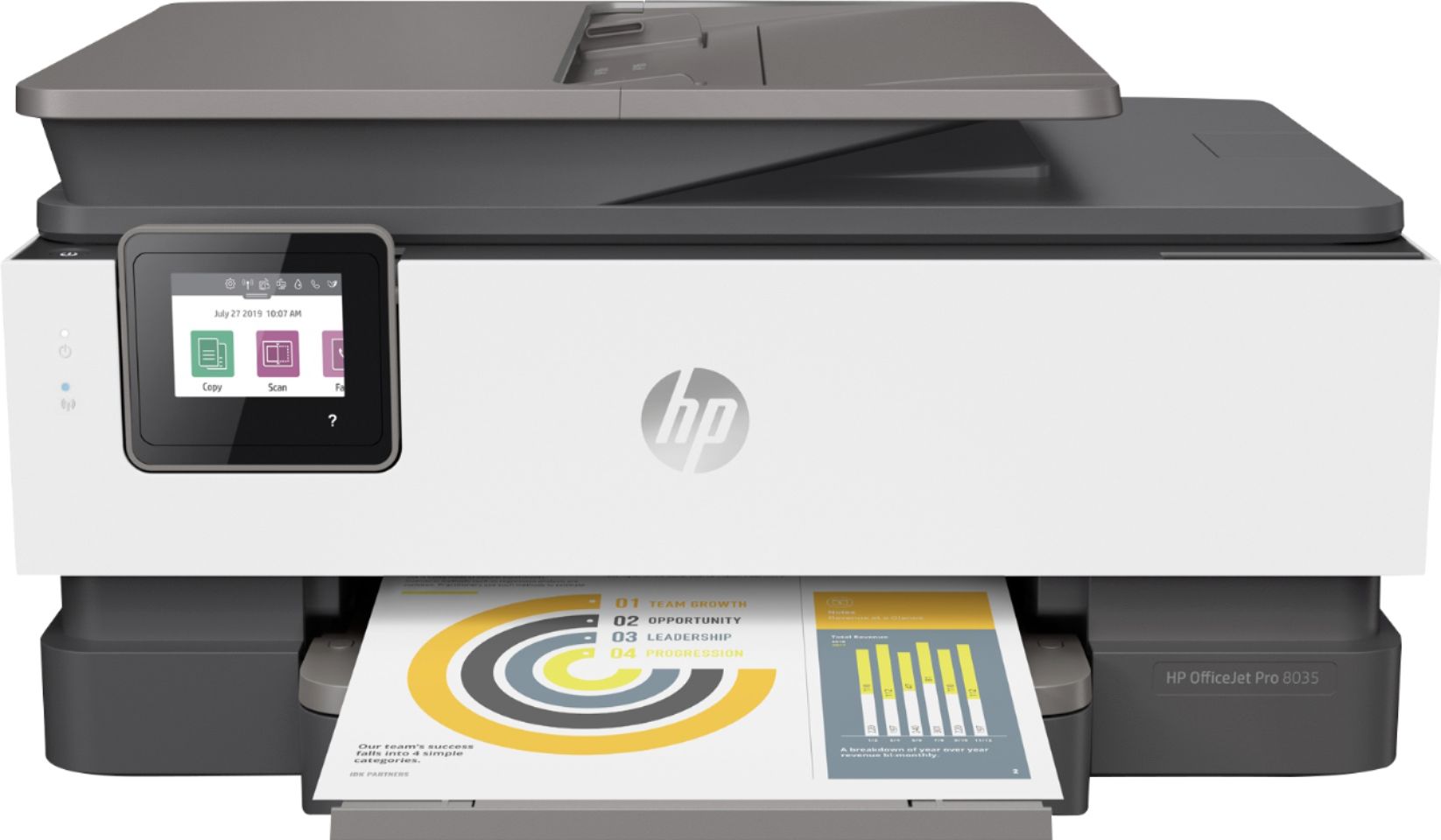
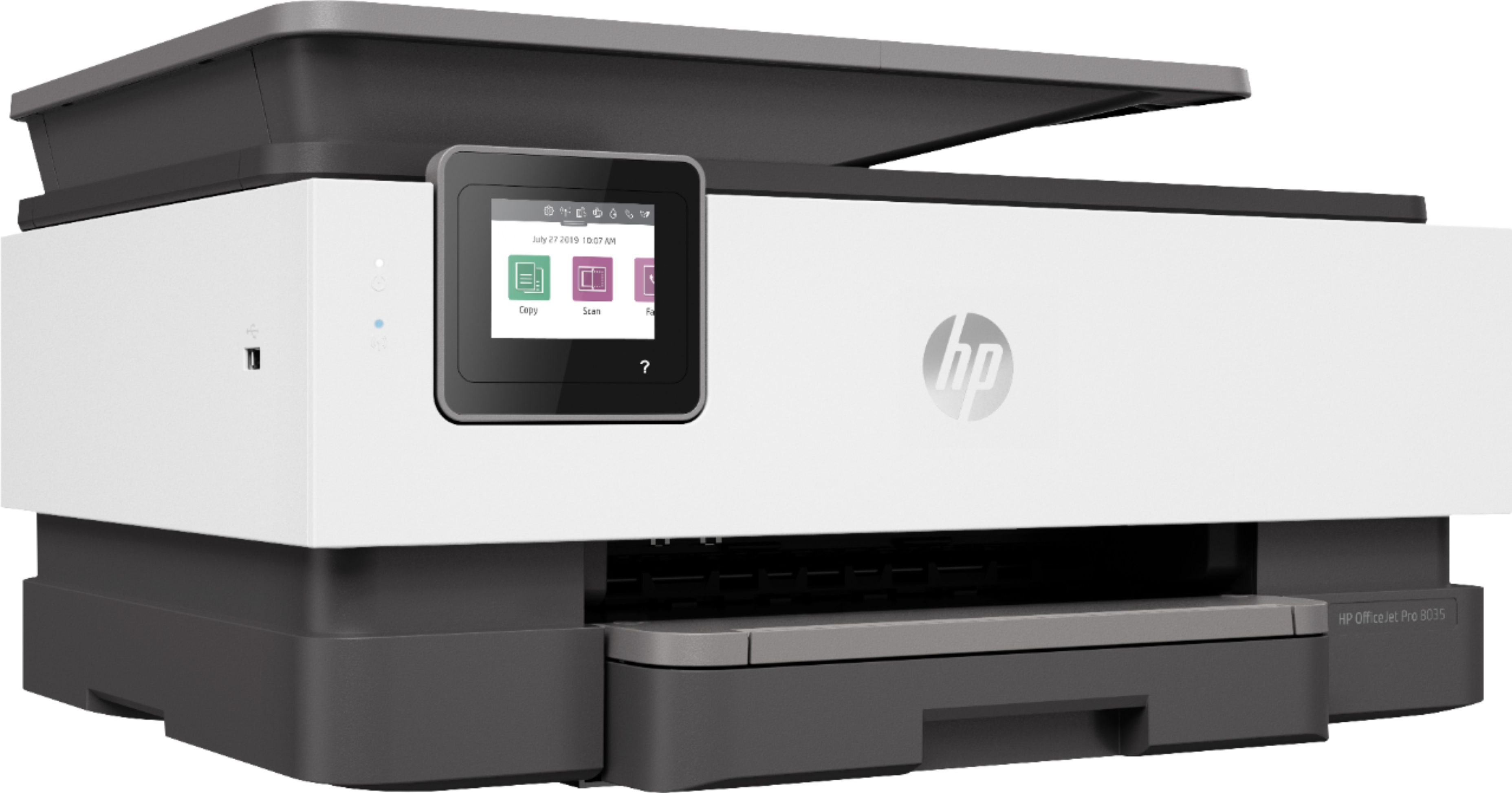
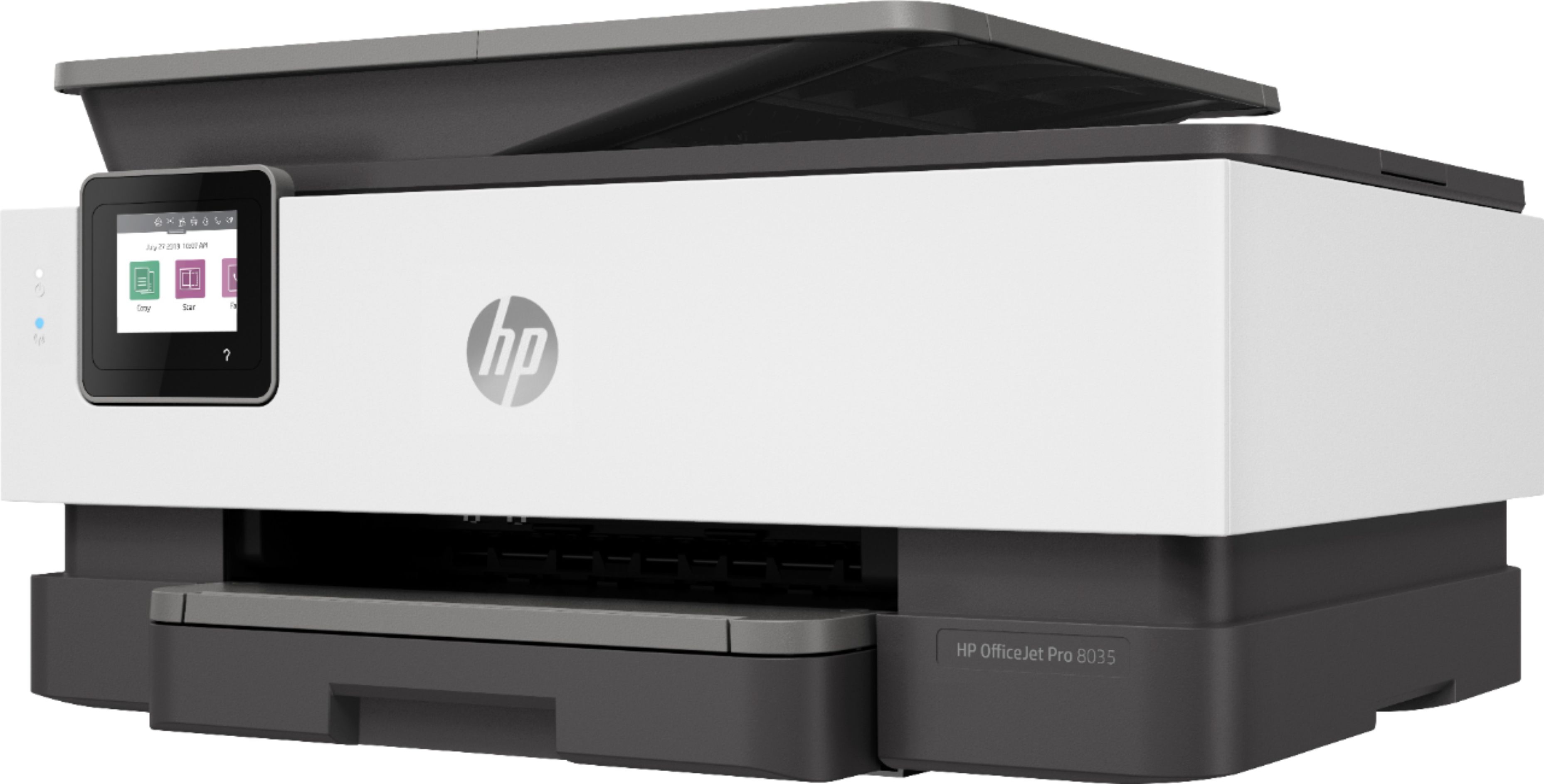
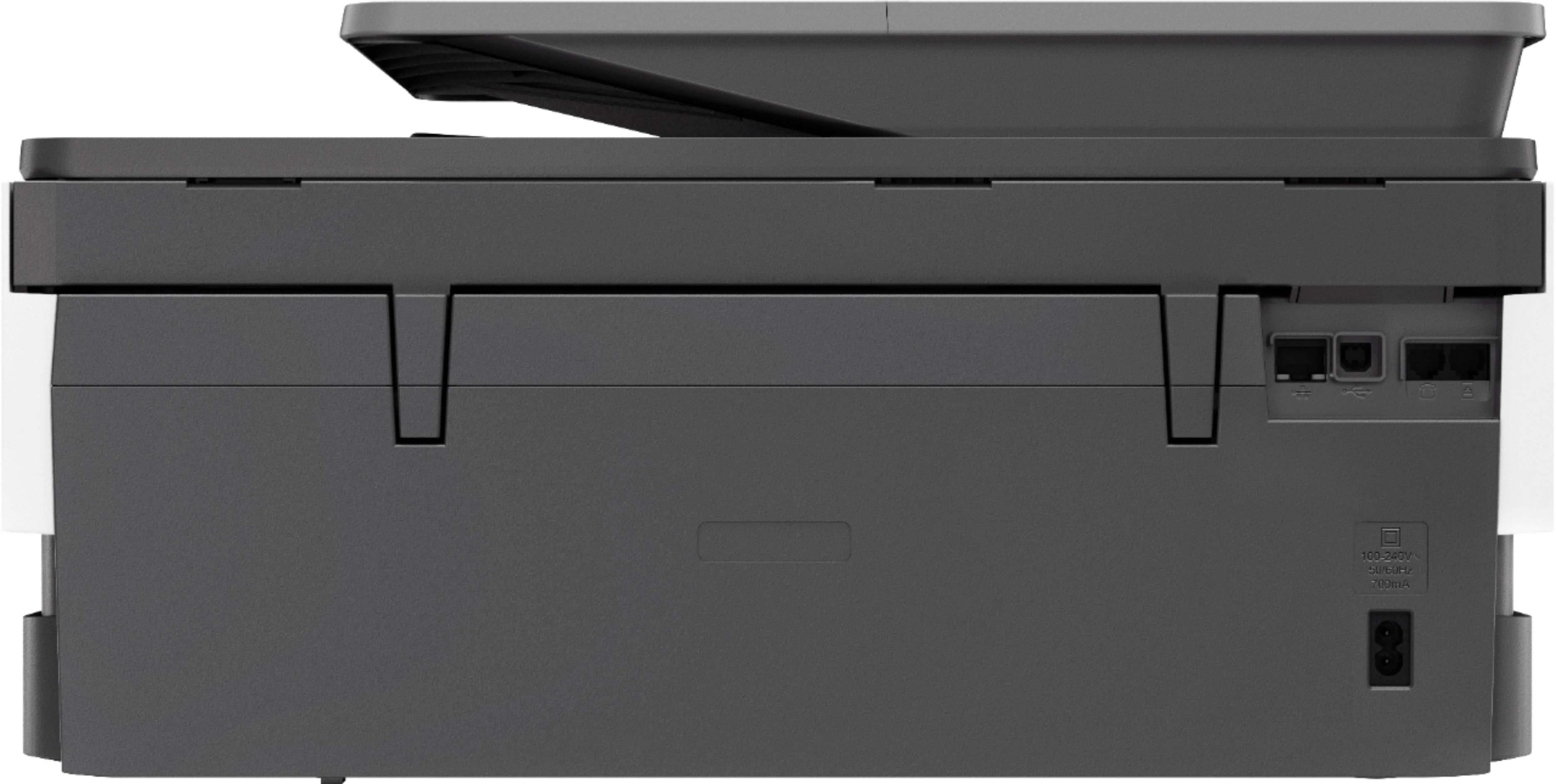



- Model:
- 5LJ23A#B1H
- SKU:
- 6335313
Rating by feature
- Value
Rating 4.4 out of 5 stars
- Quality
Rating 4.4 out of 5 stars
- Ease of Use
Rating 4.4 out of 5 stars
Customers are saying
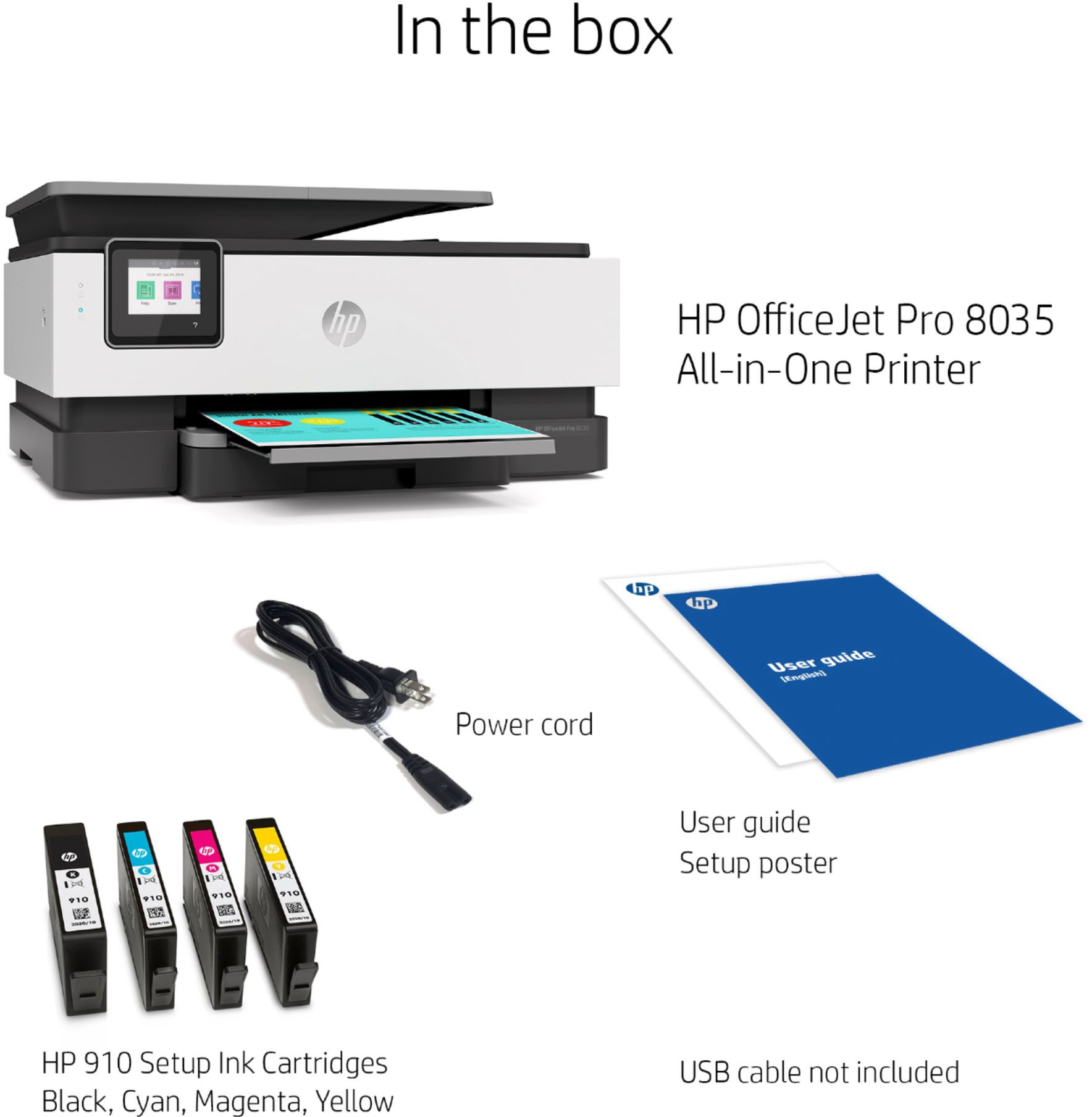
Customers praise the OfficeJet Pro 8035e for its excellent print quality, ease of use, and compact size, finding it to be a convenient and efficient printer for home use. Positive feedback also highlights the printer's wireless capabilities and straightforward setup process. However, some users experienced challenges with the paper tray.
This summary was generated by AI based on customer reviews.
purchase NOT recommended
||Posted . Owned for 3 weeks when reviewed.This reviewer received promo considerations or sweepstakes entry for writing a review.All i can say is buyer beware!! Looks nice. Not as easy a set-up to get everything working. Ran out of ink in 1week with minimal home use! Photo print...really???
No, I would not recommend this to a friendLemon product want to return it
||Posted . Owned for 9 months when reviewed.This reviewer received promo considerations or sweepstakes entry for writing a review.Worst want to return and never used it’s not working or setting is very difficult and didn’t make every one paper print for first time this product is lemon to me
No, I would not recommend this to a friendBrand response from HP Team
Posted .Hi, Srujan.
I’m sorry to learn that your printer was so difficult to set up, and that it has not printed anything yet. The frustration you express is totally understandable. I can’t tell from your review whether you were able to complete the setup process, but I’ll nonetheless provide some resources aimed at helping you get the machine working to your satisfaction.
If you still need to complete setup and installation, you can access a tutorial specific to your printer on our support site. Regardless, on the same page as the tutorial, you can find user manuals, how-to documents, software updates and troubleshooting guides. Find those materials here:
- support.hp.com/us-en/product/model/37934580
You can also visit a page on our support site that has diagnostic tools for various tasks and issues, including setup difficulties. On the same page, you’ll find a general-purpose tool called the HP Print and Scan Doctor. If you use Windows, the tool will help identify and guide you through solutions to a wide range of common printing and scanning difficulties. You can find the page here:
- support.hp.com/us-en/topic/diagnostics
If the device is still not working properly, I suggest you contact us directly so we can help you assess what’s happening and find the best course of action. HP+ printers such as yours come with exclusive concierge support. To call and reach live HP+ experts, visit the following URL and enter your HP+ serial number:
- hp.com/plus-help
Keith
HP Care
hp.com/support
- Pros mentioned:Print quality

Nice printer!
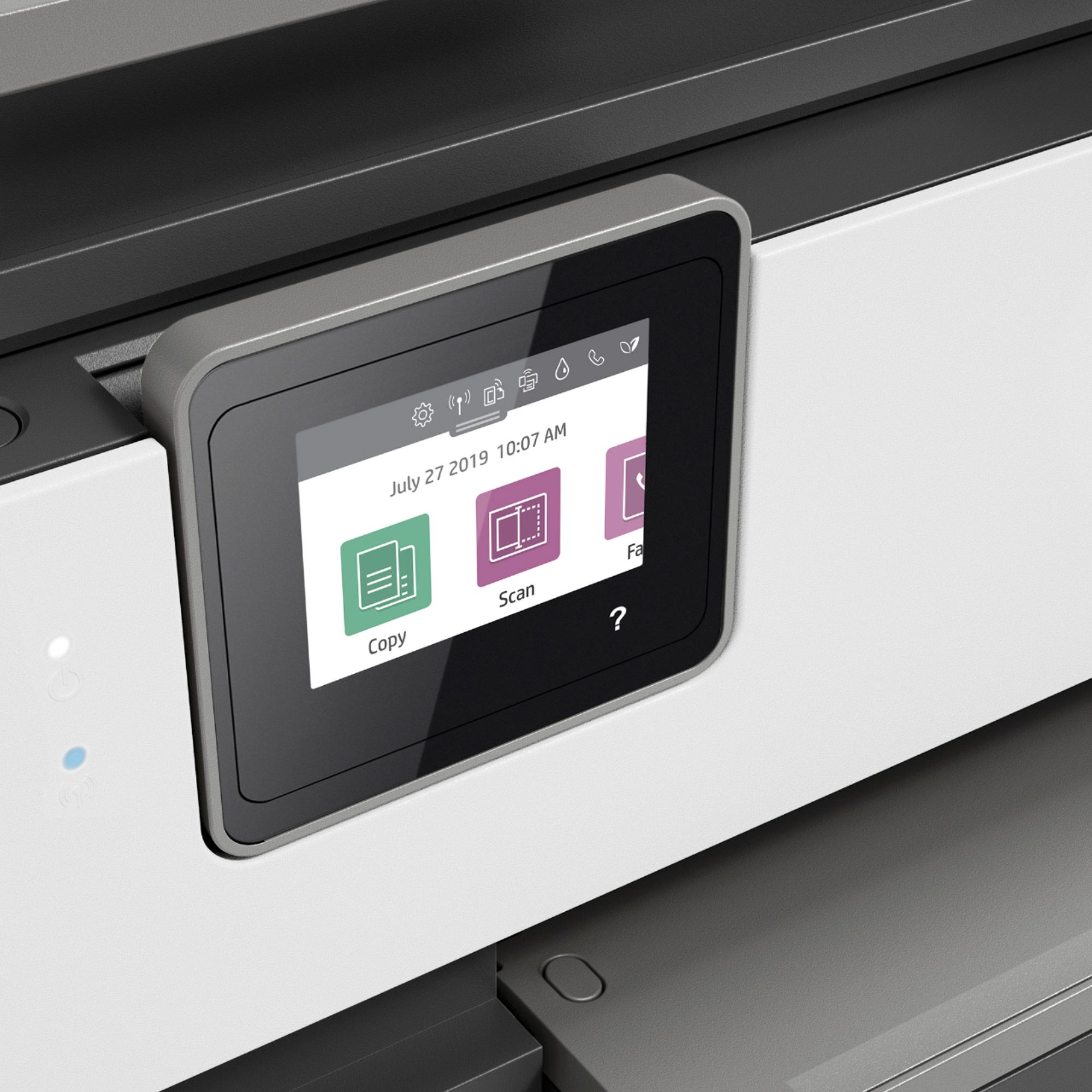
|Posted .This reviewer received promo considerations or sweepstakes entry for writing a review.This is my HP 8035 2.0. I'd rated the very same one before, and was very happy with it. Unfortunately, it was broken during my move. So I'm including my initial review below with the following updates. First 8035e from what I understand the difference is just that you get 12 months of ink. Next, I am not 100% impressed with the way color photos print, but in black an white, my photos popped! I love the remote capabilities with this machine, I really don't have to use this option, but if I was away from the printer and wanted to print it without someone seeing it, I'd just make it private and it won't print until it senses my phone in its vicinity...nice! And last, it's tempting to buy cheaper, non HP ink, however the results aren't as sharp in my opinion. My previous post; This printer IS an all in one. I can print from anywhere, scan to my computer, and copy. So what's different than any other all in one you ask. 1) touch screen navigation 2) true color representation 3) does it pretty fast. I'm in school, online and have to print off a ton of reading material (yea I'm ole school - see it, touch it, feel it), it's great that I don't have to wait forever until its finished. Loading paper is very easy, the arm on the paper tray can be retracted when not needed. I haven't tried pictures or card stock yet, but I'm fairly sure that this Pro will come through.
I would recommend this to a friend Not good
||Posted . Owned for 1 month when reviewed.This reviewer received promo considerations or sweepstakes entry for writing a review.This printer I bought ended up having to be returned. After 2 calls by Geek Squad they discovered it was faulty. The print cartridge was sticking. I took it back and ended up with the HP Envy which I love
No, I would not recommend this to a friendNot HP quality
||Posted . Owned for 1 year when reviewed.This reviewer received promo considerations or sweepstakes entry for writing a review.I have purchased many HP printers over the years and this one falls short of previous expectations. The automatic refill program is a joke and is very cumbersome and inefficient
No, I would not recommend this to a friendGarbage
||Posted . Owned for 2 months when reviewed.This reviewer received promo considerations or sweepstakes entry for writing a review.A month in and the scanner went out and of course it happens after the return period too. Don’t waste your money on HP printers, buy Brother or Epson instead!
No, I would not recommend this to a friendBrand response from HP Team
Posted .Hi, Jefferson.
I’m sorry to hear that your printer’s scan function has stopped working. I can understand why that would be extremely frustrating, especially considering you’ve had the printer only about a month, so I’ll offer some resources and information that I hope will help.
First, I recommend you visit a page on our support site that has diagnostic tools for various problems, including scanner issues. Among other things you’ll find there is a general-purpose tool called the HP Print and Scan Doctor. If you use Windows, the tool will help identify and guide you through solutions to a wide range of common printing and scanning issues. Visit that page here:
- support.hp.com/us-en/topic/diagnostics
If the problem persists, I recommend that you contact us directly at +1 800-474-6836 so we can guide you through the proper troubleshooting. (Please note that because of restrictions on personal movement and workplace attendance associated with the COVID-19 pandemic, wait times for agents are longer than normal. Thanks in advance for your understanding.) To expedite the process, I recommend gathering the following information before the call:
- Model number
- Serial number
- Your location
- Case number (from any previous contact with HP support)
I'll also mention that HP printers have a one-year warranty from their purchase date that covers hardware as well as ink supplies, so if it comes to that, you might consider making use of it. You can verify the warranty using the following link: support.hp.com/us-en/checkwarranty
Keith
HP Care
hp.com/support
Just AVERAGE
||Posted . Owned for 1 month when reviewed.This reviewer received promo considerations or sweepstakes entry for writing a review.This printer is very difficult and confusing to use. It’s like you have to have a masters degree in technology to use it. Print quality is awful. Does not print well at all...I am very disappointed.
No, I would not recommend this to a friendLook for another option
||Posted . Owned for 1 month when reviewed.This reviewer received promo considerations or sweepstakes entry for writing a review.Ink cartridge needs replacement already after basically no use. Unable to scan to PDF. SETUP NOT INTUITIVE as opposed to a 6700 that I replaced.
No, I would not recommend this to a friendBrand response from HP Team
Posted .Hi, Scott.
I’m sorry you’ve run into difficulty with your printer. Your frustration comes as no surprise, considering you’ve faced challenges with the setup process and scan function, and that the ink cartridges need replacing sooner than you’d anticipated. I want to help you remedy these issues. I hope the information and resources below guide you to that end.
First, you can save scanned files as PDFs. I recommend you consult a guide to scanning with HP printers you’ll find on our support site. It includes instructions for various desktop and mobile operating systems as well as an FAQ section. Find that here:
- support.hp.com/us-en/document/ish_2275901-2074064-16
Next, I can’t say for certain what happened with the ink supply in your case, but some printers come with what are known as setup cartridges, which have a lower capacity than regular or XL cartridges, and less still than ones in our Instant Ink program.
The XL cartridges designed for your printer have estimated yields of 825 pages, while the regular size cartridges are expected to produce 300 to 315 pages. How cartridges perform in your own printer varies according to numerous factors, including resolution, how dry the air is and how absorbent the paper is.
Regardless, if your results differ dramatically from the estimates above – or you need further assistance with the scanner – I recommend that you contact us directly at +1 800-474-6836 so we can help you assess the situation and find a solution. To expedite the process, I recommend gathering the following information before the call:
- Model number
- Serial number
- Your location
- Case number (from any previous contact with HP support)
Keith
HP Care
hp.com/support
A lemon
||Posted . Owned for 3 weeks when reviewed.This reviewer received promo considerations or sweepstakes entry for writing a review.It was a completed lemon. I’m not saying that the brand is bad but the printer I received did not work at all. I returned it and had no problem.
No, I would not recommend this to a friendSubscription required to print
||Posted . Owned for 1 year when reviewed.This reviewer received promo considerations or sweepstakes entry for writing a review.DO NOT BUY!!! You have to subscribe to HP ink program in order to print. My machine just sits there because I refuse to subscribe to hp.
No, I would not recommend this to a friendBrand response from HP Team
Posted .Hi there.
I’m sorry you’ve had a bad start with your printer. I can certainly understand why learning that you need to enroll in our Instant Ink program for the printer to work might be an unwelcome surprise. I want to help you navigate this issue, so I’ll provide some clarifying information and resources that I hope will serve that end.
First, signing up for the free trial period of Instant Ink is required if you want to create an HP+ account, but it’s not required to activate the printer. You should have had the option to choose either path during setup.
With Instant Ink, you choose a plan based on the number of pages you would like to print monthly. Once the free trial period ends, you are billed for ink on a monthly interval unless you cancel. Replacement cartridges are shipped as needed based on usage.
I can’t tell from your review what happened in your case. I recommend that you contact us directly at +1 800-474-6836 so we can help you assess what’s happening and find the best course of action. To expedite the process, I recommend gathering the following information before the call:
- Model number
- Serial number
- Your location
- Case number (from any previous contact with HP support)
Keith
HP Care
hp.com/support
Piece of garbage!
||Posted . Owned for 1 week when reviewed.This reviewer received promo considerations or sweepstakes entry for writing a review.This printer worked really well then today it won’t print. No matter what I do it is staying offline, I’ve tried everything! I was so happy the first two weeks and now it is acting like garbage!
No, I would not recommend this to a friendBrand response from HP Team
Posted .Hi, Ellie.
While I’m glad your printer worked well at first, I’m sorry to hear that it has failed to connect wirelessly like it should. It’s easy to see why that would be a tremendous frustration, especially considering you were so happy with it, so I’ll point you toward some resources I hope will help.
First, I suggest you visit a page on our support site that has diagnostic tools for various problems, including and connectivity and printer-offline issues. Visit that page here:
- support.hp.com/us-en/topic/diagnostics
If you need further support, I hope you’ll contact us directly at +1 800-474-6836 so we can guide you through the proper troubleshooting. (Please note that because of restrictions on personal movement and workplace attendance associated with the COVID-19 pandemic, wait times for agents are longer than normal. Thanks in advance for your understanding.) To expedite the process, I recommend gathering the following information before the call:
- Model number
- Serial number
- Your location
- Case number (from any previous contact with HP support)
I'll also mention that HP printers have a one-year warranty from their purchase date that covers hardware as well as ink supplies, so if it comes to that, you might consider making use of it. You can verify the warranty using the following link: support.hp.com/us-en/checkwarranty
Keith
HP Care
hp.com/support
Donewithhwelettpackardforever
||Posted . Owned for less than 1 week when reviewed.This reviewer received promo considerations or sweepstakes entry for writing a review.Another piece of Hewlett Packard's junk. Impossible to get those STICKY CARTRIDGES in the right spot. Brought it back to the store. Everything now is all plastic with them.
No, I would not recommend this to a friendPass
||Posted . Owned for less than 1 week when reviewed.This reviewer received promo considerations or sweepstakes entry for writing a review.Took forever to set up and needed hp support to finaiehd the job and it ended up back at best buy as a return. You need a phone and a compiter to set up. Why!?!?
No, I would not recommend this to a friend- Pros mentioned:Print quality
Best at Home Printer
|Posted .This reviewer received promo considerations or sweepstakes entry for writing a review.HP OfficeJet Pro 8035 All in One Printer with 8 Months of Ink HP has done it again! They have taken the traditional printer and innovated it for all type sof usage. First Impression: Opening the box I was surprised at the amazing build quality and the solid build quality of the printer. It was easy to pull out and set up. Setting up: It took about 10 minutes of setting it up inserting the ink and connecting it to the wi-fi. The bundle you get for the 8 months of ink is a promo code and grants you $40 worth of credit. Testing: I tested the printer for color quality and quickness over the WIFI network. It was fast printing a 5-page document in about 10 seconds. I even tried the email to printer function, and it printed in roughly 30 seconds. I had a family member try and print something to it across the USA and same result! Which is cool feature. Build Quality: I tested the scanning and the movement and was all solid, built to last. Color Quality: This was a nice surprise as the colors popped and showed no signs of wetness or bleeding on the papers. Using this for an at home business it was able to print my invoices and shipping labels quickly and with ease. Final Thoughts: This printer raises the bar for at home printing at an affordable cost. Highly recommend for those looking to boost at home productivity!
I would recommend this to a friend Bad experience
||Posted . Owned for 1 month when reviewed.This reviewer received promo considerations or sweepstakes entry for writing a review.It did not print. Spent hours trouble shooting and it just kept chewing up paper. Got geek squad appointment and they would not look at it so I returned it for refund.
No, I would not recommend this to a friendcannot get printer to work
||Posted . Owned for 3 weeks when reviewed.This reviewer received promo considerations or sweepstakes entry for writing a review.Live in apt building and cannot get printer to work on mac with either wireless or wired set up. Very disappointed. Tried both usb and Ethernet cords.
No, I would not recommend this to a friendZERO Stars Minus
||Posted . Owned for 3 weeks when reviewed.This reviewer received promo considerations or sweepstakes entry for writing a review.Actually, ZERO stars! 8035e arrived broken. Of course, Best Buy is out of stock as usual. Walked out with 8025e. 8025e defective, HP will be shipping replacement unit...
I would recommend this to a friendDon't waste you money
||Posted . Owned for 3 weeks when reviewed.This reviewer received promo considerations or sweepstakes entry for writing a review.Cheaply made and overprice. Can't handle big jobs like I need for my business. Will soon have to buy another.. Paper gets stuck easily. Small ink cartridges.
No, I would not recommend this to a friendBrand response from HP Team
Posted .Hi there.
I’m sorry to hear that you’ve had such a disappointing experience with your printer. The resignation you express is understandable, considering paper has gotten stuck frequently and the ink cartridges are smaller than you’d anticipated. I want to help you remedy these issues and whatever others you face, so I’ll direct you to some resources I hope will accomplish that goal.
First, I recommend you follow the steps in this guide to document feeders that pull through too many pages at once or fail to pick up paper at all:
- support.hp.com/us-en/document/c01728503
If the paper is getting stuck within the printer, you might gain useful information in this guide troubleshooting and avoiding paper jams you’ll find on our support site:
- support.hp.com/us-en/document/c06262856
If any problem persists, I suggest that you contact us directly at +1 800-474-6836 so we can help you assess the situation and find a solution. (Please note that because of restrictions on personal movement and workplace attendance associated with the COVID-19 pandemic, wait times for agents are longer than normal. Thanks in advance for your understanding.) To expedite the process, I recommend gathering the following information before the call:
- Model number
- Serial number
- Your location
- Case number (from any previous contact with HP support)
I'll also mention that HP printers have a one-year warranty from their purchase date that covers hardware as well as ink supplies, so if it comes to that, you might consider making use of it. You can verify the warranty using the following link:
- support.hp.com/us-en/checkwarranty
Keith
HP Care
hp.com/support
Wrong again
||Posted .This reviewer received promo considerations or sweepstakes entry for writing a review.This is the second printer suggested for me to buy. I was assured each one did not require Wifi. They do, so I'll bring it back.
No, I would not recommend this to a friendHP stopped selling ink for this printer
||Posted . Owned for 4 months when reviewed.This reviewer received promo considerations or sweepstakes entry for writing a review.Do not buy!!! HP stopped selling the color ink for this printer and will not offer any support to the countless people stuck without use of their new printers.
No, I would not recommend this to a friend