Customer Ratings & Reviews
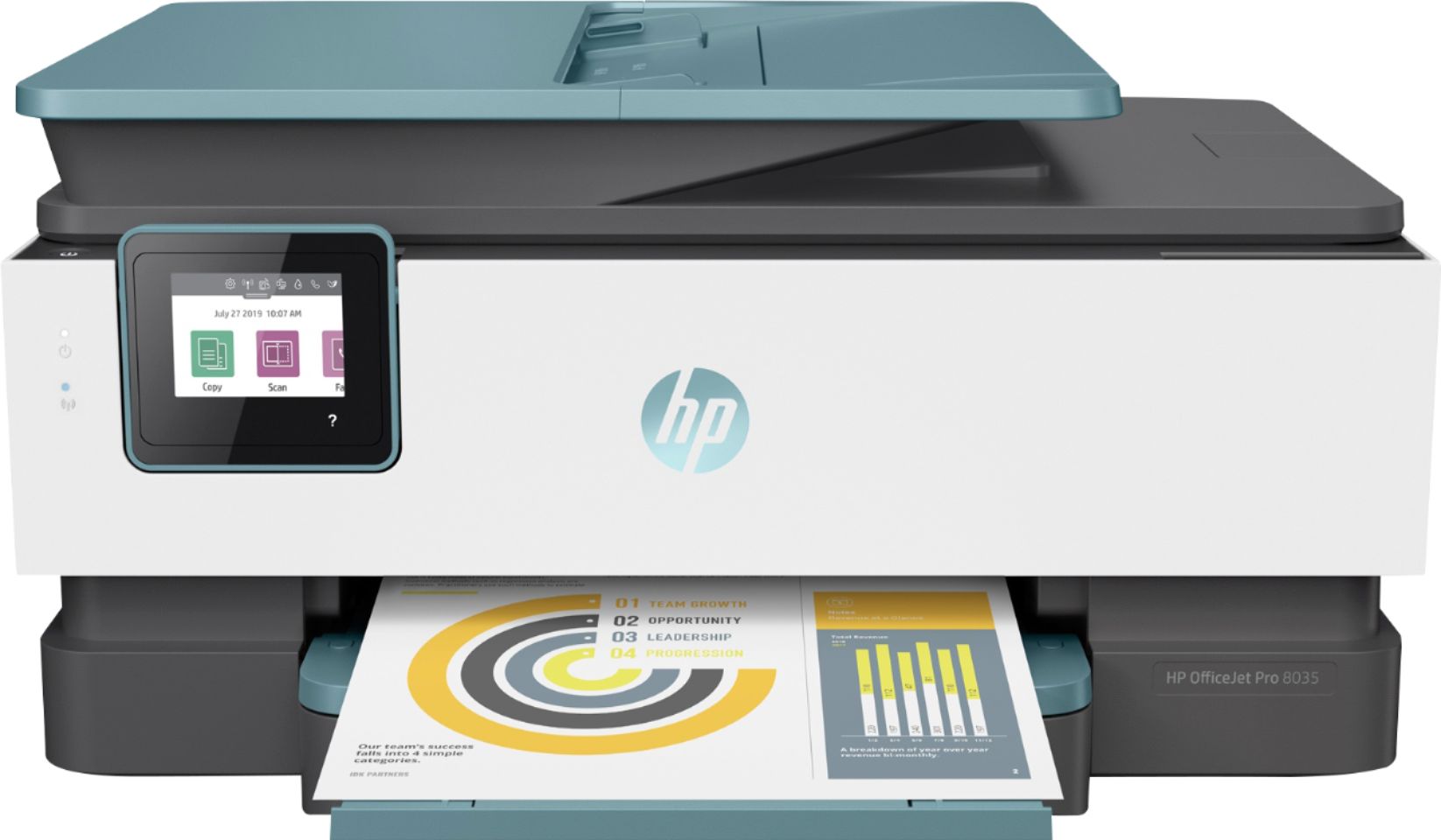
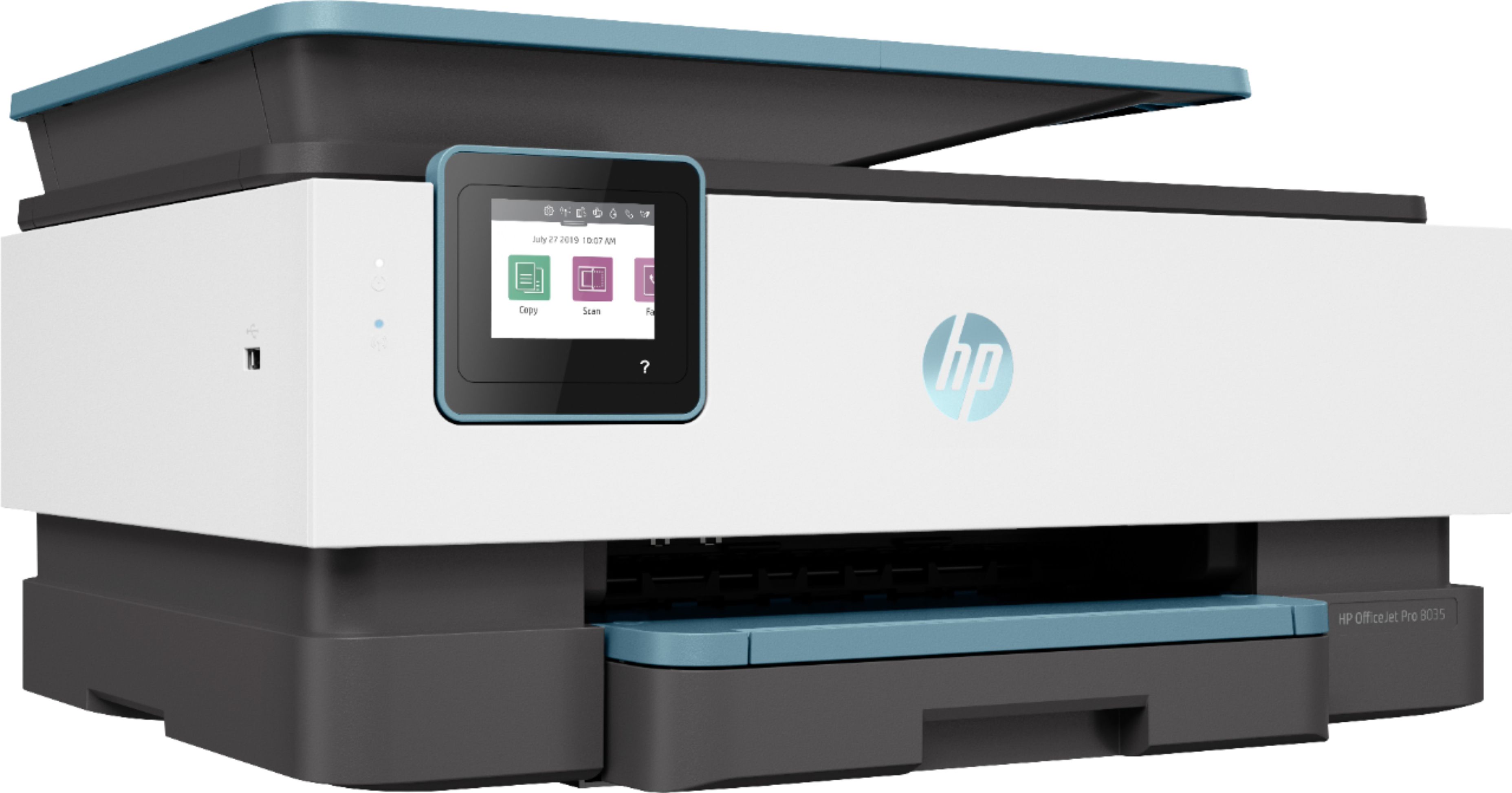
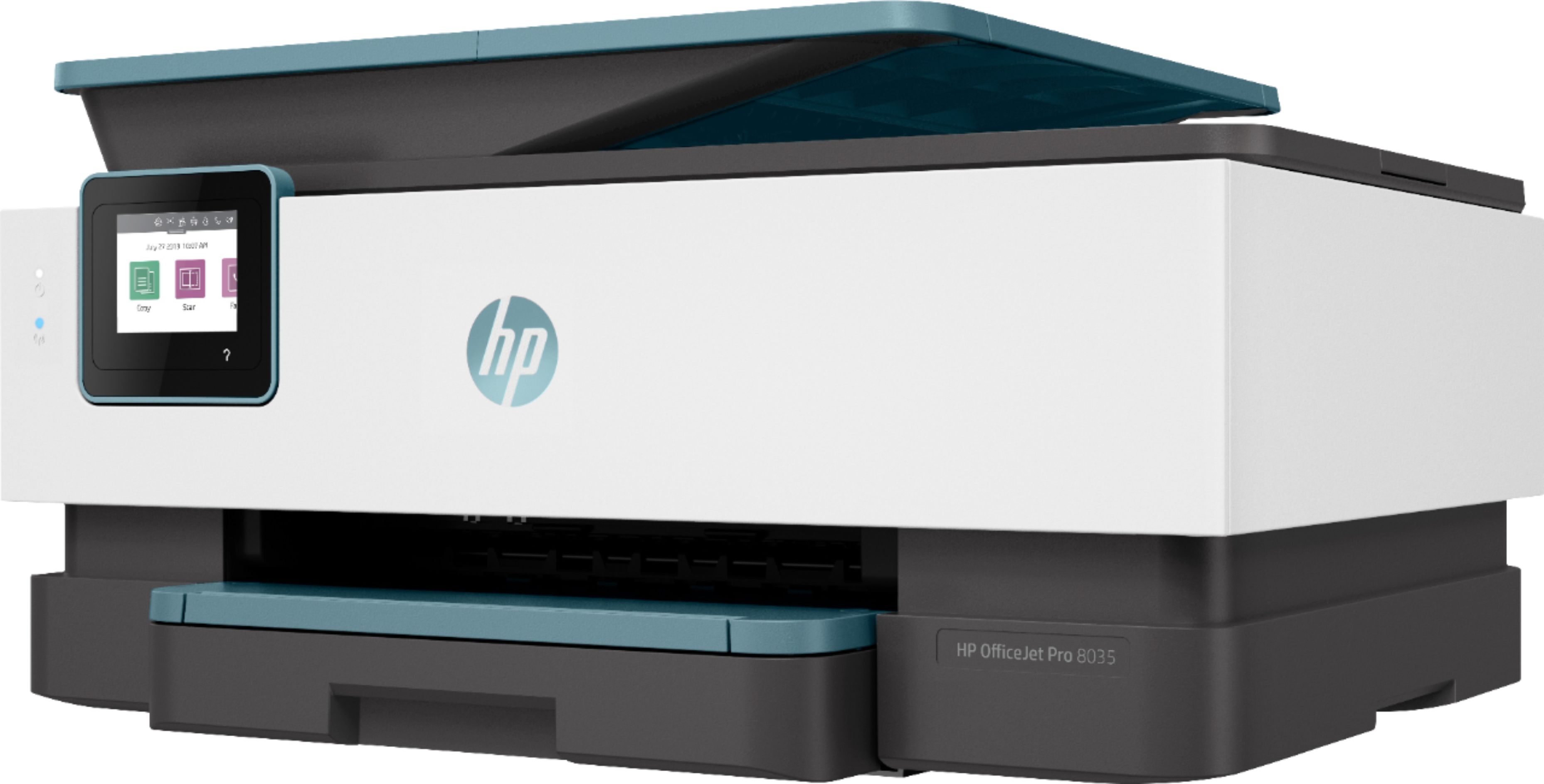
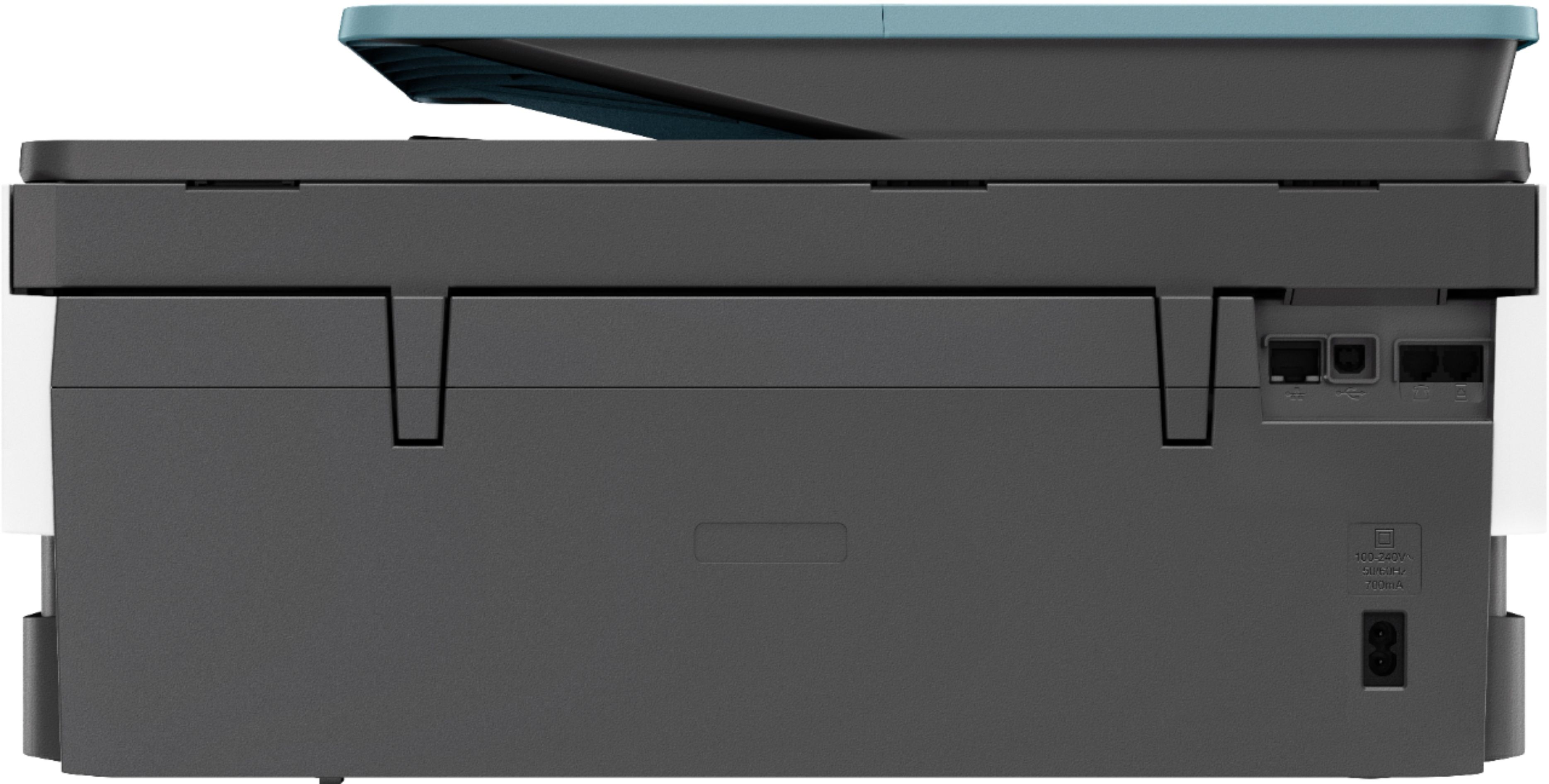

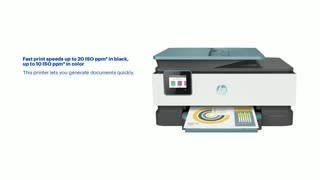
- Model:
- 3UC66A#B1H
- SKU:
- 6335318
Rating by feature
- Value
Rating 4.4 out of 5 stars
- Quality
Rating 4.4 out of 5 stars
- Ease of Use
Rating 4.4 out of 5 stars
Customers are saying
Customers praise the OfficeJet Pro 8035e for its excellent print quality, ease of use, and compact size, finding it to be a convenient and efficient printer for home use. Positive feedback also highlights the printer's wireless capabilities and straightforward setup process. However, some users experienced challenges with the paper tray.
This summary was generated by AI based on customer reviews.
Home Office Printer
||Posted . Owned for 2 weeks when reviewed.This reviewer received promo considerations or sweepstakes entry for writing a review.Perfect printer for home office! Easy setup! Fast printing!
I would recommend this to a friendPrinter Good - Don't use the Instant Ink
||Posted . Owned for 4 months when reviewed.This reviewer received promo considerations or sweepstakes entry for writing a review.The printer is good. The instant ink thing works for a while, but when I cancelled and put in the Original HP Black Ink, it would not print with the Instant Ink color cartridges installed. I tried to take them out, and it still would not print. I contacted HP and they said the cancellation does not take place immediately and I can't print until I install the Original HP color ink. This just put a bad taste in my mouth.
I would recommend this to a friend- Pros mentioned:Print quality
Touchscreen Constantly Freezes
||Posted . Owned for 1 month when reviewed.This reviewer received promo considerations or sweepstakes entry for writing a review.Printer touchscreen keeps freezing and becoming nonresponsive, not powering off even when holding the power button, requiring it to be unplugged constantly. Pros: Prints Fast, Double-Sided, High Quality Documents and Photos; Has Document Feeder; Can Fax if you have a Phone Line.
No, I would not recommend this to a friendBrand response from HP Team
Posted .Hi there.
I’m sorry to hear that your printer has not worked properly. I can wholly understand why a malfunctioning touch screen and an unresponsive power button would be cause for concern. I want to help you resolve this situation, so I’ll provide a resource and some information designed to make that happen.
I recommend that you contact us directly so we can help you assess what’s happening and find the best course of action. HP+ printers such as yours come with exclusive concierge support. To call and reach live HP+ experts, visit the following URL and enter your HP+ serial number:
- hp.com/plus-help
Keith
HP Care
hp.com/support
Great small business printer
||Posted . Owned for 1 month when reviewed.This reviewer received promo considerations or sweepstakes entry for writing a review.Not too big, but big enough to be useful for my small business. Able to load the scan tray and scan multiple pages for a document. Hold half a ream of paper with is good for me.
I would recommend this to a friendAlways Offline.
||Posted . Owned for 10 months when reviewed.This reviewer received promo considerations or sweepstakes entry for writing a review.Always offline, inks ran out very quick and so expensive to replace.
No, I would not recommend this to a friendBrand response from HP Team
Posted .Hi, DeeDee.
I’m sorry that your printer has gone offline so frequently, and that the ink cartridges ran out before you expected. I can certainly understand why that would be a frustrating combination. I want to help you resolve these issues, so I’ll provide some clarifying information and suggest some resources aimed at reaching that end.
First, I recommend you visit a page on our support site that has diagnostic tools for various issues, including printer-offline difficulties. You can find that page here:
- support.hp.com/us-en/help/printer
Next, I can’t tell from your review how many pages you’ve gotten per set of cartridges or how that compares with their estimated page yields. That said, I’ll point out that some printers come with what are known as setup cartridges, which have a lower capacity than regular or XL cartridges, and less still than ones in our Instant Ink program. If you’ve used only the cartridges that came with the printer, this could explain what you’re seeing.
If you’ve installed replacement cartridges, the XL cartridges designed for your printer have estimated yields of 825 pages, while the regular size cartridges are expected to produce 300 to 315 pages. How cartridges perform in your own printer varies according to numerous factors, including resolution, how dry the air is and how absorbent the paper is.
Regardless, if you have further questions about ink use or believe a problem exists – or the offline issue persists – I recommend that you contact us directly at +1 800-474-6836 so we can help you assess the situation and find the best course of action. To expedite the process, I recommend gathering the following information before the call:
- Model number
- Serial number
- Your location
- Case number (from any previous contact with HP support)
Keith
HP Care
hp.com/support
So far, so good!
||Posted . Owned for less than 1 week when reviewed.This reviewer received promo considerations or sweepstakes entry for writing a review.Owned this printer for less than a week. Wish the start up documentation was better. I had to go online to get the ink program to start. Printer itself does a good job.
I would recommend this to a friendOnce I got it installed it works fine.
||Posted . Owned for 3 weeks when reviewed.This reviewer received promo considerations or sweepstakes entry for writing a review.My complaint is that HP gave me VERY LITTLE in the way of instruction and I had to hire a computer guy to assist me in getting it to function. I first called Best Buy to arrange a”Geek Squad” tech to help me. A very nice young lady did her best to assist me, but I would have to wait 25 days for an appointment. That would not work, however, the young lady completely agreed with me that HP is very short on instruction.
I would recommend this to a friendGreat printer.
||Posted . Owned for 1 month when reviewed.This reviewer received promo considerations or sweepstakes entry for writing a review.Great printer. All the features I purchased it for works well especially printing double sided. I think it’s a perfect add for the home office.
I would recommend this to a friendThis one
||Posted . Owned for 5 months when reviewed.This reviewer received promo considerations or sweepstakes entry for writing a review.This is a wonderful choice for a printer. Easy setup and comes with a couple months worth of ink when you subscribe to HP printing. Great quality overall.
I would recommend this to a friendGreat top tray paper feeder
||Posted .This reviewer received promo considerations or sweepstakes entry for writing a review.I love that I can feed papers in the top feeder for copying and the automatic 2-sided copy option. I’ve bought several HP ALL-in ONES and so far I love this one the most.
I would recommend this to a friendFast and quiet
||Posted . Owned for 1 month when reviewed.This reviewer received promo considerations or sweepstakes entry for writing a review.The printer is fast and quite in the quite mode. Cartridges are easy to change and ink lasts for a good amount of time. The web connection is good.
I would recommend this to a friendPrinter
||Posted . Owned for 1 month when reviewed.This reviewer received promo considerations or sweepstakes entry for writing a review.It works excellent. My original printer was the same but it broke down and I needed a new one. It doesn’t waste as much Ink as I originally thought.
I would recommend this to a friendSubscription is not for home use
||Posted . Owned for 1 month when reviewed.This reviewer received promo considerations or sweepstakes entry for writing a review.No problems with this all-in-one. My only regret was signing up for automatic cartridge replacement as a home user.
I would recommend this to a friendNice printer for the money.
||Posted . Owned for 3 weeks when reviewed.This reviewer received promo considerations or sweepstakes entry for writing a review.Love the instant ink program. You never run out and never have to go buy it in the store, because it is automatically delivered. You save money and time with it.
I would recommend this to a friendGreat employees and very knowledgeable.
||Posted .This reviewer received promo considerations or sweepstakes entry for writing a review.Your store employees helped me with my purchase and The Geek Squad in solving both of our computers problems. Geek Squad was awesome in setting up of my printer
I would recommend this to a friendHP Printers Rock!
||Posted . Owned for 1 month when reviewed.This reviewer received promo considerations or sweepstakes entry for writing a review.As usual, my new HP Printer performs superbly doing everything I've asked it to do. I've owned this product for approximately 2 months and it's a workhorse. Thanks, HP.
I would recommend this to a friendGreat business purchase
||Posted . Owned for 1 month when reviewed.This reviewer received promo considerations or sweepstakes entry for writing a review.Works great! Come with subscription of free ink! Very good business purchase
I would recommend this to a friendGood printer
||Posted . Owned for 2 weeks when reviewed.This reviewer received promo considerations or sweepstakes entry for writing a review.I like the speed of the printer... has a little bit of size to it but not that bad.
I would recommend this to a friendGreat printer for my classroom.
||Posted . Owned for 3 weeks when reviewed.This reviewer received promo considerations or sweepstakes entry for writing a review.As a teacher, this printer is perfect for my classroom for printing small jobs. It goes into offline mode a bit to much but it is a life saver.
I would recommend this to a friendHome Office
||Posted . Owned for 4 months when reviewed.This reviewer received promo considerations or sweepstakes entry for writing a review.Good all purpose printer. I have scanned, printed and made copies without any issues. Seems to use a lot of ink
I would recommend this to a friend