Customer Ratings & Reviews
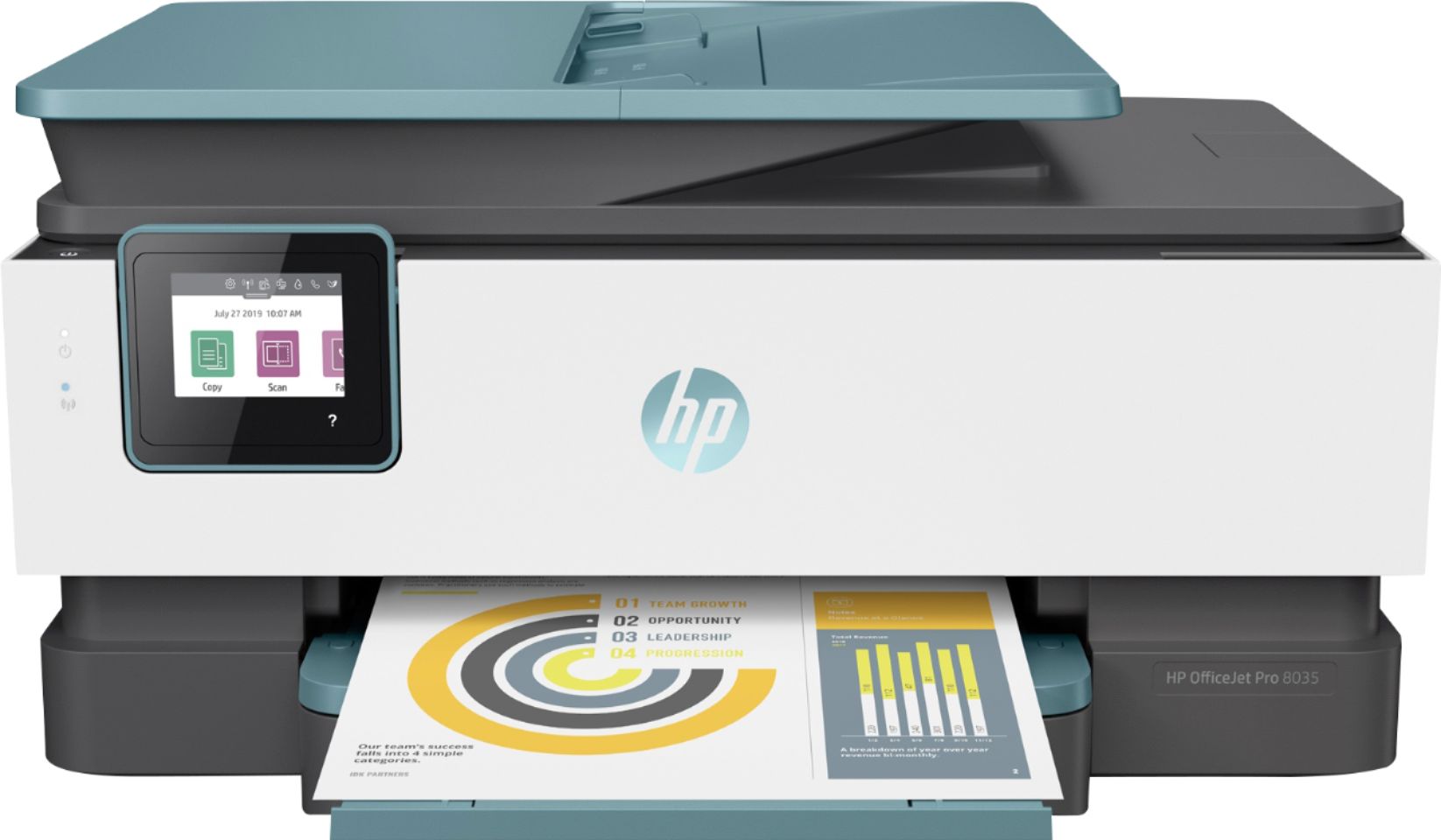
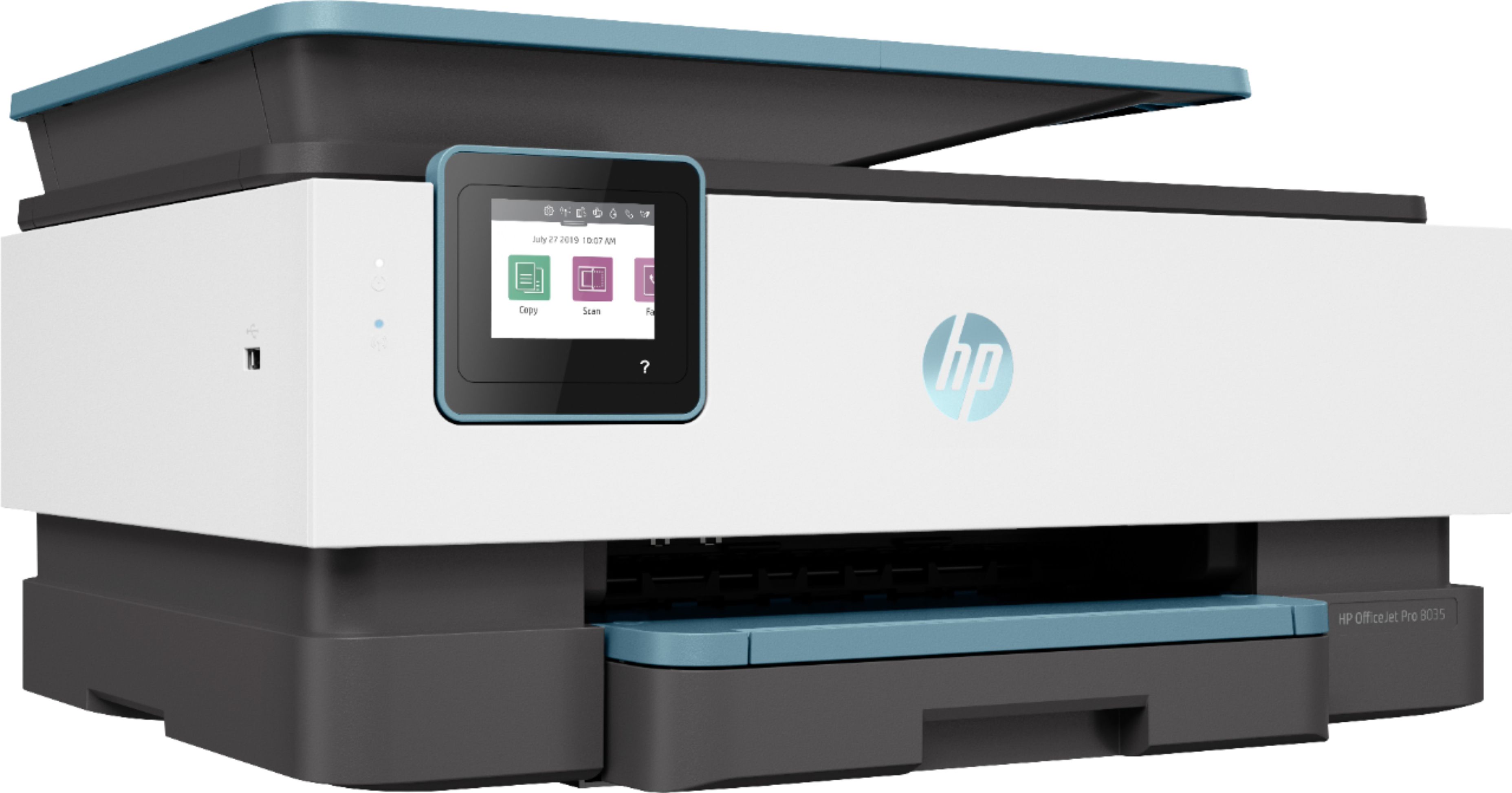
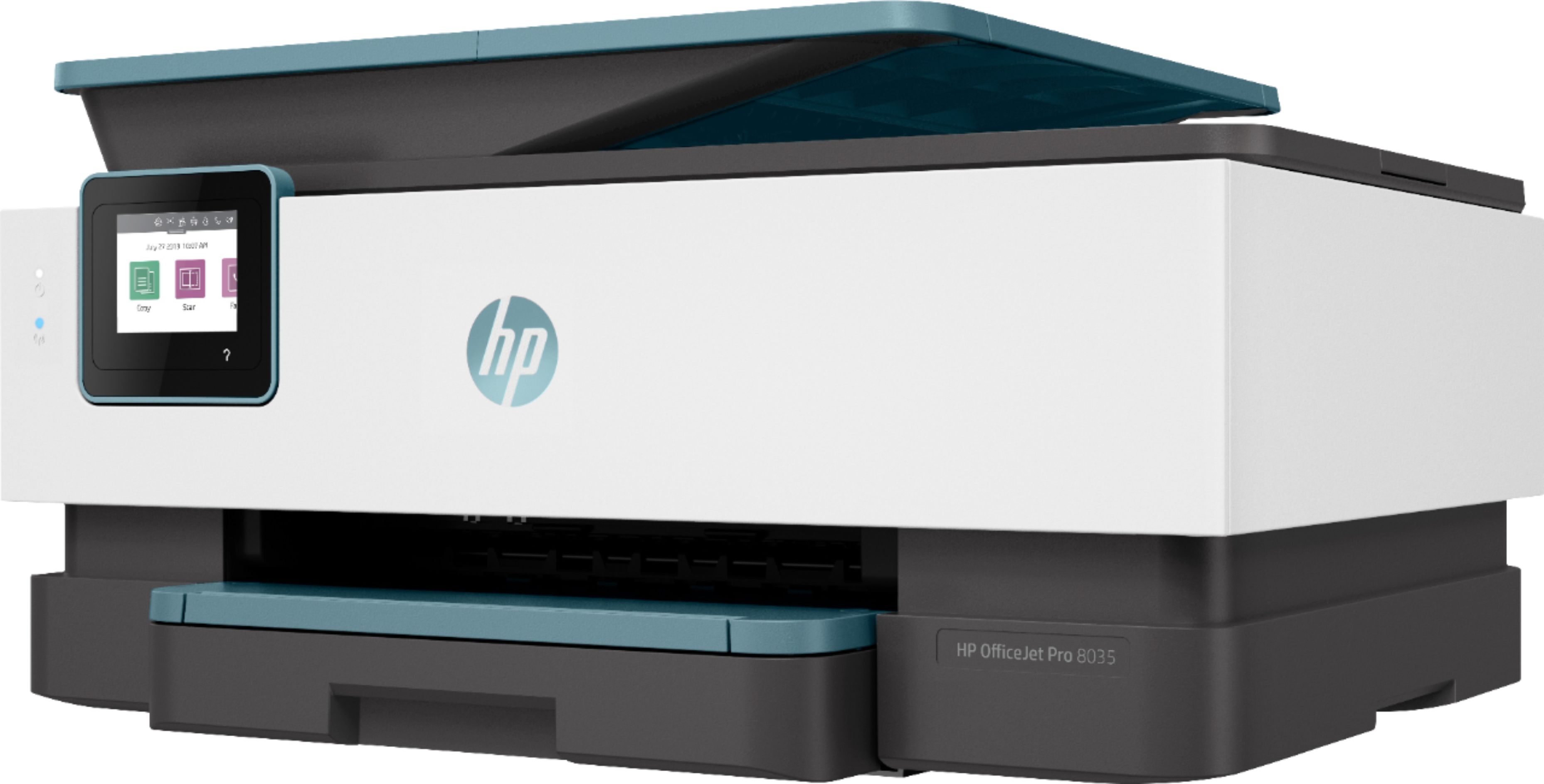
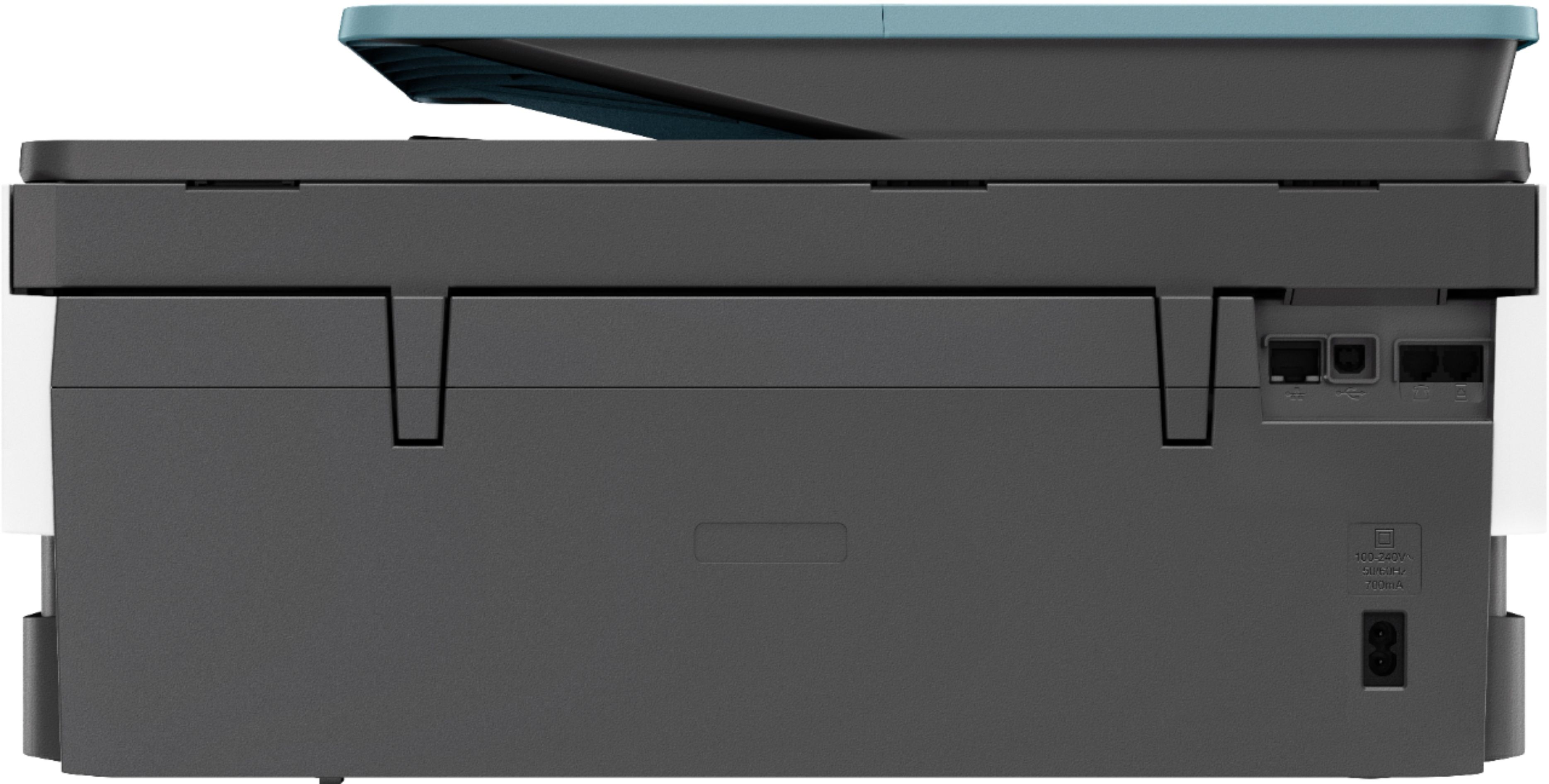

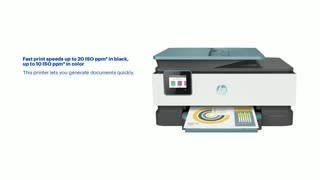
- Model:
- 3UC66A#B1H
- SKU:
- 6335318
Rating by feature
- Value
Rating 4.4 out of 5 stars
- Quality
Rating 4.4 out of 5 stars
- Ease of Use
Rating 4.4 out of 5 stars
Customers are saying
Customers praise the OfficeJet Pro 8035e for its excellent print quality, ease of use, and compact size, finding it to be a convenient and efficient printer for home use. Positive feedback also highlights the printer's wireless capabilities and straightforward setup process. However, some users experienced challenges with the paper tray.
This summary was generated by AI based on customer reviews.
Doesn't print
||Posted . Owned for 3 weeks when reviewed.This reviewer received promo considerations or sweepstakes entry for writing a review.Ordered online delivery good. Set up printer ran the alignment page. Page came out blank. Called the geek squad they said run maintenance program. This is a "New" printer so I am not running a maintenance program on something that is brand New. Returned to the store. Bought a 6000 series HP. Set up guess what alignment page printed no problem.
No, I would not recommend this to a friendFlimsy
||Posted . Owned for 3 weeks when reviewed.This reviewer received promo considerations or sweepstakes entry for writing a review.Flimsy construction compared to its predecessor. But it seems to work as advertised.
I would recommend this to a friendEh, not so sure.
||Posted . Owned for 2 months when reviewed.This reviewer received promo considerations or sweepstakes entry for writing a review.It's OK for the price. Big waste of ink. Too loud.
I would recommend this to a friendPaper Tray is a Disaster
||Posted . Owned for less than 1 week when reviewed.This reviewer received promo considerations or sweepstakes entry for writing a review.I have an older HP printer that I have been happy with, so I thought buying a newer model would be the low-risk way to go. Boy was I wrong. I have two complaints, one major (and the reason I returned the product), and one minor. The major complaint is the paper feed. I only used the printer a couple of times, but that was enough to convince me that I was going to have continuous problems. Every print job I did resulted in multiple extra pages feeding into the printer from below and the printer jamming (probably as a result). The minor complaint has to do with print quality. I often print in draft mode to save ink. On my older HP printer this results in a noticeable difference in print quality; on this printer I saw no discernible difference, so I concluded that draft mode really wasn't using less ink. Another issue I had was setting up the wifi; it was not easy and I did not find the HP app helpful, but eventually I was able to figure it out.
No, I would not recommend this to a friendPrinter
||Posted . Owned for 3 weeks when reviewed.This reviewer received promo considerations or sweepstakes entry for writing a review.It slow but overall it not bad printer for the price
I would recommend this to a friendSqueaky
||Posted . Owned for 1 month when reviewed.This reviewer received promo considerations or sweepstakes entry for writing a review.Makes a squeaking noise while printing, Mt plan is to return it.
No, I would not recommend this to a friendHpofficejet8033
||Posted . Owned for 1 month when reviewed.This reviewer received promo considerations or sweepstakes entry for writing a review.Makes too much noise. Not very user friendly. Should have bought a laser jet.
No, I would not recommend this to a friendOnly bought because it is an all-in-one with fax
||Posted .This reviewer received promo considerations or sweepstakes entry for writing a review.Overall quality is cheap. The paper drawer is a pain. Removing jams is a pain
No, I would not recommend this to a friend- Cons mentioned:Paper tray
Has issues with grabbing too many papers
||Posted . Owned for 1 month when reviewed.This reviewer received promo considerations or sweepstakes entry for writing a review.Also, not a fan on the paper tray. Not easy to replace paper.
No, I would not recommend this to a friendBrand response from HP Team
Posted .Hi there.
I’m so sorry to hear that your printer isn’t feeding paper properly. I can understand how that would be quite frustrating, especially with a printer you’ve just purchased. Because we want all our printers to work properly for customers, let’s see whether I can give you some helpful suggestions.
From your review I can’t be 100 percent sure whether what you’re experiencing is a paper jam error or the printer just moving more than one sheet through at a time, this document might help you address the problem:
- support.hp.com/us-en/document/c06262856
This document advises on the proper storage and handling of paper to avoid such issues:
- support.hp.com/us-en/document/c04518237
If this hasn't helped, please reach out to us for further support at: hp.com/contactHP
Keith
HP Care
hp.com/support
- Cons mentioned:Reliability
Not Good Model
||Posted . Owned for 9 months when reviewed.This reviewer received promo considerations or sweepstakes entry for writing a review.I bought this product for my wife who is a school teacher. I bought the protection plan and we have been through three printers in less than a year. Would not recommend this model printer to anyone.
No, I would not recommend this to a friend good looking printer
||Posted . Owned for 3 weeks when reviewed.This reviewer received promo considerations or sweepstakes entry for writing a review.printer cartridge got jammed the first time I used it, but was able to unjam it and works ok now
I would recommend this to a friend- Pros mentioned:Wireless
Printer was unusable and was replaced by HP.
||Posted . Owned for 1 month when reviewed.This reviewer received promo considerations or sweepstakes entry for writing a review.Much time spent with HP to get printer to work. Finally was replaced by HP. New printer not yet set up and hopefully will work. Discussion with Best Buy manager was less than satisfactory. Disappointed with Best Buy.
No, I would not recommend this to a friendBrand response from HP Team
Posted .Hi, Dean.
I’m sorry that your first printer would not work as it should, and that you had to send it back for a replacement. I can see how that would be inconvenient as well as disappointing. I hope your new printer works as it should, too. I’ll point you toward some resources I hope will help you through the life of your printer.
First, you can find a setup guide, user manuals, video tutorials, software updates and troubleshooting materials for your printer here:
- support.hp.com/us-en/product/hp-officejet-pro-8030-all-in-one-printer-series/24208734/model/24208735
If there's anything that we can specifically help with, know that you can always get in touch with us directly for support. We're always here and would be more than happy to help you make the most of your experience with the printer. You can reach us via your preferred method at this link: hp.com/contactHP
Keith
HP Care
hp.com/support
- Pros mentioned:Ease of use, Print quality, Size

Great printer, easy setup
|Posted .This reviewer received promo considerations or sweepstakes entry for writing a review.The OfficeJet Pro 8035 printer is an affordable yet great printer for light duty office or home use. Printing, scanning and copying functions all work well, the print quality is good and it's small form factor doesn't take up a lot of work space. One minor thing I like about this printer is that it starts to print immediately after I push the print button. Previous printers I have owned needed several seconds or even a minute to start printing. Setup with the HP Smart app is SUPER easy and quick. This worked much faster than previous printers I have owned. Plus, printing from the HP Smart app is quick and easy as well.
I would recommend this to a friend Can’t get connected to all devices.
||Posted . Owned for 3 months when reviewed.This reviewer received promo considerations or sweepstakes entry for writing a review.I’d likes manual. Can’t get all devices connected. Doesn’t have clear instructions.
No, I would not recommend this to a friendWorks ok.
||Posted . Owned for 3 weeks when reviewed.This reviewer received promo considerations or sweepstakes entry for writing a review.It works good so far,but the set up cartridges is a scam without any doubt whatsoever.
I would recommend this to a friendWorks well
||Posted . Owned for 1 month when reviewed.This reviewer received promo considerations or sweepstakes entry for writing a review.Getting the set up for wireless printing was a bit confusing but got there in the end
I would recommend this to a friendSlow.
||Posted . Owned for 1 month when reviewed.This reviewer received promo considerations or sweepstakes entry for writing a review.Paper draw hard to open - “sticky” Slow to print Numbers/letters to small to enter
No, I would not recommend this to a friendmiddle of the road
||Posted .This reviewer received promo considerations or sweepstakes entry for writing a review.It works but seems a little flimsy. We'll see how well it performs over time.
I would recommend this to a friendAll in one printer/scanner
||Posted . Owned for 3 weeks when reviewed.This reviewer received promo considerations or sweepstakes entry for writing a review.This printer/scanner has jammed several times while trying to scan documents. The multi feeder seems to have a defect. I going to try it a few more times, and if it continues to not work properly, I’ll return it.
No, I would not recommend this to a friendGood image
||Posted . Owned for 1 month when reviewed.This reviewer received promo considerations or sweepstakes entry for writing a review.The wireless between computer and printer sometimes do not make the connection
No, I would not recommend this to a friend