Customer Ratings & Reviews

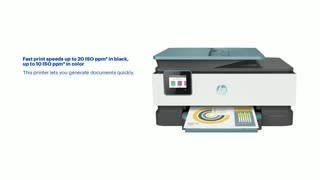
- Model:
- 3UC66A#B1H
- SKU:
- 6335318
Rating by feature
- Value
Rating 4.4 out of 5 stars
- Quality
Rating 4.4 out of 5 stars
- Ease of Use
Rating 4.4 out of 5 stars
Customers are saying
Customers praise the OfficeJet Pro 8035e for its excellent print quality, ease of use, and compact size, finding it to be a convenient and efficient printer for home use. Positive feedback also highlights the printer's wireless capabilities and straightforward setup process. However, some users experienced challenges with the paper tray.
This summary was generated by AI based on customer reviews.
On sale for $150. Seemed about right.
||Posted . Owned for 1 week when reviewed.This reviewer received promo considerations or sweepstakes entry for writing a review.Modest price moderate quality. Cheap construction.
No, I would not recommend this to a friendIt works when it wants.
||Posted . Owned for 7 months when reviewed.This reviewer received promo considerations or sweepstakes entry for writing a review.Printer shows offline frequently even though it’s on and shows connected to WiFi. I have to turn off and back on so it can reconnect. Documents fed through the auto scanner get jammed. It shows it’s ready to ready to scan to computer but insists I need to finishing setting up. I do so and still nothing.
No, I would not recommend this to a friendBrand response from HP Team
Posted .Hi there.
I’m sorry to hear that your printer has failed to maintain a reliable wireless connection, and that it has given you scanning difficulty. It’s easy to understand why the combination you describe would quickly become frustrating, so I’ll offer some resources and information that I hope will help.
First, I recommend you visit a page on our support site that has diagnostic tools for various problems, including wireless connectivity and printer-offline issues. For help with the confusing messages when you try to scan, you’ll also find a general-purpose tool called the HP Print and Scan Doctor. If you use Windows, the tool will help identify and guide you through solutions to a wide range of common printing and scanning issues. Visit that page here:
- support.hp.com/us-en/topic/diagnostics
For the jam issue, I suggest you follow the steps in this guide to document feeders that push through too many pages at once:
- support.hp.com/us-en/document/c01728503
If the difficulty persists, I hope you’ll contact us directly at +1 800-474-6836 so we can guide you through the proper troubleshooting. (Please note that because of restrictions on personal movement and workplace attendance associated with the COVID-19 pandemic, wait times for agents are longer than normal. Thanks in advance for your understanding.) To expedite the process, I recommend gathering the following information before the call:
- Model number
- Serial number
- Your location
- Case number (from any previous contact with HP support)
Keith
HP Care
hp.com/support
Spotty connectivity
||Posted . Owned for 1 month when reviewed.This reviewer received promo considerations or sweepstakes entry for writing a review.This printer constantly disconnects from my home WiFi (As others have noted).
No, I would not recommend this to a friendHP 4 IN ONE
||Posted . Owned for 3 weeks when reviewed.This reviewer received promo considerations or sweepstakes entry for writing a review.Great picture and color, but top feeder doesn't work smoothly.
I would recommend this to a friendGreat printing
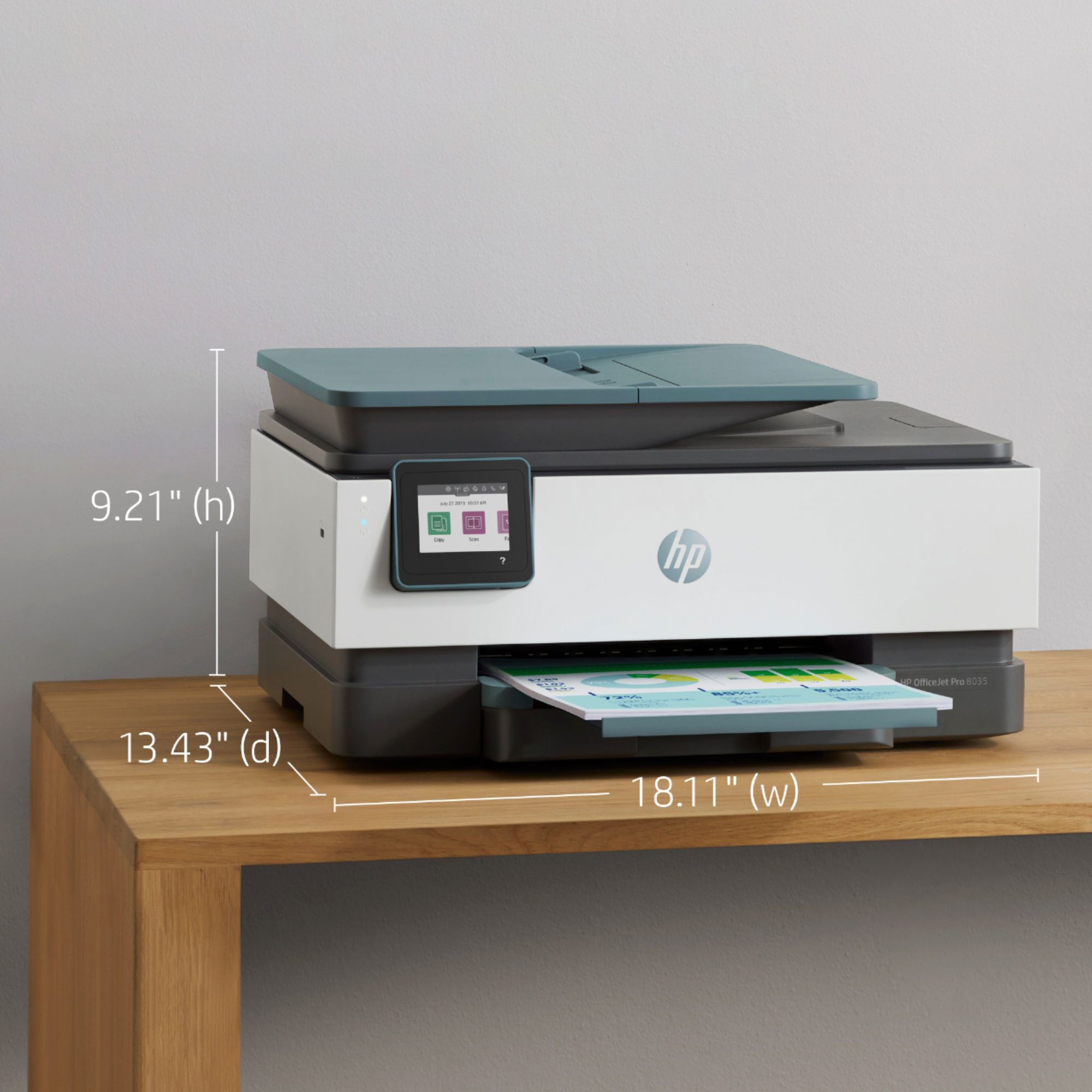
||Posted . Owned for 3 weeks when reviewed.This reviewer received promo considerations or sweepstakes entry for writing a review.Great printing but little bulky in size , the space it takes is too much.
No, I would not recommend this to a friendinferior to previous 7520 which died
||Posted .This reviewer received promo considerations or sweepstakes entry for writing a review.I have spent hours with HP tech support trying to get Fax to receive faxes
No, I would not recommend this to a frienddisappointed
||Posted . Owned for 5 months when reviewed.This reviewer received promo considerations or sweepstakes entry for writing a review.works some of the time...right now doesn't work at all
No, I would not recommend this to a friendwill not stay connected
||Posted . Owned for 6 months when reviewed.This reviewer received promo considerations or sweepstakes entry for writing a review.This is the second HP printer that we have had that won't stay connected. Every time we use this we have to uninstall and reinstall in order to print through wifi. The mechanism inside the printer that keeps the wifi connection is faulty according to HP. Would not recommend.
No, I would not recommend this to a friendTypical HP crap
||Posted . Owned for less than 1 week when reviewed.This reviewer received promo considerations or sweepstakes entry for writing a review.Another printer that's ridiculous to install and actually make it work. No words, only pictures for directions. Typical HP crap, but my dad is still convinced he has to print every receipt and bank statement he gets, so a crappy printer must be purchased.
No, I would not recommend this to a friendBrand response from HP Team
Posted .Hi there.
I’m sorry to learn that your printer was so difficult to set up. The frustration you express is totally understandable, especially considering you had inadequate instructional materials. I can’t tell from your review whether you were able to complete the setup process, but I’ll nonetheless provide some resources aimed at helping you get the device working to your satisfaction.
If you still need to complete setup and installation, you can access a setup tutorial specific to your printer on our support site. Regardless, on the same page as the tutorial, you can find user manuals, how-to documents, software updates and troubleshooting guides. Find those materials here:
- support.hp.com/us-en/product/model/37934580
You can also visit a page on our support site that has diagnostic tools for various tasks and issues, including setup and connectivity difficulties. You can find the page here:
- support.hp.com/us-en/topic/diagnostics
If you need further assistance with setup, connectivity or anything else, I suggest you contact us directly so we can help you assess the situation and find a solution. HP+ printers such as yours come with exclusive concierge support. To call and reach live HP+ experts, visit the following URL and enter your HP+ serial number:
- hp.com/plus-help
Keith
HP Care
hp.com/support
Printer
||Posted .This reviewer received promo considerations or sweepstakes entry for writing a review.It does what its supposed to. Kind of slow but it works
No, I would not recommend this to a friendNot able to handle the volume of printing we neede
||Posted . Owned for 1 week when reviewed.This reviewer received promo considerations or sweepstakes entry for writing a review.probably better for a lower volume usage than what we needed it for
I would recommend this to a friendGood printer
||Posted . Owned for 3 weeks when reviewed.This reviewer received promo considerations or sweepstakes entry for writing a review.I had trouble getting my 8 mts of free ink and it is hard on black ink
No, I would not recommend this to a friendDo not buy.
||Posted . Owned for 1 month when reviewed.This reviewer received promo considerations or sweepstakes entry for writing a review.Printers as a whole are known for being hard to deal with but this one takes the cake. Constant errors, print quality is poor, pages come out smudged and blurry (especially in color) and the printer struggles to grab papers that are not the original printer paper (yes I changed the settings). The paper catching tray is at a sharp angle causing paper to get stuck and jam the printer. All around horrific design. Taking mine back. Save yourself the hassle and don't buy this.
No, I would not recommend this to a friend- Pros mentioned:Wireless
Never Could Get It To Print or Scan
||Posted . Owned for 1 month when reviewed.This reviewer received promo considerations or sweepstakes entry for writing a review.Terrible. Never could get it to add to my devices on my laptop even though the driver was installed. Could not even print a document from a USB, it would only print images, not PDF’s or Word files. Connection to my WIFI was fine.
No, I would not recommend this to a friend Slow printer
||Posted . Owned for 5 months when reviewed.This reviewer received promo considerations or sweepstakes entry for writing a review.Slow printing, more slow that what states in the description
No, I would not recommend this to a friendCheap, slow
||Posted . Owned for 3 weeks when reviewed.This reviewer received promo considerations or sweepstakes entry for writing a review.Compared to my last HP this printer is cheaply made and very slow
No, I would not recommend this to a friendhp printer pro 8035
||Posted . Owned for 1 week when reviewed.This reviewer received promo considerations or sweepstakes entry for writing a review.The printer jammed the first use. The paper tray is very flimsy.
No, I would not recommend this to a friendok printer needed more features.
||Posted . Owned for 1 month when reviewed.This reviewer received promo considerations or sweepstakes entry for writing a review.Returned printer needed more features.Like Dual paper trays.
I would recommend this to a friendDo not buy this and do not get HP Instant Ink prog
||Posted . Owned for 7 months when reviewed.This reviewer received promo considerations or sweepstakes entry for writing a review.This is the worst HP model I have ever owned. 3 months in and I had to replace it due to a faulty print head. 3 months later an ink cartridge was not good (from their instant ink program) and they are out of ink for a couple weeks so no printing for a couple weeks (my employees and I dont need checks anyways right?), then once I got a new cartridge I plug it in and there is an eternal paper jam error though the printer is as clean as can be with no issues on paper in the past. The end result - they are shipping a new printer again. So I am out a printer for another couple weeks and then have to take my time to deal with their poor quality. DO NOT BUY THIS PRINTER and do not get the instant ink program!
No, I would not recommend this to a friend- Pros mentioned:Wireless

HP excellent quality
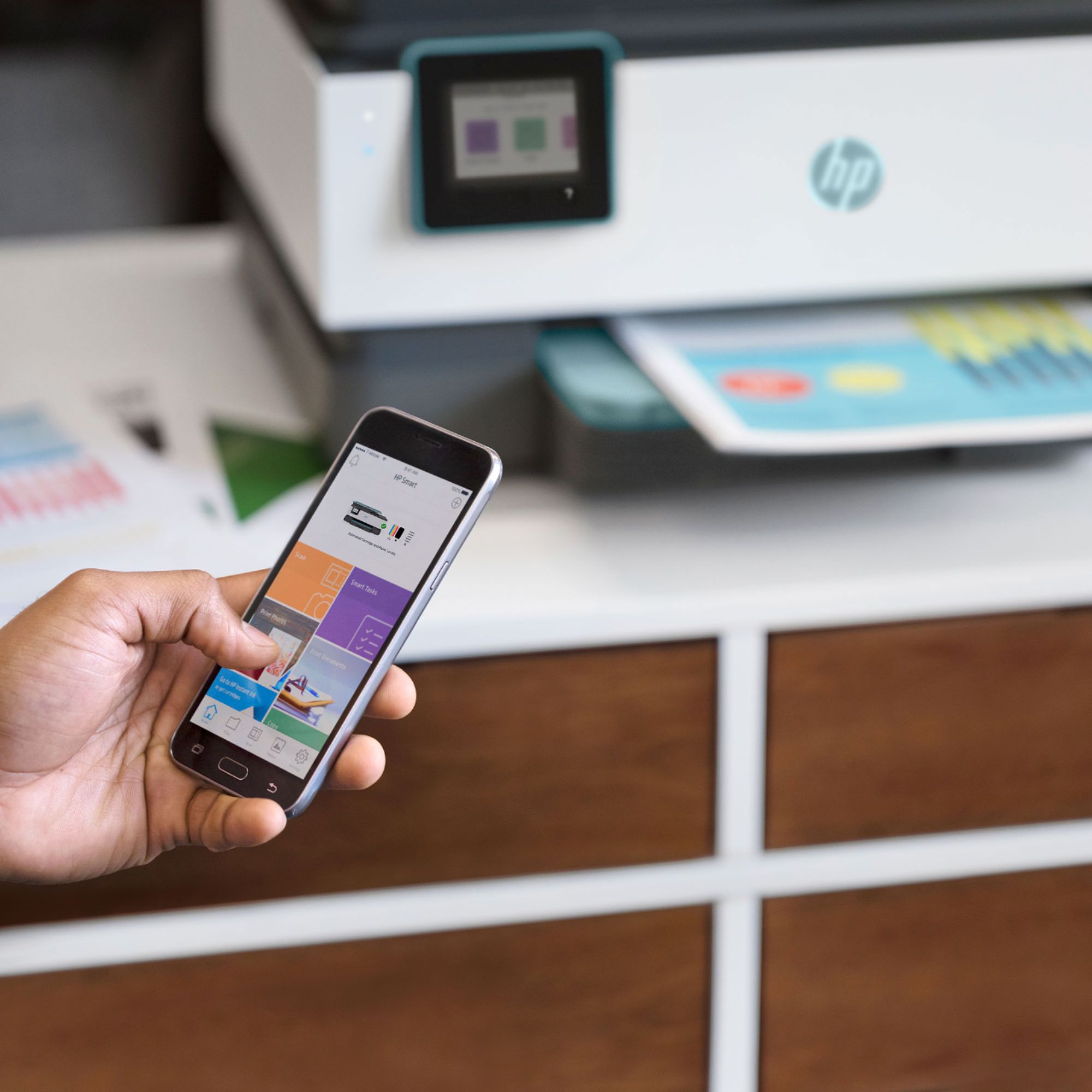
|Posted .This reviewer received promo considerations or sweepstakes entry for writing a review.I've owned and used dozens of HP printers, from a dot matrix and original DeskJet, to top of the line, multimedia color lasers. So I had no hesitation is selecting this printer for my house. I already own an HP Office Jet Pro (and love it), but I live in a two story farm house and the ranch office is upstairs, but I often need to scan or print something, so I selected this printer to fill that need. The price point is excellent for the purpose. This printer is exactly what I was looking for. Because it is wireless, I can tuck it anywhere and found a stairwell nook for the purpose. Set up only took a few minutes. Instructions are straight forward and easy to implement. Using the printer from my iPhone or other non-networked device was pretty simple, too! This will come in handy when I have clients that need something printed quickly. The automatic-two sided printing is wonderful (.... who can remember which way to put paper back in the tray on older models?) and scanning is a snap. The HP Smart App allows you to select between printers if you have more than one, and save your scans easily and where you want them, not just the 'scan' folder. I have not used the automatic ink but look forward to that since I live 20 miles from a Best Buy store and I'm bad about checking ink levels on my own! finally, I like the color scheme on the printer. I live in a dusty area and the lighter color definitely pleases me, although I wish they would have the option to choose one that is all white. It just looks a lot less 'stern' than the solid black/dark gray ones.
I would recommend this to a friend