Customer Ratings & Reviews

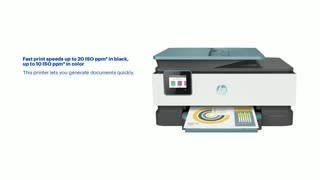
- Model:
- 3UC66A#B1H
- SKU:
- 6335318
Rating by feature
- Value
Rating 4.4 out of 5 stars
- Quality
Rating 4.4 out of 5 stars
- Ease of Use
Rating 4.4 out of 5 stars
Customers are saying
Customers praise the OfficeJet Pro 8035e for its excellent print quality, ease of use, and compact size, finding it to be a convenient and efficient printer for home use. Positive feedback also highlights the printer's wireless capabilities and straightforward setup process. However, some users experienced challenges with the paper tray.
This summary was generated by AI based on customer reviews.
Okay
||Posted . Owned for 1 month when reviewed.This reviewer received promo considerations or sweepstakes entry for writing a review.Cannot scan both sides of a page. Issue with paper detection.
No, I would not recommend this to a friendIt’s ok
||Posted . Owned for 3 weeks when reviewed.This reviewer received promo considerations or sweepstakes entry for writing a review.Prints very nice but cannot double side scan. Would not recommend.
No, I would not recommend this to a friendWARNING THIS WAS A BRAND NEW PRINTER
||Posted . Owned for 3 weeks when reviewed.This reviewer received promo considerations or sweepstakes entry for writing a review.EITHER I GOT A LEMON. FIRST TIME IN USING IT. IT SHOT OUT EST. 70 SHEETS OF PAPER....COULD NOT CANCEL IT. IT WAS LIKE SNOWING. NOBODY WAS TOUCHING IT AND IT KEPT COMING. PUT IN TWO PRINT IT EITHER PRINT ZERO OR IT SHOT OUT PAPER. I AM 83 YRS. WANTED ME TO BRING IT BACK TO THE STORE. TOO BAD THAT IS THE POLICY. I WAS ON THE PHONE WITH GEEK SQUAD FIXED IT OVER THE PHONE (new one) it took close to two hours. TOLD THE AGENT I COULD STOP PAYMENT HIS REPLY "do what you got to do". what a company. THE GEEK SQUAD ORDERED AND INSTALLED IT...PLUS RECOMENDED IT.
No, I would not recommend this to a friendDon't buy this for the instant ink
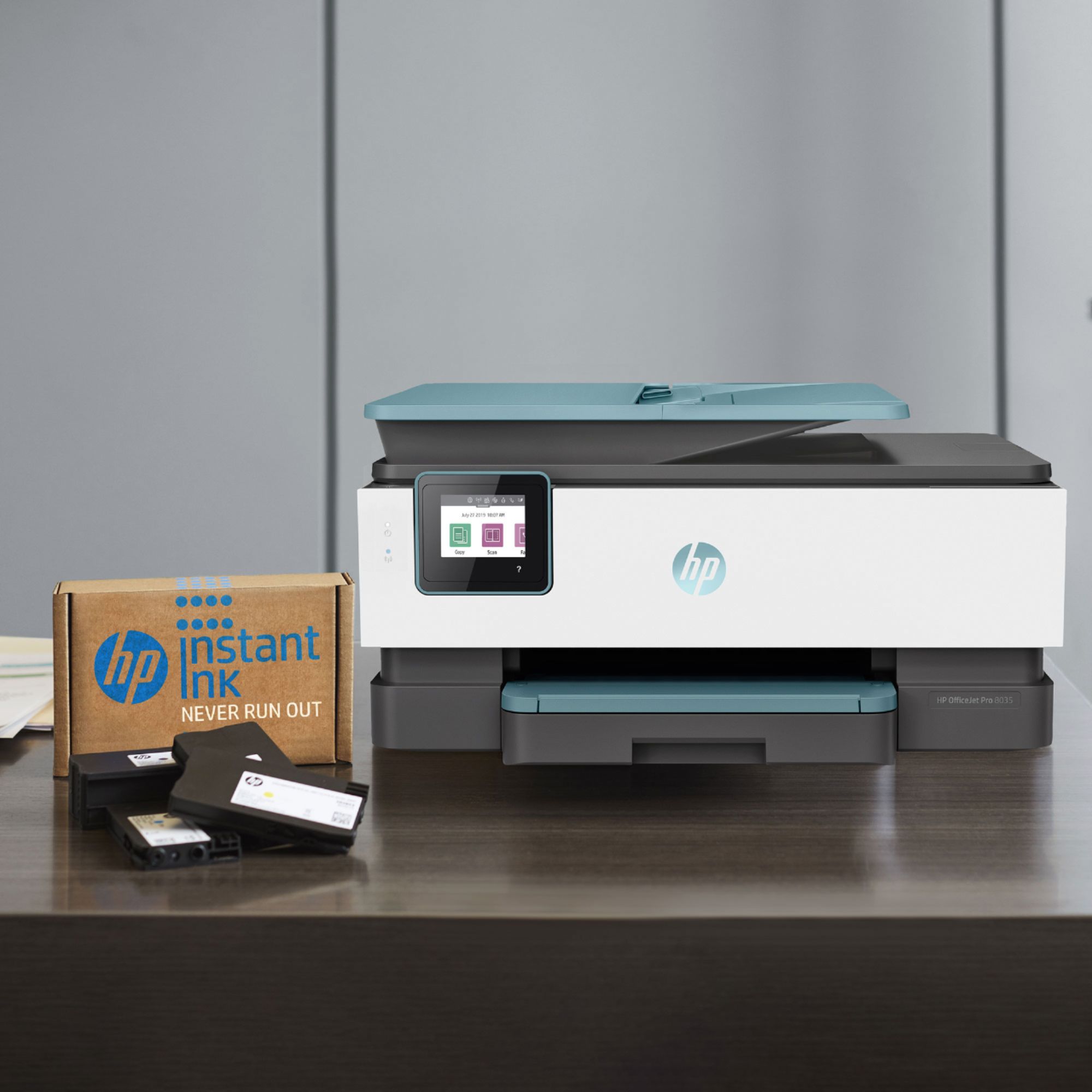
||Posted . Owned for 1 month when reviewed.This reviewer received promo considerations or sweepstakes entry for writing a review.This printer was purchased because of the 8 months of Instant Ink that is included. Well, that's a great idea if it worked but its now been over a month after enrollment and no ink. I've been out of black in for a couple of weeks and have contacted HP three times. Each time they promise ink will be expedited to me and yet still no ink. They also say the ink shipped but can't provide tracking. Oh and I live at a house with a normal address, so its not an issue with the address or theft.
No, I would not recommend this to a friend- Cons mentioned:Paper tray
Lousy machine
||Posted .This reviewer received promo considerations or sweepstakes entry for writing a review.A very frustrating piece of machinery. Spits out gobs of paper, unaligned printing, flimsy paper drawer which is poorly placed as well. I think I’ll send it back and eat the cost if I must. Really lousy.
No, I would not recommend this to a friendBrand response from HP Team
Posted .Hello there,
I want to sincerely apologize for all the problems the printer has been causing. We certainly build our printers with the intent of providing a reliable experience for our customers, so I can imagine how frustrating and disappointing a situation like yours can be.
Due to the vague nature of the issues, please reach out to us for support. We'd be more than happy to work through any troubleshooting or initiate a replacement under your printer's warranty. You can give contact us via: support.hp.com/us-en
On a related note, I'd like to mention the fact that HP printers do also have the warranty from their purchase date, so if you find you need to use it, I hope you will. To verify the warranty, you can use the following link: support.hp.com/us-en/checkwarranty
Kacper
HP Care
hp.com/support
Slow printing and scanning.
||Posted .This reviewer received promo considerations or sweepstakes entry for writing a review.Two weeks and already the auto feed tray is malfunctioning.
No, I would not recommend this to a friend- Cons mentioned:Reliability
Poor Performance and Support
||Posted . Owned for 1 month when reviewed.This reviewer received promo considerations or sweepstakes entry for writing a review.I have owned HP printers in the past but this one has been down more than operational. Tried HP support but they did not offer solutions. Will not purchase HP ion the future
No, I would not recommend this to a friendBrand response from HP Team
Posted .Hi there,
I'm incredibly sorry about the less than stellar experience you've had with both the printer and support. This is very upsetting to hear! I want to assure you that it's always our intention to provide much more quality in both regards, so I regret that we fell short here. Despite this, I do hope that you'll allow us an opportunity to make this right.
As I don't have enough information to identify the issue, I really hope you'll consider reaching out to us for support one more time. Though the first attempt wasn't very successful, we’d be grateful for another opportunity to work through this with you. You can give us a call at +1 800-474-6836 between the hours of 8 am - 9 pm ET. To speed up the process a bit, I recommend gathering this information:
- Model number
- Serial number
- Your location
- Your case number (from prior contact with support)
We look forward to making this right and, again, sincerest apologies.
Marco
HP Care
hp.com/support
ink eater
||Posted . Owned for 5 months when reviewed.This reviewer received promo considerations or sweepstakes entry for writing a review.Okay but be prepared to ink more often then you would like
No, I would not recommend this to a friendISSUES WITH TOP SCANNER
||Posted . Owned for 1 month when reviewed.This reviewer received promo considerations or sweepstakes entry for writing a review.THE TOP SCANNER DID NOT WORK. IT KEPT MAKING A NOISE LIKE IT WAS TRYING TO RUN PAGES THROUGH BUT WOULD NOT PULL PAPERS AND SCAN. I AM NOT SURE IF I JUST ENDED UP WITH A DEFECTIVE PRODUCT. ENDED UP RETURNING AS I NEEDED THE TOP SCANNER TO MAKE WORKING REMOTELY MORE EASIER.
No, I would not recommend this to a friendvery easy to use. I like that....
||Posted . Owned for 3 weeks when reviewed.This reviewer received promo considerations or sweepstakes entry for writing a review.not sure yet. too early to tell how I feel about the new printer
I would recommend this to a friendGREAT COLOR COPIES. BUT SLOW OVERALL
||Posted . Owned for 3 months when reviewed.This reviewer received promo considerations or sweepstakes entry for writing a review.SCANNING DOCUMENTS AND PHOTO PRINTING EXTREMELY SLOW.
No, I would not recommend this to a friendPrints well, but loses wi-fi connection easily
||Posted . Owned for 3 weeks when reviewed.This reviewer received promo considerations or sweepstakes entry for writing a review.loses wi-fi contact each time we use it, and we have to reset
No, I would not recommend this to a friendNice printer
||Posted . Owned for 3 weeks when reviewed.This reviewer received promo considerations or sweepstakes entry for writing a review.Really nice printer. Scanner is slow & not easy to setup.
I would recommend this to a friendNot so good or bad
||Posted . Owned for 1 month when reviewed.This reviewer received promo considerations or sweepstakes entry for writing a review.Not so great ,it is very slow while printing and noisy
No, I would not recommend this to a friendIt’s ok most the time it pulls 2 sheets of paper w
||Posted . Owned for 1 month when reviewed.This reviewer received promo considerations or sweepstakes entry for writing a review.You Get what you pay for so I think there are better ones
No, I would not recommend this to a friendPoor scanner and kept disconnecting from Wi-fi
||Posted . Owned for 2 weeks when reviewed.This reviewer received promo considerations or sweepstakes entry for writing a review.Scanning is very important to my business. The ADF on this scanner kept skipping pages and scanned pages came out very skewed. Just like my 6 year old HP Officejet I was replacing due to same issue. Plus it kept disconnecting from my wifi so most every day had to go to the printer in another room to restart it. Very inconvenient! So it went back to the store, glad it's out of my life.
No, I would not recommend this to a friend- Pros mentioned:Print quality, Setup

Everything you would expect
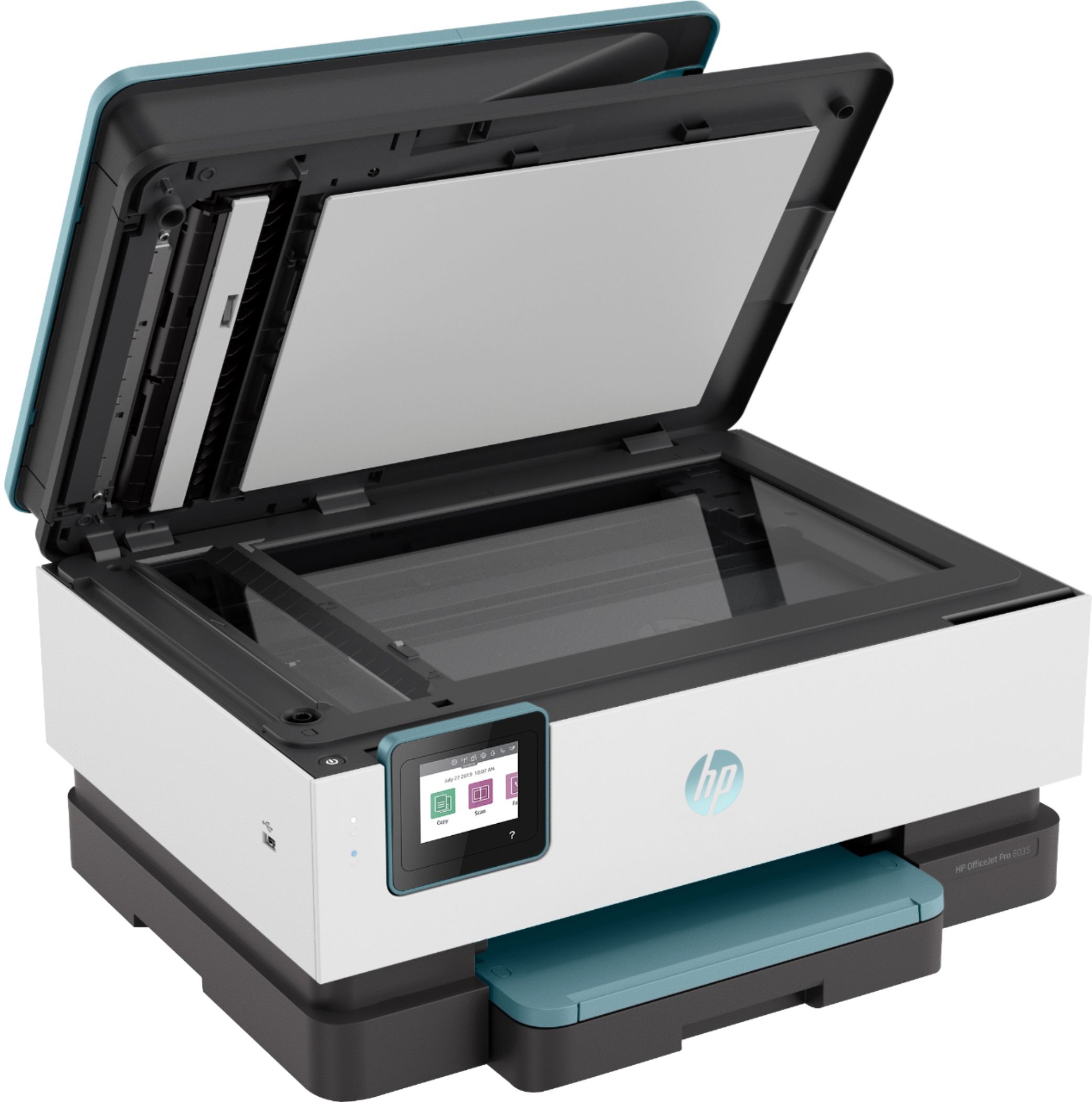
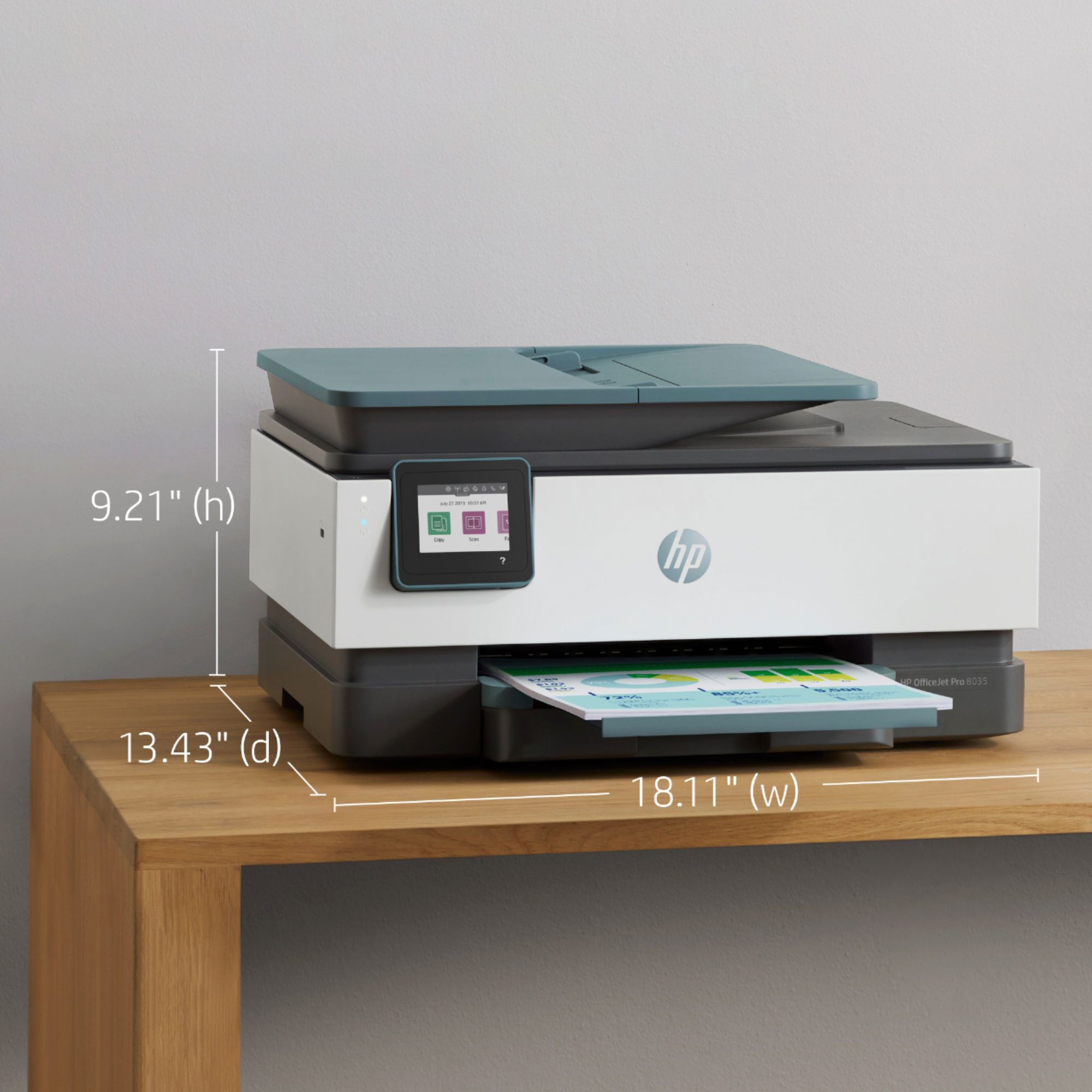
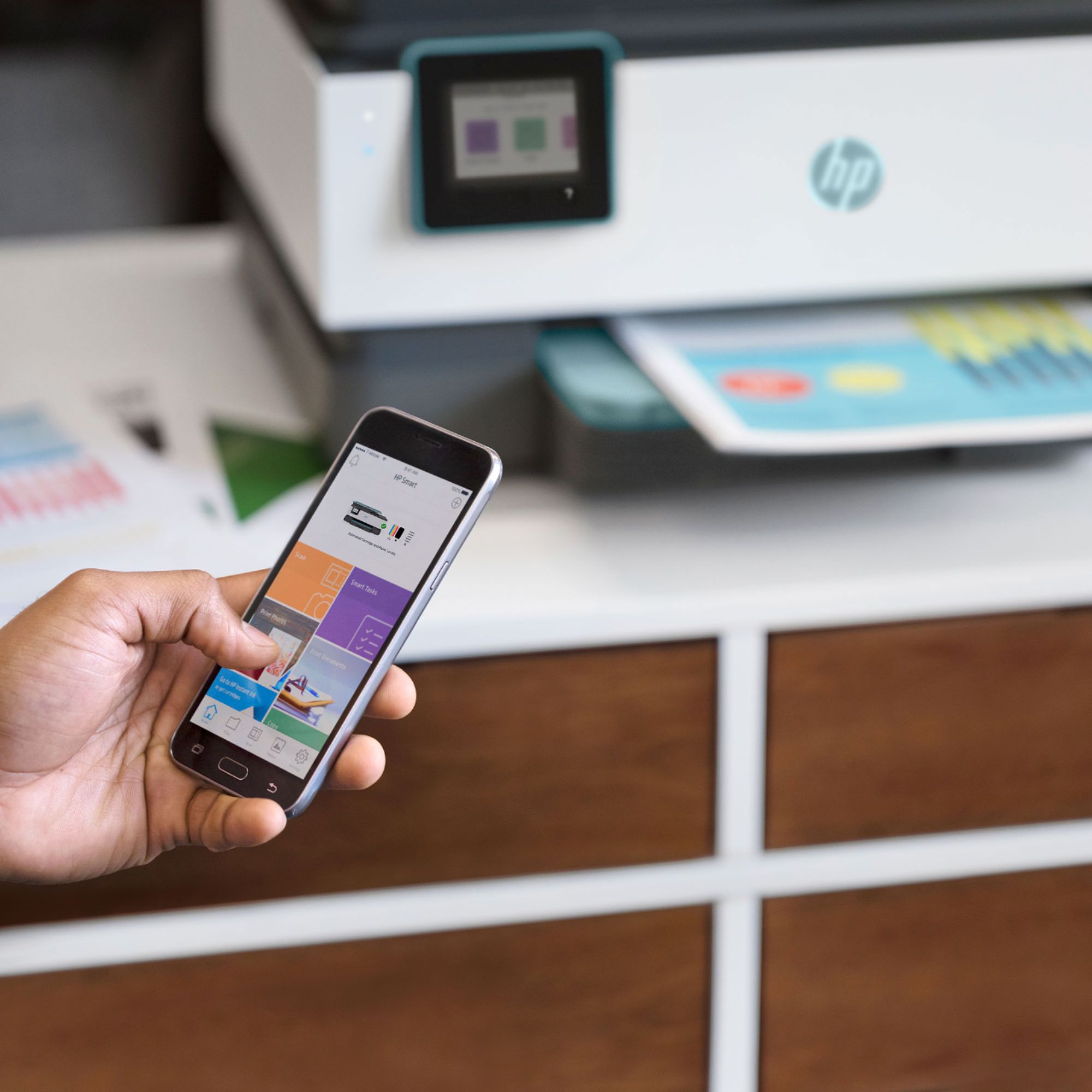
|Posted .This reviewer received promo considerations or sweepstakes entry for writing a review.I have always prefered HP printers. I have always had good luck with their printers and print quality has always been very good. The HP officejet pro 8035 is no exception. Setup was simple and straightforward out of the box. Just follow the simple instructions. I used the HP app on my android phone to finish the initial setup then downloaded the HP app from the microsoft store on my laptop and set up the printer on it. I guess there is no such thing as a software disk anymore, but installation and setup on my phone and computer took only a few minutes. This printer is kind of old school in the looks department. By that I mean, my last HP printer was rounded and curved making it look somewhat futuristic. This printer is square. It reminds me of the HP printers from a few years ago, the ones I really liked. This model has a large capacity paper tray, a very nice touch panel control and everything about it feels sturdy and of high quality. Most importantly, the quality of the prints are very, very good. Even scanned pictures and documents look very much like the originals. I really like the look and feel of this printer and as an added bonus, my unit comes with 8 months of free toner delivered to my house. I have always been able to recommend HP printers and this one is no exception. If you are in the market for a do it all printer to scan, print, fax (in color) and copy I think HP has a good unit in the 8035.
I would recommend this to a friend MOVE ON. I DO NOT RECOMMEND.
||Posted . Owned for more than 2 years when reviewed.This reviewer received promo considerations or sweepstakes entry for writing a review.If you print in black and white only, but love spending ungodly amount of $$$$ paying to replace colored ink cartridges then this printer is for you!!! I can't even tell you how many dollars I have been spent replacing colored ink cartridges when my printer settings are set to print in black and white only. It's honestly quite the racket. I'm surprised there aren't more lawsuits. Companies have been sued for less! The only thing I like about this printer is the fact that I can quickly scan a document and send it to my email.
No, I would not recommend this to a friendWill not recommend
||Posted . Owned for 1 month when reviewed.This reviewer received promo considerations or sweepstakes entry for writing a review.I had hp 8610 printer before which one much much better than new a lot of software and hardware issue i saw on this new one may be for the new user it will good.
No, I would not recommend this to a friendBrand response from HP Team
Posted .Hi there.
I’m sorry to hear that you’ve encountered difficulty with your printer. I can’t tell from your review specifically what software or hardware issues you’ve encountered, but I want to help you learn more about the device and get it working to your satisfaction, so I’ll direct you to some resources aimed at making that happen.
To learn more about your printer and all its features, or for help solving problems, you can access user manuals, how-to documents, software updates and troubleshooting guides here:
- support.hp.com/us-en/product/model/37934580
You can also visit a page on our support site that has diagnostic tools for various tasks and issues, including cartridge installation, print quality, operating system compatibility and connectivity. There you’ll also find a general-purpose tool called the HP Print and Scan Doctor. If you use Windows, the tool will help identify and guide you through solutions to a wide range of common printing and scanning issues. Visit that page here:
- support.hp.com/us-en/topic/diagnostics
If you need further assistance, I suggest that you contact us directly at +1 800-474-6836 so we can help you assess the situation and find a solution. (Please note that because of restrictions on personal movement and workplace attendance associated with the COVID-19 pandemic, wait times for agents are longer than normal. Thanks in advance for your understanding.) To expedite the process, I recommend gathering the following information before the call:
- Model number
- Serial number
- Your location
- Case number (from any previous contact with HP support)
Keith
HP Care
hp.com/support
no free ink
||Posted . Owned for 2 months when reviewed.This reviewer received promo considerations or sweepstakes entry for writing a review.i got this HP printer part of for the 8 months of instant ink, well the ink is not free, you get charged $12.51 for each replenish. Rip off.
No, I would not recommend this to a friend