Customer Ratings & Reviews





- Model:
- OfficeJet Pro 8125/C2VJ4A#B1H
- SKU:
- 6674509
to a friend
Customers are saying
Customers are impressed with the print quality, which is described as more than acceptable, and its connectivity, including an auto feeder for scanning. They also appreciate the straightforward setup process. The printer is noted for being quieter than most on the market and its compact size. Overall, it performs exactly as expected.
This summary was generated by AI based on customer reviews.

Decent Non Laser Printer
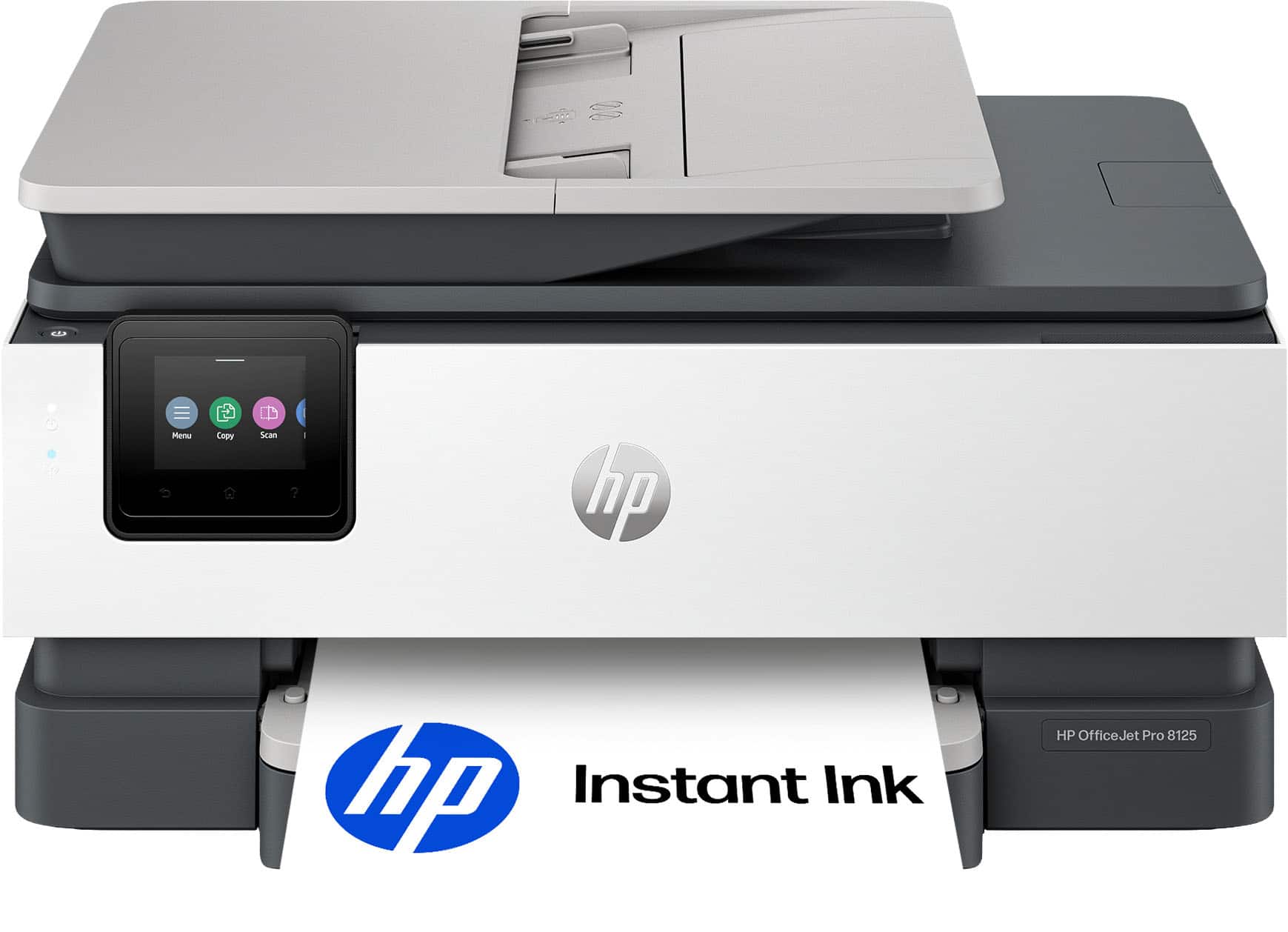
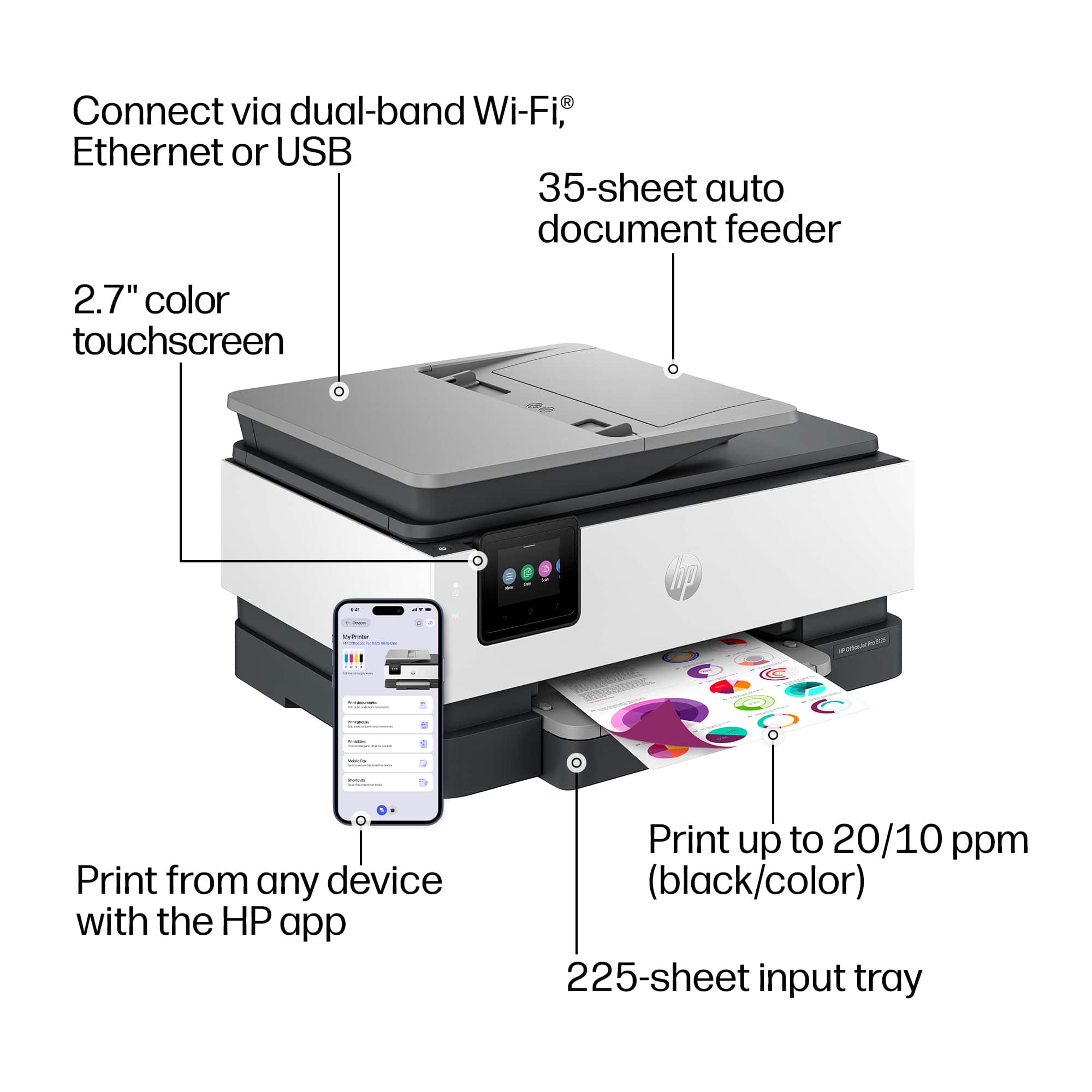
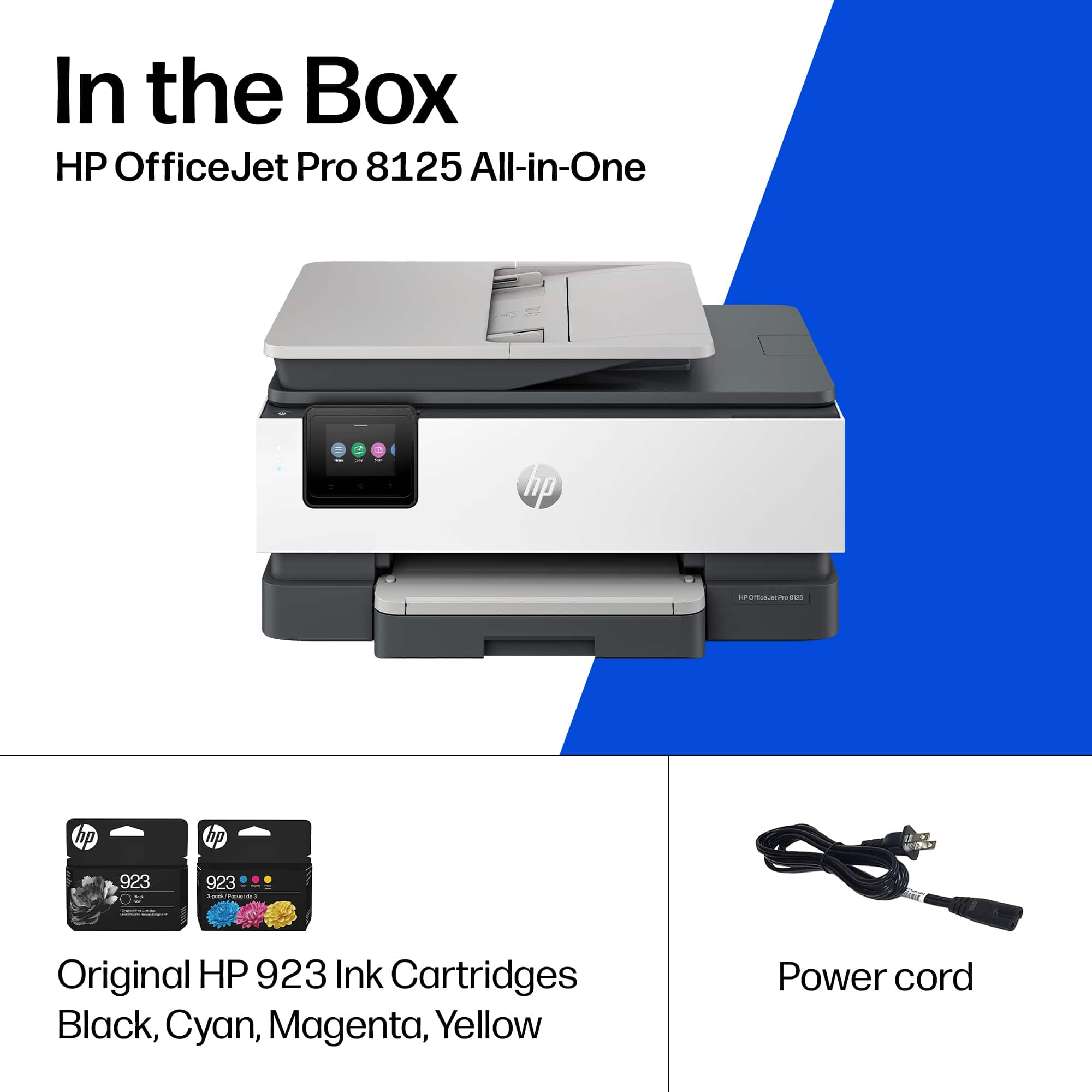
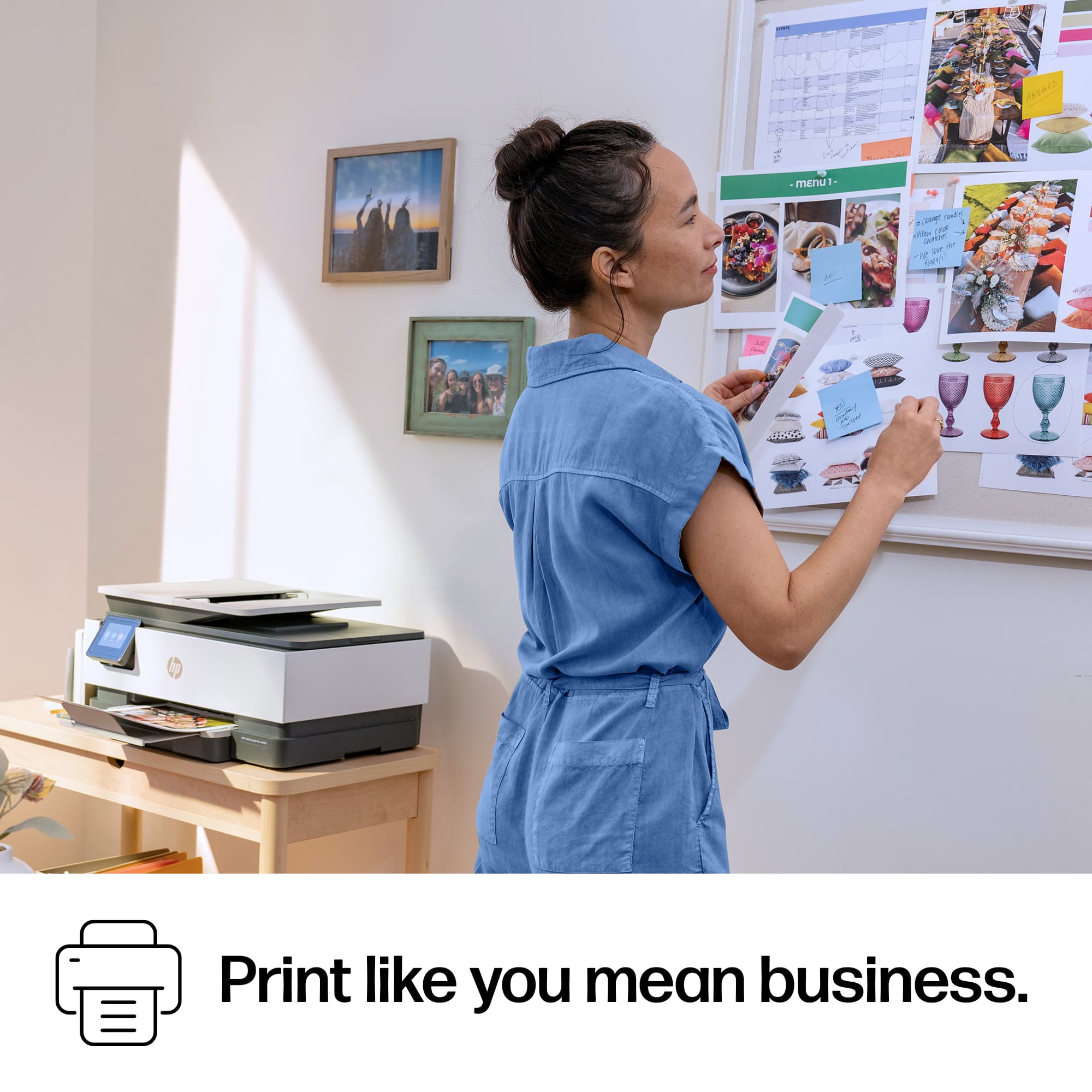
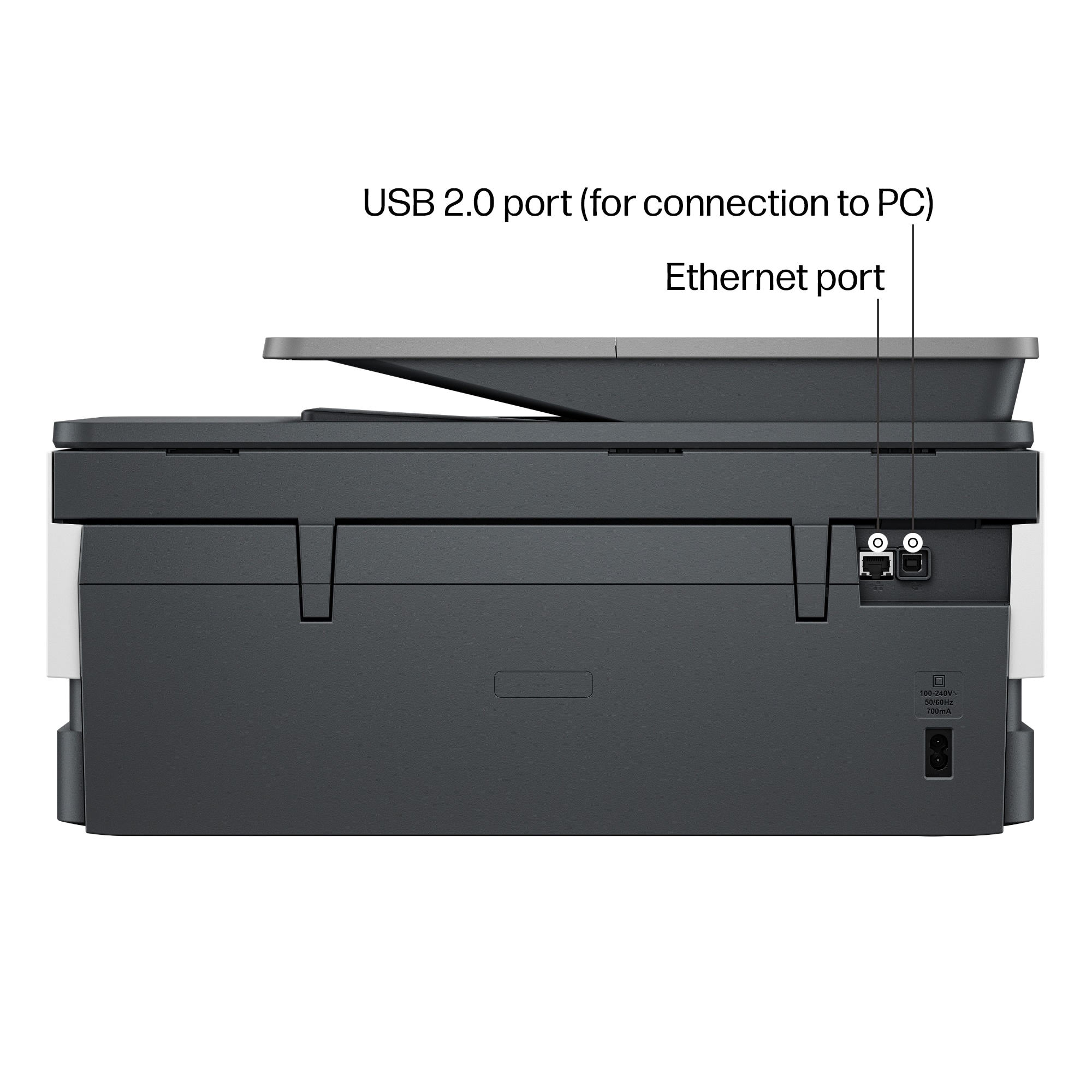
|Posted .This reviewer received promo considerations or sweepstakes entry for writing a review.As someone who regularly prints documents, flyers, and marketing materials, I was excited to test the HP OfficeJet Pro 8125 All-in-One Printer. After spending some time with it, I found it to be a capable all-in-one solution that balances print quality, speed, and connectivity for both home office and small business use. The printer offers printing, scanning, and copying functions, along with automatic duplex printing and a 35-sheet automatic document feeder. Unboxing and Setup Right out of the box, the OfficeJet Pro 8125 feels well-packaged and straightforward to set up. Inside, I found the printer, starter ink cartridges, power cable, and quick-start documentation. The printer has a clean, professional appearance that fits nicely in a home office or workspace without taking up excessive desk space. Setup was surprisingly simple. After installing the ink cartridges and loading paper, I connected the printer using the HP app. The touchscreen guided me through the initial configuration, and I was printing within minutes. The process felt beginner-friendly while still offering advanced networking options for more experienced users. Print Quality for Flyers One area where the OfficeJet Pro 8125 impressed me was flyer printing. Color graphics came out vibrant with good saturation, and text remained crisp and readable even when using smaller fonts. I tested several full-color flyers featuring images, logos, and detailed graphics. Colors looked professional enough for local advertising, community events, and business promotions. Black text was sharp and consistent without noticeable smearing or banding. For everyday office documents, reports, and presentations, the output quality exceeded my expectations for an inkjet printer in this price range. Whether printing color-heavy promotional materials or simple black-and-white documents, the results consistently looked clean and professional. Speed and Performance When it comes to speed, the OfficeJet Pro 8125 keeps up well with a busy workflow. Multi-page documents printed quickly, and I didn’t spend much time waiting around for jobs to complete. Flyer printing with heavy graphics naturally took a little longer than standard text documents, but the printer maintained a steady pace throughout larger print runs. Automatic two-sided printing is a welcome feature that helps save paper while remaining convenient for longer reports and presentations. For a home office or small business environment, I found the overall performance more than adequate for daily workloads. Wireless Capabilities Wireless connectivity is one of my favorite features of this printer. I was able to connect it to my network quickly and start printing from multiple devices without any complicated setup. During testing, I printed from Windows PCs, smartphones, and tablets with no issues. The HP app made it easy to print documents, scan files, monitor ink levels, and manage printer settings remotely. I also appreciate the flexibility of having Wi-Fi, Wi-Fi Direct, Ethernet, and USB connectivity options available. Wireless performance remained stable throughout my testing, and I experienced no significant connection drops. Conclusion After using the HP OfficeJet Pro 8125, I think it’s an excellent choice for home offices, remote workers, small businesses, and anyone who regularly prints flyers or marketing materials. What stood out most to me was the combination of vibrant print quality, reliable wireless connectivity, and solid print speeds. The printer produces professional-looking flyers with sharp text and vivid colors while remaining easy to set up and use. Pros * Excellent color quality for flyers and marketing materials * Sharp, professional-looking text * Fast document printing * Reliable wireless connectivity * Mobile printing support * Automatic duplex printing * Easy setup and operation Cons * Ink costs can add up for heavy color printing * Graphic-heavy prints take longer than basic documents * Periodic maintenance is typical of inkjet printers Final Verdict The HP OfficeJet Pro 8125 delivers a strong balance of quality, speed, and convenience. For users who need a dependable all-in-one printer capable of handling everything from everyday paperwork to full-color promotional flyers, it’s a solid performer that offers excellent value and a user-friendly experience.
I would recommend this to a friendModest Printer/ Trustworthy Brand/ HP
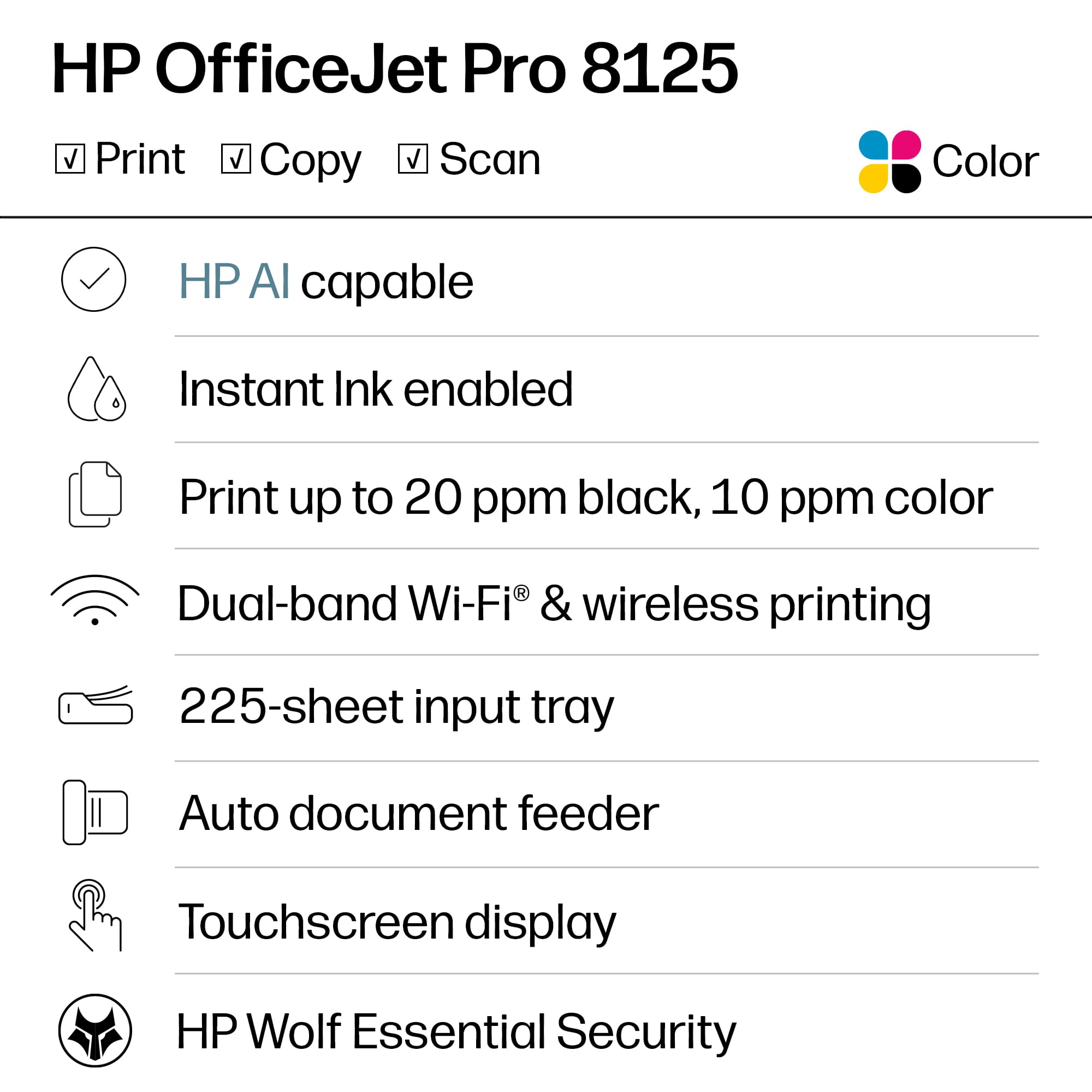
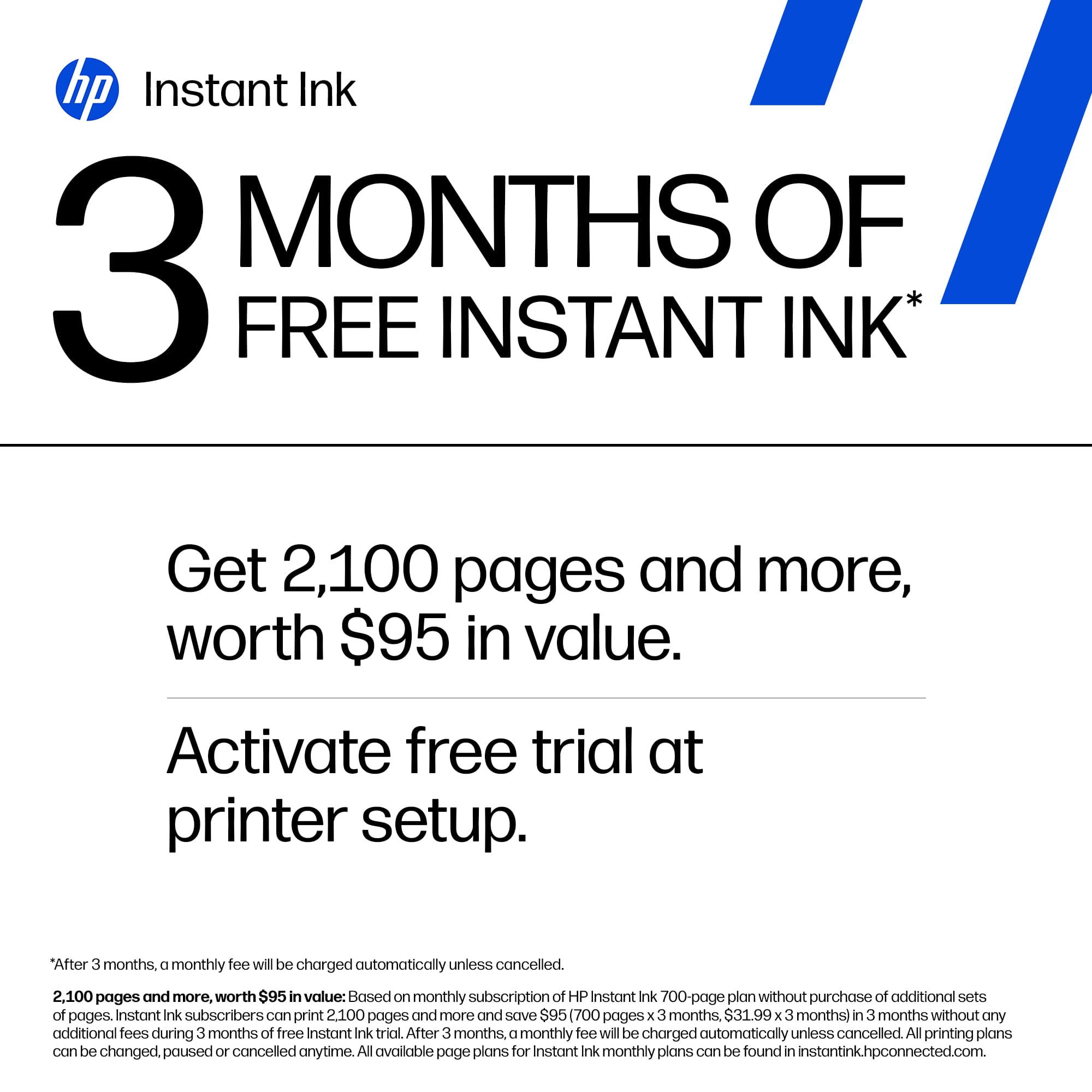
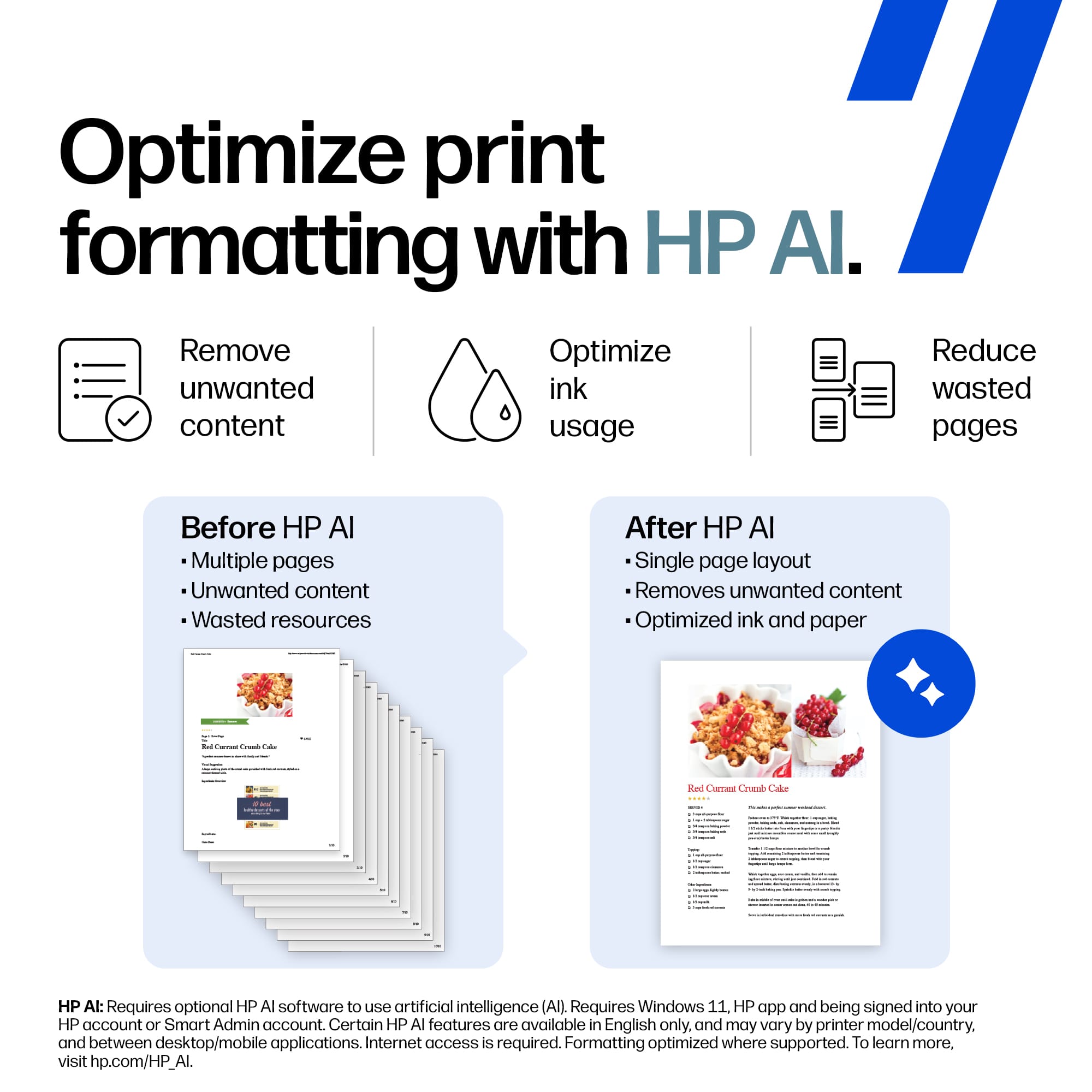
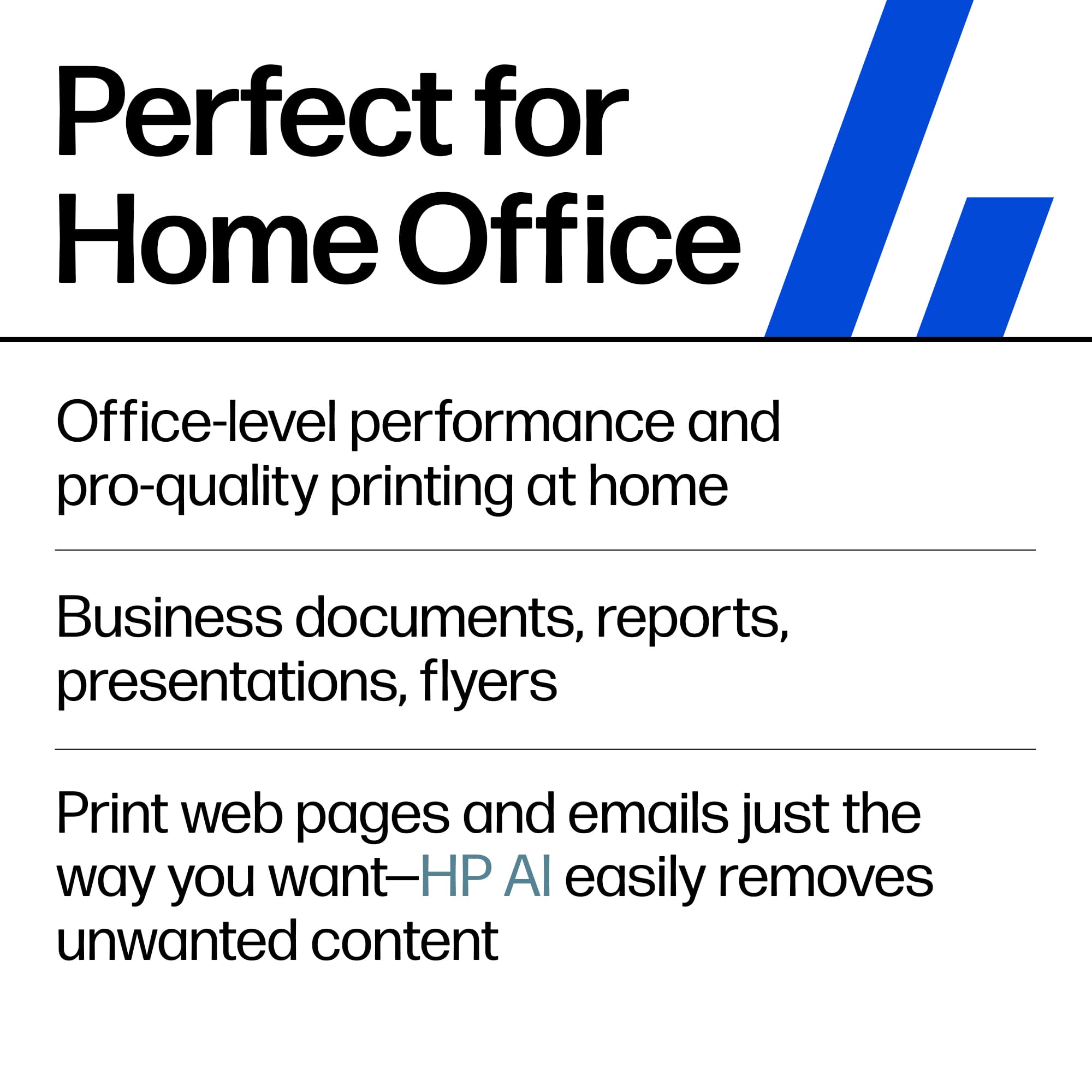
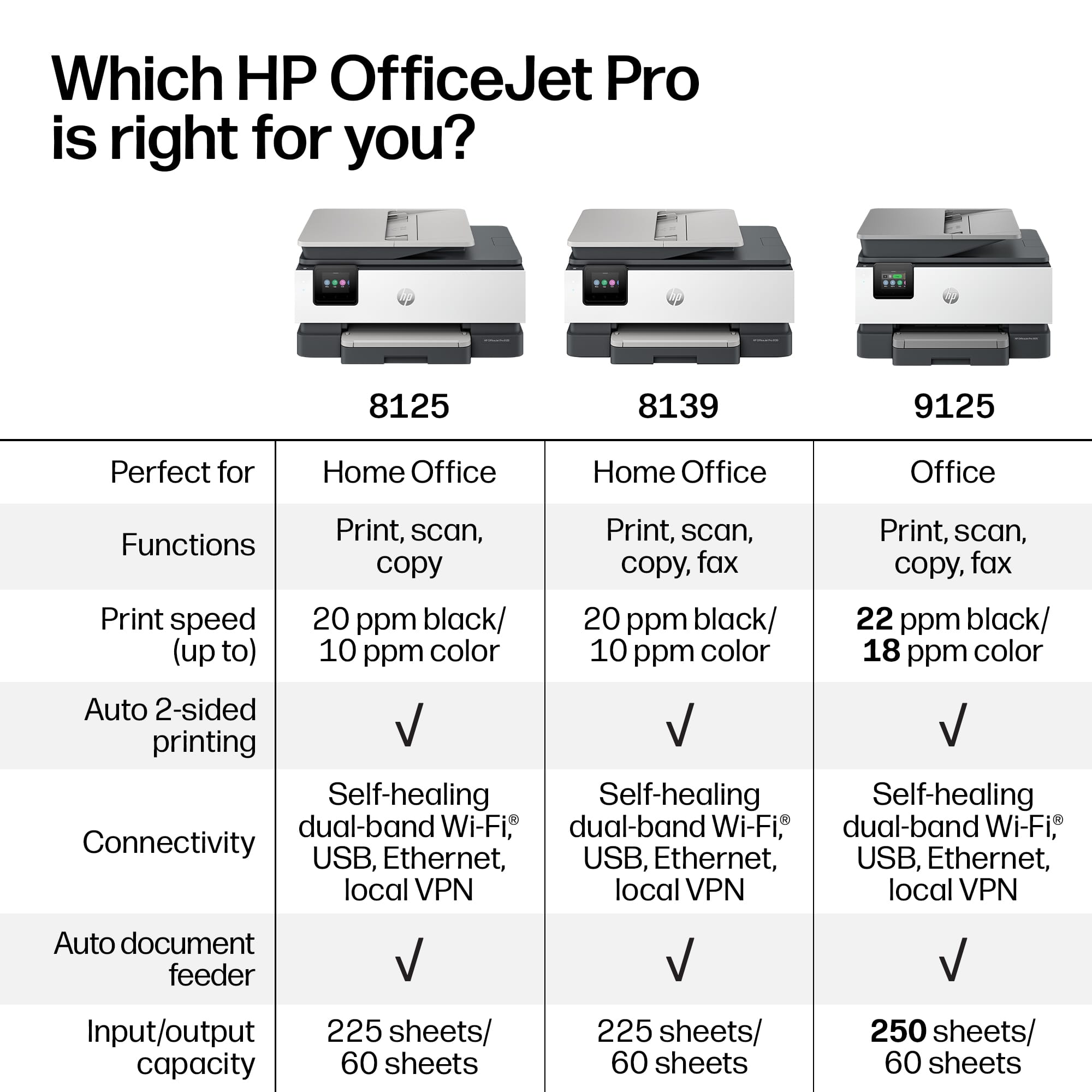
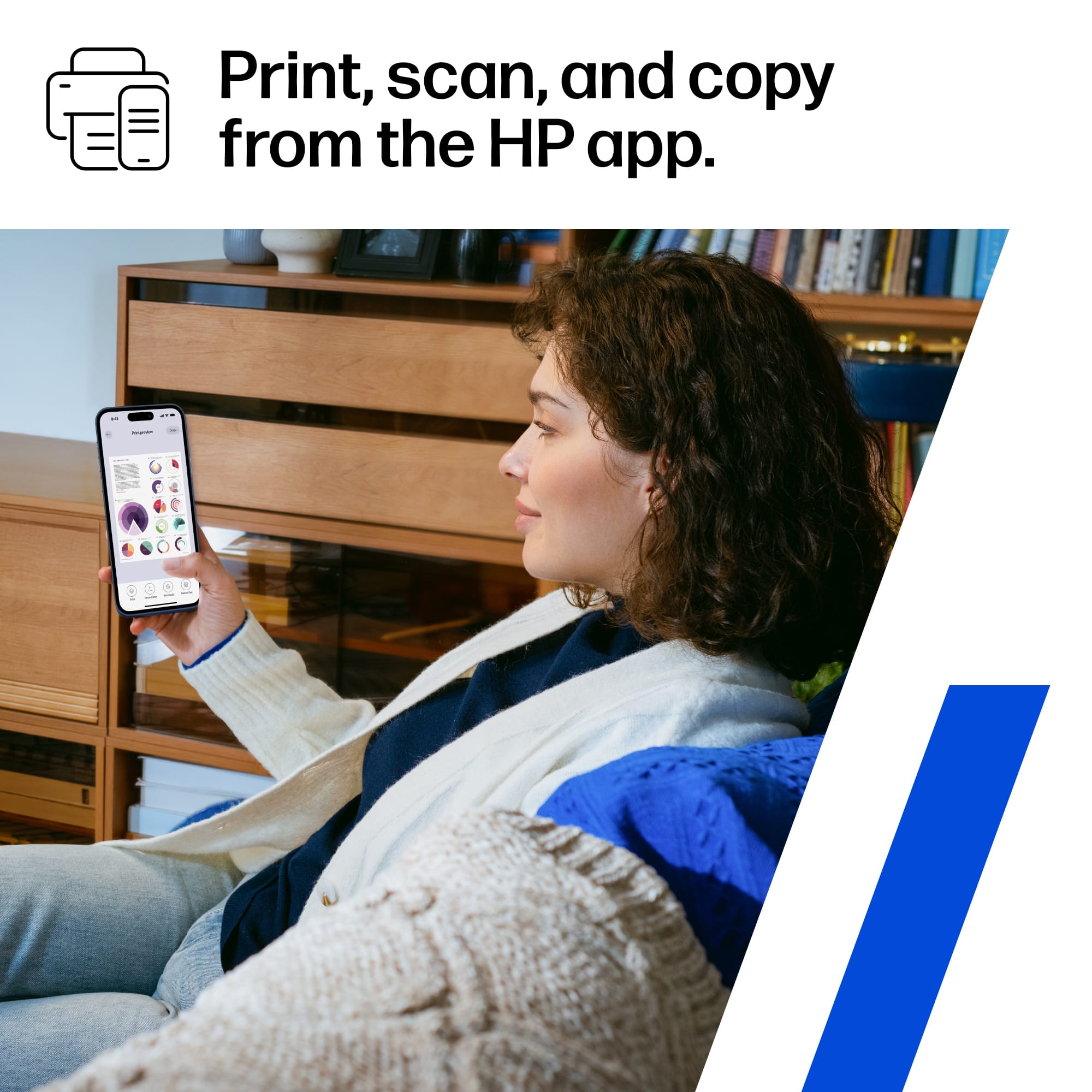
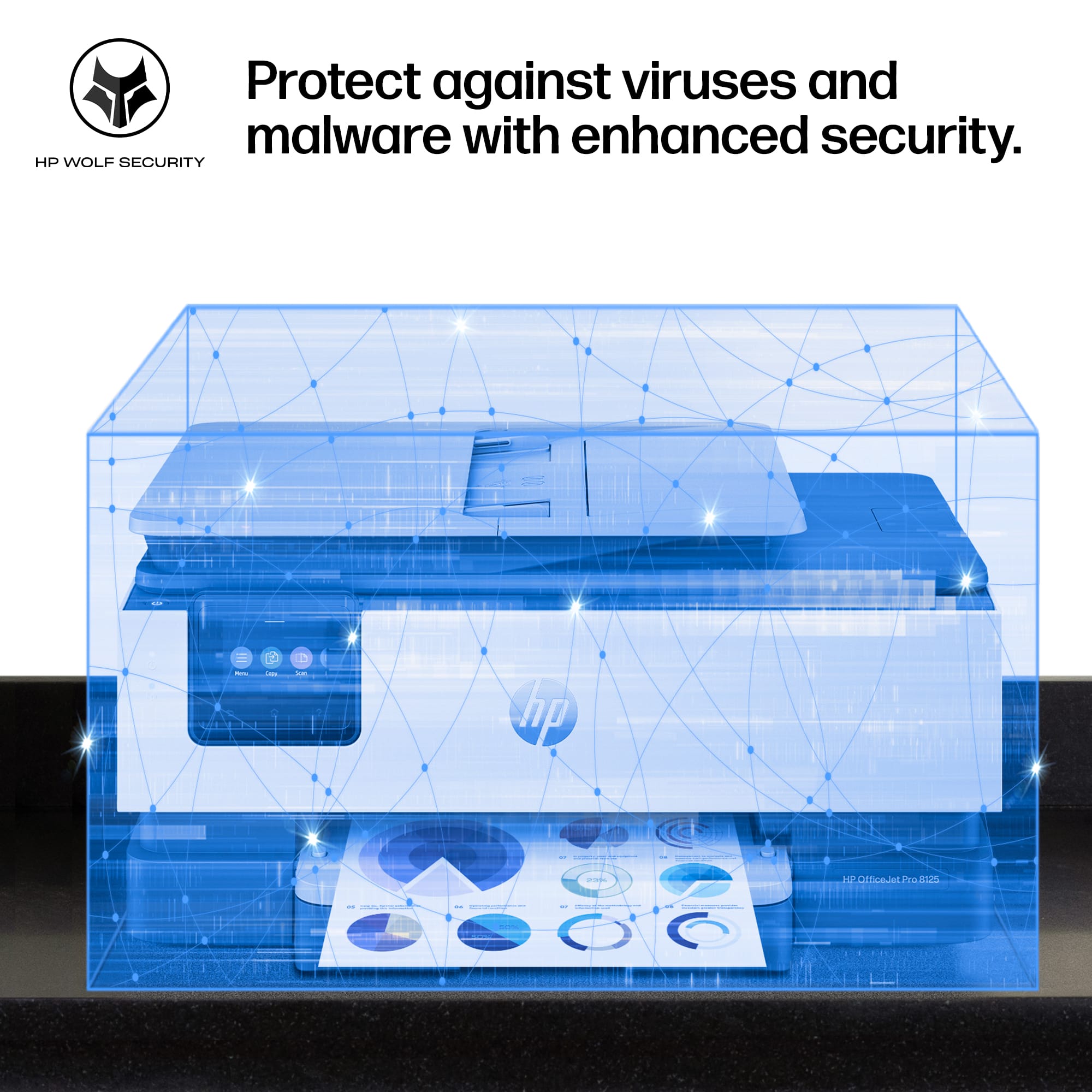
|Posted .This reviewer received promo considerations or sweepstakes entry for writing a review.The HP OfficeJet Pro 8125 color inkjet all-in-one printer is for home offices and small businesses. I used the useful features to print, scan, and copy. This printer does not offer direct fax. The printer automatically used duplex printing to print my documents. Although it was a little slower than other higher-end printers,the HP printer scanned and copied 35 sheets of documents flawlessly. The scanning resolution captured fine details, and the copy function maintained its quality. Moreover, the text material emerged crisp and neat, rivaling more expensive laser printers. The HP OfficeJet Pro comes with a smart app that turns your smartphone into a mobile command center, letting you print, scan, copy, or fax from anywhere. I used the AI feature in the HP app to generate printed copies of an online news story. AI removed unwanted ads, navigation bars, and irrelevant content, delivering precisely what I wanted to print. This optimizes print formatting to save paper and ink by preventing awkward layouts and removing unwanted content, so you print only what you intend. You can also communicate with this printer wirelessly, via Ethernet, or via USB connectivity. The printer achieves 20 pages per minute in black and about 10 pages per minute in color. The paper tray holds 225 sheets and supports automatic 2-sided printing up to 8.5 x 14 inches. The 2.7-inch color touchscreen with tilt was a bit frustrating to operate. I found it slow and unresponsive at times. HP states the resolution is 4800 x 1200 optimized dpi color. The printer uses HP 923 series cartridges. With an Insta Ink subscription, HP states it can deliver ink at up to 50% off the regular price after 3 months, with a monthly fee. The security-conscious users will appreciate the HP Wolf Security Essential Suite. This enterprise-grade safeguard protects your network from online threats, making it necessary for handling sensitive business documents. Overall, the HP OfficeJet Pro 8125 offers good-quality printing. It is suitable for office or, to a lesser extent, printing school reports, newsletters, and more. The HP OfficeJet Pro 8125, however, lacks the ability to print photo-quality pictures. The printing speed is decent. Setup was easy, and the HP Smart app was quick. I did not experience any paper jams, support issues, or ink errors. I would recommend this printer for moderate use in home offices and small businesses.
I would recommend this to a friendGreat all around business tool
|Posted .This reviewer received promo considerations or sweepstakes entry for writing a review.I’ve been using the HP OfficeJet Pro 8125 in my home office for a couple of weeks now and it’s a good all-around printer for business and personal use. As I work with a lot of documents, spreadsheets, presentations and occasionally color graphics, I wanted something that can be used for a moderate workload without taking up a lot of space. The 8125 has done well in this role. Setup was simple and I was up and running quickly. The wireless connection has been good enough that I can print on my desktop, laptop, tablet and phone without having to fix tconnection issue. That’s something I can’t say about every printer I’ve owned over the years. The print quality is very good both for black-and-white and color documents. Text looks sharp and professional and color graphics are bright enough for reports, presentations and marketing materials. The automatic document feeder is a feature I use a lot and use often for scanning or copying multi-page documents. It can be done in a lot less time than manually feeding pages one at a time. The one thing that i appreciate is the speed. A single page or an entire batch of documents is printed and the printer is quick and doesn’t hold me around waiting. The touchscreen is easy to use and so are the settings, scanning and maintenance options. The 8125 also manages to strike a good balance between performance and size. It doesn’t dominate my workspace, but it still features the things I need for a productive home office environment. Paper handling has been reliable and with no misfeeds or jams thus far during normal use. The HP OfficeJet Pro 8125 is great for a home office user who needs a capable multifunction printer for daily work tasks, document scanning, copying, and occasional color printing, it has been a dependable piece of equipment that simply gets the job done without creating extra headaches. That’s ultimately what I want from any office technology…reliable performance…consistent results…and minimal fuss.
I would recommend this to a friendA good allrounder
|Posted .This reviewer received promo considerations or sweepstakes entry for writing a review.Here's the version with no dashes. --- **HP OfficeJet Pro 8125 Review** **Quick take** Bought this for my home office about two months ago and it's been a workhorse for everyday printing, scanning, and the occasional copy job. Does what it should without much fuss. Just know what you're signing up for with HP ink before you buy. **What I liked** - Quick on documents, doesn't make me wait around - The 225 sheet tray means I'm not constantly refilling - Text comes out clean and sharp, and it doesn't smudge - Setup took maybe ten minutes, Wi-Fi has stayed connected - Auto two sided printing and the feeder save real time **What bugged me** - It only takes HP cartridges, full stop. No cheaper off brand option - Photos look pretty meh, fine for documents but not memories - Ink gets expensive unless you do their Instant Ink plan - Jammed on me twice in the first month **The longer version** If you mostly print documents, this thing handles it well. Text is crisp, the feeder and duplex are genuinely useful for longer jobs, and I haven't had to babysit the Wi-Fi like I did with my old printer. My one real gripe is the ink situation. HP locks you into their cartridges, so your running cost basically depends on subscribing to Instant Ink. Photos aren't its strength either. For me it's a keeper since I print mostly paperwork, but if cheap ink matters to you, shop around first.
Great All in one inkjet color printer
|Posted .This reviewer received promo considerations or sweepstakes entry for writing a review.This is a really nice all in one inkjet printer. Out of the box it is very easy to setup. It is nicely packaged and is almost completely setup. You just need to take it out and then pull some tape off and insert the included ink cartridges and add paper. Setting up this printer is very easy as there is a step by step guide online that you can watch on your phone. It makes you go through steps and then has you download the HP app that helps make you use your all in one printer. You follow the steps and add your wifi password and then you go online with your phone and you can start sending copies or prints to the printer wirelessly. This setup worked flawlessly and I was able to print out some documents I needed as well as helping me make copies. I really enjoy the print feature of this unit and also the copier function where I needed to create some double sided copies. I really like that I can send a printer job anywhere in the house and know that it will be printed out in a matter of seconds after clicking on print.
I would recommend this to a friendGreat hardware but subscription push
|Posted .This reviewer received promo considerations or sweepstakes entry for writing a review.I had a chance to use the HP OfficeJet Pro 8125 for my office, and while the printer/scanner itself works fine once it's up and running, getting it there was frustrating. The initial setup out of the box using my phone app went smoothly enough. However, the trouble started when I tried to connect it to my laptop. Setting it up wirelessly was a hassle. The OfficeJet just wouldn't cooperate. Out of frustration, I grabbed a standard USB cable and plugged it directly into my laptop which instantly worked for printing and scanning. I eventually got the wireless function to work but that was a pain. Printing a page was fast and easy. Scanning was simple however my 2 scans were off a little when using the document feeder. I have to say every single step of the installation process felt like a forced march to get me to use the app. It shouldn't be this difficult to install a standard printer and scanner driver on a computer. It feels like HP has intentionally over-complicated the traditional plug-and-play setup to force users into their ecosystem. I think the underlying reason for all this app-pushing and mandatory Wi-Fi connectivity becomes obvious, HP is trying to funnel you into their Instant Ink subscription service. By forcing the printer to stay online and keeping you hooked into the app, they can constantly monitor your ink levels and pitch you monthly plans. For some it’s a good service and works for them. But for me I just want something to work. The machine prints and scans well once the gauntlet is over, but HP needs to realize that sometimes a USB cable and a basic driver are all an office needs.
I would recommend this to a friend- Pros mentioned:Print quality
The HP 8000 Line Isn't What it Used to Be
|Posted .This reviewer received promo considerations or sweepstakes entry for writing a review.Let me preface this with the fact that I am replacing an HP Officejet pro 8710, which has been favorite printer I have ever owned. I was excited to try out the Officejet pro 8125, as I assumed they would be the same caliber of product. They are not. I will say that I am greatly underwhelmed with the Officejet pro 8125. It feels incredibly flimsy, especially as compared to the 8710. The plastic is all very thin, making me feel like these will break easy. I also do not appreciate that an app is required to set up the printer. The printer has a touch screen, it is completely capable of being set up without an app. The initial basic setup for this printer took at least 25 minutes, much longer than the last printer I setup. Despite my complaints, the printing itself, while not particularly fast, does produce great quality. The scans are also very slow, but seem to produce excellent quality as well. The included ink cartridges are very small, so I can't say this from experience, as I have only had this for a few days, but it also appears that ink will need to be replaced very often.
No, I would not recommend this to a friend