Customer Ratings & Reviews
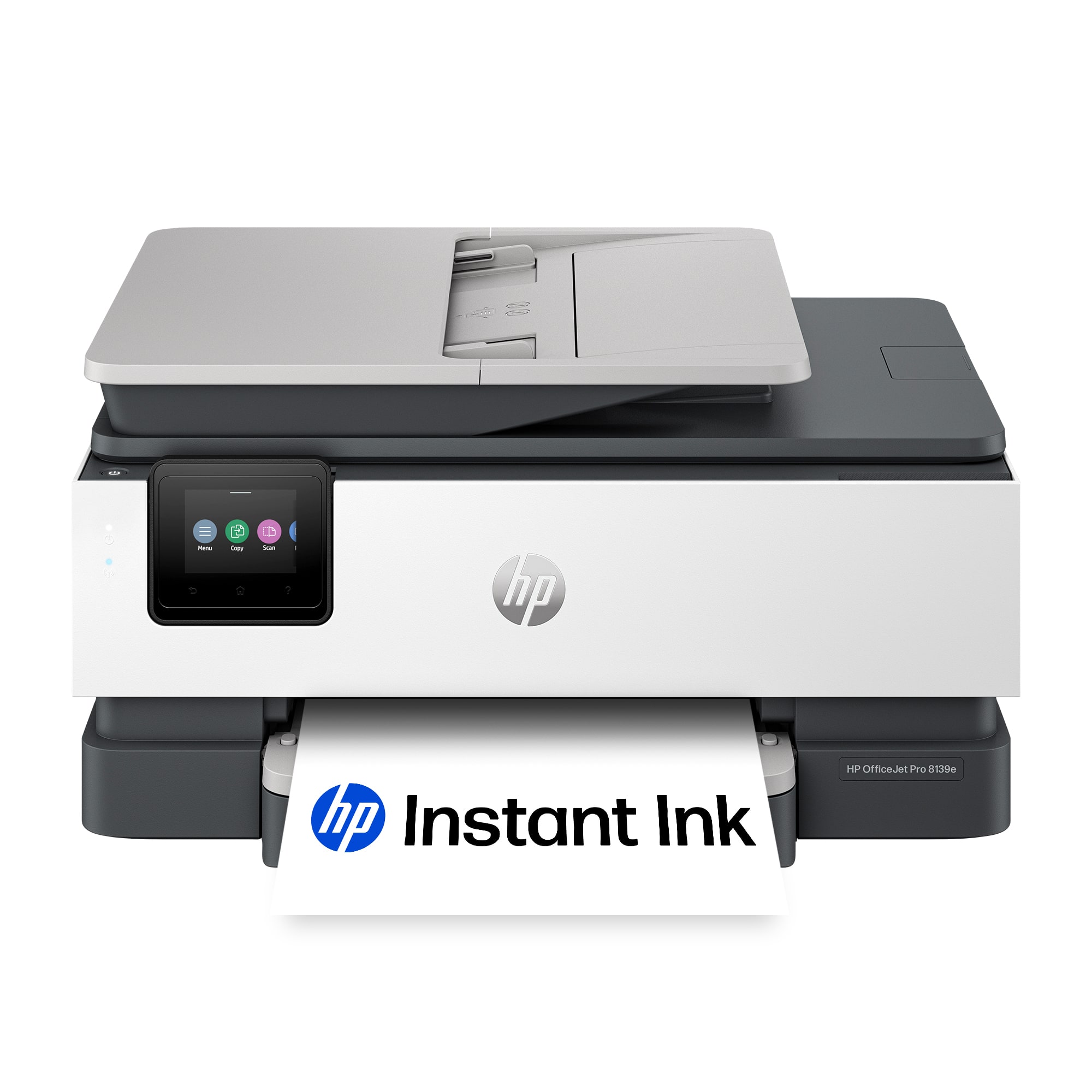
- Model:
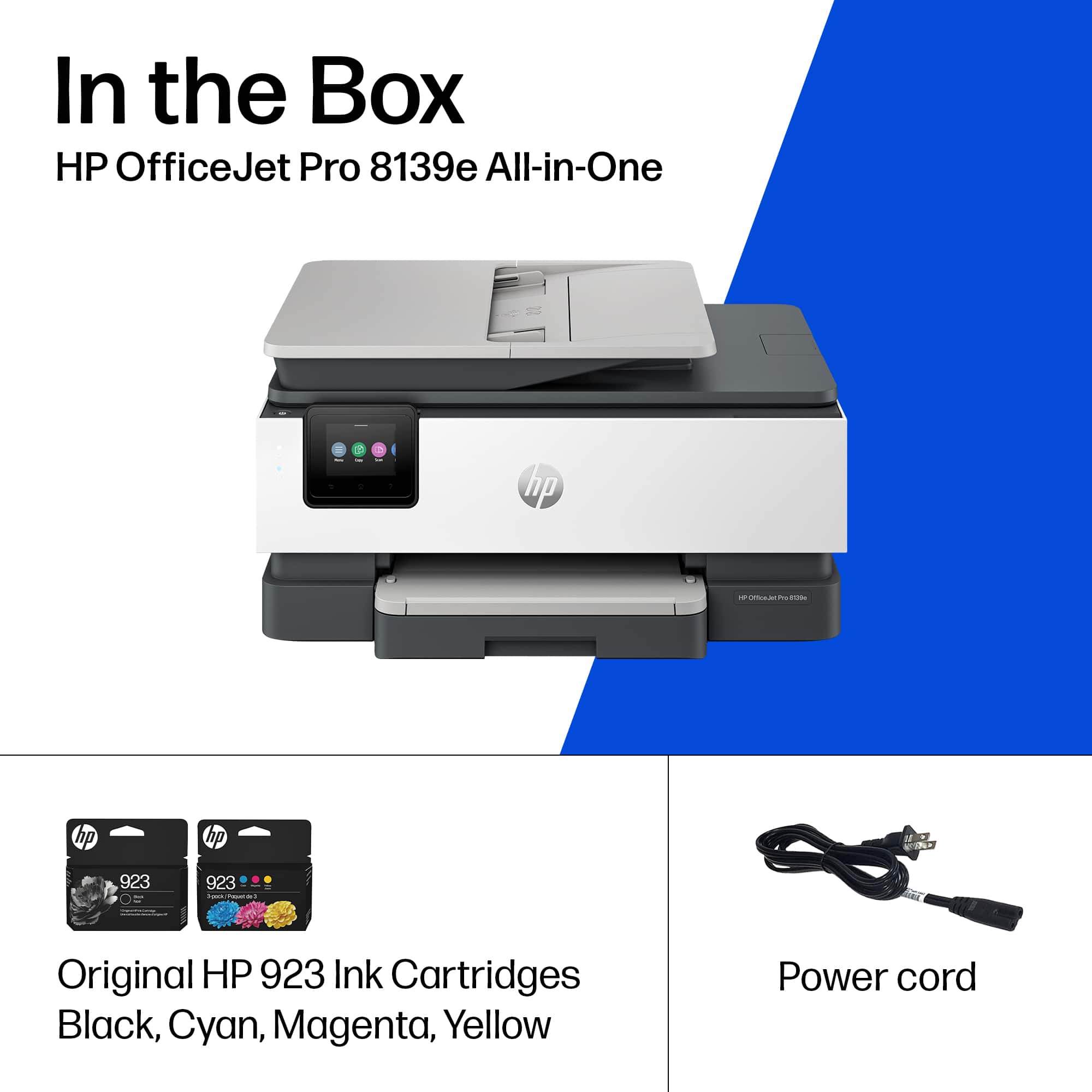
- OFFICEJET PRO 8139E/40Q51A#B1H
- |
- SKU:
- 6565474
Customer reviews
Rating 4.3 out of 5 stars with 299 reviews
(299 customer reviews)Rating by feature
- Value4.4
Rating 4.4 out of 5 stars
- Quality4.3
Rating 4.3 out of 5 stars
- Ease of Use4.3
Rating 4.3 out of 5 stars
Customers are saying
Customers admire the OfficeJet Pro 8139e for its excellent print quality and ease of use. Many find the overall performance satisfactory and appreciate the straightforward setup process. However, some customers have experienced occasional connectivity issues and suggest improvements to the paper tray capacity, while others feel the printing speed could be faster.
This summary was generated by AI based on customer reviews.
Rated 1 out of 5 stars
Don't buy
||Posted . Owned for 1 week when reviewed.This reviewer received promo considerations or sweepstakes entry for writing a review.The printer will print its own test pages, but I only got 2 pages of my own to print. After that, it started spitting out blank pages. Apparently, HP counts the number of pages that it spits out, whether there is ink on them or not for the Instant Ink plans. I did all of the troubleshooting, as well as restarting it. I am returning it.
No, I would not recommend this to a friendRated 1 out of 5 stars
Faulty printer. Constantly freezes/unresponsive.
||Posted .This reviewer received promo considerations or sweepstakes entry for writing a review.I was hoping this would be an upgrade to my HP 7900e, but this printer is garbage. It constantly locks up and does not respond. The only way to reset it is to unplug it and wait for it to restart. I do not recommend this printer.
No, I would not recommend this to a friendRated 1 out of 5 stars
Difficult to use
||Posted .This reviewer received promo considerations or sweepstakes entry for writing a review.This has been a nightmare since I got it home. I still can't scan anything on it. I can't download the scanning software. It can copy and fax but is much slower than my old printer and the panel is more difficult to use.
No, I would not recommend this to a friendRated 1 out of 5 stars
DO NOT BUY
||Posted . Owned for 1 month when reviewed.This reviewer received promo considerations or sweepstakes entry for writing a review.This printer would not turn off unless we unplugged it and it takes too many sheets of paper no matter what. We returned it!
No, I would not recommend this to a friendRated 2 out of 5 stars
purchase of an HP Office Jet Pro 8139
||Posted . Owned for 1 month when reviewed.This reviewer received promo considerations or sweepstakes entry for writing a review.This printer is OK, but not as straightforward to use as my previous Epson. I might return it. In addition, the screen for making print choices is smaller than I would expect.
No, I would not recommend this to a friend- Pros mentioned:Print quality, Setup
Rated 5 out of 5 stars
Small business or Home office mate, in the making
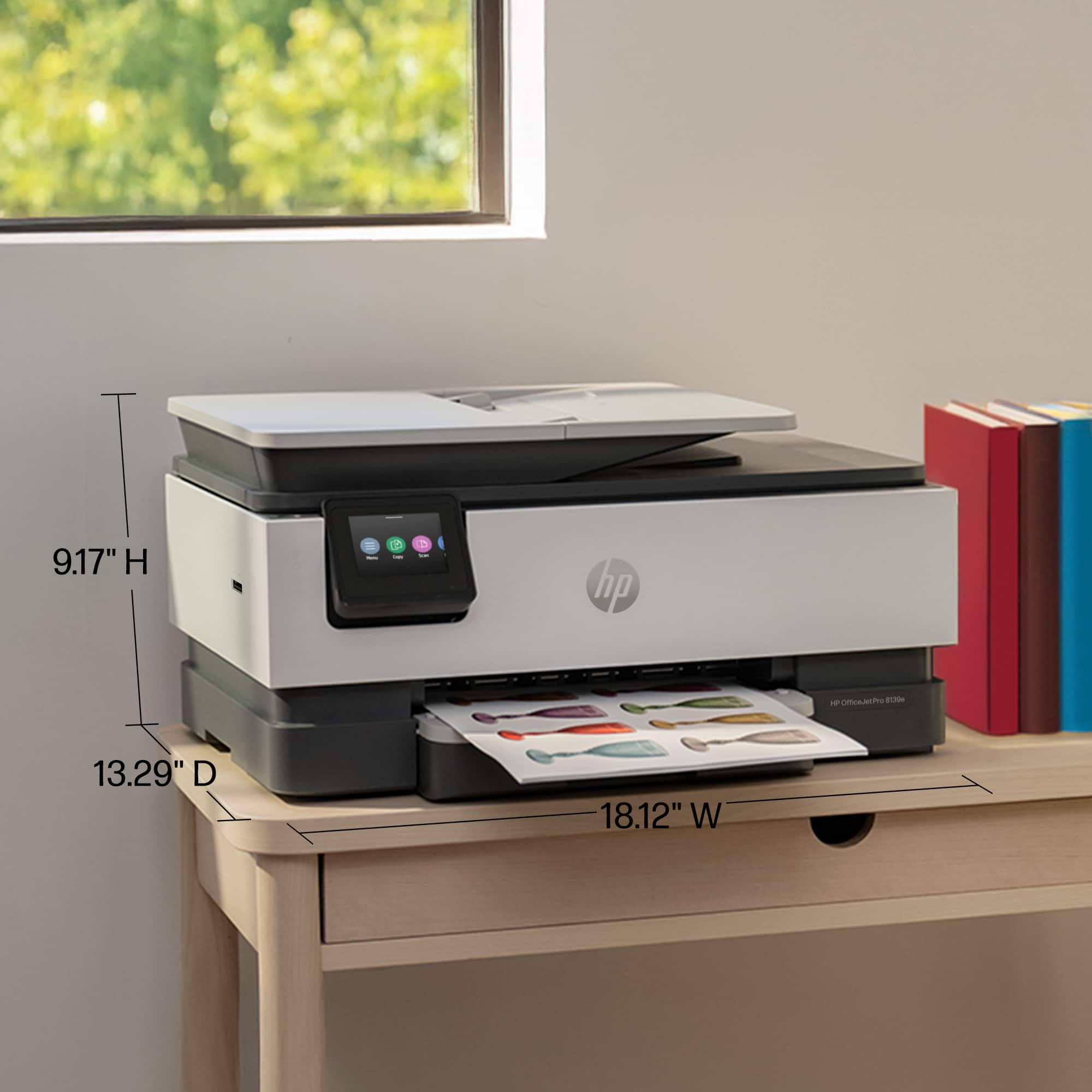
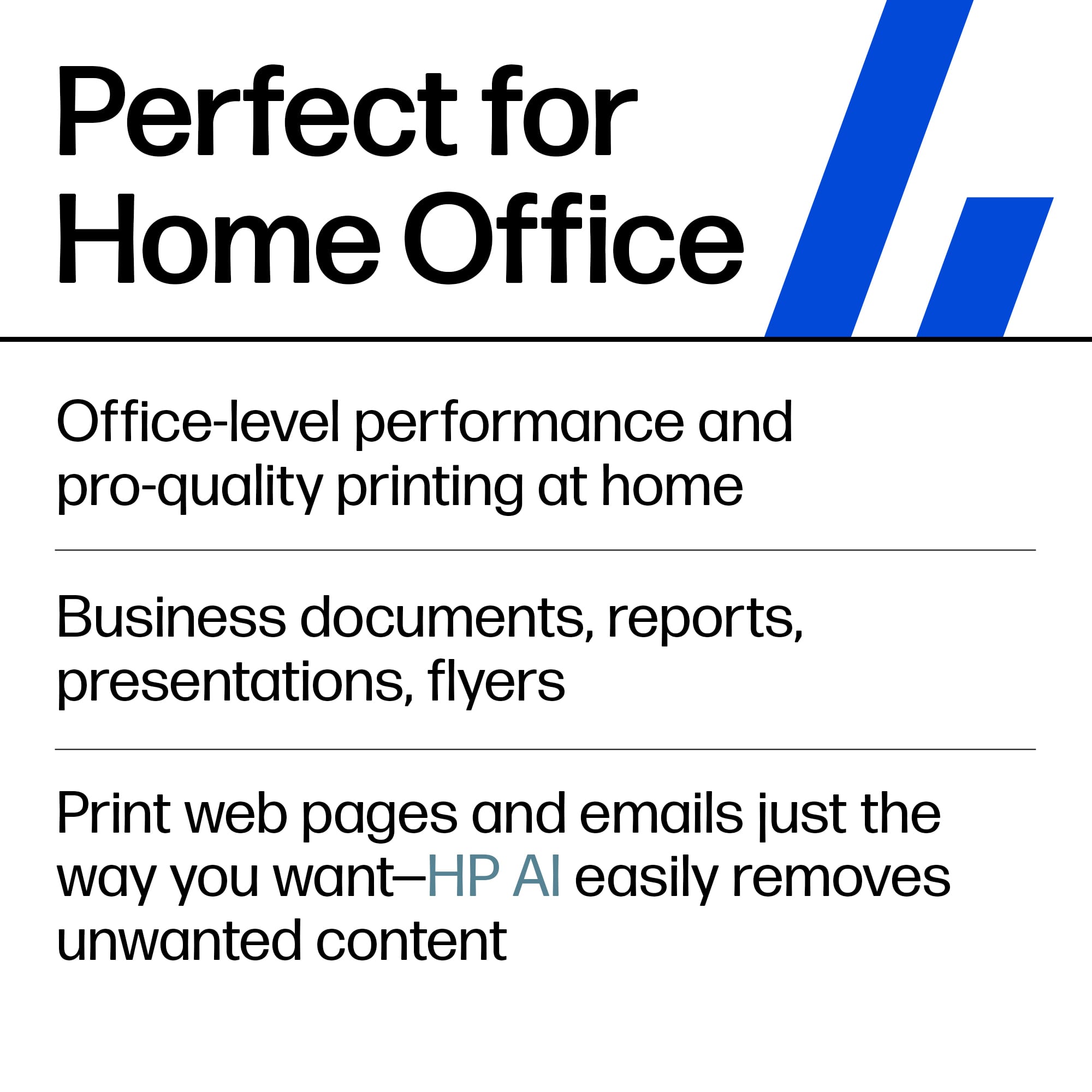
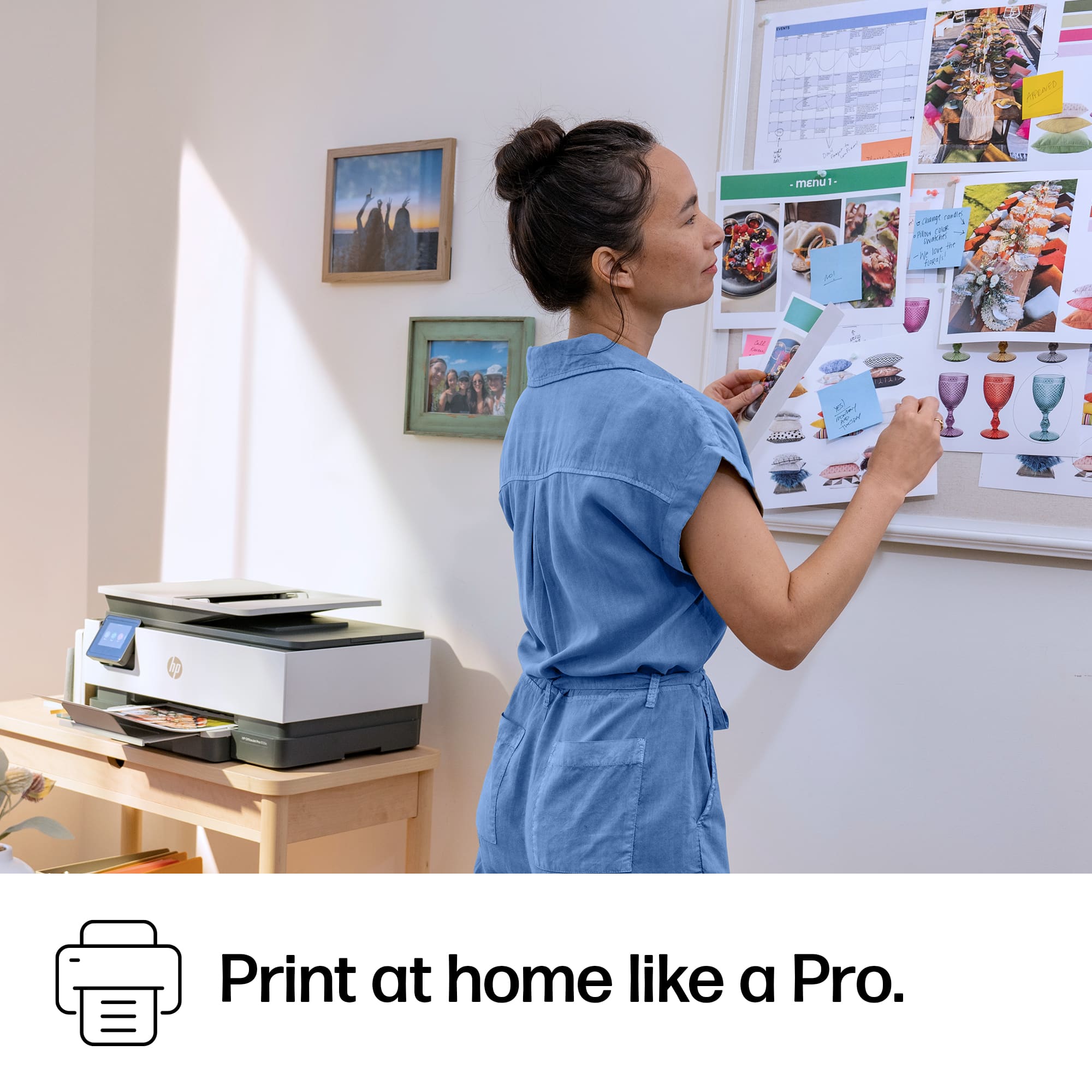
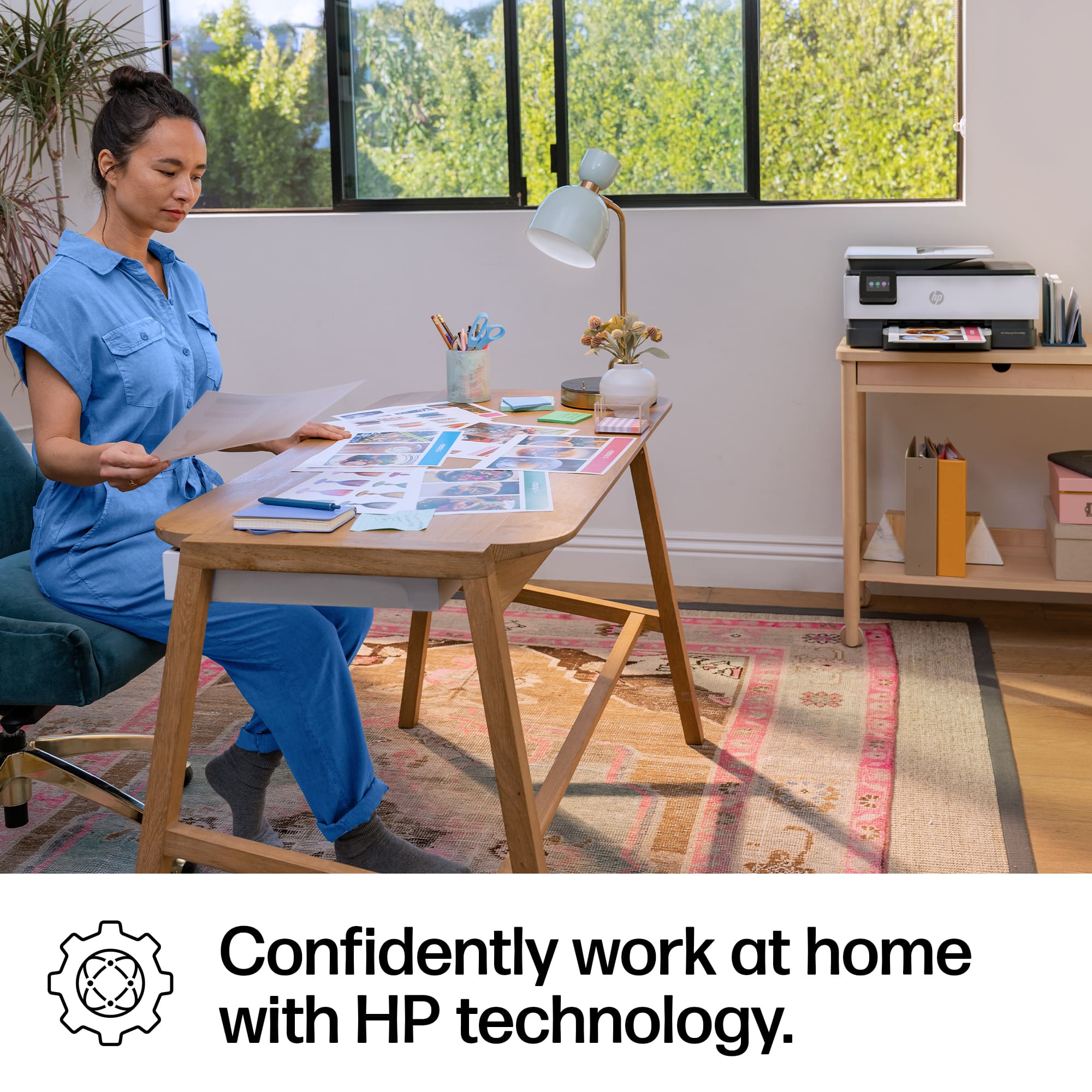
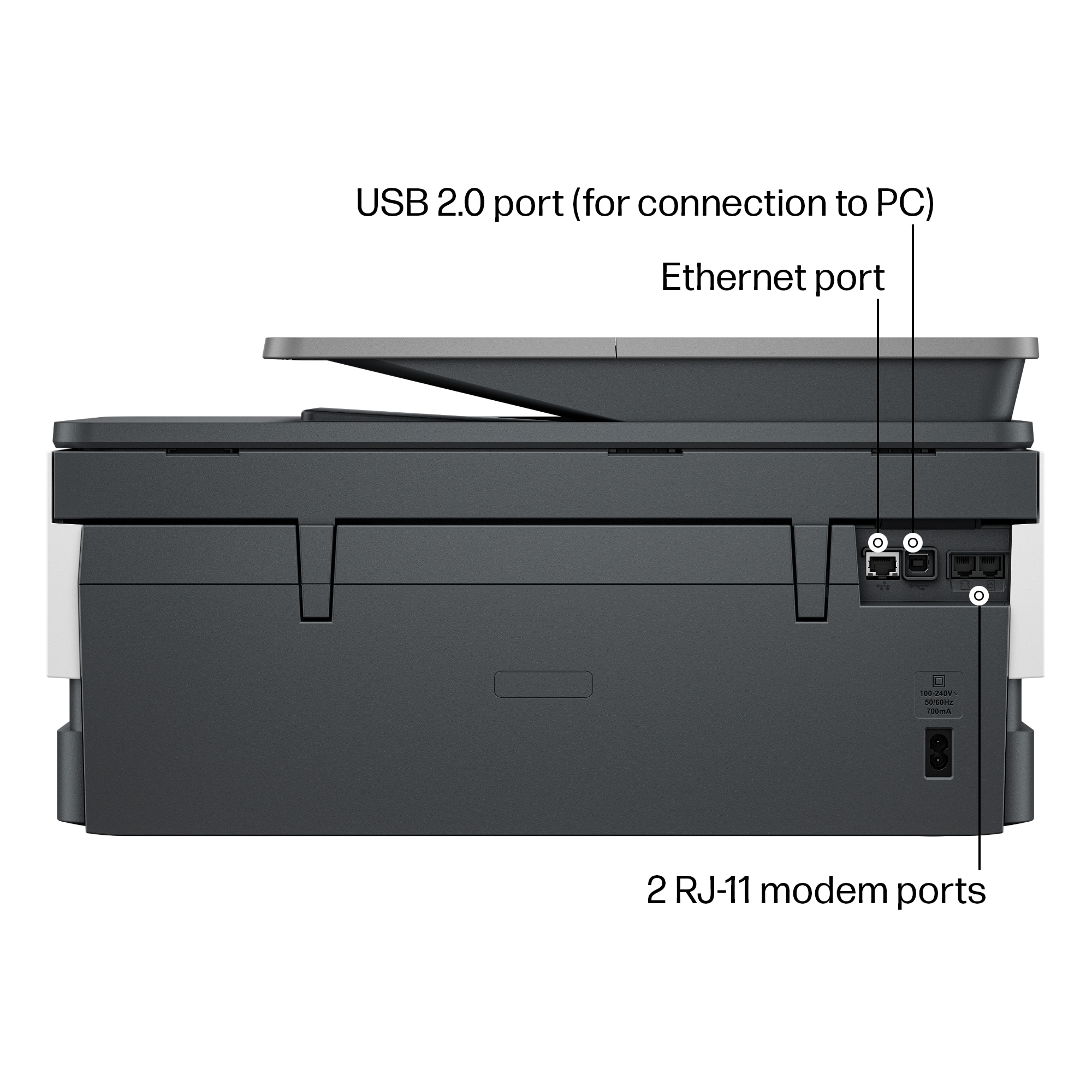
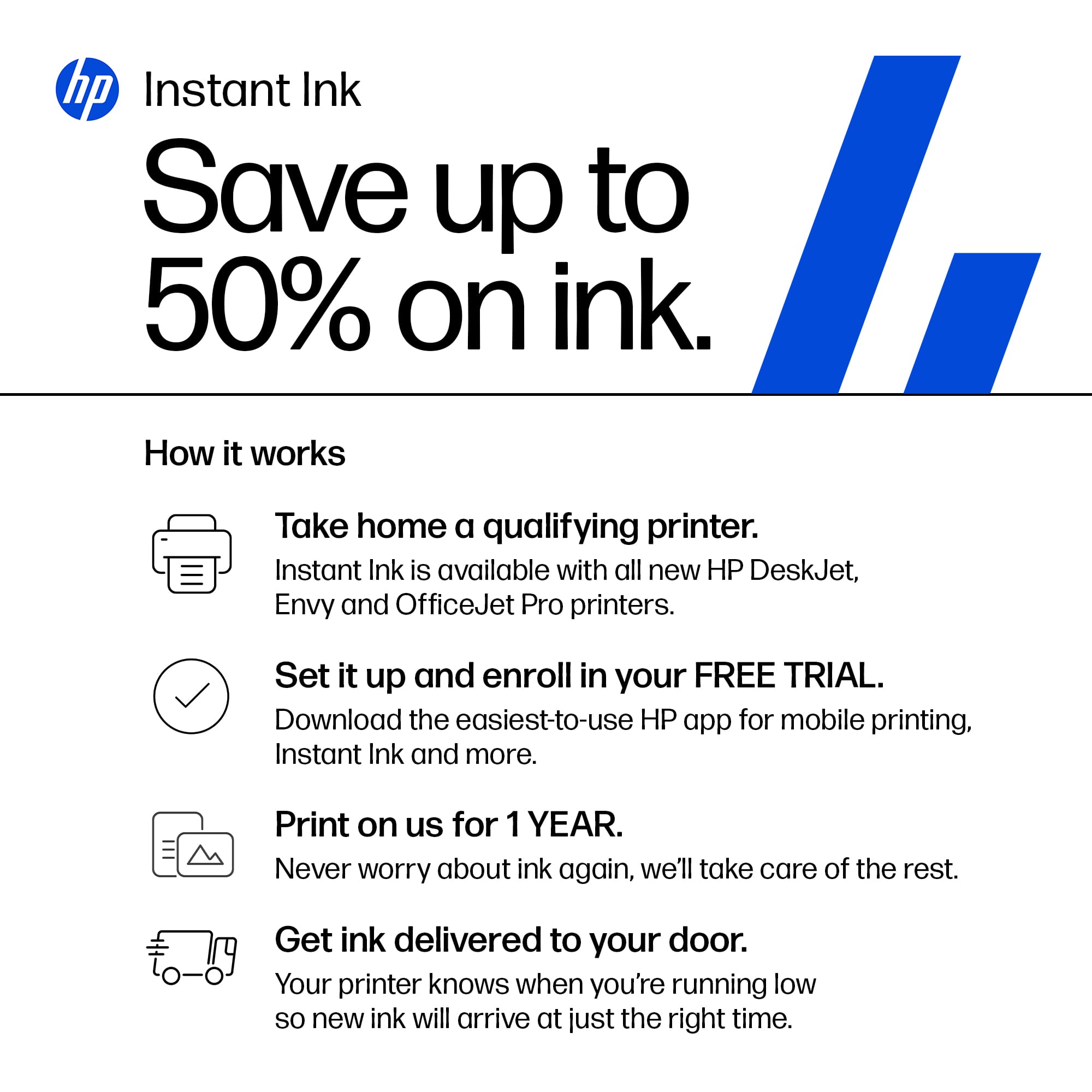
|Posted .This reviewer received promo considerations or sweepstakes entry for writing a review.This HP OfficeJet Pro 8139e is a mid-range inkjet printer designed for home offices and small businesses. It boasts printing, scanning, copying, and faxing capabilities, making it a versatile option for users with diverse needs. HP OfficeJet Pro 8139e has plenty of features around performance, usability, ink and toner costs, connectivity. It delivers sharp text and decent photo prints at a resolution of up to 4800 x 1200 dpi. It can handle various paper sizes, including letter, legal, envelopes, and photo paper. Automatic duplex printing allows for double-sided printing, saving paper and time. Borderless printing is also available for creating professional-looking photos. I have had the chance to try them all and they come out great. Print speeds are average for an inkjet printer in this range. Black and white documents print at speeds of up to 18 ppm (pages per minute), while color documents reach speeds of up to 10 ppm. Scanning speeds are decent, with a typical page scan taking around 12 seconds. Copying a single-page document takes about 17 seconds. Text quality is sharp and crisp, ideal for business documents and reports, like I said a small business or home office. Color graphics and photos are acceptable for everyday use, but they might not be suitable for professional photo printing due to limitations in color gamut and detail compared to photo printers. Setting up the printer is relatively straightforward. Users can connect it to their network via Wi-Fi or a wired Ethernet connection. The HP Smart app guides users through the setup process and helps with software installation. The control panel features a touchscreen display that is intuitive and easy to navigate. Users can access printing functions, scan settings, and manage ink levels directly from the control panel easily. The paper tray can hold up to 250 sheets of plain paper, which is sufficient for most home office needs. An additional 10-sheet photo tray is available for dedicated photo printing, if you need it, the other trays work as well except a photo professional may want to use the dedicated tray for a more professional look. The noise level during printing is moderate and shouldn't be disruptive at all, if at any. It uses HP 64XL high-yield ink cartridges for black and color printing. While the initial purchase price of the cartridges might seem affordable, the cost per page can be high. High-yield cartridges offer lower costs per page compared to standard cartridges, but they may not be suitable for low-volume users. HP offers an Instant Ink subscription service that can help manage ink costs. Users enroll in a plan based on their estimated printing needs and receive new cartridges automatically when ink levels run low. This service can be cost-effective for users who print frequently, but it might not be ideal for low-volume users who might end up paying for ink they don't use before the cartridge expires. All in all this is a good one and one to have for your small business or home office.
I would recommend this to a friend Rated 1 out of 5 stars
Not reliable
||Posted . Owned for 3 weeks when reviewed.This reviewer received promo considerations or sweepstakes entry for writing a review.Unreliable. Had to contact hp six times in the two weeks we had printer to reset. Every time having to reset the router, cause that’s the problem when we have numerous other items connected. Finally decided to return it, but missed cutoff by a day. Wasted money and got another brand from another place
No, I would not recommend this to a friend- Pros mentioned:Print quality, Size
Rated 4 out of 5 stars
Perfect
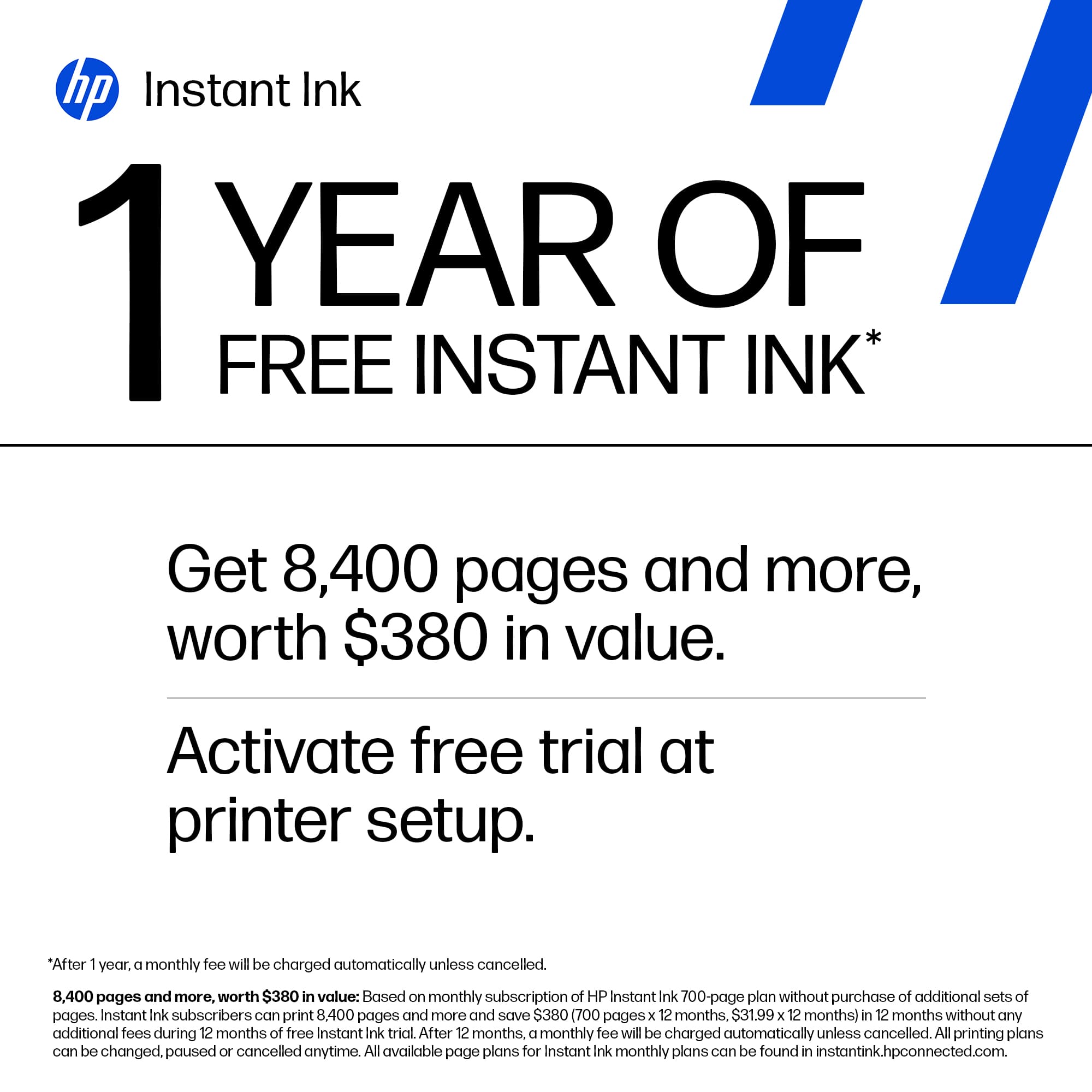
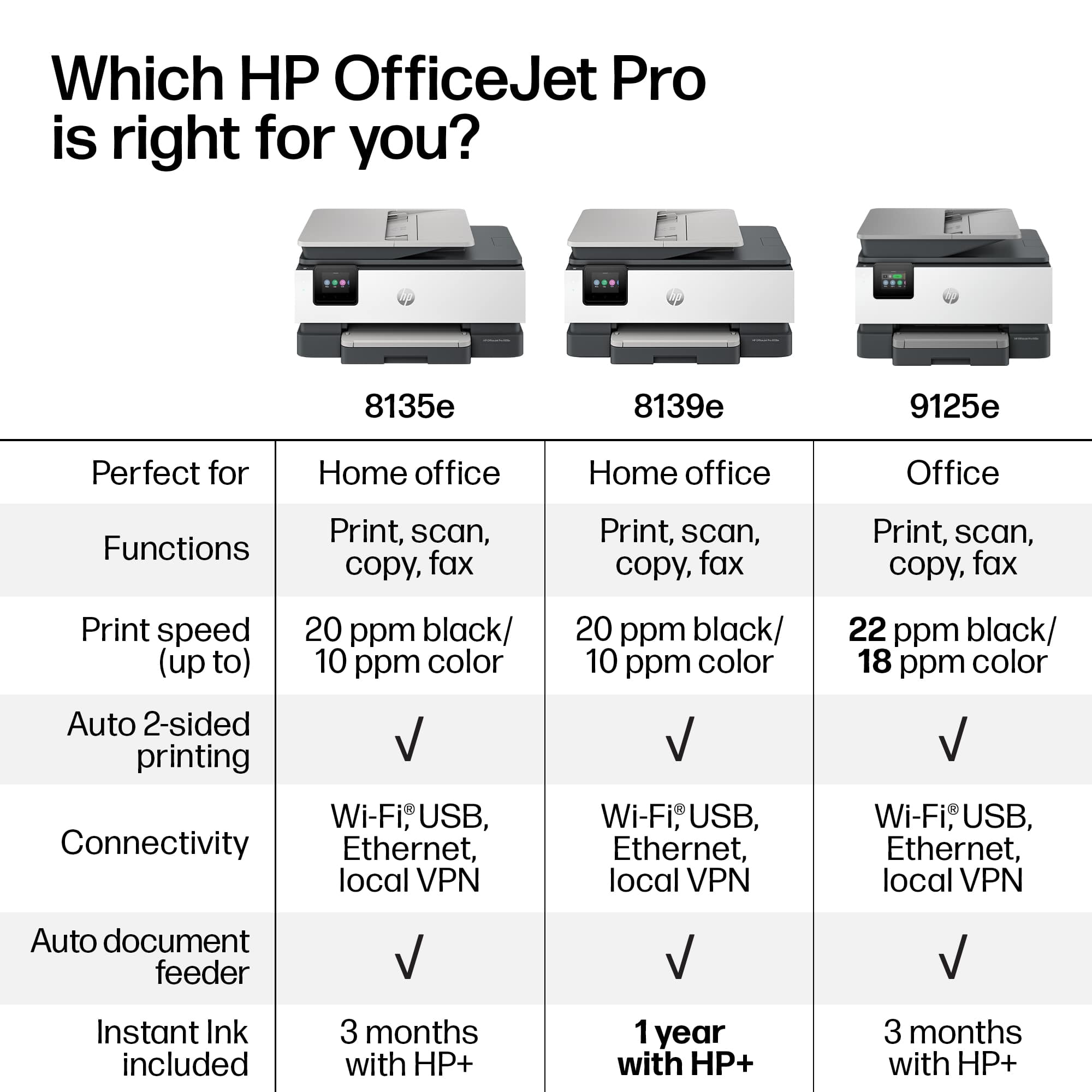
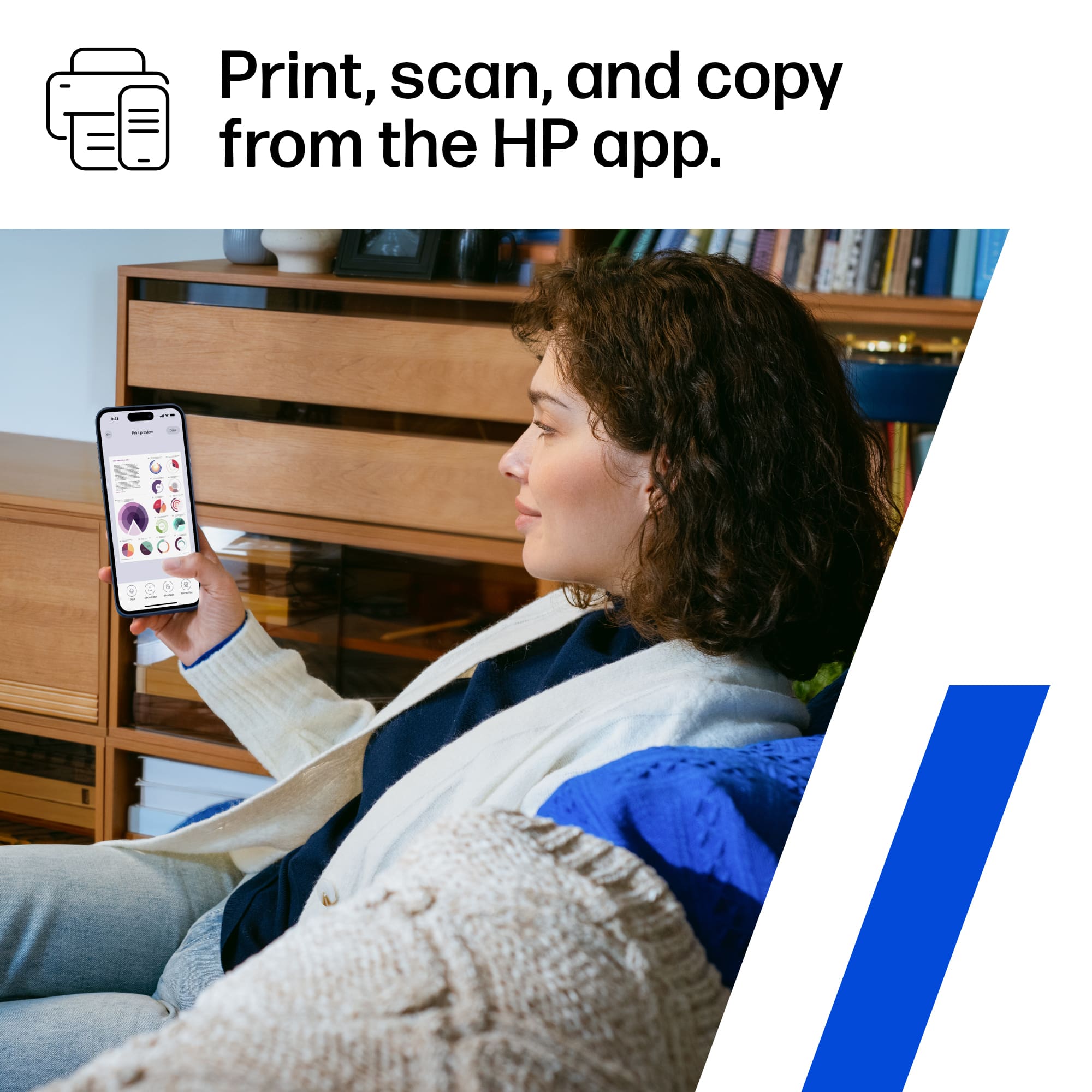
|Posted .This reviewer received promo considerations or sweepstakes entry for writing a review.HP office jet Pro 8139e wireless all in one printer, is awesome quick and easy set, it prints nice, clear and ink colors are dark. Download the app to set everything up, you can check ink levels reorder ink all from the app which I like cause stores tend to be out of stock a lot of the times on printer inks. It prints fast. You can do anything from your phone, computer, iPad etc. print, scan, copy and fax. It can print 22 pages in black & 10'in color per minute but I honestly feel like it was more then that I guess depending on what your printing, I also noticed it was quiter then previous printer and it is smaller then my old printer. You can connect wirelessly or by USB. I have not had any issues with the wireless connectivity like it dropping. I love that I got 12 months of free ink with HP+ we go through ink with the amount of printing we do so that was automatically a plus for us. I found my new printer to be perfect for home and our small office printing needs. Even my younger kids have been able to use the printer alone with no help.
I would recommend this to a friend Rated 1 out of 5 stars
Did not work!
||Posted . Owned for 1 month when reviewed.This reviewer received promo considerations or sweepstakes entry for writing a review.That it did not work was distrurbing. Built in disfunctionality.
No, I would not recommend this to a friendRated 1 out of 5 stars
Not a good printer
||Posted . Owned for 2 months when reviewed.This reviewer received promo considerations or sweepstakes entry for writing a review.Terrible printer - I've owned 5-6 HP printers, and none had as many wifi issues as this one.
No, I would not recommend this to a friend- Pros mentioned:Ease of use, Print quality
Rated 5 out of 5 stars
Another Excellent HP Printer
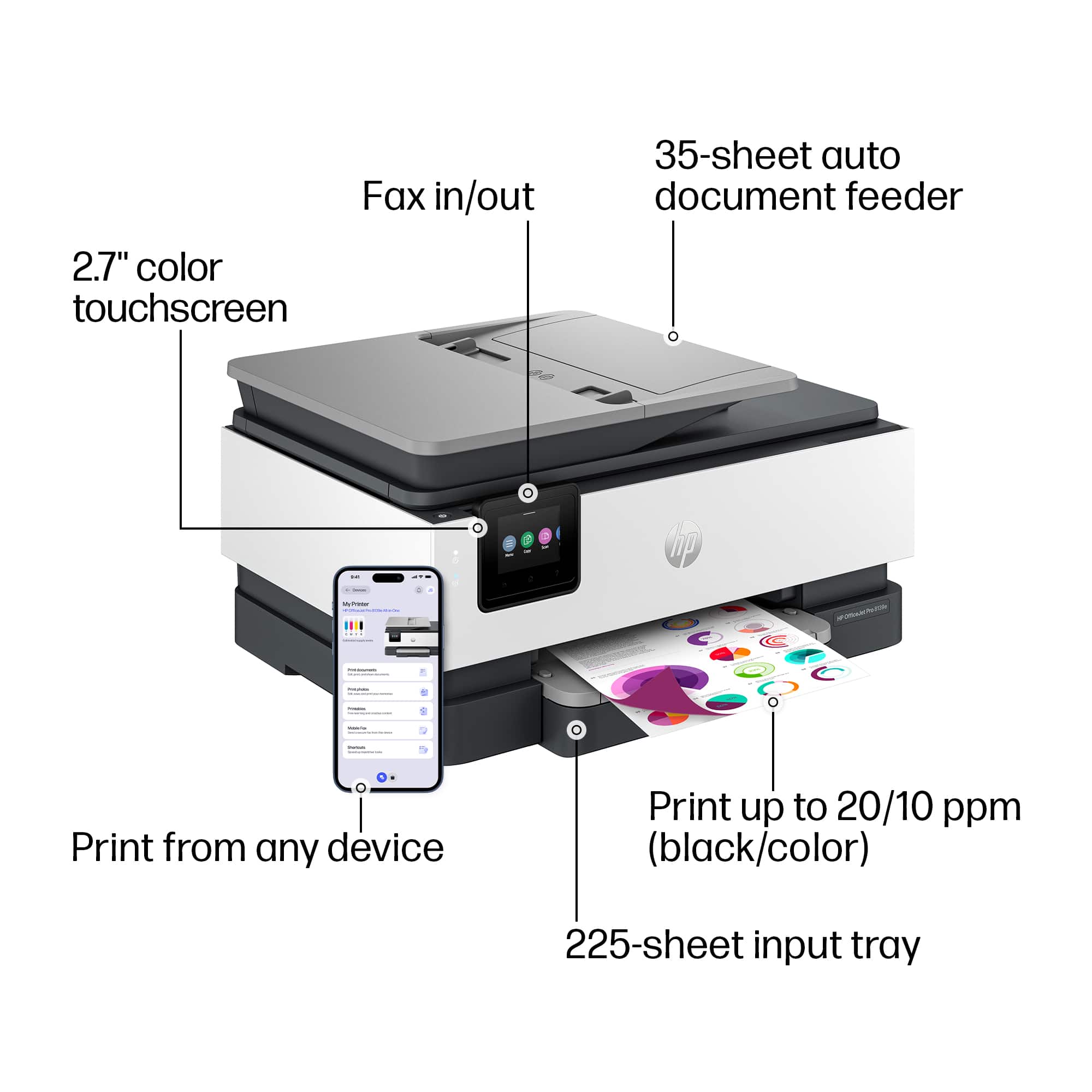
|Posted .This reviewer received promo considerations or sweepstakes entry for writing a review.The unboxing and setup was easy just as I've come to expect from HP's printer products. From providing a diagram for how to take the printer out of the box to walking you through going to their website and finalizing the setup of it, it was very easy to follow and was successful on the first try. I used the HP Smart application for IOS to help me finalize the setup and activated the years supply of ink that is included. From the app, you can change the various settings, review ink levels and check the overall status of the printer and its functions. Using the app makes things easy but you can also do the same setup and configuration options from the front control panel just in case it's necessary. The printer is used for multiple duties. Of course it does regular printing at about 10 color pages per minute and says 20 PPM for black and white, it makes copies, scans to email or USB and, has faxing capabilities. The paper tray holds over 200 sheets and also has the ability to print letter and legal size jobs, envelopes, photos and brochures on varying types of paper. Overall, very good printer that's easy to use and good for home or a small office setting. The year worth of ink is also an excellent selling point.
I would recommend this to a friend Rated 1 out of 5 stars
HP printer worst printer of all my printers
||Posted . Owned for 8 months when reviewed.This reviewer received promo considerations or sweepstakes entry for writing a review.Not great I cant adjust the size to enlarge. It uses a lot of ink. I dont recommend this printer.
No, I would not recommend this to a friendRated 1 out of 5 stars
Complicated
||Posted . Owned for 1 week when reviewed.This reviewer received promo considerations or sweepstakes entry for writing a review.Could not get set up too complicated. I don’t have time to mess with electronics
No, I would not recommend this to a friend- Pros mentioned:Print quality
Rated 4 out of 5 stars
Great and versatile printer/fax/scanner!
|Posted .This reviewer received promo considerations or sweepstakes entry for writing a review.I'm upgrading my printer from the HP Envy 5055 with this model, and am generally impressed! It is nice to be able to print directly from my smartphone, and the speed of printing is great as well. As a side-job, I regularly host trivia events where every team needs to have multiple pages printed out for them. This means on a slow week I'm printing about 40 pages, and on busy weeks I'm printing about 150 or so. This printer spits them out quickly where the older model would get bogged down with some color print-jobs. One amazing benefit of this printer if you print a lot of materials is that it will basically pay for itself with the one year of free ink. With my printing, I typically maintain the tier where I'm paying $14/month. This means that in one year, I'll save $168. Since this printer costs about $190 or so, it practically pays for itself, and definitely would if you are printing more than I do. There is also added fax capability (if you have a home phone line and actually need to do so) and the scanner with a feeder tray. This is nice as I keep my printer on a shelf and don't routinely need to scan. Now, whenever I do need to, I can just put the paper in the feeder and not worry about the clearance above it to get to the scanner. The one point which is a little odd is that it requires separate drivers on your computer to scan, but this is not a big deal. The only downside that I've found is that this printer is capable of having a paper-jam where my old 5055 never did. Just watch out for how much paper you put in the tray at one time, and you should be fine.
I would recommend this to a friend - Pros mentioned:Print quality
Rated 3 out of 5 stars
Not sure who this printer is "for"
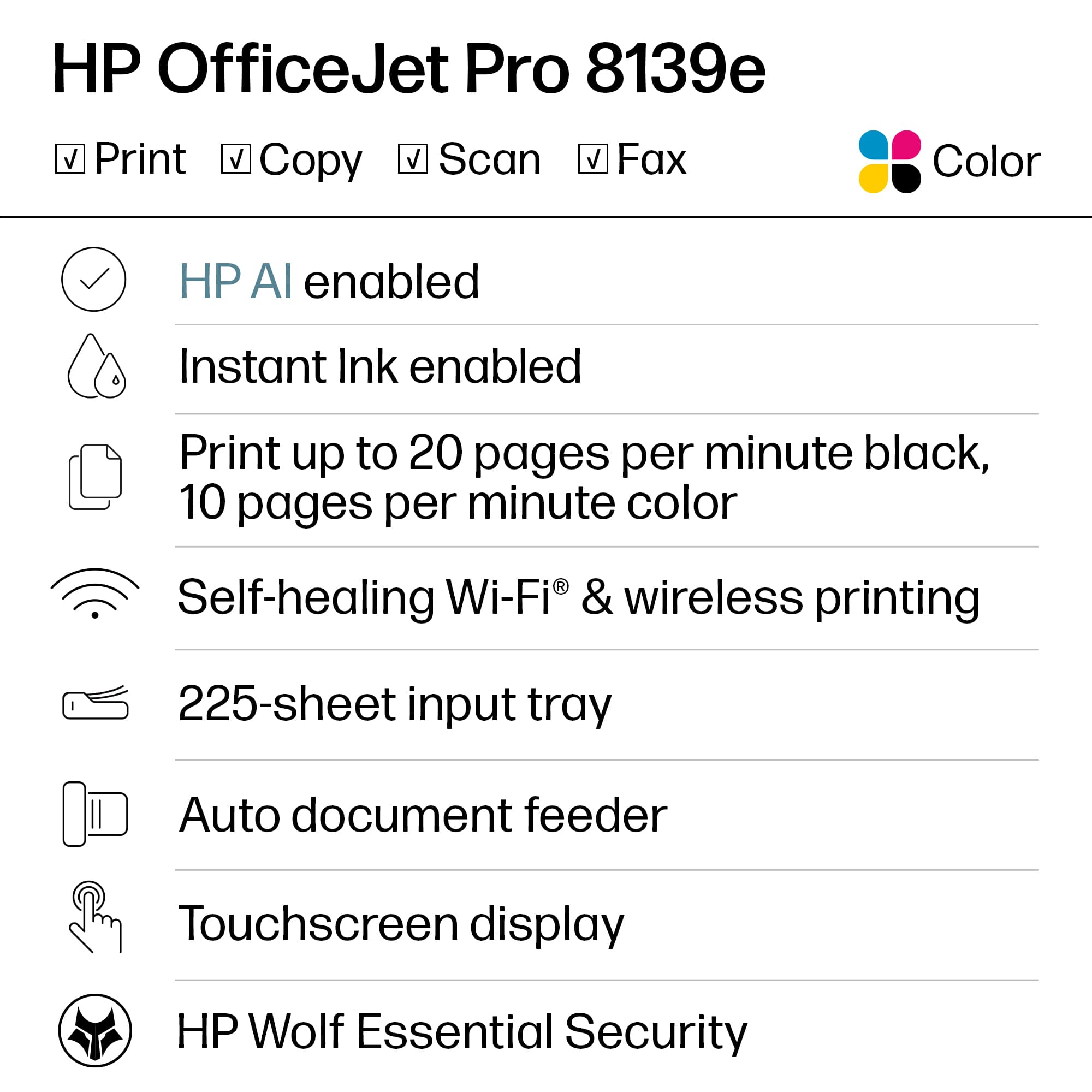
|Posted .This reviewer received promo considerations or sweepstakes entry for writing a review.I've used a ton of printers from every consumer brand and several business grade brands due to my job in IT. At home, my spouse often prints hundreds of pages per month for her job, so we go through a ton of printers and ink. HP makes (or used to anyway) some decent SMB grade printers that were easy enough to set up for IT supporting a medium sized workplace but also could be set up easily by non-technical folks at home. I'm not sure where they went astray from this idea, but this HP OfficeJet Pro 8139e is neither easy to set up at home nor is it something I would want to set up and support as an office IT worker. Good things first: the print quality is great, and the tray size is decent at 225 pages. It even can hold up to 35 pages in the ADF for scanning/copying, and that's awesome for a printer in this class IMO. This printer even has fax built-in, which I don't have a way to test at home but is a welcome feature for those who work in industries that still require a fax. The small LCD screen is very responsive to touch and easy to use. I especially liked that it has a tiny 'click' sound as you tap things (and the sound if fast enough that it's useful). The meh: Speeds are kinda slow. Because printing from a Windows app goes through the HP smart service first, there's a relatively long delay before the printer even reacts to you hitting print (around 15 seconds for a 15 page powerpoint deck). Printing a deck with full color backgrounds was about 4.5 pages per minutes at default quality. Printing a black and white 16 page report took less than a minute even with the startup delay. This printer is no speed demon, but it's not the worst I've ever used. The bad: The setup process is absolutely abysmal. HP needs to go back to the drawing board with this HP Smart stuff. I have an Android phone and multiple Windows 11 PCs. I plugged the printer in, chose my language, country, installed the cartridges - all following the steps on the printer's screen. No problems so far. Once prompted to continue setup using the QR code and setup page (and the HP smart app), things went off the rails. My first time through: the app found the printer and started setup, but timed out one or two screens into the process. Just sat there spinning. I gave it 10 minutes before closing the app and re-opening. Opening the app, it couldn't find the printer to set up again. I power cycled the printer, and it came back to the page on the screen to complete set up using another device. I then found the printer on my home network and connected using a web browser and factory reset the printer. Second time through: App again could not find the printer. I used the option to find using an alternate method and this time it found it, but it said I couldn't complete setup using the app at this time. I tried on the windows app too. Eventually, and I don't know how, some combination of completing a step in the Android app, it hanging, and then using the Windows app to set my marketing preferences, it hanging, going back to Android, I was able to get to a point where the Android app was spinning but the printer started making noise and eventually the printer said it was downloading a firmware update. "Victory!" I thought. Except it wasn't, because after a few minutes the firmware update failed and I was prompted to restart the printer (from the printer screen). Third time through: I was able to get almost all the way through setup using the Android app. I got my printer added to HP+ and then set up the billing and shipping info for Instant Ink. Note that if you get a phone call or do something that makes you leave the HP app for more than a few seconds it makes you re-enter your information from the start. Awful. At what felt like the final pages of the setup in the app, I was prompted to change the printer password from the default. A great suggestion, HP! Except after I set the new password, the Android app stopped responding, again. But this time through I'd actually gotten an email from HP welcoming me to HP+ and Instant Ink, so I thought maybe, just maybe, I was done. Except in the android app and Windows app it still showed setup wasn't complete. Switching to the Windows app (as my Android app was still spinning and waiting after setting the password), I selected the printer and was prompted for a password since "The printer default password has been changed to a custom password". I entered the password I'd set through the Android app, and voila! I was in. I was prompted to set up HP+ and Instant Ink, but as I clicked through the prompts I was told they were already set up on this printer. Finally, I got a completed setup screen. It had taken over an hour, but I have a fully set up printer. Final thoughts: For a very tech-savvy person who's #1 concern is print quality, and has a usage pattern that fits well within the HP Instant Ink program (especially for the first year at 700 pages per month free), this is a decent printer. With those two qualifiers it might be worth the hassle of using the HP smart app. For anyone else, this printer is overly cumbersome to use. I do think the print quality is better than the "tank" style inkjets and perhaps equal to laser printer quality, but it's just not enough for me to recommend as a #1 choice outside a limited use case. You can definitely do worse, but I think you can do better, too.
I would recommend this to a friend - Pros mentioned:Print quality, Setup
Rated 5 out of 5 stars
Great machine for the money
|Posted .This reviewer received promo considerations or sweepstakes entry for writing a review.I really like this printer. I feel like HP has a good system. The printer was easy to unbox and setup with the provided quick start QR code. Basic blue tape, install ink cartridges and run the HP app. Since I already had the app I just hit add printer and the system did the rest. I will say that make sure you’re on the proper wireless network ahead of time since your printer will be joined to that. After setup I was prompted to run an alignment page that was self-explanatory. The next steps are to choose which free monthly trial you want for the first 12 months. I feel like 300 pages is a good standard qty, but your needs may be different. Also, you can select to pay more to include paper, but I did not feel like that was worth the added costs. I also like the fact that you can roll over 90 days’ worth of prints so if you’re going to print more you can save what you did not print. Now to the scan to email options. Since I already configured these shortcuts. I was able to apply them to this printer, so no additional configuration was necessary. After printing many different types of documents over the past few days. I feel like the print quality is clear and excellent for an inkjet. HP already shipped me ink for replacement which was fast. However, now to the cons. I experienced a few times where the printer errored, or the job did not come out. After rebooting the printer eventually printed. The reboot time was the fastest I ever experienced. I did see a firmware error a few times, but this printer was not meant for me to play tech support so I just rebooted and continued printing. It seems like things have stabilized because the last few print jobs came out fast and complete. The driver installation was just ok but since I am familiar with IT it was a non-issue. I wish there was a qr code or website where they gave an auto installer. Instead, I needed to type in the model and install based off a list. That does not seem low tech and end user friendly as I hoped. Other than that, it is a great all in one machine.
I would recommend this to a friend - Pros mentioned:Print quality, Setup
Rated 5 out of 5 stars
What a joy!
|Posted .This reviewer received promo considerations or sweepstakes entry for writing a review.I never thought I'd say that about a printer, but the Office Jet Pro 8139e has been a great addition to our home network. We've had a few HPs in the past, but when our last one finally pooped out, we decided to give another brand a try. What a huge mistake. That printer had so many issues and caused a lot of frustrations. The Office Jet Pro 8139e just started out as a great experience. It was very easy to set up; I didn't even need to refer to any instructions to get it added to our network right away. I was able to easily add the printer to the two PCs and one Apple desktop on our network as well. We found out quickly that printing straight from an iPhone, as well as an Android, was seemless as well. I did experience one little hiccup. When adding the printer to the Mac desktop, I decided the change the default name of the printer to a shorter name. I noticed that there was a warning icon when starting a print job from the Preview app. Despite the warning, I was still able to print fine. I checked the printer settings and it said there was an error, and to check the printer's display. The display did not show any issues. It was very strange as I was not able to figure out what the error was… and it was printing fine. I decided to remove the printer and re-add it. This time I just kept the default printer name. After that, there was no longer an error. My only guess is that the printer/Mac combination did not like a custom printer name. Other than that, I highly recommend this printer. The quality is crisp and clear. The colors are true and vibrant. Wireless printing, which is my setup, is very quick no matter what you're printing. The process scanning something is seemeless as well. I really like the energy-saving features of the printer. I love the schedule on/off feature. I have the printer set to turn off at night and turn on again in the morning. As I already said, a great all-around printer.
I would recommend this to a friend - Pros mentioned:Ease of use, Print quality
Rated 5 out of 5 stars
Great Printer
|Posted .This reviewer received promo considerations or sweepstakes entry for writing a review.The HP OfficeJetPro 8139 is a great all-around printer that includes all the modern features I have come to expect in a printer, and the high quality I have come to expect from HP. This is an all-in-one printer, featuring a print, scan, copy, and fax functionality. It can print 20 pages per minute, has a 225 page input tray, and features an automatic document feeder. Setup was relatively easy if you have set up a modern wifi device. You download an app and basically follow the on-screen instructions. HP does a very nice job of keeping it simple and using easy to follow directions. Once set up, The printer works as expected, and I can print from any computer on my network as well as iOS and Android devices. The printer also features a color touchscreen, which is a nice upgrade from my previous HP printer, which didn't include a screen. The screen is useful when performing tasks like copying or scanning. Finally, one of the best features, which isn't even really a feature of the printer itself, is the Instant Ink subscription. I love the way this works. You sign up and then the printer will automatically order ink when it knows it is getting low. There are several different levels available, so you're not paying for more than you use. I only print a few things a month, so I'm able to subscribe to the lowest tier, and I no longer have to worry about keeping an eye on my ink levels and running out of ink at the most inconvenient times. Overall, this is a great printer from HP that includes all the modern features you would expect in a printer. It is great for a home or home office, is easy to set up and works reliably. I would definitely recommend.
I would recommend this to a friend - Pros mentioned:Print quality
Rated 5 out of 5 stars
BEST PRINTER YET!
Posted .This reviewer received promo considerations or sweepstakes entry for writing a review.BEST PRINTER YET!! This printer has been a saving grace for my business. and to add the Instant Ink for 1 year for free? AMAZING. The print quality is next level... the scanner works amazingly and I just LOVE IT.
I would recommend this to a friend - Pros mentioned:Print quality
Rated 5 out of 5 stars
Can't go wrong with HP
Posted .This reviewer received promo considerations or sweepstakes entry for writing a review.This is a replacement for his little brother that we got in 2020 right at the beginning of the pandemic. It had done more than 14000 pages and was worn out. I expect this one to do just as many. It seems to be a bit more robust than the last one and the scanner is better. Print quality is great. We've done photo paper and output was perfect. Normal printing is excellent. WiFi setup was extremely easy and it was online in no time. I would definitely recommend this series. The only gripe is the cover of the paper tray is difficult.
I would recommend this to a friend