Customer Ratings & Reviews
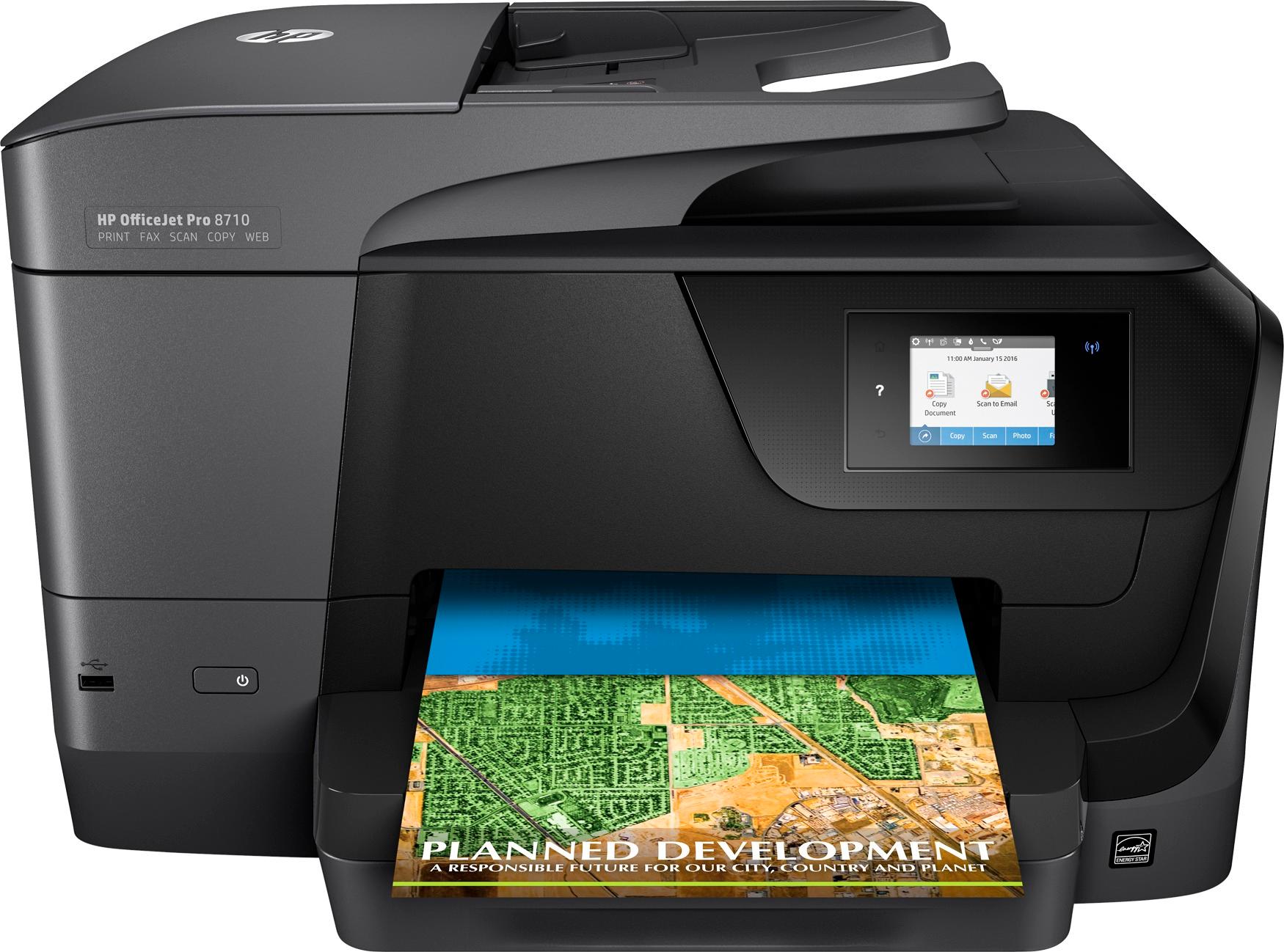
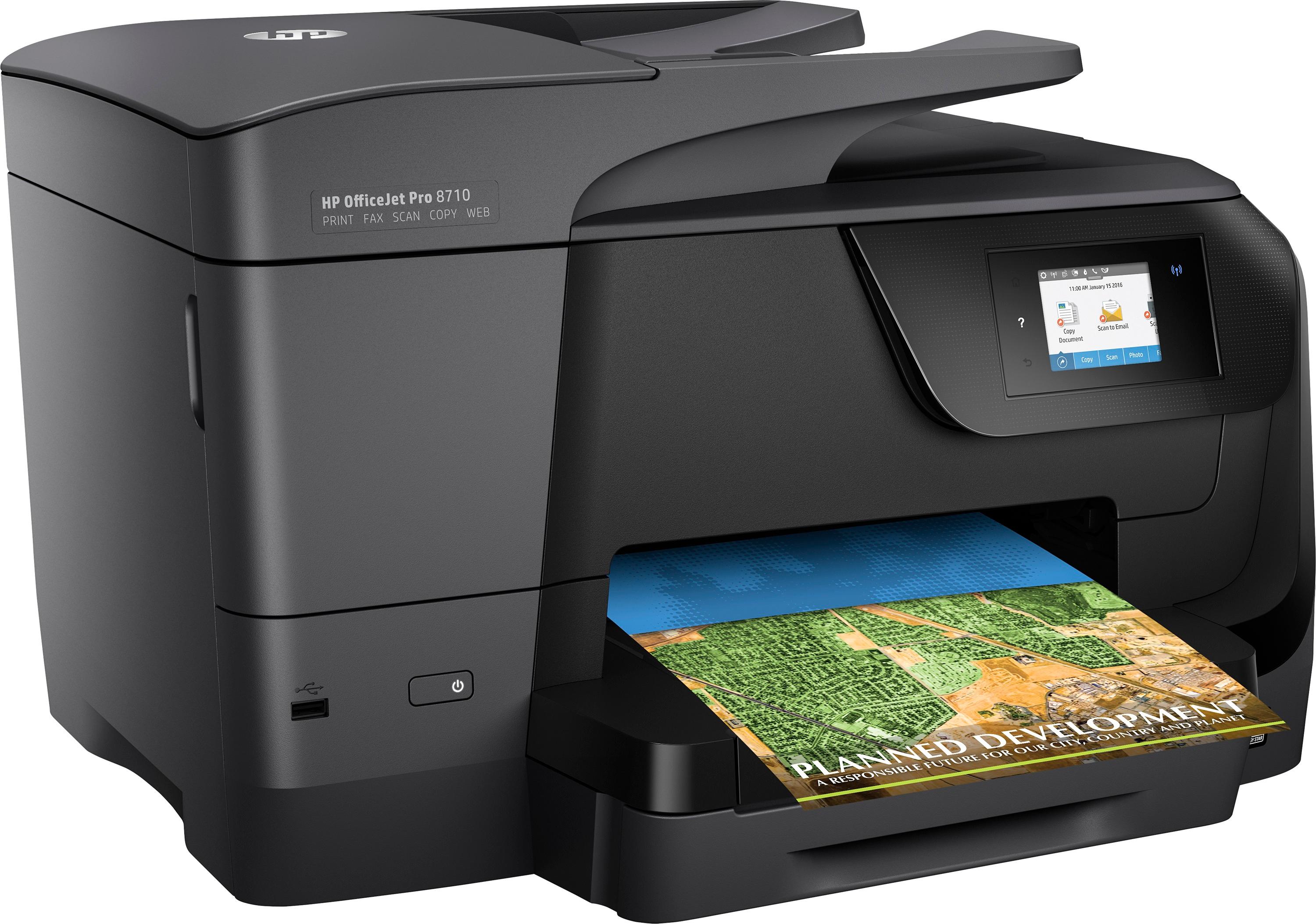

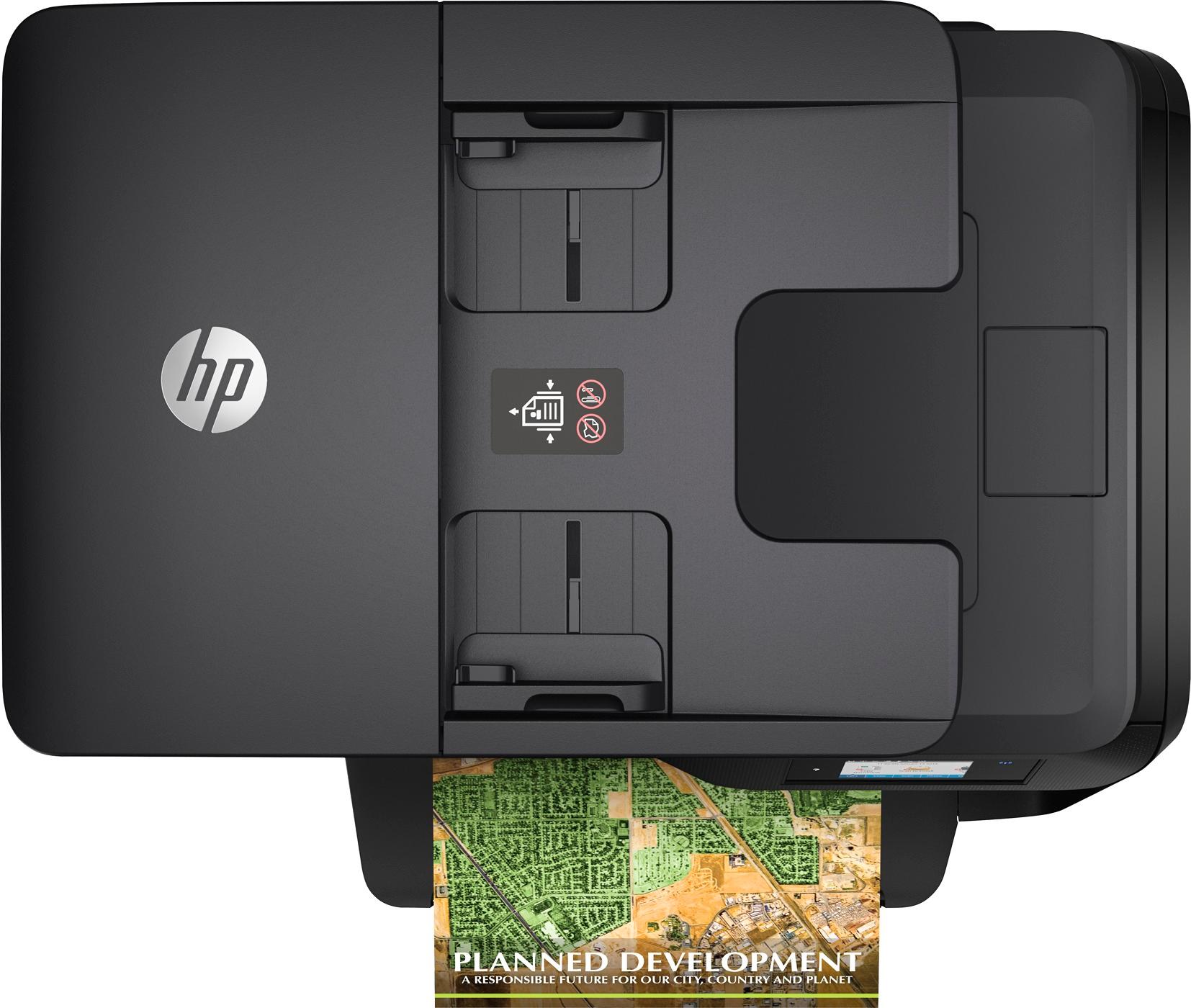
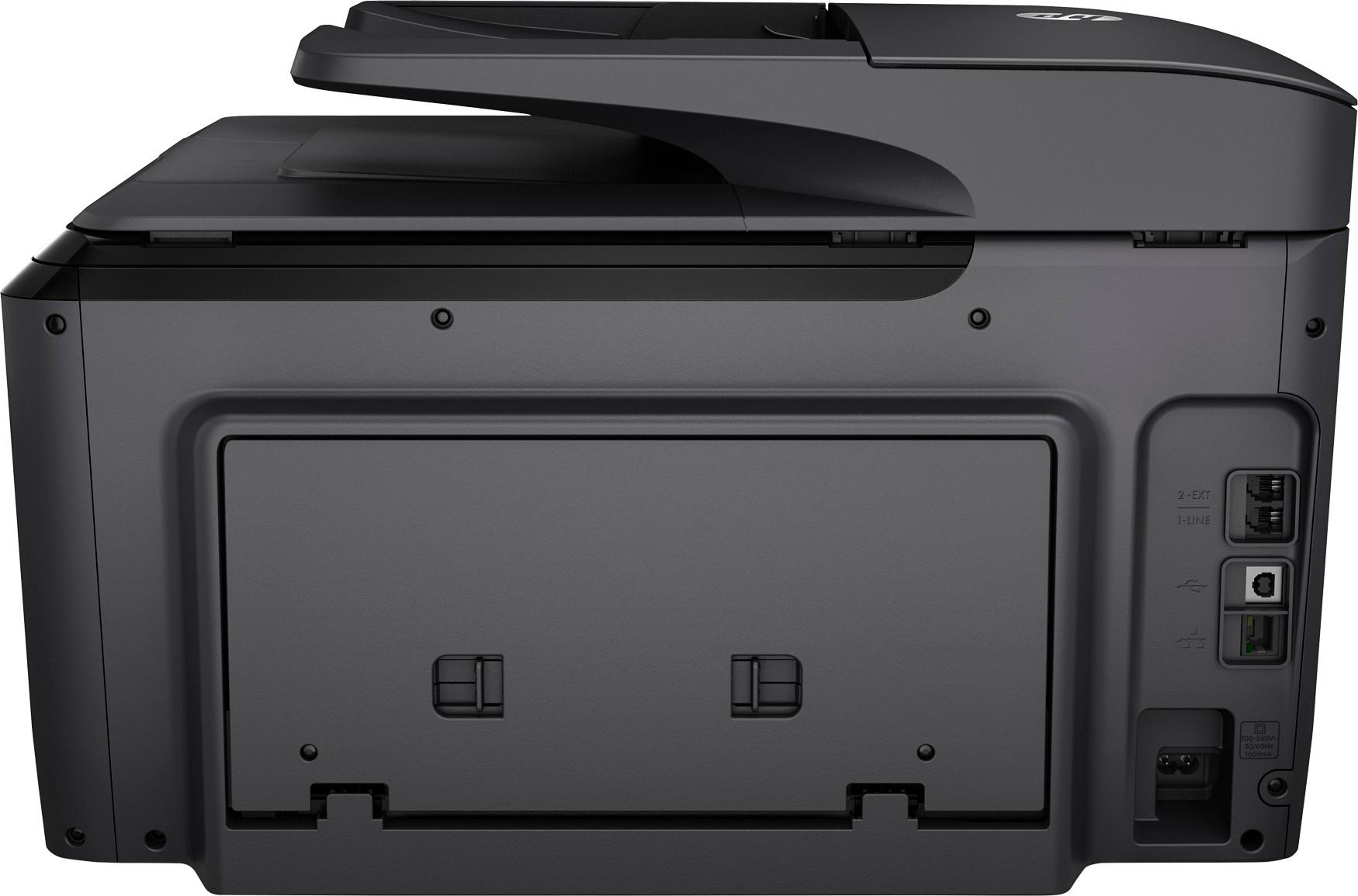
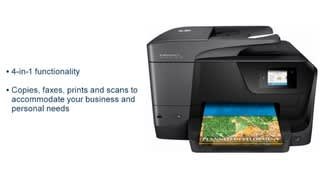
- Model:
- M9L66A#B1H
- SKU:
- 4973102
Rating by feature
- Value
Rating 4.4 out of 5 stars
- Quality
Rating 4.5 out of 5 stars
- Ease of Use
Rating 4.5 out of 5 stars
Customers are saying
Customers are impressed with the OfficeJet Pro 8710's print quality and ease of use, frequently praising its performance and user-friendliness. Many also appreciate the wireless functionality and the reasonable price point for the features offered. While some find the printer's size to be a minor drawback, the positive feedback on its reliability and overall functionality outweighs this concern.
This summary was generated by AI based on customer reviews.
8600 was better
||Posted .This reviewer received promo considerations or sweepstakes entry for writing a review.Not happy with the quality and ink does not work .
No, I would not recommend this to a friendOn the fence
||Posted .This reviewer received promo considerations or sweepstakes entry for writing a review.I asent my first choice but it had the smaller deminsions I needed for the work space it was going in. Ink needed t be replaced earlier than what was stated on the specs. Also think the pull out tray is going to be a problem in the future.
No, I would not recommend this to a friendSomehow my neighbour can access it
||Posted .This reviewer received promo considerations or sweepstakes entry for writing a review.Like my summary says, I asked, and he said it was a mistake. He got an HP and just printed to one he thought was hid. Mine was "secure" to my wifi. My neighbour could view and with his phone with wifi set off.
No, I would not recommend this to a friendFax paper won't feed
||Posted .This reviewer received promo considerations or sweepstakes entry for writing a review.No rep at store. The store had no idea when one would be there. The line for geeks very long. I had online help but it was off the mark. Paper will not feed in. I don't have time to work on a new machine. I like HP products but disappointed.
No, I would not recommend this to a friendOut dated software CD
||Posted .This reviewer received promo considerations or sweepstakes entry for writing a review.I had printer for 2 wks , I spent 1.5 days on phone with geek squad. Trying to figure out why it would not connect to pc wire fi or wired. They said my pc had a virus to take my pc into best buy to fix. I took pc & printer to best buy, results was out dated software CD that came with my new printer. No Compensation for the inconvenience. They sell me a printer with out dated software. I have always had pretty good experience with store. But not this time. The manager said , it's a shame the salesperson should have told me . What an experience. Wow thanks for the customer service! I can't say if it works they have my pc & printer trying to get them to sink togeher.
No, I would not recommend this to a friendRather flimsy
||Posted .This reviewer received promo considerations or sweepstakes entry for writing a review.I was unable to get the printer synced with my internet for wireless printing. I'm sitting in front of the printer, next to my router and holding my iPad. I follow all the steps to initiate the wireless feature. Never worked.
No, I would not recommend this to a friendThis product is a joke!!
||Posted .This reviewer received promo considerations or sweepstakes entry for writing a review.OK. I purchased the printer and was too excited. Got it home and proceeded to install-the display screen gave me an error code and said it was defective. Called HP. Read the code and model number. The rep immediately said “return it”. Should have been a red flag. Went back the next day and got another (same model). Got it home. Opened the box and the wrapping was gone. NO books and cartridges were already installed. It appeared that someone returned the printer and Best Buy sold it to me as new! It went back too. I will wait a while before trying this again. You should too!
No, I would not recommend this to a friendGreat Price
||Posted .This reviewer received promo considerations or sweepstakes entry for writing a review.I have had so many great experiences from bestbuy.com, this printer is functionally sound.However the setup did not go so well. HP needs to remove the adware from the setup process..Very challenging experience..
I would recommend this to a friendBrand response from HP Team
Posted .Hi Jackson, sorry to hear you have experienced issues in setting up your HP OfficeJet Pro 8710 All-in-One Printer. The steps to setup this printer can be found in these documents: USB Printer Setup (Windows): http://bit.ly/2wfW6u7 or USB Printer Setup (Mac): http://bit.ly/2DBo2wY and Wireless Printer Setup (Windows): http://hp.care/2rdbhQj or Wireless Printer Setup (Mac): http://hp.care/2su92w1 HP printers generally have a 1-year warranty from their purchase date, you can verify the warranty using the following link: http://bit.ly/2mP3Xrb You can also contact HP Support in case you need further assistance: http://hp.care/2nbNQFi

Too difficult for most to hook up
||Posted .This reviewer received promo considerations or sweepstakes entry for writing a review.The instructions are not clear or easy to access. The color pictures had excess ink and smeared. I had a 8500 that was easy to use and user friendly. Not this monster.
No, I would not recommend this to a friendVery limited capabilities
||Posted . Owned for 3 months when reviewed.This reviewer received promo considerations or sweepstakes entry for writing a review.If you want to print onto anything but 8-1/2 x 11 paper you are out of luck. Won't take index cards, photo paper unless you tape them to 8-1/2 x 11 paper and feed it into the paper tray.
No, I would not recommend this to a friendPrinter
||Posted . Owned for 1.5 years when reviewed.This reviewer received promo considerations or sweepstakes entry for writing a review.The printer does not print. I purchased the ink plan. Once the printer pints once it stops printing. I am confused as to how to make the printer print
No, I would not recommend this to a friendPrints are bad qualite
||Posted .This reviewer received promo considerations or sweepstakes entry for writing a review.is this because of the ink? or the printer? They are darker and not clear. The original you can see at the "Aurora Reservoir, Denver, Colorado" attached are a copy of the printed version. Thank you Rogeer
No, I would not recommend this to a friendDo not recommend this product for purchase
||Posted .This reviewer received promo considerations or sweepstakes entry for writing a review.The product is built to count prints maid and send ink according to the usage. It sent me an email after a week which said I had exceeded the the limit of 100 (after about 30 copies). The Bluetooth circuitry is frequently overloaded on small printing jobs. Many delete print jobs and restarts are required to print a few pages. It was very difficult to connect the wifi. It would not accept the wifi code. After searching the troubleshooting protocol, I found a way to connect from the router. If you print from with a cable you will be ok. If you print wirelessly, you will be disappointed.
No, I would not recommend this to a friendBrand response from HP Team
Posted .Sorry to hear you are less than satisfied with the experience you have had with your 8710 HP printer Cgabq1.
I would recommend performing a power reset. Disconnect the power cord from the printer and the power outlet, then wait 60 seconds. After 60 seconds, plug the printer back in. Ensure you plug the printer directly to a wall outlet. Make sure to bypass any sort of surge protector or power bar.
I'd also suggest downloading and running the HP Print and Scan Doctor: www.HP.com/go/tools
Lastly, you may try troubleshooting the wireless drop issue with this guiding document: http://support.hp.com/us-en/document/c05083107
I hope this helps. Cheers,
Lisa.
I work on behalf of HP.
Less than adequate!
||Posted .This reviewer received promo considerations or sweepstakes entry for writing a review.Purchased for my wife. Prints slow. Scans item to Jpg. photo. No PDF available to switch to. Not happy!
No, I would not recommend this to a friendHave to have patience with this printer
||Posted .This reviewer received promo considerations or sweepstakes entry for writing a review.Fine example of you get what you pay for. Sub par at best. HP used to be a trusted brand. Not so much with this printer. I expect I will limp along with it's inadequacies and then move on.
No, I would not recommend this to a friendLaser is better
||Posted . Owned for 1 year when reviewed.This reviewer received promo considerations or sweepstakes entry for writing a review.I did not like having to pay monthly for ink and get charged for extra printing. The quality was okay but nothing compared to a laser printer.
No, I would not recommend this to a friendtrouble setting up wireless printing
||Posted .This reviewer received promo considerations or sweepstakes entry for writing a review.Bought one and it would not find the wireless network. Returned it without hassle and got a 2nd one and had the same problem. Finally had to switch to a different brand
No, I would not recommend this to a friendPrinter hp
||Posted .This reviewer received promo considerations or sweepstakes entry for writing a review.I'm not happy with this at all. I've had nothing but trouble with this. It still isn't working & forget trying to reach up for customer service.
No, I would not recommend this to a friendProblem with blurring
||Posted .This reviewer received promo considerations or sweepstakes entry for writing a review.At least once a day, usually the first item printed has to be reprinted because it blurs on the page. That wastes ink and paper.
No, I would not recommend this to a friendReza
||Posted . Owned for 1.5 years when reviewed.This reviewer received promo considerations or sweepstakes entry for writing a review.Does not last long before it hit problems! No good resolution Constant paper jamming and fragile!,
No, I would not recommend this to a friend