Customer Ratings & Reviews





- Model:
- OfficeJet Pro 9125/C2VZ0A#B1H
- SKU:
- 6673910
to a friend
Customers are saying
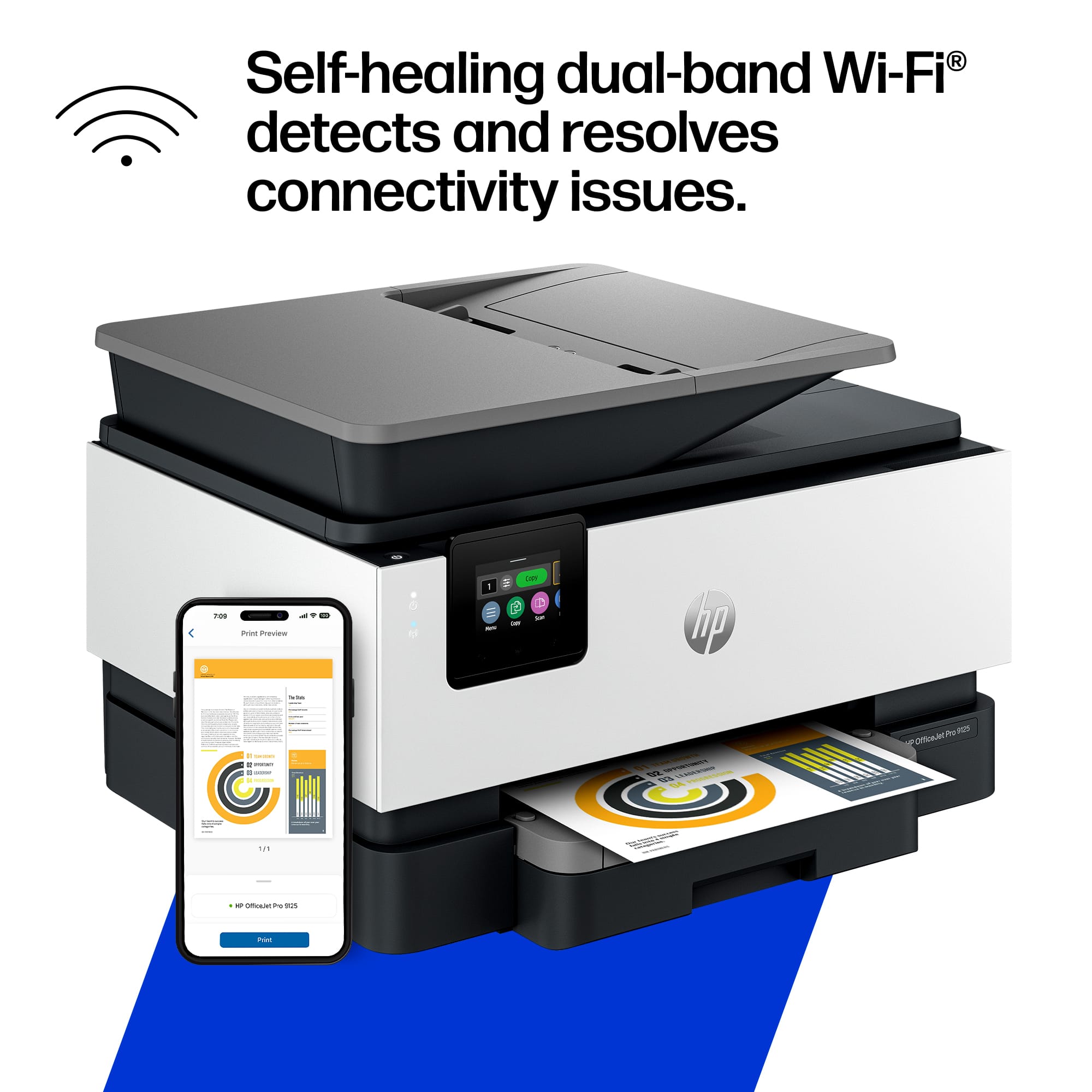
Customers enjoy the fantastic print quality and reliable overall performance of this printer. Users also appreciate the convenient wireless connectivity, the practical paper tray capacity, and the thoughtful design of the adjustable screen. While the device is generally well-regarded, some users have noted that it can be a bit noisy during operation.
This summary was generated by AI based on customer reviews.
hp pro 9125
||Posted . Owned for 3 weeks when reviewed.This reviewer received promo considerations or sweepstakes entry for writing a review.works very nice so far, it prints rapidly and makes clear copies
I would recommend this to a friendGreat Pringter
||Posted . Owned for 1 week when reviewed.This reviewer received promo considerations or sweepstakes entry for writing a review.Insane price for ink. Ink supply costs more than retail of printer.
I would recommend this to a friendHP 9125 printer
||Posted . Owned for 3 weeks when reviewed.This reviewer received promo considerations or sweepstakes entry for writing a review.I have had alot of problems with this printer since buying it three weeks ago. I have had very good success with past HP printers, but not this one. The wifi signal is lost constantly, despite the new modem being 6-7 feet away. The HP software keeps requesting reentry of a PIN number, which should only be required if there is a power outage or other unusual event.
No, I would not recommend this to a friendHP Printer 9120 series
||Posted . Owned for 1 week when reviewed.This reviewer received promo considerations or sweepstakes entry for writing a review.Handles all the daily printing that I do at my home office
I would recommend this to a friend9125 HP Printer Bad choice
||Posted . Owned for 2 weeks when reviewed.This reviewer received promo considerations or sweepstakes entry for writing a review.Very hard to set up. Loud, noisy when runs. Uses a lot of ink! Expensive. Poor sub for the 8620! Do not recommend
No, I would not recommend this to a friendDifficult set up
||Posted . Owned for 1 month when reviewed.This reviewer received promo considerations or sweepstakes entry for writing a review.Very hard to get set up. Its actual model number is not what is stated on machine. Poor paper dispenser
No, I would not recommend this to a friendIt Works
||Posted . Owned for 1 month when reviewed.This reviewer received promo considerations or sweepstakes entry for writing a review.Too Much AI to work with. tough to get set-up will probably buy a different printer in the future
No, I would not recommend this to a friendnot easy set up
||Posted . Owned for 1 week when reviewed.This reviewer received promo considerations or sweepstakes entry for writing a review.I did not like that I had to install and ap to set up this printer. Writing is very tiny on printed out paper.
No, I would not recommend this to a friendAwful
||Posted . Owned for 2 weeks when reviewed.This reviewer received promo considerations or sweepstakes entry for writing a review.Noisy. Hard to stay connected. Paper tray awful feeds several sheets at the same time. Have to reconnect to my network. Need to return.
No, I would not recommend this to a friendHPOJPro9125 Wless AIO Inkjet PrinterScanne Copier
||Posted . Owned for 3 weeks when reviewed.This reviewer received promo considerations or sweepstakes entry for writing a review.Noisy and slow; However, the online links are better than most. The option of disk or online drivers should be available as a lot of online drivers are unstable across the board for printers.
No, I would not recommend this to a friendHP OfficeJet Pro 9125
||Posted . Owned for 3 weeks when reviewed.This reviewer received promo considerations or sweepstakes entry for writing a review.We had never bought a bad HP Printer, UNTIL WE BOUGHT THIS ONE. The fact that it tries to print front and back, which causes the printer to operate extremely slowly and jump around and shimmy, is very disappointing We are waiting for Best Buy to come out and try to negate the two sided printing. Best Buy is charging us an additional service charge of about $130. If it is not possible to modify the printer for one sided printing, I guess we'll need to buy another new printer.
No, I would not recommend this to a friendBrand response from HP Team
Posted .Thank you for your feedback. We're sorry to hear the printer's automatic two-sided printing did not meet your expectations. If preferred, two-sided printing can be turned off in the printer settings or print preferences so documents print on one side only.

- Pros mentioned:Connectivity, Design, Print quality

A great HP Printer For Small Business and Home Use
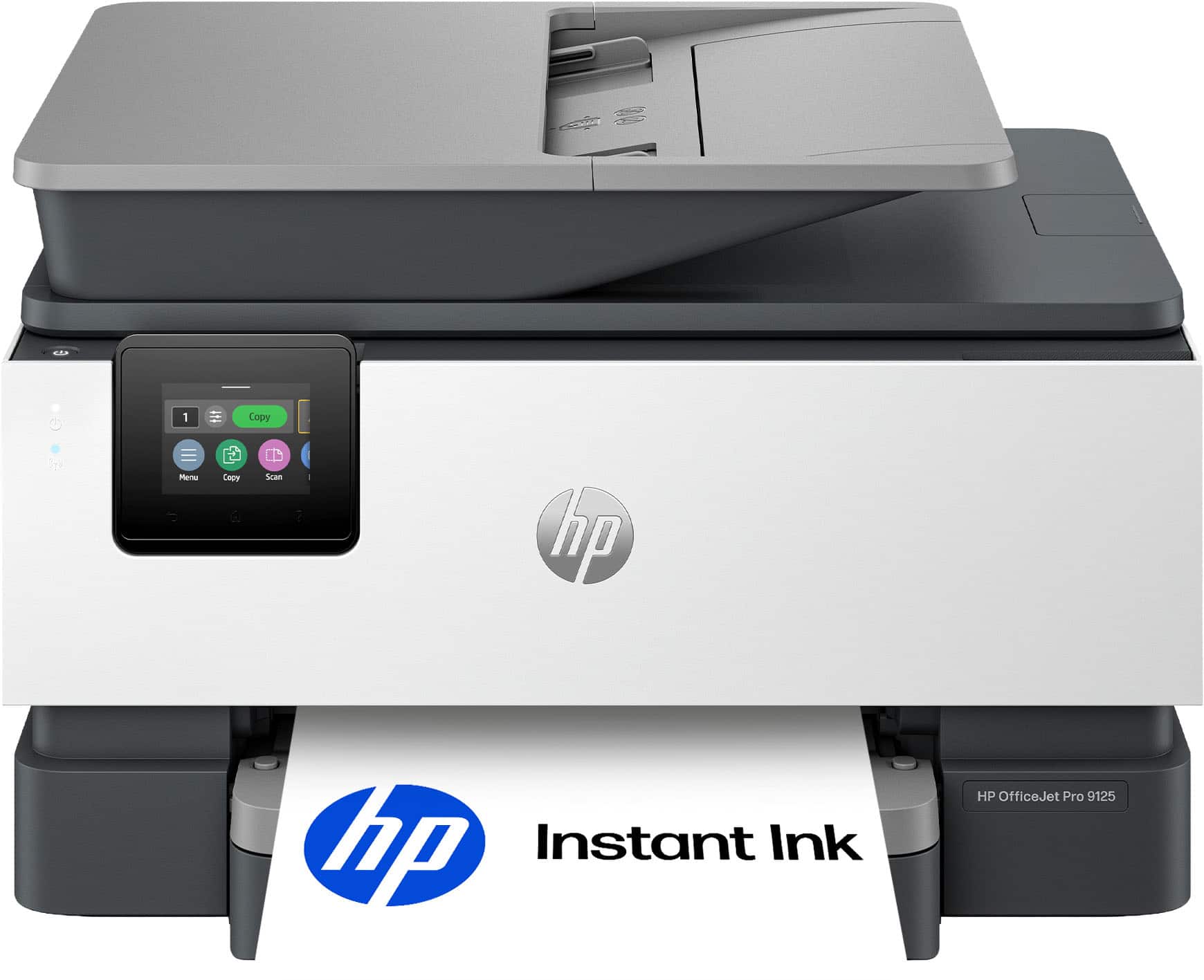
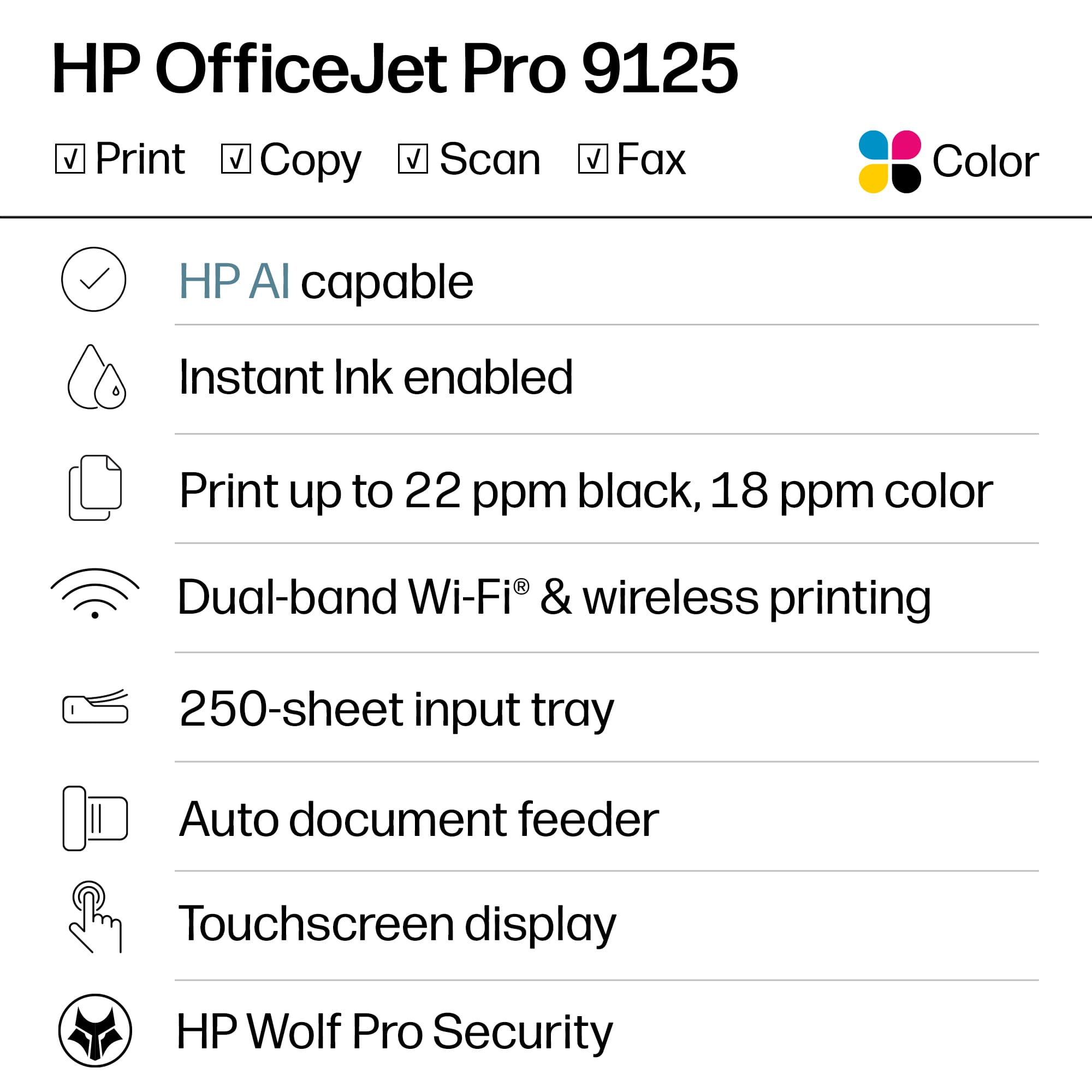
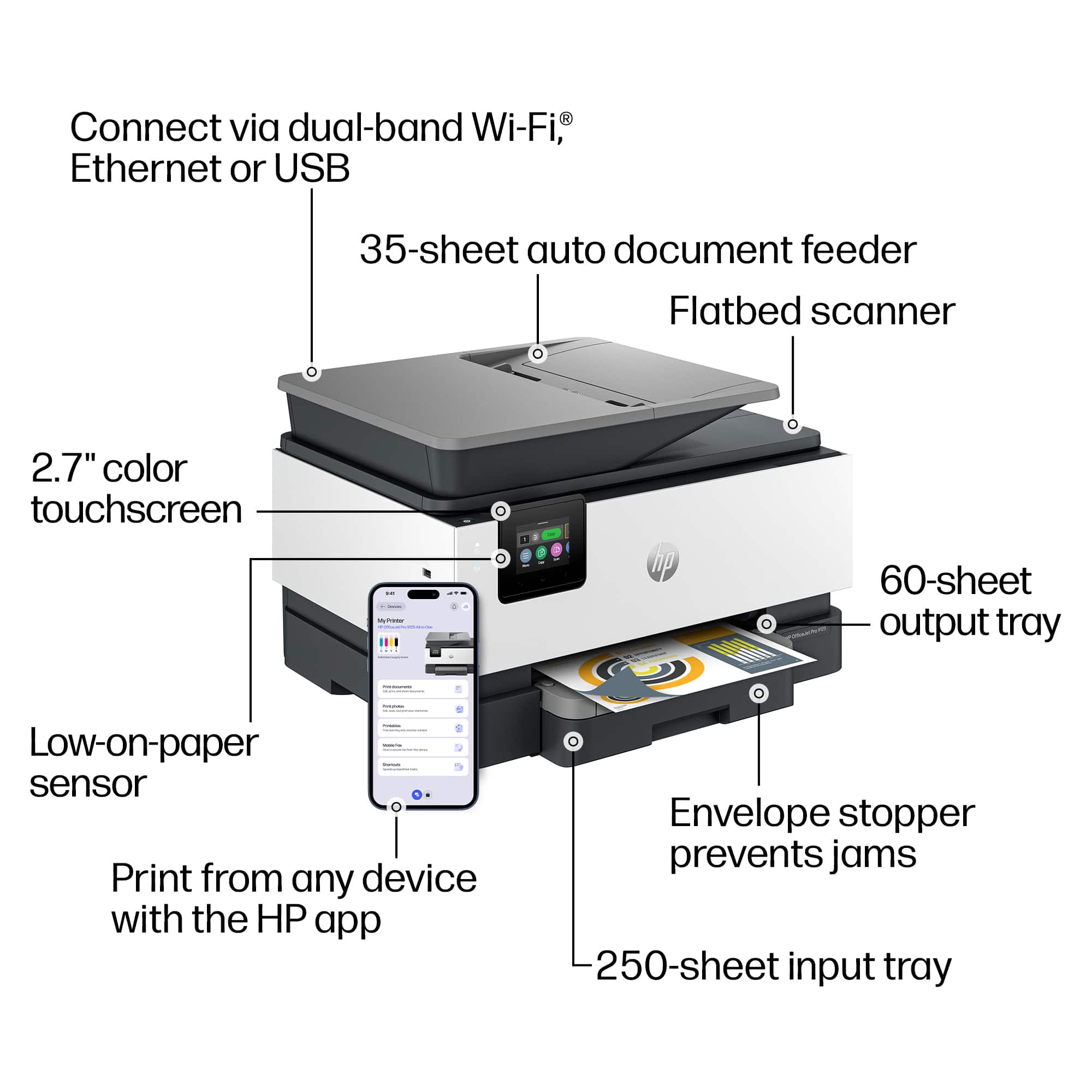
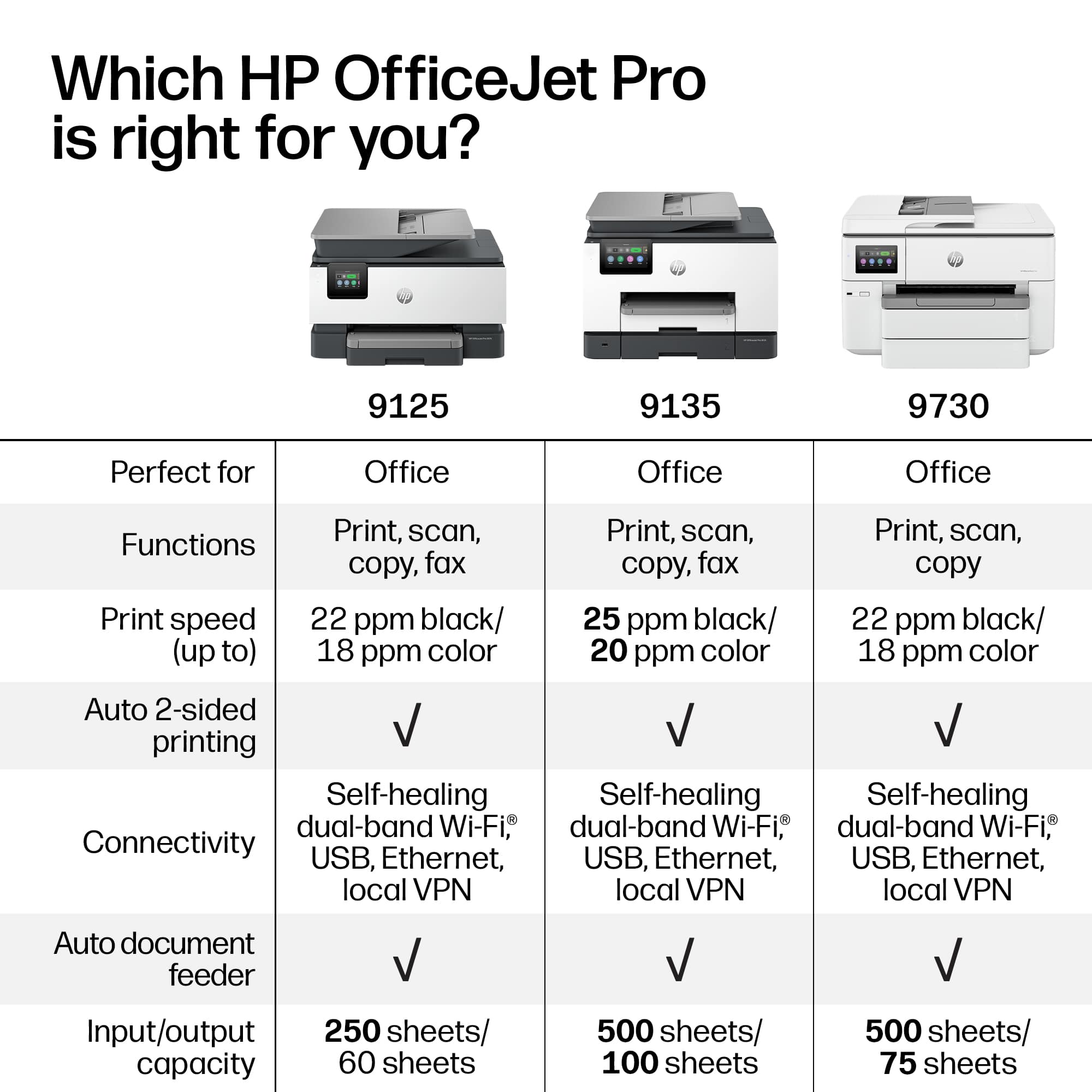
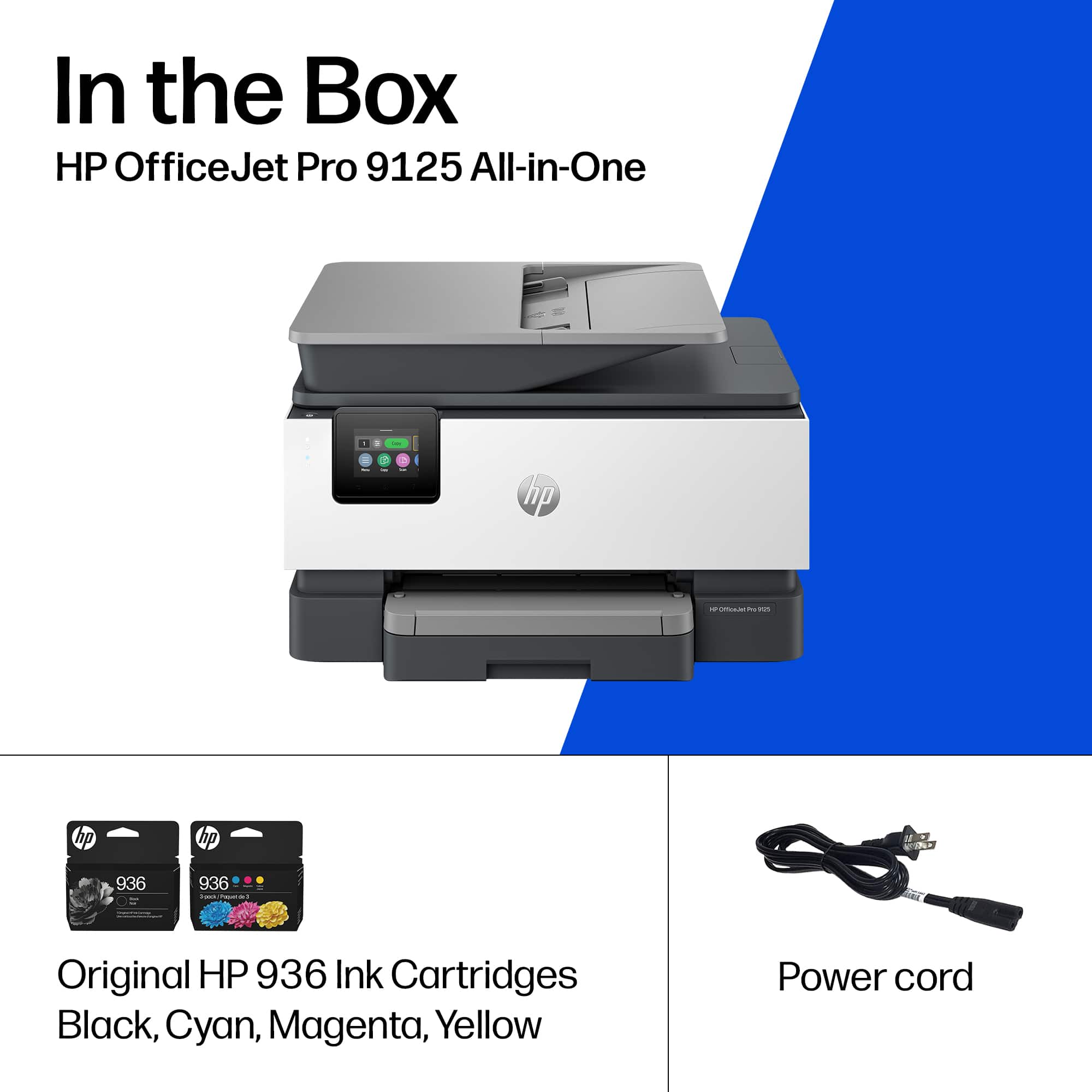
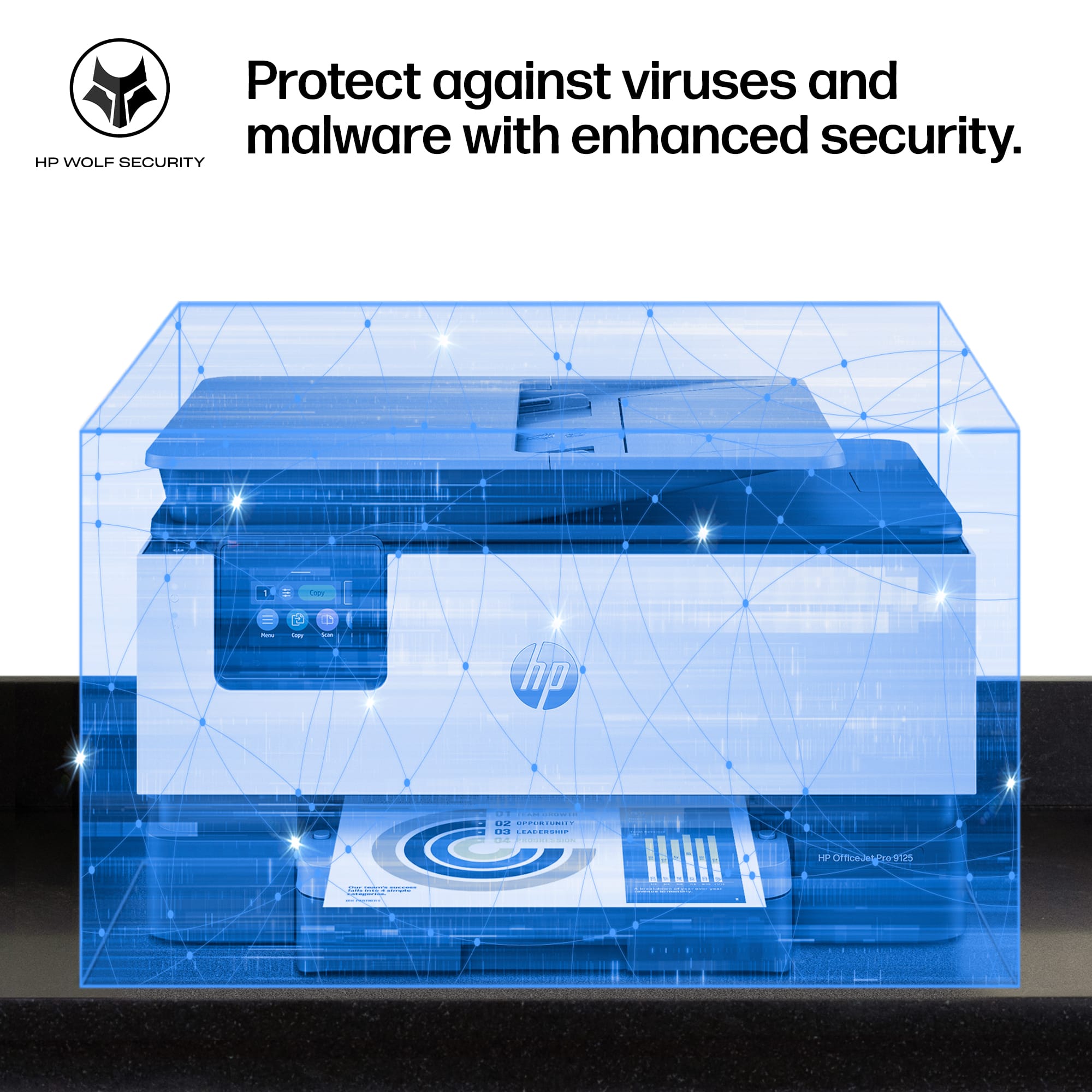
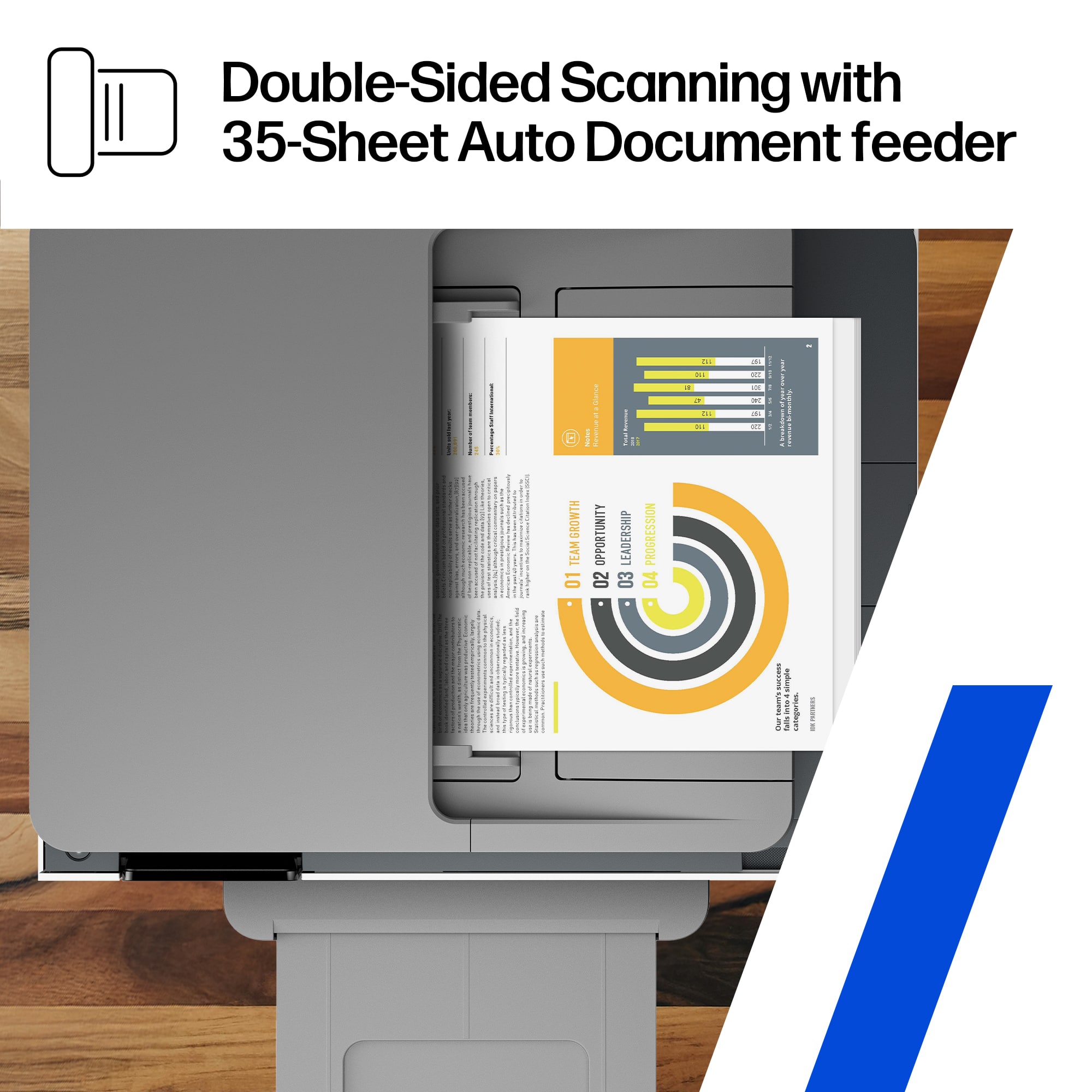
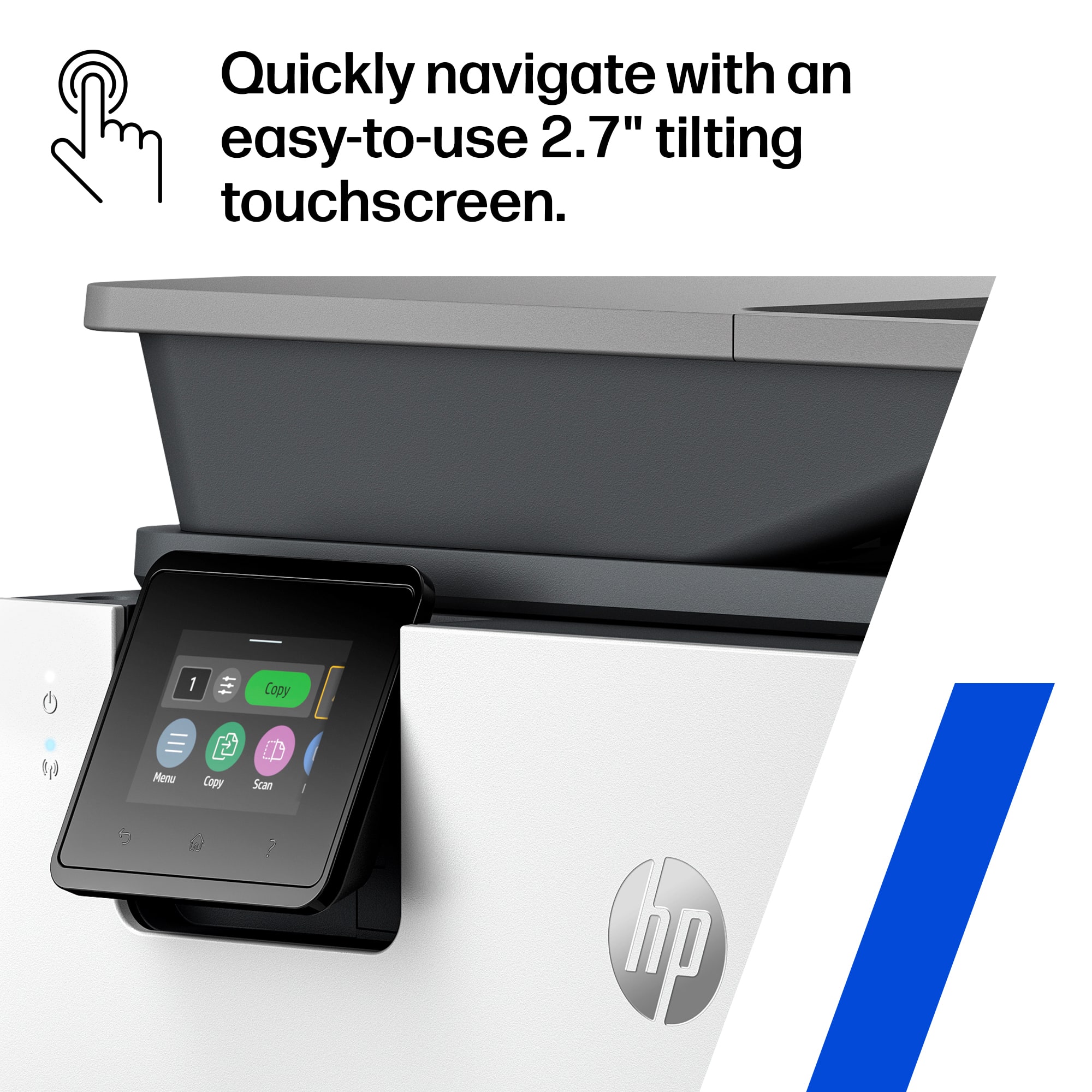
|Posted .This reviewer received promo considerations or sweepstakes entry for writing a review.Hewlett Packard has built a winner with their HP OfficeJet 9125 Pro printer! Perfect for both small business and home use, this HP printer has it all: Print Copy, Scan and Fax - the ultimate all-in-one device using only 4 small ink jet cartridges. HP provides its proprietary installation and security software that makes setting up and using the 9125 printer easy. The HP 9125 OfficeJet Pro has all the latest technology included: - Print from PC, Android, Chromebook or Apple devices - Print via Wi-Fi, AirPrint or hardcopy from the copier screen or page feeder - Fax using a phone line (phone not included) - Scan to a USB thumb drive using the copier screen - Print 22 pages per minute - Automatic two-sided printing - 250 page paper tray - 35 page two-sided automatic document feeder - Prints using paper up to 8.5 x 14" in size - 2.7" Color touchscreen for selecting function - HP Wolf Pro Security This printer does it all and in a beautiful package built for small business and home use (using HP 936 B&W and Color ink jet cartidges,) Thius is the printer i use and recommend to everyone.
I would recommend this to a friend Officejet pro 9120
||Posted . Owned for 3 weeks when reviewed.This reviewer received promo considerations or sweepstakes entry for writing a review.The printer is mechanically very good and fast. The printer software was a nightmare and is still not fully operational.
No, I would not recommend this to a friend- Pros mentioned:Paper tray capacity, Print quality, Setup ease
A Great Choice
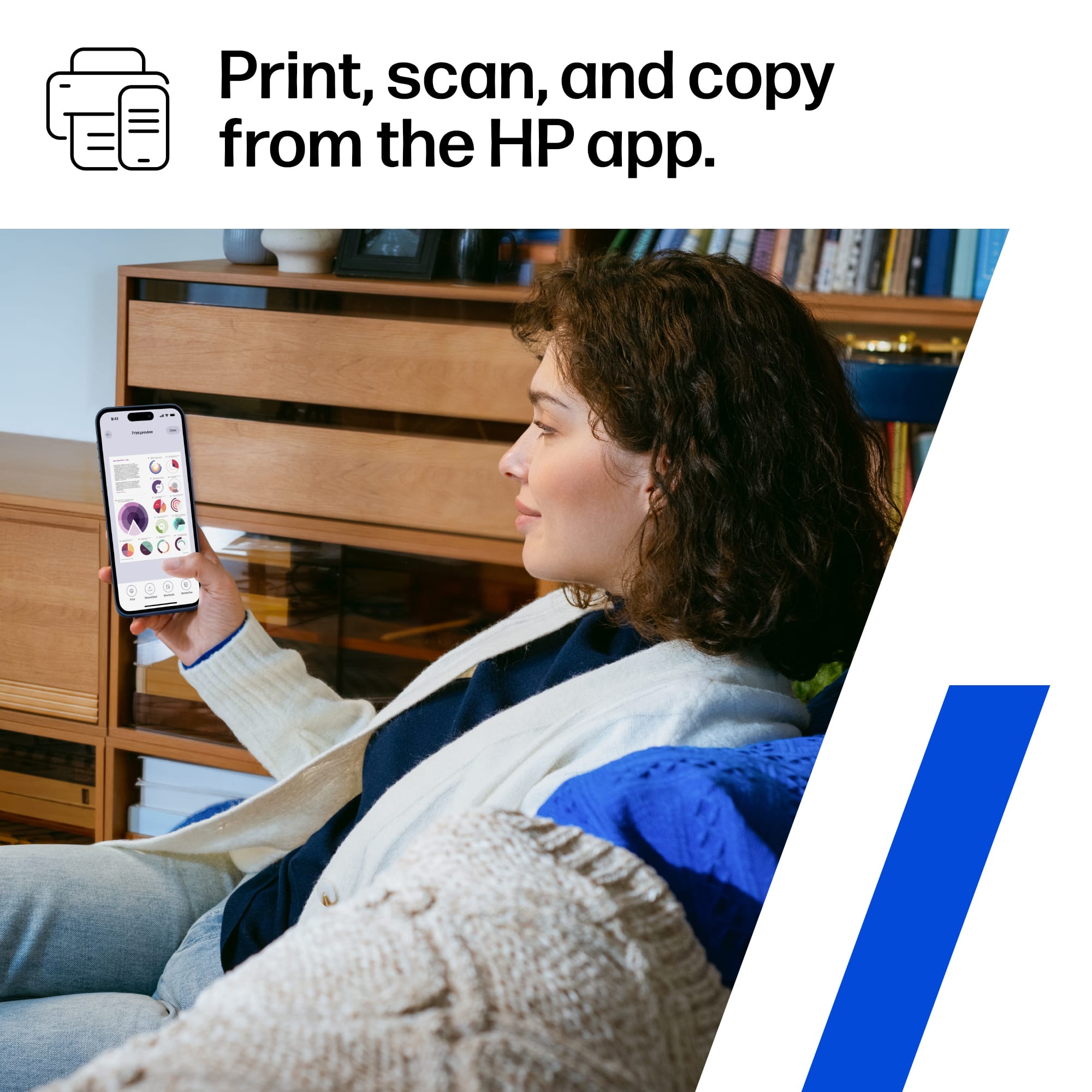
|Posted .This reviewer received promo considerations or sweepstakes entry for writing a review.The OfficeJet Pro 9125 from HP is a new print/scan/copy/fax(yes) device designed for small businesses or home use for those who want more than just a printer. I am in the second group; thus, I was pleased to take it for a test drive. Out of the box and plugged in, there is truly little that needs to be done to complete set up. Mostly, you need to pay attention to the instructions shown on the small screen and execute them as directed. The most crucial step is connectivity as the 9125 is wireless. Using the HP Smart app, which I already have in use, the wi-fi connection was instantaneous. No entering password or any other data. Being so quickly ready to begin the final printing adjustments performed by the printer itself, I was totally impressed. Other than inserting the ink containers when directed and loading paper for the printing adjustments, the 9125 essentially set itself up. Some additional and notable features of the 9125 are: *Print speed: A fast 22 pages black/white per minute and 18 per minute for color. *Duplexing: Two-sided printing and scanning. Generous 35-page document feeder. Other than putting out excellent product, duplexing for both copy and scan is a requirement. The job is easier, faster, and paper usage volume is reduced; saves money and trees. *250 sheet paper tray. Though I prefer two trays, I rarely use any size other than standard 8.5x12. One generous 250 sheet tray, not a problem. *2.7 Color touchscreen. It may be a bit small, but it exhibits well. *Connectable to your smartphone for all functions via the app. There is a lot to like about the 9125! However, there is one feature that has me scratching my head. The power cord is comparatively short! Unless you can place the 9125 near to an outlet, an extension cord will be needed. I would not recommend a “regular” cord be used. The better, potentially safer, choice is a heavier duty cord. Even better would be a surge protection strip with on/off capability. Based on my personal experience with HP OfficeJet Pros, this new Pro 9125 should provide excellent service for a long time and at a reasonable cost. I would certainly recommend it to family and friends.
I would recommend this to a friend Network connection difficulties
||Posted . Owned for 1 week when reviewed.This reviewer received promo considerations or sweepstakes entry for writing a review.Unable to maintain connection. Will not print at all now.
No, I would not recommend this to a friendBrand response from HP Team
Posted .Hello Brian, we are sorry to hear about your frustrating experience with your OfficeJet Pro 9125. Please reach out to our HP support team, who will assist you with this issue. They can be contacted via phone at (800) 474-6836, available 24/7. Thank you for taking the time to leave your feedback. Sincerely, Mark - The HP Team.
HP - OfficeJect Pro 9125
||Posted . Owned for 2 weeks when reviewed.This reviewer received promo considerations or sweepstakes entry for writing a review.CON: HP account and HP Smart Software is required to use the device.
No, I would not recommend this to a friendBrand response from HP Team
Posted .Hello, an HP account is not necessary for basic printing, scanning, copying, and faxing with the OfficeJet Pro 9125. The printer can be set up and operated without one, using either Ethernet or Wi‑Fi (with or without the HP Smart app). For any questions, please refer to our support team at https://support.hp.com/us-en/contact. Thank you for the feedback, we are sorry to hear about your experience.
Representative did not listen
||Posted . Owned for 2 weeks when reviewed.This reviewer received promo considerations or sweepstakes entry for writing a review.Printer may be good for residential but NOT small business
No, I would not recommend this to a friendBrand response from HP Team
Posted .Hello Kim, we are sorry to hear you are not satisfied with the capabilities of your OfficeJet Pro 9125. This printer is designed to be perfect for offices. Depending on what specification of the printer you need more from, the OfficeJet Pro 9135 might be a better fit. This printer offers higher print speeds, single-pass duplex printing, and an additional 250-sheet input tray. If you are experiencing any issues with this printer, please contact our HP support team at (800) 474-6836, available 24/7. Thank you for taking the time to leave a review. Sincerely, Mark - The HP Team.
- Pros mentioned:Paper tray capacity, Print quality, Setup ease
Good for documents, bad for photos
|Posted .This reviewer received promo considerations or sweepstakes entry for writing a review.I’ve spent the last several days setting up and printing with the HP OfficeJet Pro 9125. My overall impression is that it’s a great document printer for a small business, but it falls short in a few areas that surprised me. Setup was exceptionally easy. Out of the box, I removed a few pieces of tape, installed the ink cartridges, powered it on, scanned the QR code, and followed the guided setup process. The printer then spent about five minutes making random setup noises that scared all the cats in my house, and then it was ready to go. HP makes a pretty persistent effort to encourage you to create an account and install the app. I actually recommend doing it because it unlocks additional functionality and makes the overall experience much smoother, and the HP app is really the shining point of my review. It allows you to print documents and photos directly from your phone, scan documents, manage printer settings, and there are quite a few preset printing options. You can also just print from iPhone, independent of the app, as long as you are on the same WiFi network. For standard business documents, letters and forms, the print quality is very good, and quick. Print speed was actually pretty great and should easily satisfy most small office environments. Where I was disappointed was photo printing. I tested several colorful photos that looked vibrant and detailed on my phone, but the printed results were noticeably washed out. Colors lacked depth and saturation, and some images just looked terrible. While this is technically a small business printer, a lot of small businesses operate from home and double for personal use as well. Take a look at the photos I posted of the print quality next to the images on my iPad. The one with darker colors is especially washed out, and just downright bad quality. Scanning was simple, and the scan quality is excellent. Using the app allows you to initiate scans directly from your phone, so the image goes to your phone. It’s very useful. The scan speed isn’t particularly fast, it takes a lot 15 seconds for a 200 DPI scan to be captured and transferred to my device, but again, the quality is very good. The app also includes useful post-scan tools such as automatic cropping and rotation. The tray holds decent amount of paper and can be adjusted for different paper sizes. There’s also a top feed option that is pretty handy. Build quality feels solid overall, as HP is usually a go to brand for printers. That said, this is part of why the photo printing performance surprised me. I remember owning HP printers from when many years ago that produced better-looking photos than this model does today. Overall, this is really a document-focused business printer. If your workload consists of reports, invoices, and everyday office documents, you’ll probably be very happy with it. However, if you’re looking for a printer that can double as a quality photo printer then I think you’ll be a bit disappointed.
- Pros mentioned:Print quality, Setup ease
AI Feature is Very Useful
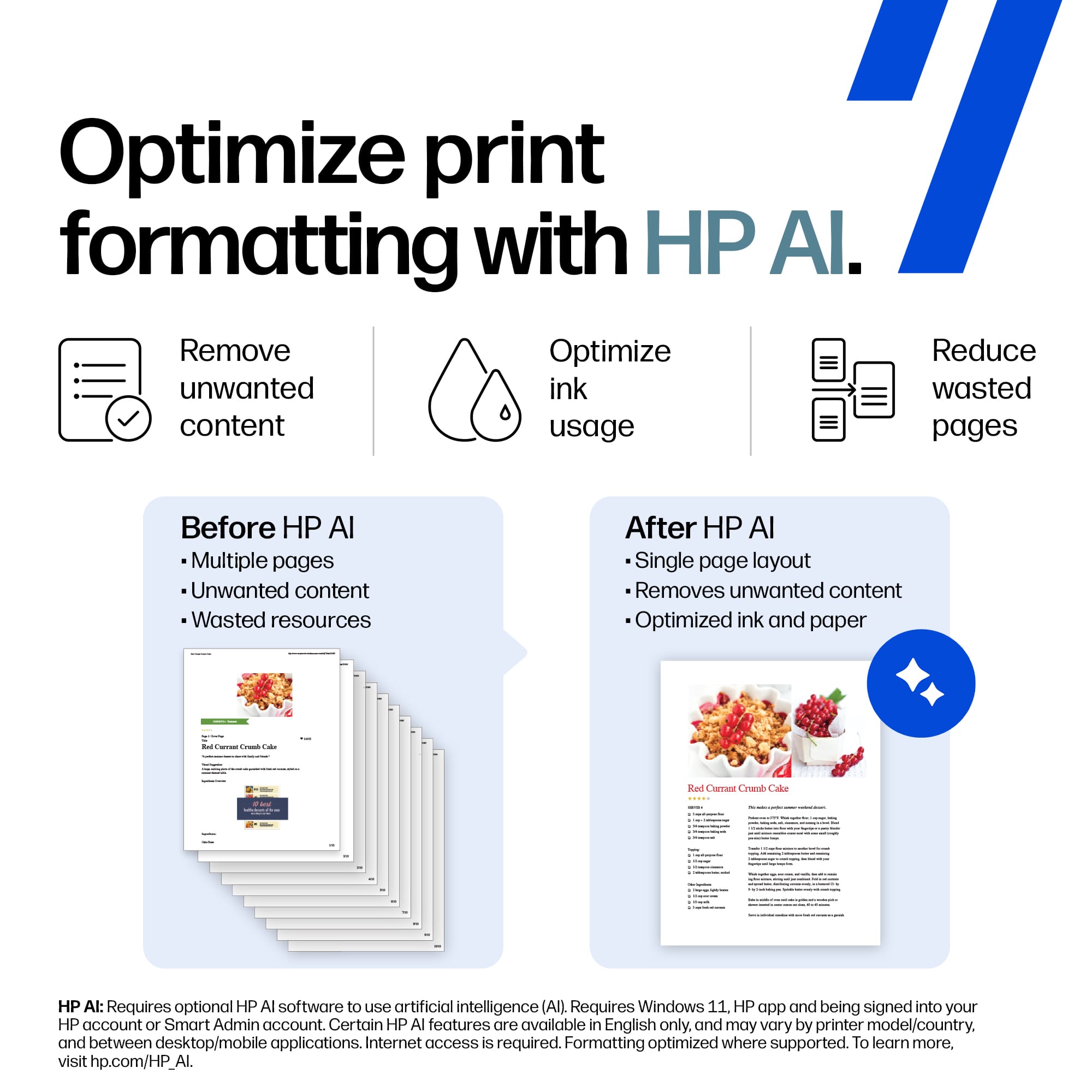
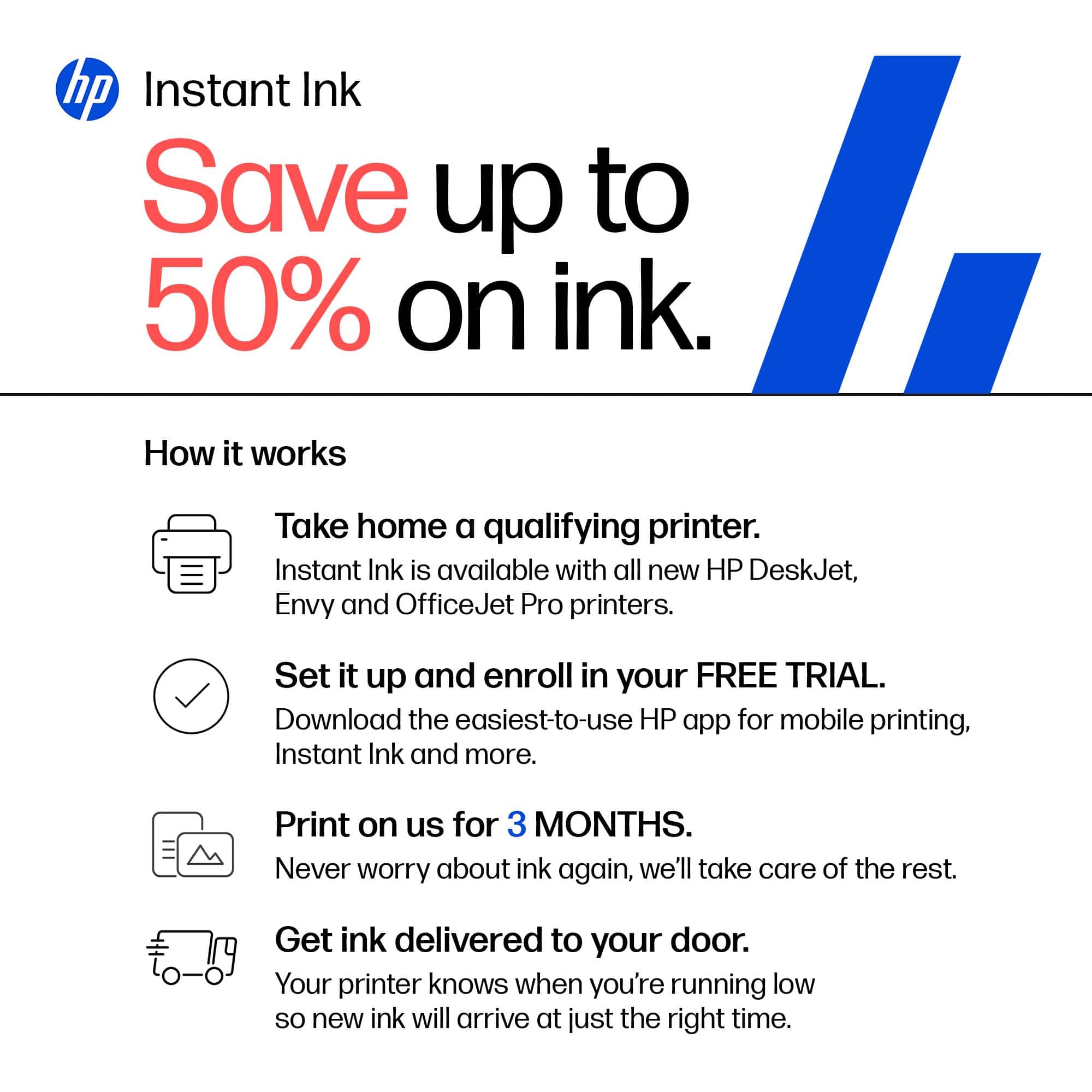
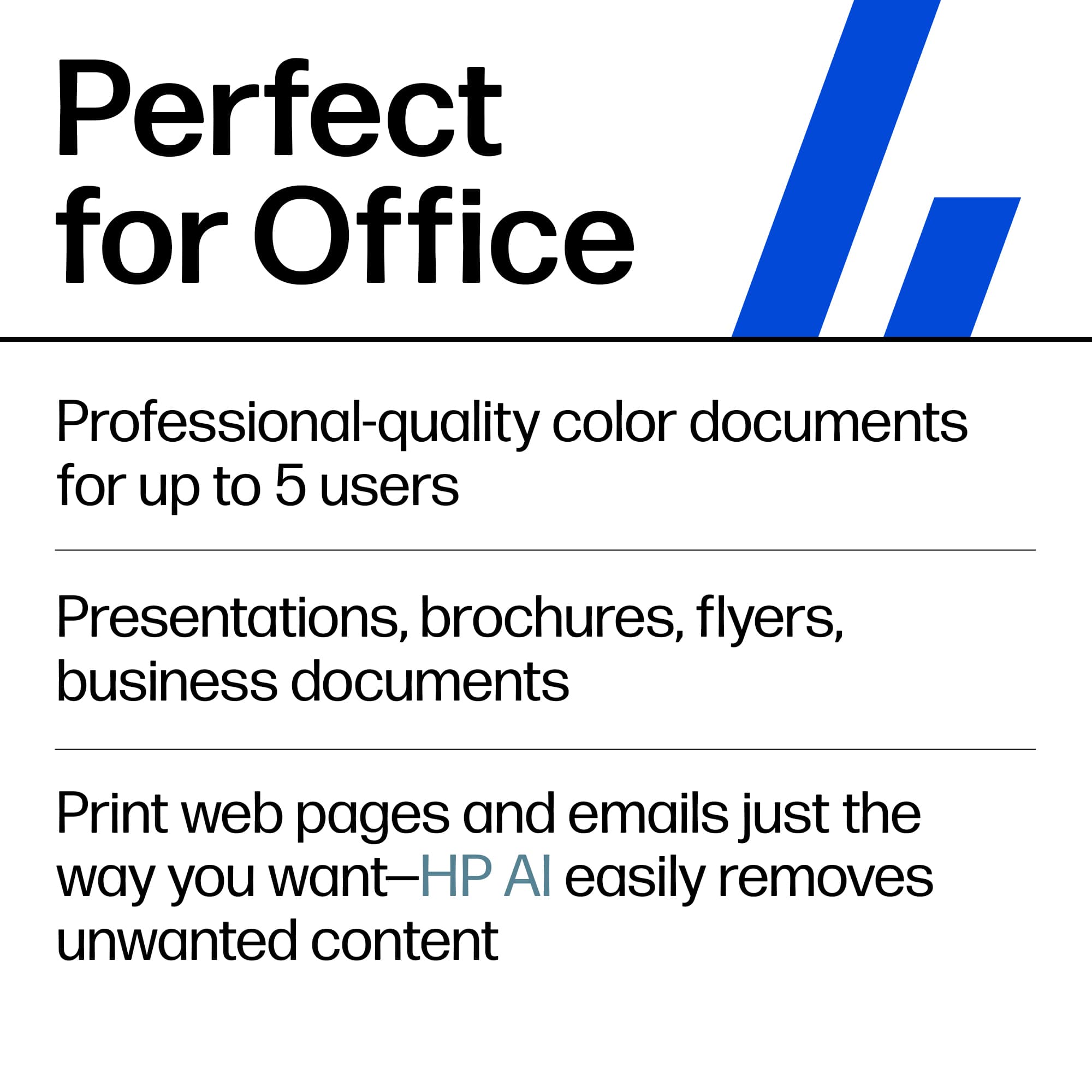
|Posted .This reviewer received promo considerations or sweepstakes entry for writing a review.Despite the price of ink which is something hard to ignore, HP printers are almost always excellent in print quality and features. This Officejet Pro 9125 is no exception. It automatically prints on both sides, scans perfectly, and was very easy to install. And my phone iPhone found it when I needed to print. No need to install anything on the phone. One nice feature that took me a while to figure out was the AI printing. I had wondered what they meant by "AI enabled" until I realized that when printing a web page, it ignores ads and other distractions and prints only what you want. That is a very handy feature. It more than just saves ink and paper. It saves annoyances. The only thing I didn't like that much was the size of the screen. I wish it was bigger. My aging eyes would have appreciated it. Other than that, this is an excellent printer. Although a bit louder than I expected, it is by no means distracting. When I say loud, I mean comparatively speaking since most newer HP printers are fairly quiet. Thus, anything that is not just a whisper I consider loud. But it won't bother anyone. This is great for home or small office. It has all the features you might need. If you plan well, you can save money with the ink subscription plans. If not planned well, it could be more expensive though. But it's an option you have.
I would recommend this to a friend - Pros mentioned:Paper tray capacity, Print quality
Good overall all in one printer
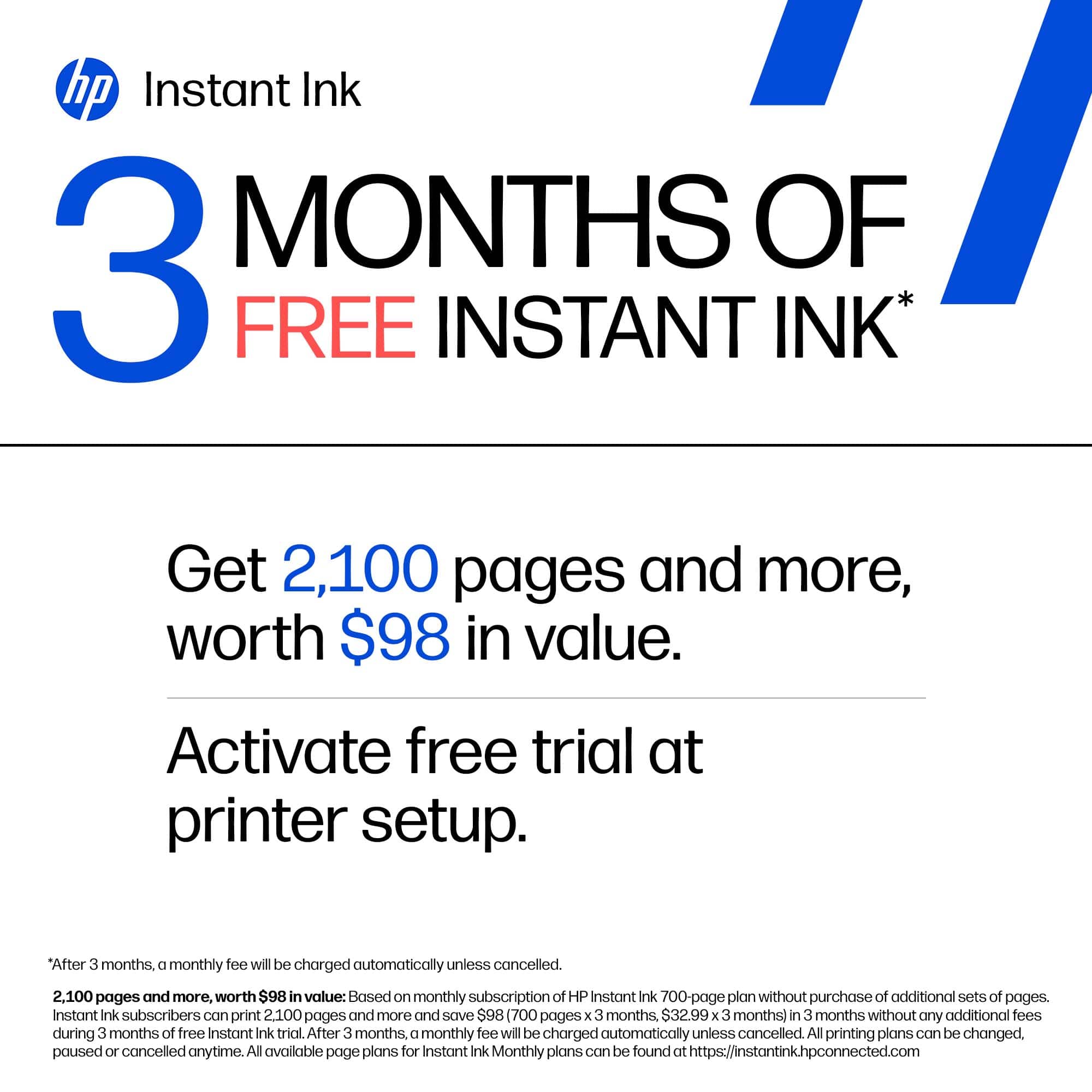
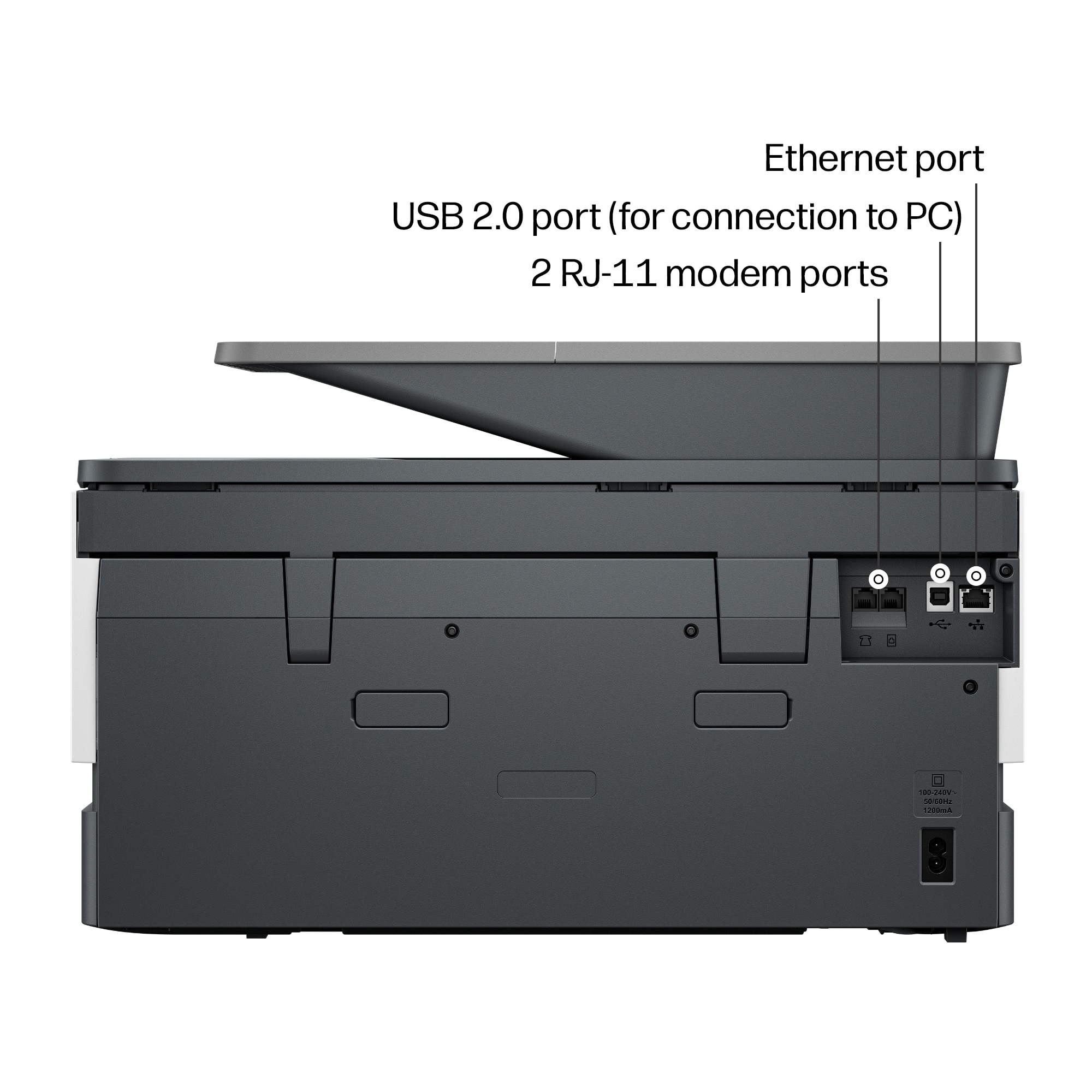
|Posted .This reviewer received promo considerations or sweepstakes entry for writing a review.The HP OfficeJet Pro 9120 All-In-One Printer is a good printer that’s good for casual printing and scanning. The printer allows you to print, copy, scan and fax. It print fairly fast by printing up to 22 pages per minutes. It also supports duplex 2 sided printing. The paper tray allows you to put up to 250 pages in the tray, which will keep you from having to load paper that often. The printer comes with a 2.7’ color touchscreen that makes it easy and simple to navigate the settings and various modes of use. The back of printer has various ports such as a phone jack, USB port and Ethernet port. I pretty much print to the printer wirelessly using Apple’s AirPrint which allows me to print from my MacBook, iPad and iPhone, as well as scanning documents wirelessly using the HP app. I’m able to print using the document feeder or by placing documents on the scanner glass. The printer works well and does what I need. My only gripe is the ink cartridges. They’re kind of pricey for the amount of pages you’re able to print. The ink cartridges are rated at getting 1,450 from the black ink cartridge and 800 for the colored cartridges. Getting a 4 pack of replacement cartridges will run you about $145. It would be nice if the price was a bit cheaper.
I would recommend this to a friend