Customer Ratings & Reviews





- Model:
- OfficeJet Pro 9125/C2VZ0A#B1H
- SKU:
- 6673910
to a friend
Customers are saying
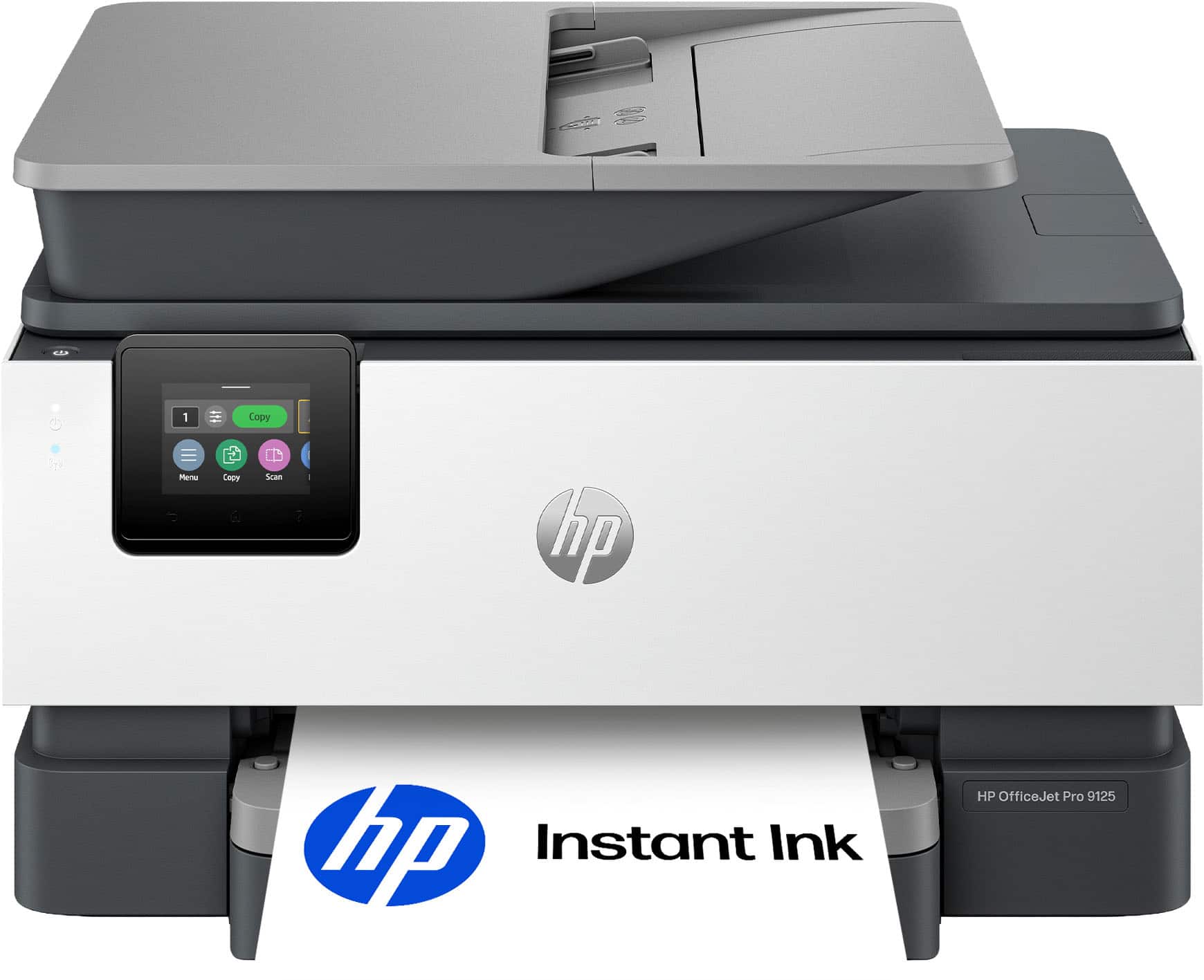
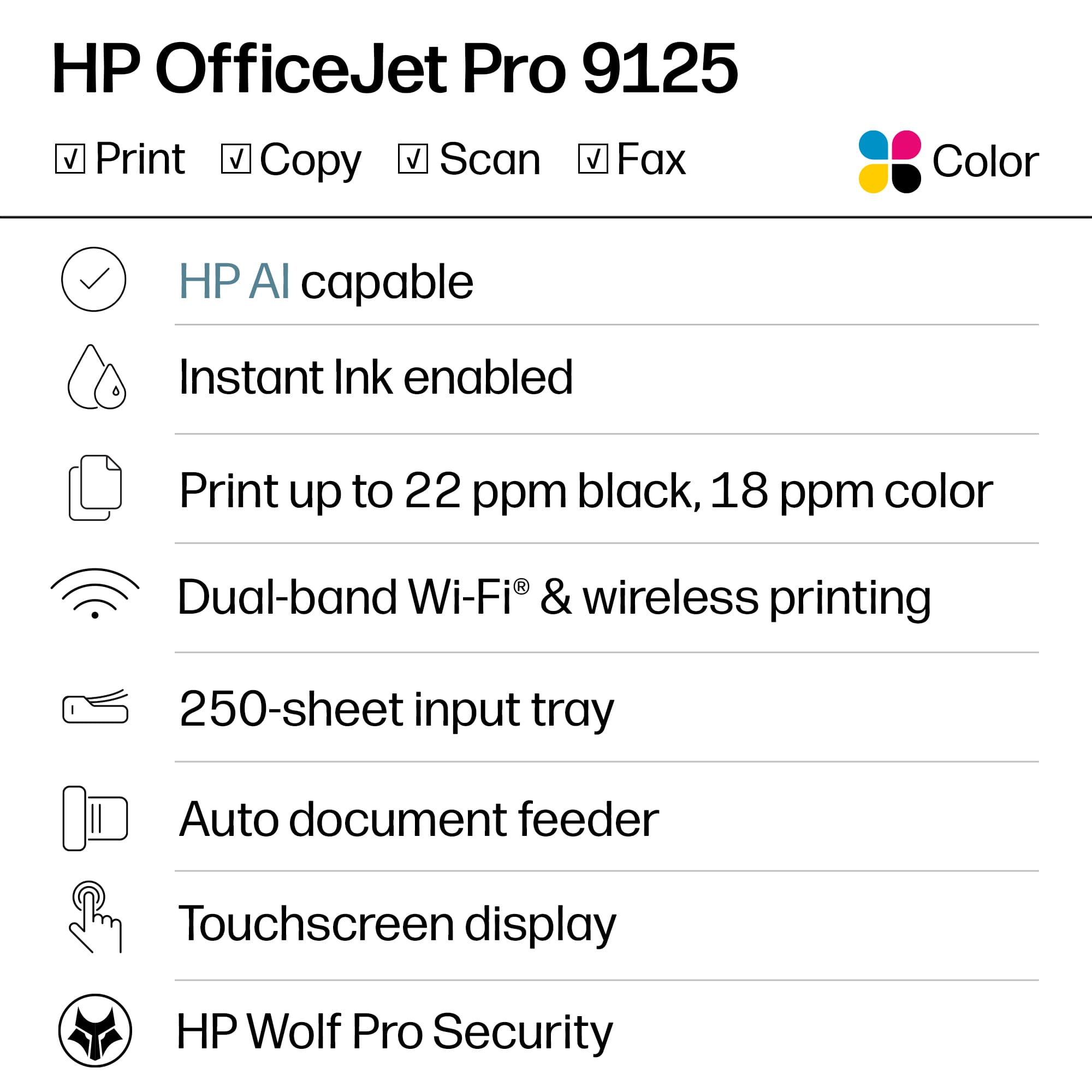
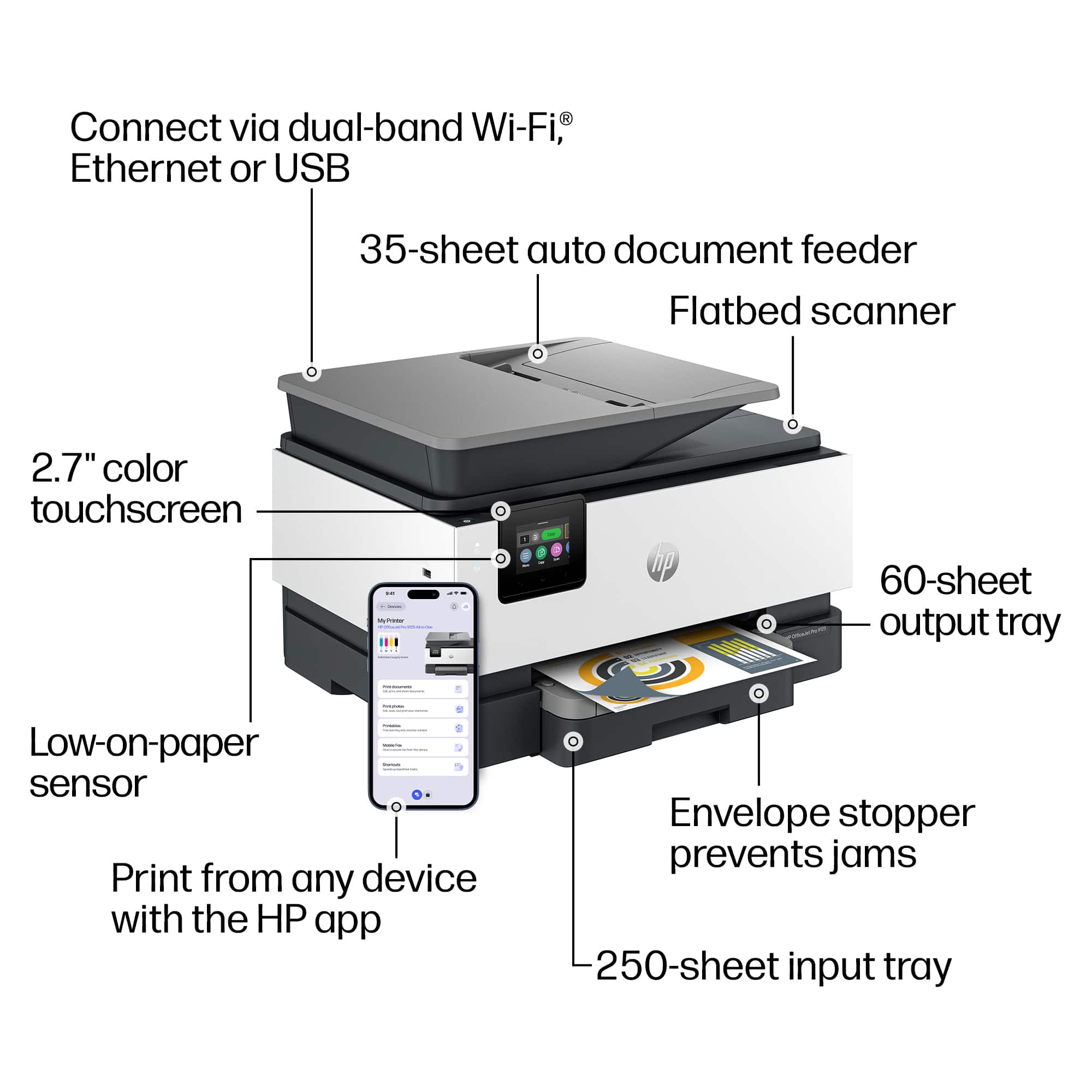
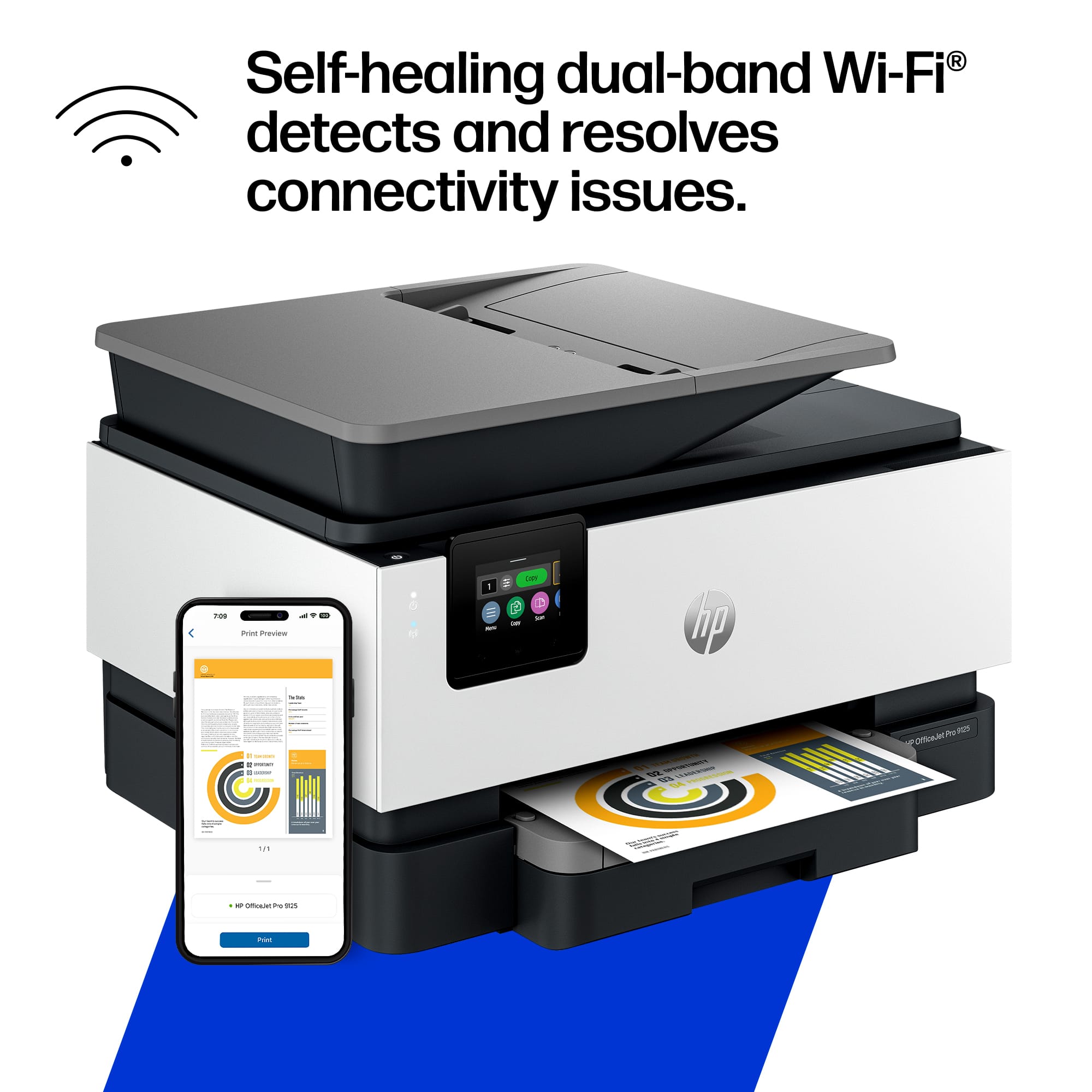
Customers enjoy the fantastic print quality and reliable overall performance of this printer. Users also appreciate the convenient wireless connectivity, the practical paper tray capacity, and the thoughtful design of the adjustable screen. While the device is generally well-regarded, some users have noted that it can be a bit noisy during operation.
This summary was generated by AI based on customer reviews.
- Pros mentioned:Connectivity, Print quality

Amazing for home and home business!
|Posted .This reviewer received promo considerations or sweepstakes entry for writing a review.After having a the same HP printer for over 6 years I decided it was time to upgrade. I use this for the occasional personal document and my wife uses it for home schooling and her maker business. Set up and connecting was super easy as long as you have the HP app and in less than 30 mins we were up and printing. I really like that document tray holds 250 pages, we’ve been using it for about a month now and haven’t replaced the paper yet!! My old HP wouldn’t print from a laptop (only worked with mobile phones) but this one easily does, no need to wake it up or wait for it connect. My wife prints off documents (work and homeschool), stencils, patterns and ideas for her maker business and I can literally see her smile every time she gets the paper off the feeder. Lines are sharp and absolutely zero smudging. Oh and this unit can print off legal sized paper which is huge for her since some of her designs only fit on that size paper!! The touch screen is easy to read and menus are easy to navigate. Get this printer, trust me you won’t be disappointed!!
I would recommend this to a friend - Pros mentioned:Print quality
Excellent Value in an All-in-One
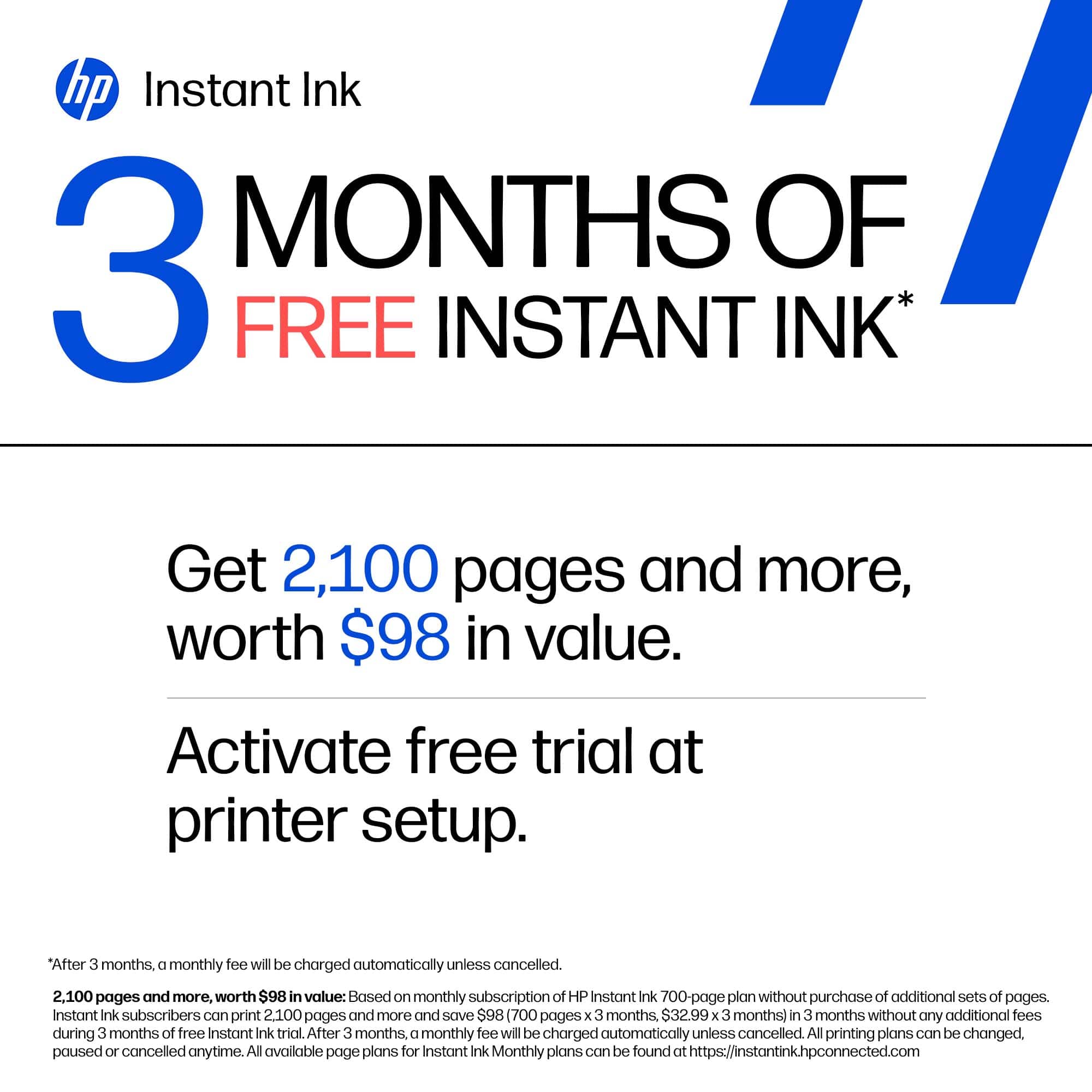
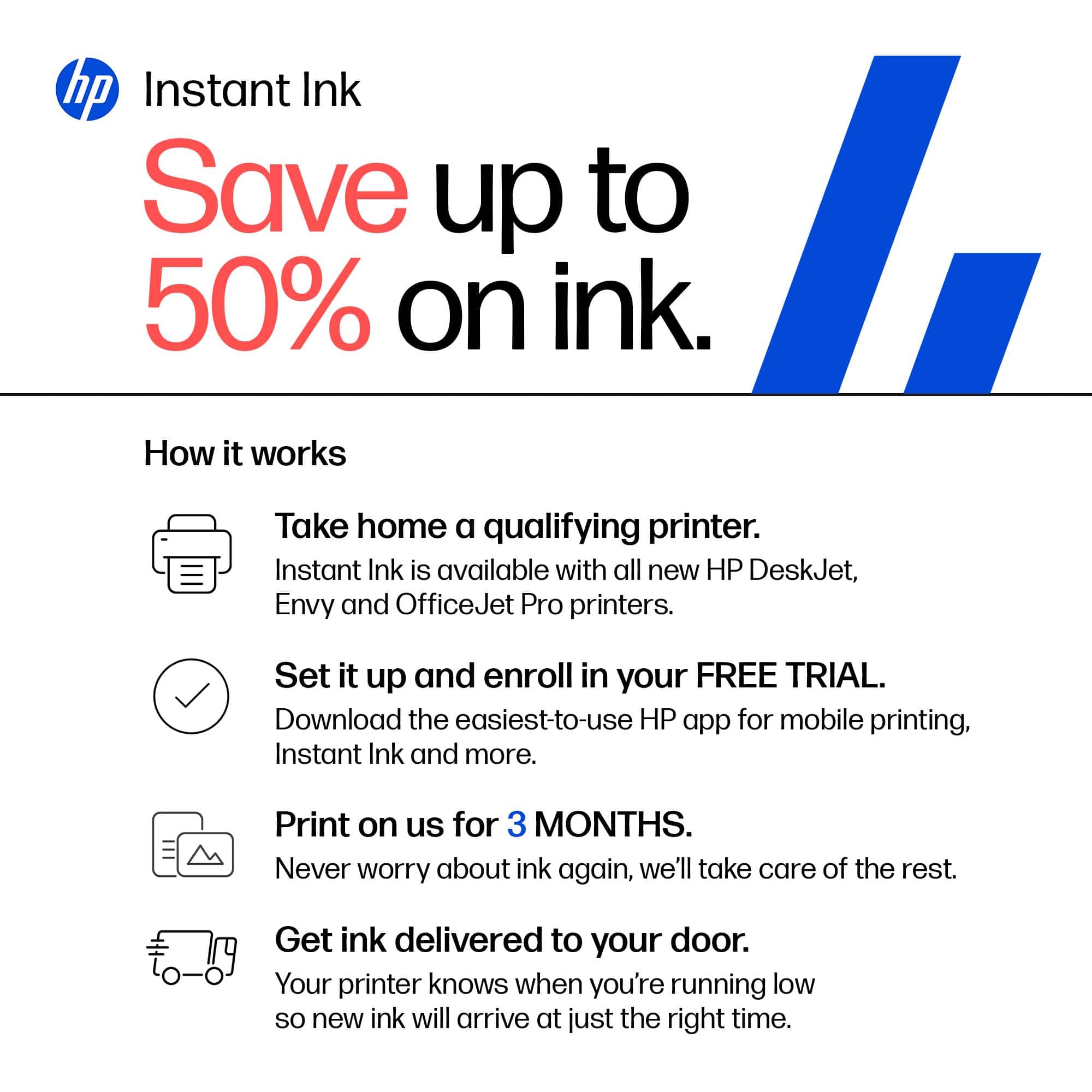
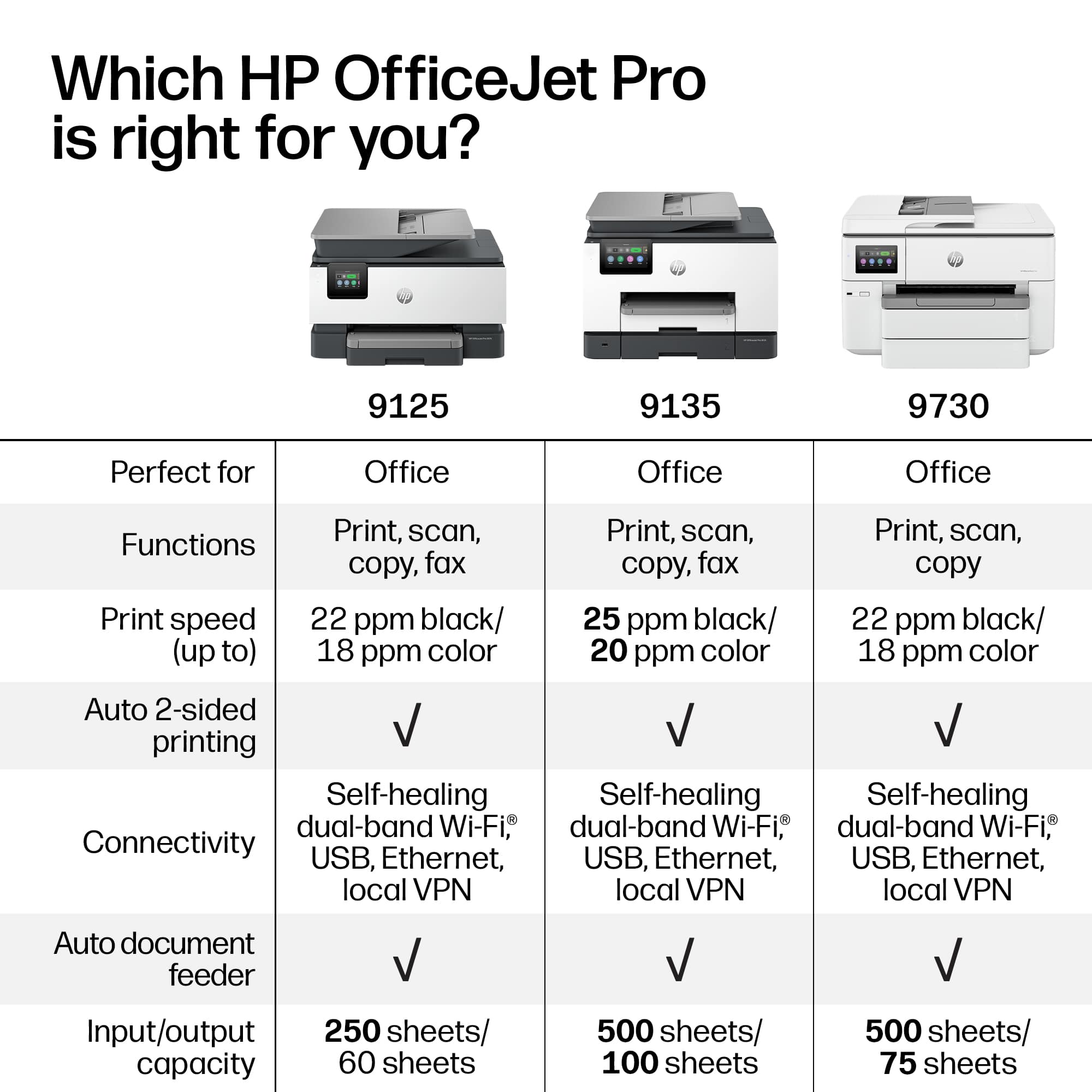
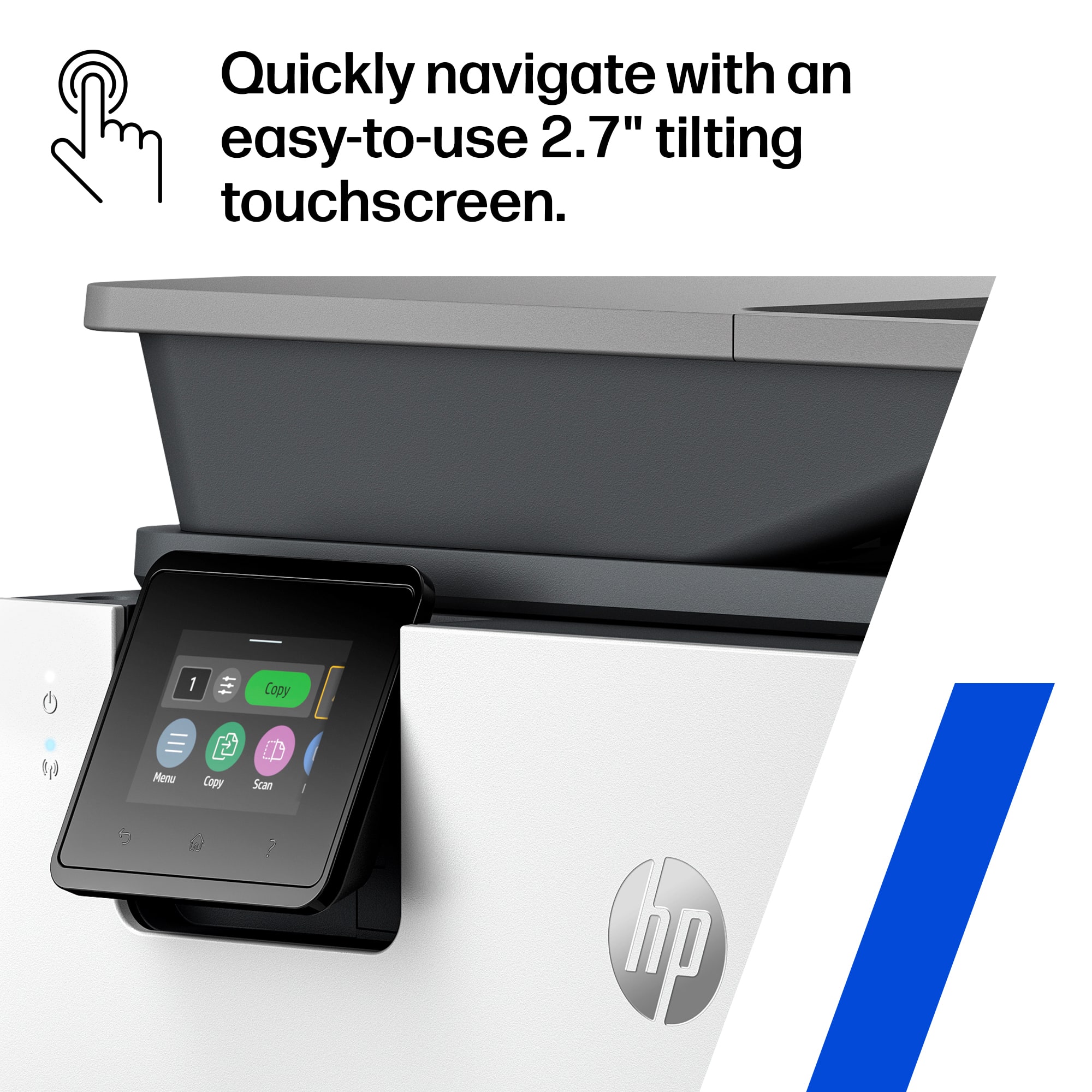
|Posted .This reviewer received promo considerations or sweepstakes entry for writing a review.The OfficeJet Pro 9125e is superb home or small office printer. It combines speed and resolution at a reasonable price point. I can copy, print, scan or fax with ease. Need a print job in a hurry? This printer can do 22 ppm in color and 18 in black. Printed copy comes out of the 9125 in just 5-10 seconds. My previous HP printer took 30 seconds before printing began. Copies are crisp and sharp looking close to laser text. Thw 9125e offers both a flatbed as well as a document feeder. With the aid of a document feeder, you can scan or copy multiple pages. This makes easy to copy or scan larger documents. The scanning function works flawlessly: ((1) Open Scanner, (2) Place document on the flatbed or document feeder, (3) Select the area you wish to scan, (4) Select color or black & white, (5) Select where you want to send the scan forward and ( 6) Press “Scan. It’s just that easy. The auto-duplex feature is nearly Invisible. If you want two-sided copying, just check the “Print on Both Sides” box before you print and you’re done! Want the ease of a fax machine to send or receive faxes, the 9125e can handle the job. Installation of this printer is pretty simple: Just follow the prompts on the screen. It will tell you to go to HP’s online site to complete installation to set up Wi-Fi, ink installation and software installation. To make this install even easier, HP has included a QR code that will take you directly to HP’s site. This whose process should take you only about 15 minutes. One of the perks of the 9125e is HP’s “Instant Ink” program. Once you sign up, HP will send you ink cartridges at a modest monthly fee automatically, so you never run out of ink. When you buy this printer, it includes 3 months of free ink when you sign up. While this program looks ideal for most people, there are some issues to consider. If you print a lot of color, the Instant Ink program looks attractive. However, if you just do modest printing, this program may not suit you. Instead, you can always buy ink cartridges from the many vendors out there from retail to online sources. You need to take into account that these cartridges do have expiration dates. If it looks like the 9125e is the perfect printer there are some negatives. The biggest one is the included 2.7” touchscreen. The small size makes it extremely difficult to select text or options just with your finger. A bigger screen would have helped immensely. Another negative is the pricing. With a list price over $300, this printer may be out of reach with those with a small budget. The good news is that it frequently is on sale around $200, making it much better value. This 9135e printer requires you to use HP’s OEM ink. You are unable to install generic ink from other companies. While this is an advantage for HP, it may not serve some customers well. To help using this printer, HP offers it’s “HP App.” This app performs many utility functions that are wirelessly connected to the printer. For example, it shows your ink level, simple diagnostics and print quality tools. Many of these same functions can be found on the 9125e itself. You can correct many maintenance issues directly on the printer’s touchscreen. You can also print reports from the touchscreen. Examples include copies printed from each of the 4 cartridges, fax and scanning applications/. Connectivity settings are also offered specifying the activated Wi-Fi account. The only concern with using the touchscreen is its 2.7” size screen making it hard to use with your fingers. If you’re looking for a multi-function device that can do it all, seriously consider the HP OfficeJet Pro 9125e.
I would recommend this to a friend - Pros mentioned:Design, Print quality
It prints
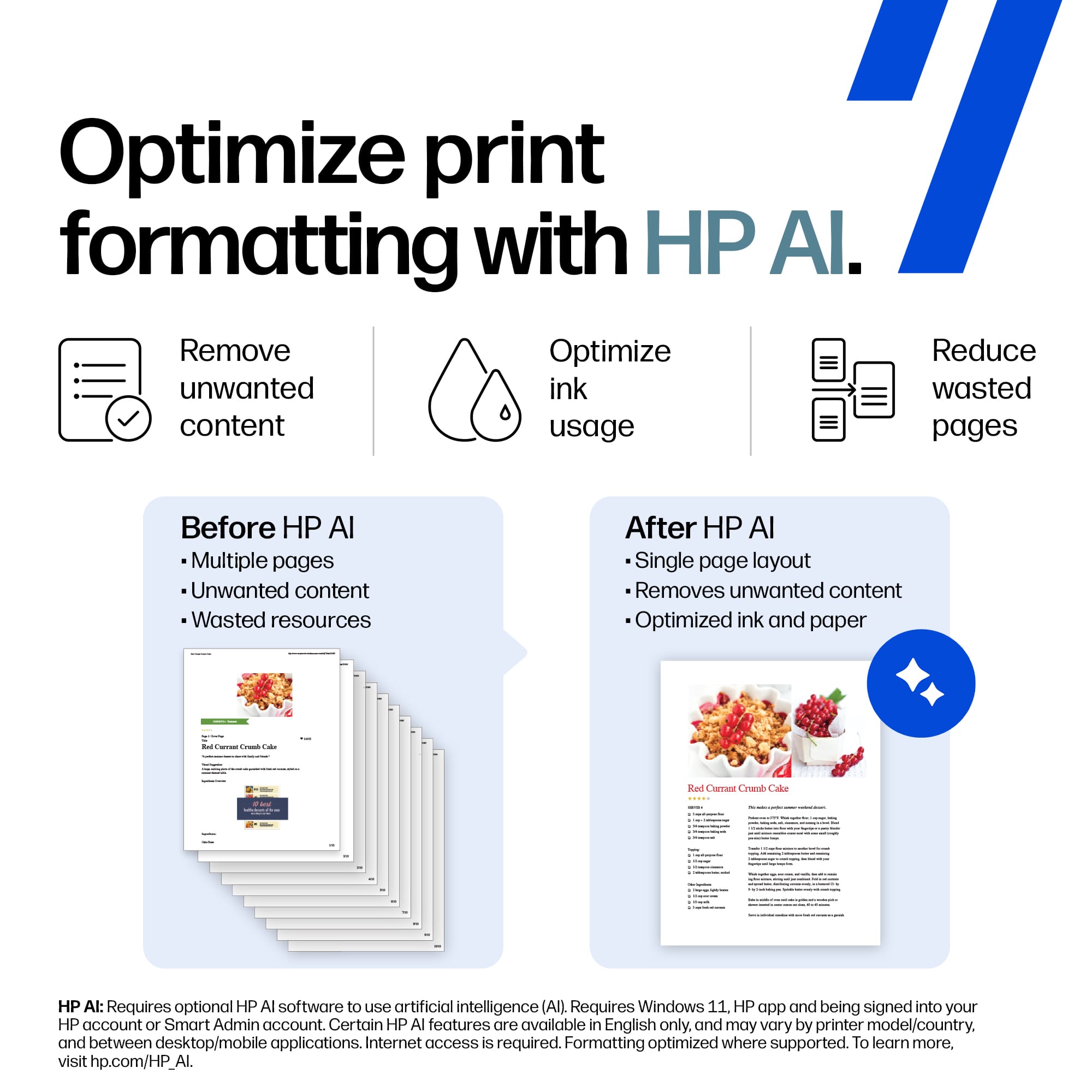
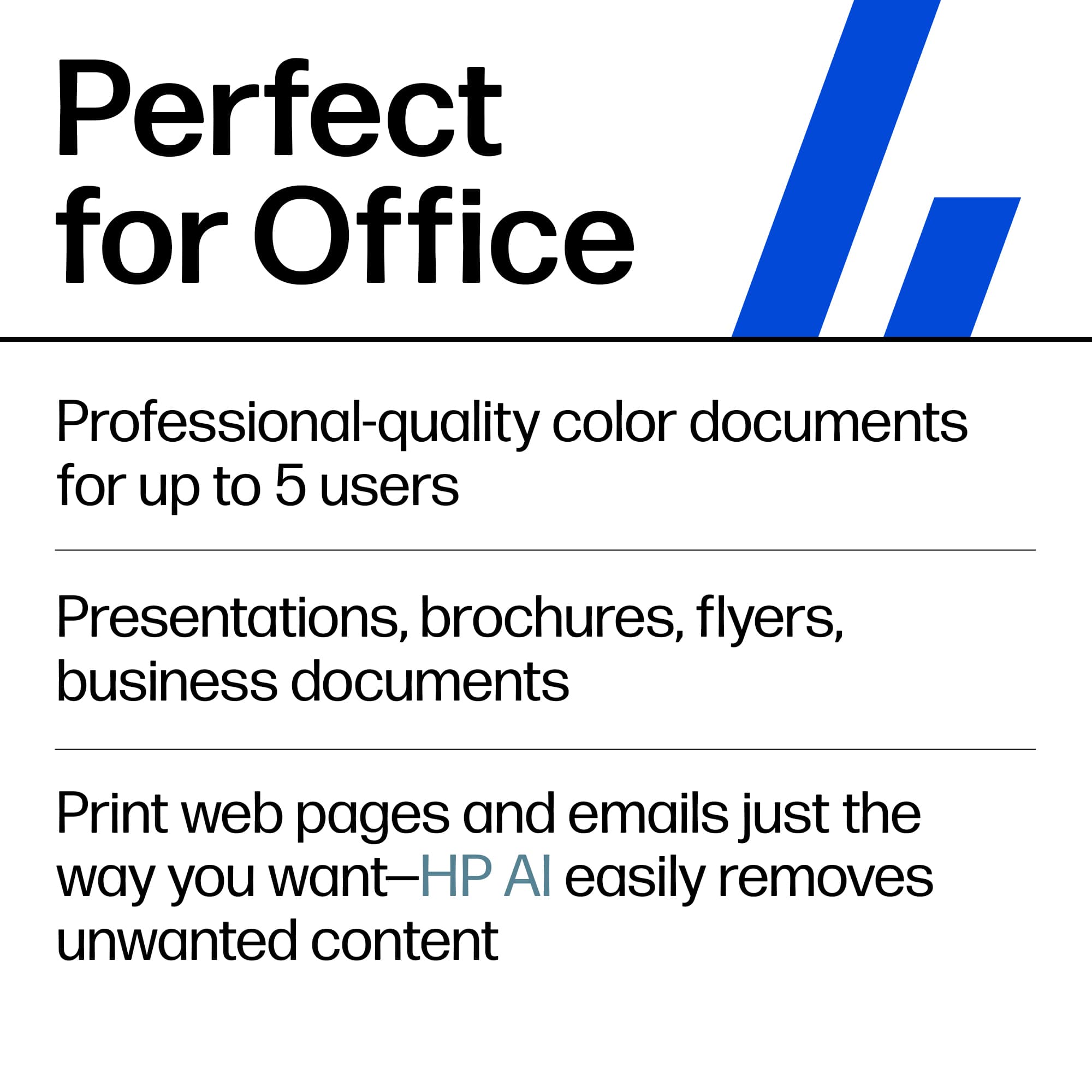
|Posted .This reviewer received promo considerations or sweepstakes entry for writing a review.The HP Officejet Pro 9125 is a decent printer with several features that may be dealbreakers for some. Out of the box, it is the classic All-in-One look that fits well in any office or home office situation. Build quality felt decent although to be fair only time will tell these days with technology. I have had several printers suddenly print poorly within a year so we will see. Setup was straightforward. Now, in order to truly unlock this printer’s features you do have to download their app and make an account. This may be a dealbreaker for some with this push for constant connectivity. Print quality was decent. Text was crisp. Print speed was good and I had nothing to complain about from that standpoint. I do not recommend pictures at all on this machine. Scanning worked well. The AI print feature was somewhat fun to play with. It really can cut out certain things in the backgrounds that are wasteful and optimize space. It still isn’t perfect but I did find that it helped save paper in certain cases. I have never been a fan of Instant Ink. I think the push for subscription services is really annoying and it makes you feel dependent on the companies for the life of the machine. If you don’t print frequently, then you are definitely overpaying. If you print too much, then you are definitely overpaying. If you cancel the subscription, then the cartridges stop working and you have to buy ink separately. All in all, the HP Officejet Pro 9125 is a decent option for those who have a need to crank out documents. I have used countless HP printers in the past but I have to say that their new trend of pushing “smart” printers with AI and subscription services can be dealbreakers for those who just want a simple printer.
No, I would not recommend this to a friend - Pros mentioned:Print quality
Officejet pro 9125 is a fast amazing printer!
|Posted .This reviewer received promo considerations or sweepstakes entry for writing a review.The HP Officejet Pro 9125 All-In-One Printer comes well packaged and easy to get out the box as the wrapper around the printer has handles that you just pull on and the printer comes out very easily, safely, and quickly! After removing a few pieces of tape from the printer here and their, you plug it in, download the HP app, create an account, install the print cartridges and off you go. Setup is a breeze, quick and painless with the app (the only way to set it up and needed to get the remote print option). On the print cartridges, during installation of the ink cartridges, you press them in and they seem loose, their is no snap or lock for the cartridges and that causes me to think.... are the ink cartriges seated properly or not, just making a note on that, I think HP could have made a click in feel. I ran the HP app from my phone (its also part of the setup process), there was two HP printers present on my phone now, one for local printing and one for remote printing. You can print from anywhere in the world as long as you have internet, when you get back to the printer, your prints are done and in the printer, very very easy as it should be! Windows sets up with the HP app also super easy and has a little better photo printing. This officejet pro 9125 prints so fast! Like wow fast and the prints are just outstanding. Everything prints out great on plain paper yet. Now you put in photo paper and get blown away again, the Office Jet Pro 9125 again prints photo's fast (certainly not as fast as plain paper), colors are great when printing from windows 11 as from the phone. Photos look great on photo paper, and pretty good on plain paper, especially at the super fast printing speeds this printer can print at. You get duplex printing (two sided printing) and again this 9125 prints fast, accurate, stunning results. Scanning documents and copying papers are a beeze also. Scanning you can save to a usb drive, email it - by just typing in an email addres, or save to a computer, very nice selection! The touch screen is on the small side but extremely functional and usable. I highly recommend this printer as it surpassed my usual printing needs.
I would recommend this to a friend - Pros mentioned:Print quality
Excellent printing and super easy setup
|Posted .This reviewer received promo considerations or sweepstakes entry for writing a review.I don’t really understand how the printers can keep getting better and in such a short amount of time but they do. The HP OfficeJet Pro 9125 is no exception and now this time around it’s got AI whether you like it or not. I don’t mind AI in a lot of things, but I honestly would not use and do not use AI in my printer. Not that it’s not convenient. It’s just that when I print something I just want the end result as quickly as possible and I’m not looking for the printer to solve any problems for that, I have a plethora of other machines that I would turn to before I cracked the AI on any printer. That said, I did test the AI on this printer and for such an early device it was able to yield exceptional results. I don’t know if it deserves the AI monitor, but AI did assist me to print from my phone, set up remote printing, scan email to cloud, and has ability to send alerts when your printer ink is low. I’m pretty sure that could all be accomplished without AI, but it’s in there. The actual printing resolution is really good and the darks are super dark. The colors are vibrant and the speed of the prints are exactly are fast. Exactly what you would expect from the newest printer series from HP.
I would recommend this to a friend - Pros mentioned:Print quality
Great Office All-In-One
|Posted .This reviewer received promo considerations or sweepstakes entry for writing a review.When my wife and I needed to replace our five-year-old home office printer, this new HP model caught my eye. It felt like the ideal successor for our typical workflow, which mostly involves black-and-white documents with the occasional color diagram or graphic. Over the two weeks we've had the HP 9125, it has proven to be a fantastic addition. The printer is notably fast, and I really value its ability to handle double-sided printing and scanning. The text output is sharp and highly legible. Because it's connected to our home network, we can easily print from all our equipment, including tablets, smartphones, and PCs. While the color output is fine for office documents and simple graphics, it isn't quite photo-quality; however, for professional use, it's perfectly adequate. We are extremely pleased with the HP 9125 and strongly suggest it for any home or professional office setting. It offers efficient scanning and printing, producing clear results every time. It manages color well enough for standard docs, though you might want a dedicated photo printer for high-end images. It is an excellent office tool.
I would recommend this to a friend HP OfficeJet Pro 9125 is great for a home office.
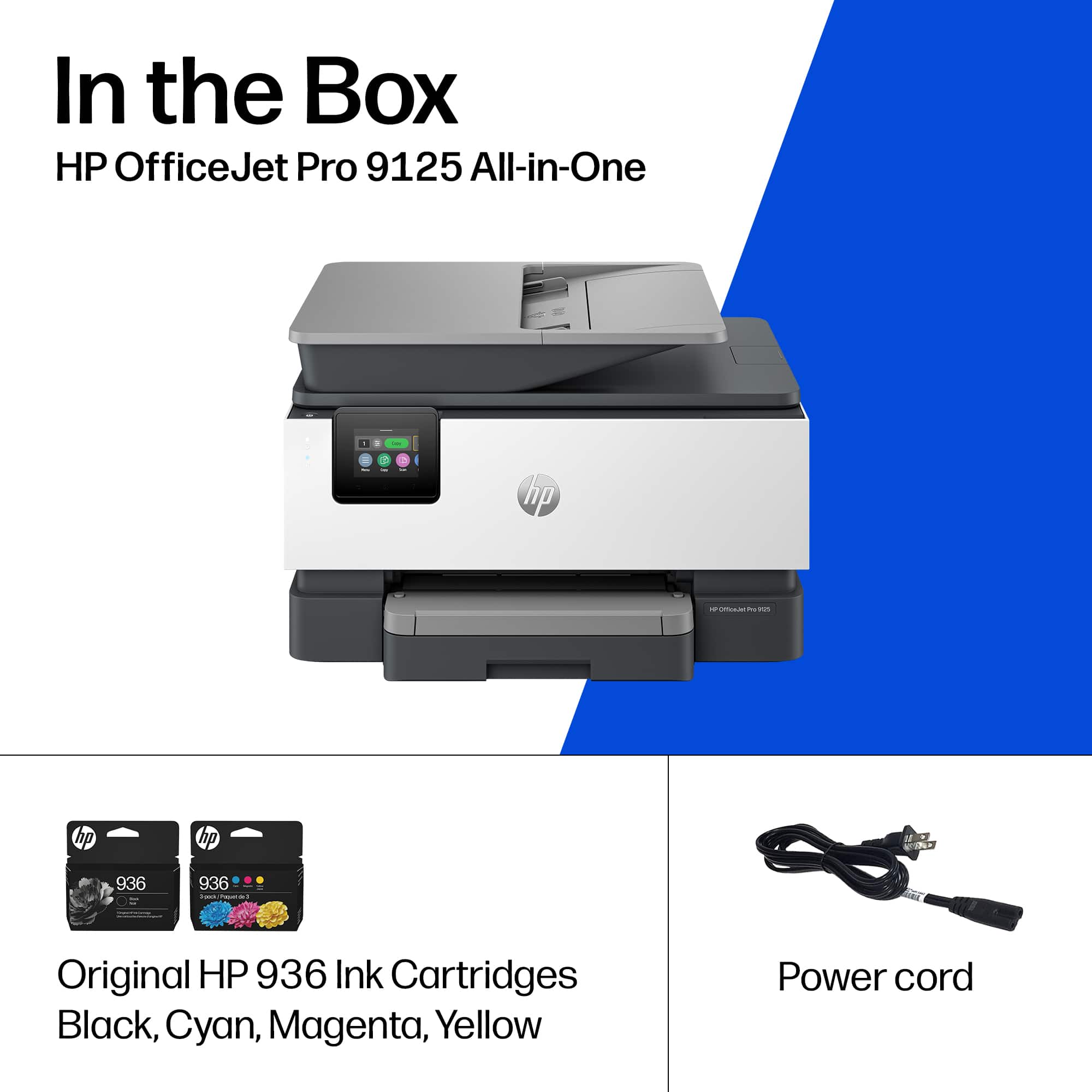
|Posted .This reviewer received promo considerations or sweepstakes entry for writing a review.So I received my HP OfficeJet Pro 9125 printer about a week ago and have been putting it through the paces. HP is a brand that has been around for years. They have become an industry leader when it comes to home office and enterprise products from computers to printers and everything in between. I have used many HP products over the years that have been really great products and decided to give the new HP OfficeJet Pro 9125 a try. Unboxing: * HP OfficeJet Pro 9125 printer * Cyan Ink Cartridge * Magenta Ink Cartridge * Yellow Ink Cartridge * Black Ink Cartridge * Power Cord * User Documentation Setup is fairly simple, following along with the QR code provided or at: hp.com/start/ojp9120. You can also follow along with the startup guide that’s included in the user documentation or the HP app which can be downloaded from the App Store for iOS or Google Play Store for Android. Setup only took about 5 to 10 minutes as it goes through its initial process and alignment. It was really quick and a lot easier than it had been the last time I setup an HP printer. One thing I liked is that it automatically searched and connected to my home network without me having to punch in the password on the tiny screen. Now I say the screen is tiny which it is, but it’s also very useful and allows you to change and tweak the different settings to your liking. You can also check for firmware updates or set it to automatically install those firmware updates when they become available. Now when it comes to print quality, the HP OfficeJet Pro 9125 has been amazing so far. Yes, it’s basically an inkjet type printer, but it has done well over the last week. It prints rather quick without any smearing. Speaking of ink, using HP’s service, you can get 3 months worth of ink for free, but afterwards there will be a monthly subscription fee. I have enjoyed using this printer over the last week and it will make a great addition to my home office. Great recommendation for a home office or a regular small business office.
I would recommend this to a friendsmooth setup and solid performance
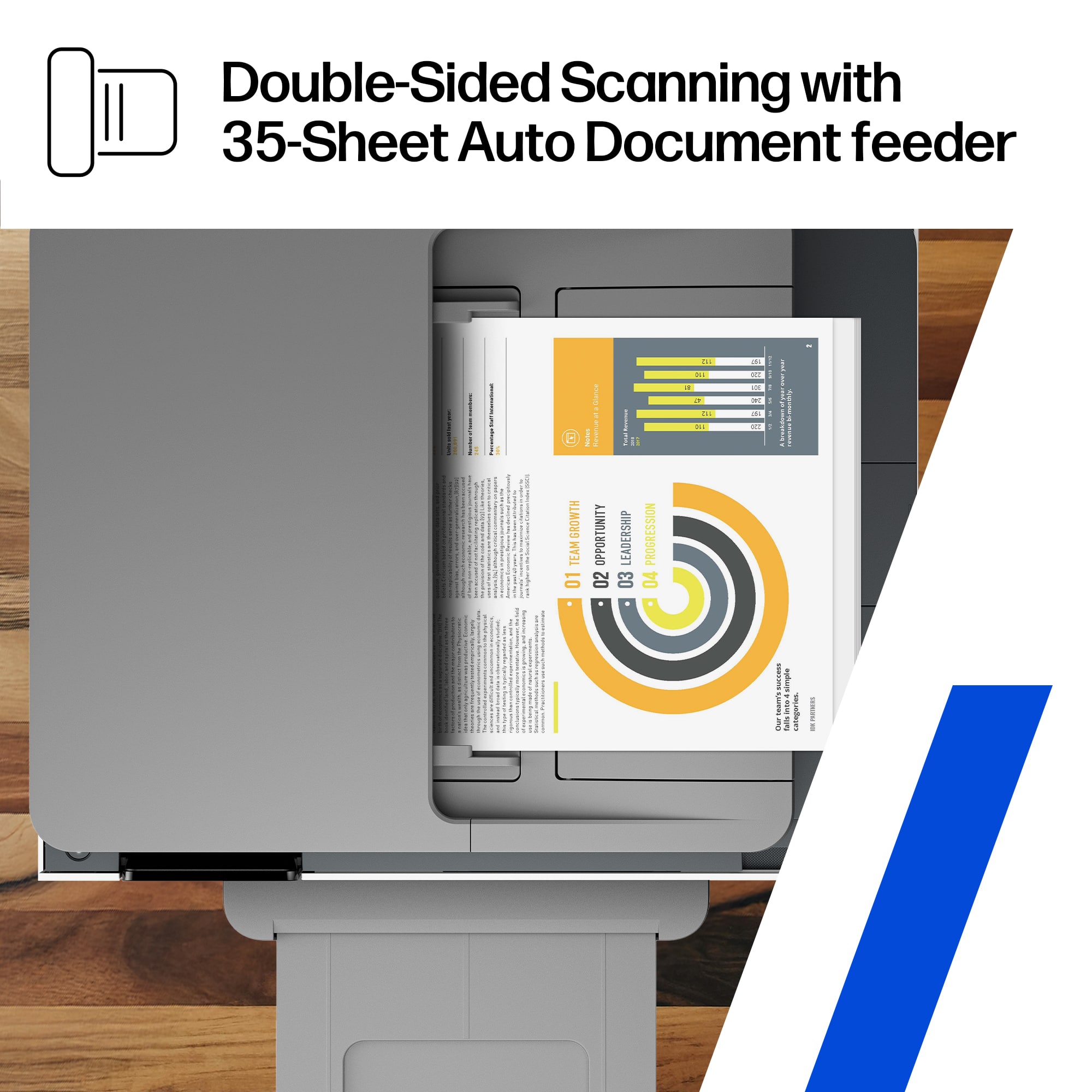
|Posted .This reviewer received promo considerations or sweepstakes entry for writing a review.i ended up getting the hp officejet pro 9125 when my old printer started acting up for the hundredth time. i wasnt really excited about getting another printer because they always seem to come with some kind of headache, but this one has actually been pretty easy to live with. getting it connected to my wifi took less time than i expected, and i was printing documents the same day without having to mess with a bunch of settings. most of what i print is work stuff, shipping labels, forms, and random documents around the house. so far everything has come out looking sharp and easy to read. color prints look nice too, way better than what i was getting from my previous printer. one thing i noticed right away was how quickly it starts printing. with my old printer there was always a lot of waiting around, but this one gets going pretty fast. i have also been using the scanner quite a bit and its been reliable. i recently had to scan a stack of paperwork and the automatic document feeder saved me a ton of time. instead of feeding pages one at a time and babysitting the machine, i just loaded everything up and let it do its thing. little stuff like that makes a bigger difference than i thought it would. overall im really happy with this printer. its fast, the print quality is good, and it handles printing, scanning, and copying without any headaches. printers usually arent something i get excited about lol, but this one has been reliable and just works. if you need an all in one printer for home or a small office, i think this is a solid choice.
I would recommend this to a friendFast Accurate Printing
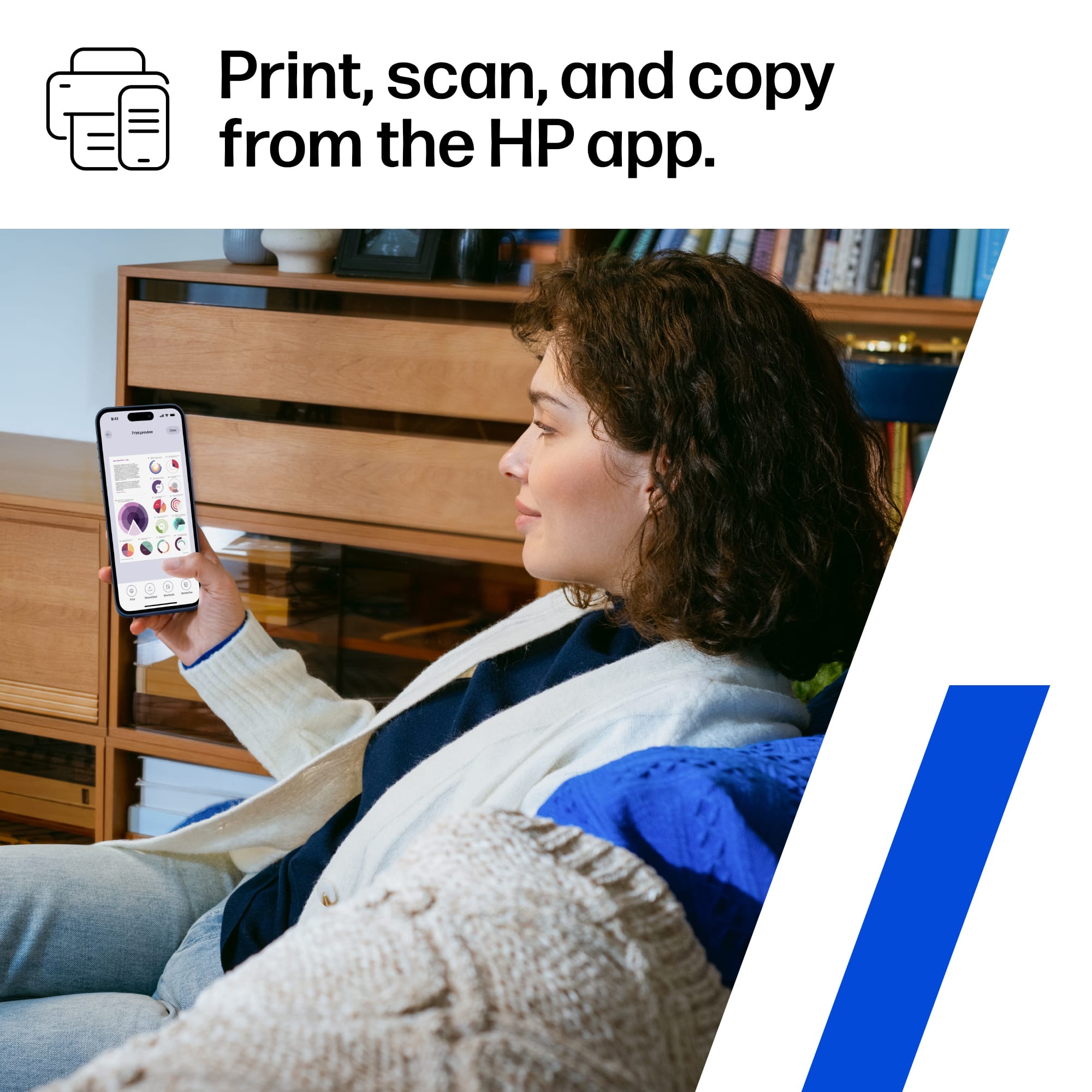
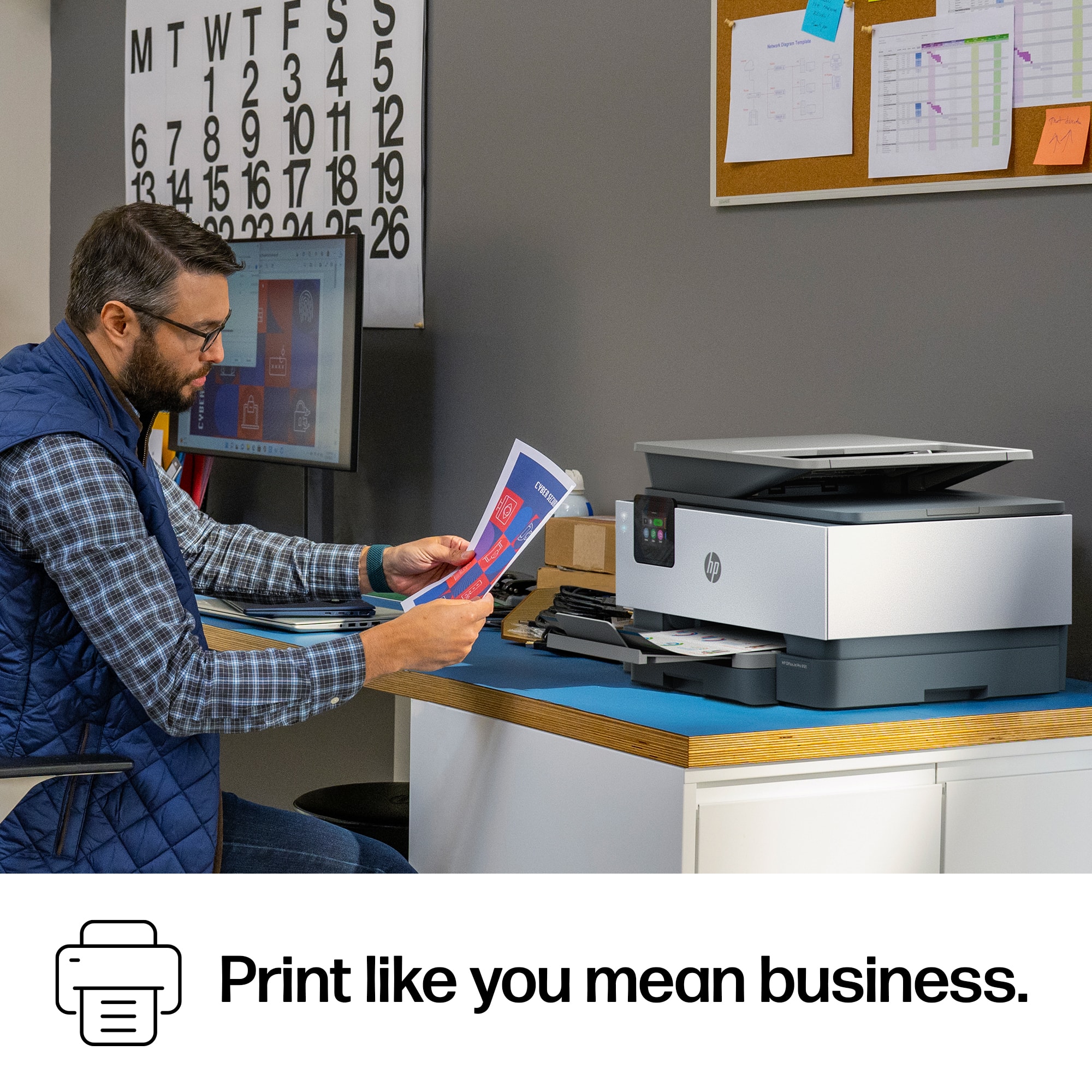
|Posted .This reviewer received promo considerations or sweepstakes entry for writing a review.The HP OfficeJet Pro 9125 Wireless Printer has done a fantastic job with everything I have asked it to do. The printer is much faster than other wireless printers I have used in the past, ink or laser. It receives the data very quickly and immediately starts printing pages out without delay. The print quality is spot on, I have noticed no issues at all. Scanning from my phone or laptop is a breeze as well, as the HP App does a great job managing this. Setup of this device was also extremely easy thanks to the HP App! It walks you through the entire process in minutes, and even sets up the Wi-Fi access to the printer, without having to type on a small printer screen, how nice! The HP OfficeJet Pro 9125 is the perfect printer for your home, or home office, or even small commercial office! I have no doubt this printer could handle the volume of a small office, or a busy home with it's fast, accurate printing and responsive and intuitive UI and mobile app. As with all HP printers I would definitely recommend HP Instant Ink to keep your ink from running out at an excellent price point.
I would recommend this to a friendsimple to use, simple to set up
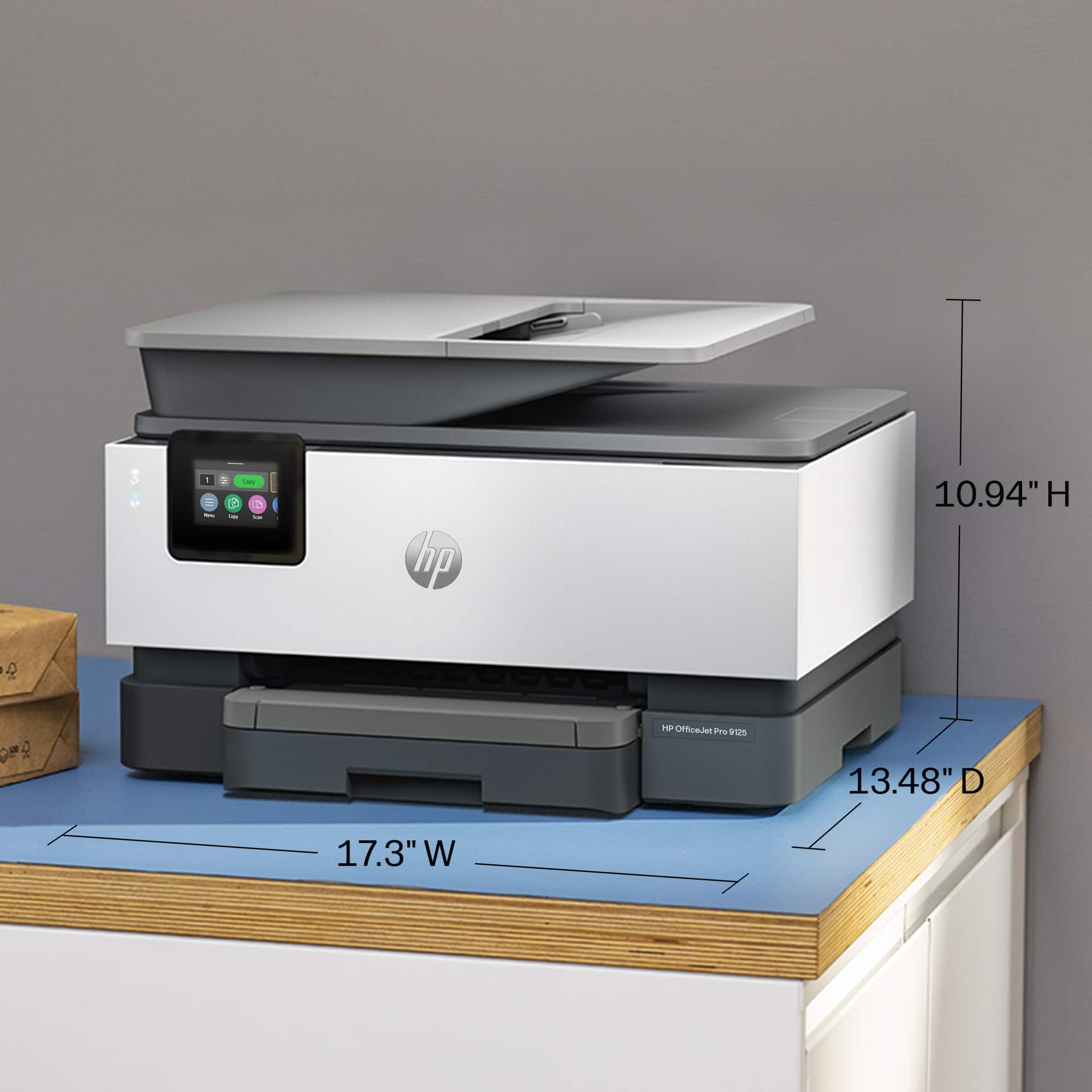
|Posted .This reviewer received promo considerations or sweepstakes entry for writing a review.The HP - OfficeJet Pro 9125 all in one printer does exactly what a printer needs to do in 2026. Hewlett Packard did a great job with the packaging. The footprint is small for a printer with all the options this one has like scanning multiple documents at once. A more traditional photo scanner, and wireless connectivity. This printer is great for a small office space or desk space. The app that HP made for their printers is also easy to install from either android or apple app stores. This makes it easy to print from your phone. The quality of the print is good. Not too loud or slow. The quality of the build materials is ok. The plastic goes together well with the main chassis and the printer paper storage sliding drawer is easy to access and feels robust to that it will last for many refills. The ink is easy to install. The cartridges were easy to handle without making a mess. easy to use this printer with email, Sd cards, USB sticks. USB-C sticks. Overall, I would recommend this printer for anyone.
I would recommend this to a friendPros and Cons
|Posted .This reviewer received promo considerations or sweepstakes entry for writing a review.As I unboxed the HP-OfficeJet Pro 9125Wireless AL-Enabled All-in-One Inkjet Pro I felt like it was not sturdy. The plastic casing seemed so flimsy and it was lightweight compared to my previous printer. I wondered how well and how long it would work. I downloaded the HP APP and started setting up the All-In-One printer. It would not pick up on my WIFI. I continued setting it up without WIFI. When it came to Updating the firmware I clicked to do it later. Tried to connect to WIFI again and then decided to use WPS to connect printer to WIFI and Bam just like that it connected without a problem. With Set-up complete I thought I would go back to update firmware but decided to let it do that itself later tonight. I set it on Automatic and will leave it there. Now I am exploring the printing process. The MENU screen tilts up so it is easier to read from various levels. I set the printing to draft mode. The print was a bit light so I switched to Normal. It was perfect. Colors were bright and words were dark enough to be comfortable to read While still looking professional enough for Clients to read. One would think that putting the ink cartridge into the slots would be easy. I have never had problems putting ink in my other printers. I put the black in first to help support the rest of them. I put in the yellow and it threw itself back out at me. Really it did. I put it back in and it worked fine. I was ready to print and found it very slow to print. After it printed I looked at the colors and print again. The colors are bright and vibrant while the print was perfect set on “Normal”. I was pleased with the print itself. Cons: * SLOW PRINTING PROCESS *VERY CHEAP MADE MATERIAL *SO LIGHT-Weight IT MOVES While Printing on the solid stand I am not impressed with this printer and would not recommend it.