Customer Ratings & Reviews





- Model:
- OfficeJet Pro 9135/C2WM0A#B1H
- SKU:
- 6674508
to a friend
Customers are saying
Customers are enthusiastic about the product's solid print quality, reliable performance, and ease of setup. They also appreciate its quiet operation and responsive touchscreen interface. However, some customers have noted that the product is a bit large.
This summary was generated by AI based on customer reviews.
- Pros mentioned:Print quality, Reliability

Excellent Small Office Printer Once It's Set Up
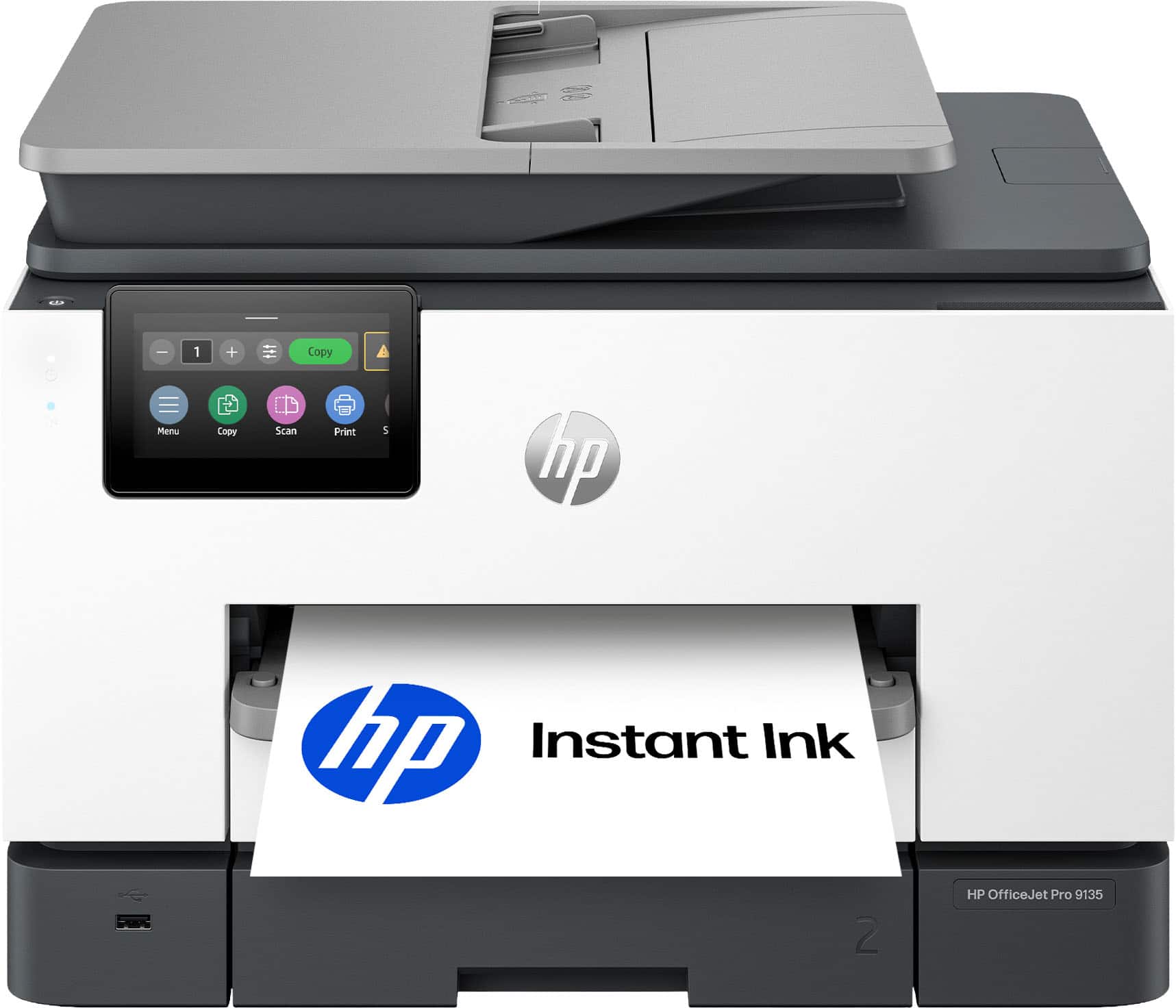
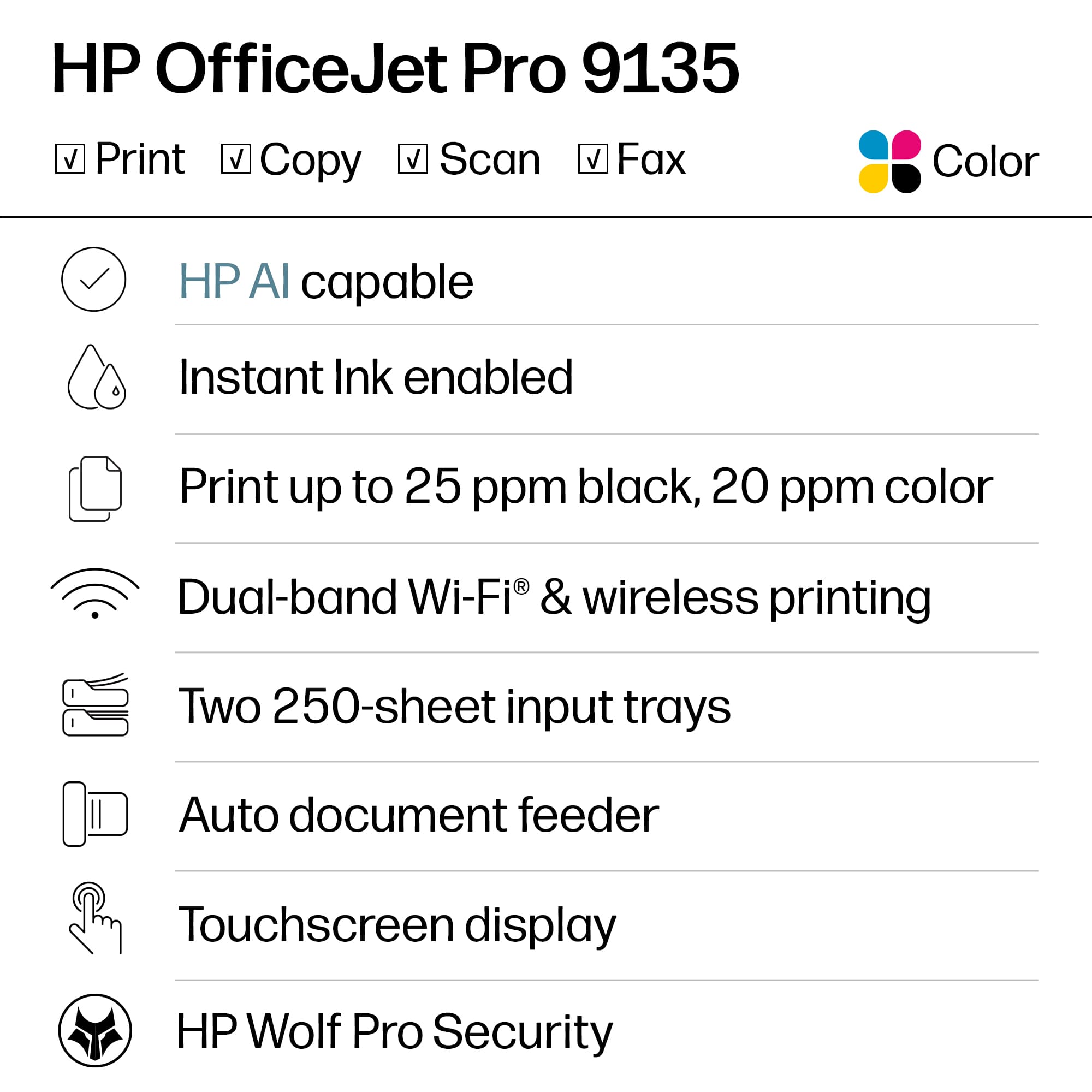
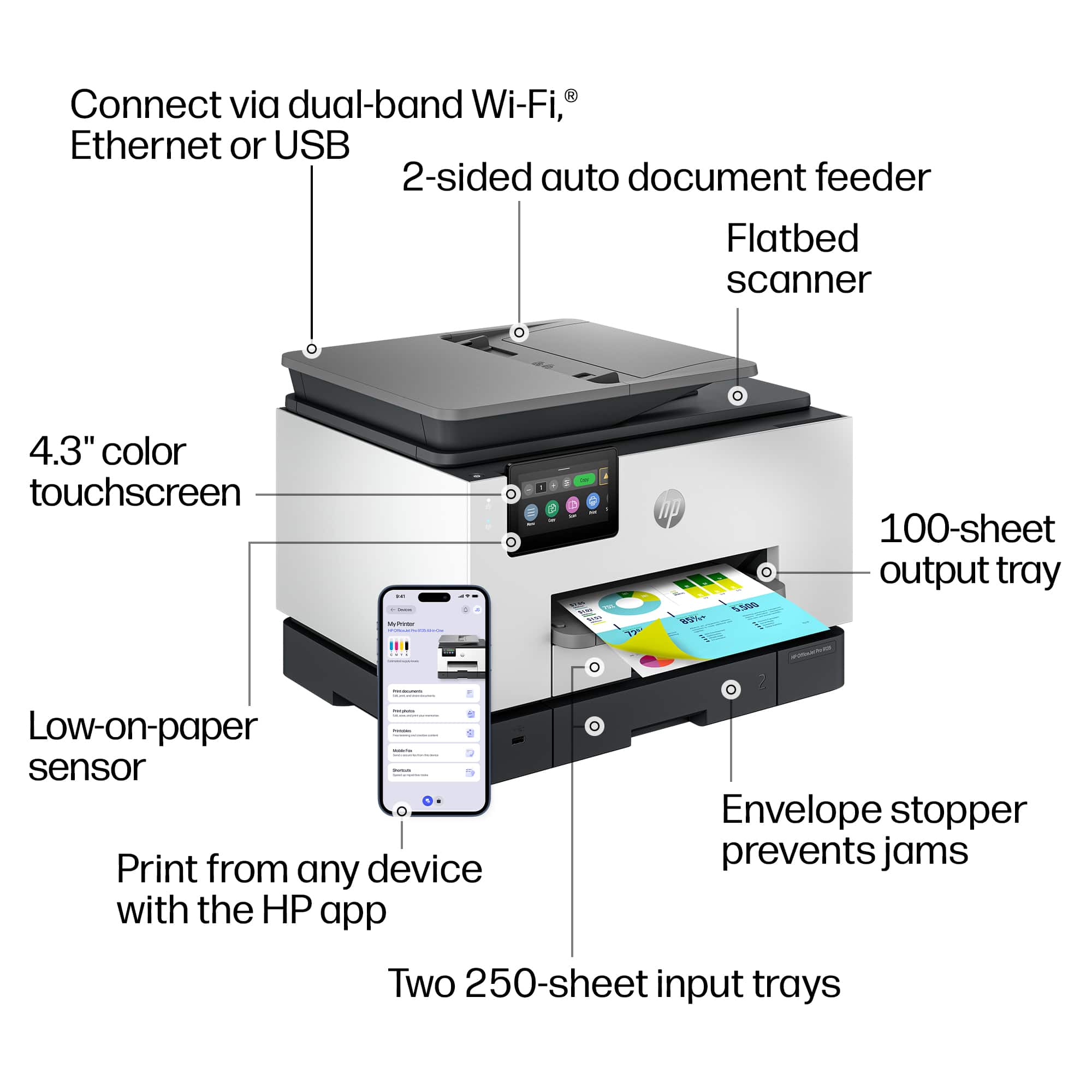
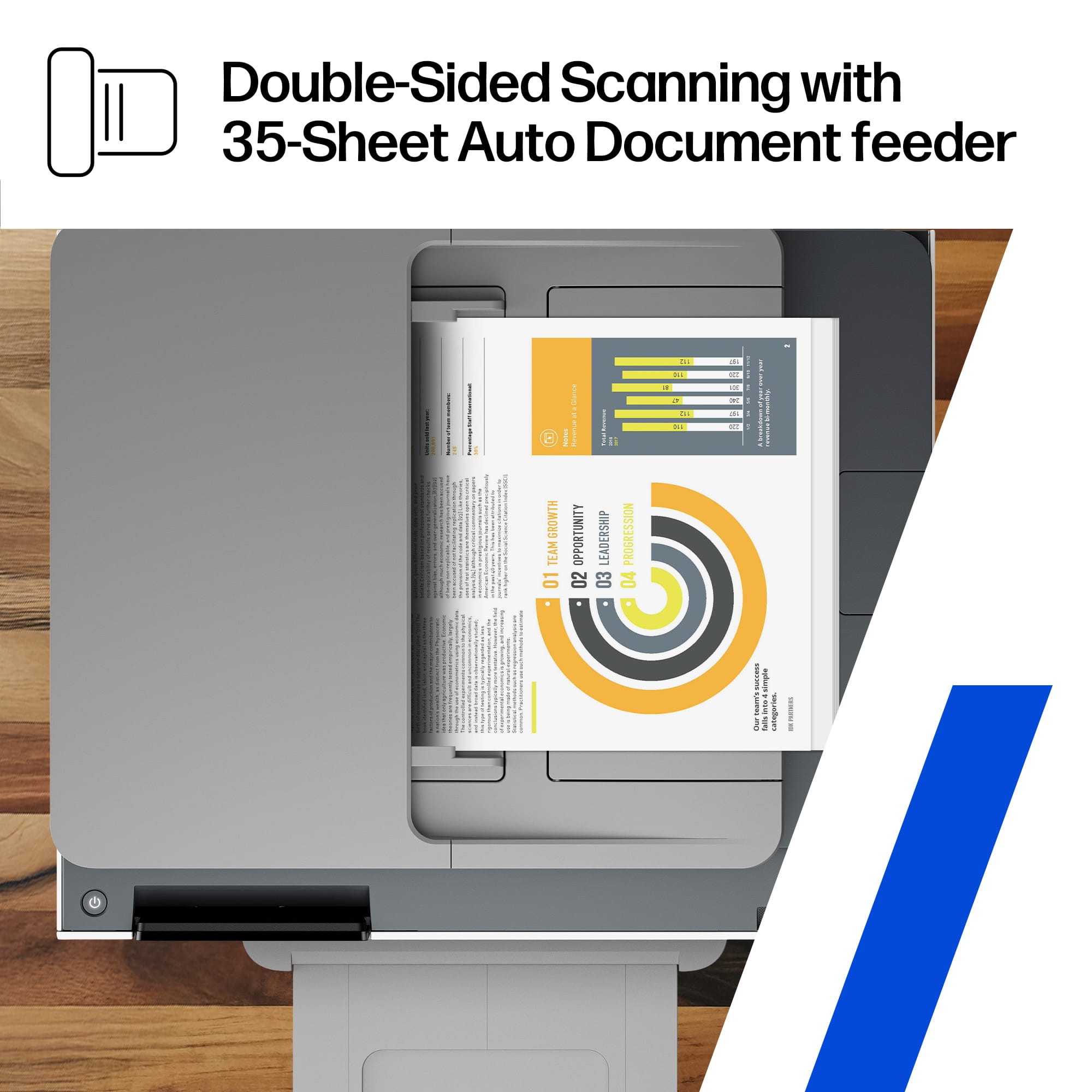
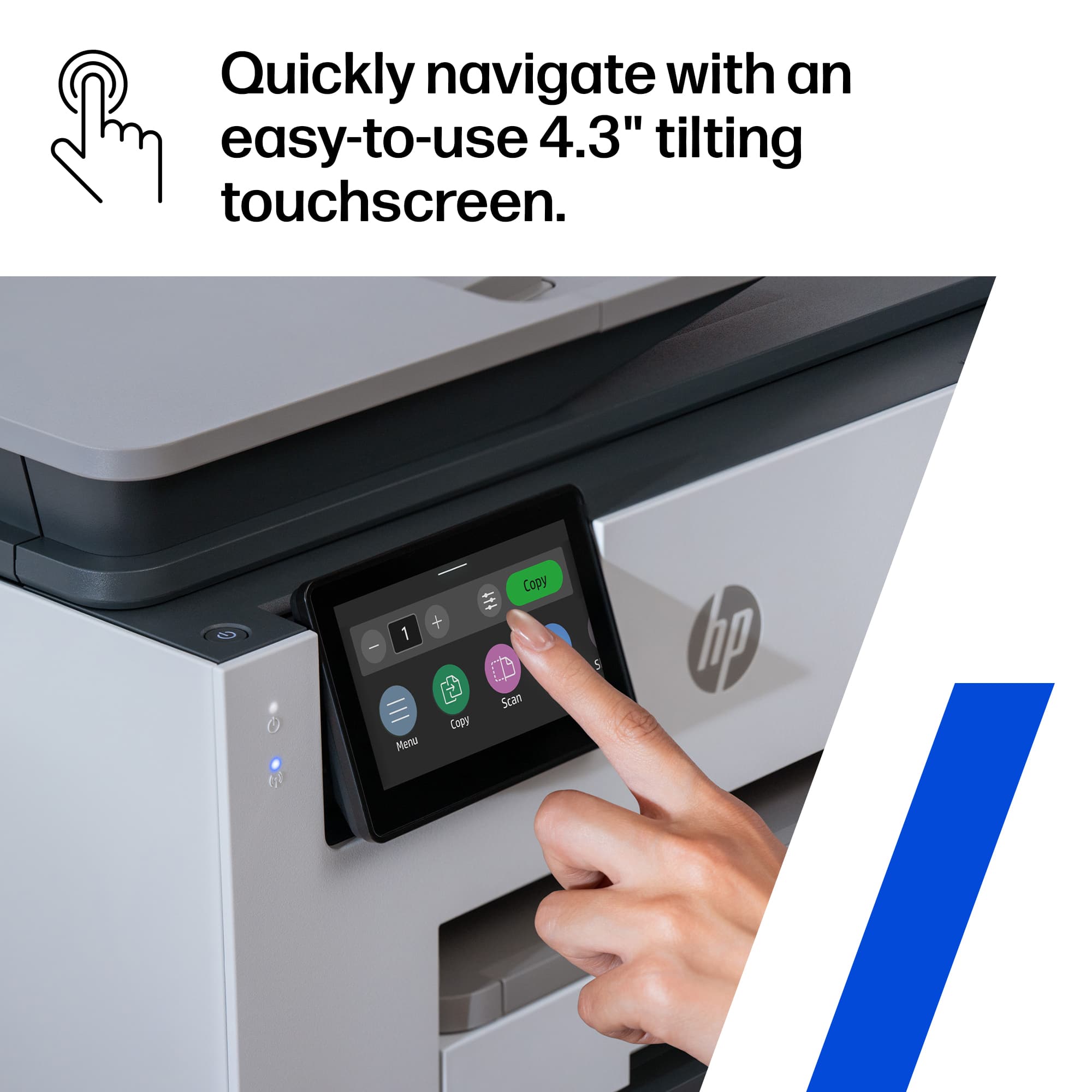
|Posted .This reviewer received promo considerations or sweepstakes entry for writing a review.The HP OfficeJet Pro 9135 All in One printer was clearly designed for small office use and pretty much perfectly hits the mark. It offers the speed, paper handling, features, and functions that makes it perfect for a small or home office. The dual 250-sheet trays provide enough capacity for high volumn jobs without continually reloading paper. Print quality is excellent, easily equal to a laser printer. Tried printing documents, presentations, spreadsheets, and code listings and all were sharp and crisp. Newsletters with embedded photos printed very nicely. The OfficeJet 9135 is definitely not a photo quality printer, but it handled photo stock well enough. Photo printing is best left to a dedicated ultra high resolution photo printer. With two 250-sheet trays, the 9135 can handle mixed paper automagically. Combine one tray for letter with one for legal or envelopes or A(4,6) or whatever. I keep letter in one and envelopes in the other, but tried 5x7 photo stock and legal just for grins. The 9135 handled it all without any issues. Copying and scanning are equally fast and versatile. The full duplex scanner scans both sides of the sheet in one pass, so there is no flipping the page or automagic dual pass scan. The 35 sheet ADF took both regular documents and a photo stack, but it was a little fiddly. Scans were always sharp and crisp, but sometimes were a bit crooked. Setup was a mixed bag. Control is through a 4+" touchscreen with a very intuitive menu system. HP has chosen to setup using the HP SmartPrint app. I tried on four different computers, three Win 11 and one Win 10. On each one, setup was slow enough to be frustrating. Each one would stop short of full installation, and each at a different point. In the end, I set up the printer with the touchscreen and installed the drivers from the full Windows install package. The printer menu was very intuitive and the Windows driver install package worked quickly and flawlessly. One significant point of annoyance is the popup blurb for HP's Instant Ink subscription program. Because my printing can be very erratic (varies from 10pgs/month to 500pgs/month), the Instant Ink program doesn't really work well for me. One other setup annoyance was the necessity to imput the printer PIN on every computer that would be accessing the 9135. The ink cartridges themselves are pretty high capacity, and the cost per page seems pretty low for a cartridge based printer. Not as low as the tank refill types, but much easier to renew. The supplied cartridges are not full cartridges, HP calls them 'setup' cartridges. This seems to be universal now in the world of inkjet and laser printers. Overall, the HP OfficeJet Pro 9135 printer really works well in a small office environment, once you get past the initial setup. Should definitely be on your short list for a small or home office.
I would recommend this to a friend - Pros mentioned:Print qualityCons mentioned:Size
GREAT PRINTER
|Posted .This reviewer received promo considerations or sweepstakes entry for writing a review.we received the Officejet Pro 9135 printer a week or so ago and have really liked it so far. I am not the biggest fan of any product that uses instant ink. I just don't use it enough to justify the price of ink. but again, that is just me. We currently just use it at our house as a work from home printer for a business that is not computer dependent. the size is a little big for what I like for a desk, but it's better than a HUGE one. I also like that it can scan multiple pages at once. This printer states it can hold 500 empty pages pages, which is helpful in our situation. it also states it can hold 100 outgoing sheets. so far I have not tested that max, but have done about 25-30 with easy!!my last printer could not, and it was a pain to change it so often. I'm not sure what part of it is AI enabled, but it does print fast and two sided. I do print from both my phone and my computer pretty eqully and it works great for both. So far no issues with printing from either device!!!
I would recommend this to a friend - Pros mentioned:Print quality
Great Ink Jet Printer with dual paper trays
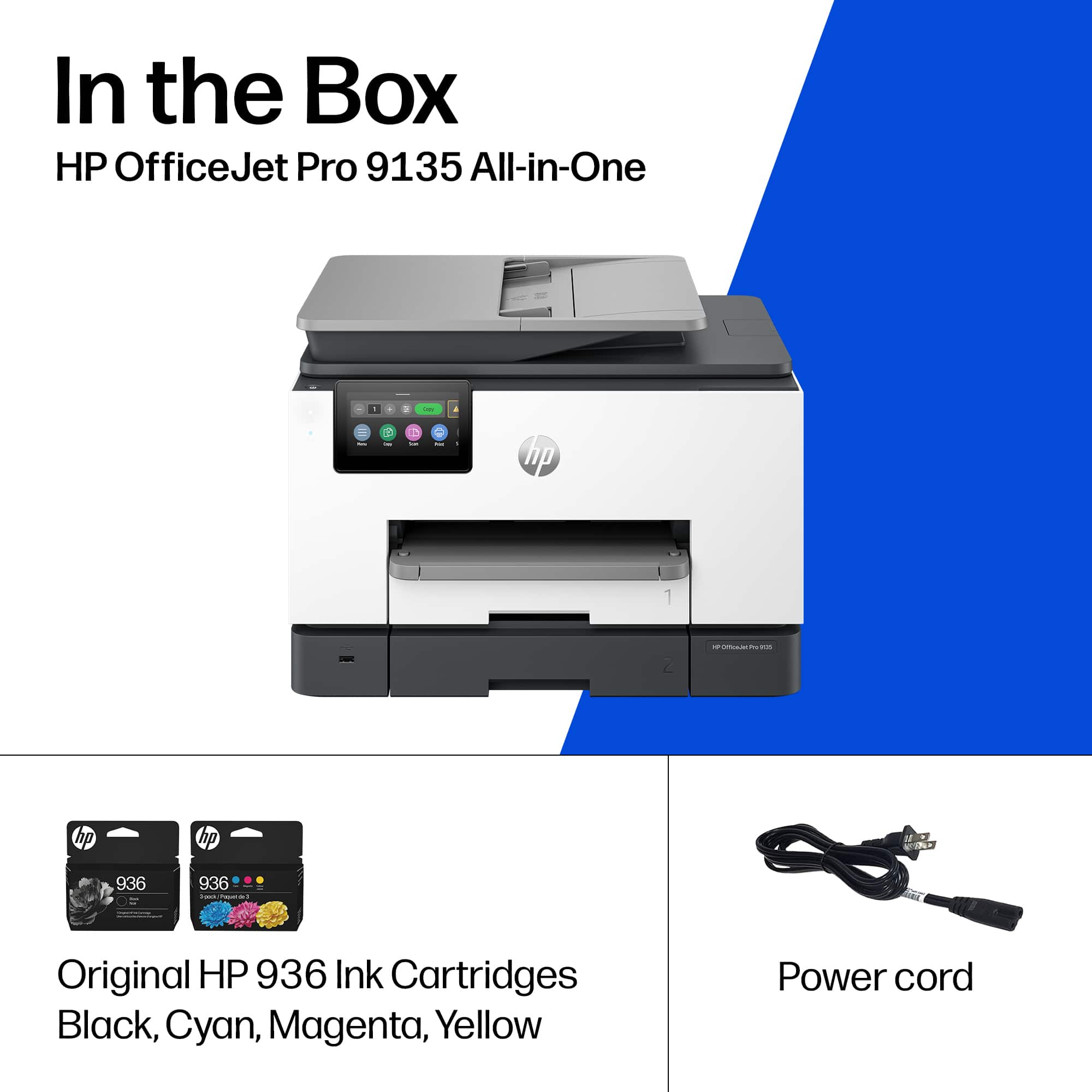
|Posted .This reviewer received promo considerations or sweepstakes entry for writing a review.Setup: First thing I noticed with the HP Pro 9135 all-in-one was the out-of-box experience. Setup was straightforward, nothing overly complicated, and it walked through network connection and driver install without any issues. If you have an HP account then you can apply your preset scanning settings through the app which makes setup easy if you previously had a modern HP printer. The touchscreen interface is responsive and easy to navigate right from the start, which helps if you’re setting this up for an home office where not everyone is technical. Build quality feels solid for a business-class device and it doesn’t have that cheap plastic feel you sometimes get in this category. Use: On the print side, output is consistent and clean whether you're doing basic documents or something with heavier graphics. It handles printing well without slowing things down. I really think the quality is so close to laser that I was very impressed with some text documents and a full picture I printed. It looked like laser print and you could not see the dots from the ink and the page was not warped like it was previous with heavy full coverag documents. Scanning is fast and intuitive, especially with the document feeder, and quality is more than usable for day-to-day office workflows. The scanning was easy with the presets you can carry from a previous printer. Also you can scan to your phone, which is nice. Copying is just as simple directly from the panel, and the interface makes it easy to adjust settings without digging through menus. It’s a well-rounded unit across print, scan, and copy without any one function feeling like an afterthought. Overall, this is a solid all-in-one for a small office or workgroup that just needs things to work without babysitting it. The pros are ease of setup, reliable print quality, and a simple interface. The only downside is it’s not trying to be a high-volume powerhouse, but for most home office use cases it hits the mark. Also, the inks are expensive if you purchase them outside of the monthly service. They only last 1200 pages, which is not much. If you keep the subscription, then it does not matter. HP also sent an extra set within a few days.
I would recommend this to a friend Solid Choice for SOHO Needs
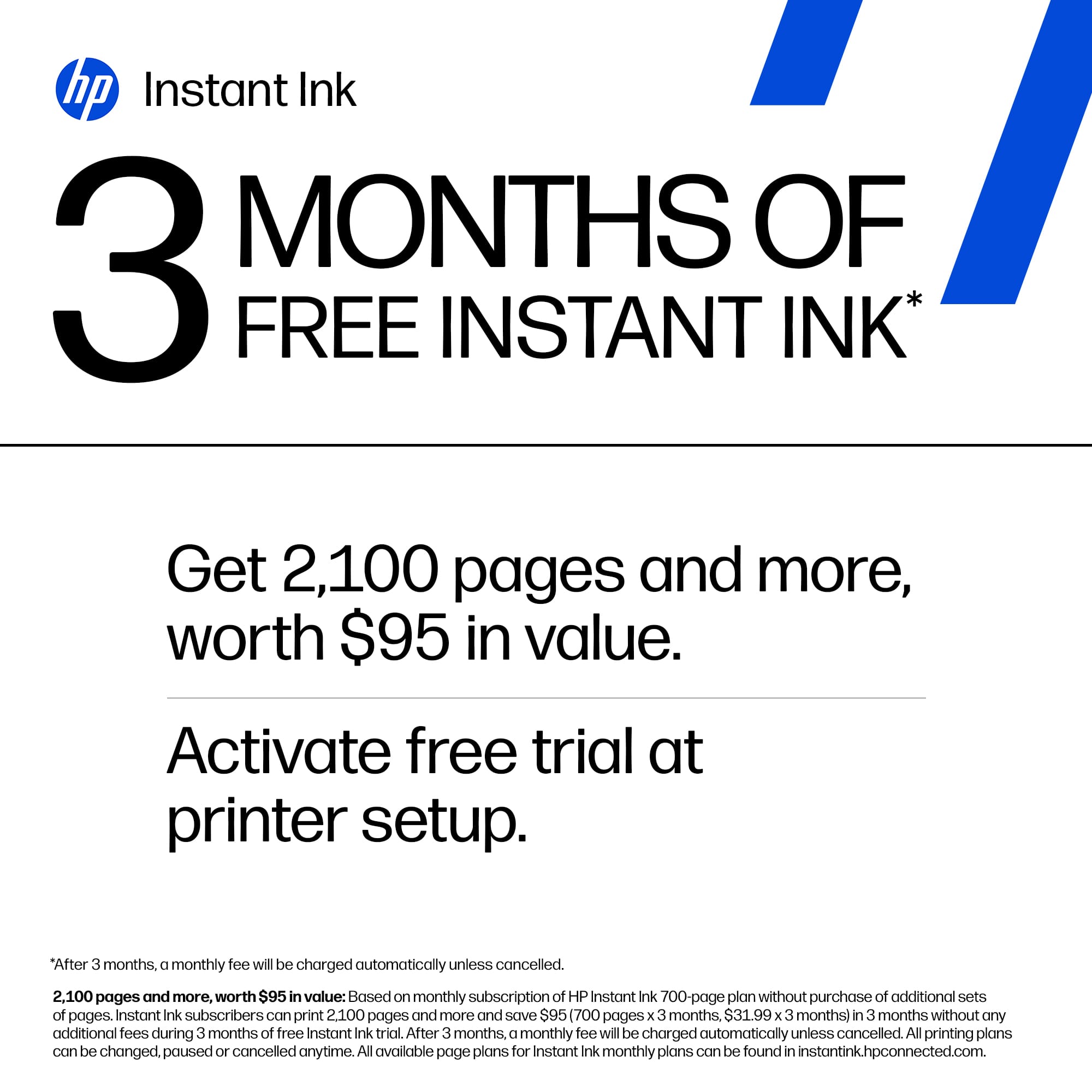
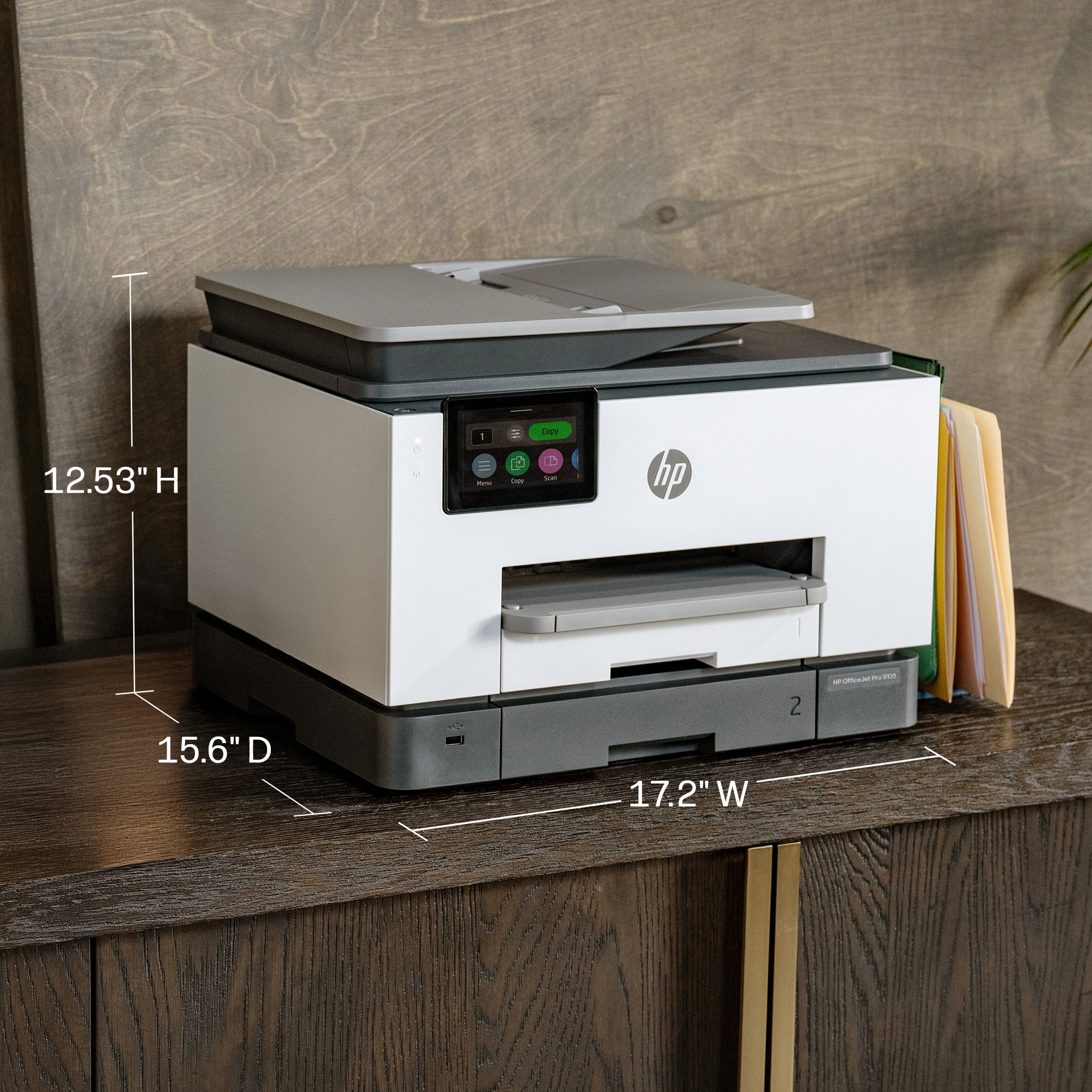
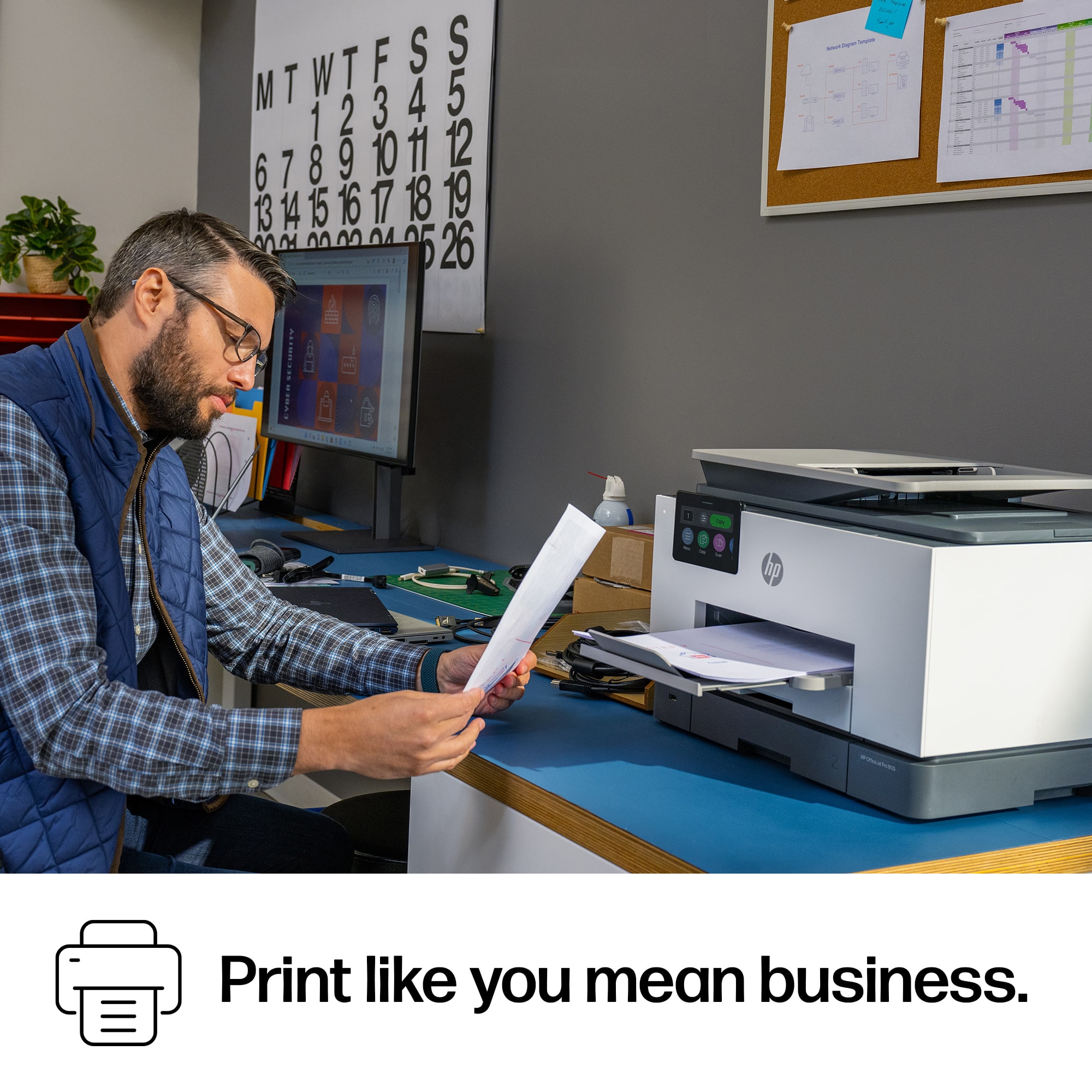
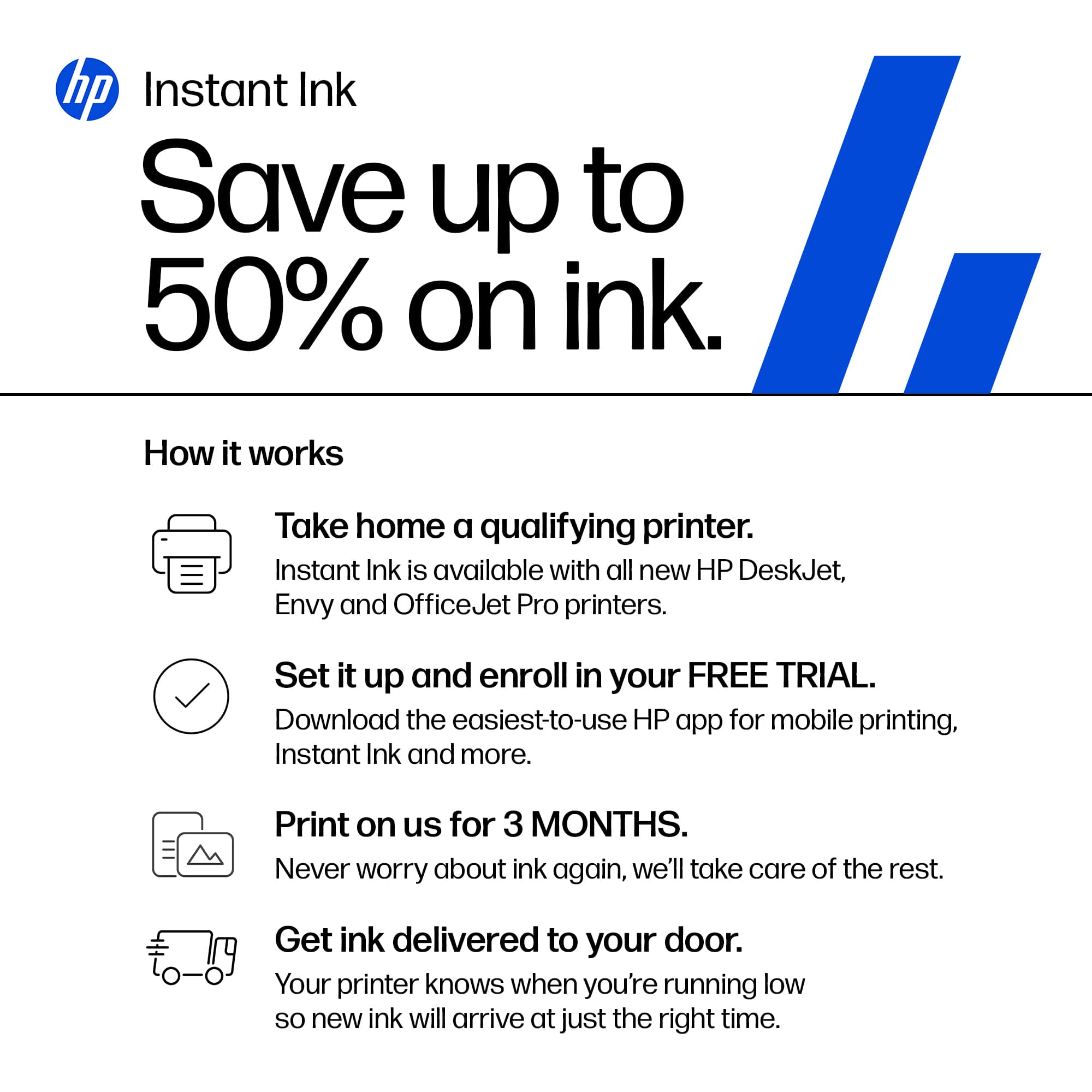
|Posted .This reviewer received promo considerations or sweepstakes entry for writing a review.The HP OfficeJet Pro 9135 is a true SOHO printer. It is not a small printer, yet it manages to fit its full set of features into a relatively compact size. It’s weight (aprox. 26lbs.) also reminds you that this printer is meant for business, as the ad says ‘Print like you mean business’. Set up was straight-forward and painless. Once plugged in and ready to be connected, it was easy to get everything working together using a combination of the nice, tiltable color touch screen on the printer – along with the HP Smart app. I used the app both on my Mac and my iPhone. One thing to consider: When setting up the printer and connecting it with your HP Smart app, you’ll be asked to opt into HP’s ‘Instant Ink’ program. You start with a free-trial and then continue with a monthly charge for them to monitor your printer and send out HP ink when needed. If you’re looking to set up the printer for long-term use in a SOHO scenario, this would probably be a good option. You’ll always have ink when you need it. However, if you think you may be moving or re-purposing the printer in the future, you may want to skip this option. There is a ‘glitch’ in the program. If you opt in and then cancel, you will still be required to use only HP ink cartridges (not any 3rd-party alternatives) for the life of the printer. If you install a 3rd-party cartridge, the printer will refuse to print. This is a software issue programed in by HP, not a hardware issue. So choose wisely. All of the features worked well, though I did have some trouble initially when trying to copy 1 sided – 2 sided and 2 sided – 2 sided. However, after restarting the computer these features worked. The 4.3” color touch-screen is easy to work with and the fact that you can tilt it up as needed is a big help when using it. The Document Feeder is one of the features that sets the 9135 apart as a SOHO printer. Really nice to put in a stack of pages to copy and have the printer handle it. I did notice, however, that a few of the copies were slightly skewed as if the feeder caused the original to turn during transport. It seems to have diminished as I take a little extra time making sure the originals are evenly stacked and set in. Having 2 trays with capacities of 250 sheets each is very helpful. I like to put plain paper in the bottom tray and card stock in the top. No more changing out paper for me! The HP OfficeJet Pro 9135 is a solid choice for SOHO settings.
I would recommend this to a friend- Pros mentioned:Reliability
Reliable and Predictable Workhorse for Home Office
|Posted .This reviewer received promo considerations or sweepstakes entry for writing a review.I have a previous version of the OfficeJet Pro 9135 so I knew what to expect. I literally unplugged the old one, plugged in the new one, connected it to my WiFi Mesh Network and after an update, this reliable workhorse was ready to pick up where its predecessor left off. Windows support is automatic, the 9135 will be detected as an available printer on your network. All drivers in Windows 11 are unified for HP and you don't have to download or install anything. If you want some legacy functionality however, like multi-scan to multi-saved photos, you will want to go and get the entire HP Software Suite. I also print a lot directly from my iPhone and AirPrint detection is also flawless, HOWEVER, you want to make sure your Wireless network that you are connected to is peered and not double NAT'd. Also, this 9135 uses the same 836 inkjet cartridges as the previous model so I can stock up on the same ink for both. I still do a lot of printing at home for the kids and their art projects, whether that is designs, stencils, or even digital scans of the artwork they bring home. This printer also does a great job to help with those scans which makes it a great option for the home as I mentioned. With the big touch screen and intuitive prompts, my kids can handle all the scanning themselves. Most people don't print as much as they used to but I do a lot of online buying/selling and I'm always printing labels. I'm also printing things on occasion for work and for the kids as I'm involved with their extracurriculars so a printer is still a must-have at home and these HP OfficeJet Pros have always gotten the job done for me from both a hardware and software standpoint.
I would recommend this to a friend - Pros mentioned:Print quality
All in one powerhouse for a small business
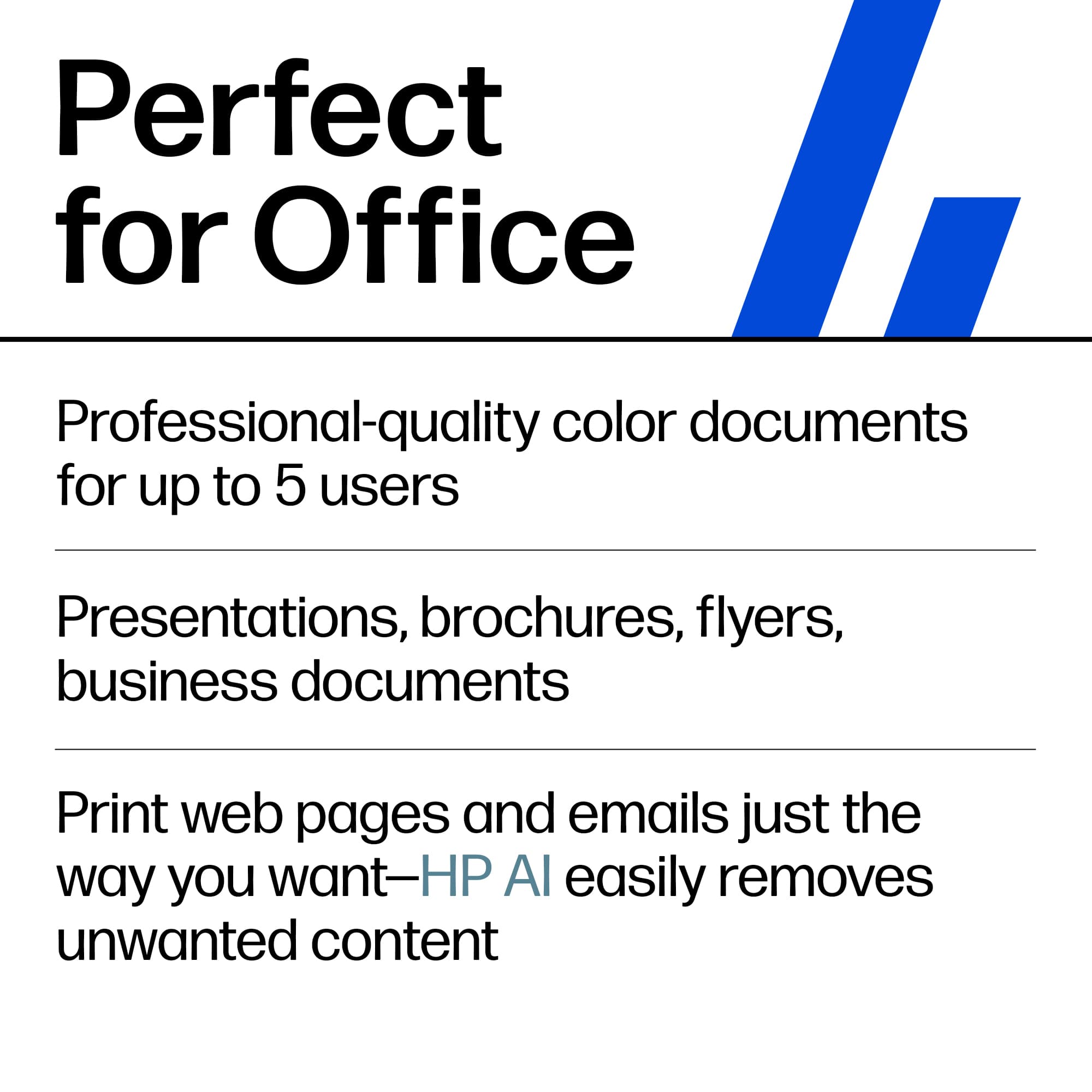
|Posted .This reviewer received promo considerations or sweepstakes entry for writing a review.In this all-digital era, you might think that the humble printer isn't long for this world. After all, why would you print something when you can see it on your phone, tablet or computer?! It turns out, it's not that simple really. There's a lot of the world that is still built around paper and the exchange of documents, particularly in the business world. And even if you're not creating the documents, you're bound to need to scan / digitize or copy something in the course of the day to day of a business. And that's where this HP OfficeJet shines - you can scan, copy or print right on the device, using a mobile device or wirelessly (or over a wire) from a PC or Mac. The printing and copying come with auto-duplex which is nice and you can scan / copy both sides of a document automatically as well which is a rarer feature than you would think. The print quality is solid as you'd expect from an HP (as is the scanning and copying quality of course) in text or graphics. This isn't really a photo printer, but can print one if needed. Setup and configuration were very easy and I was quickly up and running. I would generally recommend a device like this when printing needs are fairly low (as it's an inkjet which will have better print quality but lower volume speed and slightly higher cost of ink vs a laser) but where you need something that is broadly compatible, high quality AND allows for easy document management on the scanning / copying / etc. side. This device perfectly fits the bill for that. Like all HP products, this printer is well-made and should last a good long time with proper care. So if that sounds good to you, give this one a try today!
I would recommend this to a friend I plan to keep this printer permanently. Excellent
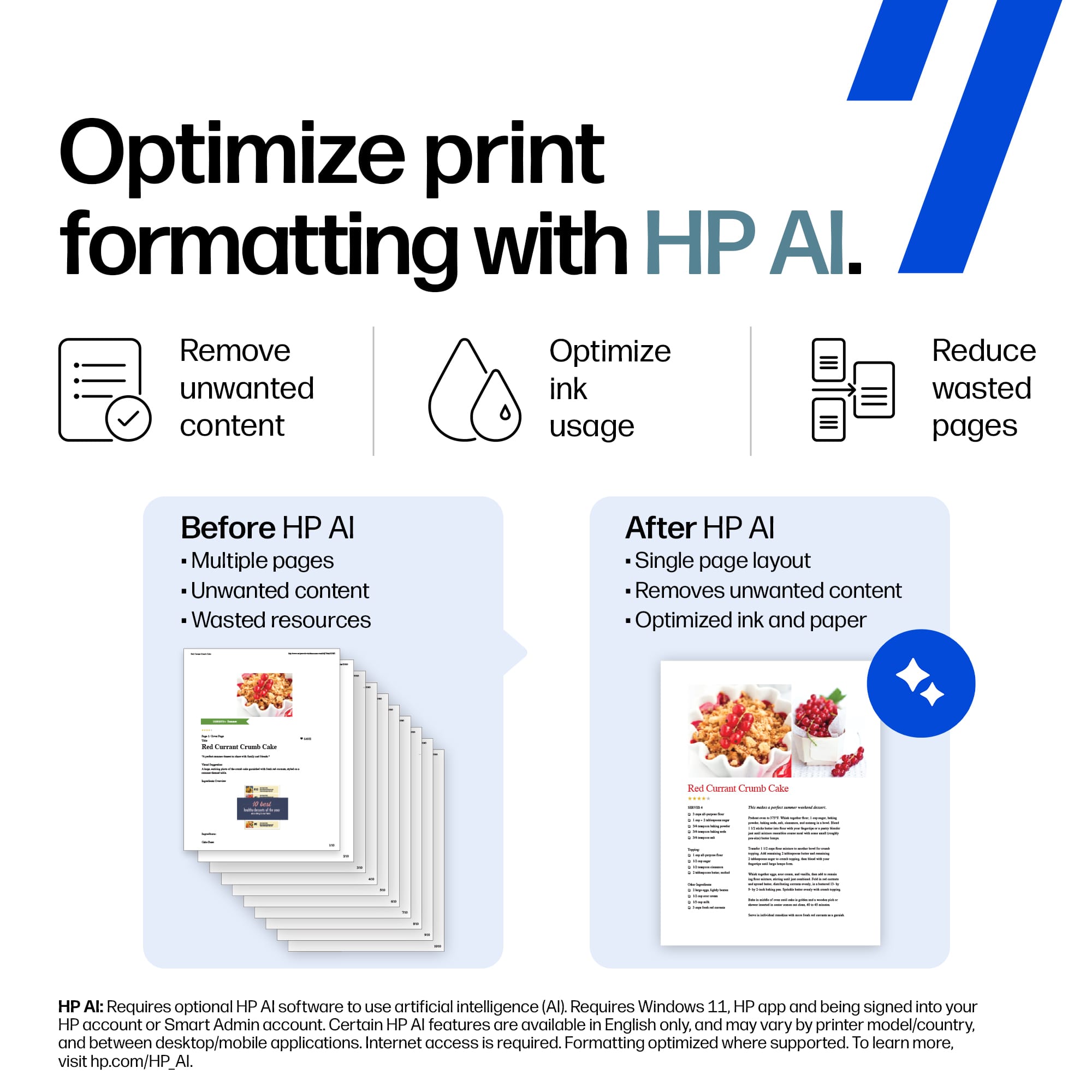
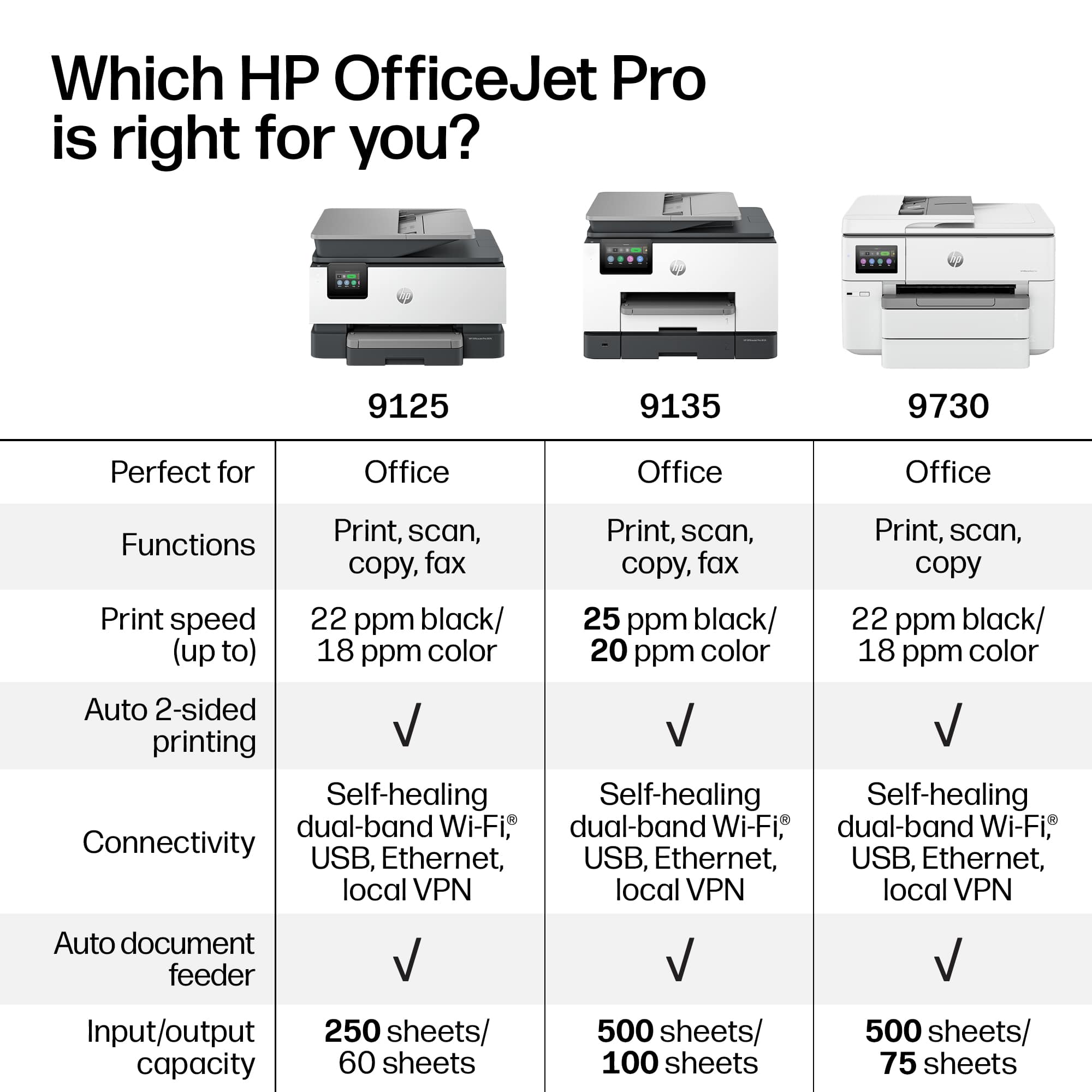
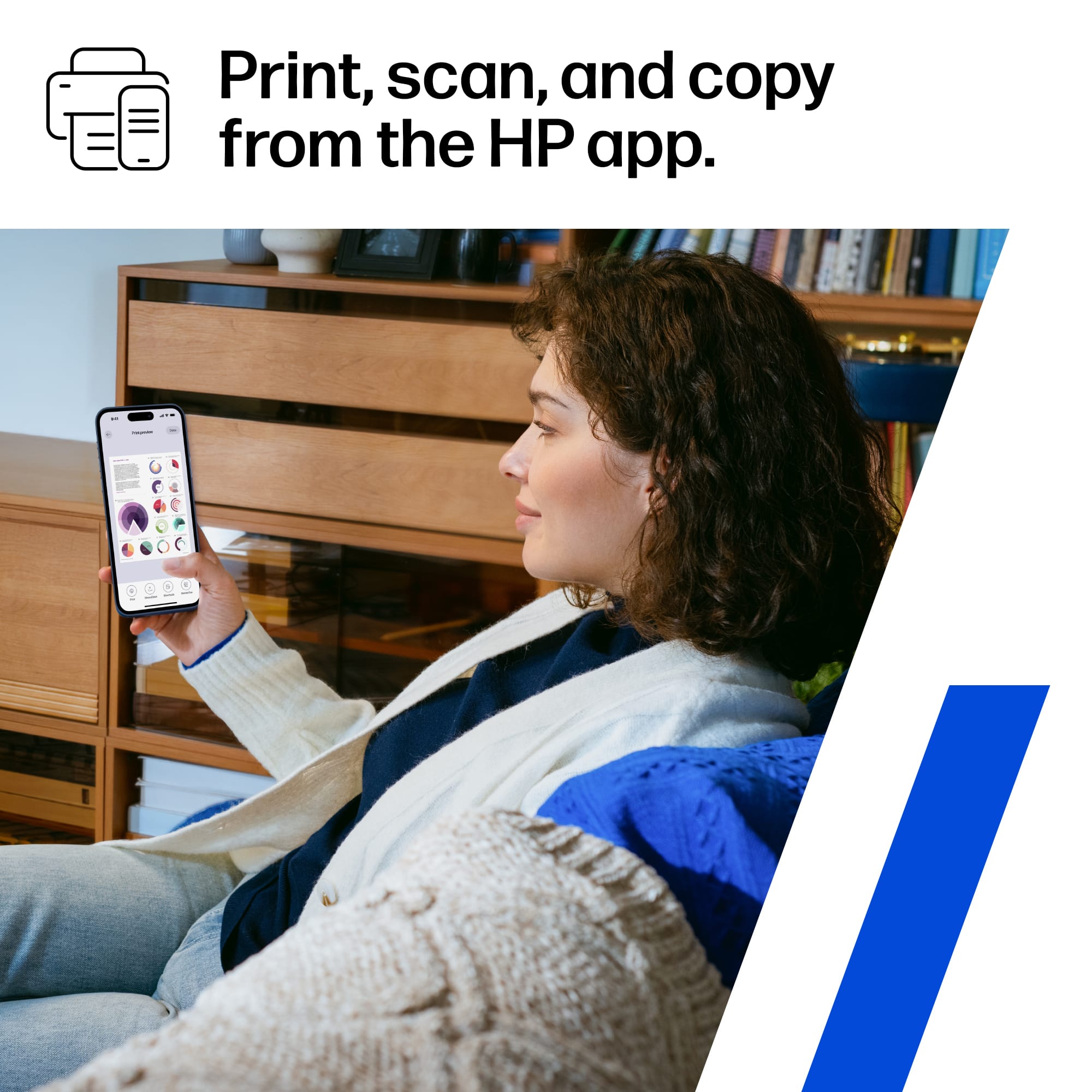
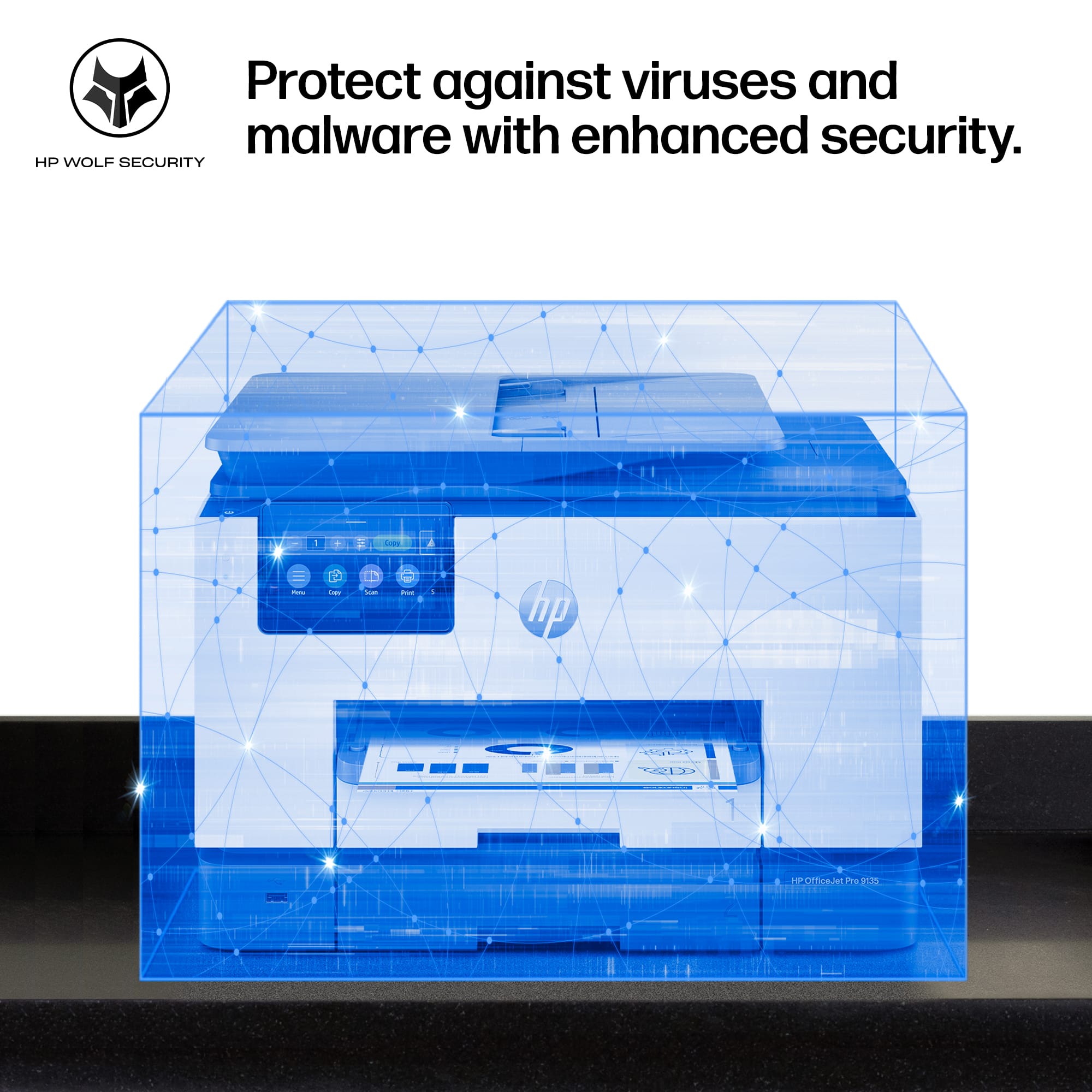
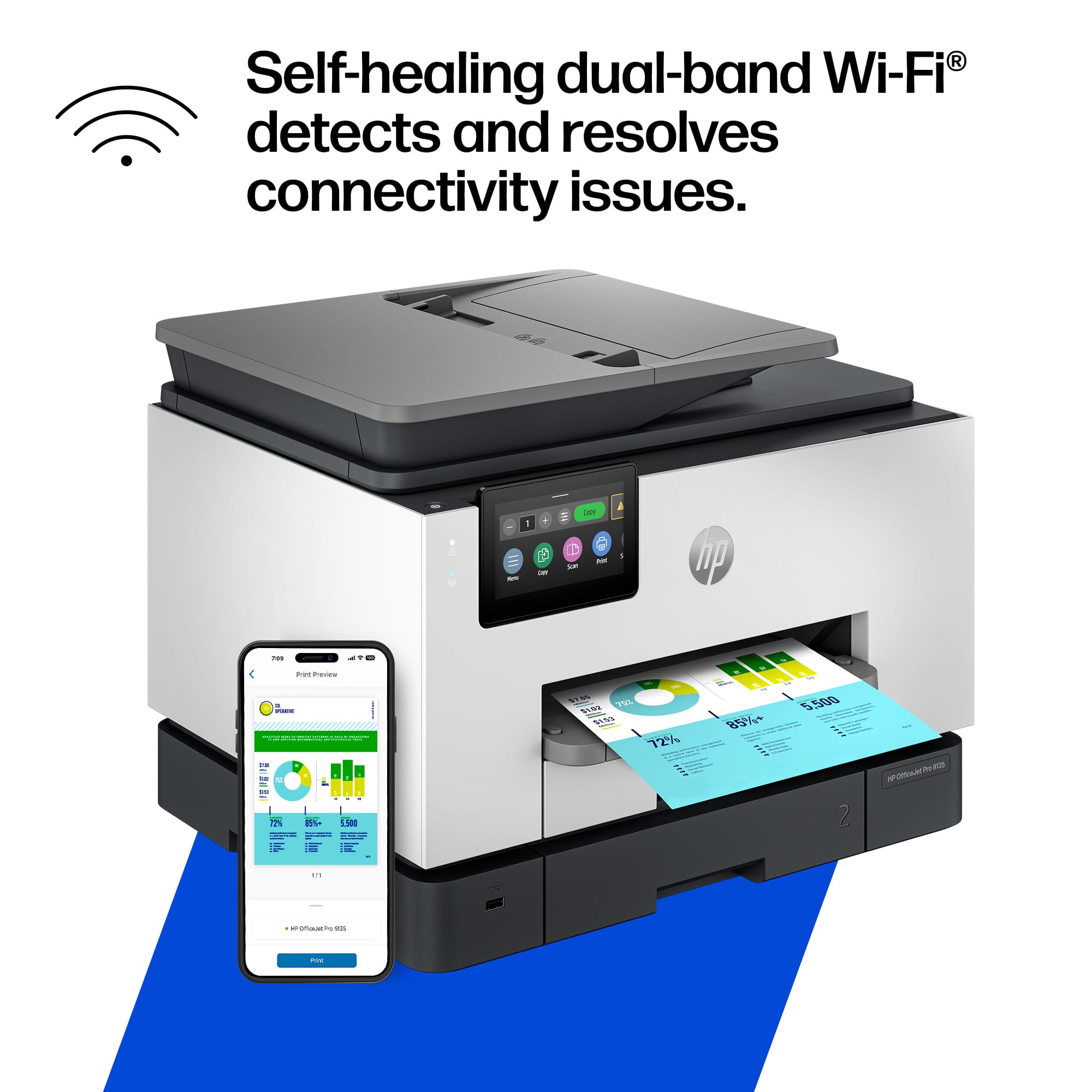
|Posted .This reviewer received promo considerations or sweepstakes entry for writing a review.After researching nearly a dozen mid-tier office printers, I landed on the HP OfficeJet Pro 9135e (Model: OFFICEJET PRO 9135E / SKU: 6565473) from Best Buy. Two weeks in, roughly 60 hours of hard daily use, I can say without hesitation: this is the best office printer I have ever managed. Fast, quiet, smart, and surprisingly cheap to run. Here is my honest take. I was skeptical of the "AI-enabled" label. I was wrong. Self-Healing Wi-Fi: The router died mid-morning during a busy print queue. On the old printer, that meant 10 minutes of rebooting and reconnecting. The 9135e fixed itself silently. No one lost a job. Smart Web Print Cleanup: A 4-page article that would have printed with ads, sidebars, and cookie banners taking up half the pages came out as a clean 2-pager. The AI strips all of it before the job runs. Less paper, better output, every time. Proactive Ink Ordering: The printer watches its own ink levels over Wi-Fi and ships replacements before running low. I have not seen a single "Low Ink" warning. No emergency store runs. The machine handles its own supply. One-Touch Cloud Scanning: I scanned a 30-page double-sided contract through the document feeder, tapped Scan-to-Email on the screen, and had a complete PDF in my inbox in under 60 seconds. No computer touched. One tap, done. Google Drive, OneDrive, SharePoint, network folders, USB - all configured once and remembered. Custom Shortcuts: I programmed my most-used tasks as single taps on the screen. Scan receipt to cloud storage, send contract to email, copy a form. What used to take several steps now takes one. HP Wolf Pro Security: Continuous firmware monitoring and threat detection built right in. For a mid-tier machine handling sensitive client documents, this was a genuine and welcome surprise. Mobile Printing: I print, scan, copy, or fax directly from my phone via the HP Smart app. Full printer management from anywhere in the building. These are not extras bolted onto a standard printer. Every job I run goes through these systems. They save paper, save time, and make the whole experience feel like the printer is working with me instead of against me. I have managed enough office printers to know the real trap: cheap hardware, expensive ink. Run out of cyan printing a client proposal and you are paying $28 for a single cartridge at the last minute. Budget for ink, miss anyway. Repeat forever. That is the old model. HP Instant Ink ends it. I pay a flat monthly fee based on how many pages I print. Not by cartridge. Not by color versus black. Not by how much ink is physically left. Just pages. Color counts the same as black-and-white. When I print a full-color presentation, I am not punished for it. The printer monitors its own ink and ships replacements automatically before I run low. I activated HP+ at setup, which gave me three free months of ink to start and extended the warranty from one year to two at no charge. The ongoing savings versus buying retail cartridges runs 50 to 70 percent. I will not buy a retail ink cartridge again. On power: ENERGY STAR certified, 5.58 watts ready, 1.22 watts in sleep. For a machine running 10 hours a day, the electricity cost is negligible. On maintenance: removable print head means a clog, if one ever happens, is a DIY fix rather than a service call. The build quality is solid. Over 40 percent recycled plastic but it does not feel like it. I also added the Best Buy Geek Squad Service Contract. Here is my reasoning: this machine will log roughly 2,600 hours of use per year. Rollers wear. Mechanisms fatigue. Having professional backup means no surprise repair bills, no scramble for a replacement, no downtime. The annual contract cost is nothing compared to one out-of-warranty repair. It was an easy call. Zero paper jams. Zero errors. Zero times it was unavailable when someone needed it. The 9135e has been 100 percent reliable from day one. Speed holds up in real use. HP claims 25 pages per minute in black and 20 in color. Printing actual 20-page monthly reports and invoices, those numbers are accurate. First page out in about 10 seconds from cold. The dual 250-sheet trays give 500 sheets total capacity. I keep one loaded with letterhead and one with plain paper. Nobody has had to stop mid-job to reload. The 35-sheet duplex document feeder scans both sides simultaneously, no manual flipping. It has saved real hours on contracts and multi-page forms. The 4.3-inch color touchscreen works like a phone. Responsive, organized, zero lag. I timed a new hire learning to fax and scan to email from scratch: under 30 seconds each. No training required. (1) HP+ Lock-In: Activating HP+ means the printer only accepts genuine HP cartridges going forward. Third-party refills stop being an option. Given how much cheaper Instant Ink is than retail, this has not bothered me once. The savings make it irrelevant. (2) Photo Print Speed: Full-bleed photos on specialty paper print slower than the headline speed. This is an office document printer. For my flyers, reports, and presentations it is outstanding. For dedicated photo work, a different machine would be more appropriate. (3) Unboxing: There is a lot of blue tape and cardboard inside protecting the print head and ink carriage during shipping. Follow the setup poster and remove all of it before powering on. Takes about 15 minutes. Miss a piece and there will be a problem. Follow the instructions and there will not. This is the best mid-tier office printer I have owned. The AI features are real and useful. The ink costs are the lowest I have ever run. The reliability record after 60 hours is spotless. The touchscreen and Smart app make it genuinely easy for everyone to use every feature, not just print from a laptop. I plan to keep this printer permanently, stay enrolled in HP Instant Ink, and keep the Geek Squad contract active. That combination gives top-tier performance, predictable low operating costs, and complete service coverage.
I would recommend this to a friendHP re-finding their way
|Posted .This reviewer received promo considerations or sweepstakes entry for writing a review.HP was my brand of choice ~15 years ago up until semi-recently. I was using one particular high-end HP model I had purchased in 2007 as my daily driver and had some cheaper models for my wife and daughter in the house. Then at my business I had been using HP printers for my staff. They were cheap, reliable, exactly what I needed. Never gave many issues and so long as you had ink and paper in them, they worked. Then that high-end model broke, I replaced it what the modern equivalent was from HP, it last a few months, broke, long story short ended up going a different route. That particular printer last a little over 3 years before it started having issues, which perfectly aligned with this HP 9135 popping up on TIN. After getting it all unboxed and removing the various parts/pieces that help keep things from breaking in transit I powered it on and started the connectivity procedure. In recent past, this was always a nightmare with HP. I had two different models at work that I gave up connecting to via Wi-Fi and just used the hardwire method and never had a problem again. The 9135 connected immediately and has done so every single time I've gone to print. That unto itself would've won me back, but it continued to shine and surprise. The paper capacity is through the roof for daily needs. You get dual 250 count trays and can essentially load this thing up once a month and forget about it. HP specs say 25PPM for B&W, 20PPM for color and while I didn't have any huge printing needs to test that against, the couple jobs that were 10-15 pages were finished before I had gotten up out of my chair and snagged the folder I was going to place them into, so I have no reason to doubt those numbers hold up. Color quality is great for documents, good for photos, but that's to be expected. This is not billed as as photo-centric printer and still does a very commendable job with recreating colors and maintaining crisp lines. The other main use-case for me is scanning. I scan dozens of documents every single day and the fact this has single-pass dual sided scanning is amazing. Yes, I'm at that point in my life where I'm getting excited about a printers scanning capabilities. At this price-point and model level, some weight and heft is to be expected. These aren't going to have a tiny footprint or be easy to move around like an entry-level printer, so keep that in mind. The 9135 isn't a monstrosity by any means, but it does have some bulk to it and while I personally like that it feels solid and planted in place, others might not if they're limited on space or a have difficulty with odd shaped heavier objects. Glad to see HP has figured out the connectivity issues and improved quality across the board on the whole. The return to form makes the 9135 an easy recommendation.
I would recommend this to a friendFast, reliable printer for high and low volume
|Posted .This reviewer received promo considerations or sweepstakes entry for writing a review.I love my new HP OfficeJet Pro 9135. Fast, clean, and simple to use, this printer prints, scans, and copies for your home and office with ease, and with HP's Instant Ink, this machine is a no-brainer for anyone looking for a reliable and powerful printer that does its job with no fuss. Out of the box, the HP OfficeJet Pro 9135 was easy to set up through the free app. Size-wise, it is surprisingly small for such a capable machine, able to tuck away under my office desk with room to spare. The printer has a nice, big color touchscreen on its face that is easy to see and is accurate to the touch. This HP model can handle high volume quickly and effortlessly with its auto-feeder and its two 250-page input trays. Print jobs sent over wireless network and via my mobile phone were completed very fast and without incident. The included starter cartridge gave me clear black and white pages and beautiful color prints without any streaks. Overall, I'm very impressed by the quality of the pages. My home usually utilizes standard print cartridges for our printers, but if you print at high volume, then Instant Ink puts this machine over the top, with its subscription-based plans that keep your printer going without the hassle of self-monitoring and ink shopping. While my home and home office needs don't quite hit the threshold to make it worthwhile, I do see the value in the Instant Ink subscription for higher yield households. The HP OfficeJet Pro 9135 strikes the perfect balance for both high and low volume print needs. Overall, the HP OfficeJet Pro 9135 printer is an impressive model that combines your print, scan, copy, and fax needs in a reliable, powerful machine. When I'm shopping for a printer, I want dependability and consistency, and HP's latest offering provides just that. An easy recommend.
I would recommend this to a friend