Customer Ratings & Reviews

![The text on the image reads:
"1 2 3 4 5 6 7 8 9 0 - =
[
]
[
]
[
]
[
]
[
]
[
]
[
]
[
]
[
]
[
]
[
]
[
]
[
]
[
]
[
]
[
]
[
]
[
]
[
]
[
]
[
]
[
]
[
]
[
]
[
]
[
]
[
]
[
]
[
]
[
]
[
]
[
]
[
]
[
]
[
]
[
]
[
]
[
]
[
]
[
]
[
]
[
]
[
]
[
]
[
]
[
]
[
]
[
]
[
]
[
]
[
]
[
]
[
]
[
]
[
]
[
]
[
]
[
]
[
]
[
]
[
]
[
]
[
]
[
]
[
]
[
]
[
]
[
]
[](https://pisces.bbystatic.com/image2/BestBuy_US/images/products/7579eb98-3e21-4fe6-af99-026ed652f364.jpg)


 for more information. 1 of ocean-bound contained in each varies. Percentage plastic component by product. Laptops manufactured with recycled metal material in product cover. Percentage of recycled metal varies by product. Keyboard components contain post-consumer recycled plastic. Percentage of post-consumer recycled contained in each component varies by product. 1 Based on US EPEAT.](https://pisces.bbystatic.com/image2/BestBuy_US/images/products/6583/6583279cv23d.jpg)




- Model:
- 14-fe0013dx
- SKU:
- 6583279
Rating by feature
- Battery Life
Rating 4.8 out of 5 stars
- Speed
Rating 4.7 out of 5 stars
- Display
Rating 4.7 out of 5 stars
Customers are saying
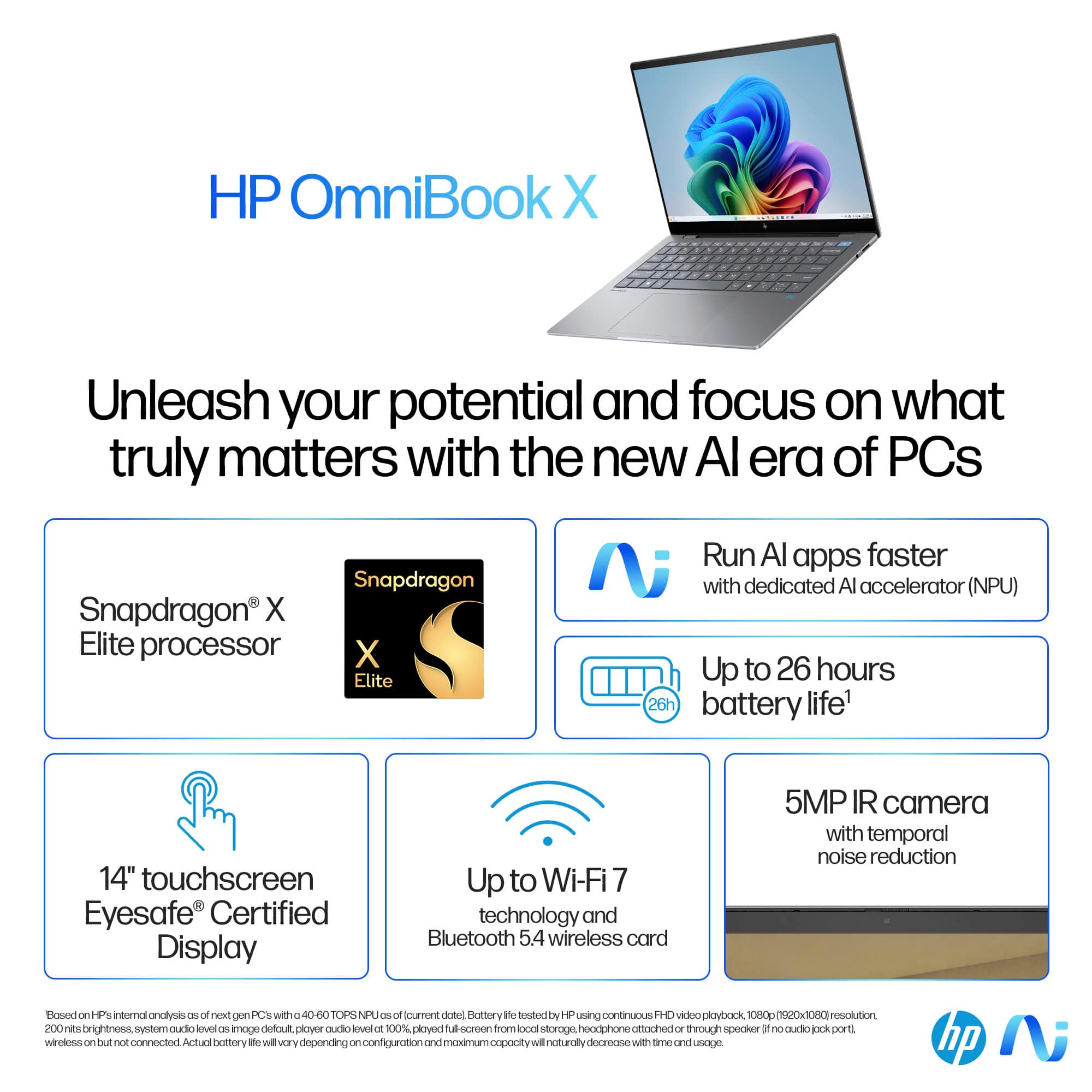
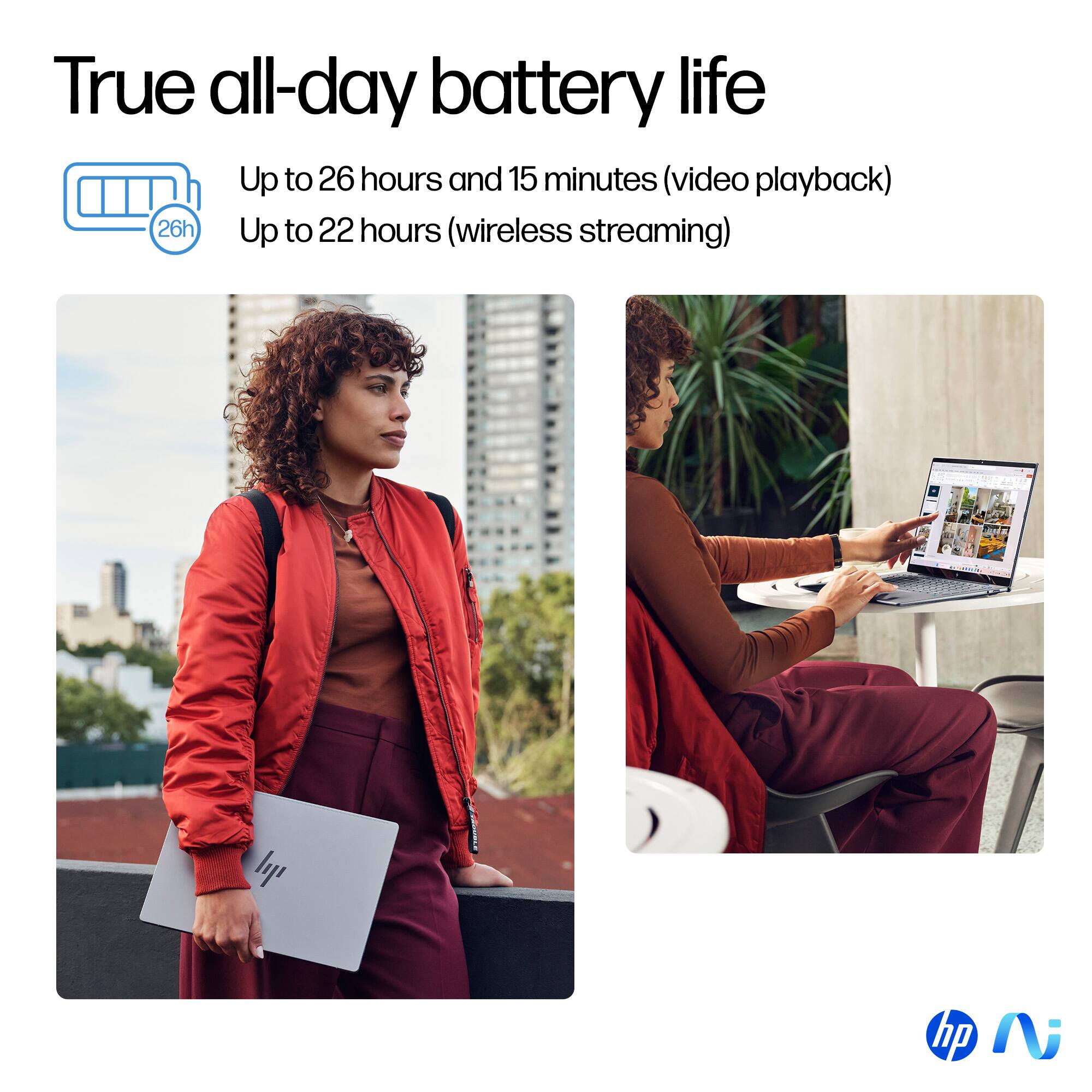
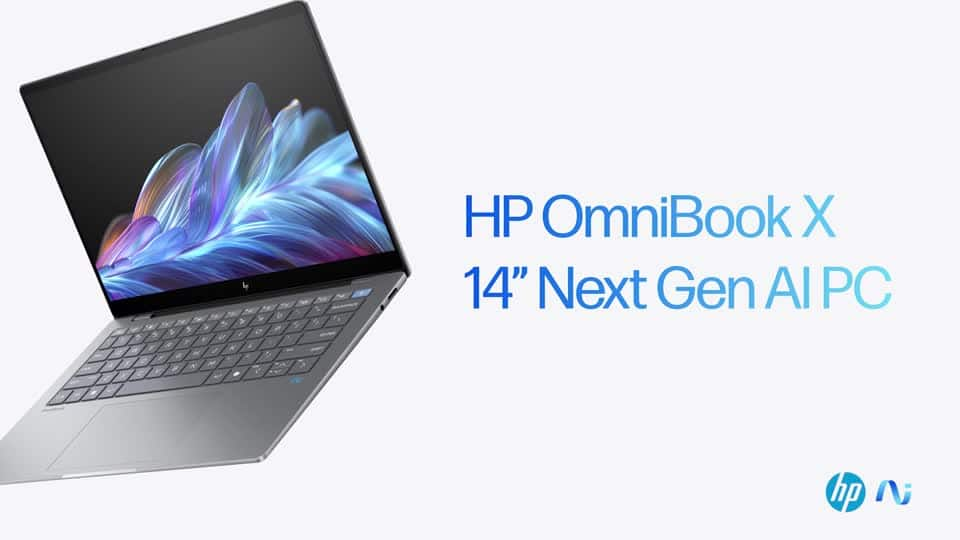
Customers appreciate the OmniBook X's excellent battery life and high-quality screen. Many also praise its lightweight and portable design, along with the ease of use and convenient size. Positive feedback also highlights the ample RAM and comfortable keyboard. However, some users express concern over the limited number of USB ports.
This summary was generated by AI based on customer reviews.
Tim A
||Posted . Owned for 1 week when reviewed.This reviewer received promo considerations or sweepstakes entry for writing a review.Powerful, lightweight and strong battery life. Love it.
I would recommend this to a friendMy laptop
||Posted . Owned for 1 month when reviewed.This reviewer received promo considerations or sweepstakes entry for writing a review.Great. No coment ooooooo. Vgtgvvvvvhh. Yyggyyyggg
I would recommend this to a friend- Pros mentioned:Battery life, Processor speed, Screen quality

The Future of Personal Computing is Here
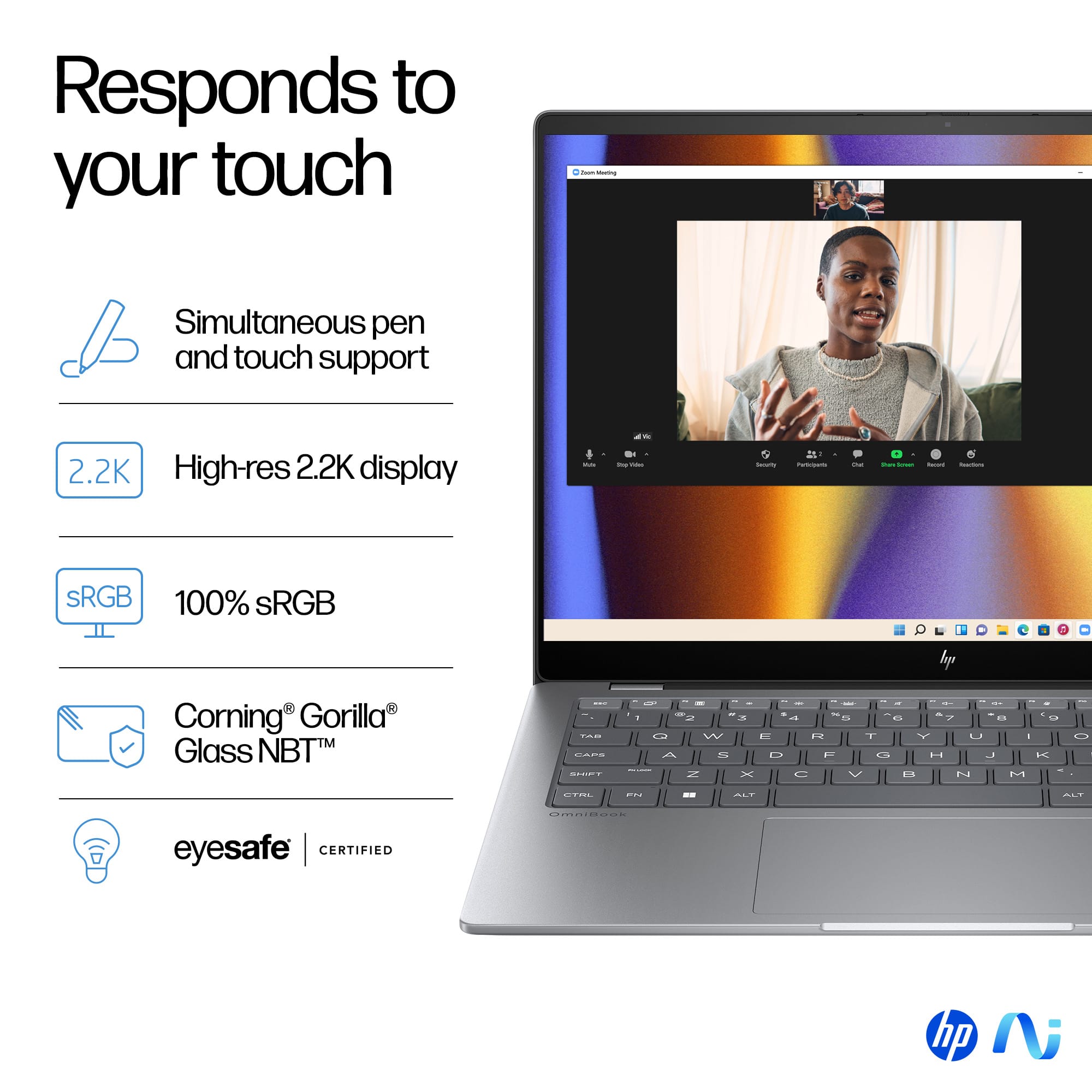
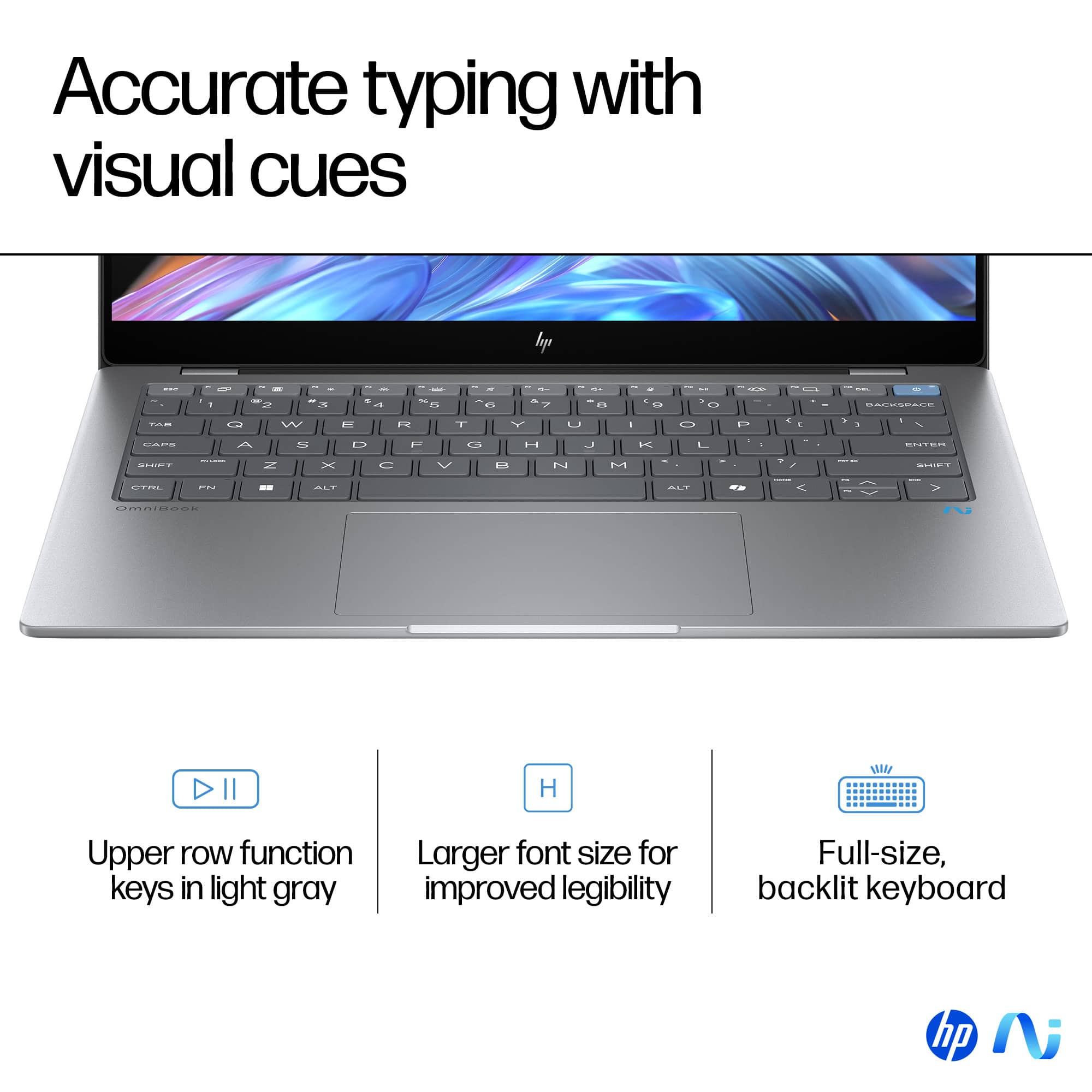
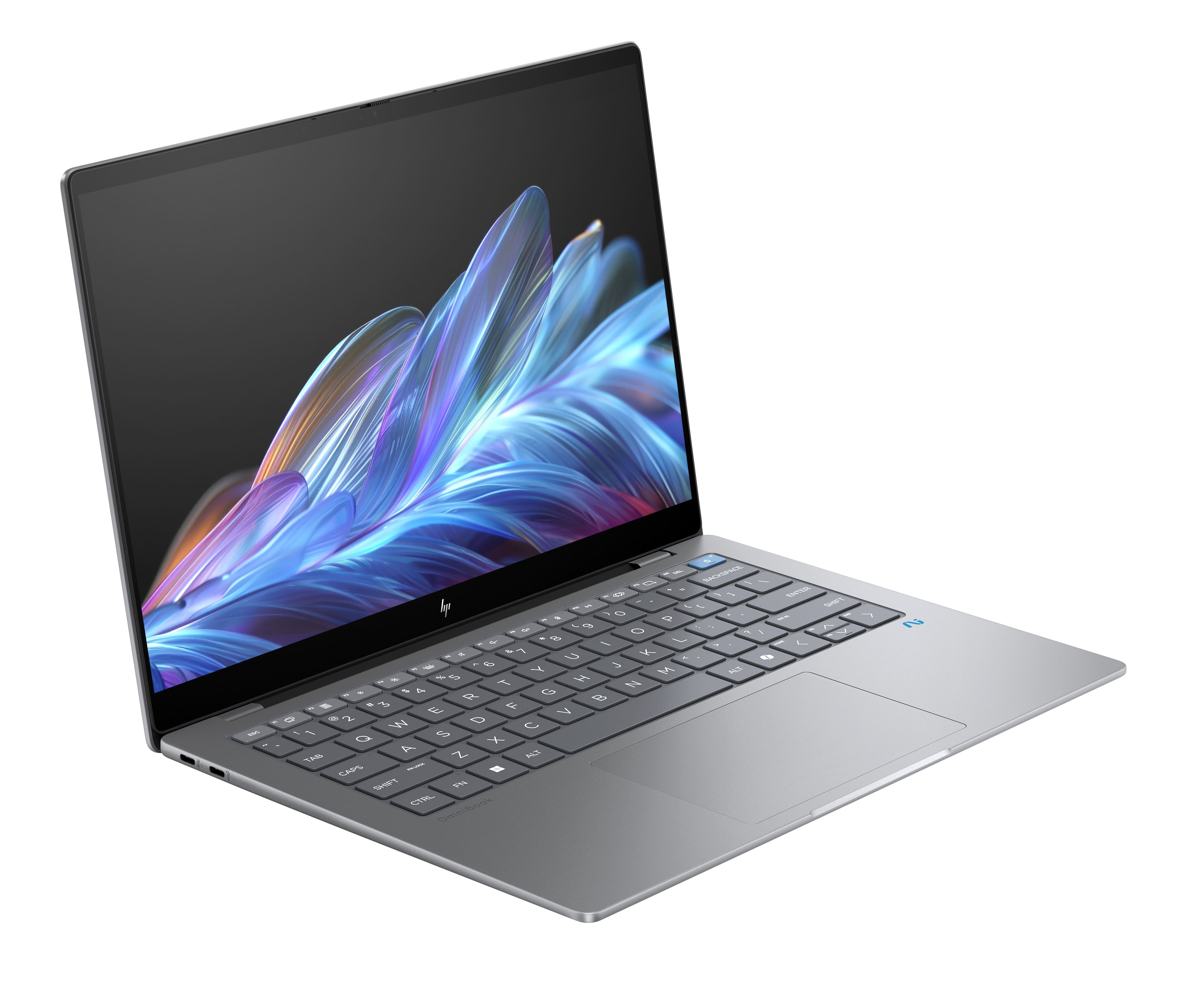
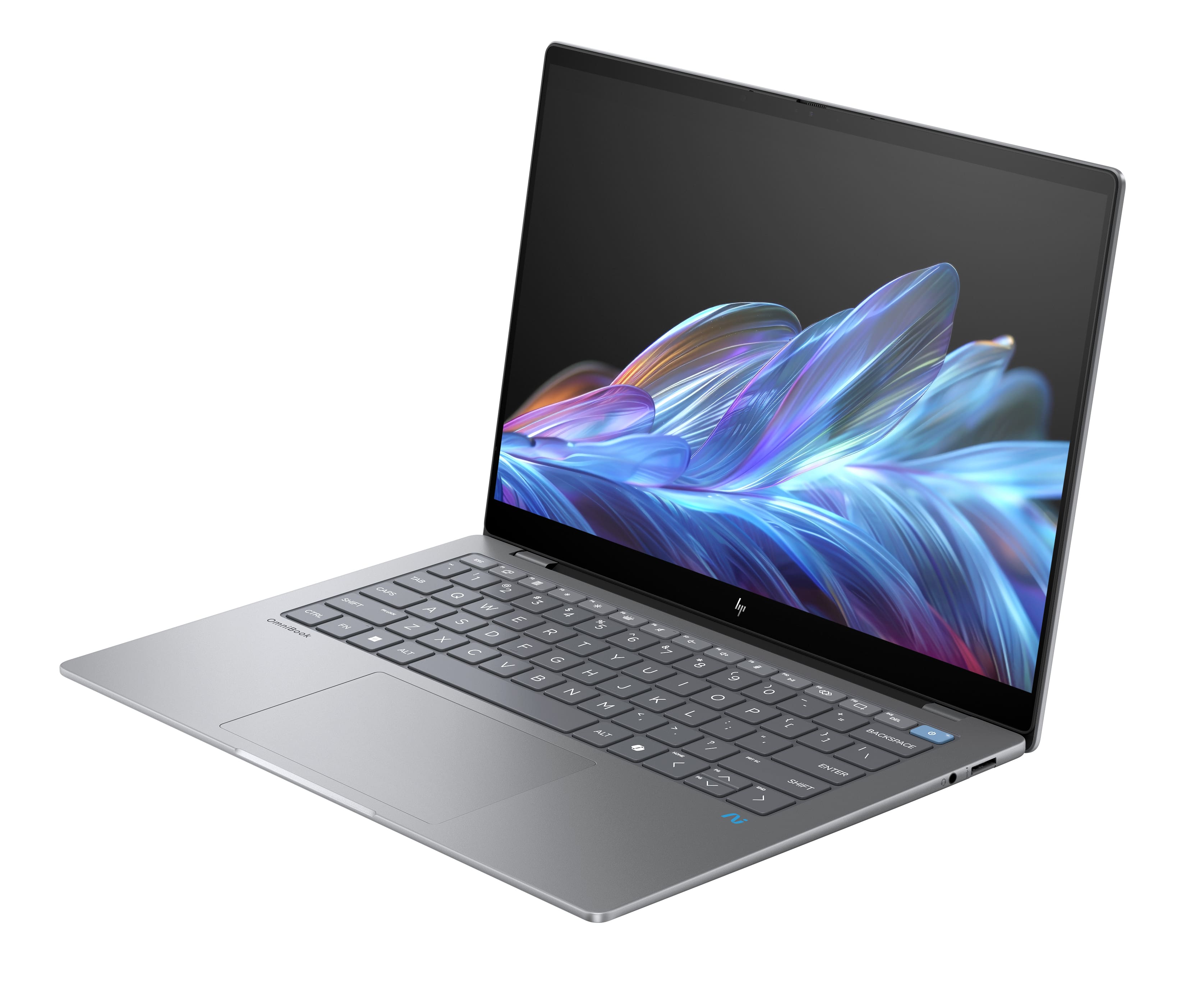
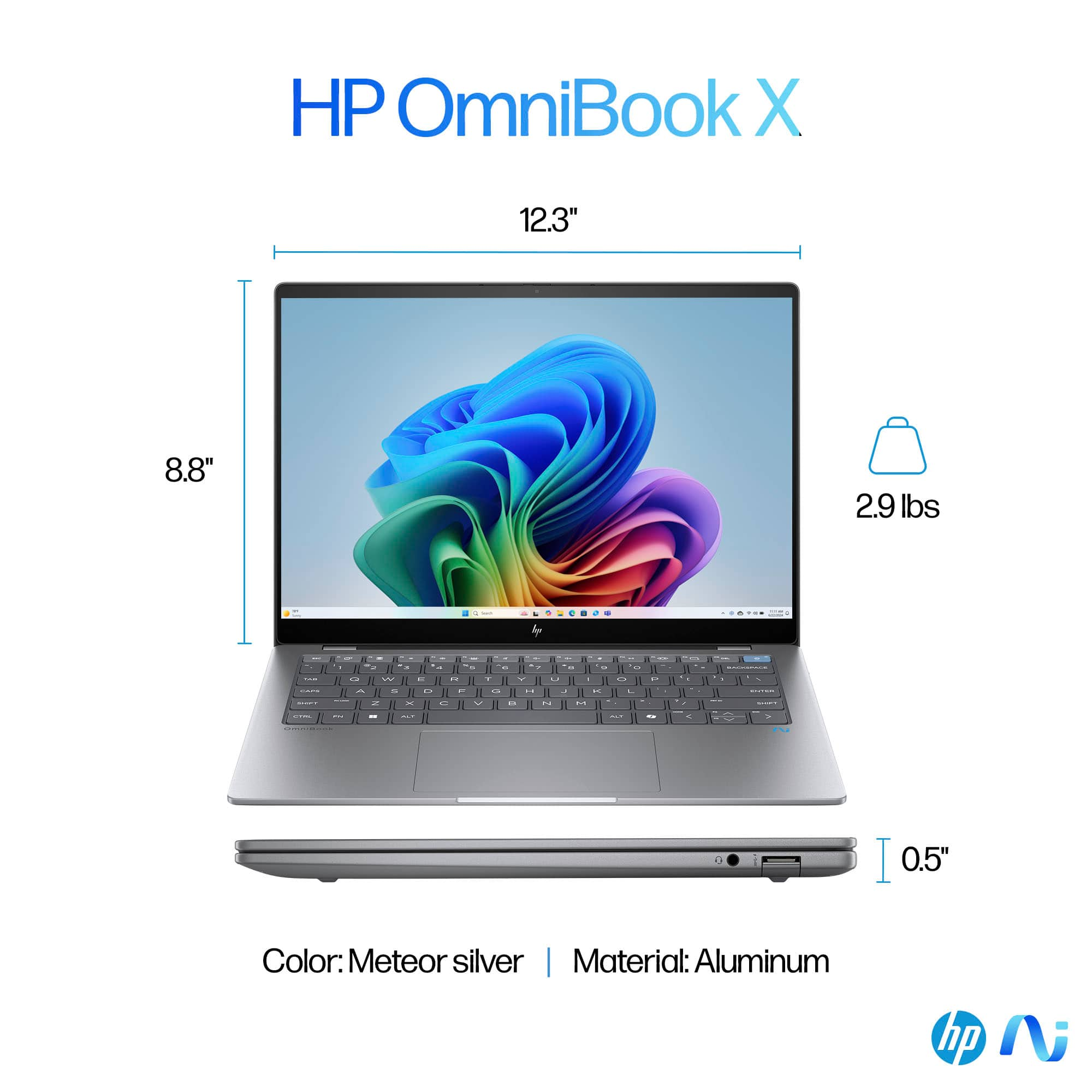
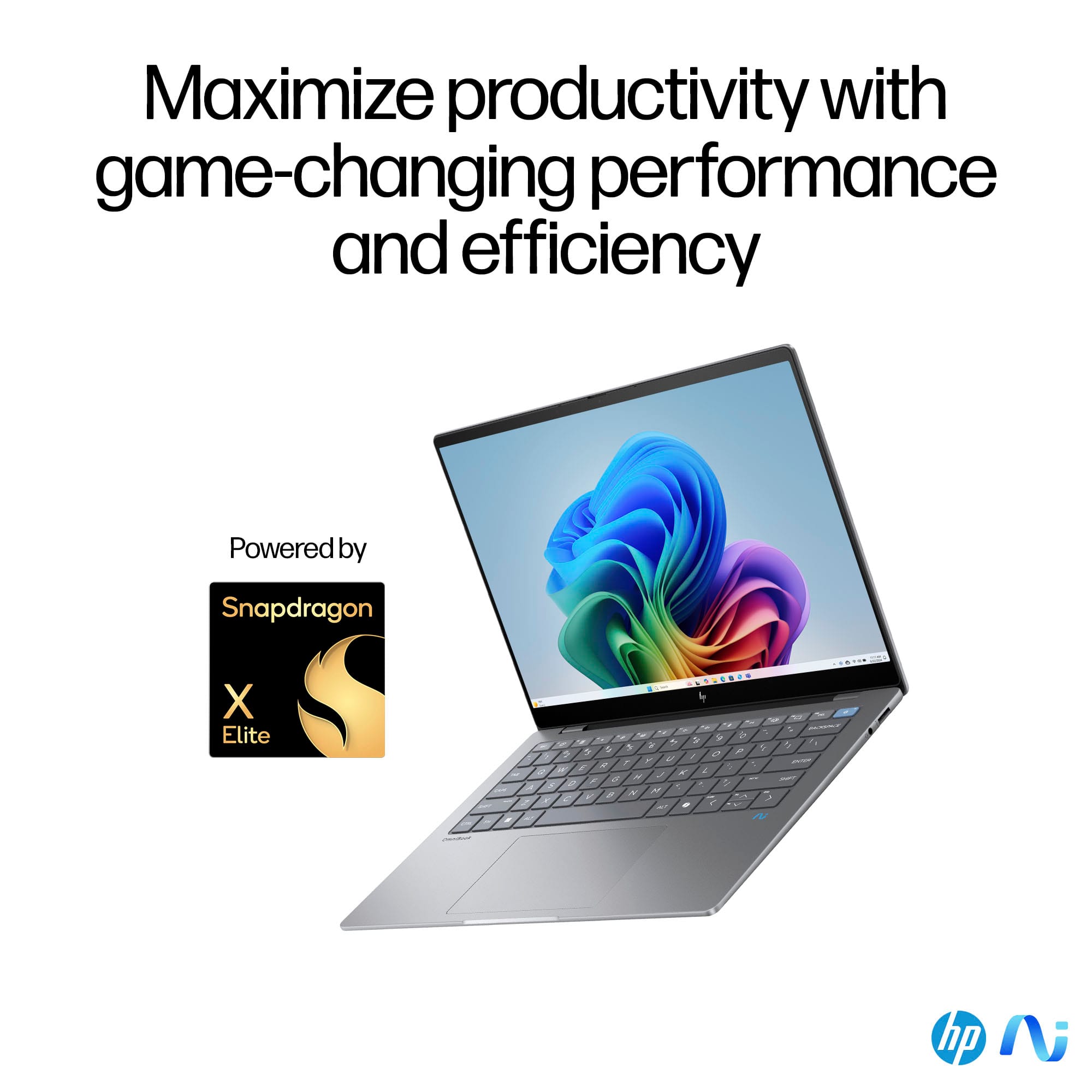
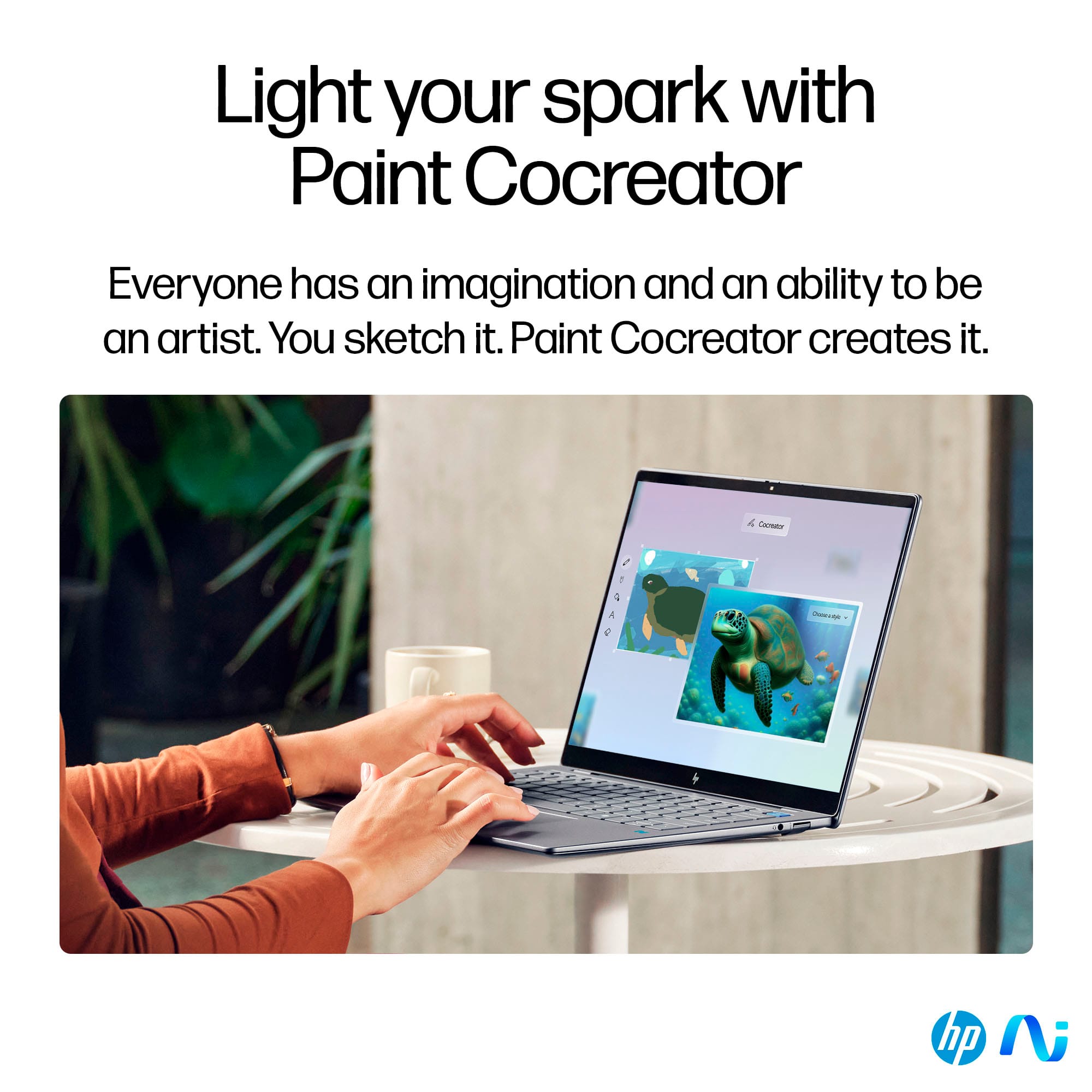
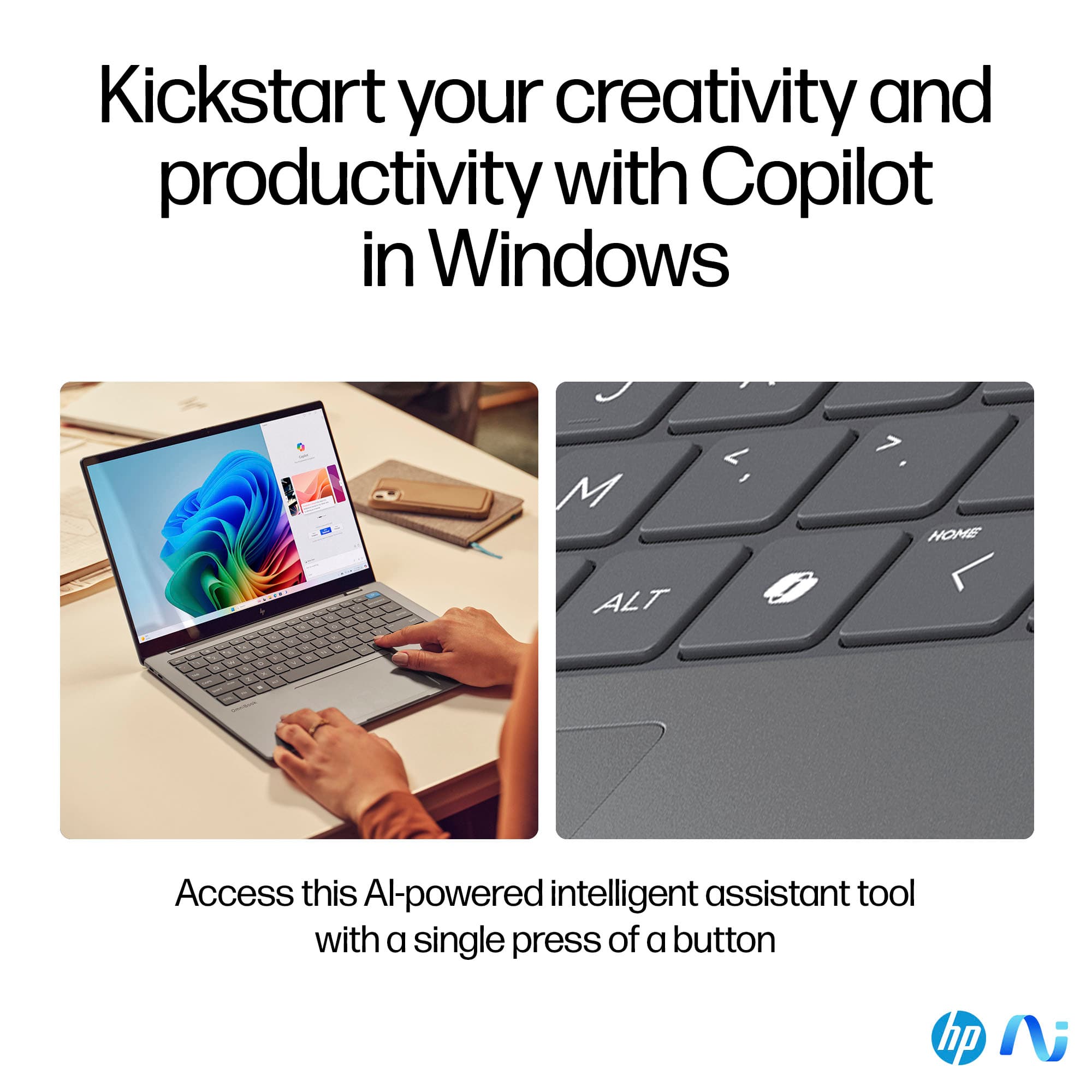
|Posted .This reviewer received promo considerations or sweepstakes entry for writing a review.HP - OmniBook X - Copilot+ PC - 14" 2.2K Touch-Screen Laptop - Snapdragon X Elite - 16GB Memory - 1TB SDD - Meteor Silver In 1981 IBM, noted for its massive Mainframe computers where “serious” computing was done, revolutionized the computer industry by making computing power available to the masses with the introduction of the IBM Personal Computer. Since then, the personal computer industry has continued to move forward with faster computer chips, more memory, more storage, and better programs to help users perform more complex tasks. Now HP has taken a giant leap forward with this OmniBook X – Copilot+ PC, a laptop which is much more powerful than those early IBM Mainframe computers. This device puts all that computing power right in our hands in the form of an intelligent laptop. And, at a very affordable price. This OmniBook X comes with all the bells and whistles you’d expect from a top-of-the line product from HP. It comes with: • A super-fast Snapdragon X Elite chip. • A generous 16GB of memory. • 1TB of SSD storage. • A high-resolution touch screen (2240x1400). • A lighted keyboard with a dedicated Copilot key. • A front-facing camera. • A built-in microphone. • 3 USB ports as well as a headphone jack port. • Dual speakers. • Windows 11 Home. • Windows AI. (While there is no HDMI port, one of the USB ports can be used to connect this laptop to an external monitor, if one is desired.) Once you plug the unit in and start it up, it walks you through the setup and updating of both the hardware and software with comforting handholding. HP has combined two of the latest developments – the super-fast Snapdragon X Elite chip and the super intelligent Copilot+ software -- to move us into the next generation of computers. And using this combination is, indeed, something that you really must experience to believe. The Snapdragon X Elite chip is capable of a mind-blowing 45 trillion (yes, that’s trillion) operations per second (TOPS), which its maker, Qualcomm, is calling “The world’s fastest NPU for laptops.” And its on-board AI results in super-fast response times as well as better security. All of that, and it still offers an incredibly long battery life (up to 26 hours). • You can use Copilot+ to retrieve information from the Internet/Wikipedia on things you’re interested in learning about, or things you need to know about, simply by asking about it. Copilot+ returns that information to you in story form, rather than just providing links to information that may or may not be helpful, such as the links you’d get by doing a google search. The resulting “stories” weave information from multiple sources into one “story” or report. This feature alone can make you so much more productive. • You can translate from foreign languages to English. • You can use Copilot’s Cocreator for image generation and editing. It can create whatever you can imagine and describe! • And there’s so much more, including things like Live Captions, and Windows Studio Effects. • It’s all available by simply telling Copilot+ what you’re looking for. One word of caution: The information contained in the “stories” your Copilot+ requests return is only as accurate as the sources and information that are available for Copilot+ to search through. In fact, Copilot itself has a warning that states “Copilot uses AI. Check for mistakes.” You should provide as much information in your request as you can to help Copilot+ return the best results for you. You’ll want to verify the information you get back from your request if it’s going to be relied on for anything that has consequences for using incorrect information. Ask Copilot+ for the sources of the information it returned (it may even provide links without being asked), and then decide if you consider it to be reliable. Continue to drill down until you’re completely satisfied with the results. You’re only limited by your imagination (and your curiosity) -- let it run wild as you explore all the things that you can do with this remarkable device while taking a giant leap into the next generation of personal computing. We’ve certainly come a long, long way from those early IBM PC days. I can’t imagine that the folks who developed those early personal computers could have ever dreamed that we’d eventually be able to do so much with such a small device. I’d highly recommend that you consider investing in your own HP - OmniBook X - Copilot+ PC. Let it help you expand your horizons while it's helping you become so much more knowledgeable and productive than you ever thought possible. The payback could be enormous.
I would recommend this to a friend Nice laptop
||Posted . Owned for 2 weeks when reviewed.This reviewer received promo considerations or sweepstakes entry for writing a review.Nice laptop. Perfect fit for a college student.
I would recommend this to a friend- Pros mentioned:Battery life, Screen quality, Weight
The AI features are amazing.
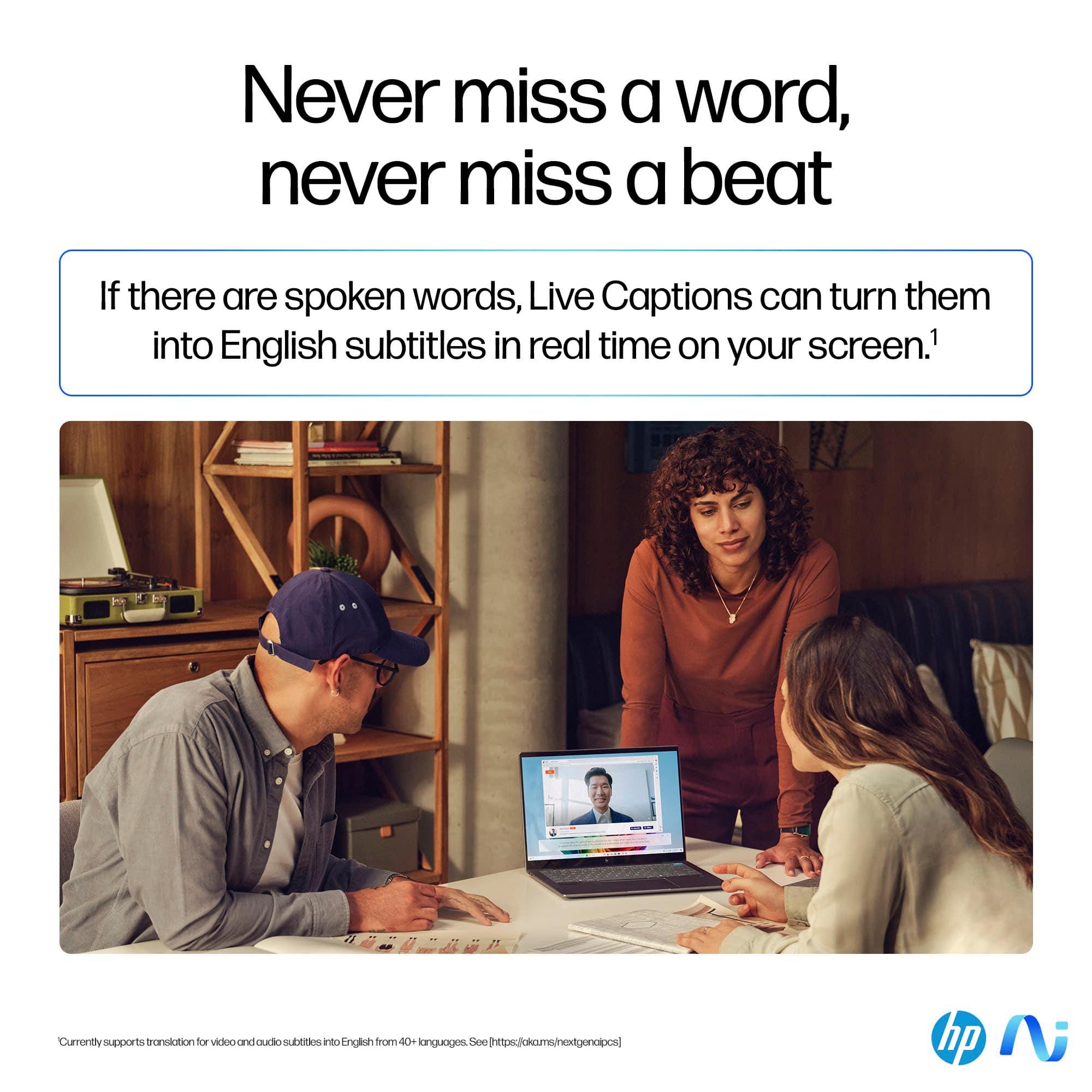
|Posted .This reviewer received promo considerations or sweepstakes entry for writing a review.I was excited to try out the new Copilot+ AI feature in this new Omnibook X laptop from HP. It has its own designated key. It made me smile because it really is a ‘co-pilot.’ It will answer almost any question you can think of quickly. Its answers are in clearer and more detailed English that you’ll get from asking a question to Alexa, and much more conversational. I was having fun with it. I started with something simple, the weather for my location. It answered quickly but misidentified where I was. After I told it the mistake it said and I quote, “Ah, my apologies for the oversight, Let’s get you the accurate weather for your actual town” and did, and then could remember my location for the next time. Next, I asked it to show a picture of the house I lived in as a child (it’s still standing) and gave it the address. It instantly not only showed the picture, but gave details of the house, how many baths there were, etc. and a map of its location. When asking the travel times on an expressway to my work location, it gave the answer instantly and then told me to drive safely. I understand the speed of the Co-pilot is because questions are processed in the Omnibook with something called a Neural Processing Unit, and not in the cloud. It really is like having a smart and extremely courteous friend available with the touch of a key. Another cool AI feature I found was ‘Live Caption’ which would not only show a transcript of what was said in a video but would translate a foreign language video to English in real time. The battery life is amazing. The computer’s specifications indicate it’s 26 hours. I used it all morning and after 3 hours it was still at 90 percent, so I believe it would come pretty close, that Snapdragon processor is really efficient. If you should let the battery run down, HP said the computer will recharge to 50 percent in just 30 minutes. The keyboard is backlit and feels good. The touchpad is large and responsive, and I love the touchscreen. Surprisingly many expensive laptops do not have that feature. I’ve found sometimes it’s easier just to touch the screen to move the cursor where you want it. The touchscreen is scratch resistant using Gorilla Glass, so it should hold up really well. The SSD is fast and is a full 1 TB. Many laptops of this price don’t have half that storage space I was worried when I discovered that the computer did not have a fingerprint reader, but I found that using the Hello face authorization was even better. Once it has your face in memory and the computer boots or wakes up, it INSTANTLY recognizes you with no waiting time and you are back online immediately. This is really a great travel computer, weighing in at less than 3 pounds. At first I wasn’t happy with the computer being equipped with Windows 11, but the learning curve wasn’t long, and it’s second nature to me now. I might even finally convert my other machines to Windows 11, I’ve been resisting all this time. Finally, the only problem I had was a weird one. I tried putting Norton Antivirus on this computer which I had done many times with other new machines, and the installation stopped with a weird error message, “The process is unable to continue due to a system service that may not be installed or started.” Research showed that this happens with an ARM processor which of course is one of the features of the Omnibook. This was resolved by getting a Norton Security app from the Microsoft store and now it’s working normally. Bottom line is this lightweight computer is fast and filled with exciting AI features that I’m still learning about. I think you’ll be happy with your purchase.
I would recommend this to a friend HP OmniBookX
||Posted . Owned for 2 months when reviewed.This reviewer received promo considerations or sweepstakes entry for writing a review.was unable to do some things I needed it to do. a little slow
I would recommend this to a friendBrand response from Snapdragon team
Posted .Hi bwest, we value your input and thank you for sharing your experience with the Snapdragon processor. Your feedback is crucial to us, and we will ensure it is communicated to our team.

Won't turn on
Posted .This reviewer received promo considerations or sweepstakes entry for writing a review.I just bought it today, but it won't turn on. Will return it tomorrow
No, I would not recommend this to a friendBrand response from HP Team
Posted .Hello Panji, we sincerely apologize for the inconvenience you experienced with your recent purchase. We understand how disappointing it can be when a product does not meet expectations. While you may have already returned the item, we want to let you know that our support team is always available to assist you. Should you require any further assistance, you can reach us at support.hp.com for troubleshooting or repair options.

Great Laptop
||Posted . Owned for less than 1 week when reviewed.This reviewer received promo considerations or sweepstakes entry for writing a review.Not a 2 in 1 design. But checks all the boxes in the performance and light weight to carry for business trips.
I would recommend this to a friendbluetooth wont work
||Posted . Owned for 1 month when reviewed.This reviewer received promo considerations or sweepstakes entry for writing a review.bluetooth will not work, but apart from that its pretty good
I would recommend this to a friendMonitor shakes a bit
||Posted . Owned for 3 weeks when reviewed.This reviewer received promo considerations or sweepstakes entry for writing a review.Monitor is shaking if we use touch screen, rest all good
I would recommend this to a friend- Pros mentioned:Processor speed, Screen quality
Fine computer, AI has strong potential
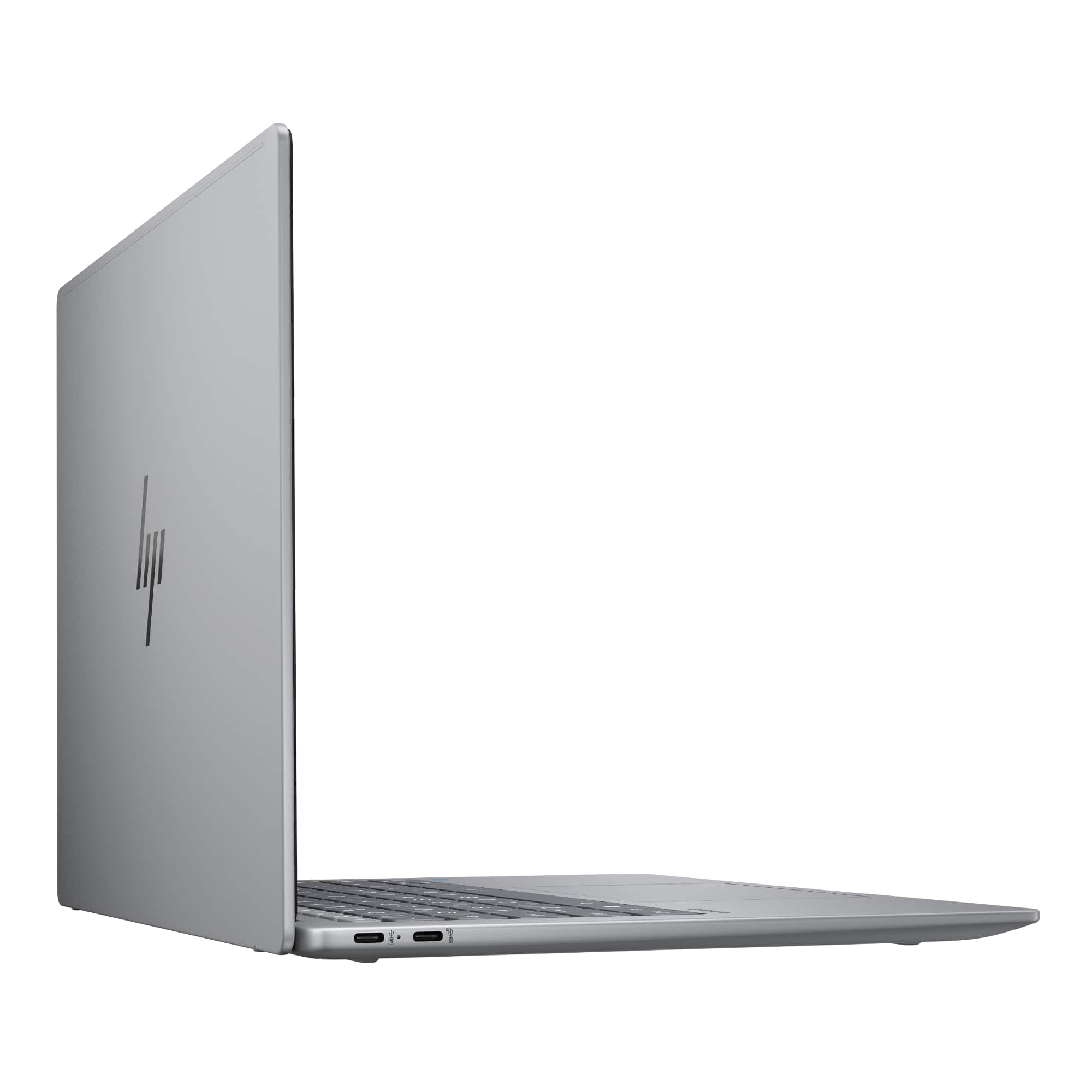
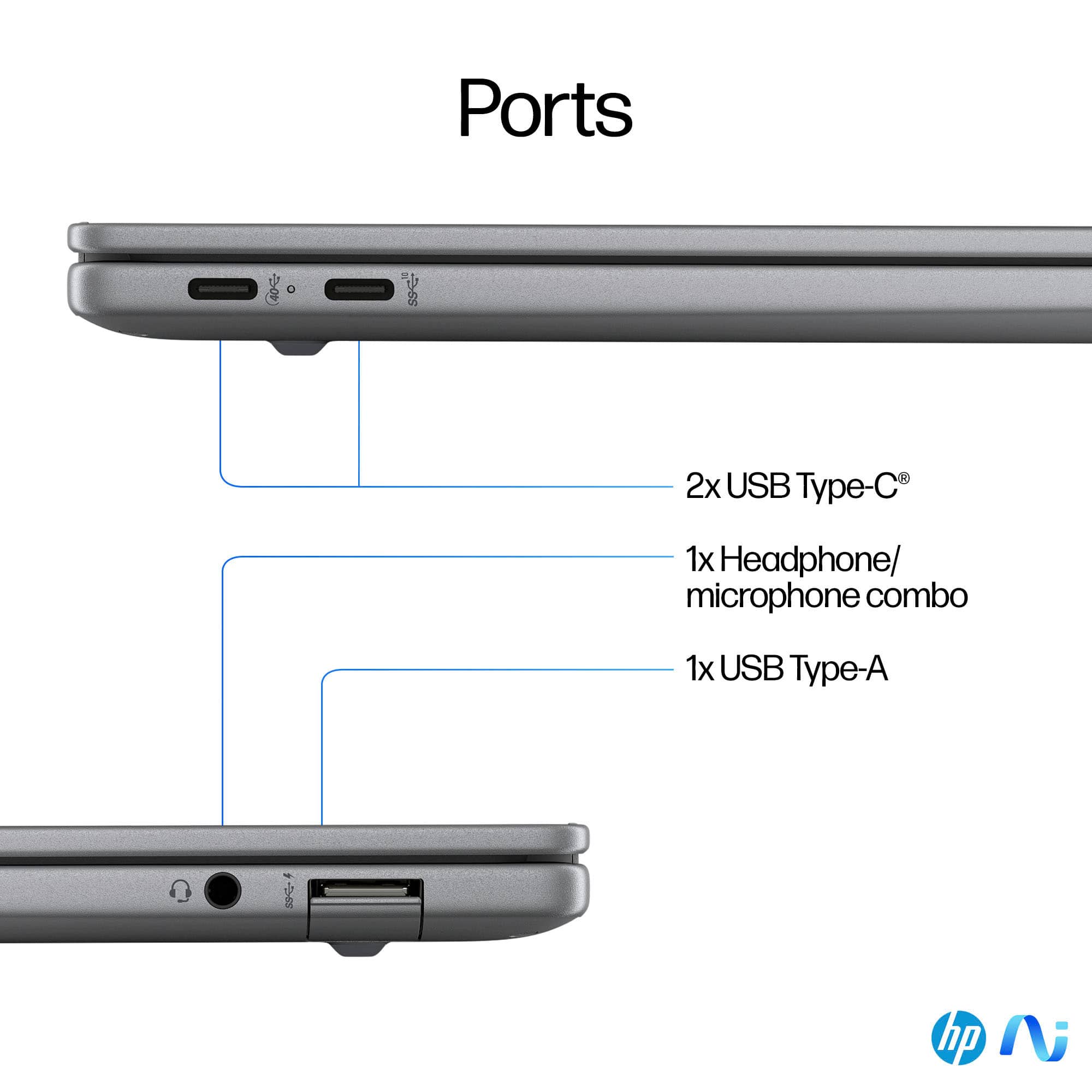
|Posted .This reviewer received promo considerations or sweepstakes entry for writing a review.This is my first time with an AI-equipped computer, Copilot+ in this case, and the experience has been positive. First off, this is otherwise a very typical laptop computer, although it has a Snapdragon processor instead of the usual Intel or AMD processor. I found performance to be fast and crisp and could not really tell a difference between this computer and any other I’ve used in recent years. With enough memory (this one has 16 GB) and disk space, like this one, most any modern computer hums along just fine. So what about the AI? There is a new button on the keyboard (which, by the way, is a very nice keyboard for a laptop, in my opinion—larger keys with a good, springy feel) to the right of the spacebar with a squiggly logo on it. This new key is the CoPilot key, and, when you press it, no matter what program you’ve got loaded or what you’re doing, a screen pops up asking you to “chat” with CoPilot. The idea is to ask it anything you might have a question about, it retrieves an answer, and it presents it in a short, concise narrative that might run to a page or two. I asked it several things to see what it could do. I asked it for today’s weather. It came back with just the info you want to see (daily high and low, chances of precipitation, time of sunrise and sunset, etc.) in a mostly bulleted form. We happen to have some birds called cowbirds frequenting our bird feeder, so I asked it about cowbirds and where their name comes from. Again, a quick answer was the result getting right to the point. Impressive. This is the kind of information I would usually have gotten by doing a quick Google search, but with CoPilot, I don’t have to sift through search results and read through a few articles or wade through a Wikipedia entry to find the answers. The AI also, with each inquiry, presents a few relevant photos with links to more. Then I had a little fun and threw what I thought might a trick question at it. I asked it what color is the White House. But it was a trooper! It came back with a detailed description of the history of the White House’s color, when it officially became known as “The White House,” when it was repainted over the course of history and why, and what the specific shade of white is on the building right now. Also, of course, a number of photos were presented. One other thing about CoPilot’s answers. Every one of them began with the word “Certainly.” “Certainly. The White House’s color is....” Or “Certainly. The cowbird gets its name from...” How about changing that opening once it a while to something like “Of course,” or “Glad to help” to change things up? No big deal. Just thought I’d mention it. Other AI features on the computer are Cocreator, Live Captions, and Windows Studio Effects. The latter two have limited use, in my opinion, and, at this time, I kind of wonder why they’re needed since the things they do are already available. Live Captions, as its name suggests, puts the equivalent of closed-captioning on the screen as you’re watching and listening to a video. I’m sure this would be of great help to the hearing impaired, but I’m guessing that closed-captioning is already available to one or degree or another, depending on the site visited. The other thing Live Captions can do is translate 44 languages, it says, to English. That’s helpful, of course, if you’re watching a foreign-language video, but I personally don’t do that very often. Plus, some sites like YouTube may very well already offer this service, but I’ve not checked into it. The advantage of Live Captions is that it can likely work on any site, so just activate it and tune in somewhere. You don’t have to find the closed-captioning or language translation options all over again each time you visit a new site. Windows Studio Effects enhances the experience when you’re doing a Zoom or Teams or Meets online video meeting. It makes the audio and visual aspects of the experience a bit better by such things as keeping you in the center of the frame of your camera’s image of you as you move your head around, blurring the background if you want (many remote-meeting programs already do this), adds what they call “portrait light” to your image to enhance your appearance, and things like that. None of these are necessary to actually participate in a remote meeting, but they can be nice add-ons. Cocreator can be fun and useful. It works in Paint, which comes with Windows. Load Paint, and there is a button to click on labled “Cocreator.” This brings up a window where you type in a description of something you’d like to see a rendering of. Then you can take this image and work with it in Paint or another program to make it into the final product for whatever application you have, such as a booklet cover, greeting card, or who knows what. The idea is that it doesn’t create the final product for you, but it gets you started in a hurry by creating the basics. You can select to have your image rendered in several different appearances, such as watercolor, oil painting, pencil sketch, this kind of thing. I threw a few suggestions at Cocreator, and it had no problem with them. I asked it to create a dog. No big deal. Then I had it create a dog sitting on a horse. No problem with this, either. I tried a few more things, such as still objects, landscapes, and so forth, and it did them. I think this is potentially by far the most useful of these three AI features. If you’re in any line of work that requires some artistic creativity, such as, as I mentioned, designing artwork for a publication, this could speed up your work flow considerably. Just be sure to change the AI-produced starting point enough each time so that your output doesn’t start to look all the same! As far as external connectivity, this computer has two USB-C ports on the left side and a microphone jack and what appears to be a microSD card reader on the right side. There are also, of course, the usual camera, microphone, and speakers. One of the USB ports will be taken up whenever the power/charging cord is plugged in. To me, these new AI features are like the beginnings of other, previous transformative technologies like mobile phones, email, the internet, and things like that. Thirty and forty years ago, we didn’t have any of these, and we lived our lives just fine. Now we can’t imaging our lives without them. I think that as these and other AI features roll out and become more commonplace on computers and other places, we’ll find more and more uses for them, and then we will again get to the point where we will wonder how we ever lived without them. If you’re interested in any of these features or whatever else will be introduced in the coming months and years, then by all means, get this computer. It’s otherwise a perfectly fine computer that you can do everything that you’ve always done on, and you have the AI capability to experiment with as well.
I would recommend this to a friend Wouldn't buy again
||Posted .This reviewer received promo considerations or sweepstakes entry for writing a review.I love the laptop but it is the only piece of tech I own that regularly disconnects and buffers with my wifi. The laptop is literally unusable a lot of the time
No, I would not recommend this to a friendDo Not Buy! You get what you pay for!
||Posted .This reviewer received promo considerations or sweepstakes entry for writing a review.Do not buy. I purchased this in November. In January, it stopped working. I had to ship it to HP and they replaced the motherboard under warranty. In May, one of the hinges broke. I took it to Best Buy and they wanted $700 to fix the hinge. The laptop cost that much on Black Friday. Cheap quality, both inside and out. Never buying HP again.
No, I would not recommend this to a friendLemon laptop
||Posted . Owned for 1 month when reviewed.This reviewer received promo considerations or sweepstakes entry for writing a review.I bought the laptop 2 months ago. Since I bought it has speaker issues. I sent it for a warranty and it came back after 3 and half weeks with a broken motherboard power issues and few scratches on the new product. Again now sent back in repair. Wasnt able to use the laptop for 2 days in the 1st 2 months of buying it. Totally a lemon.
No, I would not recommend this to a friend- Pros mentioned:Battery life, Processor speed, Weight
Small, snappy, & sufficient
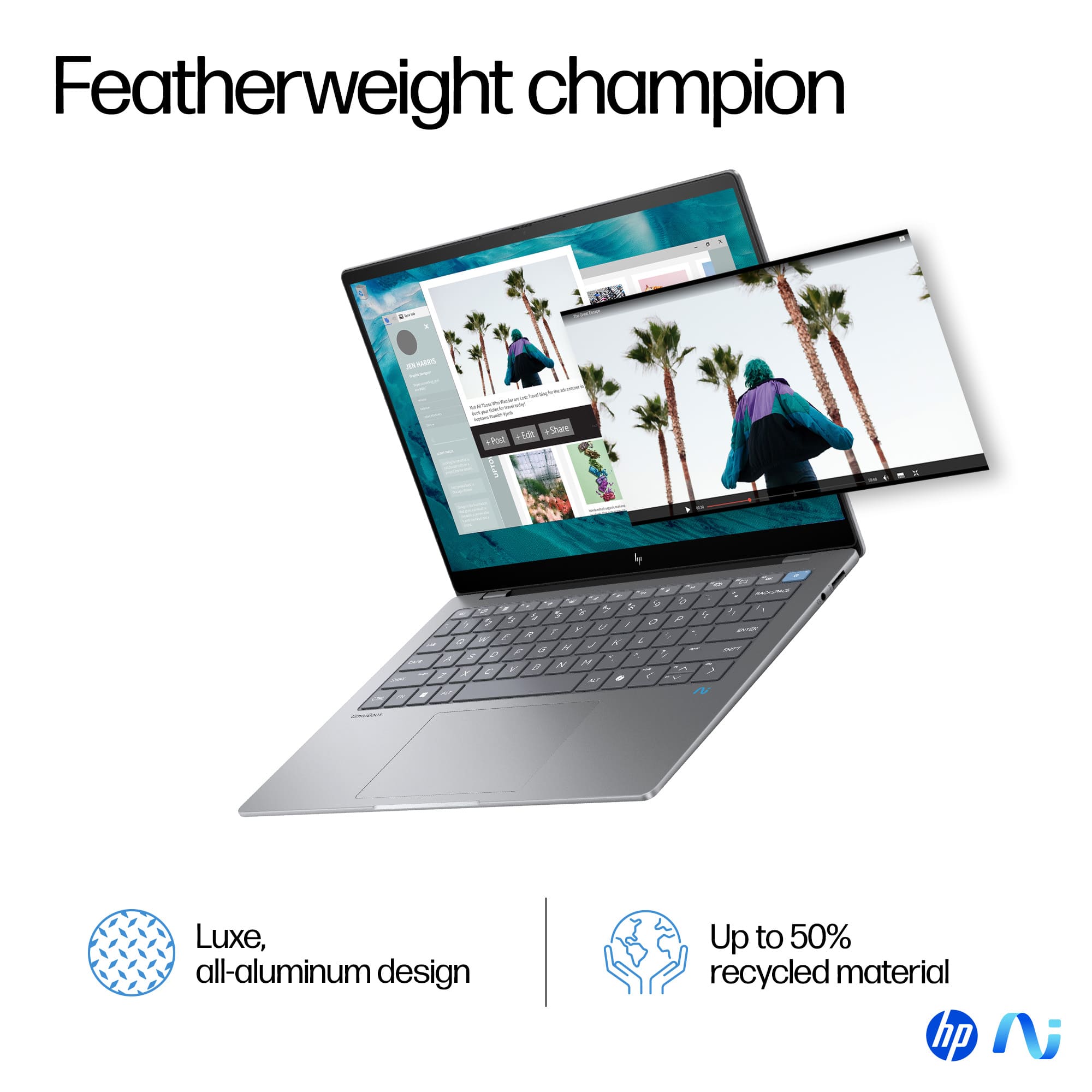
|Posted .This reviewer received promo considerations or sweepstakes entry for writing a review.This little laptop is lightweight, yet surprisingly sturdy given that it weighs in at under 3 pounds. Its aluminum case and solid hinge makes it feel durable, and the keyboard and trackpad are all a good size despite the compact size of this device. For a work pc, the snapdragon processor makes surfing the web, checking emails, editing documents, joining video calls, and running web-based apps extremely fast. So all your work essentials are covered, especially in a very portable package that is easily used on the go. This is because the battery-life is long-lasting. It can run for hours and hours on battery, and charges quickly when it needs more juice. It comes with Microsoft’s new Copilot integration, which hasn’t been utilized much yet. Especially since my office utilizes G-suite, the pro version which integrates with Office wasn’t worth an upgrade. While it gets the job done, it does have some quirks that are aggravating enough that I find myself reaching for my previous device often. First, with the small screen comes a struggle with finding the right resolution for multi-tasking. It defaults to a 150% zoom, which means having more than one window open results in not seeing much in either pane. Dropping it to the next setting of 125% means the text becomes super tiny. This might be okay if actually using it on your lap, but put it on a desk and it becomes challenging to navigate. The touchscreen feature was a must, especially for online photo editing and creating graphics using online software. Unfortunately, the on screen keyboard renders it nearly useless. EVERY time you touch the screen, the keyboard pops up and has to be closed. Trying multiple settings, and even asking Copilot for guidance on how to disable the on screen keyboard changed nothing. The annoying thing pops up each and every time you try to use the touch screen. Finally, the camera has amazing resolution and captures video with clarity. This makes it really great for frequent video chats or recording. However, it has intense contrast and very dark blacks. Grays and browns come across as black, even in a bright well lit room. So while the clarity is great, the ability to capture colors is lacking. Overall, if you want a lightweight, lightning fast device to handle basic work functions and surf the web, this will meet all your needs. If you need touch capabilities, heavy multitasking, or do a lot of video recording, this might be more frustrating that it is fulfilling.
I would recommend this to a friend 
Completely Freeze
|Posted . Owned for 1 week when reviewed.This reviewer received promo considerations or sweepstakes entry for writing a review.[Employee of bestbuy] Laptop is super slow and freeze this is the third factory reset and still presenting problems. I thought this will be the beginning of the the laptops bit NOPE I DOUBT IT. -0 STARTS
No, I would not recommend this to a friendBrand response from HP Team
Posted .Hi Linlin, we appreciate your feedback. To improve your system's performance, we recommend manually checking for updates by going to Settings > Windows Update and click "Check for updates" until no new updates are available. Installing the latest OS and driver updates will help resolve any issues and improve your system's speed. For anything else, we are happy to assist you, please visit support.hp.com.
Beware of a Dud
||Posted . Owned for 1 month when reviewed.This reviewer received promo considerations or sweepstakes entry for writing a review.This laptop stopped turning on the first month I purchased it. When I sent it to manufacture they said it turned on perfectly fine. Not taking any chances and returned it. I can't play Russian Roulette with my laptop. Very disappointed.
No, I would not recommend this to a friendNot a fan
||Posted . Owned for less than 1 week when reviewed.This reviewer received promo considerations or sweepstakes entry for writing a review.Not a fan of it, very slow performance and any other laptop can get the job done.
No, I would not recommend this to a friendBrand response from HP Team
Posted .We appreciate your feedback. Please know that new devices will go through a series of software, driver and firmware updates that may utilize system resources resulting in the system appearing sluggish. To help you gain the best system’s performance, we recommend installing the latest Windows OS and system updates by going to Settings > Windows Updates and click Check for Updates until no new updates are available. If you are still seeing issues, please contact HP via support.hp.com for additional support.
Not worth your money.
||Posted . Owned for 5 months when reviewed.This reviewer received promo considerations or sweepstakes entry for writing a review.I had this laptop for 3 months before it completely shut down. I returned it to Best Buy and a month later they said they are junking it and refunding me. Literally buy any other laptop.
No, I would not recommend this to a friend- Pros mentioned:Battery life, Screen quality
Fast, compact and smart laptop
|Posted .This reviewer received promo considerations or sweepstakes entry for writing a review.Loving this smart laptop. It came well packed and they included a nice soft velvet cover, a wall charger. The laptop itself feels super premium and its very well constructed. Its a silver plastic and feels sturdy and there is very little to no flex. The keyboard is white back lit, which I love as many times I use my laptop on a dark enviroment. The screen is amazing and with great contrast and blacks. I was surprised to see it is also a touchscreen and very sensitive. The keyboard is keys are your typical chiclet type on laptops. It has a new button, the AI copilot one. More on this later. The laptop itself is one of the new generation of Windows Copilot, with AI ones. The CPU is not your typical x86 architecture we've been used too. Its a super efficient ARM one, created by Snapdragon (lots of phones and mobile devices carry these type of CPU's). This one has an Snapdradgon X Elite with 12 cores and an Adreno GPU. This type of ARM architecture is very power efficient while very performing. One new thing, is the new SOC (system on a chip) has now a NPU (neural processing unit). Which drives AI based tasks very rapidly locally on your laptop. Windows itself feels and works just like any other x86 version of windows, although its an ARM based one. There are tons of apps compatible with it in the Windows app store, and even x86 run fine on it, because Microsoft has created a compatibility/translation layer. Although its not very performing and some apps may refuse to run or may see the hardware as incompatible (I tried a few games to see, like Cyberpunk and although it ran, it was very slow) other games just refused to run. So, I guess this will be improved in the future by Microsoft with updates, hopefully. However, this is not a gaming oriented laptop. Its more of a productivity, work, and school one. The new Copilot feature is great to do complicated searches or just ask questions if you are working on a project i.e for work or school. You can enable "plug ins" for it, for example for instacart to make orders just talking to it or other things. You can press the Copilot button on the keyboard and it will launch the app. One thing I didn't like, is once opened you either type your question or you can click on the mic icon to ask one talking, it should just launch waiting for you to talk right out of the bat. Maybe this could be improved upon by Microsoft. It supposedly uses the NPU locally and pulls some out of the internet. It's all based one LLM (large language models). I find the feature useful for school research. You can make it translate/analyze videos, pictures, webpages etc. The performance of the laptop is fast and snappy. It feels the ARM architecture and the ARM version of Windows make it very lightweight. This also makes it so the battery life is amazing, by far the longest I have had on a laptop before. I had 3 days of regular usage on a charge and it was still going strong by around 50%. Charging is fast too. It has two type C USB ports (one is power too, to charge the laptop) and another type A USB which happens to have a flap you pull down (kind of some ethernet ports). Once con is the laptop doesn't have an ethernet port, it connects via fast WI-FI 7. I also love the huge trackpad. Its responsive, does not activate due false inputs and has tons of gestures you can use on it. Highly recommend this laptop if you do a lot of school work/research, for work and creativity. Its definitely a productivity powerhouse, with some light gaming. ************************************************************************************************************************************************************************************************************************************** Some PROS and CONS: +++PROS+++ +Very well constructed. +Fast and lightweight. +Amazing battery life, fast charging too. +White backlit keyboard. +Display is touchscreen too. +Wi-fi 7. +ARM architecture. Last gen Snapdragon X elite, 12 cores. +NPU included, tons of Ai tasks you cand do on it. +Huge trackpad. +Thin and super portable. +Can run native ARM apps, but also x86 regular windows apps (compatibility varies, Microsoft is improving on this). +Productivity/creativity champ. ---CONS--- -Non RGB backlit keyboard (only white). -No ethernet port. -Only 3 USB ports. -Not even a simple carrying case included (just a simple velvety cover), some other laptops include at least a simple zipper one.