Customer Ratings & Reviews

![The text on the image reads:
"1 2 3 4 5 6 7 8 9 0 - =
[
]
[
]
[
]
[
]
[
]
[
]
[
]
[
]
[
]
[
]
[
]
[
]
[
]
[
]
[
]
[
]
[
]
[
]
[
]
[
]
[
]
[
]
[
]
[
]
[
]
[
]
[
]
[
]
[
]
[
]
[
]
[
]
[
]
[
]
[
]
[
]
[
]
[
]
[
]
[
]
[
]
[
]
[
]
[
]
[
]
[
]
[
]
[
]
[
]
[
]
[
]
[
]
[
]
[
]
[
]
[
]
[
]
[
]
[
]
[
]
[
]
[
]
[
]
[
]
[
]
[
]
[
]
[
]
[](https://pisces.bbystatic.com/image2/BestBuy_US/images/products/7579eb98-3e21-4fe6-af99-026ed652f364.jpg)

 for more information. 1 of ocean-bound contained in each varies. Percentage plastic component by product. Laptops manufactured with recycled metal material in product cover. Percentage of recycled metal varies by product. Keyboard components contain post-consumer recycled plastic. Percentage of post-consumer recycled contained in each component varies by product. 1 Based on US EPEAT.](https://pisces.bbystatic.com/image2/BestBuy_US/images/products/6583/6583279cv23d.jpg)




- Model:
- 14-fe0013dx
- SKU:
- 6583279
Rating by feature
- Battery Life
Rating 4.8 out of 5 stars
- Speed
Rating 4.7 out of 5 stars
- Display
Rating 4.7 out of 5 stars
Customers are saying
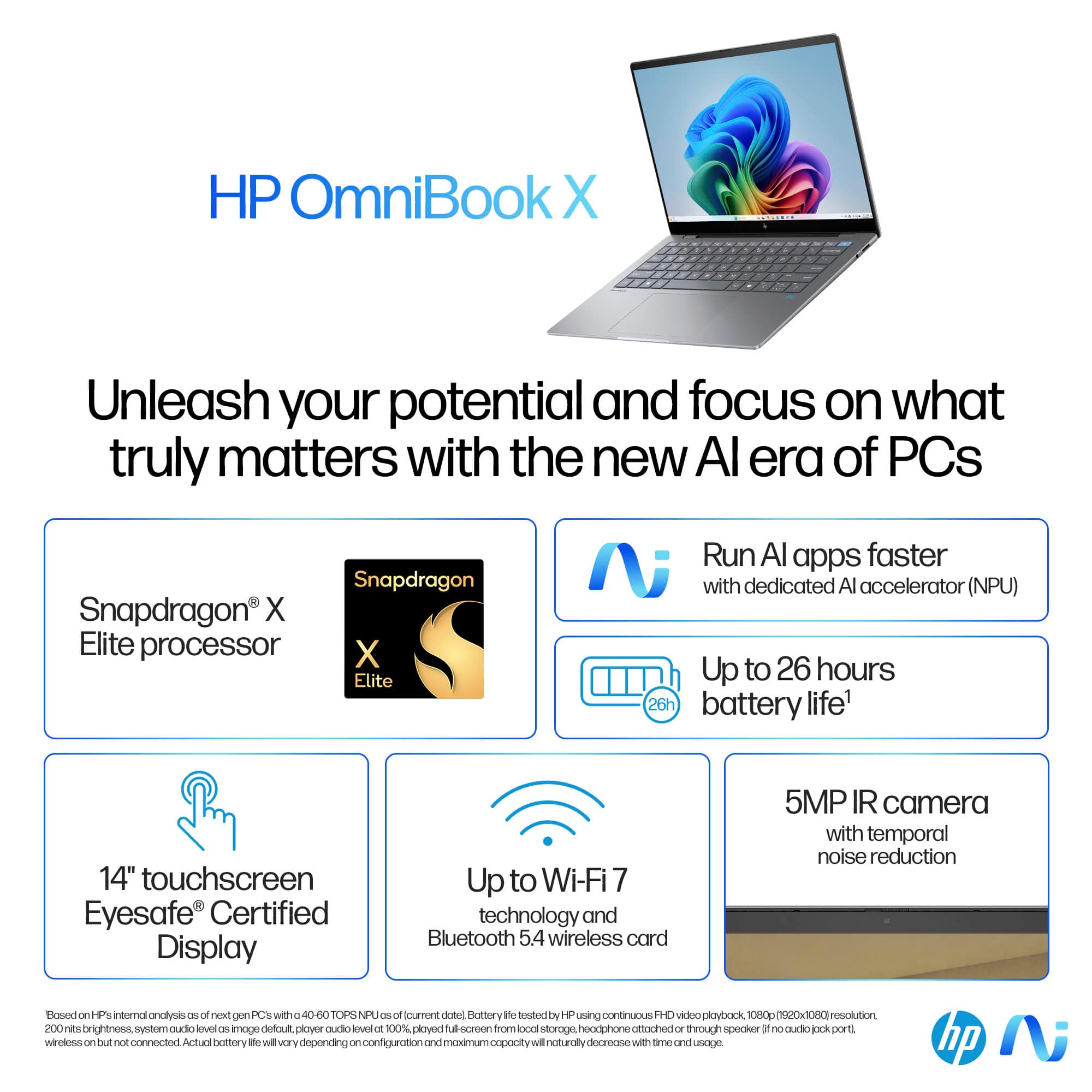
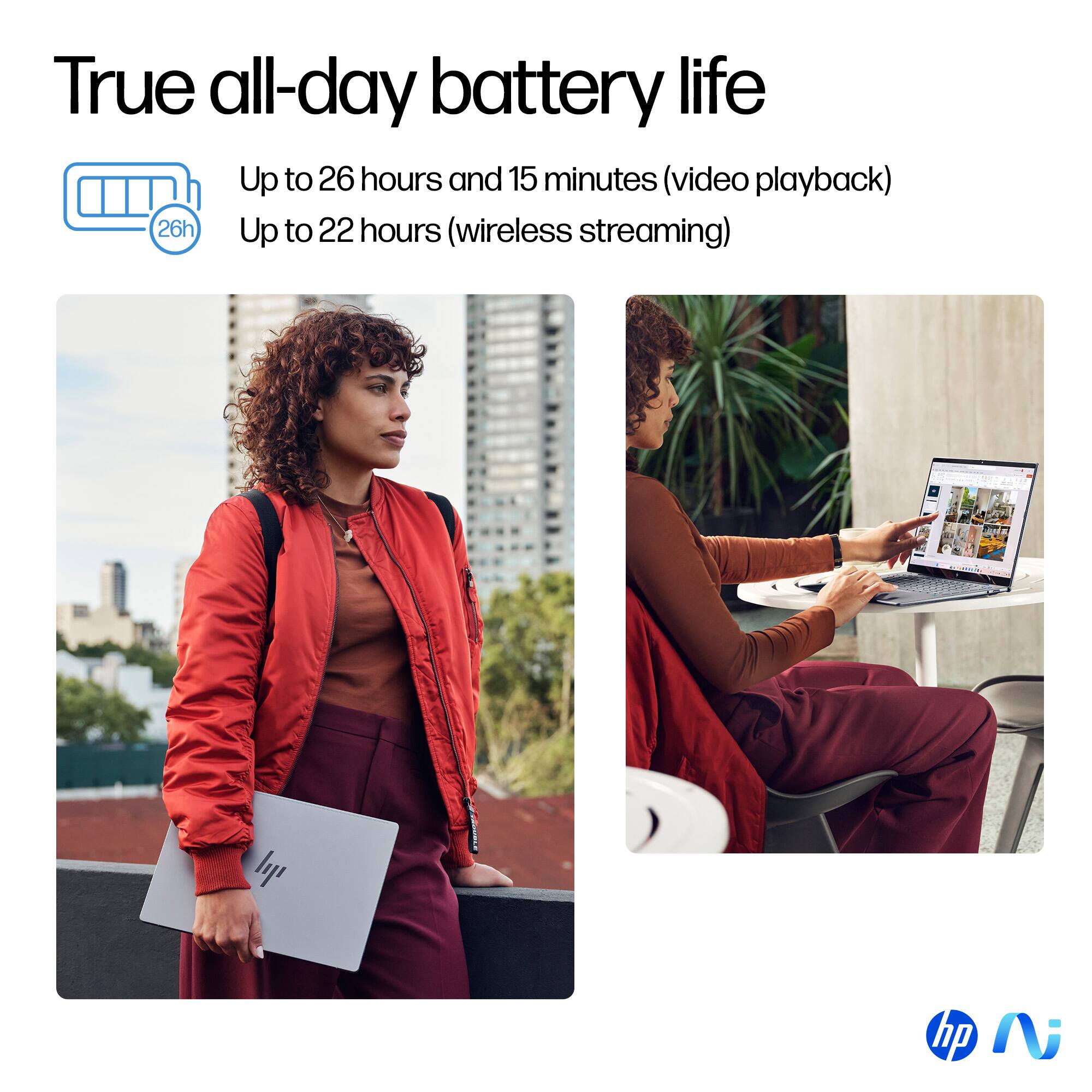
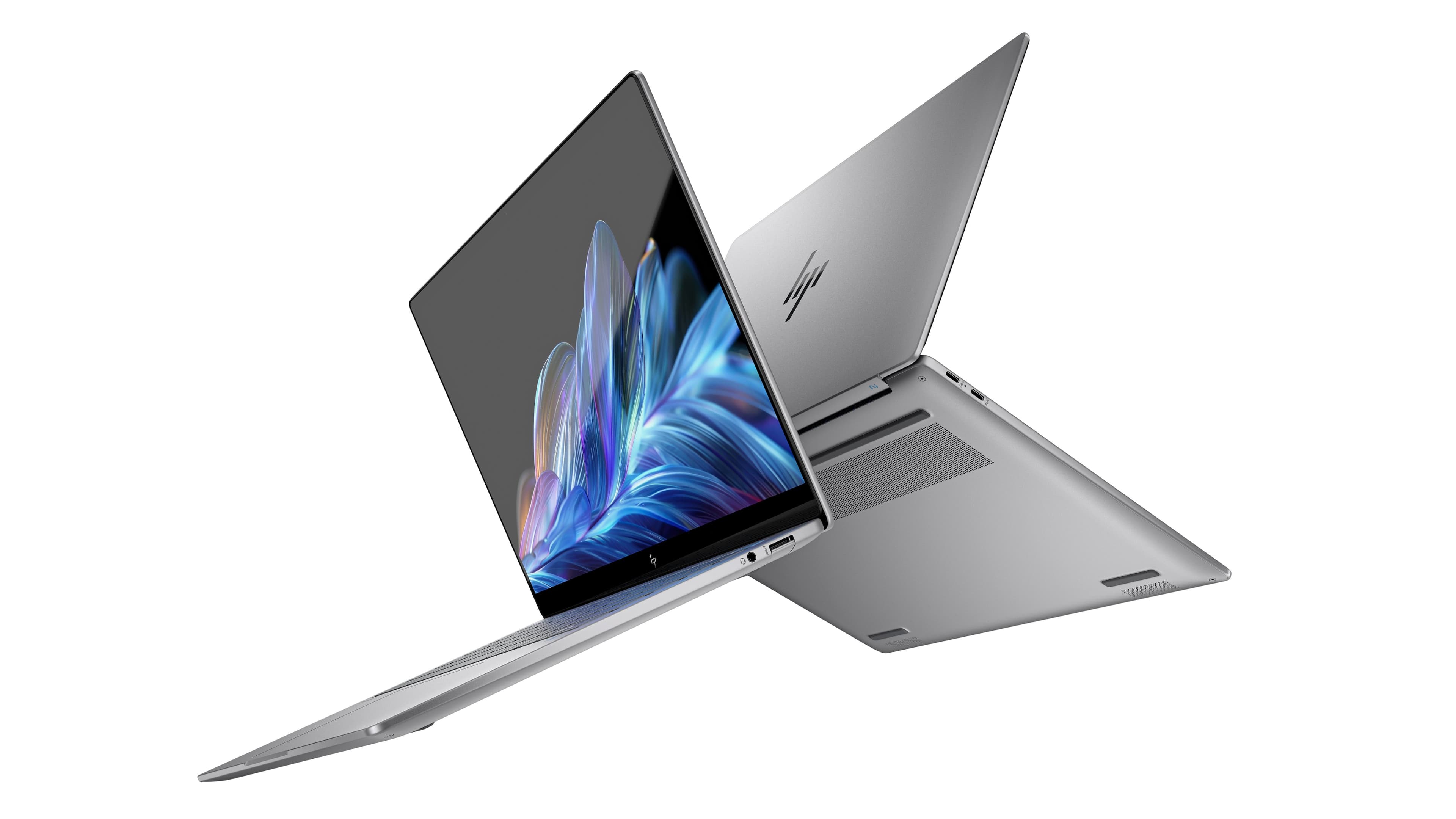
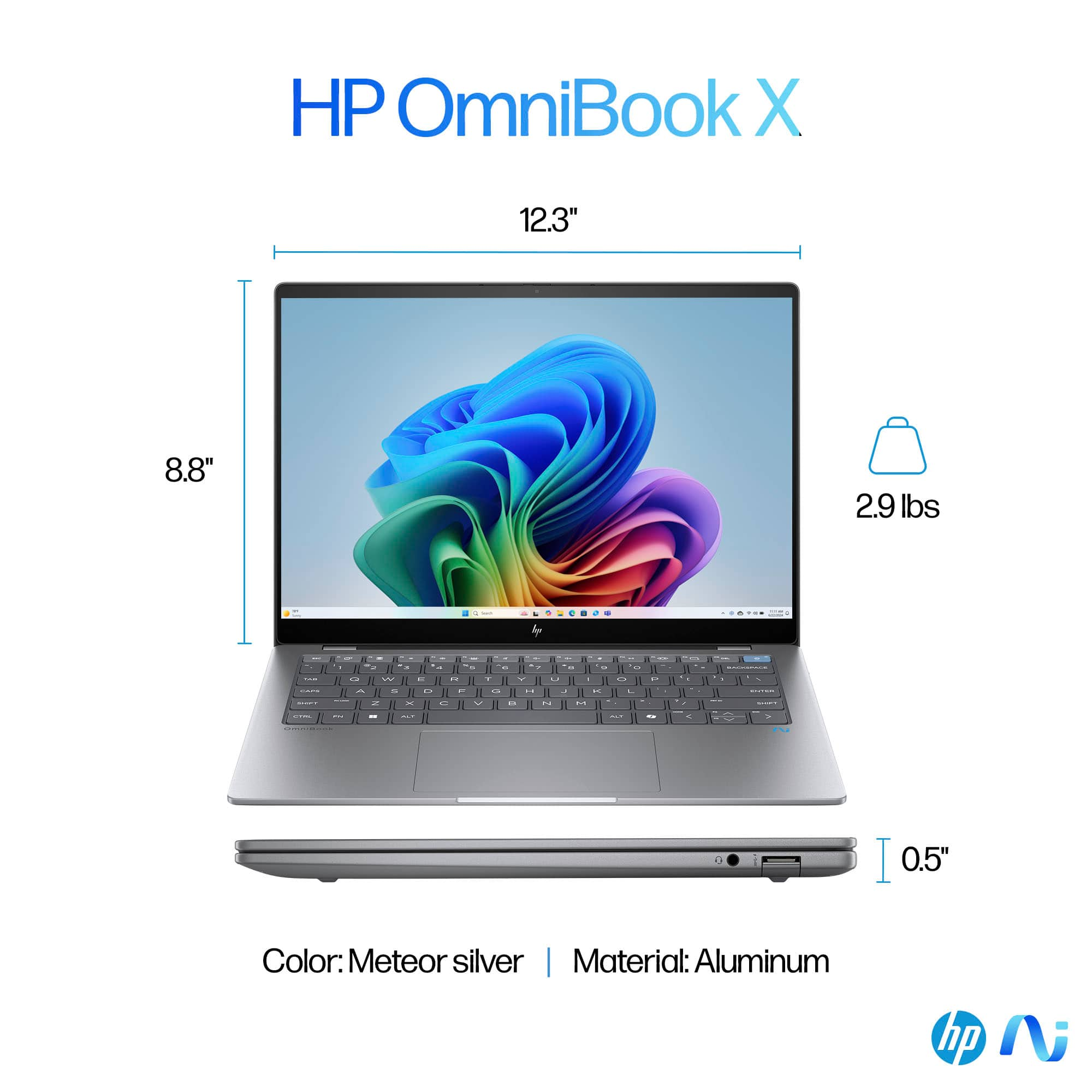
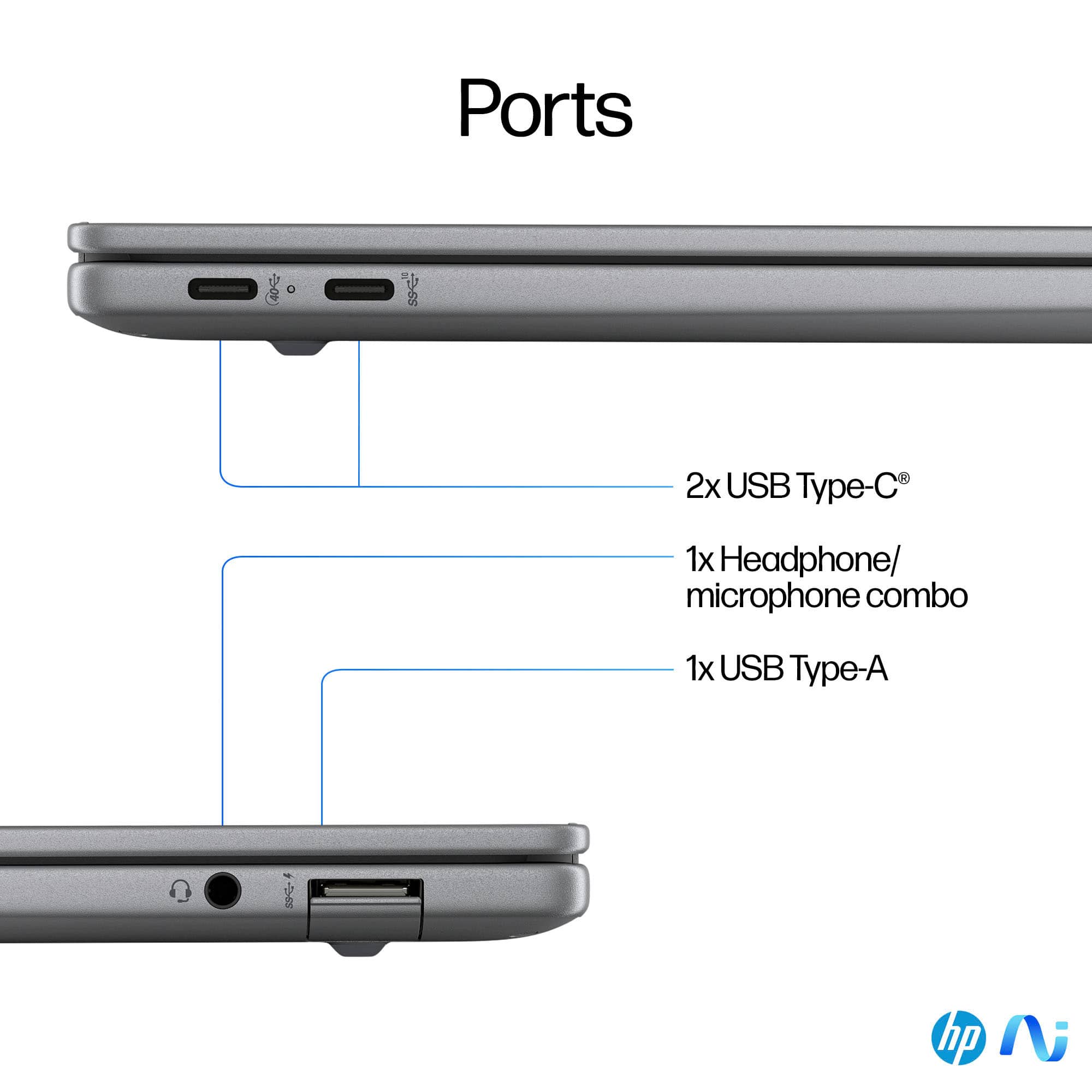
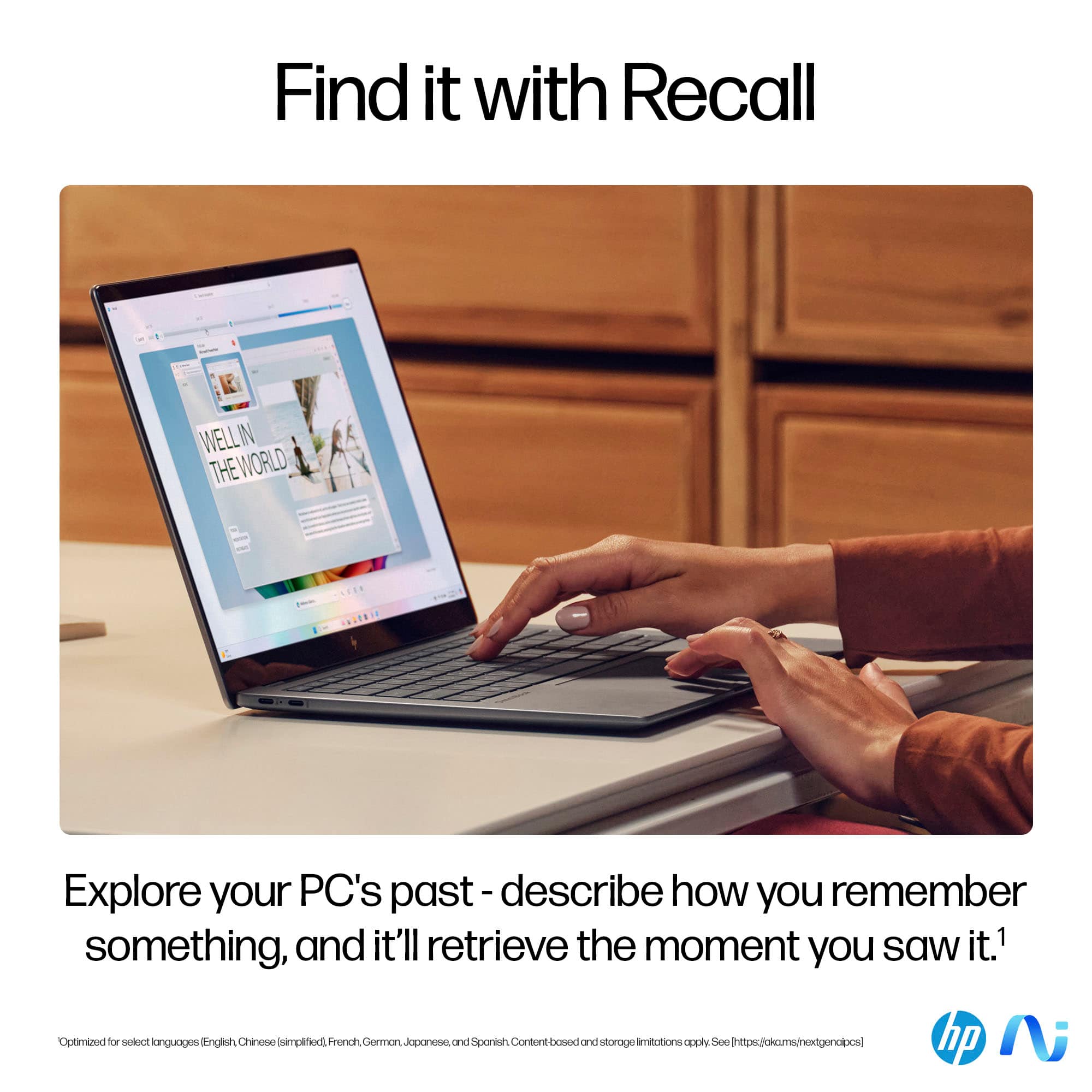
Customers appreciate the OmniBook X's excellent battery life and high-quality screen. Many also praise its lightweight and portable design, along with the ease of use and convenient size. Positive feedback also highlights the ample RAM and comfortable keyboard. However, some users express concern over the limited number of USB ports.
This summary was generated by AI based on customer reviews.
Say no to snapdragon
||Posted . Owned for 1 month when reviewed.This reviewer received promo considerations or sweepstakes entry for writing a review.It worked great until the snapdragon wasn’t compatible with half the software I use
No, I would not recommend this to a friendBrand response from Snapdragon team
Posted .Thank you for your feedback. We’re continuously working to expand support for more applications, both natively and via emulation. Please visit https://www.qualcomm.com/products/features/windowsapps to see the most popular supported apps.

Waste of money
||Posted .This reviewer received promo considerations or sweepstakes entry for writing a review.Stopped working after 5 months. What a waste of money.
No, I would not recommend this to a friend- Pros mentioned:Battery life, Processor speed, Weight
Lightweight and easy to carry
Posted .This reviewer received promo considerations or sweepstakes entry for writing a review.The laptop is exceptionally lightweight and portable, facilitating effortless transportation. The Snapdragon processor demonstrates remarkable power, enabling seamless multitasking. The integrated AI features are commendable. Additionally, the screen boasts an impressive 300 nits brightness, rendering it suitable for outdoor usage. The touch response is highly responsive and accurate. The battery life surpasses expectations, providing approximately 30 hours of usage on a single charge. In summary, the laptop delivers an exceptional overall performance.
I would recommend this to a friend - Pros mentioned:Battery life, Screen quality

Fast, Lightweight with Great Battery Life
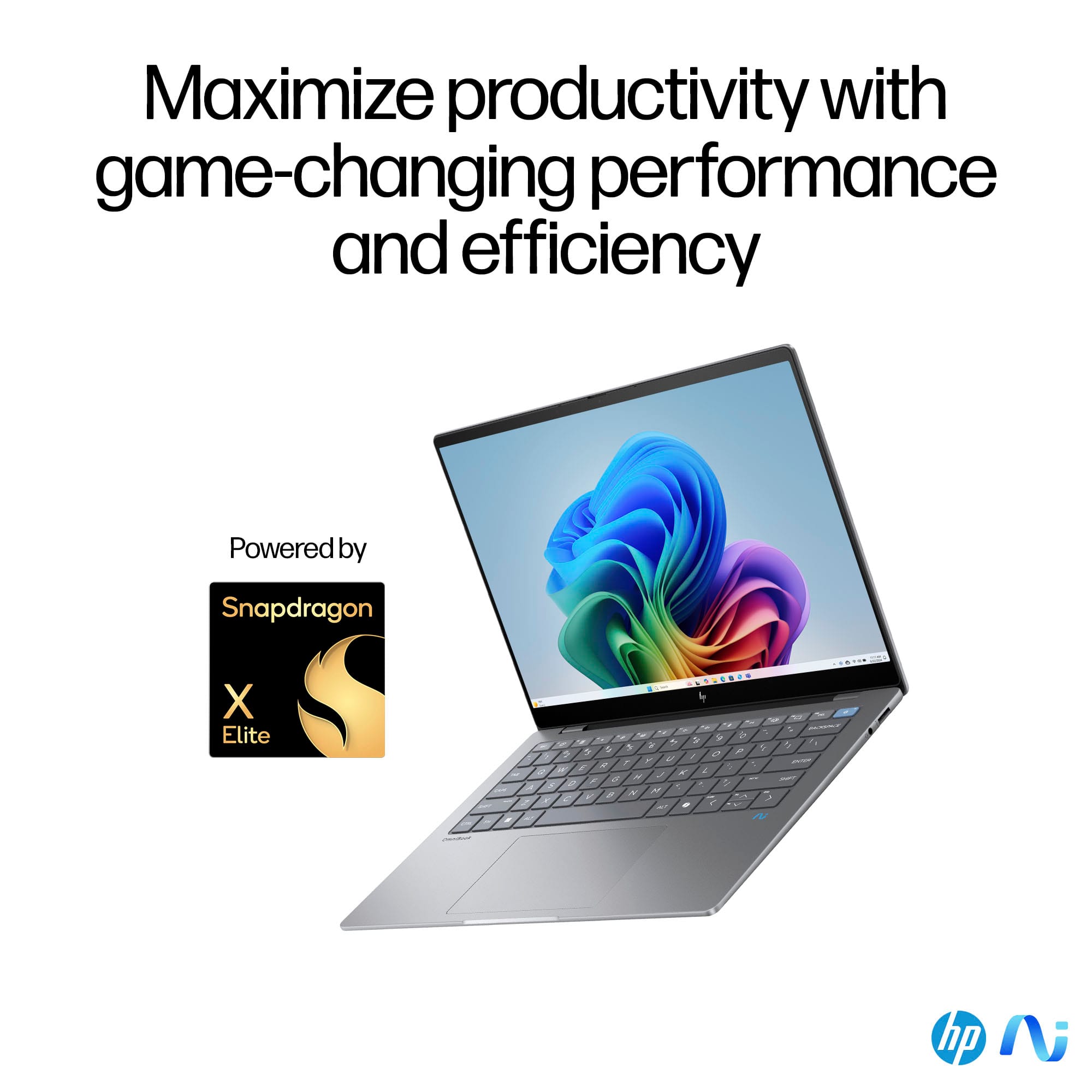
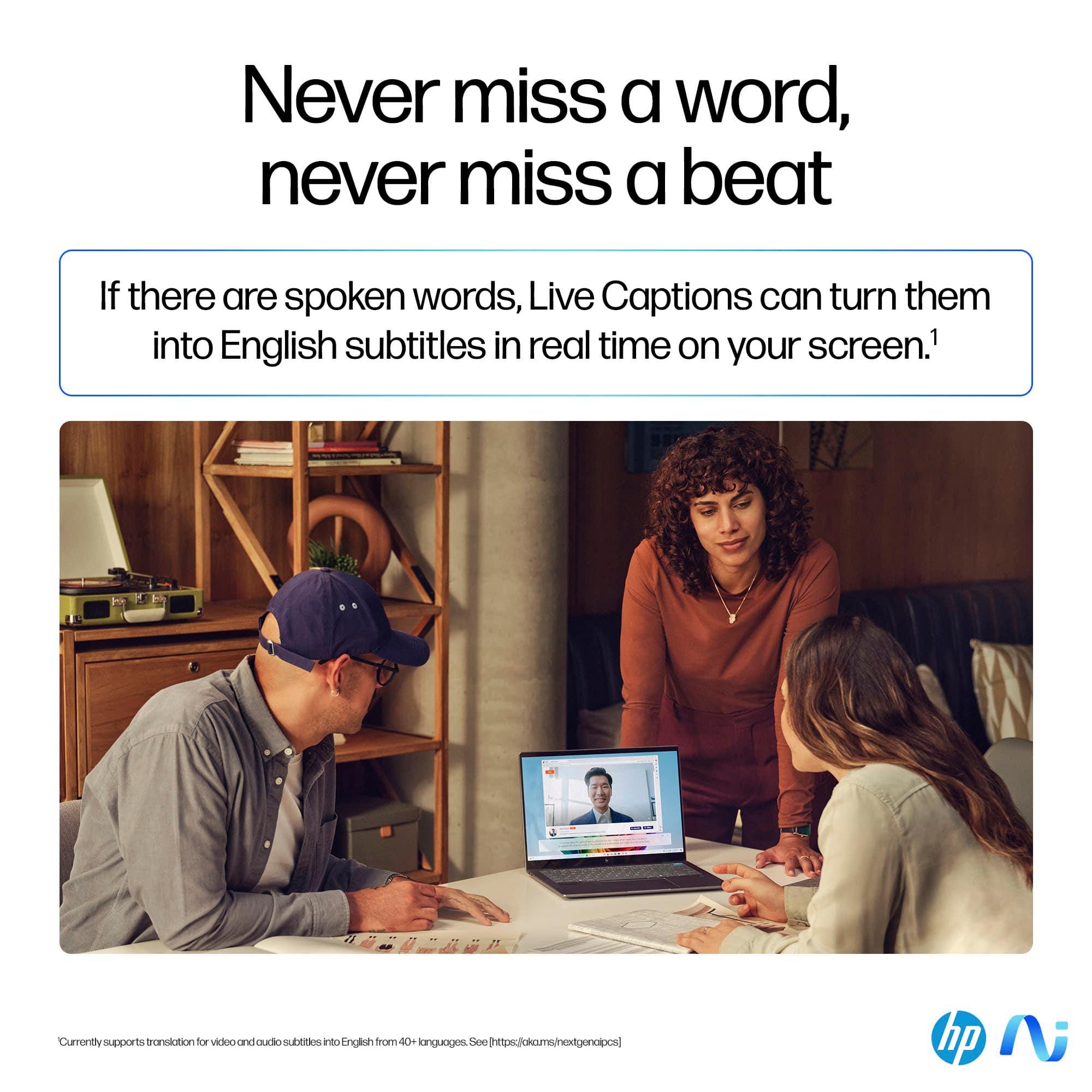
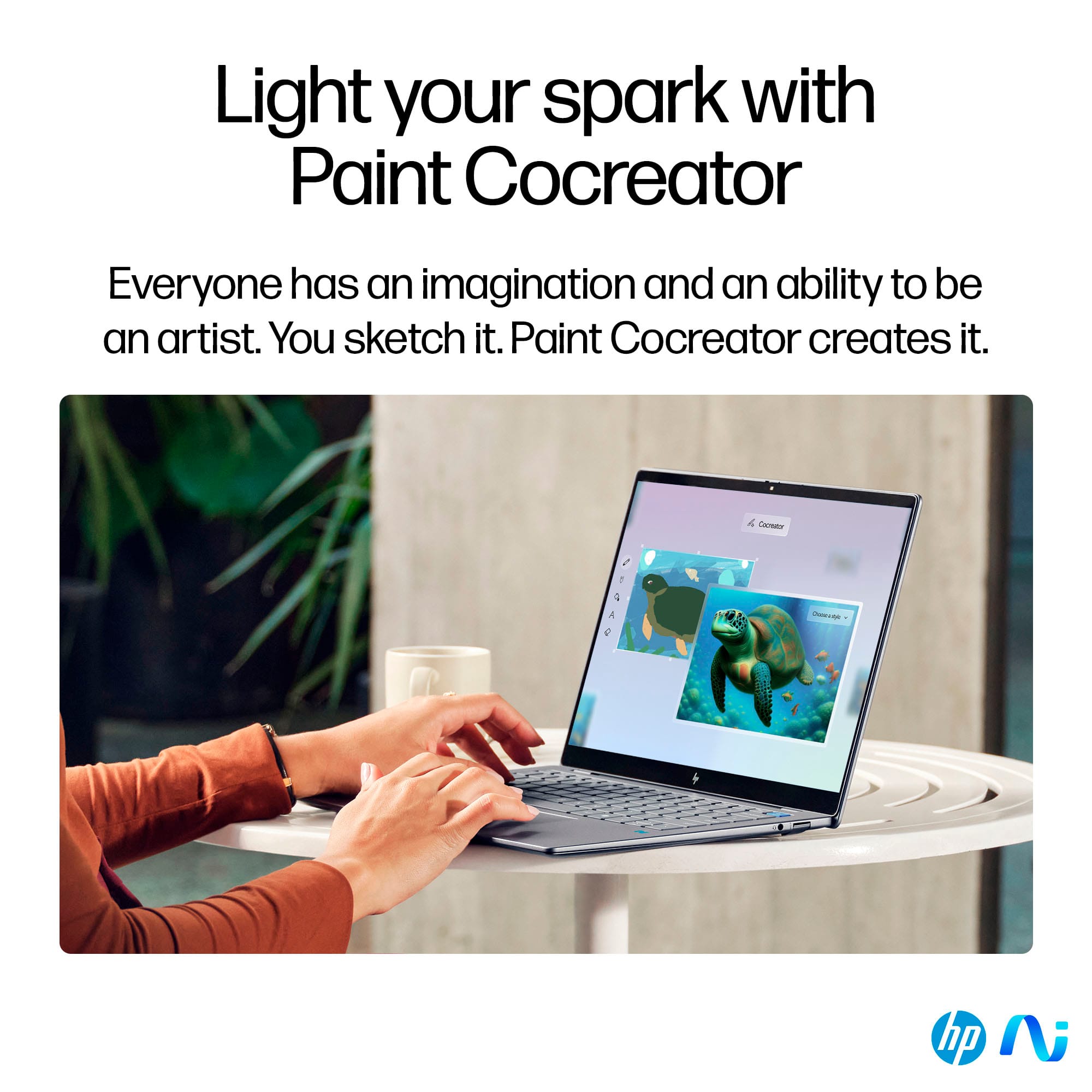
|Posted .This reviewer received promo considerations or sweepstakes entry for writing a review.The HP OmniBook X -CoPilot + PC is a fast and light 14 inch laptop that provides multi-day battery life for me with light usage such as WEB browsing, Microsoft Office, and youtube streaming. It has a Qualcomm Snapdragon X Elite ARM processor running Windows 11 (ARM version). This allows for great battery life and improved Windows performance while on battery. The processor also has an NPU for improved onboard AI processing. Although many programs such as Microsoft Office run natively on the ARM processor, programs written for an x64 (Intel) chip architecture will initially have to run under emulation until an ARM version is written. A few of these programs may not run even under emulation. For example, I have been doing a lot of 3D printing over the past several years and using associated programs. Programs such as Blender and Meshmixer are able to run successfully under emulation, however, slicer programs like Bambu slicer and ORCA slicer would not start or run. Because the Qualcomm ARM processor has an NPU, the HP Omnibook can be designated as a COPILOT + PC. This allows the additional features of COPILOT PLUS to be realized such as Cocreator and live audio translations. Other features are also being developed. If you are looking for a very fast, portable laptop with extremely good battery life, that also has the possibility of improved ai features and programs, and your software/hardware requirements will work with the ARM processor, I recommend the HP Omnibook.
I would recommend this to a friend - Pros mentioned:Processor speedCons mentioned:Usb ports
It is a great laptop if your always on the go and
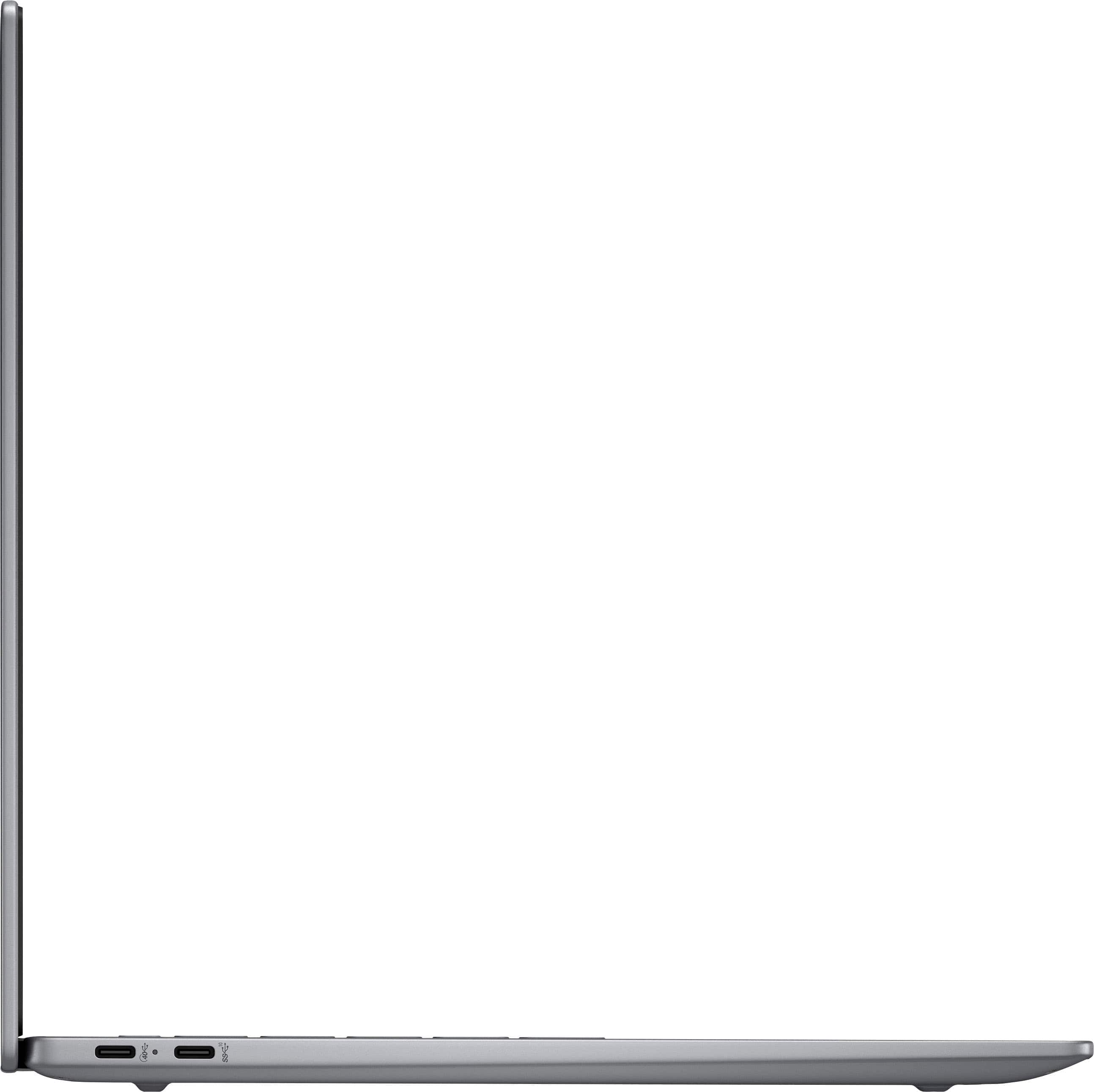
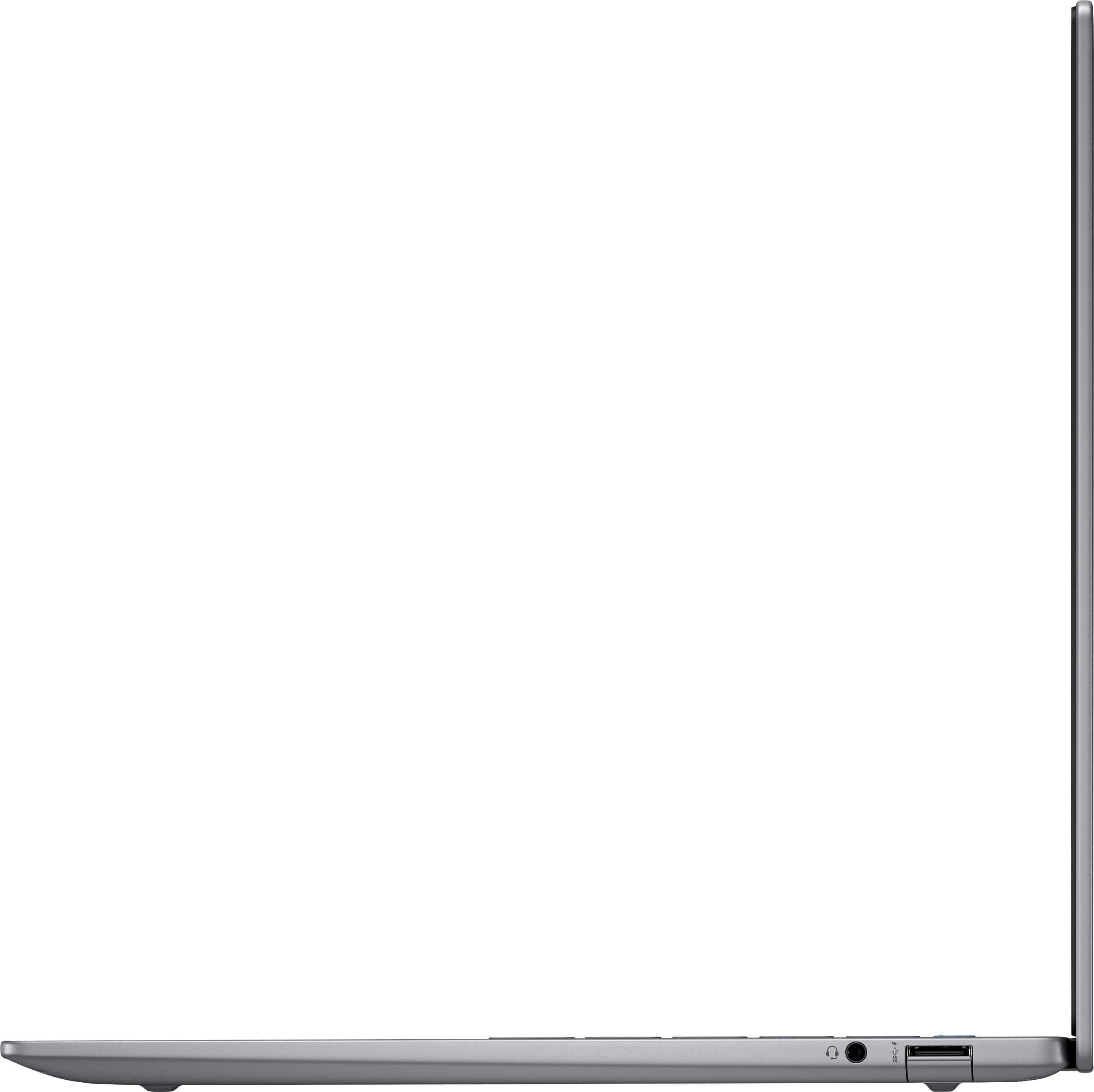
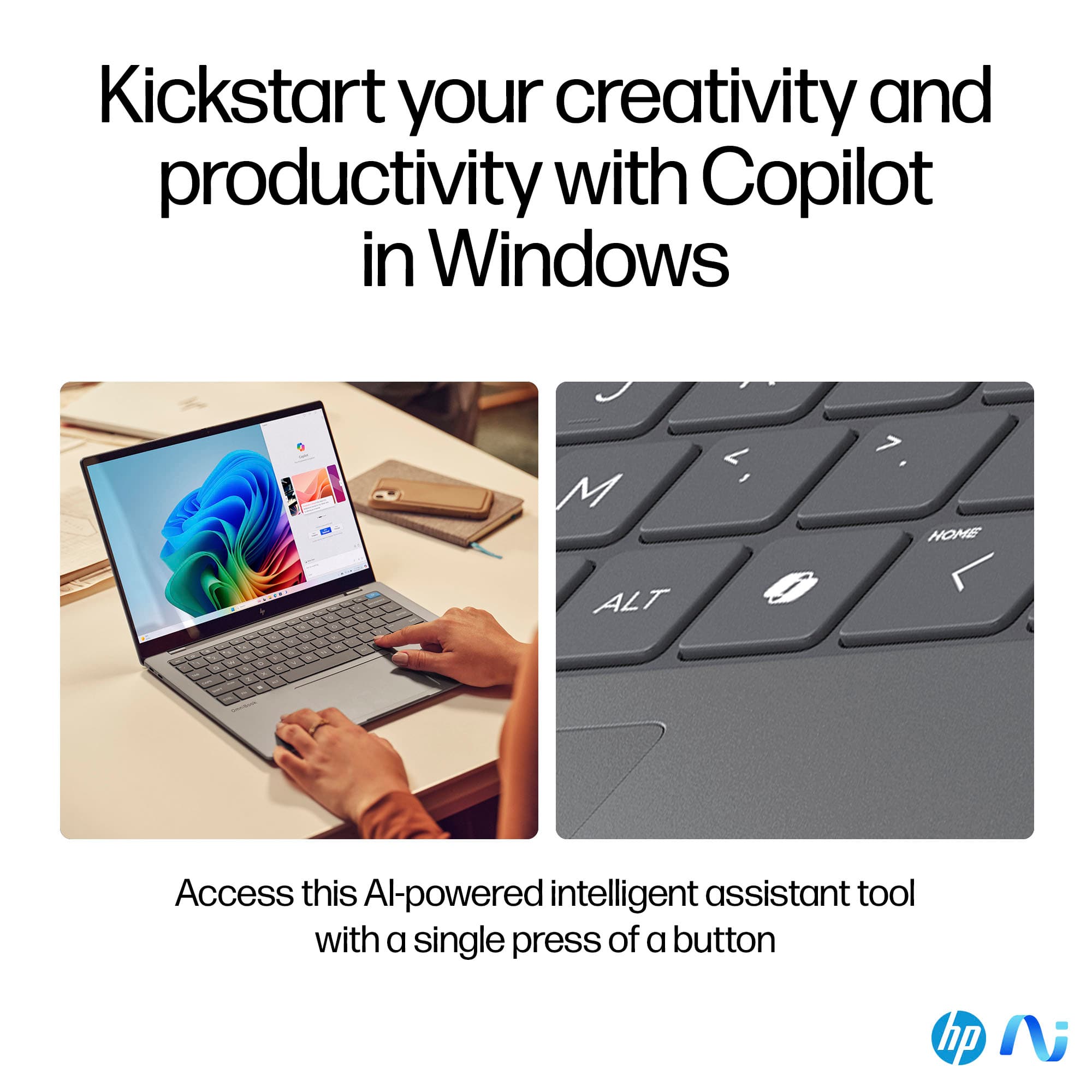
|Posted .This reviewer received promo considerations or sweepstakes entry for writing a review.Make sure all of the updates are done and installed before you even think of doing anything. There are two USB-C and one USB-A ports and nothing else which is a potential issue. One of those USB-C ports is used to charge the laptop. With no other ports, this laptop has no compatibility with my docking station and my current setup. The metal case is great and gives this laptop a premium look and feel. I also love the backlit keyboard. I got my first backlit keyboard over eight years ago and it has been a must have feature ever since. There is a CoPilot key to the right of the ALT key, this is only significant if you're a frequent CoPilot user. I used Cocreator and thought it was very easy to use compared to other AI apps I have recently used. I also used Live Captions for some language translations and it worked a lot better than I expected it to. I would love to see Live Captions in my phone as an app someday. The display could have been better, not very bright and graphics do not look great. I do understand that this is not a gaming laptop, but with everything else on this machine being top-notch, a better display would have been nice. I primarily used Chrome, Office 365 and photoshop on this laptop and they all ran lighting fast for me with no problems at all. I'm giving this laptop four stars due to the lack of ports, especially an HDMI port. It is a great laptop if your always on the go and need a device that's more powerful than a tablet.
I would recommend this to a friend - Pros mentioned:Battery life, Processor speed
Upgrade laptop
Posted .This reviewer received promo considerations or sweepstakes entry for writing a review.Great, nice upgrade from my old laptop. Great battery, fast for what I use it for. Copilot is nice. I wanted to try Qualcomm Snapdragon chip. I am about a 2 weeks in, time will tell.
I would recommend this to a friend Sleek, minimalist design, yet powerful and speedy
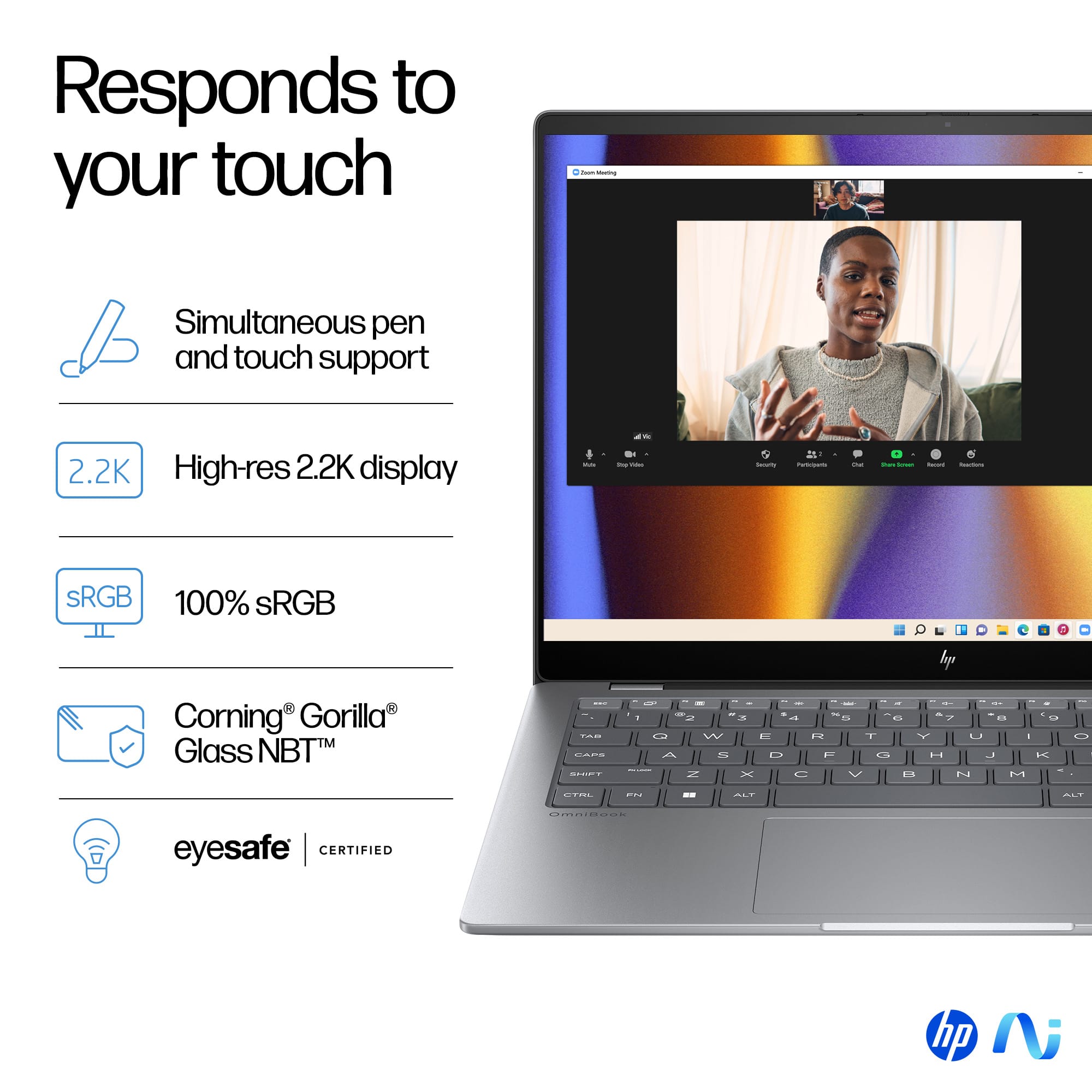
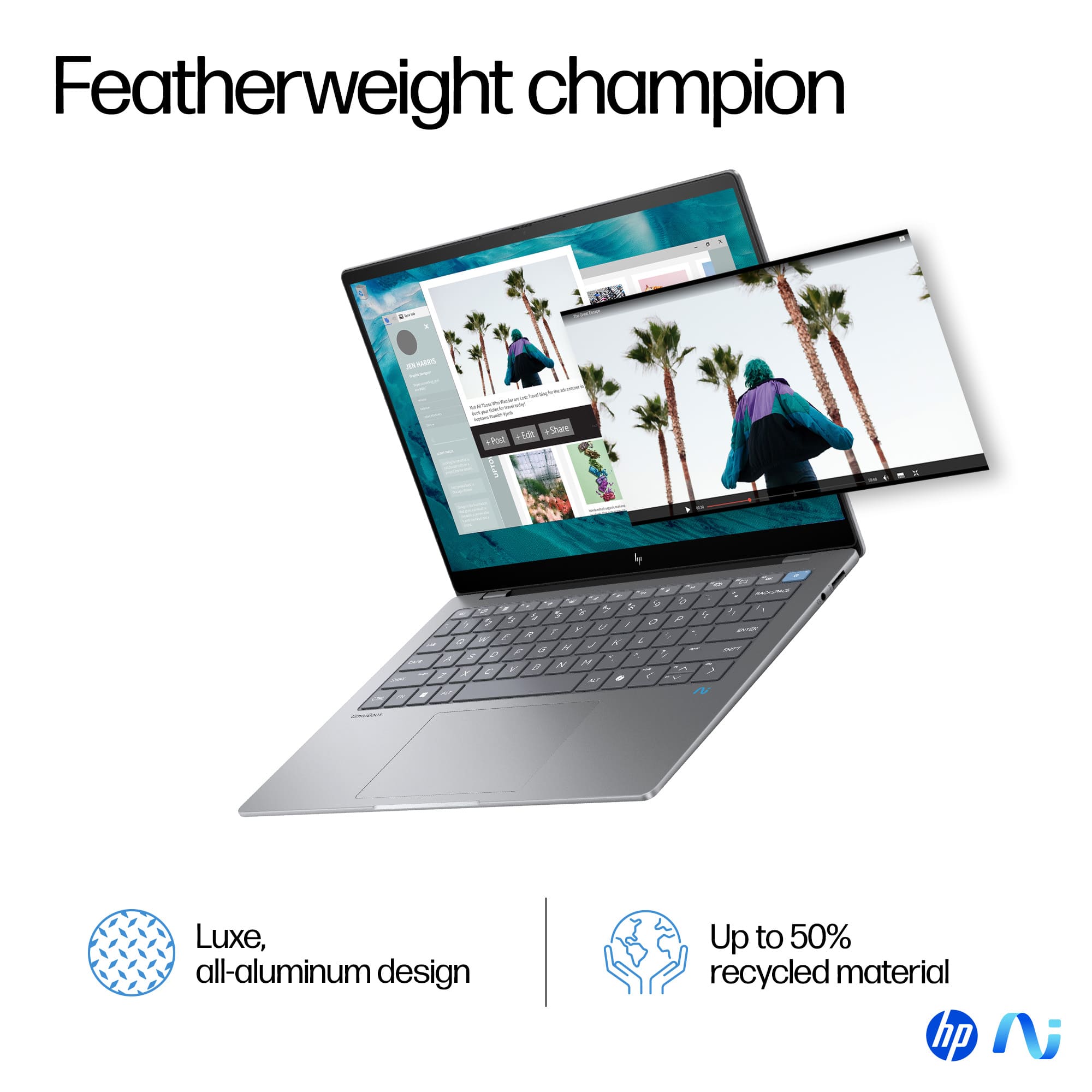
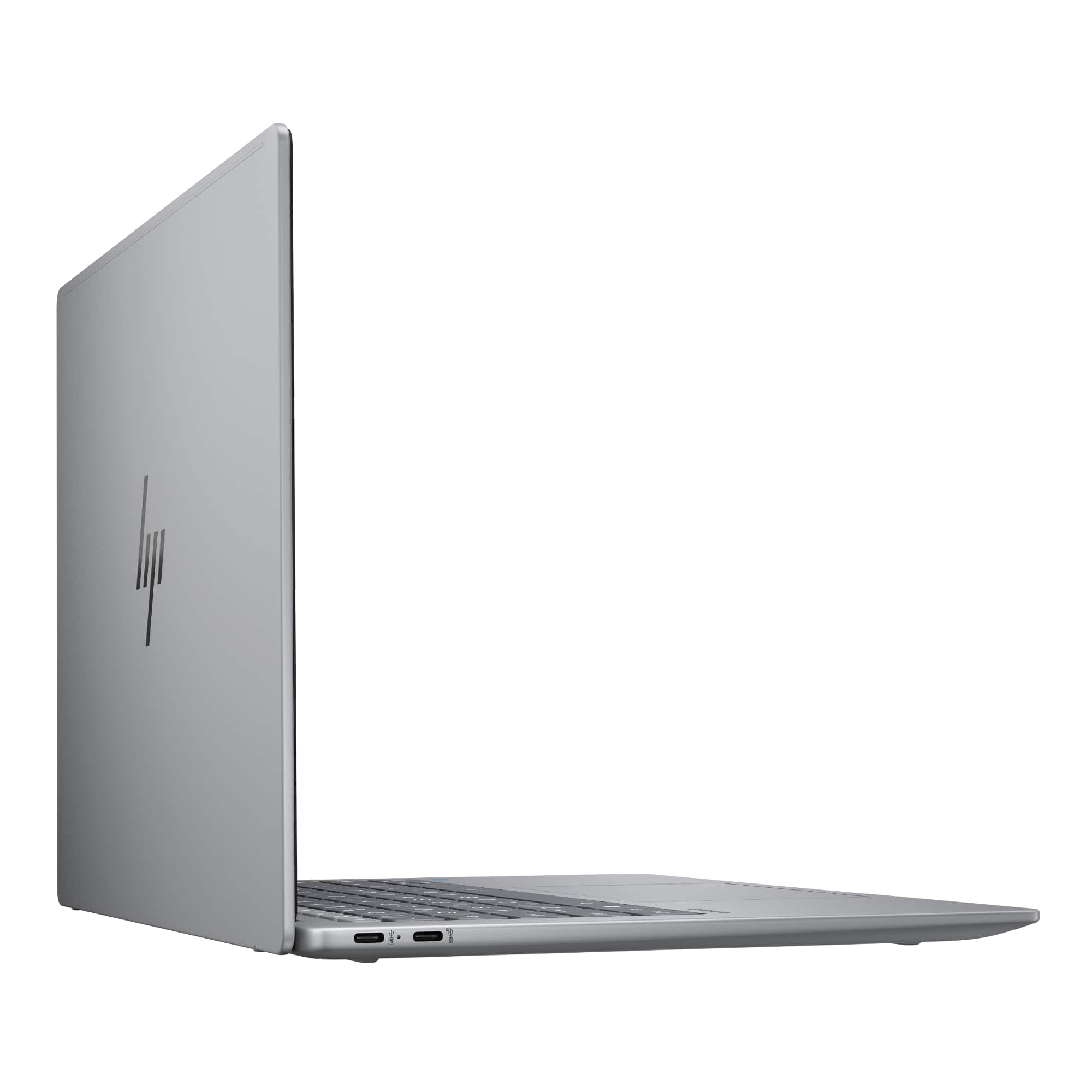
|Posted .This reviewer received promo considerations or sweepstakes entry for writing a review.I just picked up HP's new OmniBook X, and this device surprisingly is quite impressive. With a 14" 2.2k touch screen, 16GB of memory, a 1TB SSD, and the Snapdragon X Elite processor, it’s a well-rounded laptop that offers a lot of functionality with ample power and space for storage. You can upgrade storage via a M.2 2280 SSD, but the installed 16GB memory is all you get, which is fine for me personally. The first thing that caught my eye was the quality of the build. The OmniBook X features a sleek, thin frame that not only looks good but also makes it incredibly portable. Its lightweight design is perfect for someone who’s always on the go. The aluminum chassis feels sturdy and premium, adding a touch of elegance to its overall appearance. It comes with two USB-C ports for power and connections, an audio jack for both in and out, 1 USB-A port, and a 65-watt braided cable with small power brick. Simplistic but intricate design that provides everything you need. The 14" 2.2k touch screen is admirable, delivering vibrant colors and sharp details. Whether I’m editing photos or streaming videos, the display never disappoints. I’m not sure what I would use the touch screen for, as this laptop does not fold 360 degrees. However, the touch functionality is responsive, making it easy to navigate through apps and documents with a simple touch if that suits your fancy. Both the keyboard and trackpad are very nice. The keyboard offers a comfortable backlit typing experience with good key travel and feedback, while the trackpad is smooth and precise, making multitasking a breeze. The built-in camera boasts great resolution and includes a privacy shutter, which is a thoughtful touch for those concerned about security. Windows Studio Effects enhance the camera experience, providing features like background blur and auto framing. The microphone quality is very good, ensuring clear audio during video calls. I was initially apprehensive about how the Snapdragon X Elite processor would stack up against comparable mainstream processors. However, I was pleasantly surprised by its speed and performance. The OmniBook X handled everything I threw at it with ease, from everyday tasks to more demanding applications. One of the surprising standout features of the OmniBook is Windows Copilot+. I for one have been slow to come around to the AI trend, but it is everywhere now, and I figured I had to take a leap of faith and jump in here. I must admit the new AI Copilot+ features are incredibly useful for productivity and creativity. Using Cocreator, I found it easy to manage my tasks and collaborate on projects in conjunction with Windows Teams which is another realm where I had no choice but join in on that endeavor due to my employer. Using the Windows Studio effects with the camera added an extra layer of professionalism to video conferencing. As someone who frequently uses Adobe Photoshop, I was concerned about compatibility and performance. The OmniBook performed seamlessly with Photoshop and the new Adobe AI. Using Copilot+ and Adobe together provided a powerful combination for editing and creating photos and AI-generated images. The smooth integration and responsiveness exceeded my expectations. My wife, who is more on the creative spectrum for hobbies and promoting our daughters dance career was in need for a portable means of computing for tasks on the go. Using Copilot+ AI has enabled her to create snap designs and images that fit perfectly with what is needed in that moment. It has truly enhanced productivity and made endless possibilities imagining different creative concepts. There are a few features that have yet to be rolled out with HP’s OmniBook and Copilot+, but I’m excited about the future possibilities these AI features could bring. As for me, primarily being a PC gamer, I wanted to test the OmniBook X’s gaming capabilities. While it’s not designed to handle AAA games, it does a decent job with medium to high graphic-intensive games at medium to high settings. It performs better with cloud gaming, which is a viable option for more demanding titles. The battery life is superb, lasting through a full day of use without needing a charge. The device runs cool, even during extended use, and the low noise levels make for a pleasant user experience. The HP OmniBook X with Windows Copilot+ is a versatile and powerful laptop that excels in both productivity and creative tasks. Its build quality, impressive display, and advanced AI features make it a great device for personal and professional use. Despite some limitations in gaming, it’s a fantastic choice for anyone looking for a reliable and high-performing laptop. I can see this laptop is designed more for the advancing student in school or business professional, but whether you’re a professional, a student, or a creative, the OmniBook X has something to offer. I’m thoroughly impressed with this device and highly recommend it.
I would recommend this to a friendSo much potential - not yet ready for primetime!
|Posted .This reviewer received promo considerations or sweepstakes entry for writing a review.The HP - OmniBook X - Copilot+ laptop is a member of the first flock of Qualcomm Snap Dragon based ARM systems offering an optimized version of Windows 11. As such, on paper, it represents the first viable competitor that Apple has seen in a long while. The new architecture offers the potential for the performance and long battery life that Windows users have been longing for. While the OmniBook flashes this ability and certainly has the hardware chops to meet the challenge, it is hobbled by a still evolving software ecosystem and an immature vision of what exactly AI offers to a laptop user. HP has put together a very solid piece of hardware here. The quality of the components and the rigid aluminum shell feel good in your hands. It is very lightweight and the everything feels tight and the fit-and-finish are superb. The system is generously configured - the processor is the Qualcomm Snapdragon X Elite 3.4GHz with on-board Adreno graphics. There are 16GB of LPDDR5X RAM (soldered on) and a 1TB SSD. The screen is a 14", touch capable, IPS, 2240 x 1400 resolution capable of up to 300 nits. In actual use it is detailed, colors are very good and plenty bright! There is also a 5 megapixel front facing camera for video conferencing and the quality and sensitivity are very good. The keyboard is backlit and key travel is good. The trackpad is large and responsive. Like most smaller form factor laptops the number of ports is limited. The unit features two USB-C ports (one generation 4 2.0 and one 3.2), one USB-A 3.1 and a combo microphone/headphone jack. Wireless capability is via Wi-Fi 6E and Bluetooth. I haven't done extensive battery life testing but in my experience the unit easily last all day. So, with all of this praise, why only three stars??? The Windows 11 environment on the Snap Dragon chip is still very much a work in progress. Let me be clear - any native applications (there are too few at the time of this review) perform extremely well! If you spend your day entirely within Microsoft Office and a web browser (Edge or Chrome for example) that have been compiled into native ARM code you will be quite impressed. Performance and battery life will exceed your expectations. However, if you run programs that have been compiled for the x86/ARM chips they must execute through an emulation layer and that is where the problems begin. Many will run, but performance will be impacted. Others may be buggy or not run at all! This also affects device drivers. Many games will stagger in this environment as will several compute intensive video/photo editing suites. In fairness - emulation will ALWAYS bring these issues regardless of the hardware/OS manufacturers' best efforts. The only real solution is for developers to optimize and recompile into the native binary for the ARM chip. One final observation - the much hyped, on-board AI (via an integrated NPU with amazing specs) seems to be a solution in search of a problem. Nearly everything that I was able to demo felt more like a novelty than a production enhancer. Again - the POTENTIAL is enormous and I believe that ultimately these capabilities will find their place in the computing ecosystem and become indispensable. Final conclusion - if your needs can be met in the near term by a capable browser and Office suite and you are willing to deal with the inevitable growing pains of this new platform, then the HP OmniBook offers a very respectable offering.
I would recommend this to a friend- Pros mentioned:Weight
Best thin design laptop
Posted .This reviewer received promo considerations or sweepstakes entry for writing a review.This is the best thin design laptop, the weight is perfect, I can image it is for a perfect travel companion. Like its premium-quality features and looks.
I would recommend this to a friend Slick
Posted .This reviewer received promo considerations or sweepstakes entry for writing a review.Well pleased. I’m not very tecky, but I’m able to navigate through the screens without a problem.
I would recommend this to a friendGreat price
Posted .This reviewer received promo considerations or sweepstakes entry for writing a review.Works great. An the price is excellent. The spees is good
I would recommend this to a friendReview of HP OmniBook X 14 (Initial Experience)
Posted .This reviewer received promo considerations or sweepstakes entry for writing a review.I powered on the laptop for the first time and it began the setup process. Everything looked fine—until it suddenly displayed an error message and shut off on its own. Since then, the screen has stayed black. The power button light is on, but the laptop doesn’t actually turn on—and it won’t turn off either, even when I hold the button. It’s completely unresponsive. The power adapter was securely plugged in the entire time, so this isn’t a charging issue. Just a dead stop right out of the box. Very disappointing start for a brand-new device.
No, I would not recommend this to a friendTerrible service
Posted .This reviewer received promo considerations or sweepstakes entry for writing a review.HP doesn't make good on their warranty rebates. Choose any other vendor for a better experience.
No, I would not recommend this to a friend