Customer Ratings & Reviews








- Model:
- SMART TANK 5101/1F3Y0A#B1H
- SKU:
- 11234807
Rating by feature
- Value
Rating 4.4 out of 5 stars
- Quality
Rating 4.4 out of 5 stars
- Ease of Use
Rating 4.3 out of 5 stars
- Pros mentioned:Print quality

Last printer you will ever need
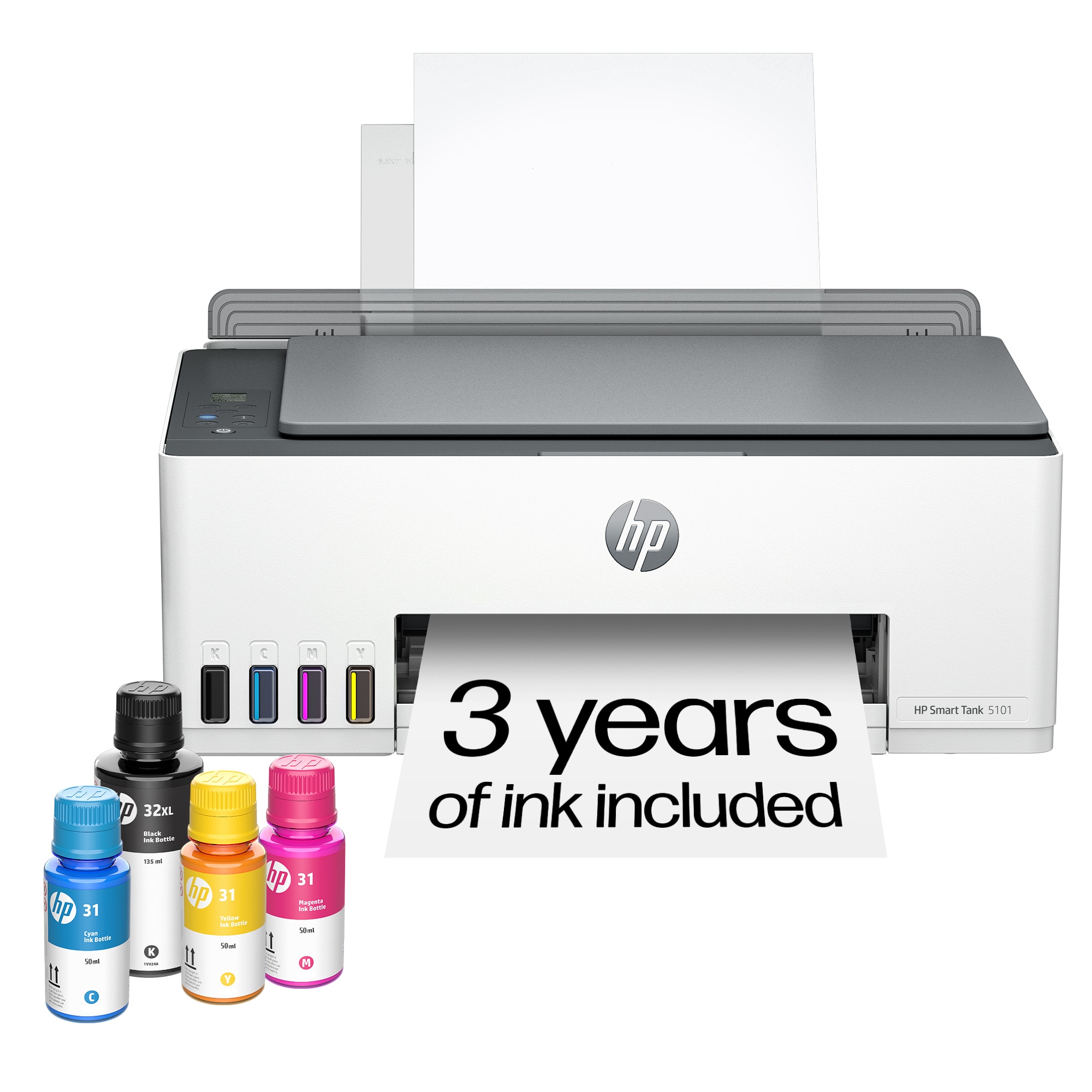
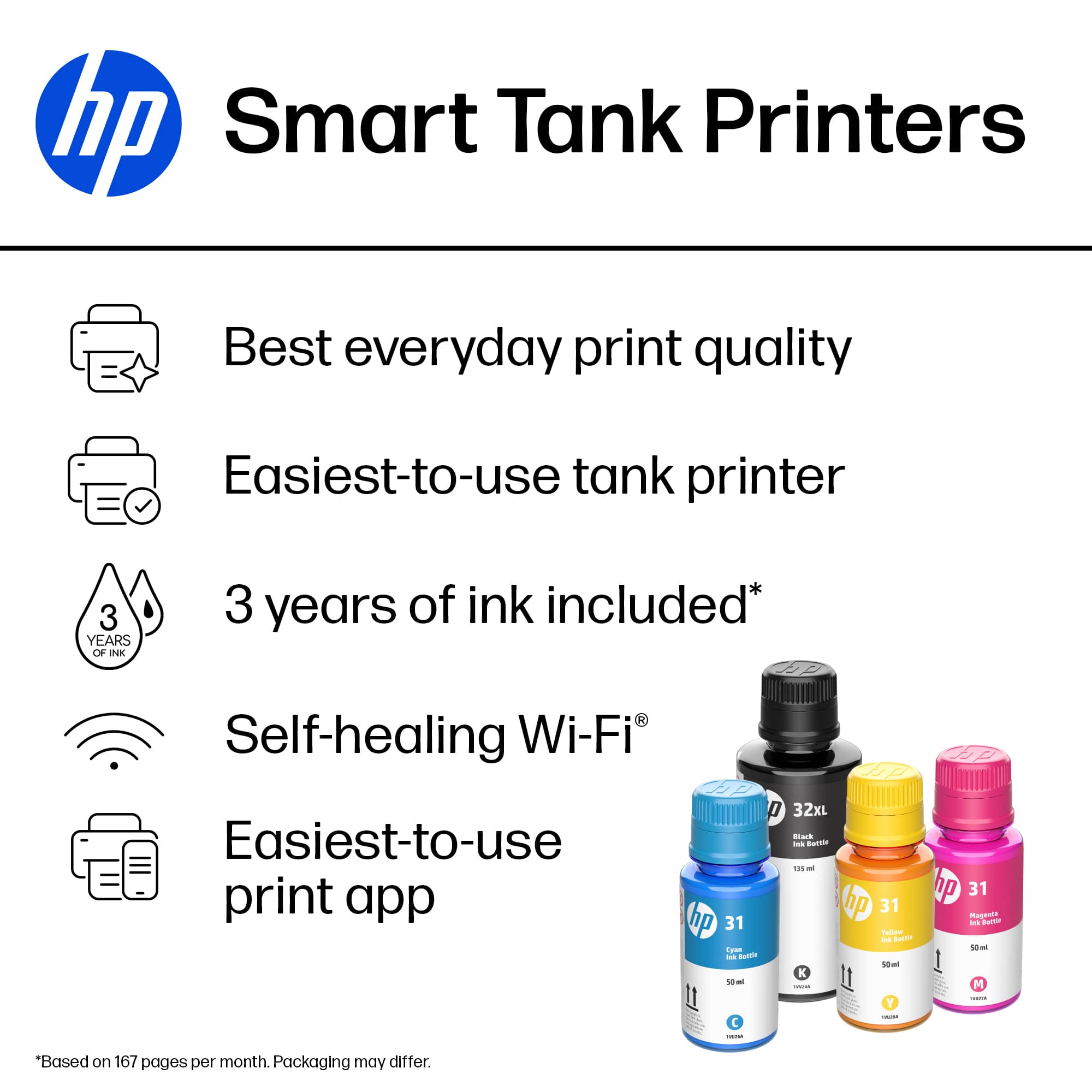
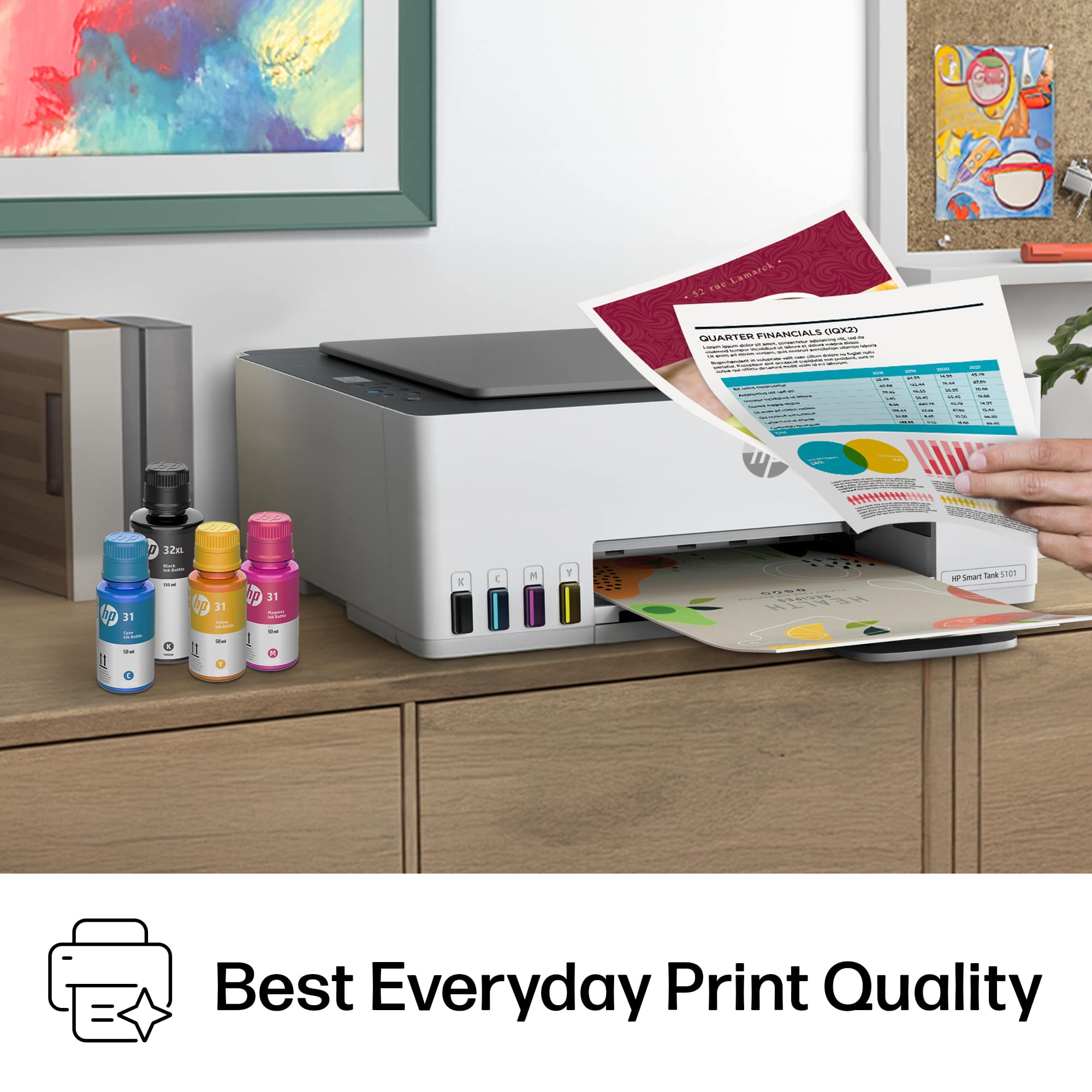
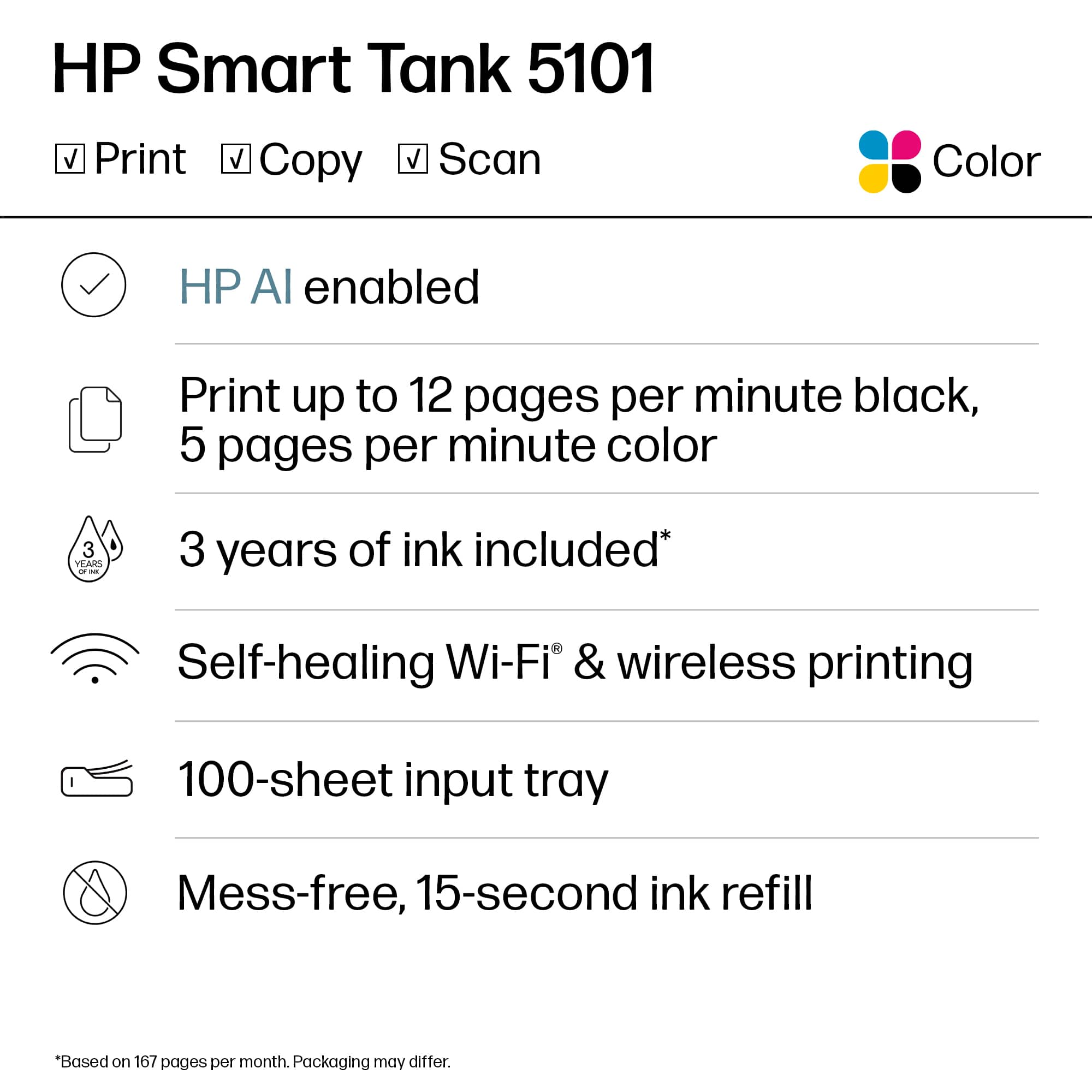
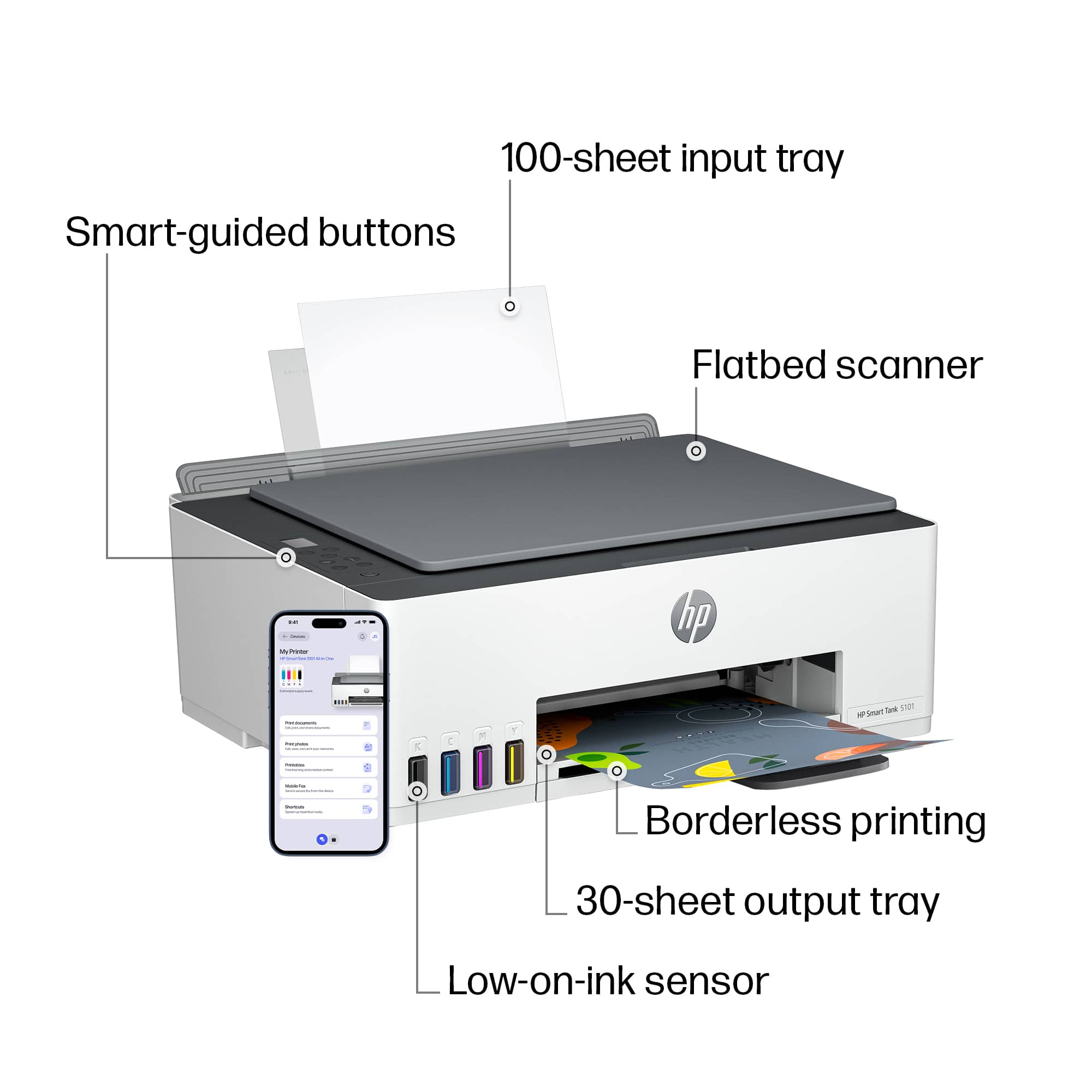
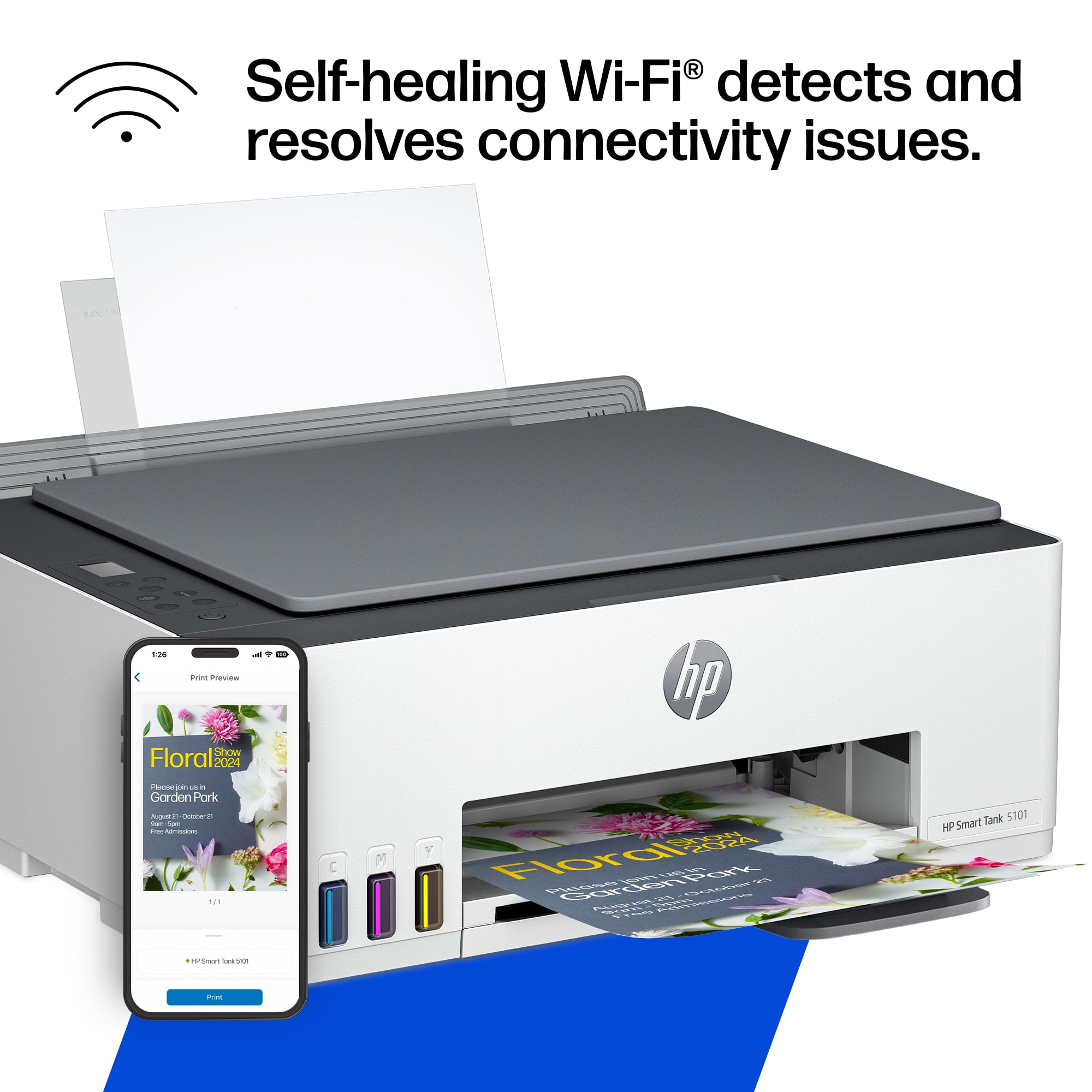
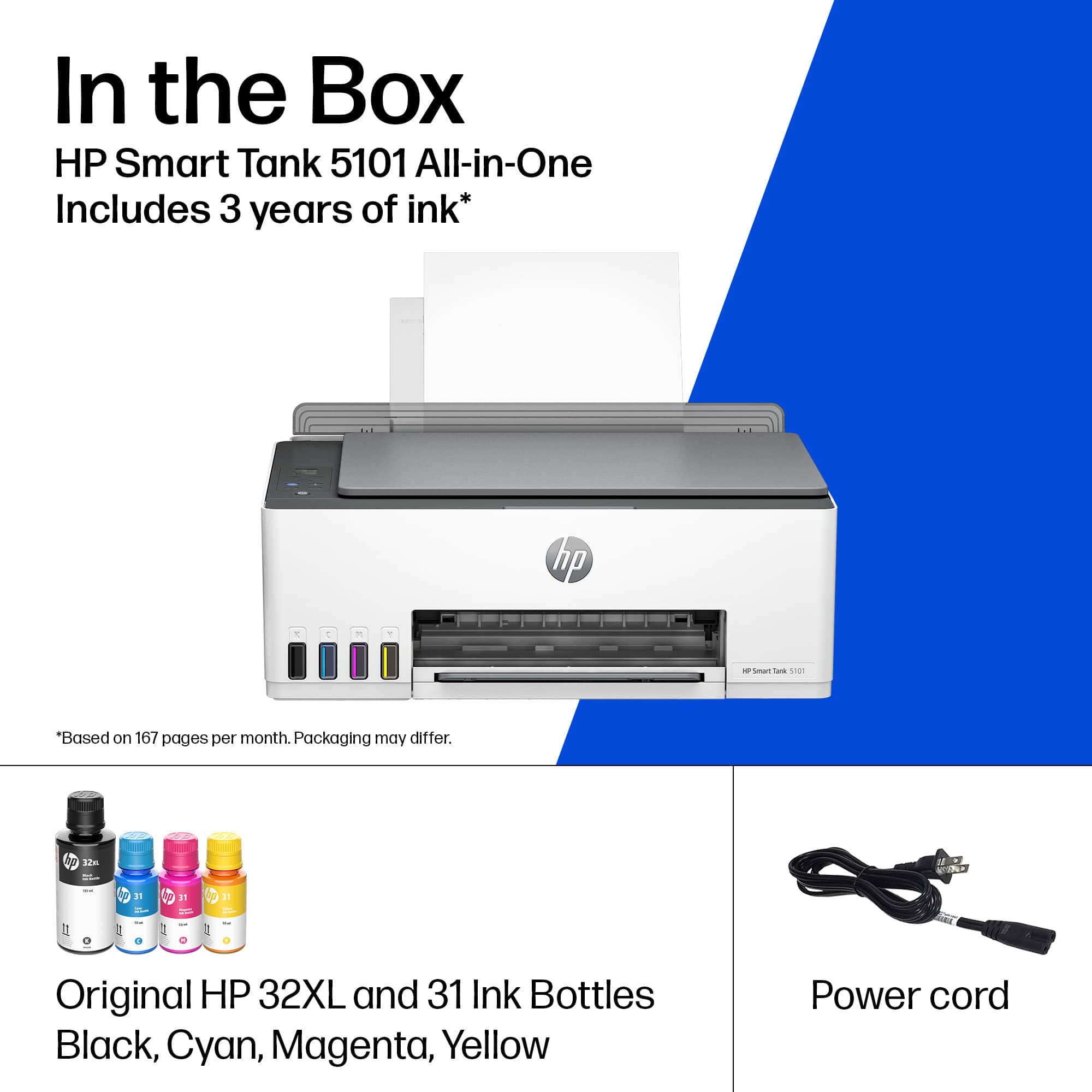
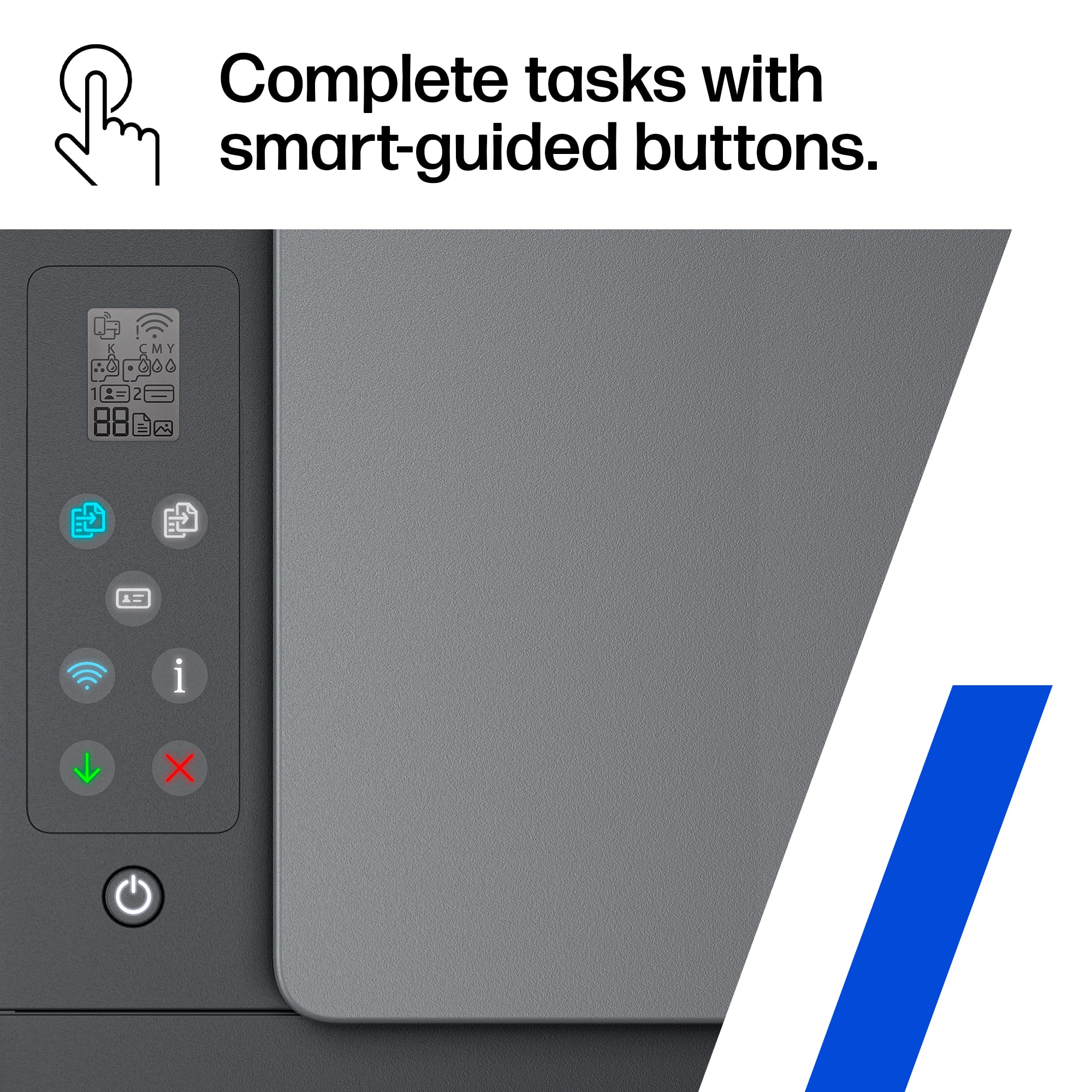
|Posted .This reviewer received promo considerations or sweepstakes entry for writing a review.So were to start with this printer. This is not one of the olden day printers so. So easy to set up with the HP Smart App you basically follow the prompt and you will have it up and running in no time flat. The second best thing is the print quality and speed are phenomenal. I was impressed with the amount of ink you get. It doesn't come with a measly amount so you only get out 25 pages of printed paper, No it comes with depending on your settings 2 years of ink. So its not a printer that you open print a few pages and need to run to the store and buy more ink no it comes with enough to last about 2 years. Now if you are printing on the highest quality then obviously its going to use more ink, but for the regular family the ink will last about two years. It's an all in one so yes copy, scan, print it does it all. The smart buttons are a nice touch to help guide you through the tasks you need to do to get that great quality print you have come to expect with an HP printer. It also has an option i have never seen on a printer called self healing wifi so from what i am understanding say you lose your internet connection it will automatically re connect itself you your wifi so you don't have to re set it up like most printers. Makes it nice if you need to move the printer unplug it re hook it to power it does the rest. It has a few features you only find in more expensive printers like auto on and off power. So if the kids print something and forget to turn the power off guess what , yes it shuts itself off and when you go to print something no messing with a power switch it powers on automatically once you send the print. I'm actually very impressed with all the features this printer has and more than likely this will be the last printer you ever need.
I would recommend this to a friend - Pros mentioned:Print quality
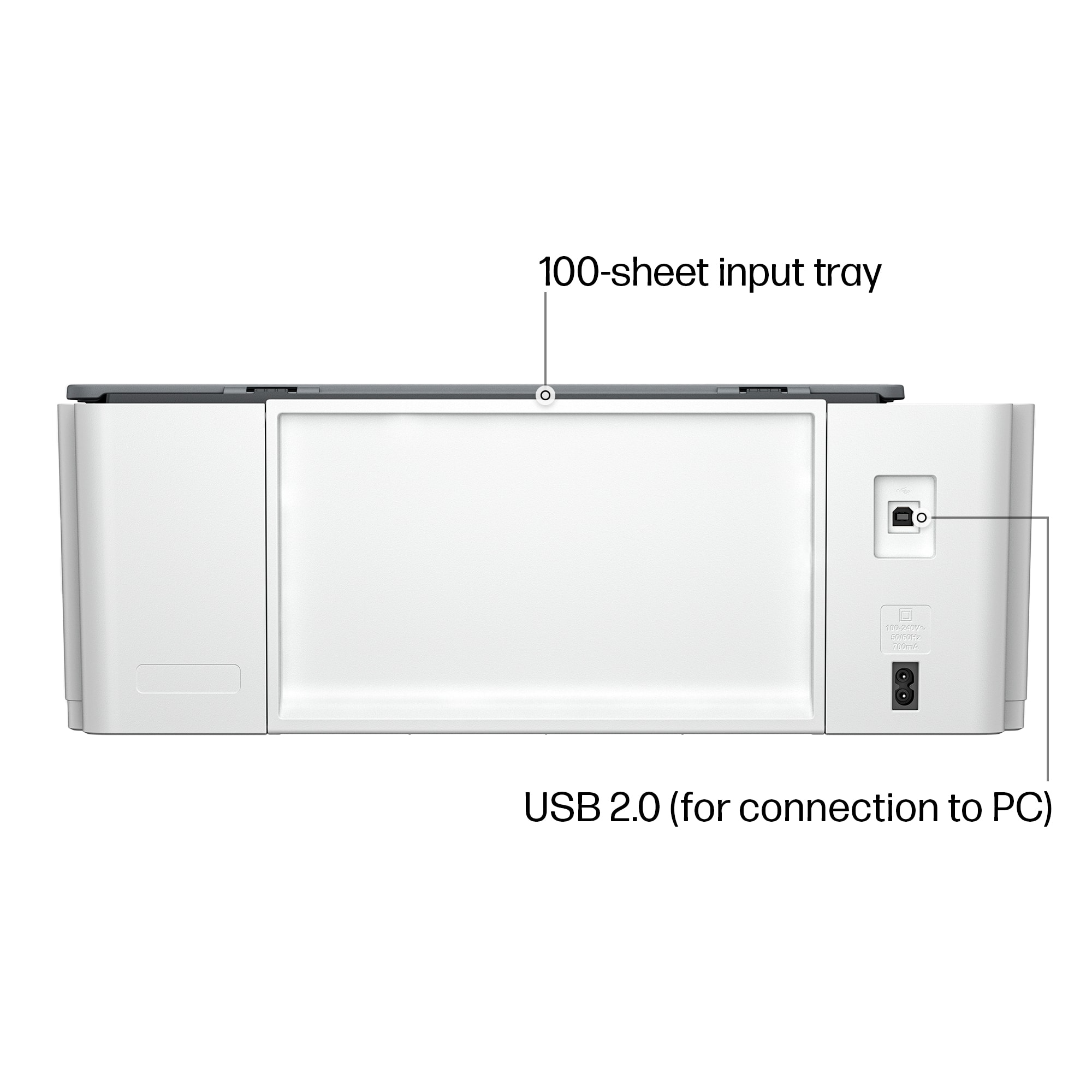
High capacity ink, but low paper capacity
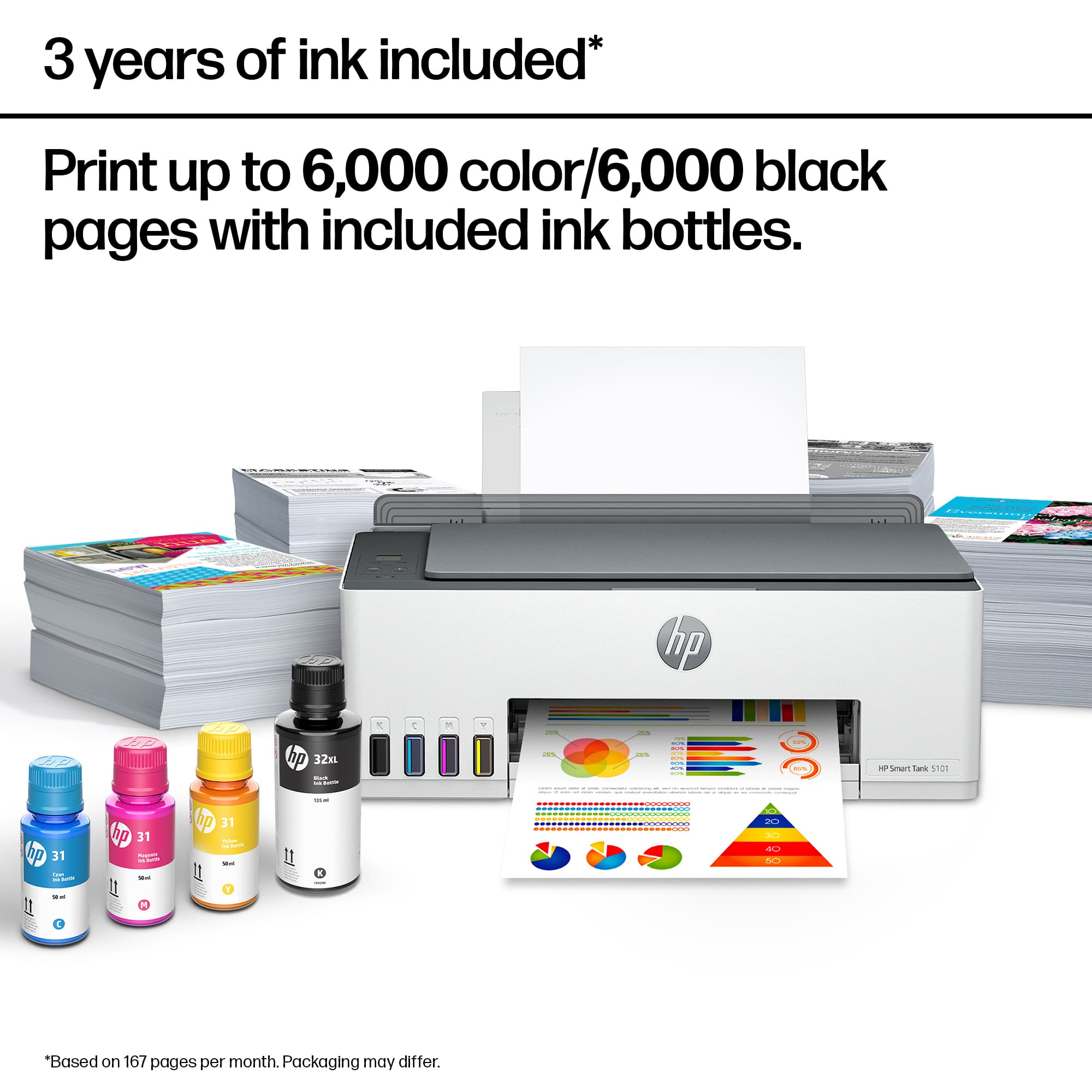
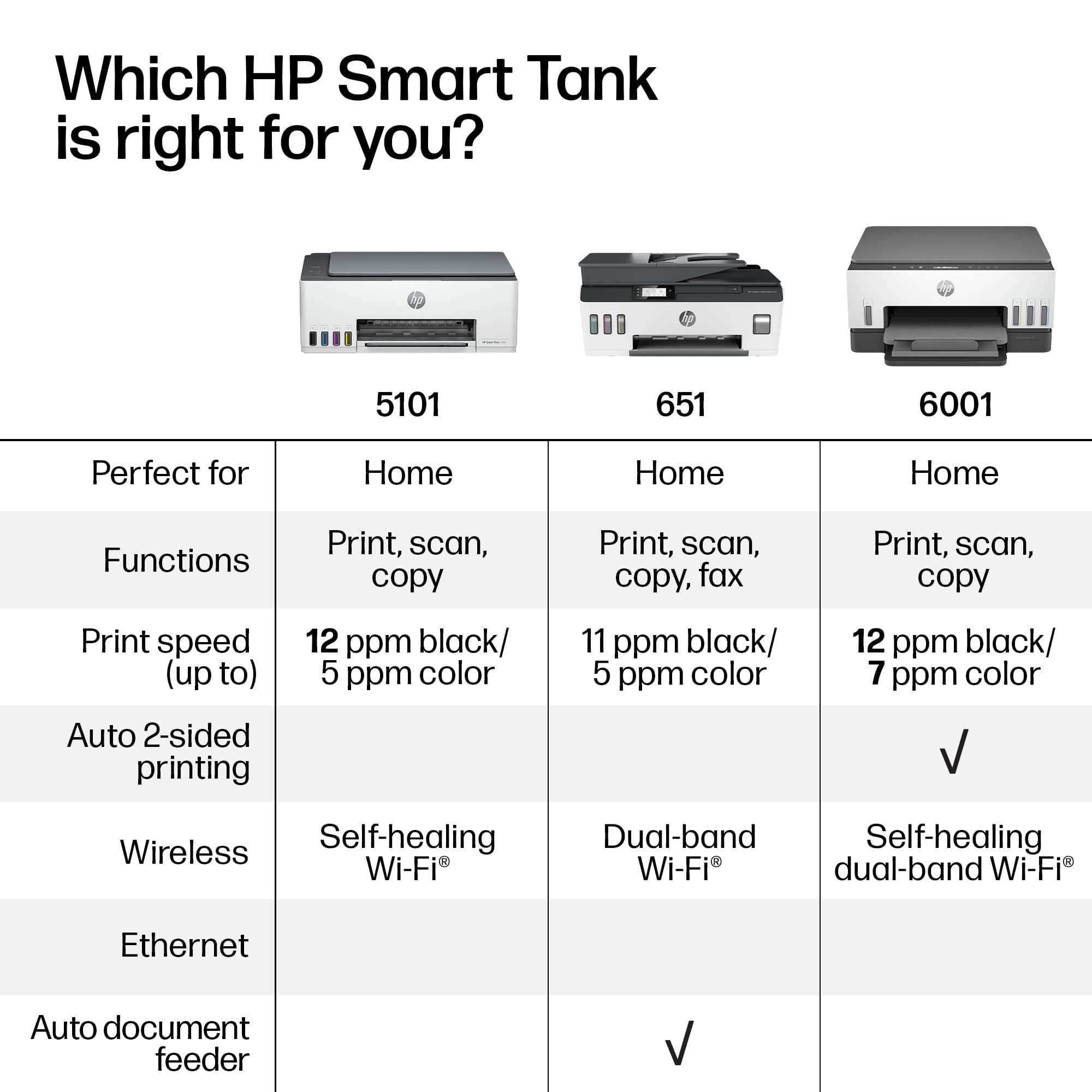
|Posted .This reviewer received promo considerations or sweepstakes entry for writing a review.I do a lot of printing for my home based small business, and the worst part is keeping up with the ink cartridges. The HP Smart Tank checks one more to-do off my list. The ink containers hold enough for up to 6000 pages. I've printed about 50 black and white pages and about 20 color and the all is showing that I still have full bottles of ink, so I'm hopeful. My biggest negative is that there's no paper tray, just a feeder that doesn't hold much paper, which means I have to stop and restock the paper more frequently. Also, there's no double sided copy capability. Each side has to be put through the feeder separately. I don't copy a lot of documents, but it's something to be aware of if you need that capability. Print quality is very good for work documents and customer invoices. Connecting to both my computer and my Android phone was easy in the HP app. I did have an issue where it would lose connection with my phone, but I uninstalled the app and reinstalled it and I havent had any more issues.
I would recommend this to a friend - Pros mentioned:Print quality
Reasonably Priced Solution
|Posted .This reviewer received promo considerations or sweepstakes entry for writing a review.HP has a long, storied history of inkjet printers. I have had several of them, but had since moved on to the more costly color laserjet line. Why? Well, ink cartridges have always been a pain if you were doing any volume of printing above the occasional shipping label or photo. The biggest downside to inkjet until now. This printer takes a different approach by utilizing a holding reservoir that you fill as needed. The reason this is a plus over the individual cartridges is that the reservoir can hold considerably more ink and allows for far less time consumed playing the ink changing game. The ink supplied is supposed to last two years according to HP, but I have no way to know just how true that claim is. Time will tell I suppose, but past cartridges and prematurely dried ink leave me a tad skeptical. Enough about the ink, this printer outputs great color photos, documents, and just about anything else you can throw at it. The one downside is the lack of double-sided printing I have become accustomed to with my laser printer. I can only assume that is because the ink must dry first. Overall, text was sharp and I experienced no runs or paper jams so far. The scanner is a simple flatbed so no document feeder or double sided scanning, but if you are only needing the occasional scan this will do the trick. Great color, resolution, and speed with my Mac over wifi. Overall, this printer solves one of the biggest issues with inkjet, well, in theory anyways. Time will tell as to how durable it truly is as liquids and mechanical equipment can provide mixed results. Time in between prints could cause clogging issues as ink could dry. Not to mention the overall mechanics of the inkjet having to go back and forth across the paper to print. All I can say is that in the three weeks I have been using it, it has worked like a charm.
I would recommend this to a friend - Pros mentioned:Print quality
Good Printer to do mostly everything you need.
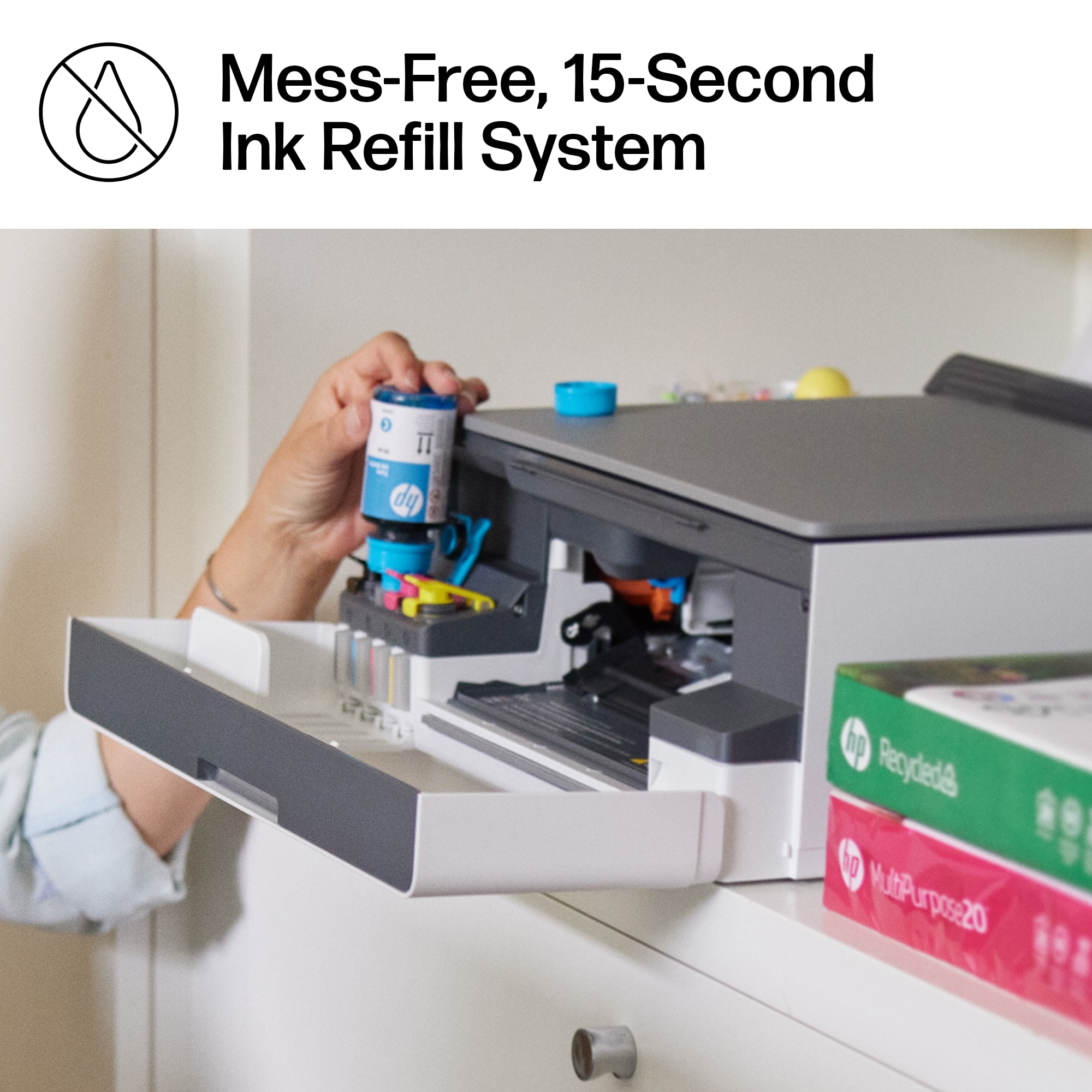
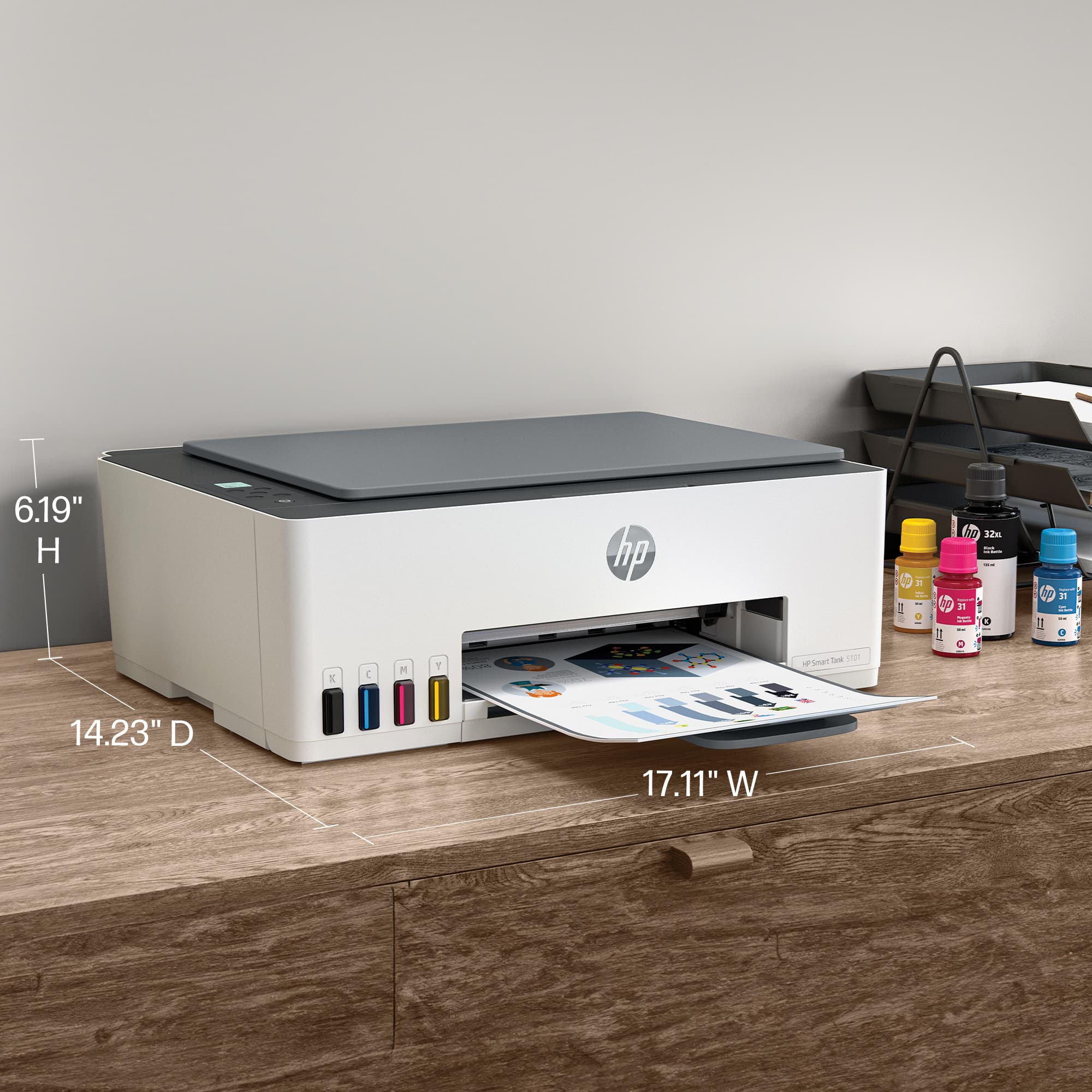
|Posted .This reviewer received promo considerations or sweepstakes entry for writing a review.Overall the printer delivers as advertised. Its paper tray could definitely use more room to hold more paper. While set up was not rocket science, it wasn't a walk in the park either. I ran into a few issues installing the print heads as the second head would not stay locked in place, after about five attempts it finally stayed in place. Filling the ink reservoirs went pretty easy although since you receive more black ink than what the tank holds, you may experience a small spill or some drops as you try to avoid over filling. One feature that stood out was the Hp "self healing WiFi", I caused my WiFi to drop out several times and each time the printer reconnected itself without prompting. The initial alignment and test page will be your first page out and you will also need to run a scan to complete the alignment. I printed a few papers to test the how the text would look and everything was clean and clear, I tried several different fonts to make sure and all of them were spot on. Set Up with the App was very easy and I had no issues with that at all. The printer isn't huge and won't take up a terrible amount of space on an executive sized desk, but you will know its there.
I would recommend this to a friend - Pros mentioned:Print quality
printer
Posted .This reviewer received promo considerations or sweepstakes entry for writing a review.love the liquid ink in included needed a scanner for picures after 1 year minimal use the old one died. Great tech guided me to this printer combo those guys always have good information to share
I would recommend this to a friend - Pros mentioned:Ease of use, Print quality
Good printer (so far)
Posted .This reviewer received promo considerations or sweepstakes entry for writing a review.Like that it's wireless. Easy to set up, prints well, comes with a good supply of ink. We don't print a lot so the supplied ink should last us a long time. Overall happy with this printer so far.
I would recommend this to a friend - Pros mentioned:Print quality
Easy printing from phone or PC - fewer ink refills
|Posted .This reviewer received promo considerations or sweepstakes entry for writing a review.Initial setup was very simple with ample instructions and an easy interface using the HP app on my phone and my Personal computer. I di have to download and install the latest HP app, but that wasn't more than a few minutes. Installing the printer heads and adding ink was also very simple and ink filling wasn't messy as I had feared. Actually, it was easier adding the ink to the reservoirs than I recall swapping cartridges to have been. The bottled ink also seems to be priced lower than the cartridges, so it is a win-win there. Using the HP app to send a file to print was fine, although it did not seem as full featured as some of the native printing menus in Windows. I expect this is just a matter of proactive and familiarity, but you can print direct from other device native programs as well. All in all, setting up, prepping and using the printer was a very nice process, so real hiccups and quick. One thing I will say that should be mentioned is that two sided printing requires manual flip of the paper stack, and the print rate with color at 1200 dpi seemed a bit slow. Printing black and white was quite fast though, for a home printer.
I would recommend this to a friend - Pros mentioned:Print quality
I don’t hate it
|Posted .This reviewer received promo considerations or sweepstakes entry for writing a review.“I don’t hate it.” I try to avoid printers in everything I do. I’ve worked in IT for almost 15 years and a portion of the IT professional’s daily struggle revolves around printers. And in general, I hate printing things. I prefer work electronically, with everything, no matter what. I understand that my ideal of not working solely electronically is not a reality in most applications. Heck, my kids have to print things somewhat frequently for school projects and homework, so a home printer is a necessary evil. I’ve been using an Epson printer at home for a few years, and it’s your standard all-in-one color ink jet printer. For years I’ve grown accustomed to purchasing and replacing ink cartridges. But with HP’s Smart Tank 5100, ink cartridges are no more. Unboxing the printer was nice—it was easy to remove the printer from the box thanks to a handled plastic bag. The included instructions give you an option for manual setup, or to be guided by an app. I chose the app—but in hindsight, would have preferred the manual printed instructions because they provided more detail than the app. Filling the ink tanks was easy (and surprisingly un-messy), as was installing the print heads (another thing I’ve never done). Everything snaps together very nicely, and in virtually no time, you’re ready to print. The printer is paired with the HP Smart app, which shows your connected printer along with some other functions. Most notably, I like the app for viewing device status and ink levels without needing to be on the same network (this would make basic remote troubleshooting easier if, for instance, a parent or grandparent had this printer in their home and asked for help). The app also allows for secure printing, allowing you to cache a print job on the printer until you are nearby and can release it from the app. It’s a clever use of an app, especially when it comes to something as basic as a printer. The printer itself is, well, a printer. It produces good quality prints in an acceptable amount of time…it’s not especially amazing or especially fast, but it gets the job done. I was able to test print from multiple device types: phones, tablets, laptops, Mac, Windows…and ran into no significant issues. The device also has a flatbed scanner, which does a fine job, I guess. It’s a bit slow for my liking, but I don’t have a ton of high expectations when it comes to scanner speeds (unless you get a specific, dedicated scanner). Ink tank printers, in general, seem to be a bit of a novelty. The included color printer bottles are single-use bottles, and although I’m sure larger bottles are available, they don’t seem to save a ton on plastic waste. I understand replaceable ink cartridges have circuitry which makes recycling a challenge, but this doesn’t seem like that marked of an improvement. I guess time will tell. I do like the idea of easily replaceable print heads, because sometimes cleaning or replacing print heads on printers can be a headache (or not user-serviceable). One other shout out here is for HP’s Instant Ink program, which doesn’t currently support the Smart Tank printers but I imagine will at some point in the future. Instant Ink allows you access to ink and paper refills based upon how much you need to print for a small monthly fee. This is something that printer service companies have done for years in the business space, and I think it’s a very convenient thing to add for individuals who don’t want to worry about monitoring their ink and paper supply. The only other thing to consider is the price. For me, $279 is right on the edge of wanting just a little more by way of features—namely—a document feeder instead of a single sheet, flatbed scanner. It’s a rare thing for me to only need to scan one side of one page. If on sale, I think this printer is a relatively good value, but at its full retail price, it’s hard to recommend over some other more feature-rich printers for that price. Still, it is a good printer, does what it needs to do, and for once didn’t cause me a bunch of headaches when trying to install at home in a way that everyone can use it right away. Of course, time will tell…but the initial consensus is this is a device worth your money (provided you get a good deal).
- Pros mentioned:Print quality
Great printer
Posted .This reviewer received promo considerations or sweepstakes entry for writing a review.Printer is amazing. Great quality and so quiet you dont know its printing
I would recommend this to a friend - Pros mentioned:Overall performance, Setup
Hp printer.
Posted .This reviewer received promo considerations or sweepstakes entry for writing a review.Just set it up was easy to do. It works great. Happy with this modelHp printer
I would recommend this to a friend Copier
Posted .This reviewer received promo considerations or sweepstakes entry for writing a review.Ample color cartridges! The capacity is great and the start instruction was self explanatory. No problem syncing up the printer to my computer.
I would recommend this to a friend- Pros mentioned:Ease of use, Print quality
Great Office Printer
Posted .This reviewer received promo considerations or sweepstakes entry for writing a review.Works great. Love the upgraded ink cartridge holders and the fact we got 2 years of ink with the printer. Ease of use and prints high quality.
I would recommend this to a friend - Pros mentioned:Overall performance
good product, poor setup instructions
Posted .This reviewer received promo considerations or sweepstakes entry for writing a review.Wasn't as easy to set up as I hoped. But once it started working it's been good.
I would recommend this to a friend - Pros mentioned:Ease of use, Print quality
HP Printer Review
Posted .This reviewer received promo considerations or sweepstakes entry for writing a review.The HP-Smart Tank 5101 Wireless All-In-One Supertank Inkjet Printer was a good buy and very easy to set up. The quality of the prints and copies is excellent.
I would recommend this to a friend - Pros mentioned:Ease of use, Print quality
Ink lasts
Posted .This reviewer received promo considerations or sweepstakes entry for writing a review.It was easy to set up and prints really nice. I've already used this printer quite a bit and the ink level hasn't even moved yet!
I would recommend this to a friend Finally good inexpensive printer.
Posted .This reviewer received promo considerations or sweepstakes entry for writing a review.Smart tank technology is great! Reliable printing and great coloir & B&W copies.
I would recommend this to a friend- Pros mentioned:Print quality, Size
Replaceable print heads!
Posted .This reviewer received promo considerations or sweepstakes entry for writing a review.I had the Epson Ecotank 2800 and it was flimsy junk! I returned it and got this bad boy. I should have known better than to stray from Hp.
I would recommend this to a friend HP Smart Tank 5101
Posted .This reviewer received promo considerations or sweepstakes entry for writing a review.Awesome printer! No more expensive cartridges that dry up when not used
I would recommend this to a friendHP Color Printer
Posted .This reviewer received promo considerations or sweepstakes entry for writing a review.Thanks to the step-by-step instructions online, it went very well for a low-tech user.
I would recommend this to a friendslow but sure
Posted .This reviewer received promo considerations or sweepstakes entry for writing a review.printer isworking good with this windows 10 computer
I would recommend this to a friend