Customer Ratings & Reviews
- Model:
- SMART TANK 5101/1F3Y0A#B1H
- |
- SKU:
- 6527565
Customer reviews
Rating 4.3 out of 5 stars with 1510 reviews
(1,510 customer reviews)Rating by feature
- Value4.4
Rating 4.4 out of 5 stars
- Quality4.4
Rating 4.4 out of 5 stars
- Ease of Use4.3
Rating 4.3 out of 5 stars
Customers are saying
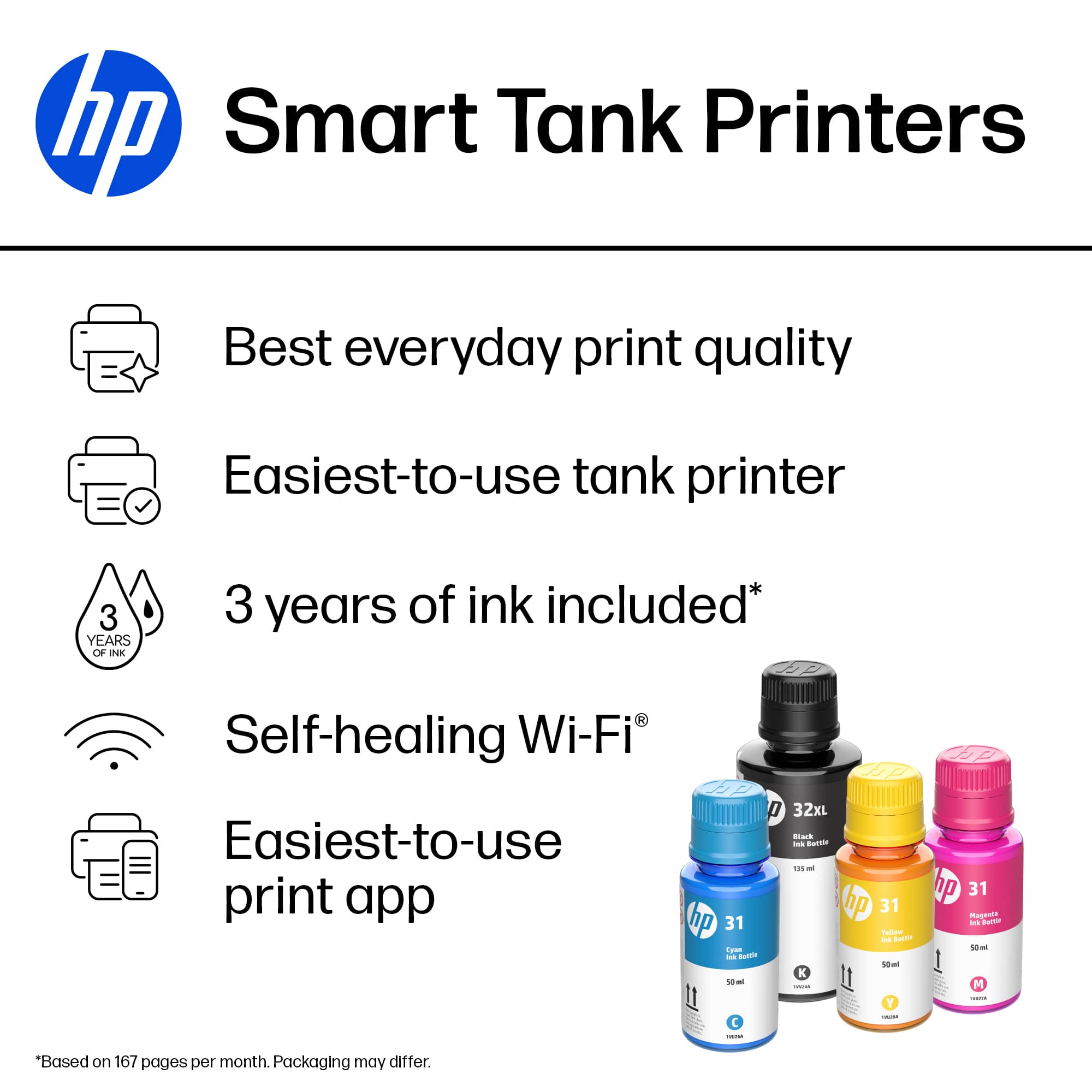
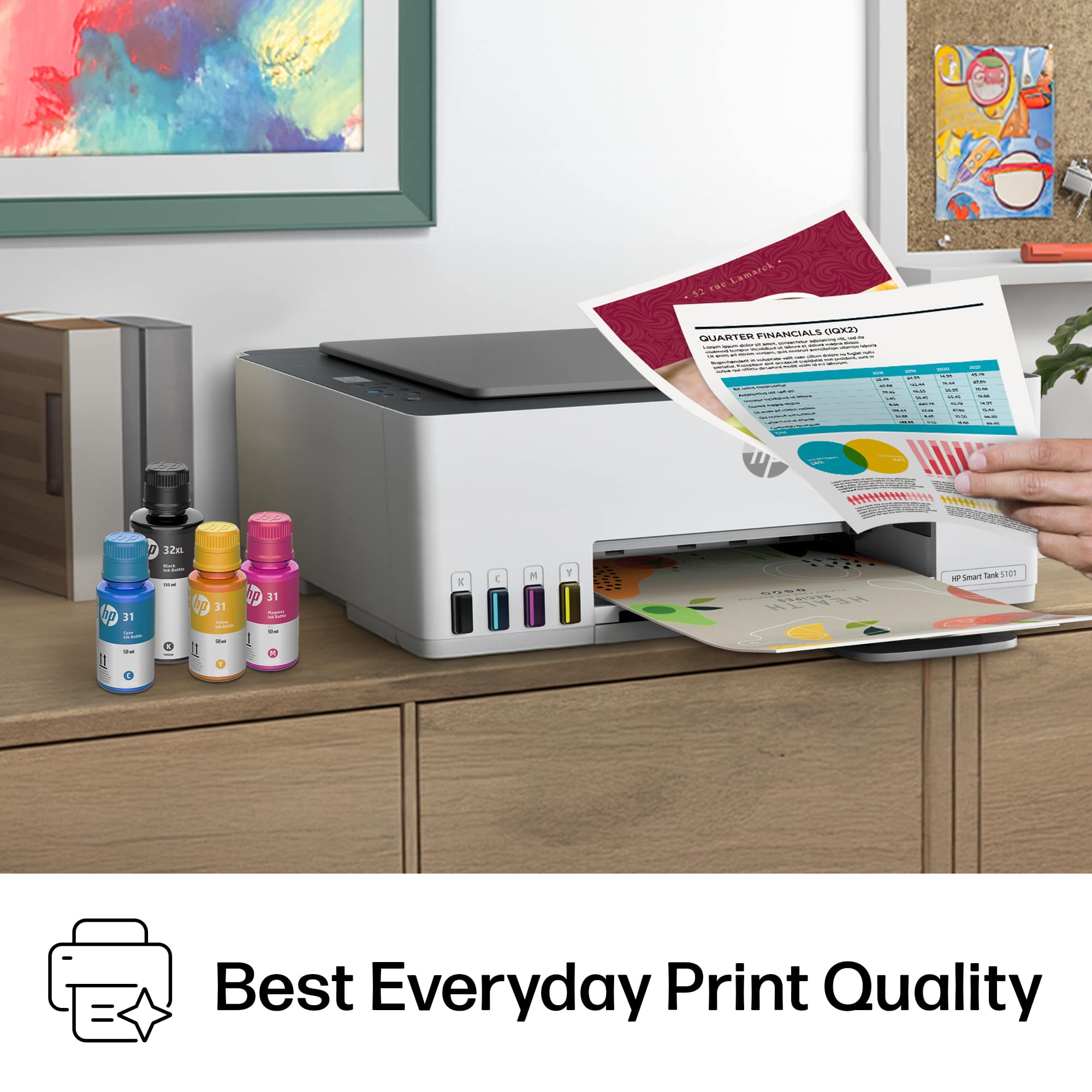
Customers value the excellent print quality, ease of use, and simple setup of the Smart Tank 5101 printer. Its compact size and reasonable price are also appreciated. Some customers have noted connectivity issues and the absence of a conventional paper tray.
This summary was generated by AI based on customer reviews.
Rated 1 out of 5 stars
HP Printer
||Posted . Owned for 3 weeks when reviewed.This reviewer received promo considerations or sweepstakes entry for writing a review.No Electrical cord! Sold me model that is not on app setup compatible list. Will have to return printer!
No, I would not recommend this to a friendRated 1 out of 5 stars
Not Impressed
||Posted . Owned for 3 weeks when reviewed.This reviewer received promo considerations or sweepstakes entry for writing a review.Not the quality I was hoping for. Too high price for what it does. Not a match for me.
No, I would not recommend this to a friend- Pros mentioned:Print quality, Setup
Rated 4 out of 5 stars
Great printer - easy to fill ink
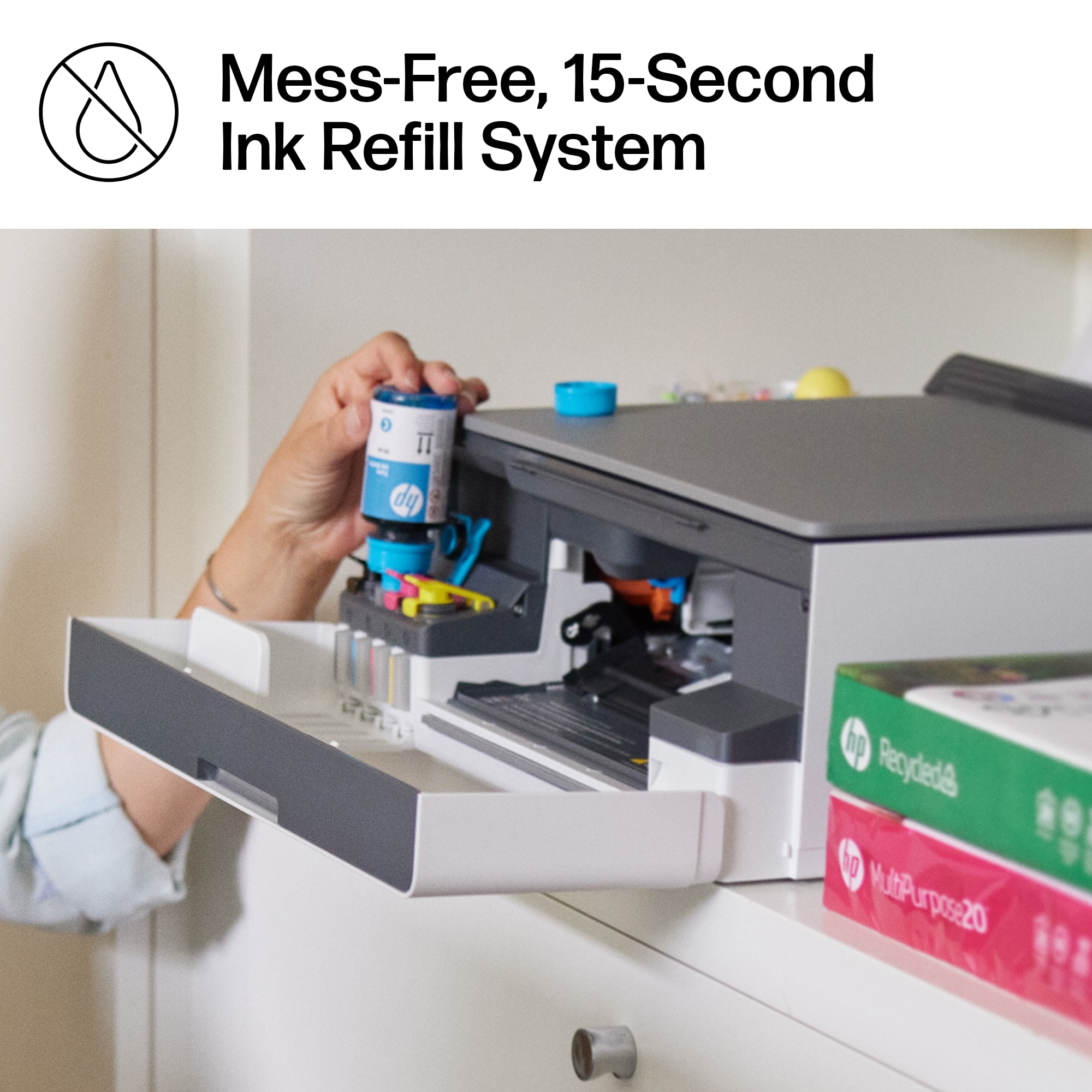
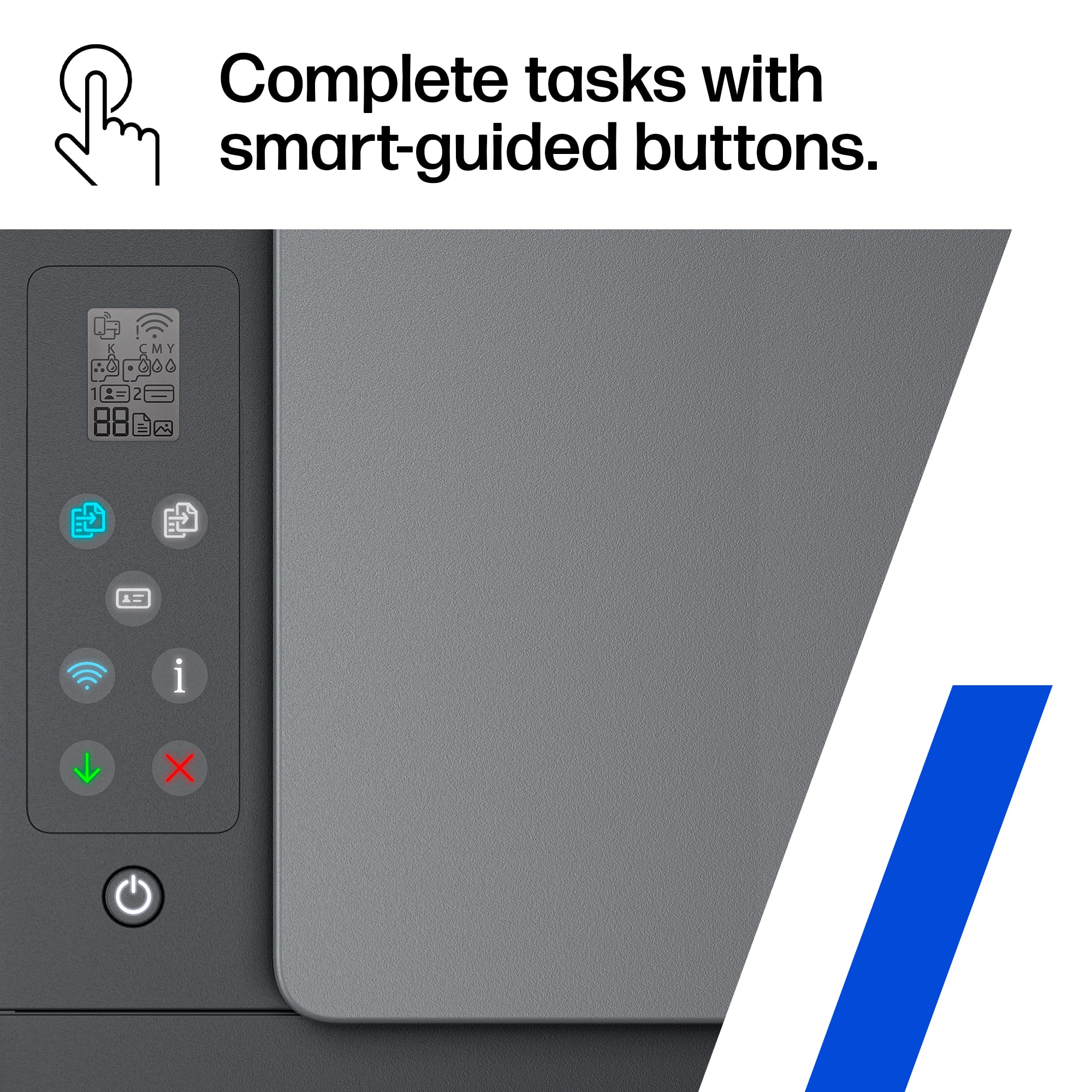
|Posted .This reviewer received promo considerations or sweepstakes entry for writing a review.The HP Smart Tank printer came very well packaged. I like that it had a handle on the plastic inside the box so it was easy to pull out. The instructions were clear and easy to follow. I was impressed with how easy the ink was to fill - I was worried about it being messy, but not even a drop of ink spilled anywhere. I'm hoping the ink lasts The system to fill the tanks is ingenious. The print heads were also fairly easy to install, although you have to remember to pull down the blue latch once you load them. The setup with the mobile app was straight forward. It never did the alignment properly the first time, and the app did not give an option to redo the alignment, only to say that it was already done. Printing from my cell phone was great. When I went to print from my desktop computer, it would freeze whatever program I was using when I selected the HP Smart Tank printer. I had to download the HP Smart app to my computer. The HP Smart app does have some great features such as printables but I wish you could select any file from one button - rather that having to choose a document button that is separate from a photo button. The print quality is very good for both daily printing and even some color photo printing. I wish the display screen was easier to read or could pivot up - you have to be right over it to read it. Although the copy buttons do light up so you can easily see them. Overall, after getting past a few annoyances, this printer is a great everyday printer to use and has become my main office printer.
I would recommend this to a friend Rated 1 out of 5 stars
Expensive printer
||Posted . Owned for 1 month when reviewed.This reviewer received promo considerations or sweepstakes entry for writing a review.Bought this on the advice of a salesperson, has been a problem, faulty ink cartridges
No, I would not recommend this to a friendRated 1 out of 5 stars
printer
||Posted . Owned for 3 weeks when reviewed.This reviewer received promo considerations or sweepstakes entry for writing a review.mobile printer never works and not easy to set up !
No, I would not recommend this to a friendRated 1 out of 5 stars
5100 HP Smart Printer
||Posted . Owned for 3 weeks when reviewed.This reviewer received promo considerations or sweepstakes entry for writing a review.It’s the worse printer that does not print. will return this item
No, I would not recommend this to a friendRated 1 out of 5 stars
Wanted to like it
||Posted . Owned for 3 weeks when reviewed.This reviewer received promo considerations or sweepstakes entry for writing a review.We can’t get it to print. Don’t know why they made it so complicated.
No, I would not recommend this to a friendRated 1 out of 5 stars
Poor printer
||Posted . Owned for 3 weeks when reviewed.This reviewer received promo considerations or sweepstakes entry for writing a review.It would not scan. Xxxxxxxcxxxxxxxxxxxxxx Zzzzzzzzzz
No, I would not recommend this to a friend- Pros mentioned:Connectivity, Ease of use, Print quality
Rated 5 out of 5 stars
Good printer (so far)
Posted .This reviewer received promo considerations or sweepstakes entry for writing a review.Like that it's wireless. Easy to set up, prints well, comes with a good supply of ink. We don't print a lot so the supplied ink should last us a long time. Overall happy with this printer so far.
I would recommend this to a friend - Pros mentioned:Print quality, Setup
Rated 4 out of 5 stars
Simple All-In-One printer with refillable ink
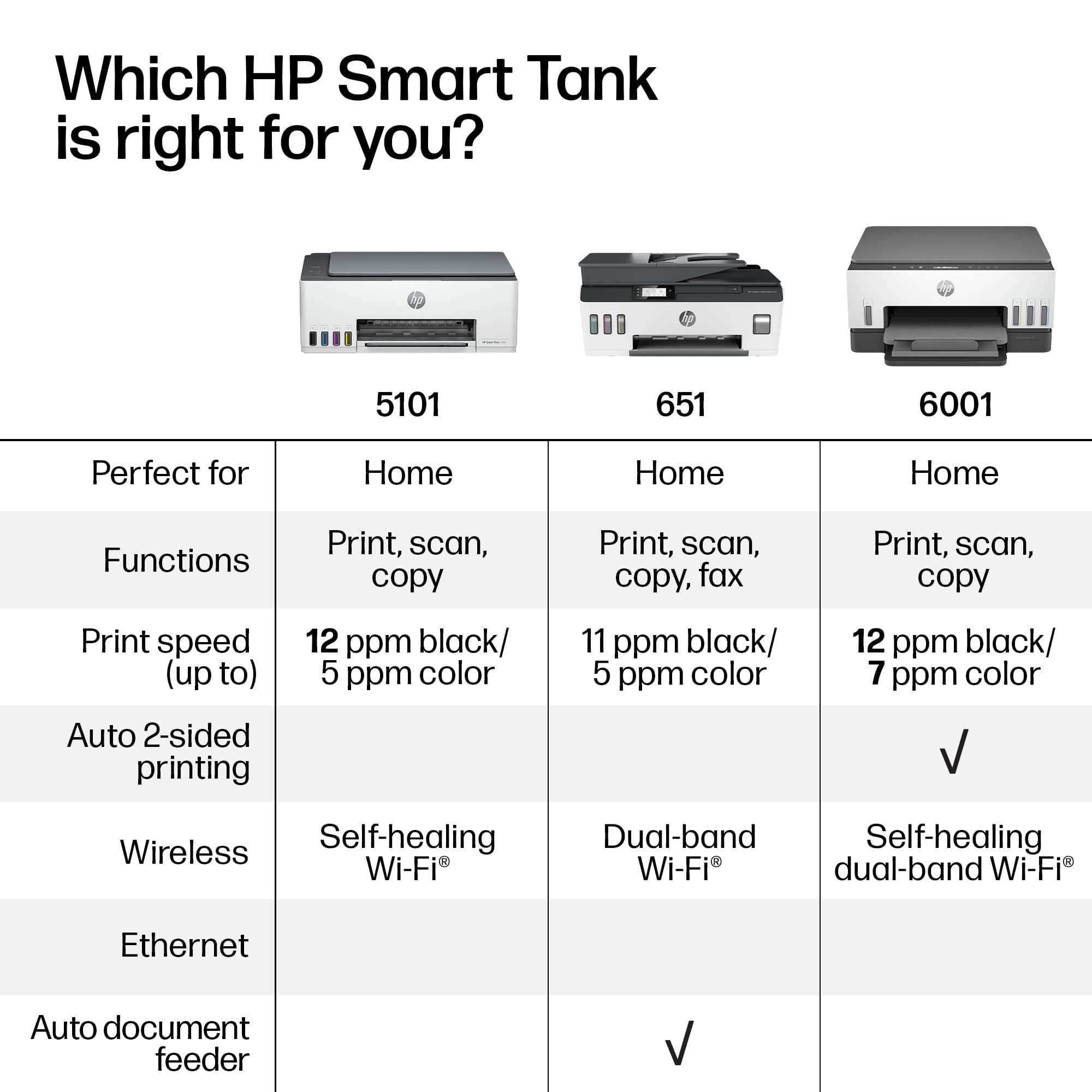
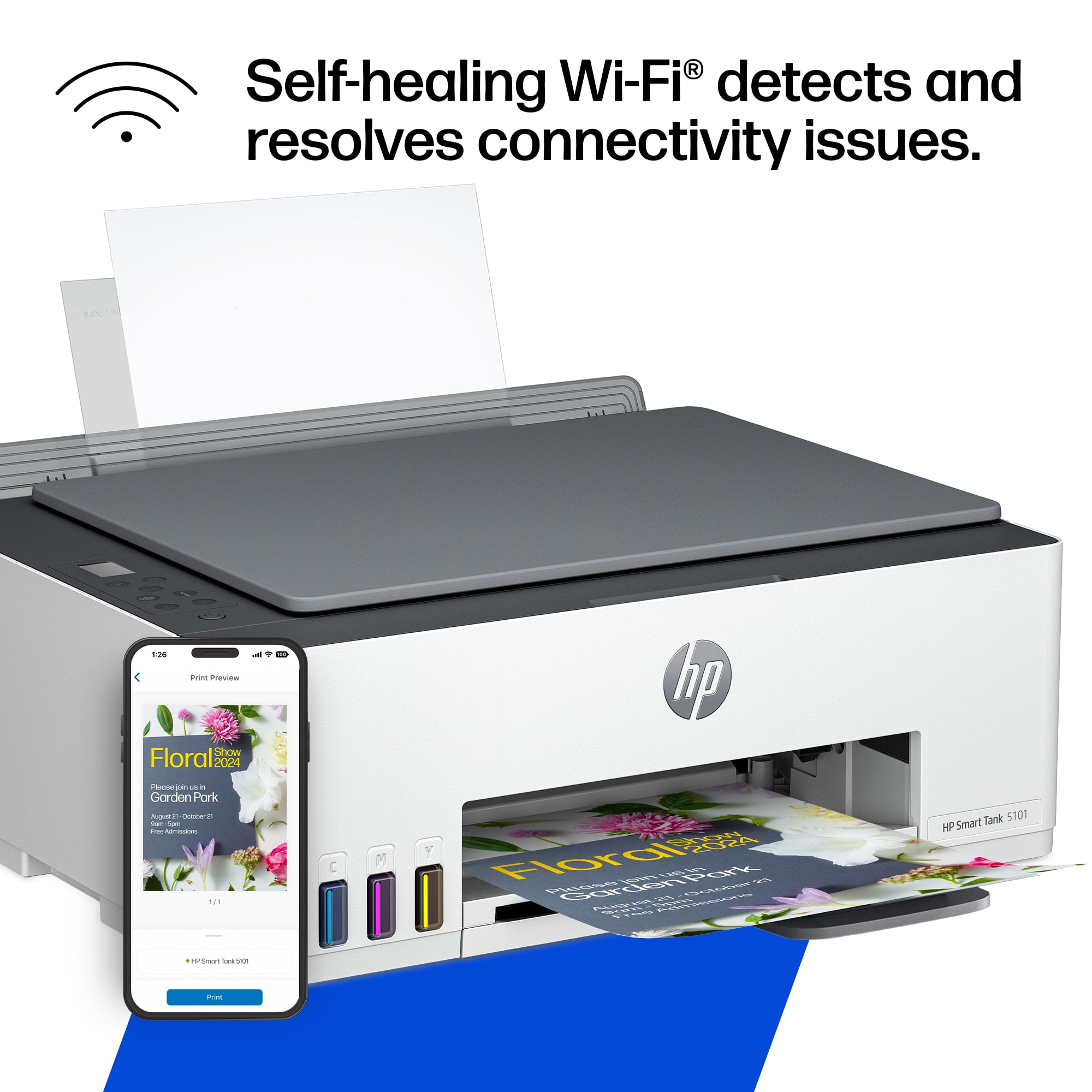
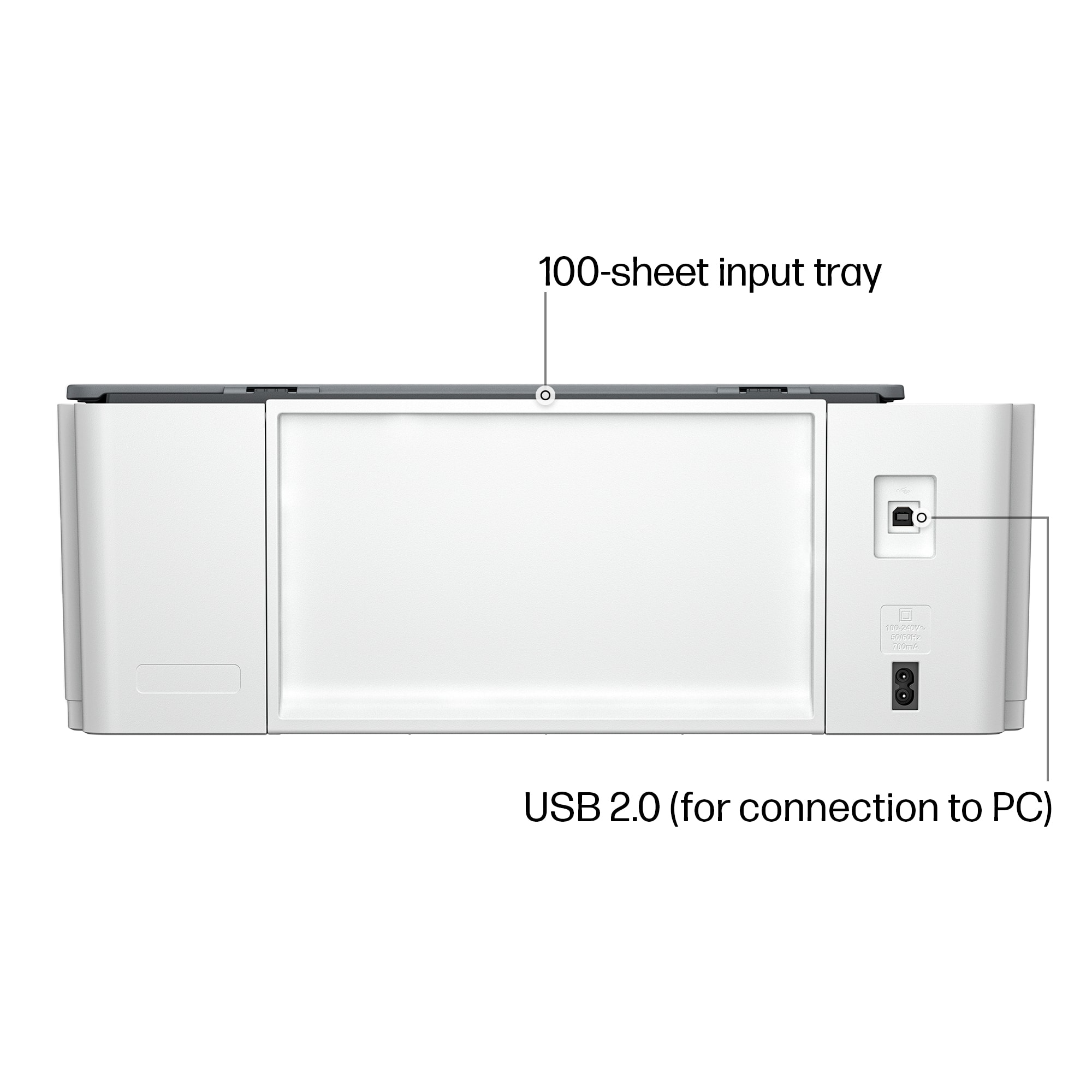
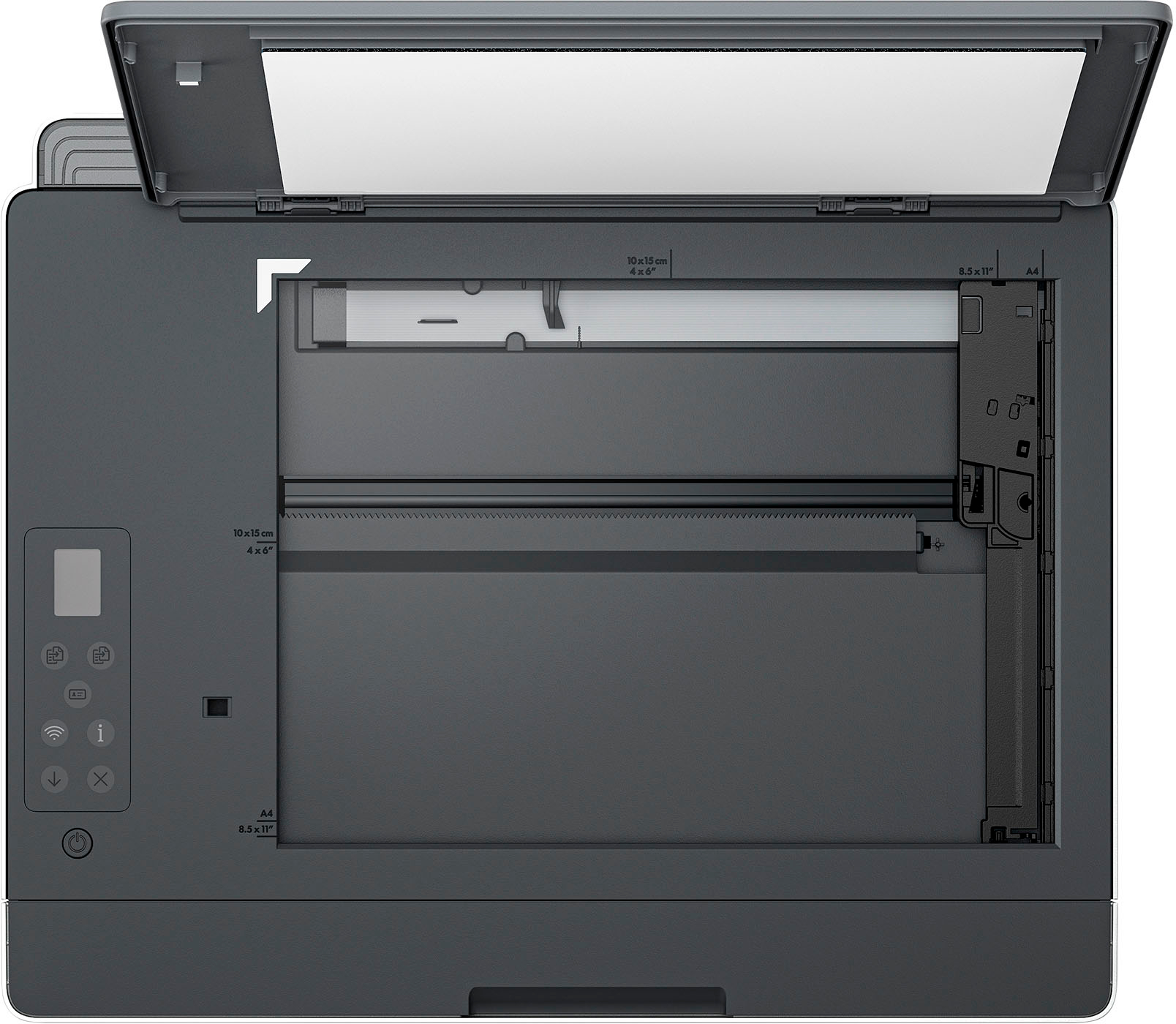
|Posted .This reviewer received promo considerations or sweepstakes entry for writing a review.HP's new Supertank inject printers provide a welcome change to managing ink cartridges. I have lost track of the number of times I have needed to replace cartridges in the middle of my projects. HP has made this simple and efficient with the refillable tanks. The printer arrived with enough ink to last for quite some time. The tanks provide an easy way to fill from the top with no mess. It is easy to view the ink levels from the front of the printer, so there is no guessing as to the amount remaining. Setup was easy right out of the box. I installed the suggested software from HP and had the printer up and running in a very short period of time. One of the nicest features with this model is the self-healing network connectivity. It is common for my router to have intermittent outages and this technology must have a polling process that automatically reconnects if a connection is lost. The print speeds are quite fast and the quality is equally as good or better than any other printer that I have used with cartridges. The scanning bed works perfectly for copies and scanning. This model does not have a feeder for scanning, so it is limited to flatbed scanning. There is no internal paper tray with this model and the paper is loaded through a feeder on the back of the device.
I would recommend this to a friend - Pros mentioned:Print quality, Setup
Rated 5 out of 5 stars
Best of the best
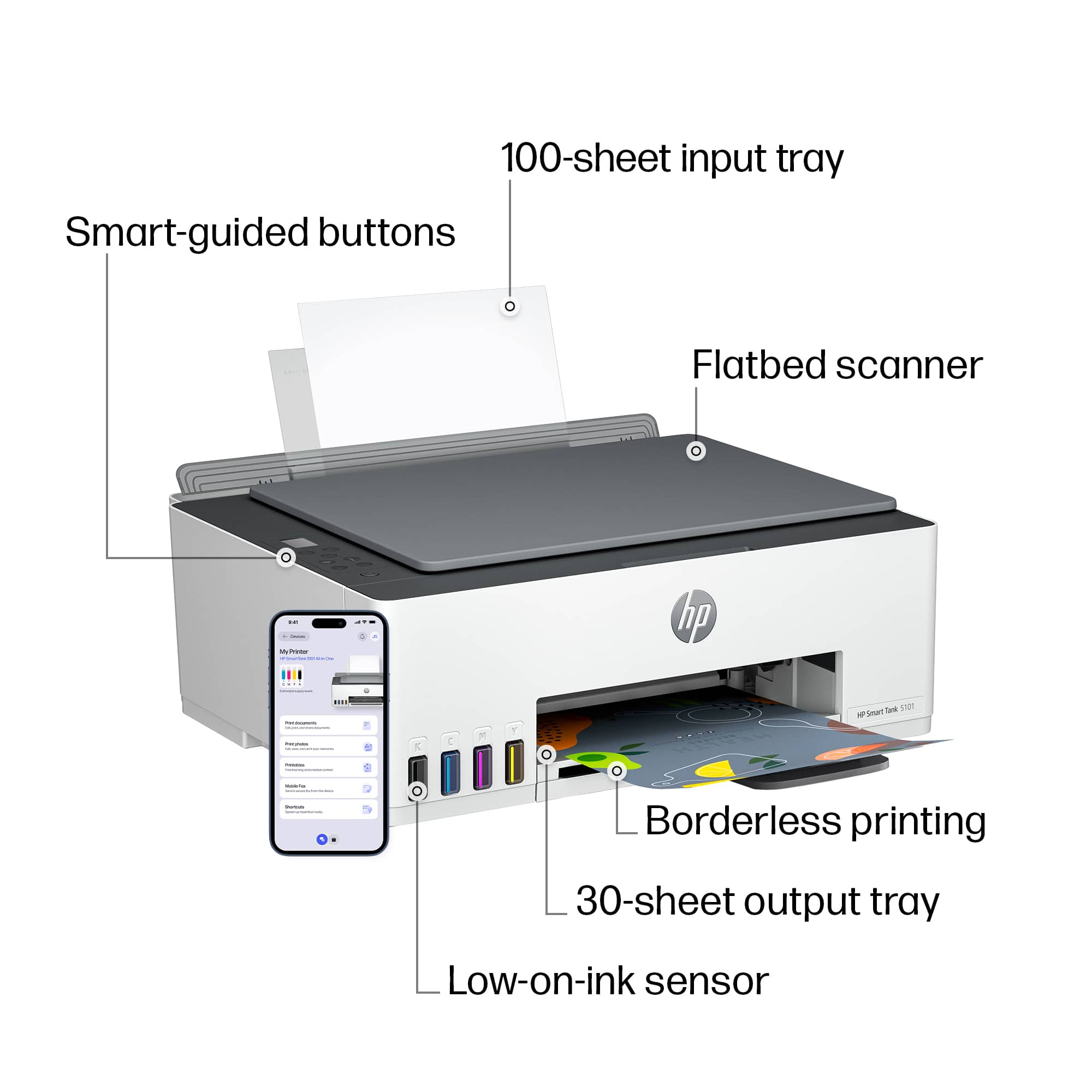
|Posted .This reviewer received promo considerations or sweepstakes entry for writing a review.Huge HP fan here and for good reason. This printer is no exception to that. I absolutely love this thing. The design is nice and simple. The white and grey colors fit well with my desk. I also like how the HP logo is front and center and not small and to the side. I personally like to see the brand name on my electronics. The paper trays are what you'd expect for a printer and do the job as intended. I really like the backlit control panel. It makes it easy to see and gives it a modern feel. It has all the normal buttons a printer should have on it so there is not concern about how to complete function, like start/stop or cancel, with it. The ink system is awesome. It is so easy to use and the face that it is spill free is such a stress relief. No more scrubbing my fingers when I switch ink. Setup was easy. I downloaded the app and did it from there. The app has all the functions within it and make it so simple to use. I don't need a pc to use it. I love that I can print from anywhere. I took a selfie at the grocery store and sent it to the printer and when I got home, it was sitting there waiting for me. Definitely a cool feature. Overall, I am very happy with this wifi printer. Thanks HP!!!
I would recommend this to a friend - Pros mentioned:Print quality
Rated 4 out of 5 stars
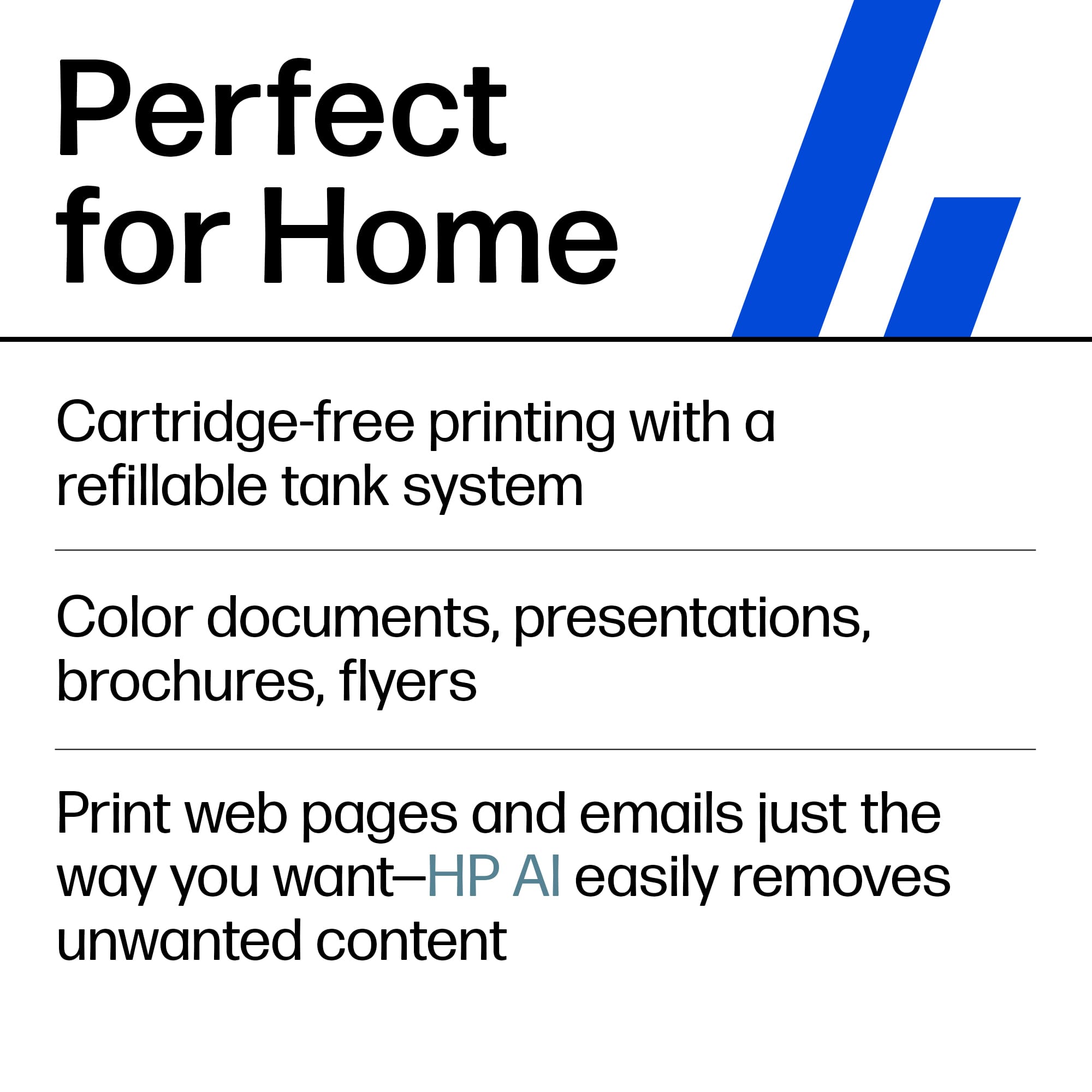
Printer without the hassle of cartridges
|Posted .This reviewer received promo considerations or sweepstakes entry for writing a review.The HP smart tank printer eliminates the hassle of having to do with cartridge replacements on the regular basis and substitutes that with ink tanks. While the ink tanks offer a nice solution to an alternative method they do come with some offsets to be aware of. The HP smart tank has 4 refillable ink tanks which offer more printing jobs without the need of having to go out and buy new cartridges on a regular basis. The tanks do in fact offer a more noticeable difference in the way how much you can print exactly. I have a house of 3 teenage kids who use the printer daily. On a normal cartridge style set up we were having to replace the ink monthly which got costly and had me end up opting in to a ink subscription plan. I have owned ink tank printers before and can tell you that i personally have gotten up to 6 months before needing to refill the tanks. So yes the difference in how many jobs you can do is noticeable. And dont worry the ink quality is still very good. Pages come out vibrant with no breaks in the ink or runs. The ink is almost immediately dry to the touch. Now while this does sound great on paper there are some things to be aware of with this set up. Since you are not changing out ink cartridges this means that you are reusing the same ink jets over and over again. This makes the printer more susceptible to clogs and therefore requires more regular maintenance than a regular cartridge style printer. This is especially true if you are a person that prints rarely as in a couple times a month. As far as features go you get all the standard features you would expect to get with modern day printers now. You can download the HP app which allows you to access printer functions as well as print directly from your phone to your printer. WiFi capabilities means that your PC or Laptop no longer need to be connected via a cable to print but can rather all can be done through your local wifi. All in all this is a good printer that really just requires more maintenance. If you dont print very often or don't feel like the added work of keeping up with a the added needs then just stay with a regular cartridge style. However if printing is done on a daily basis then this is the way to go for sure
I would recommend this to a friend - Pros mentioned:Ease of use, Print quality
Rated 5 out of 5 stars
AIO Home Printer with Inexpensive Ink Refills
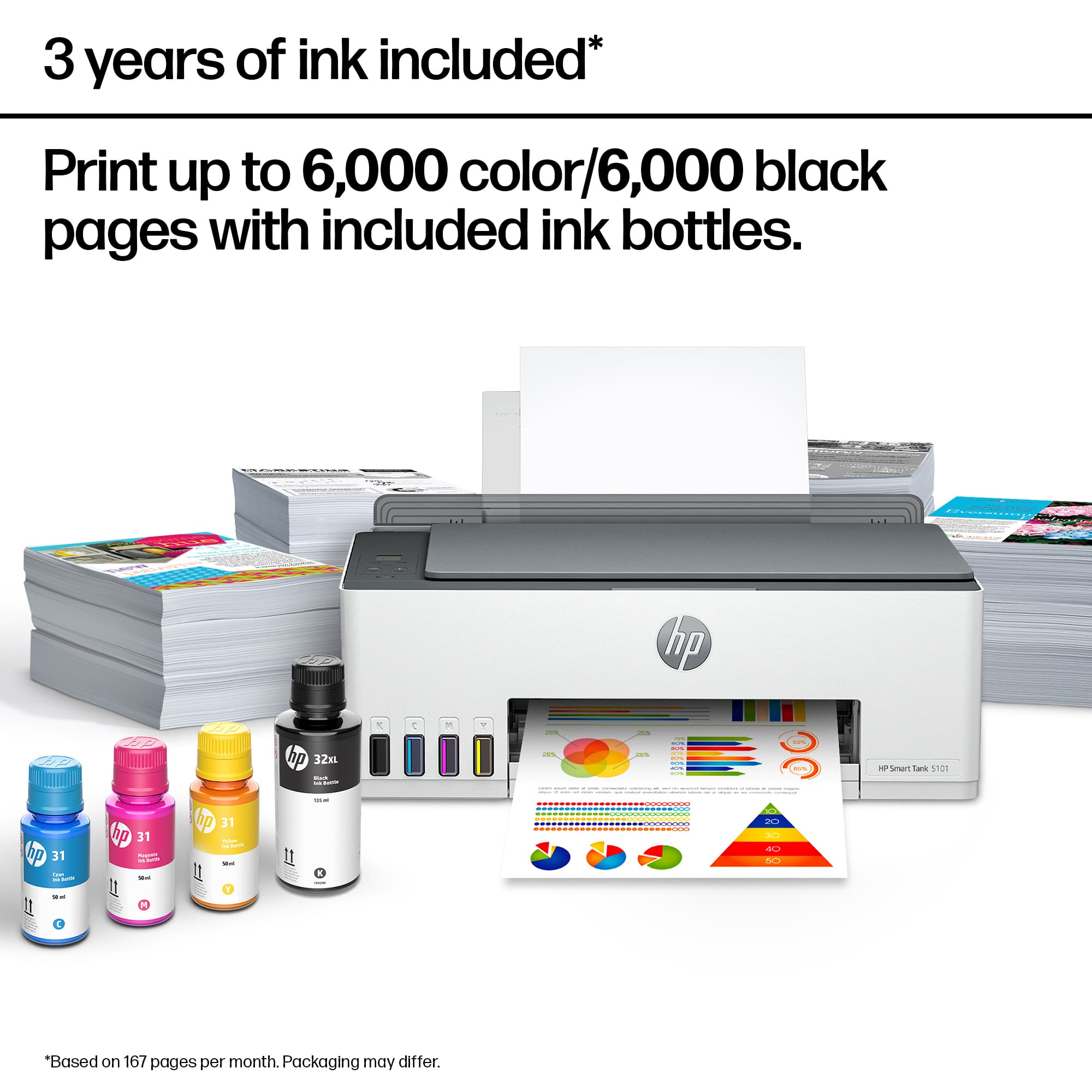
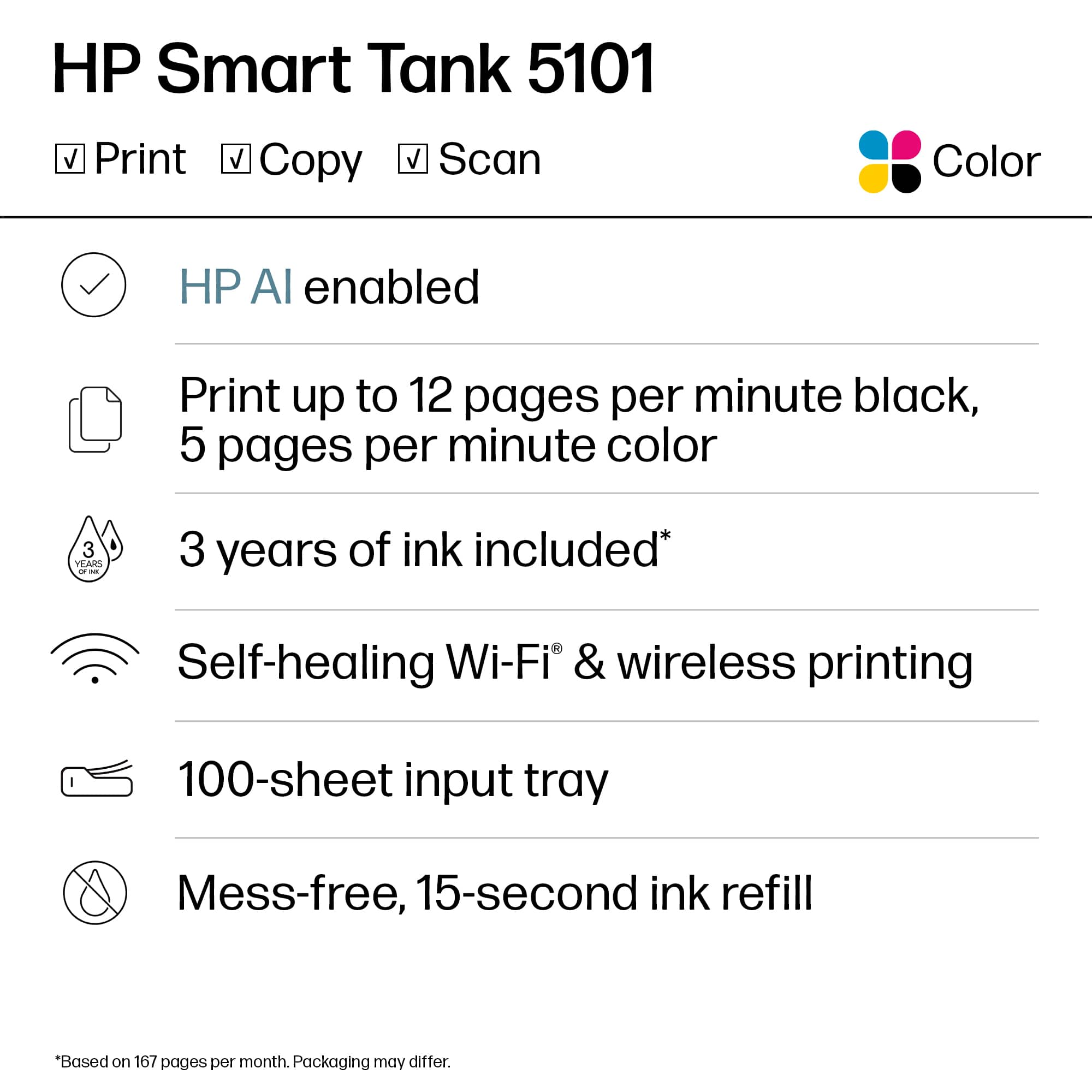
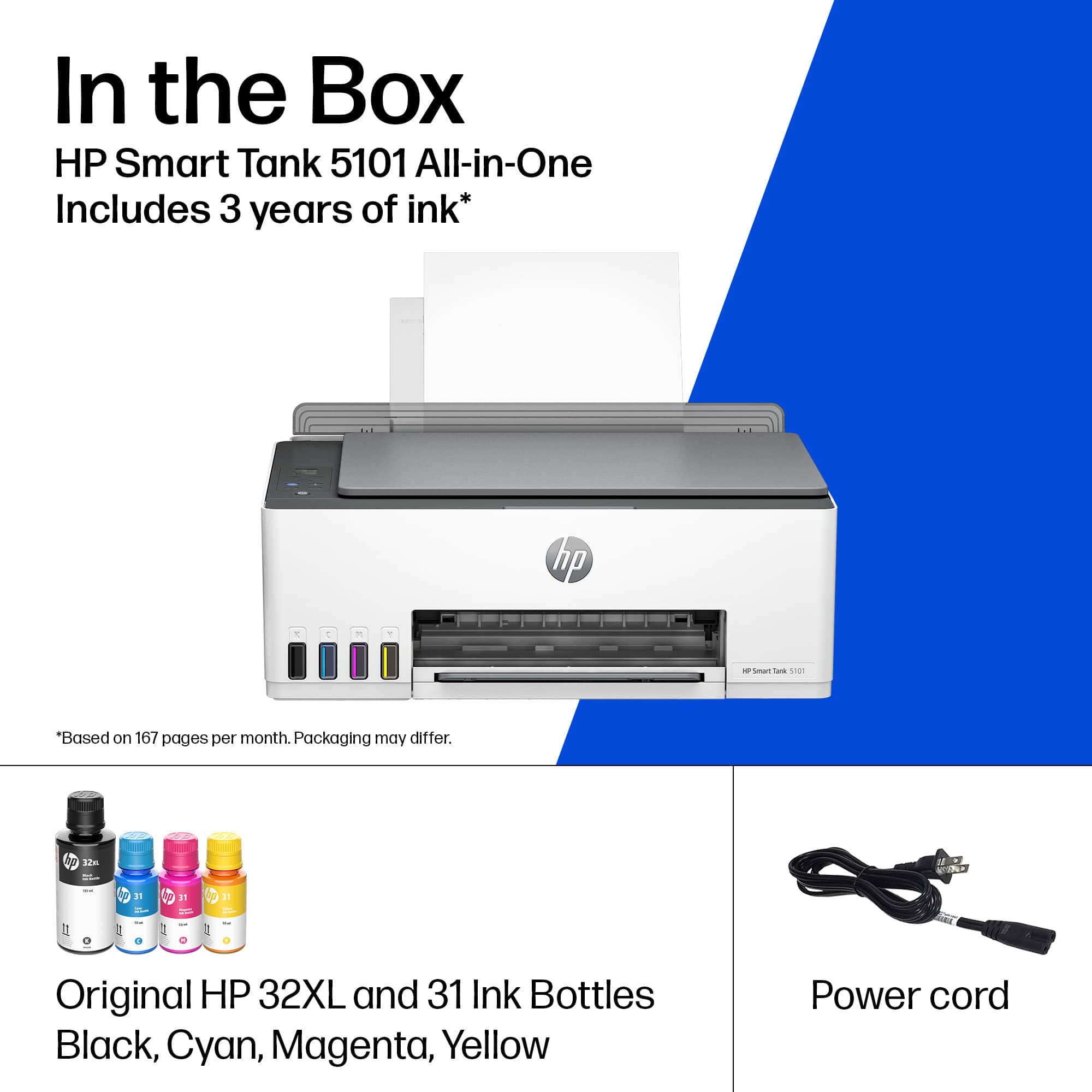
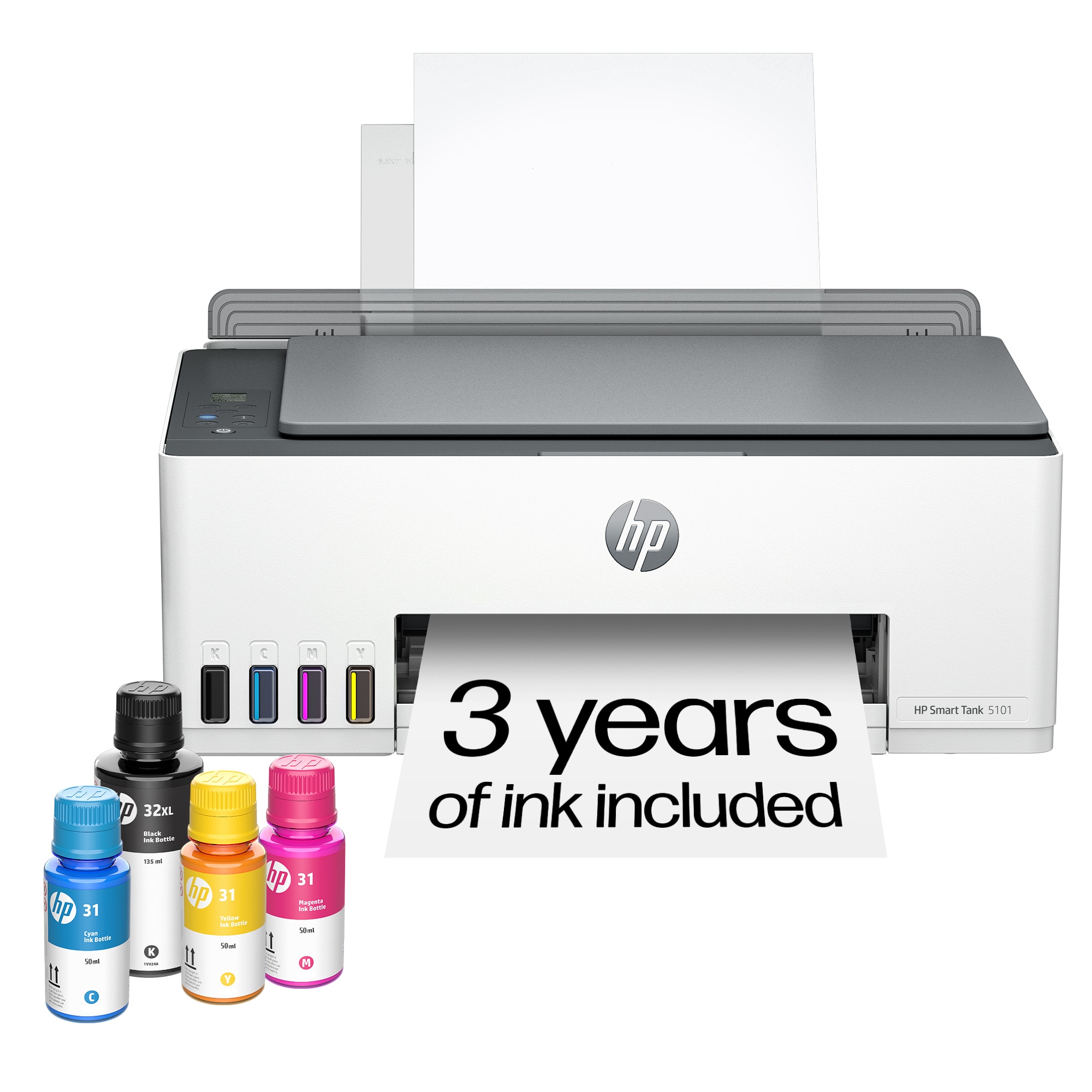
|Posted .This reviewer received promo considerations or sweepstakes entry for writing a review.HP Smart Tank 5101 is a smart wireless AIO inkjet printer that is suitable for the entire family. The setup is seamless using the HP app and following the instructions. This printer comes with four ink bottles that HP says should last up to 2 years of usage or up to 6000 pages. As an AIO, the printer does have the copy and scan functionality from anywhere using the HP app. There is a small display and physical buttons on top of the printer that can be used for quick printing options. The printer itself is pretty quiet when printing and smooth. The best part of the printer is that the ink refills are easy and spill free. You just plug the ink bottles into the tank, and let the printer refill the ink tank automatically. The printer doesn't have a paper tray. You will need to feed the papers at the rear of the printer. This also means you must manually flip the paper for two sided printing. Overall, this is a great compact printer for everyday home printing needs, and I would recommend it if you are looking to upgrade your existing printer or in the market for a new one.
I would recommend this to a friend - Pros mentioned:Print quality
Rated 4 out of 5 stars
A Solid Performing Printer For Home Use
|Posted .This reviewer received promo considerations or sweepstakes entry for writing a review.The HP 5101 Wireless All-In-One Supertank Inkjet Printer arrived nicely package and with no damage. After unpackaging it, removing all the cardboard and tape holding covers and other moving parts in place, I began the process of setting up this brand new ink-tank printer from HP. The software and pairing setup was quite easy using HP's Smart software which had to be installed on my desktop computer (or smartphone) before use. An account at HP also had to be setup. The HP 5101 is an all-in-one machine that prints, copies and scans in color and black and white and can produce borderless prints and perform mobile and wireless printing. The HP 5101 prints up[ to 12 pages per minute in black and 5 pages per minute in color. It is equipped with a self-healing WiFi that automatically detects and resolves connection issues when they occur. The HP Smart App allows printing, scanning and copying from a smartphone. This printer does not use traditional printer ink cartridges like most other printers. It has four ink tanks that are filled by the user from ink bottles that come with the printer and can be purchased when needed from HP or resellers. Original ink bottles get up to 6,000 color or black and white pages right out of the box and the printer tanks can be refilled using Hp's easy-access, spill-free refill system. It is mandatory that the printer be kept level to prevent ink from spilling. Before printing, print heads must be installed after the ink tanks are filled. It is easy to install the heads by following instructions found in the user manual. The HP 5101 does not use paper trays but requires paper loaded vertically at the rear of the printer with a pull out holder at the front to catch printed items. To print 2-sided requires the user to flip the first page and reinsert it in the rear paper holder then hit the print continue button for it to print page two on the back side of the sheet. This is a major waste of time if you print a lot of two-sided pages. Otherwise print single sheets and waste a lot of paper. I deducted one star from my rating for this inconvenience. All in all, I liked the quality of the prints and the large amount of pages that can be printed with this unique ink refill system. I would recommend this printer for home use provided the user doesn't need to do too many two-page prints.
I would recommend this to a friend - Pros mentioned:Ease of use, Print quality
Rated 3 out of 5 stars
Good but with flaws
|Posted .This reviewer received promo considerations or sweepstakes entry for writing a review.This is a good product, as you would expect from HP, but has by far the most glitchy performance I have experienced in my use of around 5-6 different HP printers in the last 4 years or so. I will keep this review short and point out quickly that if you use the Smart App, the set-up is really easy, though the physical steps required to set the printer out and the filling out the tanks, etc. are a bit time consuming. But that is not unexpected. Without a dedicated feeder and tray, it may not be able handle gargantuan amounts of work and thus maybe a nice addition to only the home, and perhaps not for an office. The print quality is good and you can change the setting according to your liking. HP, in my honest opinion, has been quite consistent with connectivity consistency. But, this one has acted weird with consistent connections, ever since my set-up. After following all the required set-ups and subsequent test prints, it is failing to connect and accept print requests, maybe 3 out of every 5 attempts. After fiddling around with the set, the only thing that has worked, again not always, has been the good-old fashioned reboot attempts. I have two HP printers set up in my home at present. The other one has displayed no such tendencies and has been a smooth operator (ask Sade). But this one is a giant pain and I hesitate to give it a great review because of it. Maybe it’s just this one; I sincerely hope so. I may be able to solve the problem by going all techie but then again not everyone can and someone who just wants a peaceful experience with fairly expensive product should not have to jump through over hurdles to make it work with hiccups. On another note, the screen is just unreadable at times. Sorry, HP. I have been a big fan over the years and I hope this is just a sole exception.
No, I would not recommend this to a friend - Pros mentioned:Print quality
Rated 4 out of 5 stars
Compact All in one printer with limitation
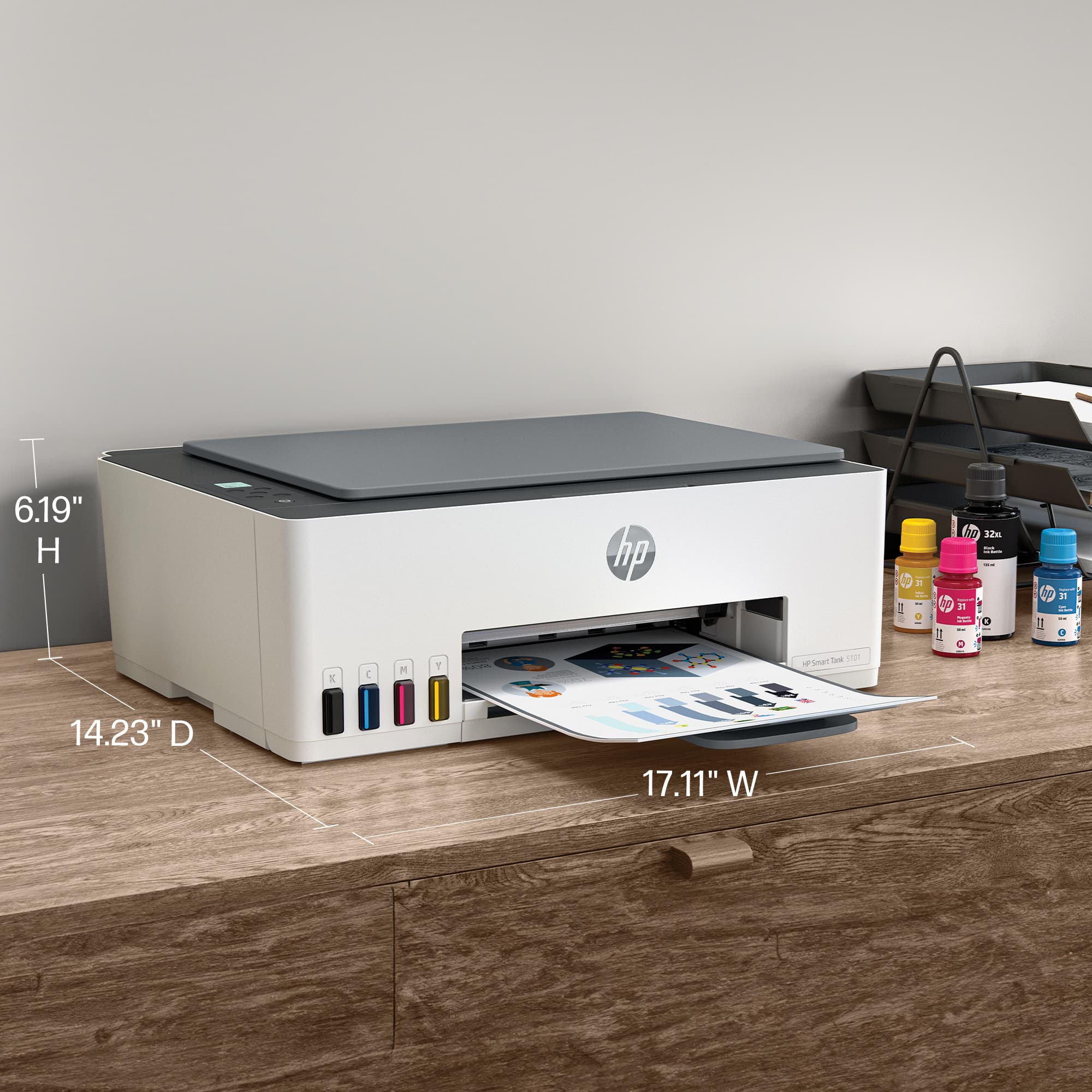
|Posted .This reviewer received promo considerations or sweepstakes entry for writing a review.If you are in need for a simple All in One printer this is a good choice. Its compact and light and gets the job done. However, there are some limitations that show up after a few uses that I cant get over. For my usage I don’t think I would recommend this All in One printer. But for some who don’t need all the bells and whistle this will be good. Few example, auto feed scanning tray it doesn’t have. Pros - Compact design fits on desk seamlessly - Refillable ink with black ink left over - Replaceable printer head (maybe this is where HP will charge more instead of the ink) - Paper loads in the back and tray can be closed into printer - Print quality solid. Con - Duplex printing or scanning (front and back) is a manual process. Paper needs to be placed in printer or scanner again - Scanning more than 5 pages can be chore and frustrating. - App takes a long time to recognize scanner on laptop. I’ve tested on 3 different devices - Printing or scanning is slow, but not that slow. About 20 seconds for a page - HP Scanner App has option to scan with phone and is pushing that option. Then what is the scanner for ?
I would recommend this to a friend - Pros mentioned:Print quality
Rated 5 out of 5 stars
Last printer you will ever need
|Posted .This reviewer received promo considerations or sweepstakes entry for writing a review.So were to start with this printer. This is not one of the olden day printers so. So easy to set up with the HP Smart App you basically follow the prompt and you will have it up and running in no time flat. The second best thing is the print quality and speed are phenomenal. I was impressed with the amount of ink you get. It doesn't come with a measly amount so you only get out 25 pages of printed paper, No it comes with depending on your settings 2 years of ink. So its not a printer that you open print a few pages and need to run to the store and buy more ink no it comes with enough to last about 2 years. Now if you are printing on the highest quality then obviously its going to use more ink, but for the regular family the ink will last about two years. It's an all in one so yes copy, scan, print it does it all. The smart buttons are a nice touch to help guide you through the tasks you need to do to get that great quality print you have come to expect with an HP printer. It also has an option i have never seen on a printer called self healing wifi so from what i am understanding say you lose your internet connection it will automatically re connect itself you your wifi so you don't have to re set it up like most printers. Makes it nice if you need to move the printer unplug it re hook it to power it does the rest. It has a few features you only find in more expensive printers like auto on and off power. So if the kids print something and forget to turn the power off guess what , yes it shuts itself off and when you go to print something no messing with a power switch it powers on automatically once you send the print. I'm actually very impressed with all the features this printer has and more than likely this will be the last printer you ever need.
I would recommend this to a friend - Pros mentioned:Print quality
Rated 4 out of 5 stars
High capacity ink, but low paper capacity
|Posted .This reviewer received promo considerations or sweepstakes entry for writing a review.I do a lot of printing for my home based small business, and the worst part is keeping up with the ink cartridges. The HP Smart Tank checks one more to-do off my list. The ink containers hold enough for up to 6000 pages. I've printed about 50 black and white pages and about 20 color and the all is showing that I still have full bottles of ink, so I'm hopeful. My biggest negative is that there's no paper tray, just a feeder that doesn't hold much paper, which means I have to stop and restock the paper more frequently. Also, there's no double sided copy capability. Each side has to be put through the feeder separately. I don't copy a lot of documents, but it's something to be aware of if you need that capability. Print quality is very good for work documents and customer invoices. Connecting to both my computer and my Android phone was easy in the HP app. I did have an issue where it would lose connection with my phone, but I uninstalled the app and reinstalled it and I havent had any more issues.
I would recommend this to a friend - Pros mentioned:Print quality
Rated 4 out of 5 stars
Reasonably Priced Solution
|Posted .This reviewer received promo considerations or sweepstakes entry for writing a review.HP has a long, storied history of inkjet printers. I have had several of them, but had since moved on to the more costly color laserjet line. Why? Well, ink cartridges have always been a pain if you were doing any volume of printing above the occasional shipping label or photo. The biggest downside to inkjet until now. This printer takes a different approach by utilizing a holding reservoir that you fill as needed. The reason this is a plus over the individual cartridges is that the reservoir can hold considerably more ink and allows for far less time consumed playing the ink changing game. The ink supplied is supposed to last two years according to HP, but I have no way to know just how true that claim is. Time will tell I suppose, but past cartridges and prematurely dried ink leave me a tad skeptical. Enough about the ink, this printer outputs great color photos, documents, and just about anything else you can throw at it. The one downside is the lack of double-sided printing I have become accustomed to with my laser printer. I can only assume that is because the ink must dry first. Overall, text was sharp and I experienced no runs or paper jams so far. The scanner is a simple flatbed so no document feeder or double sided scanning, but if you are only needing the occasional scan this will do the trick. Great color, resolution, and speed with my Mac over wifi. Overall, this printer solves one of the biggest issues with inkjet, well, in theory anyways. Time will tell as to how durable it truly is as liquids and mechanical equipment can provide mixed results. Time in between prints could cause clogging issues as ink could dry. Not to mention the overall mechanics of the inkjet having to go back and forth across the paper to print. All I can say is that in the three weeks I have been using it, it has worked like a charm.
I would recommend this to a friend - Pros mentioned:Print quality
Rated 4 out of 5 stars
Good Printer to do mostly everything you need.
|Posted .This reviewer received promo considerations or sweepstakes entry for writing a review.Overall the printer delivers as advertised. Its paper tray could definitely use more room to hold more paper. While set up was not rocket science, it wasn't a walk in the park either. I ran into a few issues installing the print heads as the second head would not stay locked in place, after about five attempts it finally stayed in place. Filling the ink reservoirs went pretty easy although since you receive more black ink than what the tank holds, you may experience a small spill or some drops as you try to avoid over filling. One feature that stood out was the Hp "self healing WiFi", I caused my WiFi to drop out several times and each time the printer reconnected itself without prompting. The initial alignment and test page will be your first page out and you will also need to run a scan to complete the alignment. I printed a few papers to test the how the text would look and everything was clean and clear, I tried several different fonts to make sure and all of them were spot on. Set Up with the App was very easy and I had no issues with that at all. The printer isn't huge and won't take up a terrible amount of space on an executive sized desk, but you will know its there.
I would recommend this to a friend