Customer Ratings & Reviews









- Model:
- SMART TANK 7001/28B49A#B1H
- SKU:
- 12235435
Rating by feature
- Value
Rating 4.2 out of 5 stars
- Quality
Rating 4.4 out of 5 stars
- Ease of Use
Rating 4.2 out of 5 stars
Customers are saying
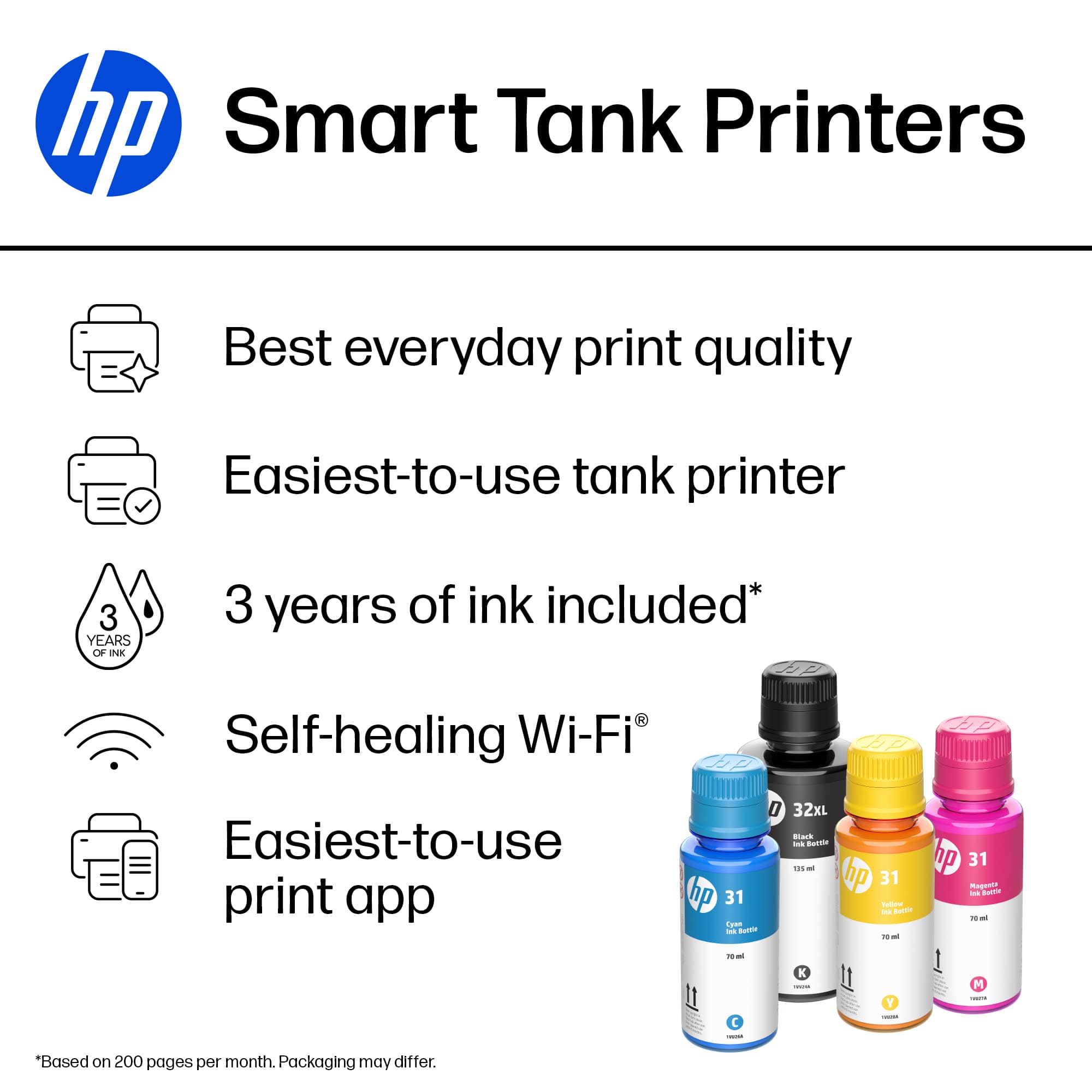
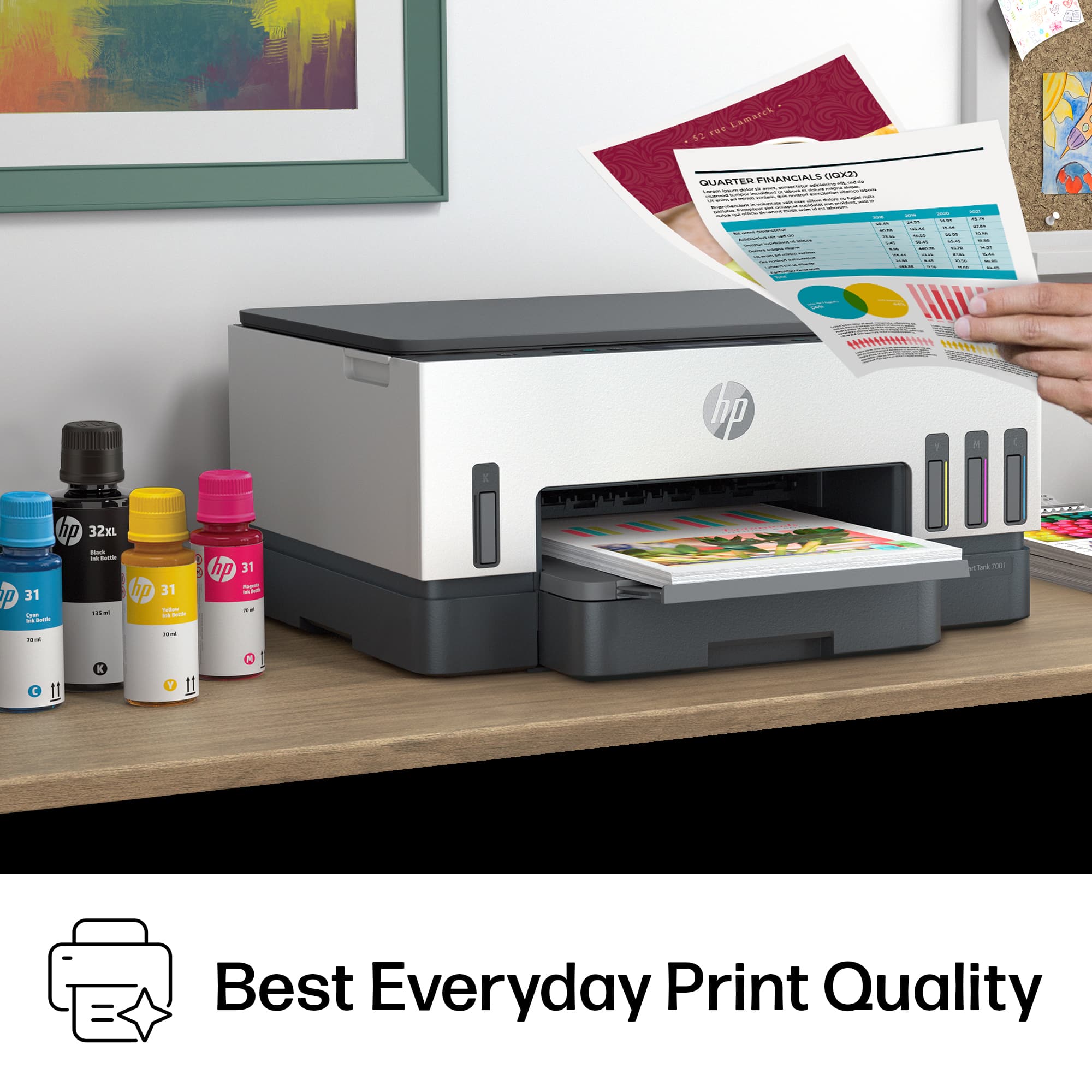
Customers have good things to say about the product's excellent print quality, ease of use, and straightforward setup. They also appreciate its overall performance, minimal noise level, and compact size. However, some customers have expressed concerns regarding the paper tray's ease of access, the product's price, and occasional connectivity issues.
This summary was generated by AI based on customer reviews.
HP Printer
||Posted . Owned for 1 month when reviewed.This reviewer received promo considerations or sweepstakes entry for writing a review.Really like HP products except for this one. I had trouble linking the printer to my Mac it never synced up had to return
No, I would not recommend this to a friendDecent printer
||Posted . Owned for 1 week when reviewed.This reviewer received promo considerations or sweepstakes entry for writing a review.Nothing special. I thought it would be faster. I had problems connecting but my wife did not. Made no sense but whatever.
No, I would not recommend this to a friendBuy another printer
||Posted . Owned for 1 month when reviewed.This reviewer received promo considerations or sweepstakes entry for writing a review.The printer doesn't work consistently. Sometimes when given the print command, it turns on automatically and prints. The rest of the time it doesn't print even when the printer is on. It computer gives the message that it can't connect to the printer even though the wifi is 3 set away.
No, I would not recommend this to a friendCopier
||Posted . Owned for 1 month when reviewed.This reviewer received promo considerations or sweepstakes entry for writing a review.Its too complicated. Still trying to get the hang of it. Our internet in Manor Tx. Is horrible.
No, I would not recommend this to a friendWorked for 10 days
||Posted . Owned for 2 weeks when reviewed.This reviewer received promo considerations or sweepstakes entry for writing a review.The printer was printing blank pages after 10 days. I tried changing the font colors of a document because i was thinking that the black printhead was the only one affected or clogged, but it still prints blank pages. I tried deep cleaning it 4 times but it did not do anything. Returned the item while it was still in the 14 day return time frame and bought anlaser printer on sale. Took me 2 hours to install it on a mac bec it wont pair with my wifi
No, I would not recommend this to a friendSpend more, save headaches
||Posted . Owned for 1 year when reviewed.This reviewer received promo considerations or sweepstakes entry for writing a review.It worked for a few weeks. Now it ALWAYS says paper size mismatch. I did EVERYTHING, and it will not print. The TINY LED screen doesn't back light at all.
No, I would not recommend this to a friendPrinter Worked with the Correct Printhead
||Posted . Owned for 2 months when reviewed.This reviewer received promo considerations or sweepstakes entry for writing a review.The printer worked well after a month. I accidently removed the magnetic tape on the tri-color printhead and I couldn't find the correct size of the printhead. I finally made a call to the technician and he sent the correct size of printhead for my printer.
I would recommend this to a friendI wouldn’t recommend this item
||Posted . Owned for 1 month when reviewed.This reviewer received promo considerations or sweepstakes entry for writing a review.Horrible printer. I need to change my internet password and there’s no way to do it. Seems like something that should be easily done but no. Everything is done through an app which is not user friendly and of course there’s no way to get a live person on the phone for help. They tried to do too much with attaching this to an app. I left Epson for this upgrade and regret doing so.
No, I would not recommend this to a friendIncorrectly detects paper size
||Posted . Owned for 5 months when reviewed.This reviewer received promo considerations or sweepstakes entry for writing a review.This printer worked well for about 4 months. One day it decided to stop printing and gave a paper size mismatch error. Our printer had 8.5x11 paper loaded, but detected it as 4x6 paper and would only print a 4x6 area of the 8.5x11 paper. While it seems like a nice feature to automatically detect paper size, I wish that I could just set it manually so my printer still worked.
No, I would not recommend this to a friend- Pros mentioned:Print quality
Great printer
||Posted . Owned for 1 week when reviewed.This reviewer received promo considerations or sweepstakes entry for writing a review.it is a great printer and amazing price and clear quality of the copies
I would recommend this to a friend Good printer but no scanning function
||Posted . Owned for 3 weeks when reviewed.This reviewer received promo considerations or sweepstakes entry for writing a review.The printer works fine and the ink "tank" maybe great. However, to activate the scanner an app from HP is required. So far I have not been able to make this work. If scanning is important for you this may not be the right printer.
No, I would not recommend this to a friendBrand response from HP Team
Posted .Hi, George.
I’m sorry that you’ve encountered difficulty with your printer’s scanning feature. It’s no surprise that this would be a great disappointment. I want to help you get the scanner working to your satisfaction, so I’ll direct you to some resources I hope will reach that end.
First, I recommend you visit a page on our support site that covers setup and installation of all your printer’s features using the HP Smart App. It also includes links to resources such as videos, a diagnostic tool called the Print & Scan Doctor, and virtual agents if you need more help. Find that page here:
- support.hp.com/us-en/printer-setup/hp-smart-tank-7000-series/2100178735
You might also gain useful information from a guide to scanning with HP printers you’ll find on our support site. It includes instructions for various desktop and mobile operating systems as well as an FAQ section. Find that here:
- support.hp.com/us-en/document/ish_2275901-2074064-16
If the scanner still doesn’t work, I suggest that you contact us directly at +1 800-474-6836 so we can help you assess what’s happening and find a solution. To expedite the process, I recommend gathering the following information before the call:
- Model number
- Serial number
- Your location
- Case number (from any previous contact with HP support)
Keith
HP Care
hp.com/support
- Pros mentioned:Print quality
Best printer
||Posted . Owned for 3 weeks when reviewed.This reviewer received promo considerations or sweepstakes entry for writing a review.Love the tank! Hardly uses ink…most economical printer ever!
I would recommend this to a friend HP Printer
||Posted . Owned for 9 months when reviewed.This reviewer received promo considerations or sweepstakes entry for writing a review.First I have to return it 2 times because the printer was not printing. Then the 3rd one I bought stop printing after 3 months.
No, I would not recommend this to a friendFair
||Posted . Owned for 1 month when reviewed.This reviewer received promo considerations or sweepstakes entry for writing a review.The printer is fair. It does work however it looses connection to the Wi-Fi which is very frustrating. Other than that it works well.
No, I would not recommend this to a friendBrand response from HP Team
Posted .Hi, Cody.
Thanks for the review and feedback. While I’m glad your printer works well when it’s connected, I’m sorry that it has not remained connected reliably. It’s easy to understand why you’re disappointed here. I want to help you get the device working to your satisfaction. I hope the resources below lead you to that end.
First, I recommend you visit a page on our support site that has diagnostic tools for various issues, including wireless connectivity. You can find that page here:
- support.hp.com/us-en/topic/diagnostics
You can also find troubleshooting guides specific to your printer, including ones on connectivity, in addition to user manuals, how-to documents and software updates here:
- support.hp.com/us-en/product/hp-smart-tank-7000-series/2100178735
If the problem persists, I suggest that you contact us directly at +1 800-474-6836 so we can help you assess what’s happening and find a solution. To expedite the process, I recommend gathering the following information before the call:
- Model number
- Serial number
- Your location
- Case number (from any previous contact with HP support)
Keith
HP Care
hp.com/support
Data collection is bad
||Posted . Owned for less than 1 week when reviewed.This reviewer received promo considerations or sweepstakes entry for writing a review.You have to register for an account with HP to print, scan, fax, etc. with the app that is shoveled at you on every other page of the manual because apparently paying exorbitant amounts of money for printers with planned obsolescence and overpriced ink isn't enough.
No, I would not recommend this to a friendOnly scans one page at time
||Posted . Owned for 8 months when reviewed.This reviewer received promo considerations or sweepstakes entry for writing a review.I tried to work with this printer. The problem is you only can scan one page at a time. Obviously this is not good for big jobs for a small business.
No, I would not recommend this to a friend- Pros mentioned:Ease of use, Print qualityCons mentioned:Price

Great long term value
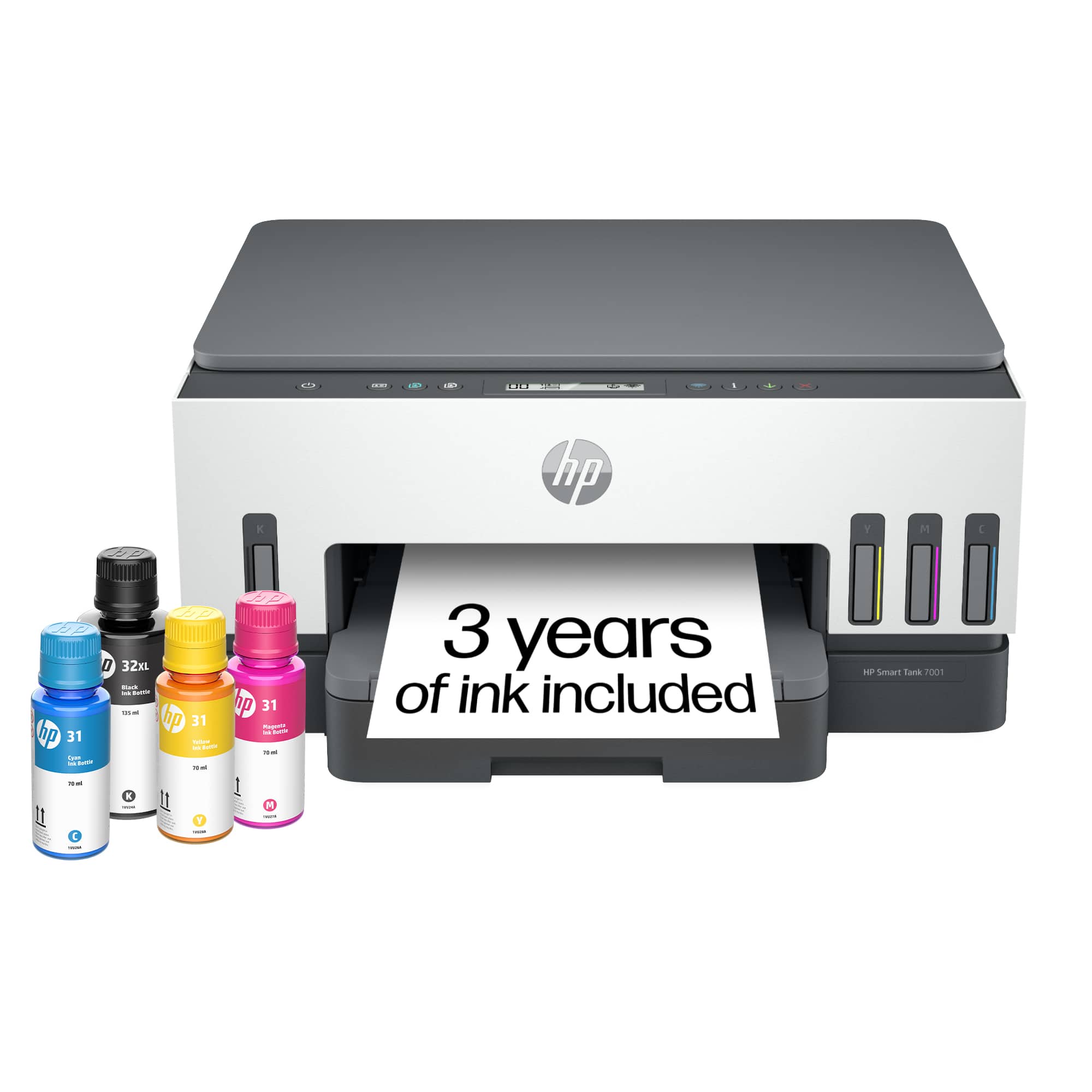
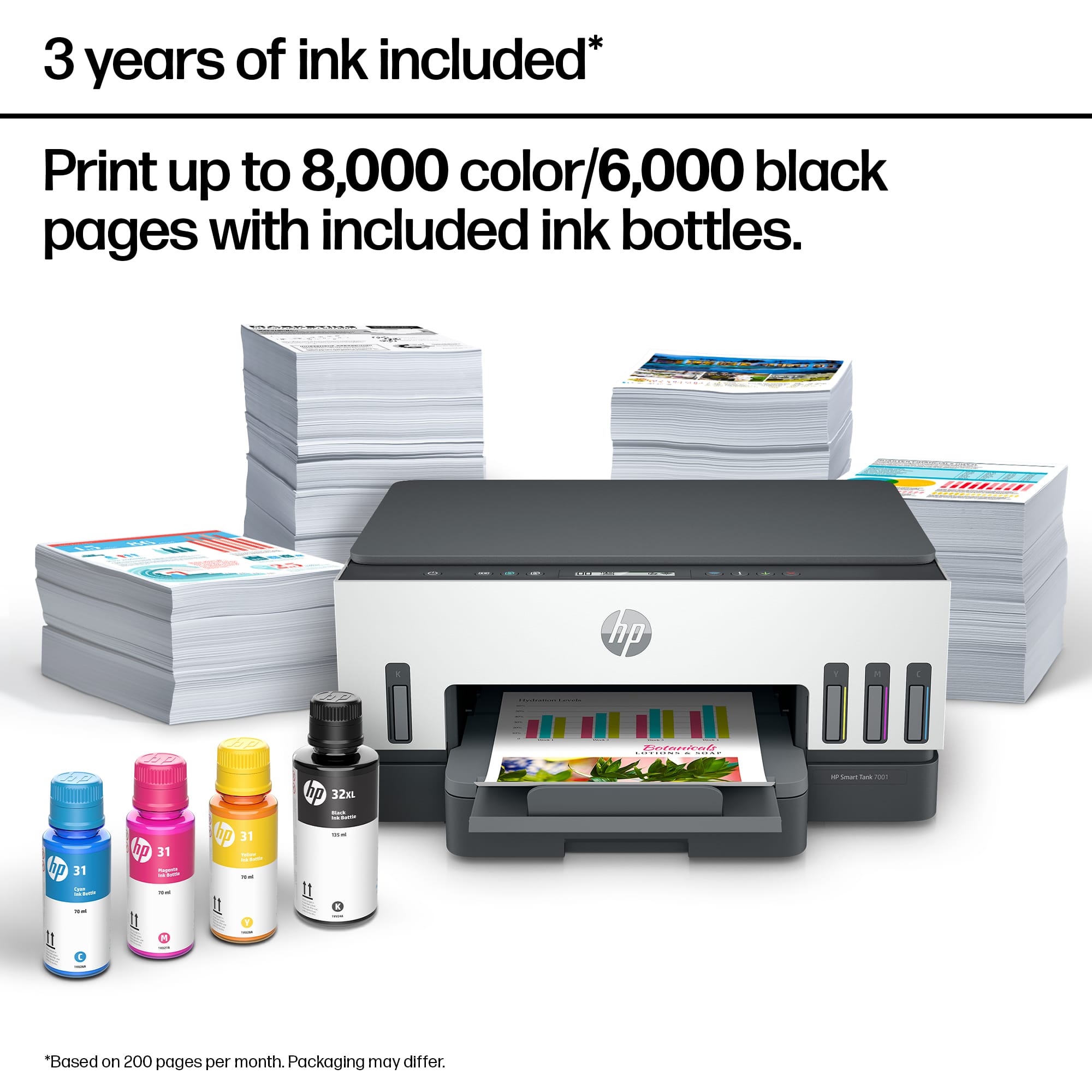
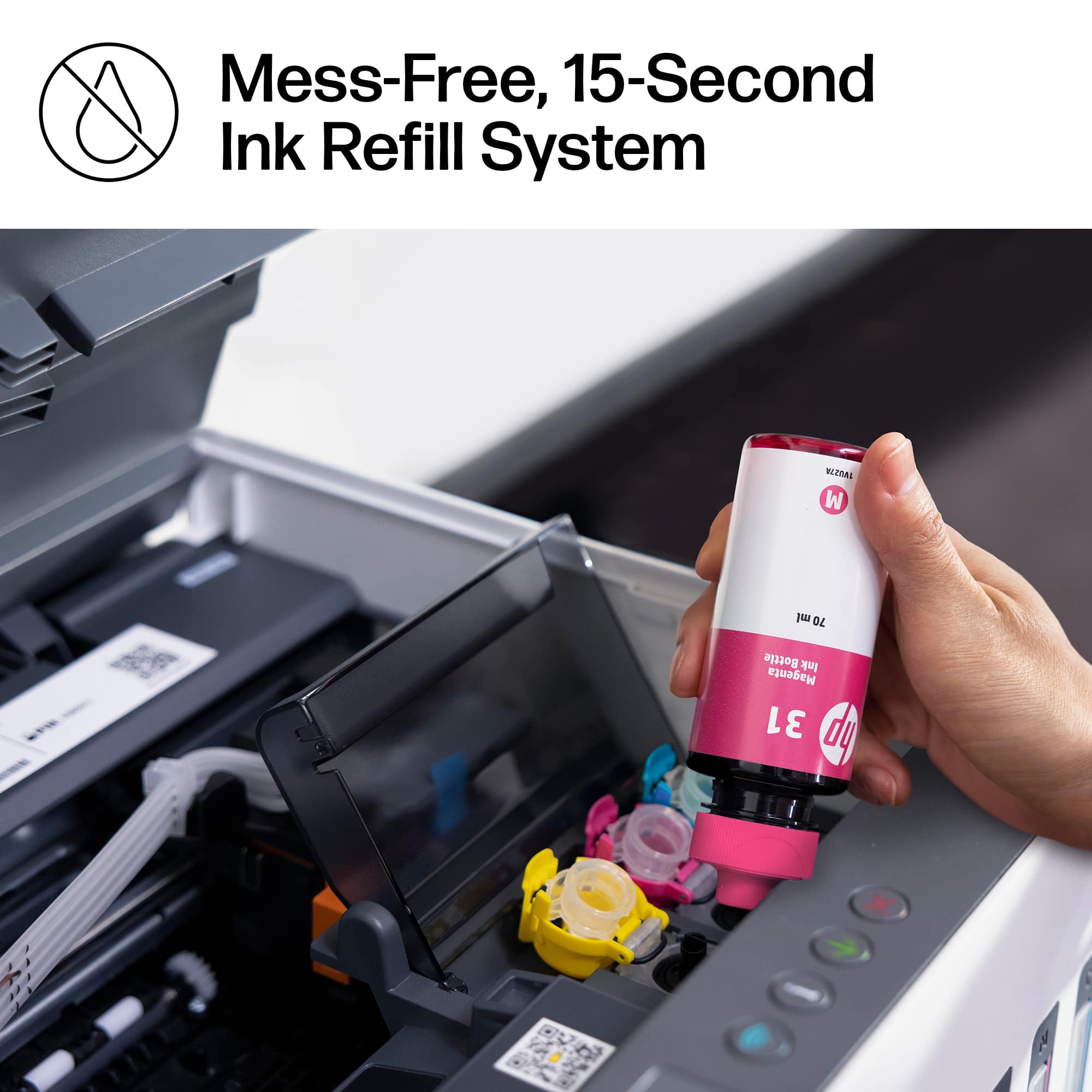
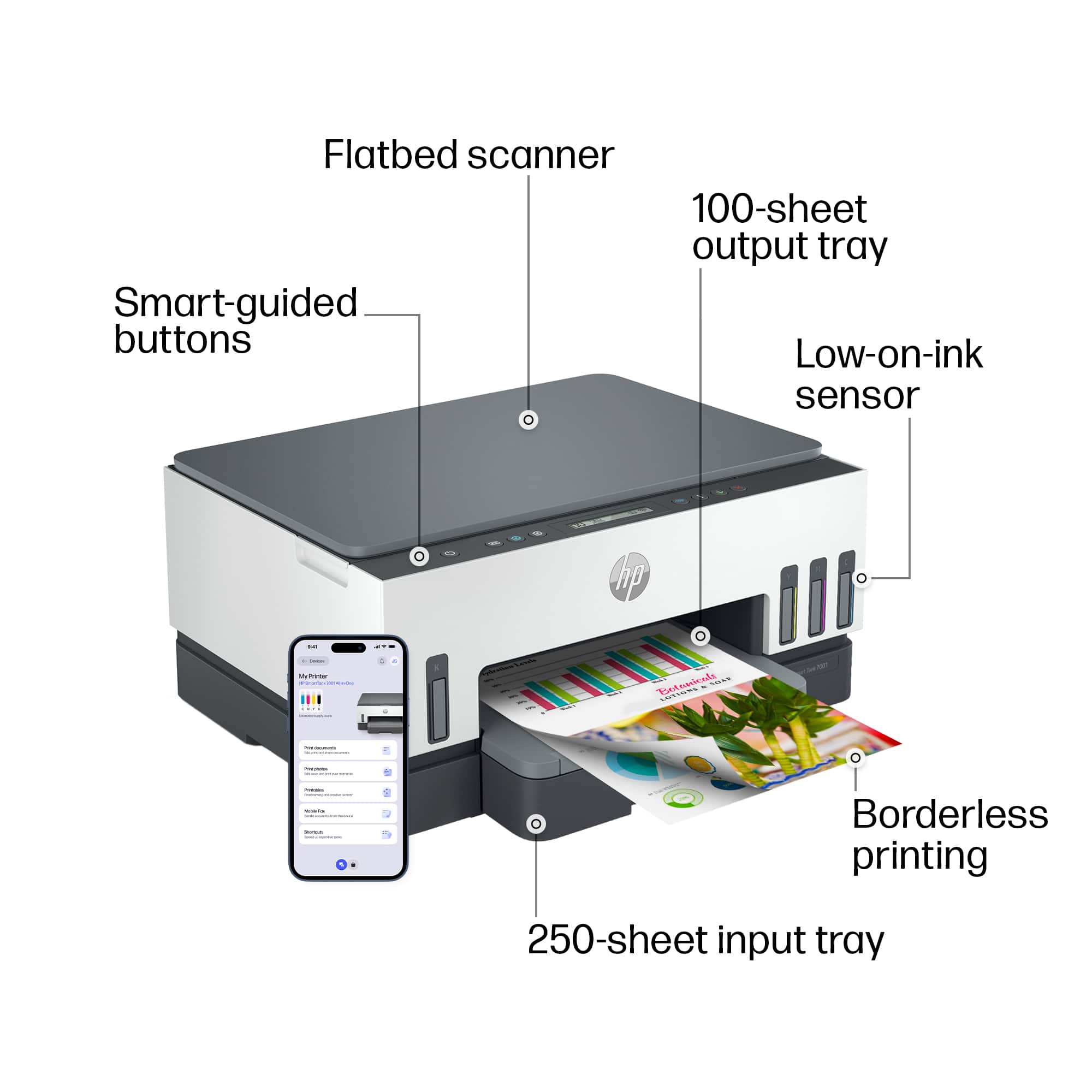
|Posted .This reviewer received promo considerations or sweepstakes entry for writing a review.HP makes some good stuff. I've got several laptops and printers made by them but I'm very put off by them forcing you to buy their expensive printer cartridges and toner cartridges. I do buy generic but that comes with a lot of trade offs. I do think the tank system is a much more economical solution. A set of ink refill bottles are only a bit over $60 and will yield about 8000 printed pages compared to a set of standard printer cartridges that can run a bit more and yield about 300 printed pages. Setup was a breeze with a smartphone app. The app walks you through each step, helps you connect the printer to your wifi and instructs you on how to fill the ink reservoirs and install the print heads. I was up and running and connected to my wifi in about 15 minutes. While I would have preferred a document feed scanner this scanner bed model will suit most of my needs. The app even instructs you during setup how to calibrate the scanner. Easy stuff. The beauty of this printer is that you have a clear visual on how much ink you have in each of the reservoirs. You can easily judge when you need to purchase one or many of the ink refill bottles. Heck, the ink that comes with the printer fills each of the reservoirs unlike most cartridge printers being supplied with "sample" cartridges that will get you a fraction of printed pages as compared to the standard cartridges. I'm anxious to see how long in printer shelf life is on the tank ink/print heads. Prints are of of very good quality, photos print crisp. This will be a good all around utility printer when I don't need my color laser. I'm not sure about the price point of $399 for this printer though. It might be a better value a bit cheaper... maybe $50 to $100 off as there are plenty of cartridge all in one printers out there that are cheap enough to justify the cost of cartridges but I can see this as a good long term investment.
I would recommend this to a friend Worst Experience With HP
||Posted . Owned for less than 1 week when reviewed.This reviewer received promo considerations or sweepstakes entry for writing a review.We are Epson users but they only had this in stock so we thought we’d try it out, took us 3 days to try to set it up and HP support was the worst. We are now about to return it, if you are planning on buying it will probably be a good product as the ink is really cool but our experience was really bad.
No, I would not recommend this to a friend- Pros mentioned:Print quality, Setup
Excellent Excellent Excellent
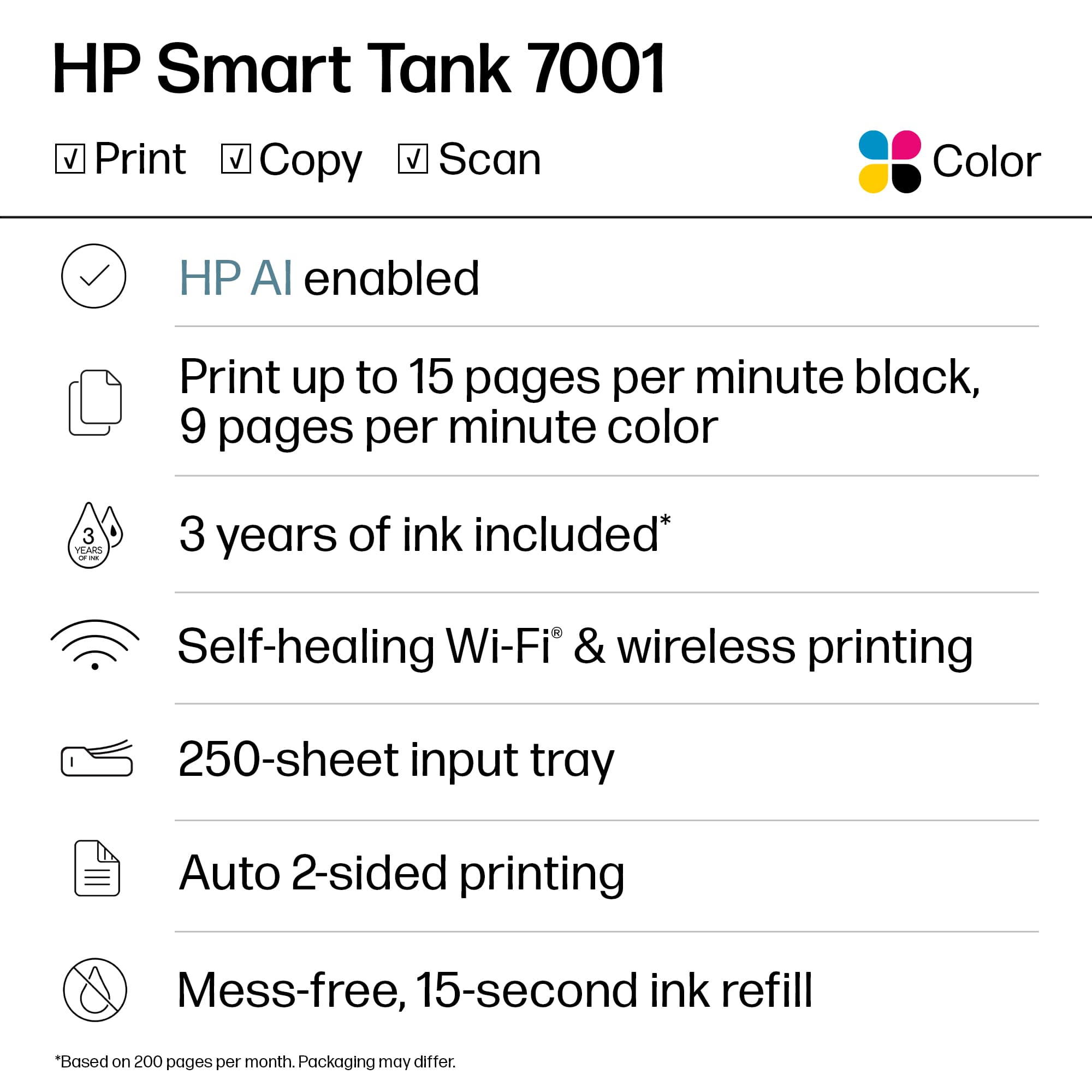
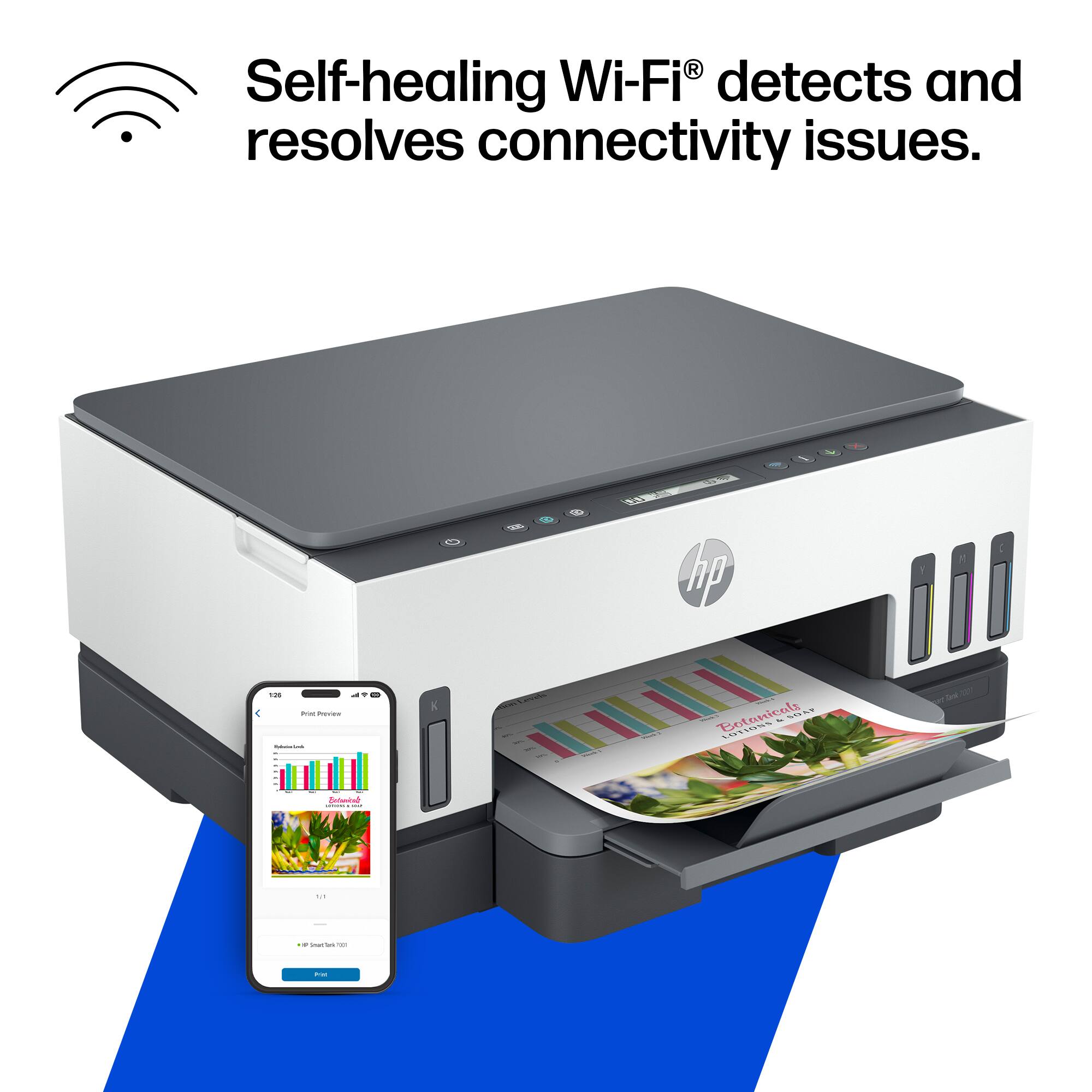
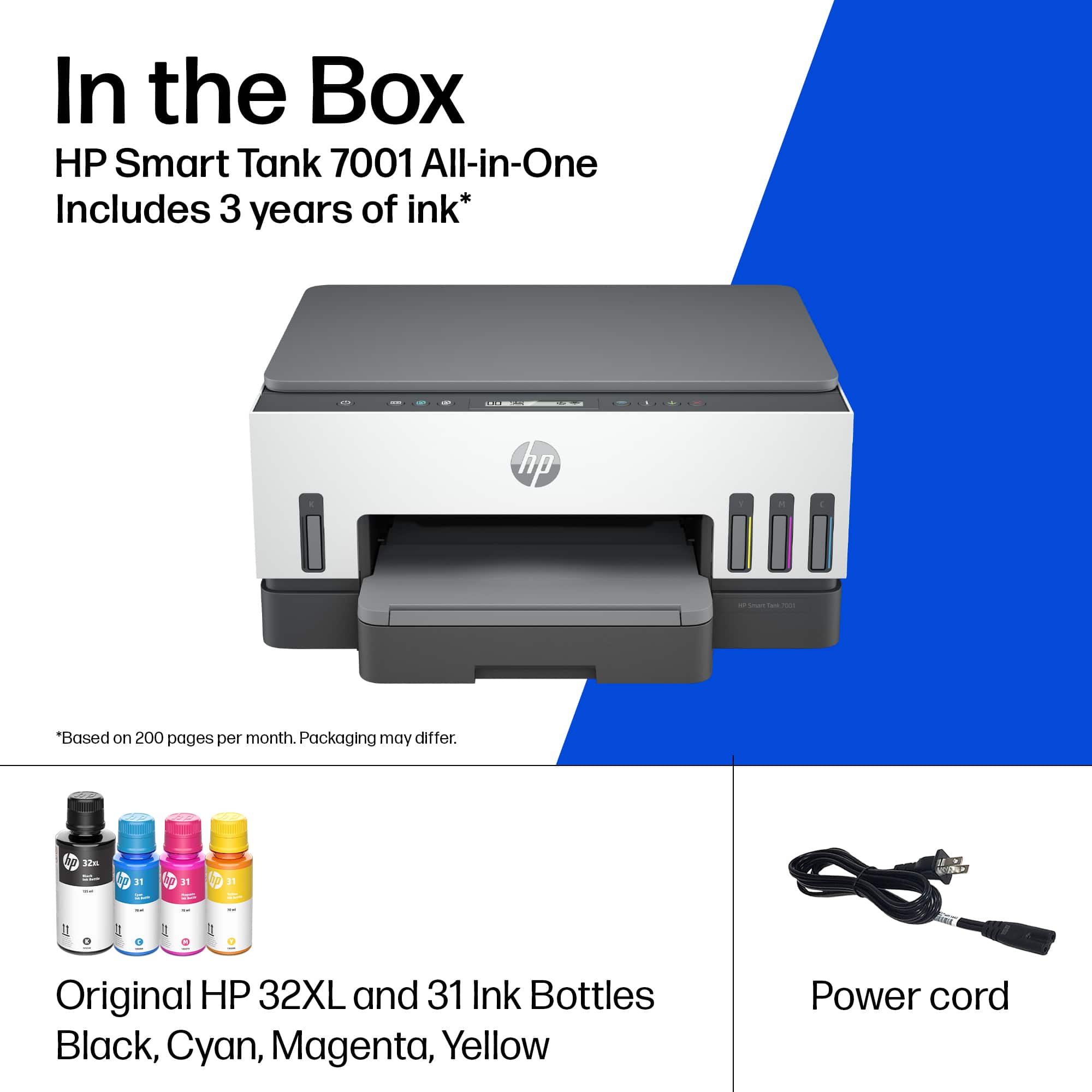
|Posted .This reviewer received promo considerations or sweepstakes entry for writing a review.Just received my HP Smart Tank 7001 Wireless All-In-One Printer a few days ago and have been putting it through its paces. The HP Smart Tank 7001 is a beast. First off, this printer comes with ink bottles (black, yellow, magenta, & cyan) and ink cartridges (tricolor, and black). It's the first printer I've seen to have both the ink tanks and printer head cartridges. Setup and install was easy as pie. Just plug the cord in and follow along step by step via the HP Smart app from the App Store for iOS or the Google Play Store for Android. Total time to setup was about 15 minutes if that. I recently tested out another brand, which will remain nameless and this HP Smart Tank 7001 Wireless All-In-One Printer blows it out of the water. The print quality from my documents to pictures printed off of my phone were amazing. This so far ranks up there to being one of the best printers I've used in a long time. And the fact that it comes with the ink tanks and the ink cartridges should mean you will have plenty of ink for quite awhile (depending on how much you print and the what you have the settings, i.e. print quality set as). I do wish the control panel setup on the printer was laid out a little better. But its simple and easy to use. I do wish the display was larger but it displays all the information you need. One this I noticed that if you need to print more than one copy that you have to hit the color/bw button over and over (from the printer). I tried holding down the button to see if it would move up one but it wouldn't. Still this is a great printer.
I would recommend this to a friend Poor performance
||Posted . Owned for 8 months when reviewed.This reviewer received promo considerations or sweepstakes entry for writing a review.This printer stopped working after about 4 months. It has at least one problem with the wifi connection. It will not print.
No, I would not recommend this to a friend