Customer Ratings & Reviews








- Model:
- SMART TANK 7001/28B49A#B1H
- SKU:
- 12235435
Rating by feature
- Value
Rating 4.2 out of 5 stars
- Quality
Rating 4.4 out of 5 stars
- Ease of Use
Rating 4.2 out of 5 stars
Customers are saying
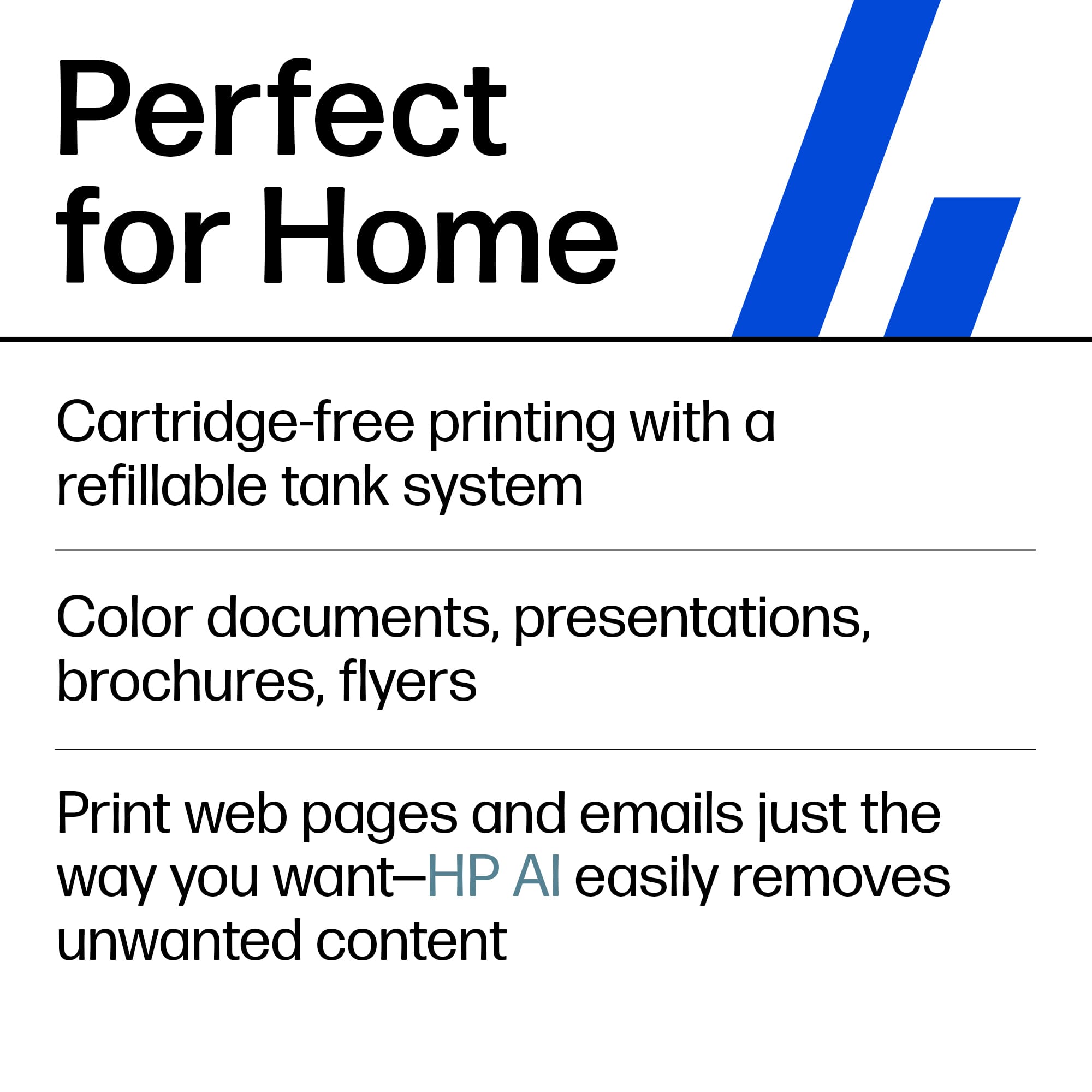
Customers have good things to say about the product's excellent print quality, ease of use, and straightforward setup. They also appreciate its overall performance, minimal noise level, and compact size. However, some customers have expressed concerns regarding the paper tray's ease of access, the product's price, and occasional connectivity issues.
This summary was generated by AI based on customer reviews.
Love this Printer
||Posted . Owned for 1 month when reviewed.This reviewer received promo considerations or sweepstakes entry for writing a review.Excellent Printer Auto 2-side print easy to set up
I would recommend this to a friend- Pros mentioned:Print quality, Setup

No More Ink Cartridges
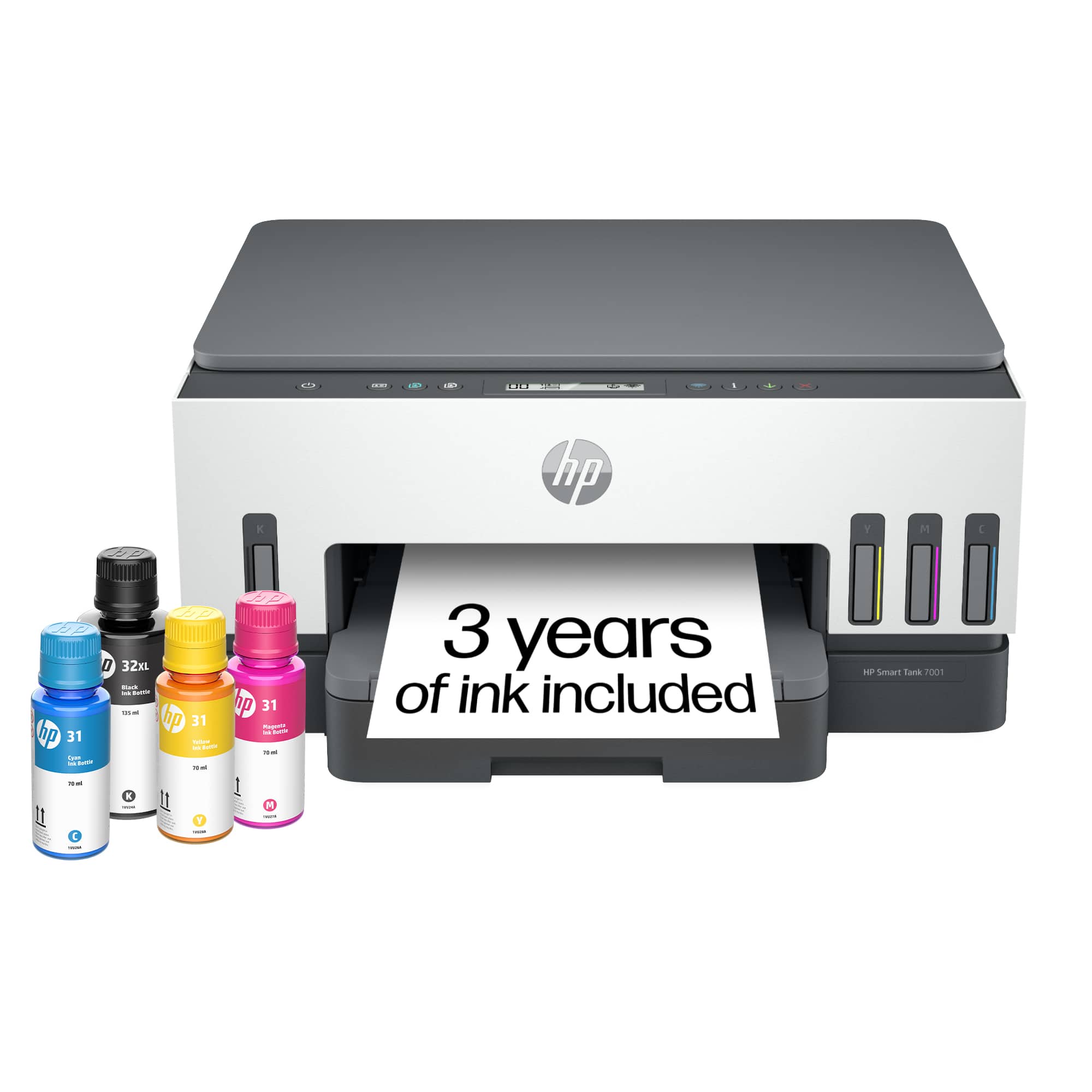
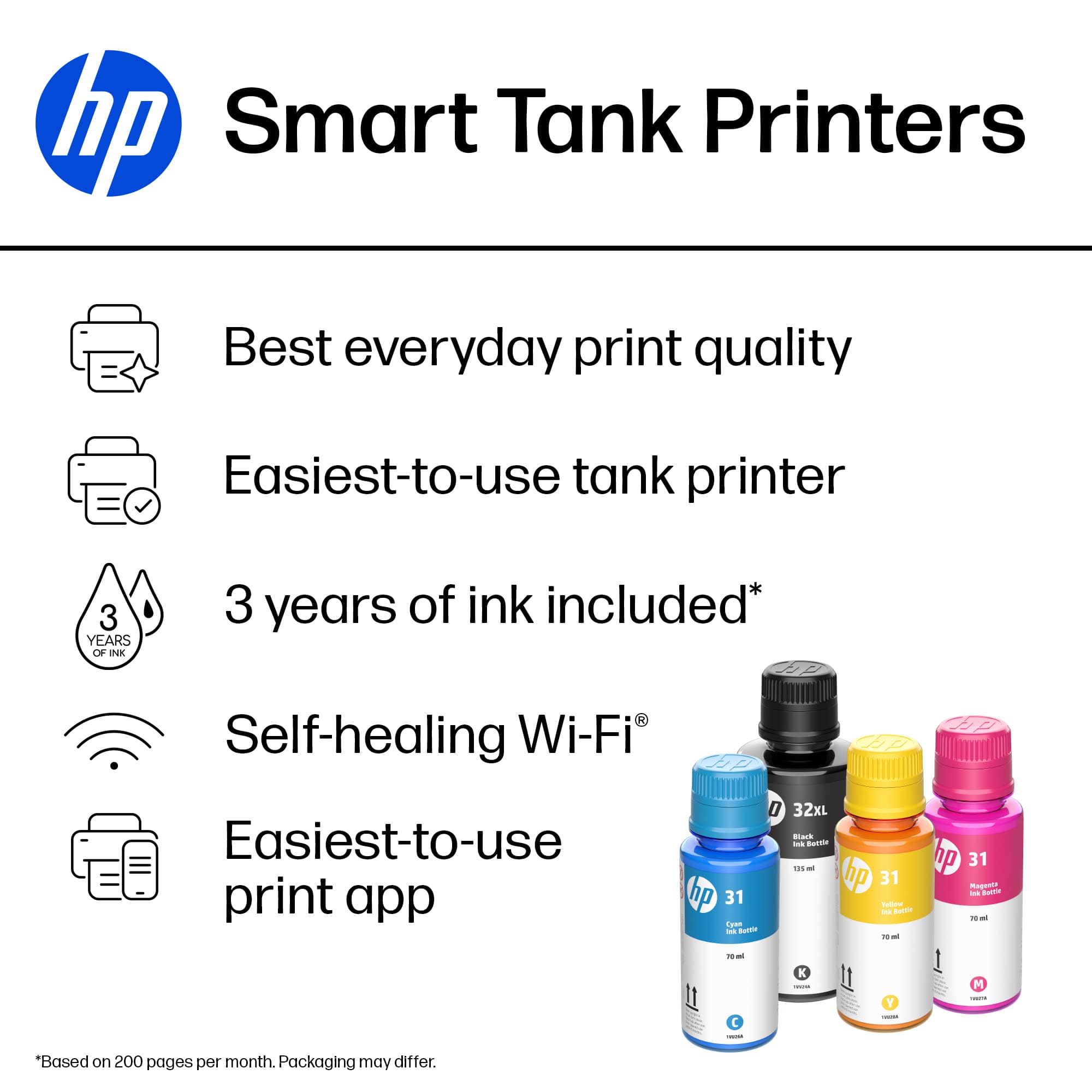
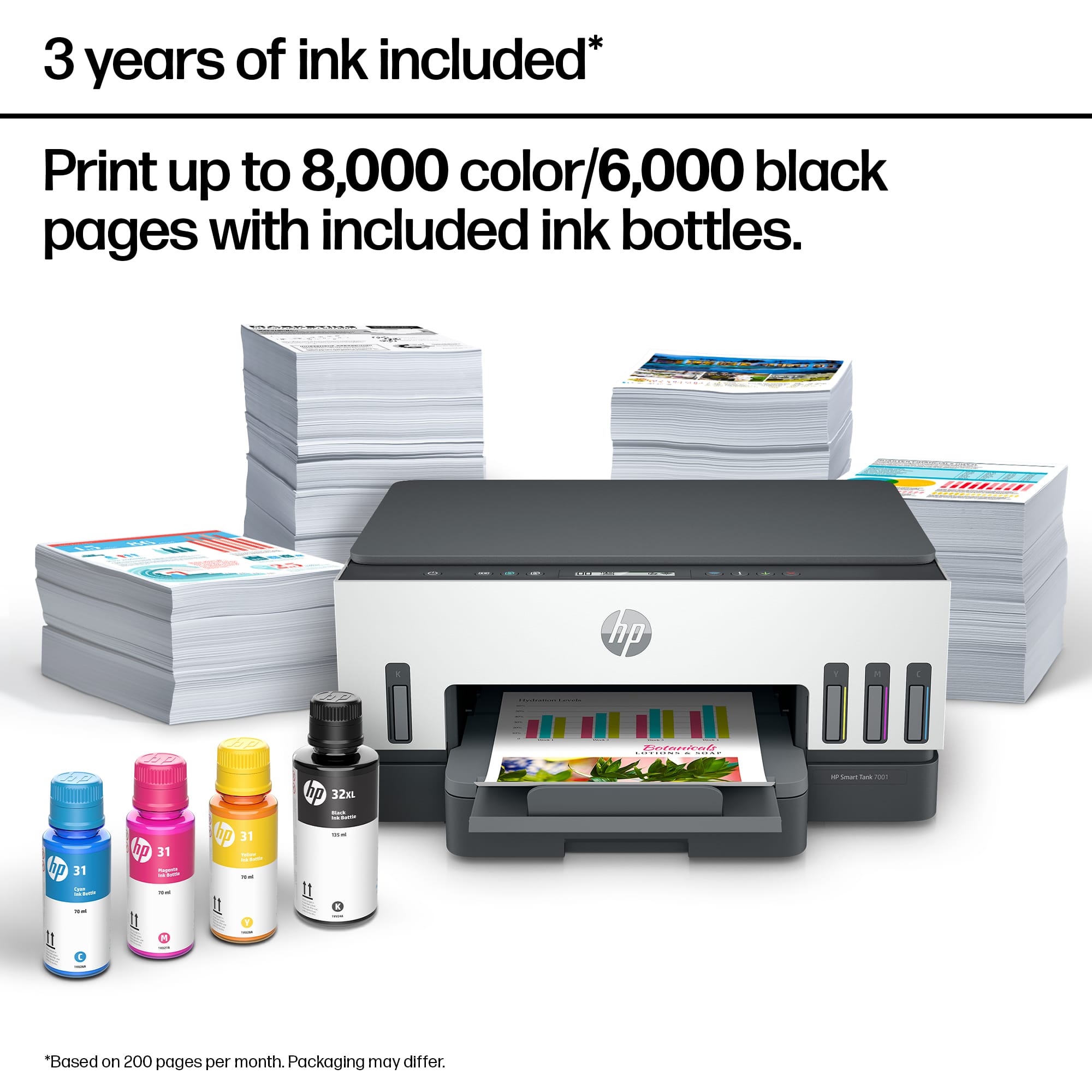
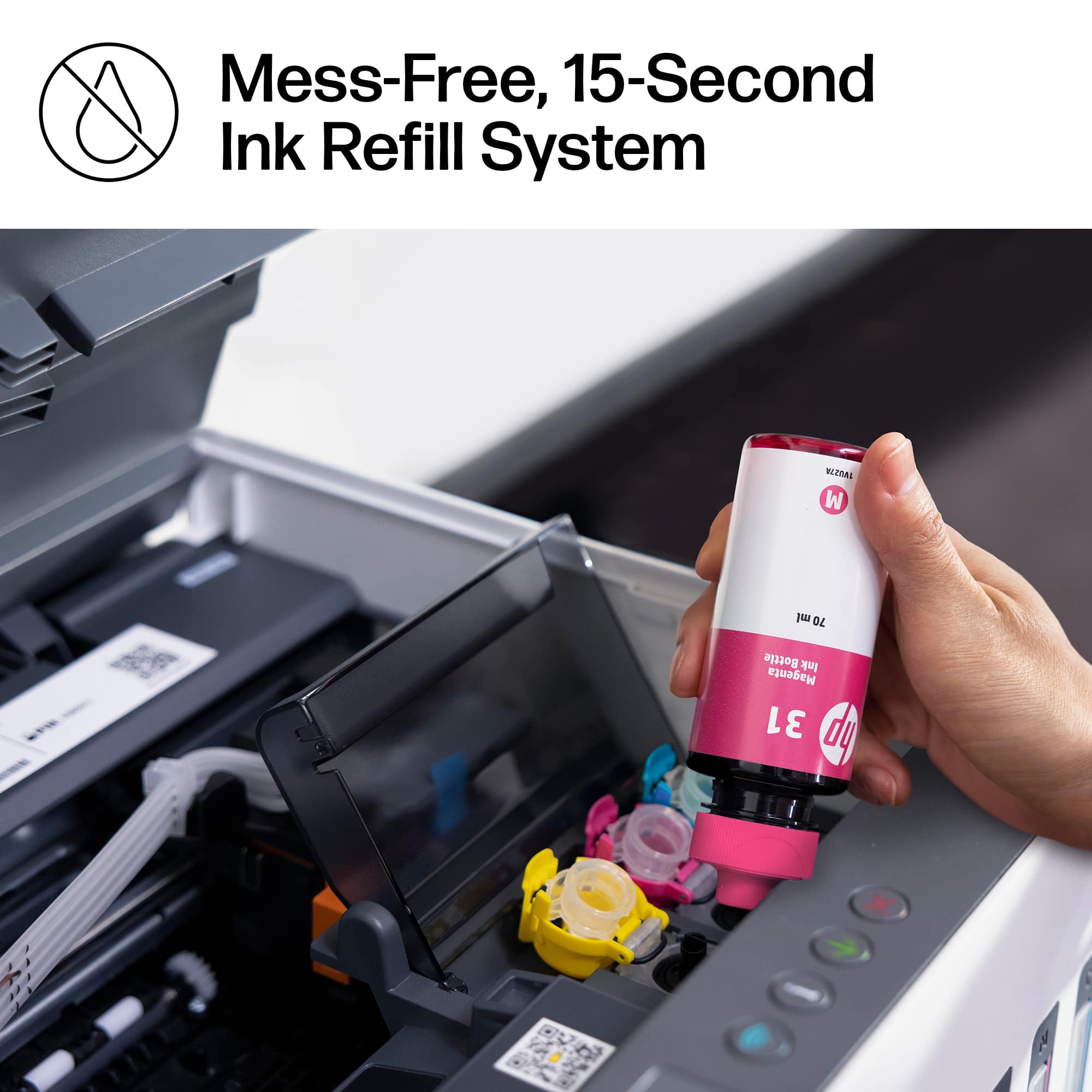
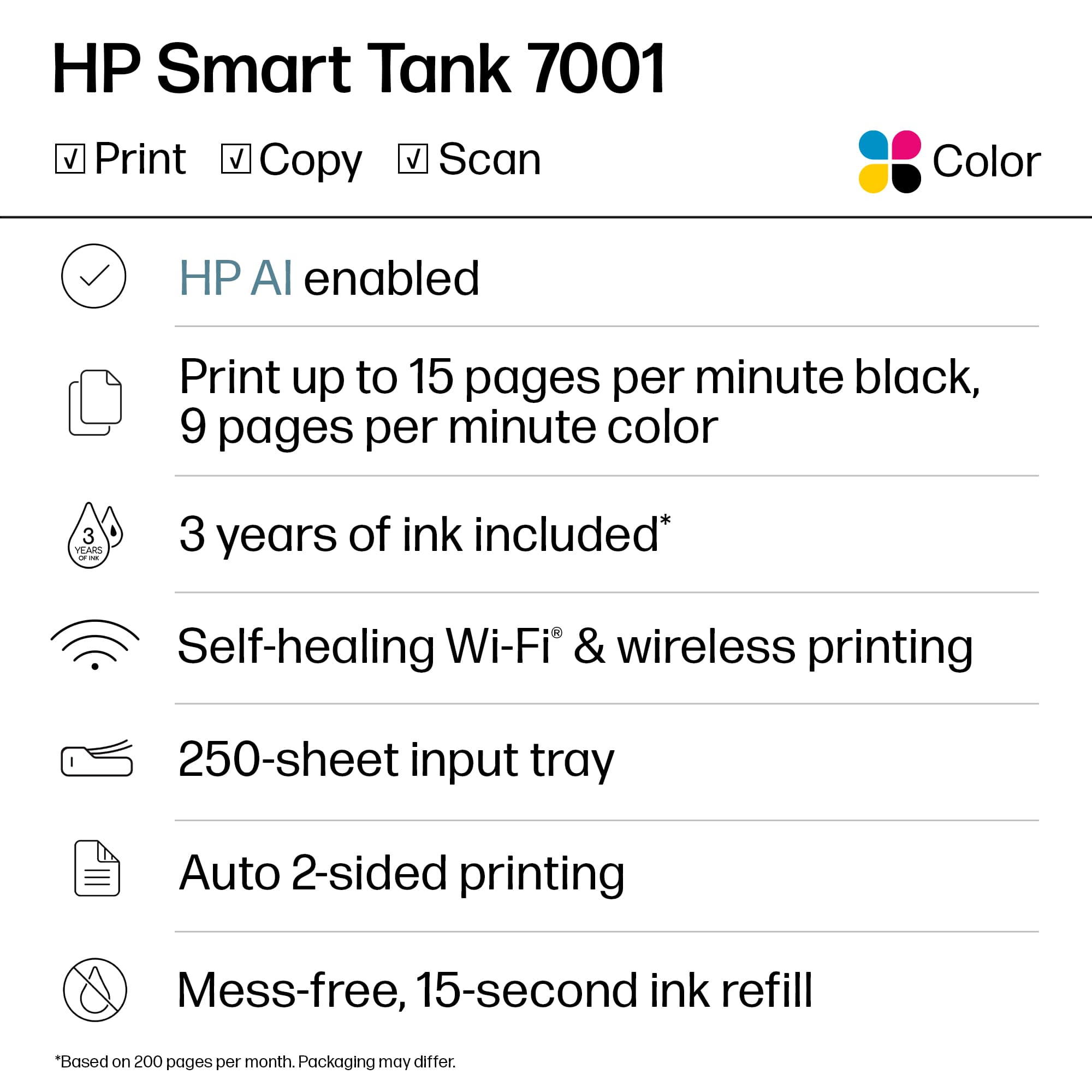
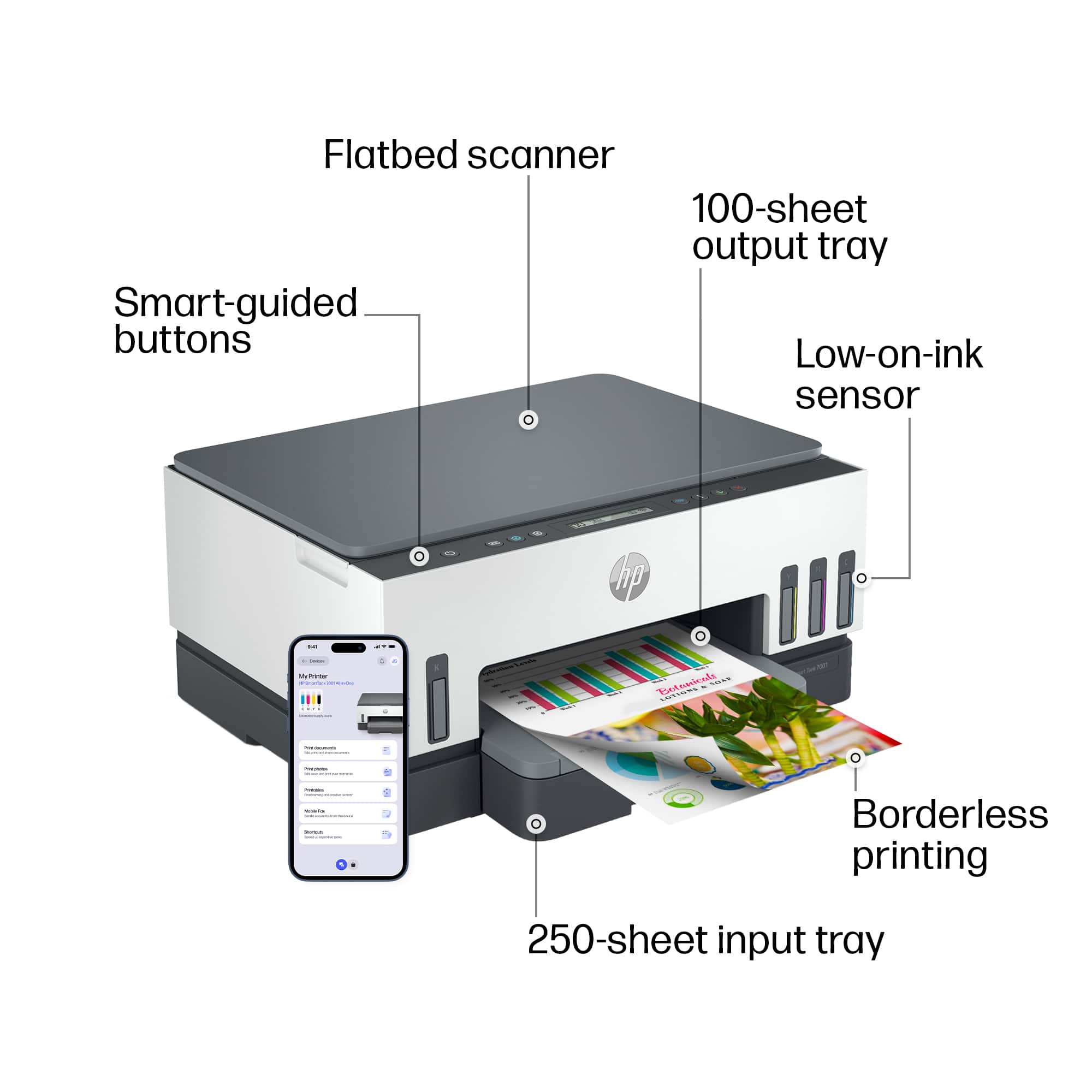
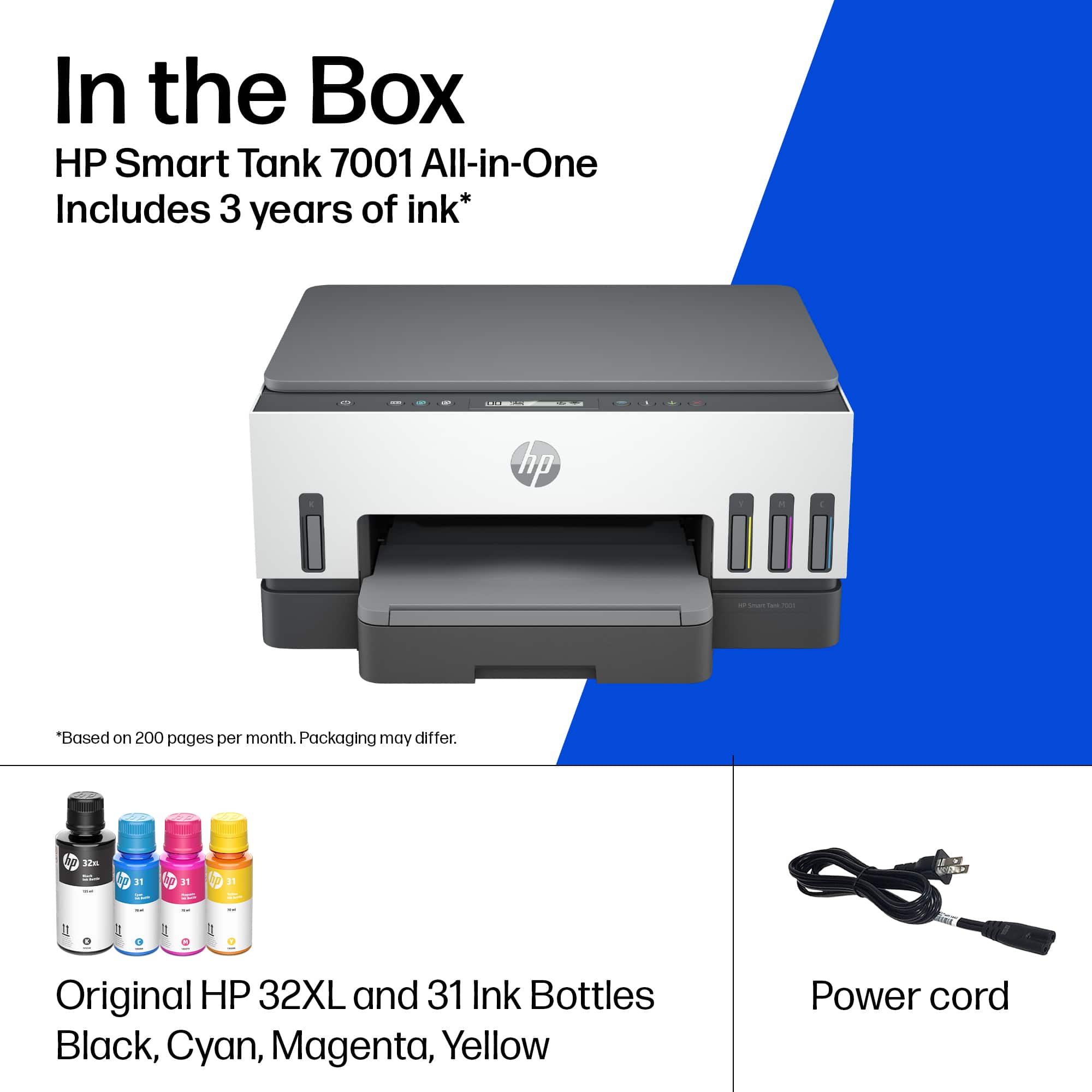
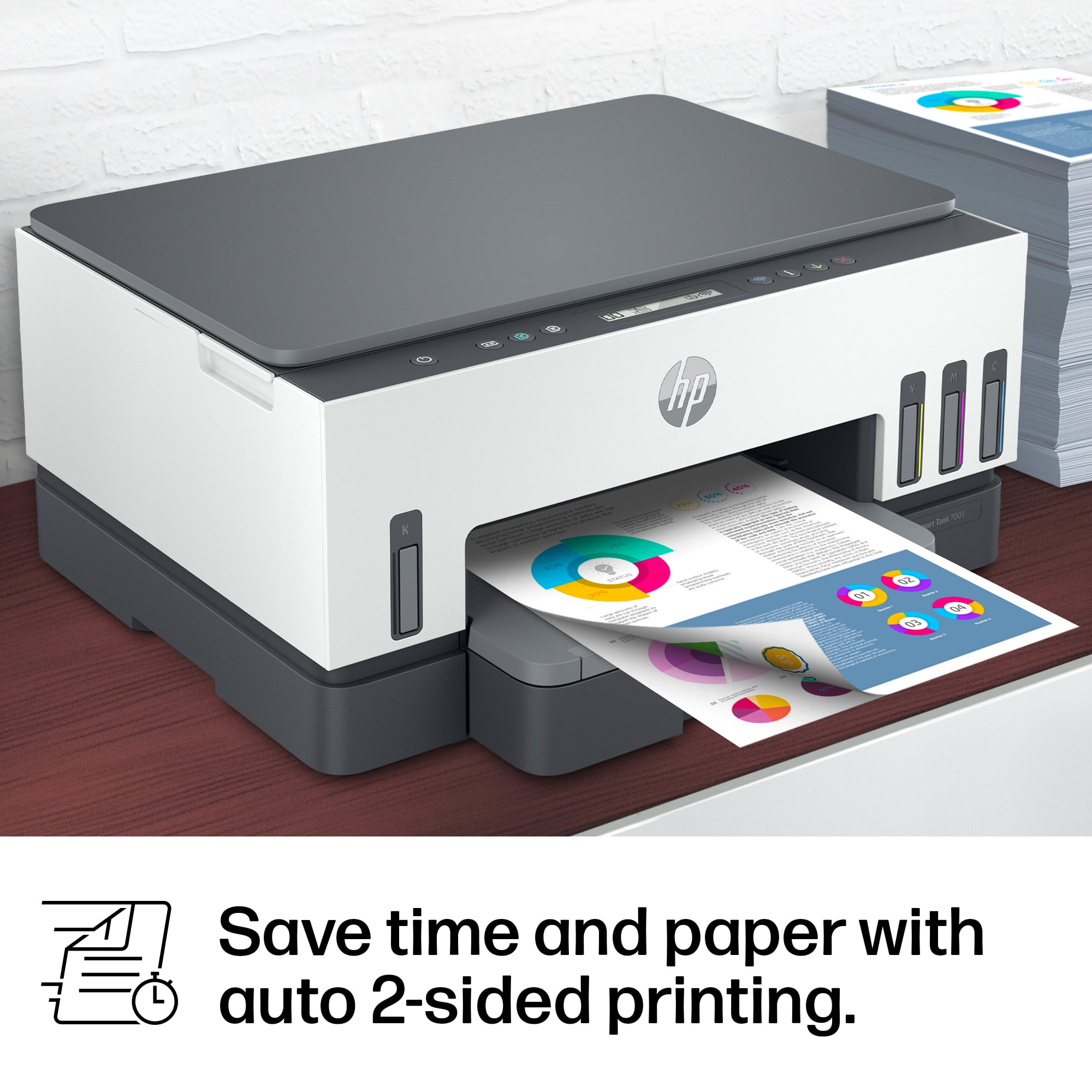
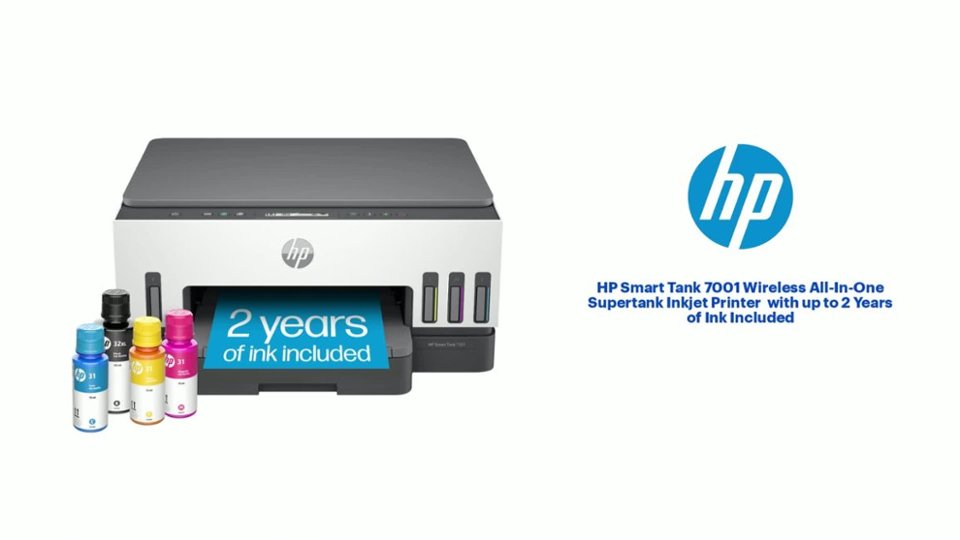
|Posted .This reviewer received promo considerations or sweepstakes entry for writing a review.I have used HP printers exclusively for over 20 years. I’ve used other brands at work but always felt that the competition was somehow lacking in comparison. Most recently I’ve been using an HP laser printer. Great product for printing text but it’s not a color printer. Needing color printing capabilities I was excited to try the HP Smart Tank 7001 Wireless All-In-One Inkjet Printer. Unboxing was a breeze. Within you’ll find the printer, power cord, manuals, a black print head, a tricolor print head, and 4 bottles of ink including a black ink, a yellow ink, a cyan ink, and a magenta ink. The black ink bottle is 135ml while the color inks are 70ml. With all this ink, you could actually hear the ink bottles sloshing around in the box. Enough ink to print up to 6,000 black and 8,000 color pages. With average printing it’s enough to last two years. Now that’s impressive! The printer itself is a white and slate color with a square minimal modern design. I like it. I was somewhat disappointed by the quality of the scanner lid which seems surprisingly thin and unsubstantial. After removing the packing material I was eager to setup the Smart Tank 7001. The manual simply directs you to download their app at the provided link. You can also scan a QR code to quickly navigate to the software. After app installation you are prompted to connect the printer to WiFi. With the press of a button on the printer and the entry of your WiFi password the printer was connected. What a breeze. The HP Smart Tank 7001 supports dual band wifi 2.5ghz and 5ghz. The app next prompts to setup an account. If you’re an HP user already you can just login. Afterwards the app directs you to fill the ink reservoirs. One would want to be careful during this process so as not to accidentally spill the ink. The ink bottles are all nicely sealed in shrink wrapped plastic. You need to remove an inner seal under the bottle’s cap then you’re ready to fill. To fill the reservoirs you simply insert the ink bottle’s spill proof cap onto the reservoir fill cap and gravity does the rest. You repeat with each color until each bottle is empty. The app next walks you through install the black and tricolor print heads. At this point you’re directed to load paper. The paper tray holds up to 250 pages while the output tray holds up to 100 pages. The printer then printed a print alignment page which you then scan to complete the alignment process. After alignment, the setup was complete and you’re ready to print. At this point you’re prompted to send the software link to other devices in your home. I easily installed it to two desktop computers and had them print ready in a matter of minutes. I compliment HP on a great setup experience in simple step by step app. No need to be intimidated. Specification wise the HP Smart Tank 7001 is fantastic and supports print, scan, and copy with borderless printing capabilities. Print speed is 15 ppm for black and 9 ppm for color printing. The HP Smart Tank 7001 also supports duplex printing. Up to 1200 x 1200 rendered dpi Black printing and up to 4800 x 1200 optimized dpi color when printing from a computer and 1200 input dpi. Scan resolution is up to 1200 x 1200 dpi and copy resolution is up to 600 dpi. While you can setup the Smart Tank using USB 2.0, I particularly love the wireless printing capabilities of this printer which include Apple AirPrint; Mopria certified; HP Print Service Plugin (Android printing); HP Smart app; Wi-Fi Direct Printing. With these you can easily print from your phone or tablet while in the yard, while lounging on your sofa, or from across the country. When printing documents for work the black print quality was fantastic. Color photos on photo paper came out looking very high quality. Scanning was fast and results were great. Copies were very nice. The HP Smart Tank 7001 is a solid performing, full featured, and economical all in one printer. No more cartridges! Highly recommended.
I would recommend this to a friend HARD TO USE
||Posted . Owned for 2 months when reviewed.This reviewer received promo considerations or sweepstakes entry for writing a review.This item is very hard to use for most consumers. Errors have little to no advice on what's wrong.. Just error lights that indicate a problem. Probably have to keep manual around at all times to translate!
No, I would not recommend this to a friendBrand response from HP Team
Posted .Hi there.
I’m sorry to hear that your new printer has been such a challenge to use. It’s easy to understand why cryptic error messages and a lack of instructional materials would quickly become exasperating. I want to help you learn more about the device so your experience can improve. I hope the resources below will guide you that end.
First, for help solving problems, you can visit a page on our support site that has diagnostic tools for various tasks and issues, including cartridge installation, print quality and connectivity. There you’ll also find a general-purpose tool called the HP Print and Scan Doctor. If you use Windows, the tool will help identify and guide you through solutions to a wide range of common printing and scanning issues. Visit that page here:
- support.hp.com/us-en/topic/diagnostics
For more help with difficulties, or to learn more about your printer and all its features, you can access the main user manual, troubleshooting guides, how-to documents and software updates here:
- support.hp.com/us-en/product/hp-smart-tank-7000-series/2100178735
If you need further assistance with anything, I suggest that you contact us directly at +1 800-474-6836 so we can help you assess what’s happening and find a solution. (Please note that because of restrictions on workplace attendance associated with the COVID-19 pandemic in some areas, wait times for agents are longer than normal. Thanks in advance for your understanding.) To expedite the process, I recommend gathering the following information before the call:
- Model number
- Serial number
- Your location
- Case number (from any previous contact with HP support)
Keith
HP Care
hp.com/support
- Pros mentioned:Ease of use, Noise level, Print quality
Convenient
|Posted .This reviewer received promo considerations or sweepstakes entry for writing a review.This printer by HP is pretty good. It prints well and works just like all of the other HP printers I have owned, which is great. I have always been an HP fan and I wouldn't expect anything less than great from them. Same great quality as far as printing capabilities, scanning and copying but the new ink system is amazing. No more cartridges to replace anymore. I love that I can just fill and print away. It's easy to use and actually not as messy as I thought it would be. It's simple to use and prints fairly quietly compared to my older model. The only downside is the color of the printer itself. I feel like the white will discolor easily overtime. I would have preferred black but other than that, a great product.
I would recommend this to a friend Not a printer for a beginner
||Posted . Owned for 1 year when reviewed.This reviewer received promo considerations or sweepstakes entry for writing a review.Not user friendly and not easy to use. You need to figure out what are those buttons. Hard to troubleshoot.
No, I would not recommend this to a friendNot a reliable printer.
||Posted . Owned for 9 months when reviewed.This reviewer received promo considerations or sweepstakes entry for writing a review.Paper keeps getting jammed. Indicates out of ink. Prints very slow.
No, I would not recommend this to a friendHard to install
||Posted . Owned for 1 month when reviewed.This reviewer received promo considerations or sweepstakes entry for writing a review.Super hard to install this printer still am unable to install it. I believe it’s too late return I will purchase a new laptop to see if that works if not I really want my money back
No, I would not recommend this to a friendBrand response from HP Team
Posted .Hi there.
I’m sorry that your printer has been so difficult to install. Your review is brief, but your dilemma is clear and your frustration easy to understand. I want to help you get the device set up and working to your satisfaction, so I’ll offer some resources aimed at making that happen.
First, if you’ve not done so already, I recommend that you follow a setup and connectivity tutorial specific to your printer you can find on our support site. On the same page you can also access user manuals, troubleshooting guides, how-to documents and software updates. Do that by following this link:
- support.hp.com/us-en/product/hp-smart-tank-7000-series/2100178735
You can also visit a page on our support site that has diagnostic tools for various tasks and issues, including setup and connectivity. You can find the page here:
- support.hp.com/us-en/topic/diagnostics
If you need further assistance with setup, connectivity or anything else, I suggest that you contact us directly at +1 800-474-6836 so we can help you assess what’s happening and find a solution. (Please note that because of restrictions on personal movement and workplace attendance associated with the COVID-19 pandemic, wait times for agents are longer than normal. Thanks in advance for your understanding.) To expedite the process, I recommend gathering the following information before the call:
- Model number
- Serial number
- Your location
- Case number (from any previous contact with HP support)
Keith
HP Care
hp.com/support
Hp smart tank 7000
||Posted . Owned for 3 weeks when reviewed.This reviewer received promo considerations or sweepstakes entry for writing a review.I previously owned a canon pixma printer and recently replaced it with this HP smart tank and without a doubt this has been the worst decision.
No, I would not recommend this to a friendBrand response from HP Team
Posted .Hi, Danielle.
I’m sorry that you’re not satisfied with your printer. I can’t tell from your brief review what specific difficulties you’ve encountered, but I’ll nonetheless provide some resources aimed at helping you navigate whatever issue is at hand.
First, for help solving problems, you can visit a page on our support site that has diagnostic tools for various tasks and issues, including connectivity, print quality and operating-system compatibility. There you’ll also find a general-purpose tool called the HP Print and Scan Doctor. If you use Windows, the tool will help identify and guide you through solutions to a wide range of common printing and scanning issues. Visit that page here:
- support.hp.com/us-en/topic/diagnostics
For additional help with difficulties, or to learn more about your printer and all its features, you can access troubleshooting guides, how-to documents, user manuals and software updates here:
- support.hp.com/us-en/product/hp-smart-tank-7000-series/2100178735
If any problem persists, I suggest that you contact us directly at +1 800-474-6836 so we can help you assess what’s happening and find the best course of action. To expedite the process, I recommend gathering the following information before the call:
- Model number
- Serial number
- Your location
- Case number (from any previous contact with HP support)
Keith
HP Care
hp.com/support
- Pros mentioned:Noise level, Print quality
I've always liked HP inkjets
Posted .This reviewer received promo considerations or sweepstakes entry for writing a review.It's quiet and fast enough for my home office. I like the low, not too wide size. Finding the right driver in my old computer was a little tricky. And I do wish the paper load spot was more convenient (you can't see when paper is low and you have to pull out that covered drawer whenever you print two sides).
I would recommend this to a friend HPprinter
||Posted . Owned for 3 weeks when reviewed.This reviewer received promo considerations or sweepstakes entry for writing a review.Did not work at all right out of the box. Ink tanks were full but control said one of them was empty. HP tech department told me to return it for credit!!
No, I would not recommend this to a friend- Pros mentioned:Noise level, Print quality
Mostly good, a couple quirks
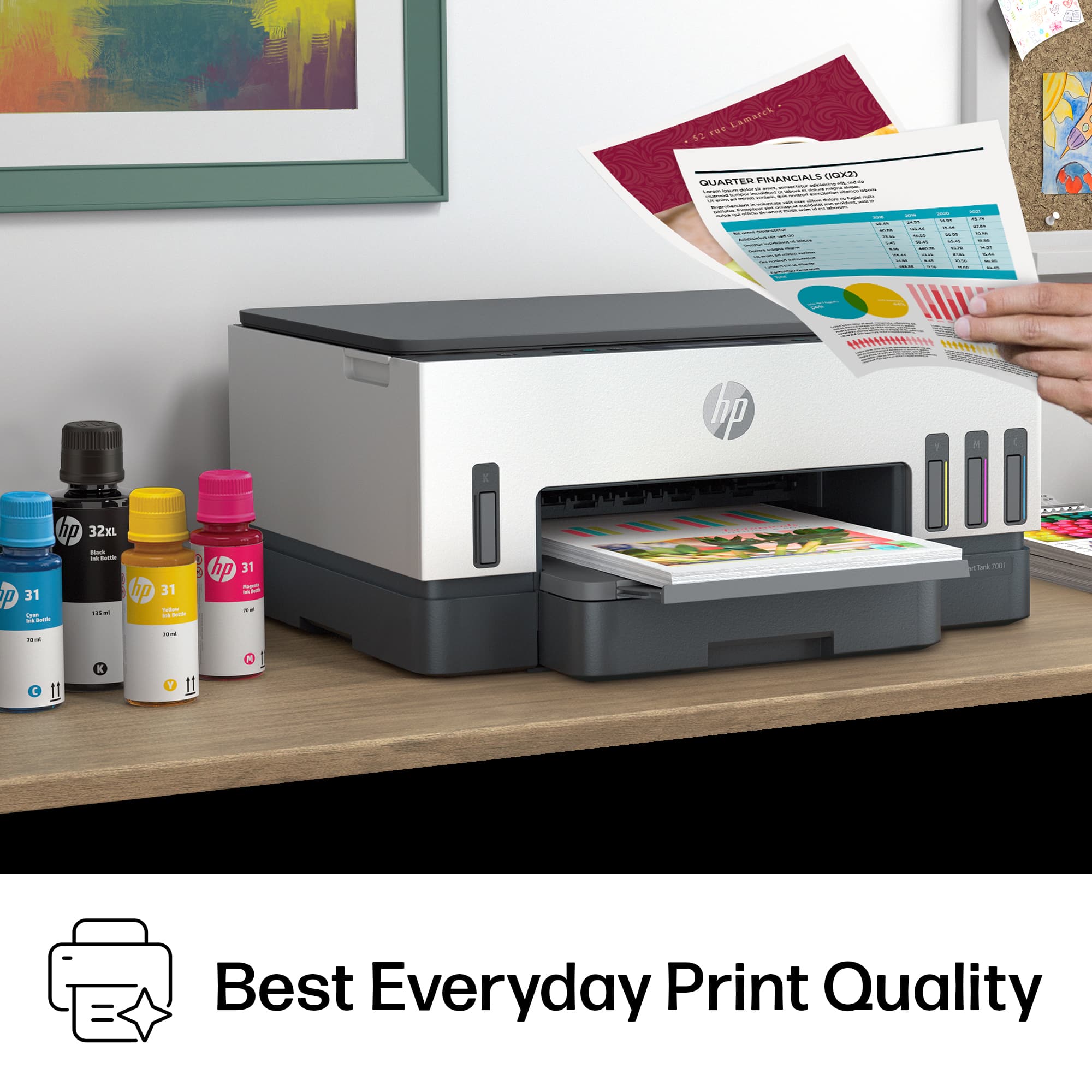
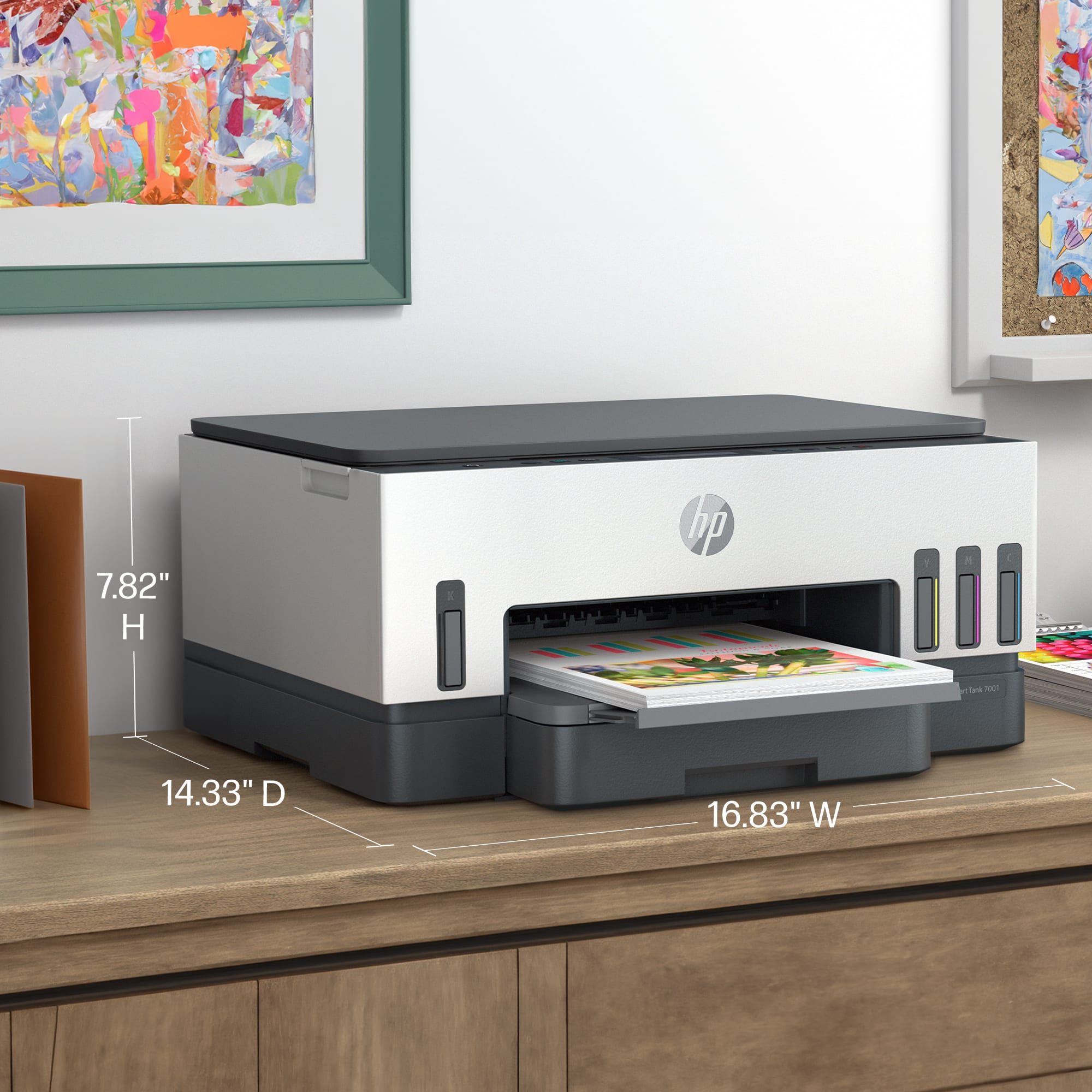
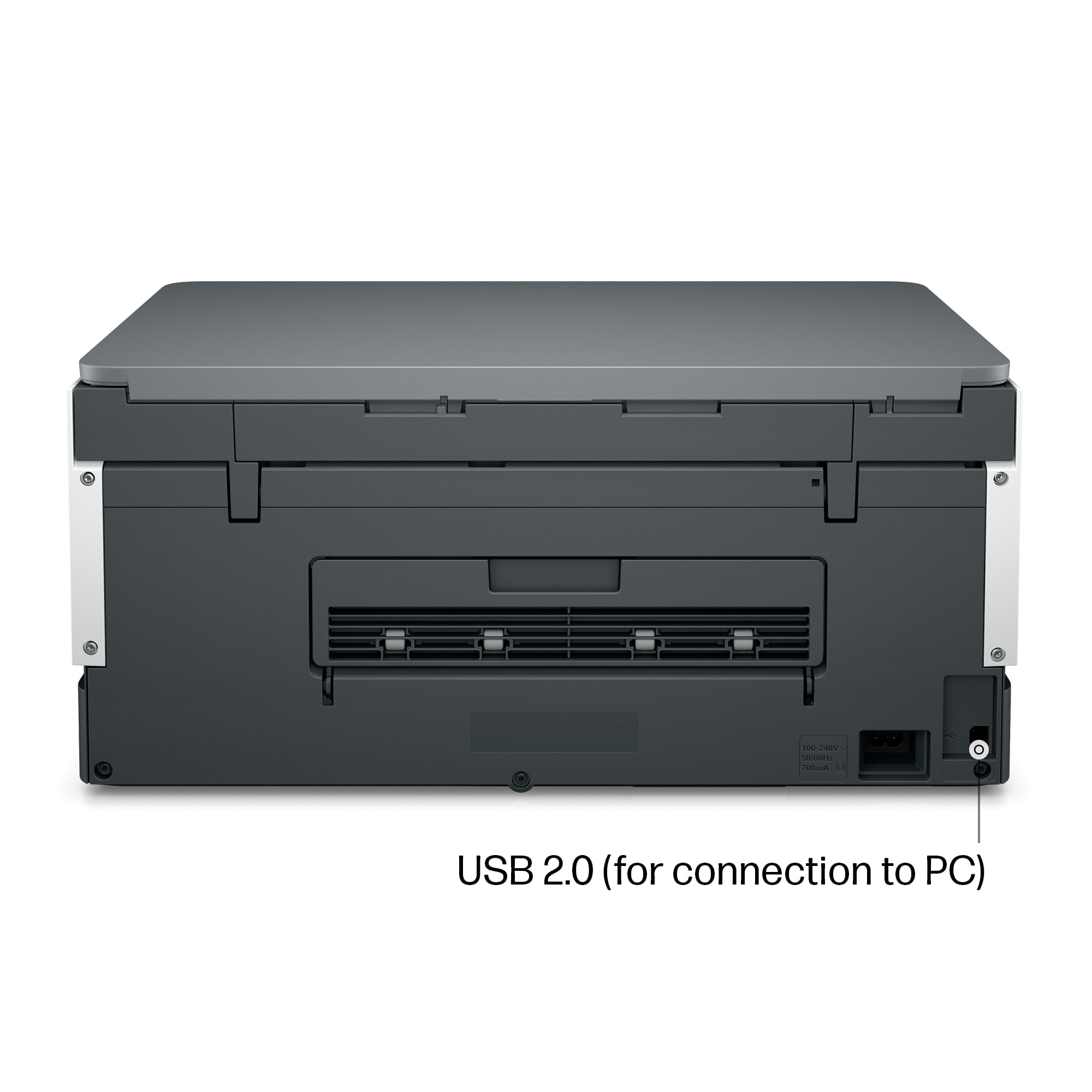
|Posted .This reviewer received promo considerations or sweepstakes entry for writing a review.Relatively compact all-in-one that is mostly good THE GOOD ~ Small footprint ~ Quiet ~ A lot of ink included ~ Visible ink reservoirs ~ Quick text printing ~ Wi-Fi THE BAD ~ Full bleed color printing (see below) ~ HP set-up/App THE MEH (could go either way) ~ Full bleed color printing (see below) ~ HP App OVERALL Let me begin with what I can't stand about new HP printers: setting them up. In order to set them up, you have to download the HP app to your phone. OR... you can use a USB. Now, USB doesn't sound so bad until you realize you need the old-school USB 1.0 type USB with the square plug at the other end. Yes, I actually happen to have 1 or 2 of these lying around in my drawer full of old cords from about 1998 or 2000, but how many other people do? I don't like being forced to download something to my phone, which (I'm sure like many other people's) is usually running short on space. :) With tech as it is, you would think HP would have a simpler, quicker set up. Running basic text prints was fast and easy. The amount of ink that comes with this printer seems like A LOT! You have to fill the tanks yourself, but that wasn't a problem. It was easy and didn't create the slightest mess one might expect. Usually, new printers come with special cartridges that have less ink than a normal cartridge so manufacturers can force you to buy ink sooner or a new printer (as many people do). This seems like it will last a long time. Smaller pictures on normal print paper came out a little soft, but ok. I didn't test photos on HP Photo paper, but I expect they would come out better as is usually the case. On the few times I tried to print a full bleed picture on standard paper, the paper immediately jammed and the printer started bouncing and belching like it was possessed. It appears the ink dampens/softens the top edge of the page enough that it crinkles before going under the track wheel. This would likely not happen if you are using photo paper since it is thicker and wouldn't get that soggy feeling. This is why this is under the bad and the meh sections. I believe it will not be an issue with better paper, but it's important to know if you are like many people who just want to print out paper pictures of things they see. Once set up, the printer is very easy to use. It stays connected to the wifi and doesn't have any issues. It functions quickly and quietly. Would I recommend this printer? For casual printers, I would. I would recommend this to people who are primarily printing text, pictures with borders, etc or for people who are willing to make sure they use photo paper for any full bleed photos.
I would recommend this to a friend - Pros mentioned:Print quality, Setup
Excellent money saving color printer
|Posted .This reviewer received promo considerations or sweepstakes entry for writing a review.HP has been making high-quality printers for decades. They used to work under the premise of selling the printer at a loss and making up for it with overpriced cartridges. Those days are over. HP Smart Tank printers use large volume ink bottles. The black, yellow, magenta and cyan inks are poured into tanks on the printer. The printer holds 70ml (2.36oz) of each of the 3 colors and 135ml (4.56oz) of black ink. Full bottles, not trial or sample size bottles, are included with the printer. That’s enough ink to print 6000 black & white pages and 8000 color pages. Replacing all 4 inks costs about the same as a single ink cartridge, but gives you a ton of printing. It can print up to 15 pages per minute in black and up to 9 pages per minute in color. One thing unique to the printer, compared to others that I have owned, is that the printer has removable/replaceable printheads. That makes it easy should you have to clean them or replace them. What else is there to like about the printer? Plenty. Setup is simple using your smartphone, tablet, or computer. You can print to the unit via 2.4/5G dual-band Wi-Fi, Wi-Fi Direct, Bluetooth, and USB cable. You can easily print from your Mac, PC, tablet, and smartphone. It has automatic duplex printing so you can print on both sides of the page, reducing paper usage. It offers borderless printing and has a 100 sheet output tray, and the input tray can hold up to 250 sheets or 30 card stock pages. It can print images up to 4800x1200dpi with input images of up to 1200dpi. I’ve printed numerous photos and find it produces very photorealistic prints. They look more realistic to me than those produced by my Brother and Epson inkjet printers, which tend to over saturate the images. It has a nice single-page, color scanner and can scan at up to 1200x1200 dpi and 256 levels of gray. You can make copies, reducing/enlarging from 40% to 400%. It features a nice id copy feature allowing you to copy both sides of a card and print them on a single page. Instead of manually having to calibrate the printheads, it prints a calibration page which it then scans and adjusts automatically. What don’t I like about it? In this day and age, LCD touch displays are very common features on printers. This printer uses numerous physical buttons and a small 2 line monochrome LCD display. Instead of relying on codes and pictures, it would have been nice to have a larger informational display with touch capabilities and color. I won’t hold that against it too much, since I love everything else about the printer. Overall, it’s a great printer, will save you a lot of money on ink, and prints great.
I would recommend this to a friend Broken out of box
||Posted . Owned for 3 weeks when reviewed.This reviewer received promo considerations or sweepstakes entry for writing a review.Would not work out of the box. Paper hams will not clear.
No, I would not recommend this to a friendBrand response from HP Team
Posted .Hi there.
I’m sorry that your printer would not work when you got it. It’s easy to understand why paper-jam error messages that would not clear would be quite unnerving. If you’ve not yet returned the printer, I want to help you out of this dilemma. I hope the resource and information below will accomplish that goal.
I recommend that you contact us directly at +1 800-474-6836 so we can help you assess what’s happening and find the proper course of action. To expedite the process, I recommend gathering the following information before the call:
- Model number
- Serial number
- Your location
- Case number (from any previous contact with HP support)
I'll also mention that HP printers have a one-year warranty from their purchase date that covers hardware as well as ink supplies, so if it comes to that, you might consider making use of it. You can verify the warranty using the following link:
- support.hp.com/us-en/checkwarranty
Keith
HP Care
hp.com/support
Bad
||Posted . Owned for less than 1 week when reviewed.This reviewer received promo considerations or sweepstakes entry for writing a review.I’m not happy with the printers Best Buy sells until this moment
No, I would not recommend this to a friend- Cons mentioned:Paper tray
Lemon
||Posted .This reviewer received promo considerations or sweepstakes entry for writing a review.E3 paper jam/cartridge jam straight out the box. Checked three times for obstructions etc. Lots of hard resets. Hours on the internet. Back it goes tomorrow after less than 24 hours.
No, I would not recommend this to a friend I can't print anywhere
||Posted . Owned for 5 months when reviewed.This reviewer received promo considerations or sweepstakes entry for writing a review.I can't print from anywhere even that them say that it is possible
No, I would not recommend this to a friendBrand response from HP Team
Posted .Hi, Gladys.
I’m sorry you’ve run into difficulty with the Print Anywhere feature associated with your printer. I can’t tell from your review what issue you face or why the service hasn’t worked, but I’ll nonetheless suggest some resources that I hope will help you navigate the obstacle.
First, if you’ve not done so already, I recommend that you follow a guide on our support site to using Print Anywhere via the HP Smart App. Find that guide here:
- support.hp.com/us-en/document/c06097800
You might also gain useful information from this video on the same topic that illustrates Print Anywhere’s necessary steps and requirements:
- support.hp.com/us-en/document/ish_1582257-1299980-16
If you need further assistance, I suggest that you contact us directly at +1 800-474-6836 so we can help you assess what’s happening and find a solution. To expedite the process, I recommend gathering the following information before the call:
- Model number
- Serial number
- Your location
- Case number (from any previous contact with HP support)
Keith
HP Care
hp.com/support
- Pros mentioned:Print qualityCons mentioned:Price
Lots of ink, fast and quality prints
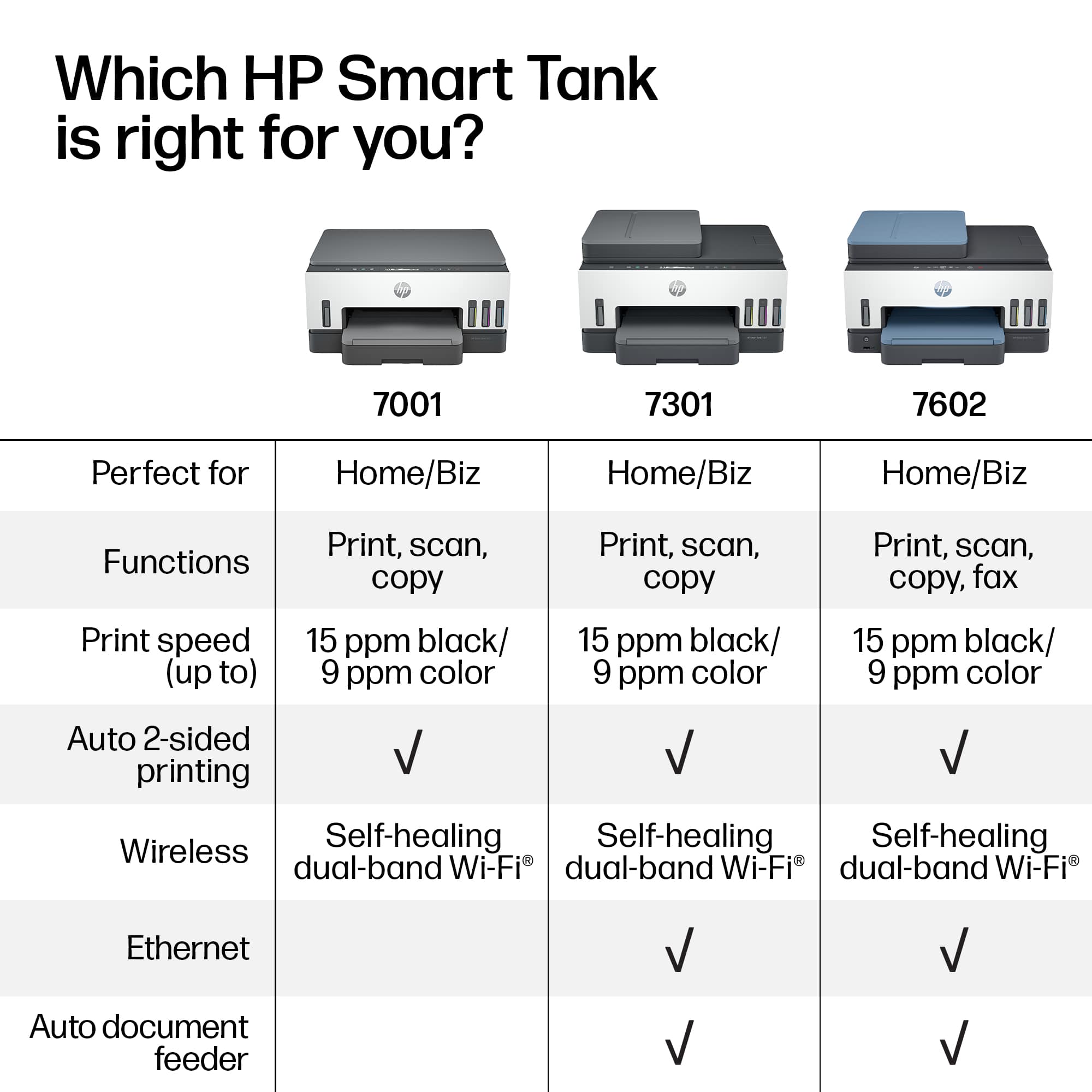
|Posted .This reviewer received promo considerations or sweepstakes entry for writing a review.Easy to connect to using the HP Smart app. The setup process takes some time. You have to empty the bottles of ink into the reservoirs and install the print heads. The unit comes with a ton of ink! The HP Smart app on my iPhone guided me through the process. This is a bare bones unit. While print quality is outstanding and fast, there is no auto doc feeder and there is no touch screen. This printer, in my opinion, is for the user who needs something that can print a lot of pages, but is not as focused on other things that printer all-in-ones can do such as faxing, scanning, and emailing from the printer. The price is a tad high. I realize that the amount of ink that comes with the printer is amazing, but the cost can be a little prohibitive. Fortunately, ink replacement bottles are pretty dang cheap, and if you have a print head fail (HP says they should last 1.5-2 years) that was only $50 or so. So, maintenance on the unit is much cheaper, I believe than some of the cheaper options out there. Time will tell how long the Smart Tank-style will hold up, I am hopeful that it has good longevity.
No, I would not recommend this to a friend - Pros mentioned:Ease of use, Print quality
Nice next gen printer!
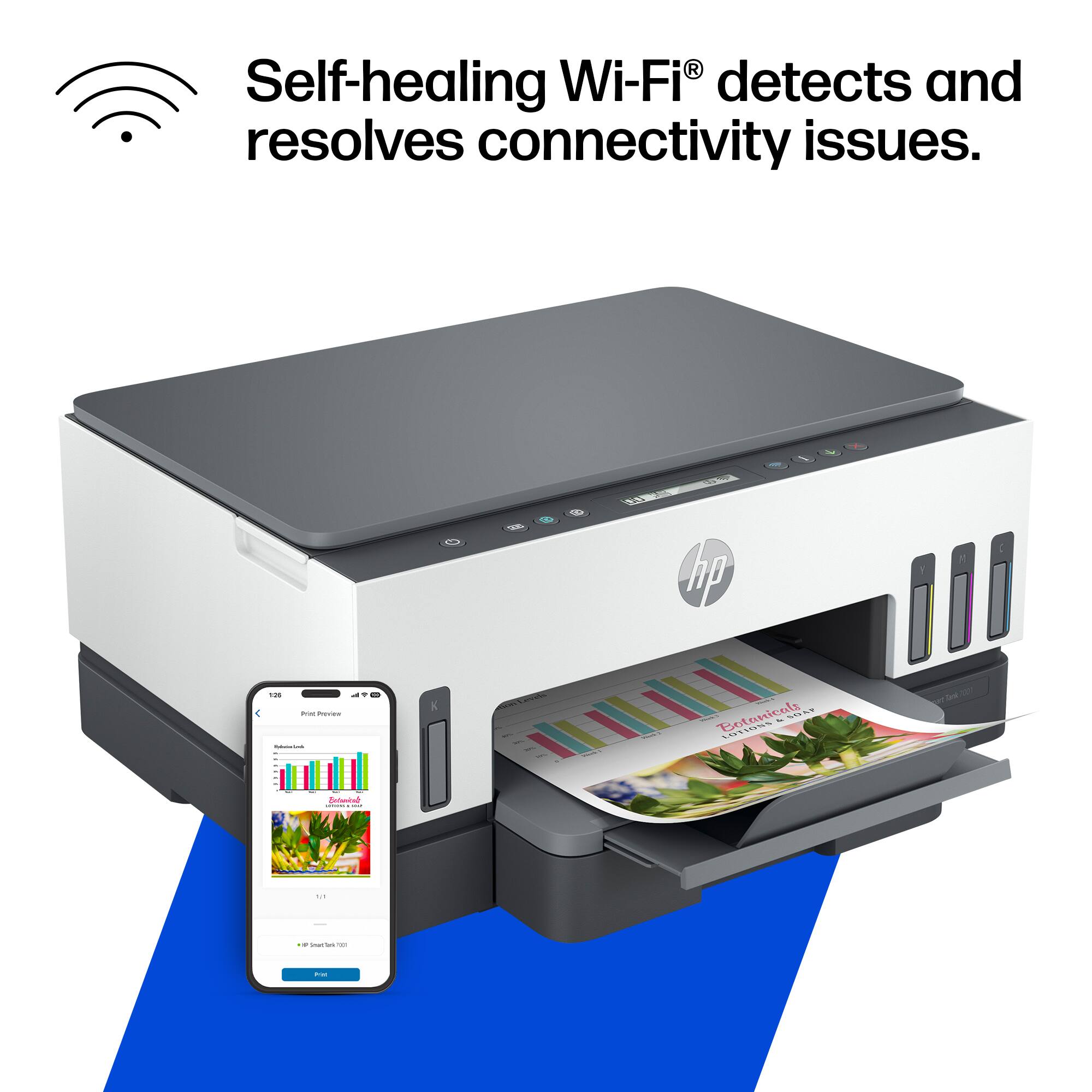
|Posted .This reviewer received promo considerations or sweepstakes entry for writing a review.I have the impression that the new trend in printers is ink tanks which seems to me to give the consumer the opportunity to take control over the ink they use and the time in which it needs to be refilled. I can also see that one of the reasons why this alternative is proliferating is because of the amount of waste that is generated from cartridges that cannot be refilled or reused, this is the first thing that really appeals to me about this printer. Starting with the unboxing it is always a pleasure to unpack HP products, it is very simple and designed in such a way that when you open the box and take out the printer everything is in sight and it is easy to place the necessary parts for its operation. Once the printer was connected and turned on, it was just a matter of downloading the HP smart app to synchronize the printer with my phone. The process only presented one error but in the end the installation and configuration went smoothly. One of the things to note is that once installed and configured the printer can be used from virtually any mobile device and print, therefore, remotely. This multifunctional printer can print, scan, copy and has the function of Fax, the performance of the printer is regular ie, prints at an average speed and makes a little noise, however the prints it delivers are impeccable, whether color or black and white the result is equally satisfactory. I use iOS and I must say that it is quite easy to print almost any file from my phone without the need to open the HP app. Whether using the app or simply from my iPhone apps, I must say that it is very easy to use and the fact that it has ink tanks makes it a printer that can be highly recommended, I have no doubt that this is the next step in printer technology, nice job HP.
I would recommend this to a friend - Pros mentioned:Noise level, Print quality
Ends Frustration with Cartridge Based Printers
|Posted .This reviewer received promo considerations or sweepstakes entry for writing a review.About 3 years ago, I just about gave up on in jet printers. They were expensive to operate because of their never ending need for expensive ink cartridges and they were extremely frustrating because it seemed they were always out of ink whenever I wanted to print an important document. But I gave it one more chance and bought an ink jet printer (from another manufacturer) with refillable ink tanks. Since that time, I have printed thousands of pages without adding any ink and my opinion of ink jet printers has completely changed. The HP Smart Tank 7001 All-in-One is one of HP’s entries into refillable ink tank printers. It has an automatic document feeder and is capable of printing up to 15ppm black and 9ppm color. It comes with enough ink to print 8000 pages color or 6000 black pages. In actual operation, the 7001 was fast and quiet and printed well over wifi from my PC, tablet, Iphone, and Android phone. The were no paper jams and after printing a couple hundred pages, I could not see any reduction in the ink level. If you are looking for an ink jet printer from a dependable company that in the long run will be more economical and much less frustrating than a cartridge based printer, I would highly recommend the HP7001.
I would recommend this to a friend - Pros mentioned:Print quality
Pricey, but nice
|Posted .This reviewer received promo considerations or sweepstakes entry for writing a review.So, I am no printer connoisseur. It's probably been around 15 years since I last owned one, and maybe 20 since I've last needed one. Now, with my daughter rapidly approaching school age, I am starting to see the advantages of having printer access in the home. Before I get going I would like to preface that I received this printer for free in return for a fair and honest review. I'm sure there are dozens of options out there and it can be daunting to find something with the features you want within your price range. This one may be a little expensive for what's in the box. The printer is wireless, has a scanner and can fax... somehow. I haven't had a reason to test that feature out yet. For something with a built in scanner it is a relatively small machine. The quality of printing is adequate. Documents look perfectly fine and they come out nice and quick. Color prints and photos are pretty quick too, but the result is a little darker and warmer than what you see on your screen. The scanner produces good copies, but suffers from the same issue as photos. To be fair, these color issues could be due to the quality of paper. My office paper and photo paper are both low on the quality scale, so maybe higher price point paper may offer better color reproductions. Printer setup must be done through the printer's app on either your phone or computer. The app sort of insinuates that when you print something it must be done through the app. There is a plugin though, at least for Android, that will allow you to print straight from your document. This must be somewhat necessary to have because even though I had luck printing from my laptop without the plugin or app, there were a few photos that would not print unless I used the app. It's a good printer and I'm glad I have it. Although, if I had to pay retail, my budget would be 75% less than the actual price of this machine. What I like: Wifi cordless printing Scanner Refillable ink reservoirs Included ink (2 year supply) Photos print quickly What I think could be better: The price The vibrancy of color prints No sample photo paper included Can be a little loud I'm not too keen on having to rely on the hp app to print some things
I would recommend this to a friend