Customer Ratings & Reviews
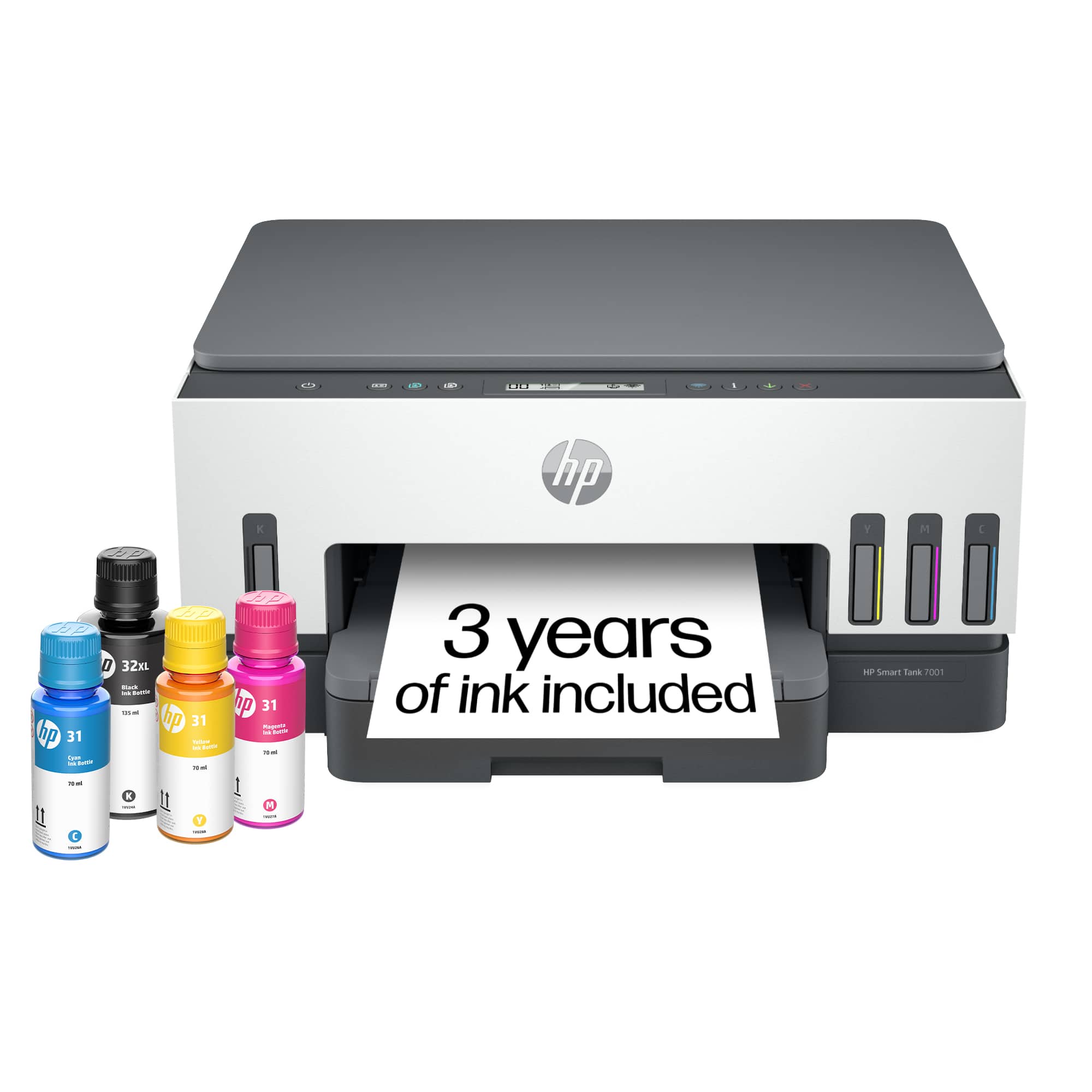


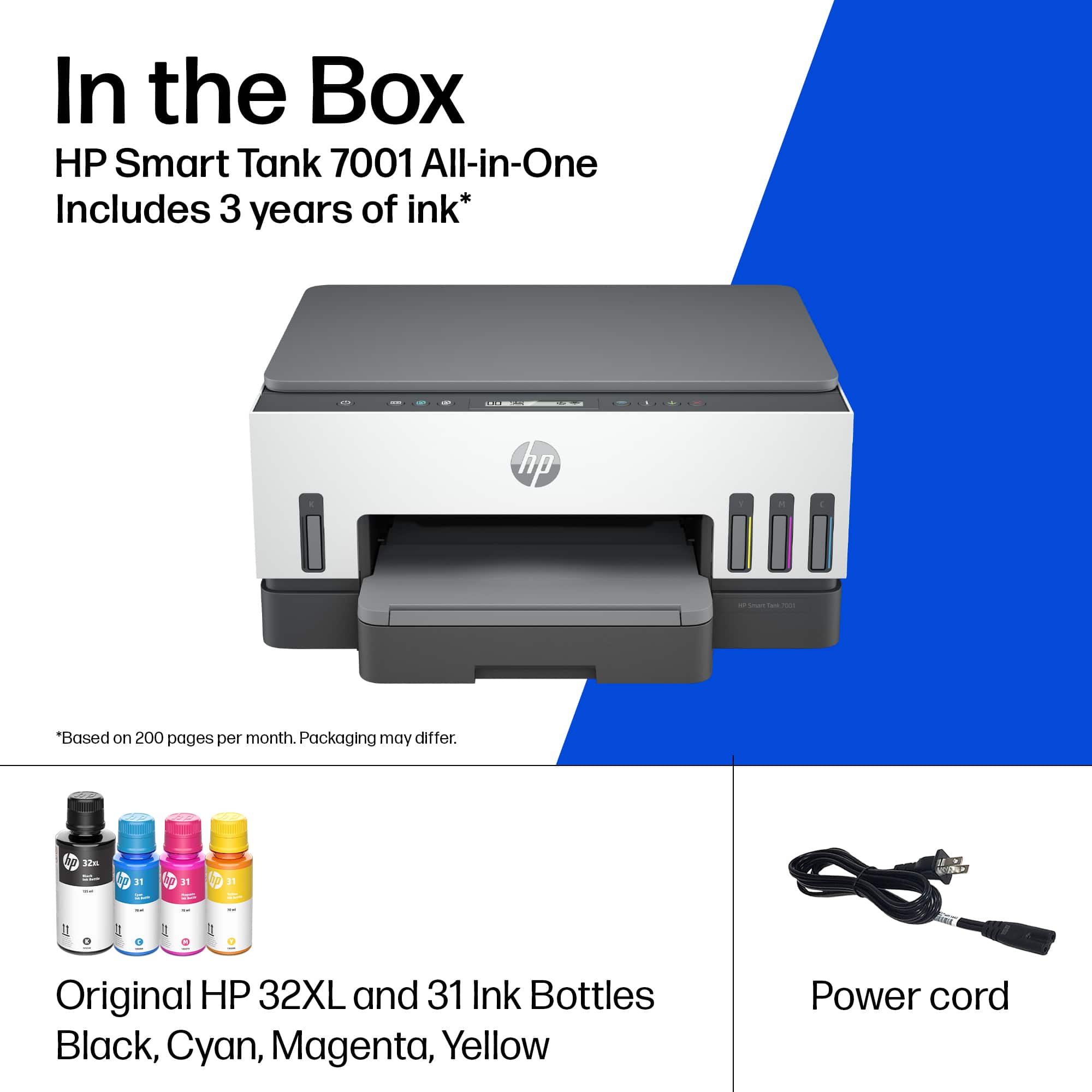
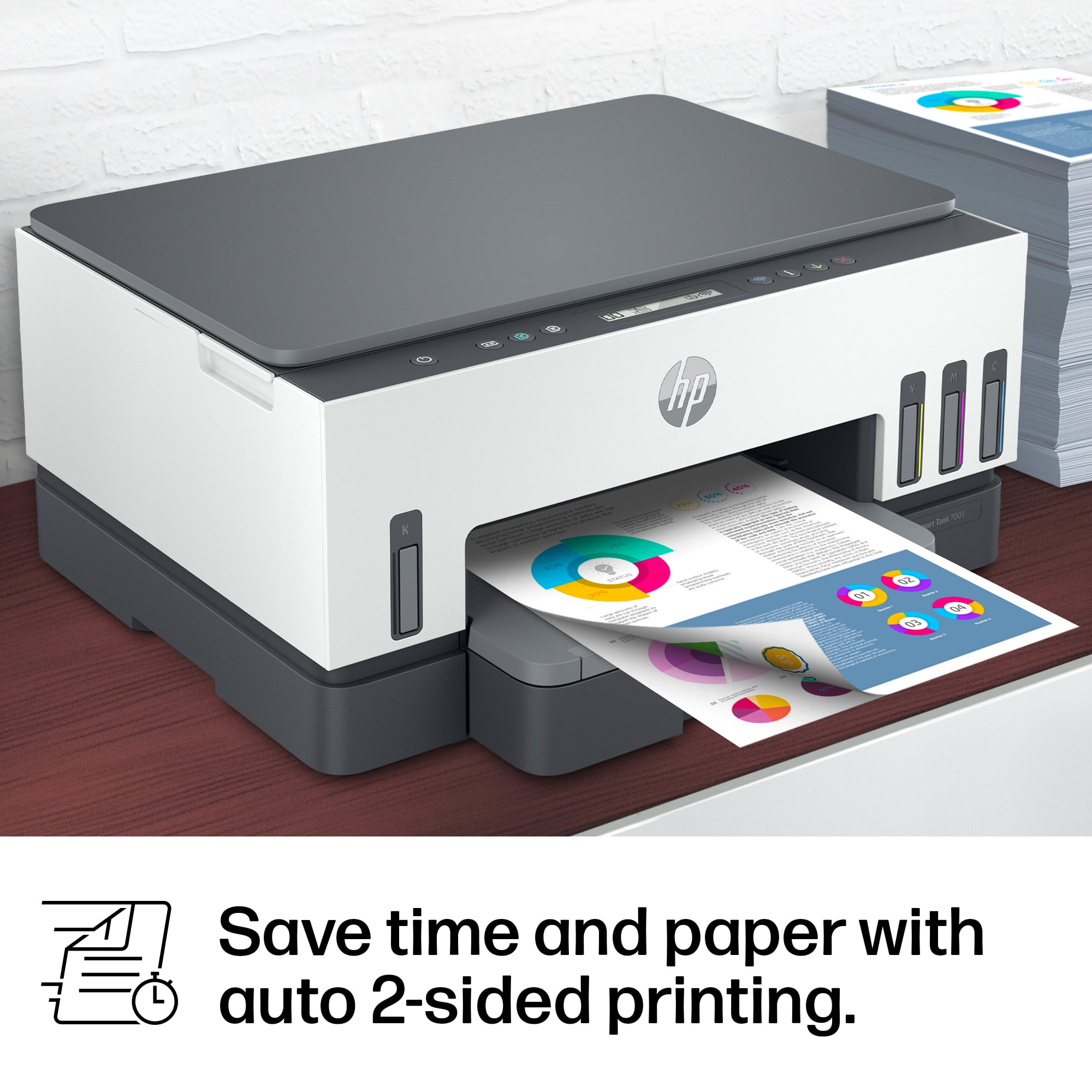
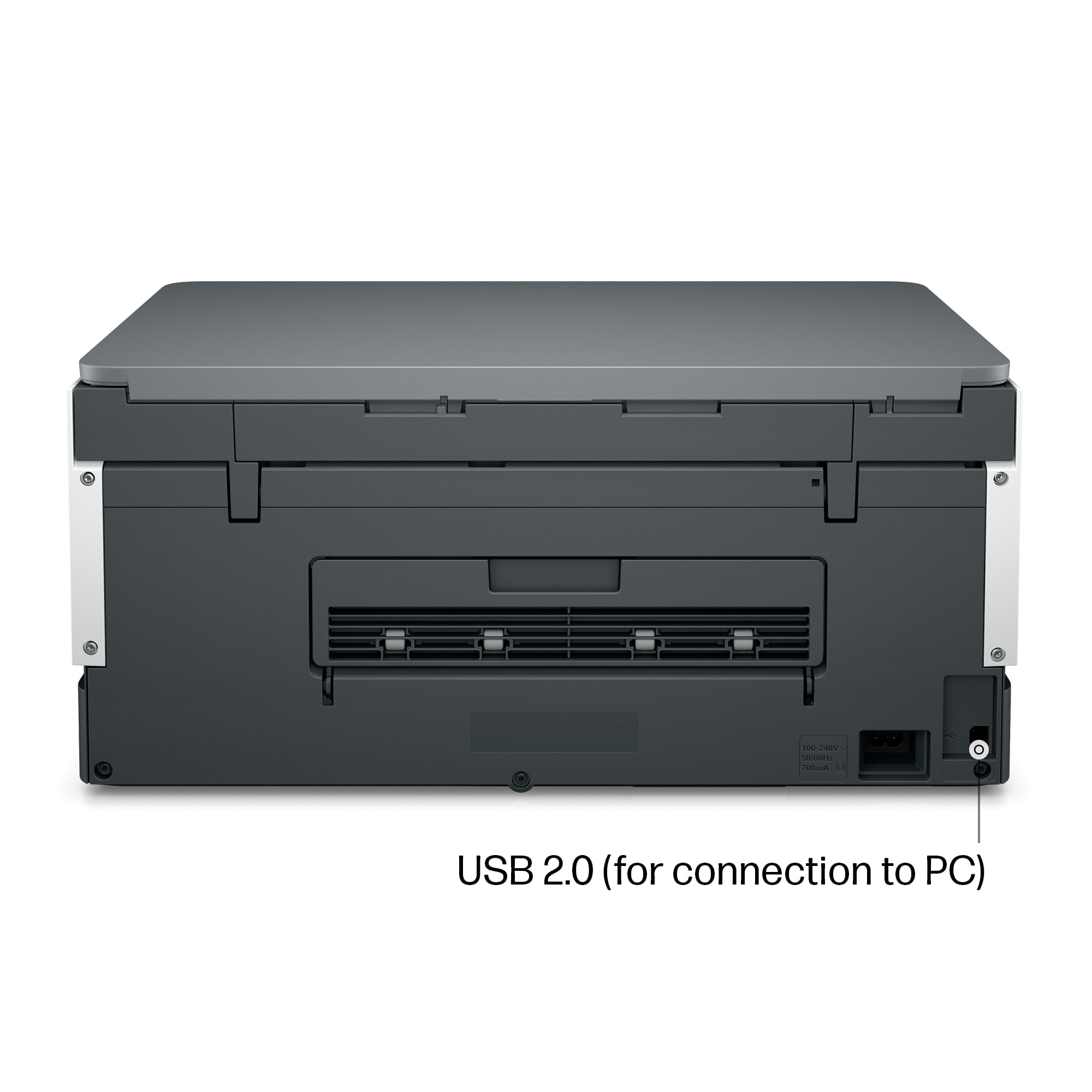




- Model:
- SMART TANK 7001/28B49A#B1H
- SKU:
- 6477854
Rating by feature
- Value
Rating 4.2 out of 5 stars
- Quality
Rating 4.4 out of 5 stars
- Ease of Use
Rating 4.2 out of 5 stars
Customers are saying
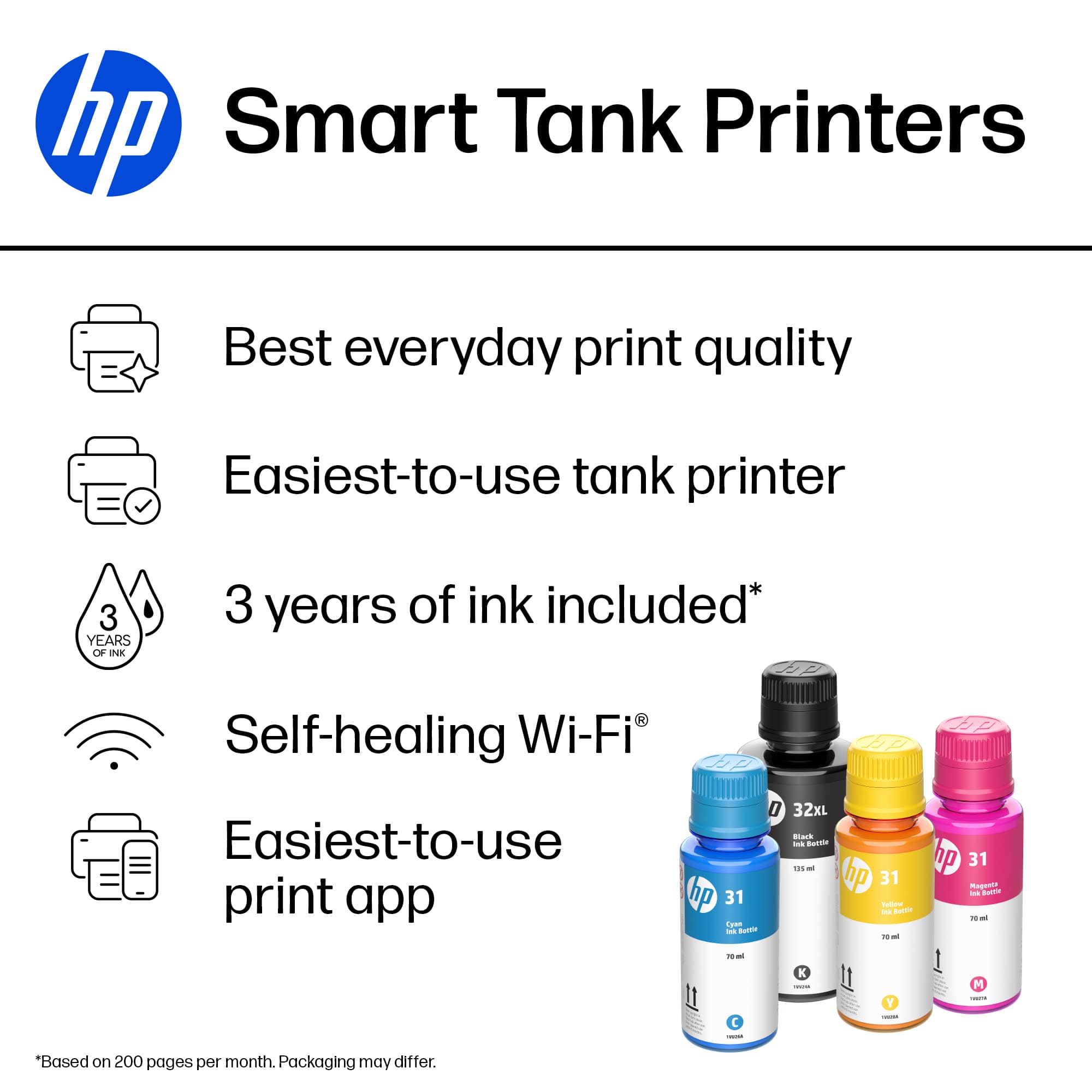
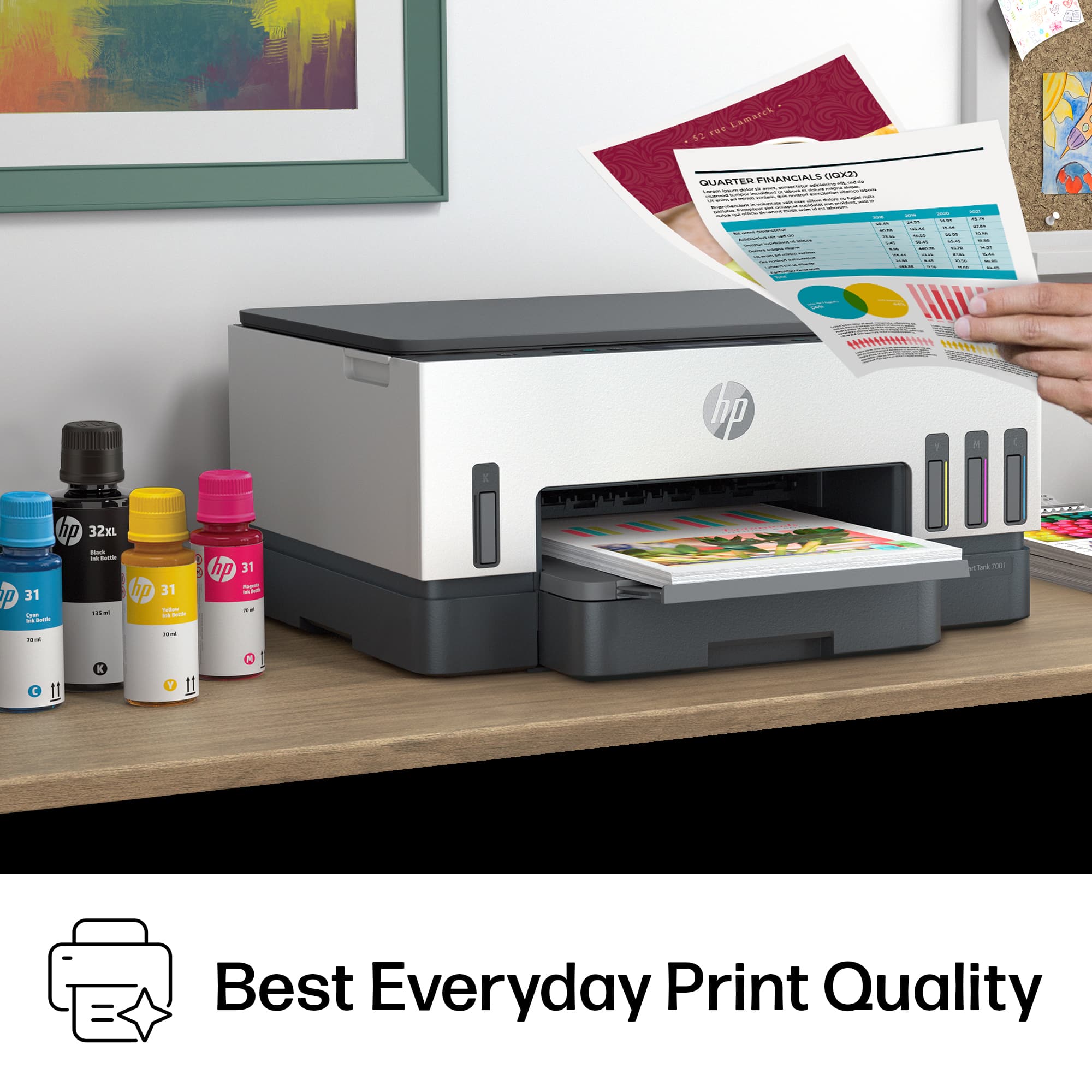
Customers regard the Smart Tank 7001 printer highly for its print quality and ease of use. Many find the setup process straightforward and appreciate the printer's overall performance and minimal noise level. Criticisms include concerns about the paper tray, price, and connectivity issues.
This summary was generated by AI based on customer reviews.
- Pros mentioned:Ease of use, Print quality

Solid All-Purpose Printer-Copier and Ink Solution
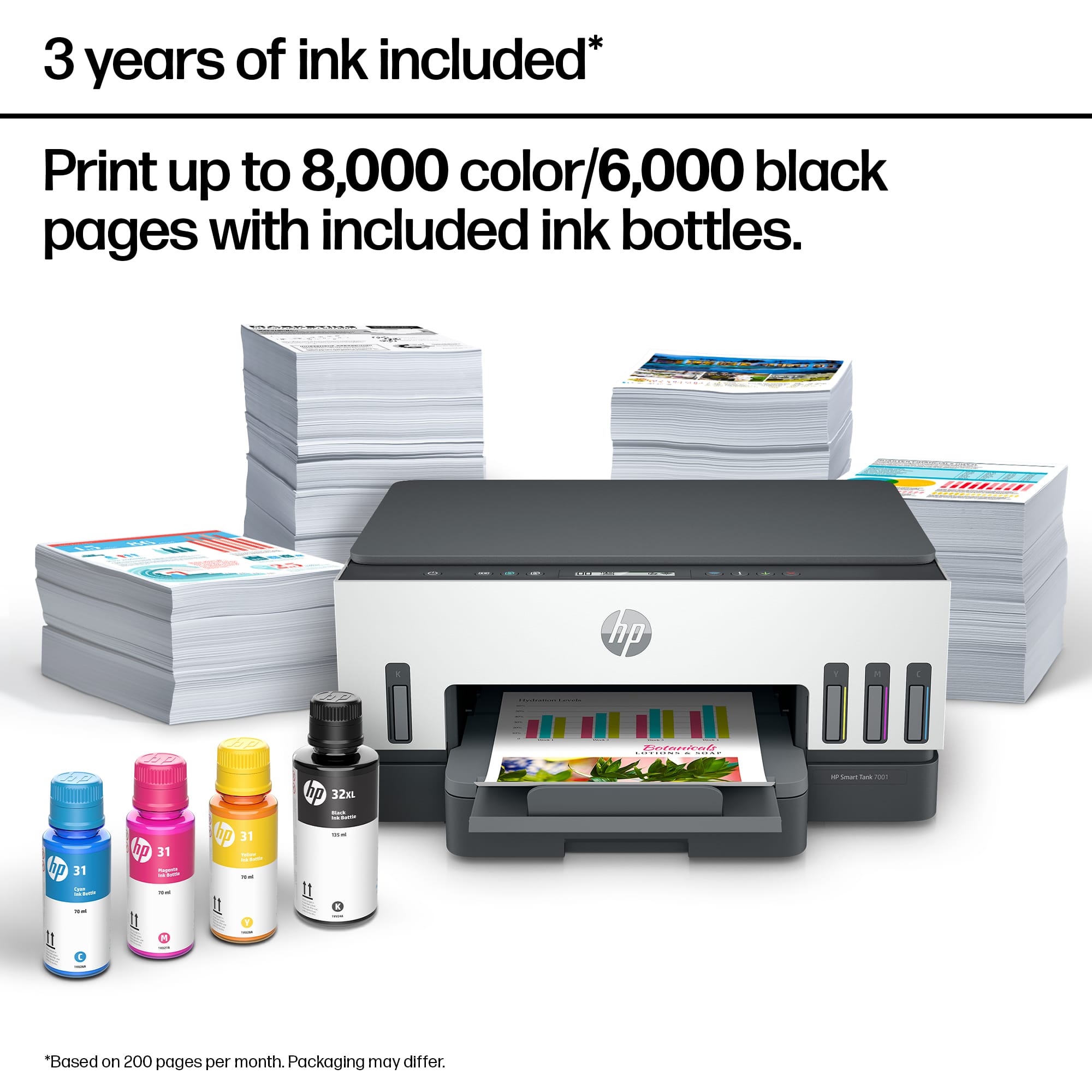
|Posted .This reviewer received promo considerations or sweepstakes entry for writing a review.The HP - Smart Tank 7001 Wireless All-In-One Inkjet Printer is a good choice for a solid, all-purpose printer-scanner-copier. It was very easy to set up and begin using. Installing the cartridges and filling the ink tanks was simple and provides enough ink to last a long time. Refills are definitely more economical that using ink cartridges. Wifi and app were similarly easy to set up and begin using immediately. I like the simple design, relatively small footprint, ample paper feed, and excellent print quality. No complaints at all, but the price does put this in the "thoughtful purchase" category, rather than the "easy-to-buy" one. Solid All-Purpose Printer-Scanner-Copier.
I would recommend this to a friend - Pros mentioned:Ease of use, Print quality
HP Smart Tank 7000
|Posted .This reviewer received promo considerations or sweepstakes entry for writing a review.Awesome printer. Easy to install and setup. Ink isn't messy. Follow the setup process after downloading the app. Printer is quiet and prints quickly. Can touch paper immediately. Like that you can see the ink levels from the front of the printer. Definitely been impressed with this printer. The ability to copy and scan is also very quick and the print is crisp. Looking forward to my next printing task. Colors are vivid and printing on photo paper is amazing.
I would recommend this to a friend Xxxxx
||Posted .This reviewer received promo considerations or sweepstakes entry for writing a review.Had previous one that only lasted 8 months. Need to wait and ser
No, I would not recommend this to a friend- Pros mentioned:Ease of use, Print quality
Much better than other printer alternatives!
Posted .This reviewer received promo considerations or sweepstakes entry for writing a review.Works great, easy to set up. I love it! It was much easier than I thought to set up and install ink. Looking forward to seeing how long the ink tanks will last! Much better than other printer alternatives!
I would recommend this to a friend - Pros mentioned:Print quality
Acceptable Print Quality with Basic Specs
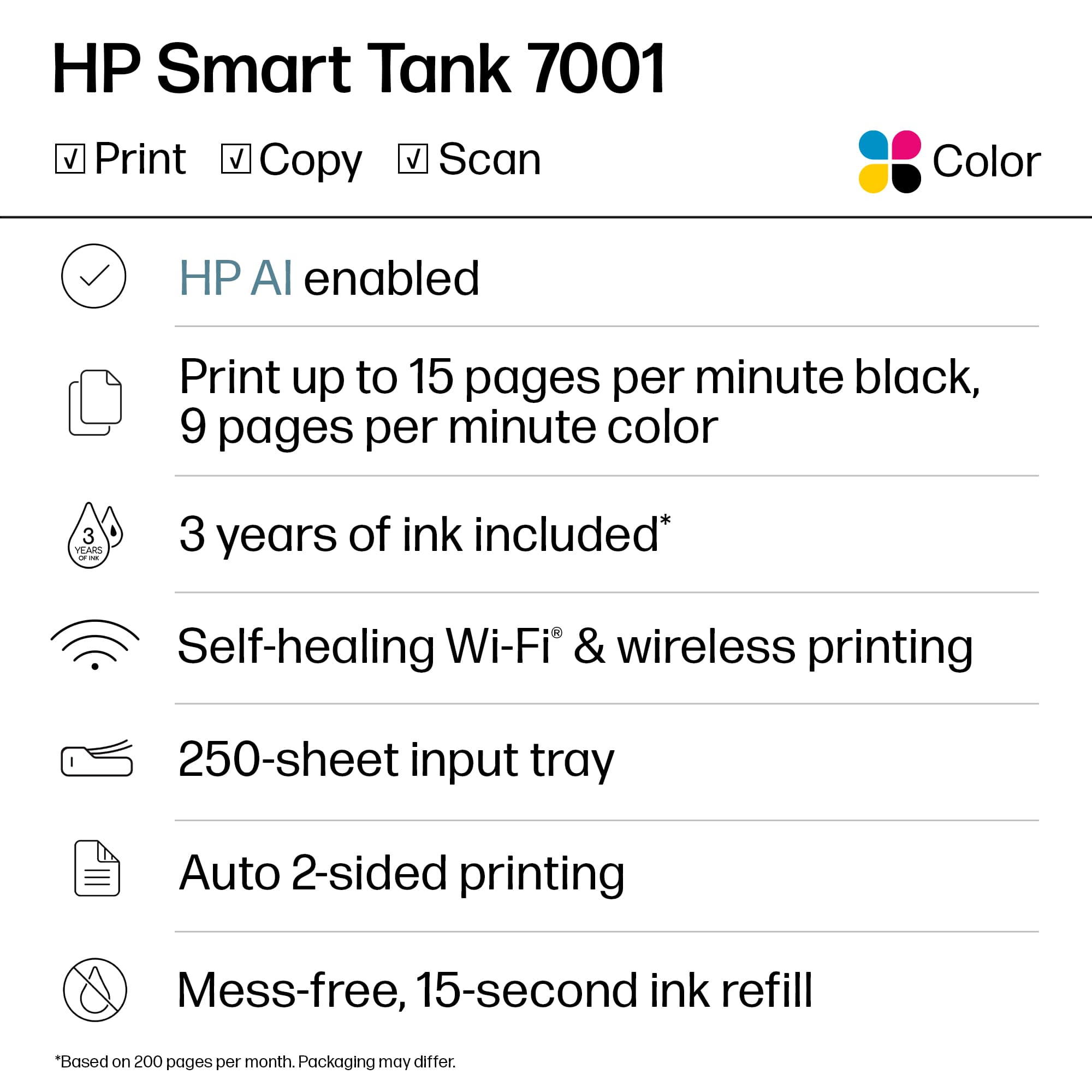
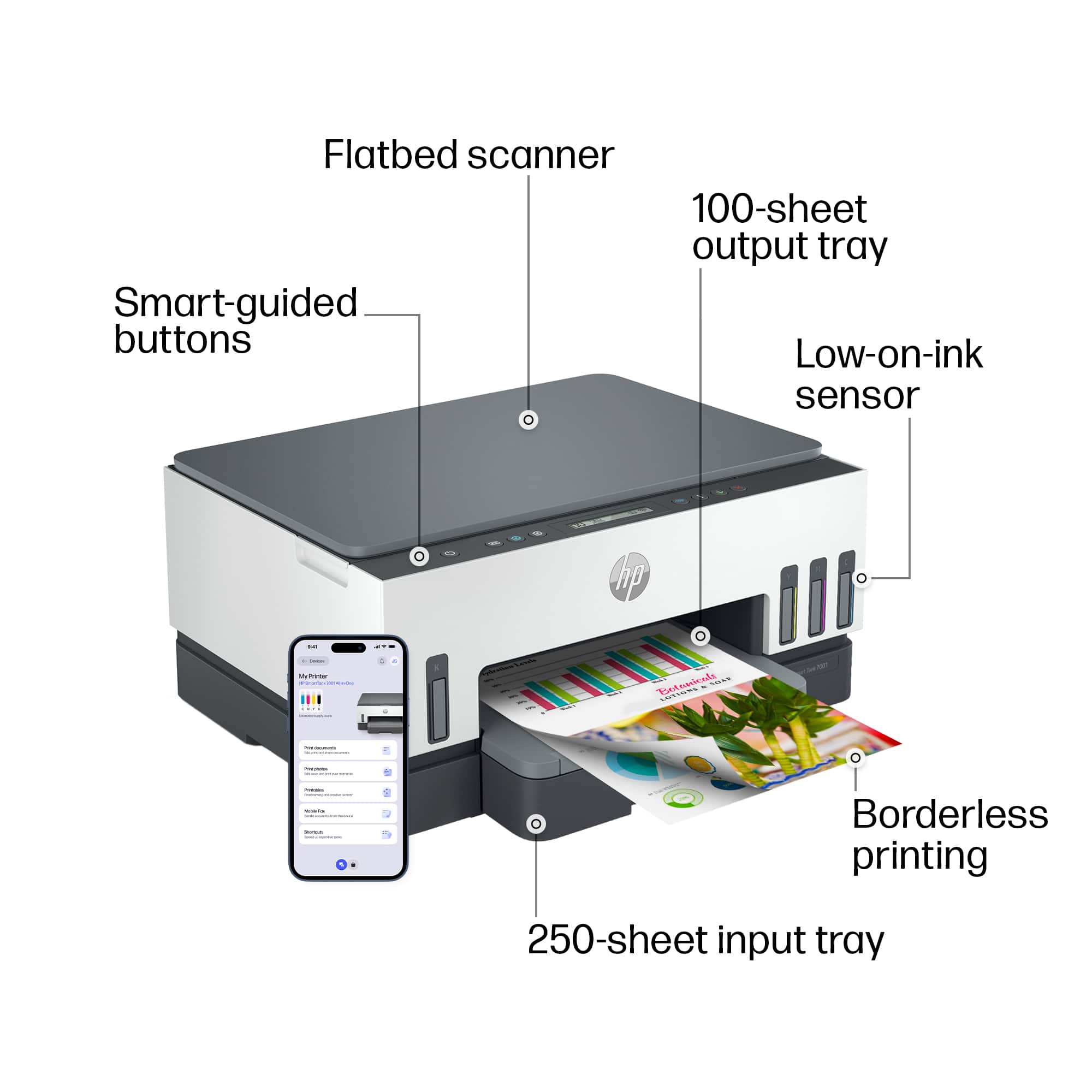
|Posted .This reviewer received promo considerations or sweepstakes entry for writing a review.The HP Smart Tank 7001 is yet another all-in-one tank printer. All-in-one meaning it prints, scans, and copies. Tank meaning it uses bottles of ink which give longer runtime than cartridges and are more cost effective to replenish. The look and feel is pretty similar to other tank printers I've reviewed in the past with a couple notable differences. This unit doesn't have a touch screen (it does have a basic segment display) and instead relies on physical buttons. It also has bluetooth where typically, the wireless interface is limited to WiFi. The basic setup is pretty quick. To configure wifi, you will need to use the app due to the lack of detail screen for configuring wifi settings. And interestingly enough, looking through the available buttons, there's a dedicated ID copy button, in addition to the color and back/white copy buttons. Having specific buttons for the type of copy is pretty cool. While I tend to print everything in B/W, there are times when I need to reproduce something in color and it's nice that I can handle those directly on the printer, rather than needing to go through the intermediate step of scanning then printing as I'd like. One thing you'd quickly notice is the lack of a USB cable. This really points you to wireless being the default method of using the printer. Print speeds in black/white are pretty quick, the printer meets the claimed 15ppm spec. Color prints are definitely slower and while they're good, they're not any better than my existing tank printer which does color printing a bit faster with similar results. Scanning and copying work pretty well with decent DPI on the resulting scan. Here, you just have a scan tray so scanning documents will be a single page at a time with you flipping things over to get the second side if needed. A bit higher quality than smartphone scanning, but the speed is comparable. About the only benefit is not having to contort yourself to equalize light or shadows over the document you're scanning. There's a single paper tray which holds a decent amount - 250 sheets. That's half a ream of paper so more home office geared. The printer is just all around ok. Nothing spectacular. Basic specs, acceptable speed, good quality, and no frills with accessories. I think the goal is a cheap, efficient printer that won't break the bank on ink.
No, I would not recommend this to a friend - Pros mentioned:Print quality
HP Inkjet Printer
Posted .This reviewer received promo considerations or sweepstakes entry for writing a review.The printer produces excellent print jobs and copies. Wish the printer's features were better. Specifically, the control panel should have words explaining what each button does. I need to look at the instruction booklet each time I want to copy something. Annoying. It also took me a while to set it up and connect it to my laptop.
No, I would not recommend this to a friend - Pros mentioned:Ease of use
Good print quality
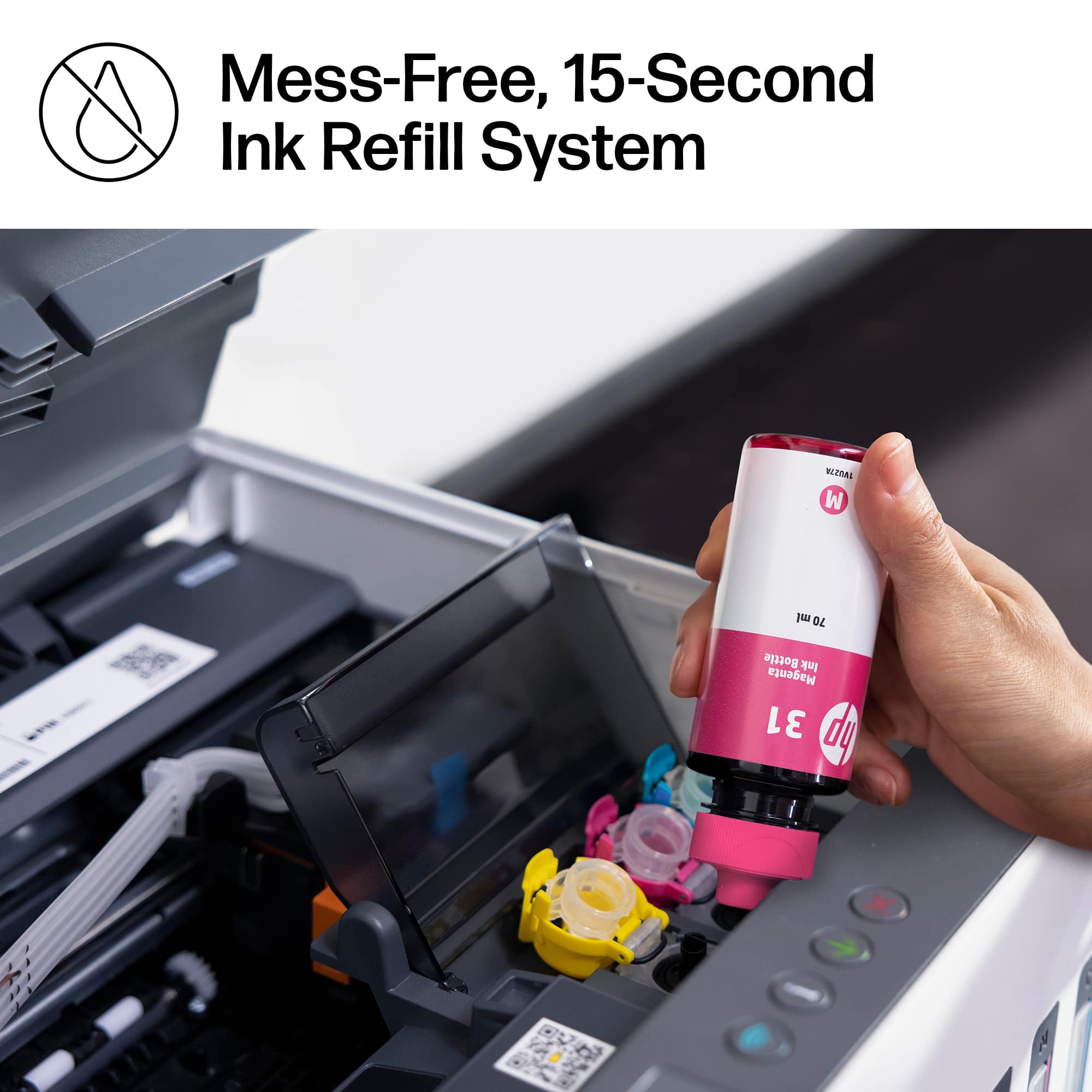
|Posted .This reviewer received promo considerations or sweepstakes entry for writing a review.Easy to setup. A little different after using the touch screen printers that words exactly what action you're about to perform. Refilling with the ink bottles is simple and mess free it does still have 2 cartridges.
I would recommend this to a friend - Pros mentioned:Setup
HP Smart Tank 7001 Ready When Needed!
Posted .This reviewer received promo considerations or sweepstakes entry for writing a review.It is installed and on line. I have used it sparingly but it sits on my video stand under my video screen ready when I need it! I don't print as much since I retired but my wife, a teacher, sometimes needs to print something at home. We both use the scanner too.
No, I would not recommend this to a friend - Pros mentioned:Print quality
Decent Printer
|Posted .This reviewer received promo considerations or sweepstakes entry for writing a review.Honestly this All-In-One from HP was a disappointment compared to the other products that I have from HP. Setup was not the easiest for me compared to my other HP printers. The overall print quality is good, but do not expect photo quality prints. The copy/scanner function is nice, but could be faster and more ergonomic. Overall it is a decent printer but it is lacking for someone who would use this is their home office or dorm. I rated this All-In-One by HP average because of the reasons above. If the performance and ease was comparable to HP's other devices then I would have rated higher.
No, I would not recommend this to a friend Nice small footprint with powerful resolution
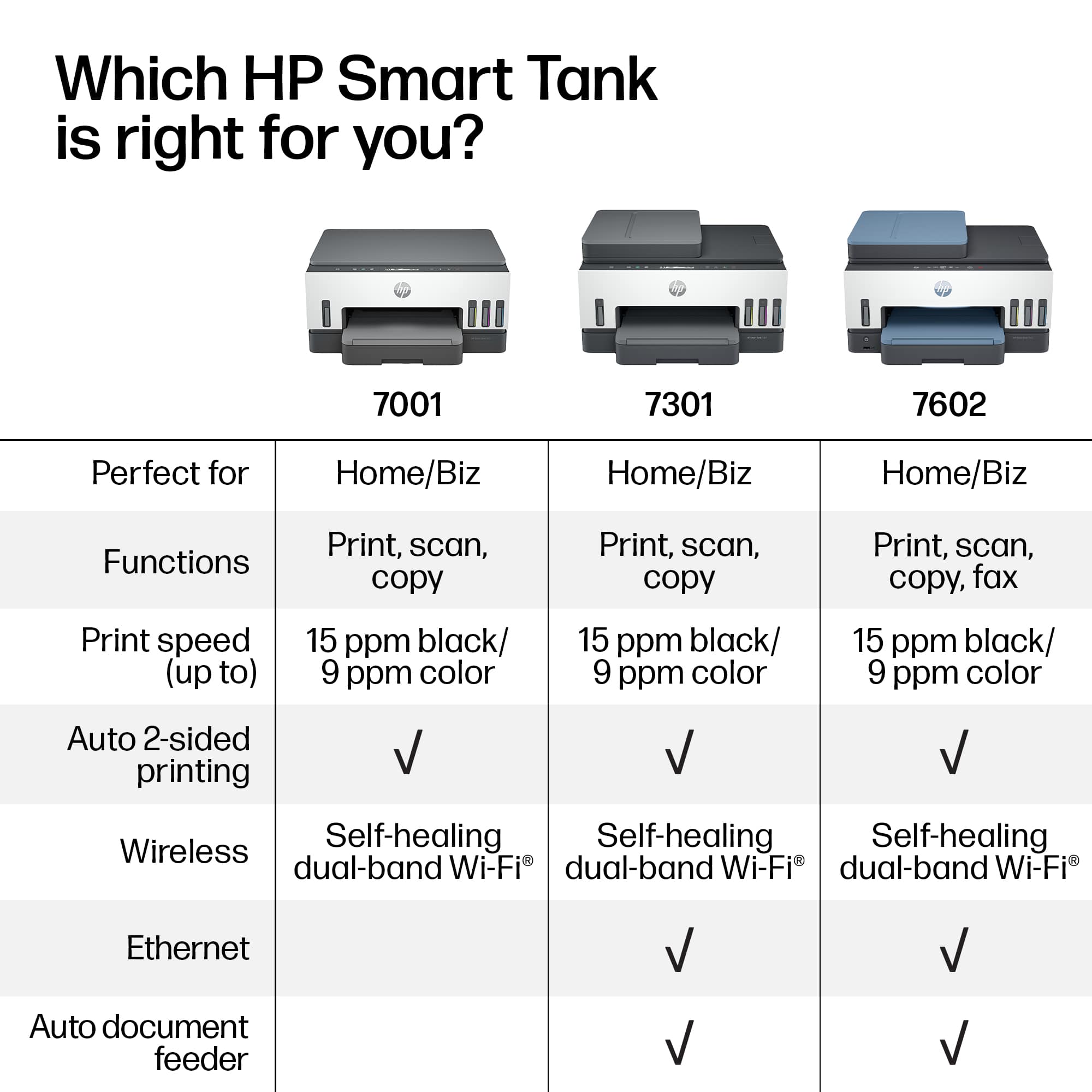
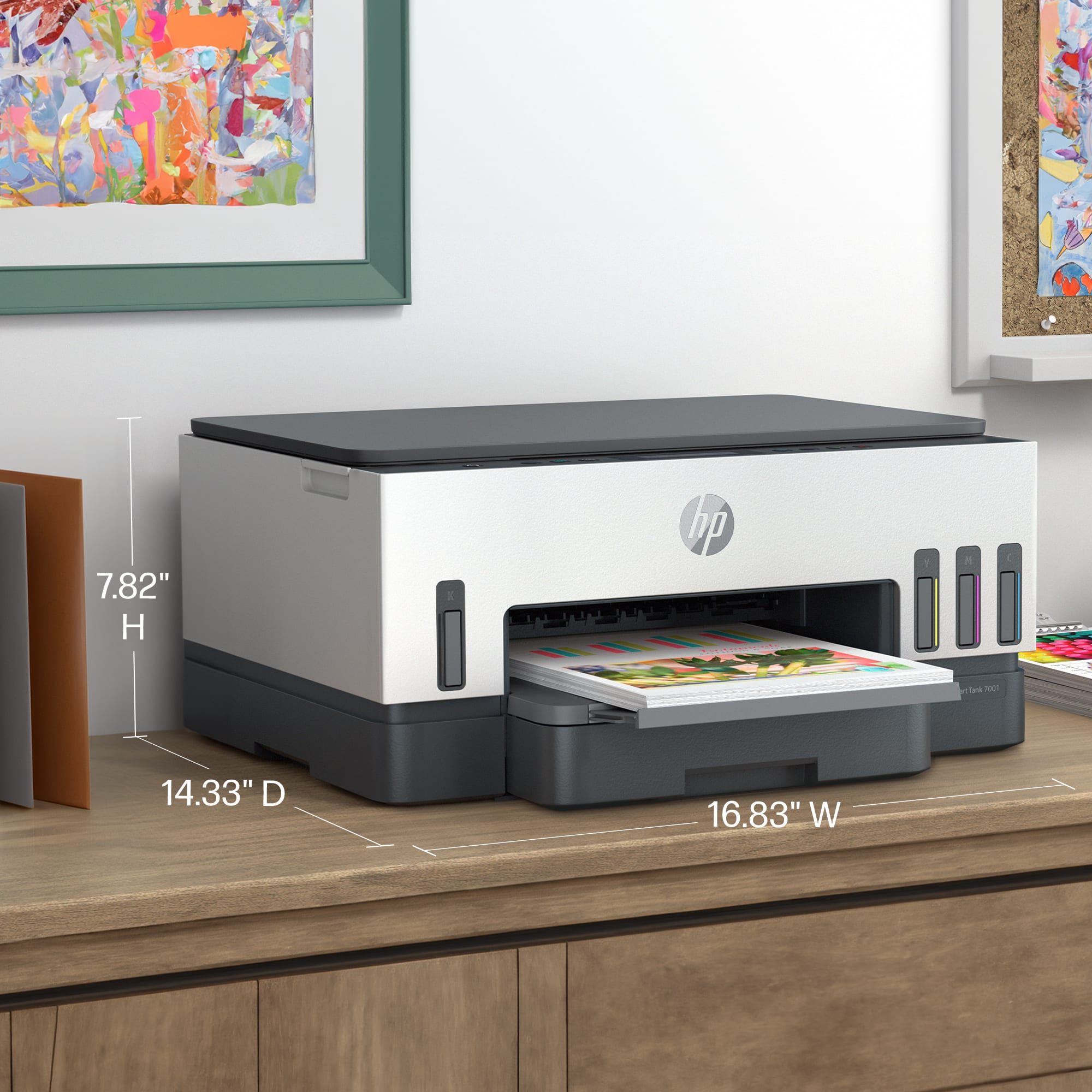
|Posted .This reviewer received promo considerations or sweepstakes entry for writing a review.First the price is a bit steep but on sale might be a great bargain given the overall ink print capacity…I have not tested that’s but so far I used ut to print about 800 bw pages and about 100 color prints and seems accurate. Nice and compact but kind of heavy but good quality build. The print resolution is phenomenal and the various paper input capabilities is slo very good. I wish it had a duplex scanning or auto feeder so I took a star off for that given the price point.
I would recommend this to a friend- Pros mentioned:Print quality
Great for home use
Posted .This reviewer received promo considerations or sweepstakes entry for writing a review.Works great and not paying 60 bucks for ink is nice! Wish it printed 11x17 instead of 11x14 for construction use.
I would recommend this to a friend - Cons mentioned:Paper tray
i just print on one side
Posted .This reviewer received promo considerations or sweepstakes entry for writing a review.had trouble with it jamming when printing on both sides
No, I would not recommend this to a friend - Pros mentioned:Print quality
el
Posted .This reviewer received promo considerations or sweepstakes entry for writing a review.Happy I don't have to continue to purchase cartridges
I would recommend this to a friend - Pros mentioned:Print quality
New Printer
Posted .This reviewer received promo considerations or sweepstakes entry for writing a review.Just starting to use. Seems to function well. The documents are crisp. All is well.
I would recommend this to a friend - Pros mentioned:Ease of use
HP Envy 5000 series printer
Posted .This reviewer received promo considerations or sweepstakes entry for writing a review.Love the quality of the photos and the ease of use. It’s not messy to refill as some may think either.
I would recommend this to a friend HP-Smart Tank 7001 Review
Posted .This reviewer received promo considerations or sweepstakes entry for writing a review.Setup was relatively easy. Using it required more instruction than the quick setup guide provided, which was very little. We figured out that we had to go online, but even the on-line instructions were a bit lacking for our minimal expertise. Using WiFi and sending document copies to our email gave us the most challenges.
I would recommend this to a friendVERY GOOD
Posted .This reviewer received promo considerations or sweepstakes entry for writing a review.Amazing. It prints out lots of photos without loosing ink
I would recommend this to a frienda title
Posted .This reviewer received promo considerations or sweepstakes entry for writing a review.qwertyuiopasdfghjklzxcvbnmqwertyuiopasdfghjklzxcvbnm
I would recommend this to a friendA massive pain
Posted .This reviewer received promo considerations or sweepstakes entry for writing a review.Directions are horrible, screen doesnt tell you anything, wifi setup will probably fail which requires a hard reset and can not be used without the HP Smart App installed on whatever device youre trying to print from not even with a USB printer cable.
No, I would not recommend this to a friendBrand response from HP Team
Posted .Hi, Rick.
I’m sorry to hear that you’ve had such a difficult time with your printer. I can certainly understand why lack of adequate instructional material, a difficult setup process and design features you find inconvenient would be a tremendous frustration. I want to help you get the most from the device, so I’ll provide some resources aimed at making that happen.
First, I can’t tell from your review whether you’ve experienced connectivity problems or at this point you just anticipate them. Regardless, if they appear, I recommend you visit a page on our support site that has diagnostic tools for various issues, including wireless connectivity. You can find that page here:
- support.hp.com/us-en/topic/diagnostics
Next, to learn more about your printer and all its features, or for help solving problems, you can access user manuals, how-to documents, troubleshooting guides and software updates here:
- support.hp.com/us-en/product/hp-smart-tank-7000-series/2100178735
If you need further assistance with connectivity, software or anything else, I suggest you contact us directly at +1 800-474-6836 so we can help you assess the situation and find a solution. (Please note that because of restrictions on personal movement and workplace attendance associated with the COVID-19 pandemic, wait times for agents are longer than normal. Thanks in advance for your understanding.) To expedite the process, I recommend gathering the following information before the call:
- Model number
- Serial number
- Your location
- Case number (from any previous contact with HP support)
Keith
HP Care
hp.com/support