Customer Ratings & Reviews
- Model:
- HP SMART TANK 7602/28B98A#B1H
- |
- SKU:
- 6498190
Customer reviews
Rating 4.4 out of 5 stars with 1827 reviews
(1,827 customer reviews)Rating by feature
- Value4.4
Rating 4.4 out of 5 stars
- Quality4.5
Rating 4.5 out of 5 stars
- Ease of Use4.4
Rating 4.4 out of 5 stars
Customers are saying
Customers express satisfaction with the Smart Tank 7602 printer's very good print quality and ease of use. Many also appreciate its overall performance and fast, easy setup. Additional benefits include a quiet operation, reliable connectivity, and a size suitable for desk placement.
This summary was generated by AI based on customer reviews.
- Pros mentioned:Ease of use
Rated 4 out of 5 stars
Practical and Economical Option for Home Office
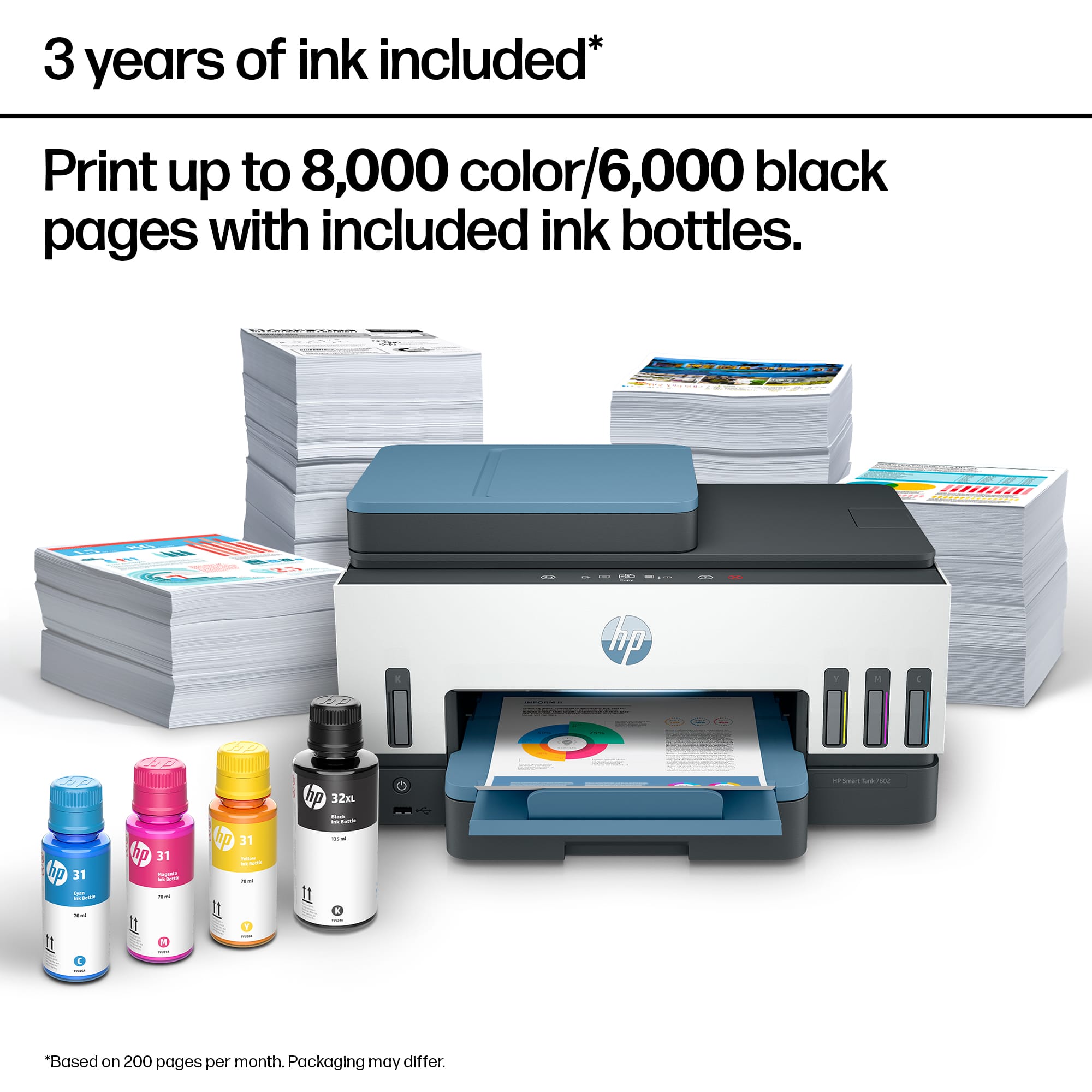
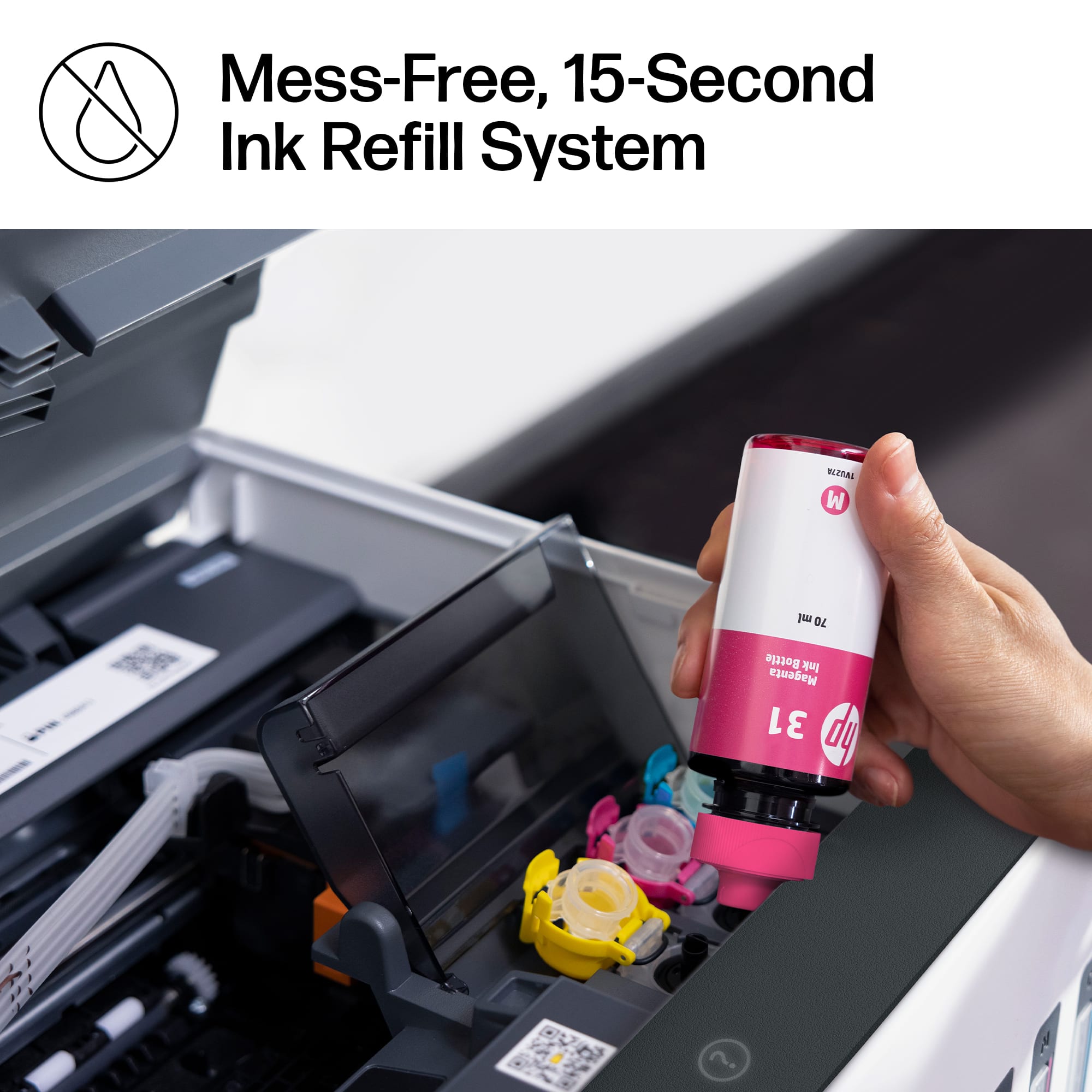
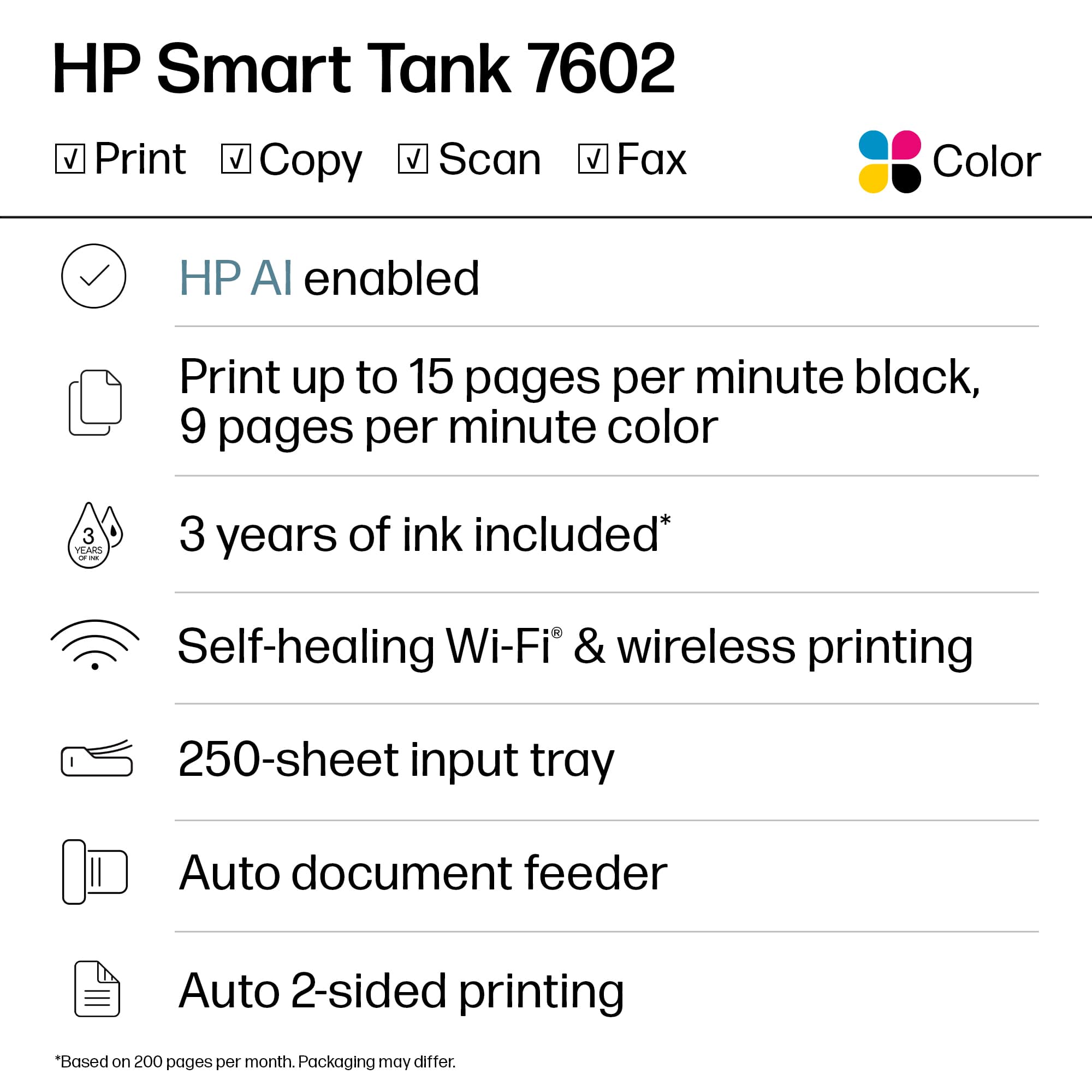
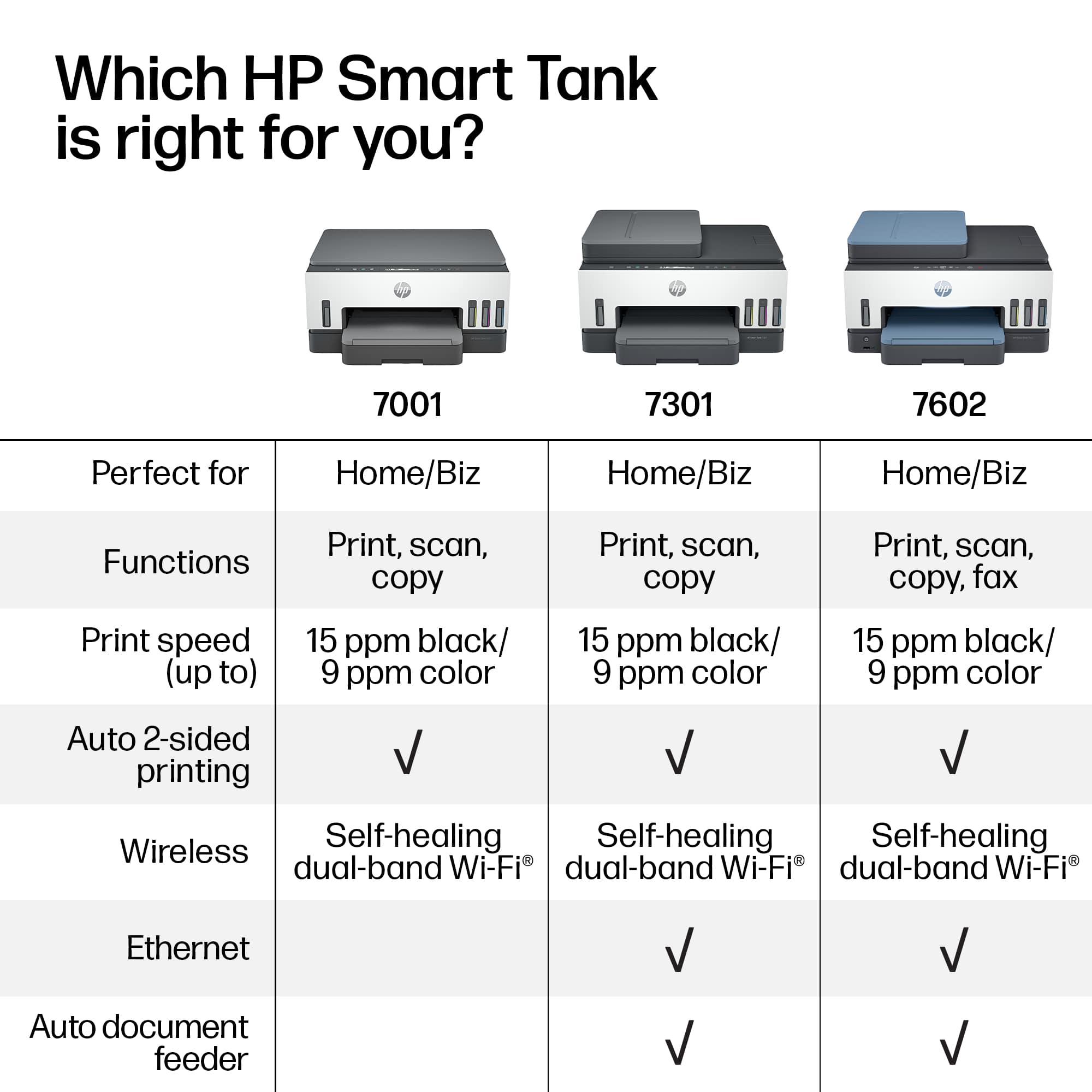
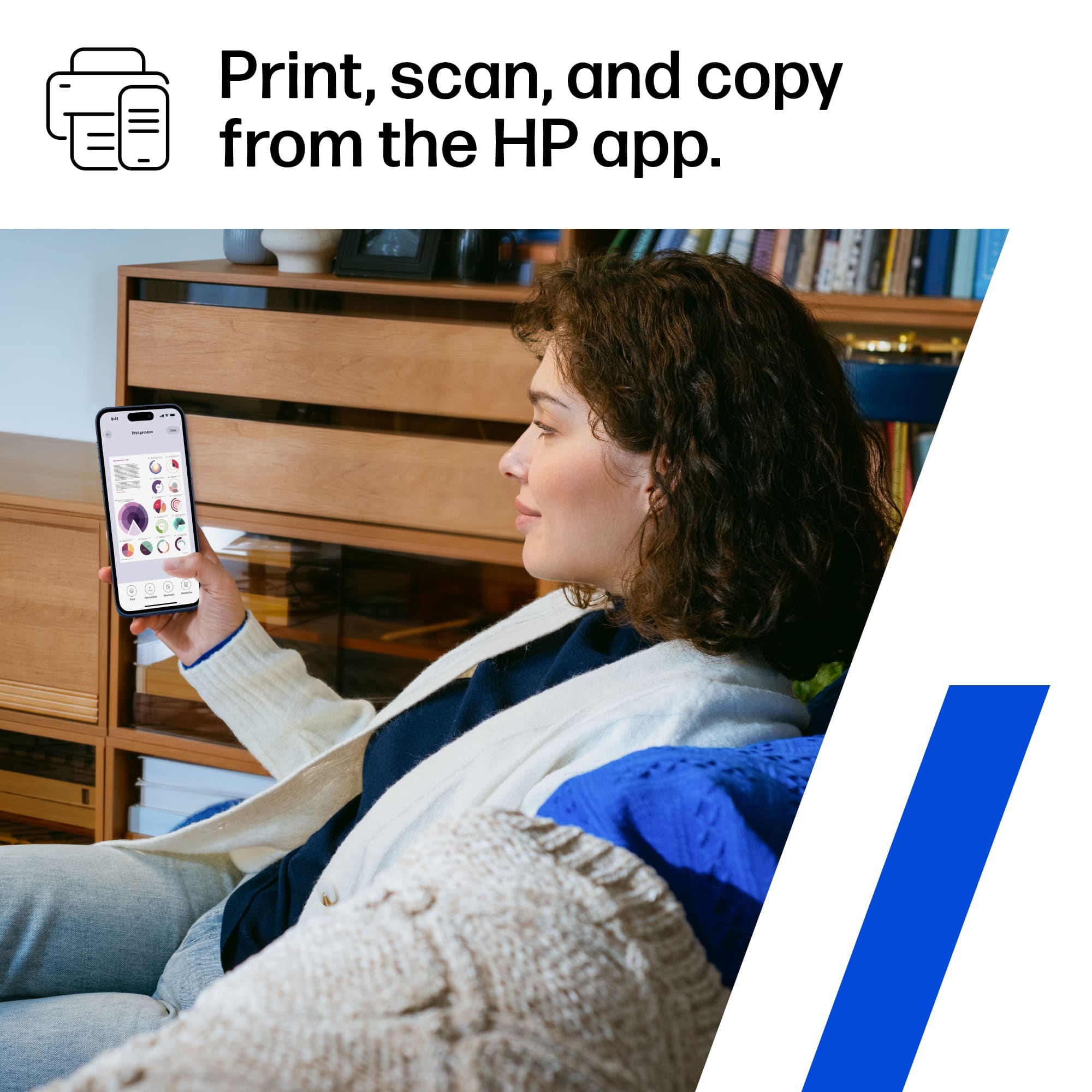
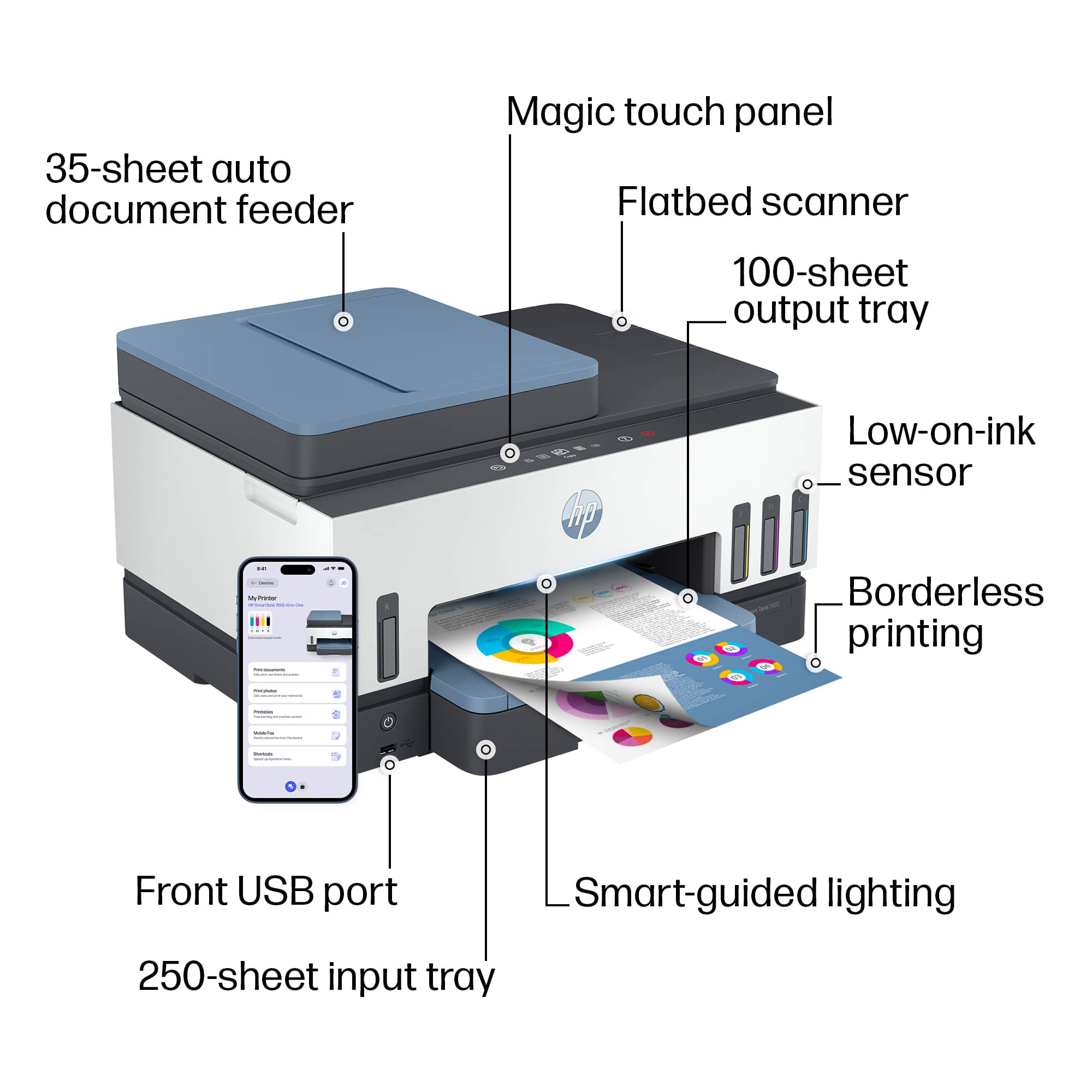
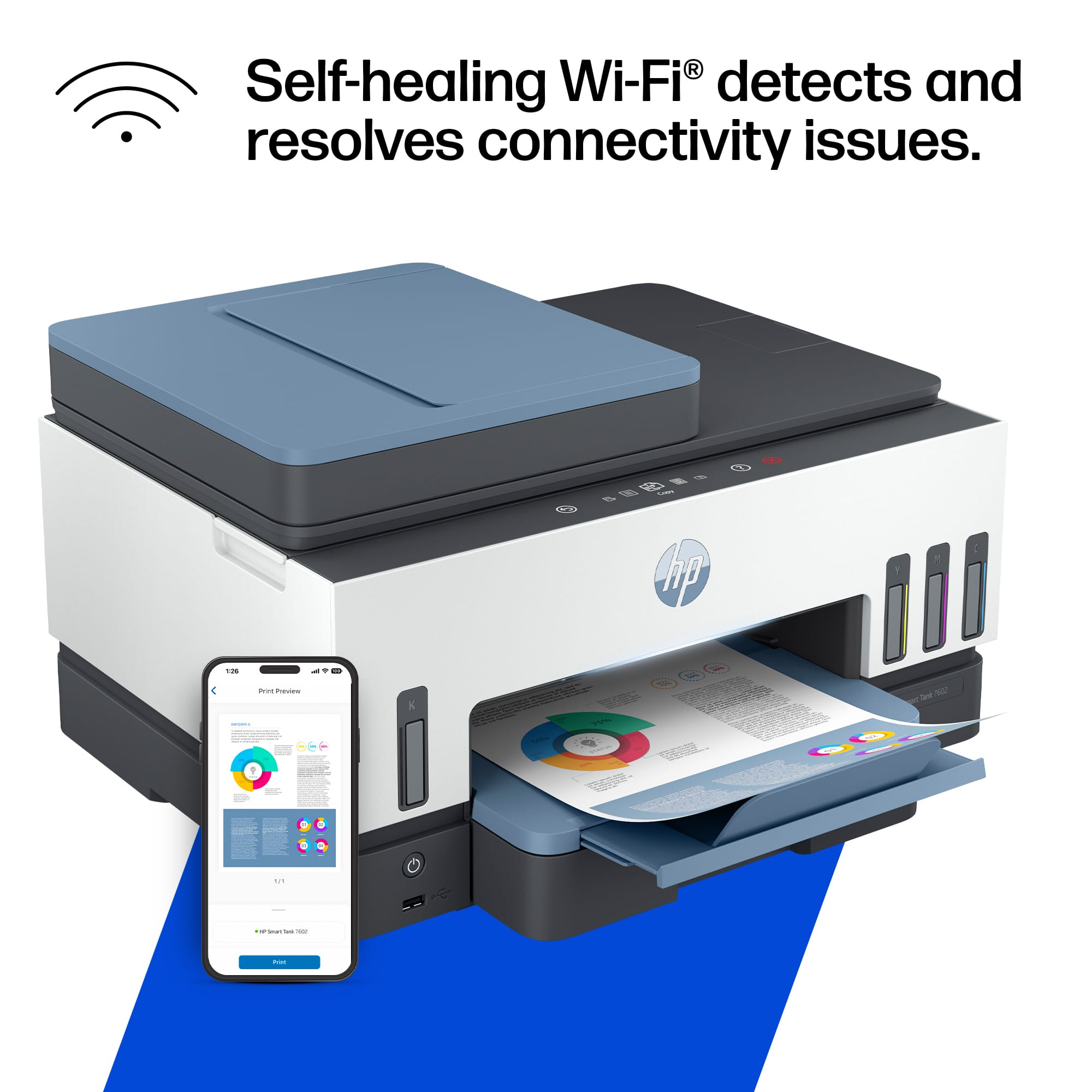
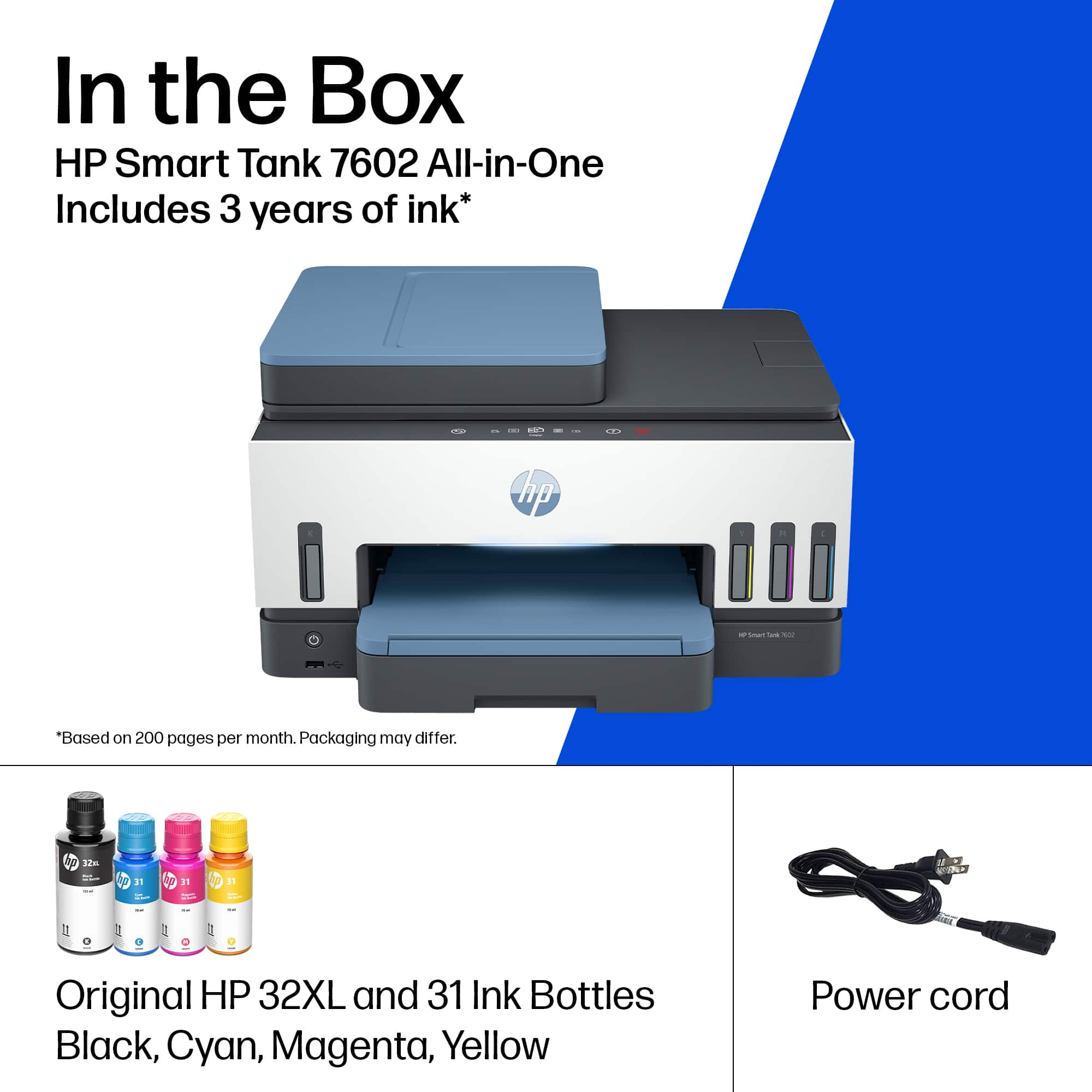
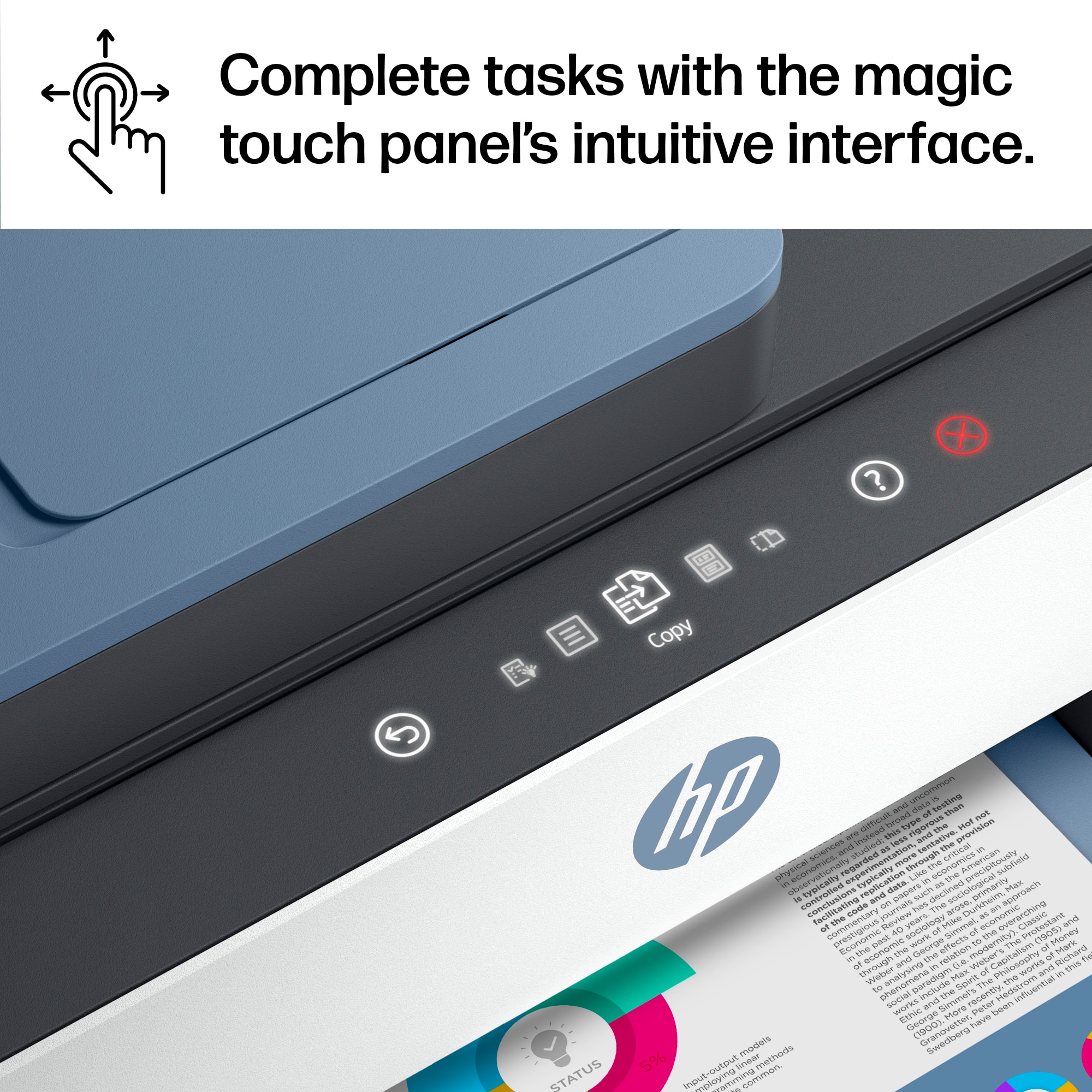
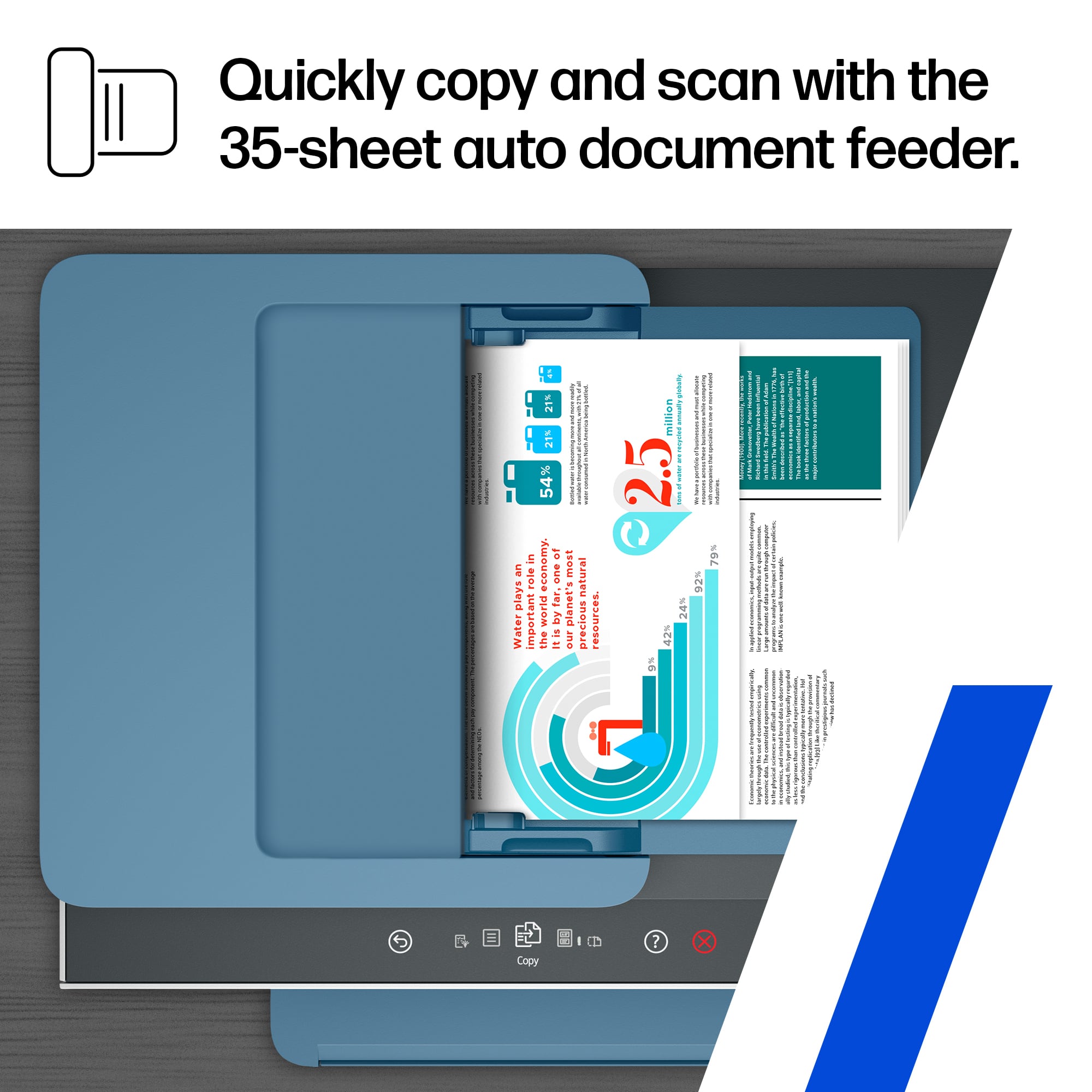
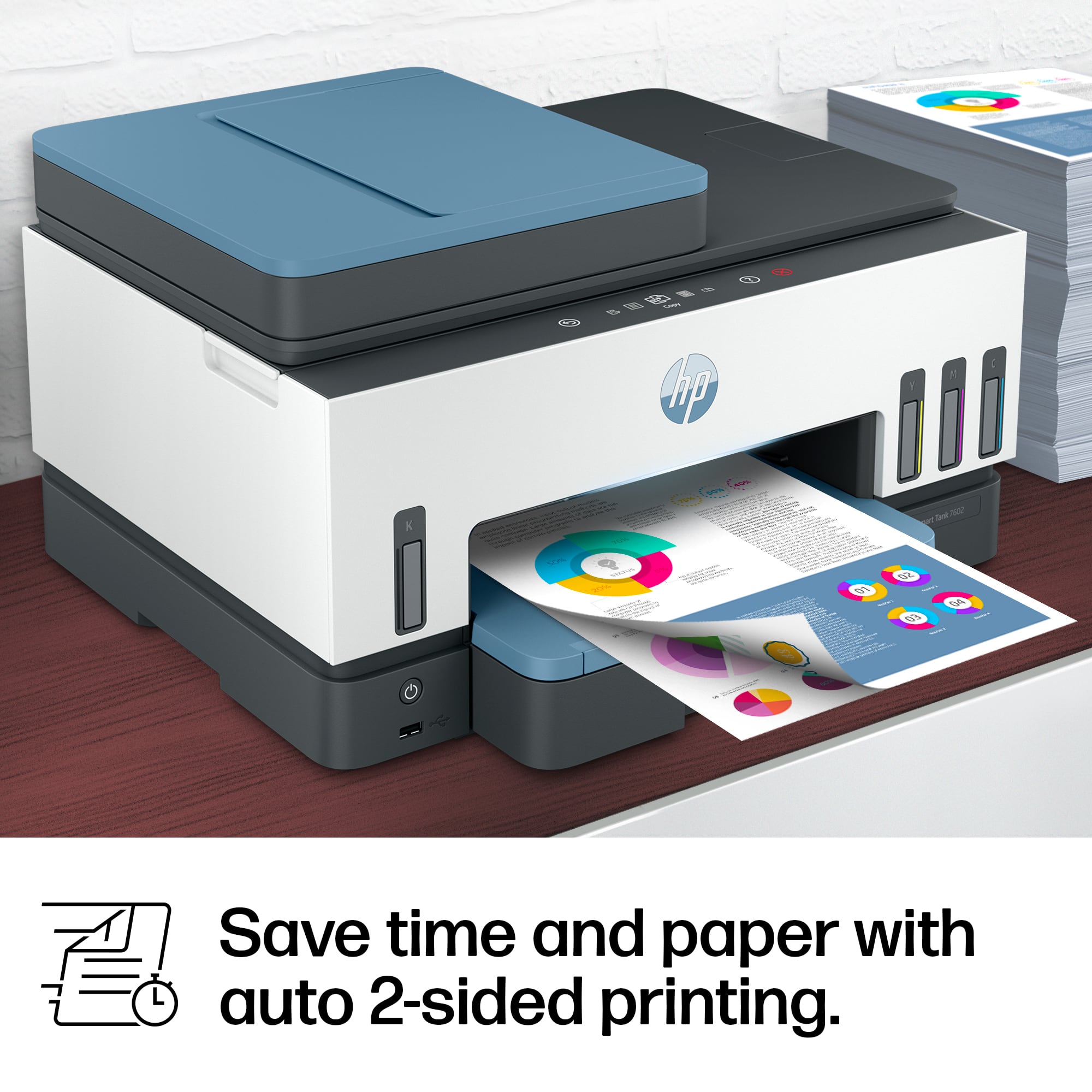
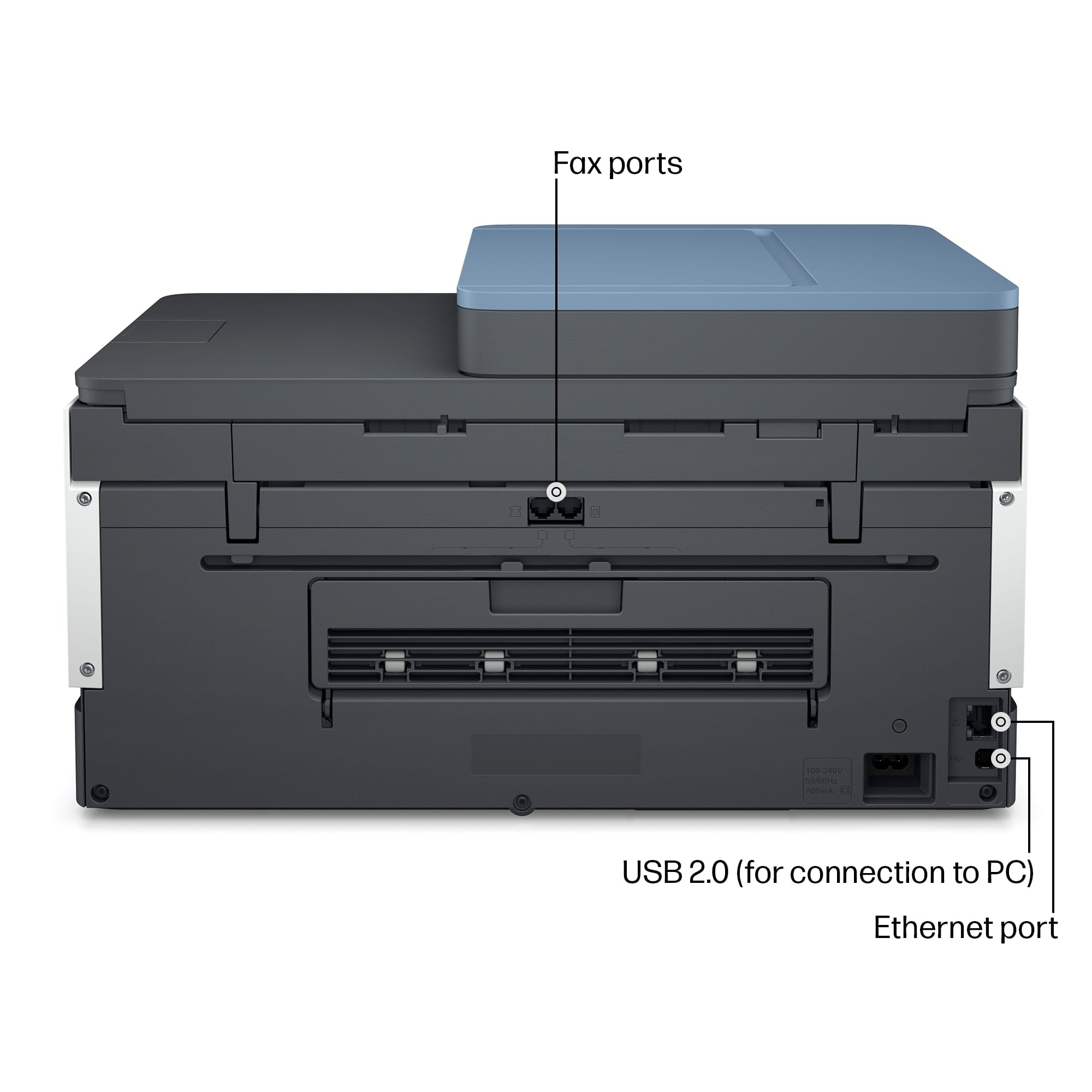
|Posted .This reviewer received promo considerations or sweepstakes entry for writing a review.If you are looking for a full-featured all-in-one color-capable device for your home/small office the HP Smart Tank 7602 is a good choice. The upfront price is high, but thanks to the Smart Tank system and its advertised 6-8K page prints per refill I expect its total “cost of ownership,” to be lower than similar less pricey cartridge-based ink jet or color laser devices. In addition to these cost savings over time, the need for less frequent refills is a real productivity boost with drastically fewer dreaded “low ink” notifications – usually minutes before a key meeting. And speaking of “low ink” notices, the Smart Tank 7602 has visible ink windows so there is never a Surprise! when you are out of ink. Initial set up of the Smart Tank 7602 to your computer or tablet requires the free HP Smart app, which is available for Mac, Windows, iOS and Android, and guides you through the set up. The printer’s control panel even displays a QR code to take you directly to the download for your platform. Personally, I first set up the printer one Wi-Fi with my Mac (MacOS 12). Easy and smooth process. Later I installed the iPad OS app on my iPad Air 5. Once installed I could use the printer and scanner from my Mac with or without the HP Smart app, and my iPad also recognized the Smart Tank 7602 with AirPrint. (More about the features in the HP Smart app later.) While the Smart Tank 7602 has Wi-Fi connectivity, you can also connect it to your computer with a USB cable (not included). The physical set up of the printer is easy too, though, a tad more time consuming than traditional inkjet printers. The printer comes with two empty printheads – black and color, and four bottles of ink. The ink bottles are no-spill; just screw off the cap, remove the seal, put the cap back on, and attach the bottle to the corresponding color tank. Repeat for all bottles and done. Then just pop in the printheads and you are essentially ready to use your new printer. Expect the entire set up process to take about 20 min. Using the Smart Tank 7602 is mostly intuitive, as an all-in-one device should be, but often is not. One unique feature of the Smart Tank 7602 is its touch screen control panel rather than traditional hard buttons. It gives it a smooth modern look and feel. Functionally, I found it to be a mixed bag. It does make drilling down menus quicker and more natural. But by that same token, the loss of direct function buttons like “two-sided copy” makes those tasks a bit more work. The screen scroll speed is also a tad too fast. I think adding haptic feedback could help here. On whole, the touch screen is a plus and it will certainly make cleaning the device easier since dust can’t fall in button crevices. The printer speed for documents is fast for an inkjet, around 15 pages per minute. It also can print two-side (“duplex”) also. The quality rivals laser printers. The paper tray holds 250 sheets and can hold up to legal size paper. Photo printing, on proper photo paper, compares to “one-hour photo quality”, though I’m unsure of the archival quality of the Smart Tank ink. For general business use though, yes, you can print photos for a presentation and be proud of them while also saving time (and money) by having your photos in minutes, not hours. As previously mentioned, the Smart Tank 7602 has with AirPrint compatibility so printing directly from your iPhone or iPad is easy. On whole, printing is a good experience. The one Achilles’ heel here is that there is no manual paper feed that I have found mentioned in the manual. So, to print a single envelope or small photo or any other one-off, the paper tray must be unloaded and then re-loaded with a single envelope or photo paper, then place your regular print paper back in. Earlier I mentioned the HP Smart app. In addition to using it for initial set up, this app has loads of useful features including scanning and faxing capabilities. I found the app excellent for mobile use (iPhone/iPad), but less useful on my Mac because I already use more business-grade PDF and photo scanning software on that platform. The good news is that my 3rd party software works great with the Smart Tank 7602 and recognizes it every time. I write this because I’ve had scanners in the past whose drivers were less than reliable and did not play well with non-bundled software. Even if you don’t use 3rd party scanning apps but also still don’t want to use HP Smart to manage your scans, you can make basic scans directly from the MacOS’s “Printers & Scanners” control panel or Image Capture app. On the hardware end of the equation, the Smart Tank 7602’s scanner has a 35-page document feeder to make capturing moderate size documents less painful. Scan speed is neither fast nor slow. Faster speed would be nicer, but clearly missing here is the ability to scan two-sided documents. If that is a feature you rely on this is not the all-in-one for you. Also, unlike the printer function, the scanner bed cannot accommodate legal-size documents. The mobile version of the HP Smart app is quite handy as a “one stop shop” for all the device’s capabilities. This is especially true if you use an iPad as your laptop because it acts as a virtual control panel. My favorite feature of the apps is the ability to scan documents with my iPad to save or send directly to the printer. It works by using the device’s camera as a scanner. Available save options include editable Microsoft Word files, searchable PDFs, JPEGs, HEIF, and a few others. You can save direct to your device or to a cloud drive service. Another business feature of the Smart Tank 7602 is its built-in fax. I don’t have a land line in my home office so I didn’t get to test this out, but I’m sure it works as any fax machine does. The back of the printer has phone jacks for “in” and “out”. HP seems to understand that land lines are on the wane though so it also incorporated mobile fax into the HP Smart app. The app sends your fax to HP’s cloud and forwards to the receiving fax machine. HP’s FAQ says it’s HIPPA (health records) compliant, so it clearly has security built into this process which is a necessity for business papers. This feature is apparently in “trial,” and is free during this period. It seems once this feature is officially released there will be a fee or subscription required. Even still, for infrequently faxes, it’s a time saver, and probably more secure, than going to a store to send a fax. The bottom line here is the Smart Tank 7602 is a smartly featured color all-in-one inkjet for moderate monthly use in a home or small office setting. The star here is the Smart Tank which keeps the “per print” cost down while also extending the time between needing to refill ink. For color I don’t think there is a lower “cost of ownership” option. Both traditional cartridge inkjet and color laser printers can be bought for less, but the ink for those will make their “per use” cost much higher. Functionally, the Smart Tank 7602 has all the basic features a home office needs: print, scan, fax, copy. However, while it can print two-sided, it can’t scan two-sided documents. It also can’t scan legal size documents. Depending on your activity, that may or may not be a deal killer, but it’s important to know before buying to avoid frustration. The addition of the HP Smart app for mobile devices is also a value-added and convenience for those who use their iPad as a “laptop,” since it puts all the Smart Tank 7602’s feature in one place.
I would recommend this to a friend - Pros mentioned:Print quality
Rated 5 out of 5 stars
Good MFP ink jet option for a typical home user.
|Posted .This reviewer received promo considerations or sweepstakes entry for writing a review.It has been a long time since I used an ink jet printer (I typically use laser printers exclusively), so I was intrigued by the bottle ink system used with this printer (as opposed to the ink cartridges that I had previously used). The setup of the printer was relatively simple using the HP application on my phone. (There were also directions provided with the printer to manually set it up without using a smartphone.) I was pleasantly surprised by (and wasn't expecting) the interactive touchscreen on the top of the printer (it is disguised, of sorts, within the overall finish of the printer itself and I did not realize it was a touch screen; when not illuminated, it looked like a part of the plastic housing of the printer). The windows on the front of the printer make it very easy to see how much ink is left in the system. Filling (or refiling) the ink is easy and clean, though opening up the bottles themselves and removing the seal so that you can use the bottle turned out to be another matter. While I was very slow, deliberate, and careful to not spill any ink anywhere, I wound up with ink on my fingers and my arm. It came off easily enough with soap and water, but I am not sure I would have had the same success if I got the ink on my clothes. I would recommend having a trash can (or bag) nearby when opening the bottles for the first time. In using the printer, I was pleasantly surprised to find that it does print duplex. That is one of my favorite features on my laser printer and it definitely helps reduce how much paper I go through on a typical print job by allowing me to use both sides of the page. I have a stand-alone duplex scanner that I use at home and, in comparison, the scanner on this printer is relatively slow. It also does not scan in duplex, which is inconvenient. On the flip side, though, it is very convenient for making "quick" copies and the printer can scan single pages and combine them to print duplex. Through the HP app, the printer offers quite a few features that I will probably never use, such as secure printing (so that the document you send to the printer only prints when it "senses" your phone nearby), there is a mobile fax feature, and you can also use the camera on your phone to capture pictures and documents for printing. I am not that familiar with the instant ink feature, but is sounds like the printer can monitor the amount of ink you have left and reorder when necessary? It is nice having separate bottles for the various ink colors so that you need only refill the particular color that is running low (as opposed to throwing out a cartridge that may still have plenty of ink left for the other colors in it). As for the build of the printer itself, it is pretty lightweight and made of plastic, which feels a little flimsy. The footprint is not too large, though. Considering that this is for home use, though, that is probably not a big deal (as opposed to being in an office environment where some additional or frequent abuse may be prevalent). Overall, I was torn between 4 and 5 stars on the unit, so I gave it the benefit of the doubt considering its ultimate purpose. (A 4.5 probably would have been a reasonable rating.) For a typical home user looking for a relatively inexpensive multifunction ink jet printer, this one is definitely a pretty good unit. While the scanner is slow and will only scan one side of the page, the printer itself uses separate ink reservoirs (meaning you only have to refill individual colors as they run out), its print speed is reasonable for an ink jet, the touch screen is intuitive and works well, and it does print in duplex (both sides of the paper). If you are a professional who prints a lot, I suspect you would be looking for a laser printer anyway. As far as ink jets are concerned, this unit would definitely fit the bill for an average home user. I would see it being a good fit for an average grade school or high school student, or for other home printing needs.
I would recommend this to a friend - Pros mentioned:Print quality
Rated 4 out of 5 stars
Great Refillable ink tank printer
|Posted .This reviewer received promo considerations or sweepstakes entry for writing a review.This printer was exactly what I was looking for to replace an old cheap printer which required frequent ink cartridge replacements and thus costing more than then the printer is worth. I was searching for a printer with better print quality and did not require frequent ink cartridge replacements. Enter the HP Smart Tank 7602 First the product was well packaged and easy to remove from the boxing. The cardboard protection and tape surrounding the delicate components were well placed and easy to remove. Plugging in the power cord and turning the machine was easy. Next the automatic setup was fairly simple and took about 30 minutes. The set up process was full of easy prompts which included downloading the app, automatically connecting to my network and step by step animations for filling the ink tanks with the bottles and printing cartridges. This is my first printer that I am using an ink tank that I had to self fill the ink but I think this will solve my problem of constantly replacing ink cartridges. The ink bottles was a surprisingly clean process because the valves in the bottles make it essentially mess free. Next, printing and the outcome resulted in beautifully printed pages that I was pleased with. Relatively quiet and quick resulted in well printed pages. I use Apple and Mac so I can print the desired pages from an iPhone or iPad directly to the HP Smart Tank. You can also use the HP Smart Tank App which I checked out and it appears to be relatively easy to use and can connect to various sources like Dropbox, and documents from your PC once you give it permission. One negative so far is that the printer failed to resolve a paper jam from a print session. The printer does give you a step by step animation on the printer's LED screen of how to resolve the jam but unfortunately it did not recognize that paper was removed after reinserting the print trays. It continued to show a paper jam and would not reset itself despite canceling and restarting the print session several times. The only thing that worked was turning off the printer then turning it back on and restarting the print project. Of note the paper jam occurred when trying to print double sided, so I ensured the project was on single page print when I restarted and this worked fine and produced a nice page. I still think the printer is good but I am giving it 4 stars due to this quirky jam issue. Scan and Copy functions works well and so far the app is intuitive and easy to use for these abilities. I have not used it extensively but from what I have used so far it is easy and produces the desired outcome. Bottom line, it's a great printer, and can free up the cost and burden of replacing ink cartridges frequently. No printer is perfect but this is a great printer and worth the investment.
I would recommend this to a friend - Pros mentioned:Print quality
Rated 4 out of 5 stars
Very good small office option
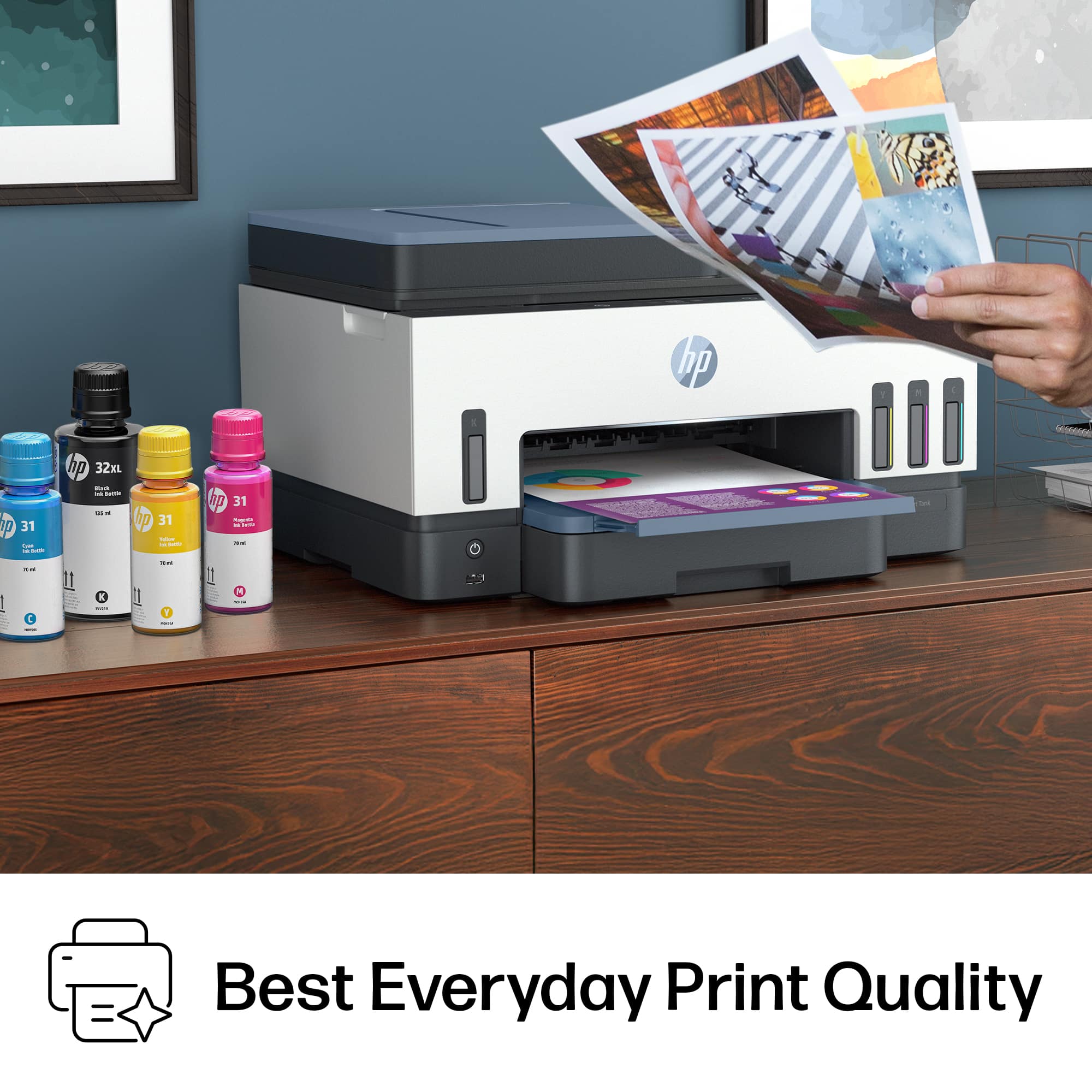
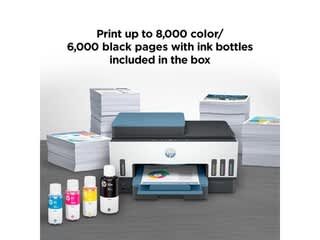
|Posted .This reviewer received promo considerations or sweepstakes entry for writing a review.I’m not a fan of the color scheme but it’s not outlandish or ugly. I’m very happy with the easy-to-read, always present, ink-level windows on the front. I wish other printers would incorporate them into their printers, not just smart tank systems. I also appreciate the front USB port for easy access (There is also a USB Type-B port for directly connecting your printer to your computer). The smart tank system is supposed to yield 6,000 black text pages and 8,000 color pages. The smart tank system should save you money over the long haul but I haven't had the printer long enough to validate it. I've spent more money on ink than on printers in my lifetime so the idea that I can print as often with one set of ink bottles feels like a relief. You can setup using the HP Smart app. The app is chock full of options and information. You can print from the within the app. I find the app and the touch screen on the printer user-friendly. You can scan in color and in high resolution. It's not the fastest scanner but not the slowest either. Now for the most important facet of any printer, the print quality. The printer is fast and loads print jobs quickly. I find the document quality to be great and almost comparable to a laser printers. Printing photos was surprising because I did not expect photo print quality (on gloss paper) to be as good as dedicated photo inkjet printers. All print jobs were very high quality. I recommend this printer for any small office or home user that's printing in high volume. The smart tank system alone is a good reason for a purchase, but the print quality is surprisingly good. The printer is not cheap and is a high upfront investment, but you will save money in the long run.
I would recommend this to a friend - Pros mentioned:Setup
Rated 5 out of 5 stars
Love my new printer
Posted .This reviewer received promo considerations or sweepstakes entry for writing a review.Easy to use! Always have a hard time setting up new printers, but this one was very easy.
I would recommend this to a friend Rated 5 out of 5 stars
A must for Home or small Office use
Posted .This reviewer received promo considerations or sweepstakes entry for writing a review.The feature on this printer are fantastic. One of the main reasons I purchased it was due to the longevity of the ink as well as replacement in bottles. It is less than half of my old cartridge printer. Ink levels are easy to read on the printer as well as the HP Smart app. Setup was via smart phone and easy.
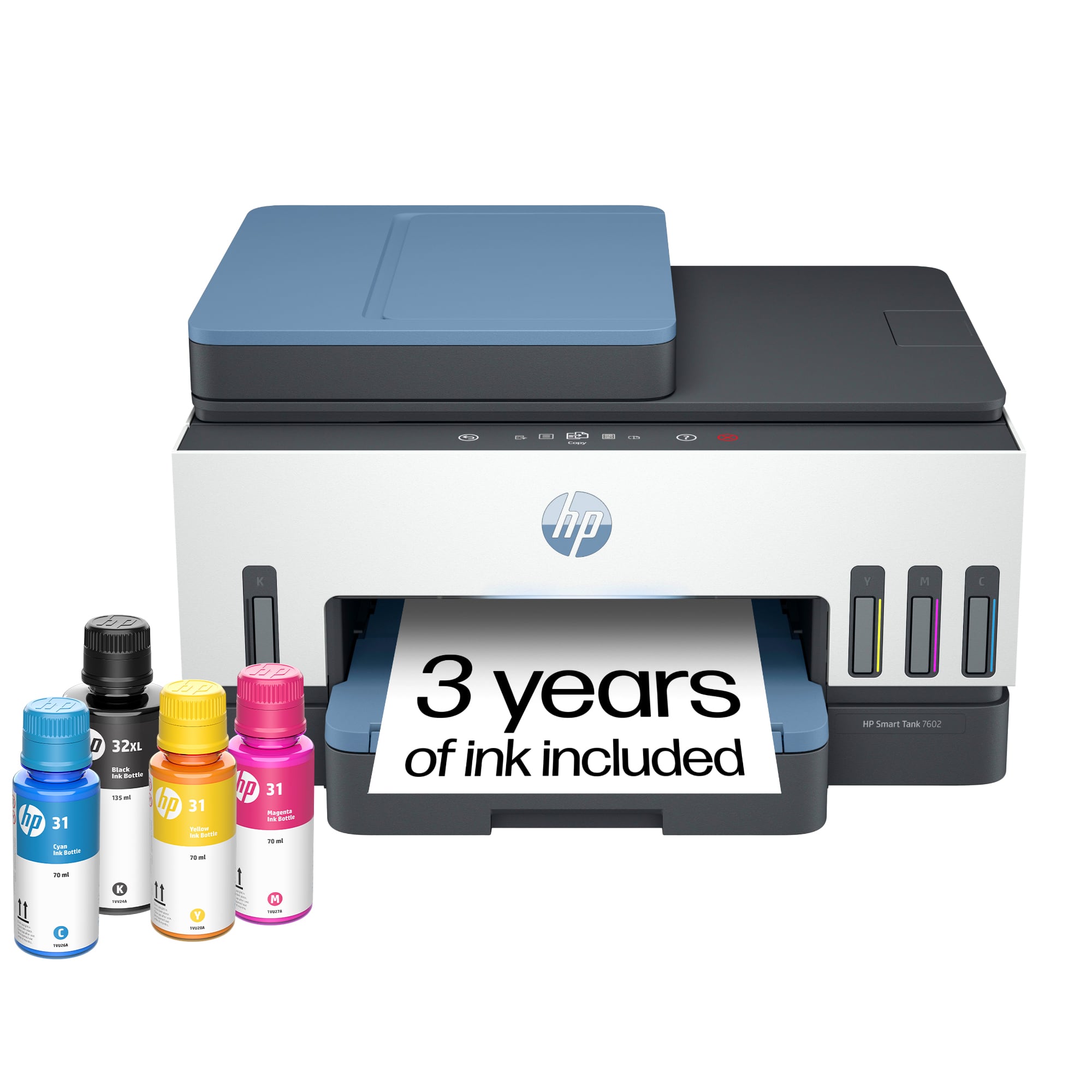
This review is from HP - Smart Tank 7602 Wireless AI-Enabled All-in-One Cartridge-Free Supertank Inkjet Printer with 3 Years of Ink Included¹ - Dark Surf Blue
I would recommend this to a friend- Pros mentioned:Print quality
Rated 5 out of 5 stars
Love the versatility of this, Highly Recommend.
|Posted .This reviewer received promo considerations or sweepstakes entry for writing a review.This is day "TEN" with this new HP 7301 printer. First off, this new Smart Tank feature is the reason I love this printer. Is anyone else tired of printer manufacturers controlling the ink that we use (with chips in print cartridges) while simultaneously ensuring that we are adding more to our landfills (empty cartridges) than we need to be? Thank you printer manufacturers for listening. Thank you! On to the setup. I am a techie and setup took me about an hour using HP's suggested method, the HP Smart app on my iPhone. IT WAS SLOW every step of the way. I feel like I will have a spinning blue circle etched into my brain for weeks. Adding ink and installing the print heads was a breeze. The screen/indicators on this printer are hard to read and underwhelming. Sometimes, I would see either an old-school LCD style 8 or capital A, I could not tell which. And I have no idea what this means. If there is backlighting for this hard-to-read screen, I have not found it yet. Adding this printer to my Mac and iPhone required no additional drivers and the initial print quality looks good. The wireless printing, especially direct from my phone is such a great thing…maybe I’m behind tech on this, but it works so well and makes me happy. Easy set up and I’m impressed with the app that lets you control scanned documents. Last, I forgot how fun it is to open a printer from HP. Genius packing - always easy and precise and well so well done, I’m just a fan of those engineers. I will be sure to update this review after I have been using this new printer for a solid month, but so far I am just fine giving up a few conveniences like a useful screen and quicker setup for an ink replacement system that finally makes sense.
- Pros mentioned:Ease of use, Print quality
Rated 5 out of 5 stars
I really like this printer
Posted .This reviewer received promo considerations or sweepstakes entry for writing a review.I haven't had the printer that long yet but I have no complaints so far. It was easy to set up. I have used all the features and the printing comes out clear, the colors look good and I like the way the tanks are filled instead of having the ink cartridges. I am confused if the "up to 2 Years of Ink Included" means the ink bottles that came with the printer.
I would recommend this to a friend - Pros mentioned:Print quality
Rated 5 out of 5 stars
Set it & Forget it - LOVE THIS Printer!!!
|Posted .This reviewer received promo considerations or sweepstakes entry for writing a review.Love the HP Smart Tank printer! The main new feature of this printer is that you do not have to keep buying and replacing ink cartridges as well as running out of ink in the middle of a printing session. One fill holds 2 years worth of inks! You can actually see the levels of each ink color by looking at the site glass windows on the front of the printer. These windows are also GREAT for when you want to add ink along the way, you can see exactly how much ink you are adding as you fill! The Smart Tank idea eliminates the printer issues that I have sometimes experienced after simply changing an ink cartridge in my old printer. Filling the Smart Tanks is easy and you do not even have to squeeze the ink bottles, just insert the bottle hole into the port and watch the site glass fill with ink! The Smart Tank ink approach makes this a no brainer to me..."Set it & Forget it" for 2 years!!!...WOW! The Smart Tank approach give me more control & savings on my printer ink. This printer has all of the main features as my other HP and was easy to add my wi-fi connection to it with the HP Smart guided setup. I have always preferred HP printers for the most part but have not been excited about a new model for a long time, HP hit a home run with this idea and I am excited!...NO MORE INK CARTRIDGES...YAY!!!
- Pros mentioned:Ease of use, Print quality
Rated 5 out of 5 stars
Very Good Ink Tank Printer
Posted .This reviewer received promo considerations or sweepstakes entry for writing a review.Easy to install. Very nice print quality. Had to return our first printer because the top lid hinge broke on the first opening/closing. Best Buy exchanged it for a brand new printer - no questions asked! The overall build quality doesn't seem to up to the same level as the HP 9010 that preceded this printer - not really a surprise.
I would recommend this to a friend - Pros mentioned:Ease of use, Print quality
Rated 5 out of 5 stars
Awesome printer
Posted .This reviewer received promo considerations or sweepstakes entry for writing a review.This printer is a workhorse. Easy set up. Prints high quality graphics and documents. Liked it so much, this is my second printer. One for home, one for business.
I would recommend this to a friend Rated 5 out of 5 stars
HP Smart Tank 7602 Printer
Posted .This reviewer received promo considerations or sweepstakes entry for writing a review.Printer works very well. Advertises that it has three years of ink in one ad and 2 years in another ad about the printer.
I would recommend this to a friend- Pros mentioned:Ease of use, Noise level
Rated 5 out of 5 stars
Easy
Posted .This reviewer received promo considerations or sweepstakes entry for writing a review.Easy to set up, quiet operation. Nice night lighting. Paper loading easy. Adding ink was easy, no messy drips.
I would recommend this to a friend - Pros mentioned:Ease of use
Rated 4 out of 5 stars
Good all a round modern printer
Posted .This reviewer received promo considerations or sweepstakes entry for writing a review.I have not used this printer much. My use is generally light. No problem in setup. good size and works well. Good value.
I would recommend this to a friend - Pros mentioned:Noise level, Print quality
Rated 5 out of 5 stars
HP Smart Tank 7602
Posted .This reviewer received promo considerations or sweepstakes entry for writing a review.Great printer with lots of ink! Print quality is great and it is very quiet
I would recommend this to a friend - Pros mentioned:Overall performance
Rated 5 out of 5 stars
All task printer
Posted .This reviewer received promo considerations or sweepstakes entry for writing a review.It’s a great printer. Everything I wanted to replace my old machine.
I would recommend this to a friend - Pros mentioned:Print quality
Rated 5 out of 5 stars
In with the new
Posted .This reviewer received promo considerations or sweepstakes entry for writing a review.Set up was simple. Impressed with large size ink containers, a money saver. Print quality is very good. For the price I would have welcomed a second paper tray like my old HP printer had.
I would recommend this to a friend - Pros mentioned:Ease of use
Rated 5 out of 5 stars
HP printer
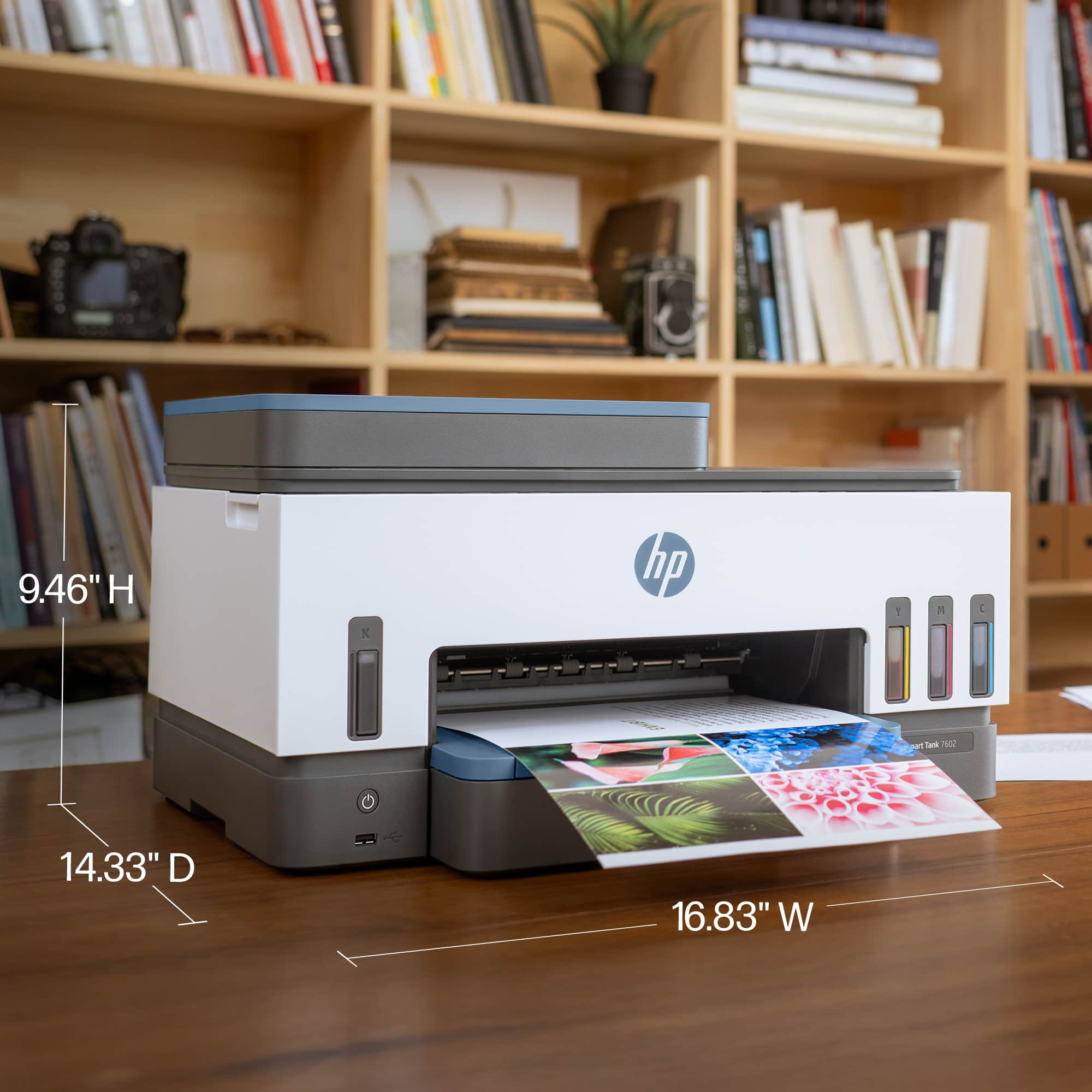
Posted .This reviewer received promo considerations or sweepstakes entry for writing a review.Love it! Easy to set up and operate and not take up a lot of space!!
I would recommend this to a friend Rated 4 out of 5 stars
HP 7602 ALL IN ONE.
Posted .This reviewer received promo considerations or sweepstakes entry for writing a review.Have had hp printer before. This one has a few bugs. Paper jams. And feeder does not always take paper to nake copies.
I would recommend this to a friend- Pros mentioned:Print quality
Rated 5 out of 5 stars
Happy with this printer
Posted .This reviewer received promo considerations or sweepstakes entry for writing a review.Great printer and scanner, works well. It was mostly easy to set up except for the scanner part which I had to have my husband help with but once set up I was very happy with it. I’ve printed about 30 pages of text so far and all are good quality, it seems the ink will be easy to refill when the time comes. Great for personal and at home use.
I would recommend this to a friend