Customer Ratings & Reviews







- Model:
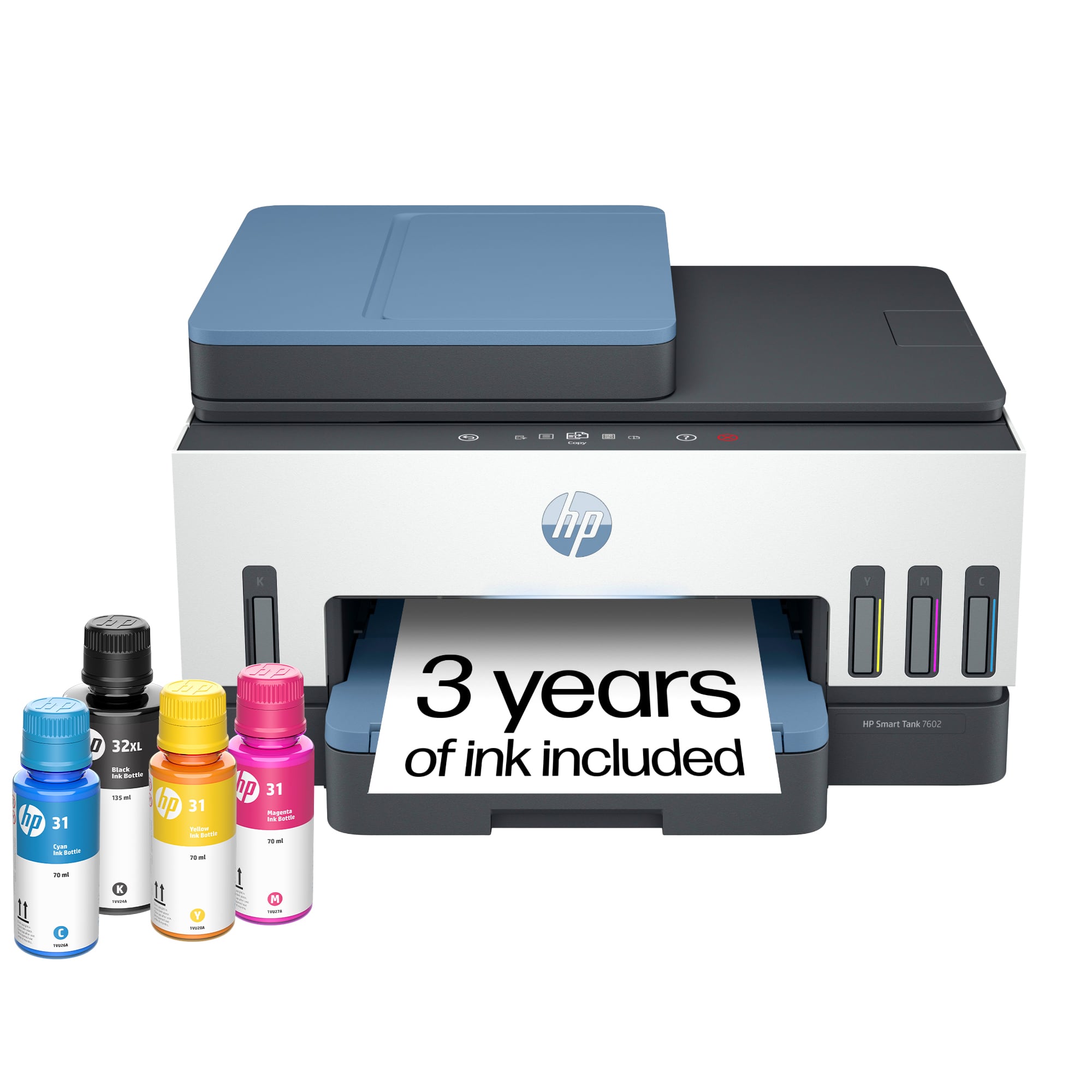
- HP SMART TANK 7602/28B98A#B1H
- SKU:
- 6498190
Rating by feature
- Value
Rating 4.4 out of 5 stars
- Quality
Rating 4.5 out of 5 stars
- Ease of Use
Rating 4.4 out of 5 stars
Customers are saying
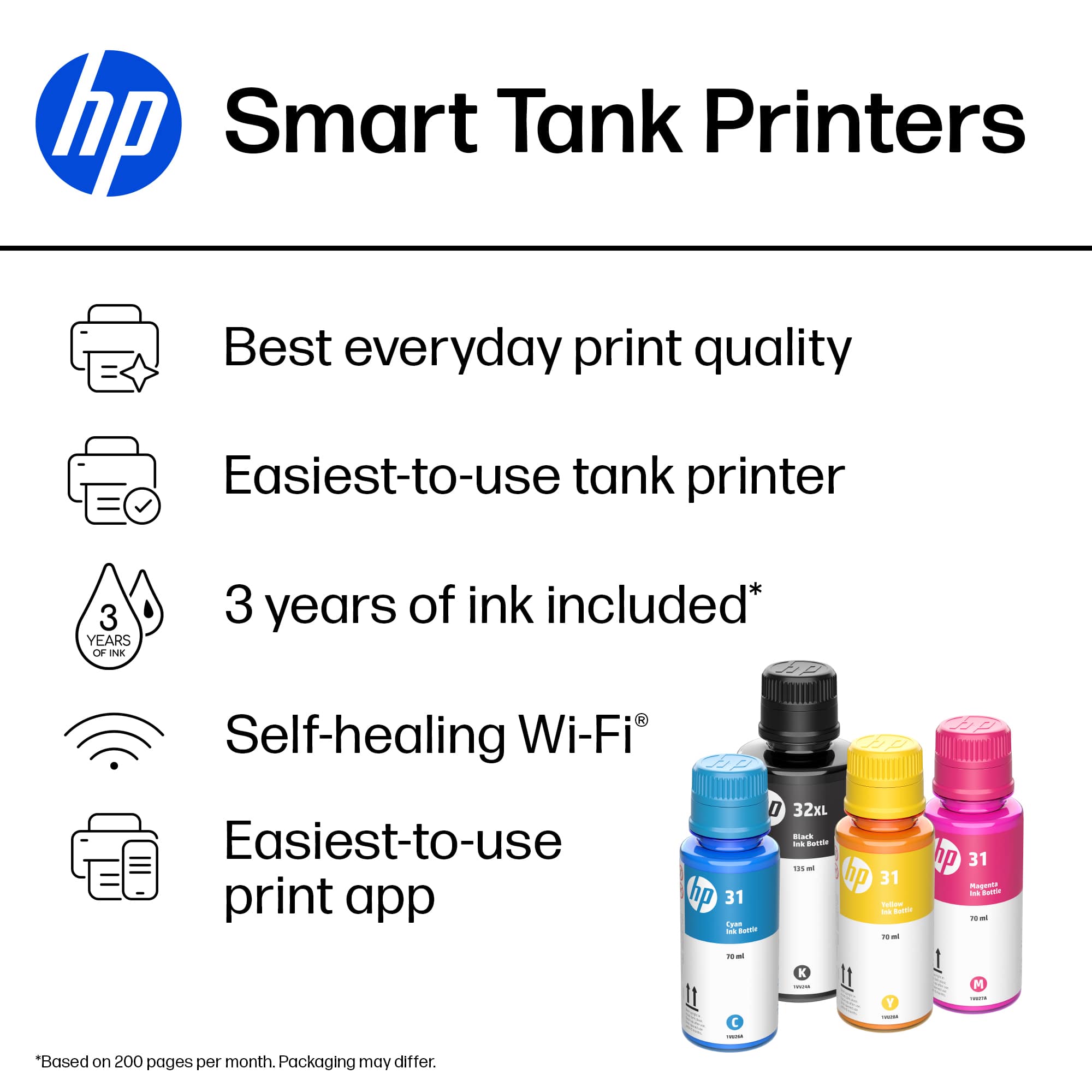
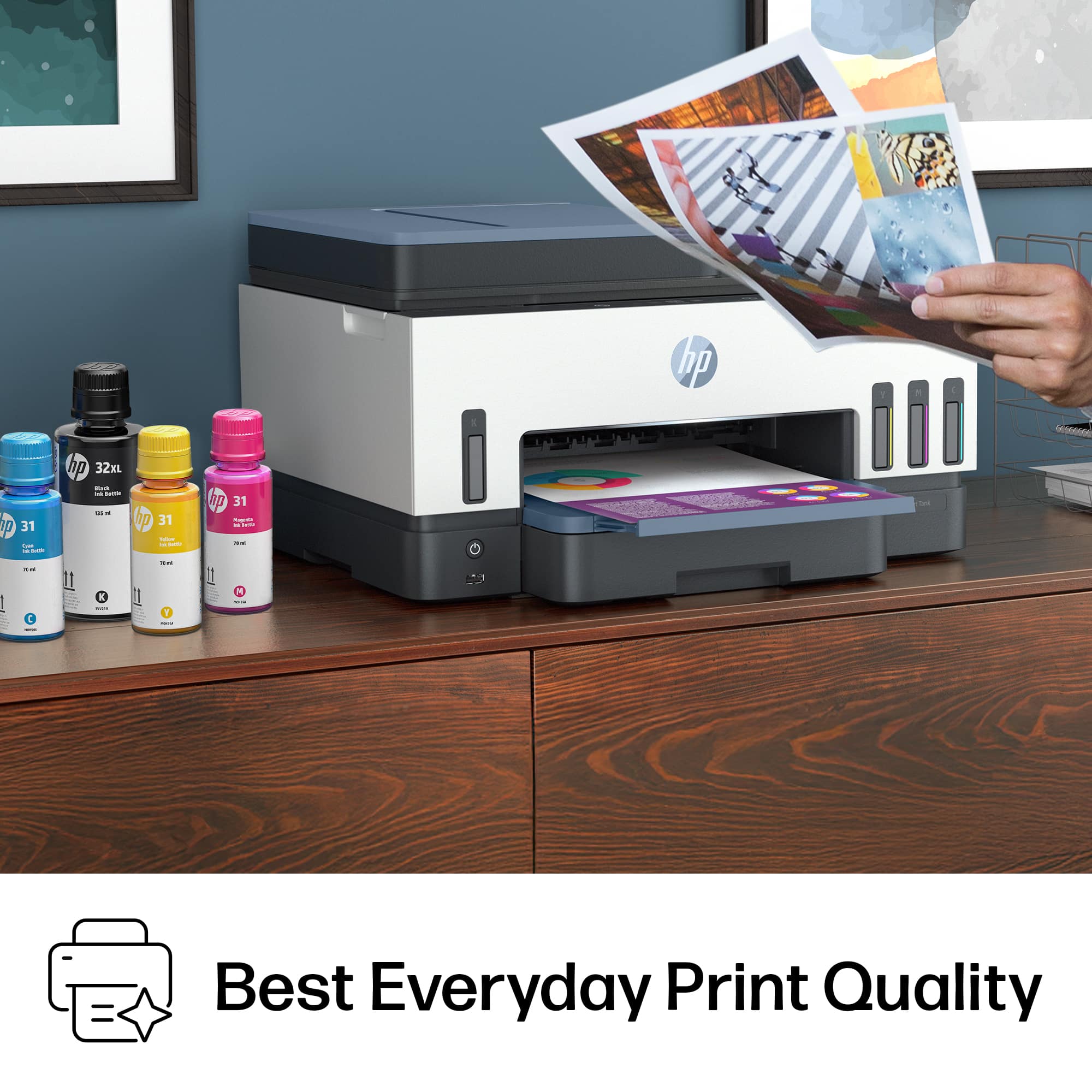
Customers are delighted by the exceptional print quality and the overall ease of use provided by this device. Users frequently highlight the quick and straightforward setup process, as well as the seamless connectivity options. Additionally, many appreciate the quiet operation and the compact size, which makes it a perfect fit for any workspace.
This summary was generated by AI based on customer reviews.
- Pros mentioned:Overall performance, Print quality, Setup
Good
||Posted . Owned for 1 week when reviewed.This reviewer received promo considerations or sweepstakes entry for writing a review.I have 2 weeks with it, and no problem, easy to install a lot of ink and quick to print
I would recommend this to a friend - Pros mentioned:Overall performance, Print quality
HP 7602 Printer
||Posted . Owned for 2 weeks when reviewed.This reviewer received promo considerations or sweepstakes entry for writing a review.The HP 7602 works great. Prints beautifully and with ease. Great not having to purchase those expensive ink cartridges
I would recommend this to a friend - Pros mentioned:Print quality
Love the HP Prints
||Posted . Owned for 1 month when reviewed.This reviewer received promo considerations or sweepstakes entry for writing a review.I love the print quality and how long the ink last. I brought this printer because I do not use my printer often and I do not have to worry about the ink drying out. It is perfect for me.
I would recommend this to a friend - Pros mentioned:Ease of use
HP smart tank 7602 all in one
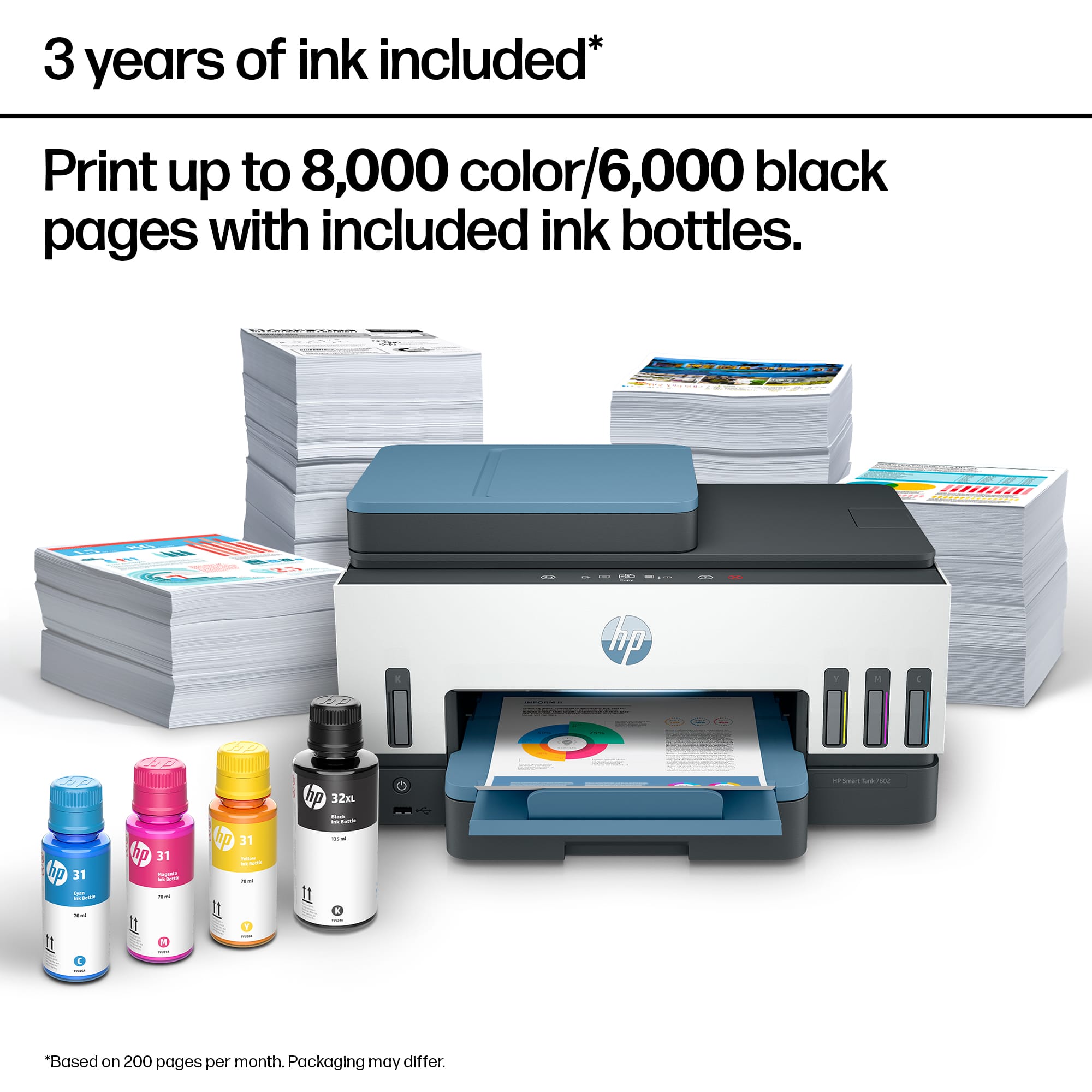
||Posted . Owned for 2 weeks when reviewed.This reviewer received promo considerations or sweepstakes entry for writing a review.So far it has been a solid printer, fairly easy setup, very nice color on photos even printed on regular paper. The ink supposed to last 2 years that's a plus no cartridges, why only 4 stars? Because I hate the price, while the upfront cost is high it still beats having to pay more for ink cartridges.
I would recommend this to a friend - Pros mentioned:Overall performance, Print quality
Great printer for large print jobs
||Posted .This reviewer received promo considerations or sweepstakes entry for writing a review.Great all in one printer, ink has been lasting even after going through several hundred pages of paper. Double sided printing is also great as it automatically flips the paper. Top scanner is nice being able to just load the tray and send it. Highly recommend if youll be printing large quantities.
I would recommend this to a friend - Pros mentioned:Print quality

Great ideas, poorly executed - shop around first!
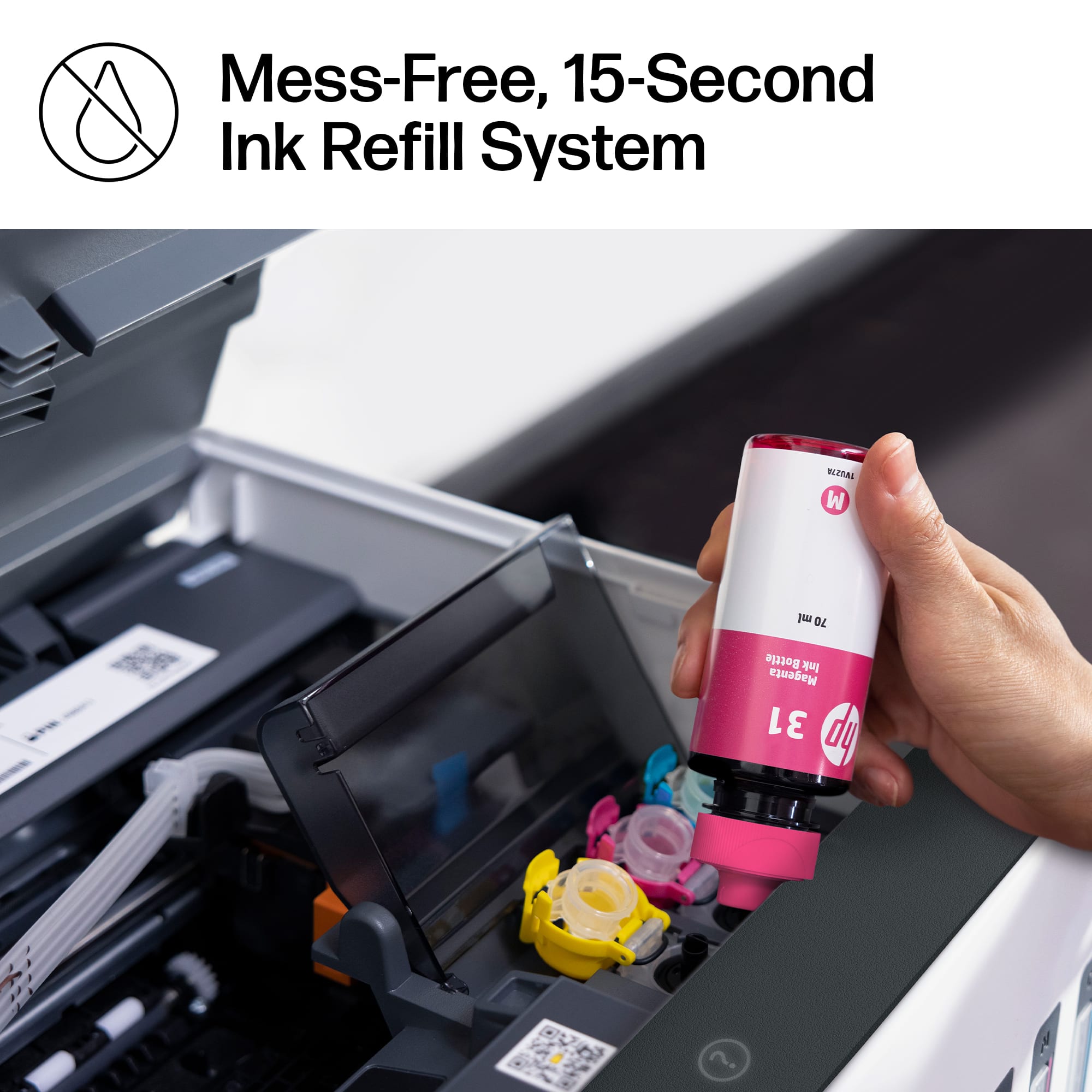
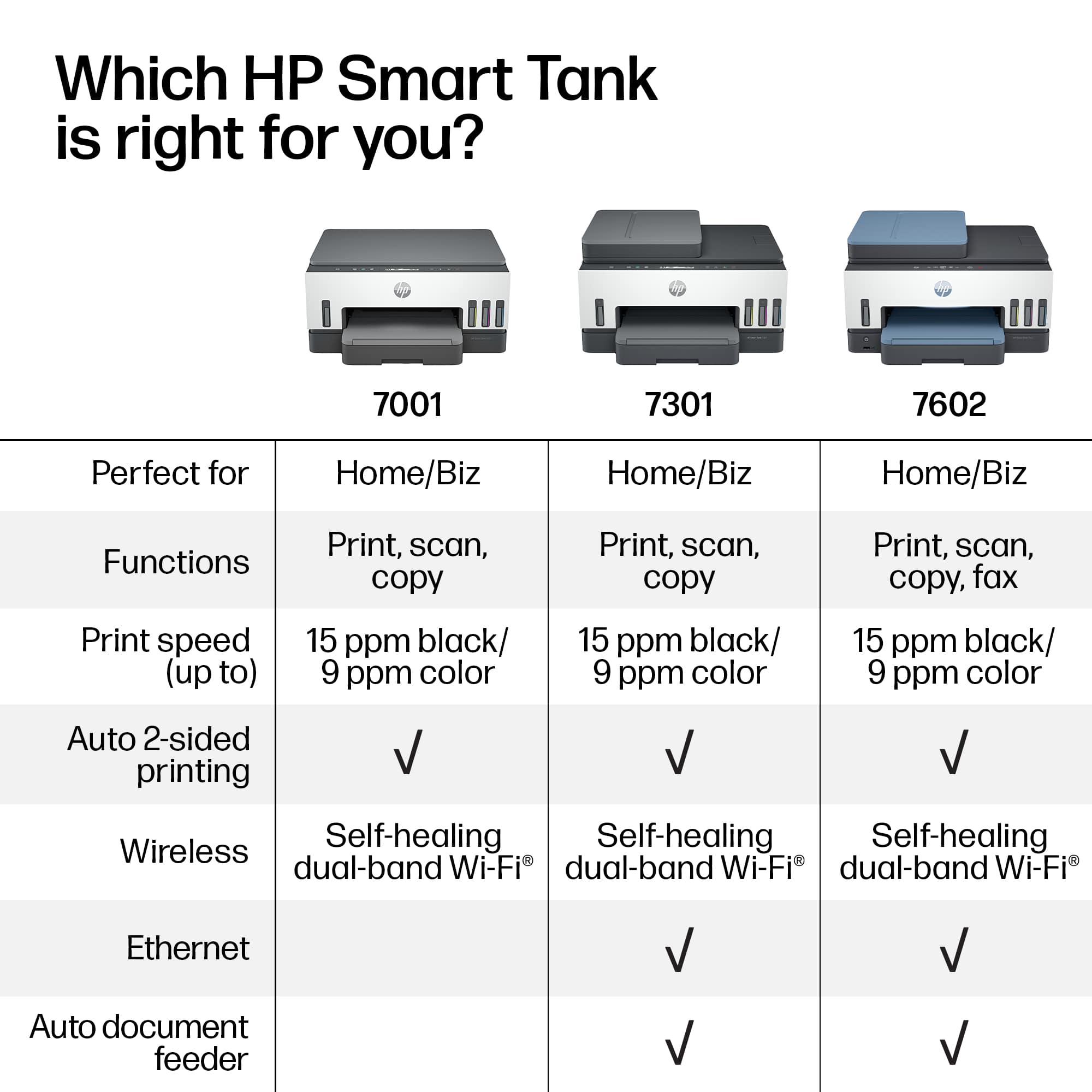
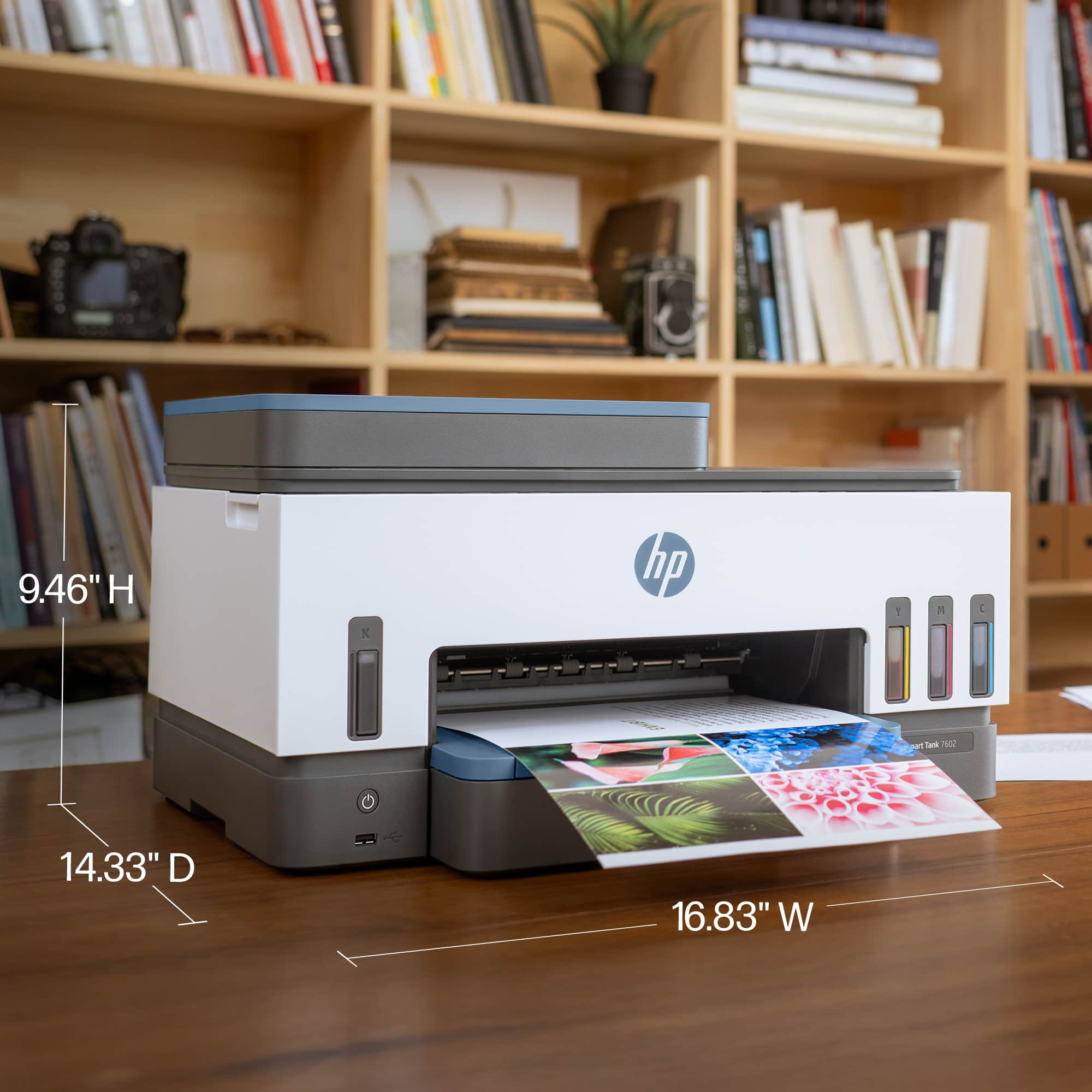
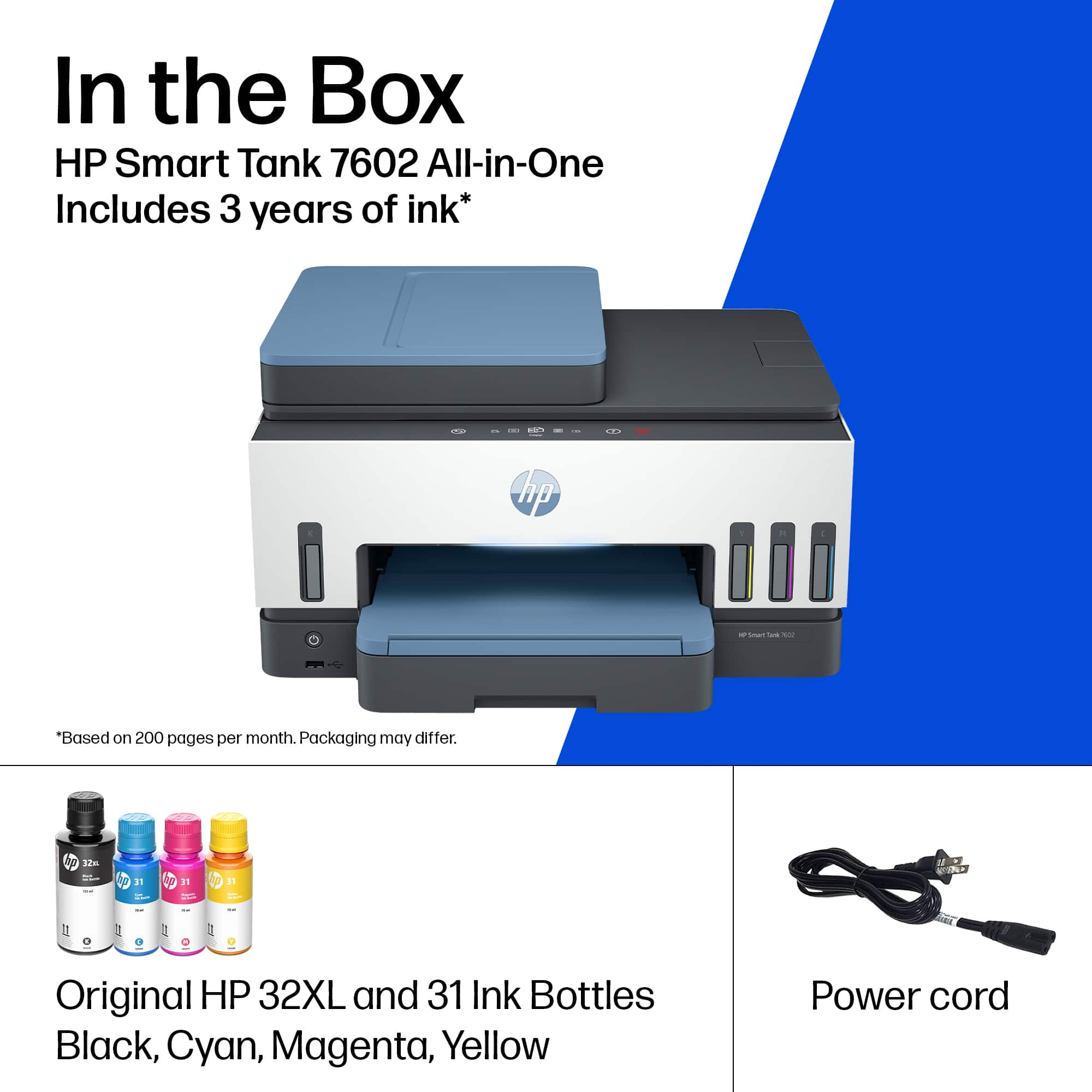
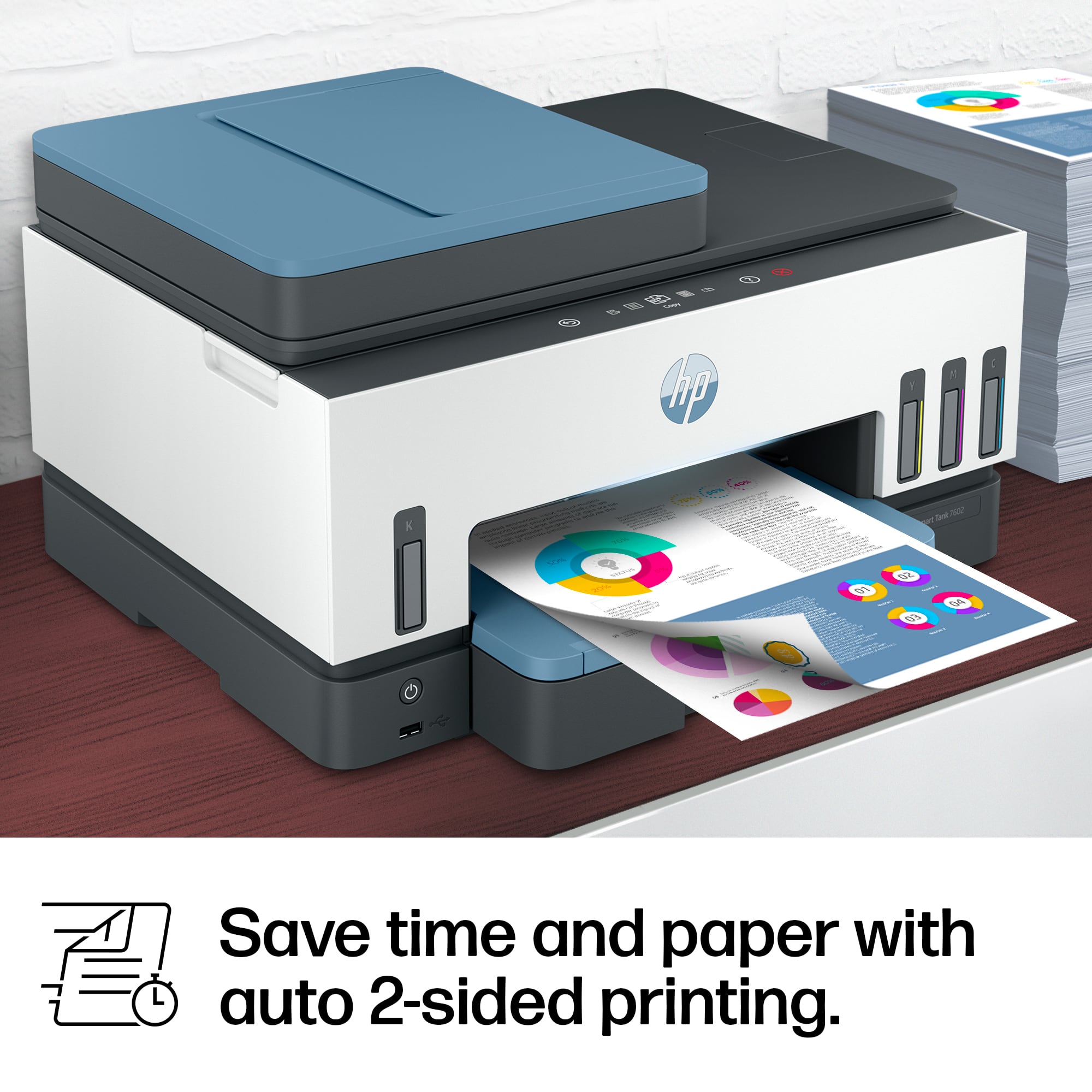
|Posted .This reviewer received promo considerations or sweepstakes entry for writing a review.I was very happy to receive the new HP Smart Tank 7602 All-in-one Inkjet printer to test. I'm sure you've all used printers for a long time, perhaps even from dot-matrix to thermal to LED to laser to inkjet/bubblejet. I've used inkjets for decades for all the reasons you normally would: cheap color per-page cost (cheap HW, $$ cartridges), great output on photo paper, and decent black performance. My current home printer combo includes a Samsung B/W laser strictly for (you guessed it) black and white documents while a Canon PIXMA TS6420a is my color option. This combo works great for homeschoolers and WFH! **OVERVIEW** So - back to the review - the HP Smart Tank 7602 is an all-in-one which means you get a scanner (platen/glass plate and ADF - Automatic Document Feeder), copier (basically automating the scan/print functions), and printer. It's got a nifty "hidden" touchscreen display and a color-changing LED (see my pics) to indicate statuses. I think the big differentiator here is that HP supplies you some ink bottles for each color (Black, Cyan, Magenta, Yellow) and fill the tanks within the printer instead of using expensive, disposable, wasteful and potentially environmentally harmful cartridges. Sounds like a good idea right? Good ideas live/die based on execution, so let's see how this actually works out in reality... **Unboxing/Setup** Open the box and pay attention to the instructions since they recommend opening the top and then laying to box on its side to slide the contents out. This is ideal based on how they packed it so that there's no risk of dropping anything out of its protective Styrofoam. After that, the initial setup is easy if you've set up a printer before. You'll find the usual tape and cardboard that holds pieces in place during shipping. Open the manual and remove the tape/cardboard. So far so good, but the differences are about to appear... For this design, instead of using ink cartridges, you're given bottles of ink to fill the onboard tanks. I know, it sounds like a recipe for disaster (or at least a big mess)! It certainly could be, but if you're careful, you can open the tops of the bottles, unseal them (carefully), and put the tops back on. HP thoughtfully created "self sealing" spouts that will only open when inserted into the ink tanks within the printer. So after unsealing each color, you'll open the printer and insert each color into the proper tank. Black on the left and all the other colors on the right. Open the tank cover, flip open the cap inside the cover, flip open the bottle lid, then fit it onto the nozzle and you'll hear a satisfying "glug glug" as the ink goes into the tank. Listen carefully since the black bottle is opaque! You can't tell when it's done without listening to it. Interestingly enough, the front of the printer has "see through" windows that show you the ink level as it fills! Once the black bottle is done, give it another tap, remove it, cap it and put it aside. You'll now have to fill the Yellow, Magenta, and Cyan colors on the right side of the printer. NOTE - the caps on the bottle can make it hard to find space to insert them onto the nozzle without bumping into anything else. Make sure to plan your angle of attack first, then insert the bottle. This process was tedious, but actually went smoother than I anticipated. There was no spilling and no leaking. After that, close the printer lid (per instructions) and wait 15 seconds before installing the print heads. Print heads - these are located in a separate cardboard sleeve and are labeled for Black and Color. Open the printer and you should see that the carrier has come to the middle. Open it using the blue button and take out the orange "placeholder". Be careful as some ink has been injected as it "primed" the tubes (remember, you installed ink prior). Tip: Each print head comes with a rubber seal - use it to plug the holes on the orange "placeholder" and no ink will spill. Insert each print head (after removing the rubber plug and adhesive seal) and close the cover. The printer will chug and do its thing while getting ready for the next step. If this sounds tedious, it is! This is normally accomplished by inserting an ink cartridge for each color group. Sure, having re-usable (refillable?) bottles is a great idea, but the cost needs to outweigh the benefits.... more on that later! **Loading paper and preparing** The next step will be to open the bottom tray and insert some paper for calibration and printing. Surprise! There's some cardboard and tape in there! Remove that, spread the paper guides to accept your 8.5x11 (or A4) paper, and the printer will prepare to print an alignment page (you'll scan it so it can adjust the heads based on the output). Using the nifty touchscreen, you can take care of all this and then take the output and put it onto the scanner. The scanner will then scan it and (allegedly) adjust the heads for proper printing. **PERFORMANCE / TESTING** So far, everything was done on the printer using the included instruction manual. The printer will (aggressively!) suggest you can the QR code or navigate to their website to download installation tools and drivers for PC/Mac or mobile. I decided to set this up on a nearby PC (HP!) and installed the HP Smart Tools app from the Windows Store. After that, it discovered the printer and joined it to my WiFi network. So far, so good! When it asked to print a test page, I was a bit confused that two printers had shown up (same name, but one was "copy 1") and after some trial and error, it was only the "copy 1" that worked for printing! Go figure... I then proceeded to test out a few features including B&W/color printing and the ADF so I could compare it to my well-used Canon PIXMA. Color - I printed a few test sheets that I had previously printed on the Canon. These were just standard prints for school work. Speed-wise they came out fine, but quality-wise, they left a bit to be desired. Though the output was perfectly functional, you can see (in my photos) that there's some banding especially in certain colors (green) where blue bands are visible instead of making a smooth green color (yellow + blue = green). Also, I had a lot of blue splotches on the edge of my pages as if the print heads weren't properly aligned or cleaned. Black and white - again, speed wasn't a problem and the actual output/text was crisp, but I was still getting blue smearing on the paper! This shouldn't be an issue for strictly B&W prints since it's using a separate tank and print head. However, they are installed in the same carrier, so I decided to troubleshoot... Troubleshooting - I used the HP Smart Tools app to align (same as before, print a page and scan it) and clean the print heads (it makes noise, cleans heads, and prints output that should look clean). Afterwards there was a clear improvement, but there were still some blue dots near the edge of my printouts. ADF - the ADF was pretty fast and on-par with my Canon. I tested 5 pages of kid's artwork and printed text. On-screen, the output was clear though the drawings were a bit washed out (overly bright scanning light). ***OVERALL OPINION*** The multi-function printer space is highly competitive space. HP's claims of 2 years of ink using refillable tanks is a great eco-friendly idea, but the cost is too high and the performance is middling at best. As of this review, the HP with the ink tanks (included in the package) is on the higher end of the price scale. There are a lot of all-in-one options with or without ADF with better print performance/quality. At that point, you can afford to buy more ink cartridge refills! For most people, the tedious install (and potential refill) process along with the middle-of-the-road print performance/quality will not be enough to offset the great idea of using ink tanks instead of wasteful cartridges. My recommendation is to wait for a deep discount on this model or simply shop around for better/cheaper/higher-quality options at a potentially cheaper price.
No, I would not recommend this to a friendBrand response from HP Team
Posted .Hi there.
Thanks for the thorough review. While I’m glad that you were pleased with some of the printer’s features, I’m sorry that you were ultimately disappointed in its performance and print quality. I want to help you improve your experience and navigate any issue you might encounter, so I’ll suggest a resource that I hope will serve that end.
If you have any questions about the device or need assistance with anything, I recommend that you contact us directly at +1 800-474-6836 so we can help you assess what’s happening and find the best course of action. To expedite the process, I recommend gathering the following information before the call:
- Model number
- Serial number
- Your location
- Case number (from any previous contact with HP support)
Keith
HP Care
hp.com/support
- Pros mentioned:Overall performance, Print quality
Works great with minor hiccups
||Posted . Owned for 10 months when reviewed.This reviewer received promo considerations or sweepstakes entry for writing a review.Works great and we really like it. Super fast to print large documents. Challenges: the print tray is a pain to change out or add new paper and the "print head missing" error is a recurring frustration but has settled down after 2 months or so of daily errors.
I would recommend this to a friend - Pros mentioned:Overall performance, Setup
Good printer
||Posted . Owned for 1 month when reviewed.This reviewer received promo considerations or sweepstakes entry for writing a review.So far so good. Works very well. Easy to fill and setup. Good purchase.
I would recommend this to a friend - Pros mentioned:Ease of use, Overall performance
Printer
||Posted . Owned for 1 week when reviewed.This reviewer received promo considerations or sweepstakes entry for writing a review.Plug and play. Nice printer. I would highly recommend. Easy to set up a well.
I would recommend this to a friend - Pros mentioned:Overall performance, Print quality
Great Printer
||Posted . Owned for 1 month when reviewed.This reviewer received promo considerations or sweepstakes entry for writing a review.The printer is operating just great. I like the fact that it's ink is much cheaper than the "ink-jet" models. The ink is easy to install. The printer is fast and quiet.
I would recommend this to a friend - Pros mentioned:Overall performance, Print quality
Winngprinter purchase
||Posted . Owned for 11 months when reviewed.This reviewer received promo considerations or sweepstakes entry for writing a review.This printer works very well. Has lots of features and is also a touch screen. I has the ink cartridges so the ink last for a while. This definitely worth purchase in my opinin.
I would recommend this to a friend - Pros mentioned:Ease of use
Reliable and Efficient All-in-One Printer
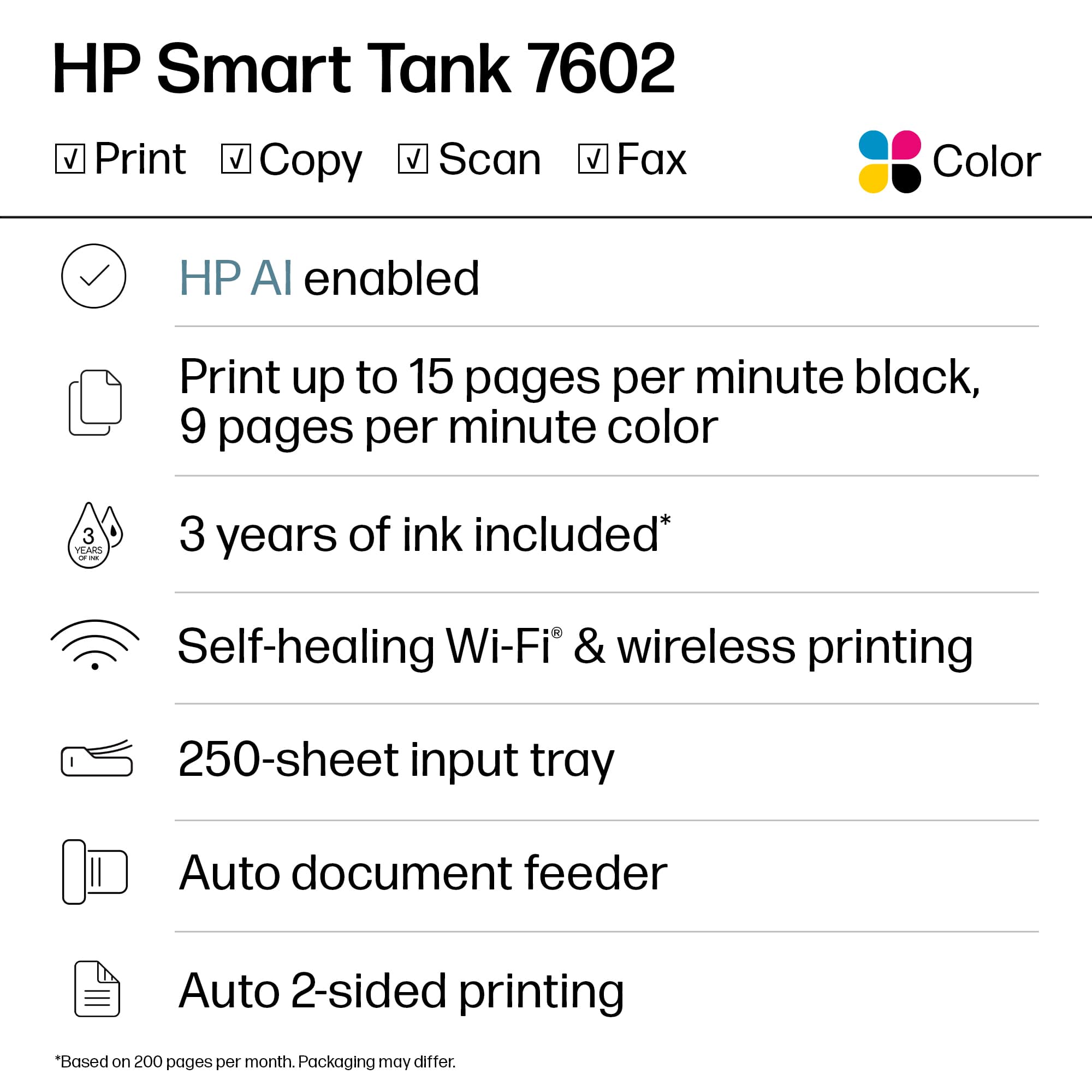
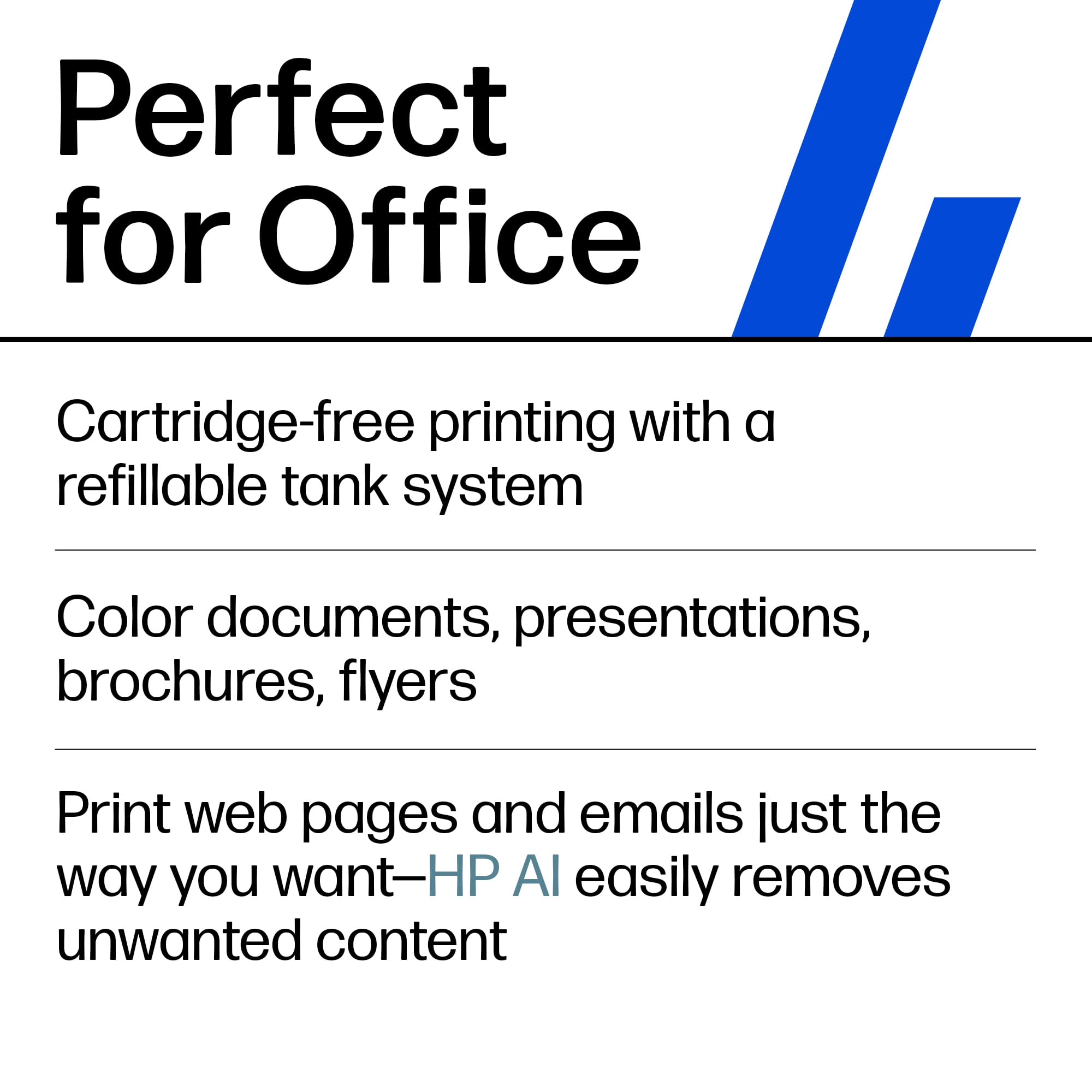
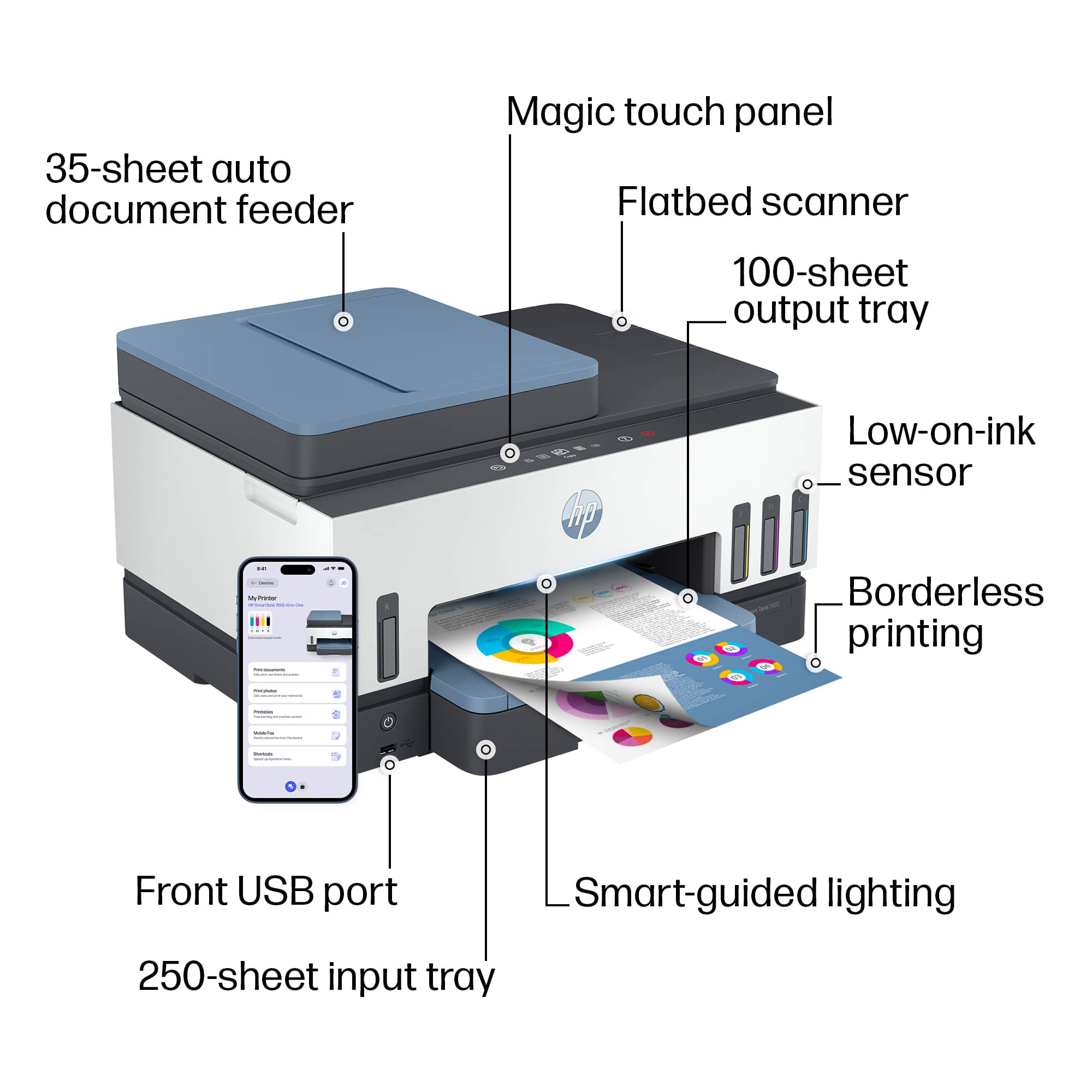
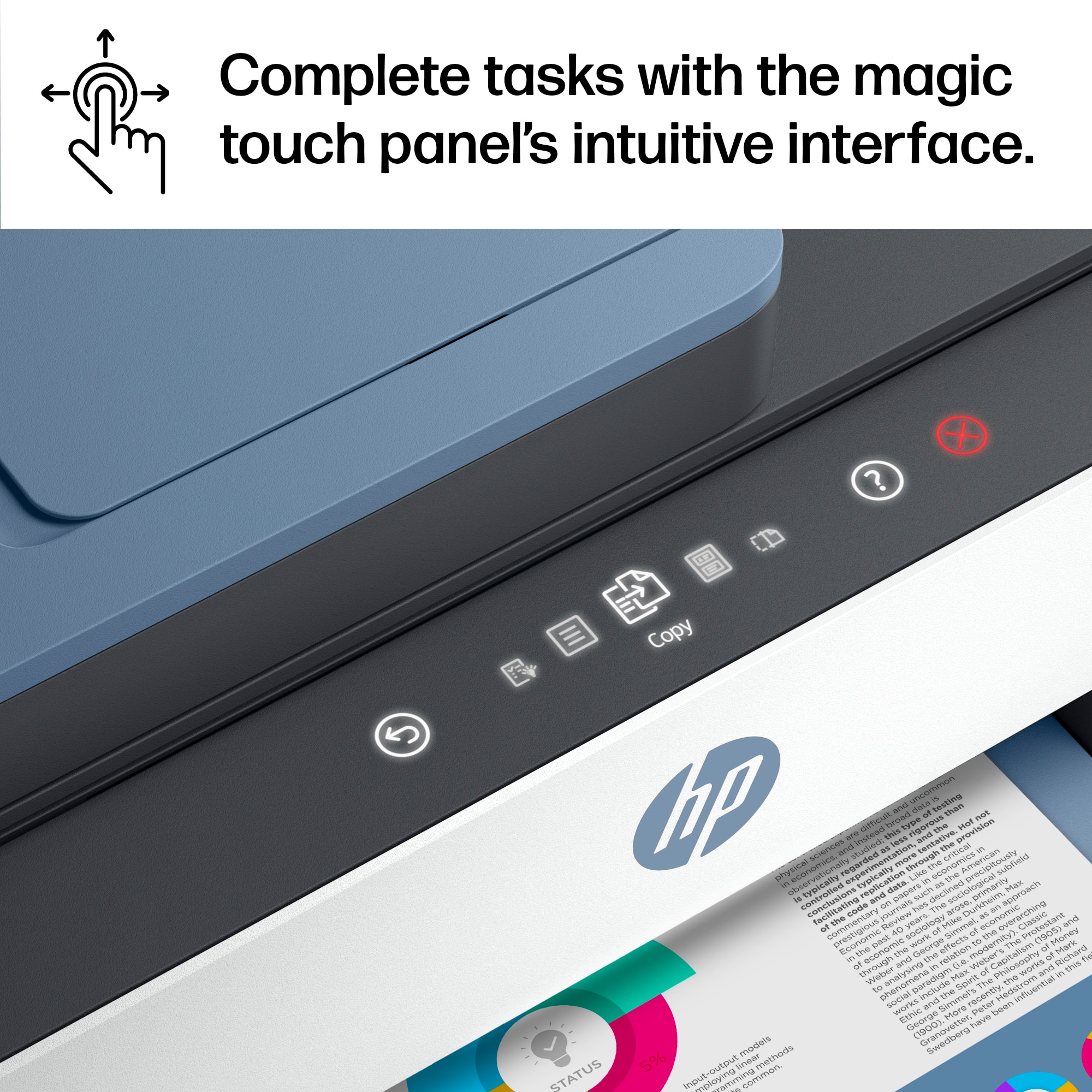
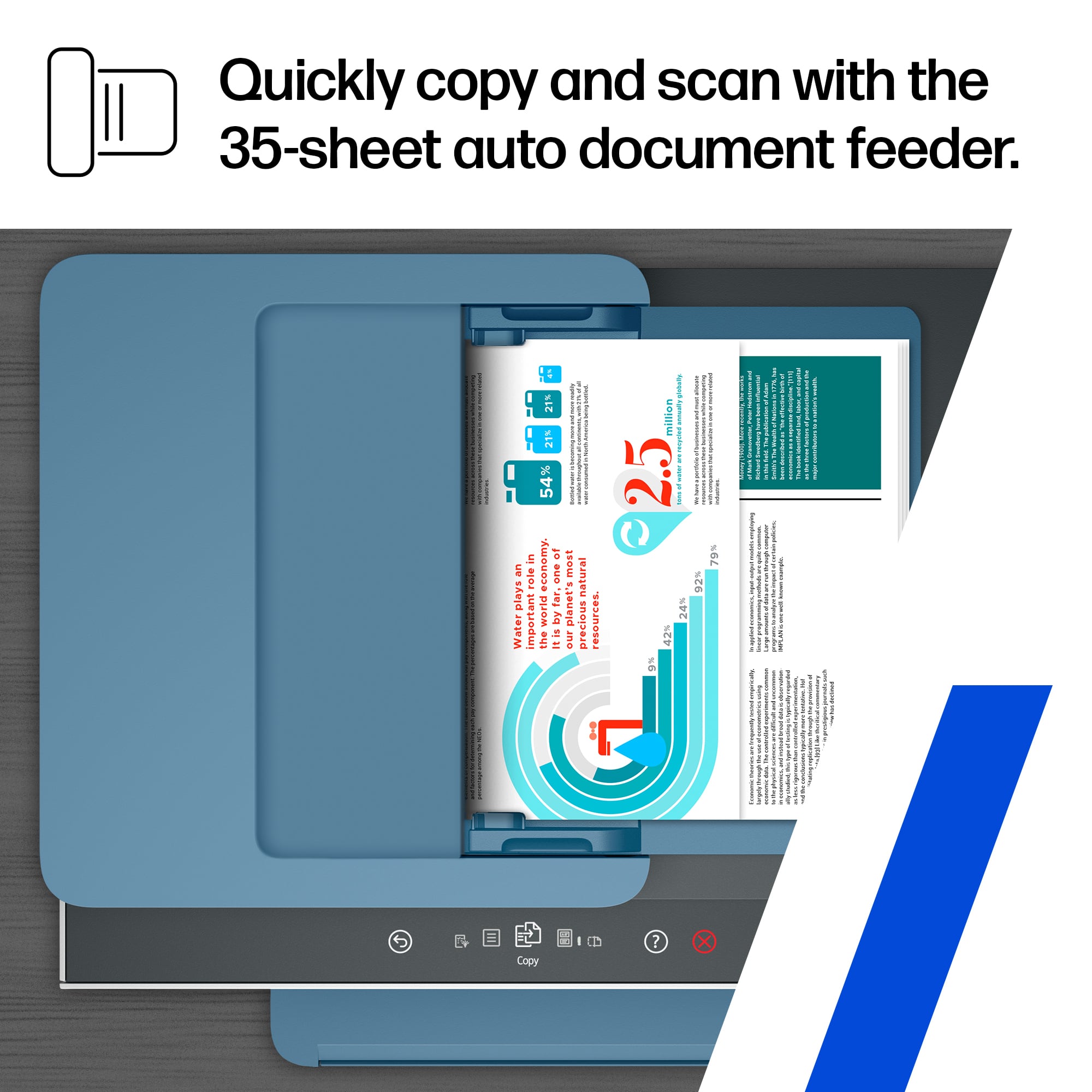
||Posted . Owned for 5 months when reviewed.This reviewer received promo considerations or sweepstakes entry for writing a review.I recently purchased the HP Smart Tank 7602 Wireless All-In-One Supertank Inkjet Printer in Dark Surf Blue, and I am genuinely impressed with its performance. The setup was straightforward, thanks to the smart-guided lighting that made the process intuitive. The magic touch panel is sleek and responsive, adding to the overall modern feel of the device. The 35-sheet auto document feeder and 250-sheet input tray are incredibly convenient for handling large print jobs without constant reloading. The flatbed scanner delivers clear, high-resolution scans, while the borderless printing feature produces stunning, professional-quality photos. One of my favorite features is the low-on-ink sensor, which helps avoid unexpected ink shortages. The front USB port adds to the printer’s versatility, making it easy to print directly from a USB device. In terms of value, quality, and ease of use, I would rate this printer as “Good” across the board. It’s efficient, user-friendly, and offers great value for its price. I highly recommend the HP Smart Tank 7602 for both home and office use.
I would recommend this to a friend - Pros mentioned:Ease of use, Print quality
HP Smart Tank
||Posted . Owned for 1 month when reviewed.This reviewer received promo considerations or sweepstakes entry for writing a review.Easy Set Up, User Friendly, Quality Prints, Ink goes a long way. I would absolutely encourage my frinds to replace their printer with this one.
I would recommend this to a friend - Pros mentioned:Overall performance
Excellent product
||Posted . Owned for 1 month when reviewed.This reviewer received promo considerations or sweepstakes entry for writing a review.Excellent product, works well every time. Quiet, efficient, trouble-free
I would recommend this to a friend - Pros mentioned:Print quality
I love it!
||Posted . Owned for 2 weeks when reviewed.This reviewer received promo considerations or sweepstakes entry for writing a review.I really love this printer, it has everything I need, is fast and look really nice even when not in use because it keeps a light on that indicate the status of the printer by color.
I would recommend this to a friend - Pros mentioned:Print quality
Impressed Printer!! Meets my printing needs.
||Posted . Owned for 3 weeks when reviewed.This reviewer received promo considerations or sweepstakes entry for writing a review.I was researching printers for probably two years. Done with Epson, had three of them, due to their paper handling issues and waste ink reservoir that dirtied 6 out of 10 pages with black ink smears. I did try an Epson big tank printer but the color rendering was horrible. For some reason I had never considered HP and was leery of the Tank technology. But after speaking with a BB printer guy I decided to take a chance on this printer. I am impressed with the print quality, especially with photo printing...crisp, and true color rendering. This was important for me as I print pictures, cards, and graphics, on occasion and they need to be perfect! Impressive printing with this printer.
I would recommend this to a friend - Pros mentioned:Ease of use, Print quality
Great printer
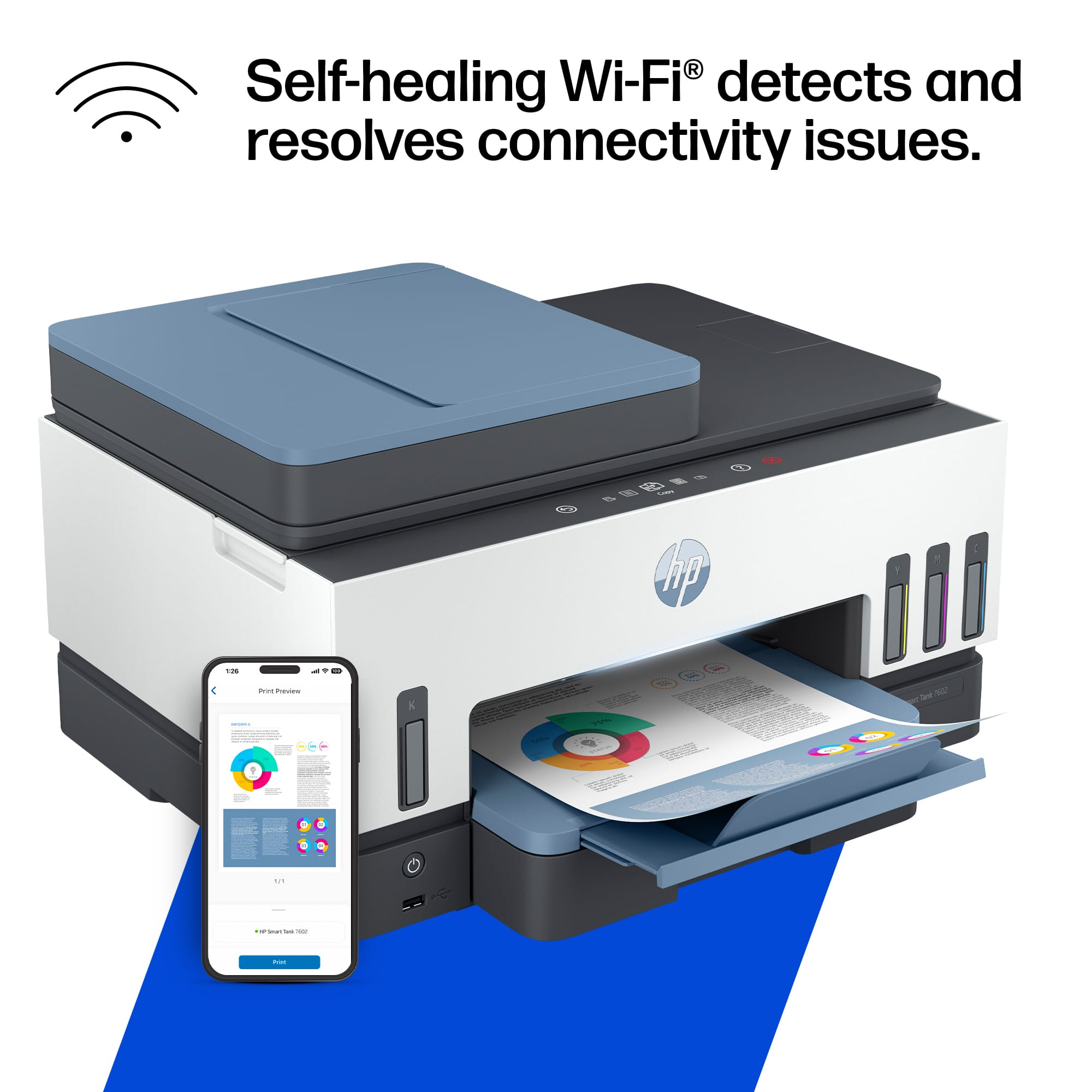
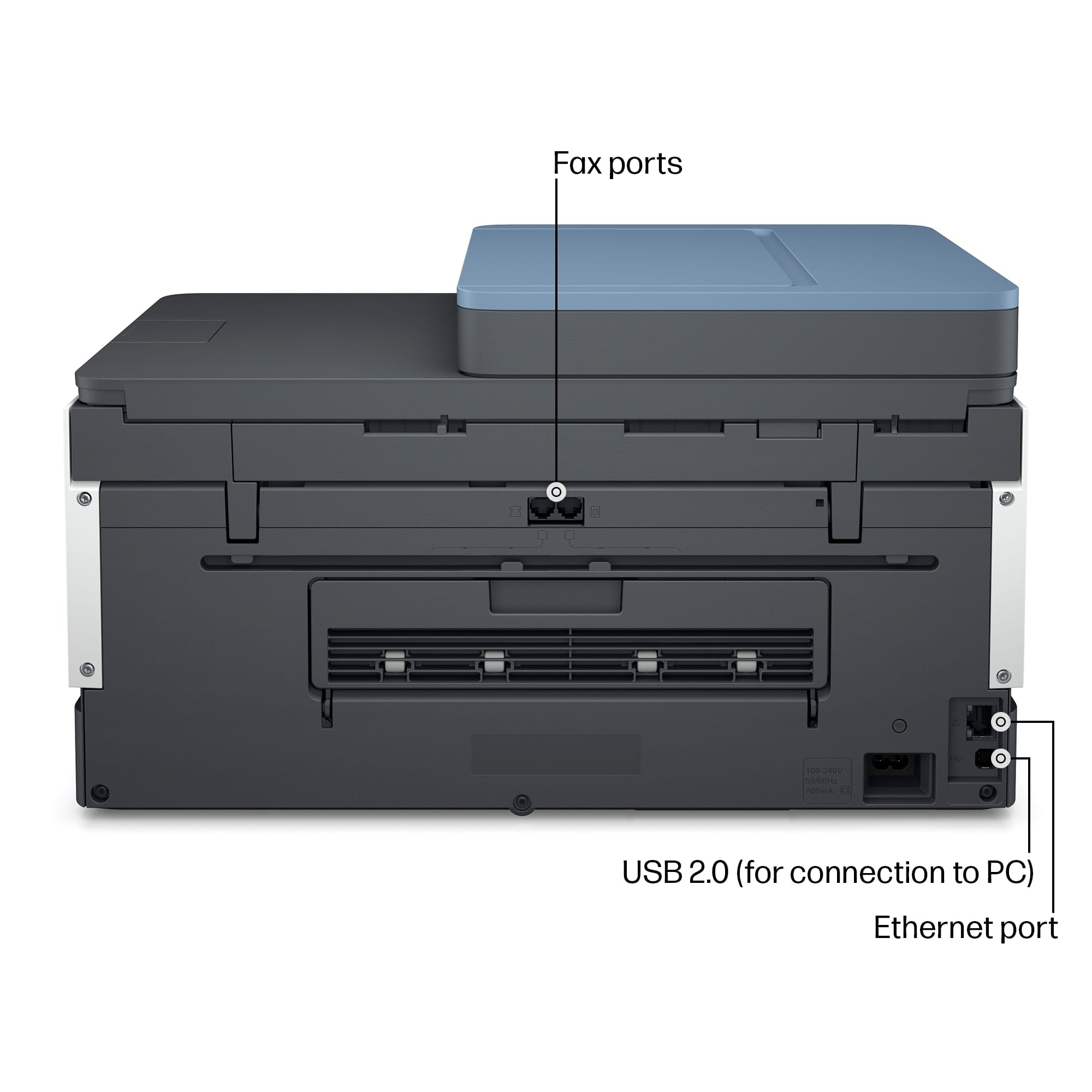
||Posted . Owned for 2 weeks when reviewed.This reviewer received promo considerations or sweepstakes entry for writing a review.East setup,prints clear,and has a fax and app.So easy to use
I would recommend this to a friend - Pros mentioned:Ease of use, Print quality
Good Printer with a 2-year supply of ink!
||Posted . Owned for 3 weeks when reviewed.This reviewer received promo considerations or sweepstakes entry for writing a review.When it came time to buy new cartridges for our existing HP OfficeJet I saw the prices for replacement cartridges. Basically, it would cost more than the printer cost initially. So after some research I ended up buying this printer. Setup was easy, qr code to download the app to my phone, and then follow the instructions to get the printer up and running. The bottles of Ink were easy to use and spillproof. No Mess, no muss, no fuss! So far print quality has been as expected from an HP inkjet. The only feature I miss is double sides scanner document feeder but I didn't use that too often. We have done quite a bit of printing so far, Ink levels have not dropped noticeably. Not worrying about the cost of the ink has been a freeing feeling!
I would recommend this to a friend - Pros mentioned:Connectivity, Print quality
Good Quality
||Posted . Owned for 2 weeks when reviewed.This reviewer received promo considerations or sweepstakes entry for writing a review.Ive had this product for a couple years now and its still going strong. I used this printer for work for months and im still using the ink that came in the original box. I moved homes and the peinter didnt need to be reconnected to wifi. I just turned it back on and started using it again. (Which was 3 months from packing it up)
I would recommend this to a friend - Pros mentioned:Connectivity, Print quality
wireless or not! Your choice!!
||Posted . Owned for 2 weeks when reviewed.This reviewer received promo considerations or sweepstakes entry for writing a review.This HP printer is really nice. It can be wireless or not. The best part is no cartridges! I comes with 4 tubes of color to refill tanks when needed. This will be a money saver! Holds a lot of paper and is easy to use!
I would recommend this to a friend