Customer Ratings & Reviews





- Model:
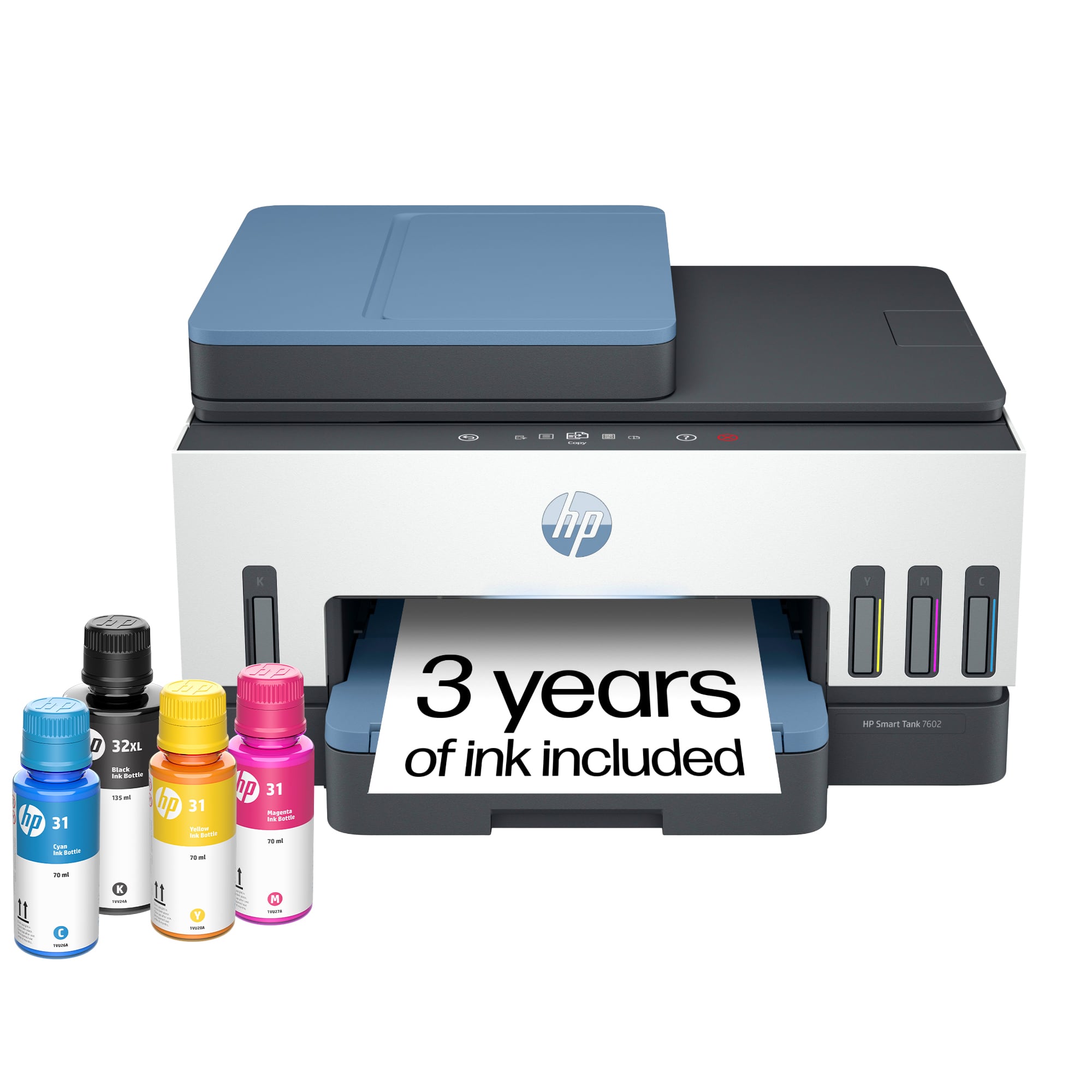
- HP SMART TANK 7602/28B98A#B1H
- SKU:
- 6498190
Rating by feature
- Value
Rating 4.4 out of 5 stars
- Quality
Rating 4.5 out of 5 stars
- Ease of Use
Rating 4.4 out of 5 stars
Customers are saying
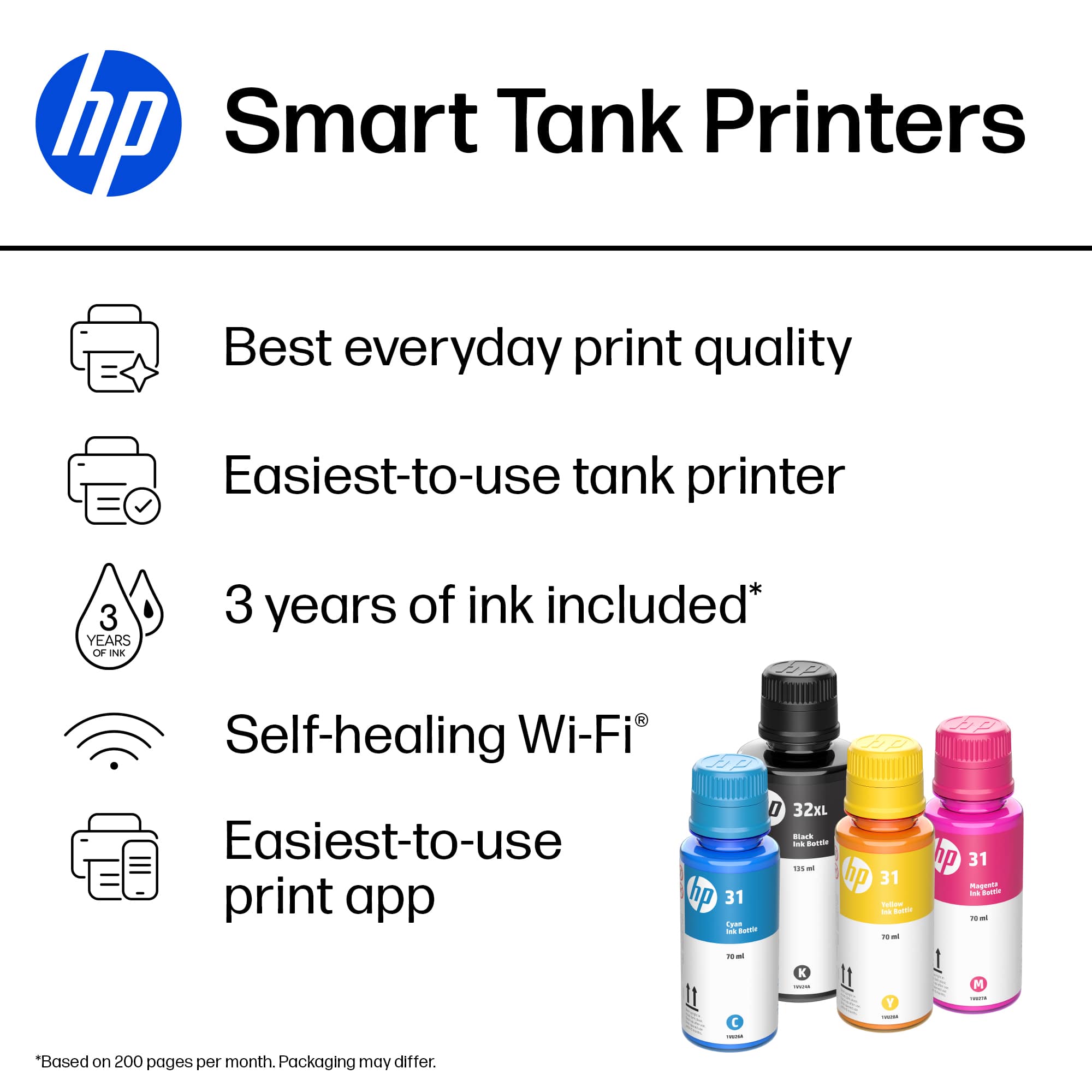
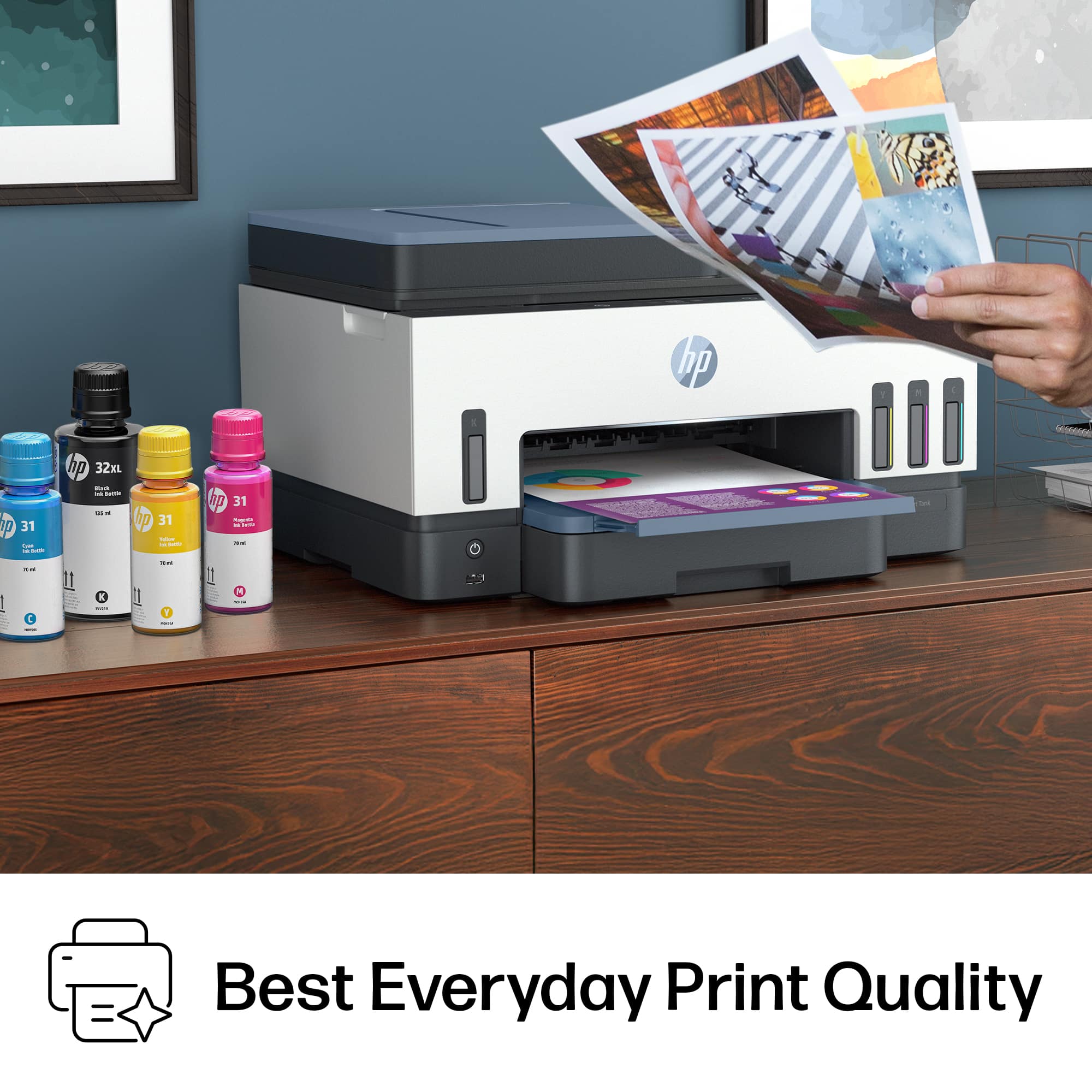
Customers express satisfaction with the Smart Tank 7602 printer's very good print quality and ease of use. Many also appreciate its overall performance and fast, easy setup. Additional benefits include a quiet operation, reliable connectivity, and a size suitable for desk placement.
This summary was generated by AI based on customer reviews.
- Pros mentioned:Ease of use
Printer
||Posted . Owned for 1 month when reviewed.This reviewer received promo considerations or sweepstakes entry for writing a review.I purchased the HP - Smart Tank 7602 Wireless AI-Enabled All-in-One Cartridge-Free Supertank Inkjet Printer with 3 Years of Ink Included¹ - Dark Surf Blue. It is so easy to use, easy to refill and run. I am very satisfied with this purchase; I give it a thumbs up.
I would recommend this to a friend - Pros mentioned:Ease of use, Noise level
HP Printer
||Posted . Owned for 3 weeks when reviewed.This reviewer received promo considerations or sweepstakes entry for writing a review.This was an easy to use printer. It took no time at all to get it set up and ready to use. The printer compact and it is very quiet. It has all the features I need plus a couple that just make it perfect for my home .
I would recommend this to a friend - Pros mentioned:Ease of use, Print quality, Setup
Good home printer.
||Posted . Owned for 1 month when reviewed.This reviewer received promo considerations or sweepstakes entry for writing a review.Easy set up, easy use, easy ink fill. Decent printing.
I would recommend this to a friend - Pros mentioned:Overall performance, Print quality
Great Printer For The Price
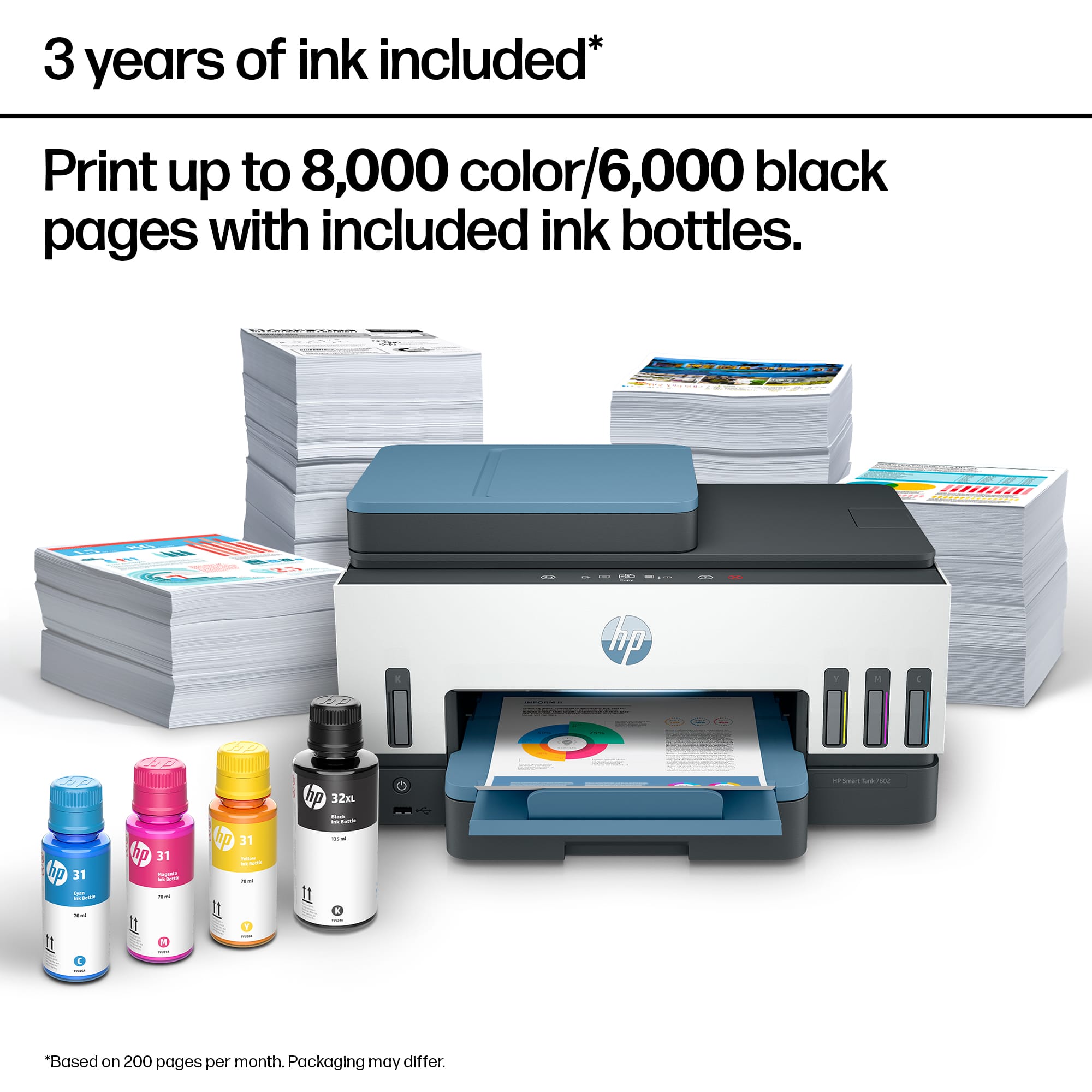
||Posted . Owned for 2 weeks when reviewed.This reviewer received promo considerations or sweepstakes entry for writing a review.Great printer, easy set up, and the ink system is fantastic. Comes with two years worth of ink. No cartridges!
I would recommend this to a friend - Pros mentioned:Overall performance, Print quality
printer
||Posted . Owned for 3 weeks when reviewed.This reviewer received promo considerations or sweepstakes entry for writing a review.love it works better the my older one, better quality
I would recommend this to a friend - Pros mentioned:Noise level, Overall performance, Print quality
Great Printer
||Posted . Owned for 1 month when reviewed.This reviewer received promo considerations or sweepstakes entry for writing a review.The printer is operating just great. I like the fact that it's ink is much cheaper than the "ink-jet" models. The ink is easy to install. The printer is fast and quiet.
I would recommend this to a friend - Pros mentioned:Print quality
User of 7602 printer
||Posted . Owned for 1 month when reviewed.This reviewer received promo considerations or sweepstakes entry for writing a review.I am adjusting to my new printer. I had the HP8600 series and loved it. This 7602 printer does good color and I feel the photo printing is great. Learning to adjust to printing envelopes and letter head.
I would recommend this to a friend - Pros mentioned:Ease of use, Print quality
Buy it
||Posted . Owned for 1 week when reviewed.This reviewer received promo considerations or sweepstakes entry for writing a review.Beautiful quality (returned an Epson because the print colors were so inferior). Easy setup. Love it, just as I loved my previous HP.
I would recommend this to a friend - Pros mentioned:Ease of use, Setup
HP Smart tank
||Posted . Owned for 1 month when reviewed.This reviewer received promo considerations or sweepstakes entry for writing a review.Excellent service and recommendations from the customer service representative, and the product was easily set up using the recommended hp app!!!
I would recommend this to a friend - Pros mentioned:Print quality
Easy to use so far. Love tanks!
||Posted . Owned for 1 month when reviewed.This reviewer received promo considerations or sweepstakes entry for writing a review.So far so good. For me it’s about getting it done. I’m at home and retired. I don’t have many needs. The occasional spreadsheet or email. Comparison shopping and lists. Photos are important but I haven’t printed any yet. Love the canister ink. Supposed to last a year. I’m encouraged not to have to replace constantly. The only grump I have is that there is no on/off. The control is touch /scroll <> and viewed from the top so I have to stand up to look down to view it because of where it is placed (on my desk). It remains in the default to print so that’s just fine. Large capacity paper tray makes it bulky but I had room for it between our two desks.
I would recommend this to a friend - Pros mentioned:Overall performance
Perfect so far
||Posted . Owned for 3 weeks when reviewed.This reviewer received promo considerations or sweepstakes entry for writing a review.The only reason I didn’t give this printer a 5 is because of the limited use to date. It has performed flawlessly so far. I would recommend it.
I would recommend this to a friend - Pros mentioned:Overall performance
Great printer
||Posted . Owned for 2 weeks when reviewed.This reviewer received promo considerations or sweepstakes entry for writing a review.Great printer. Works well for my needs. Perfect size for my desk. Love the way to fill the ink. No cartridges.
I would recommend this to a friend - Pros mentioned:Noise level, Print quality
Overall nice printer
||Posted . Owned for 3 weeks when reviewed.This reviewer received promo considerations or sweepstakes entry for writing a review.Overall a nice printer. However, one thing bugs me. I can not print color from my computer. I have to go into the HP app and print from there if I want to print something in color! I can print B & W from my computer just fine, no problem, just not color. When I do print color, it prints very nicely. Photos print clearly. Documents sharp & quickly. Fairly quiet too.
I would recommend this to a friend - Pros mentioned:Overall performance, Print quality
Office use
||Posted . Owned for 2 weeks when reviewed.This reviewer received promo considerations or sweepstakes entry for writing a review.Works great! Does everything I need and some, prints clear no issues and barely uses any ink
I would recommend this to a friend - Pros mentioned:Print quality
Printer is Great. Software, not so much.
||Posted . Owned for 3 weeks when reviewed.This reviewer received promo considerations or sweepstakes entry for writing a review.The unit itself seems great. Pleased with the quality and the inking process that I expect will save a good deal of money. It is quiet and compact. My only frustration is the HP Smart app's quirky reliability/unreliability in utilizing all of the nice features of the printer.
I would recommend this to a friend - Pros mentioned:Print quality

Great ideas, poorly executed - shop around first!
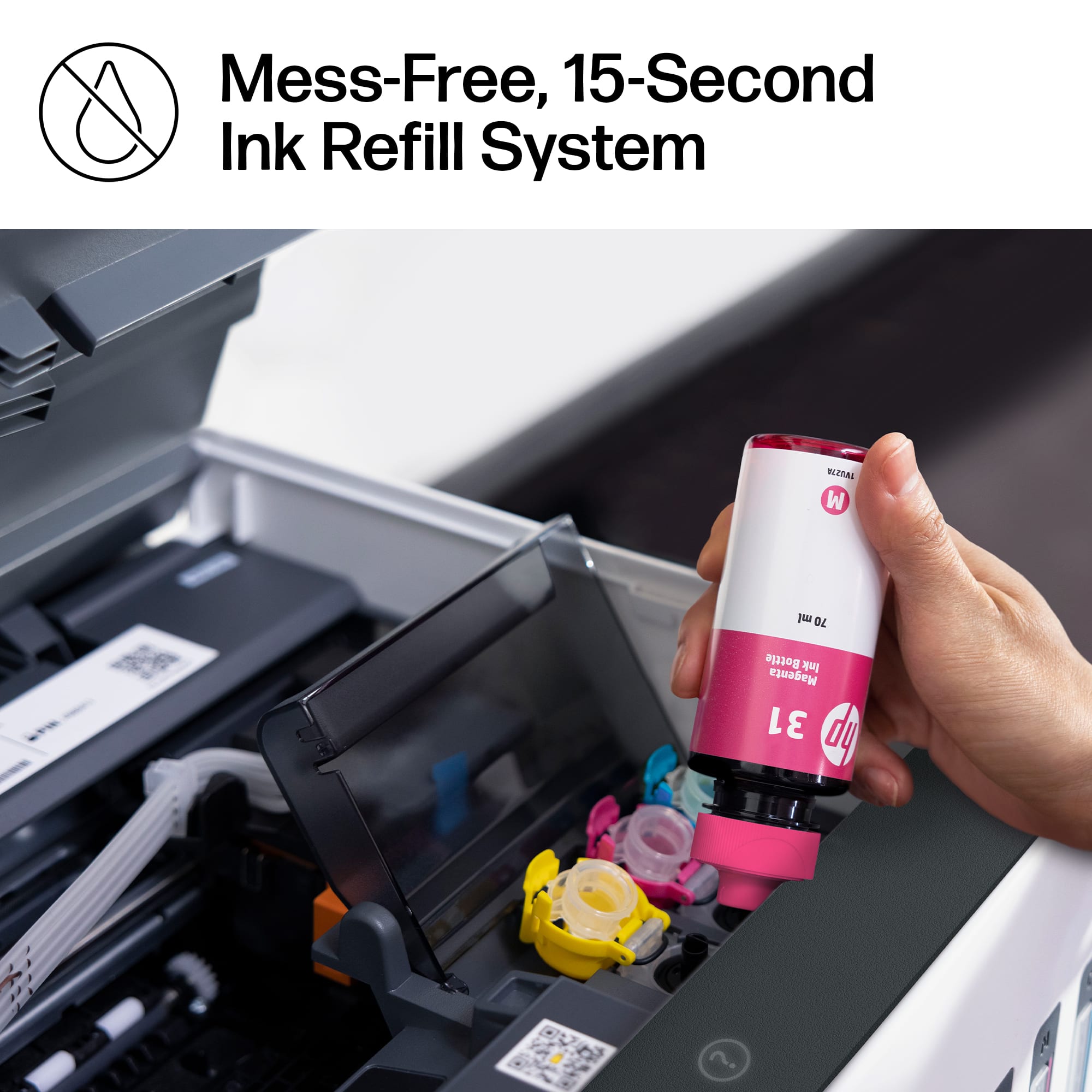
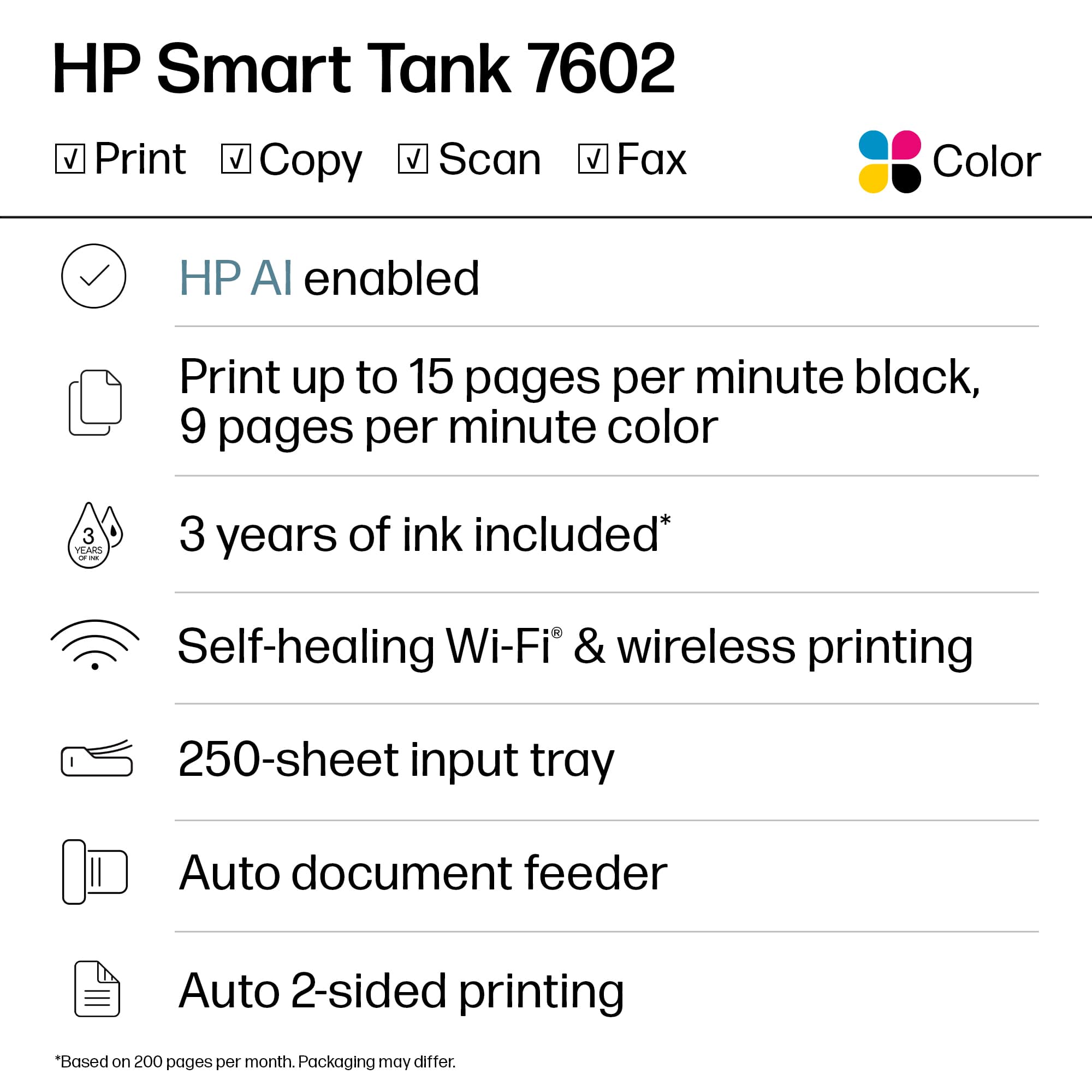
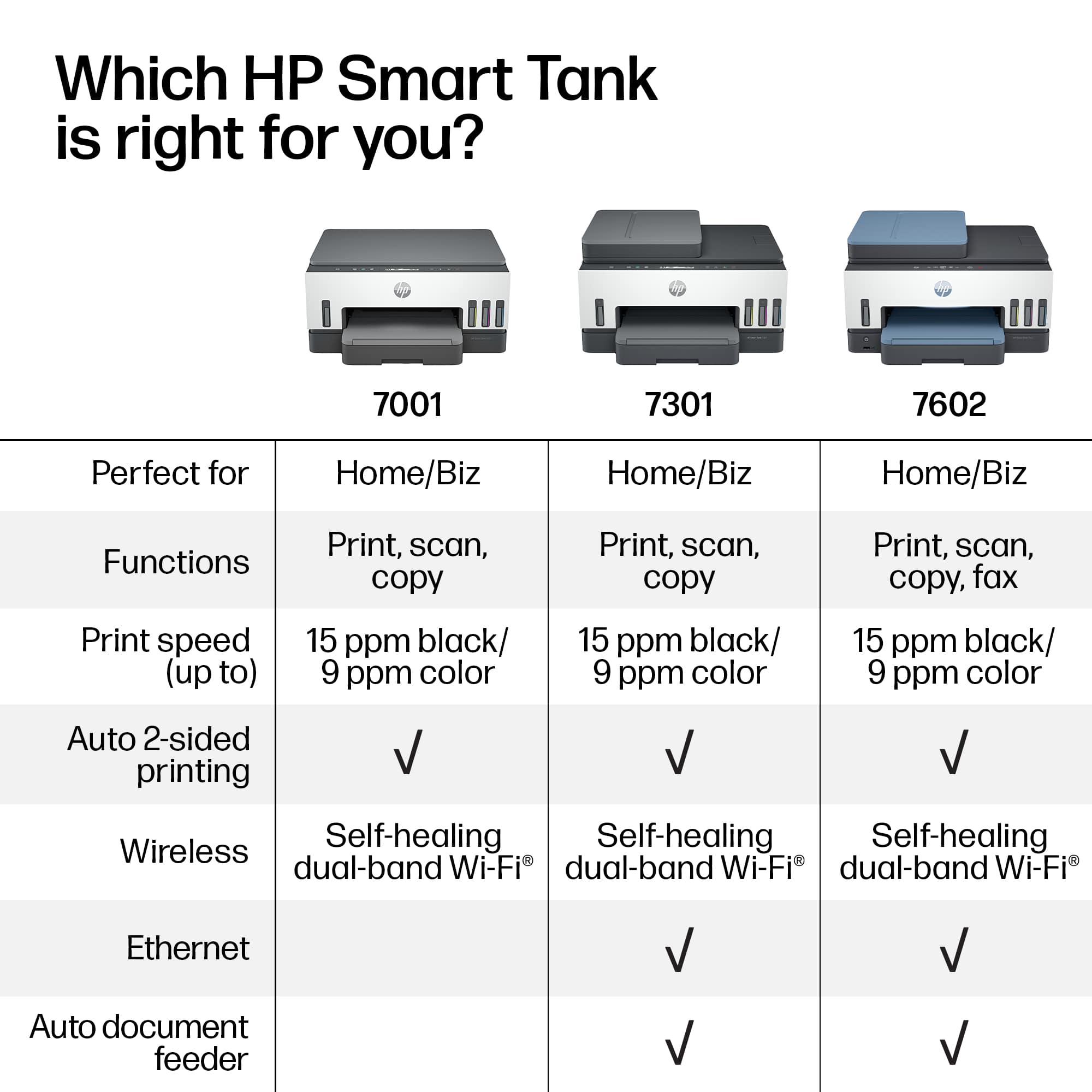
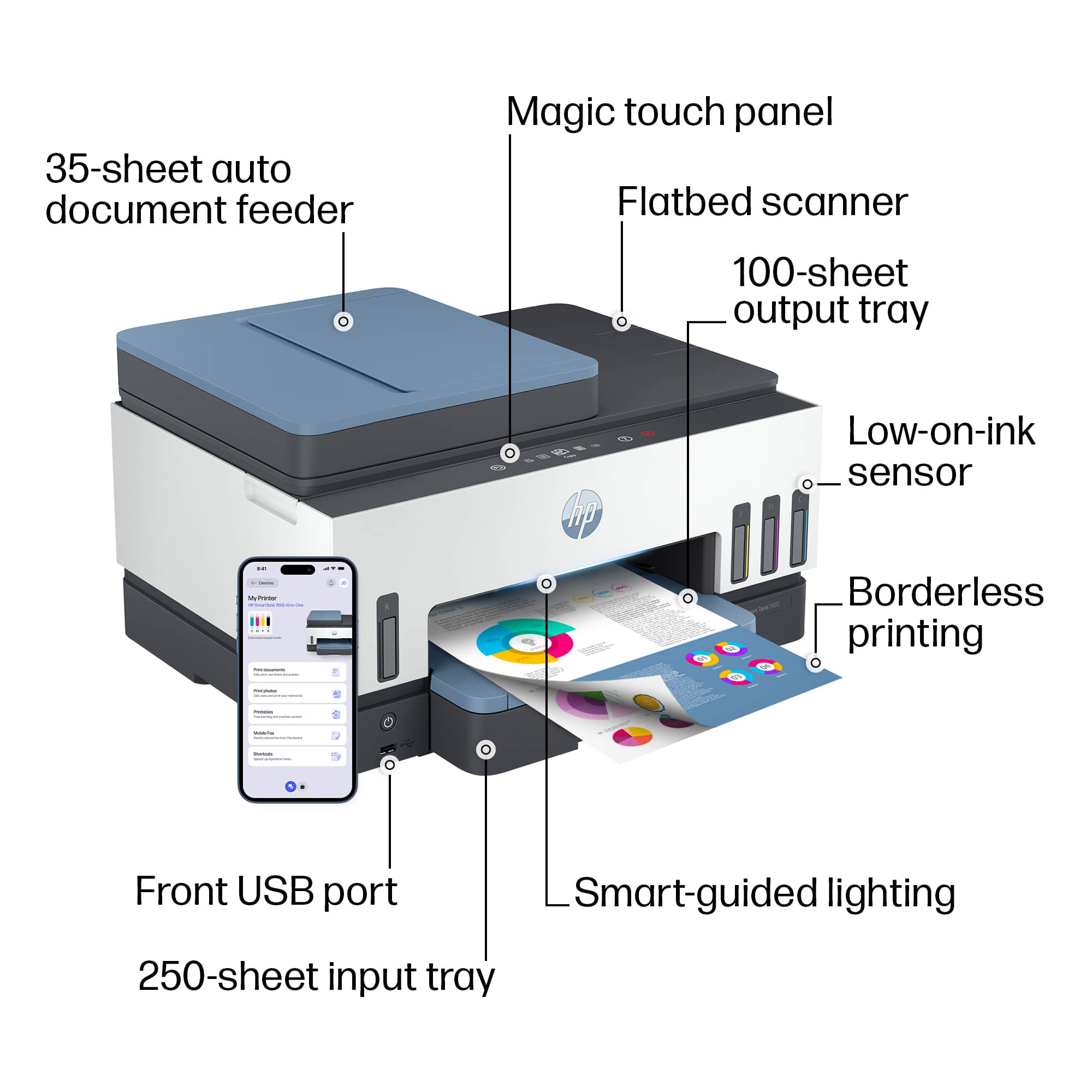
|Posted .This reviewer received promo considerations or sweepstakes entry for writing a review.I was very happy to receive the new HP Smart Tank 7602 All-in-one Inkjet printer to test. I'm sure you've all used printers for a long time, perhaps even from dot-matrix to thermal to LED to laser to inkjet/bubblejet. I've used inkjets for decades for all the reasons you normally would: cheap color per-page cost (cheap HW, $$ cartridges), great output on photo paper, and decent black performance. My current home printer combo includes a Samsung B/W laser strictly for (you guessed it) black and white documents while a Canon PIXMA TS6420a is my color option. This combo works great for homeschoolers and WFH! **OVERVIEW** So - back to the review - the HP Smart Tank 7602 is an all-in-one which means you get a scanner (platen/glass plate and ADF - Automatic Document Feeder), copier (basically automating the scan/print functions), and printer. It's got a nifty "hidden" touchscreen display and a color-changing LED (see my pics) to indicate statuses. I think the big differentiator here is that HP supplies you some ink bottles for each color (Black, Cyan, Magenta, Yellow) and fill the tanks within the printer instead of using expensive, disposable, wasteful and potentially environmentally harmful cartridges. Sounds like a good idea right? Good ideas live/die based on execution, so let's see how this actually works out in reality... **Unboxing/Setup** Open the box and pay attention to the instructions since they recommend opening the top and then laying to box on its side to slide the contents out. This is ideal based on how they packed it so that there's no risk of dropping anything out of its protective Styrofoam. After that, the initial setup is easy if you've set up a printer before. You'll find the usual tape and cardboard that holds pieces in place during shipping. Open the manual and remove the tape/cardboard. So far so good, but the differences are about to appear... For this design, instead of using ink cartridges, you're given bottles of ink to fill the onboard tanks. I know, it sounds like a recipe for disaster (or at least a big mess)! It certainly could be, but if you're careful, you can open the tops of the bottles, unseal them (carefully), and put the tops back on. HP thoughtfully created "self sealing" spouts that will only open when inserted into the ink tanks within the printer. So after unsealing each color, you'll open the printer and insert each color into the proper tank. Black on the left and all the other colors on the right. Open the tank cover, flip open the cap inside the cover, flip open the bottle lid, then fit it onto the nozzle and you'll hear a satisfying "glug glug" as the ink goes into the tank. Listen carefully since the black bottle is opaque! You can't tell when it's done without listening to it. Interestingly enough, the front of the printer has "see through" windows that show you the ink level as it fills! Once the black bottle is done, give it another tap, remove it, cap it and put it aside. You'll now have to fill the Yellow, Magenta, and Cyan colors on the right side of the printer. NOTE - the caps on the bottle can make it hard to find space to insert them onto the nozzle without bumping into anything else. Make sure to plan your angle of attack first, then insert the bottle. This process was tedious, but actually went smoother than I anticipated. There was no spilling and no leaking. After that, close the printer lid (per instructions) and wait 15 seconds before installing the print heads. Print heads - these are located in a separate cardboard sleeve and are labeled for Black and Color. Open the printer and you should see that the carrier has come to the middle. Open it using the blue button and take out the orange "placeholder". Be careful as some ink has been injected as it "primed" the tubes (remember, you installed ink prior). Tip: Each print head comes with a rubber seal - use it to plug the holes on the orange "placeholder" and no ink will spill. Insert each print head (after removing the rubber plug and adhesive seal) and close the cover. The printer will chug and do its thing while getting ready for the next step. If this sounds tedious, it is! This is normally accomplished by inserting an ink cartridge for each color group. Sure, having re-usable (refillable?) bottles is a great idea, but the cost needs to outweigh the benefits.... more on that later! **Loading paper and preparing** The next step will be to open the bottom tray and insert some paper for calibration and printing. Surprise! There's some cardboard and tape in there! Remove that, spread the paper guides to accept your 8.5x11 (or A4) paper, and the printer will prepare to print an alignment page (you'll scan it so it can adjust the heads based on the output). Using the nifty touchscreen, you can take care of all this and then take the output and put it onto the scanner. The scanner will then scan it and (allegedly) adjust the heads for proper printing. **PERFORMANCE / TESTING** So far, everything was done on the printer using the included instruction manual. The printer will (aggressively!) suggest you can the QR code or navigate to their website to download installation tools and drivers for PC/Mac or mobile. I decided to set this up on a nearby PC (HP!) and installed the HP Smart Tools app from the Windows Store. After that, it discovered the printer and joined it to my WiFi network. So far, so good! When it asked to print a test page, I was a bit confused that two printers had shown up (same name, but one was "copy 1") and after some trial and error, it was only the "copy 1" that worked for printing! Go figure... I then proceeded to test out a few features including B&W/color printing and the ADF so I could compare it to my well-used Canon PIXMA. Color - I printed a few test sheets that I had previously printed on the Canon. These were just standard prints for school work. Speed-wise they came out fine, but quality-wise, they left a bit to be desired. Though the output was perfectly functional, you can see (in my photos) that there's some banding especially in certain colors (green) where blue bands are visible instead of making a smooth green color (yellow + blue = green). Also, I had a lot of blue splotches on the edge of my pages as if the print heads weren't properly aligned or cleaned. Black and white - again, speed wasn't a problem and the actual output/text was crisp, but I was still getting blue smearing on the paper! This shouldn't be an issue for strictly B&W prints since it's using a separate tank and print head. However, they are installed in the same carrier, so I decided to troubleshoot... Troubleshooting - I used the HP Smart Tools app to align (same as before, print a page and scan it) and clean the print heads (it makes noise, cleans heads, and prints output that should look clean). Afterwards there was a clear improvement, but there were still some blue dots near the edge of my printouts. ADF - the ADF was pretty fast and on-par with my Canon. I tested 5 pages of kid's artwork and printed text. On-screen, the output was clear though the drawings were a bit washed out (overly bright scanning light). ***OVERALL OPINION*** The multi-function printer space is highly competitive space. HP's claims of 2 years of ink using refillable tanks is a great eco-friendly idea, but the cost is too high and the performance is middling at best. As of this review, the HP with the ink tanks (included in the package) is on the higher end of the price scale. There are a lot of all-in-one options with or without ADF with better print performance/quality. At that point, you can afford to buy more ink cartridge refills! For most people, the tedious install (and potential refill) process along with the middle-of-the-road print performance/quality will not be enough to offset the great idea of using ink tanks instead of wasteful cartridges. My recommendation is to wait for a deep discount on this model or simply shop around for better/cheaper/higher-quality options at a potentially cheaper price.
No, I would not recommend this to a friendBrand response from HP Team
Posted .Hi there.
Thanks for the thorough review. While I’m glad that you were pleased with some of the printer’s features, I’m sorry that you were ultimately disappointed in its performance and print quality. I want to help you improve your experience and navigate any issue you might encounter, so I’ll suggest a resource that I hope will serve that end.
If you have any questions about the device or need assistance with anything, I recommend that you contact us directly at +1 800-474-6836 so we can help you assess what’s happening and find the best course of action. To expedite the process, I recommend gathering the following information before the call:
- Model number
- Serial number
- Your location
- Case number (from any previous contact with HP support)
Keith
HP Care
hp.com/support
- Pros mentioned:Print quality
Printer
||Posted .This reviewer received promo considerations or sweepstakes entry for writing a review.The product is incredible; the ink doesn't run out quickly. I've been using it for over 6 months and I print more than 100 pages a day. The quality and speed are impressive. I recommend it 100%.
I would recommend this to a friend - Pros mentioned:Setup
Outstanding Product
||Posted . Owned for 1 month when reviewed.This reviewer received promo considerations or sweepstakes entry for writing a review.I absolutely love this printer. Joins seamlessly to connect with phone, ipad and computer for wireless printing. The ink is so simple to install and great instructions are included.
I would recommend this to a friend - Pros mentioned:Ease of use, Print quality
Good Printer with a 2-year supply of ink!
||Posted . Owned for 3 weeks when reviewed.This reviewer received promo considerations or sweepstakes entry for writing a review.When it came time to buy new cartridges for our existing HP OfficeJet I saw the prices for replacement cartridges. Basically, it would cost more than the printer cost initially. So after some research I ended up buying this printer. Setup was easy, qr code to download the app to my phone, and then follow the instructions to get the printer up and running. The bottles of Ink were easy to use and spillproof. No Mess, no muss, no fuss! So far print quality has been as expected from an HP inkjet. The only feature I miss is double sides scanner document feeder but I didn't use that too often. We have done quite a bit of printing so far, Ink levels have not dropped noticeably. Not worrying about the cost of the ink has been a freeing feeling!
I would recommend this to a friend - Pros mentioned:Overall performance, Print quality
works
||Posted . Owned for 1 month when reviewed.This reviewer received promo considerations or sweepstakes entry for writing a review.works great after a rough start to figure it out - good printing quality
I would recommend this to a friend