Customer Ratings & Reviews





- Model:
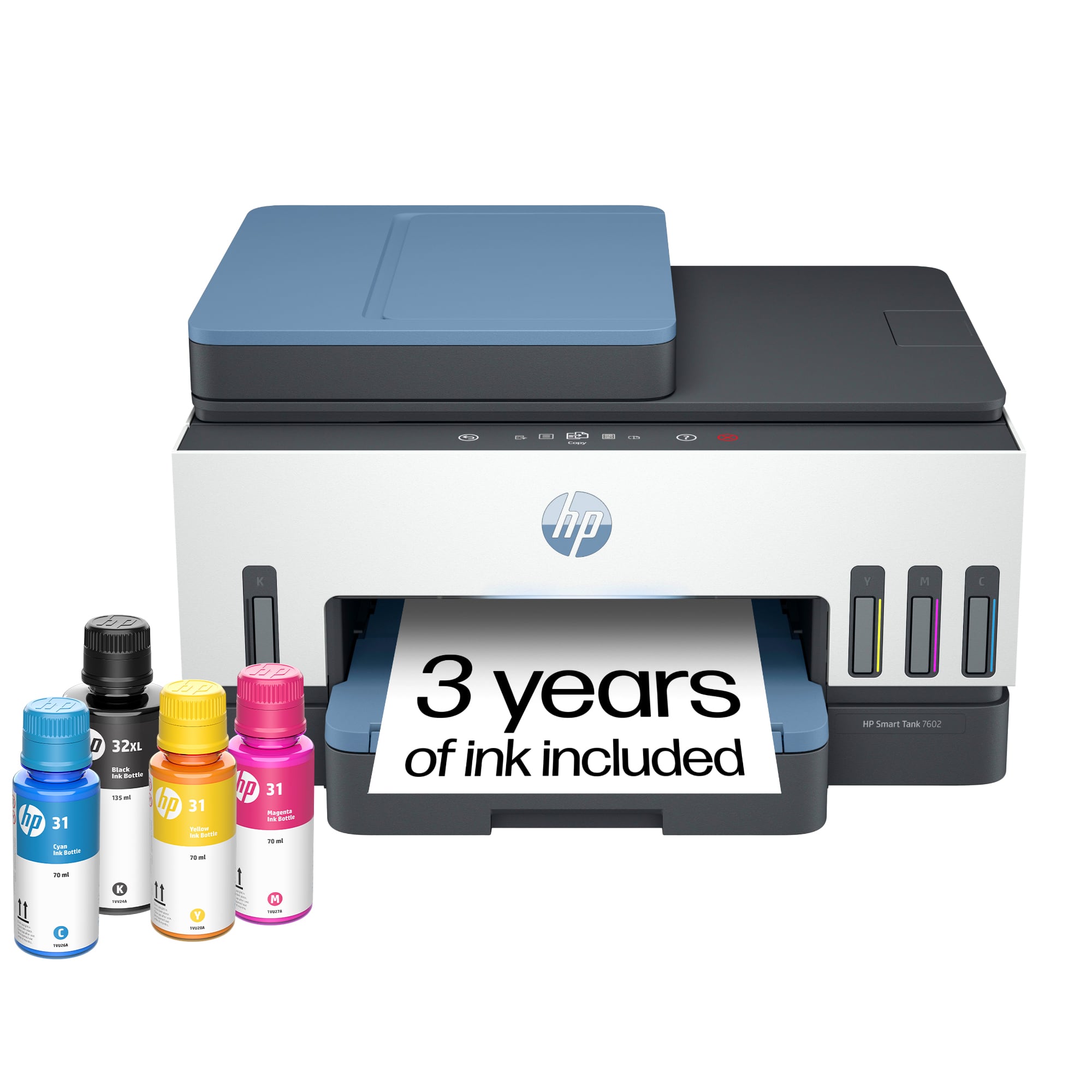
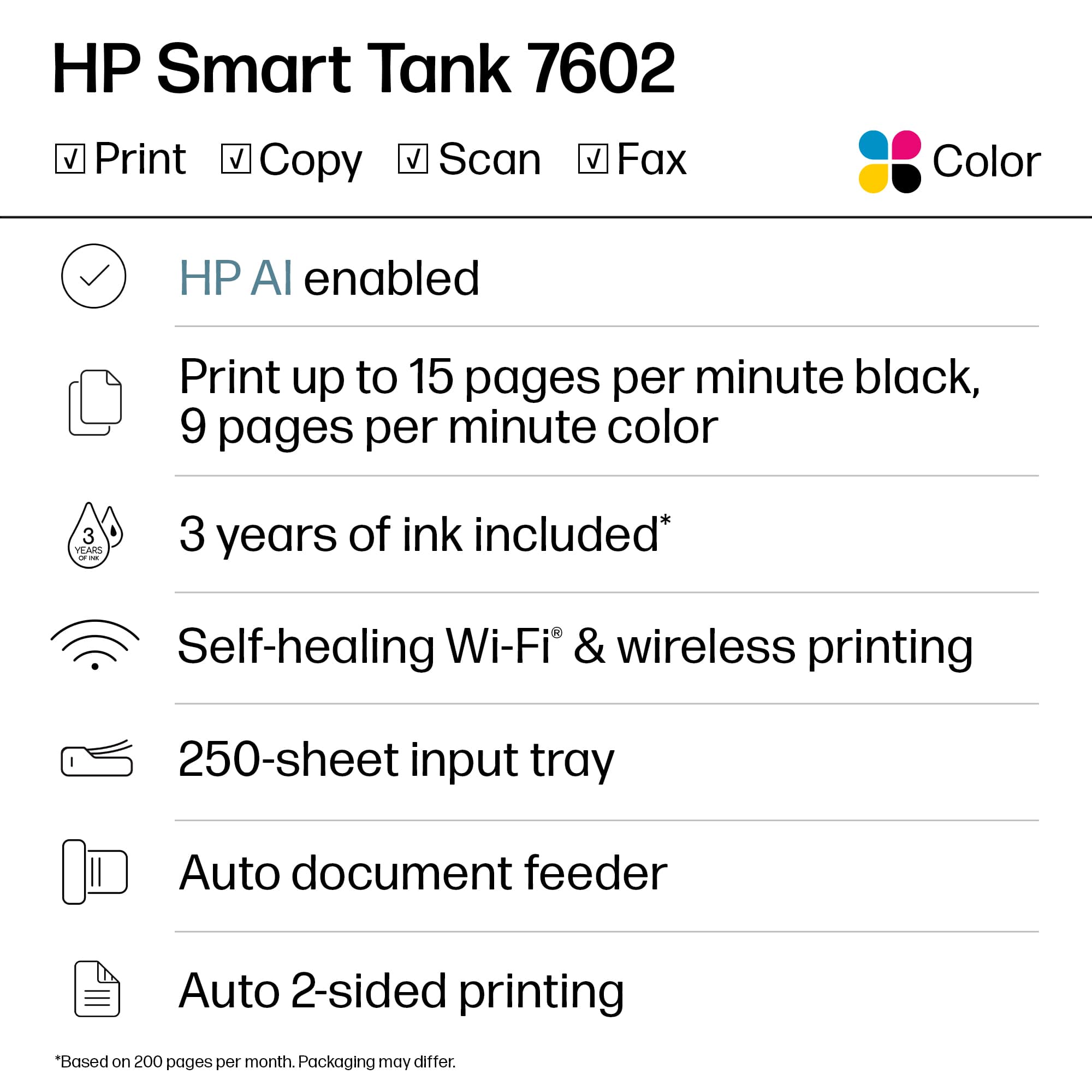
- HP SMART TANK 7602/28B98A#B1H
- |
- SKU:
- 6498190
Customer reviews
Rating 4.4 out of 5 stars with 1827 reviews
(1,827 customer reviews)Rating by feature
- Value4.4
Rating 4.4 out of 5 stars
- Quality4.5
Rating 4.5 out of 5 stars
- Ease of Use4.4
Rating 4.4 out of 5 stars
Customers are saying
Customers express satisfaction with the Smart Tank 7602 printer's very good print quality and ease of use. Many also appreciate its overall performance and fast, easy setup. Additional benefits include a quiet operation, reliable connectivity, and a size suitable for desk placement.
This summary was generated by AI based on customer reviews.
- Pros mentioned:Ease of use, Print quality
Rated 5 out of 5 stars
Great home printer
||Posted . Owned for 3 weeks when reviewed.This reviewer received promo considerations or sweepstakes entry for writing a review.Love this printer -- speedy, easy to use quality print image. Speed is great. Love the ink tanks.
I would recommend this to a friend - Pros mentioned:Ease of use
Rated 5 out of 5 stars
Highly recommended
||Posted . Owned for 2 weeks when reviewed.This reviewer received promo considerations or sweepstakes entry for writing a review.Easy install and value on savings on ink. This HP smart tank was surprisingly awesome.
I would recommend this to a friend - Pros mentioned:Ease of use
Rated 5 out of 5 stars
Worth it
||Posted . Owned for 1.5 years when reviewed.This reviewer received promo considerations or sweepstakes entry for writing a review.Love this even bought 2nd as a gift. Had for a year and still havent changed ink. Easy to use.
I would recommend this to a friend - Pros mentioned:Print quality
Rated 5 out of 5 stars
Best printer ever
||Posted .This reviewer received promo considerations or sweepstakes entry for writing a review.Love this printer, had everything I was looking for. Easy set up. Excellent printing quality.
I would recommend this to a friend - Pros mentioned:Print quality
Rated 5 out of 5 stars
New printer
||Posted . Owned for 3 weeks when reviewed.This reviewer received promo considerations or sweepstakes entry for writing a review.The price was right for my pockets. The ink holds longer and prints faster compared to my old printer. The associate made sure that I was taken care of.
I would recommend this to a friend - Pros mentioned:Overall performance, Print quality
Rated 5 out of 5 stars
It's great!
||Posted . Owned for 2 months when reviewed.This reviewer received promo considerations or sweepstakes entry for writing a review.Works just as expected for home or work place and great quality.
I would recommend this to a friend Rated 4 out of 5 stars
Missing some key features, but overall, good.
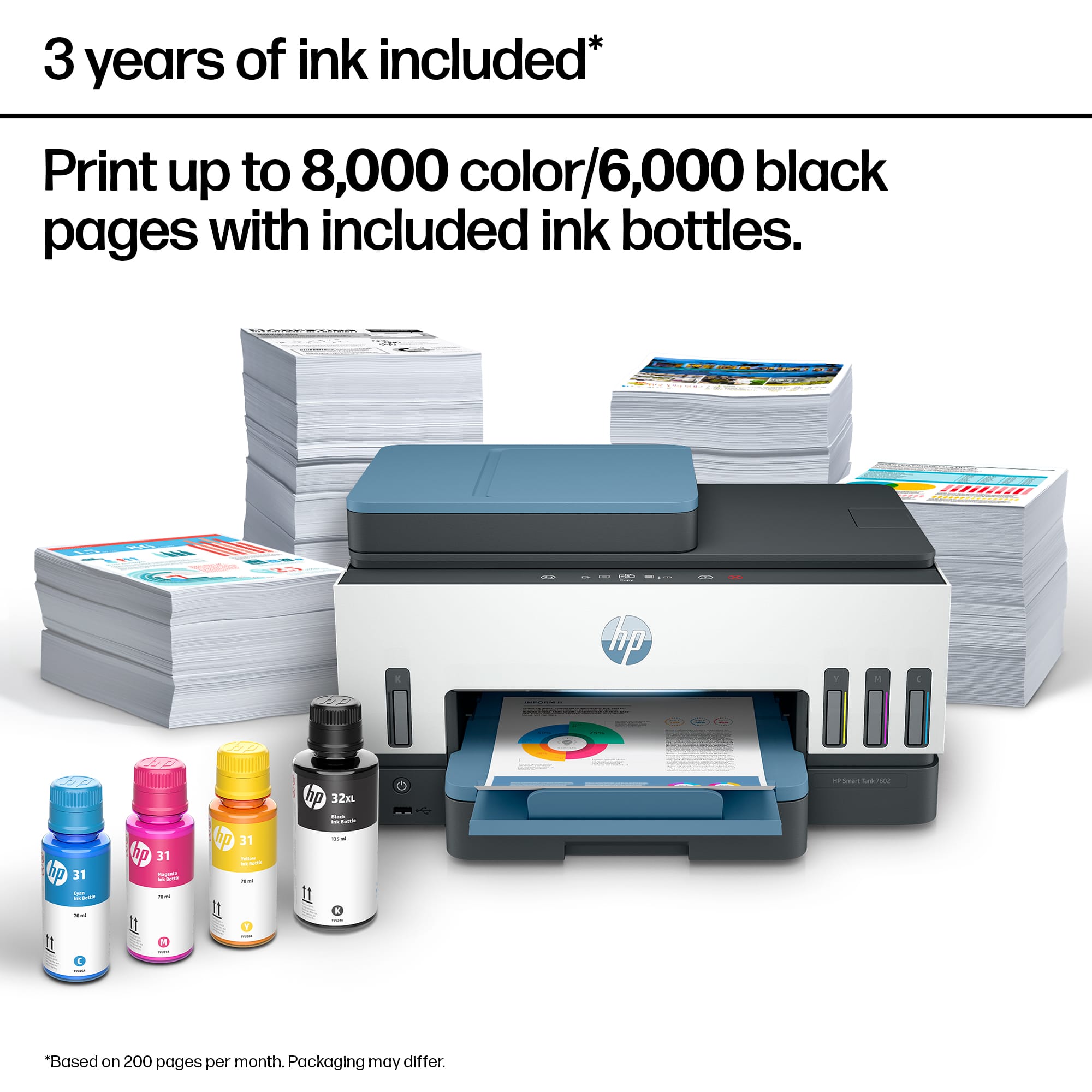
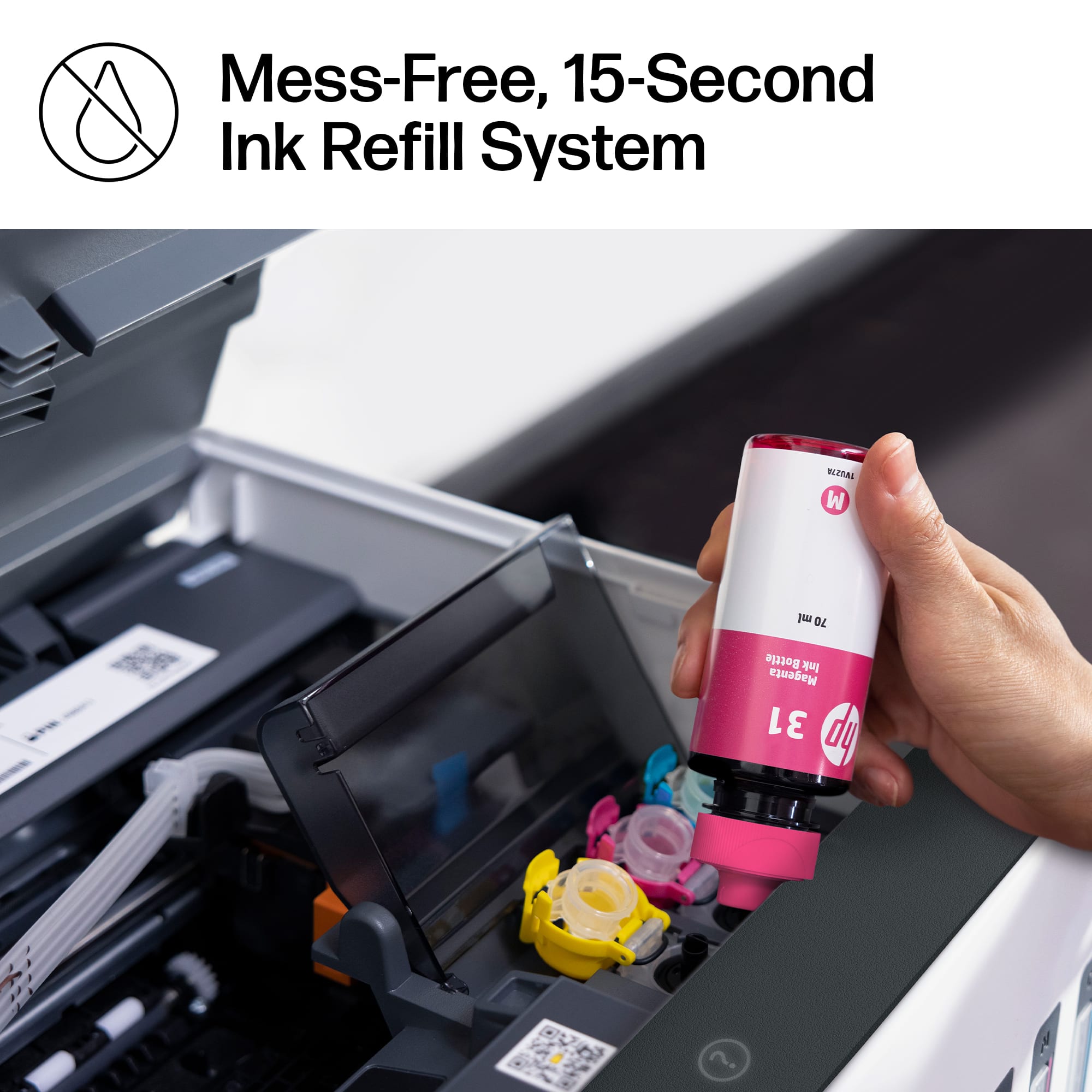
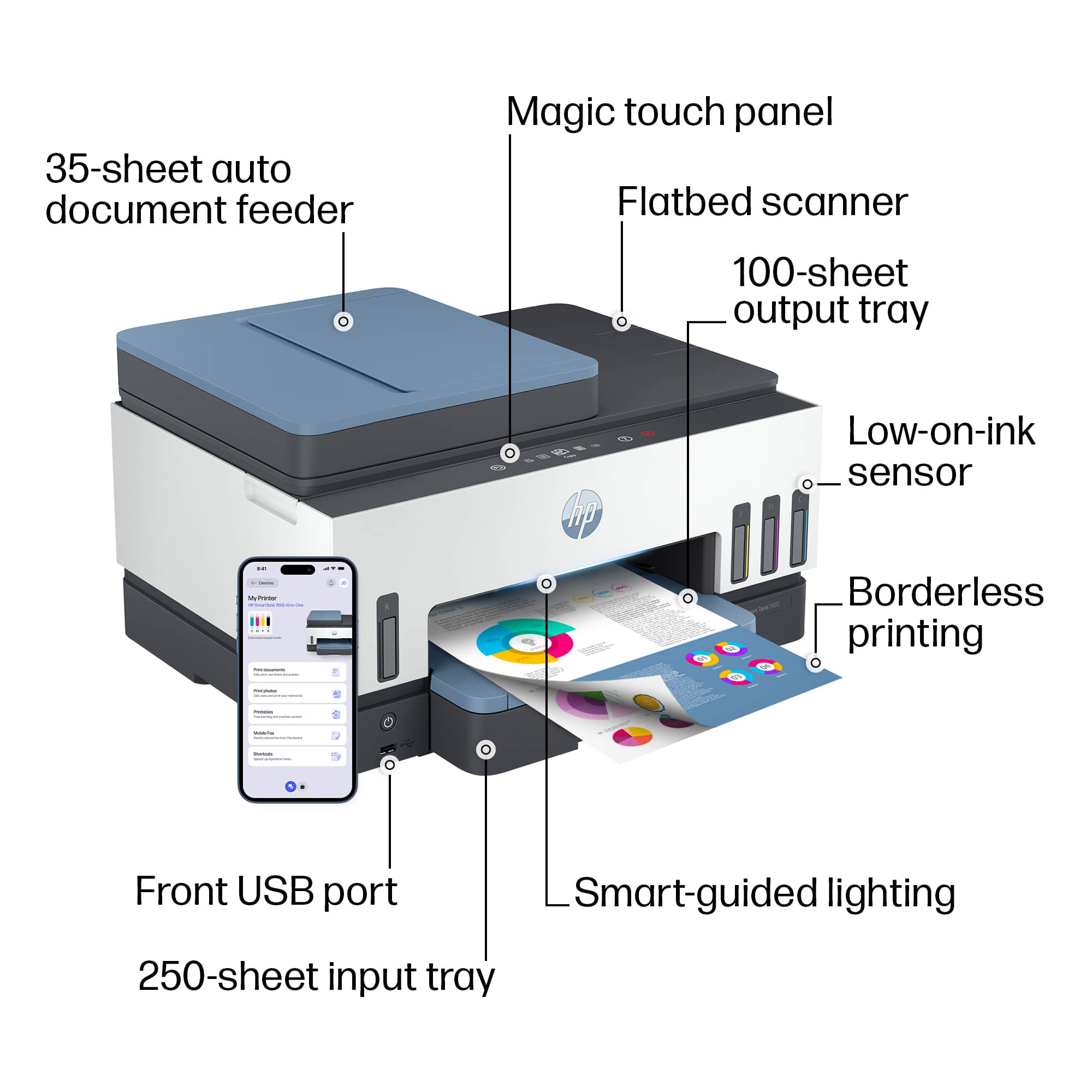
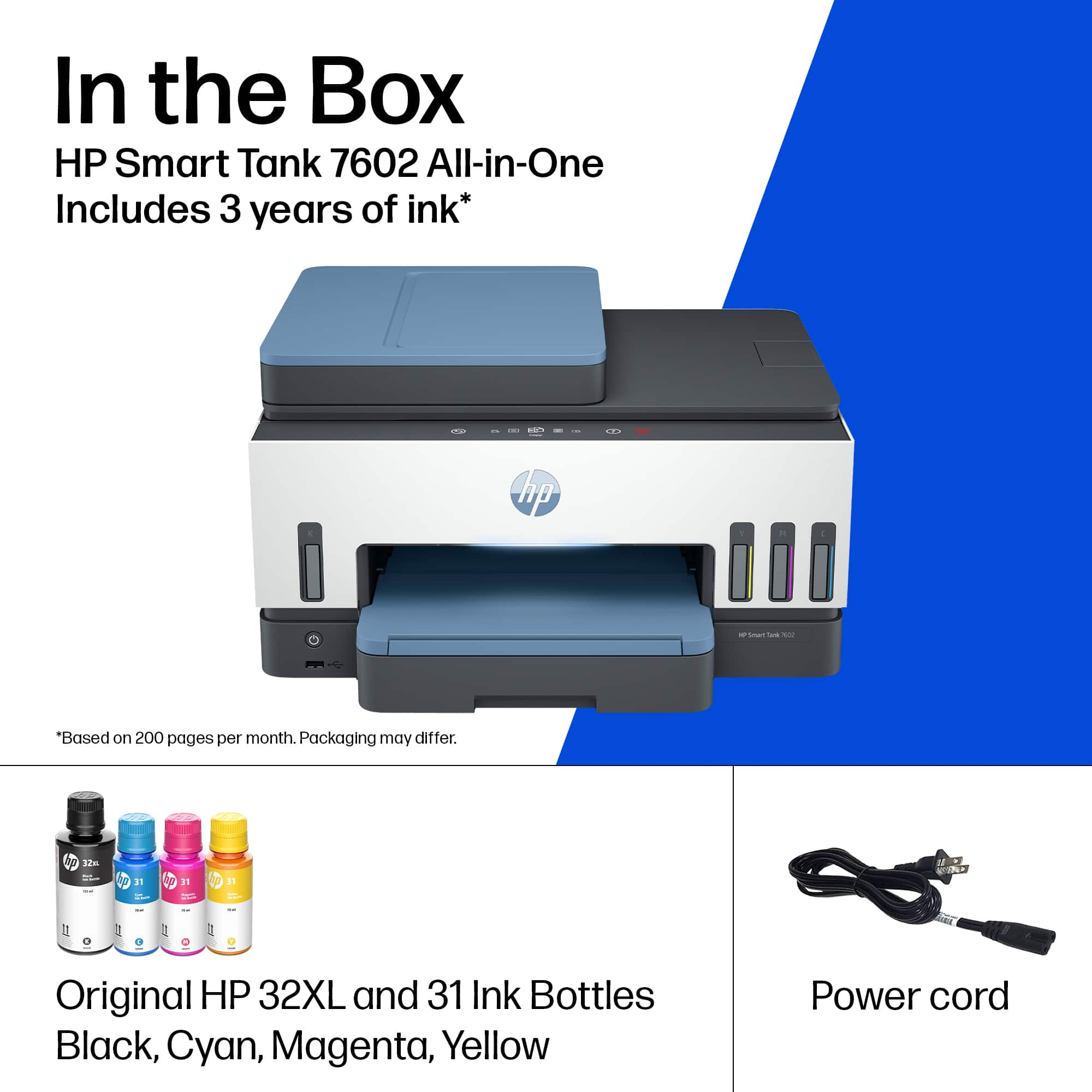
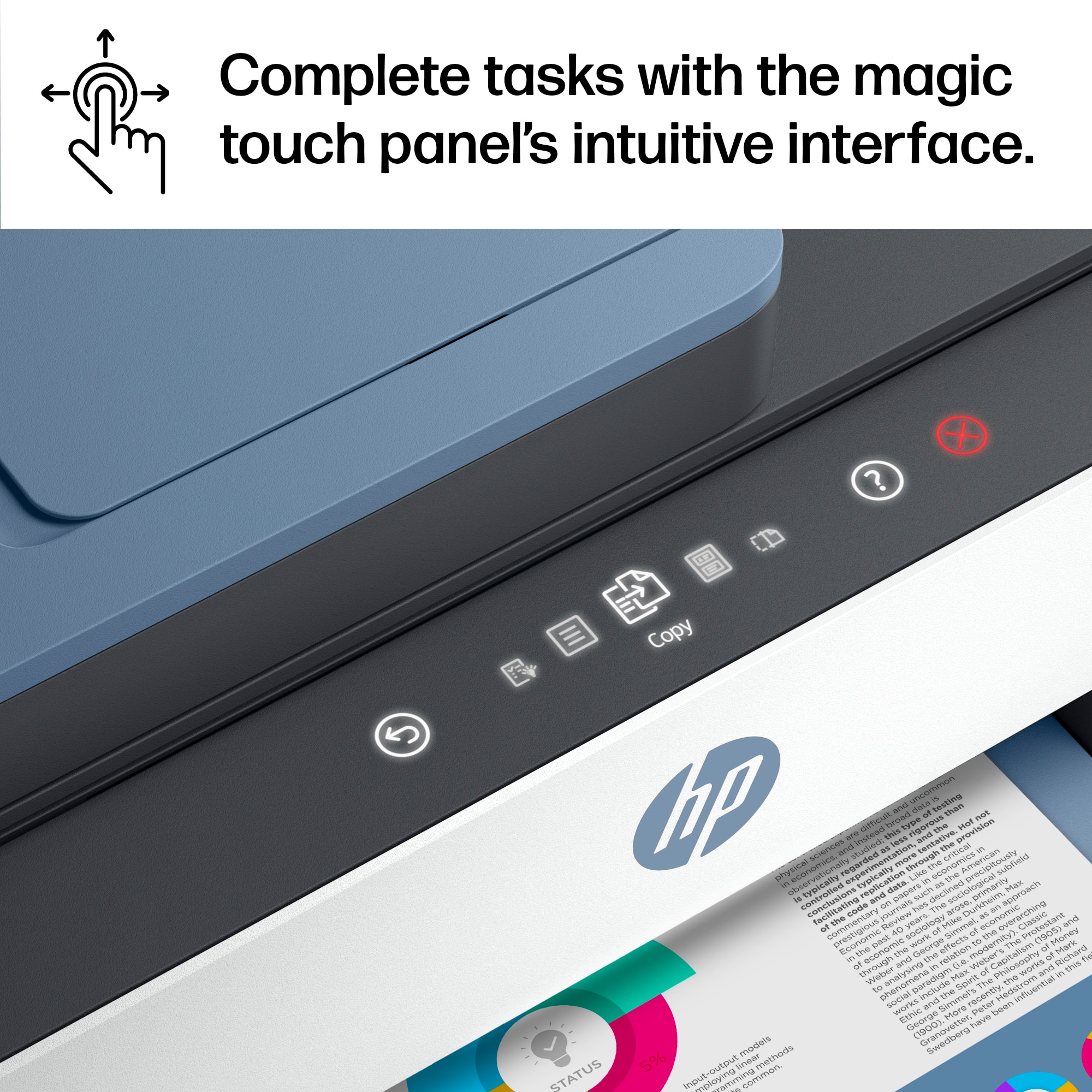
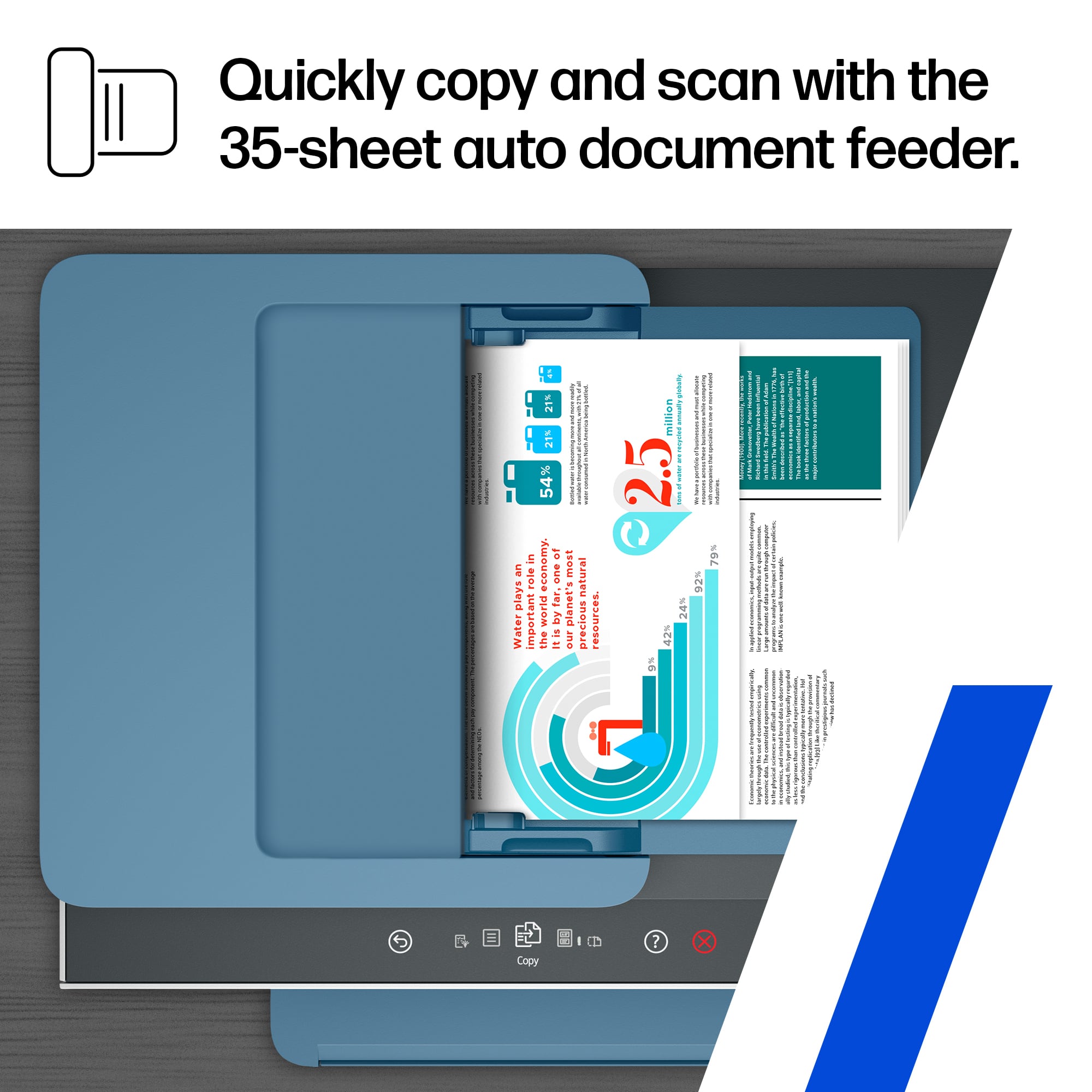
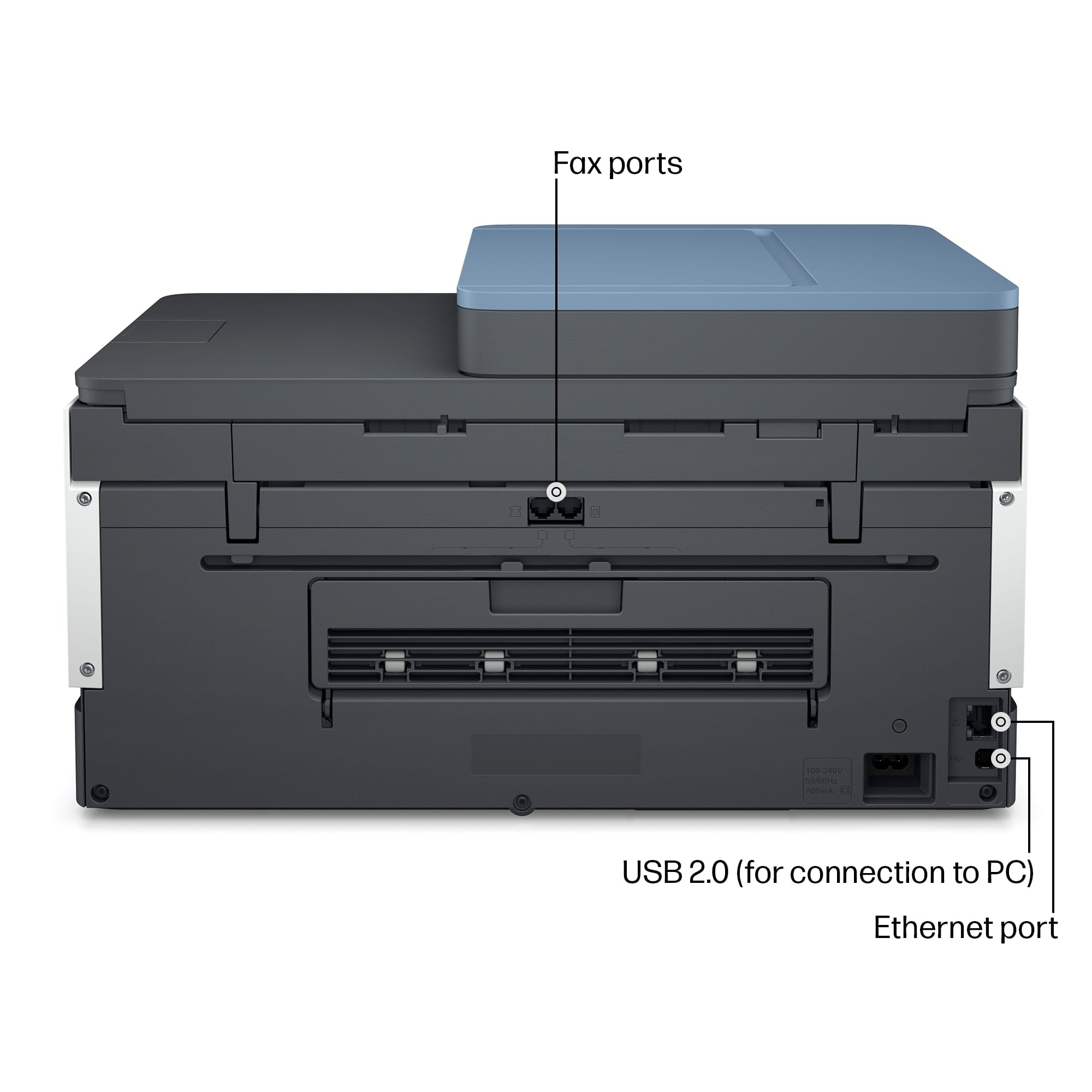
||Posted . Owned for 3 weeks when reviewed.This reviewer received promo considerations or sweepstakes entry for writing a review.After having used the 8600 Officejet Pro 8600 Plus and Premium printers for almost 10 years, both failed to print after having used third-party, non-genuine HP printer ink cartridges and messed up the printer-head. A printer-head replacement only temporarily solved the issue, but the printer stopped printing. I ended of purchasing this printer as the end of last month while using Best Buy's printer recycle program (recycled one of the printers). I opted for a printer with refillable inks instead of the typical ink cartridges, as the ink cartridges were not cheap, and were the source of all sorts of trouble and problems. The setup was relatively easy for the most part, except for a moment in the later stages where it was stuck with one of the steps in the process, thus unable to automatically complete the setup. I ended up having to restart the printer in order to manually finish the setup process. My only complaints with this model are the 3.0" Touchscreen MGD (Mono Graphics Display), lack of native/built-in Scan to Computer/PC option from printer, scanning with the ADF (Auto Document Feeder), printing and the paper tray to list up for now. Regarding the 3.0" Touchscreen MGD, it is on a narrow strip on the body, and personally it is rather small, and quite cumbersome to use when making copies as all of the options are under menus and you can only touch, and swipe up and down the menus. If the display was somewhat larger and had a little more touchable buttons, such as arrows for UP/DOWN, and immediately print after changing one of the options such as double-sided copying (from single-side) would have been real nice, as you would have to manually touch the back button until you reach the first menu to actually copy (it is only one or two back-button touches....) As for the Scan to Computer/PC, this feature has been removed from the printer, as the option is not present on the printer to choose from. You can only send scanned documents/files/pictures to a E-MAIL, NETWORK FOLDER or a USB drive that is connected to the printer via the USB port on the printer. Even to this day, we use the Scan to Computer/PC method and I was extremely disappointed that it has been removed as an option from this model. I am not sure whether it is only HP or only the recent and newer models of even the other brands/competitors have done this/doing it, but it is quite cumbersome to have to use a separate program to scan from the printer to the connected PC. There is a FAX telephone line jack, and I personally feel like that should have been a lower priority on these higher-end models and the native, built-in Scan to Computer/PC was left on. I am sure there a quite a few tech-savvy people out there that do not mind this and pretty much work digitally/on the cloud, but I do have old-school co-workers so, it would have been real great to have had that same old way of working with scanning documents and files to the computer. On the same topic of scanning, you can scan from the ADF, but the resolution will be capped at 200 DPI, and you would need to scan from the Glass Bed scanner for higher resolutions (can change from settings of scanner program). I am using the program HP Scan to scan directly to the PC and have changed several settings for our use. Lastly, the paper tray is another slight con, as the gray tab that is also used to extend the tray from longer/larger papers is set to 8.5" x 14" and I was unable to adjust the length to match the typical letter size 8.5" x 11" length. As a result, the paper moves around quite a bit in the tray, and can copy/print slightly diagonally/slanted and not from the very top of the paper as intended. Also, with the previous printer documents/files were manually setup to print on a page as close to the edges as possible, but with this printer, such settings are pretty much pointless and I needed to manually readjust every single file (spreadsheets and etc.) to print up to the edges. Going back to the paper tray, I personally would have loved it if it was capable of loading 500 sheets instead of 250, as reloading this single paper tray is also slightly cumbersome. If the above caveats/annoyances do not matter to you, then this printer might be a steal. when buying on sale and recycling a printer that is no longer functioning/on the verge of failure. I personally will not recommend this to those who will miss the old-school features. I am unsure whether some of the "minor" things can be found on the competitors' high-to-higher end models. We do quite of bit of printing mostly in black and occasionally in color on a daily basis, and so far, the ink levels are still pretty high (slightly below max level) even after a month of use. The printer does come with a set of the inks in bottles; 32XL BLACK 135 mL x 1, 31 CYAN 70 mL x 1, 31 MAGENTA 70 mL x 1 & 31 YELLOW 70 mL x 1. I got a set of the inked bottles just in case, which was rather low in stock at the store. P.S. Read and follow the directions with included manual, and do not shake the ink bottles as bubbles will form and there will be a little bit less when filling up the tanks.
No, I would not recommend this to a friendRated 5 out of 5 stars
Good Quality
||Posted . Owned for 2 weeks when reviewed.This reviewer received promo considerations or sweepstakes entry for writing a review.Ive had this product for a couple years now and its still going strong. I used this printer for work for months and im still using the ink that came in the original box. I moved homes and the peinter didnt need to be reconnected to wifi. I just turned it back on and started using it again. (Which was 3 months from packing it up)
I would recommend this to a friend- Pros mentioned:Print quality, Setup
Rated 5 out of 5 stars
Beats ink cartridges by a mile
||Posted . Owned for 3 weeks when reviewed.This reviewer received promo considerations or sweepstakes entry for writing a review.I love this printer and hope I haven’t jinxed it! Absolutely no problem to set up, fast enough, great quality print. Have not had a chance to use other features but expect they are equal to the task. No idea as to ink usage yet however if it is one instead of two year supply, I will be just as happy
I would recommend this to a friend - Pros mentioned:Ease of use, Print quality
Rated 5 out of 5 stars
Great printer and money saver
||Posted . Owned for 1 month when reviewed.This reviewer received promo considerations or sweepstakes entry for writing a review.I love the fact I no longer need to purchase HP's over priced cartridges. The Supertanker is fast and easy to use, and it saves money. I highly recommend it to anyone who needs a reliable printer without cartridges drying out or timing out.
I would recommend this to a friend Rated 5 out of 5 stars
It works great
||Posted .This reviewer received promo considerations or sweepstakes entry for writing a review.It makes life easier, you don’t need wires running around
I would recommend this to a friendRated 4 out of 5 stars
A printer that saves you money
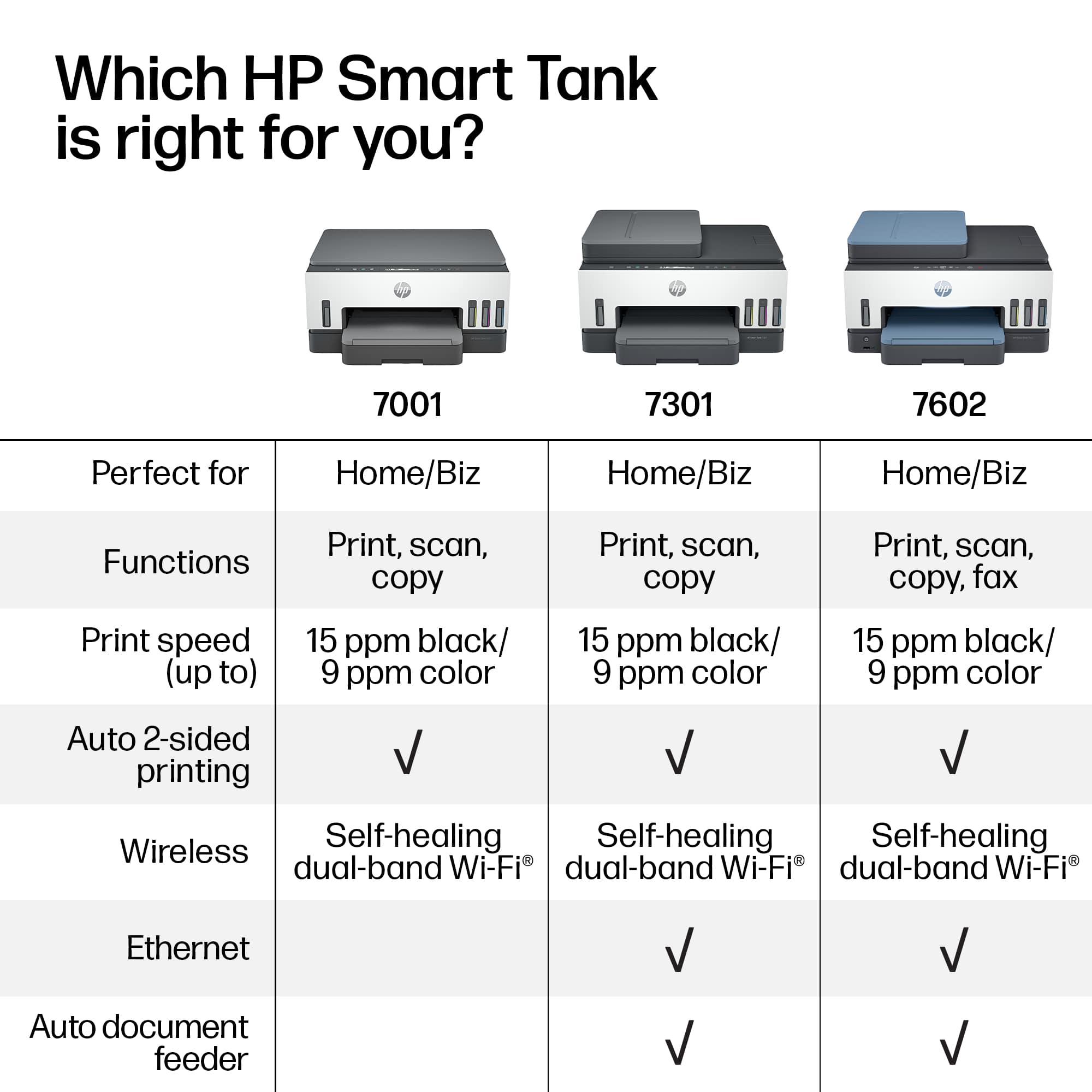
||Posted . Owned for 1 month when reviewed.This reviewer received promo considerations or sweepstakes entry for writing a review.I purchased this printer because my current printer was having issues. I had a 7640 Envy printer that I had for many years. It was discontinued and I needed to find a printer that matched the feature of my old printer. I found the Hp 7603 was the only printer that matched up to it. I was leary about the ink tank being costly ink to replace, but found the liquid ink is much more cost saving than the cink cartridges I was replacing and spending alot of money on. I use my printer everyday and have not seen the ink go down at all. This is a plus for me. The only con I can say is the LED screen is small and hard to see. It is compatible to the Hp envy series ptinters and the only internal fax that compares to that all in one model.
I would recommend this to a friend- Pros mentioned:Print quality
Rated 4 out of 5 stars
Great but a downgrade from previous HP printer
||Posted . Owned for 2 months when reviewed.This reviewer received promo considerations or sweepstakes entry for writing a review.This printer replaced an OfficeJet Pro about 9 or 10 years old. I love that ink will be much less expensive, especially the color. Paying roughly $40 for a ton more ink when needing more ink is better than $100. However, compared to my previous all in one printer, while it is smaller and lighter, it is also slower at all printing quality settings, scans documents slower, has a smaller touchscreen, and is louder. Still a great all around printer, definitely worth it for the ink pricing in the long run, just the somewhat slowness of printing and quite slow document feeder scanning make it less convenient.
I would recommend this to a friend - Pros mentioned:Print quality
Rated 5 out of 5 stars
Home office
||Posted . Owned for 1 month when reviewed.This reviewer received promo considerations or sweepstakes entry for writing a review.So far I like everything about the printer. Trying to set up the scan feature. The printing quality is very clear.
I would recommend this to a friend - Pros mentioned:Overall performance
Rated 5 out of 5 stars
Impresora HP Wireless All in One
||Posted . Owned for 2 weeks when reviewed.This reviewer received promo considerations or sweepstakes entry for writing a review.Tremenda máquina, encantado con mi compra. Recomendado.
I would recommend this to a friend - Pros mentioned:Ease of use, Noise level
Rated 5 out of 5 stars
Quality printer.
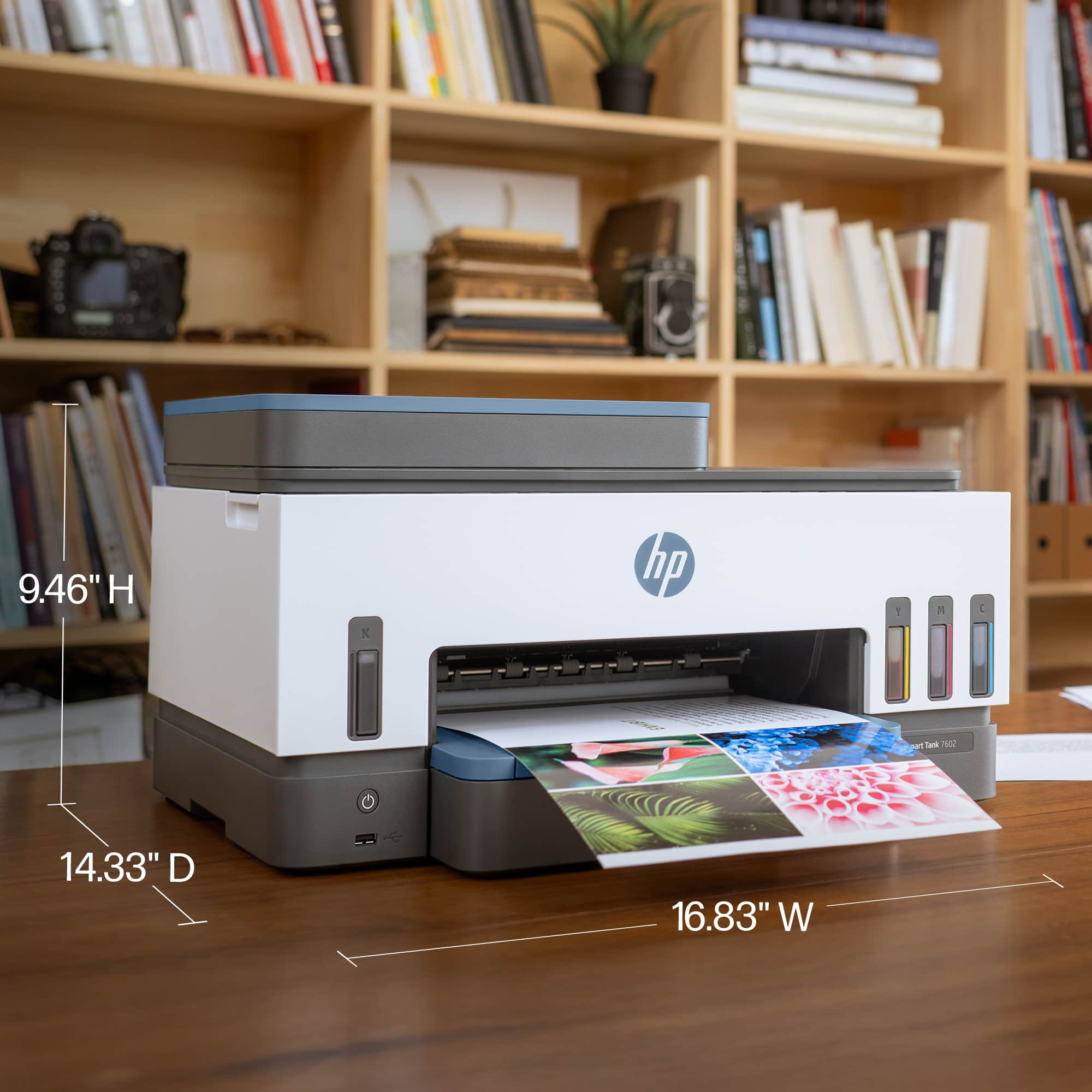
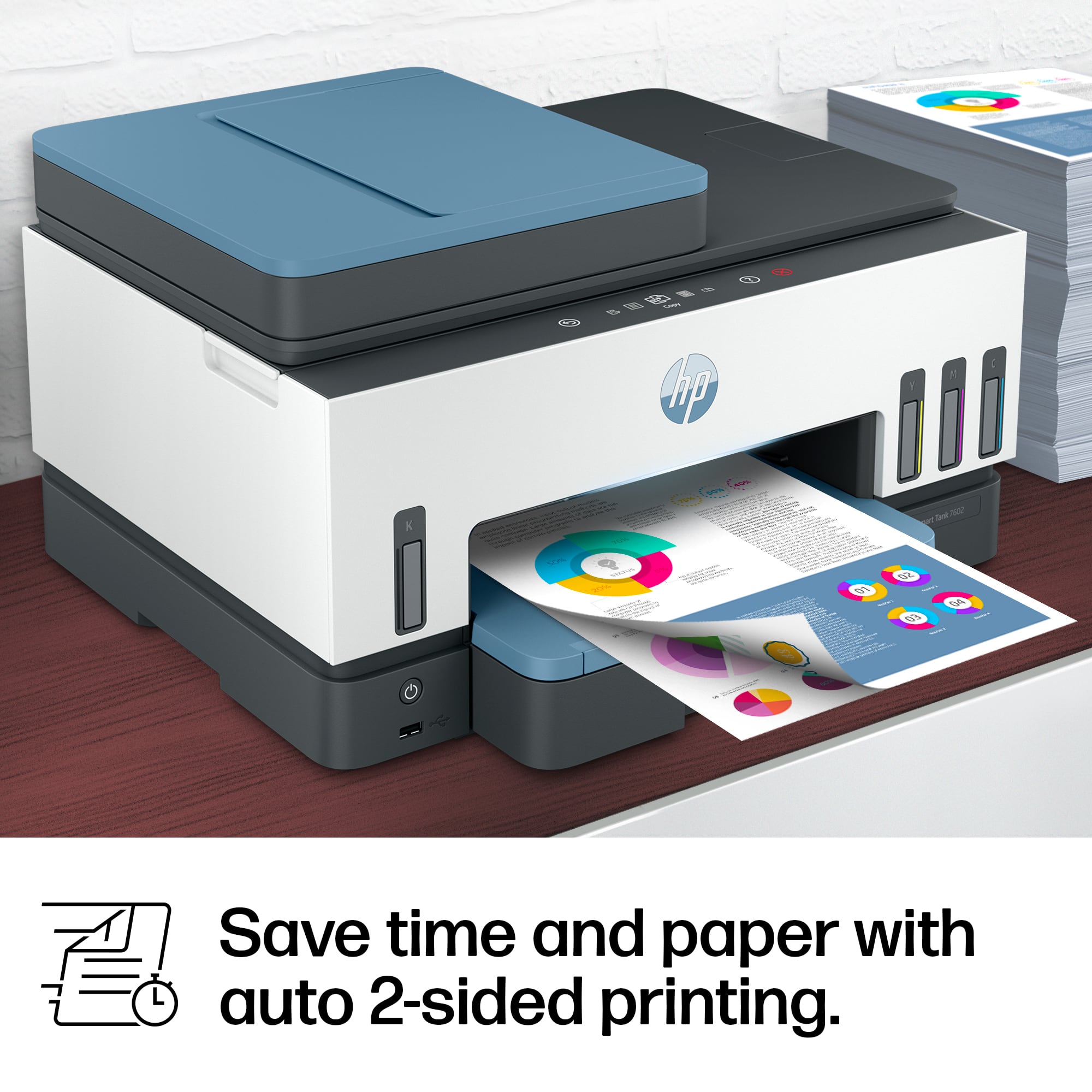
||Posted . Owned for 3 weeks when reviewed.This reviewer received promo considerations or sweepstakes entry for writing a review.I really like the hp smart tank 7602. It’s quieter than the 5101, easy to see the ink levels, prints 2 sided, and I especially like the computer control panel that’s on top. This printer is easy to set up and easy to use.
I would recommend this to a friend - Pros mentioned:Print quality
Rated 5 out of 5 stars
Amazing
||Posted . Owned for 9 months when reviewed.This reviewer received promo considerations or sweepstakes entry for writing a review.I'm obsessed with this one. The best quality I've ever seen. You even can print pictures.
I would recommend this to a friend - Pros mentioned:Overall performance
Rated 5 out of 5 stars
Great printer
||Posted . Owned for 3 weeks when reviewed.This reviewer received promo considerations or sweepstakes entry for writing a review.It does what it's supposed to d. Would purchase again.
I would recommend this to a friend - Pros mentioned:Overall performance
Rated 5 out of 5 stars
great prin ter
||Posted . Owned for 2 weeks when reviewed.This reviewer received promo considerations or sweepstakes entry for writing a review.works great like it should no problems so far i dont know what to say
I would recommend this to a friend - Pros mentioned:Print quality, Setup
Rated 5 out of 5 stars
A GREAT All-in-one inkjet printer!
||Posted . Owned for 3 weeks when reviewed.This reviewer received promo considerations or sweepstakes entry for writing a review.The setup for this printer was provided in a simple, step by step order. The printer's functions (print, color print, duplex printing, scan and scan with document feed) all worked first time and worked without error or problem. It was a dream to set up, and it does what it should, quickly and efficiently.
I would recommend this to a friend