Customer Ratings & Reviews


- Model:
- SMART TANK 651/7XV38A#B1H
- SKU:
- 6390495
Rating by feature
- Value
Rating 4.2 out of 5 stars
- Quality
Rating 4.3 out of 5 stars
- Ease of Use
Rating 4.2 out of 5 stars
Customers are saying
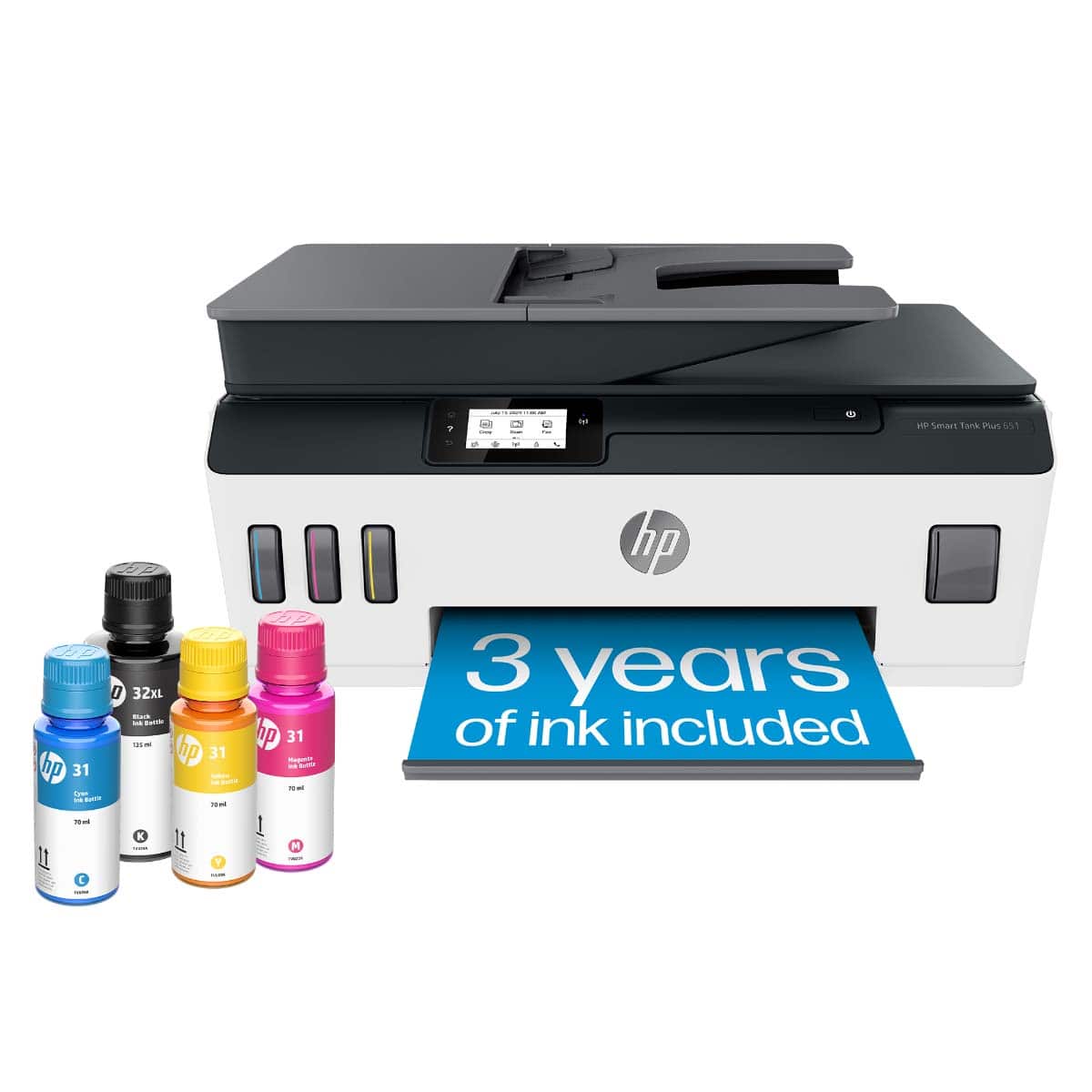
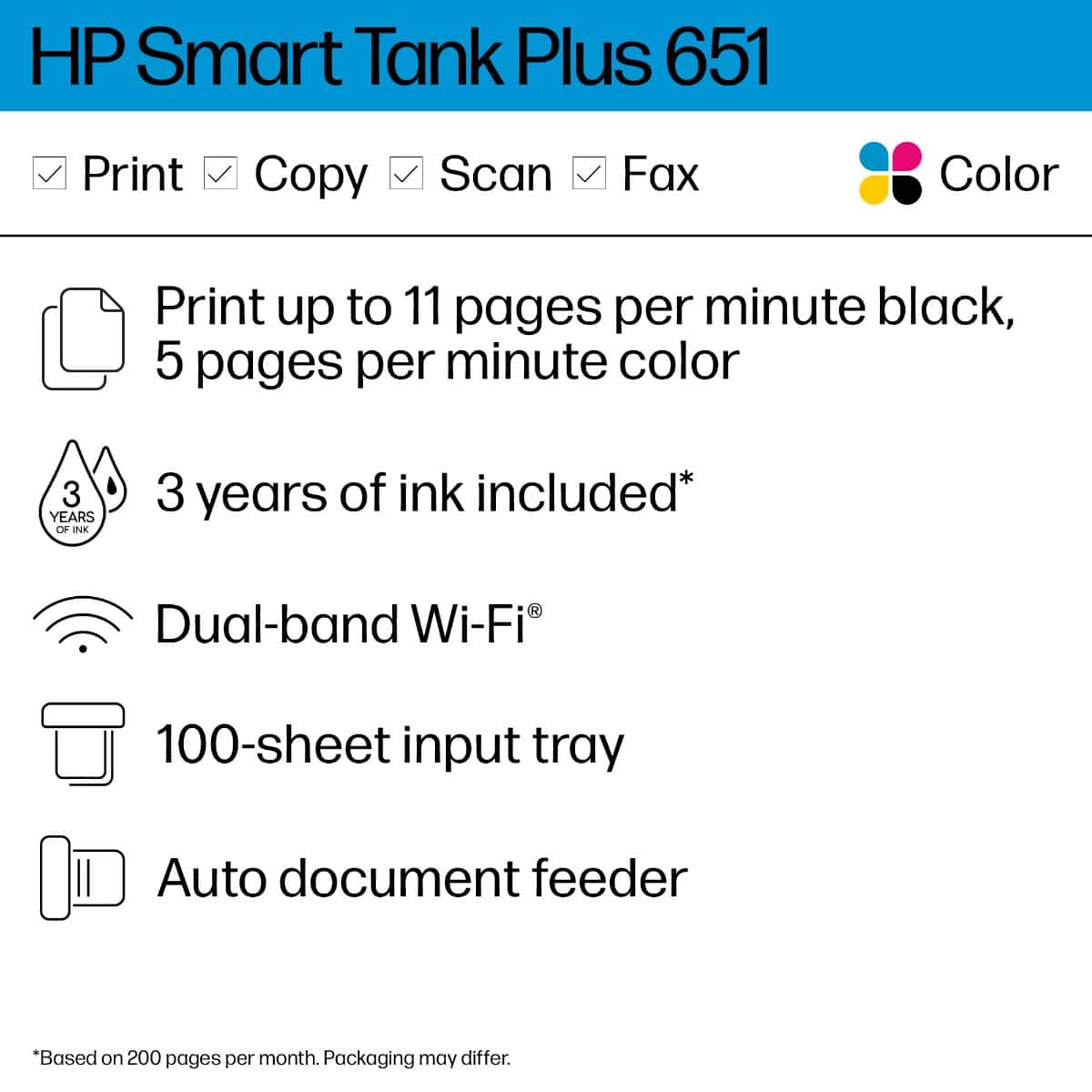
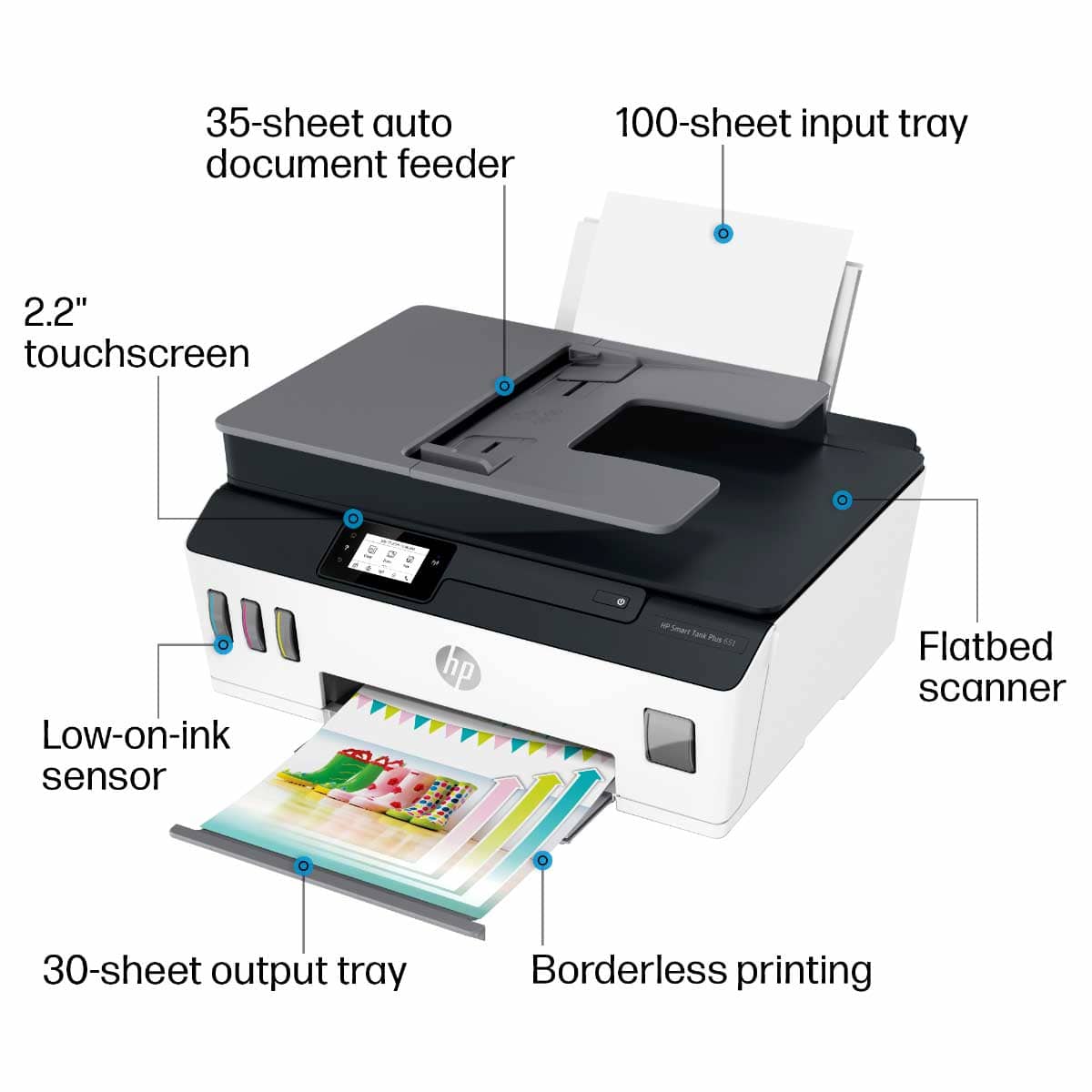
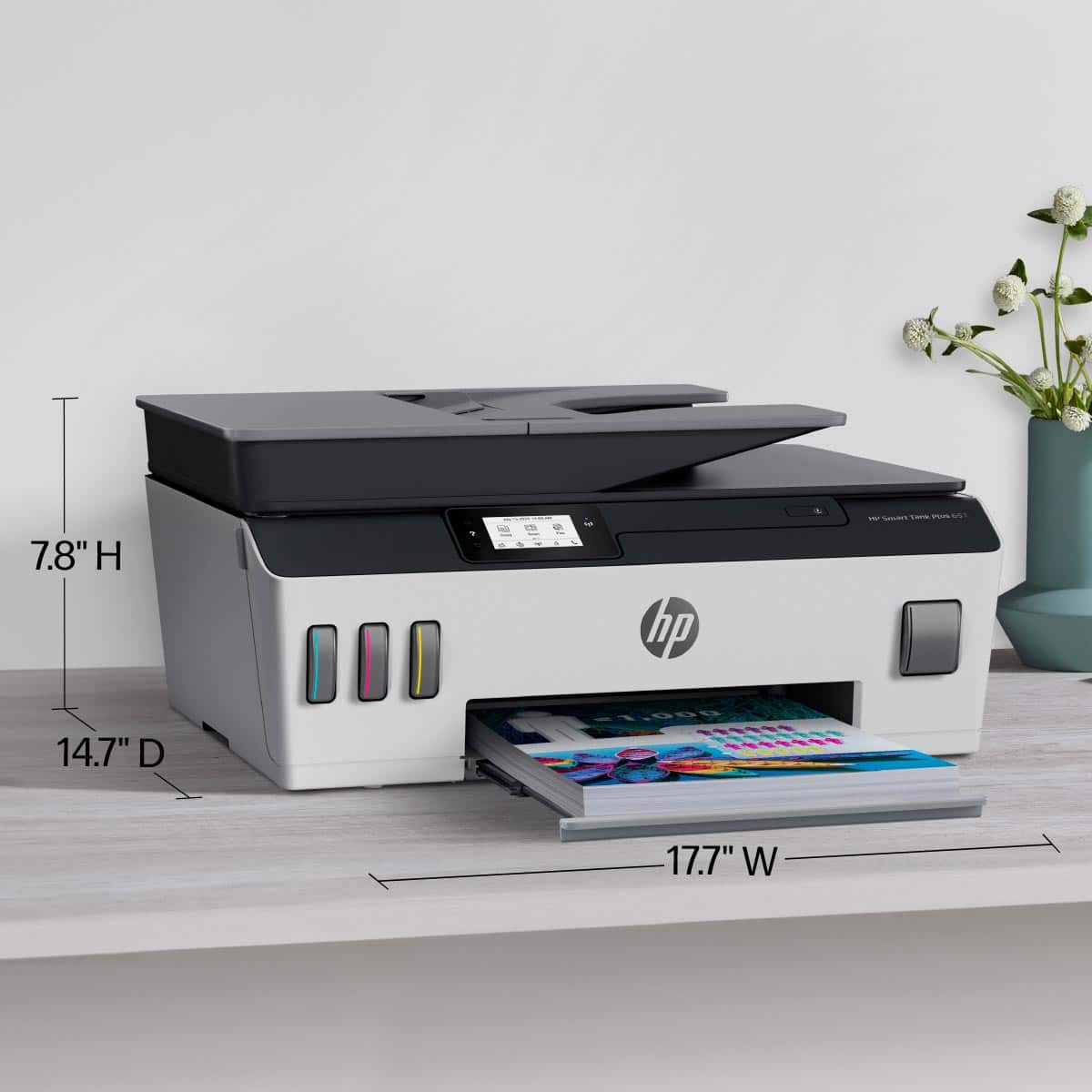
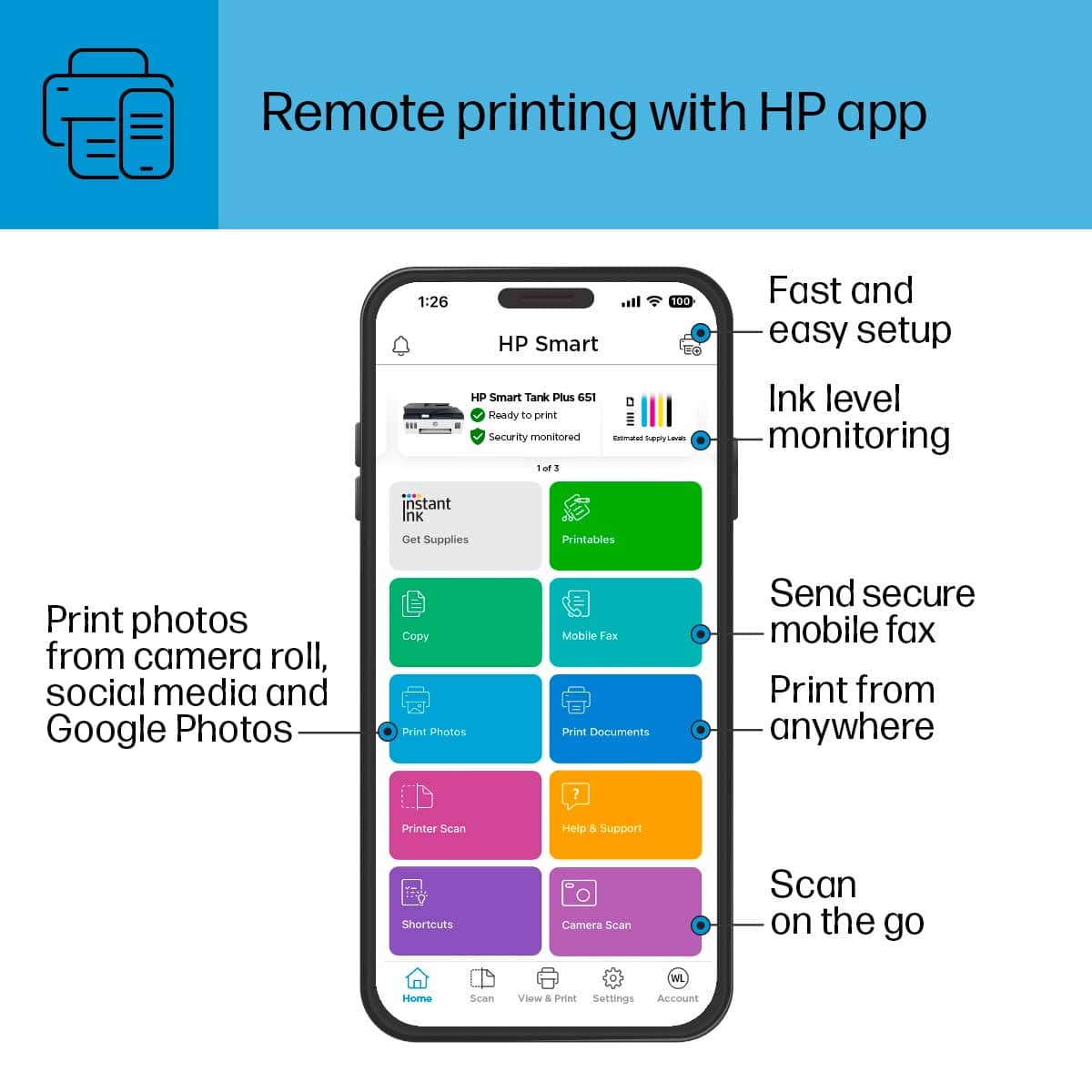
Customers highly value the Smart Tank Plus 651 printer for its excellent print quality and ease of use. Many appreciate its overall performance, finding both the printer and scanner to work well, and they also note the simple setup process. While the printer is praised for these features, some users have experienced connectivity issues, and a few consider the price to be a drawback.
This summary was generated by AI based on customer reviews.
HP Printer
||Posted . Owned for 1 month when reviewed.This reviewer received promo considerations or sweepstakes entry for writing a review.The printer is fine but its much slower that the Espon.
I would recommend this to a friendDecent
||Posted . Owned for 3 weeks when reviewed.This reviewer received promo considerations or sweepstakes entry for writing a review.Not nearly as nice as an OfficeJet, but it's supposed to be way better and cheaper on ink. We shall see. Within the first week we had to download new drivers as it stopped scanning, and printing is only wireless, which really sucks when the internet is down. HP ePrint is quite handy, though.
No, I would not recommend this to a friendPrinter
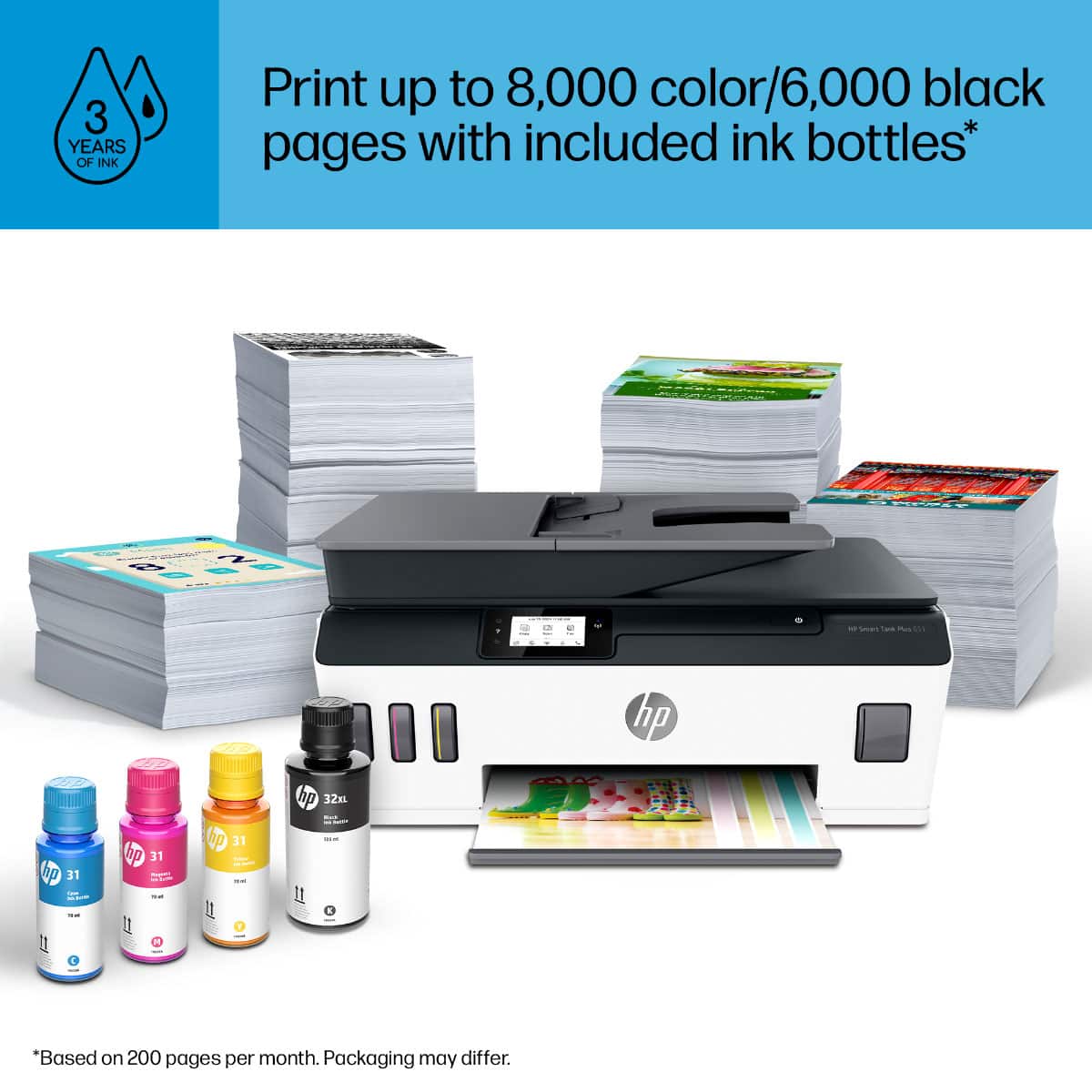
||Posted . Owned for 1 month when reviewed.This reviewer received promo considerations or sweepstakes entry for writing a review.I love this printer it does everything advertised and I am very happy. The color is bright and even I have printed over 1000 pages and I still have plenty of ink.
I would recommend this to a friendVery versatile good addition
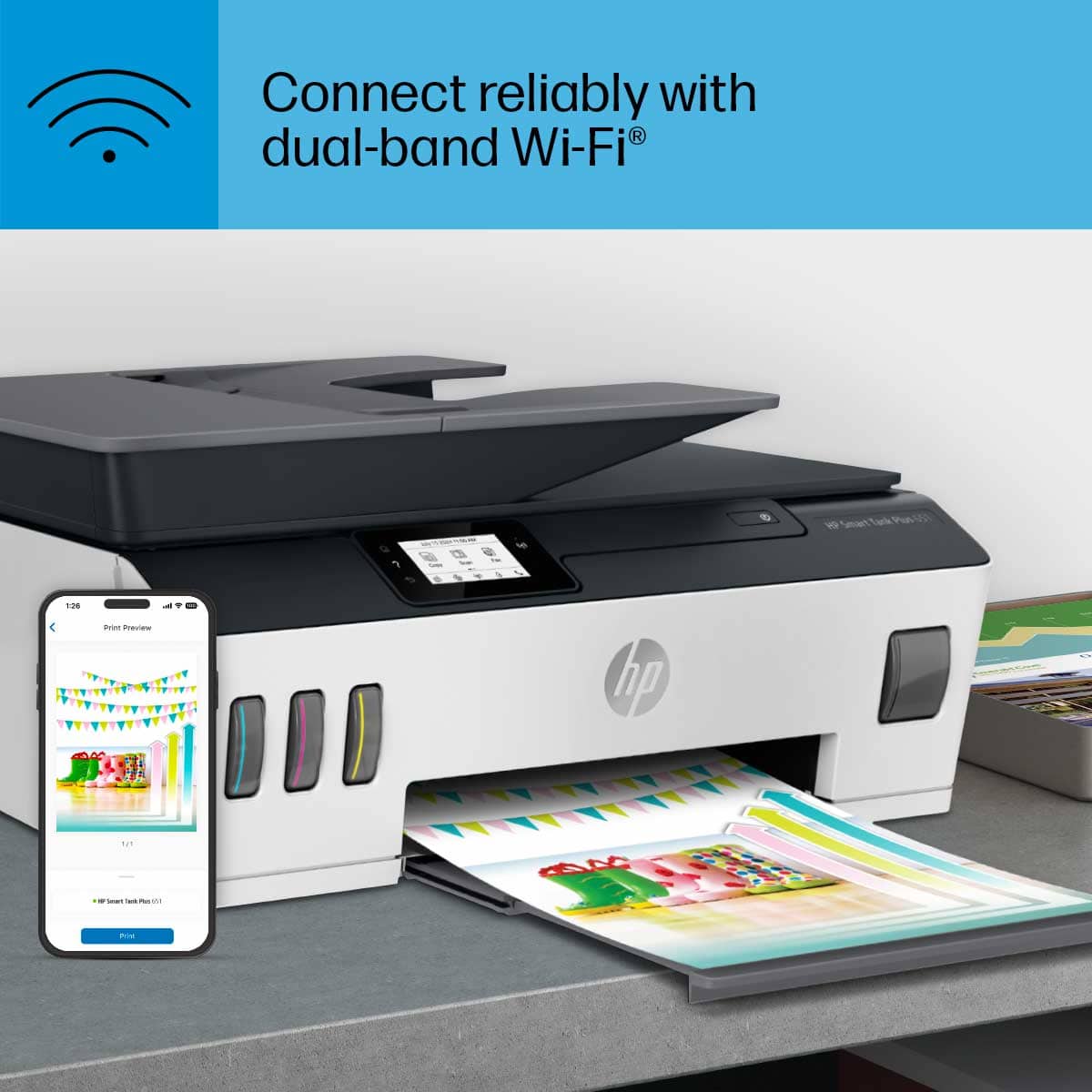
||Posted . Owned for 3 weeks when reviewed.This reviewer received promo considerations or sweepstakes entry for writing a review.I love this printer because it has a WiFi capable my kid’s so happy they can print with out plugging in. Wirelessly print out anytime you want.
I would recommend this to a friendHard to install
||Posted . Owned for 1 month when reviewed.This reviewer received promo considerations or sweepstakes entry for writing a review.The instructions for setting up were poor and confusing. Had to get my son to help and it took him time to get it working. You must have WIFI to get it to work,
No, I would not recommend this to a friendVery Happy.
||Posted . Owned for 3 weeks when reviewed.This reviewer received promo considerations or sweepstakes entry for writing a review.It works great! Quality is good. The only thing is the directions are not that great for setup used youtube because I didn't want to break anything putting the ink head in.
I would recommend this to a frienddid not live up to the hype
||Posted . Owned for 1 year when reviewed.This reviewer received promo considerations or sweepstakes entry for writing a review.This printer was used to take advantage of the tank ink features. Unfortunately it has a lot of software glitches and errors, so unless HP comes up with a fix, this is a poor second to the Epson...
No, I would not recommend this to a friendExcellent printer for home
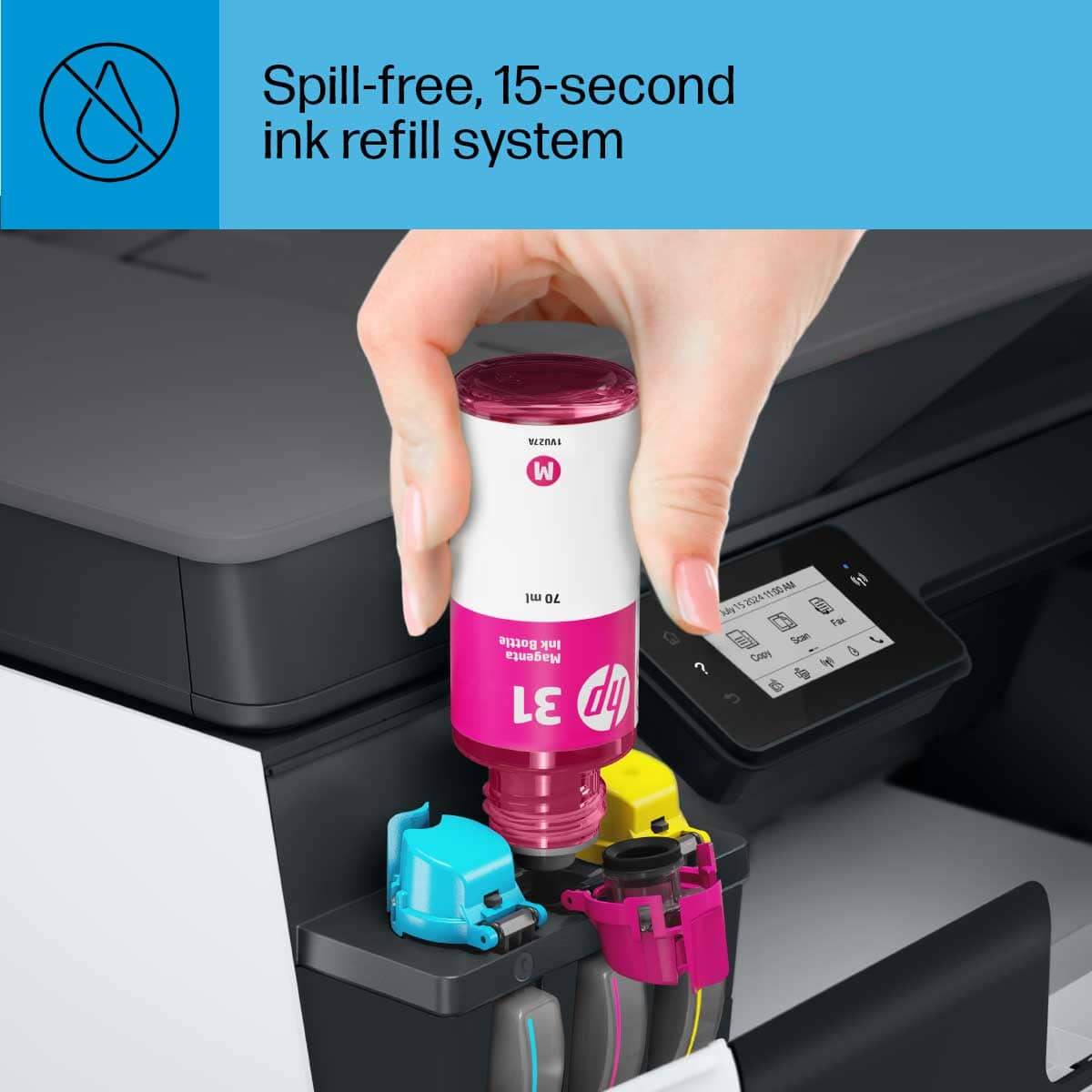
||Posted . Owned for 3 weeks when reviewed.This reviewer received promo considerations or sweepstakes entry for writing a review.Wife is very pleased with the printer. I had a slight hitch connecting to her Mack! But connected with a USB CABLE an the Mack did the rest. Easy to load the ink.
I would recommend this to a friend- Cons mentioned:Price
Took back
||Posted . Owned for 1 month when reviewed.This reviewer received promo considerations or sweepstakes entry for writing a review.Might work better with a PC but I have a Mac. It had to restarted everyday sometimes more than once a day. I couldn’t get it to setup the scan to my email All and all too expensive for it not to work properly.
No, I would not recommend this to a friend Horrible
||Posted . Owned for 2 months when reviewed.This reviewer received promo considerations or sweepstakes entry for writing a review.Terrible printer. Didn’t want to spend a lot of money, but this wasn’t worth it anyway. Very slow printing. Has the old-time, feed from the back paper tray so that only a few sheets can be put in at a time. Constantly refilling it. Also, you can’t really do printing on both sides of the sheet because you have to hurry up and pull the paper out once the first side has printed and put it back in the paper feed, but before it starts printing the next sheet (which happens so fast I think only a magician could accomplish it). This is only a good printer if you are hardly ever using it, and then only for a few sheets at a time. Super frustrating.
No, I would not recommend this to a friendBrand response from HP Team
Posted .Hi there.
I’m sorry to hear that you’ve encountered such difficulty with your printer. I can certainly understand why dealing with slow printing as well as the problematic functionality that you describe would be a terrible start to owning a new device. I would love to help you improve your experience, so I’ll provide some resources that I hope will accomplish that end.
First, I recommend that you follow a guide on our support site that covers improving print speed; choose whichever of the following two links matches your operating system:
- Windows: support.hp.com/us-en/document/bud03409
- Mac OS: support.hp.com/us-en/document/c01928898
Also, often just updating the firmware can help improve print speed. You can find out how to do that here:
- support.hp.com/us-en/document/c02919168
For more help solving problems or to learn more about your printer and all its features, you can access troubleshooting guides, how-to documents, user manuals and software updates here:
- support.hp.com/us-en/product/model/31017110
If you need further assistance, I suggest that you contact us directly at +1 800-474-6836 so we can help you assess the situation and find a solution. (Please note that because of restrictions on personal movement and workplace attendance associated with the COVID-19 pandemic, wait times for agents are longer than normal. Thanks in advance for your understanding.) To expedite the process, I recommend gathering the following information before the call:
- Model number
- Serial number
- Your location
- Case number (from any previous contact with HP support)
Keith
HP Care
hp.com/support
great sales person
||Posted . Owned for 3 weeks when reviewed.This reviewer received promo considerations or sweepstakes entry for writing a review.Sales person was amazing and I would recommend him
I would recommend this to a friendGood and easy to setup. Ink capacity is a bonus.
||Posted . Owned for 3 weeks when reviewed.This reviewer received promo considerations or sweepstakes entry for writing a review.Good but does make a bit of noise. Otherwise good.
I would recommend this to a friendHP Smart Tank Plus printer is great.
||Posted . Owned for 3 weeks when reviewed.This reviewer received promo considerations or sweepstakes entry for writing a review.I like the HP Smart Tank Plus because the ink is liquid, it lasts a lot longer than the cartridges, and is much more vibrant on paper.
I would recommend this to a friendHP smart tank
||Posted . Owned for 1 month when reviewed.This reviewer received promo considerations or sweepstakes entry for writing a review.Little difficult setting up at first, just because I never had a smart tank before. Once that was done the rest was easy to set up.
I would recommend this to a friendNice printer
||Posted . Owned for 2 weeks when reviewed.This reviewer received promo considerations or sweepstakes entry for writing a review.Talked to geek squad on this printer. Naught this for my dad. He did not want to print color. They told me that I did not have to install the color ink on this model. Not true! During setup it would not let you finish setup until all ink was loaded.
I would recommend this to a friendSo far so good
||Posted . Owned for 3 weeks when reviewed.This reviewer received promo considerations or sweepstakes entry for writing a review.So far so good little bit harder to set up when I thought it would be but that’s probably just because me I’m not patient so far nice product
I would recommend this to a friend- Pros mentioned:Print quality
Easy Setup But Paper Jams Frequently
||Posted . Owned for 2 months when reviewed.This reviewer received promo considerations or sweepstakes entry for writing a review.I liked the printer for easy setup, good quality of print but it has been very frustrating to use due to the frequent paper jams. I understand all of the instructions re: what to do - but this started happening within 2 to 3 days. And it is very difficult to remove a paper jam. I haven't been able to remove the paper tray so there is very little access - unless you have super tiny hands and very long fingers. I would not recommend purchasing this printer. Also - check for how you will access jams etc on all similar printers before purchasing.
No, I would not recommend this to a friendBrand response from HP Team
Posted .Hi there.
Thanks for the review and feedback. While I’m glad to hear that your printer was easy to set up and you like its print quality, I’m sorry to hear you’ve encountered frequent paper jams. That sounds like a frustrating turn of events, especially considering the jams are so difficult to clear. With that in mind, I’ll offer some resources and information I hope will help.
I could include a link to a paper-jam troubleshooting document, but you mentioned having followed instructions, so you’ve probably already seen it. So, I recommend you contact us directly at +1 800-474-6836 so we can help you assess the situation and find a solution. (Please note that because of restrictions on personal movement and workplace attendance associated with the COVID-19 pandemic, wait times for agents are longer than normal. Thanks in advance for your understanding.) To expedite the process, I recommend gathering the following information before the call:
- Model number
- Serial number
- Your location
- Case number (from any previous contact with HP support)
I'll also mention that HP printers have a one-year warranty from their purchase date that covers hardware as well as ink supplies, so if it comes to that, you might consider making use of it. You can verify the warranty using the following link: support.hp.com/us-en/checkwarranty
Keith
HP Care
hp.com/support
Poor quality
||Posted . Owned for 3 weeks when reviewed.This reviewer received promo considerations or sweepstakes entry for writing a review.Having had several HP printers over the years the HP Smart Tank 651 has to be the worst printer I have ever had the misfortune of purchasing. The first failed out of the box and was returned. The second was extremely slow and I had trouble with the software from HP and could not easily access the scanner. It was hard if not impossible to scan directly to my computer. I wound up returning the second one and going elsewhere to buy an HP OfficeJet Pro 9015 that so far works well, much like the 8600 OfficeJet Pro it replaced.
No, I would not recommend this to a friendBrand response from HP Team
Posted .Hi there.
Thanks for the review and feedback. While I’m glad you like the OfficeJet Pro 9015, I’m so sorry to hear that your experience with the Smart Tank 651 was so dreadful. I can understand why that would be incredibly frustrating, especially considering you’ve had good experience with HP printers in the past. With that in mind, I’ll offer some resources I hope will help you make the best of your new printer.
You can find video tutorials, user manuals, how-to documents, troubleshooting guides and software updates for your printer here:
- support.hp.com/us-en/product/hp-officejet-pro-9010-all-in-one-printer-series/23903057/model/24208582
If there's any specific way that we can help you, I hope you’ll get in touch with us directly for support. We're always here and would be more than happy to help you make the most of your experience with the printer. You can reach us via your preferred method at this link: hp.com/contactHP
I hope this helps and, again, sincerest apologies.
Keith
HP Care
hp.com/support
New printer-says it need service
||Posted . Owned for 1 year when reviewed.This reviewer received promo considerations or sweepstakes entry for writing a review.Says it needs repair. I just bought it last week Why?
No, I would not recommend this to a friendPrinter
||Posted .This reviewer received promo considerations or sweepstakes entry for writing a review.Works just like I had hoped. The only draw back is I can not do double sided printing except from a computer.
I would recommend this to a friend