Customer Ratings & Reviews









- Model:
- 845B7UA#ABA
- SKU:
- 6553048
Rating by feature
- Battery Life
Rating 4.4 out of 5 stars
- Speed
Rating 4.1 out of 5 stars
- Display
Rating 4.8 out of 5 stars
Customers are saying
Customers appreciate the Spectre's large, high-quality OLED display, long battery life, and ample RAM and storage. Positive feedback also highlights the impressive speakers and included pen. However, some users express concerns about the limited number of USB-C ports and the integrated graphics capabilities.
This summary was generated by AI based on customer reviews.

The future of PC is here and it's VERY expensive
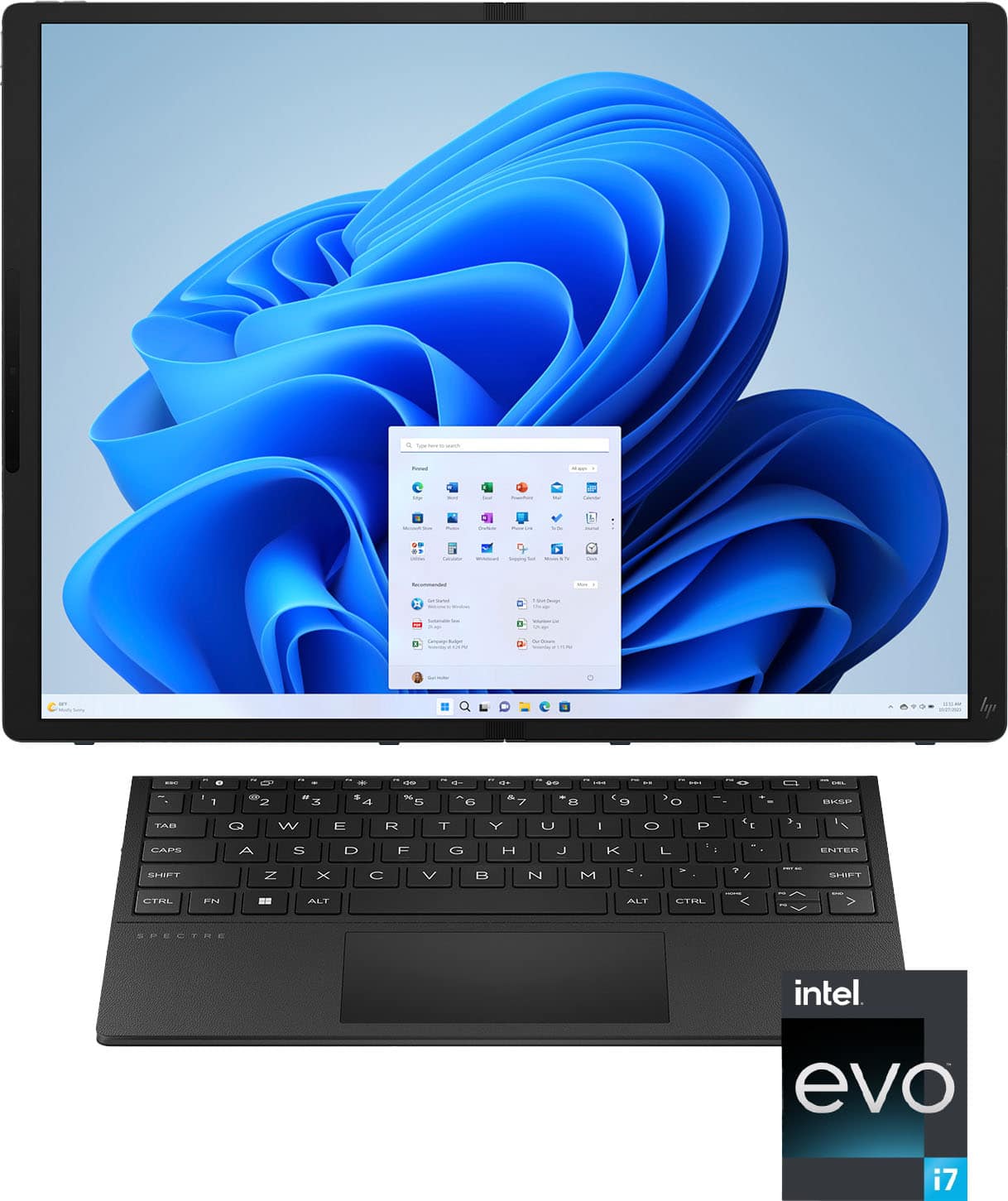
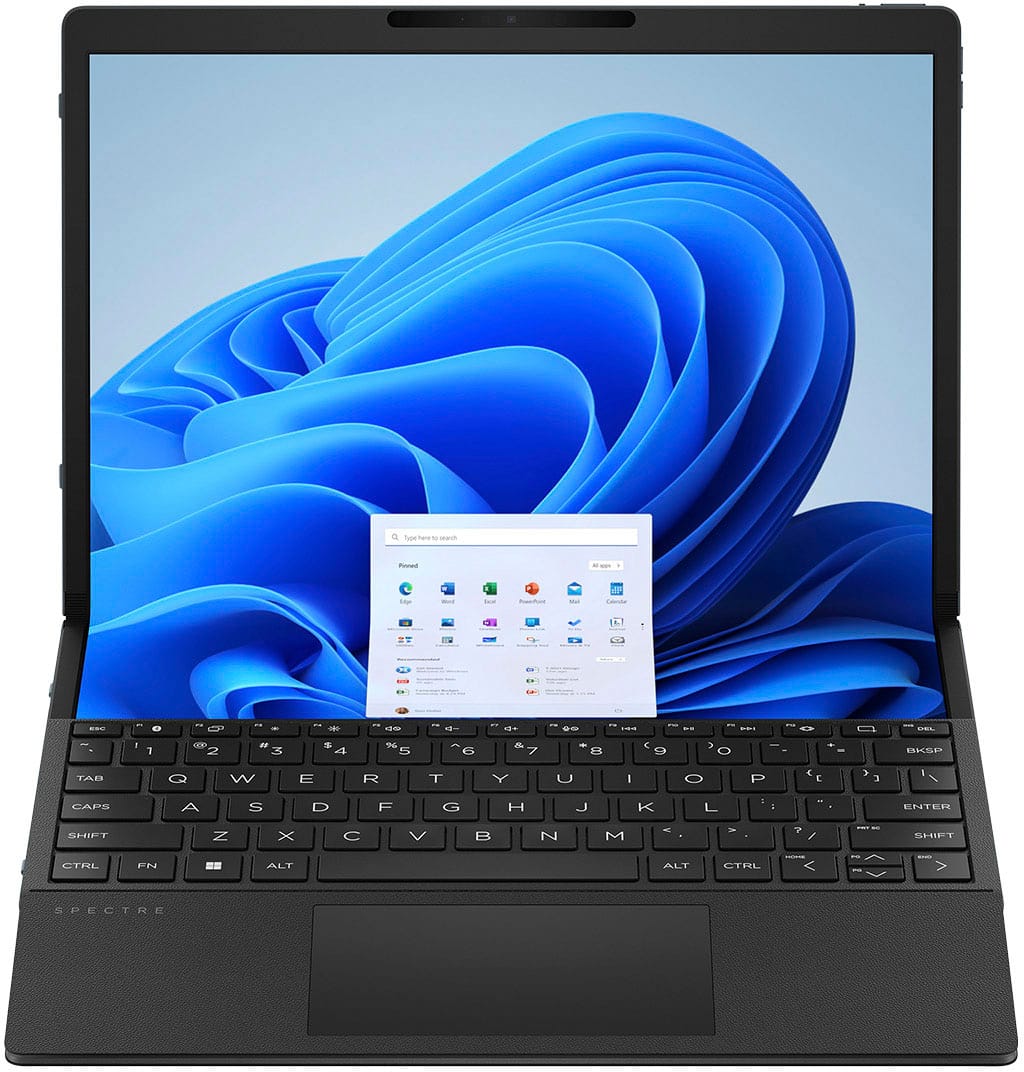
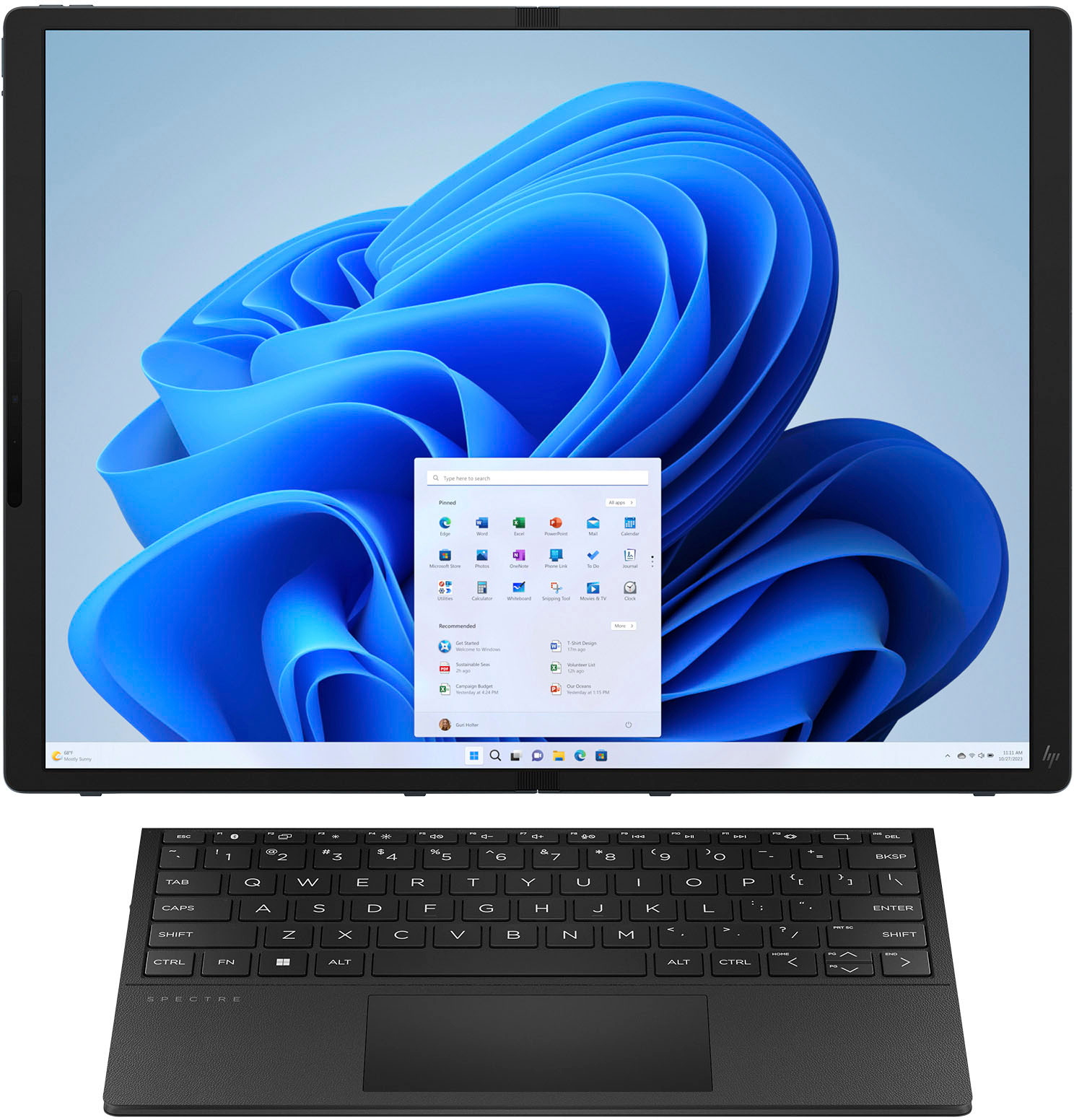
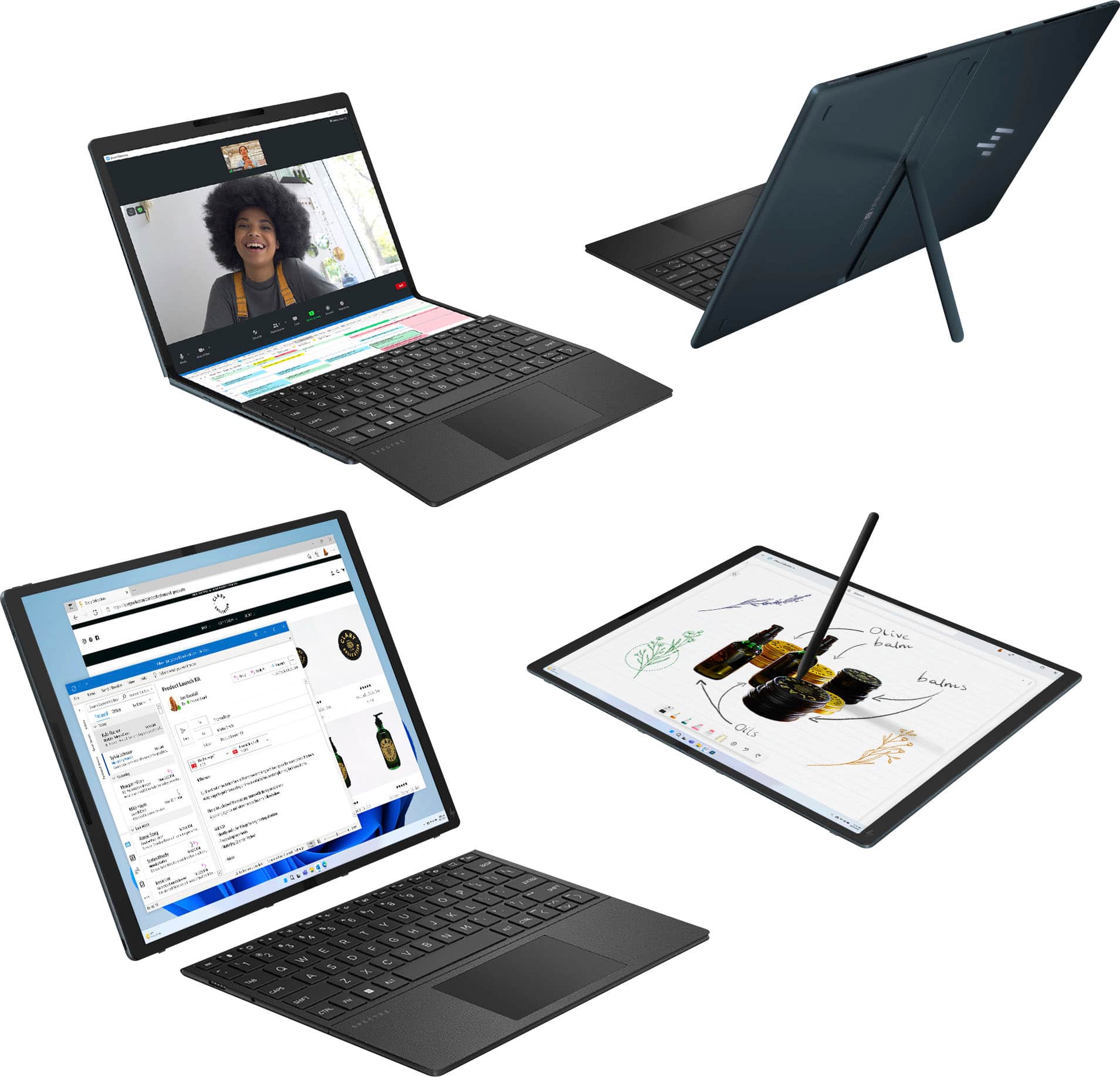
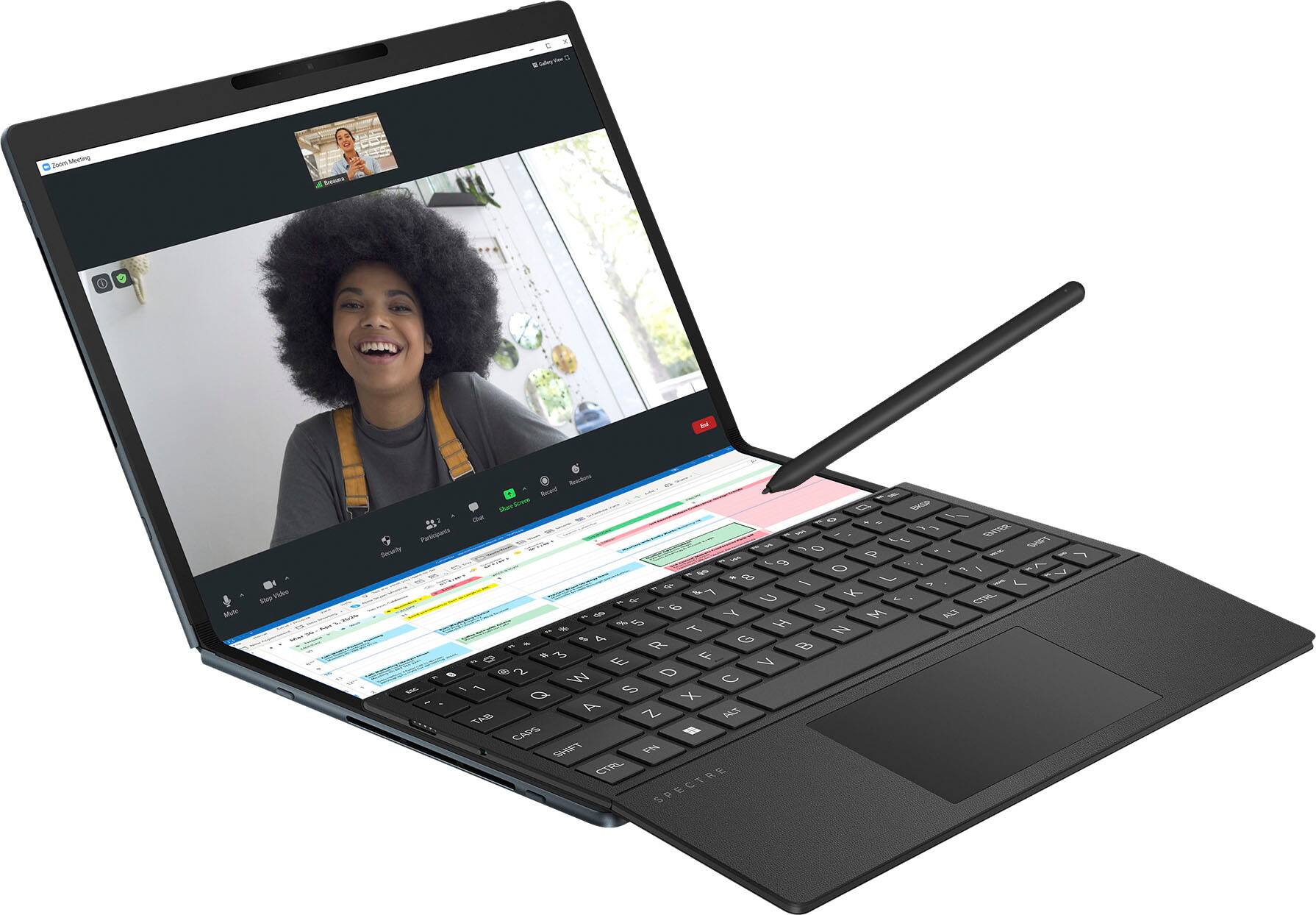
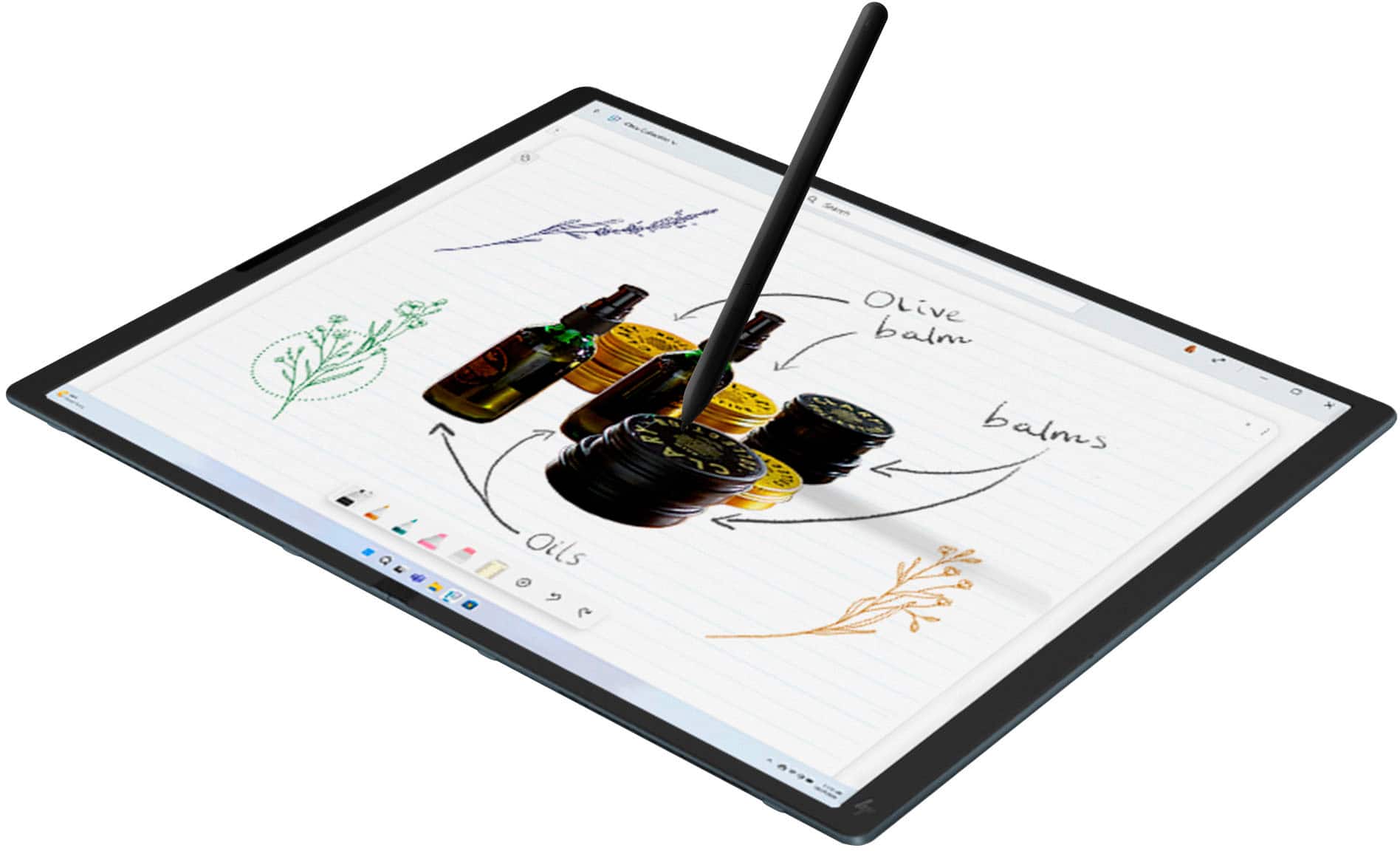
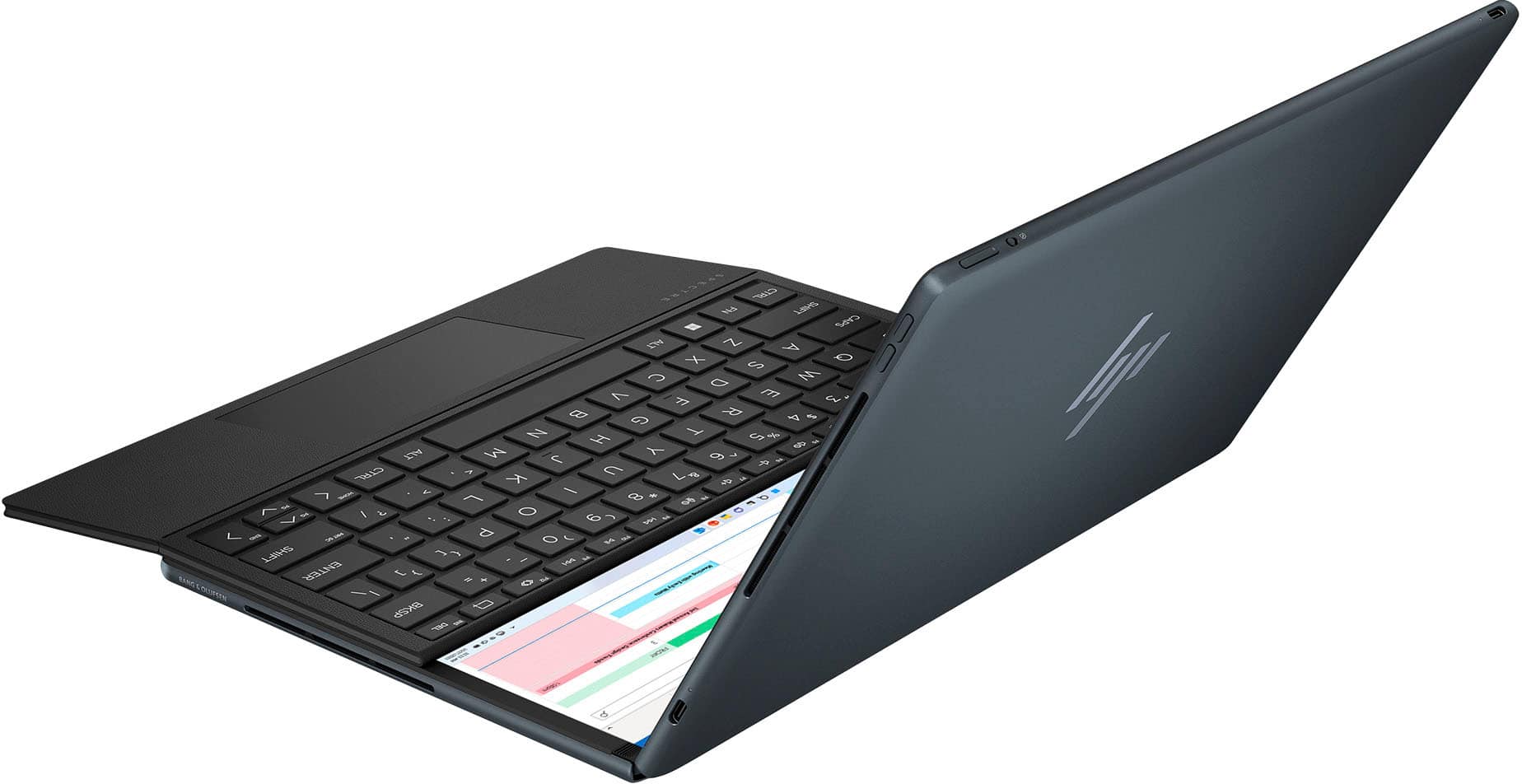
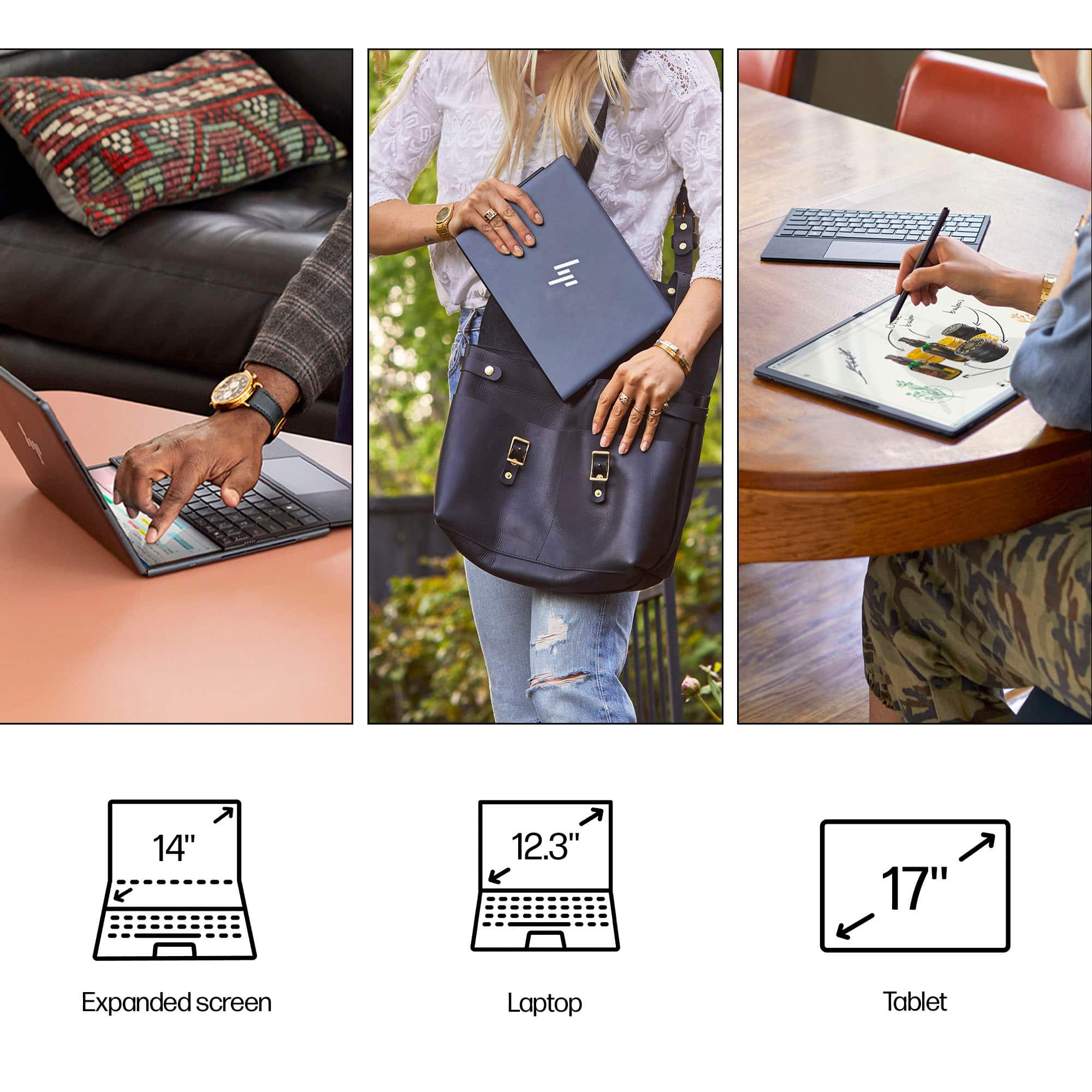
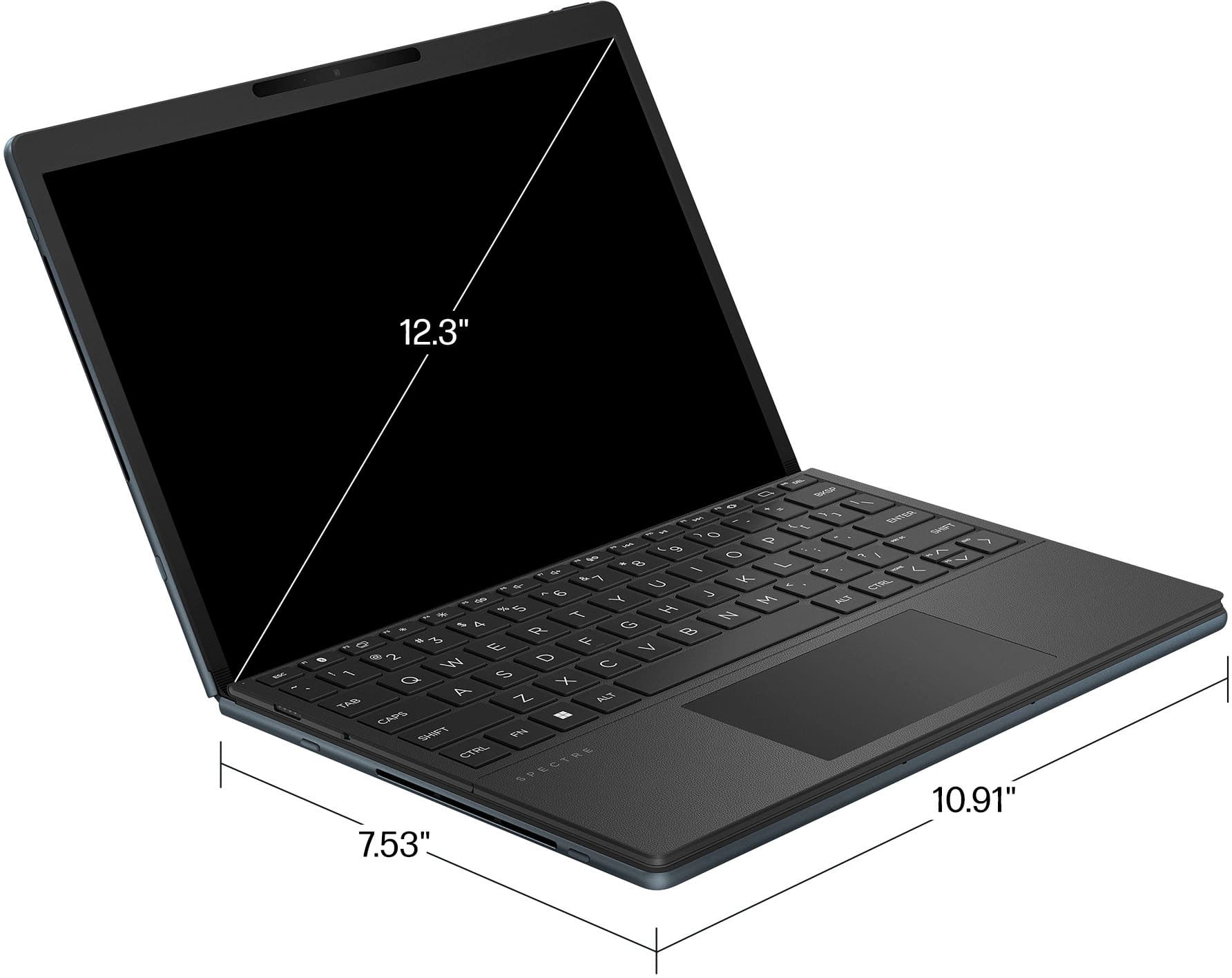
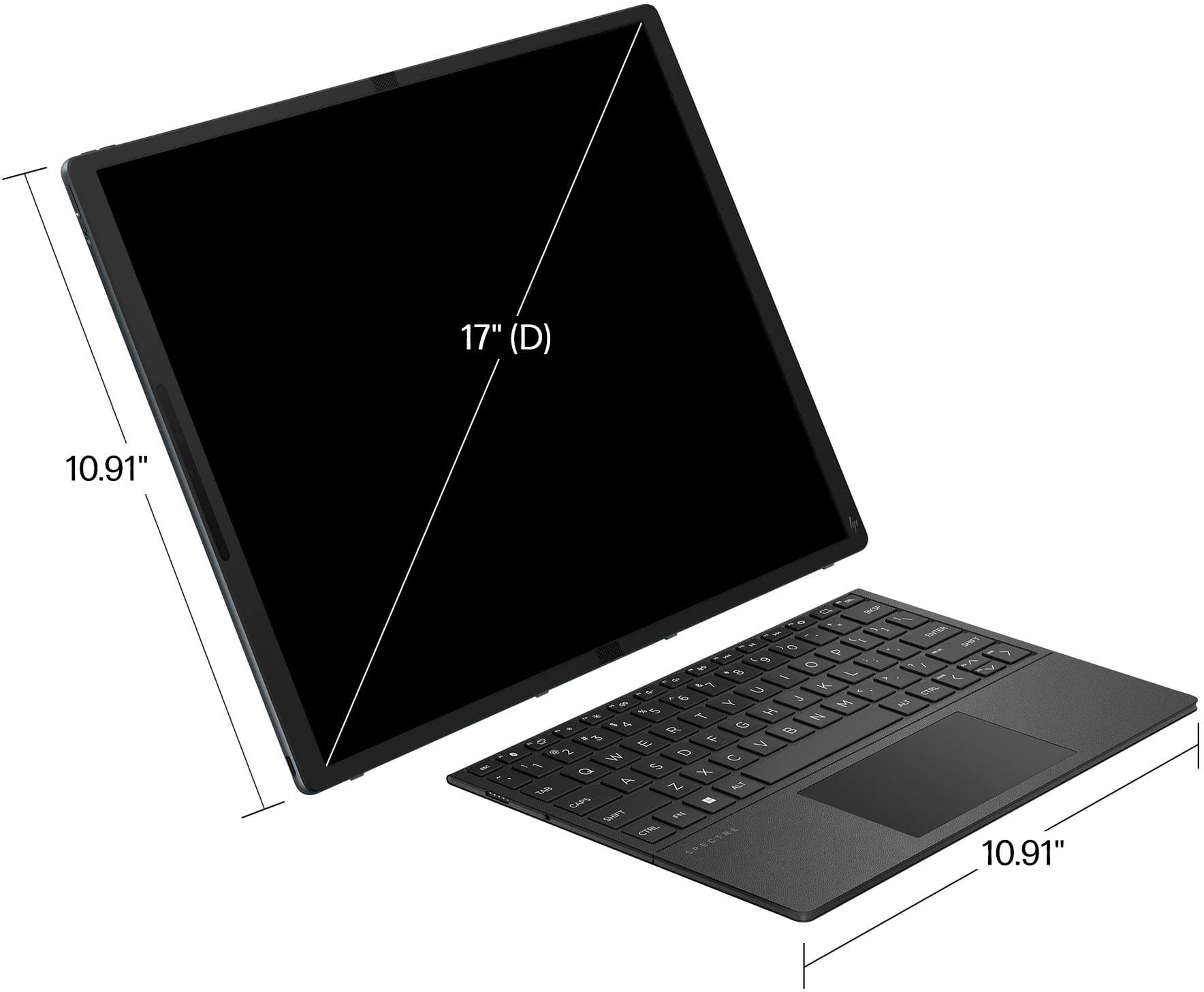
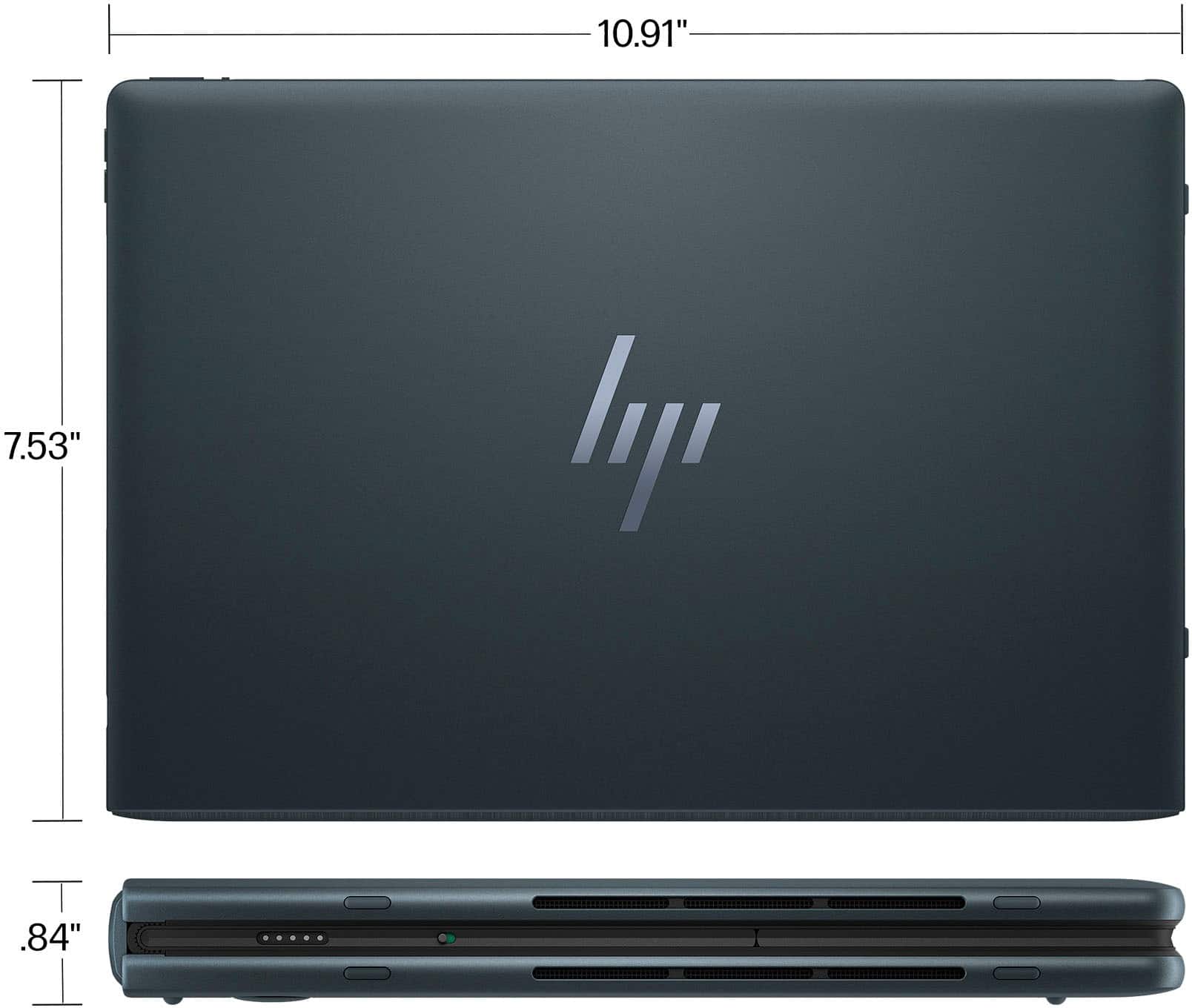
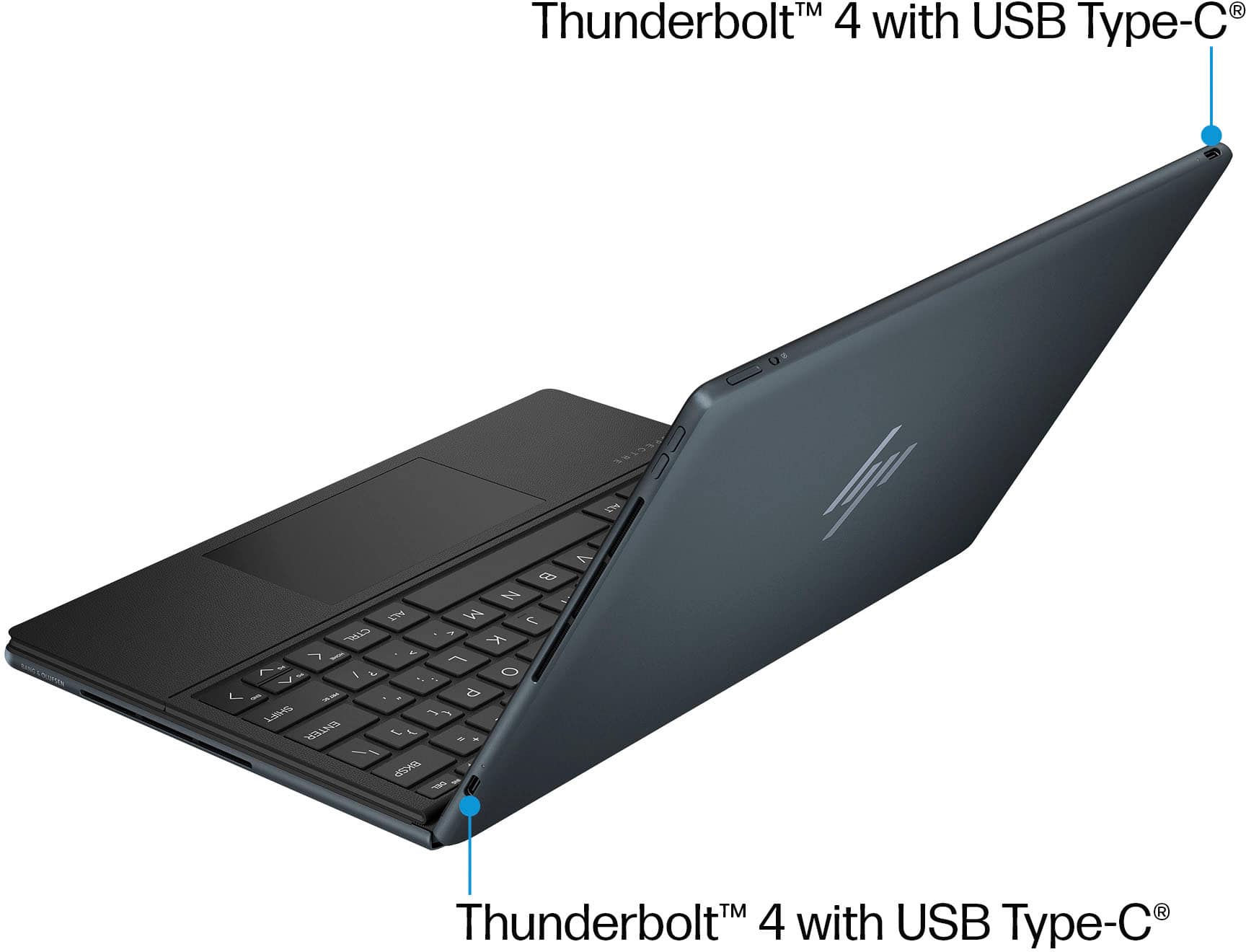
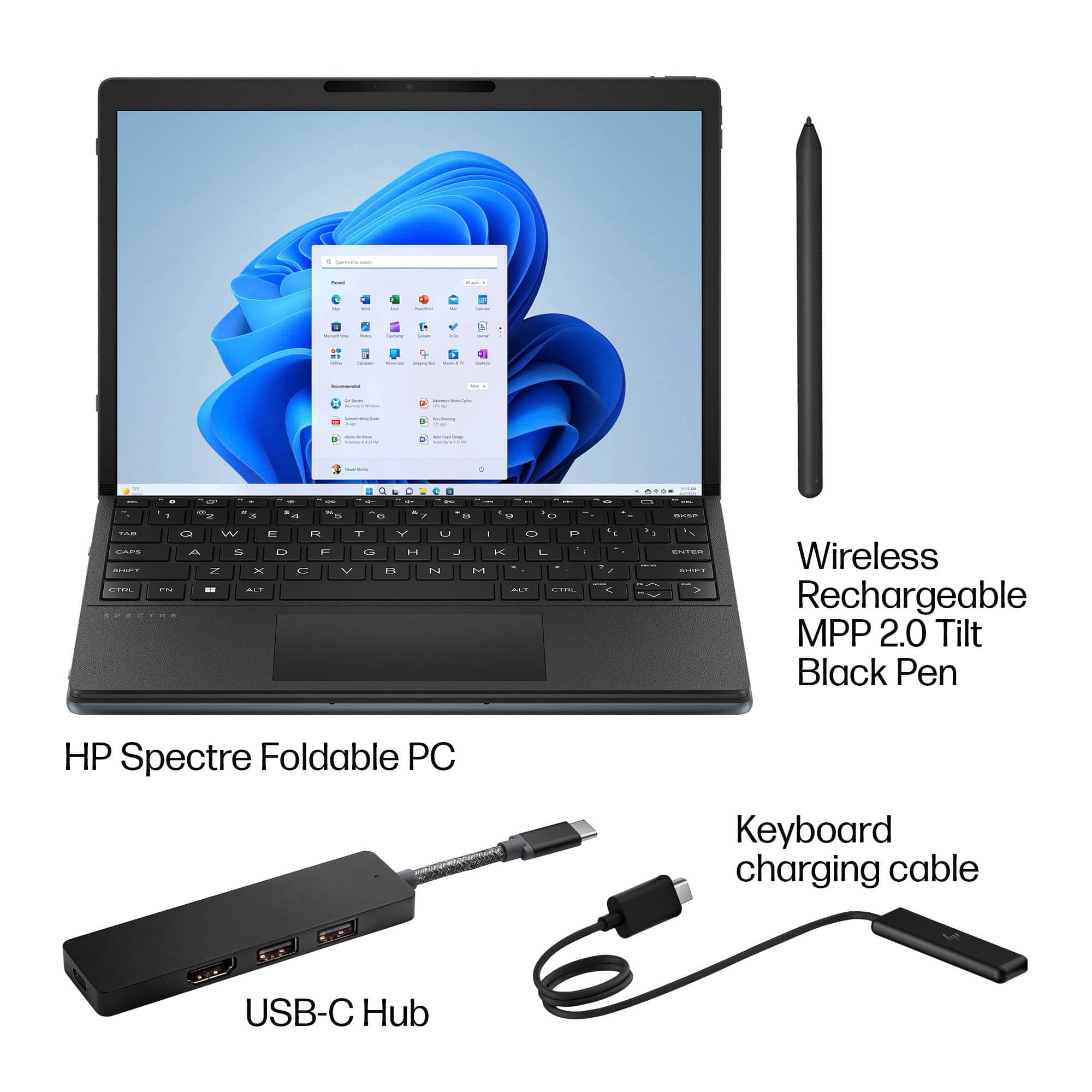
|Posted .This reviewer received promo considerations or sweepstakes entry for writing a review.***Design*** In its closed clamshell form, it’s very compact. It also doesn’t have anything around the hinge to add thickness. That integrated kickstand is buried inside the chassis, and pulls out when in use. Because it’s placed near the center, it is able to support itself on non-flat surfaces like my bed’s mattress without tipping over. Bezels are ½” on the short side where the camera is installed, and 5/16” on the long side. It looks really attractive in its dark blue color while also looking professional with branding that’s there but very inconspicuous. That chassis feels nice to touch and solid. I’m not hearing any creaks or feeling any flexing weak points. There is no looseness when adjusting the lid at any angle either. It stays in position tightly. I don’t have any worries of it accidentally opening when I have it closed. When closed without the keyboard there is a gap that’s largest near the hinge. This could be a concern when storing it in a bag with other things and makes it more susceptible to debris. Then pen is 5.75” long and 3/8” thick. It has the size and weight of a real-life pen. The Bluetooth keyboard is 10.5” x 7”. It is a full-size keyboard, without a numpad. I never felt the need to adjust to it because the spacing of the keys felt natural to me. They keyboard doesn’t feel cheap either. The keys have satisfying travel that it feels like a real laptop keyboard and less like a tablet keyboard. There are also convenient function keys like a screenshot key, and media controls. Unfortunately, the keyboard has no backlighting. The touchpad on the keyboard is 4.25” x 2.25”. The touchpad is silent when using tap to click. There are no loose feeling parts. The press to click on the touchpad is meant to be done on its lower half. You will not be able to press to click on the touchpad’s top ½”. The keyboard magnetically attaches to the tablet’s lower half and the hold is strong enough to prevent the keyboard from moving, even while typing. While magnetically attached, it also charges the keyboard with wireless charging. You may never need to charge it using the included proprietary charging cable that connects to a USB-C charger or one of the Thunderbolt ports, but it’s nice to have that option. The keyboard also has an on/off switch. The pen also magnetically attaches in 2 places. 1- on bottom of the tablet (when in laptop mode or the right side when in desktop mode). It also wirelessly charge the pen. 2- on the right side of the keyboard. This will not charge the pen. On the top of the Spectre Fold in laptop mode is a 5MP 1080p infrared camera that works with Windows Hello. There is a physical switch near the power button that physically covers the camera as well, for privacy. Unfortunately, this placement makes it awkward for video calls in landscape because your eyes won’t be in focus. It also makes signing in with Windows Hello difficult. You will find your hands touching the camera when you use it as a tablet in landscape. You’ll need to clean it or else it could affect camera quality and Windows Hello effectiveness. There are 2 Thunderbolt 4 ports, placed in such a way that there is always one port on the top, and one port on the bottom, whether in laptop mode (top-left and bottom-right), or tablet/desktop mode(top-center, or bottom-left). These ports are used for charging, display, and data. Almost any USB-C charger can be used to charge the Spectre Fold, but you’ll need a 100W charger to match the performance of the stock charger. You’ll get a notification suggesting that you use the included charger if you use a third-party charger. Lower powered chargers can still charge the Spectre Fold but at much slower speeds and may not charge fast enough if you’re using the device that the battery will still drain. When the battery is low, the LEDs by both Thunderbolt 4 ports will blink amber, not only making it a useful reminder for you to charge the device, it also helps you quickly find the ports as well. To make up for the lack of ports, the included 100W charger, also comes with a USB port. The Spectre Fold also comes with a USB-C hub that has one USB-C port, 2 USB-A ports, and a HDMI port. ***Battery Life*** In all tests, brightness was 40%, HDR was on, and Wi-Fi was connected to Wi-Fi 6e. Tablet mode/Desktop mode: 8 hours 34 minutes with looping 1080p YouTube video Desktop mode with dual screen, using an external 2K monitor as the 2nd screen: 3 hours while streaming video on both screens Laptop mode: 9 hours 23 minutes with Microsoft Word, Firefox with 7 tabs open, Edge, occasional online video They fall short of HP’s claims because if you read the fine print, they’re testing it with wi-fi on, but not connected, and looping local video. That type of usage isn’t realistic. Charging time from 0% to 100% with the stock or any 100W charger while the computer is shut down *and* even while powered on and in normal usage (no gaming, some video, mostly internet browsing, Microsoft Office): 2 hours and 45 minutes To use quick charging so that it charges to 50% in 45 minutes, the Spectre Fold must be shut down while charging. Otherwise, if you charge while using it, 45 minutes will give you ~32% battery life. ***Modes*** The Spectre Fold can be used in several different modes. -Desktop mode (2560x1920), where you use the kickstand, and the keyboard is detached and used as a traditional Bluetooth wireless keyboard. While the touchpad can still be used, you can always use a mouth with this setup. It will feel like you’re working on a 17” all-in-one desktop PC. Unfortunately, the kickstand doesn’t support portrait mode. This doesn’t mean it’s not possible. You would just need to purchase a separate stand. -Laptop mode (1920x1255), where you have the keyboard attached. Windows automatically recognizes the keyboard when snapped on, and adjusts the screen size accordingly. It feels like you’re working on a 12” netbook. -Tablet mode (2560x1920 (landscape), 1920x2560 (portrait)). It’s almost the same exact size as a real-life copy of Interview magazine. The Spectre Fold is slightly taller. Thanks to its 4:3 aspect ratio magazines look completely natural. High-res photos look stunning! Unfortunately, the biggest setback of this mode is Windows itself. It still isn’t optimized very well for touch and tablet use. If you’re expecting something like Android or iOS you will be disappointed. -Extended laptop mode (resolution: 1920x1820), where the keyboard attaches to just the bottom half of the bottom screen in laptop mode. The top half of the bottom is the extended part of the display. You could use the space for an entire window, but the fold would take getting used to. I found it more practical to move apps like music players and videos (as opposed to putting them in P-I-P) on the extended portion. With the touch screen, it makes the controls for media players rather intuitive as well. -Extended desktop mode (1920x2560), where the screen is folded like in laptop mode but the keyboard is detached and you have the option of using the on-screen keyboard for the lower half or the wireless keyboard. ***Performance*** I didn’t experience any slow down while doing normal tasks like web browsing, and playing videos. It operates pretty cool and the fans don’t run unless you’re doing something intensive like gaming, or editing video. When the fan runs it’s audible but not overly loud. When heat is generated, it gets the hottest around the camera area. The only way to use it at full power is if it’s plugged into power. While using a 12th Gen CPU seems disappointing it’s probably for the best at this point in time because there currently isn’t a 13th gen CPU that’s as low powered. If a 13th gen CPU needs to be throttled to get decent battery life, then what’s the point? Gaming is possible on the Spectre Fold but performance will vary depending on the game. Forza Horizon 5 works fine on the lowest settings. However, the newest Forza Motorsport will not run properly. Virtualization comes enabled, so running virtual machines is possible, including Windows Subsystem for Android (WSA). Android apps will run with some lag that varies depending on the app. The SSD has sequential read/write speed of 6226.42/4129.62 MB/s. It has a random read/write speed of 213.44/190.70 MB/s. Over Thunderbolt 4 networking, connecting the Spectre Fold to a laptop with a NVMe SSD with a Thunderbolt cable, I was able to get read/write transfer speeds of 1.2 GB/s both ways. ***Camera | Pen*** The camera is great and works pretty well with low light, showing little to no obvious artifacts, although the image does appear softer. Windows Hello is very responsive as long as the lens isn’t dirty and your pupils are in the direct line of sight of the camera. The microphone is decent. My voice is articulate but my voice does sound a bit digitally processed. No bad audio. It’s just obvious that I’m talking from a computer instead of sounding like I’m in the same room. The pen feels like a normal pen. Thankfully I never accidentally pressed the buttons. Writing on the Spectre Fold’s plastic surface offers a more pleasant writing experience than writing on glass since you can feel some resistance. I’ve found pen performance to vary depending on the app used but it’s generally good. ***Conclusion*** The HP Spectre Fold is obscenely expensive, and I cannot recommend it to the average consumer. This device can depreciate quickly. But new innovations always start this way. A DVD player would cost $600-$1000 when it first came out. 2-3 years later they went down to $100-$200. If you’ve been looking into foldable PCs AND you have the expendable money to spend for it, the HP Spectre Fold is undoubtedly the best one currently on the market. Just be aware that Wi-Fi 7 is around the corner (Spectre Fold only supports up to 6e) and foldable PCs may be dramatically cheaper in 2 years or sooner. But HP has created a great blueprint for foldable PCs with this one.
DO NOT BUY THIS COMPUTER!!
Posted .This reviewer received promo considerations or sweepstakes entry for writing a review.The problems began almost immediately with overheating, and the cord also died before the warranty expired. It is under Warranty until May. The computer overheats, an ongoing problem; the trackpad only works when it wants to, and the charging cord no longer works. It has not even been a year since I bought this computer, and it has had numerous problems. I will go in on Saturday to see if they can fix the issues. I would not repurchase this computer because it gets hot enough to cause burns and is not a good computer. It is an expensive piece of junk!!
No, I would not recommend this to a friend