Customer Ratings & Reviews

- Model:
- 1AS85A#B1H
- SKU:
- 6280704
Rating by feature
- Value
Rating 4.4 out of 5 stars
- Quality
Rating 4.5 out of 5 stars
- Ease of Use
Rating 4.7 out of 5 stars
Customers are saying
Customers consistently note the Sprocket Portable Printer's excellent print quality and ease of use. Its compact size and reasonable price are also frequently praised, with many appreciating the convenience of printing directly from their smartphones. While some users experienced minor difficulties with the app, the overall user experience is largely positive.
This summary was generated by AI based on customer reviews.
Second times a charm?
||Posted . Owned for less than 1 week when reviewed.This reviewer received promo considerations or sweepstakes entry for writing a review.Had to return the first printer as it would not power up. Great Best Buy return! Very easy to exchange. My daughter has enjoyed the second printer but I’m worried about it’s durability.
No, I would not recommend this to a friend- Pros mentioned:Ease of use, Print quality

Why?
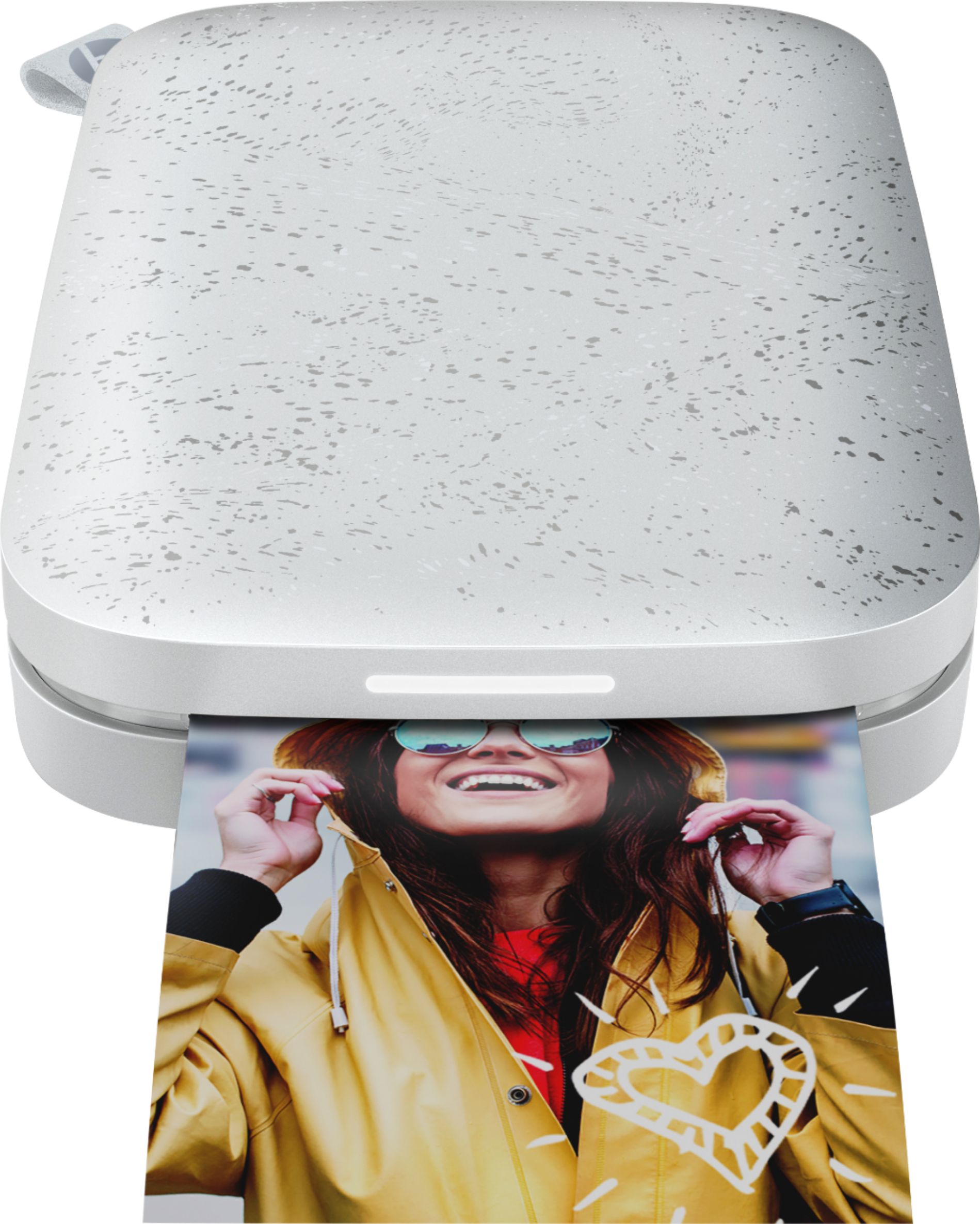
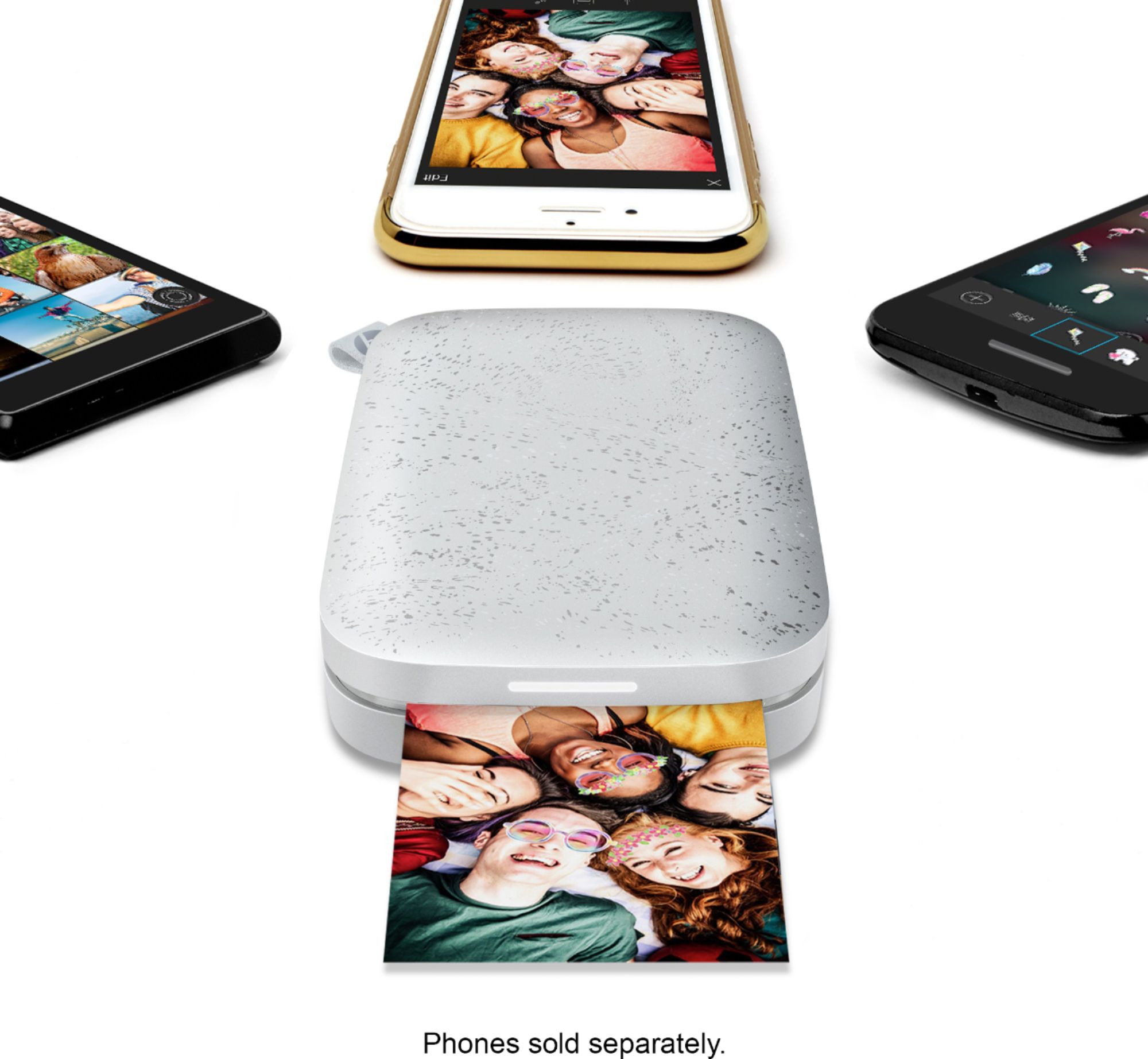
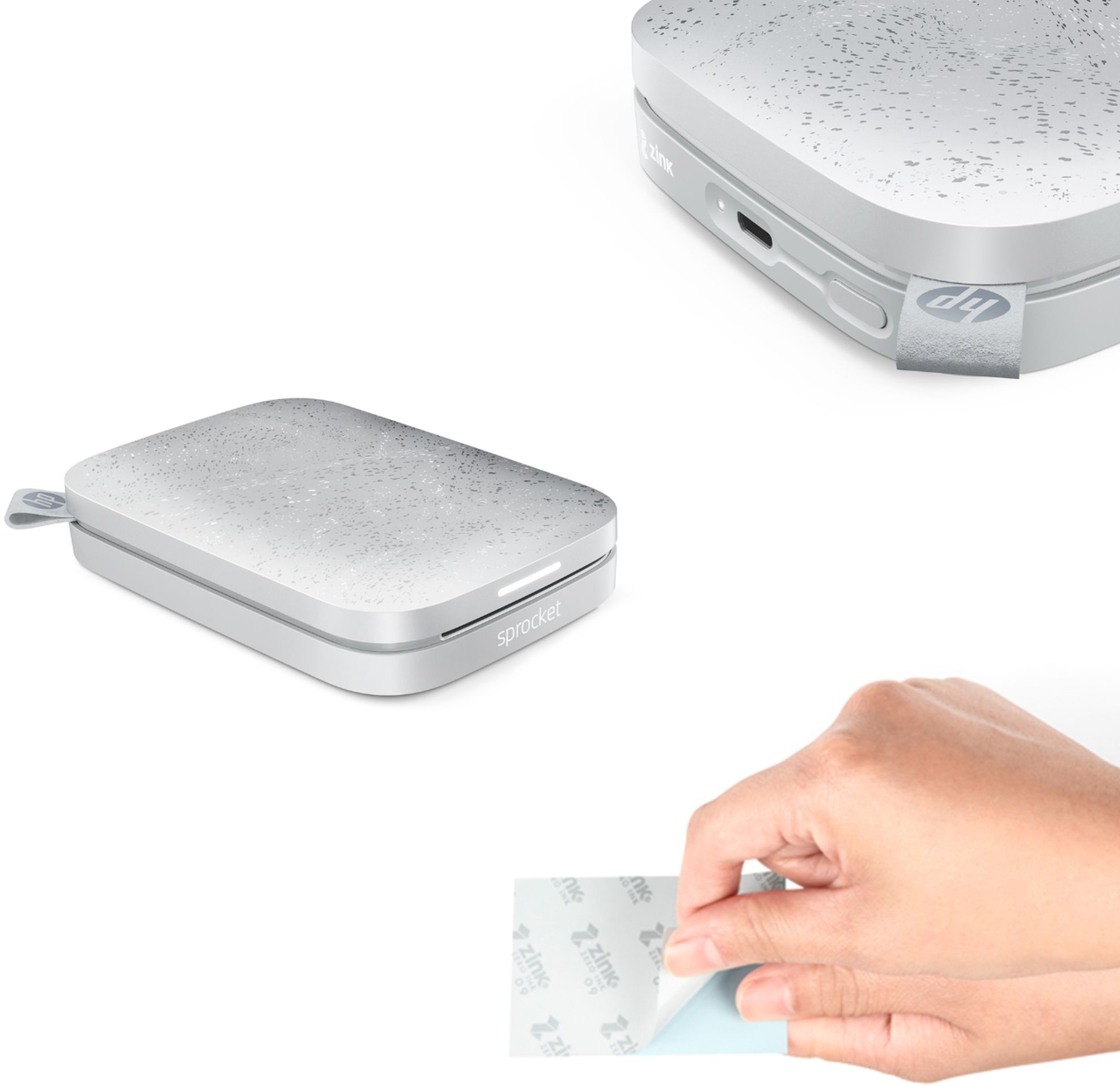
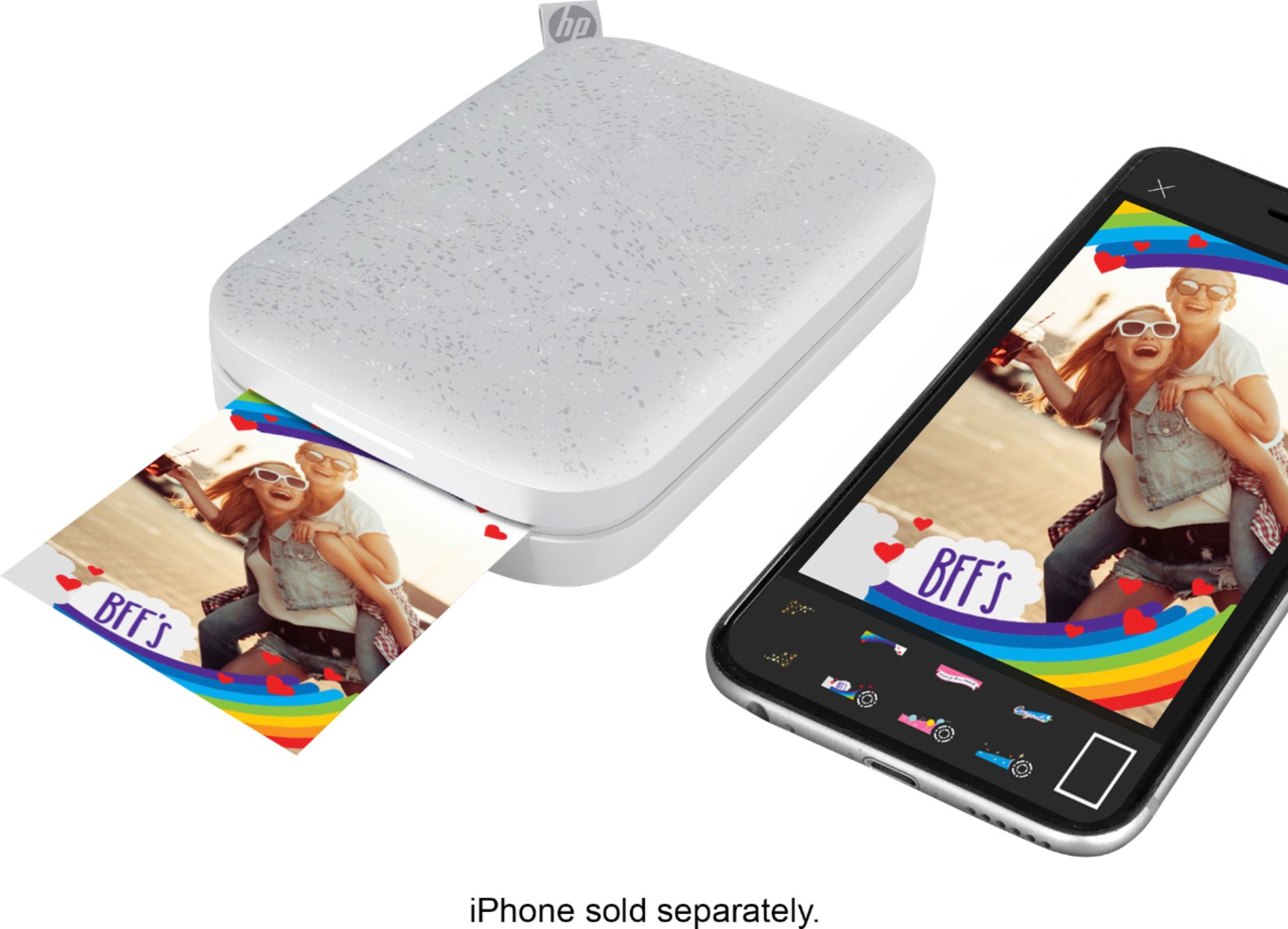
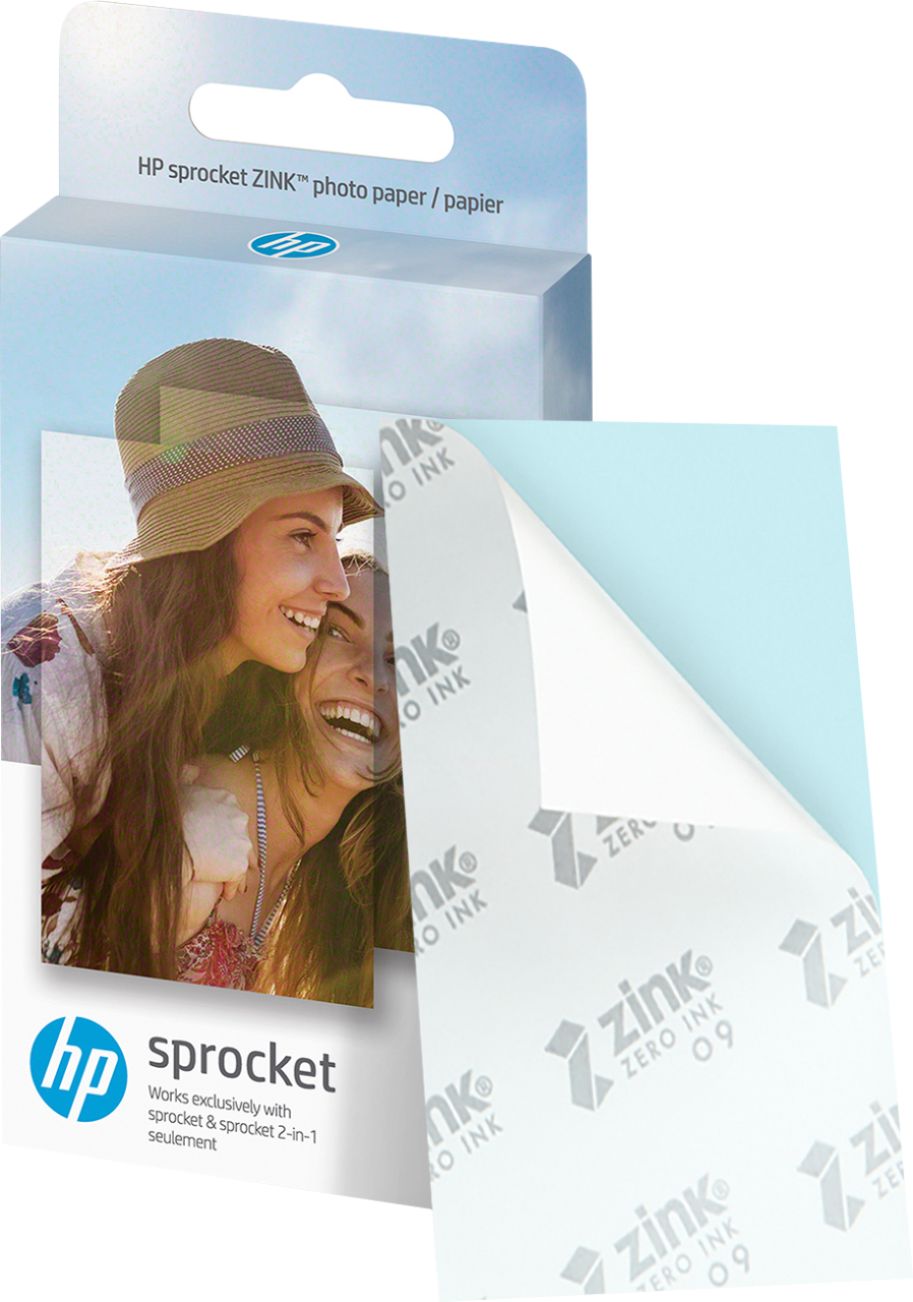
|Posted .This reviewer received promo considerations or sweepstakes entry for writing a review.I have to say my first thoughts when I saw this little photo printer is why? The HP Sprocket 200 photo printer prints 2x3 prints on a special paper called zInk which doesn’t need any ink cartridges or ribbons and clearly allows a device just a bit larger than your phone print some really decent prints. You install an app, load the paper, connect the printer via Bluetooth and print. And it only took about as long as it took to read this sentence. The app allows you to edit your pictures and add stickers, borders and frames and several other goodies. I am amazed at the quality of the prints that come out of this little device. You can peel the back off the prints and they become stickers. Great for scrap and memory booking. The little kid in me says this is a really cool thing and I want it for Christmas. The grown-up in me says I wish I had kids to get this for. It reminds me of the instant camera I begged for when I was young. The paper runs about $5 for packs of 10 sheets and seems to be available everywhere. The grown-up in me feels this technology is amazing and I wish there were larger sizes like 4x6 or 5x7. I would recommend this device to anyone who wants to put a smile on their child's face. That’s why!
I would recommend this to a friend Mediocre image quality
||Posted . Owned for less than 1 week when reviewed.This reviewer received promo considerations or sweepstakes entry for writing a review.For $130 I was expecting a sharper print. The prints also curl after sitting a bit
No, I would not recommend this to a friend- Pros mentioned:Ease of use, Size
Lots of fun, okay print quality.
|Posted .This reviewer received promo considerations or sweepstakes entry for writing a review.Let me start by saying this thing is a blast to use. Just download the app to your phone, set up the Sprocket, take a picture on your phone and print it instantly. We used the pack of 10 photo paper that it came with in about 10 minutes. The photo paper itself is not too expensive, so we will be stocking up. My daughter loves that the photo paper are stickers. We used the first few photos to put on her books and lunch box for school. My one complaint is that the hue is off. The pictures looked bright and clear on my phone, but came out a little washed out looking. Still for what it is, it’s not too bad. This isn’t the type of printer you would use for frameable prints, but it’s great for a party, scrap books or for kids. We bought some trimmable magnetic sheets and put some photos of my daughter on them to give to relatives. I believe they even make magnetic sheets that are the same size as the photo paper. There are some basic photo editing tools on the phone app that allow you to customize and personalize the photos before printing. The unit itself is very compact and light weight and charges quickly. It seems pretty durable, but I would recommend buying a case for it. There are lots of good case options for it online that aren’t too expensive. I am not sure how long it will last on a charge, but we are planning to take it with us on our vacation and will put it to a complete test. All in all, this is a pretty nice novelty printer. If you have kids or you are into scrap booking, you will really enjoy this printer.
I would recommend this to a friend - Pros mentioned:Ease of use, Print quality
Love this Little Printer!
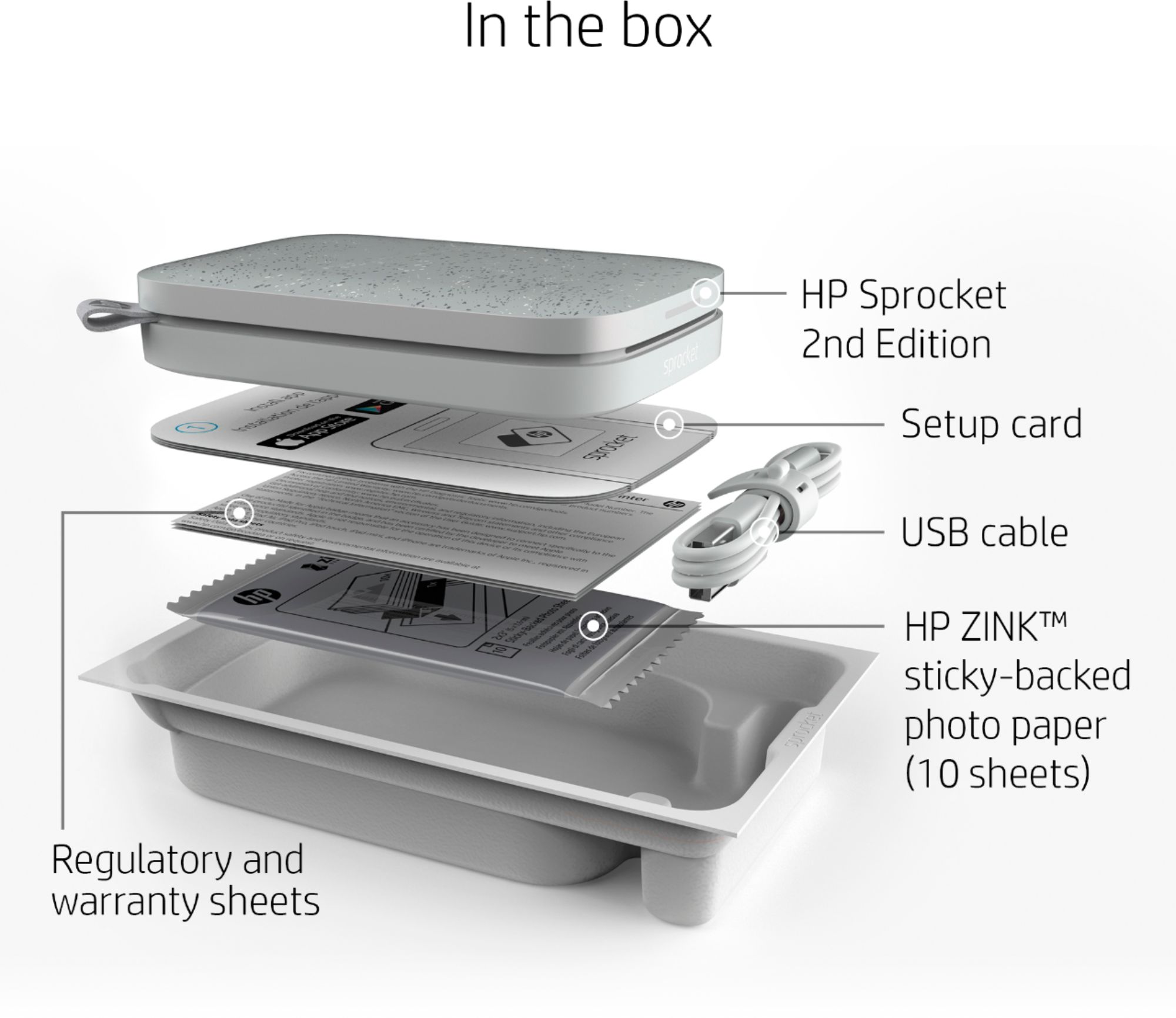
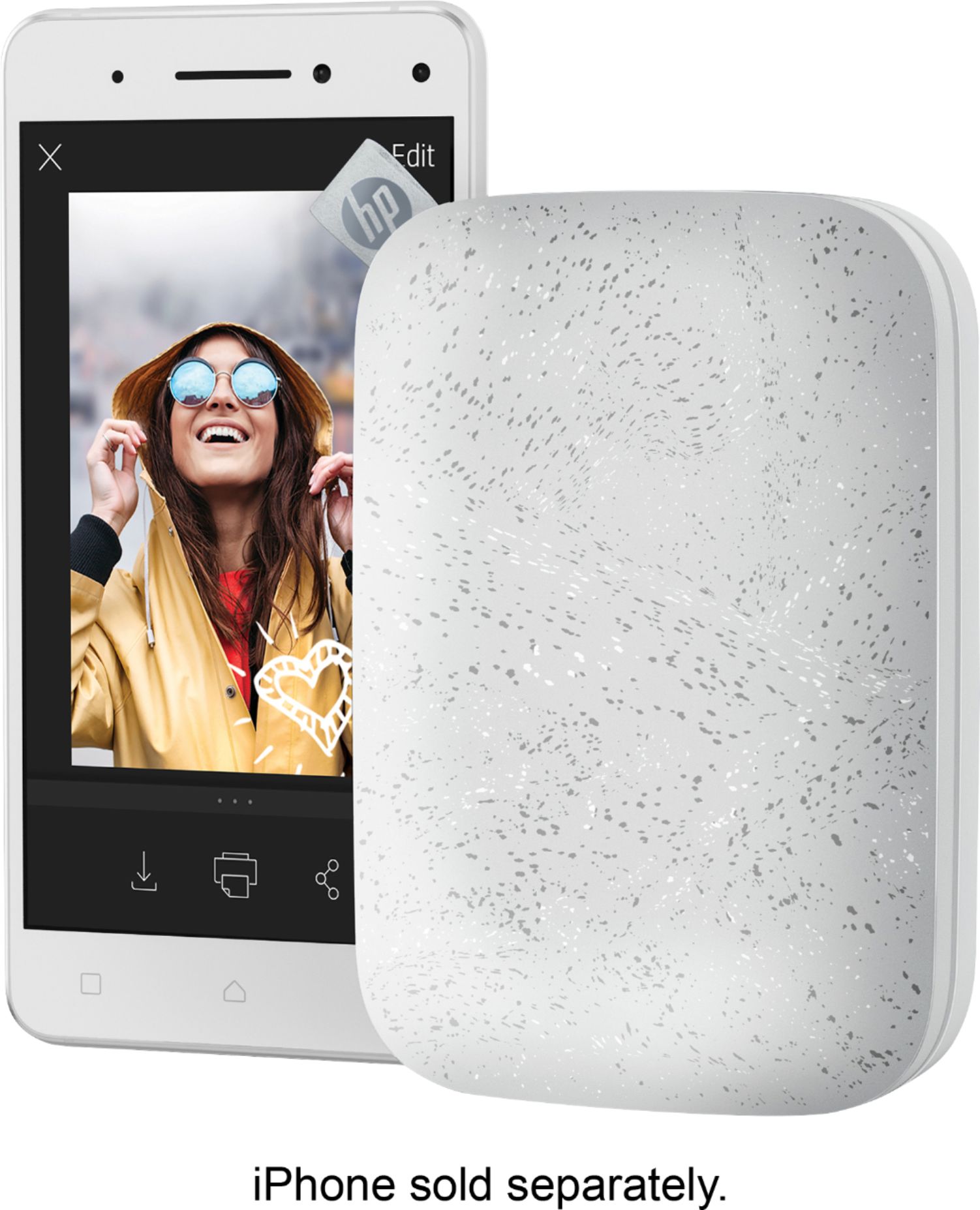
|Posted .This reviewer received promo considerations or sweepstakes entry for writing a review.The HP Sprocket Photo Printer 2nd Edition is a great little photo printer. It is light, portable and super fun to print with. In the box it includes the instructions, usb cable and a 10 pack of photo paper. Setup up was super easy, just loaded the paper in and downloaded the app and connected it to my phone via Bluetooth and was ready to start printing. You can use the apps camera or choose photos from your camera roll to print. You can also sign into various social media accounts within the app to print from. Another feature that was totally unexpected was “Embedding Experiences” when printing photos you can do this to put augmented reality features into your photos. For example I printed out our vacation photo from Virginia Beach and when I used the Sprocket apps camera to reveal my embedded experience it tagged photos I took that day, it pulled up a Wikipedia of Virginia Beach and also pulled up a 3D Google map image of the exact place I took the photo! Photos print quickly and editing is really fun. The only thing I would have to nit pick about would be that some photos seemed washed out but that may be due to my editing, I may have to play with some settings but overall what can you expect from a 2x3 in photo. It’s super fun and my whole family loves it.
I would recommend this to a friend Regrets
||Posted . Owned for 9 months when reviewed.This reviewer received promo considerations or sweepstakes entry for writing a review.Definitely a regretful purchase. It printed okay for the first 5 or so prints and then started printing EVERY picture with a pink hue and/or lines through it. I've tried to contact support and get told another company handles the Sprockets now. I've read hundreds of reviews of people having the same exact issues and HP keeps circling back over the same "tips" to fix them that we've already tried without success. The paper is expensive too, so wasting it on these terrible prints is extra frustrating. I DO NOT recommend and wish I never purchased this printer.
No, I would not recommend this to a friendShould work sooo much easier.
||Posted .This reviewer received promo considerations or sweepstakes entry for writing a review.After investment, diffucty maintaining function. All lights say yeah but the nothing happens. Five difficult pix. That’s mAkes each photo a million dollars a peace!!!
No, I would not recommend this to a friend- Pros mentioned:Print quality
Hi-Tech Meets Printing Fun
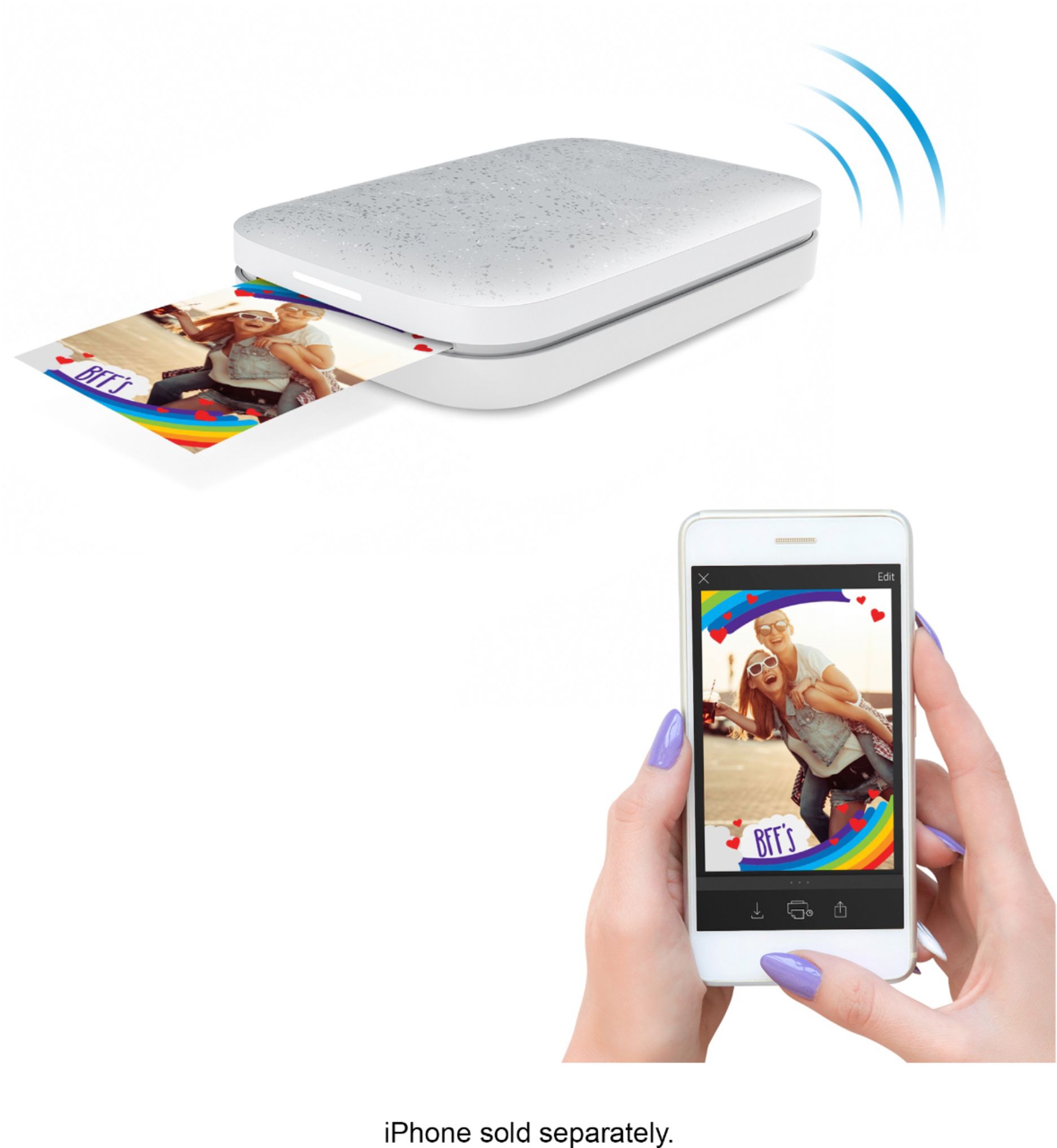
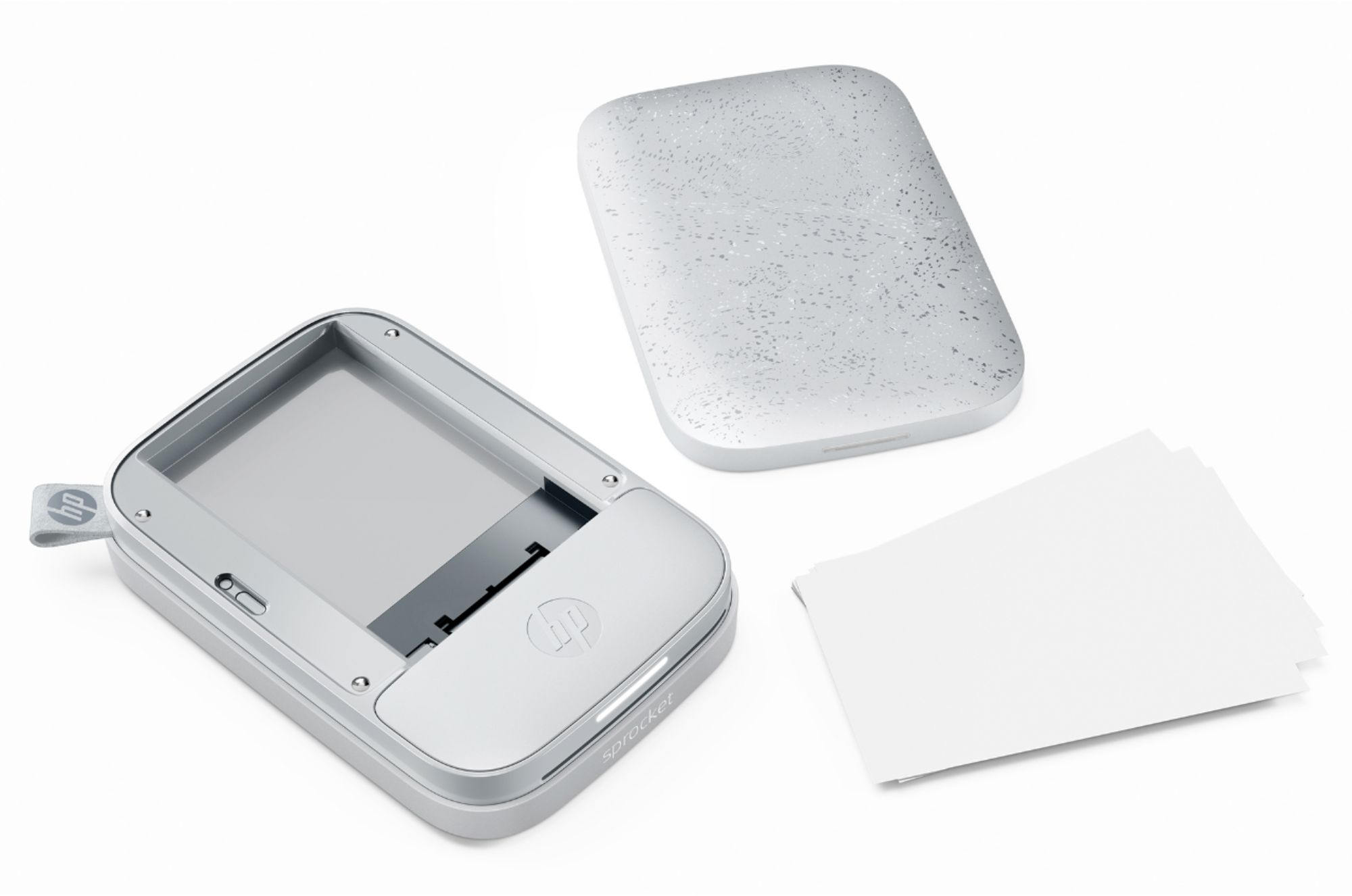
|Posted .This reviewer received promo considerations or sweepstakes entry for writing a review.The HP Sprocket is a cool technical portable device that lets you print your pictures from your smart phone and social media outlets. I very easily hooked up my smart phone and the Sprocket via Bluetooth. You have to make sure the battery life on the Sprocket is around 50%. My smart phone recognized the Sprocket from Bluetooth and then paired the smart phone to the Sprocket printer. This took all of 2 mins or less to connect and is a very simple procedure just like the printer itself. Now the pictures are 2in x 3in and are about wallet size when the printing is done. Loading the Sprocket with the film, the blue paper card should face down (barcode side down). The actual zink film should face up. I put 10 zink photo paper along with the blue barcode in the Sprocket by lifting the top and pulling the built in magnets apart. At first I thought the top would pop off on its own, but the top of the Sprocket holds tight and still easy to pull off. After inserting the blue card and zink photo paper I put the top back on the Sprocket and was ready to send pictures. One of the unique and really nice features of the Sprocket is the ink. The ink is actually on the photo paper. This is means no refilling of ink, no messy cartridge to replace and it keeps the footprint of the Sprocket small. I think that is one of my favorite parts about the Sprocket. You can get the zink paper packs depending on how many photos you want to print. I believe they are they very well priced, and it won’t break the bank. The Sprocket includes 10 zink photo paper and blue card. You can get started right away as soon as you get some battery power. You can print from social media outlets like instagram, google, facebook and of course the pictures you have on your smart phone. So I sent some pictures to the Sprocket and they were queued, then I pushed the button to print. In about 30 secs, my estimated time, the picture moved from the queue to the print mode. The bluecard comes out first and then the color zink film produces your picture. I experienced no problem with printing pictures but it does take a lot of battery power. I had to recharge after 3 pictures. It didn’t take long but 3 pictures using most of the battery power seems a bit excessive. With the photos before print you can hit the edit pencil and do all kinds of things to the pictures. Changing the hue, adding symbols, text, emojis and cropping are just to name a few. This adds more fun than just printing because you can personalize the prints. The quality of the zink photo paper prints, I believe, is very good for such a simple setup and execution of printing with a small portable printer. If you are looking for a professional photo, that is not what the HP Sprocket is for, so don’t expect it. But if you want to have fun with a level of quality that is great to share with friends this would be a winner in my book. I have to mention that these zink paper photos are also sticky. Pull off the back of the picture and stick it anywhere, a very cool feature to have! Making the photos with the ability to stick is another level that excels with the Sprocket. The Sprocket charges with a mini USB to USB chord. So you can charge it anywhere there is a USB port. This is another reason that the Sprocket is so well thought out. There is also a power on/off button. Green light: ready to go, Orange light: low battery charge, and Red light: charge it. There is also a long horizontal light. It indicates that printing is taking place. All in all, I really enjoy printing pictures on the HP Sprocket. It is simple and the zink photo stickable pictures are very cool. I want to also add that there are books and string of lights that you can use creatively to display your photos. The HP Sprocket combines the latest tech with pictures and the fun of events, birthdays or just hanging out.
I would recommend this to a friend - Pros mentioned:Print quality
Good results, fun to use, priced right
|Posted .This reviewer received promo considerations or sweepstakes entry for writing a review.This is first and foremost just a fun little device to have around. If you have kids and a cell phone, then you’ll get your money’s worth out of this thing pretty quickly. Very happy with the results - it’s not identical to what I see on my screen, but it’s close enough to satisfy and you can tweak brightness/exposure to get it closer. Easy to pair with a device via the Sprocket app and you can link to google photos right in the app, which is a plus. Editing options are easy to use and sufficient, and printing is about as simple as it gets. If I have a complaint it’s that I only wish the photos were a little larger. I mean, they’re small. No way around it. But the paper packs are cheap and again the purpose here is fun. Printer feels solid, looks decent enough, and has a built in battery that can be charged and makes it incredibly mobile.
I would recommend this to a friend Not compatible
||Posted .This reviewer received promo considerations or sweepstakes entry for writing a review.Not very happy bought this for my sister for Christmas and we tried to connect the bluetooth to her phone and it was not recognizing it. She has a samsung dnt remember which model. But went to best buy and tried another of the same version and the same thing happened... we had to buy the lower model that came out previously. I only recommended if its compatible with your phone.
I would recommend this to a friendCamera quality is bad
||Posted .This reviewer received promo considerations or sweepstakes entry for writing a review.The quality of the photo came out really red. The skin tone on a person was red. Did some research and found out this was a common problem for some users. After doing all the recommendation from other users, quality was still bad. End up exchanging for a different one and the new one still did the same thing.
No, I would not recommend this to a friendhandy printer
||Posted . Owned for 3 months when reviewed.This reviewer received promo considerations or sweepstakes entry for writing a review.This is a very light photo printer, but the resolution is poor.
No, I would not recommend this to a friendBrand response from HP Team
Posted .Hi there.
I’m sorry to hear that your experience with your printer wasn't what you expected in terms of print quality. I can certainly understand how disappointing that must be, so let's see how I can help.
First, I recommend you follow the steps in this guide to improving print quality in the Sprocket line. It covers issues including dark, light or faded areas; lines or streaks, contouring issues (such as blurred or fuzzy areas); and incorrect colors (such as pink or purple skies, or off-color skin tones). Find that guide here:
- support.hp.com/us-en/document/c05660842
If the problem persists, I suggest that you reach out to us so we can work through any necessary troubleshooting with you. On our site you can get help from a virtual agent, get troubleshooting documents specific to your printer or search our extensive knowledge library. Get in touch via this link: support.hp.com
Keith
HP Care
hp.com/support
Great Disappointment
||Posted .This reviewer received promo considerations or sweepstakes entry for writing a review.Purchased as a Christmas gift for my granddaughter who is sixteen and had this on her Christmas list. I was assured it would work with an IPhone 8 with all Apple updates. IT WOULD NOT WORK!!! After a week of going between Apple assistance and HP assistance we had to return the printer. Disappointment for all.
No, I would not recommend this to a friendBrand response from HP Team
Posted .Hi there,
I'm so sorry that the printer didn't connect properly with your granddaughter's iPhone! Despite this experience, I want to assure you that it's always our intention to provide reliability with our printers. It's very unfortunate to hear that you had to return the printer, but I'm glad you were able to do so without issue.
In the future, I do hope that you'll allow us another opportunity to stand by the quality we pride ourselves on. We would love a chance to make things right.
Chelsea
HP Care
hp.com/support
It sucks!!!!!
||Posted . Owned for 1 month when reviewed.This reviewer received promo considerations or sweepstakes entry for writing a review.It quit working today after it couldn't be returned. It quit printing. New zink packages don't spit out the blue card. All it does is stay lighted up and will connect to my phone but does not make any sound or print anything!!!!!!!!!!!!!!!!!!!!
No, I would not recommend this to a friendBrand response from HP Team
Posted .Hi, Alex.
I'm sorry to hear that your printer stopped working. Your review is relatively short, but your exasperation is apparent – and totally understandable – so I’ll offer some resources that I hope will help.
I can’t tell what issue your printer faces or why it stopped working, so I recommend that you contact us directly at +1 800-474-6836 so we can help you assess the situation and guide you through any applicable troubleshooting. (Please note that because of restrictions on personal movement and workplace attendance associated with the COVID-19 pandemic, wait times for agents are longer than normal. Thanks in advance for your understanding.) To expedite the process, I recommend gathering the following information before the call:
- Model number
- Serial number
- Your location
- Case number (from any previous contact with HP support)
I'll also mention that HP printers have a one-year warranty from their purchase date that covers hardware as well as ink supplies, so if it comes to that, you might consider making use of it. You can verify the warranty using the following link: support.hp.com/us-en/checkwarranty
Keith
HP Care
hp.com/support
No
||Posted .This reviewer received promo considerations or sweepstakes entry for writing a review.I love the first generation way better then this one
No, I would not recommend this to a friendHorrible color expression and pink hue
||Posted .This reviewer received promo considerations or sweepstakes entry for writing a review.I thought I had a lemon and bought another same product. This one has less hue, but the streaks were horrible. I recommend Canon Ivy — true expression of color and resolution is noticeably better.
No, I would not recommend this to a friendBrand response from HP Team
Posted .Hi there,
I'm very sorry to hear that the printer's photo quality wasn’t what you expected. I can imagine how disappointing this was, so I'd really like to get everything resolved for you. Let's see if these suggestions help provide some improvements.
First, updating your printer's firmware should help resolve the issue, as we actively work to improve photo and color quality through these updates. The following link will also provide some additional tips for photo quality improvement: support.hp.com/en-en/document/c05660842
Next, you might find taking these steps helpful:
- Disable the Embedded Experience option from within the app (if enabled)
- Always use the Blue Smartsheet with your paper pack
- Apply the Photofix feature by editing the photo and tapping the wand
If any of this falls short, please remember that you can always reach out to us for support as well. We're here to help in any way we can. You can get in touch anytime via your preferred method at this link: hp.com/contactHP
Chelsea
HP Care
hp.com/support
- Cons mentioned:App
Neat Idea
|Posted .This reviewer received promo considerations or sweepstakes entry for writing a review.This printer is fun and I think that was what HP intended with this product. The idea of having a pocket sized photo printer you can use with your smartphone seems perfect for people who just want fun physical photos. I could see this as a great product for a teenager. If you're looking for a really high quality wallet sized photo printer, this is not that product. The pictures are ok but, I've had a few images that get blown out when they print and I have no idea why. But, it works for the most part and was cool to be able to print little wallet sized photos at home. One of the things I like the most about this printer is the lack of ink. It uses some sort heat printing to print to the special Zink paper. It's really cool and the paper isn't crazy expensive. The app is easy to use and has some decent editing features. There a lot of gimmicky AR type features that don't really work well and I don't see anyone using. Overall, if you're looking for a fun photo printer and aren't concerned with getting the absolute best quality, I think you'll have fun with this printer.
I would recommend this to a friend - Pros mentioned:Print quality
Good portable printer for small prints
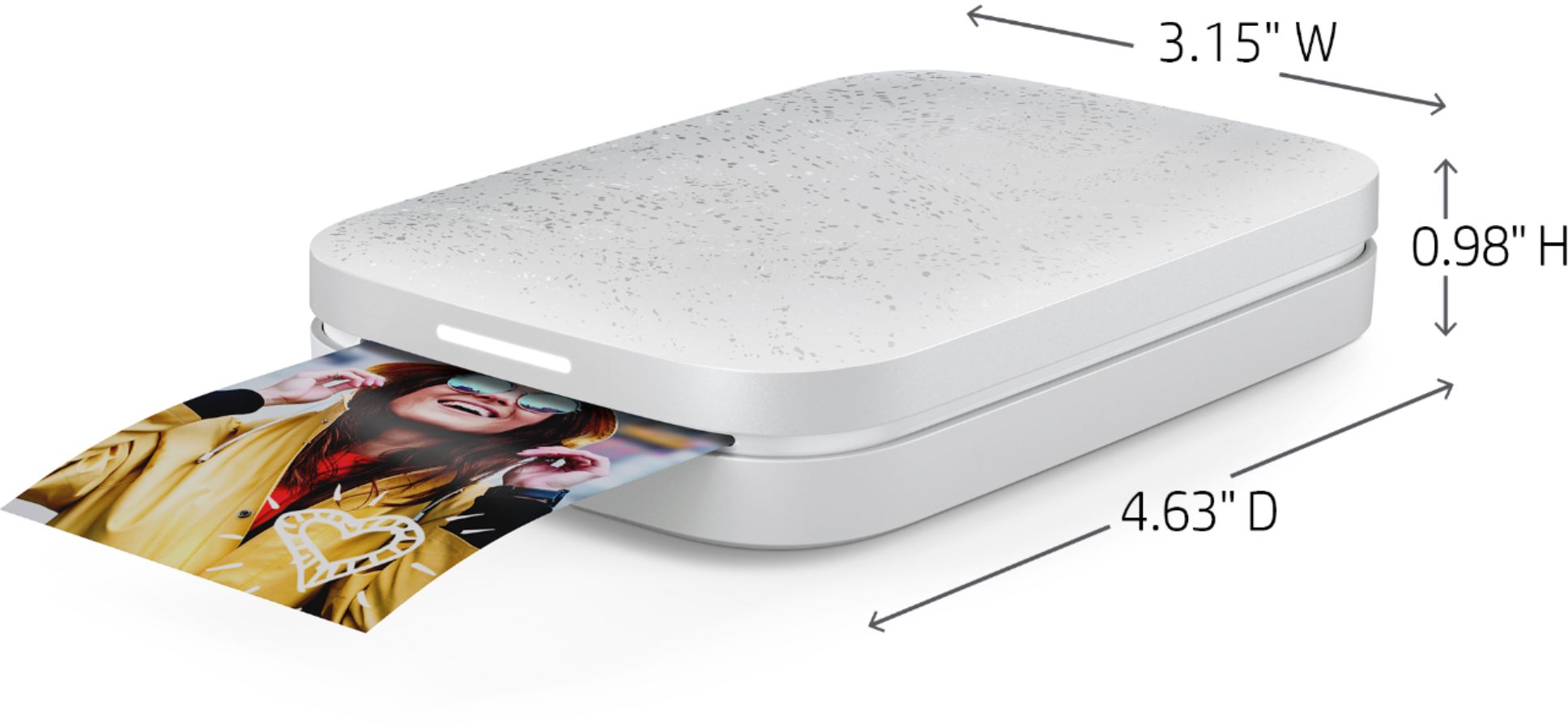
|Posted .This reviewer received promo considerations or sweepstakes entry for writing a review.With the included printer (about 3 x 4 inches), charging cable, a downloaded free app and included 10 2 x 3“ photo sheets, it’s easy to print photos directly from a Bluetooth connected device. The photo quality is good and in my experience, the ink was dry as it was ejected from the device. Photos taken with an iPhone 6S were cropped on the printed image. The included photo paper has a removable backing allowing the image to be stuck to something like a magnet or if the backing is left on, framed.
I would recommend this to a friend - Pros mentioned:Print quality
Simple and easy to use
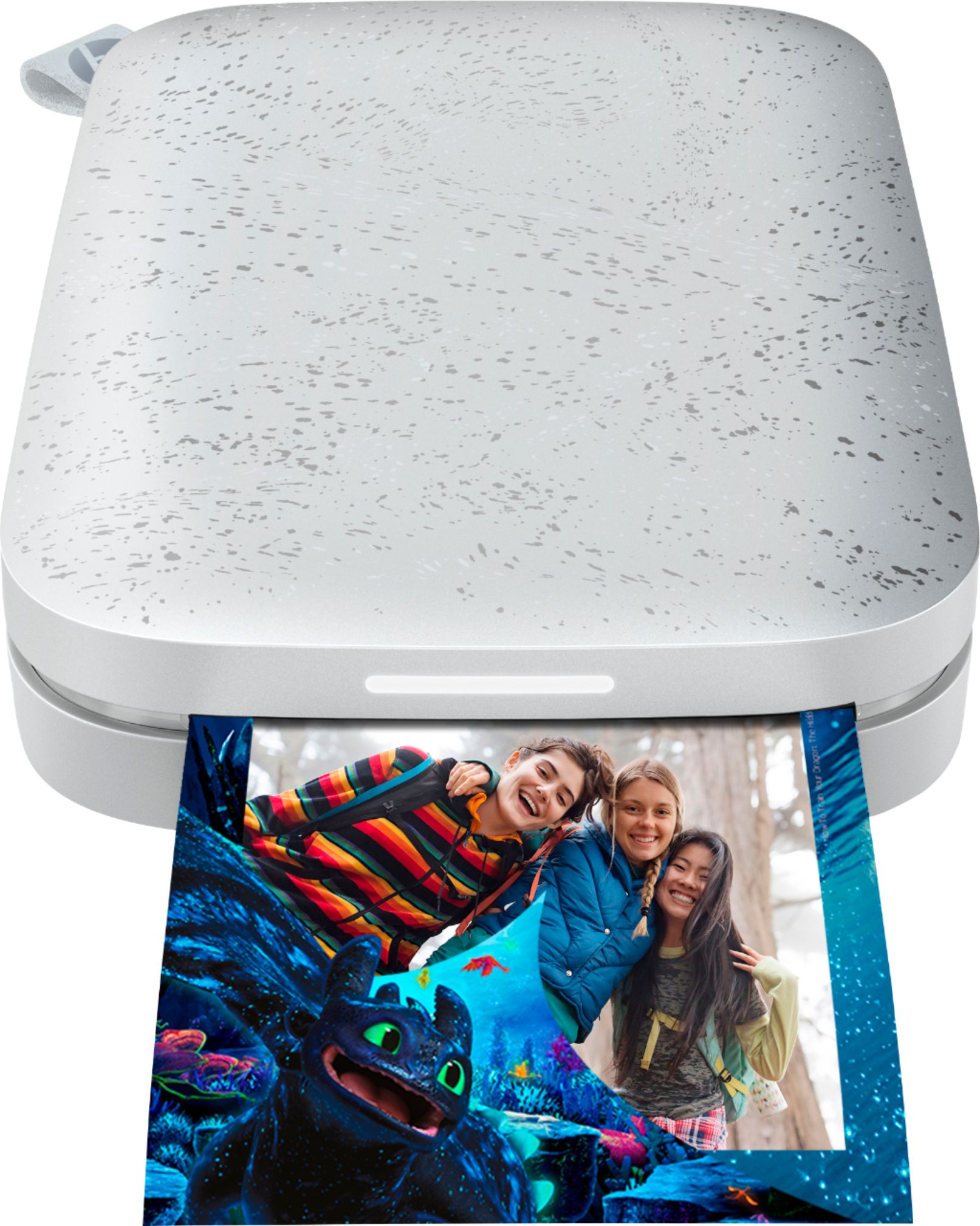
|Posted .This reviewer received promo considerations or sweepstakes entry for writing a review.This is a fun little printer. It is about the size of a larger cell phone and the picture paper is wallet size. The pictures have a back that can be peeled off and allows the pictures to be posted like stickers. Print time is only a few seconds and you have instant memories to share with your friends and family. It puts an interesting twist on an old way of storing photos.
I would recommend this to a friend Photofuntastic!
|Posted .This reviewer received promo considerations or sweepstakes entry for writing a review.This printer is nice and small so easily portable. In the box you get the printer, 10 sheets of zink photo paper, a usb charging cable, and some instructions. Mine came about 75% charged. Obviously your going to run out of photo paper very quickly so make sure to pick up some extra. Setup via the hp sprocket app was super simple. It did all the pairing for me and even updated the printer to latest firmware. It scans your device and presents you with all your photos. You can add pics, words, frames, crop, etc to the photos to customize to your hearts content. The printing happens swiftly once the photo is uploaded to the printer. The quality of the photos are ok. They are not bad but nor are they great. They do not look as good as if you were to go to your local photo shop and have them printed but I believe this is just a limitation of the zink paper. The zink photo paper is glossy which gives it a nice look and the entire back peels off so you can stick them to stuff, if you choose to. I do really like that there is no ink. Instead the zink paper creates the photo. The photos are only 2" x 3" which is pretty small but expected from a printer this size. The small photos still have a lot of fun uses. I can see these being used in a lot of different scenarios. In the end what I really enjoy about this is being able to print a photo on the fly from my mobile phone and stick it to something.
I would recommend this to a friend