Customer Ratings & Reviews

- Model:
- X7N07A
- SKU:
- 5622682
Rating by feature
- Value
Rating 4.5 out of 5 stars
- Quality
Rating 4.6 out of 5 stars
- Ease of Use
Rating 4.7 out of 5 stars
Customers are saying
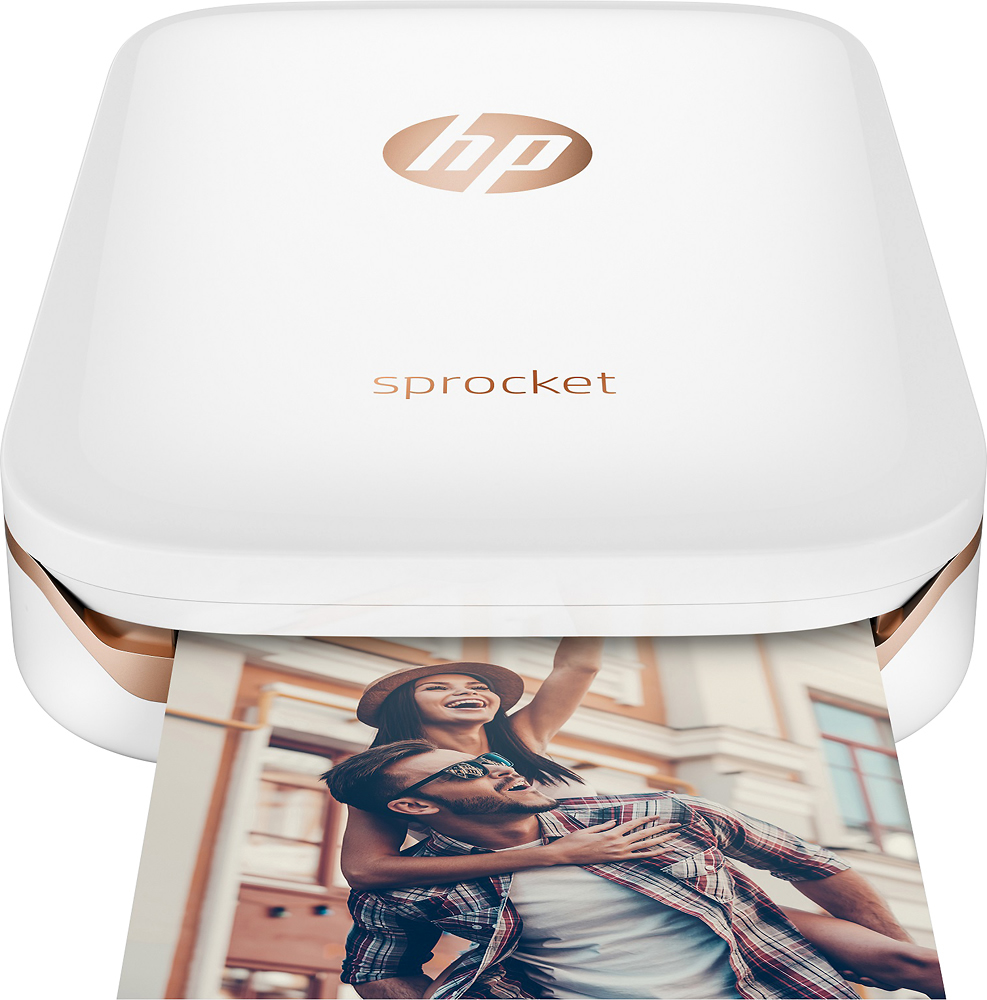
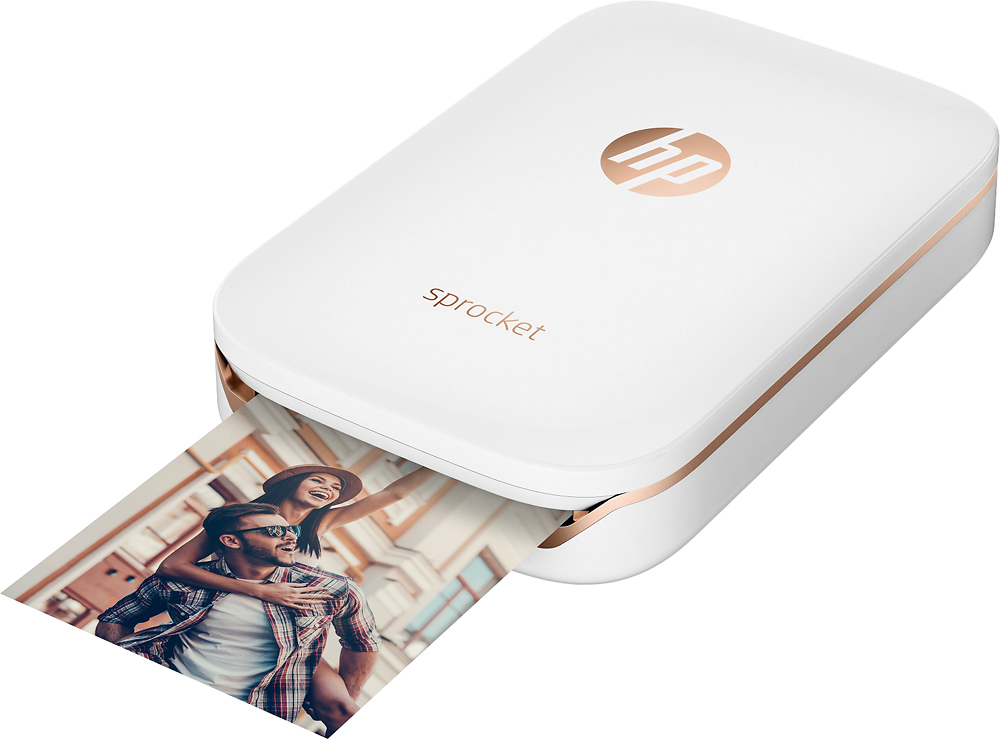
Customers are satisfied with the Sprocket Photo Printer's print quality, ease of use, and compact size. Many appreciate the printer's ability to produce great pictures and its convenient Bluetooth connectivity. Positive feedback also highlights the affordability and pleasing color options available. While some comments mention battery life, overall the response is overwhelmingly positive.
This summary was generated by AI based on customer reviews.
OK but not great
||Posted .This reviewer received promo considerations or sweepstakes entry for writing a review.Camera is somewhat disappointing. Overall quality is average.
No, I would not recommend this to a friendIt's OK
||Posted .This reviewer received promo considerations or sweepstakes entry for writing a review.My kids love it but I wish it have a larger and cheaper package
I would recommend this to a friendGreat and convenient
||Posted .This reviewer received promo considerations or sweepstakes entry for writing a review.Great purchase just not sure how often I would use it
I would recommend this to a friendGreat photos for my planner
||Posted .This reviewer received promo considerations or sweepstakes entry for writing a review.Fantastic for my planner a great way to personalize
I would recommend this to a friendPoor quality
||Posted .This reviewer received promo considerations or sweepstakes entry for writing a review.Picture quality is not as clear as I thought it would be
No, I would not recommend this to a friendIt's ok
||Posted .This reviewer received promo considerations or sweepstakes entry for writing a review.It prints dark and tells me I have the wrong paper installed.
No, I would not recommend this to a friendDoesn't last
||Posted .This reviewer received promo considerations or sweepstakes entry for writing a review.We loved it at first, but just after the warranty was up, the battery stopped charging. It did not get a ton of use by any means, printed out photos for family every few months, the battery should have lasted much longer than that!
No, I would not recommend this to a friendGood
||Posted .This reviewer received promo considerations or sweepstakes entry for writing a review.This was a Christmas gift and it is a lot of fun using.
I would recommend this to a friendConfusing. Bad directions
||Posted .This reviewer received promo considerations or sweepstakes entry for writing a review.The directions were not well written and new paper jammed
I would recommend this to a friendOk
||Posted .This reviewer received promo considerations or sweepstakes entry for writing a review.The product was ok the pictures don't come out at colorful
No, I would not recommend this to a friendinstant pic and fun
||Posted .This reviewer received promo considerations or sweepstakes entry for writing a review.picture are low light but fun product great for fun
I would recommend this to a friendFun for kids.
||Posted .This reviewer received promo considerations or sweepstakes entry for writing a review.This is really a great product to be able to make prints on the spot but the quality is really bad. Also when you print you have to stop the print que right after or it keeps printing copies. Good and fun for kids I would say.
No, I would not recommend this to a friendBrand response from HP Team
Posted .Hi Monica,
It's awesome to hear that you think the printer is fun for kids and good for printing on the spot, but I'm so sorry about the poor quality! Let's see what I can do to help resolve this.
What I'd first recommend for improving print quality is updating your printer's firmware. We're always improving both print and color quality through these updates, so it's always good to stay up-to-date.
The following links will also help guide you through additional print quality improvement tips:
- Print Quality Improvement Guide: support.hp.com/document/c05660842
- How to Print Best-Quality Photos: www.youtube.com/watch?v=MAwFPRbQpvg
If the print quality doesn't get better with these suggestions, please contact us for support. We're always here to help, so you can get in touch via your preferred method at this link: hp.com/contactHP
Chelsea
HP Care
hp.com/support
Color prints not very good
||Posted .This reviewer received promo considerations or sweepstakes entry for writing a review.Loved idea of this but diSappointed in picture quality. Color comes out orange tinged. Have tried to find help to work it out ha e wasted 20 picture papers. Any help with this would be appreciated.
No, I would not recommend this to a friendBrand response from HP Team
Posted .Hi Bobbi,
I'm very sorry to hear that you are disappointed, but I'm hoping that it can be made better for you. Here are some tips to improve the picture quality:
- First, I'd recommend you update the firmware (using the app). We are constantly improving various things (especially the colors) with firmware updates
- Then, you can follow the troubleshooting in this document to get the settings right: support.hp.com/us-en/document/c05660842
- Also, many of our customers adjust the color in the photos before printing. You can use the Sprocket itself or another app to do the editing
For any other concerns, HP Support can be found at: hp.com/contacthp
Mary
HP Care
hp.com/support
- Pros mentioned:Ease of use, Print quality
Great for Memory Keeping
Posted .This reviewer received promo considerations or sweepstakes entry for writing a review.As a mom, I am in charge of memory keeping for my family. Unfortunately, sitting down to make a beautiful scrapbook never seemed to work for me. With three children now, I know that I want to record the memories that we have as often as possible. Enter the HP Sprocket. I absolutely love how I can easily print pictures on this cute little printer to put in my Erin Condren planner as a memory keeper. I take a lot of pictures of my kids, but almost always they are on my iPhone. Having an easy way to print those out whenever I want has been an absolute dream! I love the color, and the ability to print two pictures on one page. I can then cut them in half and they fit perfectly in my planner, which is now my memory keeper for my three children. I especially love that there is no separate ink to buy, this makes it incredibly convenient and portable. It is easy to bring with us to family events so that everyone can get involved in the fun! One of my favorite things, that I hope to do more of as we have more events, is to bring the printer with me to family events. We then set up a little "photo booth" with props, and I can print the pics off for family to keep and bring home to commemorate the time we spent together. Awesome product!
I would recommend this to a friend Sometimes it worked, sometimes it didn't
||Posted .This reviewer received promo considerations or sweepstakes entry for writing a review.I really wanted this little printer to work as I was going to take it to a graduation ceremony and the entire family would be there, but in testing it out before hand, when it worked it was great, but totally unreliable so I returned it.
No, I would not recommend this to a friendblurry
||Posted .This reviewer received promo considerations or sweepstakes entry for writing a review.I was excited when I brought it but was disappointed, when I printed the images it came out blurry. So I had to returned it .
No, I would not recommend this to a friendBrand response from HP Team
Posted .Hey Angie,
I'm so sorry for the disappointing experience you've had with print quality. We hold ourselves to a much higher standard of quality, so I really regret that we missed the mark this time. It's unfortunate to hear that you had to return the printer, but I hope the process was seamless.
I also hope that you'll allow us another opportunity in the future to stand by the quality we pride ourselves on. We would love a chance to make things right.
Chelsea
HP Care
hp.com/support
Sprocket
||Posted .This reviewer received promo considerations or sweepstakes entry for writing a review.Wife wanted to take pics and create an album. Was on sale. Specs are up to par or better to others, but takes near faded pictures.
No, I would not recommend this to a friendBrand response from HP Team
Posted .Hi there,
I'm so sorry to hear that the printer is yielding photos that are faded! Especially since your wife is planning to create an album with these photos. This isn't at all the experience that we intended to provide with the printer, so let's see if I can help remedy this for you both.
What I'd first recommend is to update your firmware, as we're constantly improving print quality and color through these updates. Next, the following link should help guide you through other troubleshooting steps for improving print quality: support.hp.com/us-en/document/c05660842
If this doesn't seem to work, please feel free to reach out to us directly for support. We're always here to help. You can contact us via your preferred method at this link: hp.com/contactHP
Chelsea
HP Care
hp.com/support
Not the best
||Posted .This reviewer received promo considerations or sweepstakes entry for writing a review.I always buy hp products but this is not the best. Pictures come out pixelized and really bad quality. I have a Samsung s8.
No, I would not recommend this to a friendBrand response from HP Team
Posted .Hi Lizy,
I am so sorry to hear this! Looks like you are having some print quality issues with your Sprocket.
Here are some tips to help improve the picture quality:
- First, I'd recommend you update your firmware (using the app) as we are constantly improving the colors through firmware updates
- Then, you can follow the other troubleshooting directions in this document: support.hp.com/us-en/document/c05660842
- Also many of our Sprocket customers have had good results tweaking their photos before printing using the Sprocket or another app to do some editing
For any other questions, HP Support would be happy to help: hp.com/contacthp
Mary
HP Care
hp.com/support
- Pros mentioned:Print quality
sprocket photo printer review
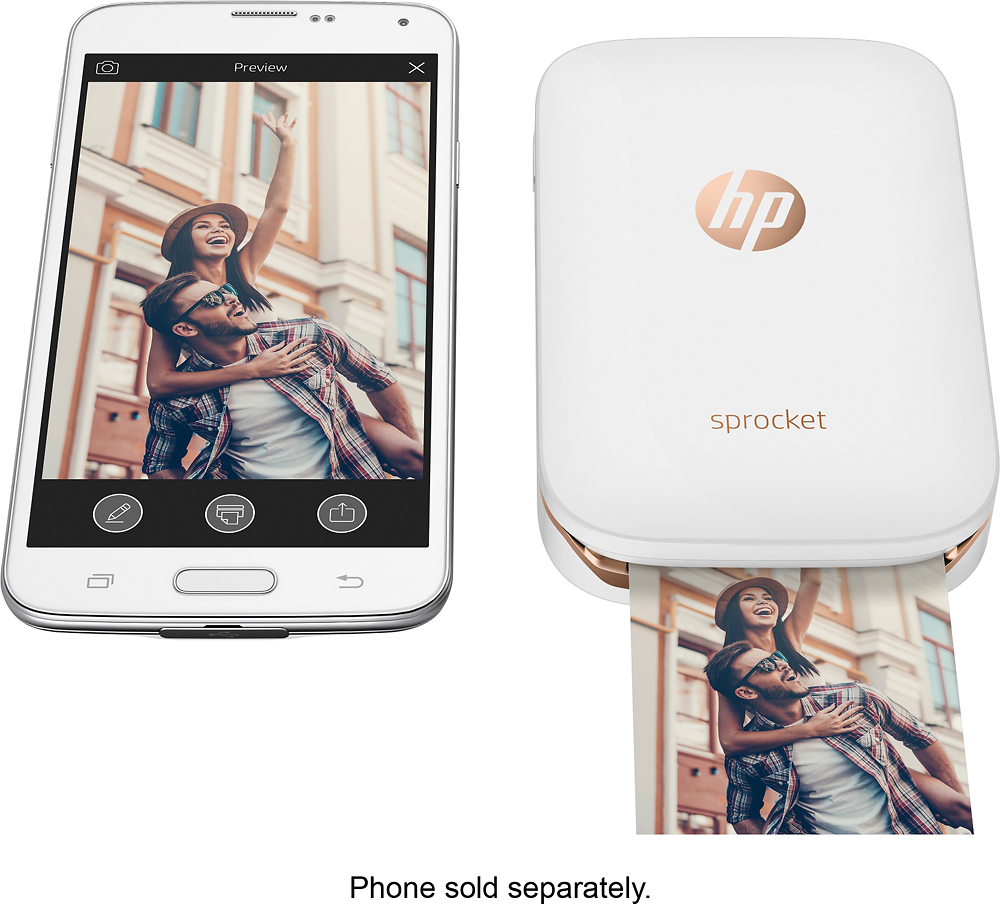
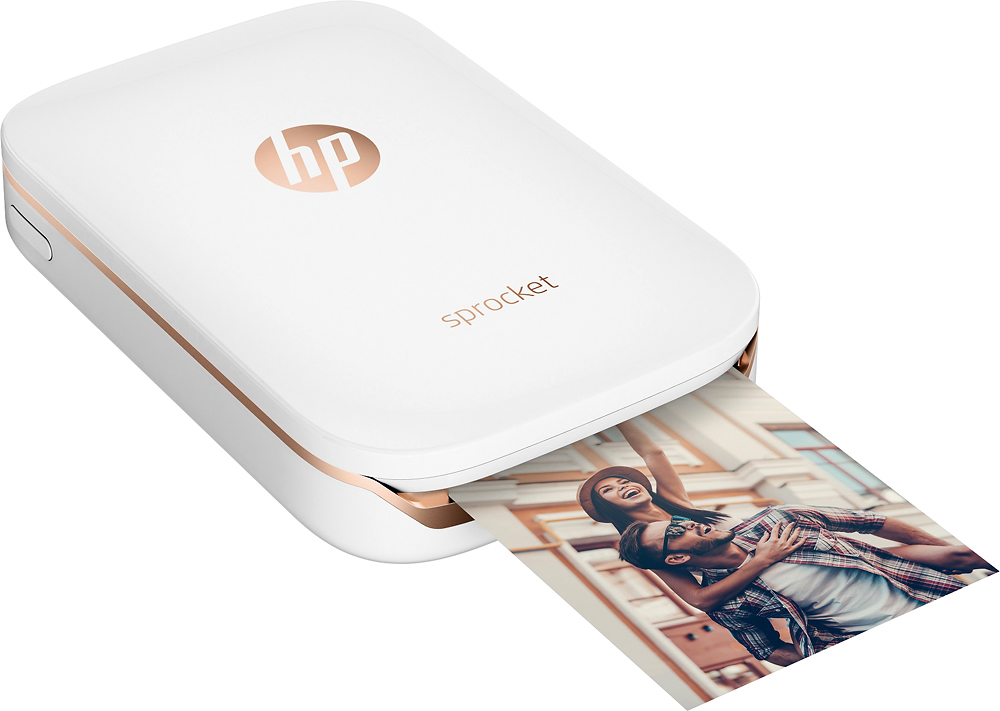
Posted .This reviewer received promo considerations or sweepstakes entry for writing a review.i got this small printer for printing photos from my phone. here is my thought on it: advantages: • it's very tiny, like a smartphone, and can fit in my bag easy. • setup is simple; just load paper and start printing, very convenient. • you can print photos from social media quick with its app, which is cool. • photo quality is decent for the size, and you can add stickers or text if you want. disadvantages: • the print size is quite small, only 2x3 inches, not good for bigger photos. • it use special paper, which is little expensive and need to buy more. • no touch screen, so you must use app for all changes and settings. overall, it’s nice for quick, small prints and good if you like customizing photos. not for big prints but good for fun and easy use.
I would recommend this to a friend Ehh!
||Posted .This reviewer received promo considerations or sweepstakes entry for writing a review.The pictures do not print out clear there are lines running the the picture when they come out.
No, I would not recommend this to a friend