Customer Ratings & Reviews

- Model:
- X7N07A
- SKU:
- 5622682
Rating by feature
- Value
Rating 4.5 out of 5 stars
- Quality
Rating 4.6 out of 5 stars
- Ease of Use
Rating 4.7 out of 5 stars
Customers are saying
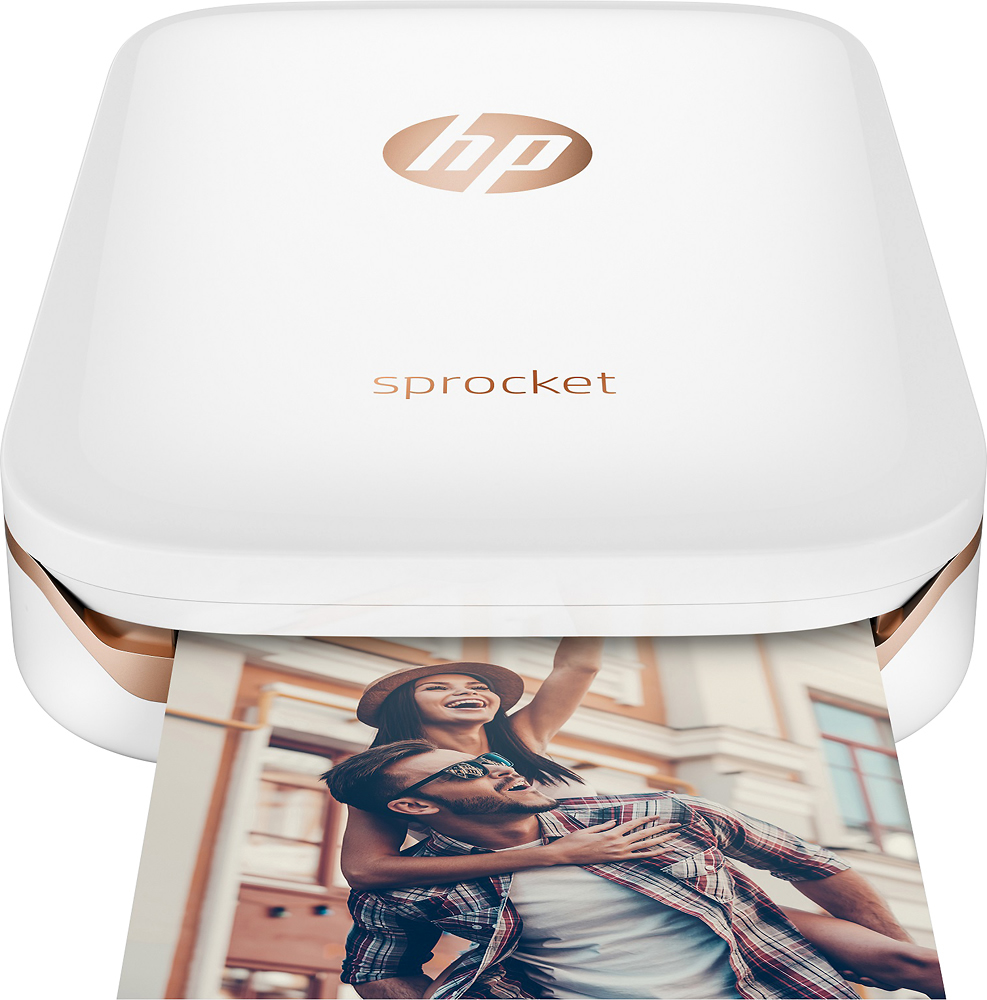
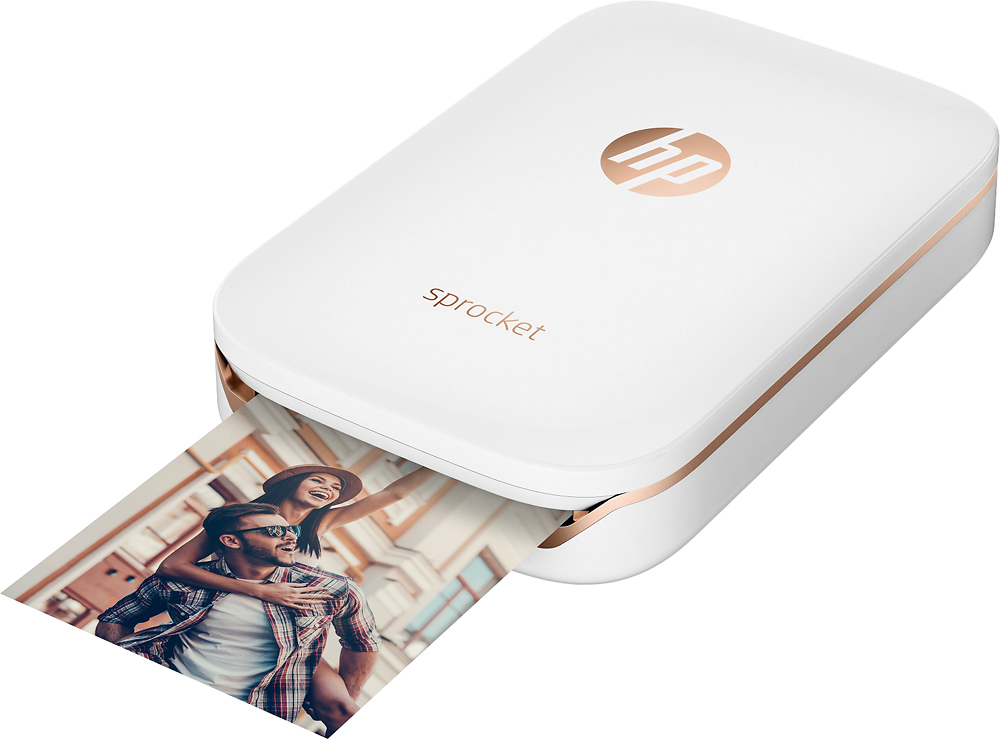
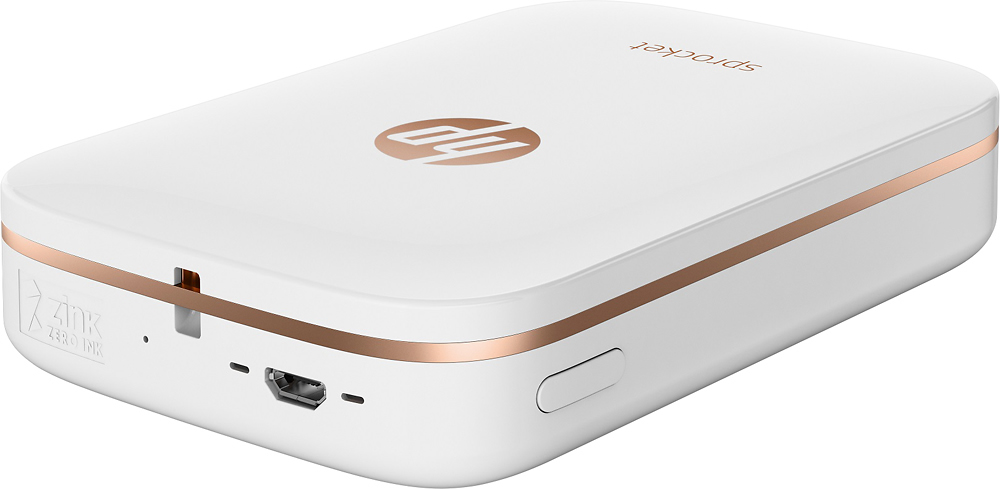
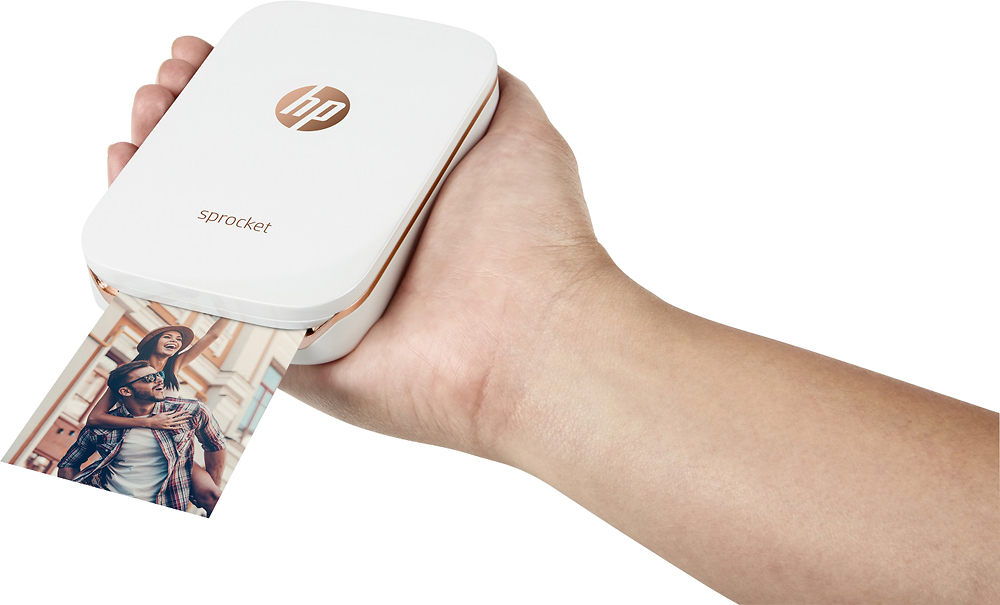
Customers are satisfied with the Sprocket Photo Printer's print quality, ease of use, and compact size. Many appreciate the printer's ability to produce great pictures and its convenient Bluetooth connectivity. Positive feedback also highlights the affordability and pleasing color options available. While some comments mention battery life, overall the response is overwhelmingly positive.
This summary was generated by AI based on customer reviews.
Not what I expected.
||Posted . Owned for more than 2 years when reviewed.This reviewer received promo considerations or sweepstakes entry for writing a review.I expected a lot more out of this sprocket. It’s ok, but if you want great quality photos and them to be printed properly, this won’t do it. Definitely will not recommend for anyone else.
No, I would not recommend this to a friendCool tech, but small output
||Posted .This reviewer received promo considerations or sweepstakes entry for writing a review.Impulse Christmas purchase and did not do enough research. Spouse was not impressed with the size of the photo, basically worthless due to the size of the photo.
No, I would not recommend this to a friend- Pros mentioned:Ease of use, Print quality
Amazing
Posted .This reviewer received promo considerations or sweepstakes entry for writing a review.Love this. Love how they’re stickers and you can edit them on the app. One of the best purchases by far. Great for journaling / scrapbooking
I would recommend this to a friend Very hard to get started
||Posted .This reviewer received promo considerations or sweepstakes entry for writing a review.Had a lot of trouble getting it to work and it cuts off tops of heads and sides or faces not like the picture looks like the through the phone
No, I would not recommend this to a friendBrand response from HP Team
Posted .Hi there,
I'm so sorry to hear that you're experiencing these issues with the printer. I can certainly imagine how disappointing this is, especially since it affects the quality of your photos so drastically. Let's see if I can help with a few suggestions.
What I'd first recommend is making sure that you're using a supported paper size and also double-checking that the paper is installed properly. For steps on how to do so, you can visit the printer's FAQ document: support.hp.com/us-en/document/c05241268
Following this, you might find it useful to review this print quality troubleshooting guide: support.hp.com/us-en/document/c05660842
If this falls short, please don't hesitate to reach out to us for support. You can do so via your preferred method at this link: hp.com/contactHP
Chelsea
HP Care
hp.com/support
photos are not great quality
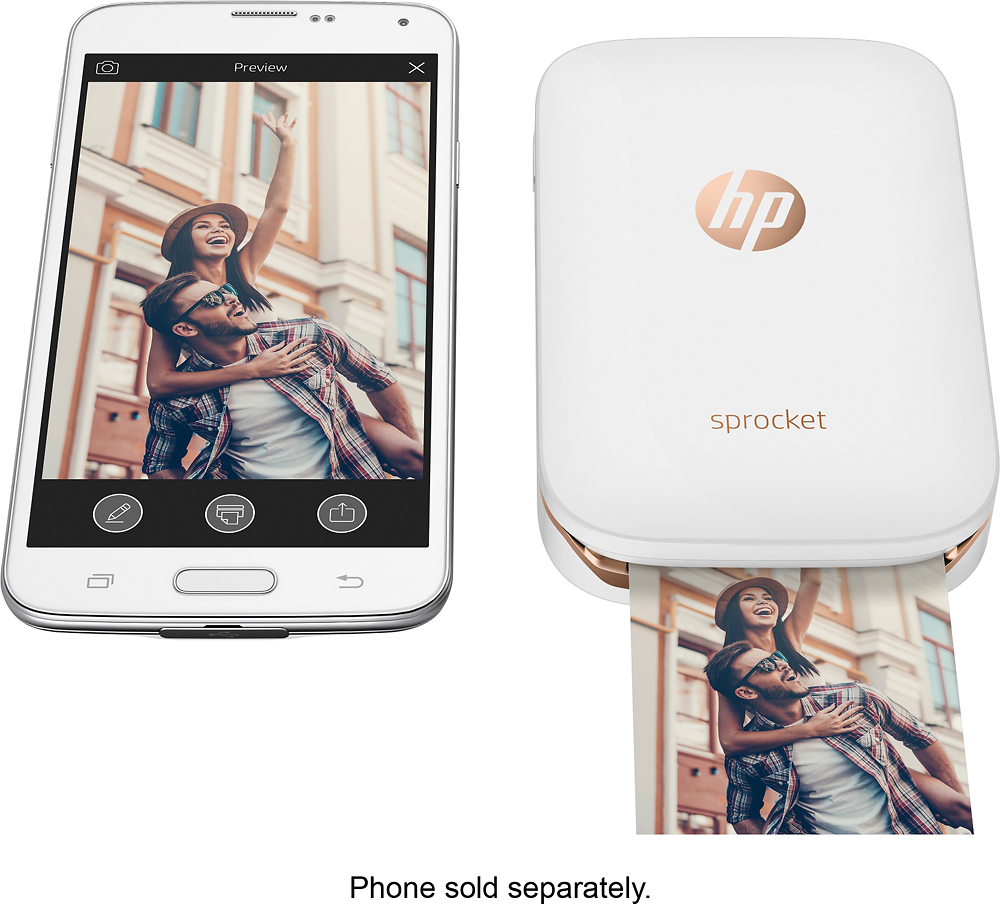
||Posted .This reviewer received promo considerations or sweepstakes entry for writing a review.I thought this would be great to print off my Iphone, but photo quality is not up to par. The pictures do not come out as crisp as using a regular camera. Not worth the investment.
No, I would not recommend this to a friend- Pros mentioned:Ease of use, Size
Love this Printer!!!
Posted .This reviewer received promo considerations or sweepstakes entry for writing a review.The Hp Sprocket Photo Printer is so much fun! We used it to take silly photos at my daughters birthday and were able to print the photos out for guests directly from my phone. Guests were amazed and loved their photos of the kids. The Hp Sprocket Photo Printer is incredibly easy to use and took only a few minutes to set up. I love that it's the size of my phone and allows me to print photos whenever I want!
I would recommend this to a friend - Pros mentioned:Size
Fun gadget!
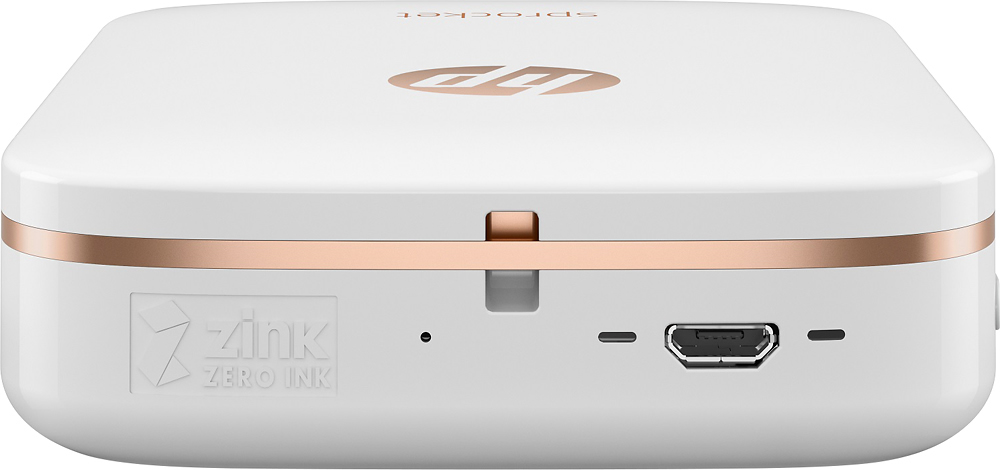
Posted .This reviewer received promo considerations or sweepstakes entry for writing a review.Recently I was looking for something in my closet and I found my old Polaroid Pogo... I had put it away around three years ago and had forgotten all about it! Unfortunately I lost the AC adapter and they are difficult and expensive to find online. I remember how much fun I had with the Pogo so I figured I'd buy a newer version! The Sprocket seemed to have better reviews than the Polaroid Zip so I bought the Sproket. It functions similar to my old Pogo, minus the full-size USB connector for connecting to a camera with Pictbridge technology. Size is similar, it fits in my Pogo sleeve. One huge improvement is no separate power adapter, it charges via mini-USB! Picture quality is ok at best- black and white pictures come out with a reddish hue, and colors are muted; however, you can use the Sprocket app to edit the picture before printing, the wizard feature seems to increase brightness a bit which does make for a better print. It takes about a minute to print, plus the time to go into the app, select the picture, edit if needed and send to the printer. I do miss the ability to directly connect a camera to the printer, nowadays it's done through your smartphone. This is fine if you take pictures with your smartphone or want to print from social media, but if you use a separate camera to take pictures you'll first have to get the pictures to your smartphone or social media account, which is an extra step from the Pogo. This is ok for me because I can send pictures from my camera to my smartphone and in turn to the Sprocket. One downside seems to be that HP Zink paper is hard to come by; in fact, when I bought this Sprocket my local Best Buy was out of paper, and there was a woman asking the employee when they would be in stock, and he said it's sporadic and they sell out quickly. Get used to ordering online if you do a lot of prints! Luckily there is an alternate solution- you can use the Polaroid Zink paper IF you keep the HP sheet with the bar-code and put that in the Sprocket instead of the Polaroid one. Discussion forums online indicate that the paper itself is very similar if not exact, so this solution should work. I bought some packs of the Polaroid paper but have not used it yet, so fingers crossed! Overall I'm happy with the Sprocket, it's a fun little gadget as long as you keep your expectations reasonable. It's a great conversation starter, bring it to a gathering take a few pictures and print them out and I guarantee people will ask you to take their picture!
I would recommend this to a friend Pictures are ok but they sent the wrong color prin
||Posted .This reviewer received promo considerations or sweepstakes entry for writing a review.The picture quality is ok but you have to play with the settings to get a good picture which sometimes waste paper. The photos are even smaller than I thought.
I would recommend this to a friendBrand response from HP Team
Posted .Hey there,
While I'm glad to hear that you're happy with the printer's print quality, I'm sorry to hear that it isn't what you expected in other ways. This is certainly disappointing, so I would love to see how I can help.
What I'd recommend for improving print quality is simply updating your firmware. Following that, this link should help guide you through other troubleshooting steps for improving print quality: support.hp.com/us-en/document/c05660842
If what I've suggested doesn't work, please don't hesitate to reach out to us for support. We're always here and more than happy to help. You can get in touch with us via your preferred method at this link: hp.com/contactHP
Chelsea
HP Care
hp.com/support
Small I thought the pictures would come out bigger
||Posted .This reviewer received promo considerations or sweepstakes entry for writing a review.Decent, but it should be bigger so that the images come out better than what they are now. Color is off as well.
No, I would not recommend this to a friendNot impressed.
||Posted .This reviewer received promo considerations or sweepstakes entry for writing a review.Too small. Color tint is not good and no instructions.
No, I would not recommend this to a friendDon't consider it
||Posted .This reviewer received promo considerations or sweepstakes entry for writing a review.Printing quality was not what I expected, product definitely overpriced!
No, I would not recommend this to a friendBrand response from HP Team
Posted .Hi there,
I'm terribly sorry to hear that the print quality wasn't what you expected it to be. I understand this must be quite disappointing, so let’s see if I can provide you with a few helpful suggestions to help remedy things going forward.
What I'd first recommend is to update your firmware, as we're constantly improving print quality and color through these updates. Next, the following link should help guide you through other troubleshooting steps for improving print quality: support.hp.com/us-en/document/c05660842
If this doesn't seem to work, please feel free to reach out to us directly for support. We're always here to help. You can contact us via your preferred method at this link: hp.com/contactHP
Chelsea
HP Care
hp.com/support
Too slow
||Posted .This reviewer received promo considerations or sweepstakes entry for writing a review.We got this to use for a function for our business and it was avoided by customers because it took too long
No, I would not recommend this to a friendBrand response from HP Team
Posted .Hi there,
This is so disappointing to hear about! I'm very sorry that the printer was slow in its performance and affected your customers' ability to print reliably with it. This is far from the quality experience that we intended to provide, so I hope I can make this better for you. Let's see what I can do.
What I would first recommend is updating the printer's firmware, as we are constantly improving performance through these updates. For steps on how to do so, you can visit the following link: support.hp.com/us-en/document/c05241268
Should this not provide a resolution, please don't hesitate to reach out to us for support. We would be more than happy to work through any necessary troubleshooting with you. You can get in touch via your preferred method at this link: hp.com/contactHP
Chelsea
HP Care
hp.com/support
Horrible printer
||Posted .This reviewer received promo considerations or sweepstakes entry for writing a review.Pictures are very faded or have a red tint. Try to troubleshoot with hp and nothing they say fixes the issue
No, I would not recommend this to a friendBrand response from HP Team
Posted .Hi Badman, sorry to hear you are experiencing an issue with the picture quality on your HP Sprocket Photo Printer. If the quality of a printed photo is not as expected, the procedures in this document should help you fix this issue: http://bit.ly/2g5Hk06 HP printers generally have a 1-year warranty from their purchase date, you can verify the warranty using the following link: http://bit.ly/2mP3Xrb You can also contact HP Support in case you need further assistance: http://hp.care/2nbNQFi
Disappointed
||Posted .This reviewer received promo considerations or sweepstakes entry for writing a review.Was very excited to use it but once I got it kind of disappointed the paper kept jamming time and time again ...
No, I would not recommend this to a friend- Pros mentioned:Print quality, Size
Fun!
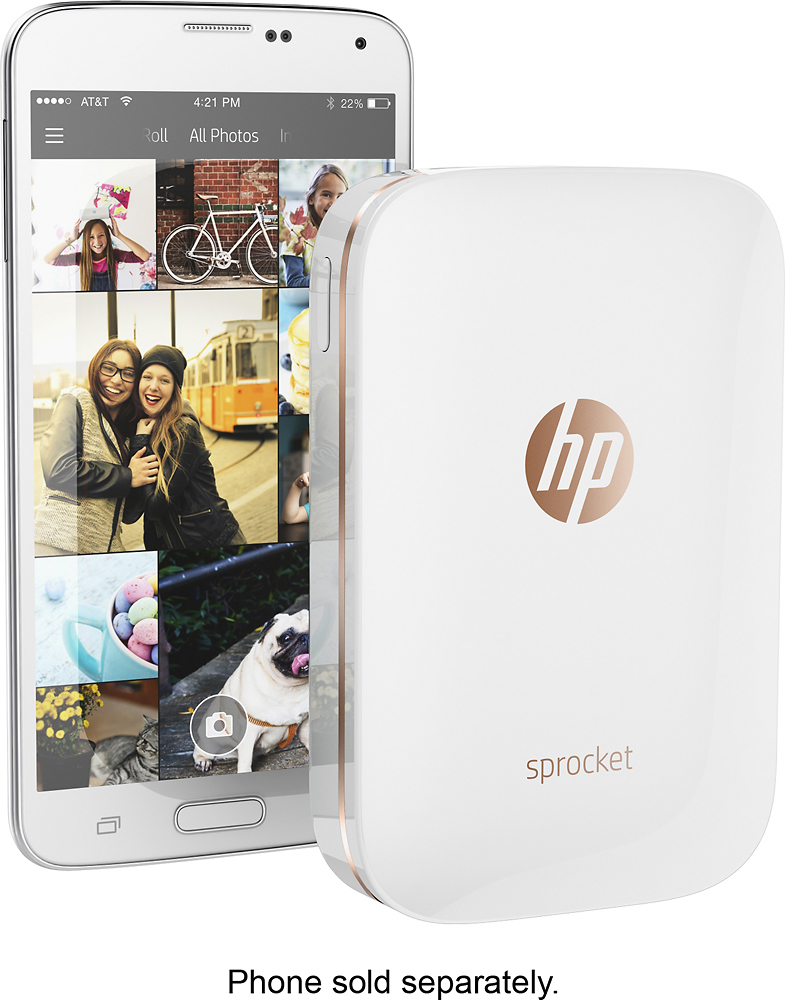
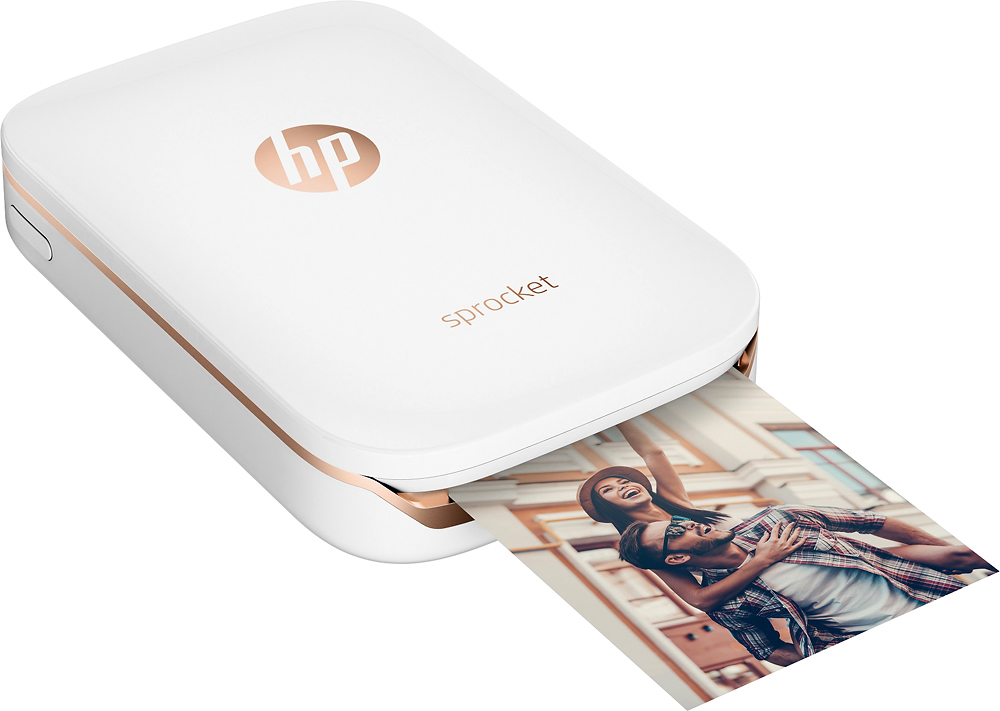
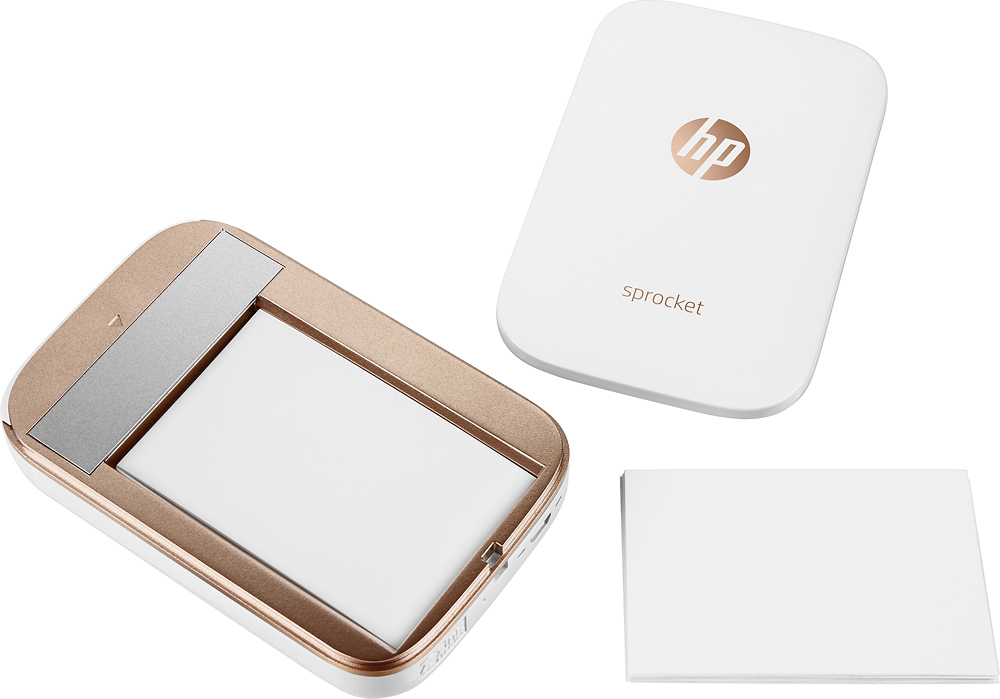
Posted .This reviewer received promo considerations or sweepstakes entry for writing a review.We have had so much fun with this little printer! If you have someone on your Christmas list who loves the latest and greatest tech gifts, definitely check this one out. This photo printer is the same size as an iPhone (the normal one, not the Plus), prints wirelessly, doesn't need ink (it's somehow magically already in the paper), and the photo paper comes with a back you can remove so your photos turn into stickers! The app is really easy to use - I'll be printing some of our favorite Disney photos to use as gift tags in the coming weeks!
I would recommend this to a friend dont know
||Posted .This reviewer received promo considerations or sweepstakes entry for writing a review.package was received with no paperwork-no packing slip no instruction sheet, nothing.
No, I would not recommend this to a friendBrand response from HP Team
Posted .Hi there,
I'm so sorry to hear that you received your printer without any instructions! I can imagine how inconvenient this has been, but not to worry, I'll provide you with some helpful resources going forward.
Here are some useful documents for both setup and general use:
- Sprocket App User Guide: hp.com/ctg/Manual/c06213172.pdf
- Sprocket User Guide: hp.com/ctg/Manual/c05280005.pdf
If you have any other questions or concerns, please remember that you can always contact us for support. We'd be more than happy to help, so you can reach us via preferred method here: hp.com/contactHP
Chelsea
HP Care
hp.com/support
Picture too small, to difficult to operate
||Posted .This reviewer received promo considerations or sweepstakes entry for writing a review.It has not and probably will not get a lot of use. Great concept but in not very practical.
No, I would not recommend this to a friendBrand response from HP Team
Posted .Hi, sorry to hear you are experiencing issues on your HP Sprocket Photo Printer. Thank you for taking the time to submit a review, we appreciate your feedback. Remember HP Support is always there to fix all your issues. We would appreciate if you can share with us the exact issues you are experiencing with your printer so that we can assist you accordingly. HP Print and Scan Doctor is a free tool for Windows to help resolve printing and scanning problems. Please perform the steps mentioned in this document to fix this issue: http://hp.care/2nFmPZE HP printers generally have a 1-year warranty from their purchase date, you can verify the warranty using the following link: http://bit.ly/2mP3Xrb. You can also contact HP Support in case you need further assistance: http://hp.care/2nbNQFi
Printer
||Posted .This reviewer received promo considerations or sweepstakes entry for writing a review.The quality is nowhere near what is advertised. My daughter disappointed with this product
No, I would not recommend this to a friendNot the best quality
||Posted .This reviewer received promo considerations or sweepstakes entry for writing a review.Quality was terrible, if you can deal with that then its for you quality is 4/10
No, I would not recommend this to a friendBrand response from HP Team
Posted .Hi Jenn,
I'm so sorry for the disappointing experience you've had with quality. We hold ourselves to a high standard of consistency with our printers, so it's regretful that we seemed to have missed the mark this time. With that said, I'd like to make sure we get this resolved for you.
If you were referring to print quality specifically, what I'd recommend is updating your printer's firmware. We're constantly improving print and color quality through these updates, so it's always good to stay up-to-date.
Then, this link will help guide you through other print quality improvement tips: support.hp.com/us-en/document/c05660842
If this doesn't seem to provide a fix, please remember that you can always reach out to us for support. We're always here to help, so you can get in touch via your preferred method at this link: hp.com/contactHP
Chelsea
HP Care
hp.com/support
Do not like the picture quality.
||Posted .This reviewer received promo considerations or sweepstakes entry for writing a review.Wish I had taken it back. Not impressed at all with the quality of the prints.
No, I would not recommend this to a friendBrand response from HP Team
Posted .Hey there
I'm so sorry that you're not happy with the printer's print quality. I can definitely imagine how disappointing that must have been. I would like to make this right, however, so let's see if I can provide a couple suggestions to help remedy this.
What I'd first recommend is to update your firmware, as we're constantly improving print quality and color through these updates. Next, the following link should help guide you through other troubleshooting steps for improving print quality: support.hp.com/us-en/document/c05660842
If this doesn't seem to work, please feel free to reach out to us directly for support. We're always here to help. You can contact us via your preferred method at this link: hp.com/contactHP
Chelsea
HP Care
hp.com/support