Customer Ratings & Reviews



- Model:
- 3DP65A#B1H
- SKU:
- 6276402
Rating by feature
- Value
Rating 4.3 out of 5 stars
- Quality
Rating 4.5 out of 5 stars
- Ease of Use
Rating 4.4 out of 5 stars
Customers are saying
Customers are impressed with the Tango X Wireless Instant Ink Ready Inkjet Printer's ease of use, print quality, and compact size, frequently praising its user-friendly setup and quiet operation. Many appreciate the stylish design and wireless functionality, finding it convenient for various devices. However, some customers noted that the scanning functionality could be improved and that the printer might be considered expensive by some.
This summary was generated by AI based on customer reviews.
meets every necessity
||Posted .This reviewer received promo considerations or sweepstakes entry for writing a review.Great printer i love that i cant print from anywhere,
I would recommend this to a friend- Pros mentioned:Design, Print quality, Size
Overall good printer
Posted .This reviewer received promo considerations or sweepstakes entry for writing a review.First off let me say that I have researched my purchase decision to death! I have read every review of pretty much every printer for the last 3 years. I'm replacing my decade old Canon MG6120 that has served me well, but with some irritations over the years and recently a print head error I can not get rid of. I'm not a heavy printer at home, but do want the ability to scan and print when i want to. The biggest issue with pretty much printer I have ever used/owned is the buggy software. Why on earth is it so hard to install printer drivers that actually work the way they should? Every printer out there has complaints about this issue and especially Canon printers. This alone is why I did not get the top rated Canon TS9120. My next choice was the HP7155 which received overall good reviews. During my research I came across the HpTango-X. What a little gem. uses basically the same printer heads as the the 7155 and has the same resolution. I got to thinking do I really need a built in scanner? my cell phone can take care of that with the free app. Reviews on software installation were good with the exception of PC installation (more on that in a few). So this pretty much fit the bill. Received my printer yesterday. Package was a nice manageable size! Set up is a breeze, unpack plug in, put ink in, install HPsmart app on devices. I set it up on my ipad pro, ipad mini, iphone Xs Max, and my wifes iphone 8 plus in under 15 minutes. Now i had to set up for my windows 7 PC. Since I run windows 7 and not windows 10 I went to the HP support for the printer and downloaded the driver for windows 7. Installation took under 10 minutes. Very easy and worked like a charm. I honestly do not understand the reviews of individuals complaining that it was complicated to install on a PC..it isn't! Actually it was probably the easiest PC install i have ever done. After all this was set up I did my print alignment which took a minute or two and all was good to go. I printed a couple test items and print quality was as good or better than my old Canon. It printed much faster than my old Canon at best quality. Don't get me wrong is not lightning fast, but it starts to print almost immediately unlike my Canon which would take forever to start. All in all very happy so far. As for Pros: Simple set up sleek design space saving good quality printing (that's why we buy a printer) Cons: Cost ($199 for the one with the cover? $50 seems really really steep for a cover! I can honestly see maybe $20, but $50 is a little ridiculous). Print speed No physical scanner (software app really negates the need, In today's day and age we all pretty much have $1000 cell phones with top of the line cameras built in.) So far so good I would highly recommend this to anyone looking for a good basic printing solution for your home.
I would recommend this to a friend Great printer for travel
||Posted .This reviewer received promo considerations or sweepstakes entry for writing a review.I take this everywhere I travel to for business. Love it.
I would recommend this to a friendGreat outer design one issue
||Posted .This reviewer received promo considerations or sweepstakes entry for writing a review.My review, I bought this for my girlfriend for her birthday and Christmas present. She started college and need way to print from home while in this pandemic. I set it all up for her cords and placement on her desk. Worked fabulous getting together and setting it up with instructions. Everything was groovy. Until repeatedly every time she prints her papers for classes or for study it skips, miss prints, nor in order, and makes blanks prints. It’s been a very daily frustrating task to deal with when we both are very busy working long hours and each have our own jobs and no where near time to get out of the house after been gone all day.
No, I would not recommend this to a friendHp tango x
||Posted .This reviewer received promo considerations or sweepstakes entry for writing a review.Best!!!!!!!!!!!!!!!!!!!!!!!!!!!!!!!!!!!!!!!!!!!!!!
I would recommend this to a friendGift
||Posted .This reviewer received promo considerations or sweepstakes entry for writing a review.Gift for my mother for Christmas. She loves using it
I would recommend this to a friendGreat product
||Posted .This reviewer received promo considerations or sweepstakes entry for writing a review.Great product, Grest price , Great performance ok ok
I would recommend this to a friend- Pros mentioned:Print quality, Size

Solid and Small Footprint Printer
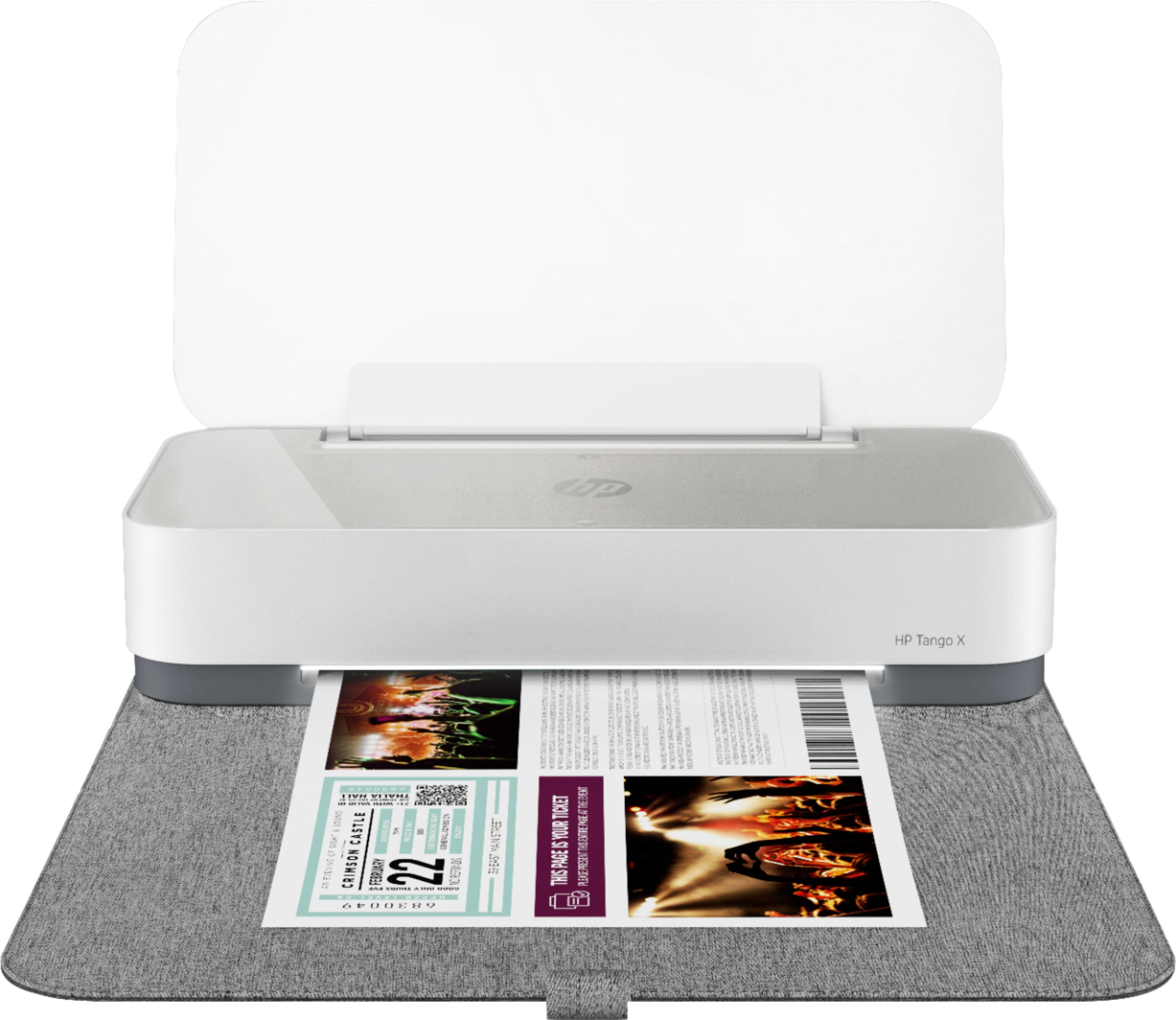
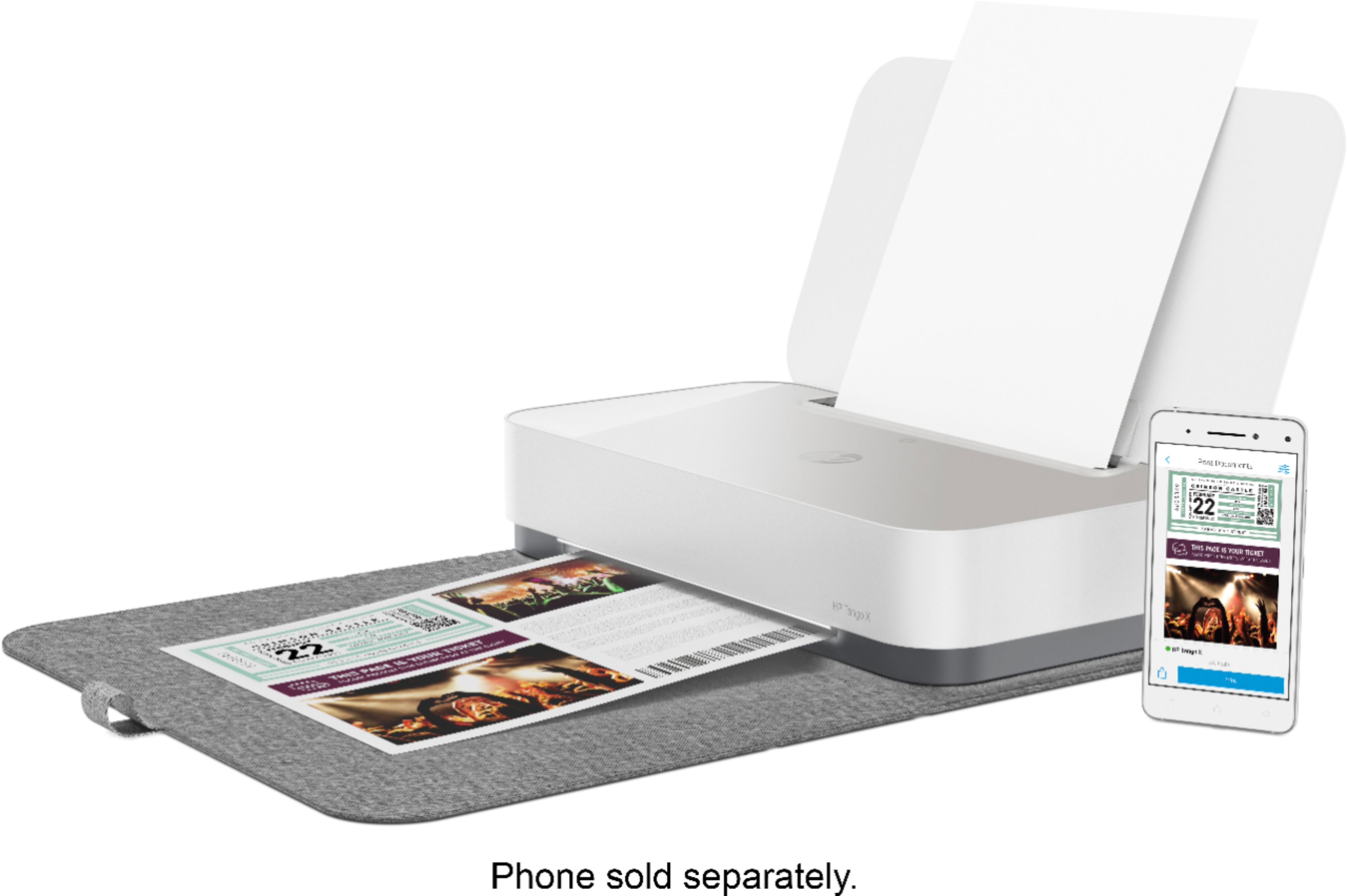
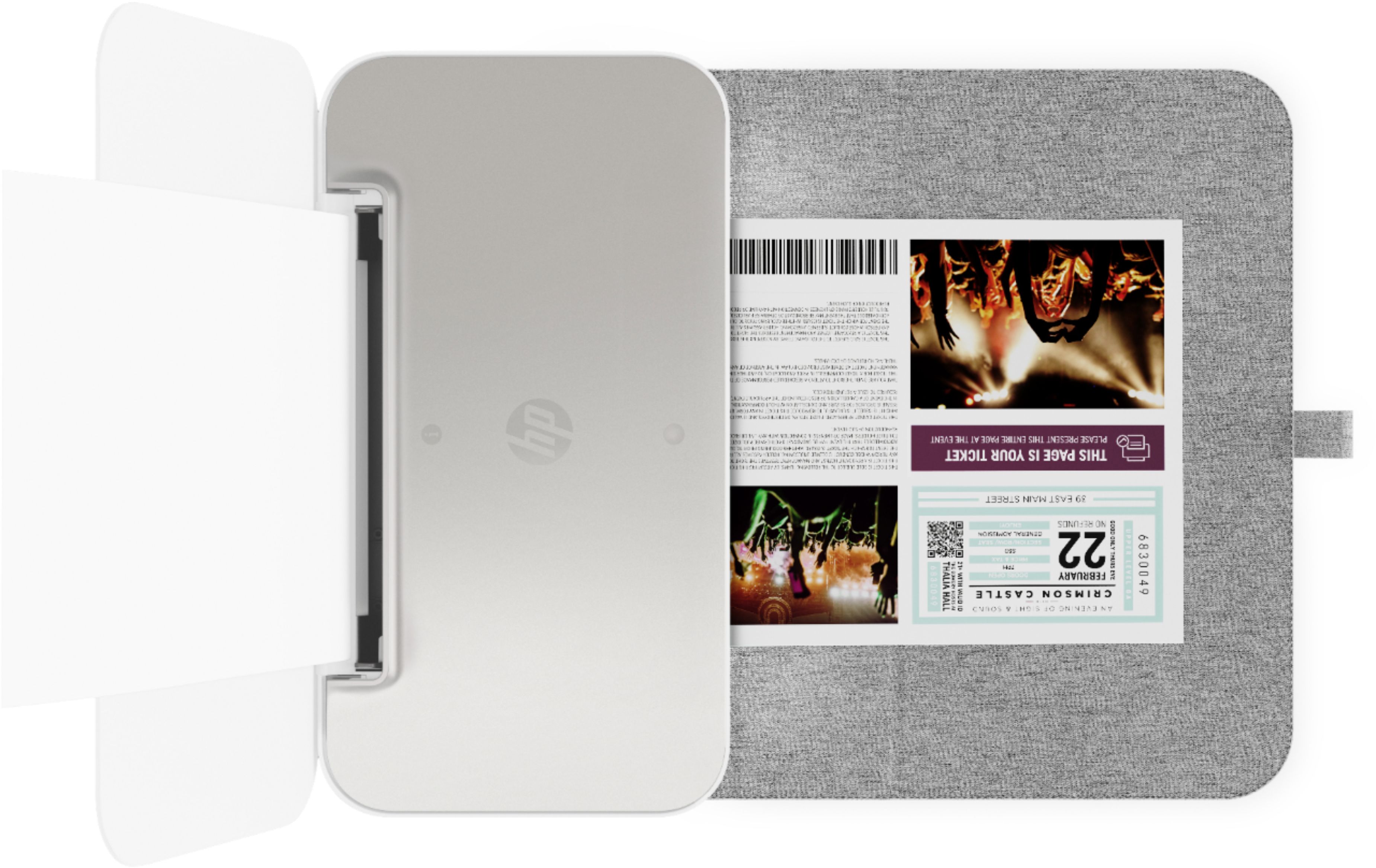
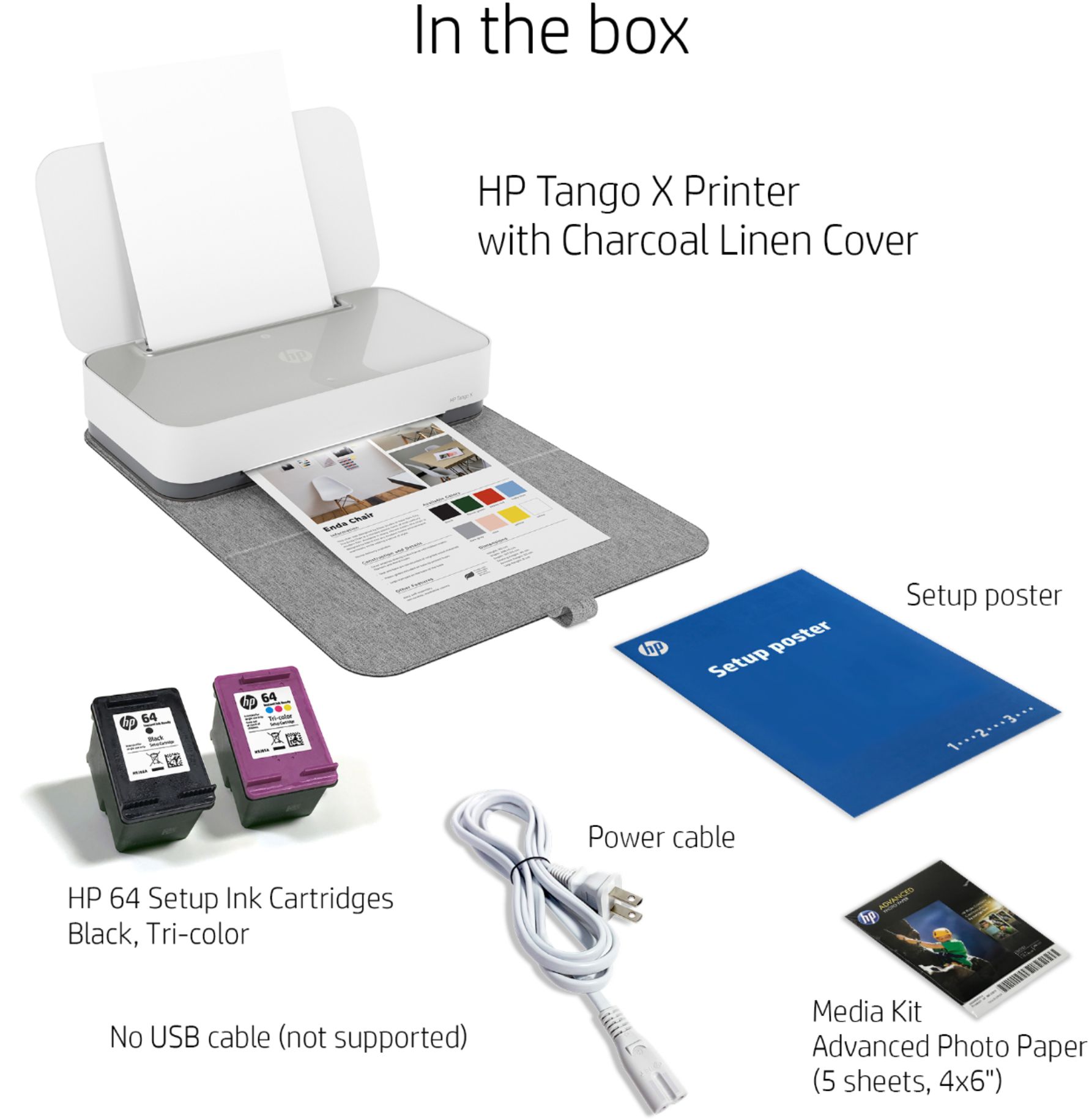
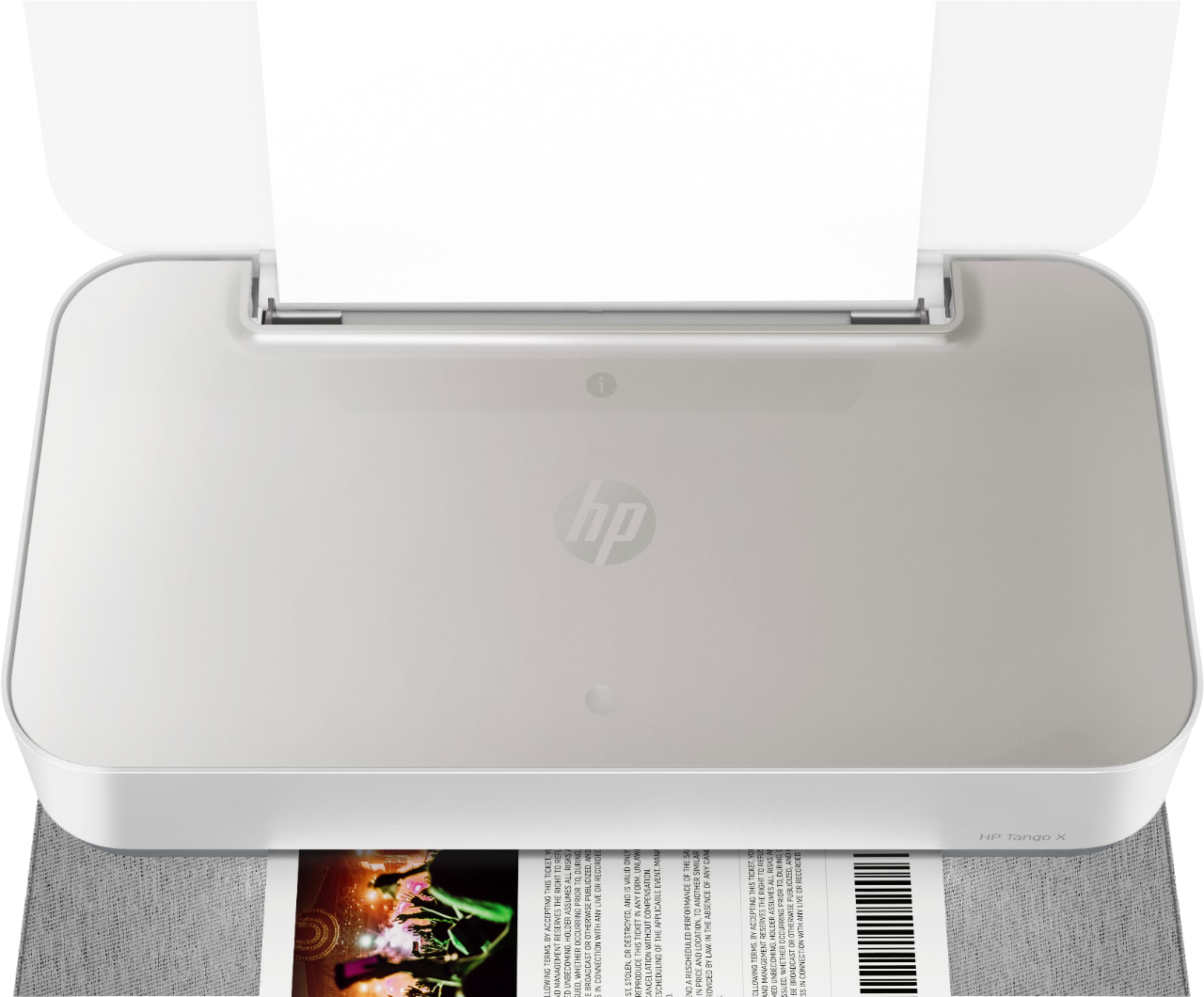
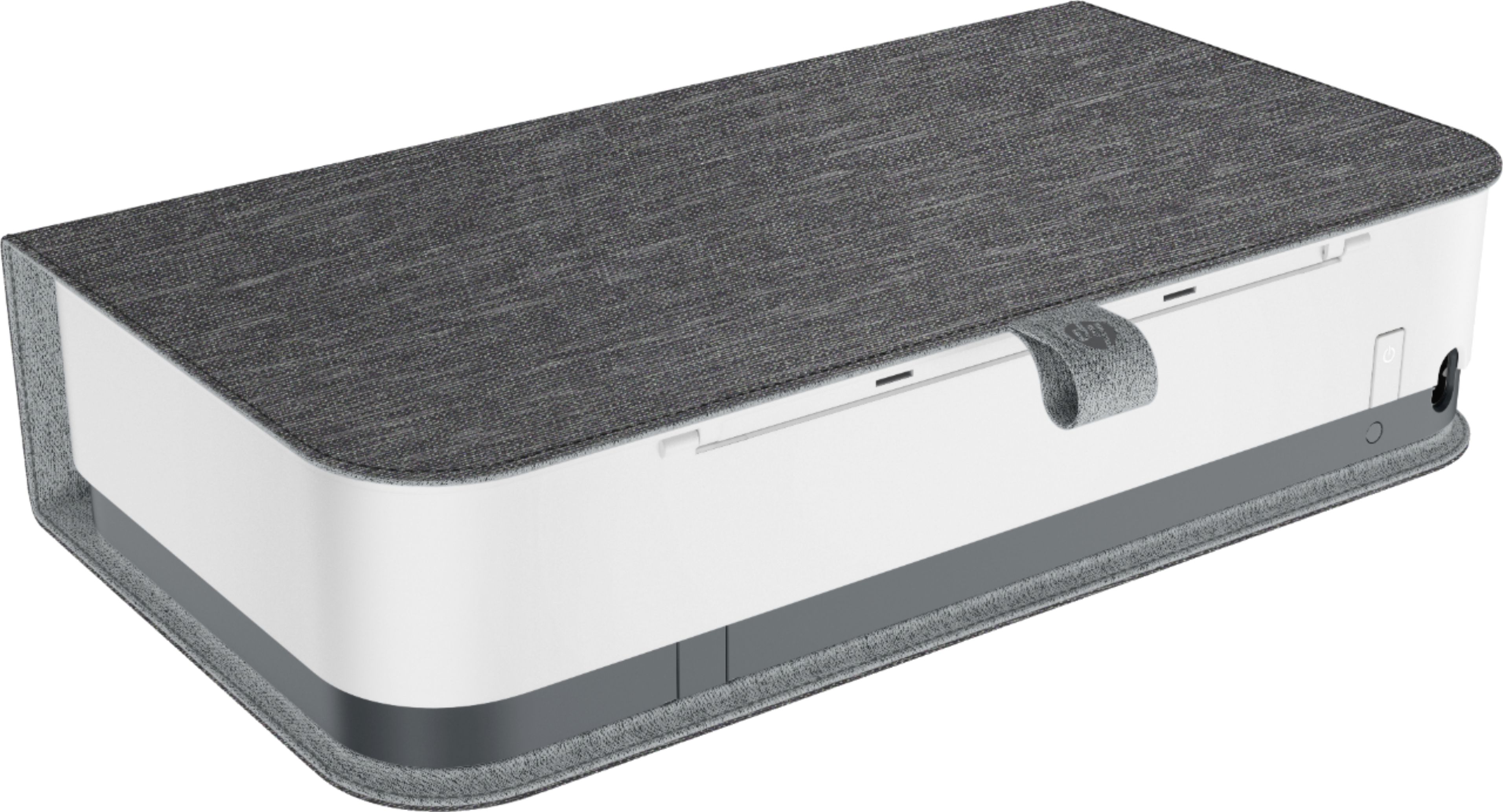
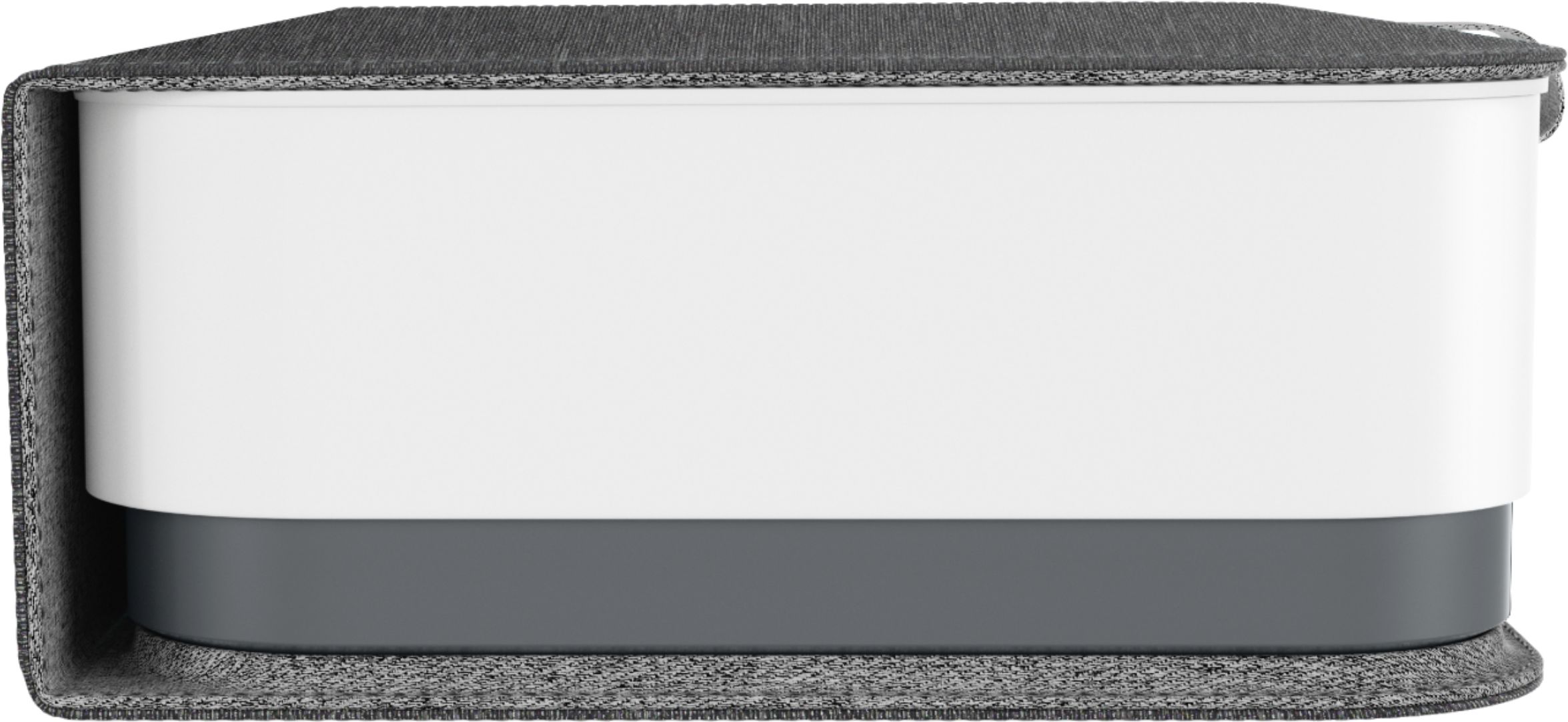
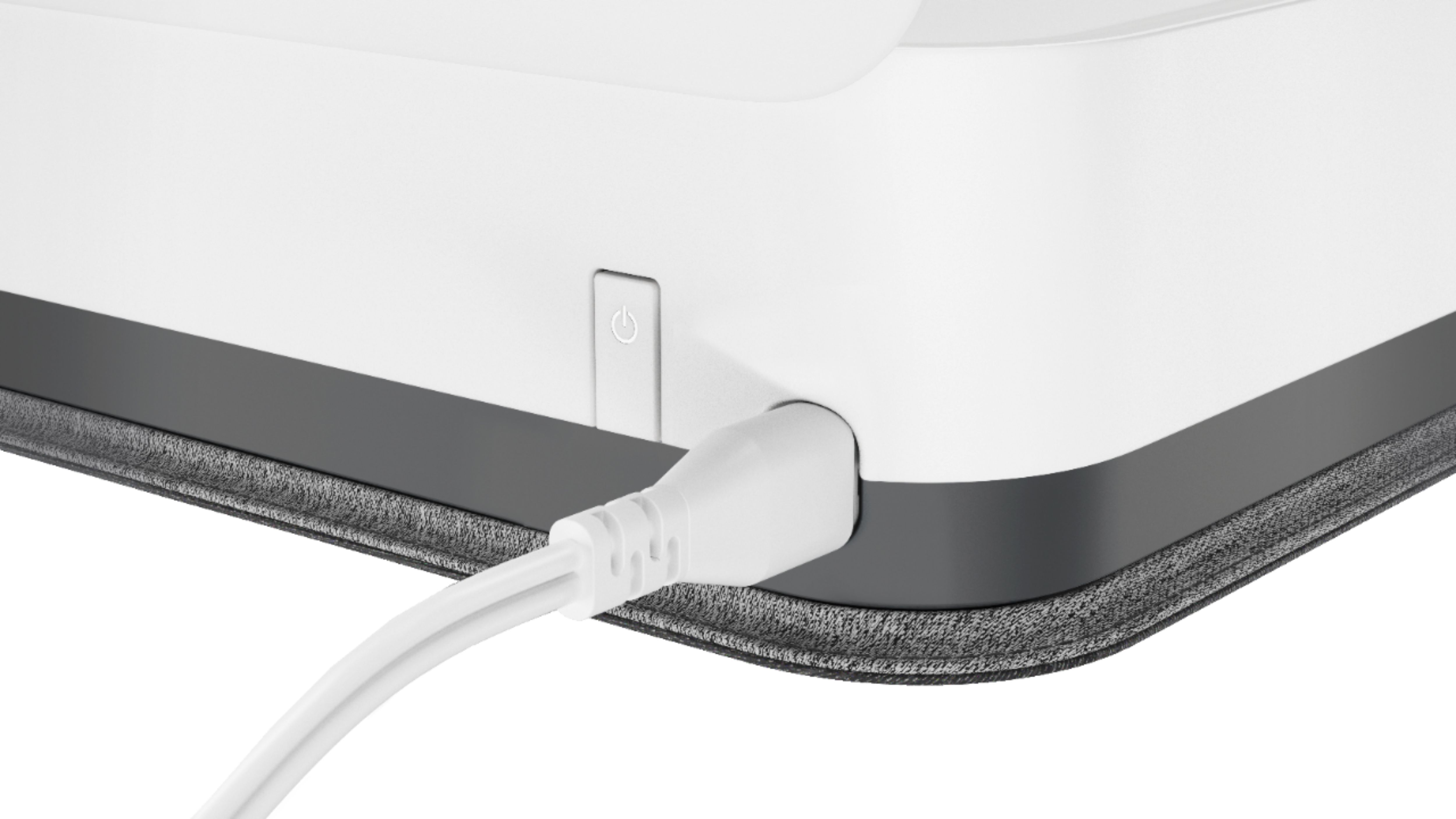
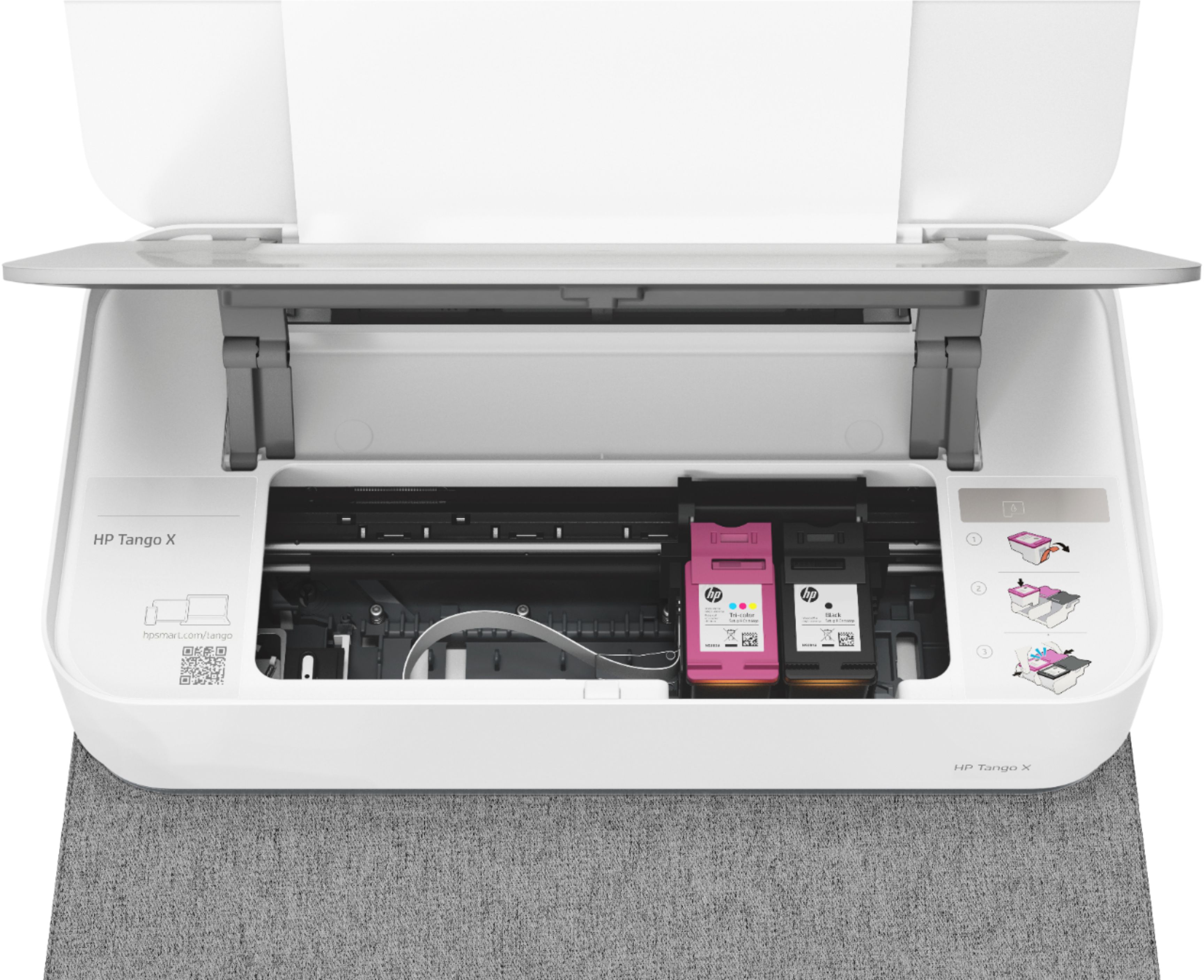
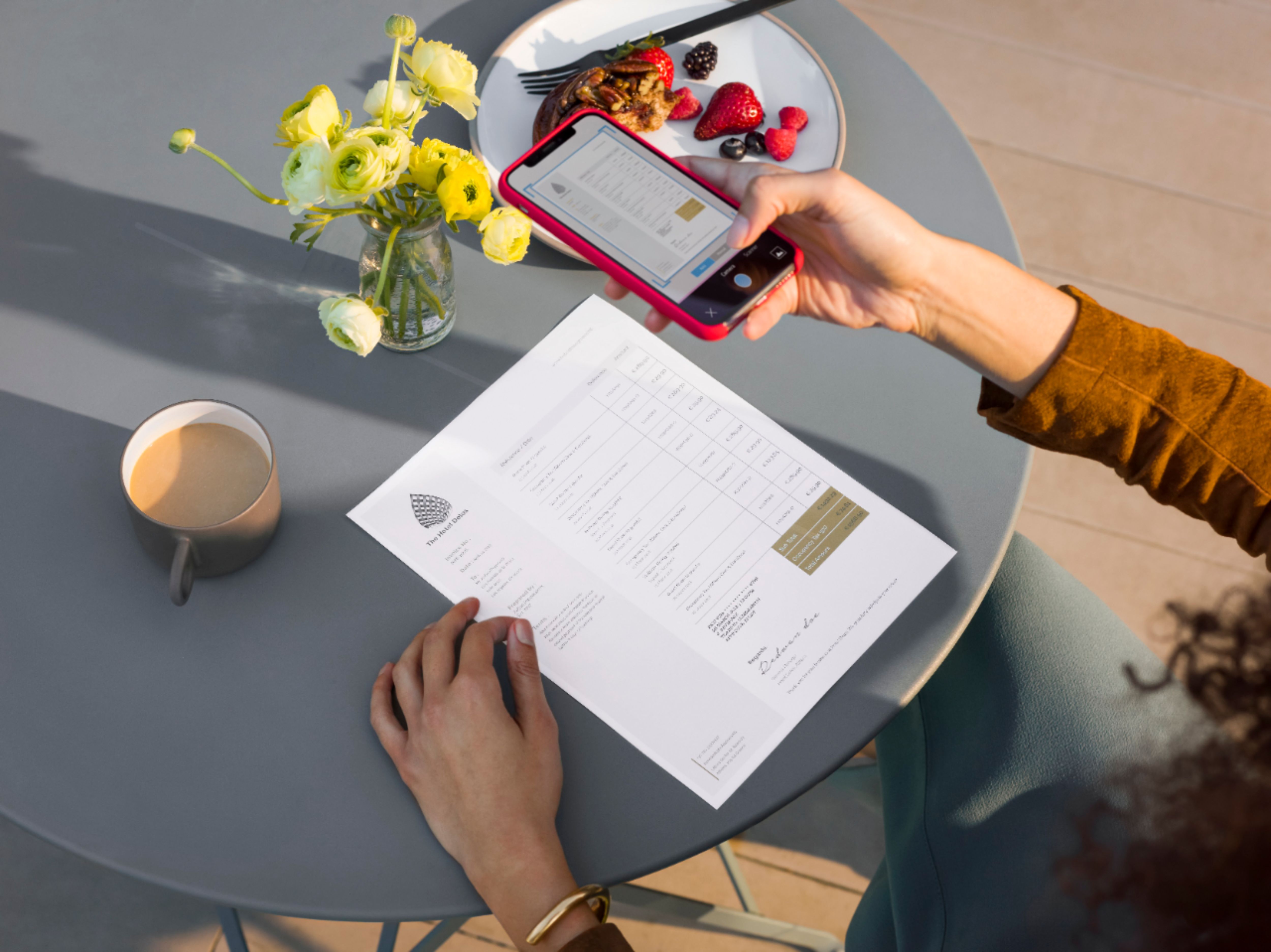
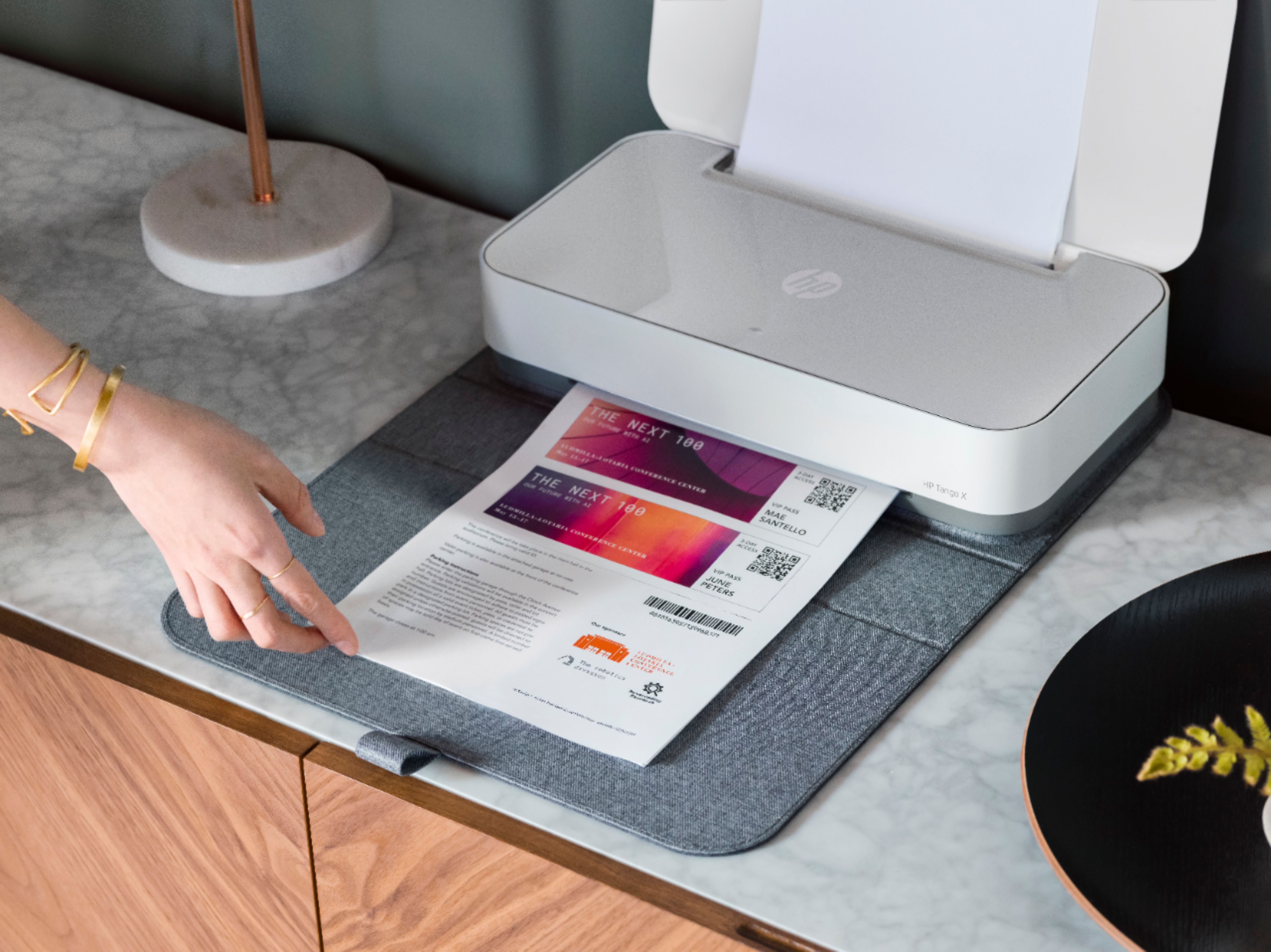
|Posted .This reviewer received promo considerations or sweepstakes entry for writing a review.This is an excellent printer if you bear in mind it’s design points. It is not as versatile as a multi-function printer with Copy/Scan/Fax/Print functions accessible from your device and from an LCD panel on the device. This printer has a power connector and that is it. It must be configured wirelessly and you simply use your cell phone and the HP Smart App to configure your printer – it’s very easy. In fact I think very soon there will be more printers that reduce costs by requiring the user to use a smart phone or computer to configure it and remove the on-board display; makes good sense. I should mention that the printer has a light that for example when glowing blue indicates you are connected over WiFi. There is also an Info button on the printer that you can press to get a configuration printout including the IP address. If you see a yellow blinking light there is a problem. I solved it by turning the printer off/on (there is an on/off switch). Some design points of this printer are simplicity, elegance in design and the utilization of a smaller footprint (it is 15x8x3 inches). The Tango X model comes with a very nice fabric cover that folds over the printer when not in use to make it blend with your décor. However, the cover can’t be in place when the printer is being used (part of it does sit under the printer). A design point that may have been nice would be to have a paper drawer under the printer so that the cover could be in place even when printing; of course this would mean additional motors to move the paper - so tradeoffs in simplicity and reliability. I love this printer as a second printer that does not take up much space and can be placed almost anywhere for example on an end table or even a nightstand. It already came in handy when I needed a quick printout and of course my main printer needed paper added, I just used my Tango X and was heading for town without delay. Using the HP Smart app is very nice. It’s great on the phone but not so great on Windows, since it can’t recognize Doc or TXT document types. It is great for printing photos (jpeg) from any device. A nice feature on your phone using the app is to copy a document page by taking a photo and this is sent directly through the app to the printer – very convenient. By the way, when I configured the printer using the Windows HP Smart app, it was fully configured and I could just use Word to print a doc file, so there is really no hole in functionality. The WiFi is either 5G or 2.4G so that’s better than most printers that have only 2.4G capability. If you sign up for HP Instant Ink, any ink used printing photos will get you ink refills at no charge. So that’s a marketing idea HP is using for this device only, as far as I was able to find out. You could use it exclusively for photos and get totally free ink mailed to you. The photos I printed were excellent but not quite as good as HP Photosmart printers I have used. It comes with a nice user guide that is all you need really to use the printer, the HP Smart app is your user guide in fact. One tip on inserting ink cartridges: it is very easy if you place one finger behind the socket for the ink cartridge, don’t just push on the front of the cartridge – you’ll see what I mean. I saw some reviews where people had minor troubles that are alleviated by using my tip. I really like this little printer and it is solid, it is not a toy though it’s size may make you think so. It is useful as a second printer for me, but could be a great main printer if you don’t do lots of printing as the spot for the paper only allows 40-50 sheets. I would recommend this printer without hesitation but consider the design points I mentioned.
I would recommend this to a friend Hard to connect
||Posted . Owned for 1 year when reviewed.This reviewer received promo considerations or sweepstakes entry for writing a review.Disconnects from the computer frequently and the connection process is terrible. They need to update the software to make it easier to connect. Its beautiful thought, lol
No, I would not recommend this to a friendSleek design pretty basic
||Posted .This reviewer received promo considerations or sweepstakes entry for writing a review.It’s not very effective/efficient. The features are all over the place. Plus if you wanted to use the printer you have to disconnect from your wi-fi so it can print on its own WiFi network?
No, I would not recommend this to a friendIt’s ok
||Posted . Owned for 1 year when reviewed.This reviewer received promo considerations or sweepstakes entry for writing a review.At first this printer is nice and work ok, but it has miss feed problems and the inc is hard to get my didn’t last long.
No, I would not recommend this to a friendprinter
||Posted . Owned for 3 weeks when reviewed.This reviewer received promo considerations or sweepstakes entry for writing a review.It was a good printer but I could not use it on the go because it did not have a battery
No, I would not recommend this to a friendNothing special
||Posted .This reviewer received promo considerations or sweepstakes entry for writing a review.Don't see what all the hype is about this printer. Uses a lot of ink and does an average job.
No, I would not recommend this to a friendBrand response from HP Team
Posted .Hello there,
I'm so sorry to hear that the printer isn't quite what you expected with regards to ink consumption. We're certainly committed to providing an economical experience with our printers, so I can imagine how disappointing this must be. With that said, let's see what I can do to help.
First, I do have a few suggestions to try for lowering ink consumption. To start, I recommend using the printer's draft mode, as this can often improve ink usage. Following that, you could also set the printer to print black and white only. If you find you're still using quite a bit, Instant Ink might just be worth a try. Many customers like our available plans, as they're based on how many pages you print monthly. If your printer usage is minimal, Instant Ink also offers a subscription plan that allows you to print 15 pages a month for free! For more details, you can visit this link: HPinstantink.com
I hope this helps.
Chelsea
HP Care
hp.com/support
Not my favorite.
||Posted . Owned for 1 year when reviewed.This reviewer received promo considerations or sweepstakes entry for writing a review.Ultimately I return this item and got a full refund or at least a partial refund because it’s not the item I really wanted, issue with it is that you have to have a Wi-Fi network and other things for it to work at the time I did not have a Wi-Fi network and I found it just kind of inconvenient so I got a more quality printer that has more standard features.
No, I would not recommend this to a friendPrinter
||Posted . Owned for 1 month when reviewed.This reviewer received promo considerations or sweepstakes entry for writing a review.Works good looks good east to set up sometimes disconnects to wifi but easy to reconnect it so far we like it
I would recommend this to a friendKeep looking for another printer
||Posted . Owned for 4 months when reviewed.This reviewer received promo considerations or sweepstakes entry for writing a review.It was alright at first but now I’m having some issues and can’t get them resolved, for starters the printer won’t feed paper if I put more than 1 sheet in and sometimes I have to hold the paper a certain way just to feed it. Now I’ve tried everything updates, unplug and plug back in but no matter what I do it just won’t print now after 4 months
No, I would not recommend this to a friendWorks well sometimes.
||Posted .This reviewer received promo considerations or sweepstakes entry for writing a review.This printer is overrated. You cannot print double sided, or even every other page to manually print double sided. If you print several pages, there is often an error that does not allow you to correct it. It just cancels the print job. This was not worth the money and is very frustrating.
No, I would not recommend this to a friendBrand response from HP Team
Posted .Hi there.
I’m sorry to hear that your printer is not performing like it should regarding completing multiple-page print jobs. I can understand why this would quickly become frustrating, so I’ll offer some resources and information I hope will help.
One option to explore is our HP Print and Scan Doctor, a general diagnostic tool. If you use Windows, the tool will help identify and guide you through solutions to a wide range of common printing and scanning issues. You can find a download available at this link:
- support.hp.com/us-en/document/c03286146
If the problem persists, I recommend that you contact us directly at +1 800-474-6836 so we can guide you through the proper troubleshooting. (Please note that because of restrictions on personal movement and workplace attendance associated with the COVID-19 pandemic, wait times for agents are longer than normal. Thanks in advance for your understanding.) To expedite the process, I recommend gathering the following information before the call:
- Model number
- Serial number
- Your location
- Case number (from any previous contact with HP support)
I'll also mention that HP printers have a one-year warranty from their purchase date that covers hardware as well as ink supplies, so if it comes to that, you might consider making use of it. You can verify the warranty using the following link: support.hp.com/us-en/checkwarranty
Keith
HP Care
hp.com/support
Good product, bad service and support
||Posted .This reviewer received promo considerations or sweepstakes entry for writing a review.Initial set up was ok. However, I discontinued the Instant Ink service and then the printer became unusable - could no longer print because the HP Smart app would not recognize the ink and/or printer. Customer service is all virtual so requires digging on the forums.
No, I would not recommend this to a friendWIFI not good
||Posted . Owned for 1 month when reviewed.This reviewer received promo considerations or sweepstakes entry for writing a review.WIFI network connectivity is poor - have to re-install printer at least weekly.
No, I would not recommend this to a friendOk printer
||Posted .This reviewer received promo considerations or sweepstakes entry for writing a review.Hard to get set up on my internet. I wouldn’t recommend it to a friend.
No, I would not recommend this to a friend