Customer Ratings & Reviews



- Model:
- 3DP65A#B1H
- SKU:
- 6276402
Rating by feature
- Value
Rating 4.3 out of 5 stars
- Quality
Rating 4.5 out of 5 stars
- Ease of Use
Rating 4.4 out of 5 stars
Customers are saying
Customers are impressed with the Tango X Wireless Instant Ink Ready Inkjet Printer's ease of use, print quality, and compact size, frequently praising its user-friendly setup and quiet operation. Many appreciate the stylish design and wireless functionality, finding it convenient for various devices. However, some customers noted that the scanning functionality could be improved and that the printer might be considered expensive by some.
This summary was generated by AI based on customer reviews.
It’s good
||Posted . Owned for 3 weeks when reviewed.This reviewer received promo considerations or sweepstakes entry for writing a review.It’s works okay. Ink is expensive. Took a bit to set up because I’m. Not tech savvy
I would recommend this to a friendGood printer if you don't need wireless printing
||Posted . Owned for 3 weeks when reviewed.This reviewer received promo considerations or sweepstakes entry for writing a review.Good printer, good brand but it doesn't have wirless capabilities
I would recommend this to a frienddecent
||Posted . Owned for 9 months when reviewed.This reviewer received promo considerations or sweepstakes entry for writing a review.decent printer, often has issues keeping stable connection
No, I would not recommend this to a friendSave your money.
||Posted . Owned for 3 months when reviewed.This reviewer received promo considerations or sweepstakes entry for writing a review.Set up is easy. Concept is great when it works. Only works half the time. I spend more time on getting it to communicate, not jam or actually get the paper to go through. When it does print, it's a crisp picture. Totally disappointed in HP. This is my 5th printer.
No, I would not recommend this to a friendBrand response from HP Team
Posted .Hi, Willow.
While I’m glad to hear you like the print quality of your printer and found it easy to set up, I’m sorry to hear you’ve had paper-jam and communication issues with it. I can understand why that would be quite disappointing, so I’ll suggest some resources and information that I hope will help.
First, I recommend following the steps in this guide to clearing and avoiding paper jams:
- support.hp.com/us-en/document/c06079207
For communication issues, visit this page to find troubleshooting guides on this and other topics as well as user manuals, video tutorials and software updates for your printer; scroll to the pulldown menu and choose Wireless, Networking & Internet:
- support.hp.com/us-en/product/hp-tango-series/20486540/model/20535819
If any problems persist, I hope you’ll reach out to us so we can work through any necessary troubleshooting with you. We’re always here to help, so you can get in touch via your preferred method at this link: hp.com/contactHP
Keith
HP Care
hp.com/support
- Pros mentioned:Ease of use, Wireless

Built nicely!
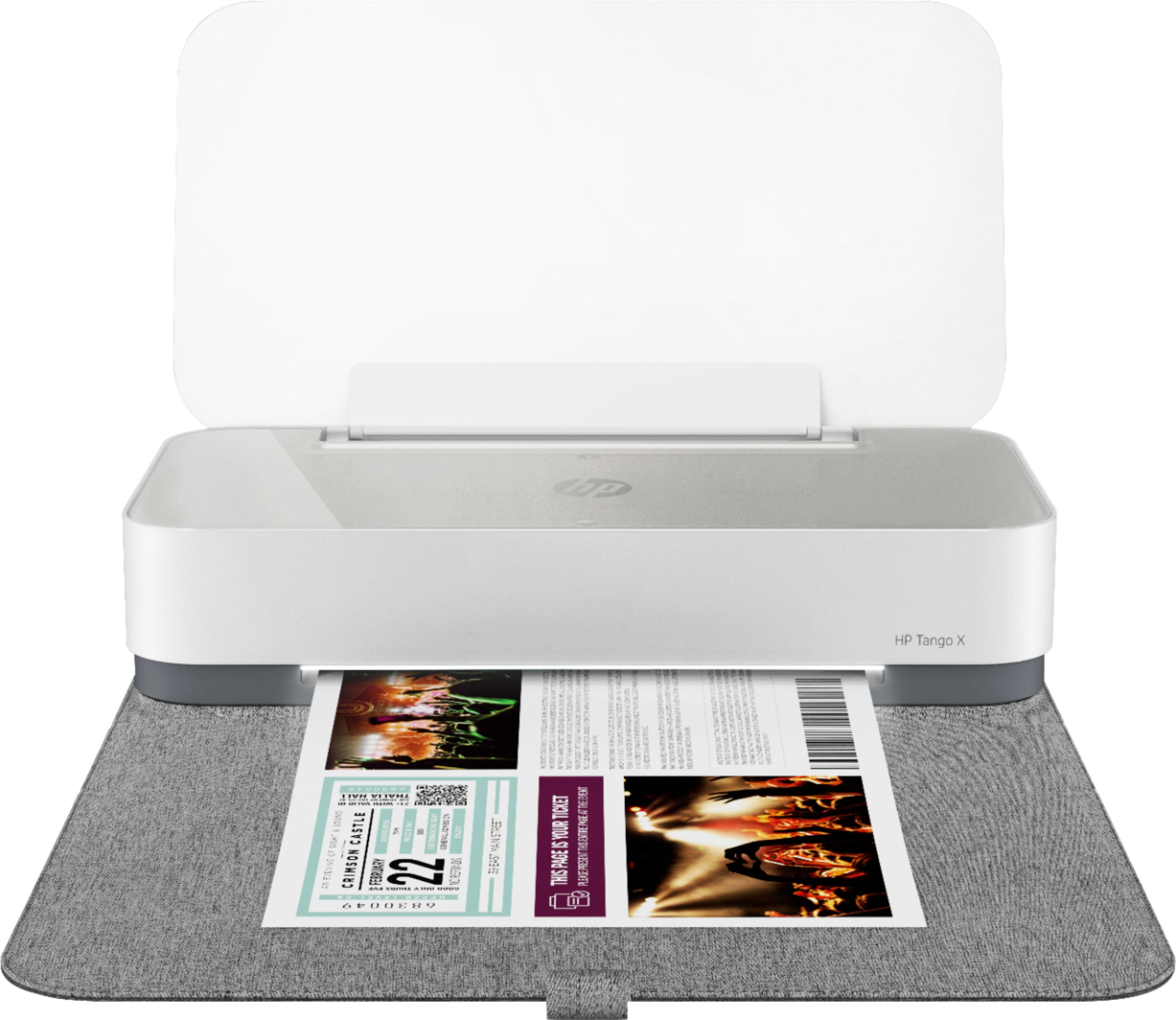
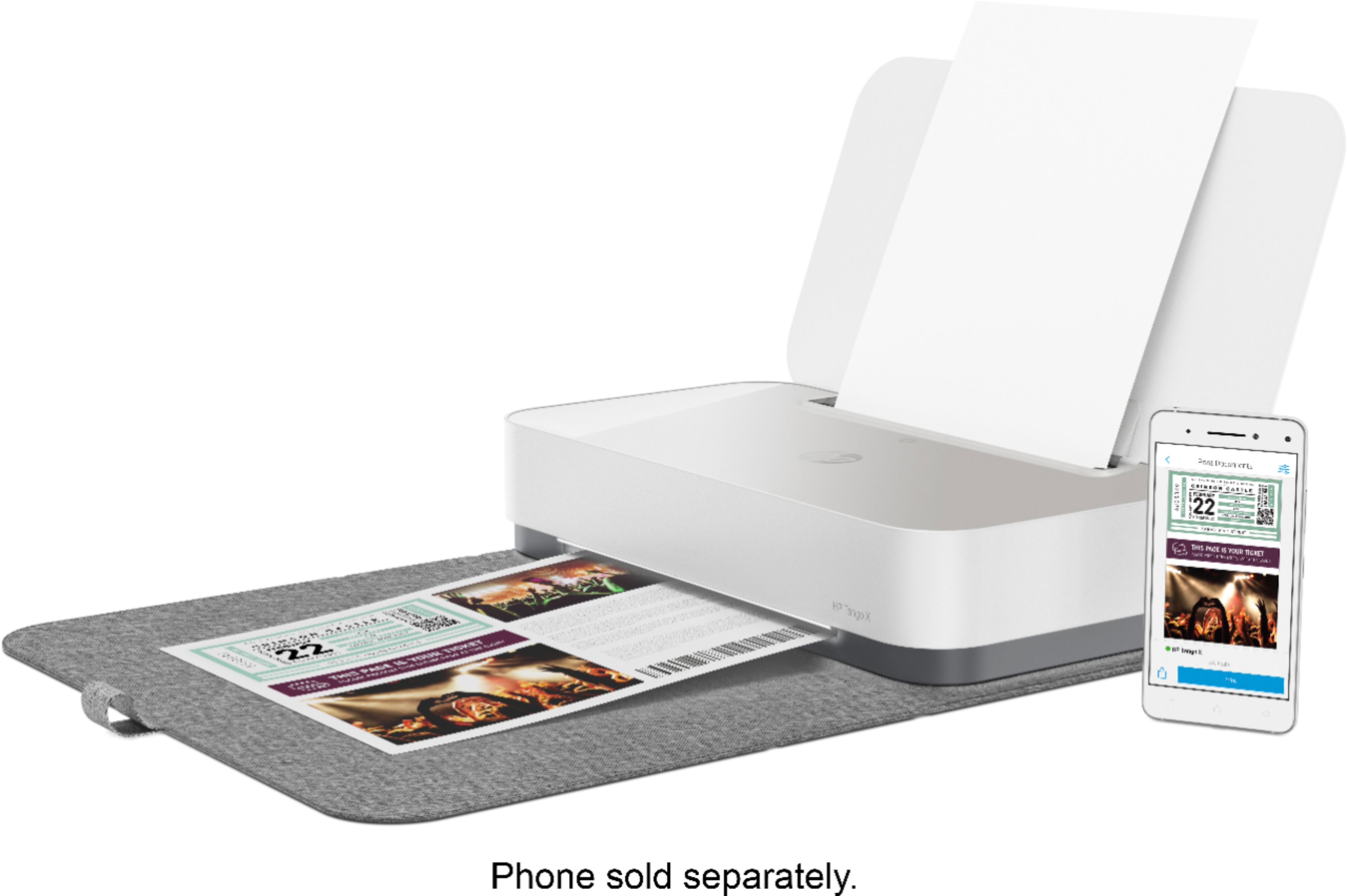
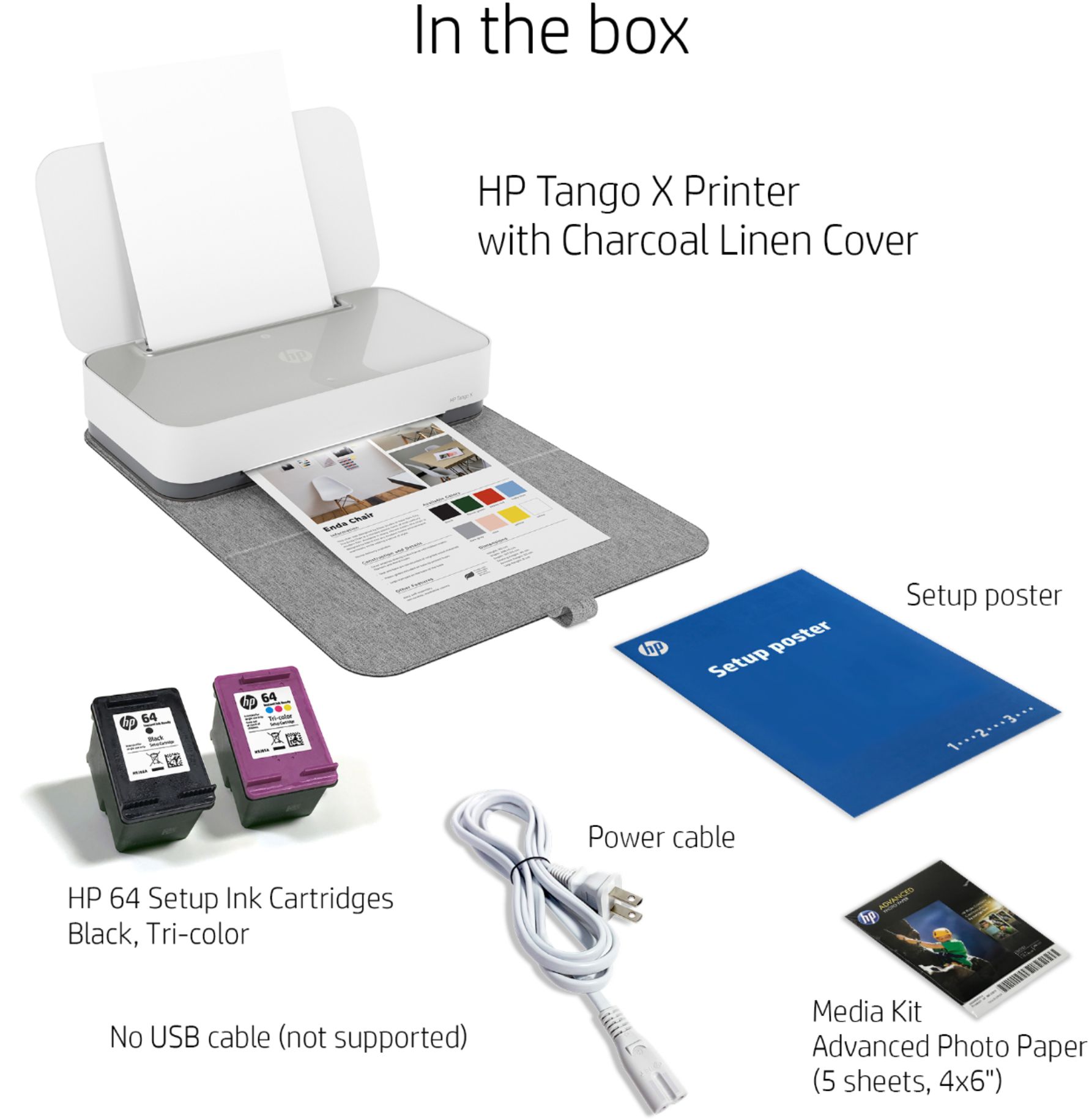
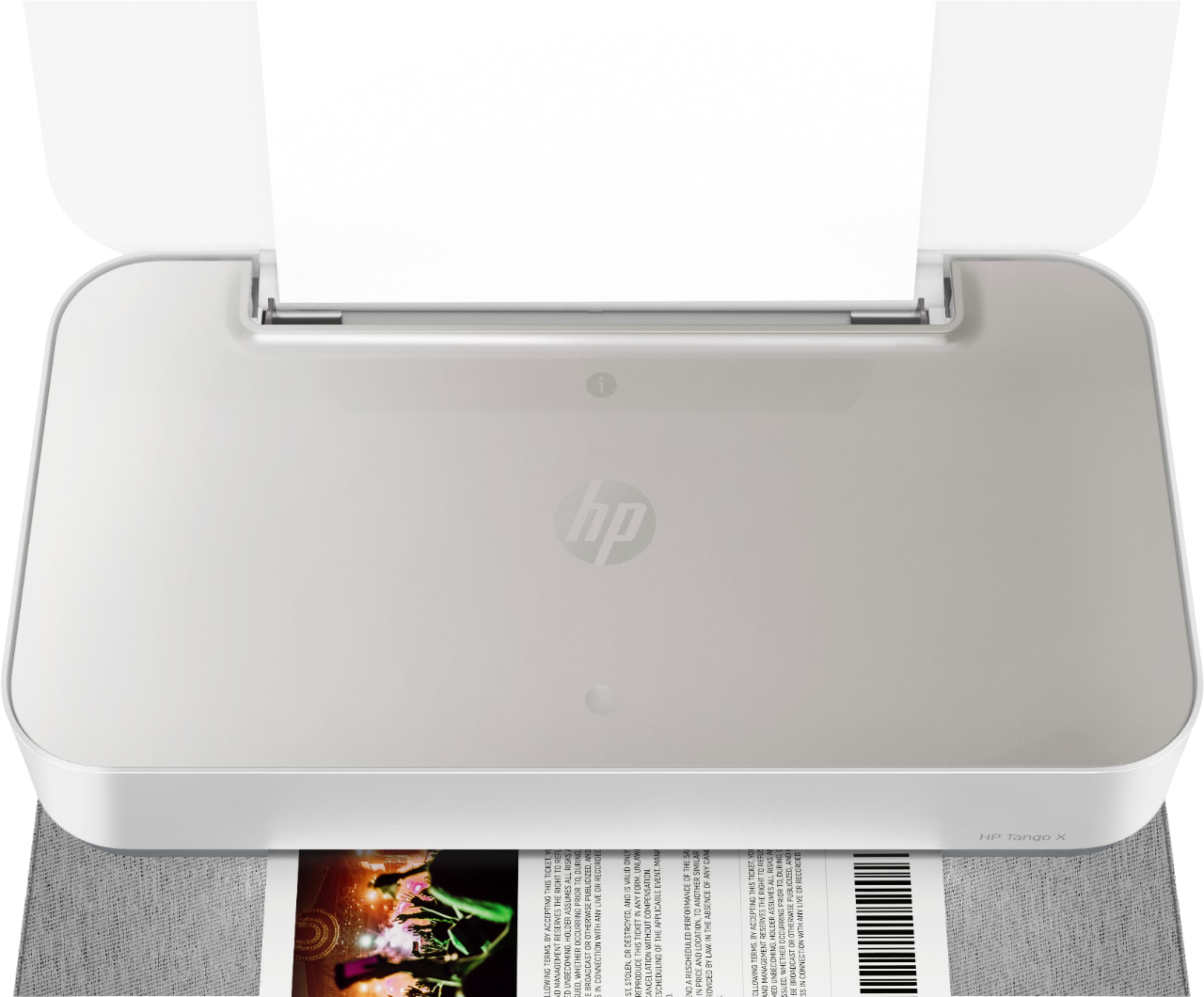
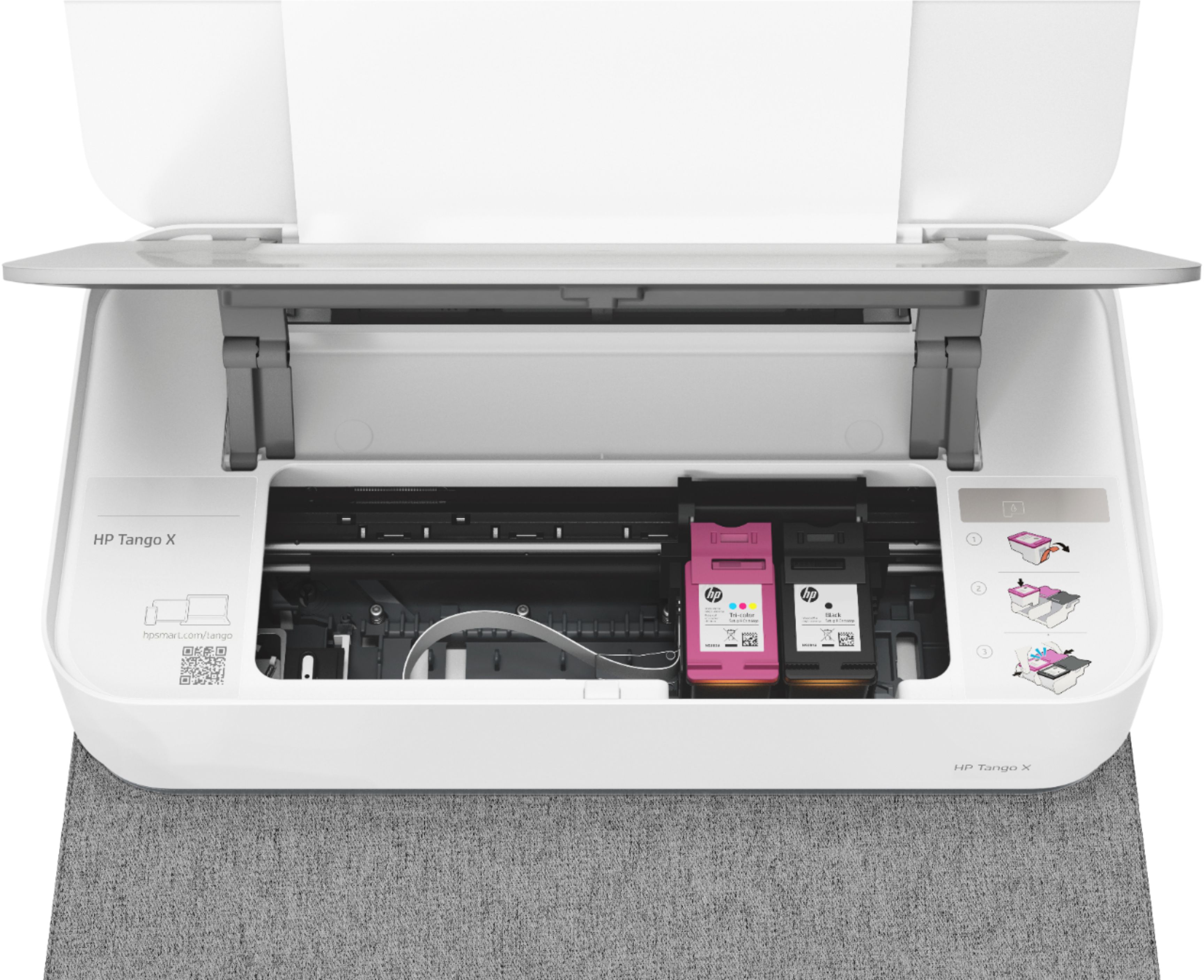
|Posted .This reviewer received promo considerations or sweepstakes entry for writing a review.In the box is the printer, a cover, the power cord and an additional small pack of photo paper. Overall, I love this product. I love the sleekness and the portability. The printer is lighter weight then the normal printer copy scan and it will easily fit in a back or a wide laptop bag. I did put the printer in a wide laptop tote/bag and was not able to keep the flap around it because it was too big. Connectivity and setup is a breeze. When you open the printer flap, there is an information (i) button, press it and it will print out the Printer Information Page. On this page, it shows you how to directly connect to the printer to print ANYWHERE! (To print additional network information and to solve any wireless problems, press and hold the information button for 3 seconds until all lights are lit, and then press the information button and the Resume button at the same time.) Download the HP Smart app and add the printer for even more options. Printer quality is excellent. I was able to a school note and a spreadsheet for work pretty quickly! Just pull the paper adjuster and resize to 8x11 or 4x6 photo paper. Overall, I love this printer and I would definitely buy again. I would definitely recommend to students or anyone that uses a printer frequently and this would even be nice at a family function to take a photo home! I love this option because not only does it print out photos but you can also print out documents as well.
I would recommend this to a friend - Pros mentioned:Ease of use, Print quality
Welcome Small-Sized, Quality Output Printer
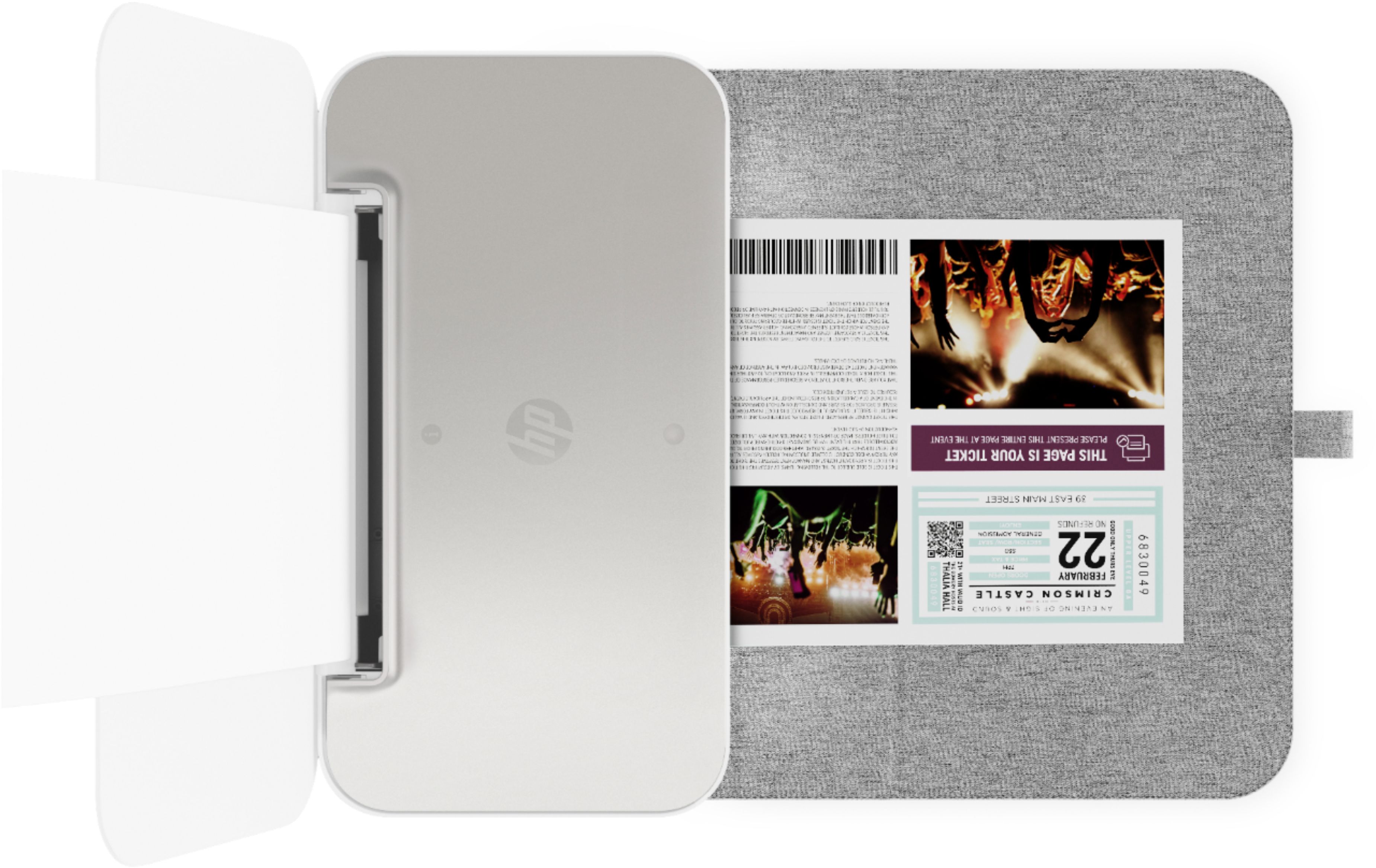
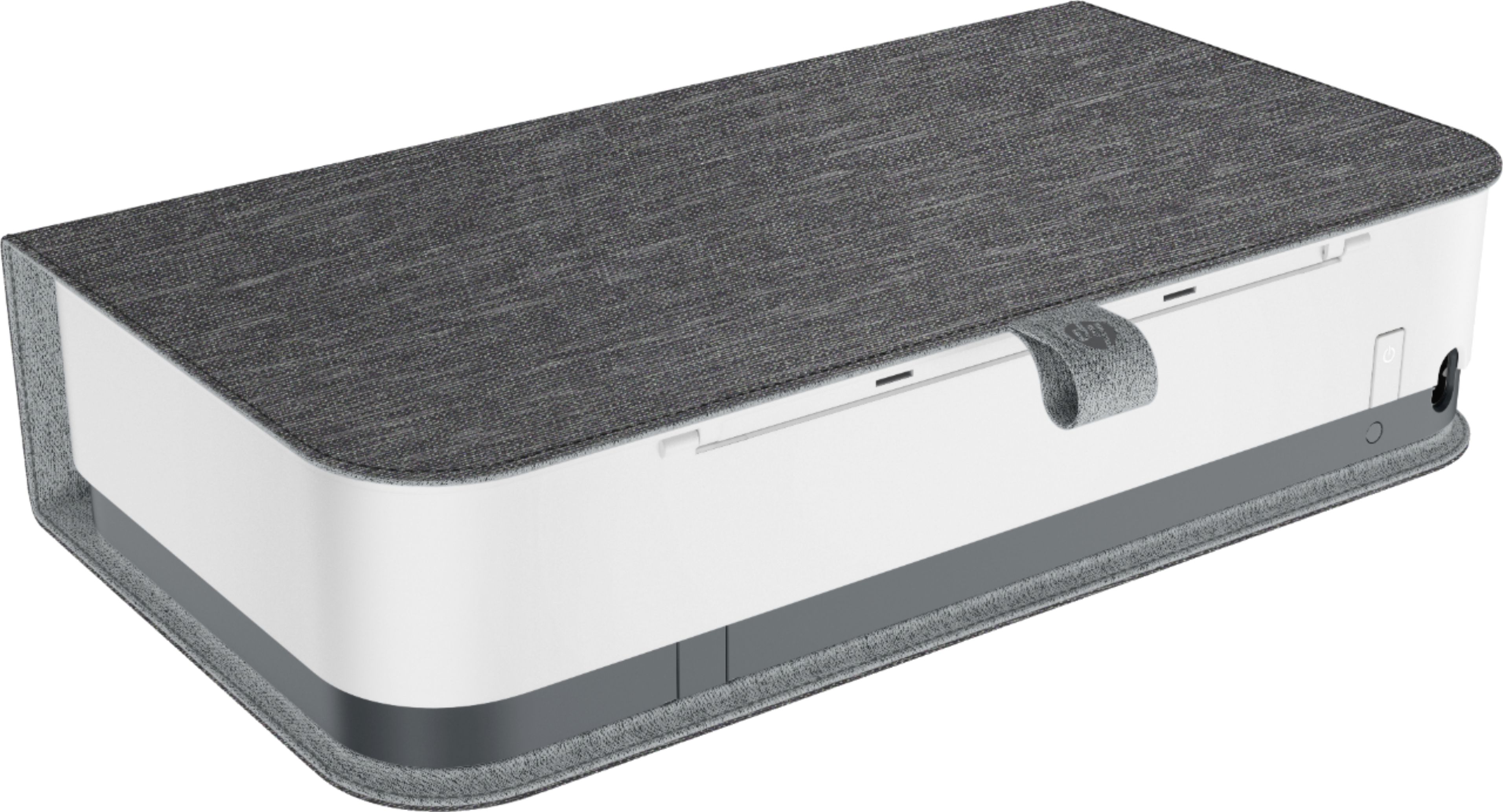
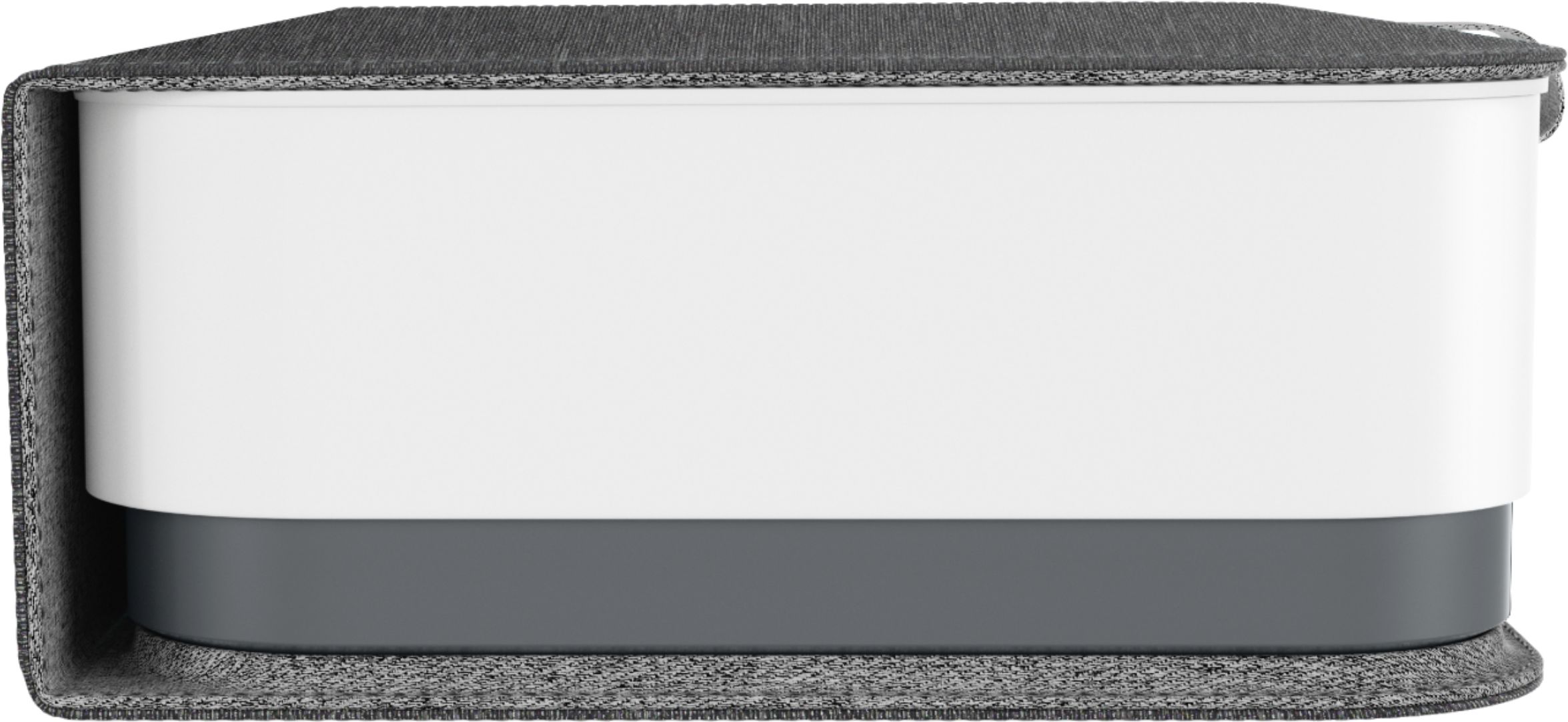
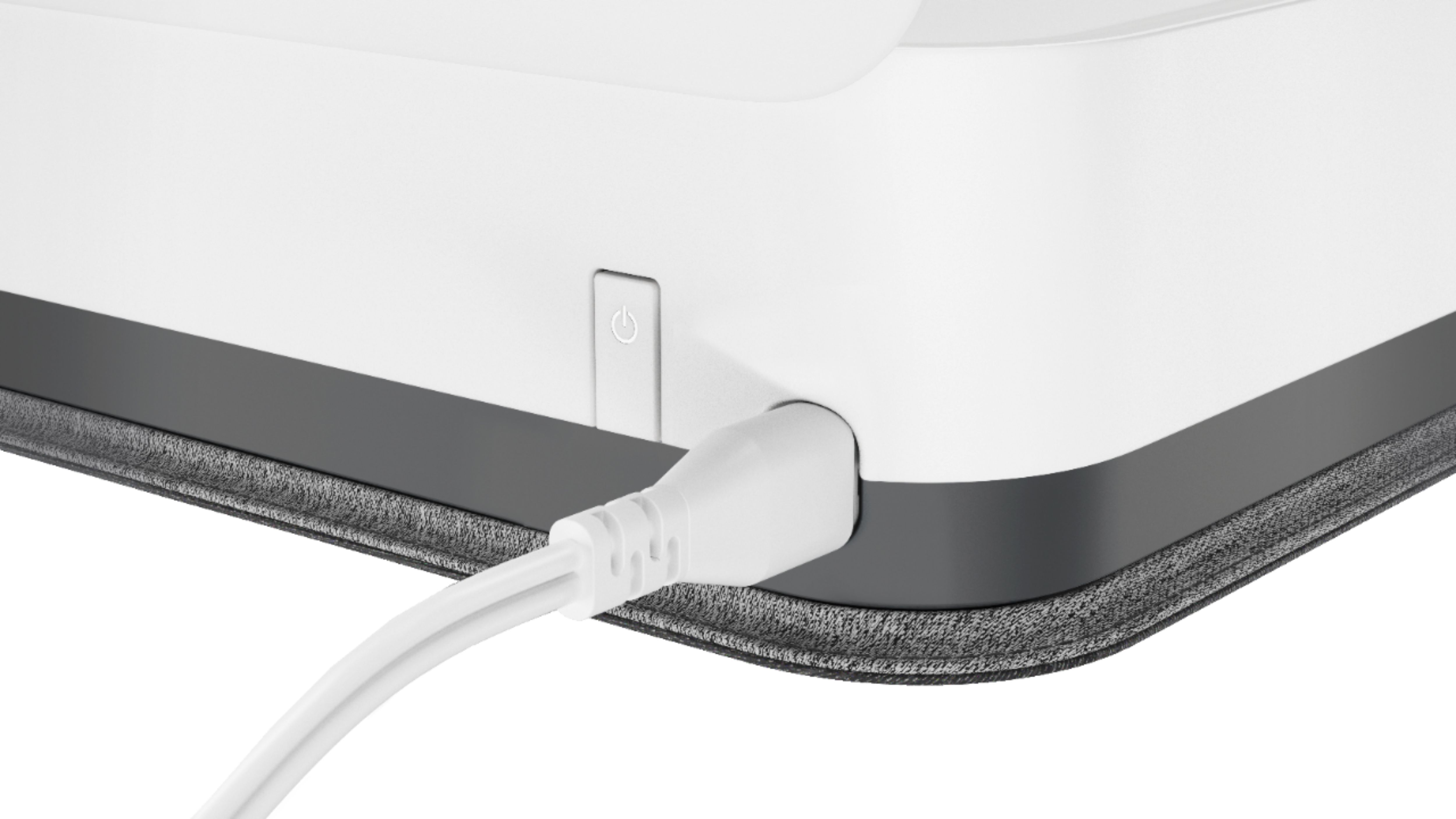
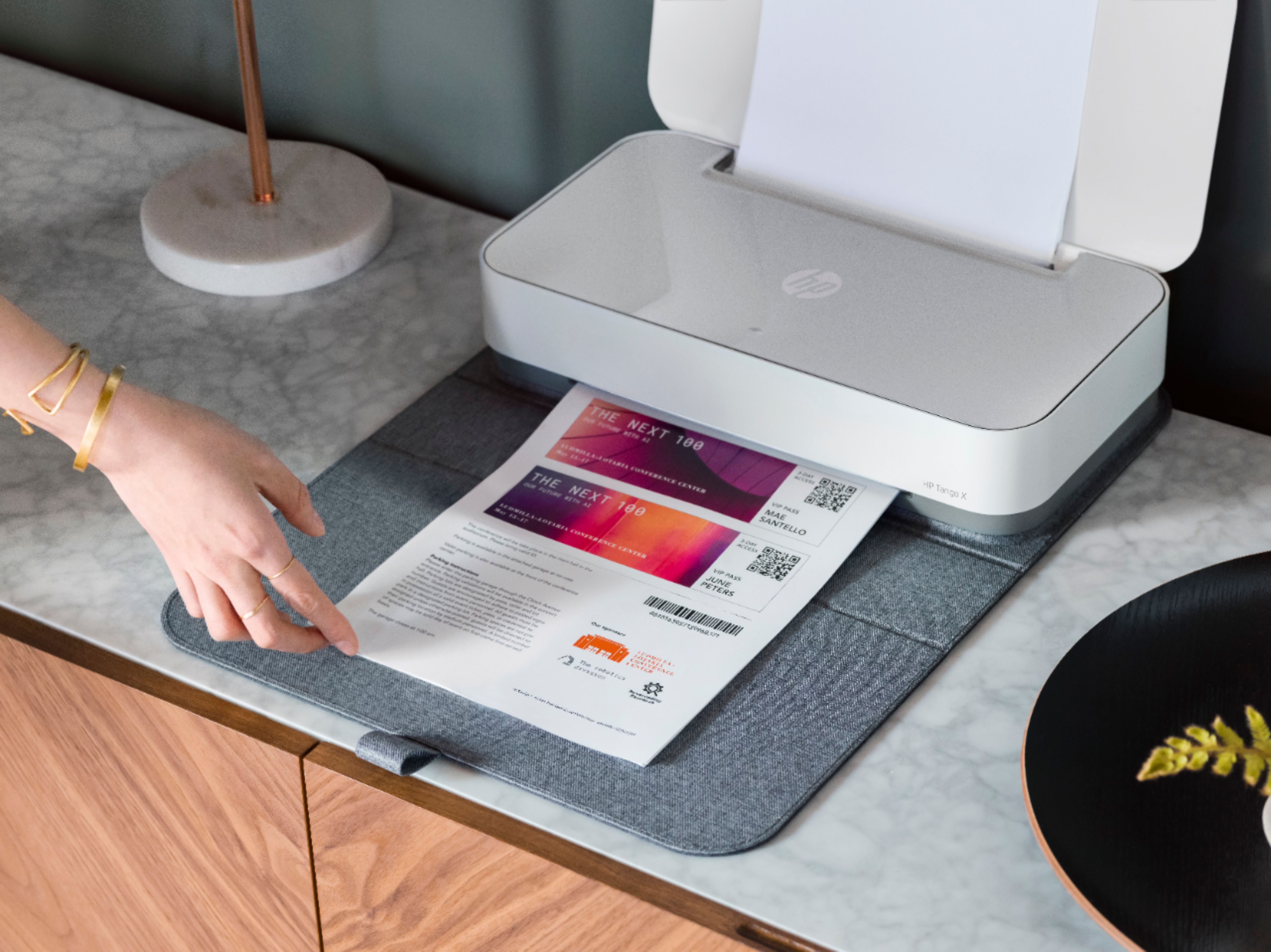
|Posted .This reviewer received promo considerations or sweepstakes entry for writing a review.The HP TangoX Printer is a welcome offering for those looking for a small form-factor with quality output. It comes with a mat that doubles as a sort-of protective carrier. Also, the notifications that come via colored lights are attractive and have a ‘modern’ feel. Initial setup couldn’t have been easier using the HPSmart app (all platforms). I was up and printing in less than 5 minutes. However, when I moved it to my office and needed to connect it to the WiFi there, I encountered a process that was not intuitive. Expecting to use the app to reset the wifi for the unit, I discovered that there is no feature for doing that via the HPSmart app. In order to reset the wifi, you have to hold a small button below the larger power button on the back of the printer. It is not easy to see or find. Essentially, you have to go through a process similar to the initial setup. Once I understood the process, it worked fine, but it feels very unintuitive for a printer that presents itself as being built for mobility. I believe this could be addressed in future software updates and hope that HP makes it possible to do this process thru the app. This is a handy printer and was put to good use immediately. I only gave it 4 stars because of the issue (mentioned above) relating to changing the wifi setting.
I would recommend this to a friend Good Knick-knack shelf, decent printer.
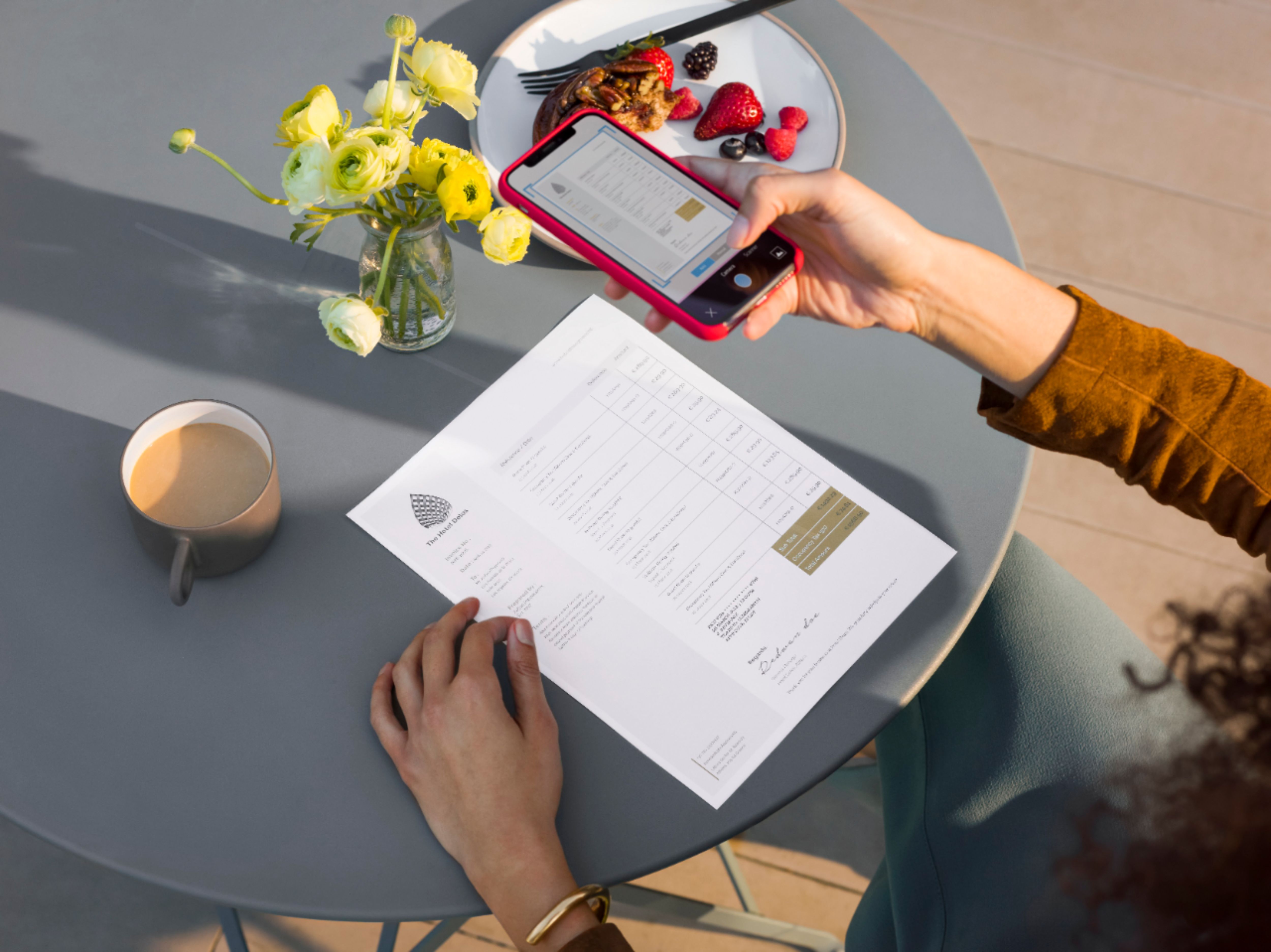
|Posted .This reviewer received promo considerations or sweepstakes entry for writing a review.I honestly haven’t had an inject in a long time. I went laser back in the mid-2000’s and haven’t looked back. The HP Tango X was an interesting product for several reasons: It was compact, blended in with decor, and offered the ability to print photos on photo paper. With kids around, we’ve been enjoying swapping out photos more now, and not having to run to Walgreens or CVS to pick up photos seemed like a plus. First of all, let me tell you what this printer isn’t. It isn’t full of features, screens, and buttons. In fact, there is hardly any buttons on it. The only thing you’ll find is a ‘info’ button that is a multi-function button (although on the back you’ll find a power and wireless button). There isn’t even a USB port, just Wi-Fi (dual band even!). This printer has traded a tiny LCD screen for an array of LEDs. These essentially put on a light show while printing, and are ostensibly part of the voice-activated computing movement which tends towards LEDs blinking to send messages to your eyeballs avoiding letters. In fact the HP Tango X is marketed as being voice activated, which is a bit of a misnomer IMHO as there is no microphone or native voice activation. What that means, being translated from the marketing speak, is that it has integration w/ Alexa and Google Home through - of all things SMTP (I.e. email). Yep, you setup the integration by printing an info page which the print uses to share it’s email address, which you input into the app by hand. Yes, you heard that right: Alexa integration via hard copy of an email address. Who says HP’s printer division is stuck in the past? Ok, fun aside, what is this printer? It is a minimalist, focused, quiet, modern looking printer. Let’s talk about looks. It’s a compact, printer that comes w/ a fabric case. Yep it can double as a knick-knack shelf when not in use. This is a nod to the fact that it’s an occasional use device. Just like elliptical machines should come with extra racks for hanging clothing off of, the Tango X allows you to stack stuff on it safely. The case allows it to blend into a living room environment and is part of HPs new design language that I was first exposed to when reviewing the HP Wave computer. It’s nice and allows you to forget about the technology when not using it. Setup was relatively easy, you plug it in, put the cartridges in, do a little dance in the app, and ‘wala a calibration page followed by a info page print. Build quality is nice for being so light and the lights and speaker do a good job of providing feedback and feel very ‘Alexa-ish’ if that’s a thing. There is a definite focus on non-textual/screen feedback on the device, and it’s a breath of fresh air. Printers have gotten overly complicated in many ways, and it’s good to see the HP Tango X take it in a different direction for the home user. Once setup, I had no problems using Alexa to do things like print my shopping list, or print coloring pages for the kiddos. These are real, helpful, and insightful features. How much of this is HP and how much is the ecosystem for Alexa is the question that I haven’t answered. In either case, I’m pleased with the idea/concept. There is a significant delay between the request and print (about 30 seconds) - I’m not sure how much of that is Alexa, SMTP (if that truly is used), or just the printer warming up. All I know is, it annoys my wife (as she’s said, she’s almost moved on completely by the time the printer prints what she requested). Of course you’ll find AirPrint and Cloud Print capabilities here as well. As far as printing goes: the quality is quite good if not great, the speed is adequate, and the ink is well, ink. It bleeds if exposed to fluids, which are plentiful w/ toddlers. I did find text to be extremely sharp, and high quality. I was initially worried when I saw the calibration sheet, but it must have been printed using the draft quality, as the standard quality is very nice. Photos are good, if not great, but still better than what you’ll get from a color laser. They do have a tendency to be a bit tacky, but such is the world of inkjet. I never found the speed overly problematic, it isn’t as fast as some printers, but if anything I’d say the trade-off is related to quietness of operation. This printer is darn near dead silent. That took me by surprise, as the last inkjet I had was loud, did a 2 minute dance before printing, and printed a sloppy mess. What you get in the Tango X is decades of refinement of the inkjet ‘way’. The engineering shows. Another place where the engineering shows is the ink cartridges. Not only are they check for authenticity, but they have about 5 drops of ink in them each. Of course I’m being hyperbolic here, but there is about 10-15 photos in here. After printing about 4 photos, 2 coloring sheets and maybe 4-5 black and white text sheets the black ink showed around 80% and the color 50% per color. Again, I’m not super surprised by this, but printers like these almost need subscription plans for ink… oh wait - guess what is hard marketed on the box, the printer, and the app? Ink subscriptions! Now I have a bit of a bias when it comes to subscription plans for consumables. Inkjets were always known for the high cost per page, and I’d guess the cost per page here is no different. The HP Tango X does offer the ability to print (from your phone only) 10 free photos per month (5x7 maximum). Other than that, you choose your ink plan based on how many pages per month starting around 50. While that is pitiful for an office workload, it might be perfectly fine for a home workload. You get charged overages, with an additional 10 pages costing $1. If you can budget your printing properly this is pretty good - especially considering that replacement cartridges are about $36. This means if you get the $3 a month plan you’d have to only go through 1 set of cartridges a year. So it actually makes sense to a degree as long as you can keep track of your usage. You can scale the printer plan all the way up to 300 pages/mo for $10. Just in case you see the feature, this is just a printer, not a scanner. You can ‘scan’ from your phone using the app and your phone’s camera. Still is isn’t as quick nor as foolproof as a flatbed or ADF. However for a space conscious occasional user, it probably is perfect. Which brings me to a pseudo analysis of what this printer is: A ‘post-printer’ printer. Ok, hang with me here, but what we essentially have here is a printer, that masquerades as knick-knack shelf (w/ the case flipped over). It’s competent and quiet, it offers features that it alone cannot deliver but instead assumes a smartphone to augment it. It removes almost all of the traditional printer selling features, and comes with a subscription plan for ink that starts in the tens of pages per month realm. This is a printer that actually does a decent job of blending into a room (think small apartment or flat) and thinks beyond the USB cable (haha WiFi only!). It recognizes that many people print very little, and when they do it’s from their phone on the run (boarding pass, coupon, photo they just took, homework, etc). It’s forward looking at how people will use voice computing to do things like print their shopping list, random coloring sheet etc. The reality is, it’s a printer for people who don’t want a printer (at least not in the traditional sense) but still need to print occasionally. Here it executes well - even if a bit pricey for such a mundane assignment. Now back to our original use case - occasional printing use of photos of kids. Here it does a pretty good job. My wife was hoping for something a bit smaller, but this printer does a good job at photos. We’re going to finish off the starter cartridges and see how the replacements last once we get them, but this is not a poor man’s game. You can get many more photos w/ better quality from a professional printer at your local drug store. I still espouse lasers for everything but photos, and have a 80lb laser in my home office to prove it. But there is no question that if the traditional home printer is to survive in a digital first world it must adapt, and the Tango X feels quite a bit like that future. Just be ready to subscribe.
I would recommend this to a friendFailed right out of the box.
||Posted . Owned for 1 month when reviewed.This reviewer received promo considerations or sweepstakes entry for writing a review.Waste of time and money. Spent 3 hours trying to get this next-gen printer to work. They don't include paper. Set up is atrocious on both IOS and Android. Finally got the printer to be recognized by the app on IOS and it says it is out of paper, but isn't. "Just push the OK button on the printer once the paper is loaded. Did. Doesn't do anything. Just red X. Can't return to Best Buy because its been two weeks. HP and Best Buy. Avoid.
I would recommend this to a friendBrand response from HP Team
Posted .Hi there.
I’m sorry to hear that your printer was difficult to set up, and that you later got the out-of-paper error even though paper was loaded. It’s easy to understand why that would be quite a frustrating combination, so I’ll point you toward some resources and provide some information I hope will help.
First, I recommend that you follow the steps in this troubleshooting guide for printers that display an out-of-paper error and do not pick up paper:
- support.hp.com/us-en/document/c00786157
You can also visit a page on our support site that has diagnostic tools for various problems, including setup and wireless connectivity issues. There you’ll also find a general-purpose tool called the HP Print and Scan Doctor. If you use Windows, the tool will help identify and guide you through solutions to a wide range of common printing and scanning issues. Visit that page here:
- support.hp.com/us-en/topic/diagnostics
If any problem persists, I hope you’ll contact us directly at +1 800-474-6836 so we can guide you through the proper troubleshooting. (Please note that because of restrictions on personal movement and workplace attendance associated with the COVID-19 pandemic, wait times for agents are longer than normal. Thanks in advance for your understanding.) To expedite the process, I recommend gathering the following information before the call:
- Model number
- Serial number
- Your location
- Case number (from any previous contact with HP support)
I'll also mention that HP printers have a one-year warranty from their purchase date that covers hardware as well as ink supplies, so if it comes to that, you might consider making use of it. You can verify the warranty using the following link: support.hp.com/us-en/checkwarranty
Keith
HP Care
hp.com/support
Defective printer
||Posted . Owned for 8 months when reviewed.This reviewer received promo considerations or sweepstakes entry for writing a review.Just needed a simple wireless printer for the 1 or 2 pages of paper I usually need per month. (Usually for return labels) This printer was easy to set up but only worked a few times before it stopped being able to spool paper. I gives a “paper jam” alert instead and every method of troubleshooting has failed or worked only if I hand feed the paper in and get lucky. Needless to say, I’ve paid a few dollars per page over the last few months while this printer continues to sit with its yellow light flashing.
No, I would not recommend this to a friendThis product feels like it’s in beta.
||Posted .This reviewer received promo considerations or sweepstakes entry for writing a review.I wanted to believe in this printer. After almost year years of trying to fix WiFi issues (all the time) the device not appearing on my phone and iPad and other failures I’m calling it quits. Putting a small screen would allow you to save on the volume of paper you have to print in order to diagnose problems. I loved is size and ability to blend in but in the end it’s a beta product at best.
No, I would not recommend this to a friendBrand response from HP Team
Posted .Hi there.
I’m sorry to hear that your printer has performed poorly for you. It’s no surprise that you’ve stopped trying to remedy the connectivity issues you describe, considering you’ve done so for nearly a year without success. I want to help you get the device working to your satisfaction, so I’ll direct you to some resources I hope will reach that goal.
First, I recommend you visit a page on our support site that has diagnostic tools for various issues, including wireless connectivity and printer-offline difficulties. You can find that page here:
- support.hp.com/us-en/topic/diagnostics
If the problem persists, I suggest that you contact us directly at +1 800-474-6836 so we can help you assess the situation and find a solution. (Please note that because of restrictions on personal movement and workplace attendance associated with the COVID-19 pandemic, wait times for agents are longer than normal. Thanks in advance for your understanding.) To expedite the process, I recommend gathering the following information before the call:
- Model number
- Serial number
- Your location
- Case number (from any previous contact with HP support)
Keith
HP Care
hp.com/support
Best Buy sold my information! Buy elsewhere.
||Posted . Owned for less than 1 week when reviewed.This reviewer received promo considerations or sweepstakes entry for writing a review.Great printer but if you have this delivered to your house don’t answer the email you get from Best Buy about entering a contest to win a prize. I did and within 5 minutes of completing it I got 2 phone calls and 6 spam emails from unrelated companies! Shame on you BB for putting your name on a supposed contest and then selling my information immediately to god knows who. I just started ordering from BB and this is the last time!
I would recommend this to a friendDid not do what I was told it would do.
||Posted .This reviewer received promo considerations or sweepstakes entry for writing a review.I was informed this was easy to use and operate. That the xl ink cartridges would print between 200 and 300 prints, 4x6 or 5x7's. It would not operate wirelessly, had to get an ethernet cord to operate it on location. Went through two sets of xl ink cartridges just printing (100) 5v7 prints.
No, I would not recommend this to a friendBrand response from HP Team
Posted .Hey,
I'm very sorry hear that the printer isn't performing as promised. It's always our aim to provide a reliable experience in every aspect, so I regret that we fell short here. To that end, I'd really like to see how I can help rectify the concerns you noted.
With regards to issues setting up the printer wirelessly, I have a few recommendations for you:
1. Ensure the Pen door is closed
2. Press and hold the Wi-Fi button (at the back of the printer) for 5 seconds
3. Confirm that the printer is in AWC mode (indicated by rotating blue light)
4. Power cycle the printer and network router or gateway and try to connect again
5. Enter WPS Push Button mode by pressing and holding the Wi-Fi and Power buttons for at least 3 seconds
I also have some tips for lowering ink consumption. To start, I recommend using the printer's draft mode, as this can often improve ink usage. If you have and are still using quite a bit, Instant Ink might just be worth a try. Many customers like our available plans as they're based on how many pages you print monthly instead of the ink itself. This works out really well and ultimately saves you money, especially when printing a high-density photo or document. For more details, you can visit this link: HPinstantink.com
If this troubleshooting doesn't provide a resolution, please contact us for further support. We'd be more than happy to help, so you can get in touch anytime via this link: hp.com/contactHP
Chelsea
HP Care
hp.com/support
- Cons mentioned:Scanning
No scan
||Posted . Owned for 1 week when reviewed.This reviewer received promo considerations or sweepstakes entry for writing a review.This would be great if you didn’t have to use your phones camera to scan
No, I would not recommend this to a friendBrand response from HP Team
Posted .Hello,
First of all, thank you for purchasing our Tango X printer. On the other hand, we are sorry to know that using a mobile phone's camera to make copies causes you so much inconvenience.
Please keep in mind that our printer is meant to be designed in terms of mobility and functionality, so to reduce the size and make it as versatile as possible, a tray for making scanners or copies has been removed.
Having said that, if you are experiencing any trouble trying to perform scans through your phone or you have any questions regarding the use of the printer, do not hesitate to contact our support so we can help you. You will find us through: hp.com/contactHP
Antonio
HP Care
hp.com/support
Do not buy HP printers
||Posted .This reviewer received promo considerations or sweepstakes entry for writing a review.Printer constantly disconnects from wi fi and cannot reconnect. In the past two months we've only been able to print two pages. The app and customer support are useless. The manual is poorly worded and convoluted. Obviously, we will need to get another printer. Will never ever buy another printer from HP.
No, I would not recommend this to a friendHorrible printer
||Posted . Owned for 5 months when reviewed.This reviewer received promo considerations or sweepstakes entry for writing a review.Terrible! Does not connect with the network nor the computer. If you have apple products find something else. With few prints eats the black in.
No, I would not recommend this to a friendHP Tango Printer
||Posted . Owned for 1 month when reviewed.This reviewer received promo considerations or sweepstakes entry for writing a review.Attempted setup; however could not get the printer to print.
No, I would not recommend this to a friendIs it really an easy install?
||Posted . Owned for 3 weeks when reviewed.This reviewer received promo considerations or sweepstakes entry for writing a review.Could not hook this up to a new MacBook Pro. in working with the Geek Team, they wanted more money to get the printer to work wit no guarantees that if for some chance the printer had to be re-installed, that it would work without another payment! Returned the printer!
No, I would not recommend this to a friendDo NOT buy the Tango X
||Posted . Owned for 3 weeks when reviewed.This reviewer received promo considerations or sweepstakes entry for writing a review.Disappointed with product and would NEVER buy again. Box misrepresents what the printer can do. It has to be set up all the time. It gives false messages. It is a waste of money. DO NOT BUY THIS HORRIBLE PRODUCT. It is truly AWFUL. BestBuy was of no help.
No, I would not recommend this to a friendheadache
||Posted . Owned for 1 month when reviewed.This reviewer received promo considerations or sweepstakes entry for writing a review.Not worth the headache. Hard to connect to your phone then when you do finally connect it with your phone it even harder to do it again wasn't ever able to connect again
No, I would not recommend this to a friendWorst printer, ever!
||Posted . Owned for 1 year when reviewed.This reviewer received promo considerations or sweepstakes entry for writing a review.Terrible quality printouts; Pain in the neck to use; Would give it zero stars if not for the attractive cover. Plan on donating it after the Shelter in Place is lifted.
No, I would not recommend this to a friendBrand response from HP Team
Posted .Hi, Bella.
I’m sorry to hear that your printer has performed poorly regarding print quality. I understand why this would be a big disappointment as well as frustrating. With that in mind, I’ll offer a few suggestions I hope will help remedy the situation.
First, I recommend you go through the steps in this guide to improving print quality; it covers issues including streaked or faded prints; black or color ink not printing properly; and blurred or fuzzy text:
- support.hp.com/us-en/document/c06072564
If the problem persists, or for help with other issues you might be experiencing, I recommend that you reach out to us so we can work through any necessary troubleshooting with you. We’re always here to help, so you can get in touch via your preferred method at this link: hp.com/contactHP
Keith
HP Care
hp.com/support