Customer Ratings & Reviews
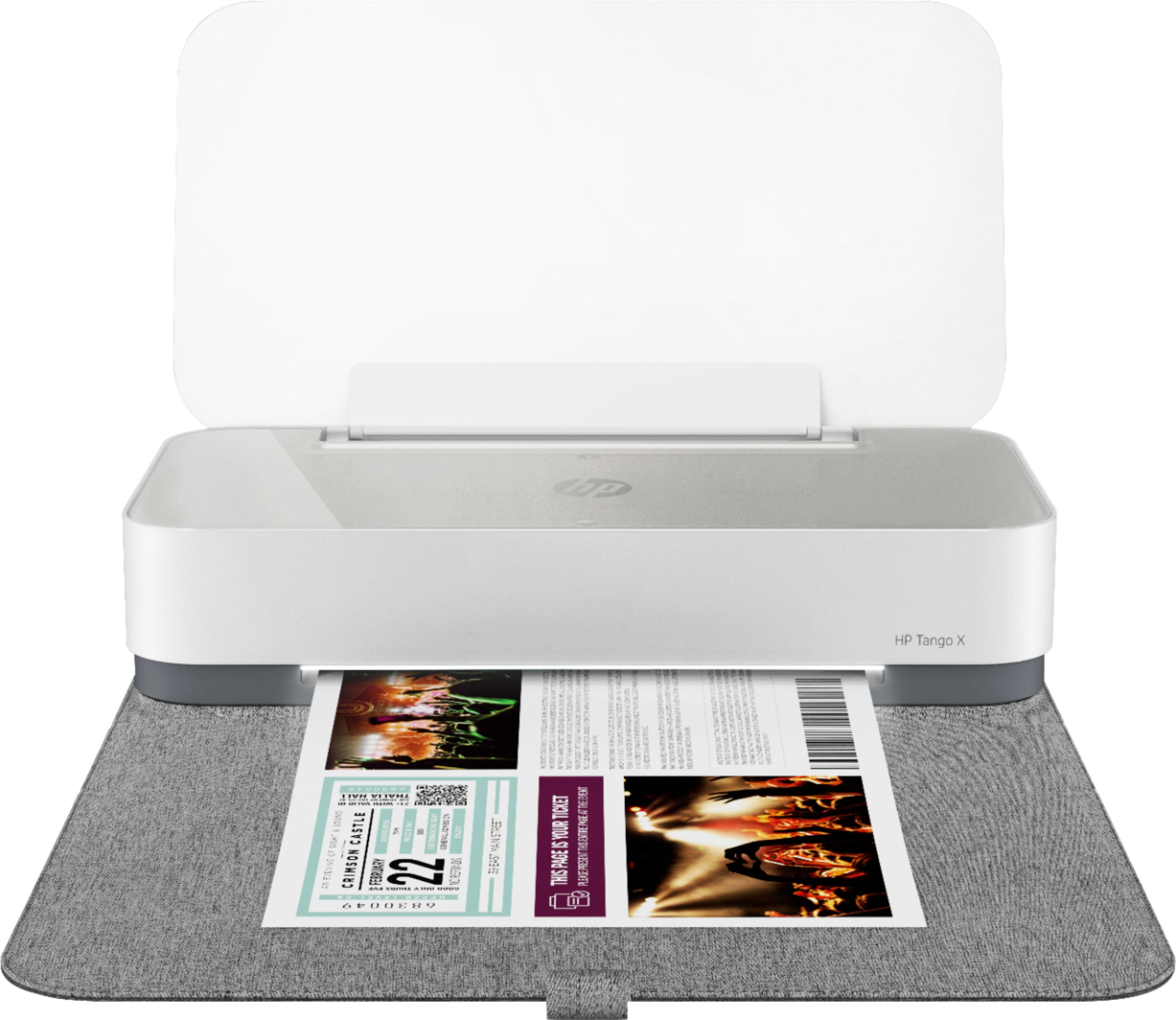
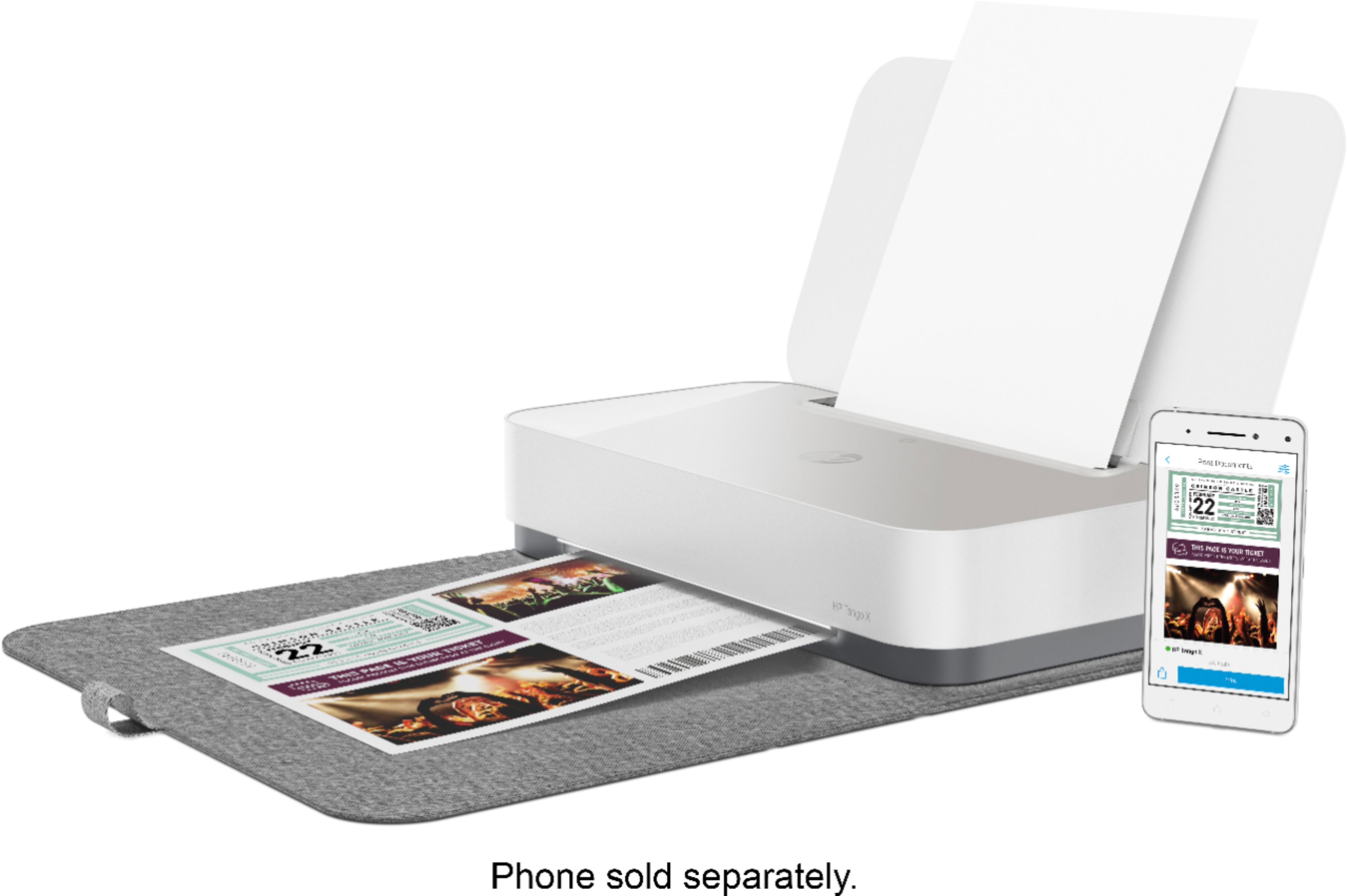
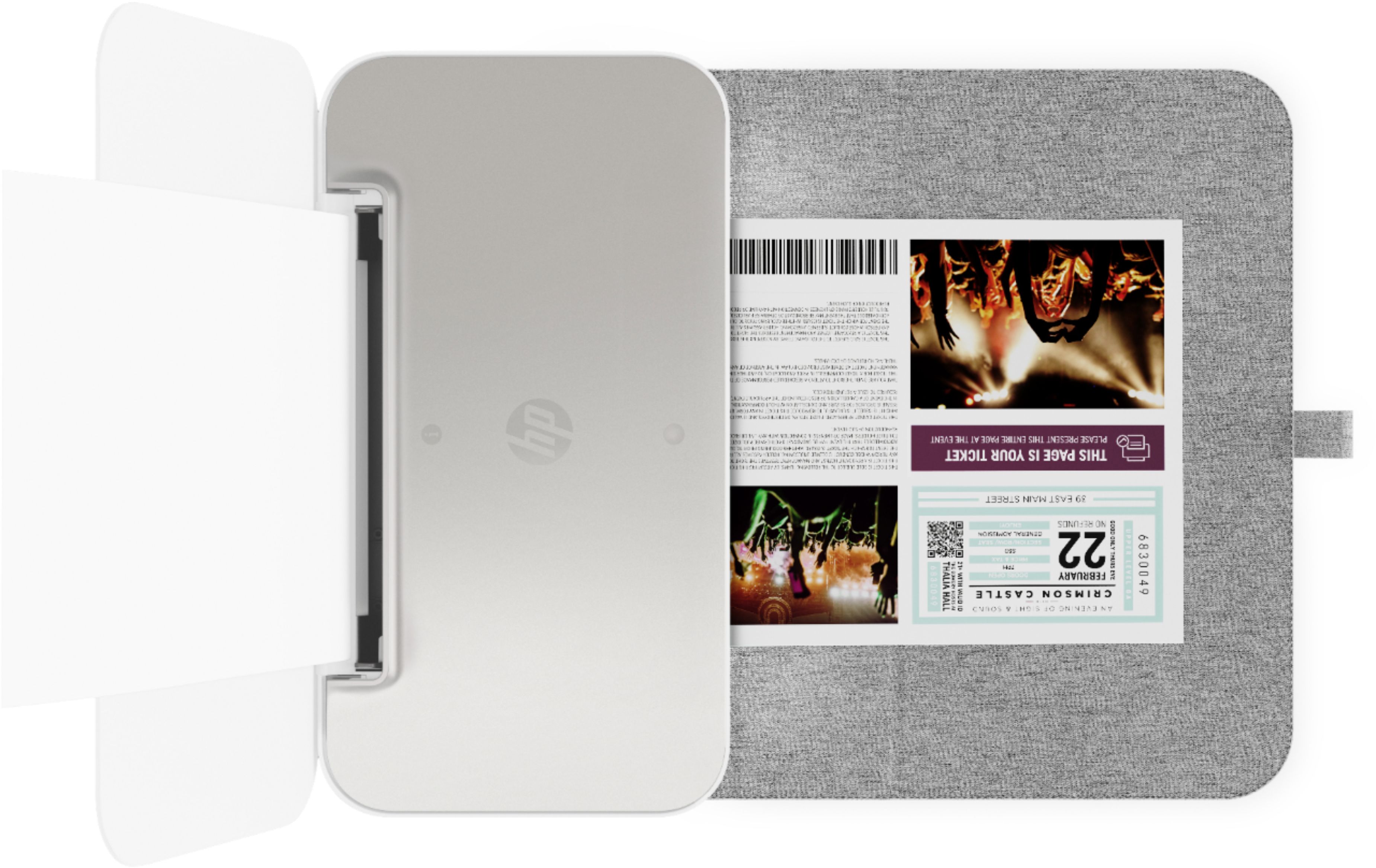
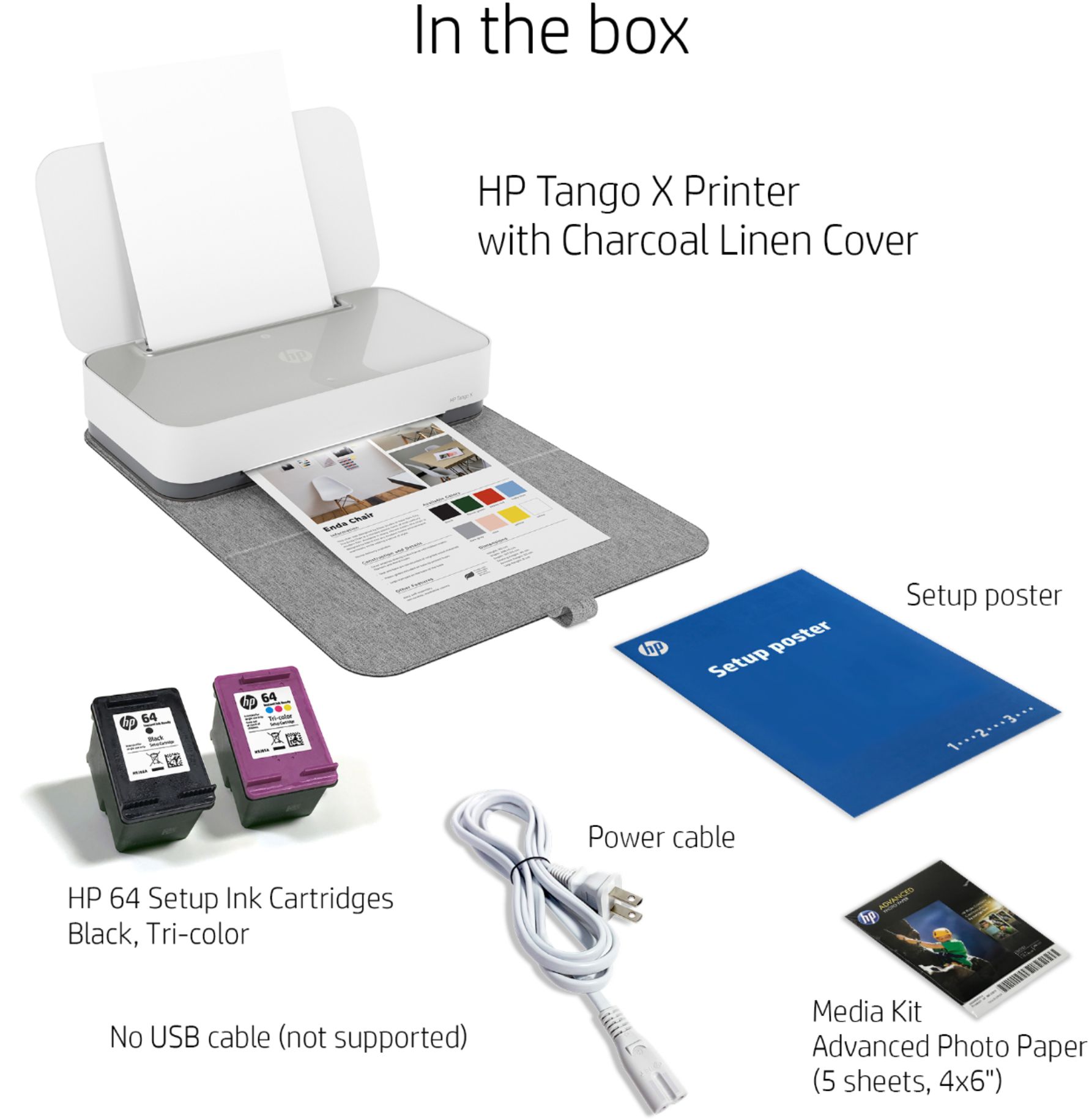


- Model:
- 3DP65A#B1H
- SKU:
- 6276402
Rating by feature
- Value
Rating 4.3 out of 5 stars
- Quality
Rating 4.5 out of 5 stars
- Ease of Use
Rating 4.4 out of 5 stars
Customers are saying
Customers are impressed with the Tango X Wireless Instant Ink Ready Inkjet Printer's ease of use, print quality, and compact size, frequently praising its user-friendly setup and quiet operation. Many appreciate the stylish design and wireless functionality, finding it convenient for various devices. However, some customers noted that the scanning functionality could be improved and that the printer might be considered expensive by some.
This summary was generated by AI based on customer reviews.
- Pros mentioned:Print quality

Very Sleek, with great prints
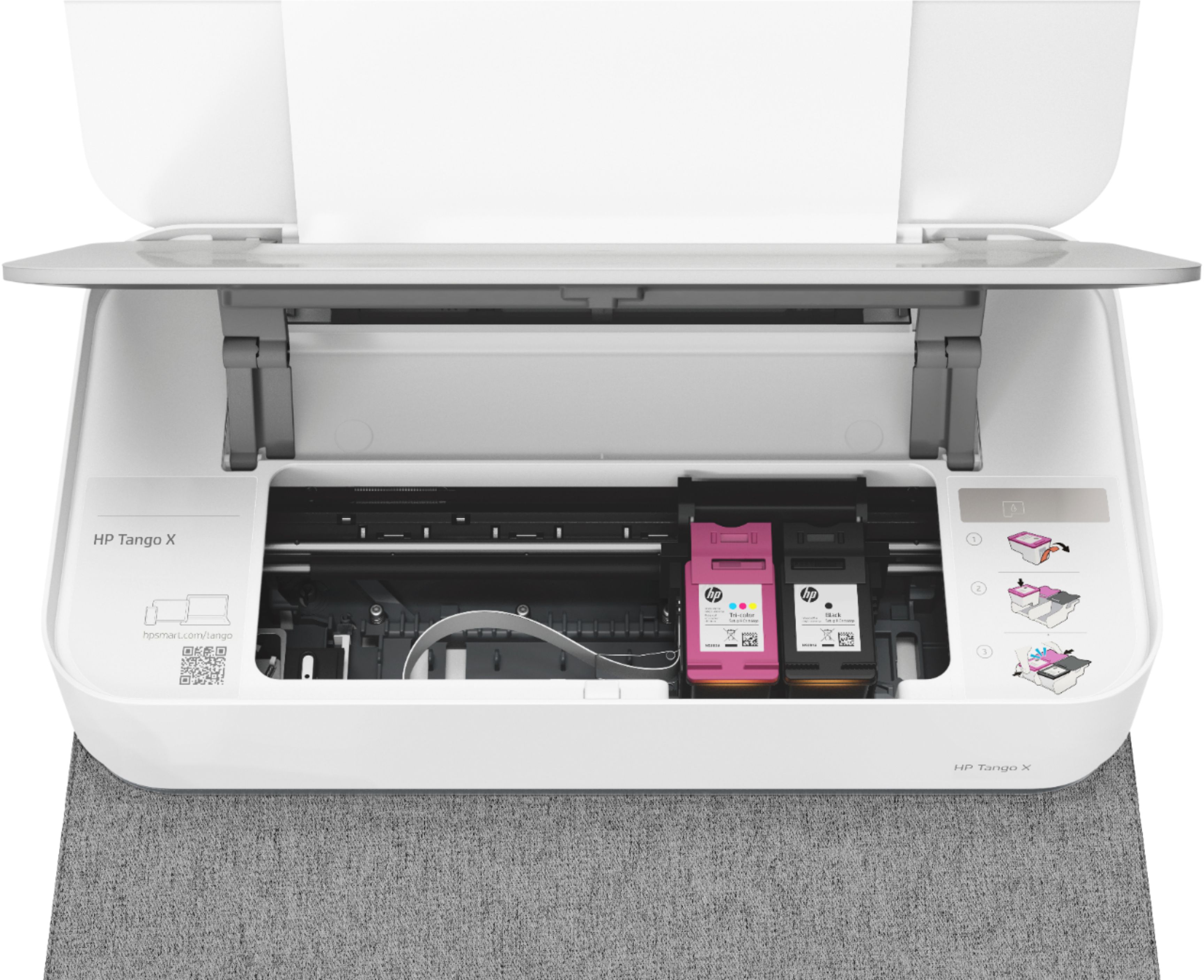
|Posted .This reviewer received promo considerations or sweepstakes entry for writing a review.Very sleek compact printer, with lots of options when paired to the HP app. The printer has no screen, but does have a few buttons. it's designed to be used with smart phones, and setup anywhere. It comes with a sturdy cloth covered carry folder, and a few sheets of 4x6 photo paper. It was very easy to direct connect to it, and pretty easy to set it up to work on my home network (which makes it easier for everyone in the house to use it, plus you can enable the "print anywhere" feature, where all you need to do is email your printer a picture or document while you are out and about, and it will be printed at home for you) I must admit, I had some difficulty after setting up my printer. With a software update that for some reason, did not complete. After a few restarts by unplugging the unit, everything was fine. I printed a test page, the letter quality was very nice, similar to that of a laser printer. I also printed 2 photos from my phone, the prints are exceptional. They seriously looked just as good as the photo booth prints. Overall this printer is very impressive, and if you add HP's instant ink option, how can you go wrong. I am not letting my bad update process effect this printer's score, because I think that was a unique problem , and the printer has been great since
I would recommend this to a friend Not worth price
||Posted .This reviewer received promo considerations or sweepstakes entry for writing a review.Printer broke down a day into getting it. First not enough paper then too much paper caused it to get jammed. Once unjammed it didn’t work.
No, I would not recommend this to a friendNot very good!
||Posted . Owned for 3 weeks when reviewed.This reviewer received promo considerations or sweepstakes entry for writing a review.I’ve reset several times but printer still fails to connect. Tried on multiple networks. Connected once but would not print. I’m returning this item.
No, I would not recommend this to a friendBrand response from HP Team
Posted .Hi there.
I’m sorry to hear that your printer has not connected wirelessly like it should. I can understand why that would quickly become frustrating, so if you’ve not yet returned the printer, I’ll offer some suggestions I hope will help.
First, I recommend you visit the following section of our support site where you’ll find numerous diagnostic tools, including ones on setup and connectivity issues:
- support.hp.com/us-en/topic/diagnostics
You can find various troubleshooting guides as well as user manuals, how-to documents, video tutorials and software updates for your printer here:
- support.hp.com/us-en/product/hp-tango-series/20486540/model/20535819
If the problem persists, I recommend that you contact us directly at +1 800-474-6836 so we can guide you through the proper troubleshooting. (Please note that because of restrictions on personal movement and workplace attendance associated with the COVID-19 pandemic, wait times for agents are longer than normal. Thanks in advance for your understanding.) To expedite the process, I recommend gathering the following information before the call:
- Model number
- Serial number
- Your location
- Case number (from any previous contact with HP support)
Keith
HP Care
hp.com/support
Broke after printing 20 pictures.
||Posted .This reviewer received promo considerations or sweepstakes entry for writing a review.Was anticipating using this so that my grandkids could print out their pictures from their phones when they were here. Broke after a total of 20 pictures.
No, I would not recommend this to a friendBrand response from HP Team
Posted .Hey Lori,
I'm incredibly sorry that the printer has stopped working properly after only 20 photos. This is very disappointing to hear and, I assure you, far from the reliable experience we intended on providing. That said, I'd like to make sure we get this addressed for you.
First, I'd like to mention that HP printers generally come with a 1-year warranty from their date of purchase. This warranty covers scenarios of this nature, so I hope you'll make use of it if you need to. You can verify the status of your warranty here: support.hp.com/checkwarranty
Then, I recommend contacting us for support so we can either troubleshoot this or arrange for a replacement printer under warranty. You can give us a call at +1 800-474-6836 between the hours of 8 am - 9 pm ET. To expedite the process, you can gather these beforehand:
- Model number
- Serial number
- Your location
- Your case number (from prior contact with support)
We look forward to making this right and again, sincerest apologies.
Chelsea
HP Care
hp.com/support
Function is very inconsistent
||Posted . Owned for 3 weeks when reviewed.This reviewer received promo considerations or sweepstakes entry for writing a review.Thought this would be ideal for the traveling I do. It is sleek and easy to pack but it is not feeding paper consistently and pulls the printed page back it often, like it’s going to eat it up.
No, I would not recommend this to a friend6 Pages, Max
||Posted .This reviewer received promo considerations or sweepstakes entry for writing a review.I have had it for a month and it won't print anymore. I got a total of 6 pages printed..not quite worth the price.
No, I would not recommend this to a friendNo thanks
||Posted . Owned for 9 months when reviewed.This reviewer received promo considerations or sweepstakes entry for writing a review.This printer prints very badly, you can’t read anything that comes out and no troubleshooting helped. It worked nicely in the very beginning.
No, I would not recommend this to a friendBrand response from HP Team
Posted .Hi there.
I’m sorry to hear that your printer has rendered prints of such poor quality. I can certainly understand why this unpleasant discovery followed by unsuccessful attempts to troubleshoot and remedy the problem would be frustrating as well as discouraging. With that in mind, I’ll offer some suggestions I hope will help you improve the printer’s performance.
First, I recommend following the steps listed in a guide you’ll find on our support site to improving print quality, including blurred or fuzzy text, faded or streaked prints, and color or black ink not printing properly or at all. Follow the link below and choose the third category on the page, which covers the cartridge found in your printer:
- support.hp.com/us-en/document/ish_2040896-1521878-16
If the problem persists, I hope you’ll contact us directly at +1 800-474-6836 so we can help you assess the situation and find a solution. (Please note that because of restrictions on personal movement and workplace attendance associated with the COVID-19 pandemic, wait times for agents are longer than normal. Thanks in advance for your understanding.) To expedite the process, I recommend gathering the following information before the call:
- Model number
- Serial number
- Your location
- Case number (from any previous contact with HP support)
I'll also mention that HP printers have a one-year warranty from their purchase date that covers hardware as well as ink supplies, so if it comes to that, you might consider making use of it. You can verify the warranty using the following link:
- support.hp.com/us-en/checkwarranty
Keith
HP Care
hp.com/support
- Pros mentioned:Design
New generation of printers
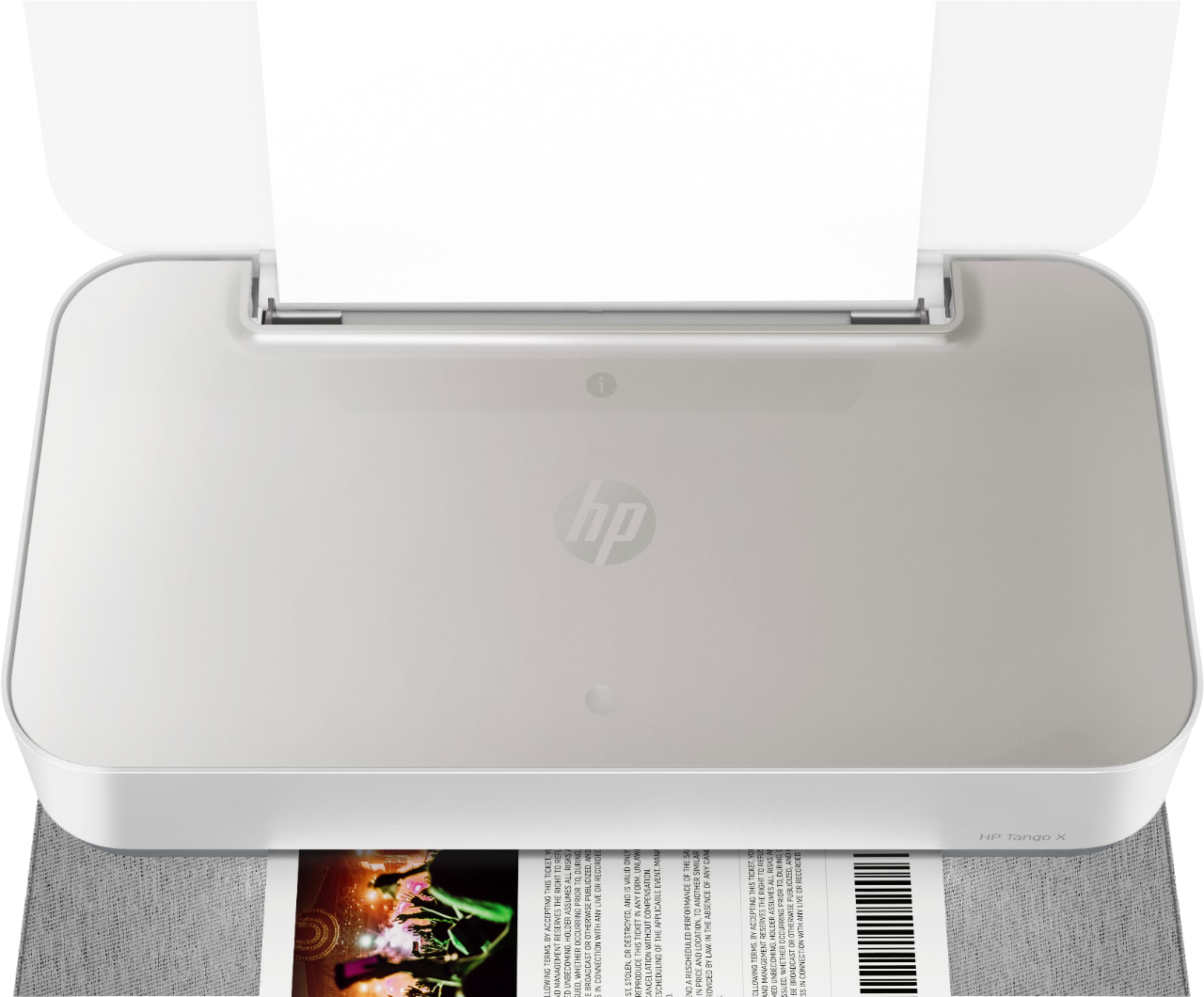
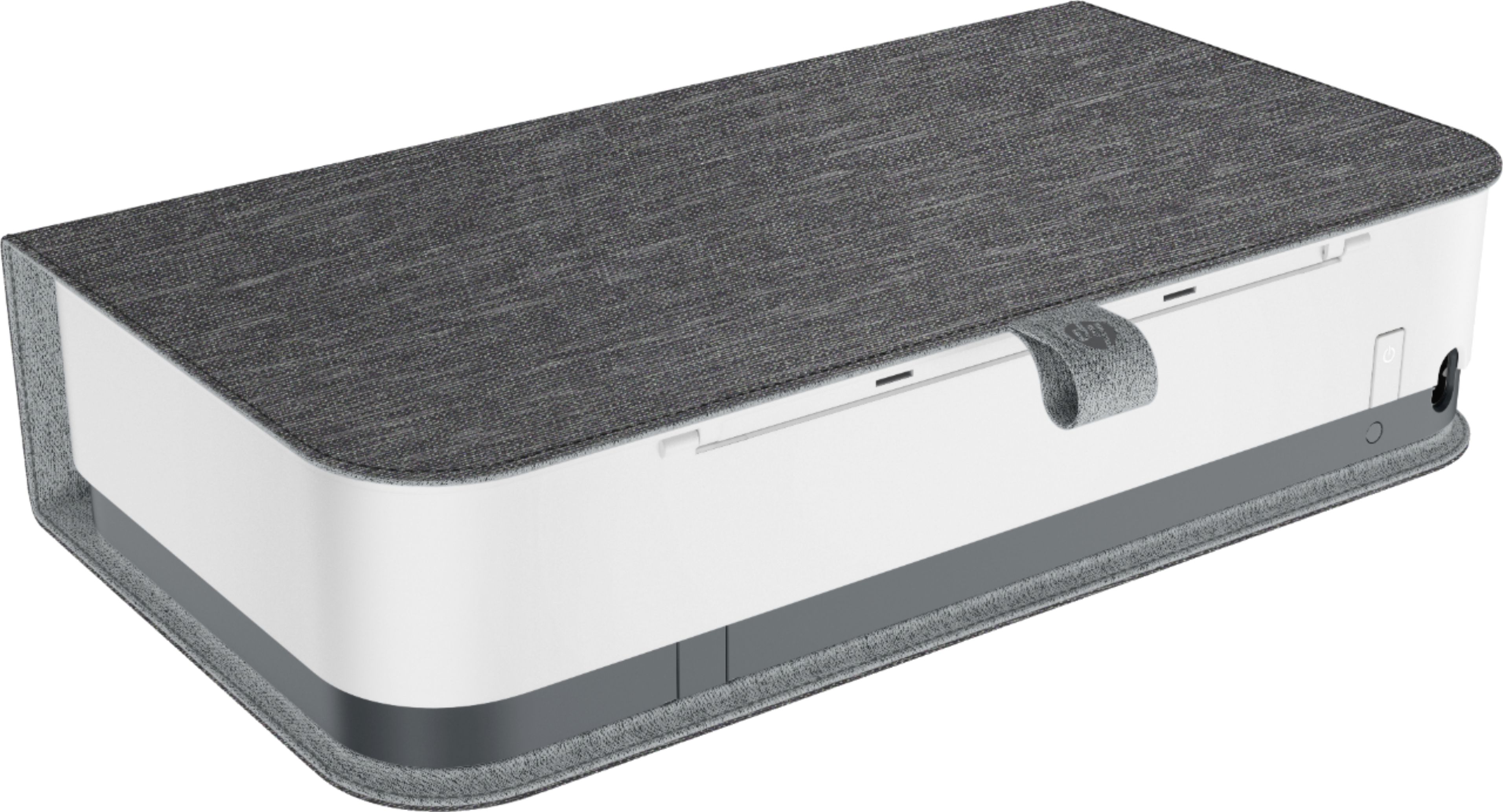
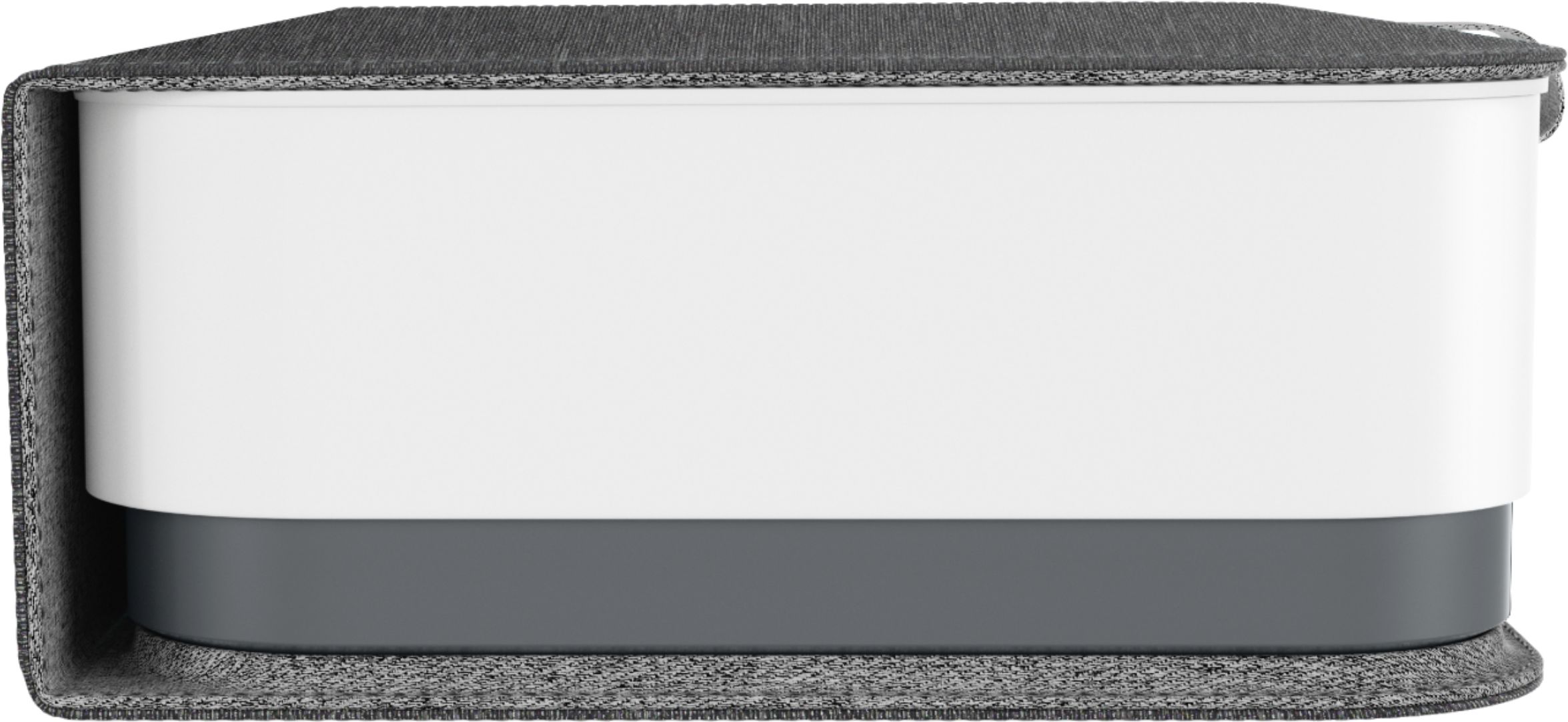
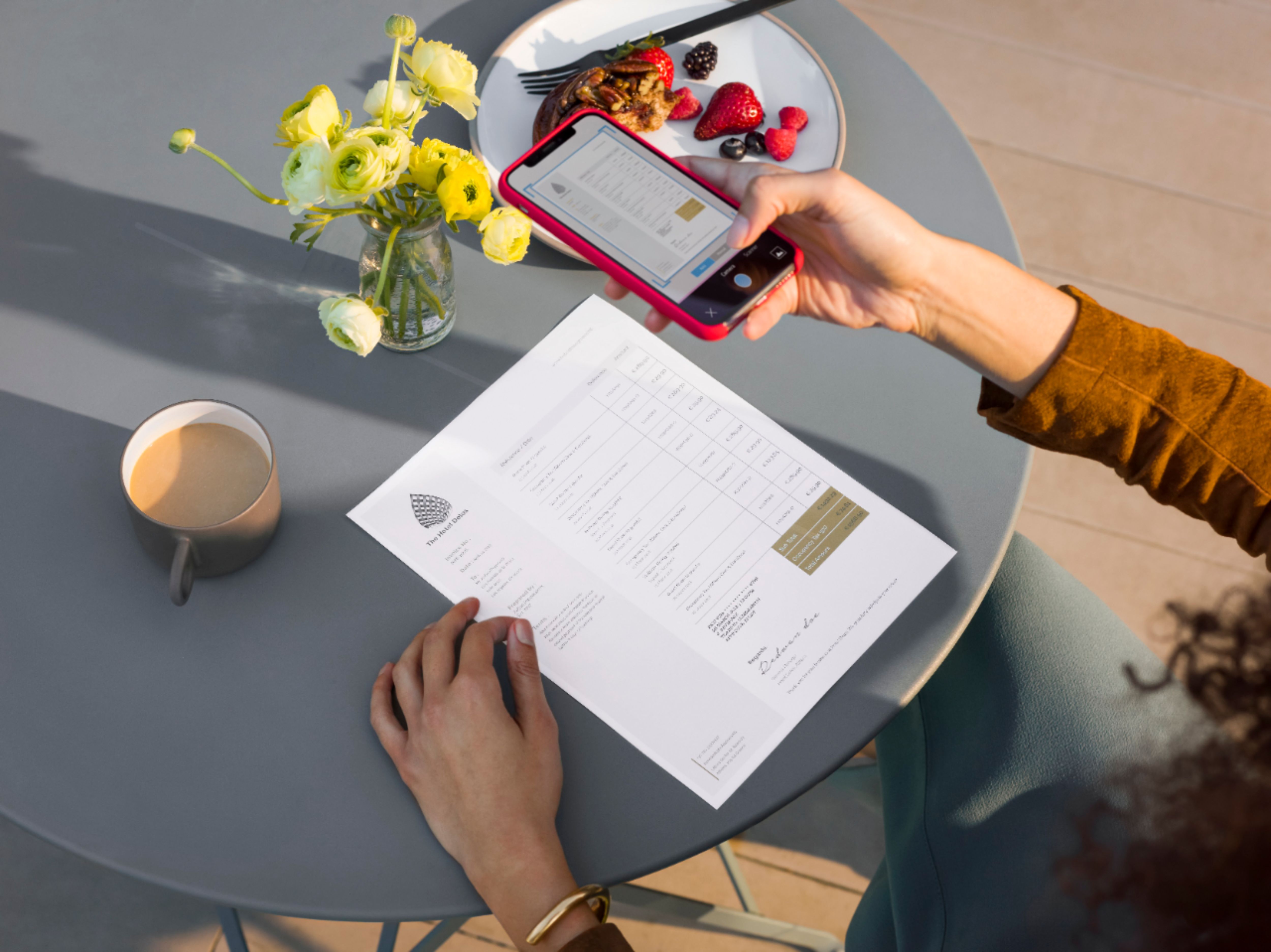
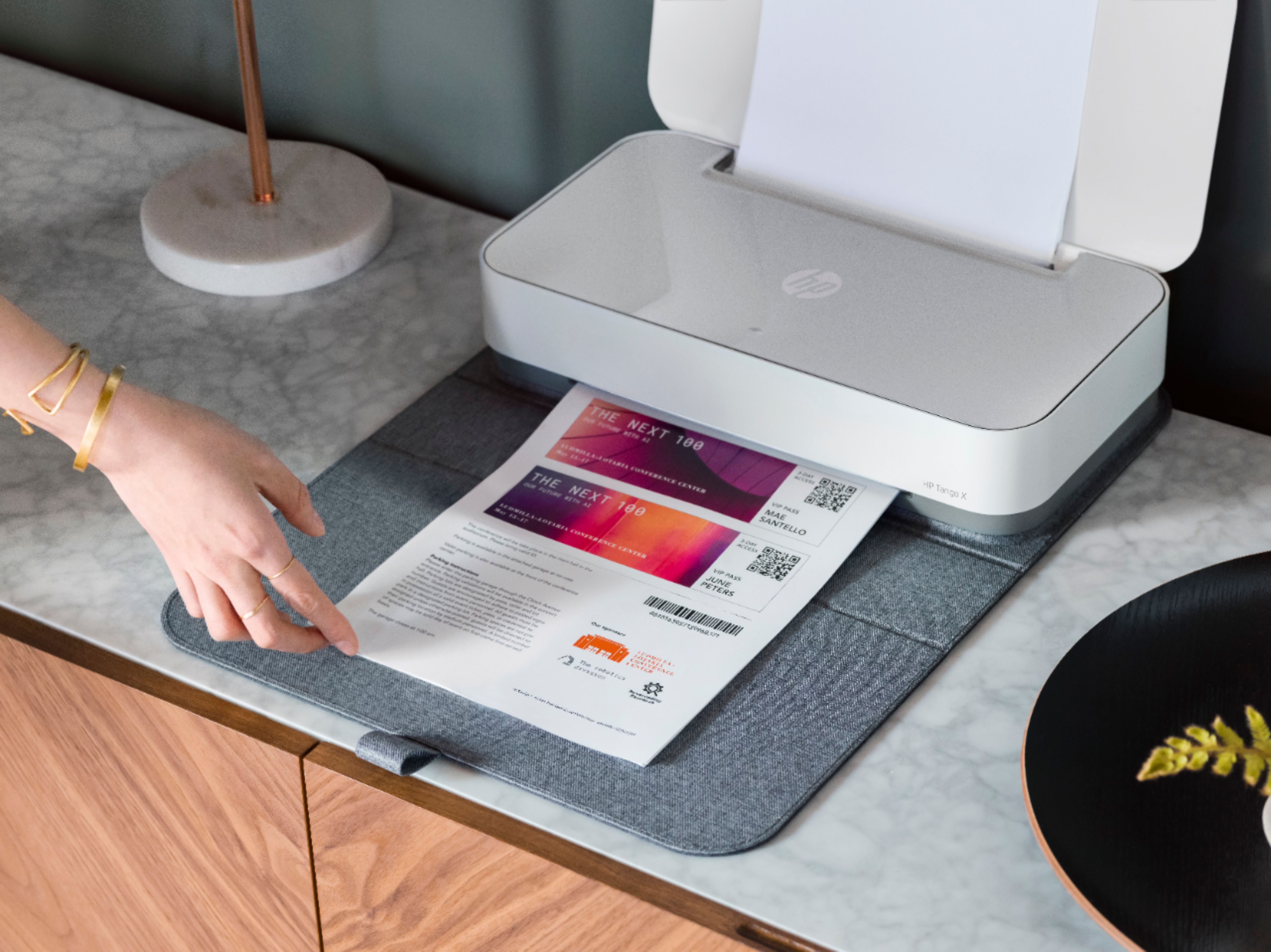
|Posted .This reviewer received promo considerations or sweepstakes entry for writing a review.At first glance, this is a sleek, attractive device that doesn't look at all like a printer. It comes with a gray cloth cover that allows it to blend with the decor of a home office. It works with various assistants,like Cortana and Alexa, and even goes with the cloth covers of recent Alexa devices, like the Echo. This printer does require the use of a smart phone and a downloaded app to get started, but this was clear before getting the device. If you're not comfortable with this, you might want a different printer. After initial setup, you can print from your computer wirelessly also. With the app on your phone, you can send pictures and documents to the printer, even when you're not home. The cover is removed before using, and it sits under the printer, so your pages will come out on top. It comes with a few pages of photo paper to try out. Another feature is the Instant Ink subscription service, which is optional, but fairly inexpensive, and gives you the ability to print photos from your phone for free, without counting toward your monthly usage. Not only can you print pictures, you can scan documents using your phone, then print out. This is such a versatile device and would make a great addition to your home office.
I would recommend this to a friend Useless
||Posted . Owned for 1 month when reviewed.This reviewer received promo considerations or sweepstakes entry for writing a review.Does not work and Hp nor Beat Buy is willing to help get this useless item to work
No, I would not recommend this to a friendBrand response from HP Team
Posted .Hi there.
I’m sorry to hear that your printer has stopped working. I can understand why that would be an unwelcome and frustrating surprise, so I’ll point you toward some resources and provide some information that I hope will help.
I can’t tell from your review what issues your printer has faced or why it will not work, so I recommend you visit a page on our support site that has diagnostic tools for various problems, including connectivity issues and cartridge errors. There you’ll also find a general-purpose tool called the HP Print and Scan Doctor. If you use Windows, the tool will help identify and guide you through solutions to a wide range of common printing and scanning issues. Visit that page here:
- support.hp.com/us-en/topic/diagnostics
If the problem persists, I recommend that you contact us directly at +1 800-474-6836 so we can guide you through the proper troubleshooting. (Please note that because of restrictions on personal movement and workplace attendance associated with the COVID-19 pandemic, wait times for agents are longer than normal. Thanks in advance for your understanding.) To expedite the process, I recommend gathering the following information before the call:
- Model number
- Serial number
- Your location
- Case number (from any previous contact with HP support)
I'll also mention that HP printers have a one-year warranty from their purchase date that covers hardware as well as ink supplies, so if it comes to that, you might consider making use of it. You can verify the warranty using the following link: support.hp.com/us-en/checkwarranty
Keith
HP Care
hp.com/support
- Pros mentioned:Print quality
My new favorite printer
|Posted .This reviewer received promo considerations or sweepstakes entry for writing a review.I absolutely love the heck out of this printer! Unpacking was great and pleasing. Very solid packaging and reduced waste. I have been a hard core laser printer fan for soooo long and am replacing my brother laser printer with this bad boy. Set up was quick and easy after downloading the app, which was also quick and easy. I set it all up with my pixel XL and started off with the demo page and some PDF documents. Printing was quiet, quick and crisp. Printer comes with a small pack of photo printer paper and I was quickly able to use te app and print off a bunch of pictures with ease. The photos did have a odd part gloss and part matte finish but it created a cool effect as well. Setting it up on other devices or PC's is as simple as opening an email. The included "case" is a cool option and makes the printer dissapear on the shelf. Small footprint is a huge plus as well. I am super happy with this printer and hope it lasts as long as my lasers.
I would recommend this to a friend - Pros mentioned:Ease of use, Print quality
Perfect for home office
Posted .This reviewer received promo considerations or sweepstakes entry for writing a review.I love this little printer. The print quality is impressive, it’s very simple to use and looks good at the corner of my home office.
I would recommend this to a friend Horrible
||Posted .This reviewer received promo considerations or sweepstakes entry for writing a review.Loses connection all the time so I’ll be returning very soon
No, I would not recommend this to a friendBrand response from HP Team
Posted .Hi there.
I’m sorry to hear that your printer has failed to maintain a reliable wireless connection. Your review is short, but your frustration is clear – and understandable – so, if you’ve not yet returned the printer, I’ll offer some resources and information that I hope will help.
First, I recommend you visit a page on our support site that has diagnostic tools for various problems, including wireless connectivity and printer-offline issues. Visit that page here:
- support.hp.com/us-en/topic/diagnostics
If the difficulty persists, I hope you’ll contact us directly at +1 800-474-6836 so we can guide you through the proper troubleshooting. (Please note that because of restrictions on personal movement and workplace attendance associated with the COVID-19 pandemic, wait times for agents are longer than normal. Thanks in advance for your understanding.) To expedite the process, I recommend gathering the following information before the call:
- Model number
- Serial number
- Your location
- Case number (from any previous contact with HP support)
Keith
HP Care
hp.com/support
- Pros mentioned:Print quality
Nice Printer, Zero Agent Support
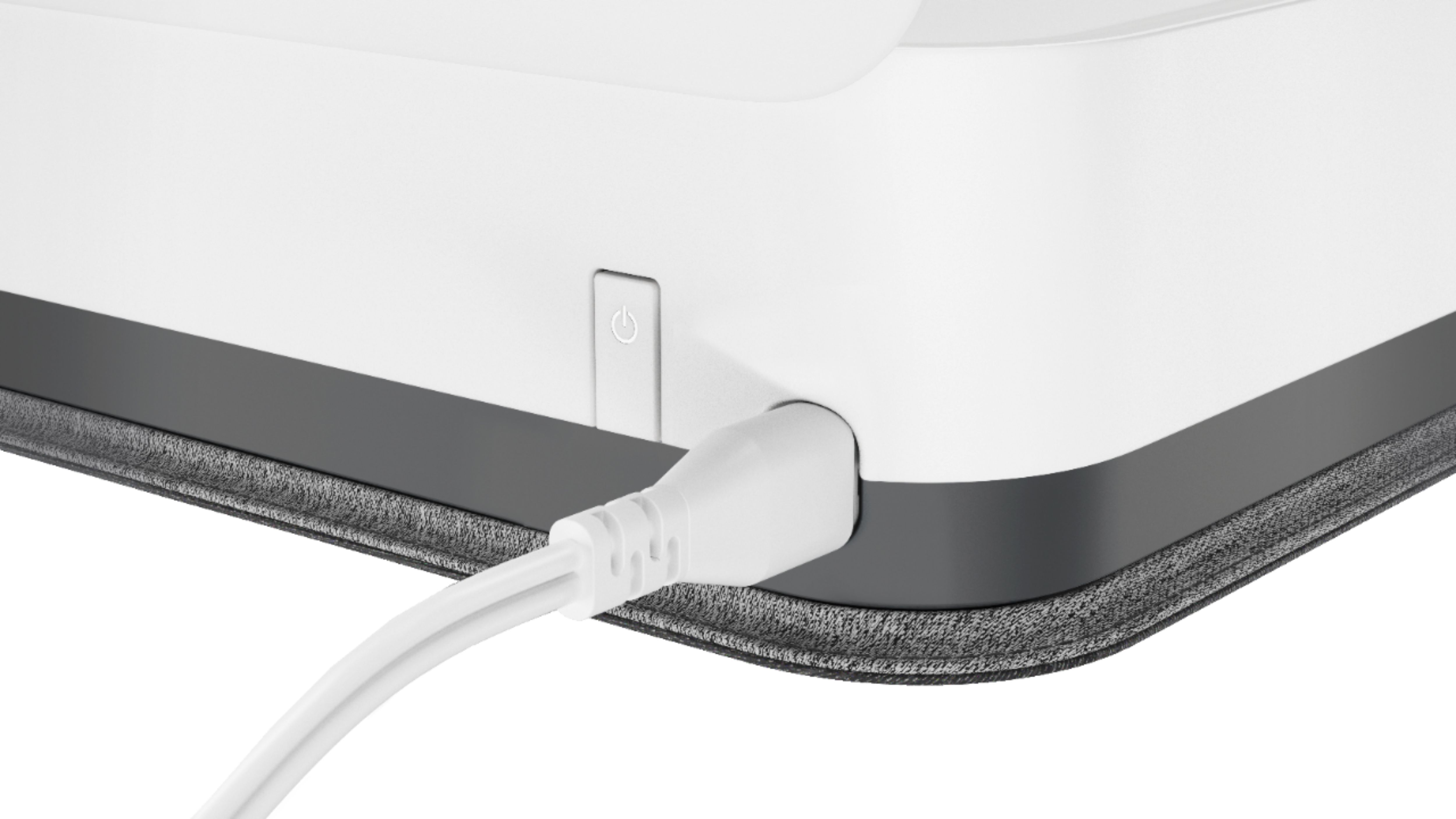
|Posted .This reviewer received promo considerations or sweepstakes entry for writing a review.I followed the instructions to install this printer and had tons of problems. I downloaded the HP Smart App on my Android 6.0.1 and the initial setup failed. The on screen instructions say setup will take several minutes but it sat on the first step for over 20 minutes just clocking. While it was still clocking, I downloaded the 123.hp.com software on my Win 10 laptop and initiated setup on it. The moment my Win 10 laptop made the connection with the printer the setup on my phone started working. They then both completed separately and I was able to print from both my phone and laptop. The photo picture printed on the Tango X from my phone was good quality, but documents printed from both the phone and laptop had random text shadows. A print Quality Test and Alignment did not solve the problem. After doing several print jobs from several devices I realized that the text shadows were always in the same place on the same document but in different locations on the page on different documents. This suggested that it was a setup/driver/communication issue and not a print head, alignment or cartridge issue. At this point I went online and couldn't find anything about this issue on the hp website so I initiated a Chat Session with HP support. After giving my product info and describing the issue, the chat agent said the product was new and they didn't have any support information to assist me ( he said he had checked with his supervisor) and referred me to telephone support. When you call telephone support and press 2 for tech support they refer you to online support but if you just stay on the line a while the automated system will give options for agent support - BUT HP Tango is not one of the options. I chose the deskjet option and got an agent who obviously did not have a clue, and didn't speak English very well either, but we were able to communicate. After giving her all the info and issue she put me on hold a while then came back on and said her system went down and promised to call me back in 30 minutes. Needless to say she never called me back. HPs' training must be awful. At the very least both the phone and chat agent should have been able to direct me to the HP Print and Scan Doctor download which I found on my own. The setup on my laptop put a Tango icon on the desktop and I opened that and found the HP Print and Scan Doctor download link under the Tools tab. I downloaded that and ran the program and it diagnosed and fixed the problem on the laptop. (some type of conflict problem.) However after running that fix on the laptop and then checking my phone, the phone could no longer communicate with the printer. After much fiddling with settings and deleting and readding the printer, I finally deleted the Smart App from the phone, reinstalled it, and manually put the printer in setup mode to reinstall it (there's a wi-fi reset button on the back of the printer, press & hold 5 seconds to enter setup). Now it is all working as it should and I can print wirelessly from any laptop or desktop on my network or my phone. Nice, but it was a lot work getting it right. The print quality is good - use the best quality setting not normal - but the speed of printing for documents is just average or maybe even a little slow. If you want to have agent support you might want to wait a while before you buy this printer. Also while searching for answers on HP support I noticed they mentioned that the Smart App may not work properly on Android 7 or higher phones. Glad mine is Android 6 or I really would have been pulling my hair out! My three stars may be generous, I was torn between 2 and 3. I like the product but there are definite issues with the product and support which is why I wouldn't recommend. I do like the Instant Ink feature that I signed up for.
No, I would not recommend this to a friendBrand response from HP Team
Posted .Hi there,
First of all, thank you so much for your detailed review. This information is very helpful to our product development teams, and we'll be using your insights to improve the experience for future customers.
I'm sorry that you had some issues getting set up. However, I'm pleased to hear that you do like the product.
I also want to apologize for the support experience that you had. As you were one of the first people to try out the product, I believe that you may have received the product even before our agents were fully trained. This isn't good enough, and I assure you that we'll be investigating our training process as a result.
I do hope you enjoy using your new printer and If you have any other concerns, please don't hesitate to get in touch again at hp.com/contacthp
Kieran
HP Care
Horrible
||Posted . Owned for 7 months when reviewed.This reviewer received promo considerations or sweepstakes entry for writing a review.It's horrible! I need to return it. I wouldn't recommend this to anyone.
No, I would not recommend this to a friend- Cons mentioned:Scanning
Cool printer, but won't replace a full feature one
|Posted .This reviewer received promo considerations or sweepstakes entry for writing a review.This is a really cool, compact printer that works well with say a phone or tablet. Everything is fairly seamless and handy. It does print a little slow and you can't pre-load a large amount of paper like a traditional printer. There also isn't a scanner on this one, but considering it's size and target audience, that's kind of to be expected. You can take a pic from your phone or tablet of what you want to print and it will work that way. Connecting to a PC isn't as seamless. It's kind of a hassle and for PC users this probably won't be what you want to use as an everyday printer. There's no screen and no way to connect it physically to a PC and lacks physical buttons for actions. This is more of a niche product aimed at phone/tablet users, so for what it is it does pretty well.
I would recommend this to a friend Futurizing
|Posted .This reviewer received promo considerations or sweepstakes entry for writing a review.This printer really does look nice. It is small and easy to carry around. It looks modernistic with its cover. When not in use, you can just fold it in the cover and it doesn't take up that much space. It is definitely just nice to look at. However, it has alot more going for it. First off, it prints. That is it's primary function and it does it well. One thing you should know, it is slower than other printers. Its purpose is a home printer. It is not meant to print out large quantities or do it very fast. It has a 50 sheet input and 20 sheet output capacity. However, a school paper? Or some office document? No problem. Now what I mean by futurizing is that it is able to print from any device whether it be computer, tablet, or phone via wifi. It is able to connect to the online assistants (Cortana, Alexa, and Google Assistant) and get things printed. It is an addition to the smart home trend and fits well into that system. It can "scan" by taking pictures and turning that scan into a document. Now this is definitely a useful feature to have but I would not call it a true "scan" feature. Setting up the app on devices like tablets and phones was fairly easy. However, setting up on the computer was a bit more difficult than I anticipated. It works differently in that it isn't just a plug and print. This printer also tries to have a new approach to buying printer ink by having a subscription service. There are fairly cheap plans that start at 3$ a month to 10$ a month. I'm not entirely sold on this plan as my printer needs vary month to month but I do think that it could be an affordable way given the cost of printer ink. Only time will tell if this subscription based system works well. All in all, I think this a great attempt at integrating a printer into the smart home environment.
I would recommend this to a friend- Pros mentioned:Ease of use, Print quality
Good quality, print on the go
|Posted .This reviewer received promo considerations or sweepstakes entry for writing a review.This basic printer is very easy to set up with your smartphone. Took less than 10 minutes. I did have problems connecting the printer to my computer and laptop though. It does print pretty fast and comes with a carrying case so it can travel with you pretty easily. With the HP app you can scan on your phone and then print it through the printer.
I would recommend this to a friend Perfect all around printer!
|Posted .This reviewer received promo considerations or sweepstakes entry for writing a review.Since moving, I didn't want to clutter my office with my old printer - which was a giant relic "3 in 1". The HP Tango, on the other hand is very compact - to put it mildly. But, don't let the size fool you! Inside the small body, this printer packs a punch. My first test was a 4 by 6 photo on the included bonus photo paper. The "instant ink" technology dries IMMEDIATELY. Seriously. The image looked like it came directly from your local photo shop. In other words, Perfect! Even better, this photo came directly from my android phone to the printer. Speaking of which, the setup was a breeze. Install the app to walk you thru. Then install the print cartridges - align the print heads and BAM install complete! Don't just think this is a photo printer though, you can also print regular documents as well. You can connect all the devices in your home - be it phones, laptops, desktops, or tablets. It truly cannot get any simpler than this. If needed, you can join their program where the printer will automatically let HP know that your printer is running low on ink, and they will send more. If this is your type of thing - then this may be extra convenient for you. To me, it's just... Sort of... weird feeling so I opted out. Either way, this truly is a great all-'round printer that should fit everyone's needs. Did I mention you can scan and copy via the app too? Could this be the death of the 3-in-1's of ol' ?? To me, yes. For you, I'd say go and get it!
I would recommend this to a friendGood printer for home use
|Posted .This reviewer received promo considerations or sweepstakes entry for writing a review.Setup was pretty easy using my phone and the app based setup system. I tried the "scanning" feature-basically you take a photo of a document with your phone and it can print from that. It worked like it should, I was impressed with that... but no "real" scanning capabilities that you may be used to. Print speeds were not that fast, but that is what I expected for a printer this small and compact. Its not marketed as a printer for an office or business setting. It will work perfect when used in the home or home office. Overall, it has a small footprint and is an attractive looking printer, especially with the cover on... When the cover is on it that makes you think its not really a printer... it almost looks like a smart speaker similar to Amazon echo or Google Home.
I would recommend this to a friend- Pros mentioned:Print quality
The only printer you will ever need.
Posted .This reviewer received promo considerations or sweepstakes entry for writing a review.The best printer I've ever owned. It seems to get smarter as time goes on. Thanks hp.
I would recommend this to a friend