Customer Ratings & Reviews
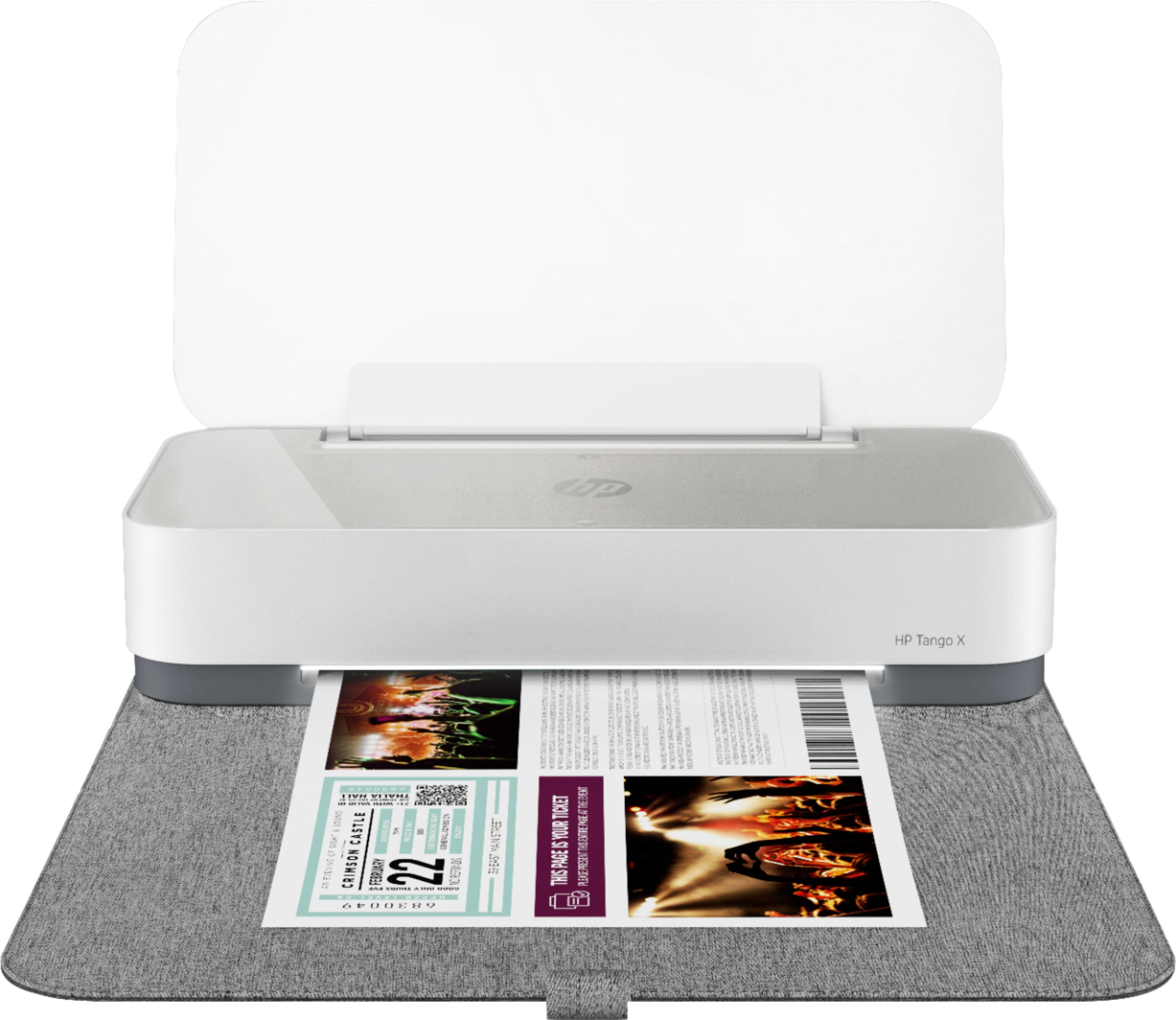
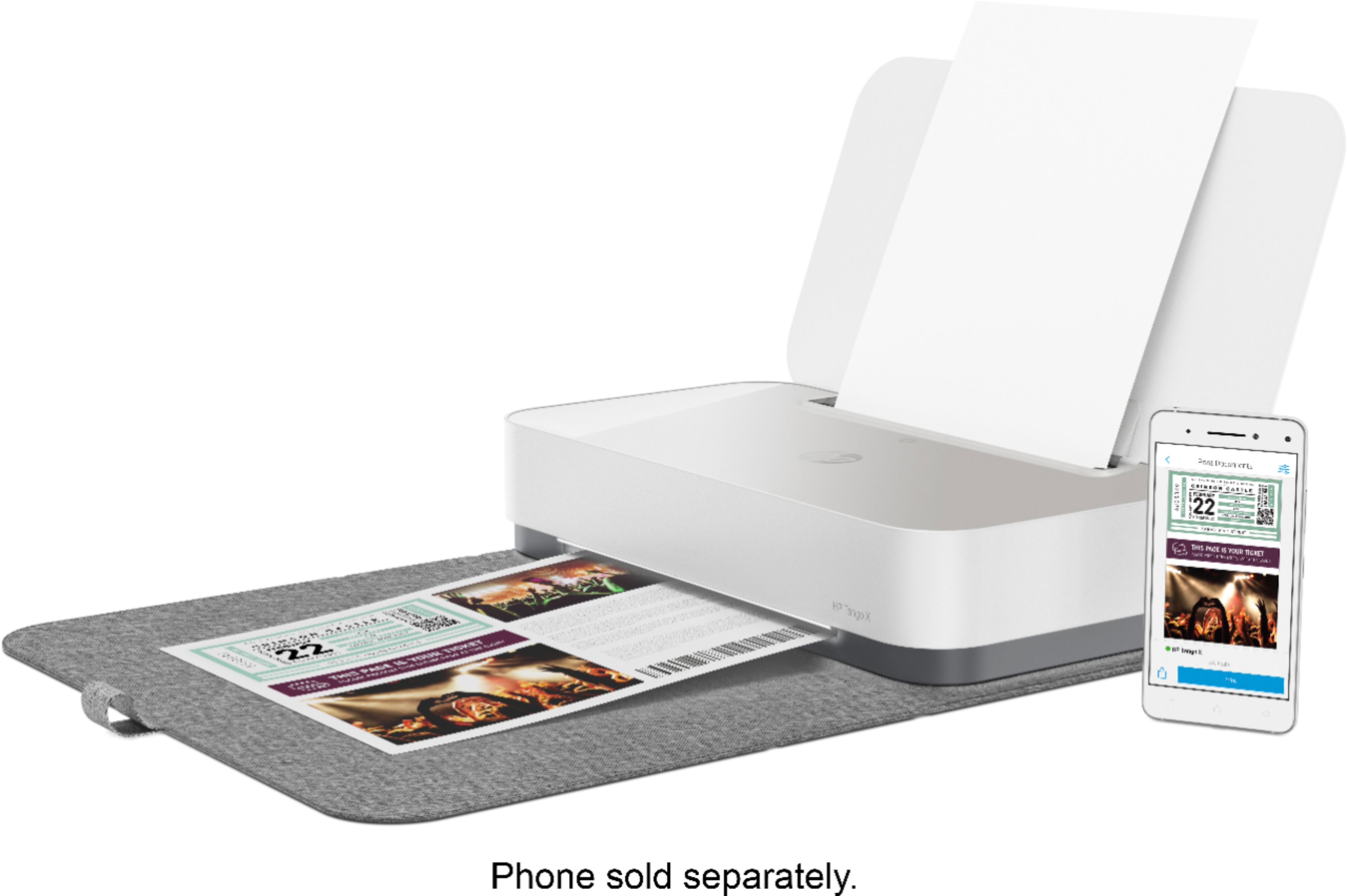
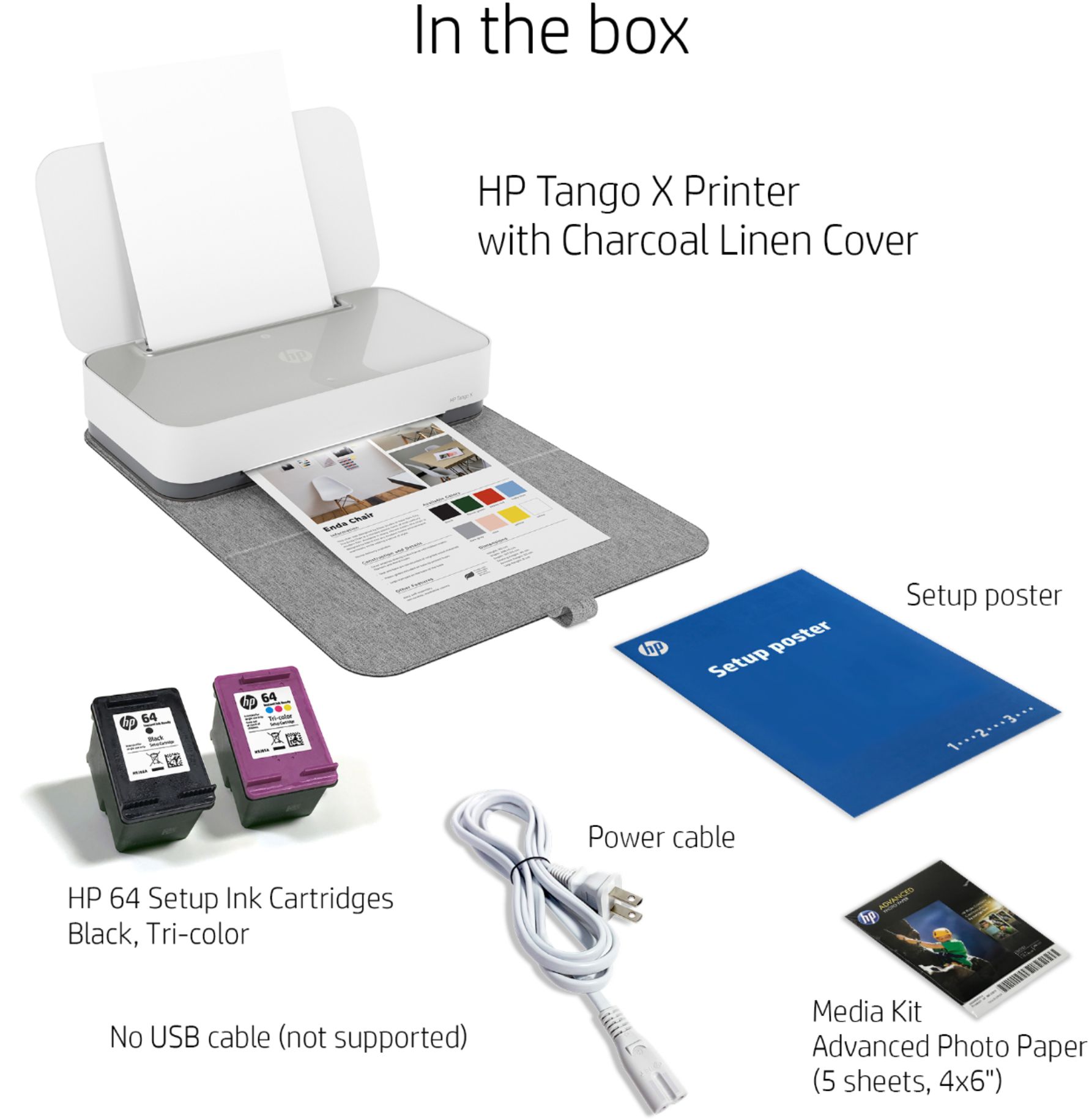




- Model:
- 3DP65A#B1H
- SKU:
- 6276402
Rating by feature
- Value
Rating 4.3 out of 5 stars
- Quality
Rating 4.5 out of 5 stars
- Ease of Use
Rating 4.4 out of 5 stars
Customers are saying
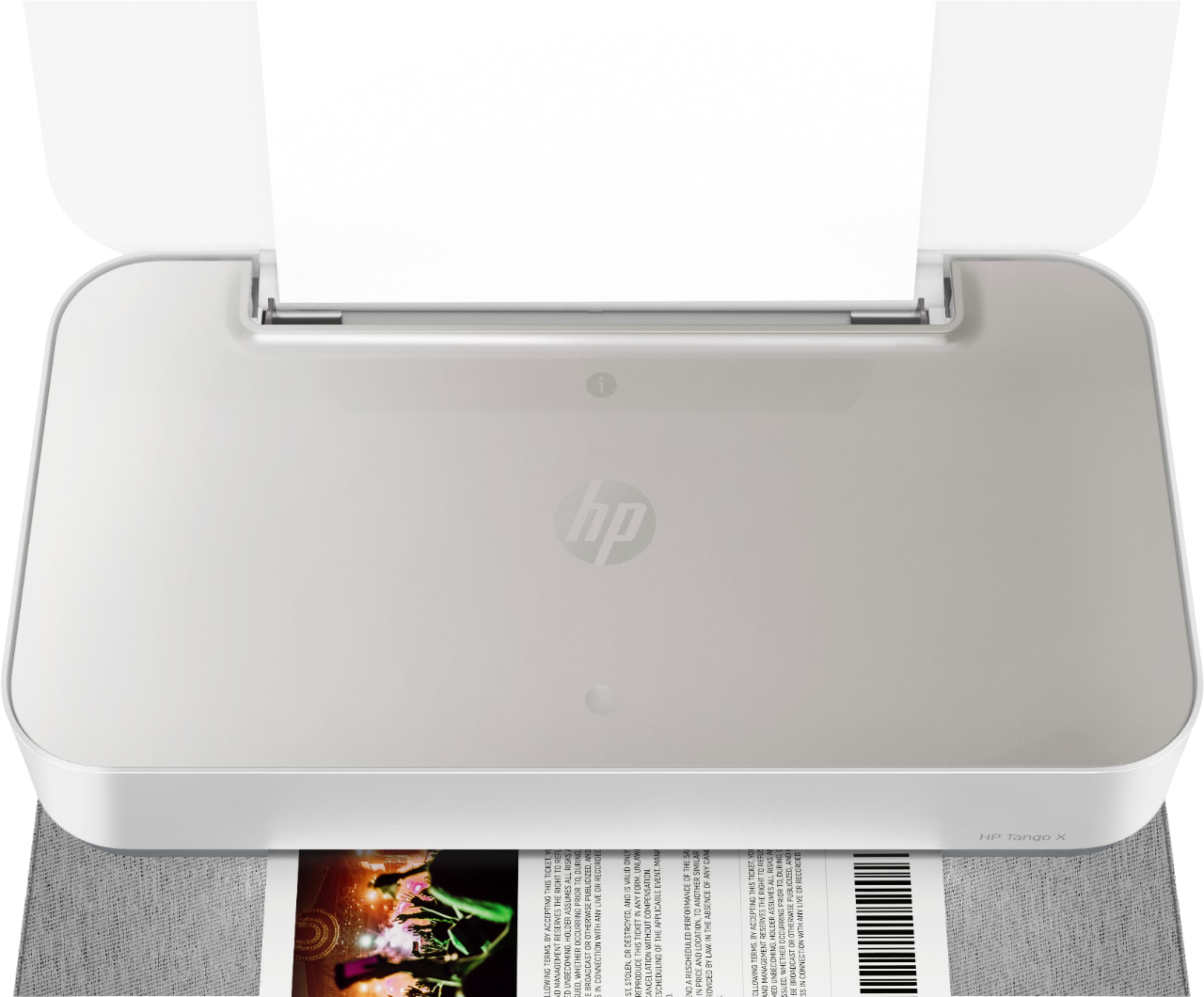
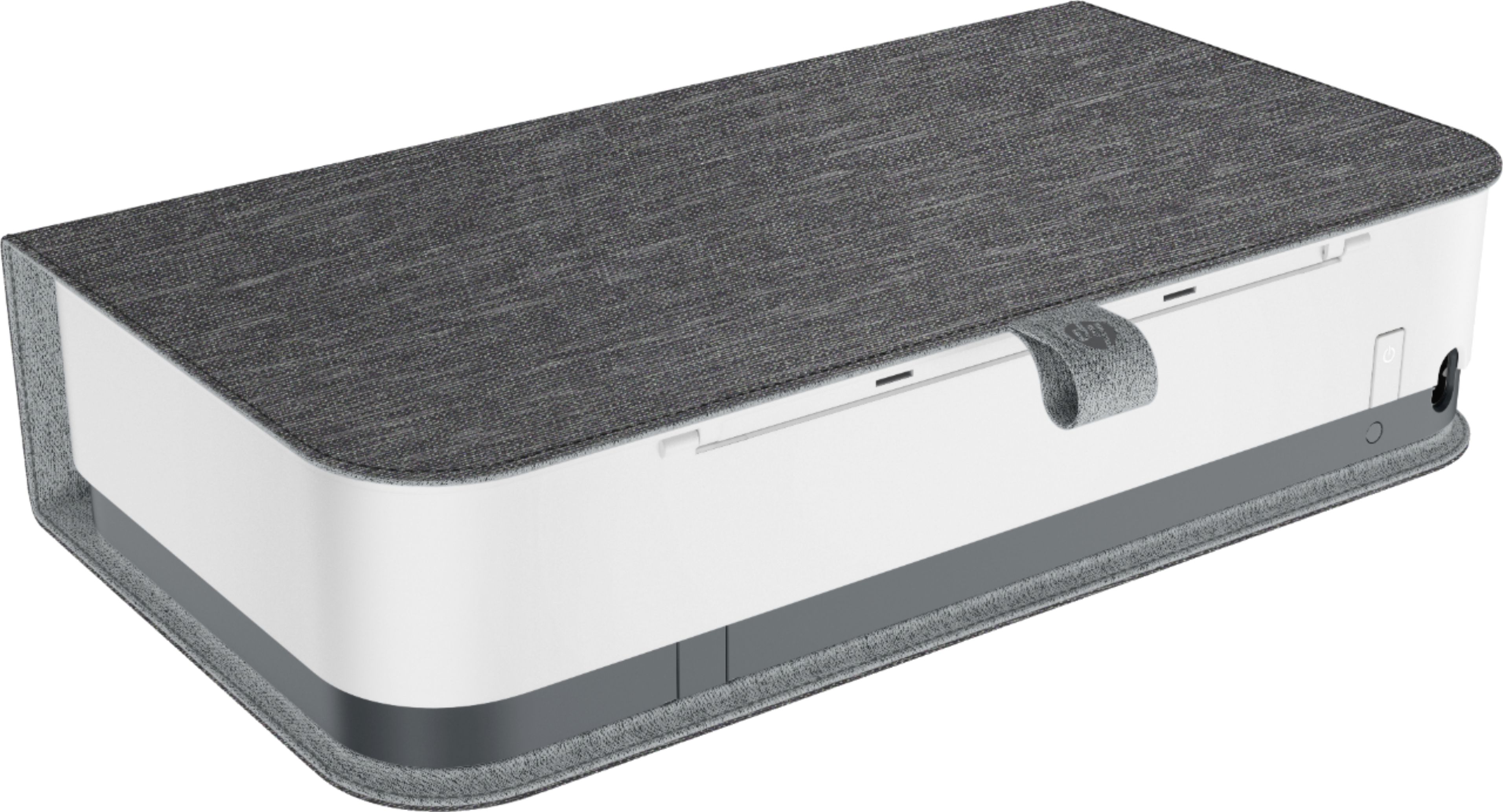
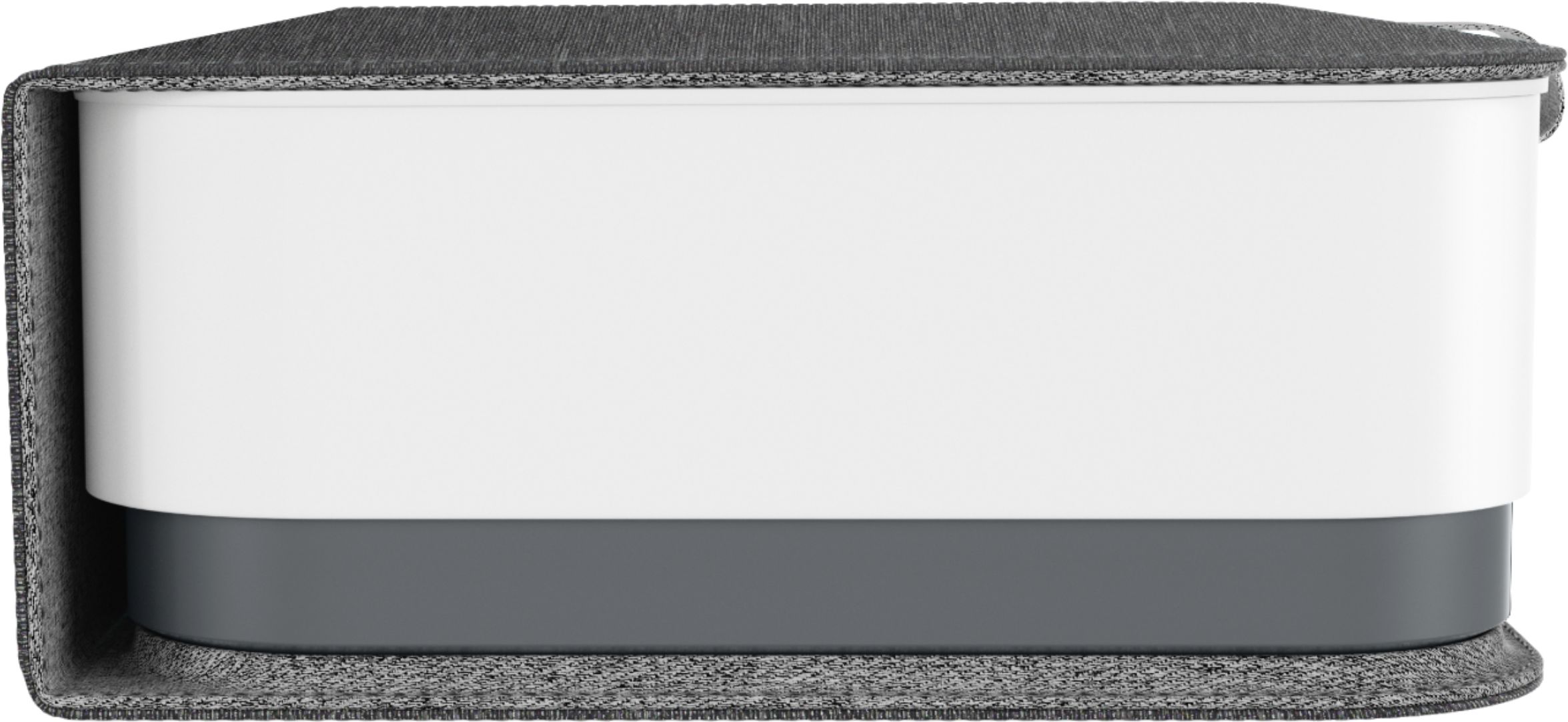
Customers are impressed with the Tango X Wireless Instant Ink Ready Inkjet Printer's ease of use, print quality, and compact size, frequently praising its user-friendly setup and quiet operation. Many appreciate the stylish design and wireless functionality, finding it convenient for various devices. However, some customers noted that the scanning functionality could be improved and that the printer might be considered expensive by some.
This summary was generated by AI based on customer reviews.
- Pros mentioned:Ease of use, Print quality
I love this printer.
Posted .This reviewer received promo considerations or sweepstakes entry for writing a review.This printer looks great, prints fast, and operates with a minimum of fuss. I highly recommend signing up for HP Instant Ink. You can print 4 x 6 photos from the HP app for FREE.
I would recommend this to a friend Stylish and functional
Posted .This reviewer received promo considerations or sweepstakes entry for writing a review.Perfect pocket printer, network app worked great across devices made it super easy to print
I would recommend this to a friend- Pros mentioned:Print quality
If you are rich, then this might be your machine
Posted .This reviewer received promo considerations or sweepstakes entry for writing a review.I love the quickness to print, the size and how quiet it is. I hate how fast it sucks up expensive ink when I barely use it more than a couple of pages a day. If you don't mind constantly looking for the best price for ink and the time it takes to spend that $90, then go ahead and buy it, but understand you have been warned. It is also a pain that it only prints on one side and to print on the back, I have to get up and go to the printer. Probably good exercise during Covid, but non-the-less I thought I could live without that feature and I am wrong. And when it runs out of ink, it doesn't start fading for you to know, it just is non-esistent. If you are rich and just love the cuteness of this, then this is your machine. I bought it less than a year ago and my love affair with this is gone.
No, I would not recommend this to a friend Compact, wireless
Posted .This reviewer received promo considerations or sweepstakes entry for writing a review.I was originally looking at another brand for a compact wireless printer but BestBuy had the HP Tango X in a store so I decided to risk it and buy this instead. It's small which I like, setup was super easy with my phone (Android). Printer settings through the app let you dim the light on the front and mute the sounds from the printer, and also set "quiet mode" which slows printing and makes it quieter. Works well. They also have a Windows store app so you can use your desktop PC to print, I wasn't aware it was possible at first with this but it's nice that it is. Windows app works fine.
I would recommend this to a friend- Pros mentioned:Design
Can't even print correctly when needed.
Posted .This reviewer received promo considerations or sweepstakes entry for writing a review.We bought this printer for typical and minimal printing needs. We really liked the look and design and also how we can print from our phones. We have owned this printer for maybe 6 mo. and used it maybe 10-15 times for printing things like essays, resumes, etc. When we have printed these simple things, the final product comes out with missed lines, streaky and ultimately unreadable. We aren't printing anything complicated or even colored, it is ridiculous that this printer (especially at the price point) cannot do simple printing jobs with ease. Extremely disappointed. Hoping we can exchange for a different brand. I would not recommend this to a friend or family member. In addition to the product being an overall hassle.. Best Buy was also very unhelpful. We have been extremely loyal customers for about 10 years. We did not feel appreciated as "valued" customers today and that was very disappointing, especially considering there are other places to buy the various products they offer. A tech support option would've been appreciated at the least.
No, I would not recommend this to a friend Printer can NEVER be found
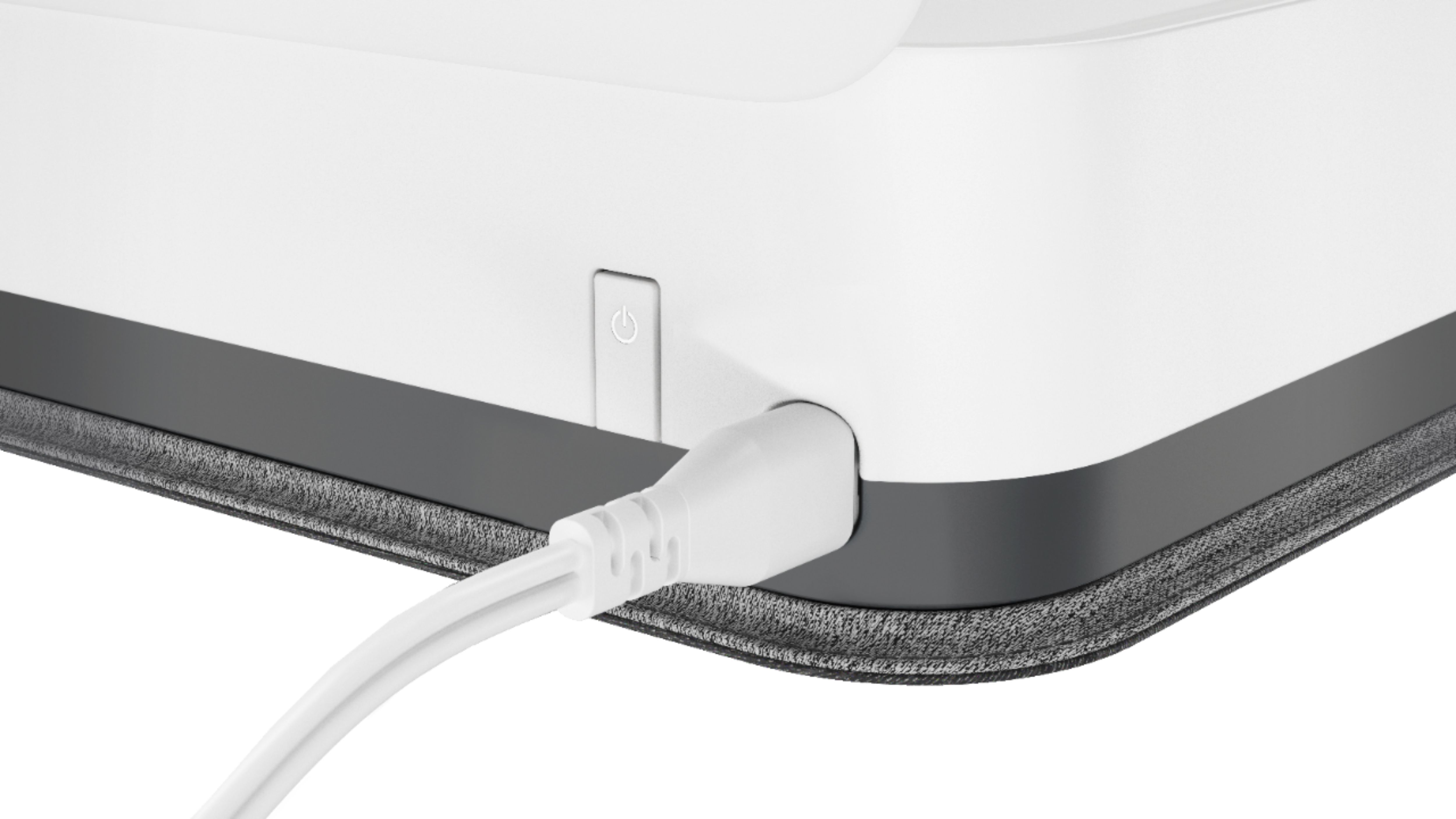
Posted .This reviewer received promo considerations or sweepstakes entry for writing a review.This printer is the worst decision of my life. Although it has been installed and will print sometimes, most of the time it cannot be found on the network. Of course there is no cord if you need to print in an emergency. There is no way to reach HP support (only automated chat which is not helpful). I would not recommend this printer.
No, I would not recommend this to a friendHate it
Posted .This reviewer received promo considerations or sweepstakes entry for writing a review.If I could give it 0 stars, I would. It seems like it would be easy to set up but it’s absolutely not. I had so many issues with my first one so I took it back, I got another one but then I had a whole other set of issues. I’ll Definitely be returning this one as well. I would highly recommend not wasting $200 on a printer when there are many cheaper ones that are easier to use.
No, I would not recommend this to a friendBrand response from HP Team
Posted .Hi Caroline,
It's so disappointing to hear that both printers posed these issues. To that, I'm incredibly sorry that the setup process was anything less than seamless. It certainly shouldn't be so complicated, so I can fully understand how inconvenient this must have been. Despite these first impressions, I do want to assure you that it's always our intention to provide a reliable printer experience.
I know you mentioned returning the printer, but I just wanted to remind you that we're always here to provide support. Ensuring that your printer is working the way it should be is a huge priority of ours. With that said, I hope you'll consider getting in touch with us via call or chat at this link: hp.com/contactHP
If you'll allow us, we look forward to making this right.
Chelsea
HP Care
hp.com/support
Couldn't install and no Customer Support
Posted .This reviewer received promo considerations or sweepstakes entry for writing a review.Could not get the printer to connect to the internet. Tried all the troubleshooting the app provided still didn't work. Reached out to customer support and was told it was unavailable which doesn't bode well. Lack of easy install and customer support led to return of machine. Will never buy or recommend this product or manufacturer again.
No, I would not recommend this to a friendNo printer is better than this printer
Posted .This reviewer received promo considerations or sweepstakes entry for writing a review.I've had alot of worthless printers. This is the worst printer I've ever had. It often requires rebooting to print. It randomly thinks it has no ink. Sometimes it says its offline. Support from the manufacturer is nonexistent. I am beyond disappointed. This purchase was a giant mistake, learn from my error!
No, I would not recommend this to a friendBrand response from HP Team
Posted .Hi there.
I’m sorry that your printer has performed so poorly for you and that you’ve not received needed support. It’s no surprise that you regret this purchase, considering you’ve dealt with printer-offline difficulties, frequent needs to reset the device and unexplained out-of-ink messages. I want to help you remedy this situation, so I’ll direct you to a resource and provide some information I hope will accomplish that goal.
I can’t tell from your review why your printer has performed this way, so I recommend that you contact us directly at +1 800-474-6836 so we can help you assess the situation and determine the best course of action. (Please note that because of restrictions on personal movement and workplace attendance associated with the COVID-19 pandemic, wait times for agents are longer than normal. Thanks in advance for your understanding.) To expedite the process, I recommend gathering the following information before the call:
- Model number
- Serial number
- Your location
- Case number (from any previous contact with HP support)
I'll also mention that HP printers have a one-year warranty from their purchase date that covers hardware as well as ink supplies, so if it comes to that, you might consider making use of it. You can verify the warranty using the following link:
- support.hp.com/us-en/checkwarranty
Keith
HP Care
hp.com/support