Customer Ratings & Reviews
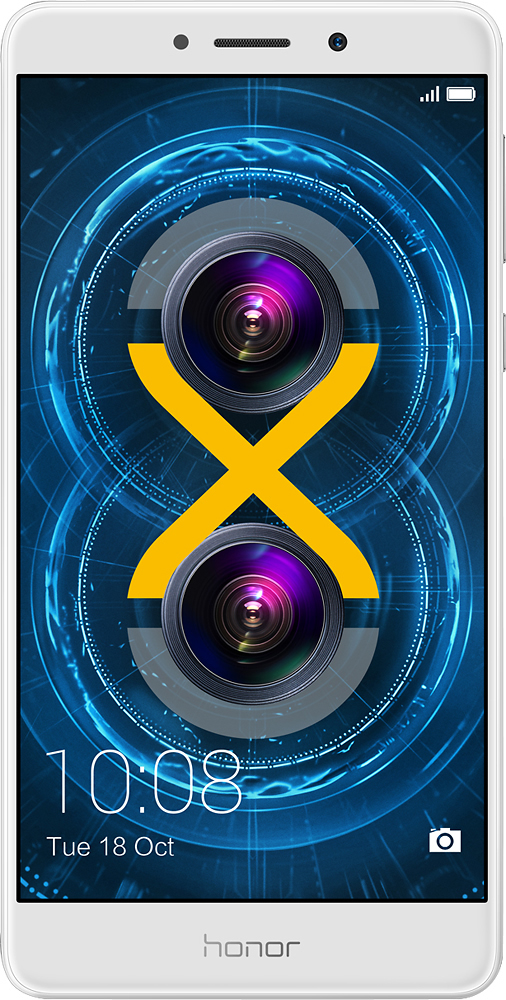
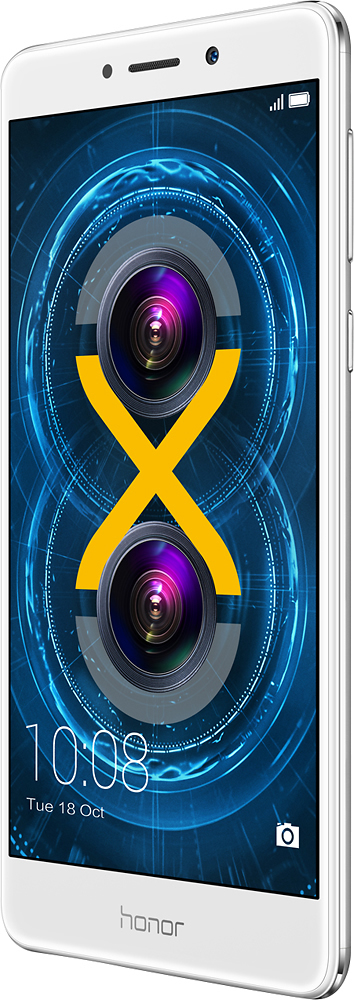
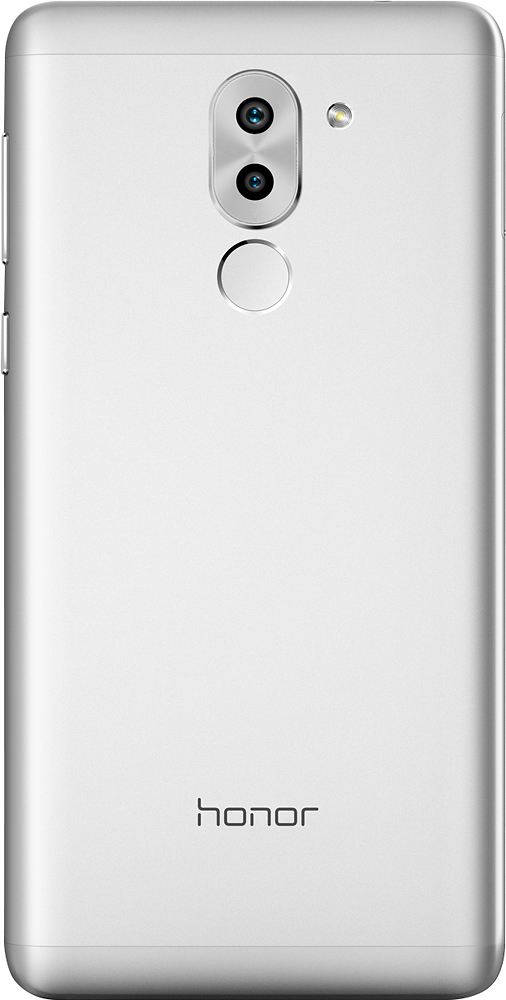
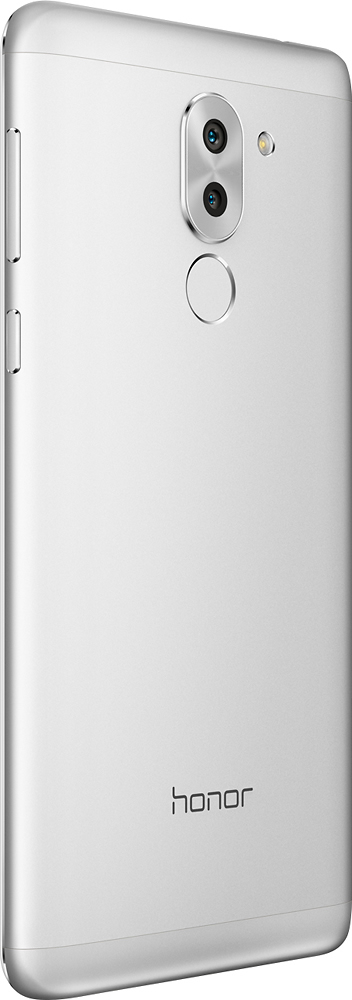




- Model:
- BERLIN-L24
- SKU:
- 5712445
Rating by feature
- Value
Rating 4.3 out of 5 stars
- Quality
Rating 4.0 out of 5 stars
- Ease of Use
Rating 4.2 out of 5 stars
Customers are saying
Customers find value in the Honor 6X's affordable price, decent camera, and long battery life. They appreciate its user-friendly interface and the convenience of its dual SIM capability. However, some users have experienced issues with freezing, lack of NFC, and bloatware.
This summary was generated by AI based on customer reviews.
This Phone Freezes DON'T BUY THIS PHONE
Posted .This reviewer received promo considerations or sweepstakes entry for writing a review.Spend a little more and buy a phone from a reputable company like Samsung or an iPhone. I myself have mainly owned Samsungs and this does not compare, yes the specs make it sound great but I use it for business and have lots of apps. This phone constanlty freezes up on me, the camera does not want to work instantly, I erased lots of pics to free up memory and space but it's still too slow. It worked great the first few days but after I added more apps and pictures it's being nothing problems, I have to continuously refresh storage and memory to get it to work, reboot it, etc. I've only had it for 3 months but can't wait until I get a Samsung S7 or above. The apps and firmware take up about half of the storage and memory so I installed a micro sd card but it's still slow.
No, I would not recommend this to a friendbeware of refurbished
Posted .This reviewer received promo considerations or sweepstakes entry for writing a review.bough this phone and was sorta happy with it after 2 weeks of use phone calls drop,disconnects from wifi frequently,lags and freeze.GPS not very accurate. web browser takes some time to load pages what a nightmare. and phone is heavy too.
No, I would not recommend this to a friendBrand response from Huawei Customer Care
Posted .Dear Customer,
Thank you for providing us your feedback.
We would like to suggest you some steps to improve the performance and your experience with your Honor 6X:
To optimize the performance on your device try the next steps:
From your home screen touch Phone Manager to perform the following operations:
>Touch the large circle, select "Scan" for a diagnosis of your phone.
Choose "Touch to Optimize" to automatically optimize the system performance, enhance security, and reduce power consumption.
>Touch Phone Accelerator to close all background apps.
We kindly remind you that opening a large app or lots of background apps may temporarily cause the phone to freeze, making the touchscreen unresponsive.
>Check whether the slowness is caused by overheating. Your phone has Huawei's unique overheat protection design installed. When it gets hot, the mechanism will limit the phone's performance.
It is recommended that you change the Power plan under Phone Manager to Performance when you play games or watch videos.
>Check whether your battery is low. When the power is low, performance is limited to lengthen battery life and protect the phone. Please recharge your phone.
Location accuracy depends on the accuracy of GPS satellites and mapping software.
Please use the GPS in open spaces where signal is stronger, for example, on the street or in open plazas, to improve the accuracy of your location.
For more accurate GPS positioning, go to ”Settings”, select “Location access” and then in LOCATION MODE select positioning assistance methods such as Wi-Fi, mobile data or A-GPS.
If the navigation still the same please try again with a different navigation app.
If after trying some of the trobleshooting steps described above the issue persist, we kindly advise you to reach us through our Honor Hotline Support 1-844-524-6667 from Monday to Friday 08:00AM – 09:00PM (CST) or contact us by online chat or email in the following link: http://www.hihonor.com/us/support/index.html
We are looking forward to hear from you. NF
junk
Posted .This reviewer received promo considerations or sweepstakes entry for writing a review.We bought one of these for all the great reviews it has. This phone is junk constantly loses data connection and the hot-spot doesn't work. I will never purchase another huawei phone.
No, I would not recommend this to a friendNot all 4G LTE bands for ATT & T-mobile is present
Posted .This reviewer received promo considerations or sweepstakes entry for writing a review.Not sure why best buy is selling this model is USA considering the required 4G LTE bands for the GSM ( ATT & T-Mobile) carriers is not present in this particular model
No, I would not recommend this to a friendBrand response from Huawei Customer Care
Posted .We're sorry to hear about your Honor 6X not supporting 4G LTE. Did you ensure that your carrier provided you with a 4G LTE SIM card. Check that: Your phone supports the 4G network. If your phone is a customized version, you can only access the 4G network using the SIM card issued by the corresponding carrier. The SIM card is a 4G card. Use a standard SIM card provided by your carrier. Hand-cut or non-standard SIM cards may cause your phone to malfunction. After you have replaced your SIM card with a new one, call your carrier to update your background data, and then restart your phone. You have activated the 4G data plan and then enabled the 4G network connection on your phone. The carrier provides local 4G network coverage. If you continue having 4G issue, we suggest contacting your carrier. (NS)