Customer Ratings & Reviews
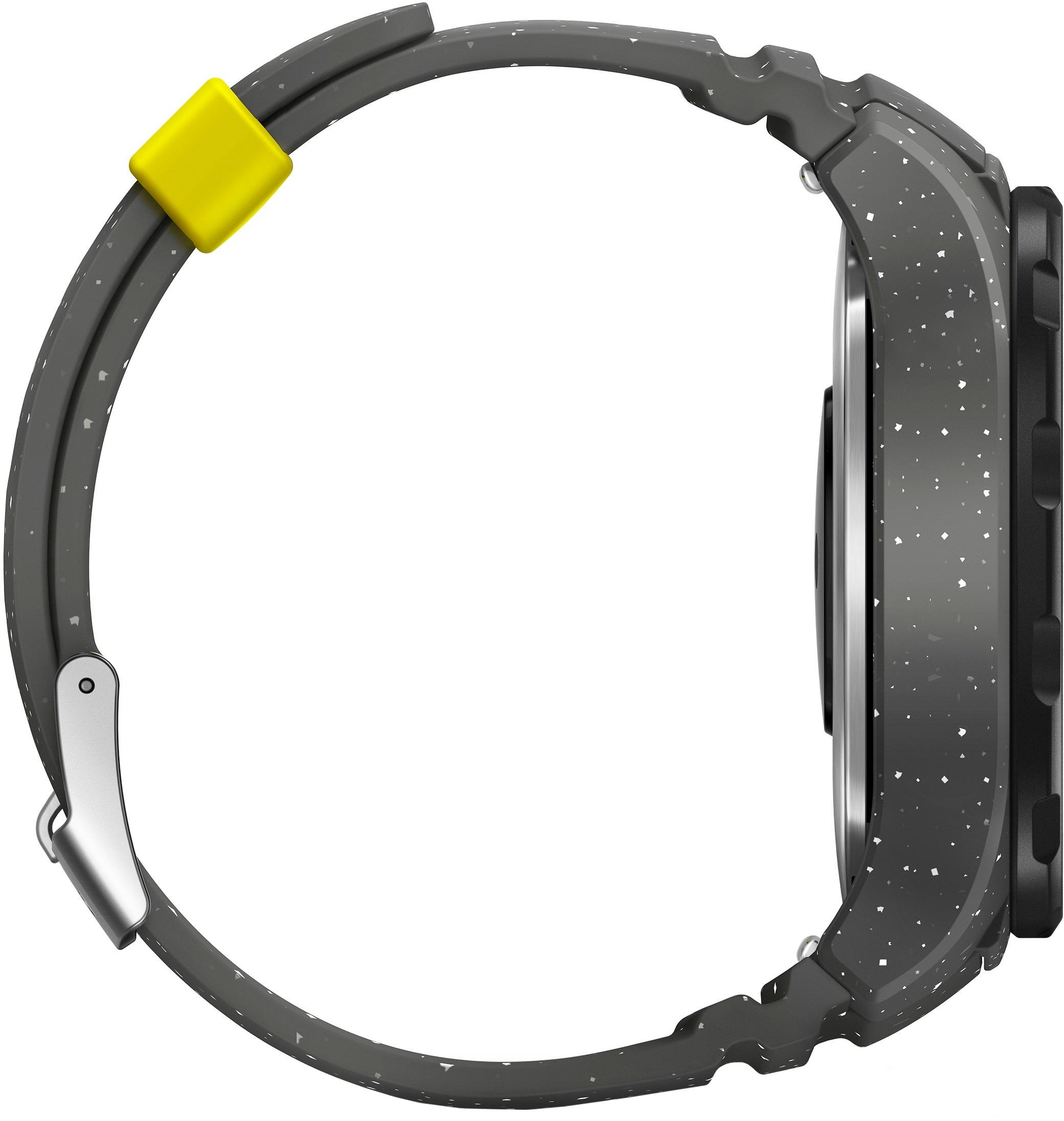
- Model:
- LEO-B09GRY
- SKU:
- 5796773
Rating by feature
- Value
Rating 4.3 out of 5 stars
- Quality
Rating 4.3 out of 5 stars
- Ease of Use
Rating 4.3 out of 5 stars
Customers are saying
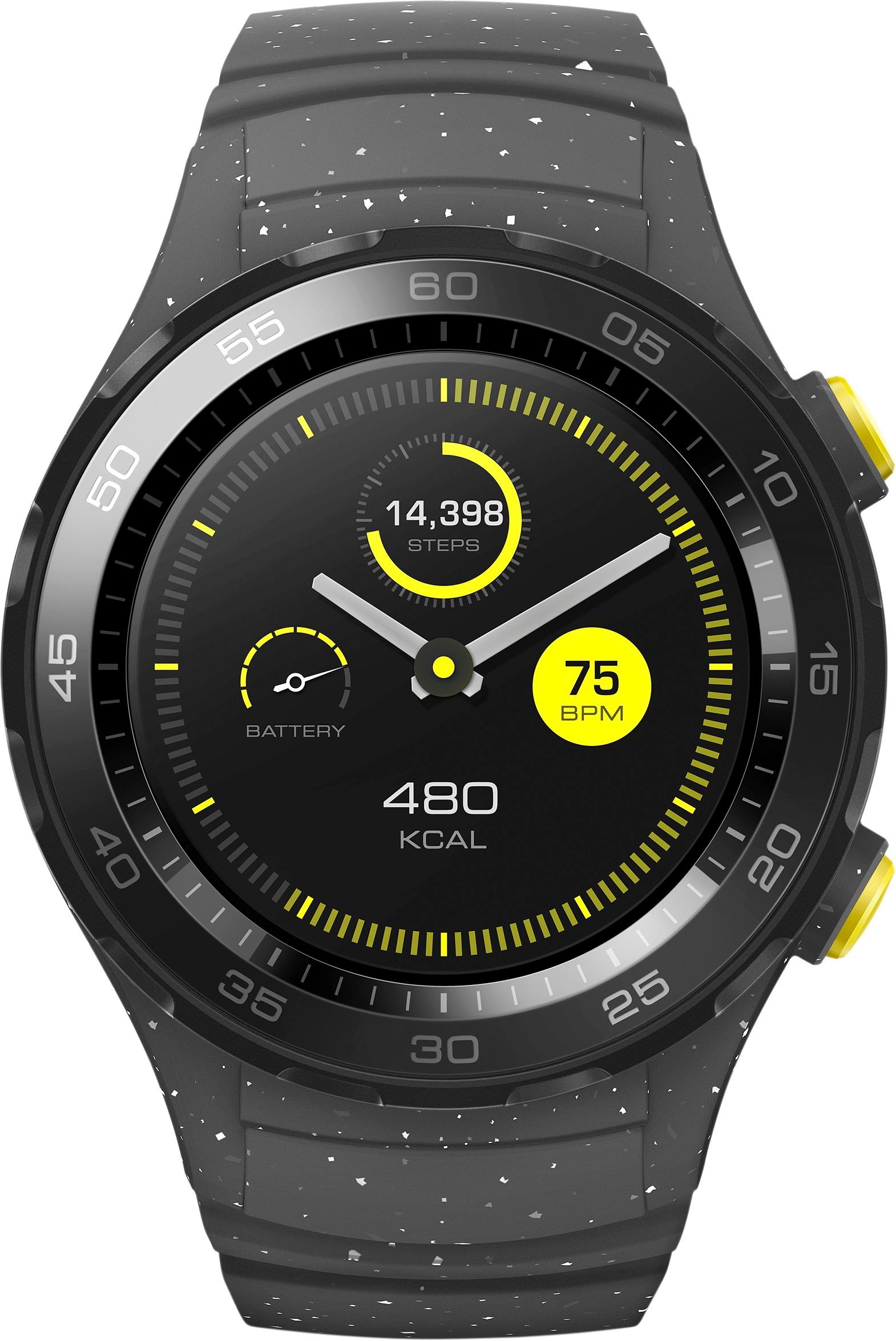
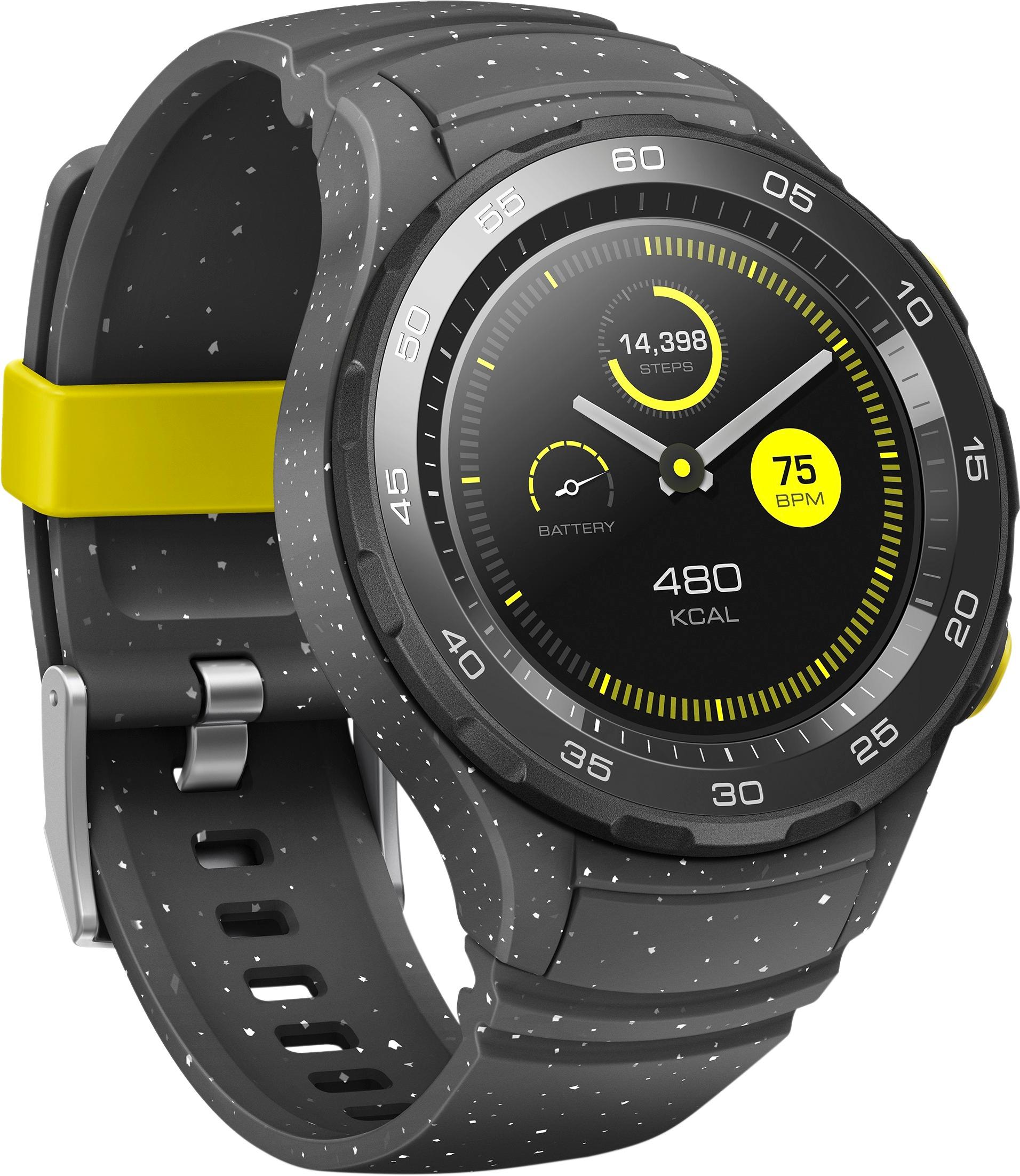
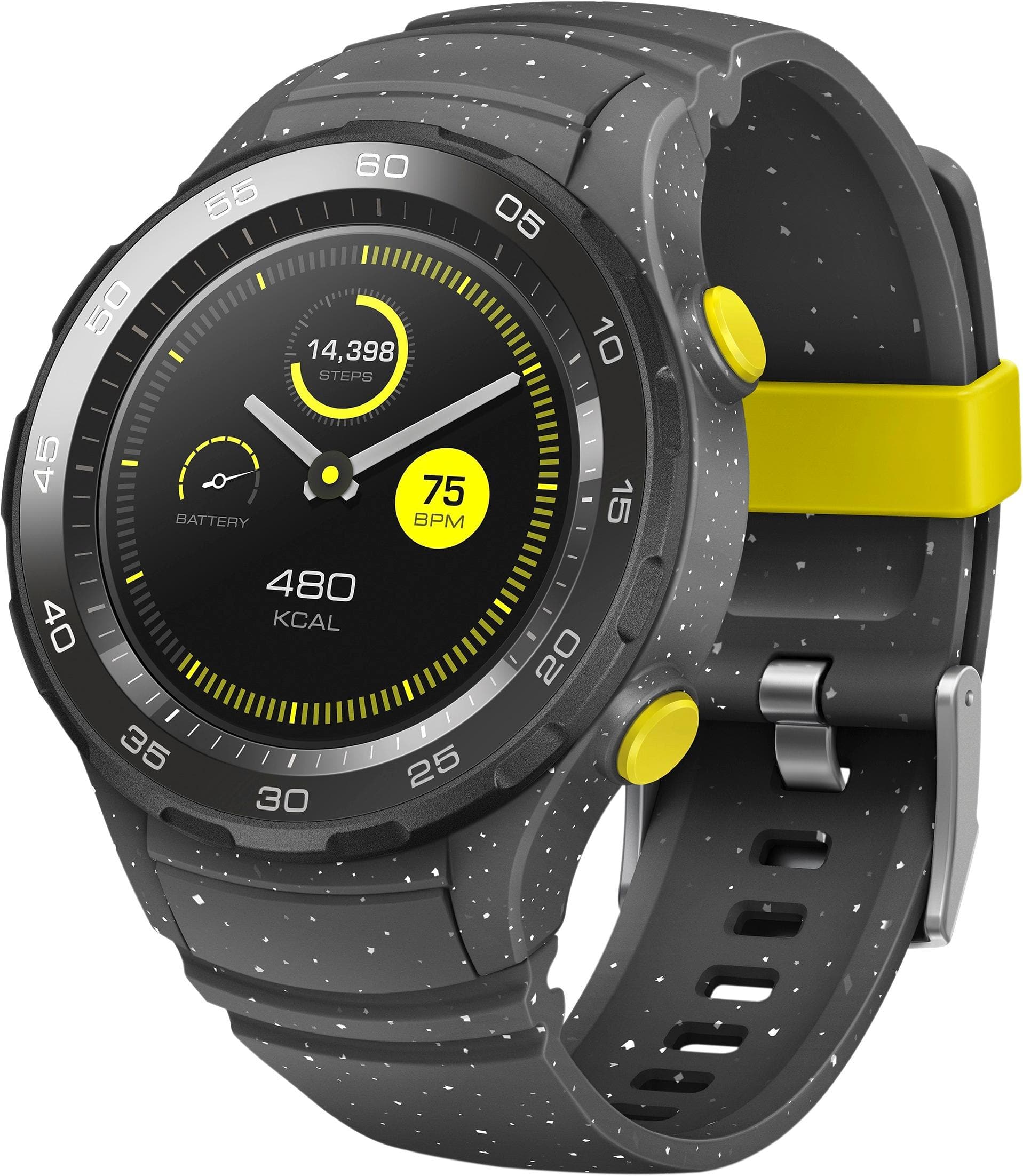
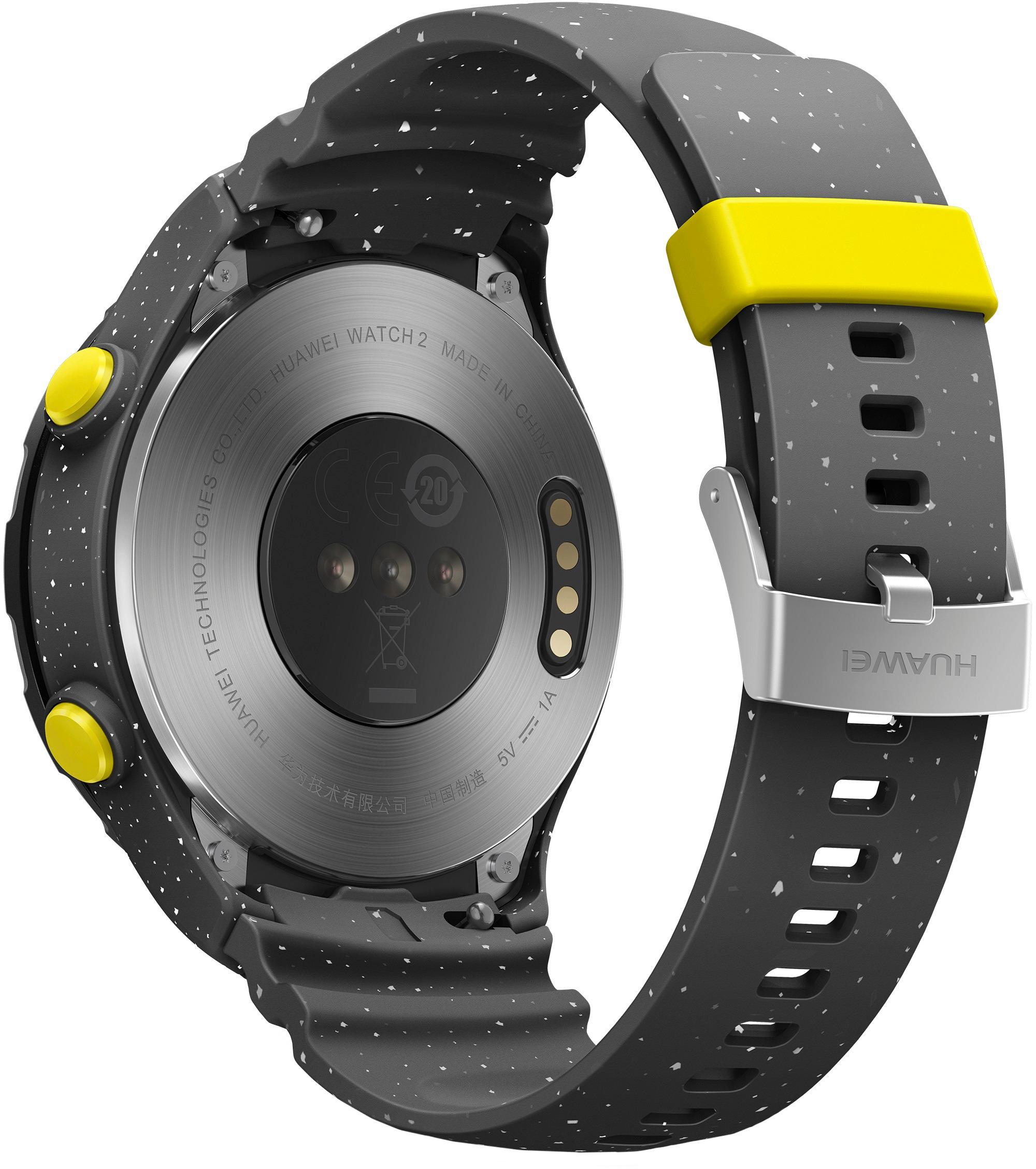
Customers love the Watch 2 Sports Smartwatch 45mm Plastic for its long battery life, affordable price, and stylish design. They appreciate the convenience of features like GPS, Google Assistant, and Android Wear, as well as the ability to receive notifications and make contactless payments with NFC.On the downside, some customers wish the screen was larger and have experienced compatibility issues with certain health apps. Others have reported connectivity problems and concerns about the accuracy of the heart rate monitor.
This summary was generated by AI based on customer reviews.
Could use a better app to go with product
||Posted .This reviewer received promo considerations or sweepstakes entry for writing a review.The app for watch needs to be tweaked. Limits what you can do with watch. Kinda sucks, actually.
No, I would not recommend this to a friendHe loves it!
||Posted .This reviewer received promo considerations or sweepstakes entry for writing a review.He will never top this gift - or ever take it off!
I would recommend this to a friendNot very good compared to other watches
||Posted .This reviewer received promo considerations or sweepstakes entry for writing a review.For this to have the complete function , you should have a sim car specifically for the watch and have a data plan ..So you would need to put extra money from your pocket to get the complete functionality for this watch .. As the simple function it should be connected to your Phone using the Bluetooth. Overall not very much happy with this watch
No, I would not recommend this to a friendAwesome watch. A must have!
||Posted .This reviewer received promo considerations or sweepstakes entry for writing a review.Perfect for when not being able to have phone in hand.
I would recommend this to a friendBrand response from Huawei Customer Care
Posted .Hello GadgetMe!
Thank you very much for the feedback about your experience and the features that you thought we improve right! HUAWEI WATCH 2 brings you important notifications, lets you pay by simply flicking your wrist, and helps you when you need it most.
We remind at your service.
P.T.
Great price for Smart Watch
||Posted .This reviewer received promo considerations or sweepstakes entry for writing a review.Nice, unique look. Syncs nicely with phone & apps.
I would recommend this to a friendGreat smartwatch for work
||Posted .This reviewer received promo considerations or sweepstakes entry for writing a review.This watch is great for school, work and exercising.
I would recommend this to a friendBrand response from Huawei Customer Care
Posted .Hello Tara,
We are delighted to hear that you are enjoying your spectacular Huawei Watch 2!
The Huawei Watch 2 motivates you all the way during a workout, showing you goal achieving progress, lap/time/distance reminders, and even speed guidance. Enjoy outdoor run or cycling with live GPS tracking. View real-time map and trail on the high resolution display.
Thank you for contacting Huawei. BG
Excellent watch. 100% recommended.
||Posted .This reviewer received promo considerations or sweepstakes entry for writing a review.Very usefull watch. Recommended without restrictions!
I would recommend this to a friendBrand response from Huawei Customer Care
Posted .Hello Cristian,
We are amazed with your precise review on your Huawei Watch 2.
The workout mode is one of our favorite features, offering you information as the training effect, the recovery time advice and more workout data. The plus that you get with your Huawei Watch 2 is that you can enjoy all its great features, such as Live GPS Mapping, offline music and Real-time Guidance, at any time without having your phone with you!
Thank you for choosing Huawei! NF
Love it
||Posted .This reviewer received promo considerations or sweepstakes entry for writing a review.Does everything it says it does and does it perfect
I would recommend this to a friendBrand response from Huawei Customer Care
Posted .Hello Haley,
It is amazing to hear that you are enjoying your brand new Huawei Watch 2!
Your Huawei Watch 2 motivates you all the way during a workout, showing you goal achieving progress, lap/time/distance reminders, and even speed guidance. Enjoy outdoor run or cycling with live GPS tracking. View real-time map and trail on the high resolution display.
Keep supporting Huawei! BG
Have to pair every other day.
||Posted .This reviewer received promo considerations or sweepstakes entry for writing a review.Have to pair every other day. Good functions. and easy to use.
I would recommend this to a friendOk Watch
||Posted .This reviewer received promo considerations or sweepstakes entry for writing a review.My expectations were right on par for this watch. I new wasn't going to have the premium feel or look as the Apple watch or Samsung watches. Tried it out anyways and ended up giving it away. Very glitchy, screen isn't great, and overall speed of watch was slow.
No, I would not recommend this to a friendFantastic watch but the major downfall is battery
||Posted .This reviewer received promo considerations or sweepstakes entry for writing a review.Battery life needs to be extended for 5 Star review
No, I would not recommend this to a friendBrand response from Huawei Customer Care
Posted .Dear customer, thank you for your feedback about the features that we can improve of the Huawei Watch 2! We always take consideration of all our customers opinions to offer a better experience. Your device has a lot of awesome features, it help you to go running or cycling with your favorite workout beats, while guided and motivated by real-time coaching, and have your trail mapped via GPS, all without the burden of a phone. Have a nice day! P.T.
Was not impressed
||Posted .This reviewer received promo considerations or sweepstakes entry for writing a review.I bought this over a Samsung cause I thought it would be better for the price. The main reason I got this is to put my music to workout wireless headphones. It was hard to put music on there and made it difficult to locate.
No, I would not recommend this to a friend- Cons mentioned:Screen size
I didn't like it
||Posted .This reviewer received promo considerations or sweepstakes entry for writing a review.The screen was small with a thick bezel. It also didn't have a rotating crown or bezel to make use of the new android 2 functionality
No, I would not recommend this to a friendBrand response from Huawei Customer Care
Posted .Dear customer,
Thank you for your review and for your kindly feedback, we are always interested in the opinion of our valued customers, we will forward your feedback to our development team for future upgrades in our products.
The Huawei Watch 2 supports the NFC mobile payments, thanks to this you can pay by simply flicking your wrist!
Thank you for contacting Huawei. BG
Buggy
||Posted .This reviewer received promo considerations or sweepstakes entry for writing a review.Encountered a bug that many other owners of this watch have had, where Google accounts won't sync from the phone to the watch, rendering core function (like Android Pay) useless. No workaround or fix available.
No, I would not recommend this to a friendBrand response from Huawei Customer Care
Posted .Dear customer,
We want to thank you for your review and for your kindly feedback.
We understand that this situation can be really frustrating, however in order to fix this issue we kindly ask you to follow the steps mentioned below.
Let's try resolving this by starting fresh with cleared cache on your apps required for your watch on your phone and pairing the watch again to your phone .
From your phone:
1) Open the Android Wear app and use the Disconnect option.
2) Now make the app forget your watch: Navigate to: Settings --> Device settings and touch the watch name,
select FORGET WATCH.
3) Let's now remove your watch from your bluetooth settings: Settings --> Bluetooth -->If you still see the watch,
select the option to forget/remove.
4) The next stage is to clear the app cache for the following apps on your phone:
Settings --> Device --> Apps, --> Google Play Services --> Clear cache and Clear data.
Settings --> Device --> Apps, --> Android Wear --> Clear cache and Clear data.
Settings --> Device --> Apps, --> Google App --> Clear cache and Clear data.
5) Open The Google Play store and make sure you have installed any pending app updates, if there is, make
sure you update them.
6) Now reboot your phone.
From your watch
1) On the watch, navigate to: Settings --> Unpair watch to perform a factory reset.
Once your Android watch has been reset and your phone has rebooted, please follow the instructions mentioned below.
1)Turn on your watch.
2)On your phone, open the Android Wear app. Tap Set it up.
3)When you see your watch’s name, tap it.
4)You’ll see a code on your phone and watch.
On your phone, tap Pair. Pairing can take a few minutes, so be patient.
5) To finish setup, follow the onscreen instructions. Make sure that the box for notifications to Android Wear is
ticked.
It will take a while for your apps to sync over to your watch, some apps are large in size and may take a day to sync over.
PLEASE NOTE: Remember it takes a long time to sync apps, this is so it doesn't greatly affect your watch battery, so please don't press the Resync button too many times, leave it for a day before pressing it again which should not be required.
If the issue persists we kindly ask you to give us a call to, 888.548.2934, one of our representatives will be more than glad to assist you with this issue.
We remain at your service. BG
the watch keeps disconnected from my phone.
||Posted .This reviewer received promo considerations or sweepstakes entry for writing a review.the watch keeps disconnected from my phone. it was working fine but then after an update it would randomly disconnect.
No, I would not recommend this to a friend- Cons mentioned:Accuracy
Did not work well
||Posted . Owned for 1.5 years when reviewed.This reviewer received promo considerations or sweepstakes entry for writing a review.I returned because I didn't think was accurate. Later, I got the fitbit and I could see how much better and accurate compared to Fitbit.
No, I would not recommend this to a friend - Pros mentioned:Design
Solid improvement over last version
Posted .This reviewer received promo considerations or sweepstakes entry for writing a review.I've had the original Huawei Watch for a while now as my daily wear smart watch. I've also had a Fitbit Charge HR that I'd wear for working out and sleep monitoring. I found myself wearing the Fitbit more often as I liked keep track of fitness throughout the day. So I was quite interested in a Smart Watch that could potentially replace both. Let's take a look and see how it does. PROS: + Long battery life (2 days) + Clear & Bright Display + Physical Buttons + IP68 Dust & Water Resistant + Light weight + Android 2.0 + GPS & NFC + Continuous Heart Rate Monitor + Workout Assistant + Stylish Design + Improved charging cradle + Native Google Assistant + Gorilla Glass + Solid build quality CONS: - May be somewhat bulky for some - Wrist strap could be better - Slightly smaller screen (1.2") - No LTE for US variant - Bit Pricey - No Sapphire Glass UNBOXING & DESIGN Out of the box you've just got the watch, a charging cradle with attached USB cable, wall charger, and documentation nobody reads. That's about it. Compared to the original Huawei Watch, the second generation here is more of a "sport" watch. In that it features a more rugged design, plastic type band, and no shiny bits that will get scratched easily. Despite this, it still feels very solid, and well built. There is a stationary "dial" often seen on diving watches, which as noted, doesn't move. There are also two buttons on the right side. The upper button is to access the Apps menu. Lower button is is for Fit/Activity features. Such as to start a workout. This is no leather band. It looks and feels like plastic, which may be an issue for some. Not a big deal for me, as I found it it well enough. But could be a softer rubber compound, to offer more comfort. I think for an average to large wrist, the size won't be an issue. But it is taller and bulkier than some may expect, or desire. Just be aware of that. ANDROID 2.0 The brand new version of Android Wear brings a noticeable updated designed, layout, and ultimately changes how you interact with the watch. Long press of the main watch doesn't do anything unless your particular watch face has added features. Swipe left or right is now only to change watch faces. Swipe up will show any notifications. Swipe down is the settings menu. What about the apps? That's where the new dedicated upper button comes into play. Single press to get your app carosoel. Swipe up and down to see everything installed. Pretty basic. Long press the same button to bring up the ever helpful google assistance. Or just say "OK Google," as usual. The lower button access the fitness/workout settings. More on that next. Initially, it felt like they simply changed things, for the sake of change. But after using it for awhile, I've gotten used to everything and find it to be fairly intuitive. It's just a bit different, but it works. FITNESS This is where things like a plastic band, IP68, GPS, continuous hear rate monitoring, and lighter weight all come together. The original Huawei Watch was simply too heavy to use for fitness, and lacked a lot of the features above. Not to mention leather + moisture don't go well together. So this is really where I was quite interested. Did I still need to swap out watches to go for a run, do cardio, list weights, or other workout stuff? Nope. Today, for example, I wanted to hit the elliptical. I've been slacking off, and it was time. I just pressed the fitness button, selected my routine, and off I went. It automatically started continuous heart rate monitoring, including what zone I was in (i.e. fat burn, aerobic, etc), distance, and time spent. All at the same time, in a nice presentable way. That was actually nicer than the fit-bit, thanks to how easily accessible this information was. If I wanted to do the same routine, but actually going somewhere when I run, there's an activity for that. Except now it knows you're moving, and will kick in GPS to track your run. Nice. Once you're done, you can easily view all kinds of neat stats via numerical value and pretty graphs. Including time spend running, where you're hear rate was throughout, pace, steps, calories, etc. All on the watch itself. That's right, don't even need to grab your phone. Or bring it with you. And considering I usually have large phones, that's a big plus. CONCLUSION In some ways, I've actually found Huawei Watch 2 and Android 2.0 a bit more advanced than the Fit app itself, on my phone. Fitbit app still has more in-depth and useful information there. But I think Google has caught up enough so that I don't feel the need to swap watches just to go for a 30-45 run or exercise routine. All while being nice enough to wear out of the house, to a social event, or even to the office. Sleep monitoring is just about the only feature where I'd need a fitbit. While it lost some "nice" features like a leather band and sapphire glass, those would have simply gone against the fitness requirements and added more weight. Overall, if you're looking for something that can be true 2-in-1 replacement, and don't mind the bulk or cost, I consider the Huawei Watch 2 highly recommended.
I would recommend this to a friendBrand response from Huawei Customer Care
Posted .Dear Customer,
Thank you for your thorough review!
It is great to know that you enjoyed the fitness features and applications in your Huawei Watch 2.
This smartwatch is definitely perfect as a fitness tracker, its light weight in conjuction with its amazing features makes it the best workout companion.
Thank you again for this awesome review, and please be sure that your suggestions will be reported to the product development team to future products improvement.
Is astonishing to hear that our newest wearable meets your expectations and that you highly recommend it.
Thank you for choosing Huawei. NF
Display Broke
||Posted .This reviewer received promo considerations or sweepstakes entry for writing a review.I accidentally broke the display. Contacted Huawei and they said warranty does not cover damage. I do know the same and asked them to provide paid repair. They replied : 1. "We do not currently have any repair process for this specific matter". 2. "We do not have a authorized repair center". 3. "We kindly recommend you a third party repair center, so you can find a replacement for your screen." I asked them details of third party repair center and its been 7 days they have not respond even after 5 follow-ups.
No, I would not recommend this to a friendNot so great!
||Posted .This reviewer received promo considerations or sweepstakes entry for writing a review.Disappointed! Battery only lasts a couple of hours...heart rate was incorrect...Not willing to charge every couple of hours.
No, I would not recommend this to a friendBrand response from Huawei Customer Care
Posted .Dear customer! Check whether you are using the Bluetooth version or the 4G version.
For the Bluetooth version (or 4G version without a SIM card inserted): If the standby time is less than one and a half days, perform the following steps to check for the cause.
Check whether the rapid power consumption is caused by a third-party app.
In the Android Wear app, touch the click to enlargeicon to open the settings screen. Under Device settings, select the connected HUAWEI WATCH 2, and then touch Watch battery to check detailed battery statistics.If there are other third-party apps consuming a lot of power in the background, but you never or rarely use them, it is recommended that you uninstall these apps.
Check whether Package Installer or Android System is at the top of the Android Wear app power consumption list. If so, it could be that the rapid power consumption is caused by a rare software issue. Please restart the watch to fix the issue. Please also update your watch's software at the next available version release, as this will also fix such issues.
Check whether the watch has undergone heavy use. The watch's standby time will be reduced in respect to how much it is used. The following situations may result in reduced battery life:
Prolonged use of the watch to play music or make calls.
Prolonged use of an exercise or map navigation app.
Prolonged use of power-intensive third-party apps, such as Google Fit or Runtastic.
Frequent message notifications.
For the 4G version (with a SIM card inserted): If the standby time is less than 1 day, in addition to the above, please also check the following:
a. Check whether the watch is disconnected from the phone. If Bluetooth is disabled on the phone or watch, using the watch's independent connectivity functions will result in higher power consumption than usual.
Tips:
If you want to use the watch's independent calling function, go to Settings > Connectivity > Cellular and set Cellular to ON. This way you can make calls using the watch and still receive messages and access network connections over Bluetooth. This conserves more battery power than directly disconnecting the Bluetooth connection between the watch and phone.
If you don't want to have messages pushed to your watch, go to the Android Wear app, touch the click to enlarge icon to enter settings, then select the apps you no longer want to receive messages from under Block app notifications.
b. In the Android Wear app, touch the click to enlargeicon to open the settings screen. Under Device settings, select the connected HUAWEI WATCH 2, and then touch Watch battery to check Cell standby consumption statistics.If the Cell standby power consumption exceeds 10%, the mobile network power consumption is high.
Mobile network power consumption is affected by mobile network signal strength. If the network signal is poor, power will be consumed at a faster rate. If the mobile network is set to ON (the default selection is Automatic), power consumption will be greater.
Tip: If you don't want to use the independent calling function on the watch, you can disable it by going to Settings > Connectivity > Cellular andsetting Cellular to Automatic.
After performing the preceding actions, restart the watch to see whether power consumption has improved. If the issue persist we kindly ask you to contact us and we will be more than glad to assist you any time:
http://consumer.huawei.com/us/support/warranty-query/
Live Chat:
http://consumer.huawei.com/us/index.htm
Hotline:
888.5HUAWEI / 888.548.2934
English / Spanish / French / Mandarin
English / Spanish: Monday - Sunday 7:00am – 9:00pm (CST); French / Mandarin: Monday – Friday 7:00am – 9:00pm (CST)
P.T.
lags behind with long use
||Posted .This reviewer received promo considerations or sweepstakes entry for writing a review.Initially worked well,however as months passed, became slow, Also concerns about privacy. Now the watch is in some corner of the house.
No, I would not recommend this to a friend