Customer Ratings & Reviews
- Model:
- HDM1H
- SKU:
- 12196235
Rating by feature
- Value
Rating 3.9 out of 5 stars
- Quality
Rating 4.3 out of 5 stars
- Ease of Use
Rating 4.3 out of 5 stars
- Pros mentioned:HdmiCons mentioned:Cable length, Heat

Easy Setup, Lots of Ports, Gets Warm
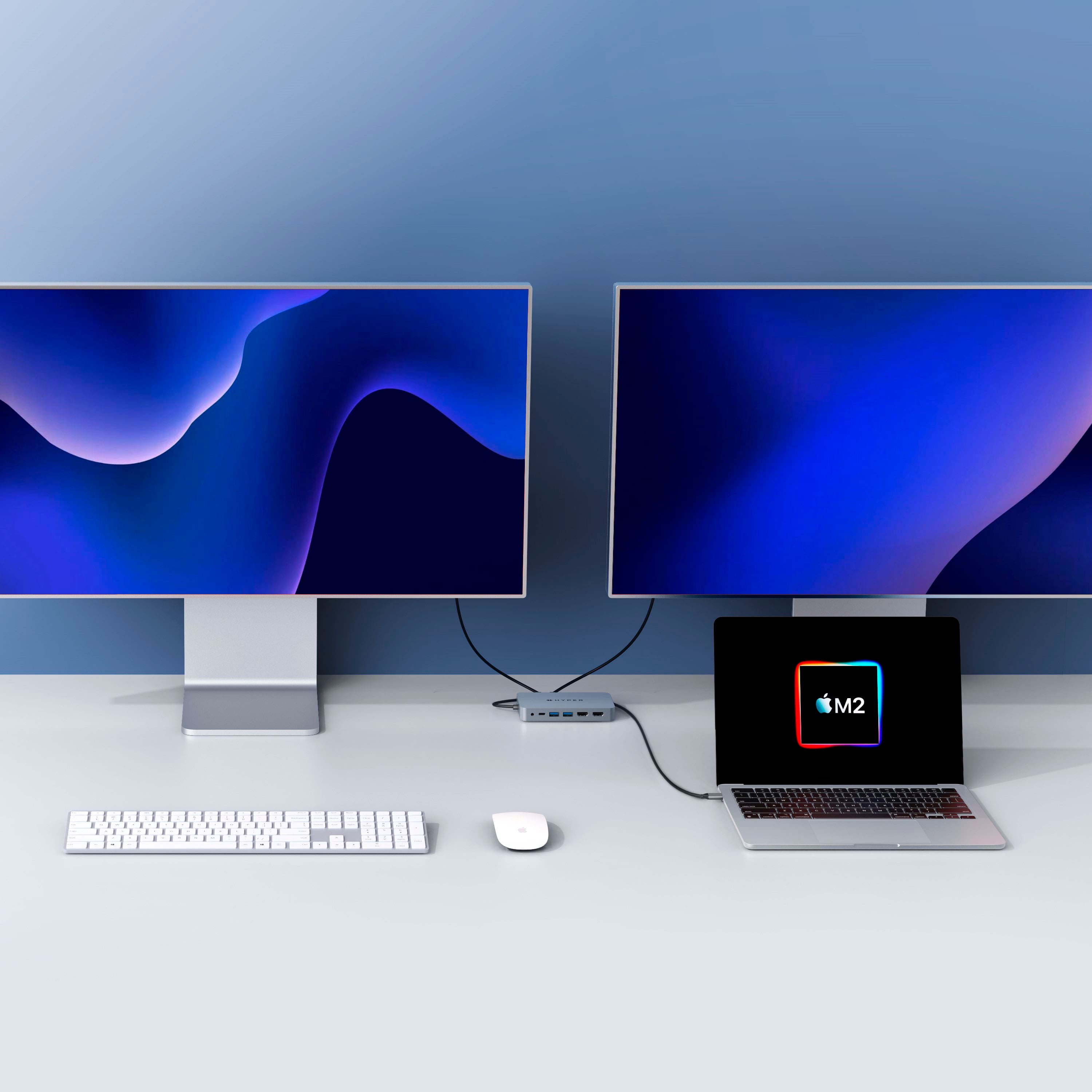
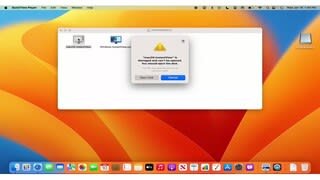
|Posted .This reviewer received promo considerations or sweepstakes entry for writing a review.The Hyper 4K HDMI hub is a very neat device which allows many Mac devices to support dual monitors where they do not normally. I tested this device on a MacBook Air M1 and two 4K displays (One Monitor & One 4K TV) and I got it to work as described for the most part. In The Box: - Adapter - VERY Small Paper Instructions Usage: Overall once I plugged the adapter in it prompted me to change a setting and once this was done, it was fairly straight forward. I plugged in two HDMI cables, clicked a button within the “app”, and it was showing on the two external displays. Although the adapter states you can achieve one 4K 60hz and one 4K 30hz simultaneously although I was only able to achieve two 4K 30hz according to what I found on each display. They both had great picture quality overall and it was nice to be able to create two external displays with the M1 Air. This hub has a host of additional ports which makes it even better to have extra USB, SD slots, AUX, and Ethernet ports. This makes just the two USB-C on the M1 Air very usable instead of having to always have to use one fort charging and another for an adapter. Typically, I always have at least one USB-C tied up for various reasons so this hub allows for one to be open at all times. My only real concern is the fact the hub gets very warm during usage. This is the case with another adapter I have as well. I am not sure why these get so warm (especially the other one) which does supply power into the Mac but overall this is not a deal breaker whatsoever. It isn’t too hot but can be uncomfortable to touch or hold. Another small downside is the length of the attached cable. It would be nice to have a longer cable or detachable cable even but that adds complexity. Finally, the price is a bit steep for what you get but if the product turns out to be quality over time and adds value, it might be worth it. I’m sure this will go on sale from time to time. Overall, I would definitely take a look at this adapter if you have a compatible Mac that needs external monitor support. With just a few tweaks, this adapter could be even better.
I would recommend this to a friend 
No dual Monitor on 2017 MacBook Pro
|Posted . Owned for less than 1 week when reviewed.This reviewer received promo considerations or sweepstakes entry for writing a review.[Employee of bestbuy] Looking for a solution to run 2 4K Omen monitors on my 2017 MacBook Pro - this did not work. One monitor will run, the other gets no signal. Thought it would work as this one says MADE FOR MAC - but guess ill have to buy a more expensive dock
No, I would not recommend this to a friendOnly worked for two weeks
||Posted . Owned for 2 months when reviewed.This reviewer received promo considerations or sweepstakes entry for writing a review.It works great for a couple of weeks then unfortunately it stopped working.
No, I would not recommend this to a friend- Cons mentioned:Refresh rate
Supports Only 30hz
||Posted . Owned for 1 week when reviewed.This reviewer received promo considerations or sweepstakes entry for writing a review.Unable to provide full refresh rate on both monitors
No, I would not recommend this to a friend - Pros mentioned:Ease of useCons mentioned:Cable length, Heat
Very simple and does exactly what I needed
|Posted .This reviewer received promo considerations or sweepstakes entry for writing a review.I’ll get straight to the point and then unpack things a bit. This Hyper Dual 4k HDMI hub is a really fantastic little device. I found it very easy to use and have had zero problems with it. It gets warm when it runs, but not alarmingly warm. It works better than the really expensive dock that I have on my desk at work. I would definitely recommend this little gem. Now…a little more detail… It comes in a simple cardboard box with nothing more that a single folded up piece of paper telling you how to use the software that is preloaded on the device. That’s it. When I connected it to my MacBook Pro M1, the drive mounted to my desktop immediately. Next, I followed the instructions on the piece of paper that came with the device. It walked me through a few security settings on my Mac to allow proper access and then had me launch the screen sharing software. Some people have reported that the drive doesn't mount. If that happens, the paper tells you where to go download it yourself. I actually went and grabbed it just so it would be there in case the drive ever doesn't mount and I don't have internet access. Now I'm good regardless of the drive. It is super simple software. It’s basically one small window that has a disconnect button, and an option to toggle between mirrored and extended monitors. That’s it. I hooked my two 23" 1080p monitors up via HDMI (the only option you have...make sure you have the cables) and one of them came to life immediately. I wasn’t sure why the 2nd one wasn’t firing up, but just about the time I was going to restart my machine, it came to life as well. I don’t know if that’s a typical experience, but if you turn things on and only 1 monitor comes on, give it a minute or two before you panic. Once the monitors were on, I clicked the button to switch to extended mode and it switched right over. I was then able to go into my Mac monitor settings and arrange the virtual representation of the monitors to match their physical placement in my space (so that my mouse moved from one screen to the next in the right place). That was it. I was up and running. I haven’t had a single hiccup with this little hub. I thought that I would have to run the software each time I booted up, but it just works when I turn on the machine. It always mounts the drive, and it always remembers my settings and fires up my monitors. It couldn’t be simpler. I enjoy having the extra USB-A ports as well. I have a few older devices and LED lights that I use from time to time. Not having to drag out another hub is great. I use the USB-C port to keep my cell charging as I work. I haven’t needed the sd card reader yet, so I can’t speak to that piece. I also don’t use a hard line, so I don’t know how the ethernet port performs. My only critique might be that the cable that attached the dock to my laptop is pretty short. I would have liked to have that a bit longer. That said, you could easily get the right type of coupler and add an extension. I can live with it like it is, but if you are a cable management fanatic you may want to consider making that investment. I would most definitely recommend this unit. I’m very please with the results thus far. You should take time to research dual external monitor setups with MacBook Pro’s. It will help you understand why this dock is driver and software driven, and why the refresh rates and such are different than what you might expect. For me, I’m using this for work, not gaming, so I don’t have any issues with quality. I just finished a 2 day video conference and had zero issues with jitters or screen tearing while hopping in and out of sessions every 45 minutes.
I would recommend this to a friend - Pros mentioned:Ease of useCons mentioned:Heat
Nice compact with lots of ports but gets warm.
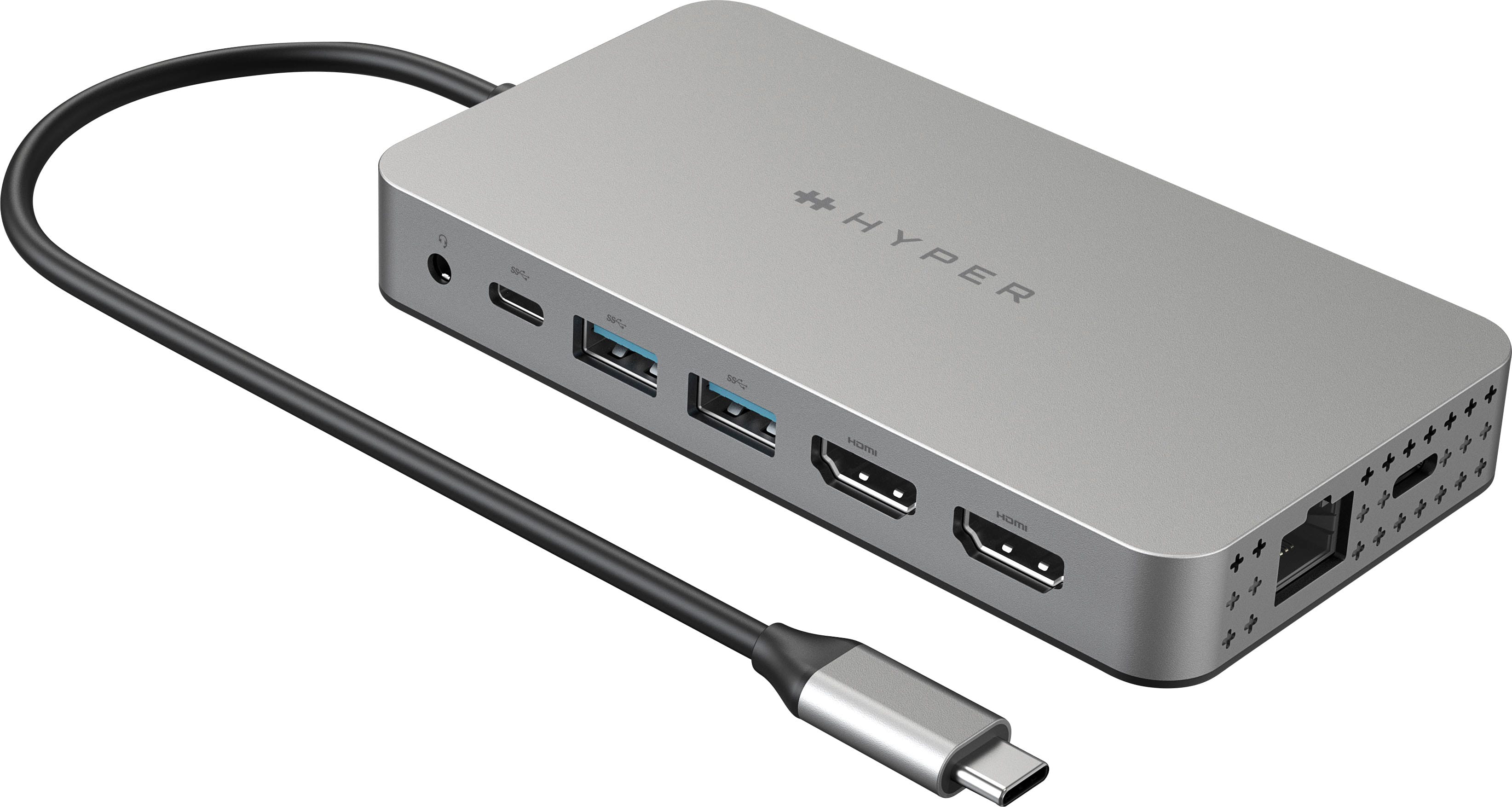
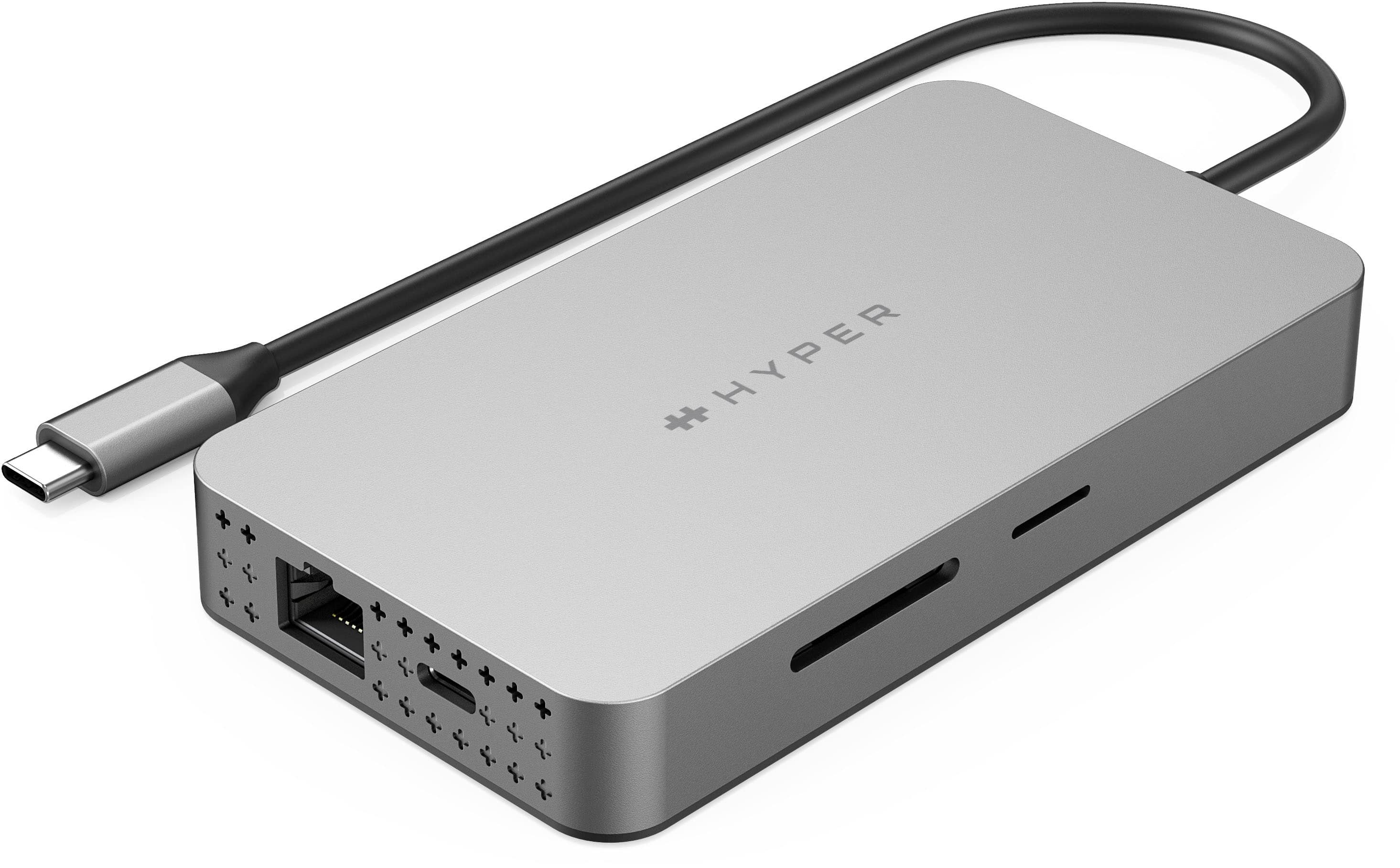
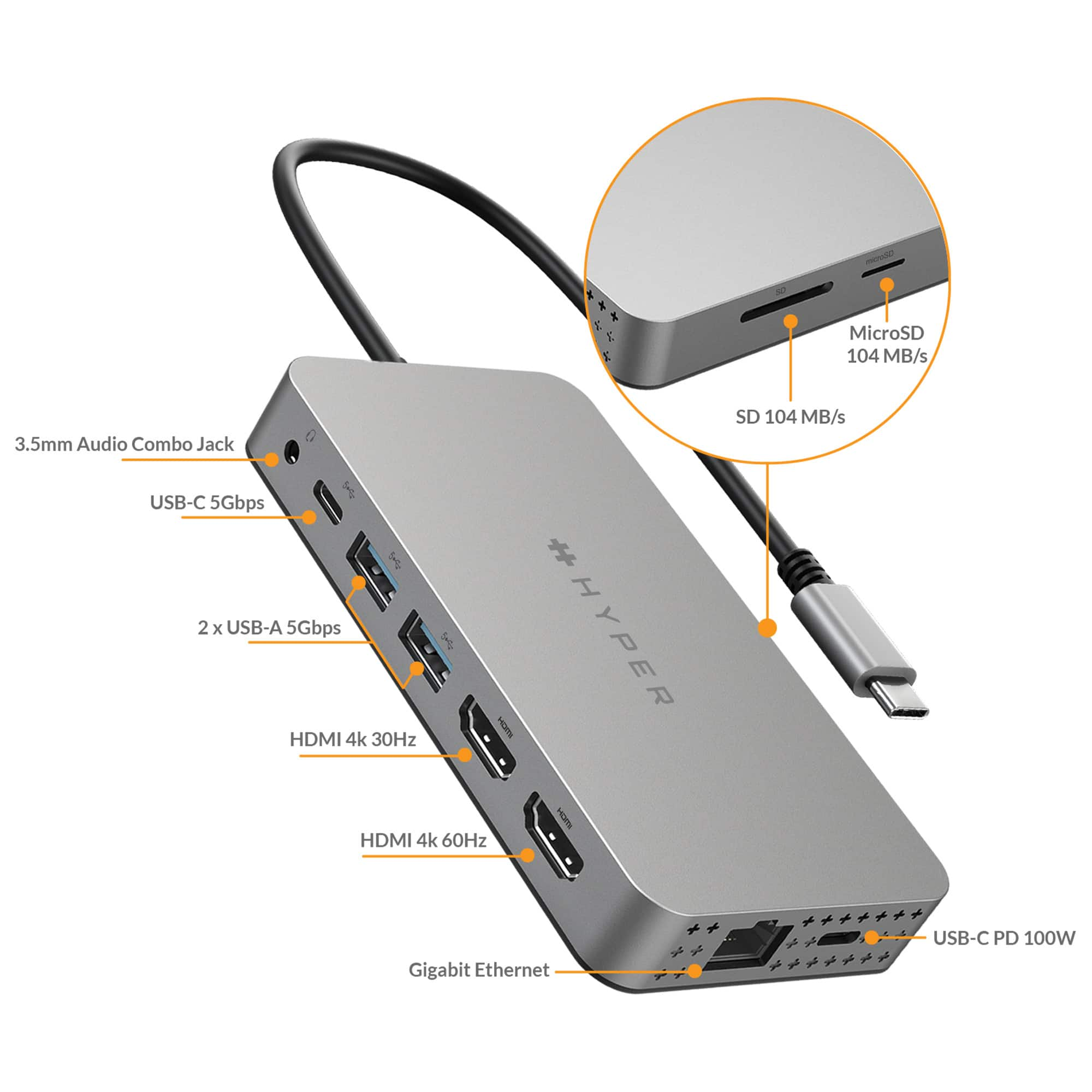
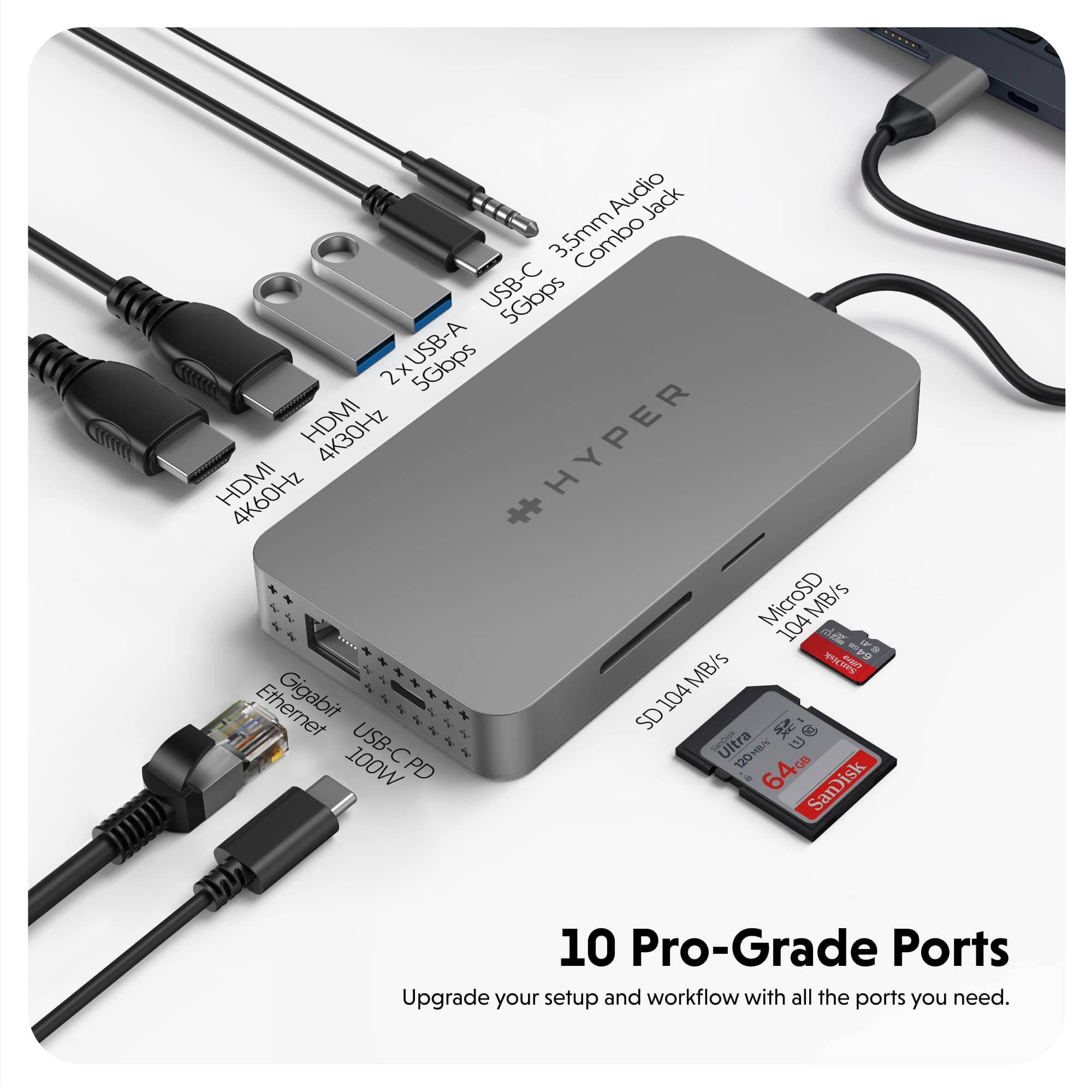
|Posted .This reviewer received promo considerations or sweepstakes entry for writing a review.Very costly and gets fairly warm, no internal fan but you do get a lot of ports… 10 ESSENTIAL PORTS - A convenient USB adapter that lets your computer connect to ports like HDMI, USB-A, USB-C, and Ethernet. Transfer data with the MicroSD/SD card port, listen through the audio jack, and power up with the 100W power delivery charging port. Nice to have all these ports and not have to plug and unplug. The LAN port works but does need to be configured depending on the device…no issues using LAN on Mac / iOS devices once configured. I love the two multiple monitor capability…two HDMI ports (one 4K@60Hz and second 4K@30Hz). To my eyes no issues with signal degradation but my eyes not as sensitive as others peoples eyes to these issue. The device sitting next to your laptop makes using the ports easy as there are so easy to reach and the SD reader is a real bargain and again it is so easy to use. I do wish the usb connection cord was more like 1.5-2 feet long, I think this cord is less than 12 inches. A nice device, quality build and I think heat is not an issue, fingers crossed. Get it on sale because for the price I think too costly and so 4.5 stars.
I would recommend this to a friend Useless
||Posted . Owned for 1 year when reviewed.This reviewer received promo considerations or sweepstakes entry for writing a review.Absolutely the worst piece of JUNK I have ever owned. I have to plug, unplug, start restart at LEAST 20 times a week to get both my extended displays to work. Don't waste your time
No, I would not recommend this to a friendFlawed item
||Posted . Owned for 1 month when reviewed.This reviewer received promo considerations or sweepstakes entry for writing a review.it stopped working about 40 days after purchase. Hard to work with brand for warranty.
No, I would not recommend this to a friendDon't buy it
||Posted . Owned for 1 month when reviewed.This reviewer received promo considerations or sweepstakes entry for writing a review.This worked great for me for the first month. As soon as the return date passed one of the ports stopped working. I would not recommend this product. Now I'm stuck with a product that doesn't work right. Very frustrating.
No, I would not recommend this to a friendVery disappointed
||Posted . Owned for 1 month when reviewed.This reviewer received promo considerations or sweepstakes entry for writing a review.Many troubles. Sometimes it works and sometimes it doesn’t. Too much in cost to have this not be count-on-able 24/7. I do not recommend.
No, I would not recommend this to a friendGreat for expanding monitors!
||Posted . Owned for less than 1 week when reviewed.This reviewer received promo considerations or sweepstakes entry for writing a review.Work great with my new MacBook Pro 14”! Definitely recommend if wanting to connect extra monitors.
I would recommend this to a friend.exe not discoverable
||Posted . Owned for 1 month when reviewed.This reviewer received promo considerations or sweepstakes entry for writing a review.Would not load exe file to work with Mac as described. Returned to Best Buy but now the new Mac won't logon
No, I would not recommend this to a friendFaulty HDMI port 30 hz
||Posted . Owned for 1 week when reviewed.This reviewer received promo considerations or sweepstakes entry for writing a review.I was not able to get the monitor to turn on when connected to the HDMI 30 hz port.
No, I would not recommend this to a friendMark
||Posted . Owned for 1 week when reviewed.This reviewer received promo considerations or sweepstakes entry for writing a review.Would not work on my new 2022 MacBook Air 13.6” M2. Will be returning it to Best Buy for full refund.
No, I would not recommend this to a friend- Pros mentioned:Compatibility
An absolute essential for your Mac
|Posted .This reviewer received promo considerations or sweepstakes entry for writing a review.Works with Mac as well as PC. This version is really tailored towards the Mac Book/Air/Pro and it does a great job with those. Two monitors connect to my M1 Macbook Pro seamlessly. The hub itself has two Thunderbolt 4 USB C ports and two HDMI ports for maximum compatibility. Two USB 3.0 ports, a headphone jack, a network plugin, and a micro sd and full-size SD reader round out the 10 total available ports on this monster. The best part for me is the driver-less setup. Even my Chromebook recognizes the SD card readers on the hub. One con for me though is the material used. Instead of the aluminum shell I've come to expect and appreciate from Hyper, this time they opted for plastic. All plastic. The result feels cheap and under-premium. So far, it does not get hot, but I prefer the heat dissipation of aluminum over plastic any day. One other thing that would really help if you're listening Hyper: how about instead of soldering the USB C connector cable to the hub, why not use a USB C to USB C cable to allow disassembly for travel. Not only would that help save space, it would actually help preserve the connection as the connector cable would not risk getting bent and eventually shorting out while in travel. Just a thought
I would recommend this to a friend Din't work for me
||Posted . Owned for 1 month when reviewed.This reviewer received promo considerations or sweepstakes entry for writing a review.The HDMI didn't work. I made sure it was in securely. It was connected to my 2021 Mac Pro laptop.
No, I would not recommend this to a friendIt is not plug and play.
||Posted . Owned for less than 1 week when reviewed.This reviewer received promo considerations or sweepstakes entry for writing a review.Connected my macbook air m2 and only one screen came up.
No, I would not recommend this to a friendSad, defective.
||Posted . Owned for 1 week when reviewed.This reviewer received promo considerations or sweepstakes entry for writing a review.Unfortunately this item was defective. Returning the item and moving on.
No, I would not recommend this to a friend- Pros mentioned:Connectivity, Ease of use
FINALLY! DUAL 4K SUPPORT THAT WORKS!
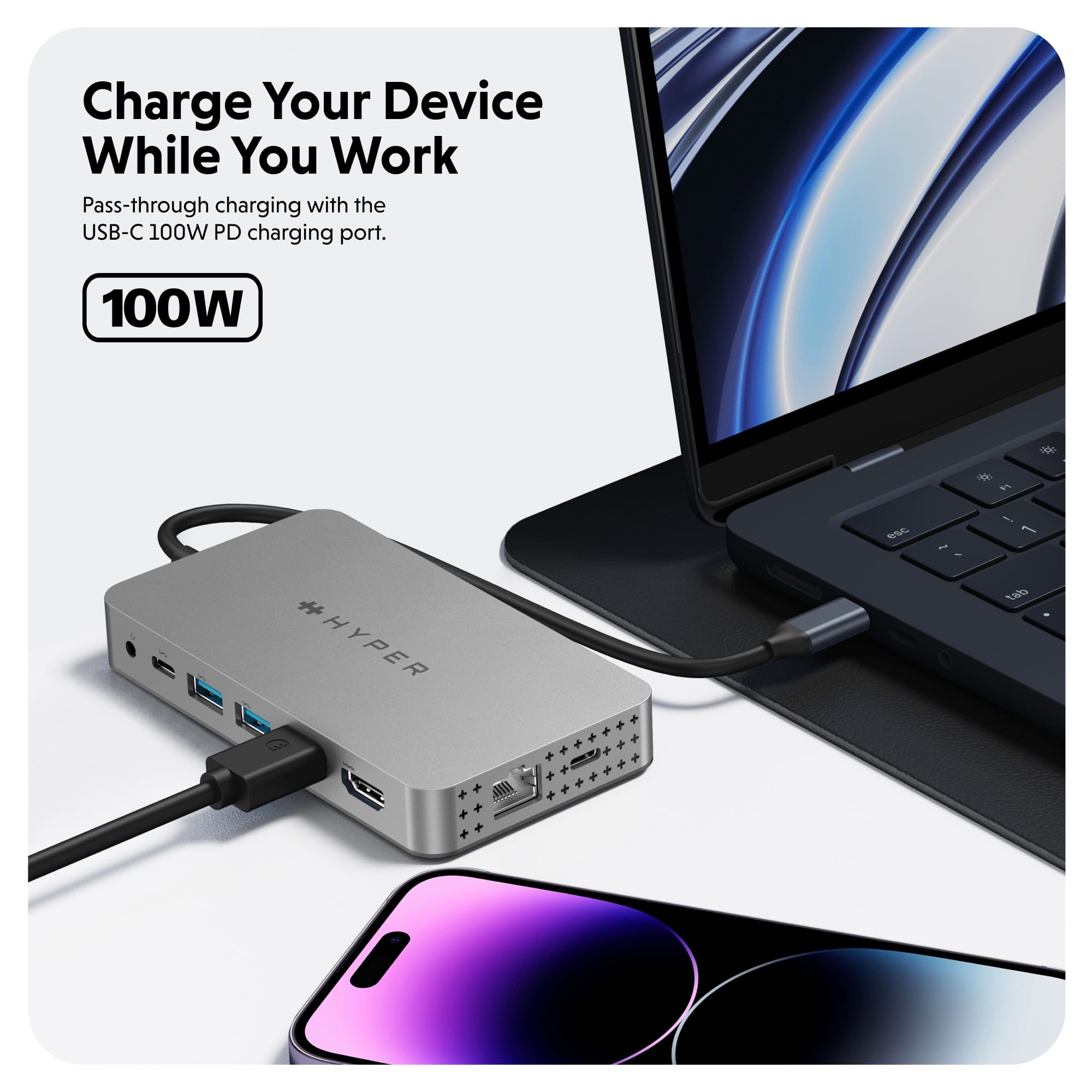
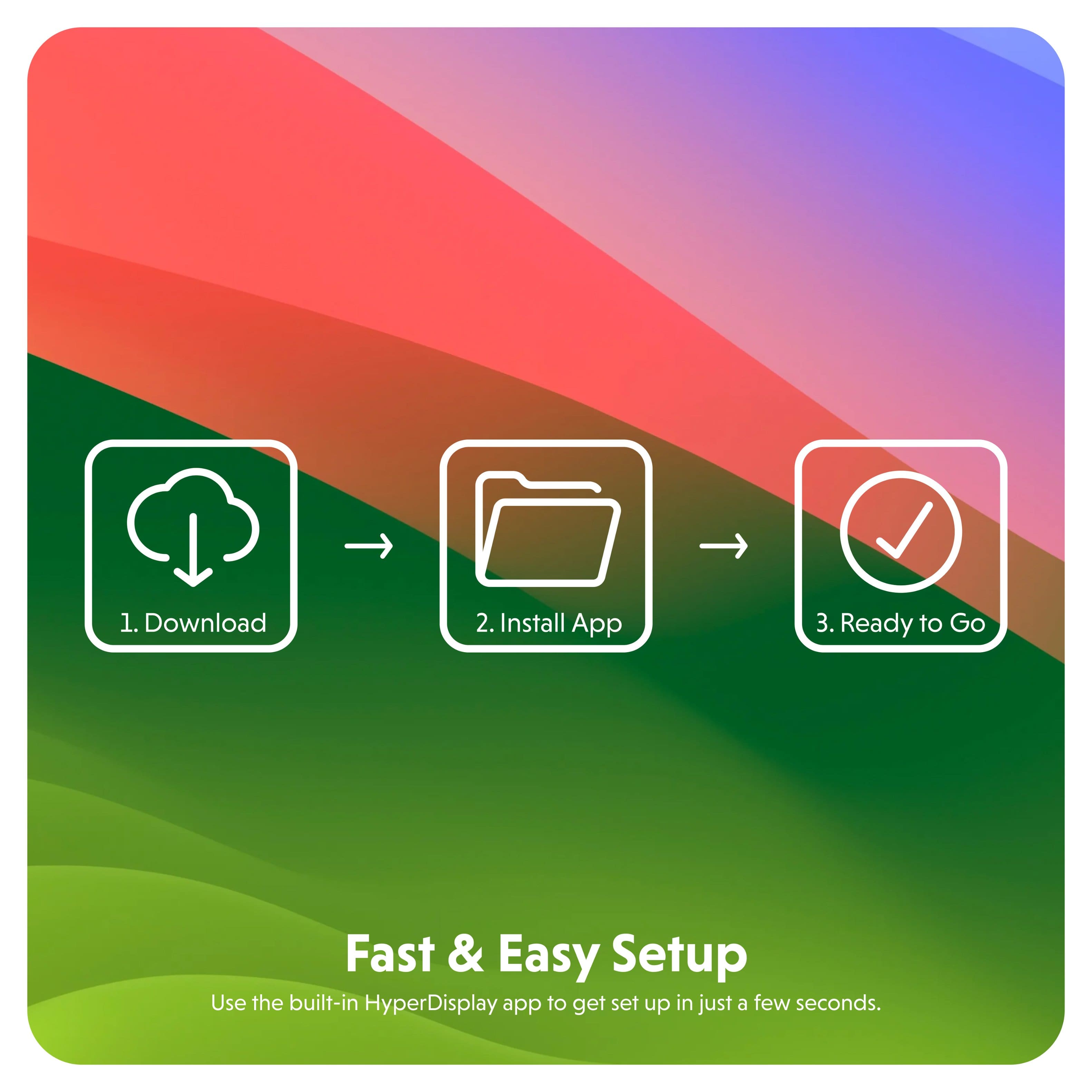
|Posted .This reviewer received promo considerations or sweepstakes entry for writing a review.When it comes to hubs there is no shortage of options from which to choose. When it comes to hubs that support and handle dual 4K HDMI, well let's just say the field becomes much more narrow. Hyper has come up with such a device, oh and added 8 additional ports to boot. To top it off they've packed all this into a lightweight and portable form factor. If you're reading the reviews then chances are you are already aware of the available ports, so I'll save you from reading the list again. The star of this show, and arguably the most important feature, are the two HDMI ports which each support 4K for dual monitor setup. While Hyper has done a great job overall, this hub is plug-and-play"ish". Excluding the HDMI, all other ports are truly plug-and-play. However, when it comes to using both HDMI ports there are a few clicks that need to be made. My setup is an M1 MacBook Pro and two external 4K monitors. Upon connecting the hub to one of my USB-C ports I found only one of my monitors displayed an image, which was properly running as a second monitor, not just a mirror. However, to get the second monitor to work I did have to go into the HyperDisplay app which had been automatically placed on the desktop. Once I made a few clicks, including giving HyperDisplay access and enter the Settings menu, the second monitor fired right up and has worked flawlessly since. This does seem to be a common experience amongst users. Not a deal breaker at all, just know you may need to do this as well. Can I just say, having the ability to use two additional displays is heavenly, and a long awaited feature. Hyper has done a stellar job creating a hub to support this. To note, all other ports functioned right away with no need for drivers or setting interactions. Not only is this a powerhouse of a hub, it is also very portable and built well. It's my go-to hub all around. Throw it in my travel bag and I have no need for any other hub. With support for pass through charging at up to 100W, plenty of ports, and dual 4K there isn't much else to ask for. Well, except maybe a little longer connecting cord would be nice. Otherwise, no complaints and I would certainly recommend this to anyone needing a powerful, portable USB-C hub.
I would recommend this to a friend Can’t do two Monitors
||Posted . Owned for 1 month when reviewed.This reviewer received promo considerations or sweepstakes entry for writing a review.Mine does not work with 2 Monitors as advertised. All of the other add ones work fine.
No, I would not recommend this to a friend