Hyper - HyperDrive Dual 10 Port USB-C Hub, 4K HDMI, Ethernet, 1 USB-C, 2 USB-A, microSD/SD, travel dock for M1/M2/M3 MacBook - Gray
Customers are saying
Customers are satisfied with the product's overall performance, ease of use, and its robust connectivity options, particularly the ability to support multiple monitors via HDMI. While users appreciate the device's compatibility with modern MacBooks, some have noted concerns regarding the unit's tendency to heat up during operation. Additionally, while the port availability is highly valued, a few customers mentioned that the price point is high and the integrated cable could be longer for better convenience.
Features
Extend Two 4K Displays for M1, M2 & M3 MacBooks
Give your M1, M2 or M3 MacBook, PC or Chromebook the ability to connect to 2 extended monitors with crystal clear 4K HDMI video.
Easy driverless setup
In just a few seconds, connect the hub to your device via USB and you’ll immediately see the HyperDisplay App icon on your desktop. Just double-click it, and you’re ready to go.
Enjoy 10 essential ports
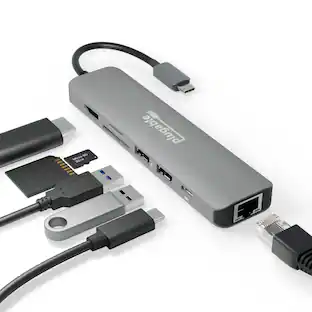
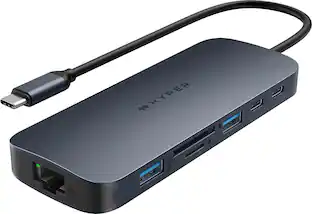
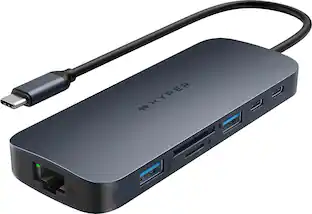
Seamlessly transform your M1, M2 or M3 into a powerhouse workspace with 4K 60Hz and 4K 30Hz HDMI video ports, a USB-C 100W Power Delivery port, MicroSD/SD slots, two USB-A 5Gbps ports, a 3.5mm audio combo jack for headphones, and more.
Quickly transfer photo/video files
For any data, photo files, or video files you need to transfer, our UHS-I to MicroSD/SD slots give you the ability to upload or send them at a blazing-fast 104MB/s.
Quickly charge devices
Enjoy powering up your M1, M2 or M3 MacBook in a flash with up to 85W of pass-through charging with our USB-C 100W PD charging port.
Important software update instructions
Watch the set-up guide video to update your USB-C hub, ensuring compatibility with macOS Ventura.
Specifications
- BrandHyperModel NumberHDM1HProduct NameHyperDrive Dual 10 Port USB-C Hub, 4K HDMI, Ethernet, 1 USB-C, 2 USB-A, microSD/SD, travel dock for M1/M2/M3 MacBookColorGrayHub TypeEthernet hubsNumber Of Ethernet Ports1
Reviews
Rating 4.2 out of 5 stars with 276 reviews
- HDMI (51)
- Ease of use (44)
- Overall Performance (33)
- Connectivity (21)
- Compatibility (18)
- Heat (19)
- Price (8)
- Refresh Rate (4)
- Cable Length (3)
- Power (3)
Customer Images
The vast majority of our reviews come from verified purchases. Reviews from customers may include My Best Buy members, employees, and Tech Insider Network members (as tagged). Select reviewers may receive discounted products, promotional considerations or entries into drawings for honest, helpful reviews.
Compare similar products

Meet the newest way we’re extending M1 & M2 MacBook connectivity. With the Dual 4K HDMI 10-in-1 USB-C Hub, you can extend to 2 displays at 4K video while getting access to 10 essential ports, including USB-C, HDMI, USB-A, and many more. Enjoy transferring photos in a flash, quick charging your device, and extending to 2 HDMI displays, all without having to download cumbersome drivers. And it’s fully compatible with MacBook Air/Pro (M1, M2, M3 & Intel powered) devices, Windows PC devices as well as Chromebook devices.
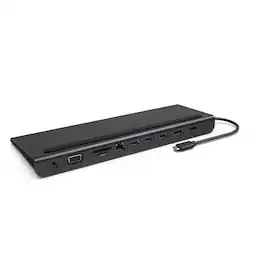
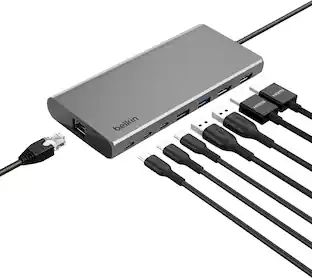
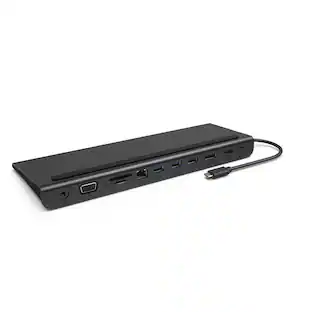
The Belkin Connect Universal USB-C 11-in-1 Pro Dock adds power and productivity to your setup with Silicon Motion technology, Mac, Windows, and Chromebook compatibility, and expansion up to 3 monitors. Get more done with 10Gbps transfer speeds and up to 100W of PD. Sustainably made, this Belkin USB-C hub's housing is made with a minimum of 72% post-consumer recycled content, while a 2-year limited warranty ensures your dock and other devices are safe and protected.
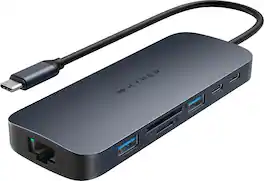
Introducing the HyperDrive Next 11 Port USB-C Hub - the ultimate connectivity solution for creators, editors, photographers, and more. With dual 4K60Hz monitor support for PC and Chromebook, 11 ultra-fast ports, and lightning-fast data transfers, unleash your creative potential anywhere. Experience 2X faster file transfers using the 10Gbps USB ports and 3X faster photo and video transfers with microSD and SD 4.0. Benefit from 40% more power with a PD 3.1 140W power pass-through port, ensuring efficient charging. Maximize productivity with the HyperDrive Next 11 Port Dual 4K USB-C Hub.
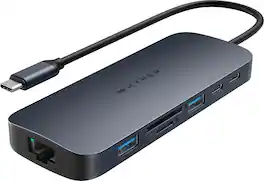
Introducing the HyperDrive Next 10 Port USB-C Hub - the ultimate connectivity solution for creators, editors, photographers, and more. With extended 4K60Hz monitor support for Mac, PC, and Chromebook, 10 ultra-fast ports, and lightning-fast data transfers, unleash your creative potential anywhere. Experience 2X faster file transfers using the 10Gbps USB ports and 3X faster photo and video transfers with microSD and SD 4.0. Benefit from 40% more power with a PD 3.1 140W power pass-through port, ensuring efficient charging. Make a sustainable choice with EcoSmart technology.
| Pros for Hyper - HyperDrive Dual 10 Port USB-C Hub, 4K HDMI, Ethernet, 1 USB-C, 2 USB-A, microSD/SD, travel dock for M1/M2/M3 MacBook - Gray | |||
|---|---|---|---|
| HDMI, Ease of use, Overall Performance, Connectivity, Compatibility | Ease of use, HDMI, Overall Performance, Connectivity, Ports | Overall Performance, Ease of use, USB-C, Connectivity, Port Functionality | Overall Performance, Connectivity, Ease of use, USB-C, Port Quantity |
| Cons for Hyper - HyperDrive Dual 10 Port USB-C Hub, 4K HDMI, Ethernet, 1 USB-C, 2 USB-A, microSD/SD, travel dock for M1/M2/M3 MacBook - Gray | |||
| Heat, Price, Cable Length, Refresh Rate, Power | Cable Length, Price, Power Supply | Heat | Heat Dissipation |
Specs
Customers often buy these together
Laptop Docking Stations
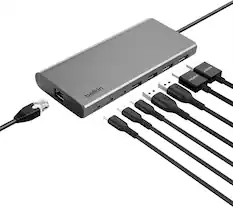
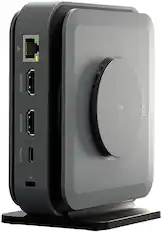
Belkin - Connect Universal USB-C 8-in-1 Dual Display Core Hub Compatible with 100W PD with 10Gbps Transfer Speeds & 1GbE Ethernet - Gray
Techtober Deal$124.99The price was $139.99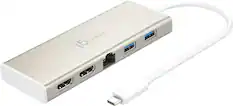
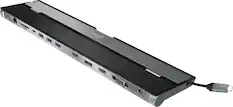
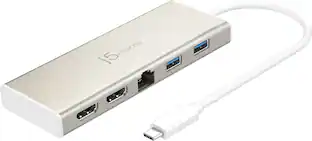
j5create - USB-C Dual HDMI Mini Dock - Gold
Techtober Deal$74.99The price was $79.99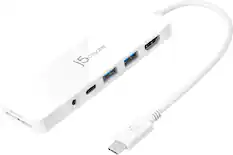
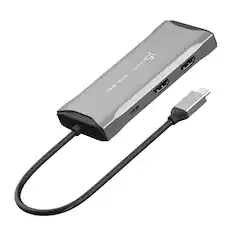
j5create - USB-C Multi-Port Hub with Power Delivery for Mac, PC and More - White
Techtober Deal$34.99The price was $39.99
Monitor and Video Cables



More recommended items
 Computer Keyboards
 Mice
Mice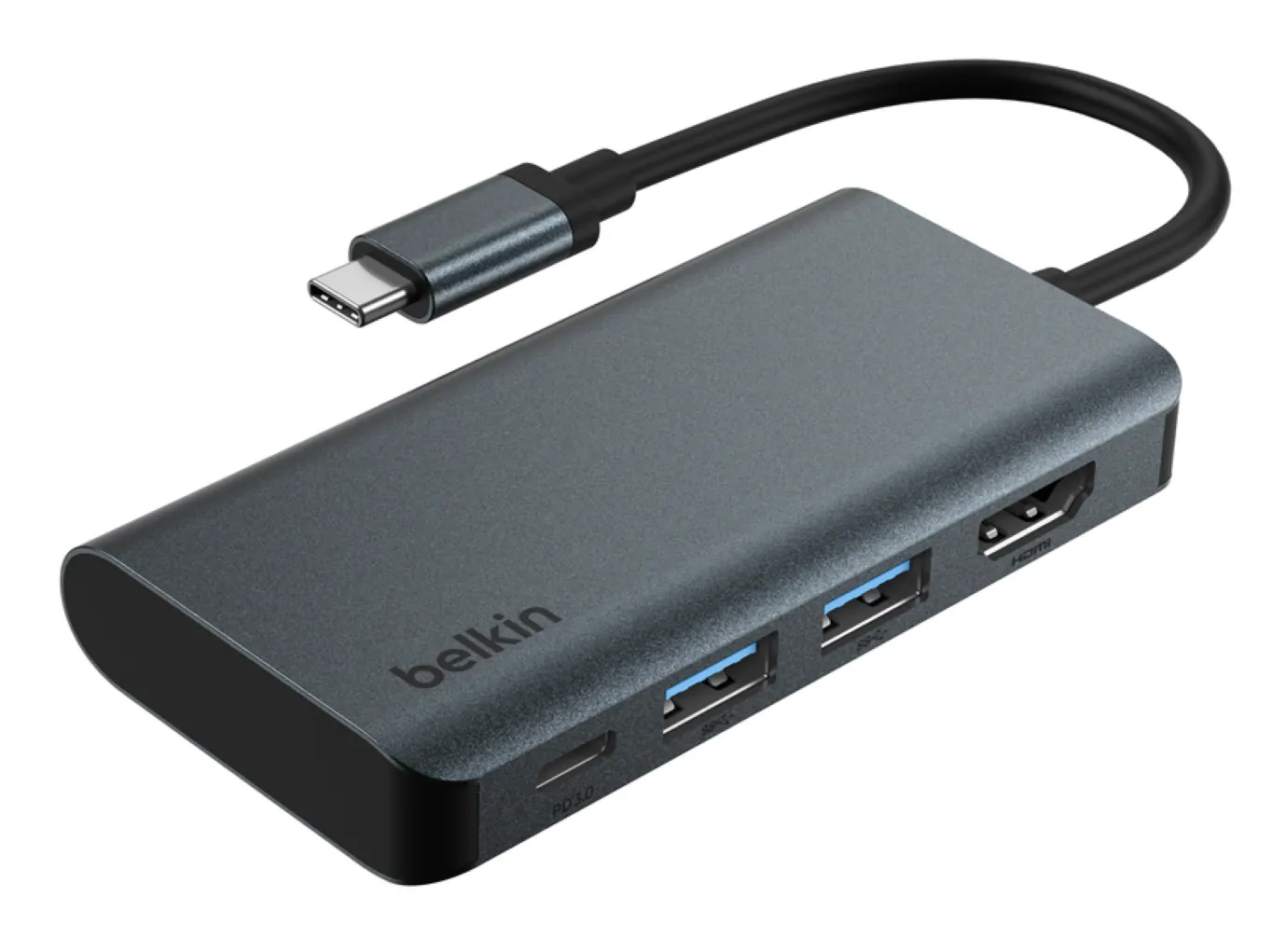 Cables and Adapters
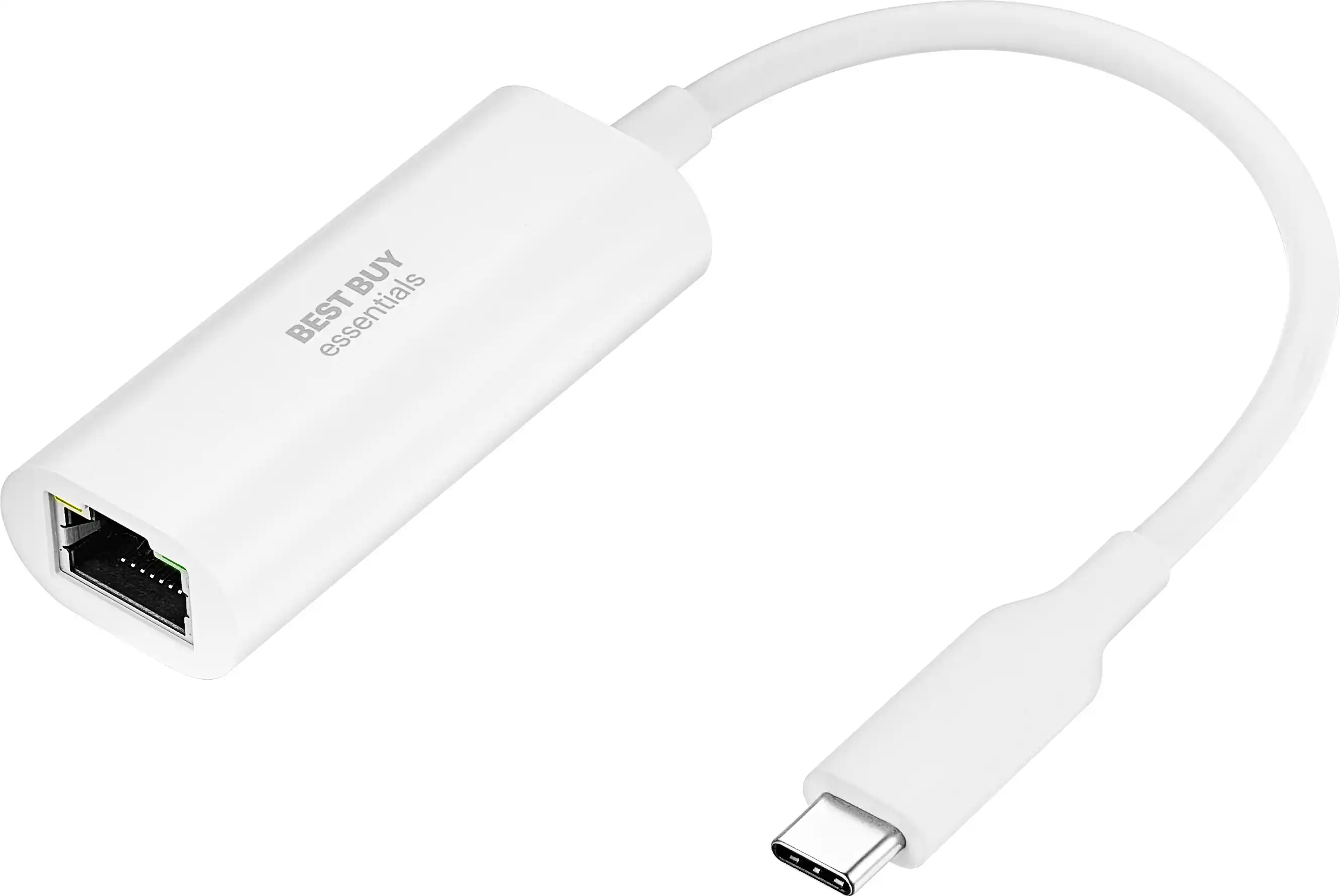 USB Cables and Adapters
 Laptop Bags and Cases
 Ethernet Cables
More to consider
 Clearance$77.99The price was $119.99
 Clearance$69.99The price was $99.99
 Techtober Deal$124.99The price was $139.99
 Clearance$39.99The price was $79.99
 $129.99The price was $139.49
 Techtober Deal$49.99The price was $59.99




Explore tech essentials Sponsored


Discover related products
 $399.99The price was $479.99







Keep exploring
 $17.95The price was $21.45