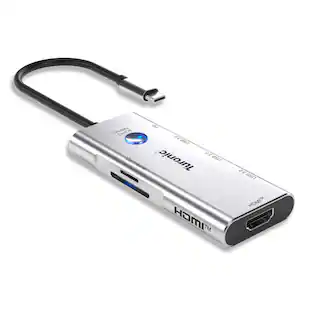
Hyper - HyperDrive Next 11 Port USB-C Hub, dual 4K HDMI, Ethernet, 2 USB-C, 2 USB-A, microSD/SD, travel dock for PC/Chromebook - Midnight Blue
Customers are saying
Customers are positive about the HyperDrive Next 11 Port USB-C Hub's overall performance, ease of use, and connectivity options. The hub is also praised for its USB-C ports, port functionality, and compact size. However, some customers have noted that the unit tends to heat up during use.
Features
Dual extended 4K60Hz monitor support for PC, and chromebook
Enhance your productivity and multitasking capabilities by providing a spacious workspace, allowing users to simultaneously work on multiple high-resolution content, such as videos, images, documents, and applications, with crisp visuals.
Transfer data at 2X speeds with 10Gbps USB 3.2
Enables lightning-fast data transfer, allowing users to move large files, backup data, and sync devices in a fraction of the time compared to traditional USB connections, increasing productivity and efficiency.
Transfer photos and video at 3X speeds with 312MB/s SD and microSD 4.0
Provides time savings for video editing and photography workflows, as it allows for fast and efficient transfer of high-resolution images and videos, enabling seamless editing, quicker file backups, and post-production processes.
40% more pass-through charging power with 140W PD 3.1
Power and charge your devices up to 125W with a 140W PD 3.1 charger (when connected to PD 3.1 host connection), ensuring uninterrupted productivity, making it ideal for power-hungry devices and busy professionals on the go.
EcoSmart sustainability without compromise
Faster speeds and better for the planet with 100% recycled aluminum and 85% recycled plastic.
Specifications
- Number of USB Port(s)11
Reviews
Rating 4.2 out of 5 stars with 88 reviews
- Overall Performance (17)
- Ease of use (11)
- USB-C (10)
- Connectivity (6)
- Port Functionality (5)
- Heat (6)
Customer Images
The vast majority of our reviews come from verified purchases. Reviews from customers may include My Best Buy members, employees, and Tech Insider Network members (as tagged). Select reviewers may receive discounted products, promotional considerations or entries into drawings for honest, helpful reviews.
Compare similar products
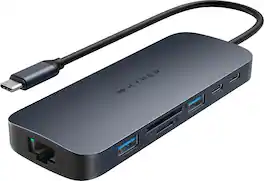
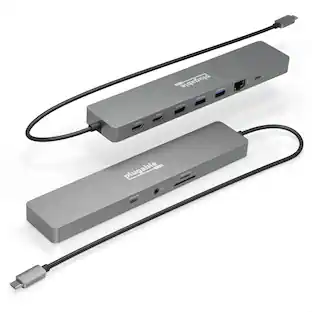
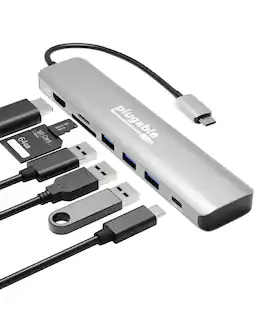
Introducing the HyperDrive Next 11 Port USB-C Hub - the ultimate connectivity solution for creators, editors, photographers, and more. With dual 4K60Hz monitor support for PC and Chromebook, 11 ultra-fast ports, and lightning-fast data transfers, unleash your creative potential anywhere. Experience 2X faster file transfers using the 10Gbps USB ports and 3X faster photo and video transfers with microSD and SD 4.0. Benefit from 40% more power with a PD 3.1 140W power pass-through port, ensuring efficient charging. Maximize productivity with the HyperDrive Next 11 Port Dual 4K USB-C Hub.
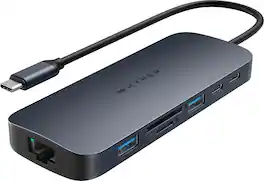
Introducing the HyperDrive Next 10 Port USB-C Hub - the ultimate connectivity solution for creators, editors, photographers, and more. With extended 4K60Hz monitor support for Mac, PC, and Chromebook, 10 ultra-fast ports, and lightning-fast data transfers, unleash your creative potential anywhere. Experience 2X faster file transfers using the 10Gbps USB ports and 3X faster photo and video transfers with microSD and SD 4.0. Benefit from 40% more power with a PD 3.1 140W power pass-through port, ensuring efficient charging. Make a sustainable choice with EcoSmart technology.

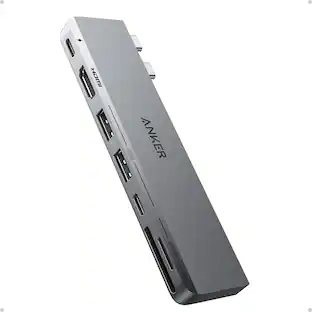
Meet the newest way we’re extending M1 & M2 MacBook connectivity. With the Dual 4K HDMI 10-in-1 USB-C Hub, you can extend to 2 displays at 4K video while getting access to 10 essential ports, including USB-C, HDMI, USB-A, and many more. Enjoy transferring photos in a flash, quick charging your device, and extending to 2 HDMI displays, all without having to download cumbersome drivers. And it’s fully compatible with MacBook Air/Pro (M1, M2, M3 & Intel powered) devices, Windows PC devices as well as Chromebook devices.

Introducing the HyperDrive Next Duo Pro Slim 8 Port Hub for MacBook. Seamlessly expand your MacBook with 8 ultra-fast ports; made with EcoSmart recycled materials. With extended 4K60Hz monitor, 8 ultra-fast ports, and lightning-fast data transfers, unleash your creative potential anywhere. Experience 2X faster file transfers using the 10Gbps USB ports and 3X faster photo and video transfers with microSD and SD 4.0. Power any MacBook up to 100W with a 100W PD power pass-through port, ensuring efficient charging. The HyperDrive Next Duo Pro features a dual USB-C connection with magnetic security grips for ensure a safe connection with your MacBook. The Duo Pro Slim is compatible with any MacBook and seamlessly fits any MacBook with a protective case. To ensure universal compatibility, the Duo Pro Slim comes with a universal USB-C adapter to connect to your iPad, PC, or Chromebook.
| Pros for Hyper - HyperDrive Next 11 Port USB-C Hub, dual 4K HDMI, Ethernet, 2 USB-C, 2 USB-A, microSD/SD, travel dock for PC/Chromebook - Midnight Blue | |||
|---|---|---|---|
| Overall Performance, Ease of use, USB-C, Connectivity, Port Functionality | Overall Performance, Connectivity, Ease of use, USB-C, Port Quantity | Ease of use, Overall Performance, Connectivity, HDMI, Compatibility | Overall Performance, Ease of use, Connectivity, USB-C, Port Expansion |
| Cons for Hyper - HyperDrive Next 11 Port USB-C Hub, dual 4K HDMI, Ethernet, 2 USB-C, 2 USB-A, microSD/SD, travel dock for PC/Chromebook - Midnight Blue | |||
| Heat | Heat Dissipation | Heat, Price, Refresh Rate, Cable Length, Power | There were no cons for this product— |
Specs
Customers often buy these together
Monitor and Video Cables


Computer Keyboards
Logitech - MK540 Full-size Advanced Wireless Membrane Keyboard and Mouse Combo for PC - Black
$48.22The price was $59.99
Logitech - MK270 Full-size Wireless Membrane Keyboard and Mouse Bundle for PC - Black
$26.99The price was $29.99![Sure, here is the corrected and grouped text:
```
ESC F1 F2 F3 F4 F5 F6 F7 F8 F9 F10 F11 F12 1 2 3 logitech - - 1 2 # $ 4 % 5 6 & 7 8 9 0 - - back insert home page up num lock clear / . tab Q W E R T Y U I O P { [ } ] / delete end page down 7 home 8 A 9 P9 up + caps lock A S D F G H J K L : ; a enter 4 5 6 shift Z X C V B N M < > ? shift 1 end 2 3 pg dn enter ctrl fn start alt opt alt crnd x alt cmd x fn ctrl alt opt 0 ins del 1 logitech
```](https://pisces.bbystatic.com/image2/BestBuy_US/images/products/5761/5761911_sd.jpg;maxHeight=232;maxWidth=233?format=webp)
Logitech - MK850 Performance Full-size Wireless Membrane Keyboard and Mouse Combo for PC and Mac - Black
$79.99The price was $99.99
![esc ~ ! 1 tab caps lock shift ctrl F2 Fl # 2 3 Q W A S Z start opt L F3 $ 4 E D X alt cmd3 ) FS F4 A % 5 6 R T F G V C logi 44 HI & F9 FID FB F7 F6 * ) - - & 0 8 9 7 O P U I Y K L H J > < N M 1 B PM + = { [ : I ; ? I alt cmd D 2 4 300 3 1 F12 . * page I insert home up clear backspace 8 9 + 7 page A pg up end down home } I delete ] / 6 4 5 4 enter 2 3 enter 1 dn Pg end shift = 0 del ins etrl fn opt](https://pisces.bbystatic.com/image2/BestBuy_US/images/products/6539/6539505_sd.jpg;maxHeight=232;maxWidth=233?format=webp)
![esc ! i 1 tab caps lock shift F1 2 Q A aas E4 F3 F2 $ % # 4 5 3 E R W F S D X C Z FS A 6 T G V F6 & 7 Y H B 17 * 8 U J N logi HI FI0 P9 FB ) - ( - 9 0 o P I K L > < M I P + = { [ A : I : ? I alt cmd3 2 0 3 10% 1 F12 page home up backspace ins page I delete end down } ] / enter shift ctrl fn opt^= Q I * / clear 8 9 + 7 pg up home 5 6 4 , 4 2 3 enter 1 dn pg end = 0 del ins ctrl start opt alt cmd](https://pisces.bbystatic.com/image2/BestBuy_US/images/products/6571/6571662_sd.jpg;maxHeight=232;maxWidth=233?format=webp)
![esc F1 F2 F3 F4 F5 F6 F7 F8 F9 F10 F11 F12 1 2 3 4 5 6 7 8 9 0 - = backspace tab Q W E R T Y U I O P [ ] \ caps lock A S D F G H J K L ; ' shift Z X C V B N M , . / shift ctrl alt logi](https://pisces.bbystatic.com/image2/BestBuy_US/images/products/6411/6411501_sd.jpg;maxHeight=232;maxWidth=233?format=webp)
![esc 1 2 3 4 5 6 7 8 9 0 - = tab Q W E R T Y U I O P [ ] \ caps lock A S D F G H J K L ; ' shift Z X C V B N M , . / ctrl fn opt cmd start alt end home pg up pg dn del backspace 1 2 3 4 5 6 7 8 9 0 - =](https://pisces.bbystatic.com/image2/BestBuy_US/images/products/6554/6554353_sd.jpg;maxHeight=232;maxWidth=233?format=webp)
![logi esc 1 F1 2 F2 3 F3 F4 F5 F6 F7 F8 x F9 NI F10 x F11 F12 ins del ~ ! 1 2 # 3 $ 4 % 5 ^ 6 & 7 8 ( 9 ) 0 e - + = backspace tab Q W E R T Y U I O P { [ } ] I / caps lock A S D F G H J - K L : ; " enter shift Z X C V B N M < > ? / shift ctrl fn L start opt H alt cmd alt cmd ctrl opt](https://pisces.bbystatic.com/image2/BestBuy_US/images/products/6478/6478163_sd.jpg;maxHeight=232;maxWidth=233?format=webp)
More recommended items
 Mice
Mice Cables and Adapters
 USB Cables and Adapters
 External Hard Drives
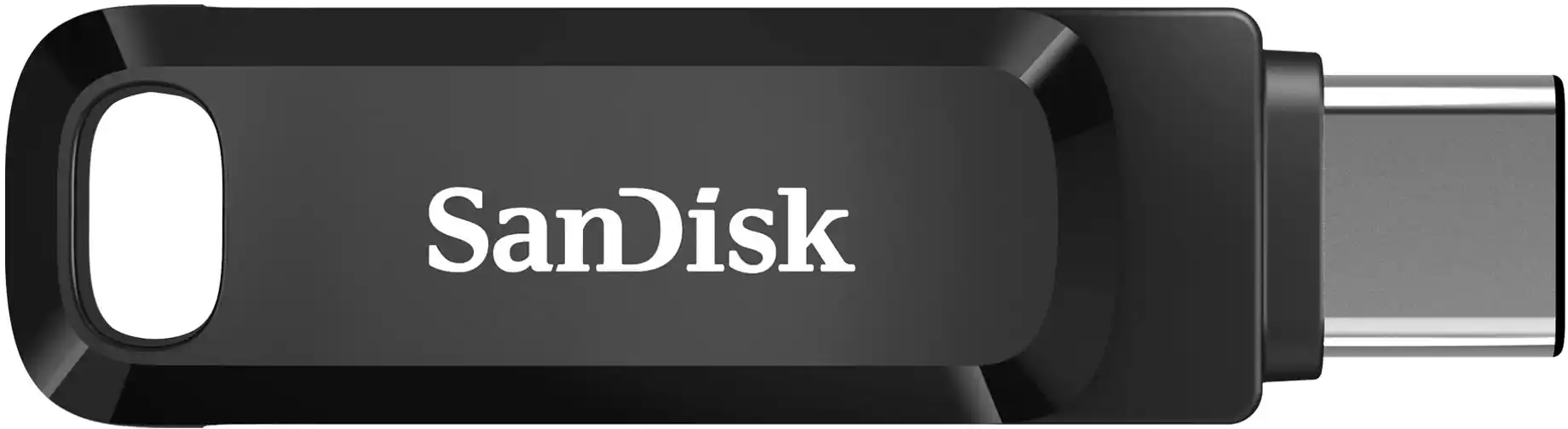 USB Drives
More to consider
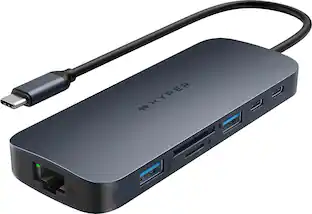 Clearance$69.99The price was $99.99
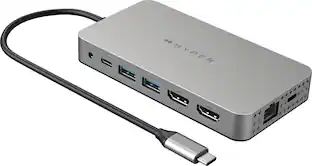 Clearance$119.99The price was $199.99
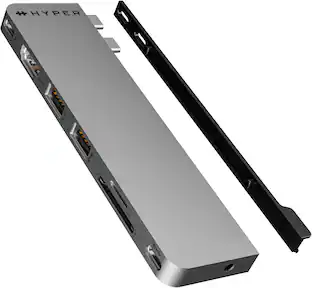 Clearance$39.99The price was $79.99
 $129.99The price was $139.49
 Techtober Deal$124.99The price was $139.99
 Techtober Deal$49.99The price was $59.99
 Clearance$79.99The price was $99.99
 Techtober Deal$79.99The price was $89.99


Explore tech essentials Sponsored
 Techtober Deal$89.99The price was $109.99
 Techtober Deal$229.99The price was $299.99